
OrcaSlicer hit version 2.4.0 alpha on May 25, with a release that bundles a handful of welcome new features alongside something more strategically significant: Orca Cloud, the project's own centralized profile and synchronization platform.
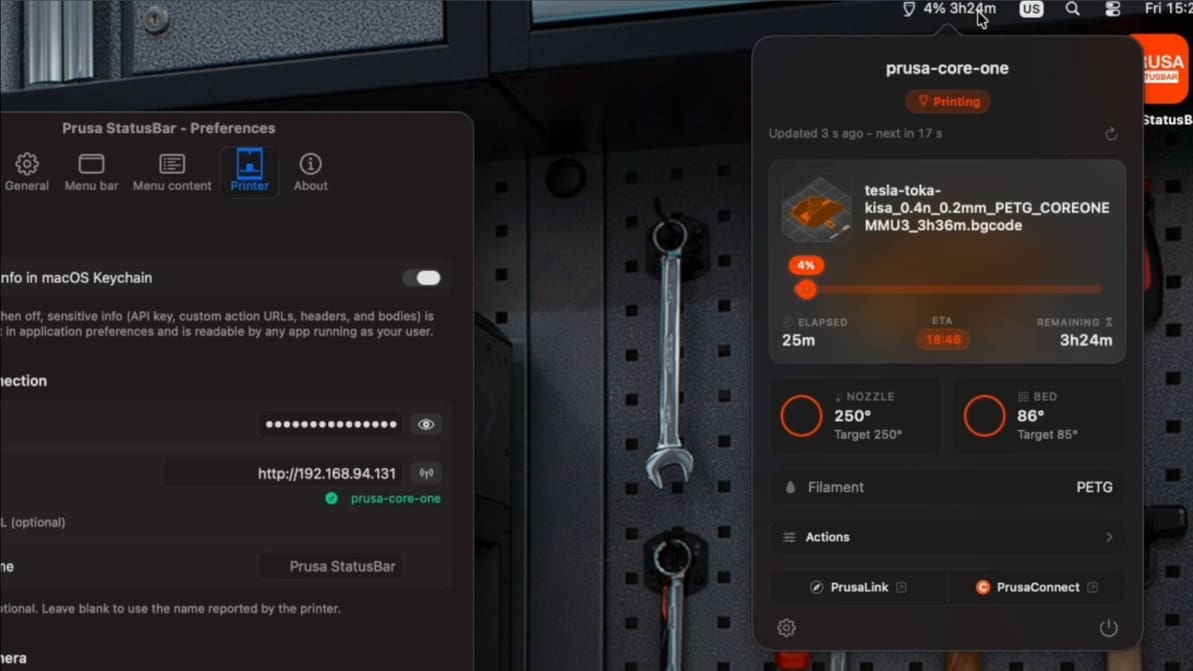
New unofficial Prusa MacOS desktop app brings your locally connected 3D printer directly to your Mac’s status bar, giving you at-a-glance updates, webcam feed, and even one-click Home Assistant triggers right from your desktop.
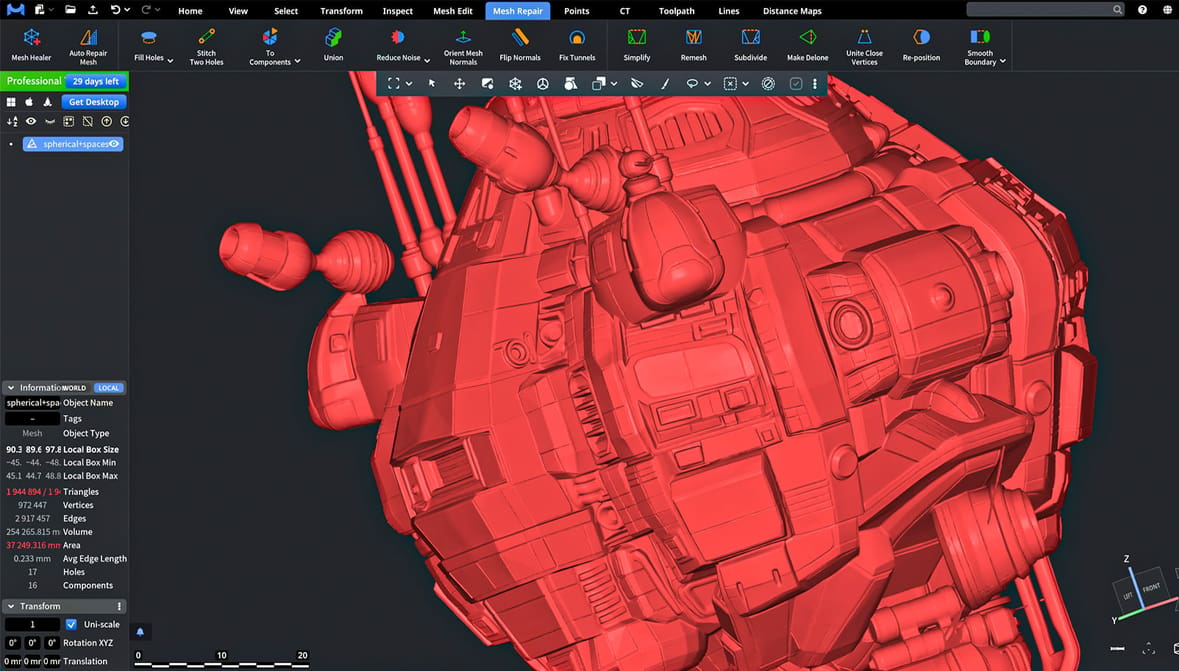
From basic options to advanced ones, check out the best free tools to repair or edit digital model files, from Tinkercad to Blender, and more.
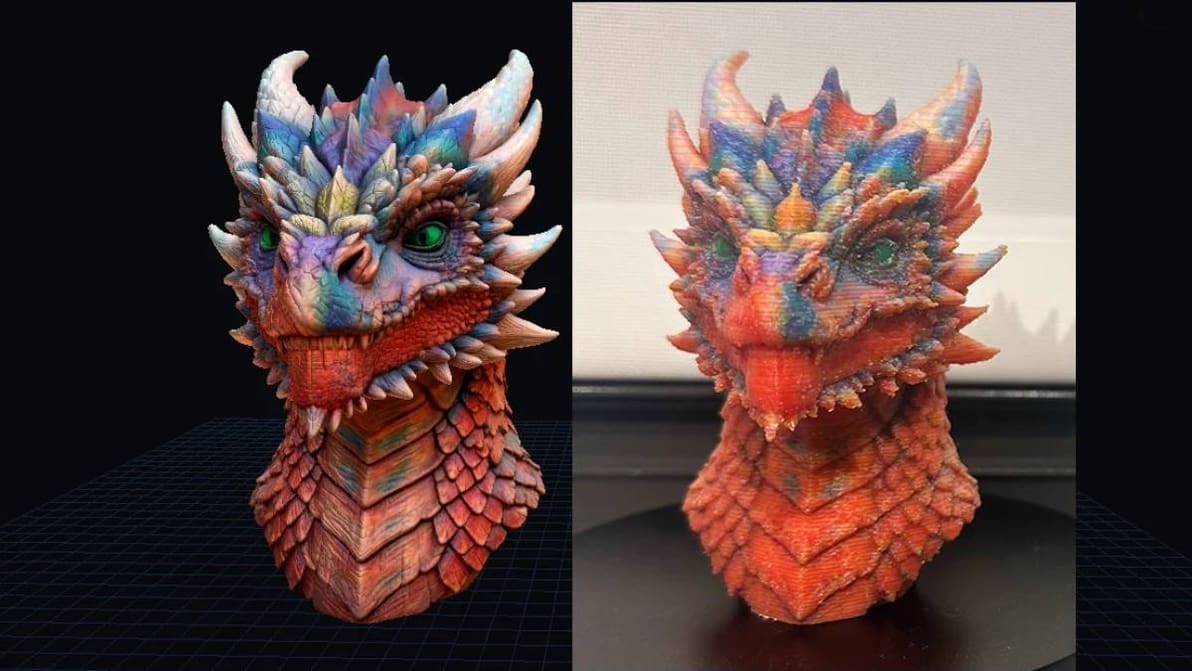
From the brains behind the color interpolation technique known as full spectrum comes ColorStack, a paid-for app that automatically sets 3D printable color data for a CMYW/K 3D print based on texture data.
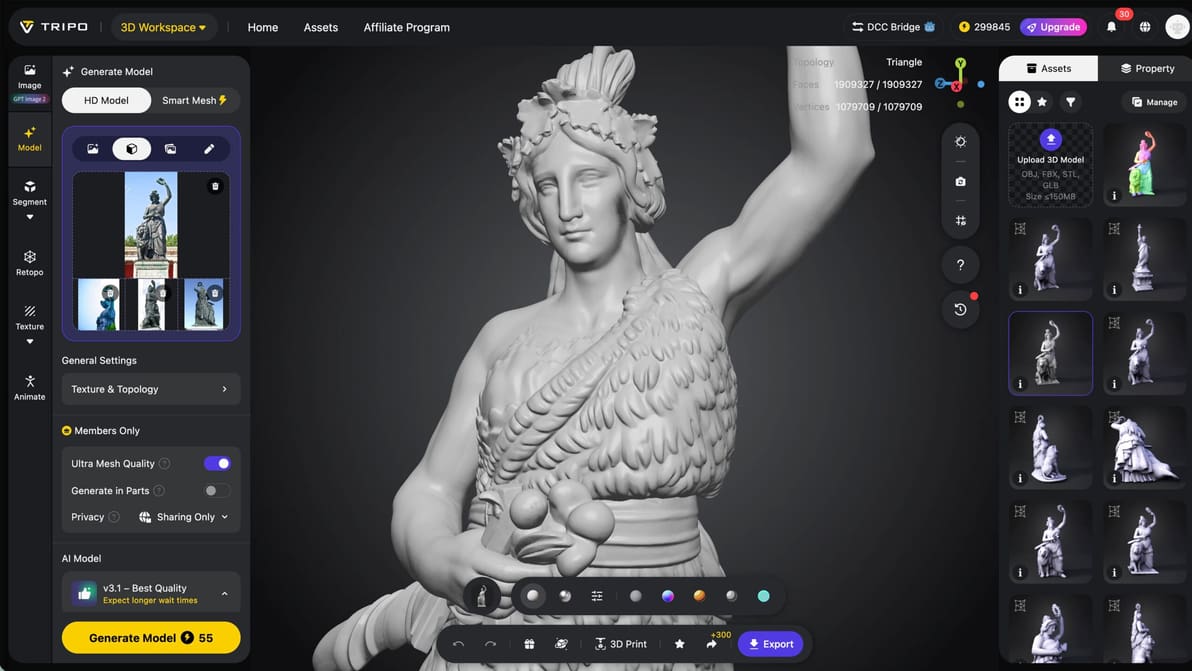
Tripo’s upgrades, Nano Banana 2 integration, and in-platform editing tools, let you tweak, fix, and export 3MF files without ever leaving the app.
As part of Anthropic’s Claude for Creative Work launch, Autodesk Fusion is now available through Claude, turning natural language prompts into real design actions, bridging concept and manufacturable output.
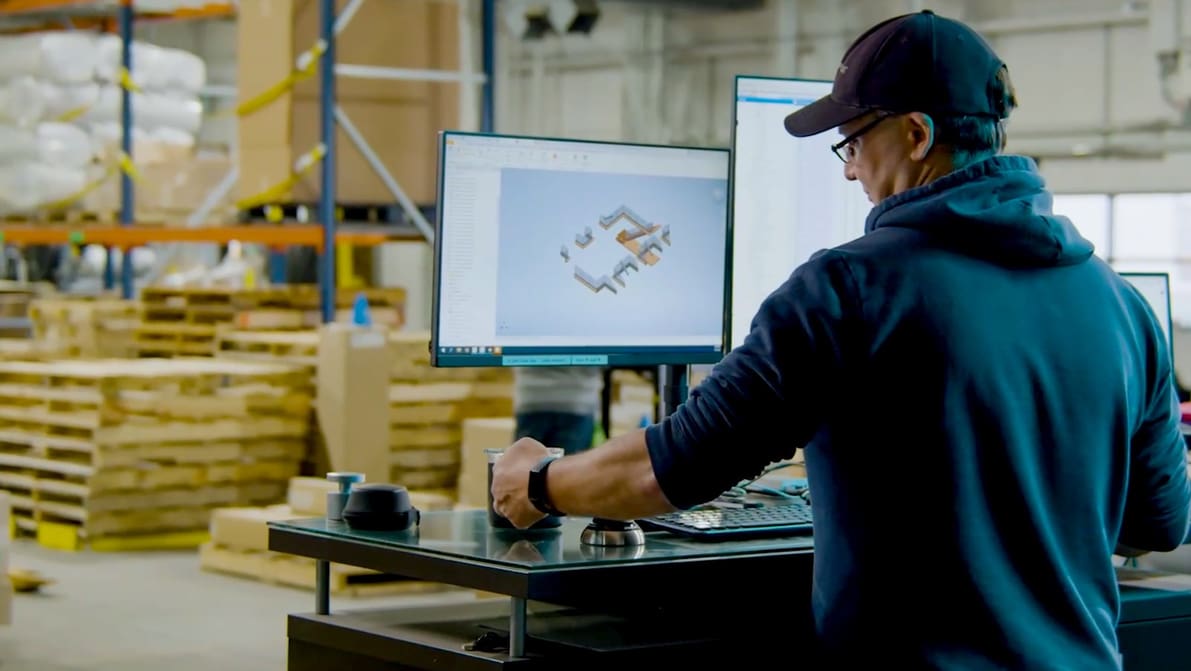
Looking for a full version of Autodesk Inventor to download for free? Check out our article to see what your options are.
– a new Prusa subscription expands usage limits. Starting at $8.99 a month for the "Basic" tier, you get 20 GB of file storage plus HD camera streaming and longer slicing time using the EasyPrint cloud printing tool. A "Premium" tier adds even more of all three at $29.99. There are discounts for annual subscriptions.
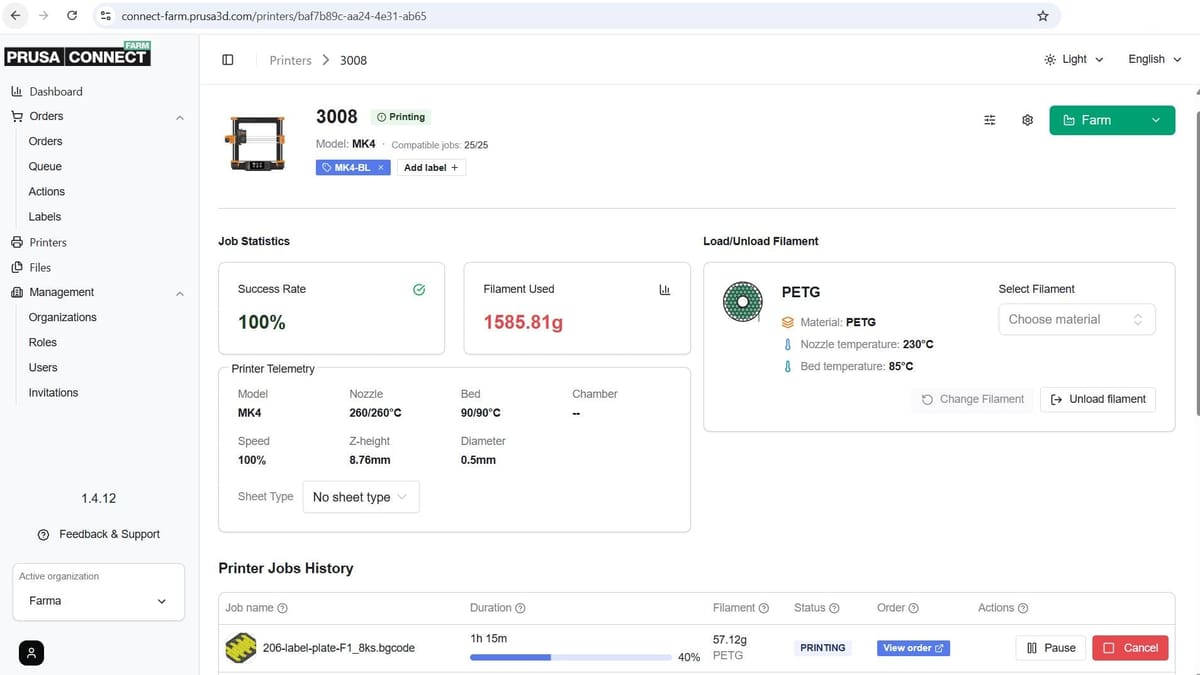
Paid users will get access to the Prusa Connect Farm mode when it launches soon, too. Regular Prusa Connect can handle multiple printers already, but only in isolation. Farm mode treats them as nodes in a network for job assignment and other more productive usage.
Possibly. Buried in the release notes for the latest PrusaSlicer 2.9.5 beta is a frank note explaining recent delays – it suggests the long-awaited major update is just a matter of weeks away (though curiously, "maybe more than four").
Seven years after the launch of PrusaSlicer 2.0, version 3.0 is expected to bring a massive overhaul to the tool, freshening up the UI, expanding your workflow with tabbed projects and updating the engine under the hood.
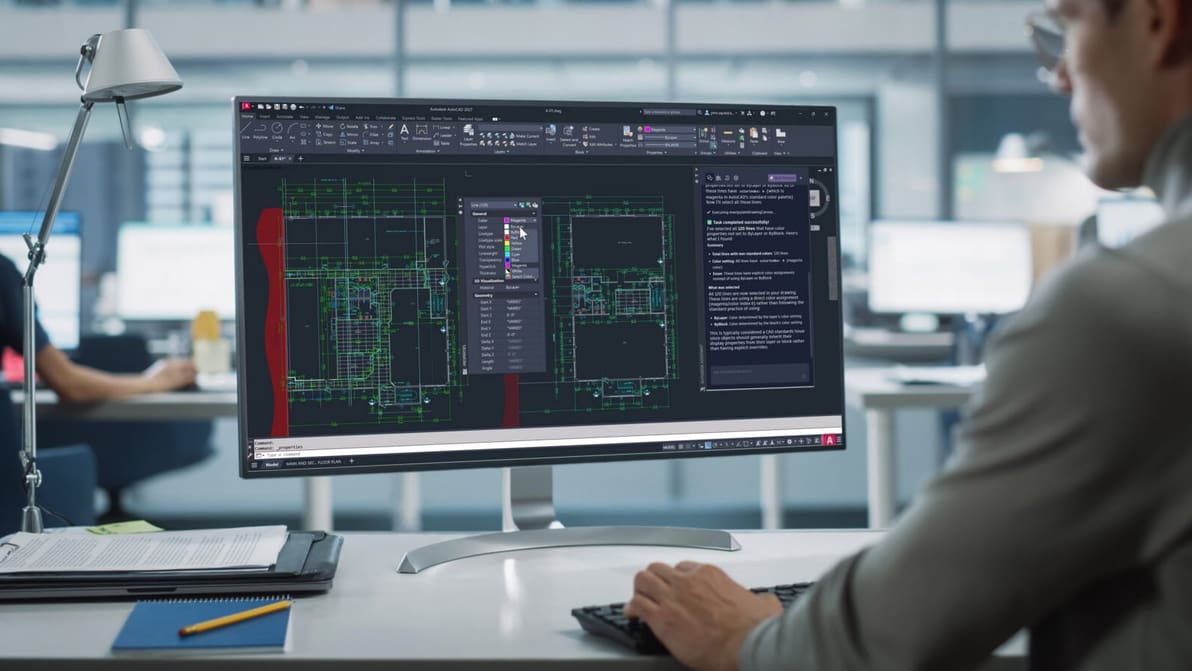
Looking for a full version of AutoCAD 2027 to download for free? Check out our guide to see what your options are.
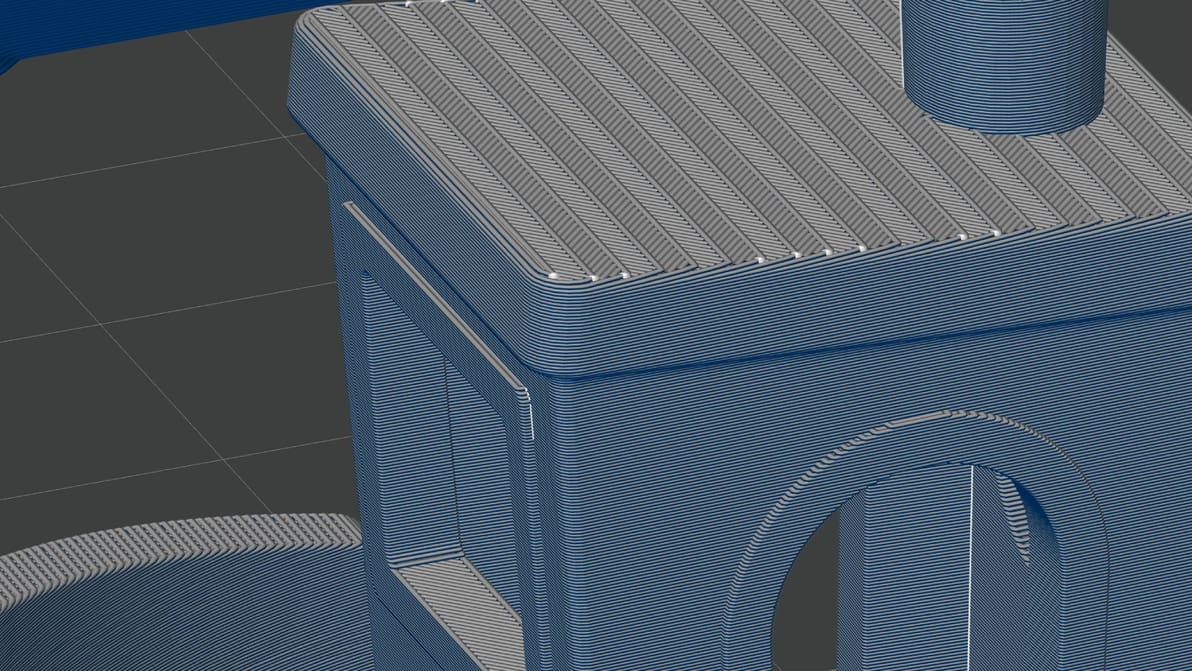
All eyes were on Bambu Lab’s surprise hardware launch of the X2D last week, but a software update alongside introduced a familiar color-mixing feature that deserves some hype, too.
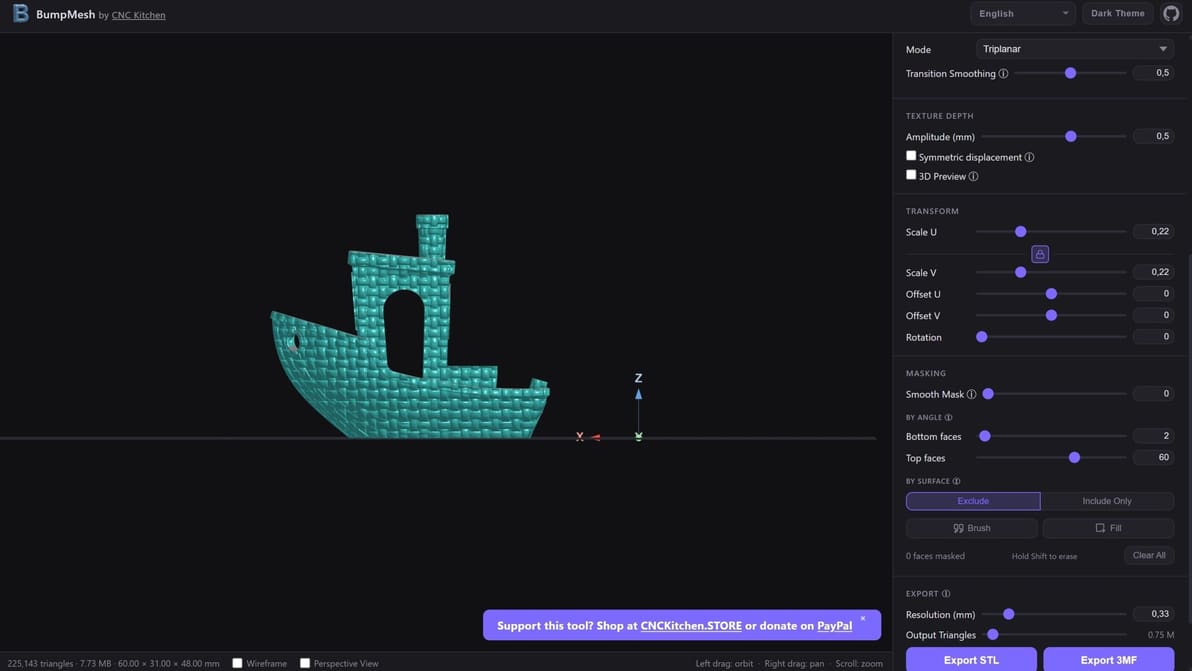
YouTubing engineer CNC Kitchen’s open-source vibe-coded mesh displacement mapping tool lets you easily manipulate the surfaces of your prints. How does it work and what can you achieve with it?

Looking for the full version of Maya 2027 to download for free? Check out your options here.
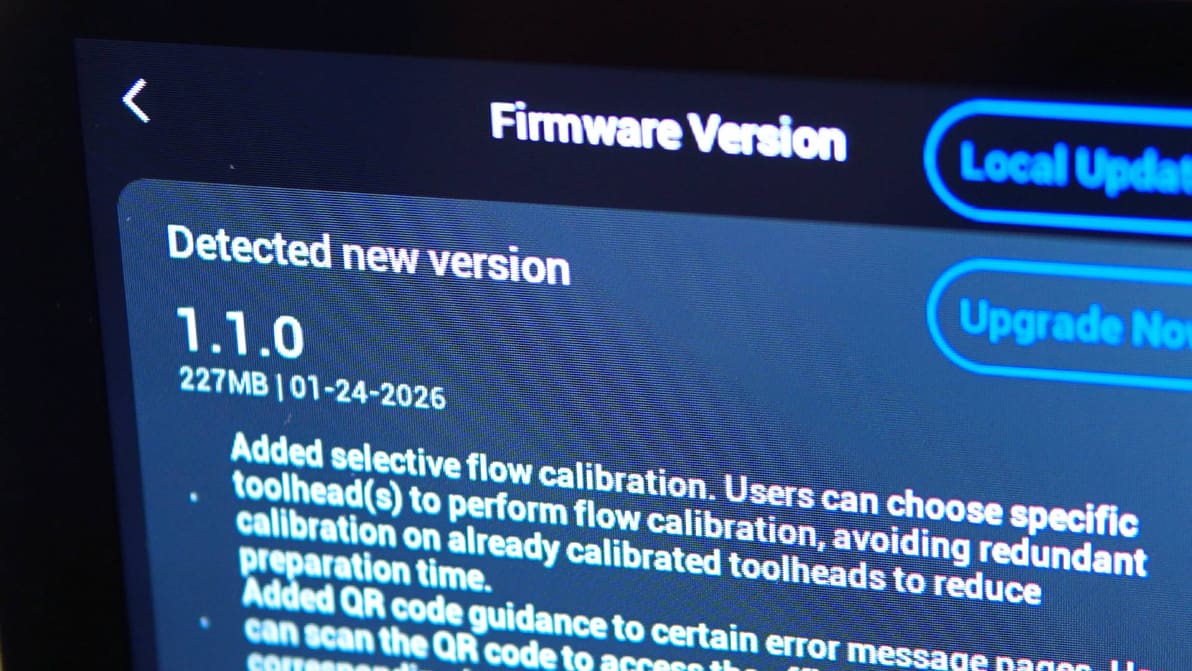
Snapmaker has released the modified source code for the three open-source projects that underpin the Snapmaker U1's firmware: Klipper, Moonraker, and Fluidd. The repositories went live on GitHub on March 30 – the final day before a deadline the company set for itself.
OrcaSlicer version 2.3.2 landed this week, with a hefty list of improvements and fixes including, critically, a fix to a safety vulnerability related to 3MF files, plus a wide set of quality-of-life improvements for Linux users of the software.
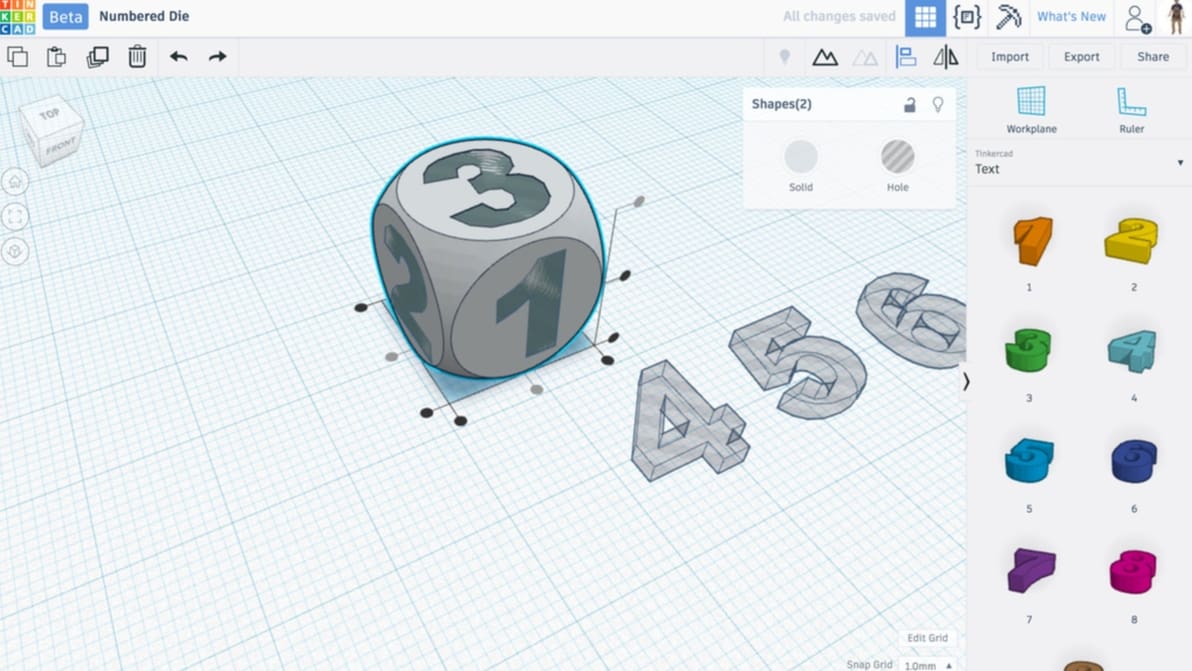
Tinkercad designs have a range of uses, and we've got some ideas! Get inspired by these incredible Tinkercad projects.
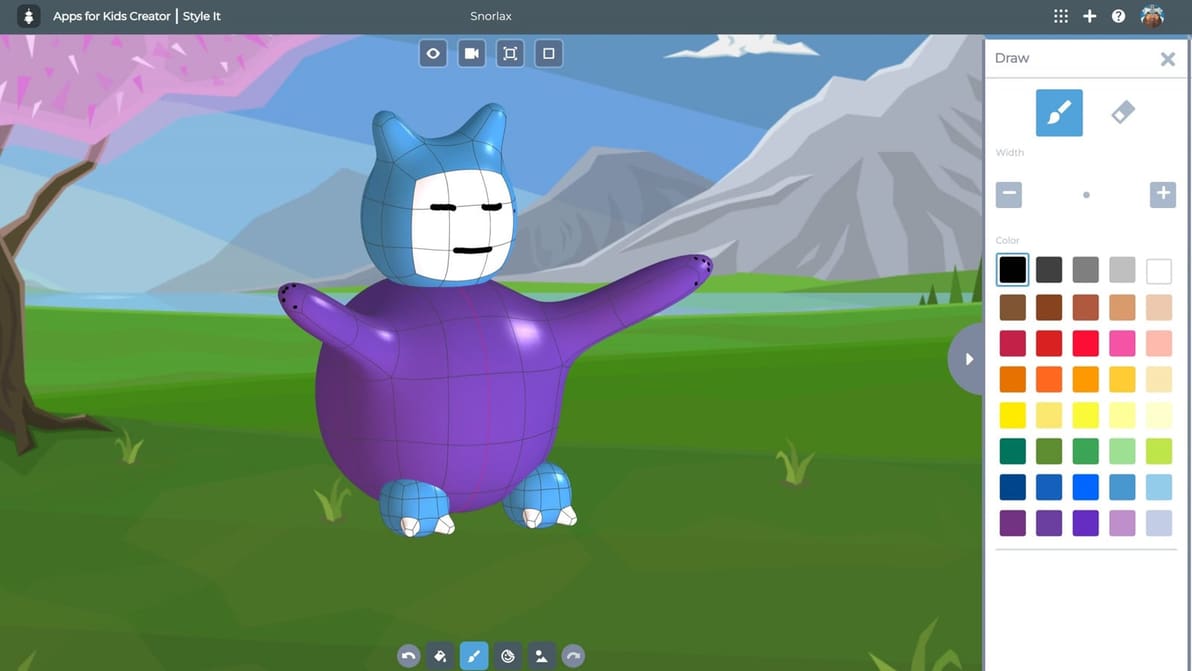
Turn screen time into STEM time. From Minecraft worlds to custom toys, these kid-friendly CAD tools make 3D modeling as easy as digital Legos.
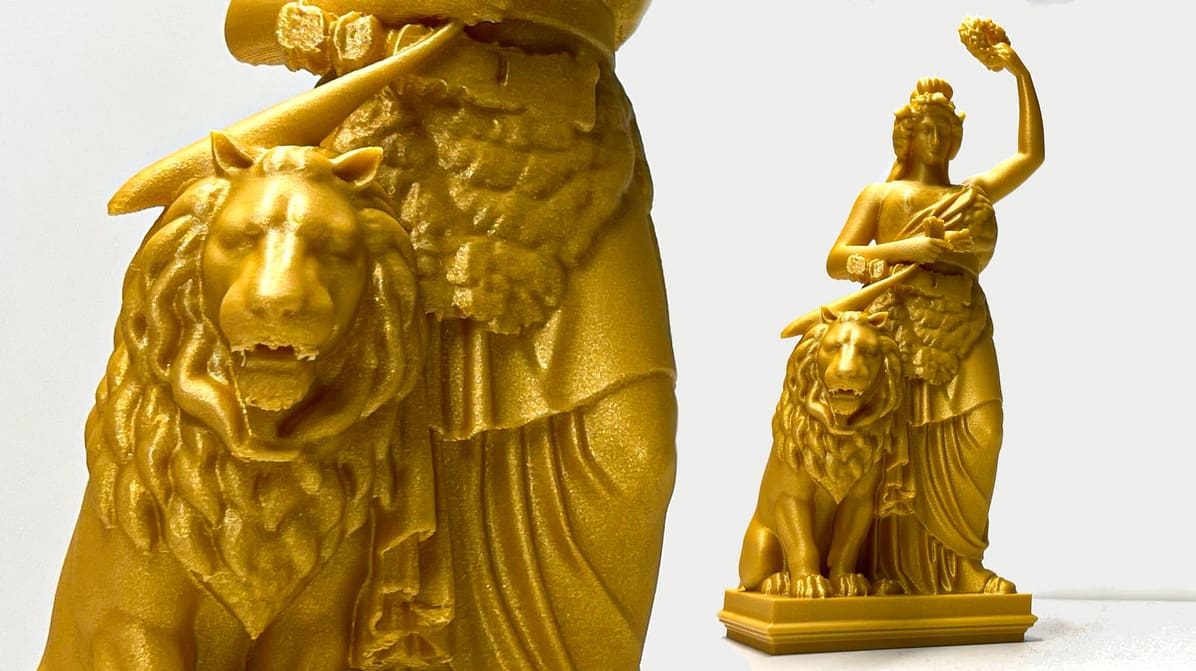
We pushed Meshy 6’s Pro-tier tools to the limit with complex real-world tests—from the Bavaria statue to five-legged unicorns—to see if the AI hype finally matches the STL reality.
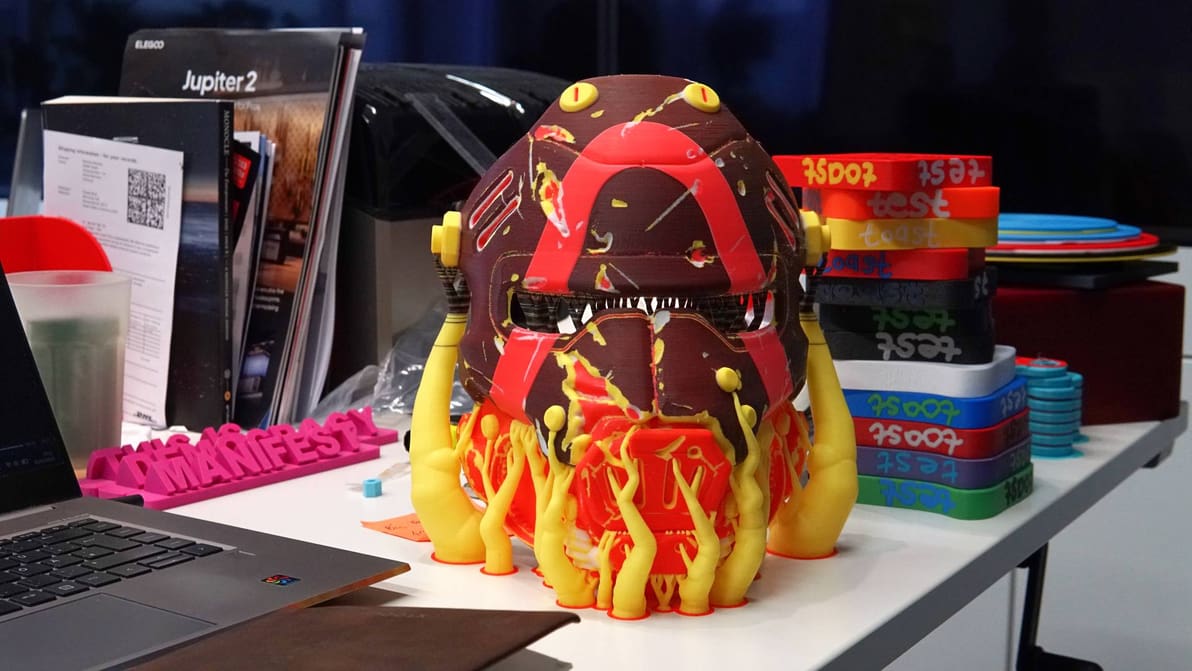
A project to explore layer mixing has resulted in Snapmaker Orca Full Spectrum, a slicer variant that introduces color-mixing functionality for theoretically limitless color 3D printing. I’ve tested it out and the results are astonishing.

By integrating generative AI directly into the Flow Studio platform, Autodesk enables creators to bypass tedious manual modeling and generate production-ready, editable 3D assets in seconds.