Featured
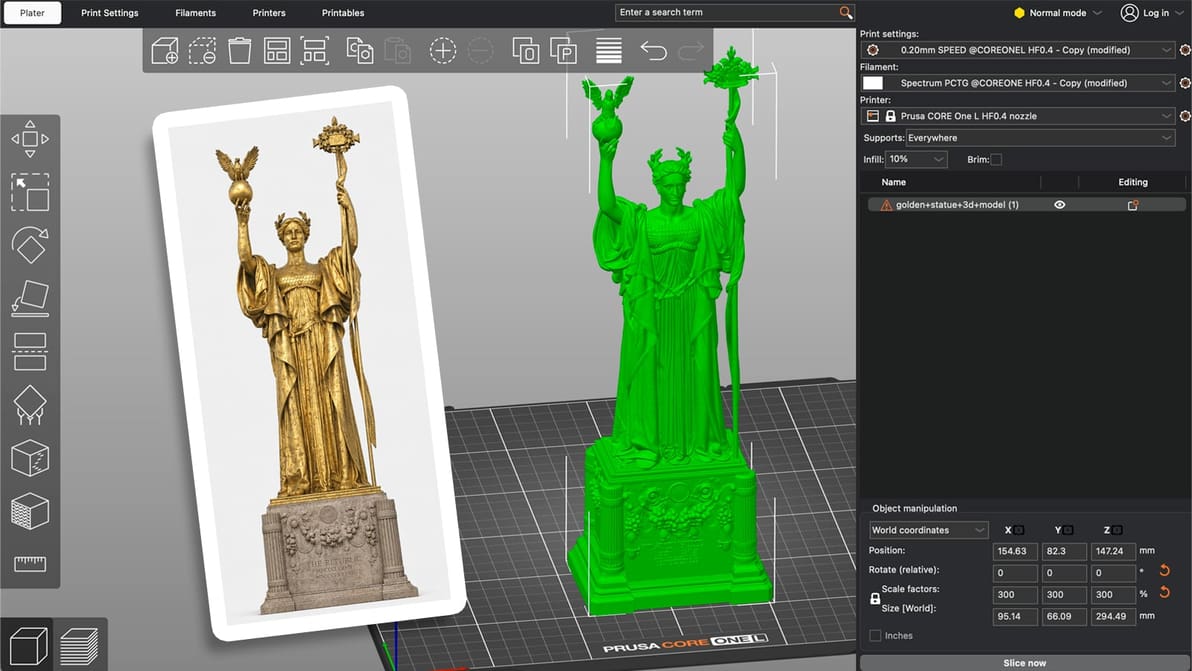
We tested Meshy, Tripo, and Hi3D to find the best AI 3D model generator—and discovered that pairing them with general AI unlocks the ultimate workflow for clean, printable meshes.
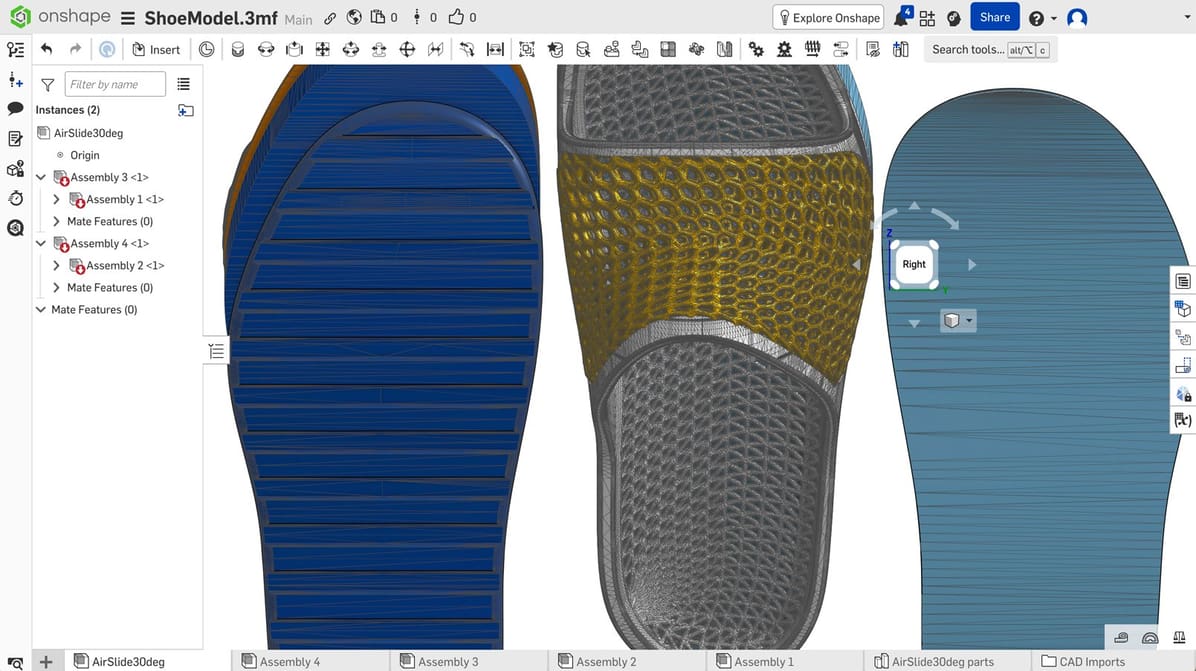
Whether you're just getting started in CAD or want to expand your skills, check out our choices for the best free CAD software.
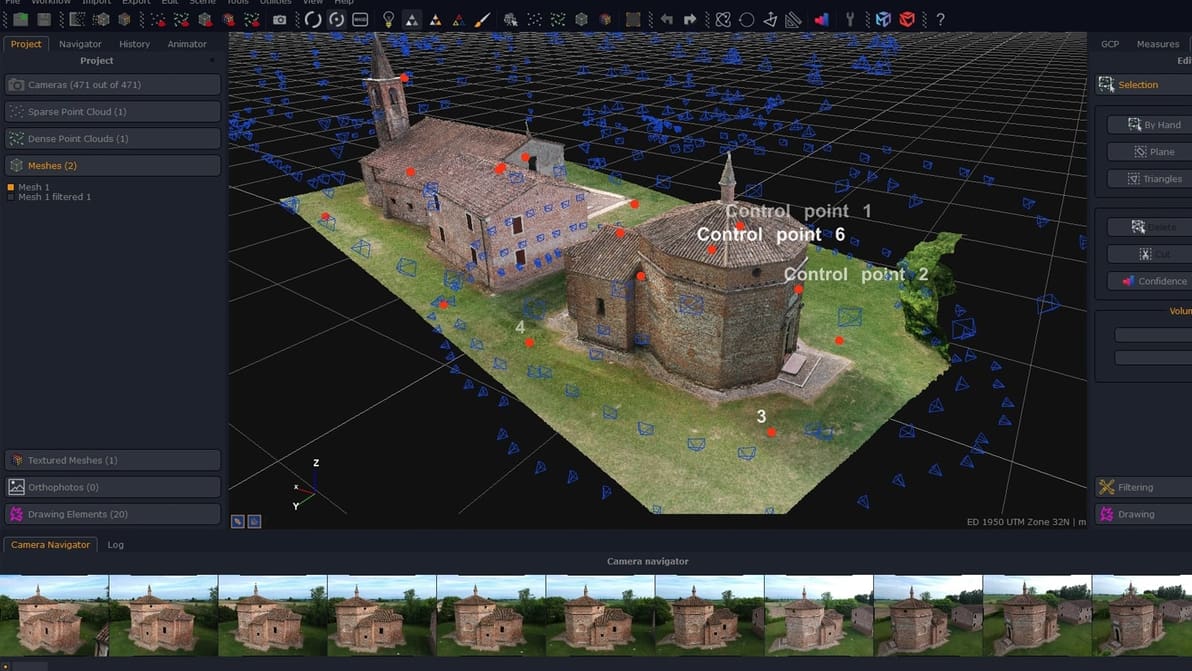
Check out our choice of photogrammetry software available right now for virtual reality, gaming, mapping, construction, drones, defense, and so much more!
Latest

Looking for a full version of SolidWorks 2027 to download for free? Check out your options along with what's new in SolidWorks 2027.
Meshy, Tripo, Rodin, and others will be accessible through a single platform, complete with tools for making generated models print-ready.
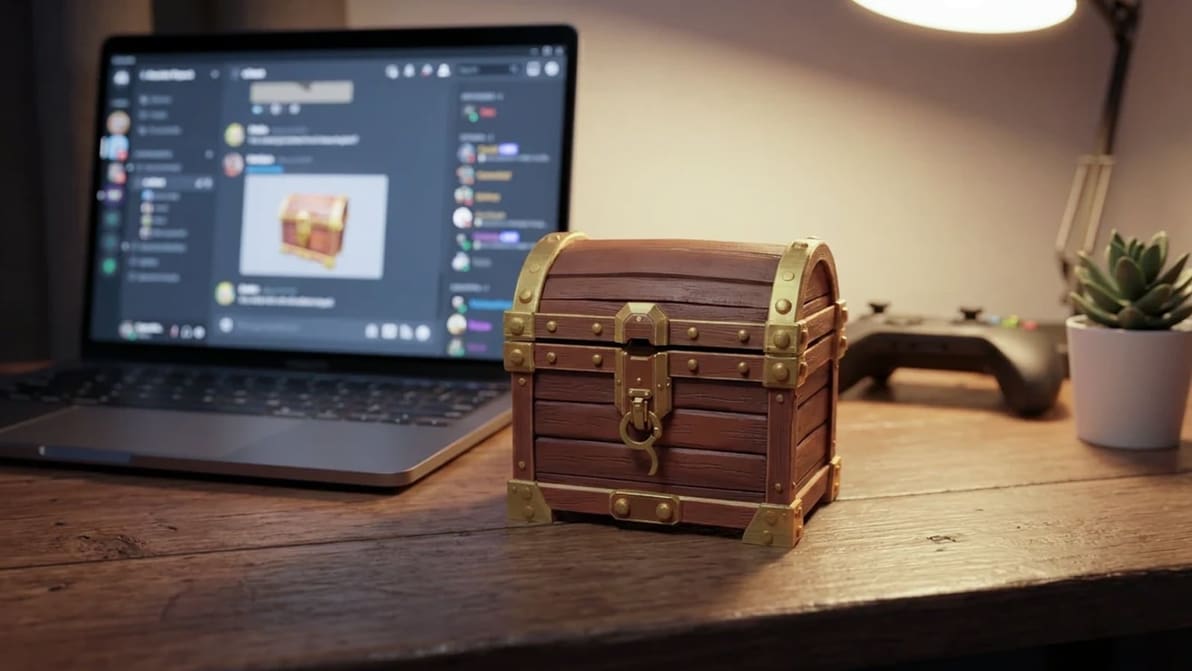
Hi3D is open-sourcing one of its 3D models, while Meshy is bringing its tools to an open-source AI assistant. Both moves could put AI-powered 3D model creation in more places in your 3D printing processes.

Discover the hidden features of the Cura slicer software. We'll show you how to take your 3D printing to the next level for perfect prints!
The OrcaSlicer devs have been busy. Native belt printing, parallel printing for IDEX and IQEX machines, and support for Bambu Lab’s H2C and A2L are just a few of the big changes in motion and testing in the OrcaSlicer 2.5 Alpha release.
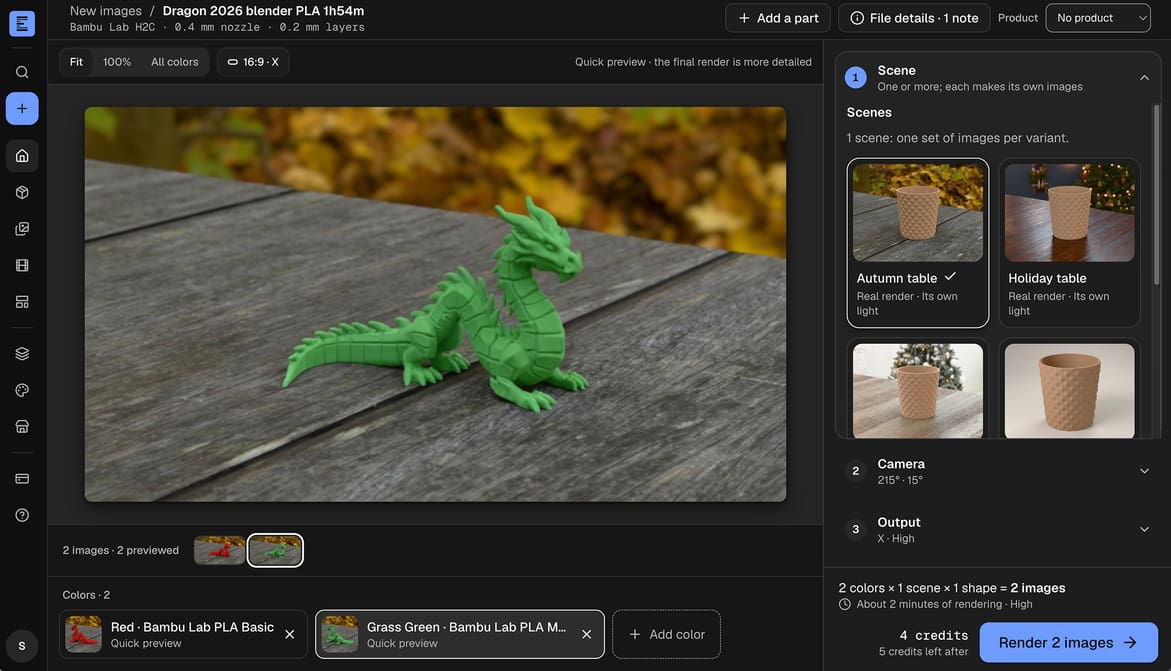
We tested this new app that renders photorealistic images of 3D prints without actually printing them. Handy for sellers, perhaps less so for those of us who want to see what we're really downloading.
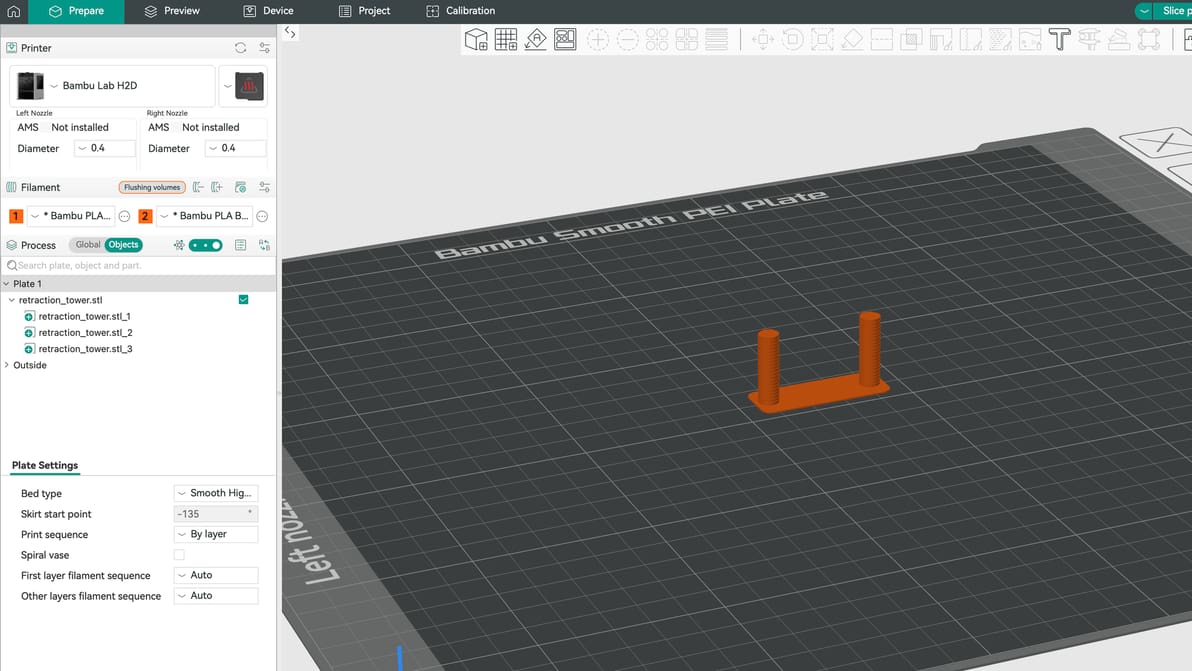
Can’t seem to get a print right without stringing? The solution might lie with your retraction settings. Here is how to get them right.

Some 66 projects community-built products and projects made it into Snapmaker's first consideration round for funding, with 20 selected for cash rewards.
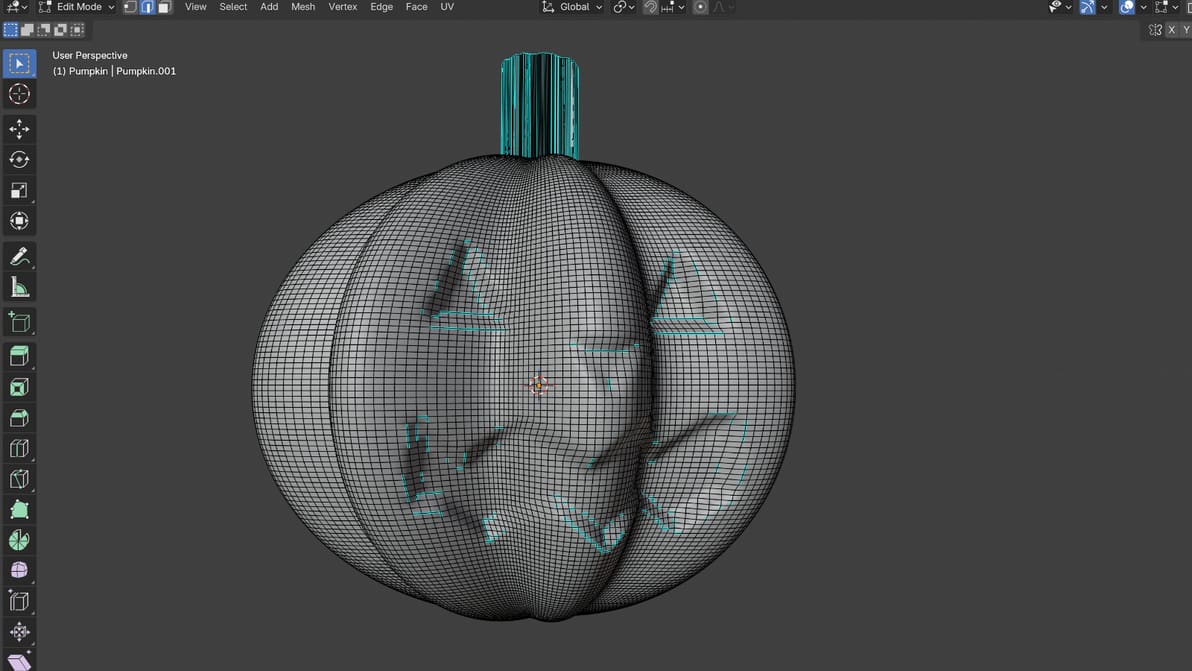
Blender is the best free CAD software programs out there, but it's not easy to master. Using AI as a co-pilot can get you from idea to model faster.
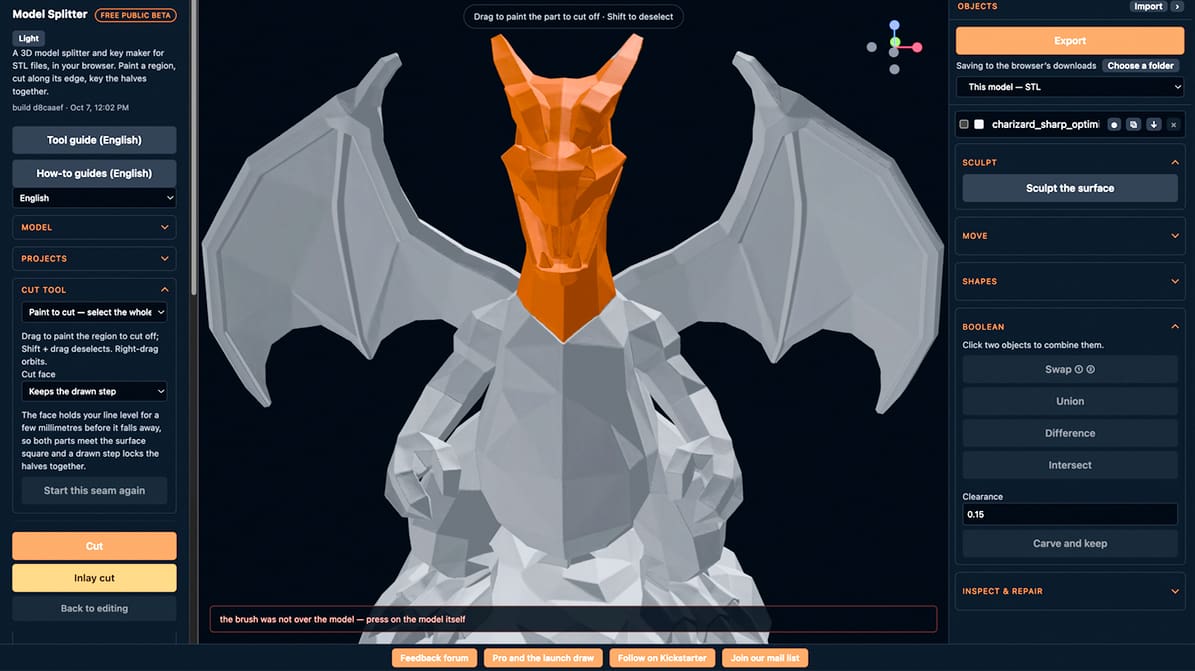
We took the new Model Splitter for a spin and found it's the splitting tool we didn't know we needed. This browser-based tool makes cutting and adding custom seams incredibly simple.
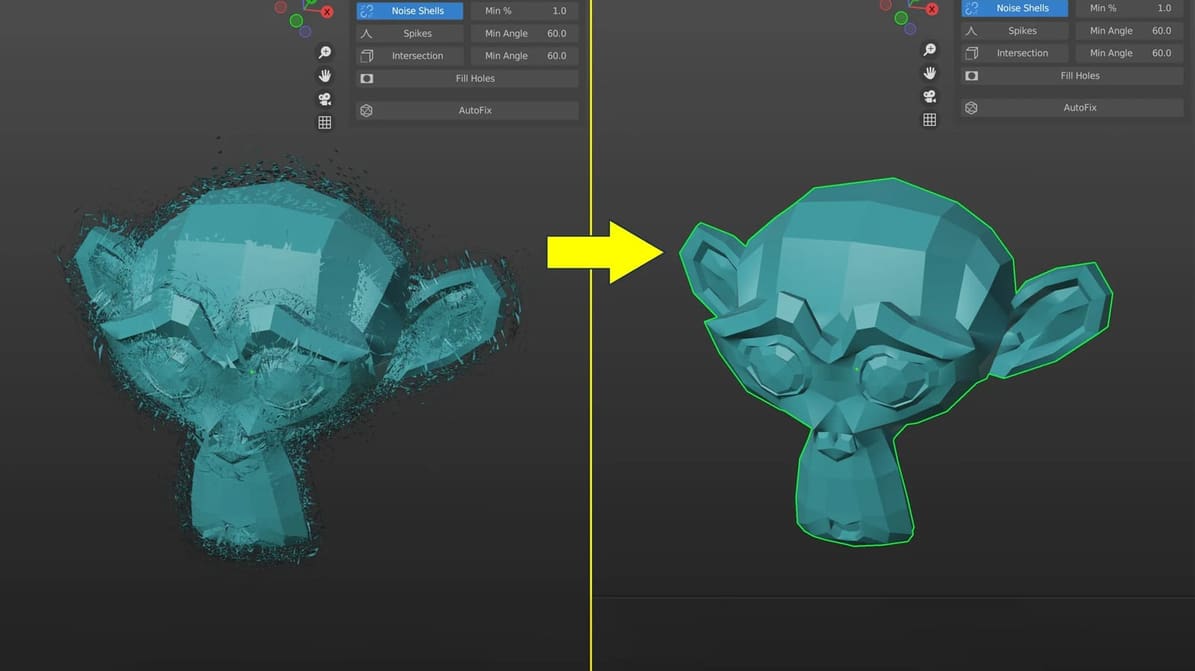
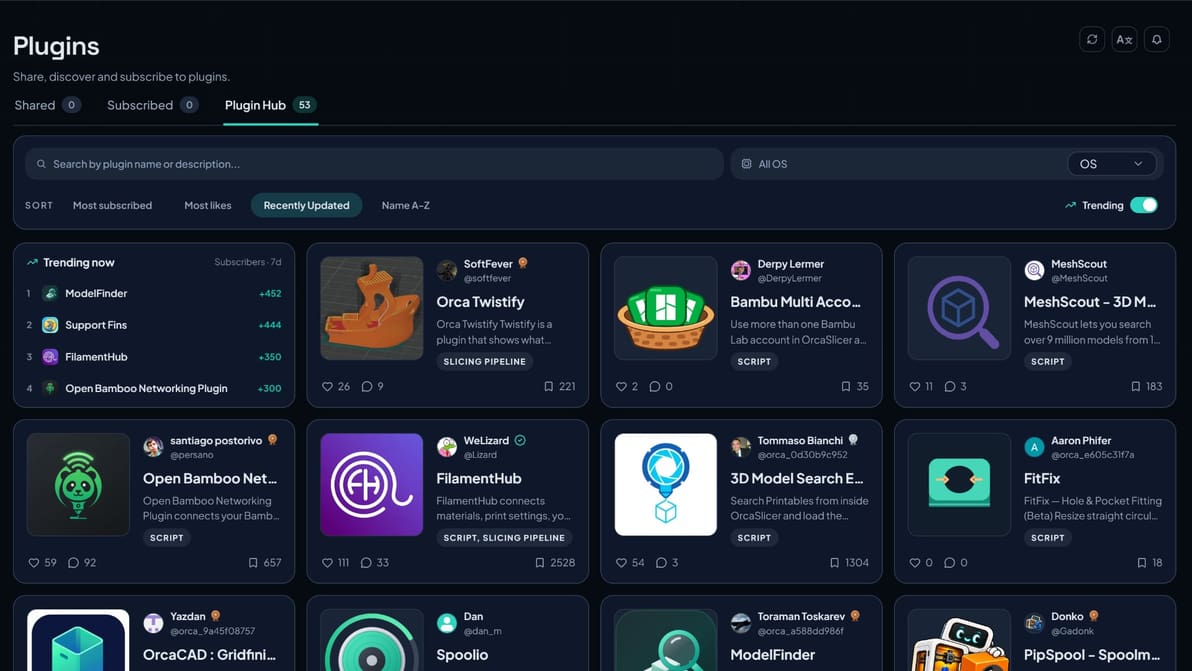
These free add-ons help bridge one of the biggest gaps in AI models: getting from a good-looking AI model to clean, watertight geometry your slicer can 3D print.
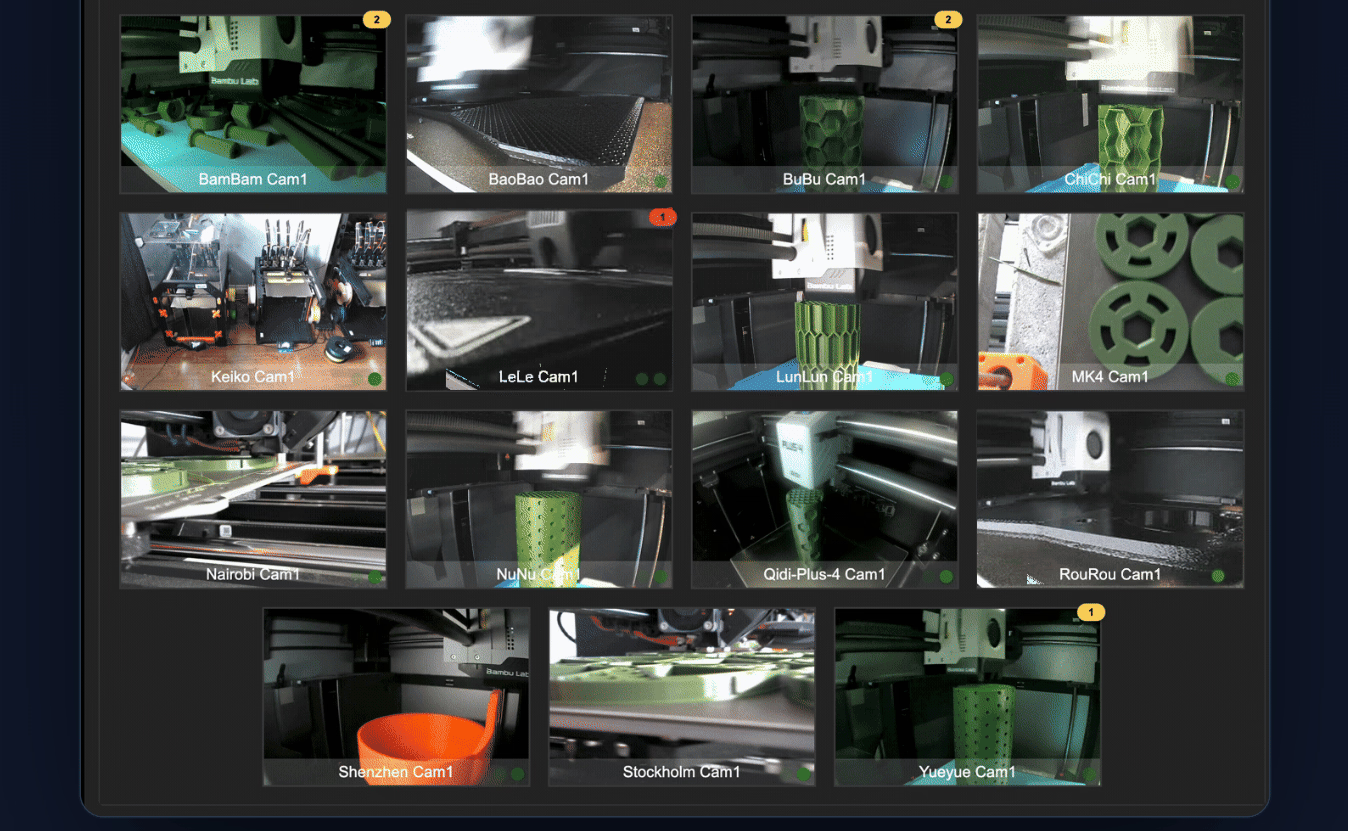
If your 3D printer farm has reached the point where “just open another browser tab” no longer qualifies as management, Watchtower would like a word. Now on Kickstarter, the locally hosted dashboard corrals Bambu Lab, Klipper, OctoPrint, and PrusaLink machines into one interface, with camera feeds, filament tracking, error monitoring, job queues, and automatic routing of prints to suitable machines. Its makers are leaning heavily on local operation rather than funneling your print farm through yet another cloud account – a concept apparently novel enough to be a selling point in 2026.
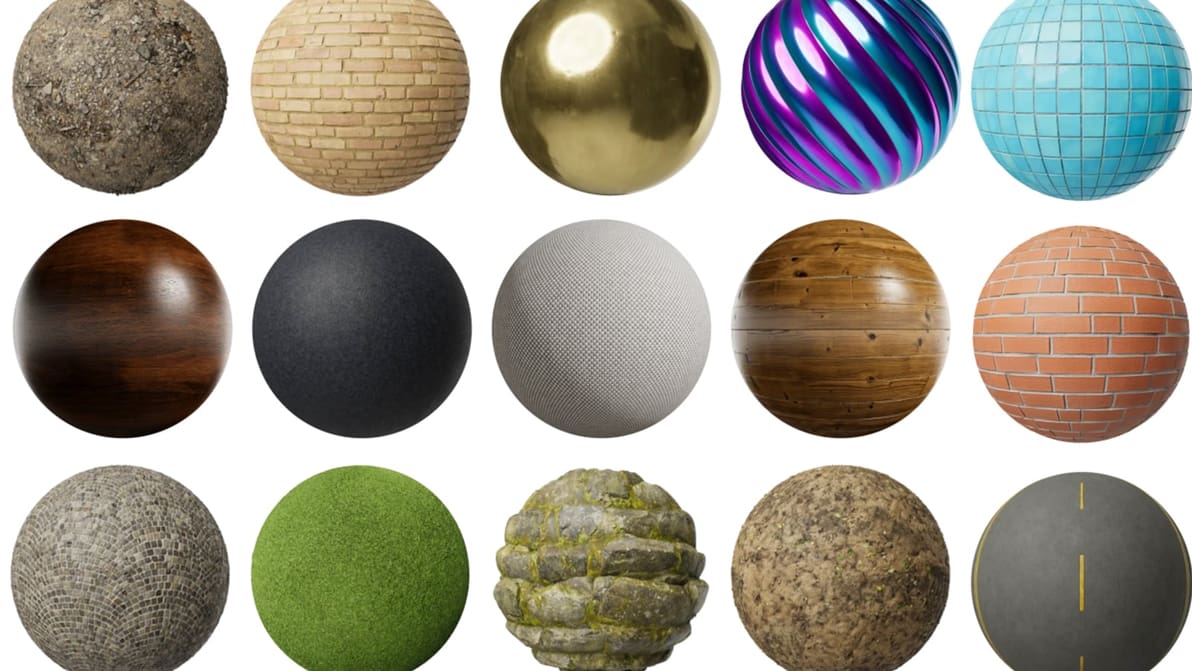
Textures make digital 3D models come to life, and they don't have to cost anything. Here are the five free sites worth bookmarking right now.
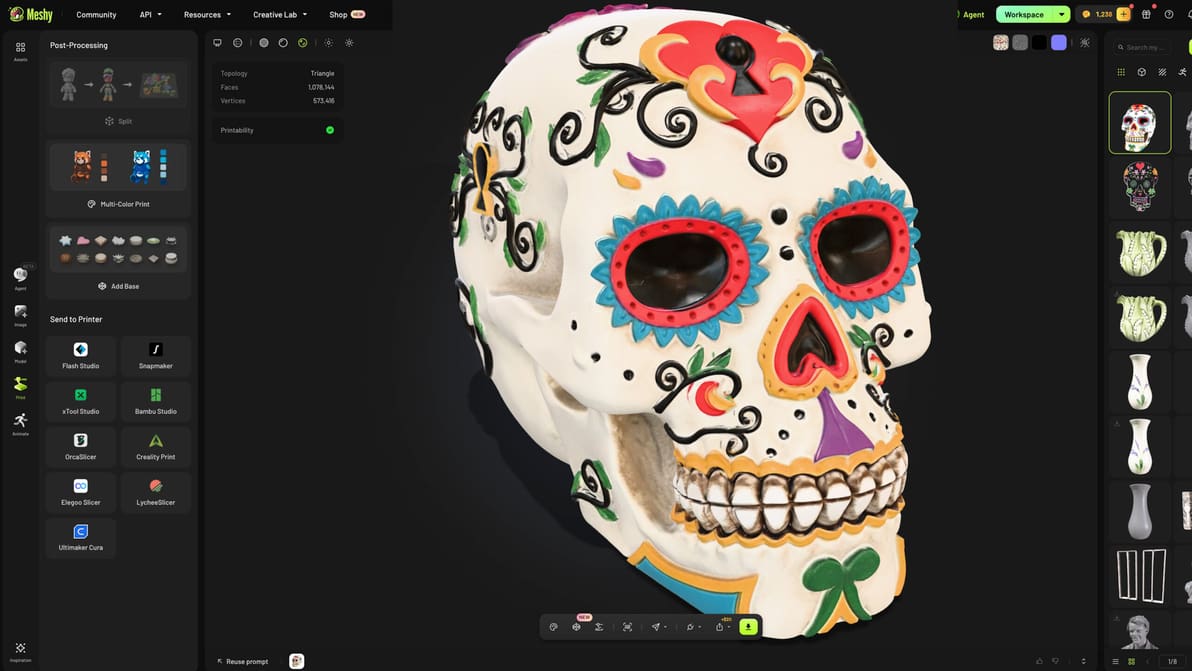
We pushed the latest version of this AI model generation tool to its limits to see if the upgraded resolution translates into better geometry for physical models.
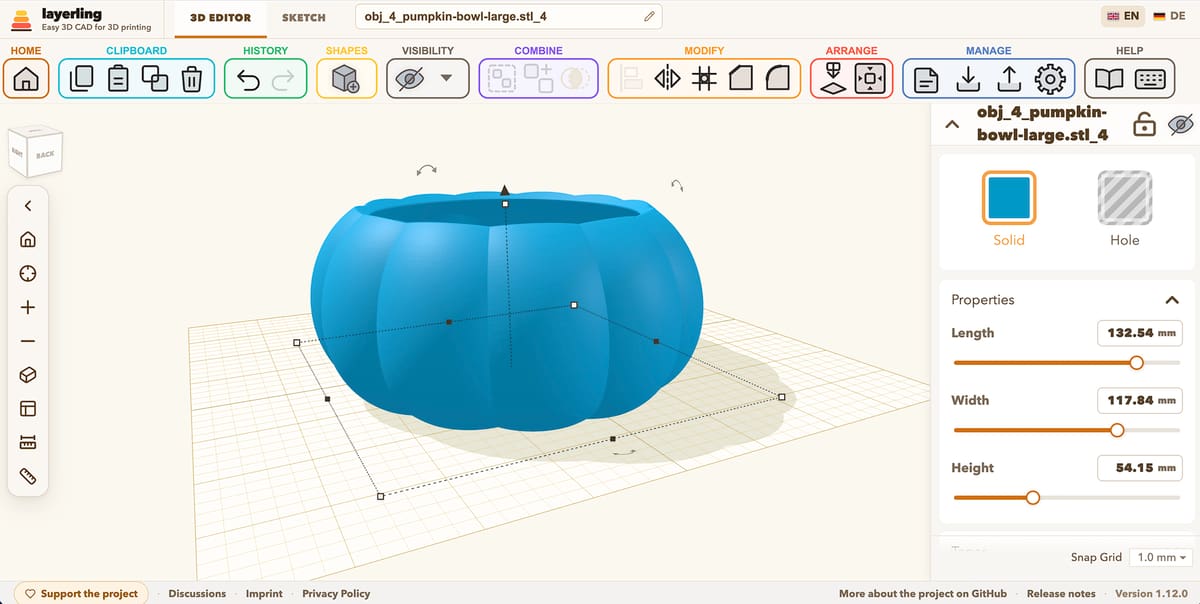
Layerling, a new browser-based 3D modeling tool aimed squarely at people who want a printable part rather than a career in CAD. It requires no account or cloud service, keeps designs in the browser, and exports STL, OBJ, and STEP files. There’s also an MCP server that lets AI clients, such as Codex or Claude, work directly in the editor while you watch. So yes, apparently even dragging boxes around a build plate can now be delegated. It has already been updated dozens of times, so development does not appear to be lingering over coffee.
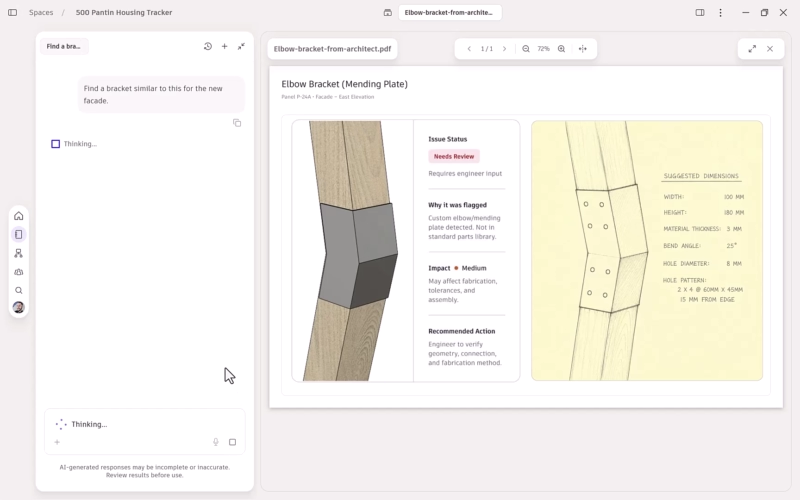
Autodesk has joined the grand tradition of announcing AI features before they actually exist. The company today announced plans to beef up Autodesk Assistant AI in Fusion so it can use project context to flag problems, trace knock-on effects, and help across design and manufacturing workflows. Users will also be able to hook in their own AI tools. For now, though, this is a roadmap, not a release. The expanded Assistant isn’t generally available, and Autodesk says rollout details are coming in 2027.
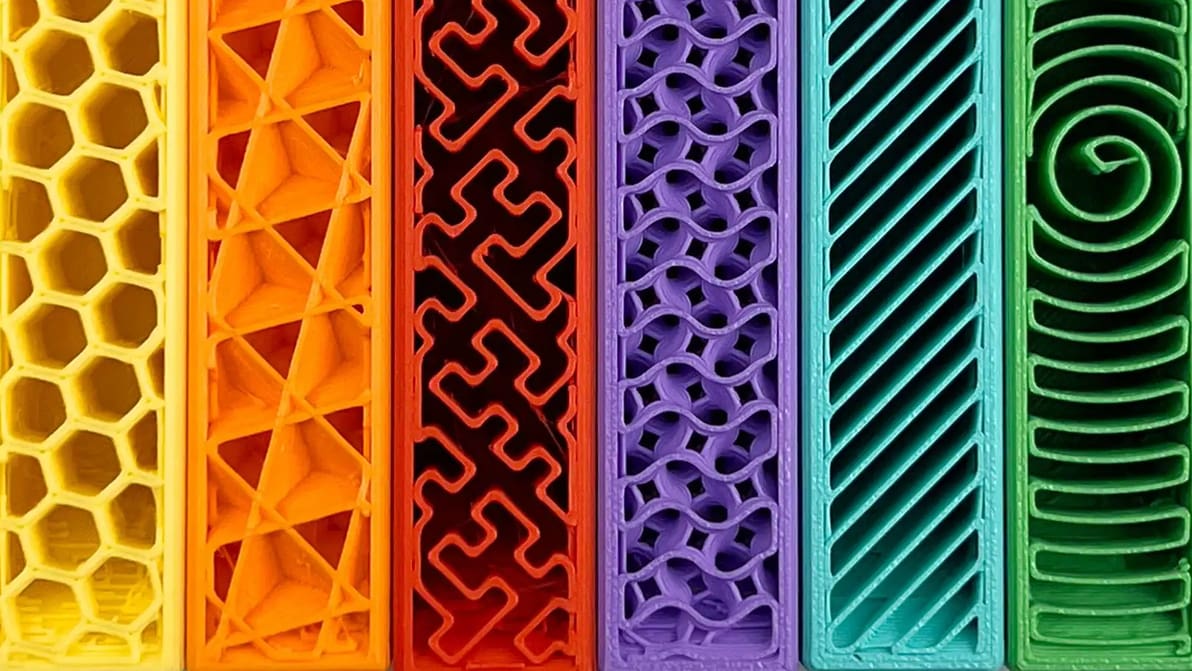
Get infill density and pattern wrong and your print wastes filament, snaps, or takes forever to print. Read on to learn how to get it right.
gathering user feedback about its software and how it could be better at the little things – all in preparation for launching what it calls Anycubic Software 2.0. The release brings a raft of updates that touches both Anycubic Slicer Next and the Anycubic App. Highlights include making features like spaghetti detection toggleable in-app, syncing materials settings, better support for third-party filament in the material library, and adding file search and full print history to the slicer. It's a solid collection of quality-of-life improvements.


Aiming to "solve the frustration of filament tuning," LayerHub is Polymaker's new hub for 3D printer users to download, validate, and share their own filament presets using the methodology it uses to tune for its own filaments.
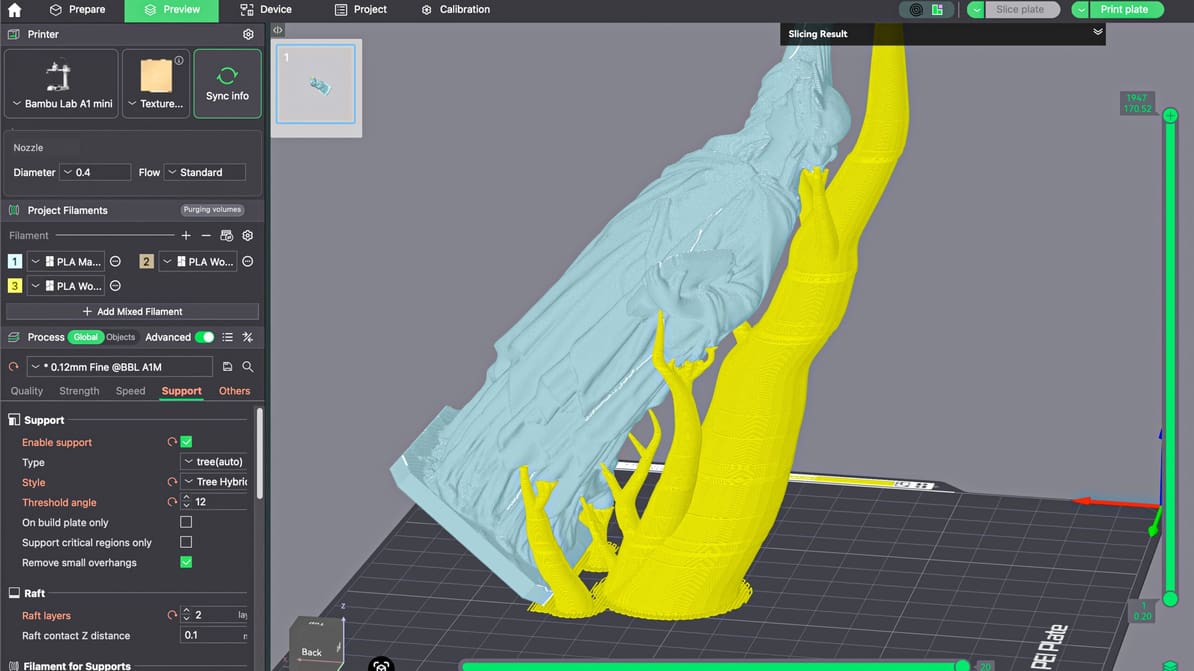
When you master supports in Bambu Studio, you improve supported surfaces, make removal easier, save time, and reduce wasted filament.