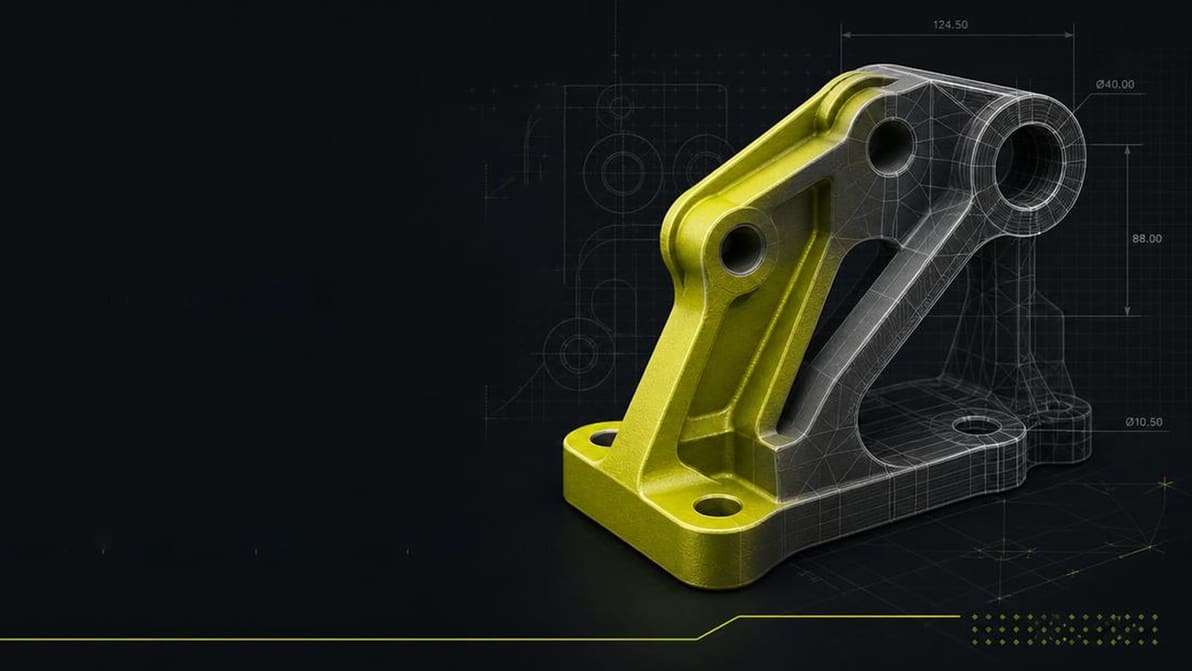
3D Spark’s new Voluminate platform promises to turn old drawings, DXFs, and even photos into useful 3D models in minutes. That sounds ideal for obsolete spare parts, so we tried it.
Makera has gotten its software ducks in a row to accommodate the intended audience for its beginner-friendly Z1 machine, and it all looks very familiar.
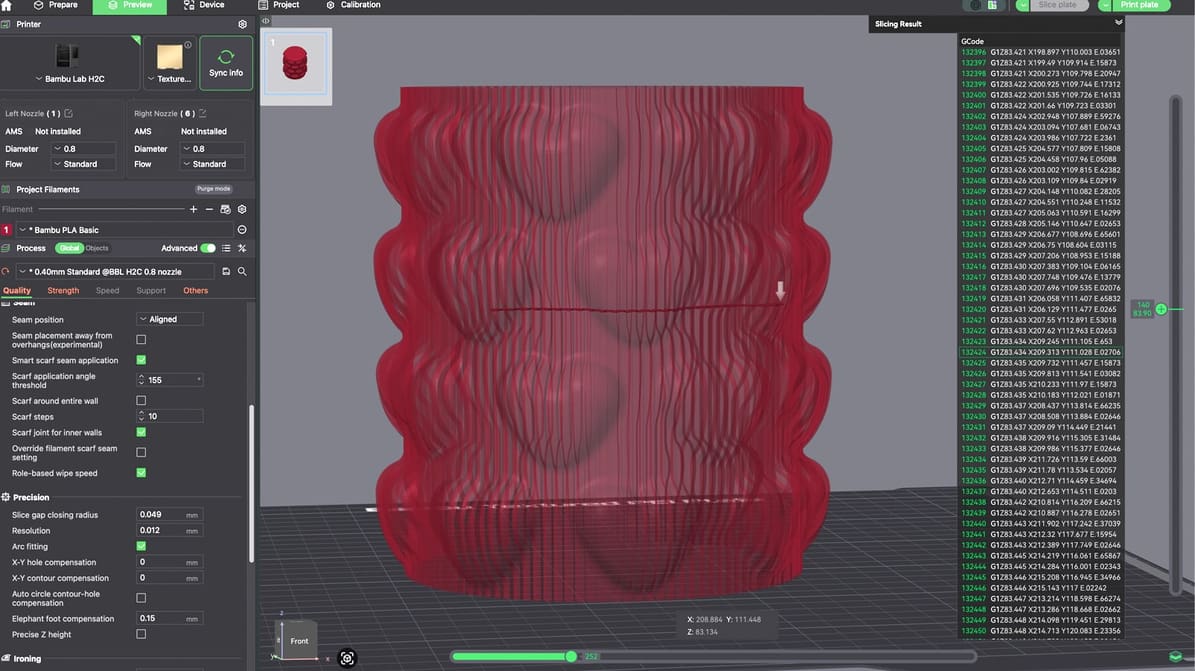
G-code may run quietly in the background, but understanding it can give you more control over your printer and help you solve problems faster.
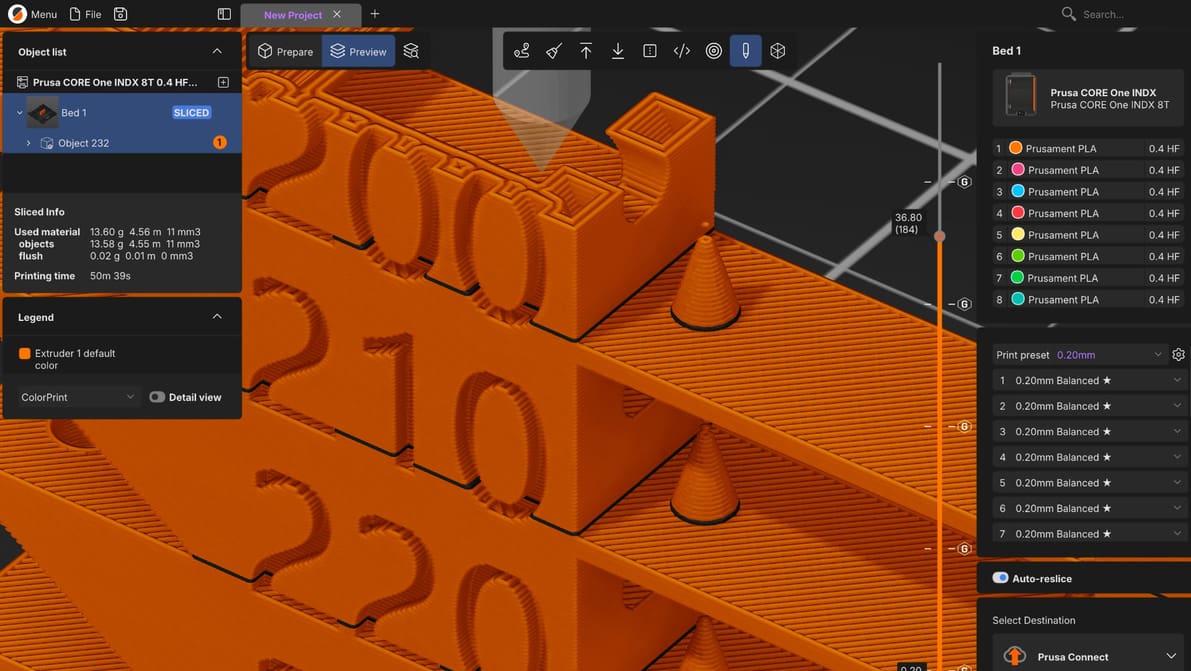
Prusa's next major update for its slicer marks a new chapter for the software, built from the ground up for multi-toolhead machines, multi-plate projects, and a new plug-in marketplace to wrangle rogue single-feature forks into a useful library for all.
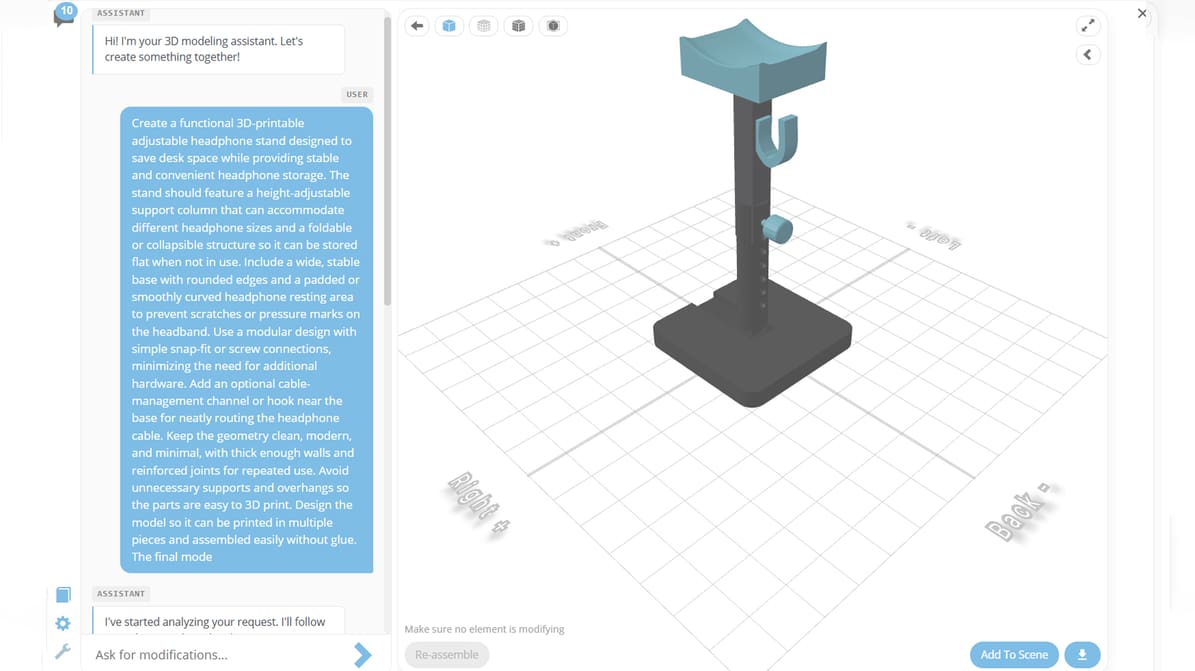
The browser-based CAD platform’s experimental AI Assistant generates functional assemblies, organic meshes, and profile-based designs from text with image references supported, too.

Looking for a full version of ZBrush 2026 to download for free? Check out our article to see what your options are.
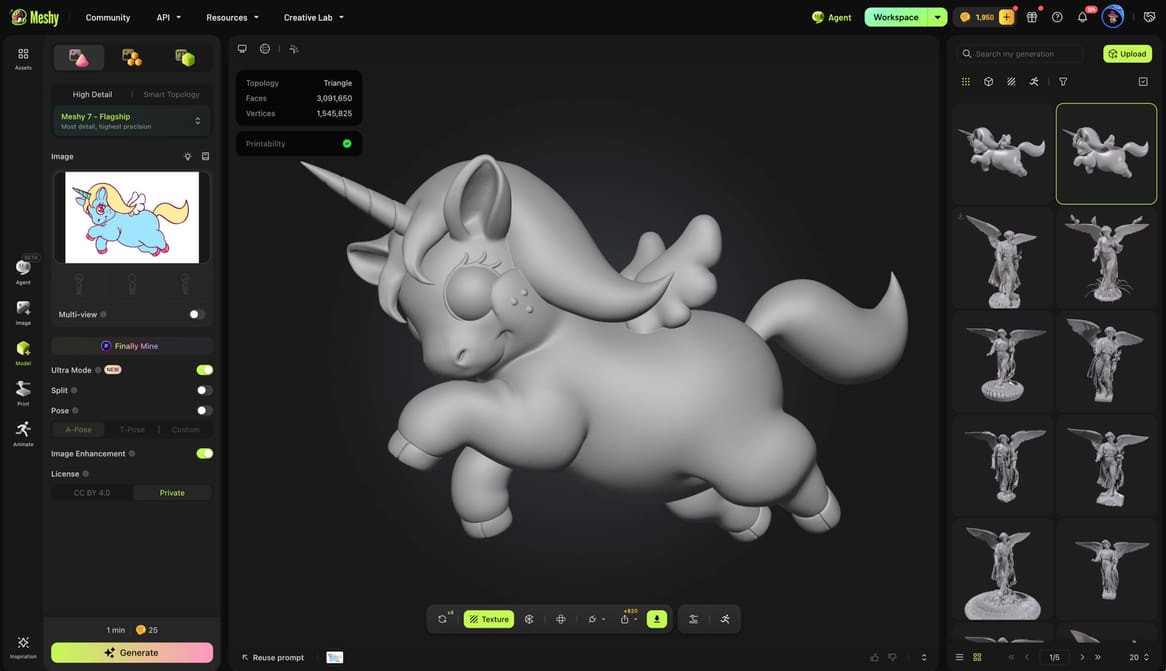
Meshy’s latest image-to-3D AI engine is all about alignment, making the generated model actually resemble the image you fed it before you get to the mesh.
Forget awkwardly holding parts together while explaining where everything goes. Bambu Studio’s new Model Assembly Guides feature in the 2.8.0 Public Beta lets you present an exploded view of your project directly in the software and automatically split the model into assembly steps downloadable as PDFs or MP4s.
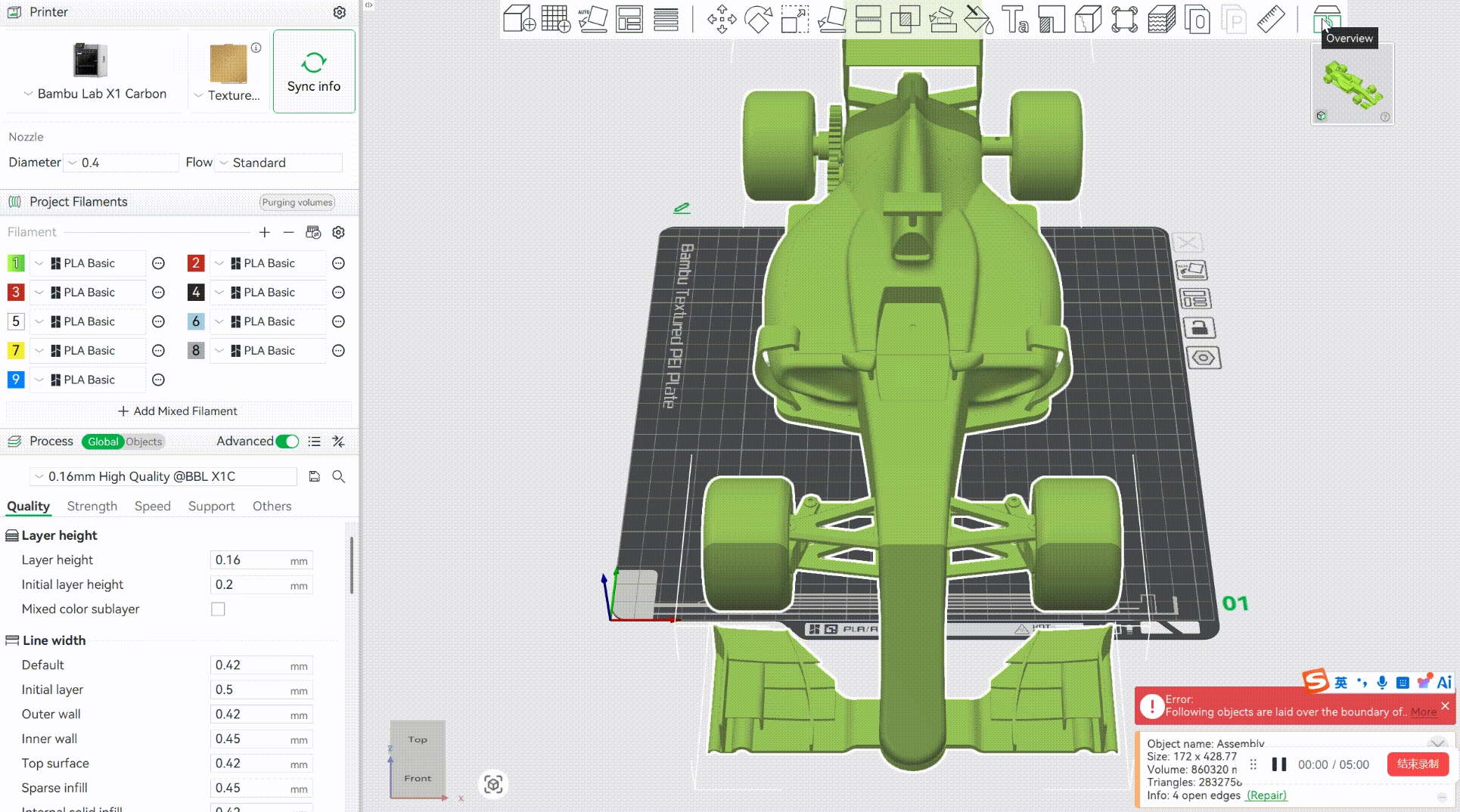
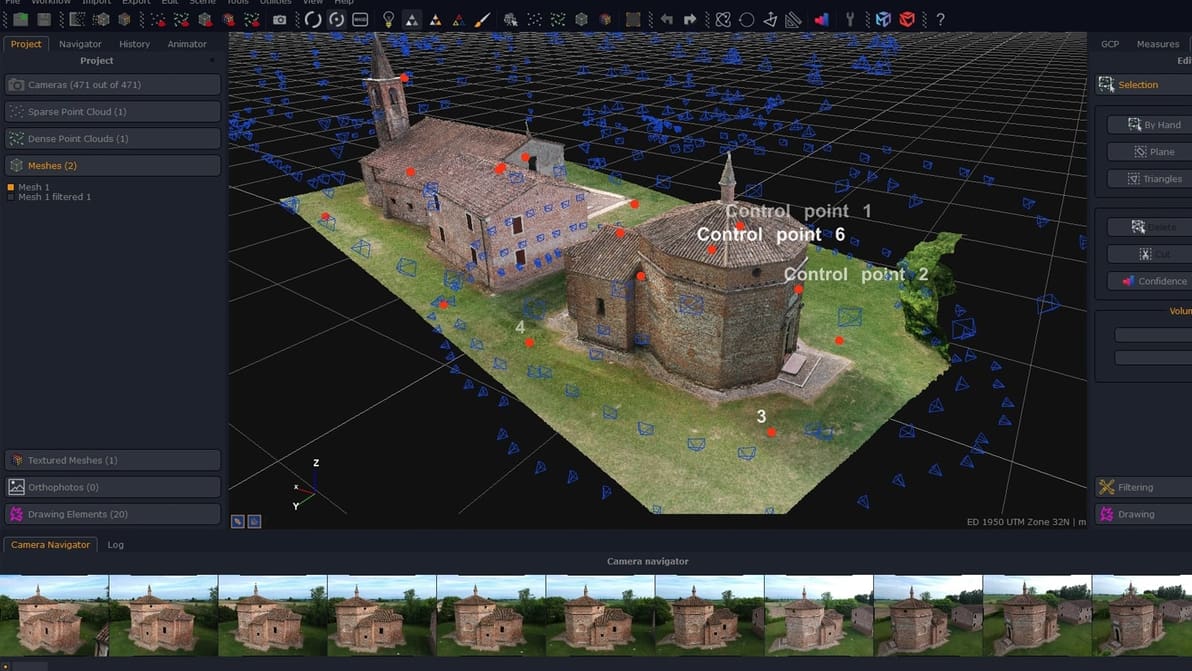
Check out our choice of photogrammetry software available right now for virtual reality, gaming, mapping, construction, drones, defense, and so much more!
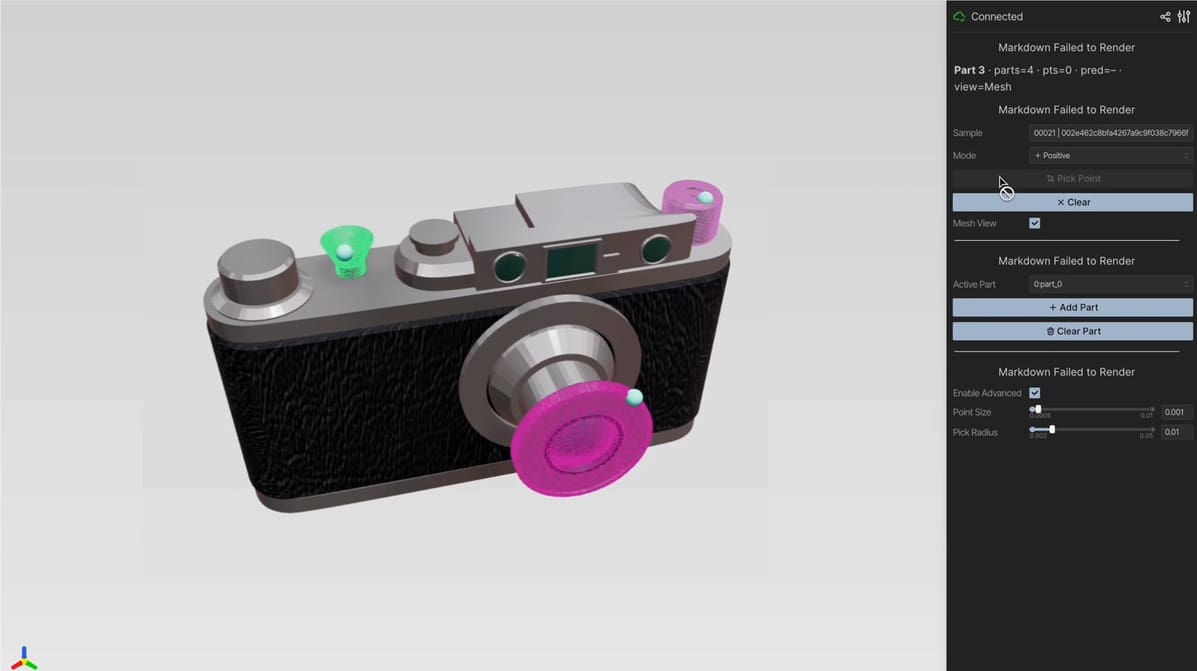
The experimental SegviGen system can automatically identify individual components within a 3D model, and its researchers have already released the code, pretrained models, and an interactive demo.
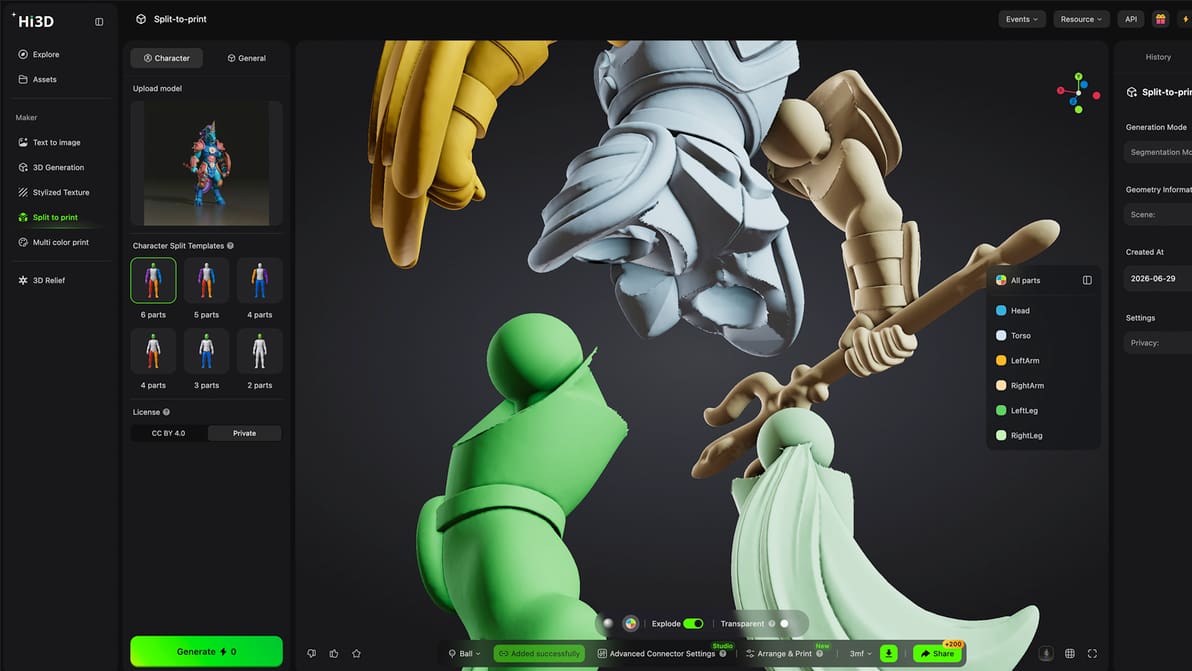
We used Hi3D Studio to divide a humanoid model, add articulated connectors, and arrange the resulting parts for printing. The tools produced a usable result, but several essential steps have a learning curve.
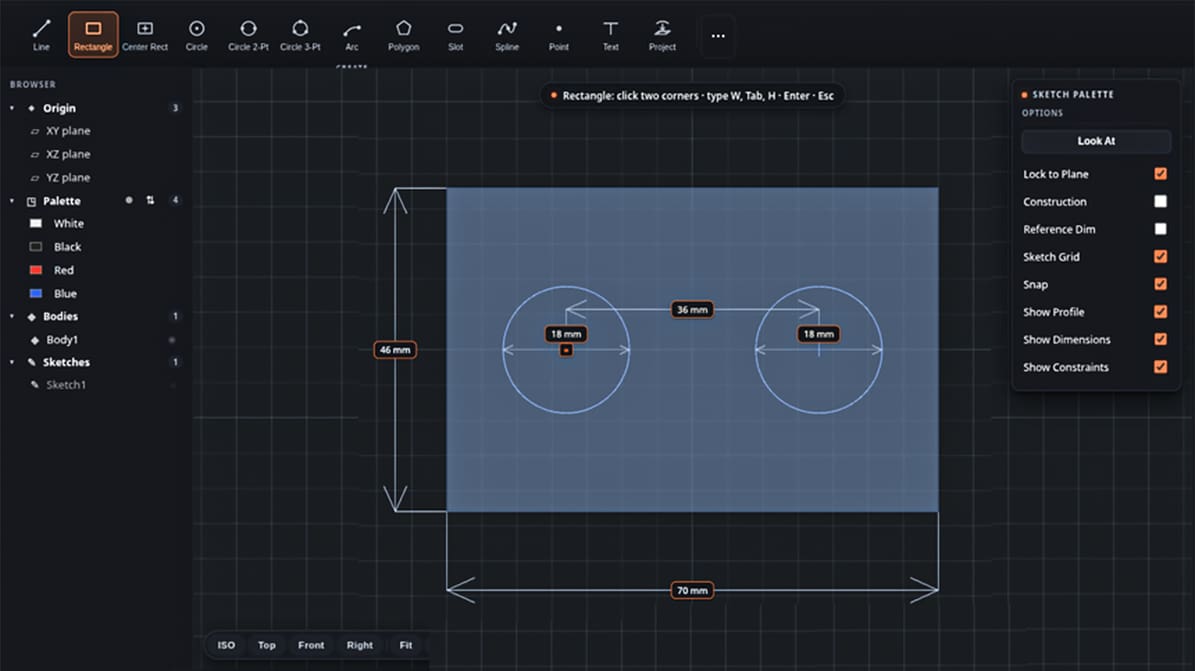
Step up from TinkerCAD with this open-source parametric modeling tool that turns surface patterns into physical, 3D-printable geometry without needing a subscription—just keep in mind it's still an early beta.
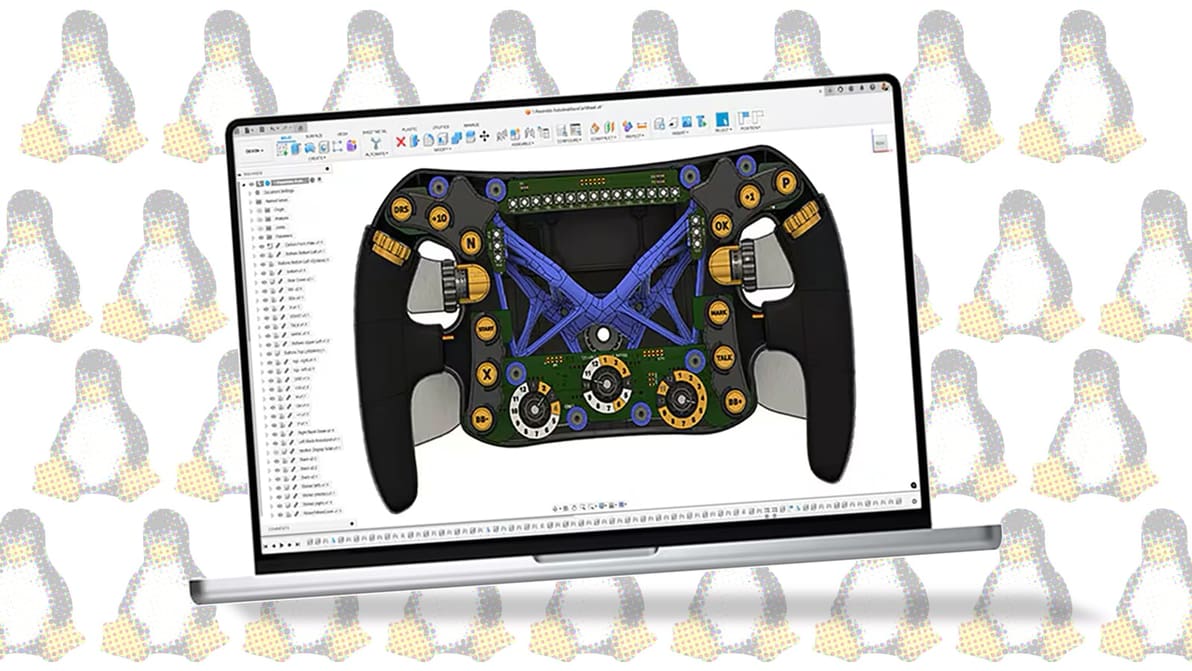
Autodesk's Fusion CAD software is a powerful tool, but it's not supported by Linux. Read on for a few workarounds to get Fusion on Linux!
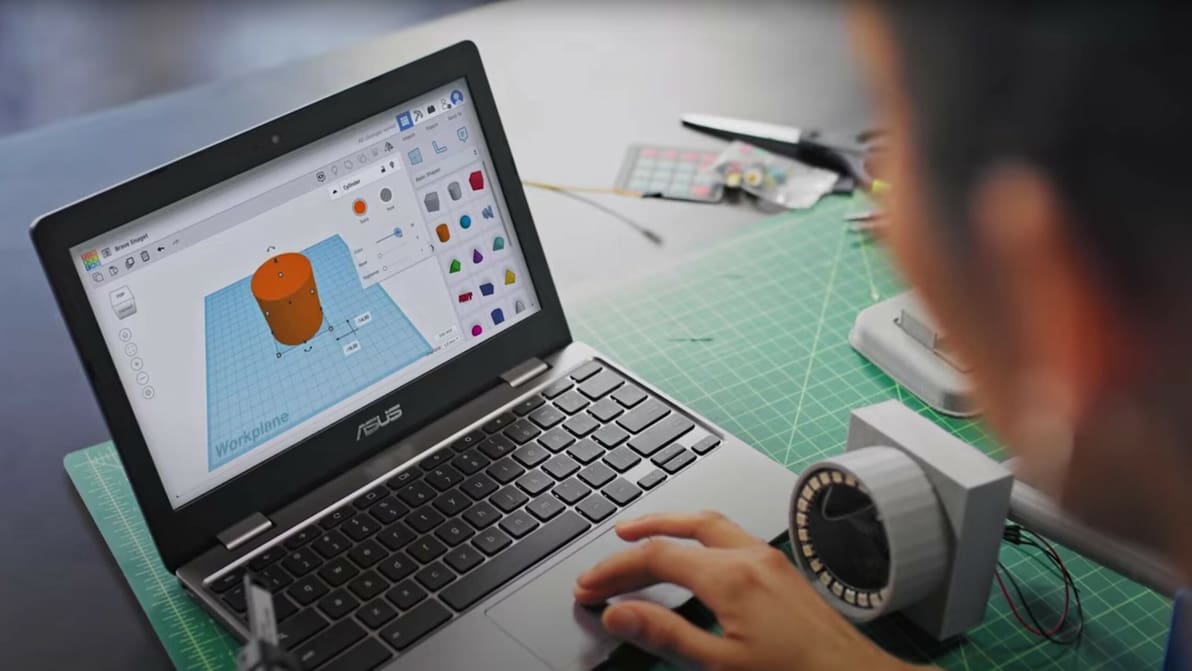
Whether you are a beginner or an expert, these are our top picks for the best CAD software for 3D printing.
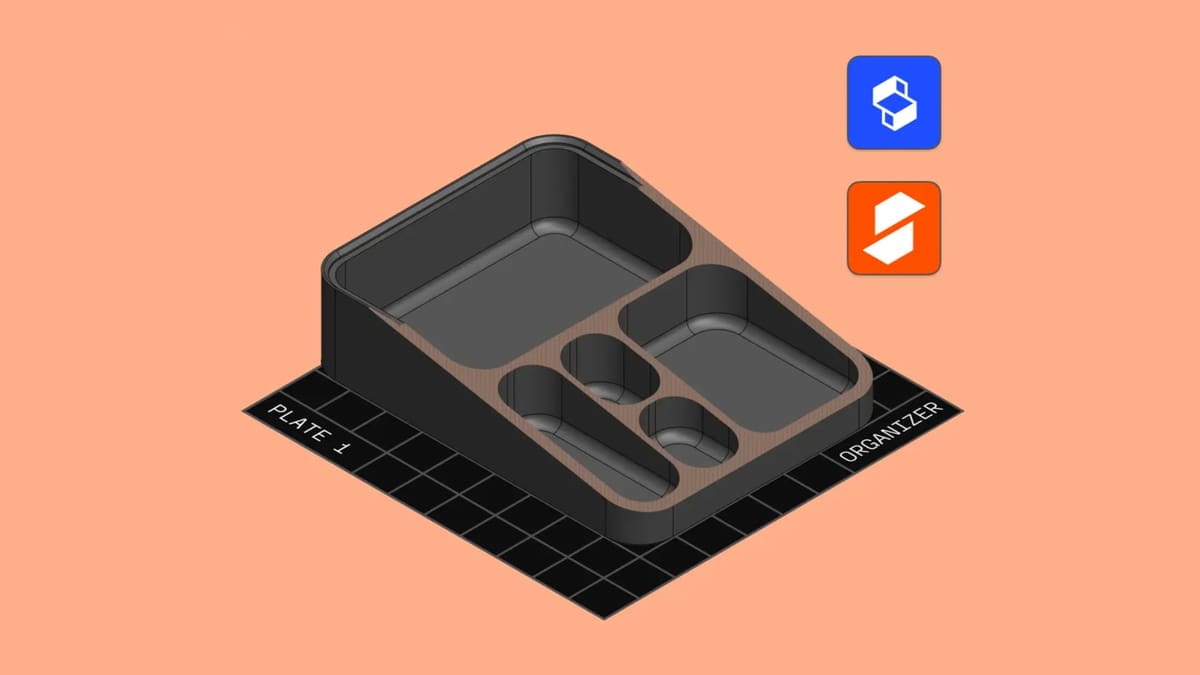
The tablet-centric design app (but also available on desktop,) Shapr3D now lets you export your 3D models directly to PrusaSlicer and EasyPrint, for an immediate design-to-print workflow. This is great news not just for owners of Prusa's 3D printers – EasyPrint is Prusa's cloud-based slicer, and it can send prints to many non-Prusa 3D printers via LAN, too. It offers all the essential controls needed to set up and send jobs to your printer, cutting full slicing software out of the picture.
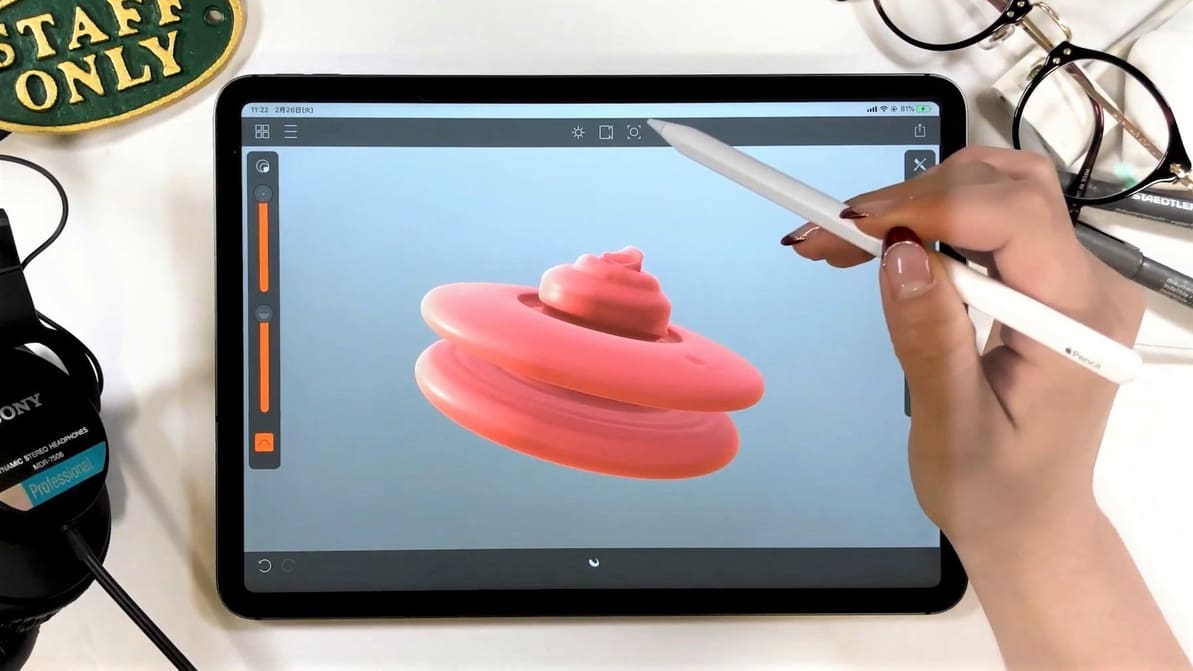
Ditch your desktop. These 13 iPad and Android design apps let you model, sculpt, and export your 3D creations from anywhere.
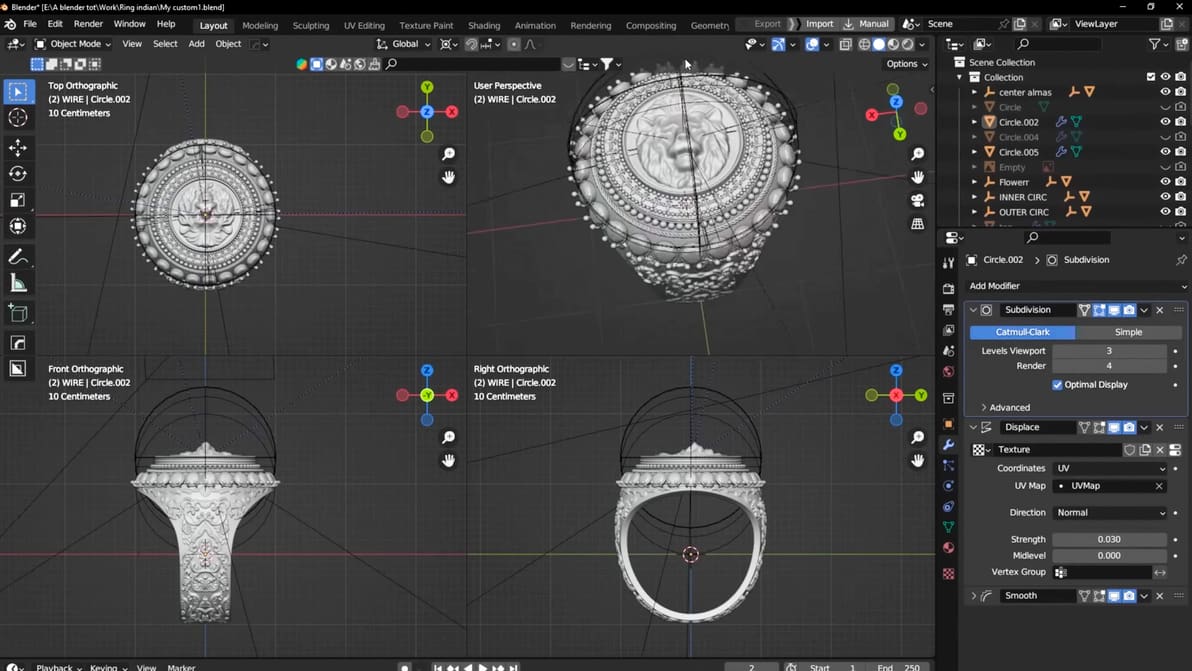
From entry-level to professional, discover how the right jewelry design software perfects casts and prototypes.
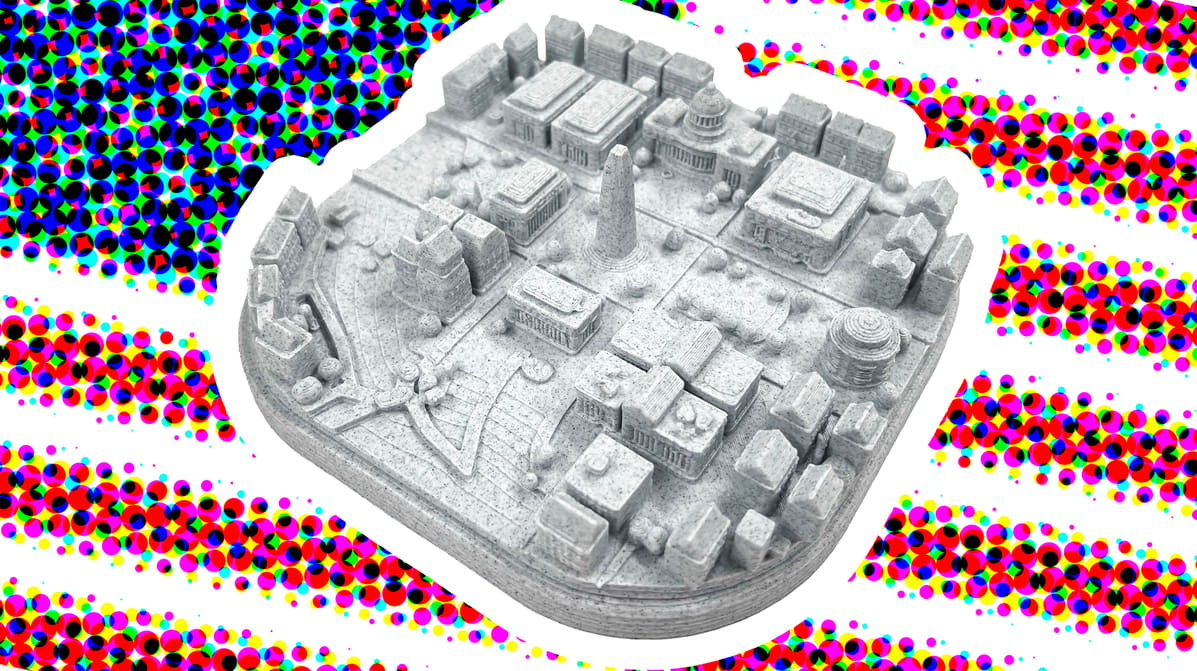
PrintPal promises a city miniature from just a name. For America’s 250th, I chose the nation’s capital to see if it lives up to its claim.
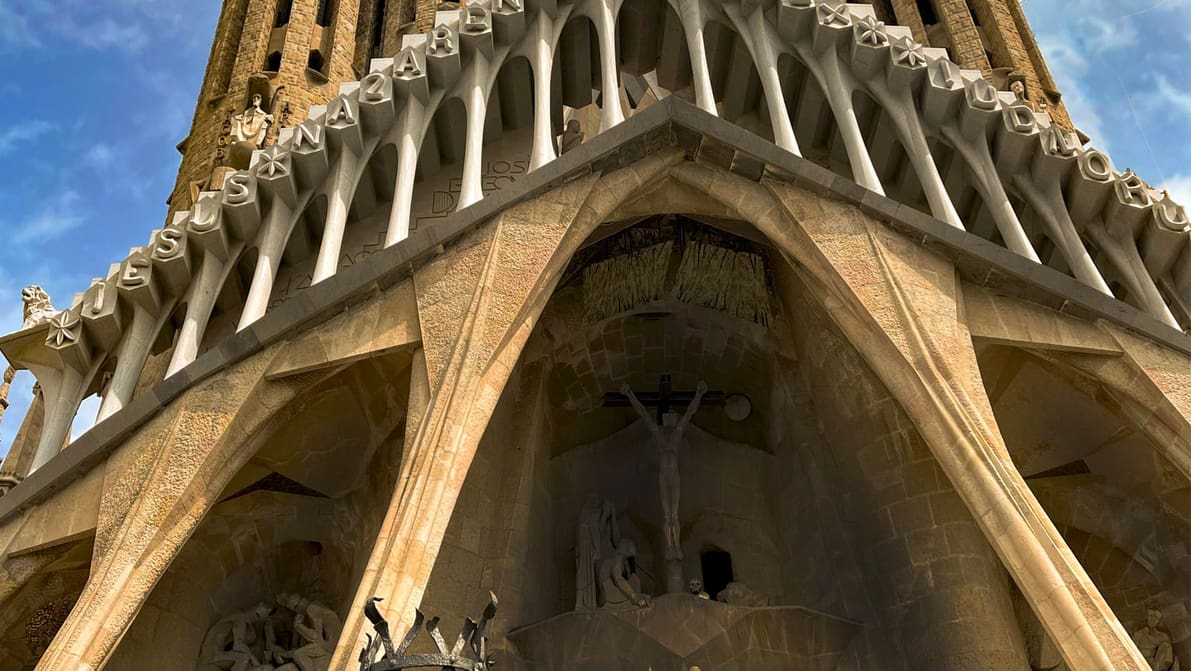
Eric Utley, applications engineering manager at Protolabs, explains the engineering principles behind Gaudí's architecture and how they can help you design better support-free 3D prints.
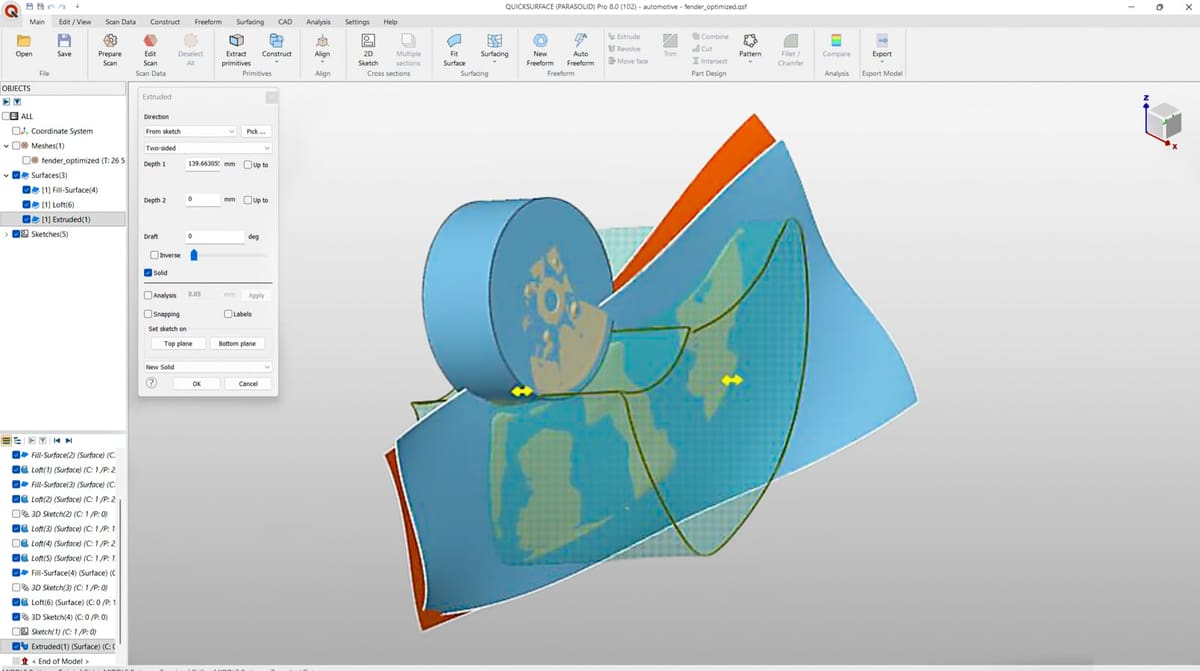
A Brazilian engineering team used 3D scanning, scan-to-CAD software, and ABS 3D printing to recreate a damaged four-blade propeller for an industrial cooling system in record time.