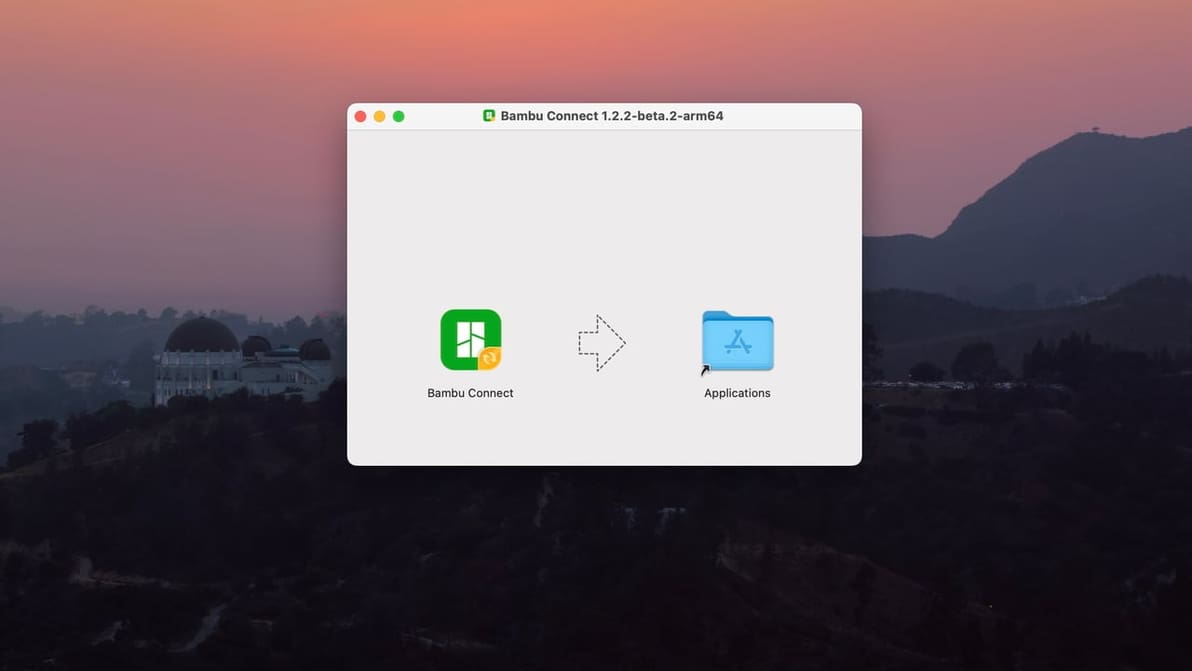
With the latest firmware updates, Bambu Connect stands between your Bambu Lab printer and third-party slicers. Say Goodbye to two-click slice-n-print.
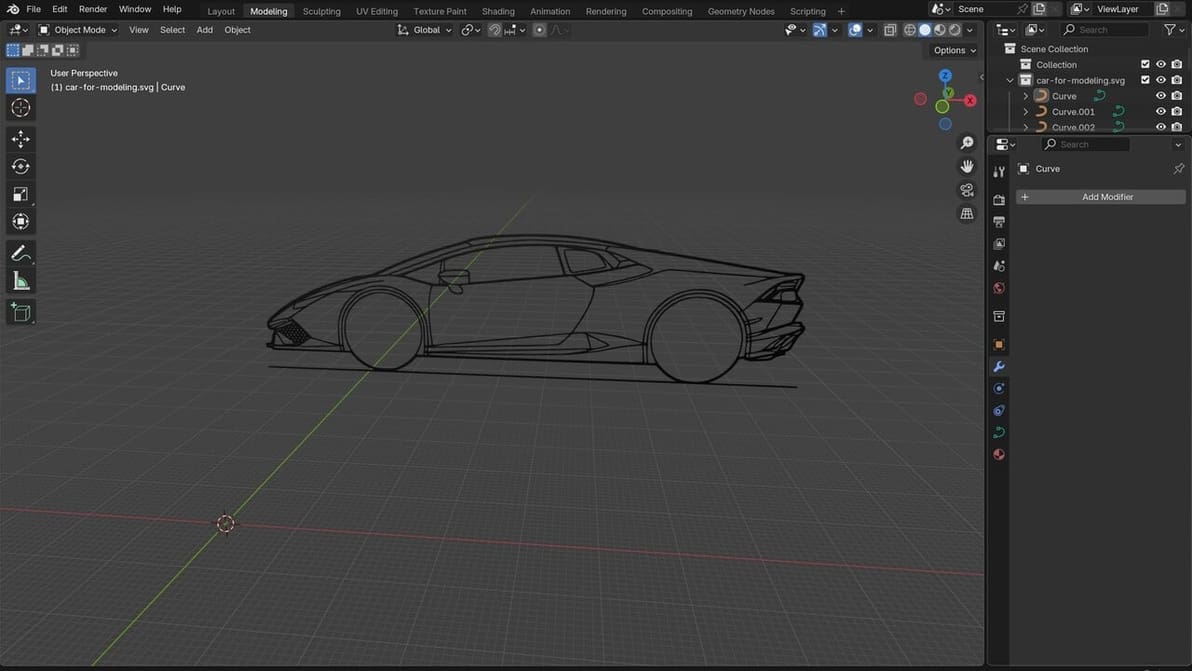
Reference images for 3D modeling are essential to creating great models. Check out the best sites for them!
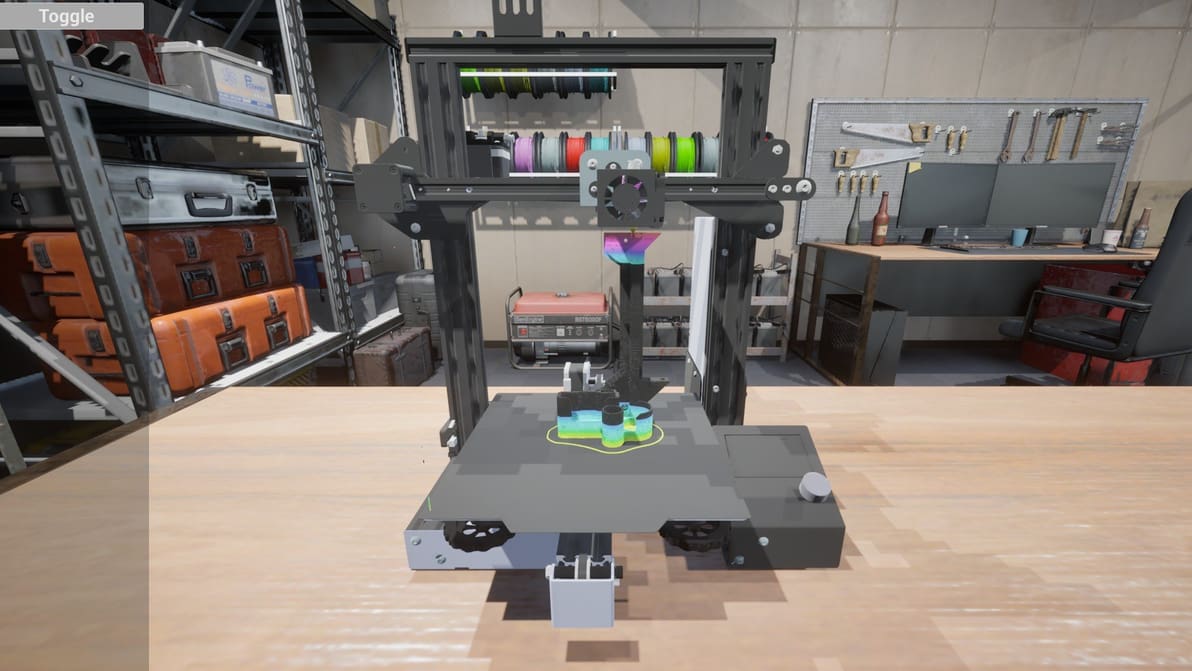
A new G-code simulator dropped this week. It's fun to watch, and maybe a first step towards an innovation.
In a significant move for computer-controlled manufacturing enthusiasts, the team behind the popular laser-cutting software LightBurn introduces MillMage.
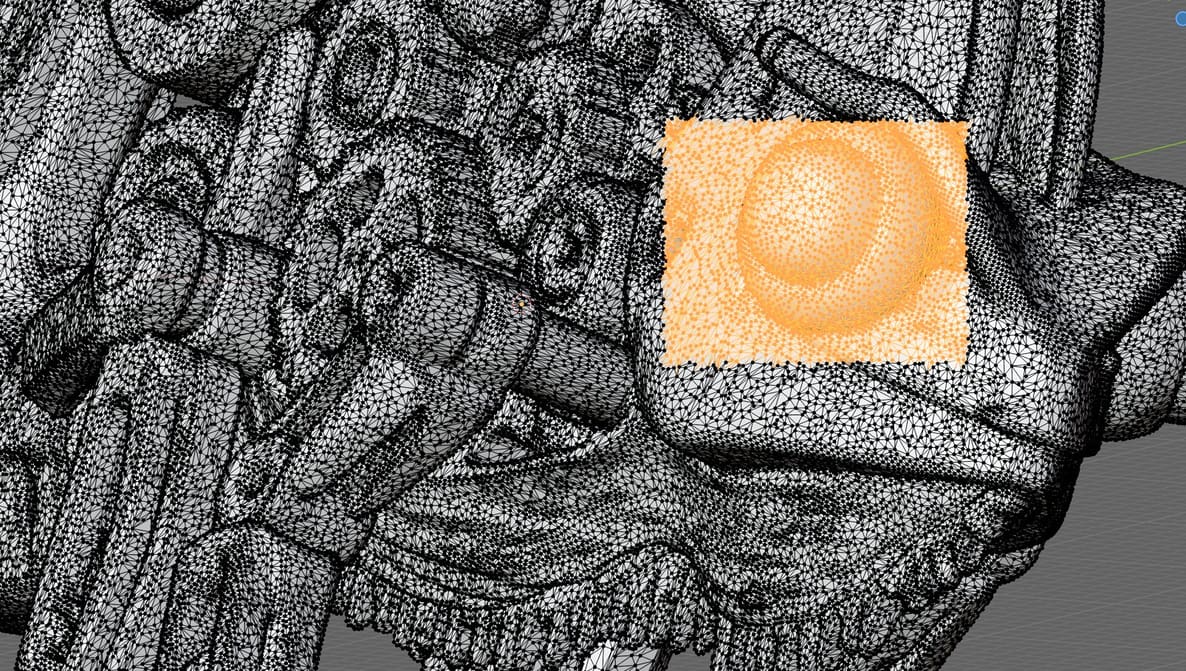
Slicing software can patch most minor issues in your STLs, but it can't reconstruct missing geometry, resolve deep structural faults, or handle tangled meshes. Here's what you need.
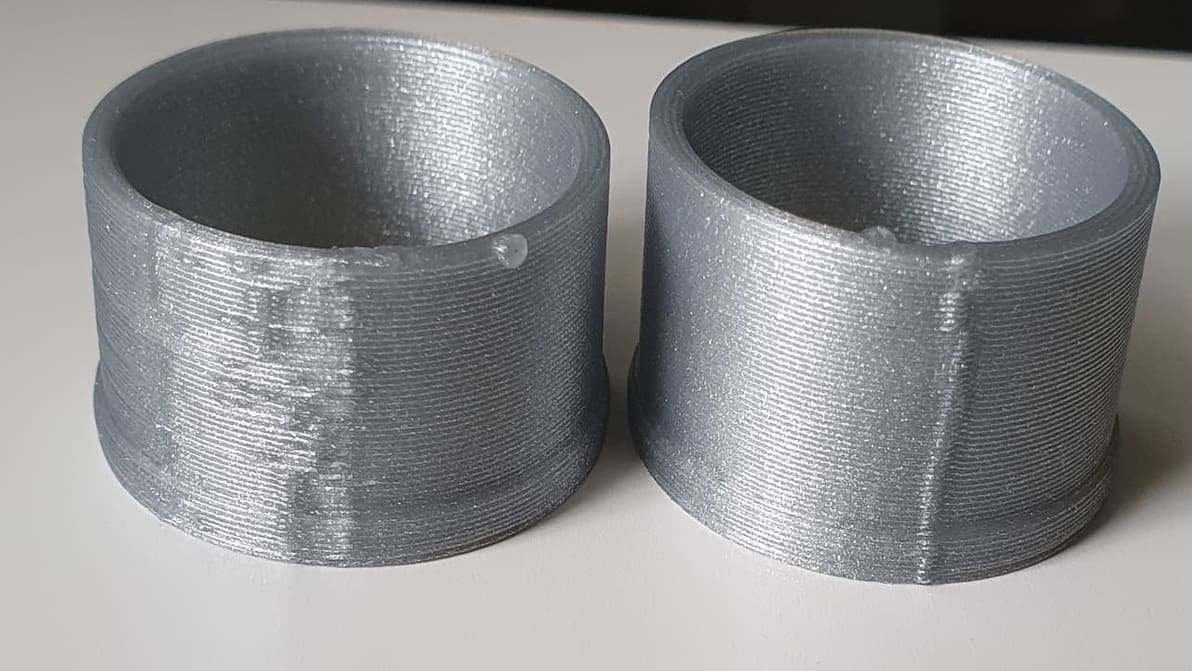
Z seam issues can make or break a 3D printed part. Check out how to reduce your print's Z seams by changing Cura's Outer Wall Wipe Distance.
Bambu Lab's slicer software is now in version 2.1.0 and a host of little changes, updates, and features have been added.
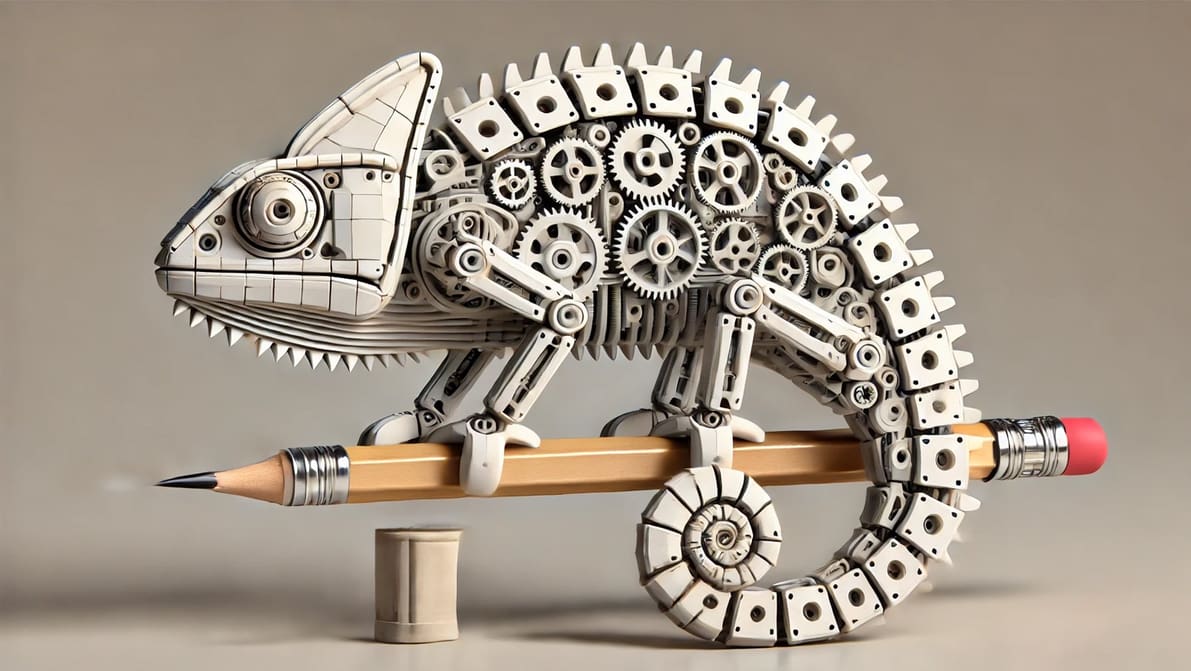
AI holds promise for creating accurate 3D printable models from a complex text prompt, but they're not going to replace design software anytime soon.
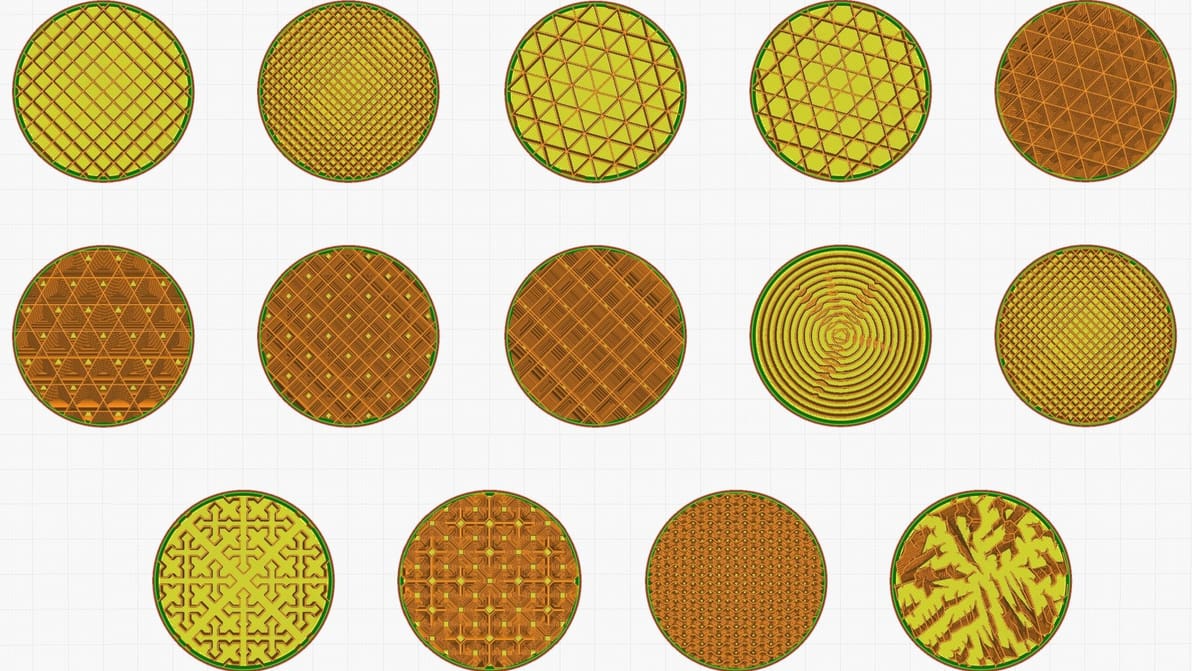
Infill can look cool, add strength, and save money, but it all depends on the print. Find the best Cura infill patterns for your application.
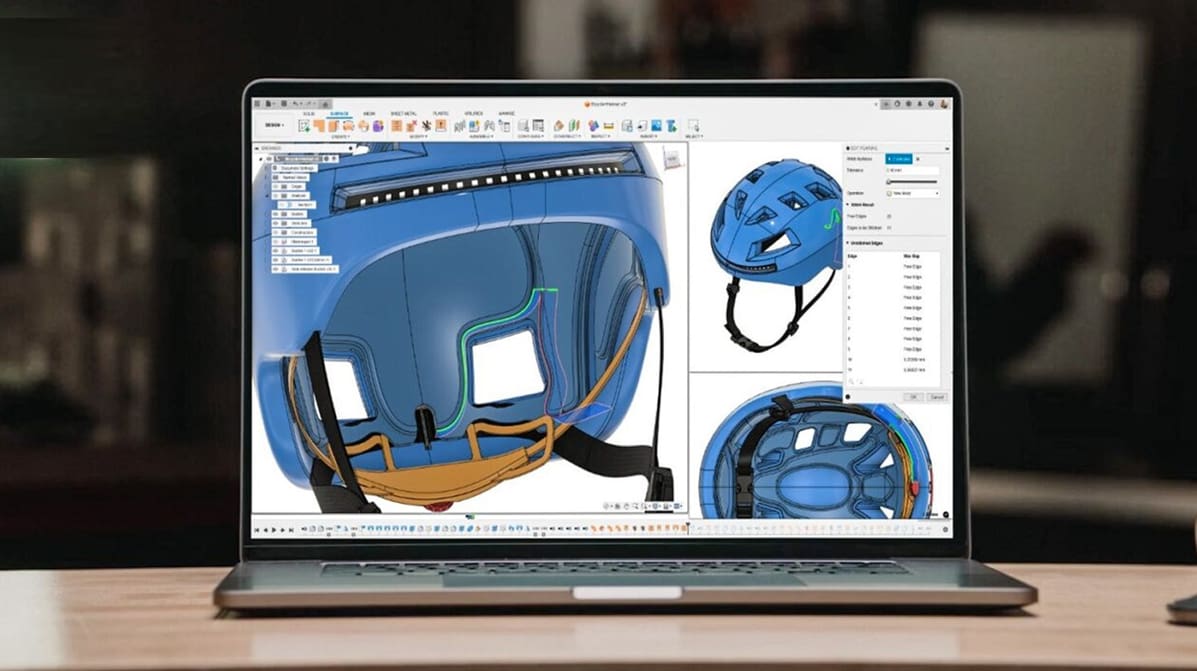
Looking for a full version of Autodesk Fusion to download for free? Check out our updated article to see what your options are.
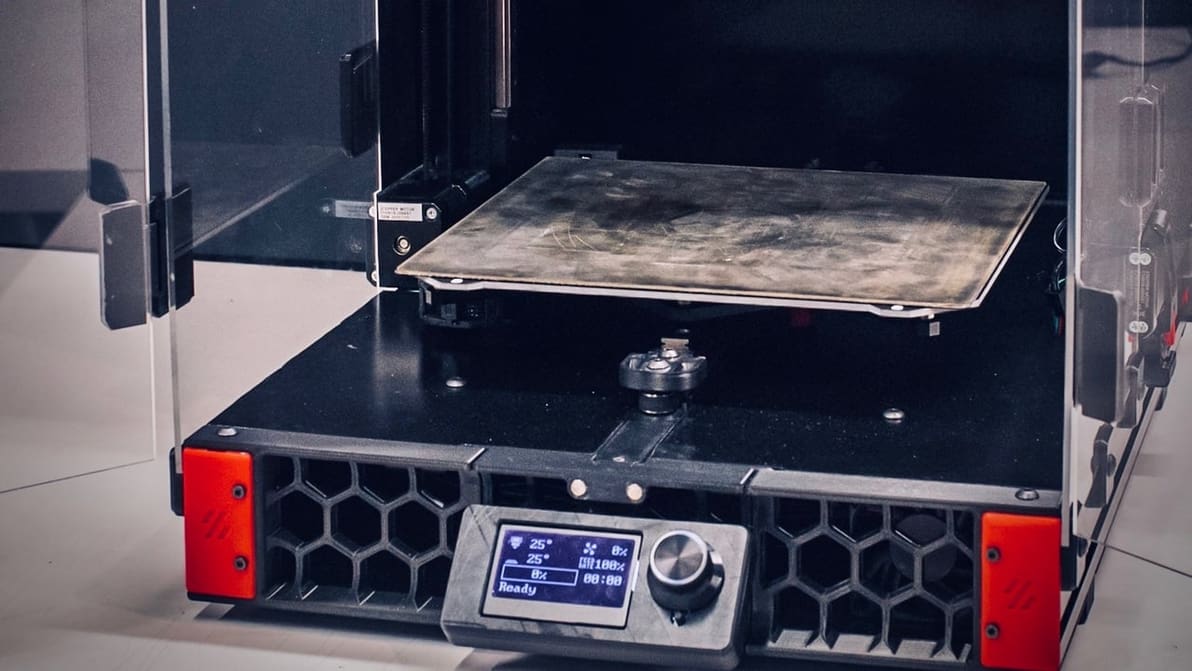
When choosing 3D printer firmware, you might be looking at Klipper vs. Marlin. Check out the differences and see what suits your setup!
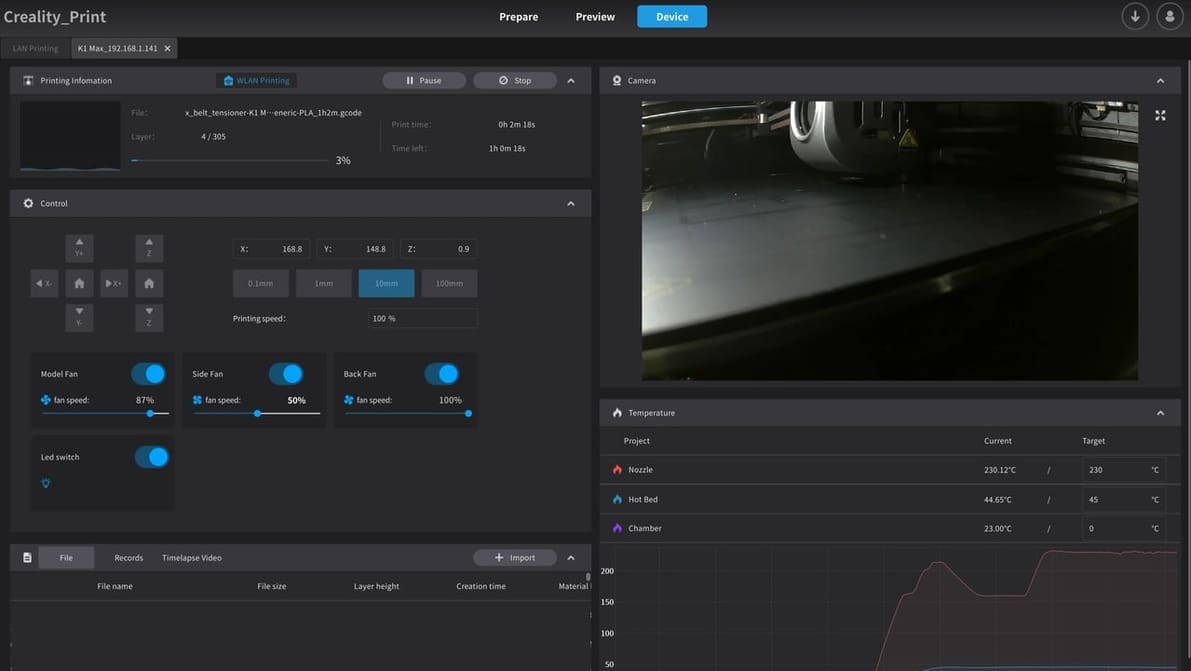
Given rising prices, you might want to get more out of the printer you already have. Get the most out of your K1 with the right slicer!
We’re saying it — STL files are obsolete. Learn what the 3MF file format is and how it's key to better 3D prints.
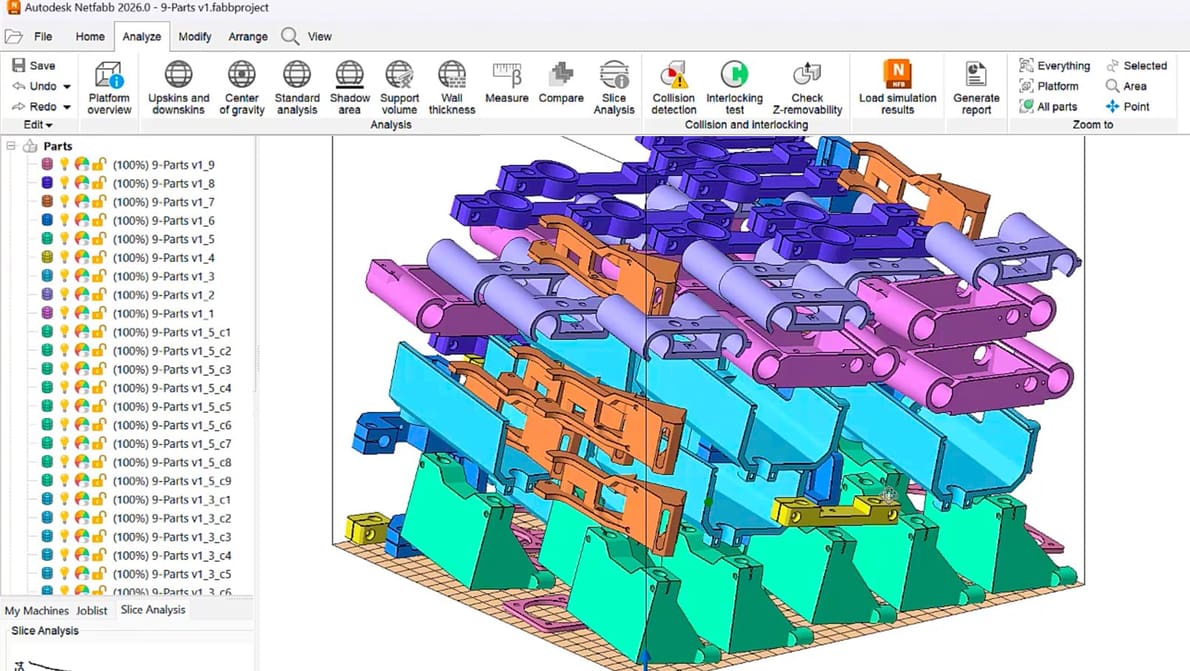
What you need to know about Netfabb to prep, test, and optimize your 3D parts. Plus, all the updates in the new 2026 version.
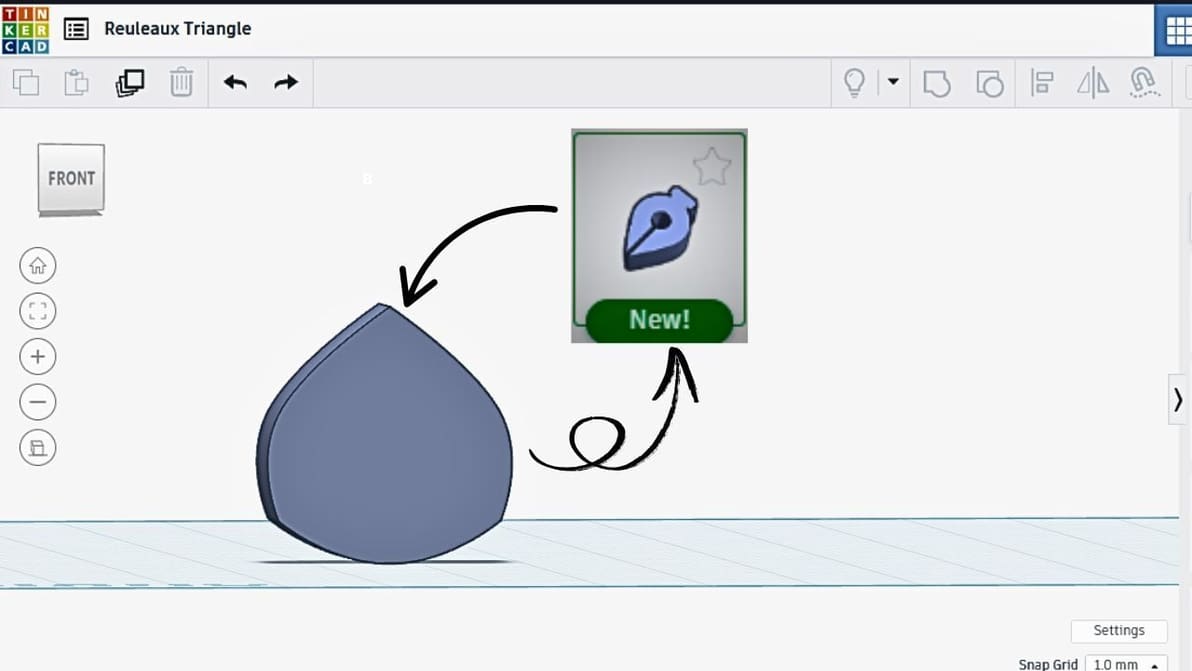
Tired of working with basic shapes? Check out how to create customized designs to match your creativity with Tinkercad's Sketch Workspace!
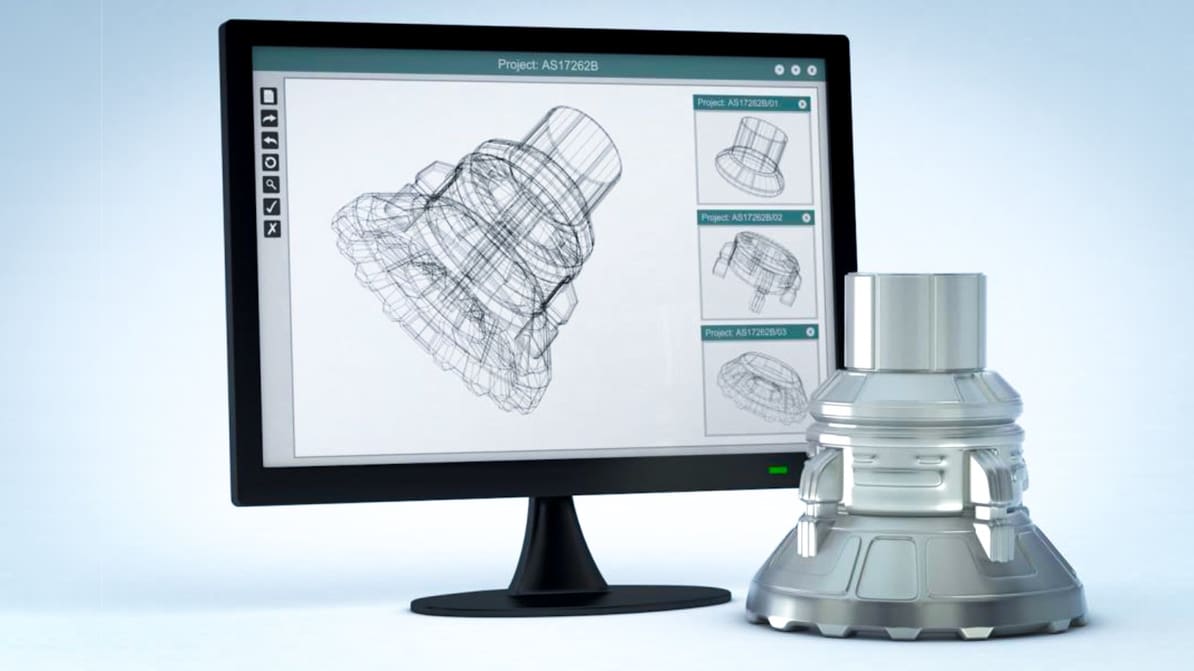
A new report from Additive Manufacturing Research finds revenue from 3D printing software is expected to nearly triple in the next 10 years. Here's what you can expect.

From model to masterpiece – read all about how to slice, preview, and 3D print like a pro with our Bambu Studio tutorial!
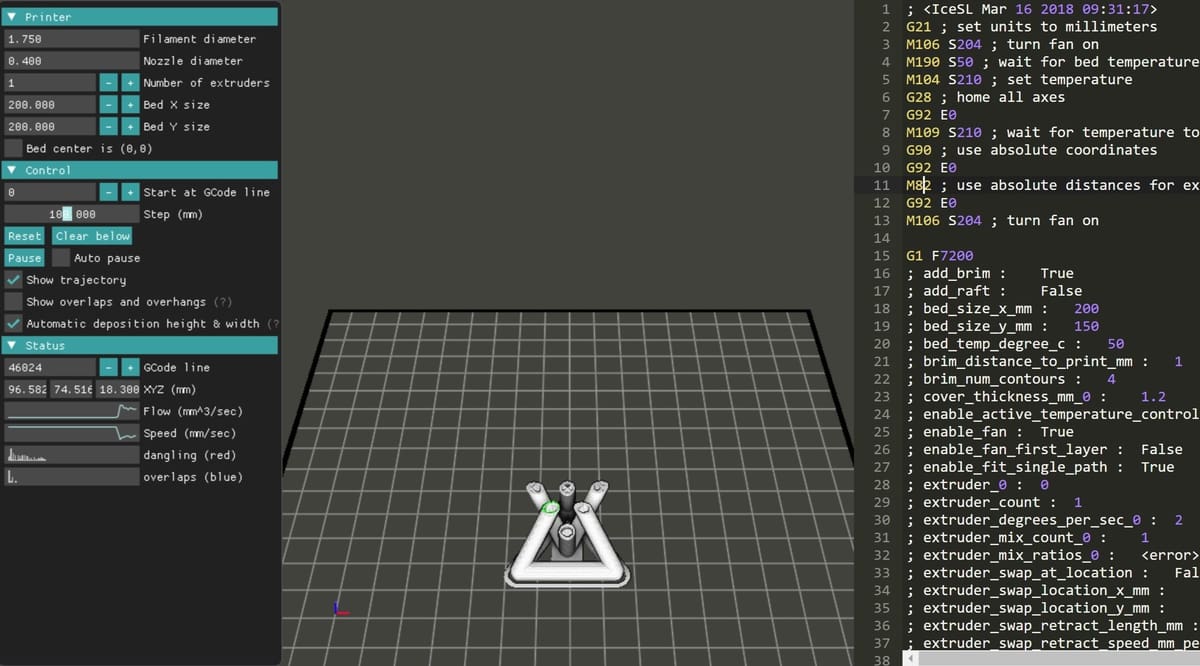
A G-code viewer allows you to simulate your 3D prints before starting them. Read on to learn about the best G-code simulators!
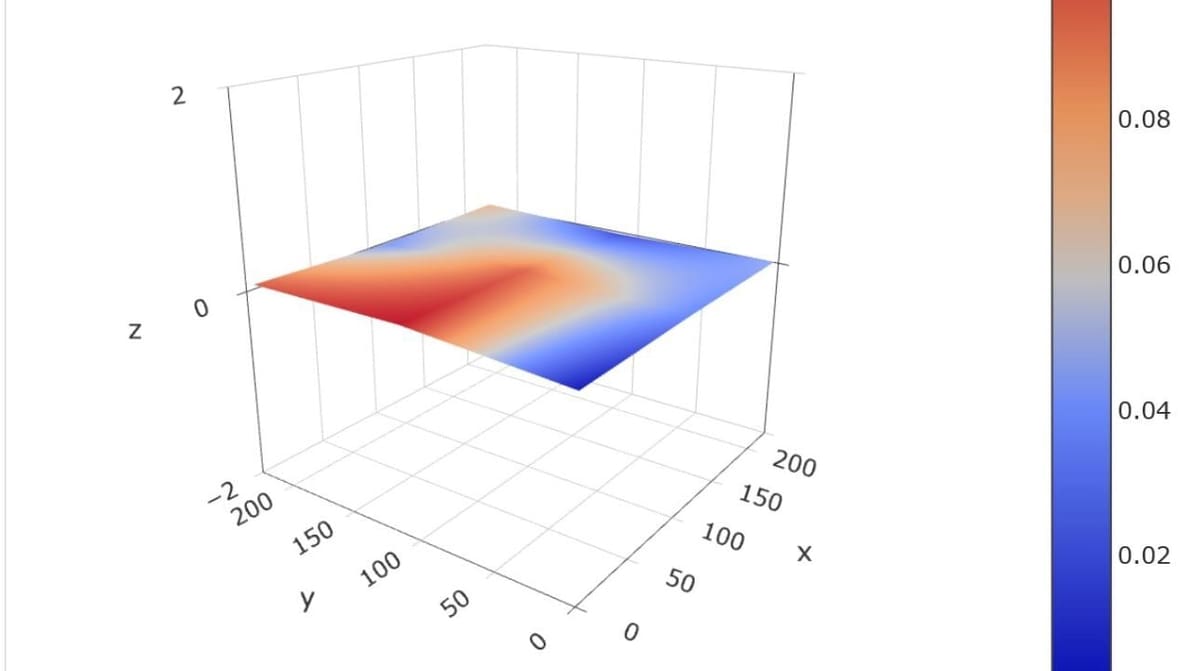
Get a smooth, even first layer with mesh bed leveling. We explain the leveling process and show you how to implement it yourself!
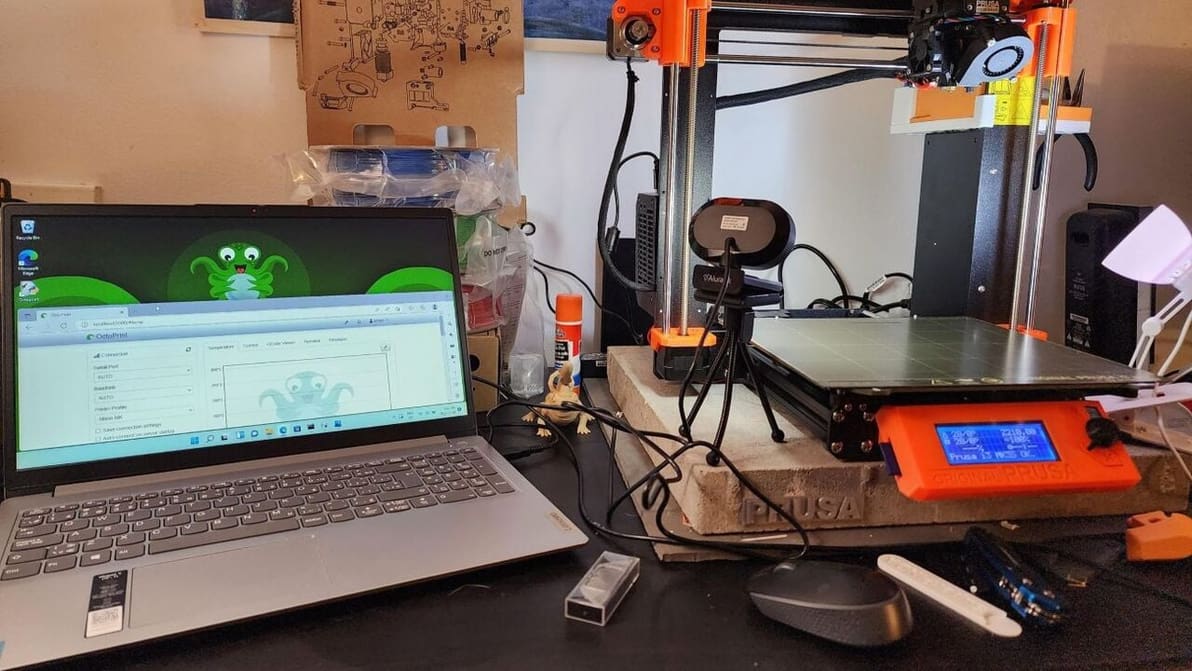
Many rave about OctoPrint. Windows, however, isn't the typical platform for it. Read on to learn about running OctoPrint with Windows!