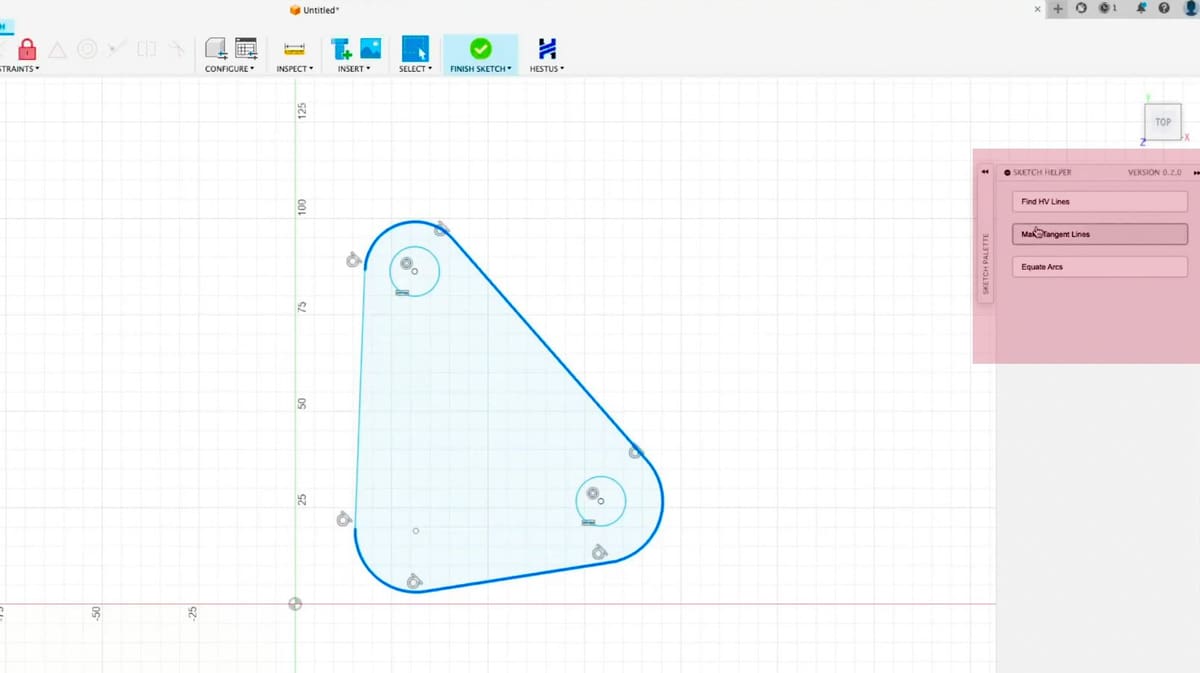
Free AI Plugin for Autodesk Fusion Aims to Take the Pain Out of CAD For Hobbyists & Pros

When Sohrab Haghighat left the launchpad behind, he brought a bold idea with him to his new venture: what if artificial intelligence could do the boring parts of design inside the most popular CAD tools?
In a world where engineers spend hours fine-tuning sketches, aligning ports, and extruding features across countless design iterations, Sohrab Haghighat sees an opportunity: eliminate the drudgery, not the designer.
That insight came not from a lab or a think tank, but from the cockpit of a startup space company SpaceRyde —where Haghighat, once focused on getting rockets into orbit, found himself and his engineers repeatedly redrawing the same features in CAD.
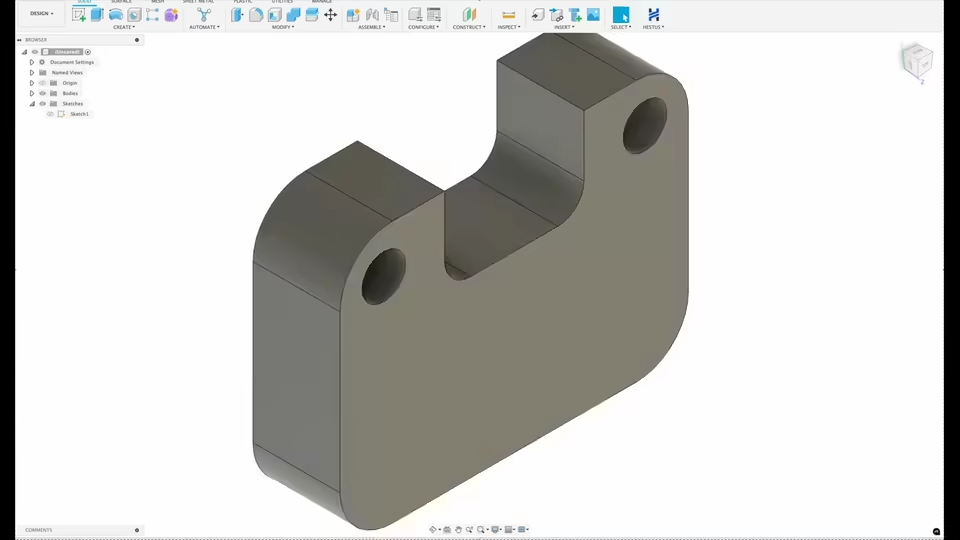
For example, to bring a propellant tank from concept to manufacturable design took a week of CAD work: “Now I need to add legs. Okay, where should the legs go? Is there anything fancy about legs? No. Three legs—basically hollow cylinders. You just have to position them. You have to project a sketch on the tank … Now I need to add ports. Propellant needs to go in, propellant needs to come out. That work is not creative work—it’s just a necessity you have to get done.”
Humans are not good at doing repetitive work, he says. “Few engineers say they enjoy the CAD work, as necessary as it is to bring their designs to life. They much prefer to be involved in the conceptional work, the pre-CAD work, and the testing and systems integration.”
Likewise with hobbyists. The learning curve for CAD programs like Fusion is steep. An AI tool that can understand the intention of any designer and help them along the path to creating an object could make CAD vastly more accessible.
Now, as CEO and creator — along with co-creator and c0-founder Kevin Chu — of a new AI assistant for Autodesk Fusion called Hestus, Haghighat is bringing that revelation to the wider world. The tool, launched last fall and already used by early adopters, is designed to act like a real-time co-pilot for sketching in CAD, helping users translate intent into action with fewer clicks and less guesswork.
It works like software coding co-pilots, which have been around for several years now. It gives you a hint or a suggestion, but you don’t have to take it.
In fact, when an engineer accepts a suggestion from the Hestus Sketch Helper, “we see an average three-times reduction in the number of clicks required during sketching — translating directly into faster workflows and significantly less repetitive effort,” says Haghighat.
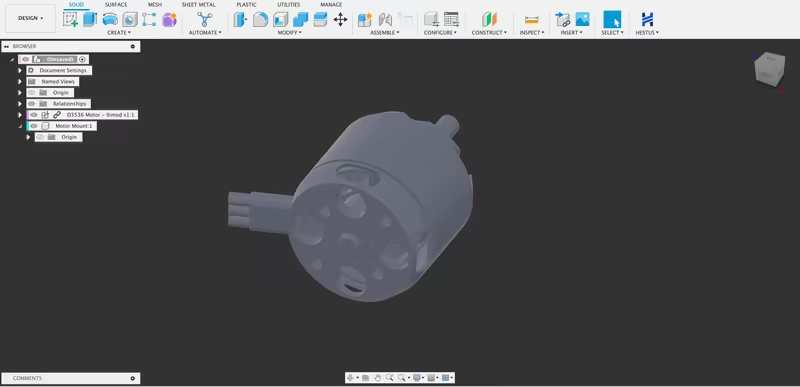
But speed is just part of the story, he notes. “Sketch Helper also reduces cognitive load by removing the guesswork around remaining degrees of freedom and identifying the exact constraints or dimensions needed to fully define a sketch.”
As we expand beyond sketching into higher-level design intent — like part mating and assemblies — the time savings compound even further.
It’s Already Available, and It’s Free

The plugin, currently free for all Fusion users (even the free personal use version), watches as you design and offers context-aware suggestions based on geometry and intent—like automatically adding ports to a tank, or aligning circles more intuitively. Its goal is to provide clarity, trust, and adaptability with step-by-step feedback instead of black-box suggestions.
As you’re sketching, Hestus shows you suggestions for changes, which you can accept or ignore, but over time, as you agree more with the AI tool, you slowly build trust in it, says Haghighat.
A Smarter Approach to Automation
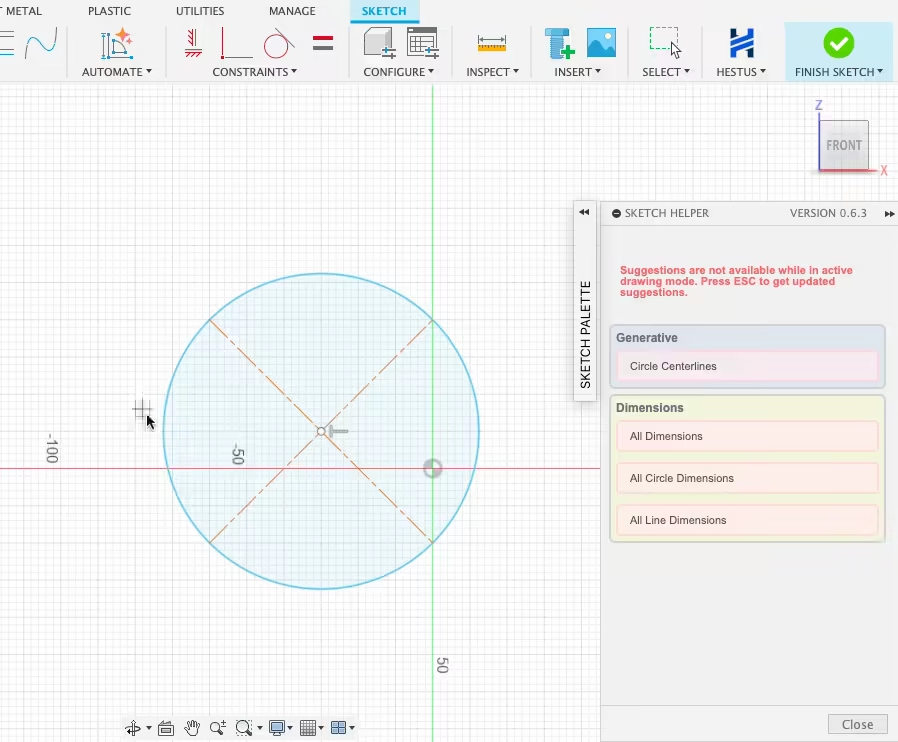
Rather than replacing designers, Haghighat wants to amplify them. “Engineers don’t need more complexity,” he explains. “They need tools that understand what they’re trying to do—and help them do it faster.” The AI plugin works from sketches, not solids, letting it infer structural intent early in the process.
This approach echoes modern trends in software development, where AI-powered “copilots” are now commonplace. Haghighat draws a similar parallel: engineers will increasingly collaborate with AI, not compete against it.
Many AI tools in CAD, he notes, fall short because they fail to show their work. “If you suggest a feature but can’t explain how you got there, that’s not design assistance. That’s a guess,” he says.
Learning from Users, Not About Them
A common concern in AI tools is data privacy. Haghighat is quick to clarify that while the system learns from users, it does not spy. The AI uses a mix of public datasets and other models — user data is collected minimally, and never sold or shared externally.
“Going forward we are contemplating [a feature to] rank based on suggestions that users have agreed to,” says Haghighat.
That balance — between AI that learns and users who are protected — is central to the product’s identity.
Free for Now. But Not Forever.
For now, the plugin is offered completely free, part of a strategic decision to maximize user feedback and refine its capabilities before monetization. “We’re not rushing to charge for something we’re still learning from,” Haghighat notes.
The plan is to eventually introduce paid features, but only once the core tool has matured—and once the team better understands what engineers and hobbyists actually need.
Fusion was chosen as the initial platform due to its large, diverse user base, but Haghighat hints that integrations with other platforms are on the horizon, including SolidWorks, CATIA, NX, and OnShape.
The next milestone? Hard data. While early users report significant speedups and some wish-list features, Haghighat acknowledges the need for statistical validation. “We don’t want to overpromise. We want to prove it.”
And he’s asking for help: user stories, feedback, and bug reports are all fuel for future versions of the AI.
A Co-Pilot for the CAD Age
What makes Haghighat’s approach stand out isn’t just the tech—it’s the philosophy behind it. CAD, at its core, is about solving problems through structure and form. With his new AI tool, Haghighat isn’t just designing software, he’s designing a new relationship between engineers and their tools.
“So the goal that we have is to take any design, and one day complete it from start to finish,” he says. “So you start doing some of the drawing, we then propose, oh, connect these two at this hole here, or this should be symmetric. Your job as the engineer becomes the supervisor of this companion engineer.”
And if that relationship works? The boring parts of CAD might just become a thing of the past.
While Hestus Sketch Helper is one of several emerging AI assistants designed to support CAD workflows. While AI integration into CAD is still a relatively new frontier, here are some other notable AI-based or AI-enhanced tools that serve similar purposes or aim to streamline CAD work:
- Autodesk Forma: Uses AI to assist in early-stage architectural planning and simulations.
- Siemens has added AI capabilities into NX, such as smart suggestions during modeling workflows.
- SolidWorks xDesign includes AI features, such as Design Assistant, but it’s largely rule-based rather than generative or interactive AI.
- ParaMatters, Frustum (acquired by PTC), and Cognitive Design Systems offer AI-driven generative design platforms, mostly focused on topology optimization and manufacturability.
You May Also Like:


License: The text of "Free AI Plugin for Autodesk Fusion Aims to Take the Pain Out of CAD For Hobbyists & Pros" by All3DP Pro is licensed under a Creative Commons Attribution 4.0 International License.