Is 3D Printer Simulator Just Fun or Actually Useful?

A new G-code simulator dropped this week. It's fun to watch, and maybe a first step towards an innovation.
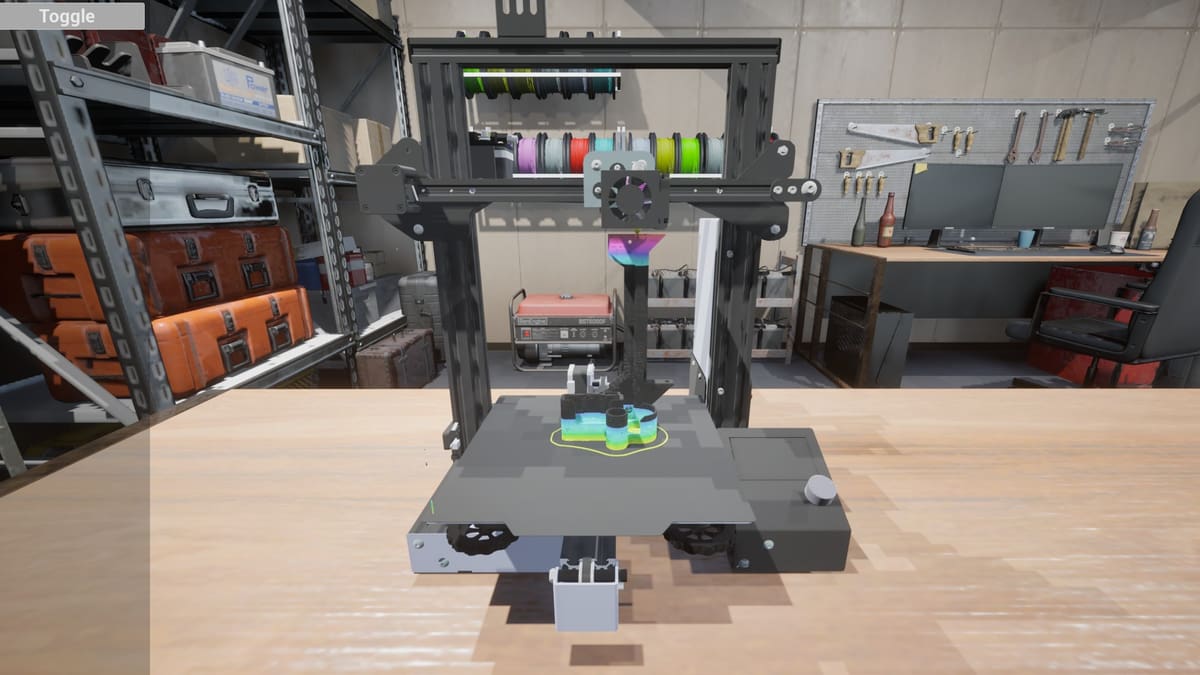
The new 3D Printer Simulator by 5minlab’s impresses with its ability to simulate an Ender 3 printing a model in an enviously tidy workshop. I uploaded the G-code for a Centauri Carbon cover holder model I recently printed, then watched as the virtual Ender 3 printed it flawlessly.
The simulator was designed to emulate the motions of a physical 3D printer. The printhead darts left and right, while the print bed moves back and forth as the nozzle lays down virtual filament according to the uploaded G-code. Even layer lines are visible on the printed model.
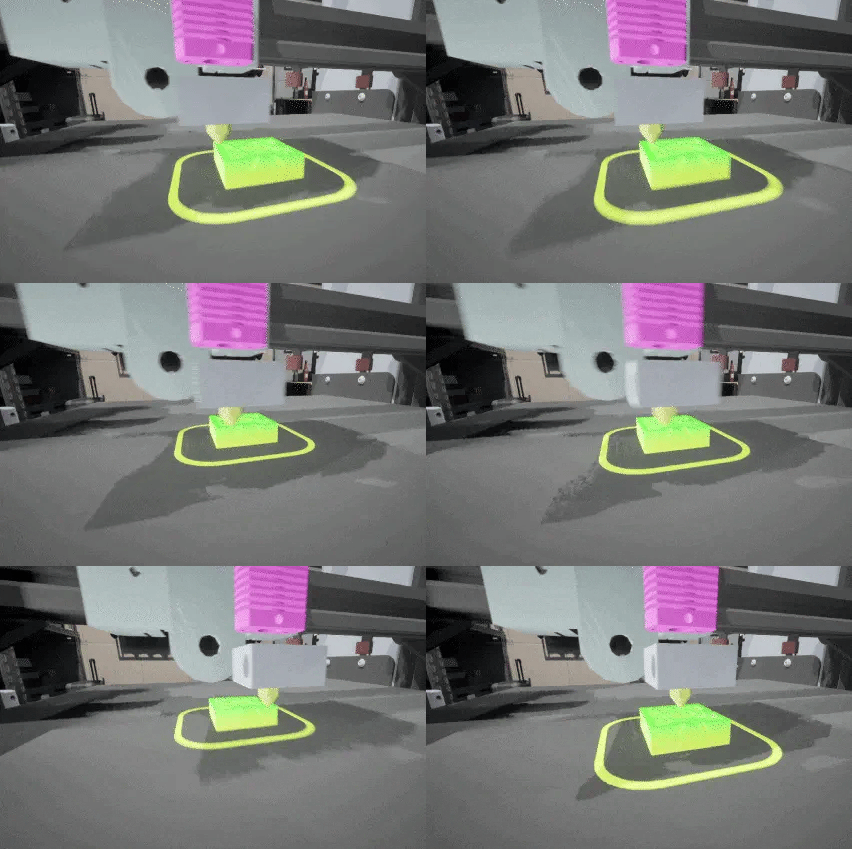
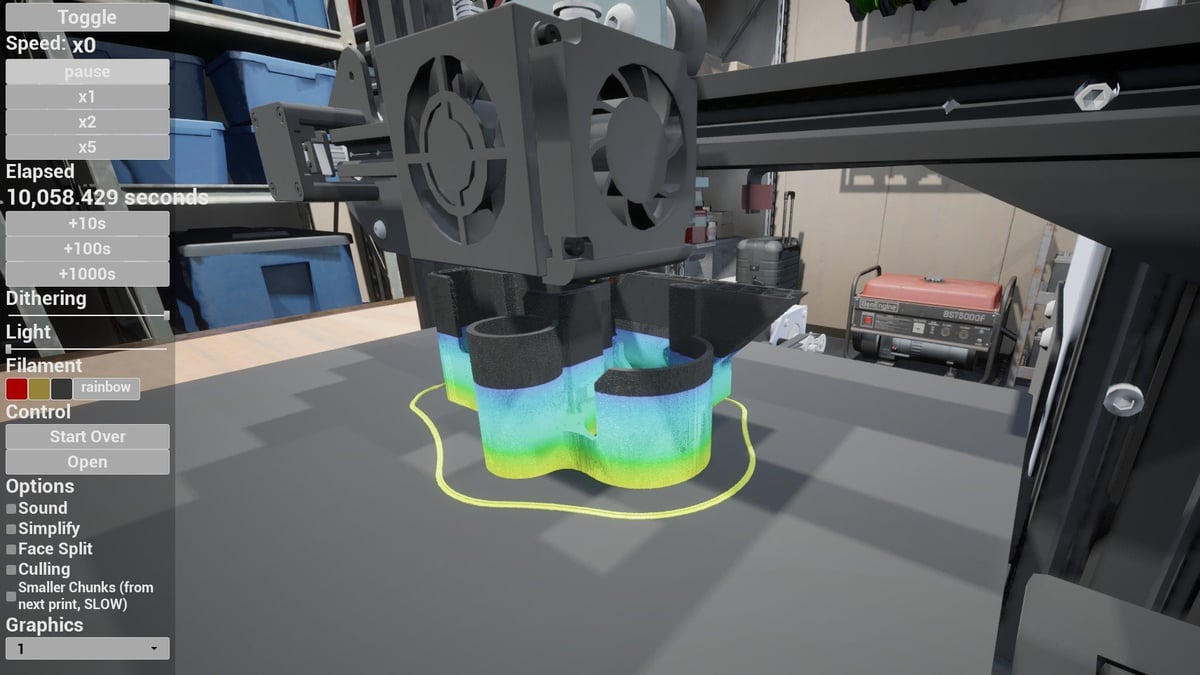
There are several controls, including the ability to increase the speed of the simulation and jump forward in specific increments of time. There are four color options for filament, and mid-print color swaps are as easy as pressing a button. Definitely toggle on the sound if you’re into avant-garde electronic improvisational music.
It’s all very entertaining, but that’s the rub – as many Reddit commenters have pointed out. Real-life 3D printing comes with rebellious first layers, warped corners, and all manner of creative spaghetti concoctions. One Reddit user wrote, “My Ender 3 doesn’t print that well; this is a fantasy game”.
I suspect that many of the commenters were reacting to the site’s headline “Experience a virtual 3D printer that behaves just like the real thing!”
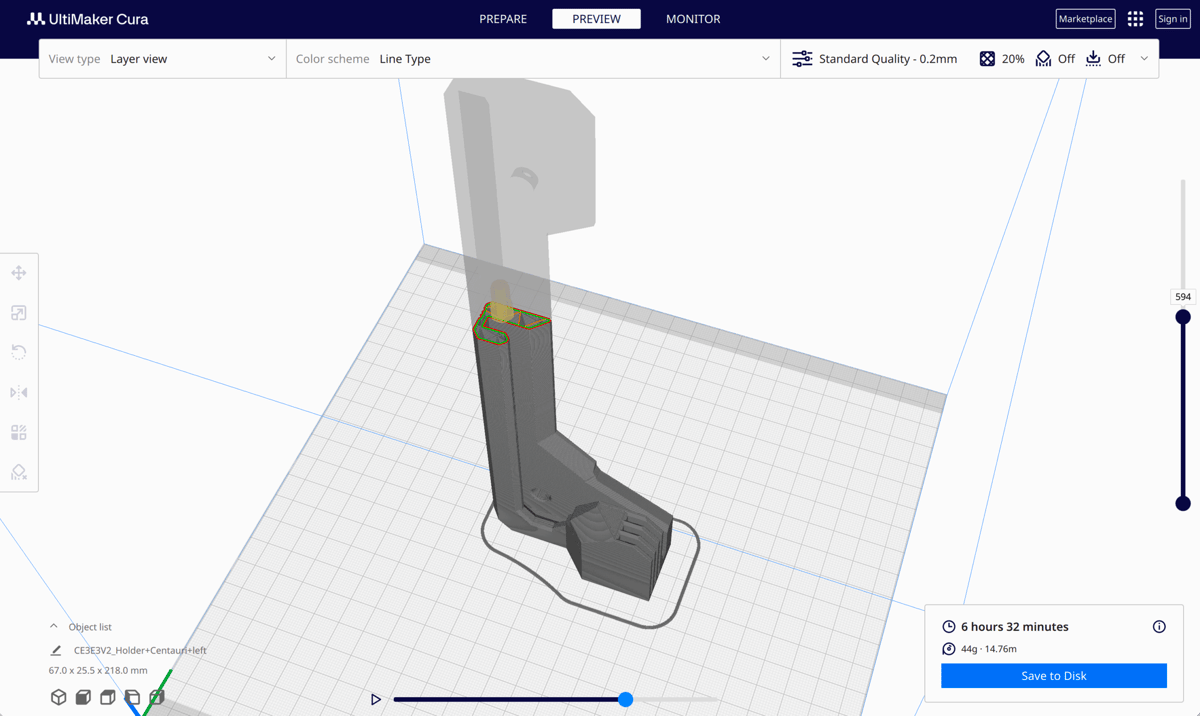
We have to keep in mind, however, that simulation software presupposes ideal hardware conditions. They typically test the integrity of the design itself under certain conditions. When it comes to G-code viewers and simulators, we’re previewing how the model will be built layer by layer based on the given G-code.
3D Printer Simulator does this just as well as the preview modes in popular slicers like Cura and PrusaSlicer. My only gripe is, the latter options allow for faster previews, thanks to the nozzle and layer sliders. With the simulator, we’re watching a virtual print job that can be executed up to 5x the normal print time, and the furthest you can skip ahead in the print job is in about 17-minute increments.
5minlab’s real innovation, though, is to factor in printer hardware into the simulation as well, allowing users to visualize how a specific printer – at present just the original Ender 3 – will behave while printing a specific model. And this is just the beginning; their development to-do list includes simulation of other motion systems such as CoreXY and Delta printers. In response to user feedback, the developer also expresses interest in simulating how hardware components and problems impact print quality. There’s a lot of potential here.
As it’s currently designed, the 3D Printer Simulator doesn’t allow us to simulate printing under the real-world conditions of our workshops and with the nuances of our specific machines. But it is a novel tool for those of us who like to tinker with G-code and want to preview how a printer might handle it.
We look forward to future iterations of the simulator – which, hopefully, will incorporate some of the ideas shared by the community over the past couple of days.
Read more:License: The text of "Is 3D Printer Simulator Just Fun or Actually Useful?" by All3DP is licensed under a Creative Commons Attribution 4.0 International License.