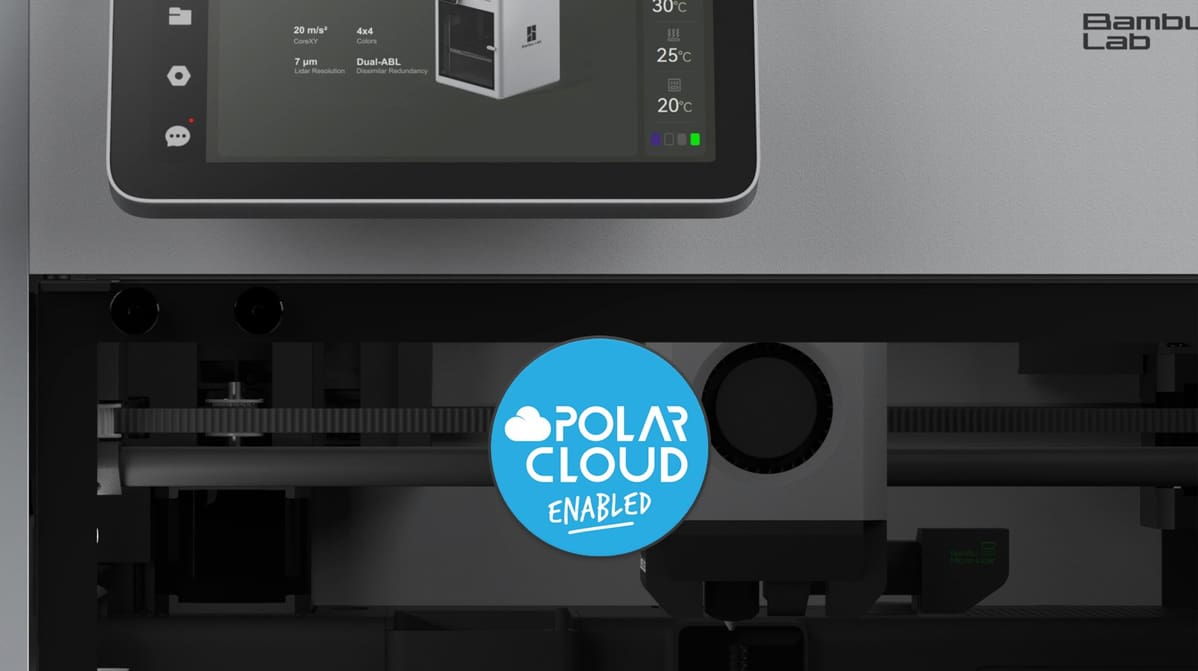
A new integration brings Bambu Lab's popular high-speed printers to Polar3D's fleet management platform, aiming to solve the challenge of scaling 3D printing programs in education.
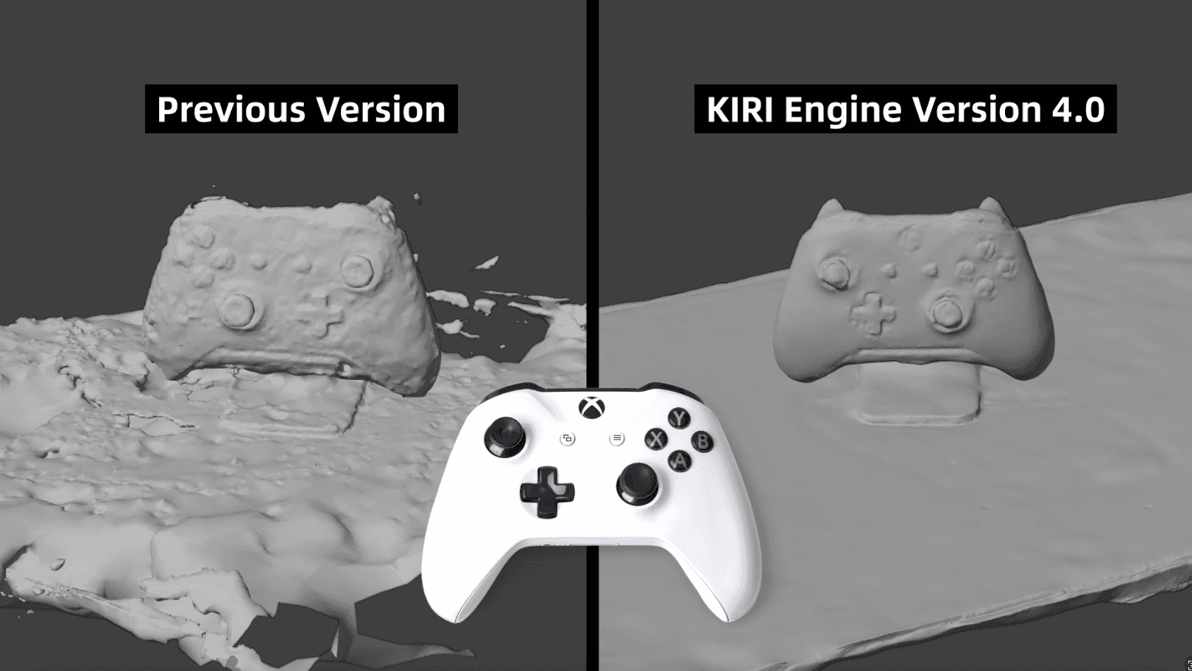
Kiri Innovations has released a jam-packed update to its popular 3D scanning app, which brings expanded and improved functionality to all users, free and paid.
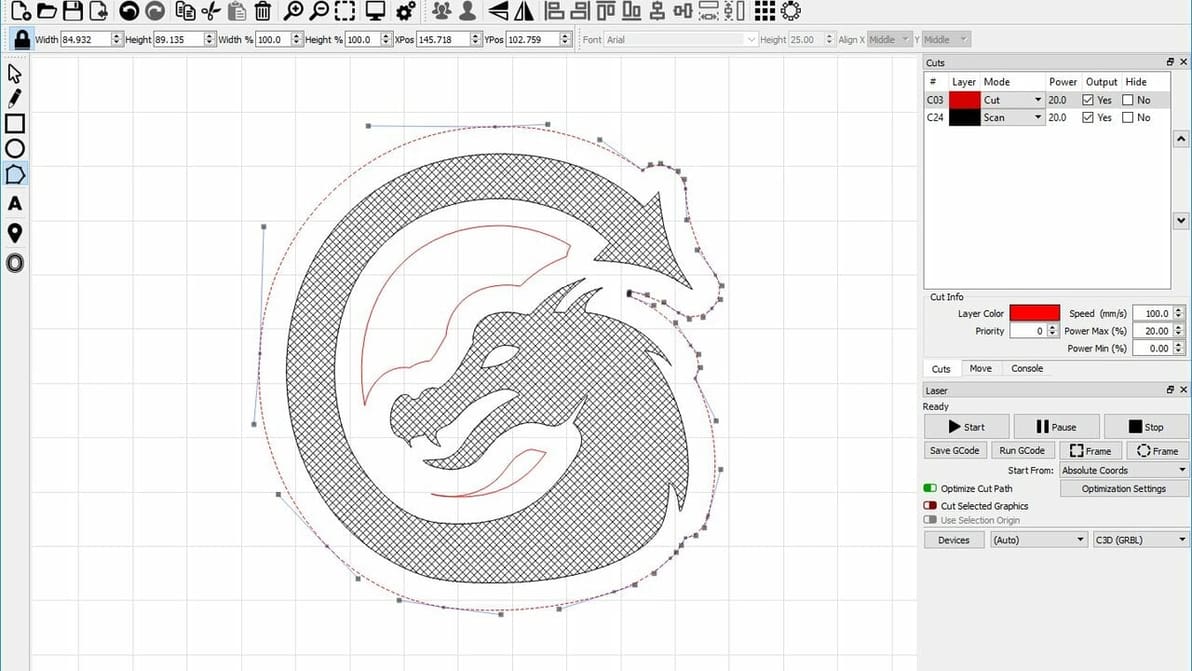
LightBurn is top-tier laser control software, but if you're craving something different, check out these LightBurn alternatives.
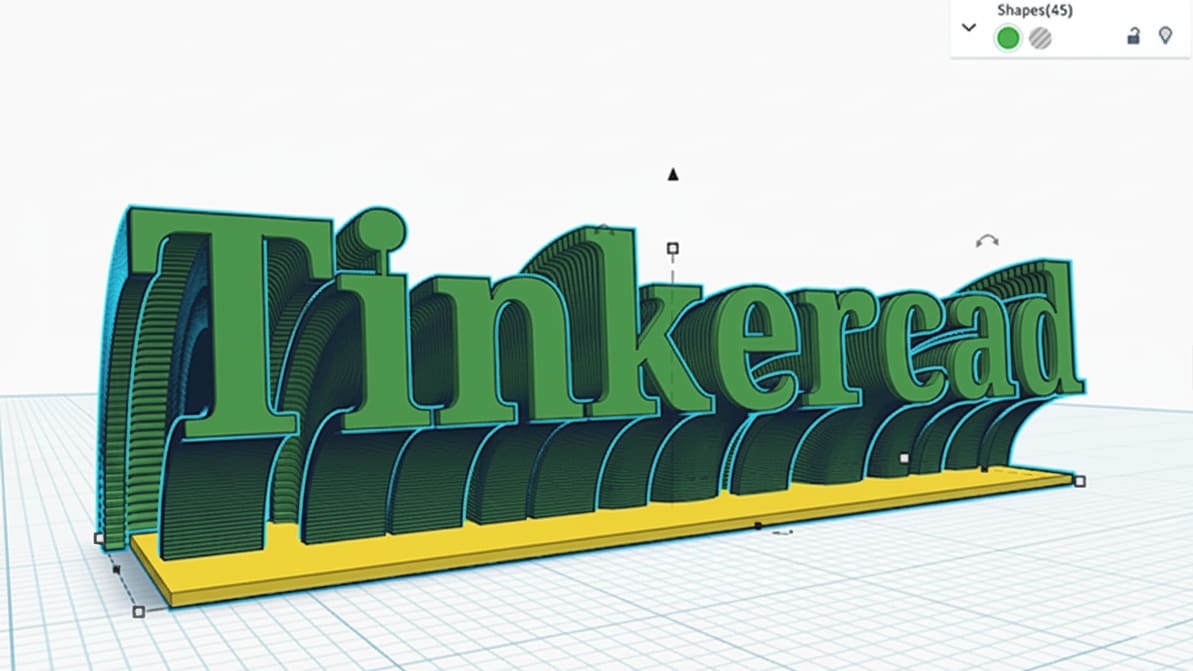
We recently reported on Tinkercad’s update adding object grouping, but there’s more. Changes to grouping extends to exports, too, letting you configure multiple-component assemblies, set up for color-printing, and object-based modifiers.
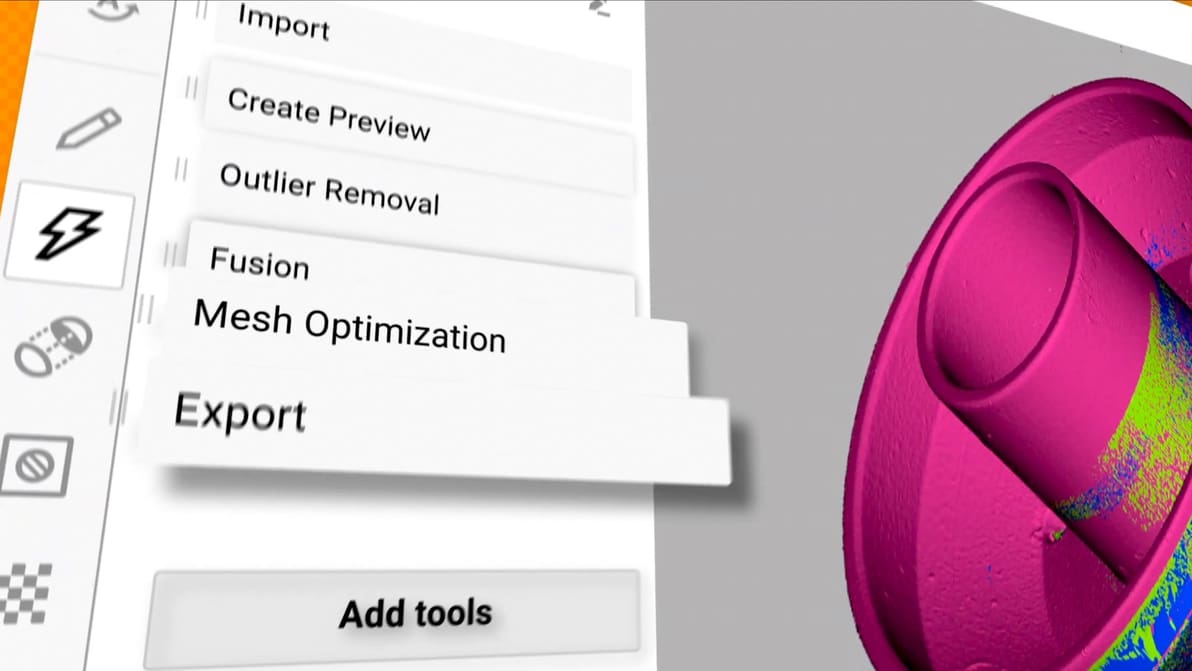
Already a popular all-in-one software for 3D scanning, photogrammetry, reverse engineering, and quality inspection, Artec Studio is now better integrated and easier to use, the company says.
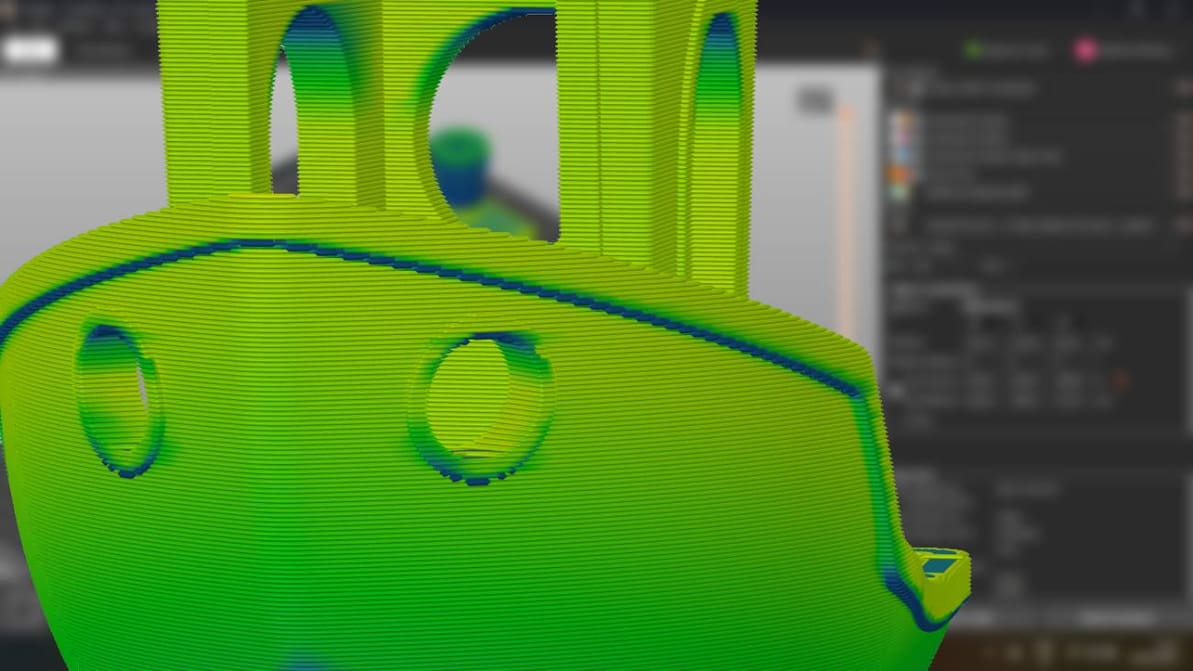
When you’re just setting out 3D printing, don’t overthink the slicer. Picking the right one for you is probably much simpler than it seems.
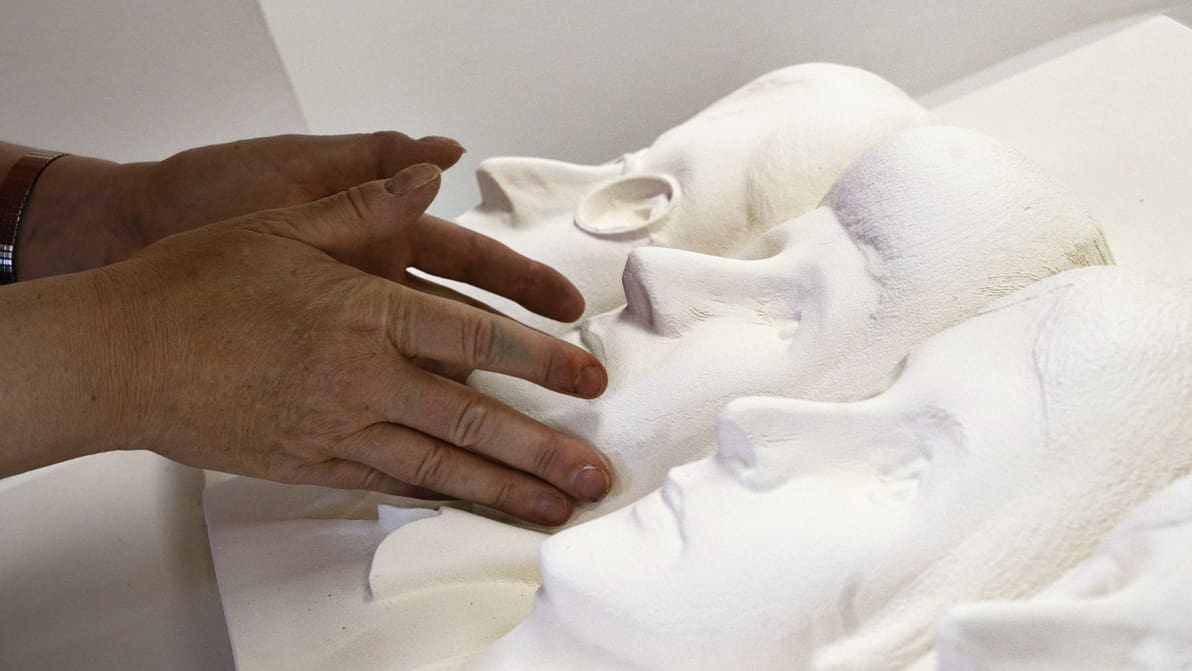
New AI tool from the Carveco CAM software team crafts machinable 3D reliefs from images or prompts, no experience necessary.
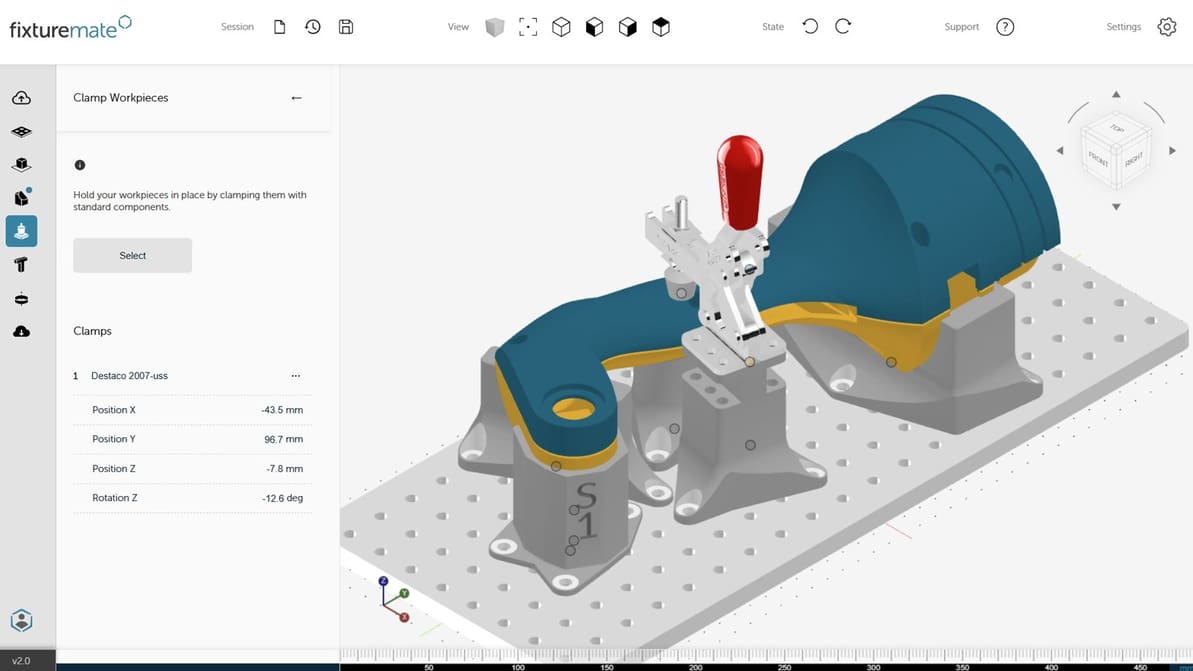
Maybe the future of manufacturing isn't expert software, but simple apps that could make 3D printing as easy as ordering a photo mug.
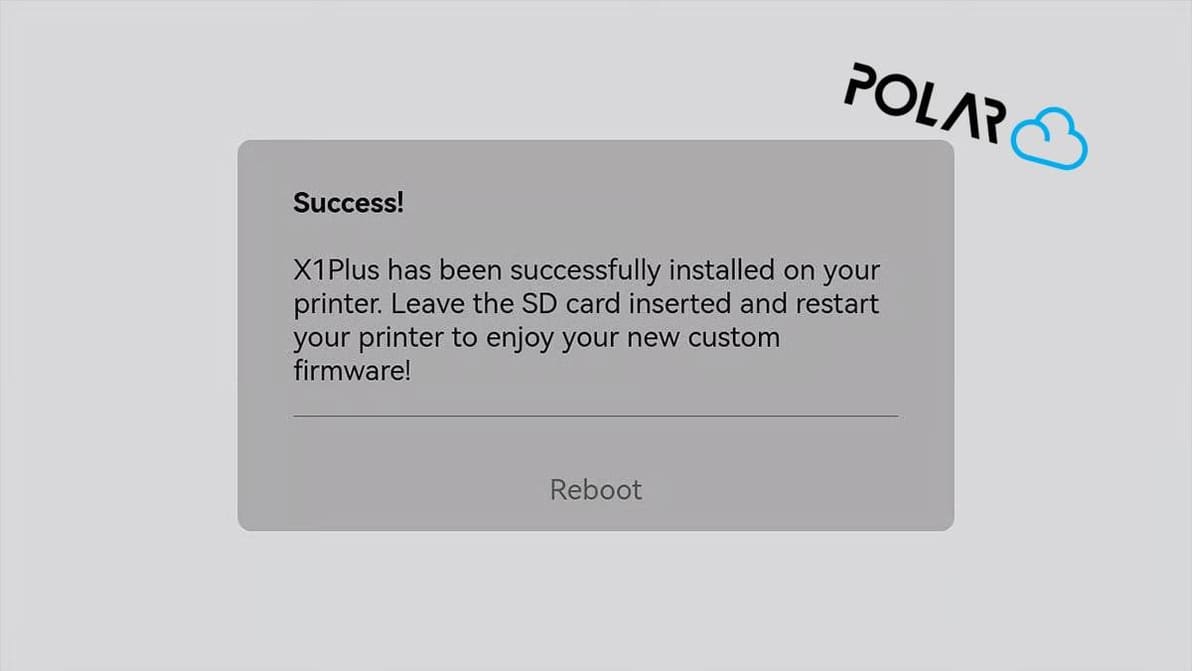
The successfully crowdfunded X1Plus Extender board lands back in stock on CrowdSupply, and heralds the arrival of X1Plus 3.1, custom Bambu Lab X1C firmware that now supports Polar Cloud print management integration.
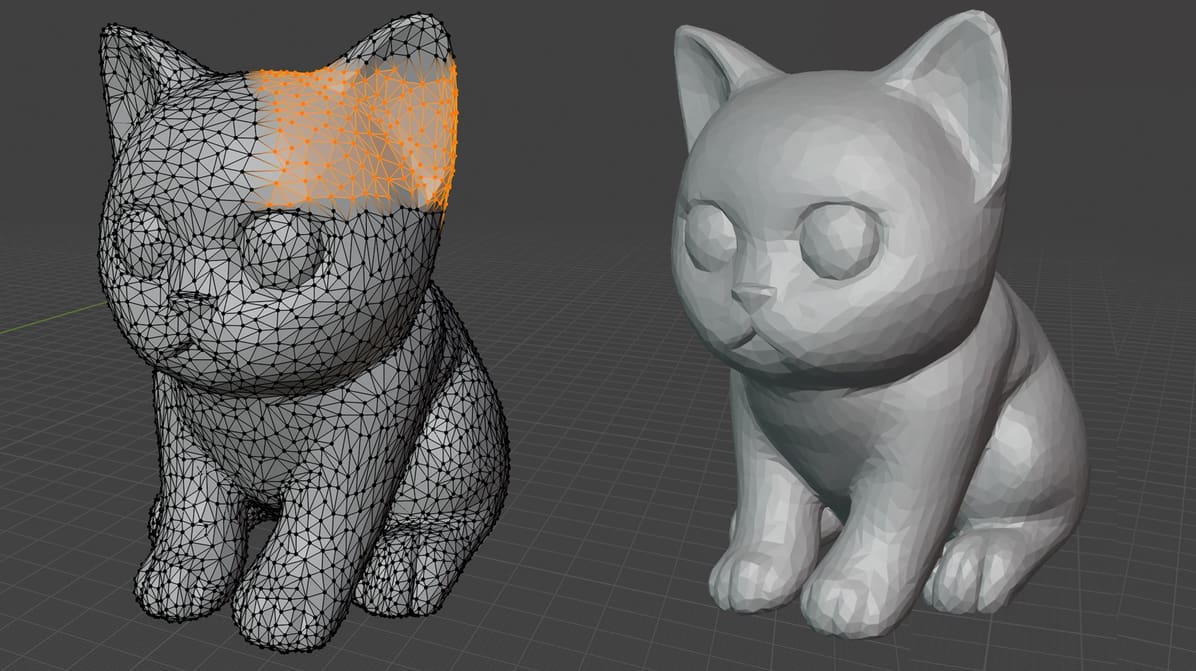
Don’t despair over a broken STL – there are many tools (free and paid) that can help repair your model, and by 2025 they’re better than ever.
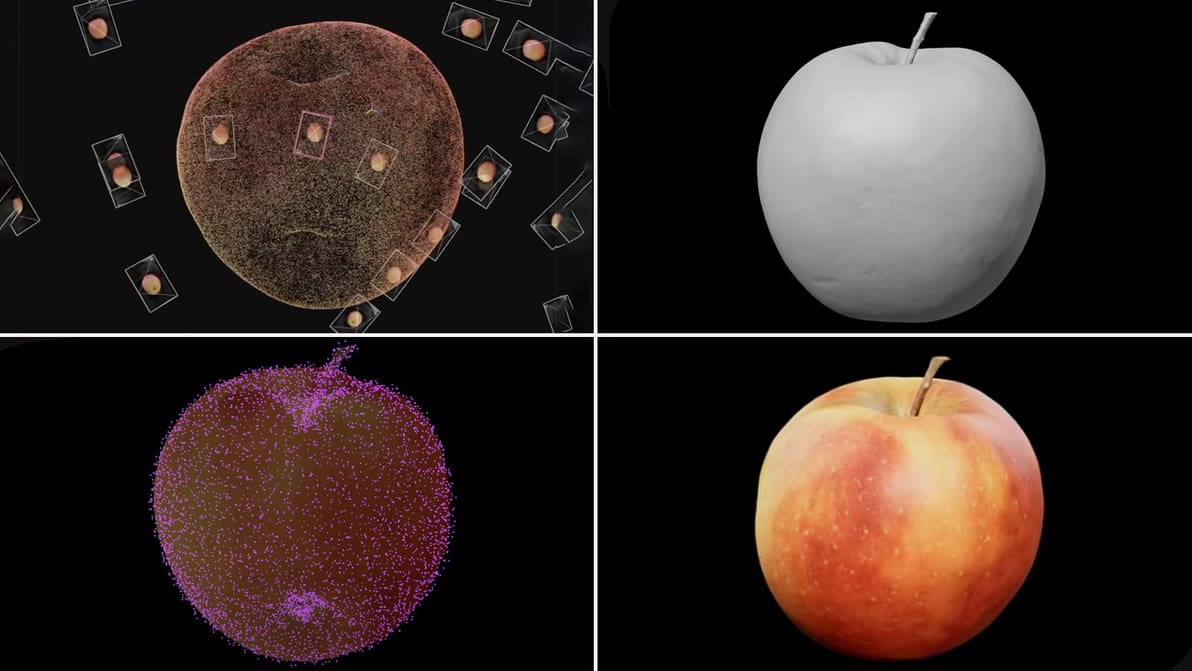
With new AI-powered masking and a upgraded scan analysis tool, Epic's rebranded software makes it easier than ever to turn photos from your phone or drone into high-fidelity 3D models.
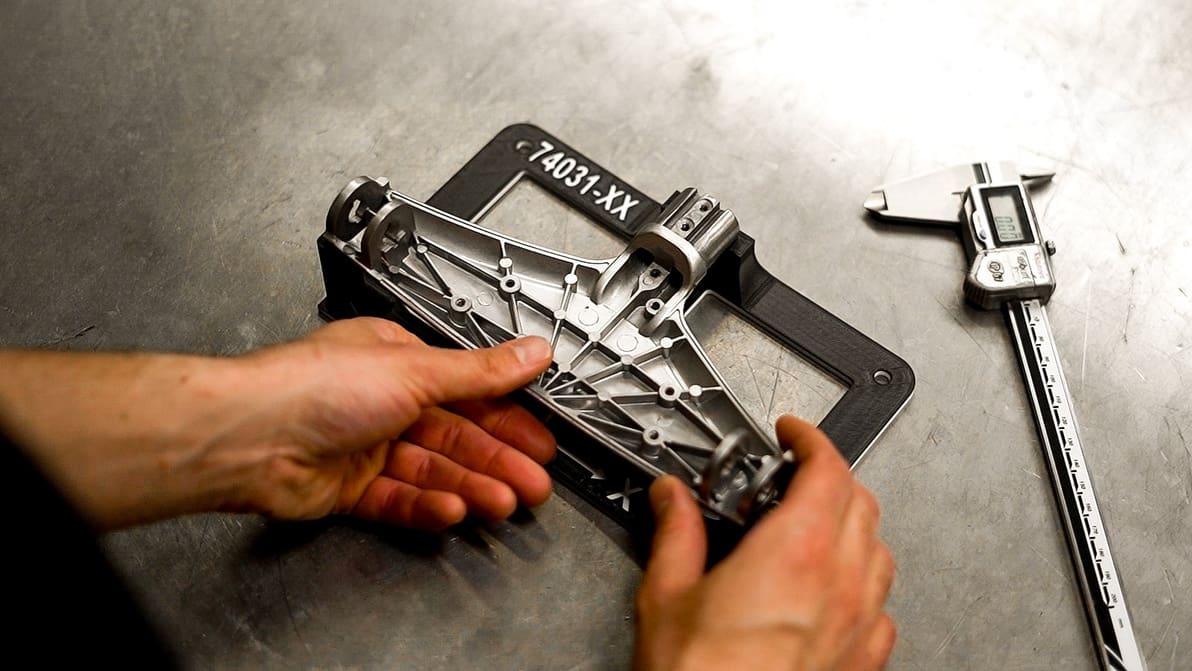
As Fixturemate moves from the cloud to Stratasys, fixture design becomes faster and more accessible, for GrabCAD Print Pro users.
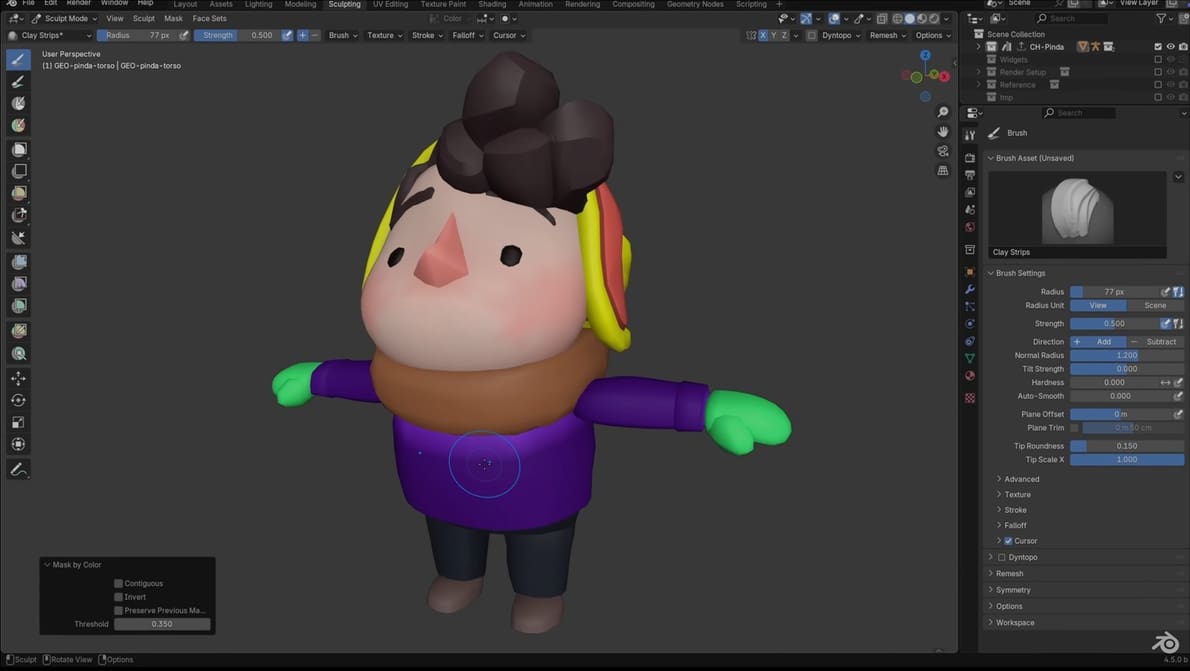
Blender now deepens its toolset for dedicated 3D modelers, aiming to make routine tasks faster and complex operations more reliable.
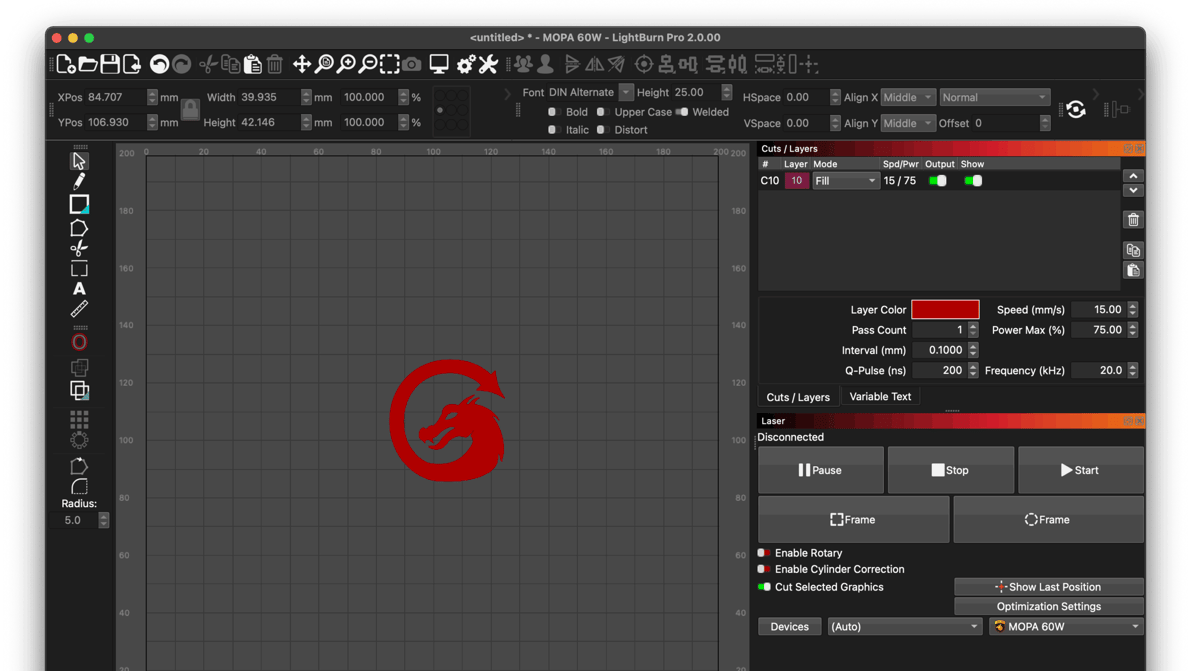
The new version introduces dark mode, experimental Labs features, a node toolbar, and more.
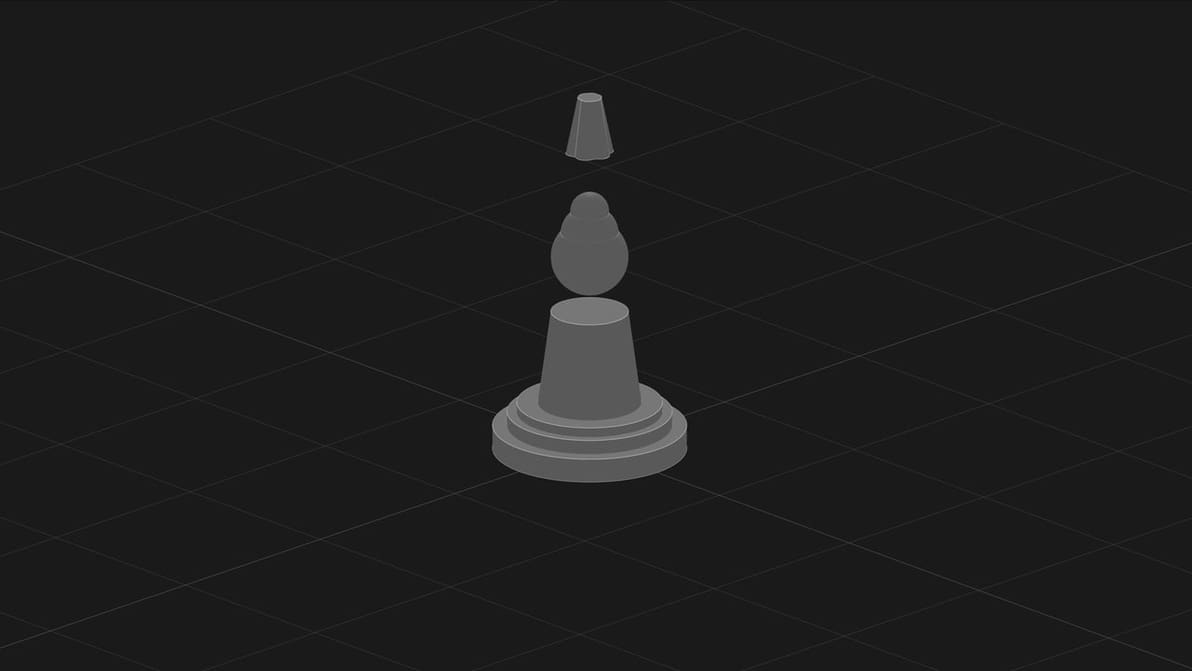
There's a lot of buzz around AI model generators. So, we're putting them to the test. Is CADscribe up to snuff?
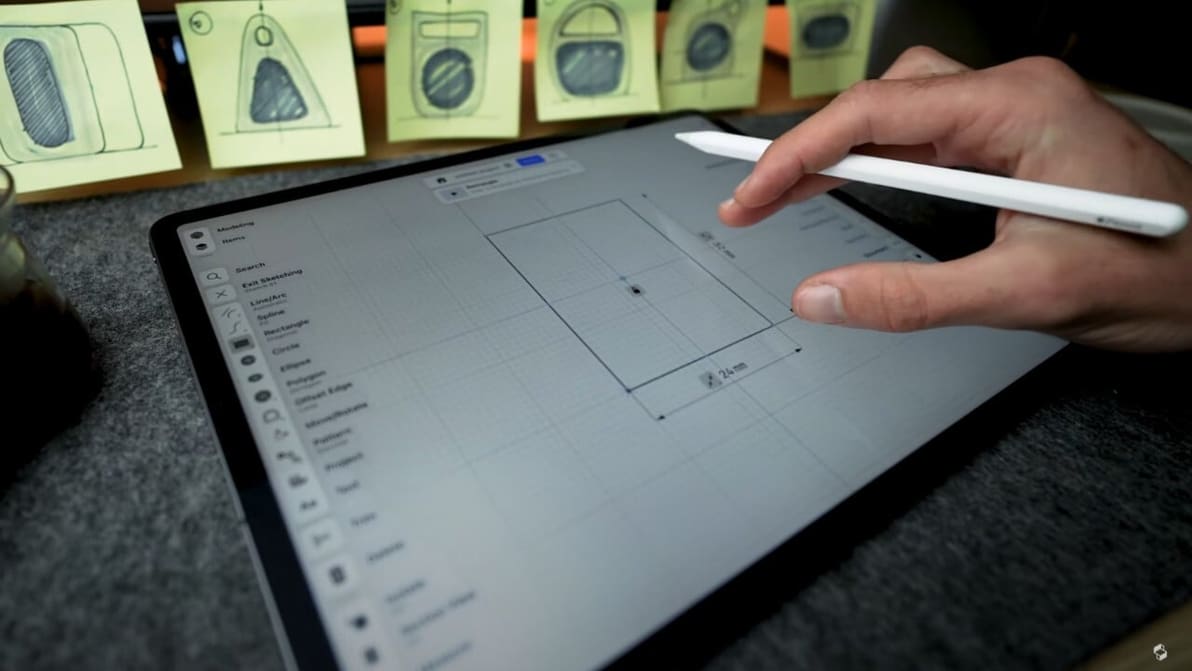
Various types of 3D modeling allow us to design various things, some better than others. Read on to see the best type of 3D modeling for you!
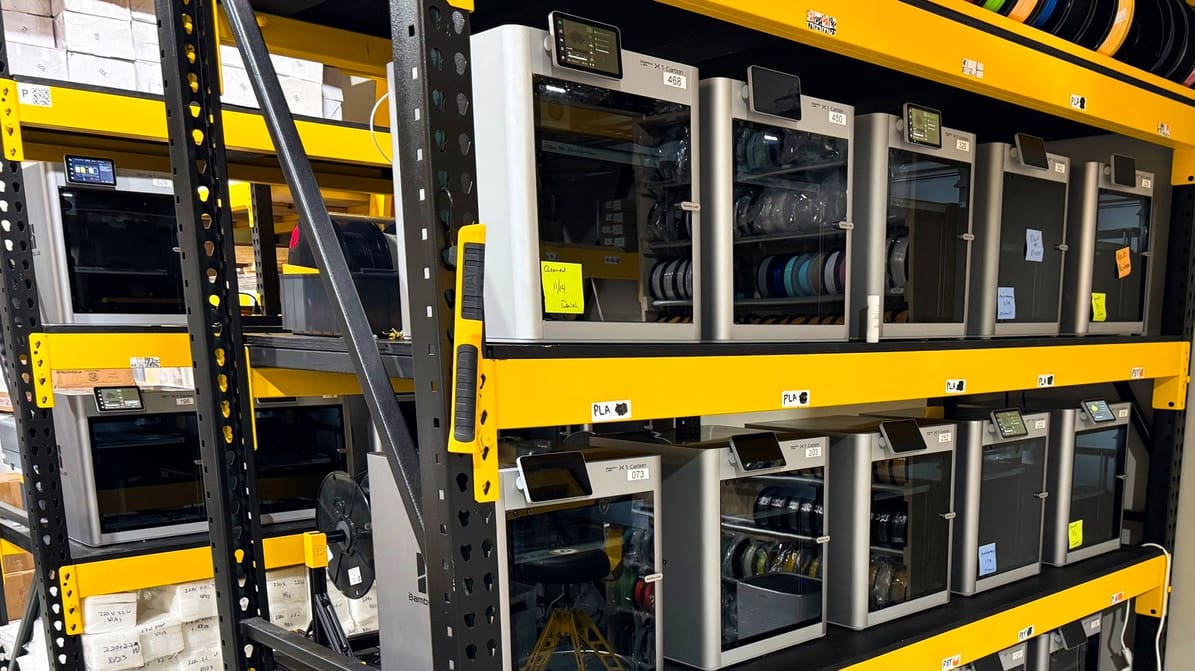
Bambu Farm Manager offers a native, cloud-free solution for managing large printer fleets over local networks—designed for environments where control and security matter.

Check out the best 3D scanner apps for iPhone and Android. They're fun, accessible, and great for photogrammetry!
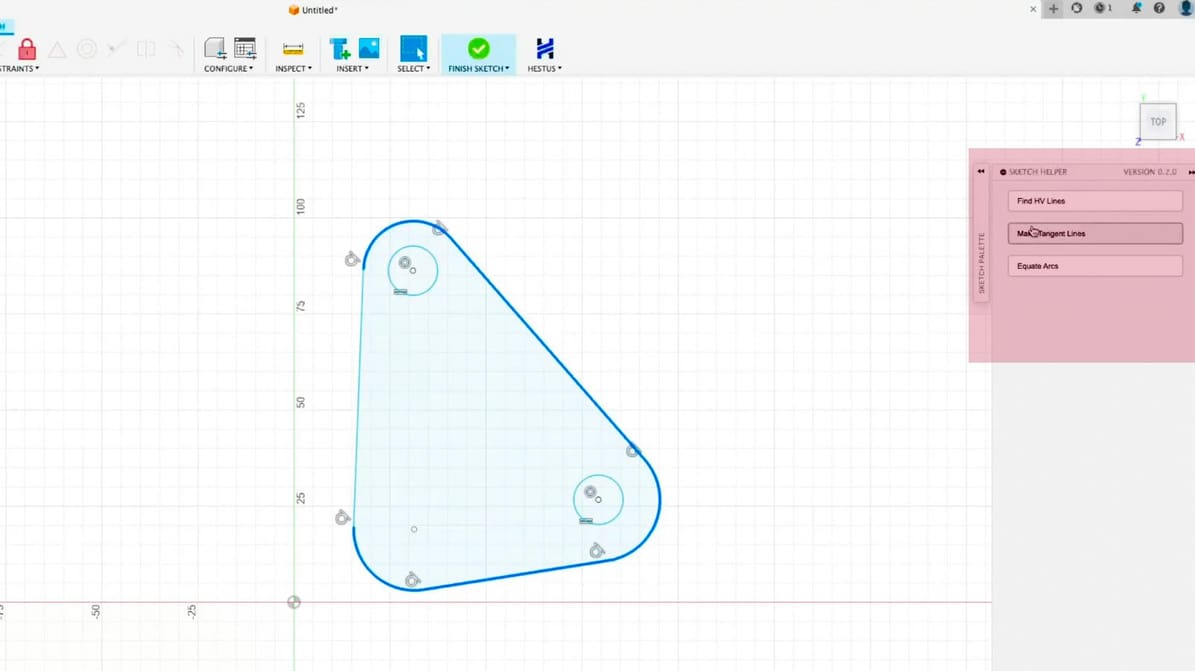
When Sohrab Haghighat left the launchpad behind, he brought a bold idea with him to his new venture: what if artificial intelligence could do the boring parts of design inside the most popular CAD tools?
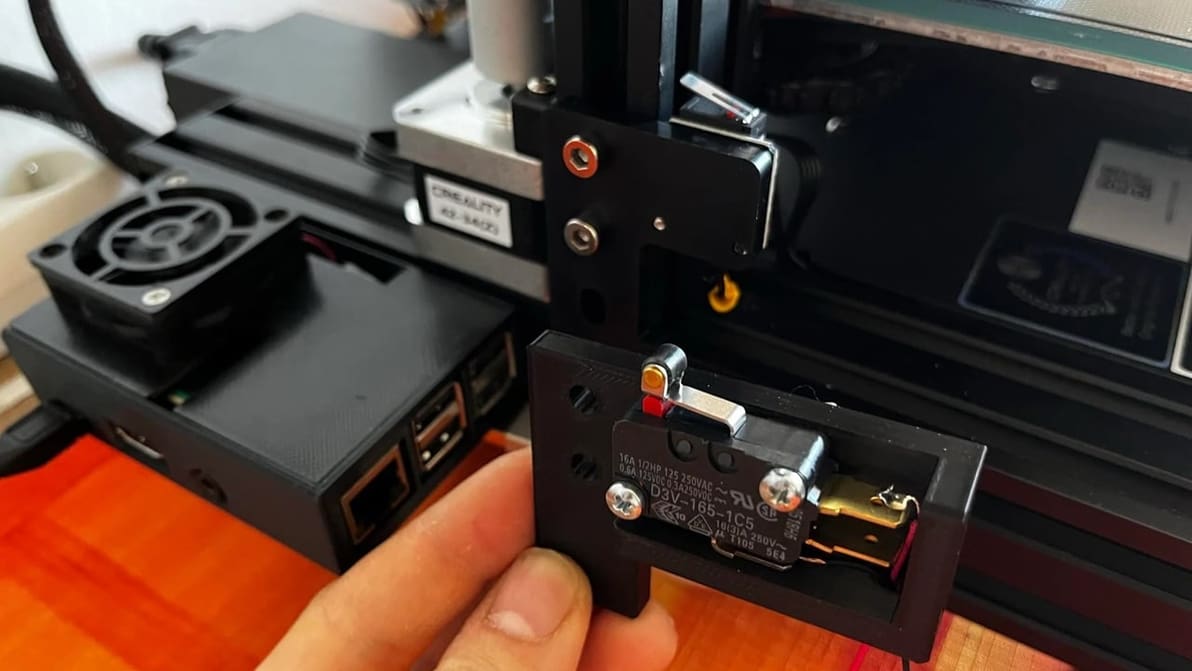
The G28 G-code command brings your machine's axes to their true zero position or home. Read on to learn all about the G28 command!