These LightBurn Alternatives Might Make You Rethink Your Laser Cutting Process

LightBurn is top-tier laser control software, but if you're craving something different, check out these LightBurn alternatives.
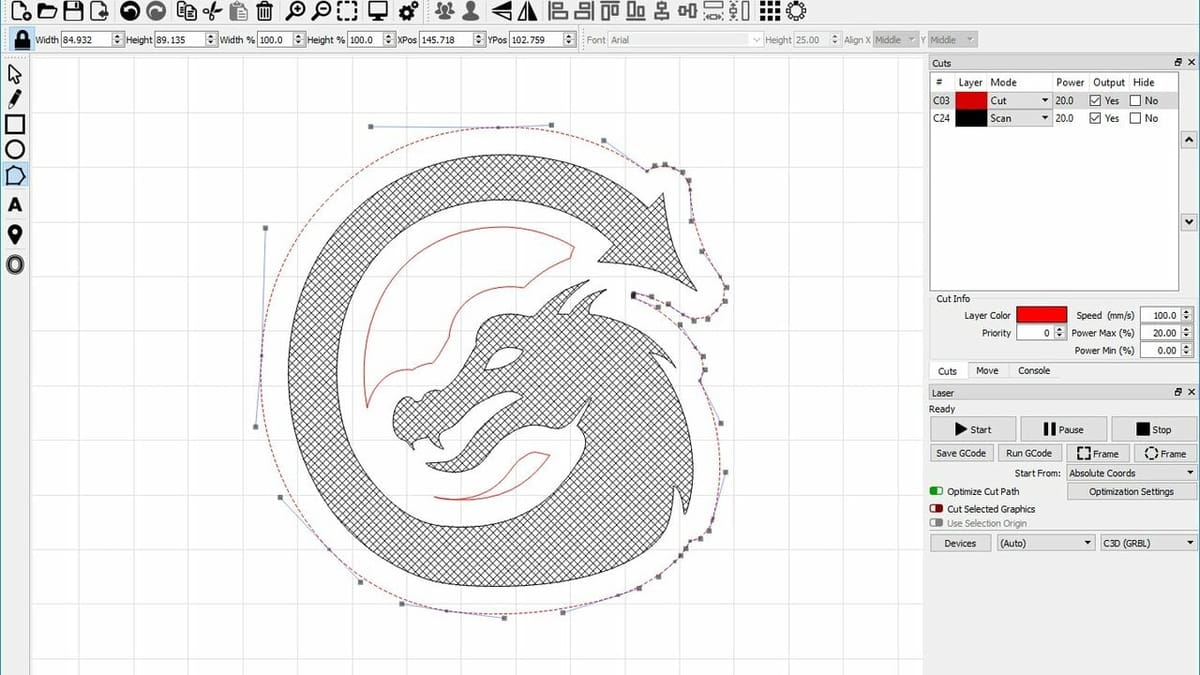
Laser cutters are a valuable and inspiring creative addition to any workshop. Almost all of them require dedicated software to function, but not everyone wants to pay for the market leader, LightBurn.
It’s true that LightBurn sets the standard when it comes to laser cutting software, but there are alternatives that may be worth considering.
In this article, we’ll be going over some of the options out there if you’re looking for a LightBurn alternative.

Considerations

This selection of alternatives was narrowed down with the following considerations in mind:
- Value for money: LightBurn costs $120 for a lifetime license of the standard version, or $240 for a lifetime right to use LightBurn Pro. These alternatives are worthy of mention because they cost less than that – they’re all free.
- User-friendly: Any software that you intend to use with your laser cutter should be easy enough to get to grips with. So, while some might be considered easier to use than others, all of the options here are user-friendly enough to leave no trouble figuring out how to use them.
- Support availability: It doesn’t matter how user-friendly software is, sometimes you simply can’t figure something out. So, keeping that in mind, the options below have readily available support, be that from the developers or from the community.
Now we know where we stand, let’s check out our options.
OpenBuilds
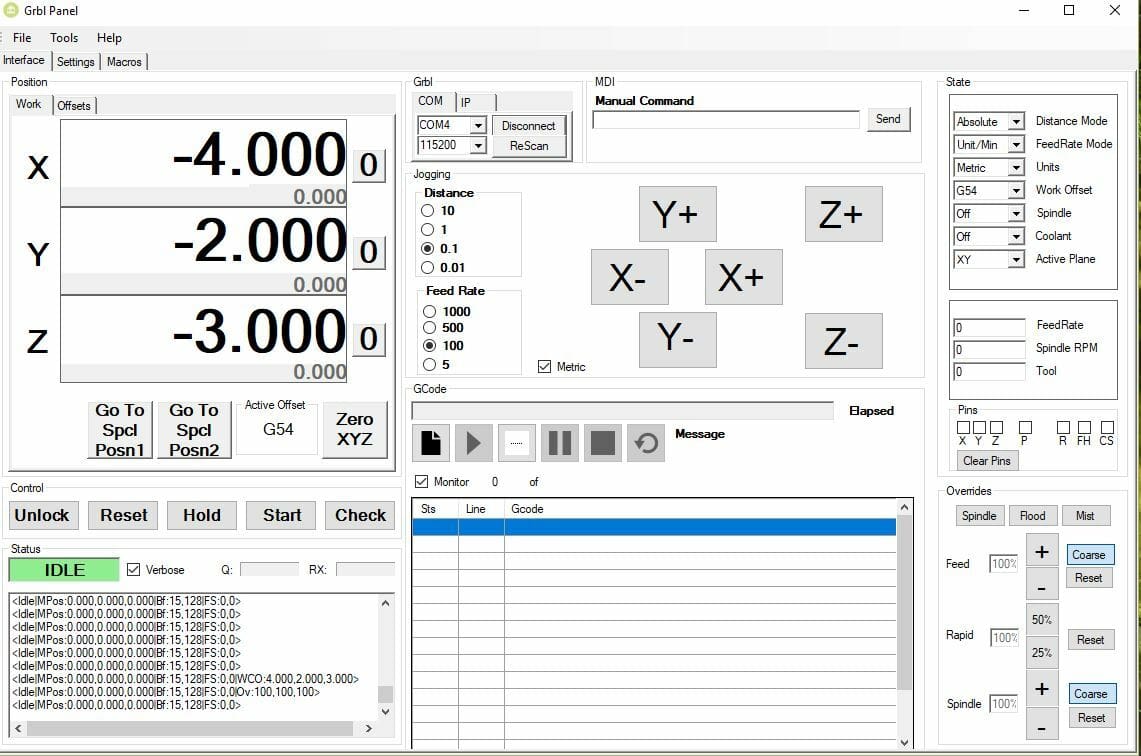
Technically speaking, CAM and control aren’t one single program but two, and while it’s not necessary to use both, if you don’t have a G-code generator, it might be beneficial to.
Compared to LightBurn, OpenBuilds holds up pretty well. It offers nearly all of the features that LightBurn does while being completely free of charge, with both official and community support.
One thing that could be considered both a benefit and a drawback is its open-source nature. On the one side, updates often take longer to reach users, but on the other side, if you’re so inclined, you can add or change features as you desire.
- Features: Open-source, import from built-in parts library, jog machine through software
- OS: Windows, MacOS, Linux
- Where to find it: OpenBuilds
LaserGRBL
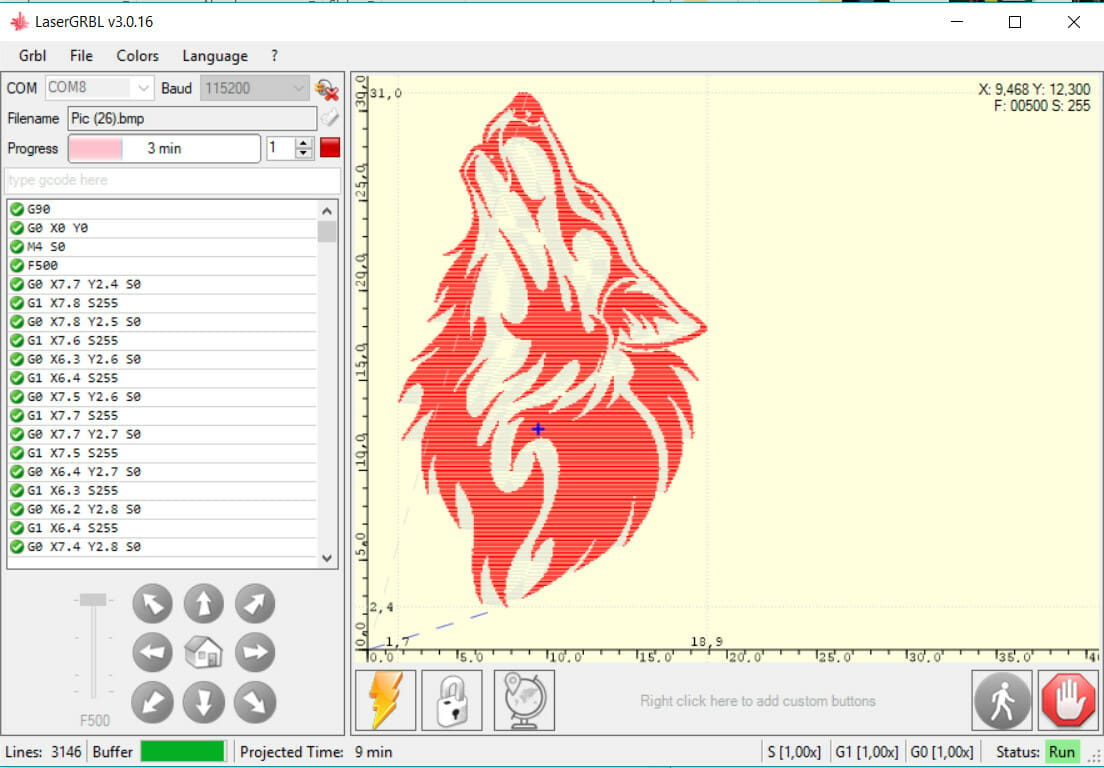
LaserGRBL is an open-source laser control software that’s mainly focused on consumer-level laser cutters. It’s one of the better options out there, but, like others listed, is a little lighter on features compared to LightBurn.
LaserGRBL offers all of the basics needed to run your machine: You can jog through software, enter custom G-code lines, and see previews of engraving and cutting jobs.
Where it falls short is the general user-friendliness, as well as on some of the more in depth features, so you shouldn’t expect to find things like virtual grid arrays or a Bluetooth connection to machines. But other than that, this is a decent alternative to LightBurn.
LaserWeb
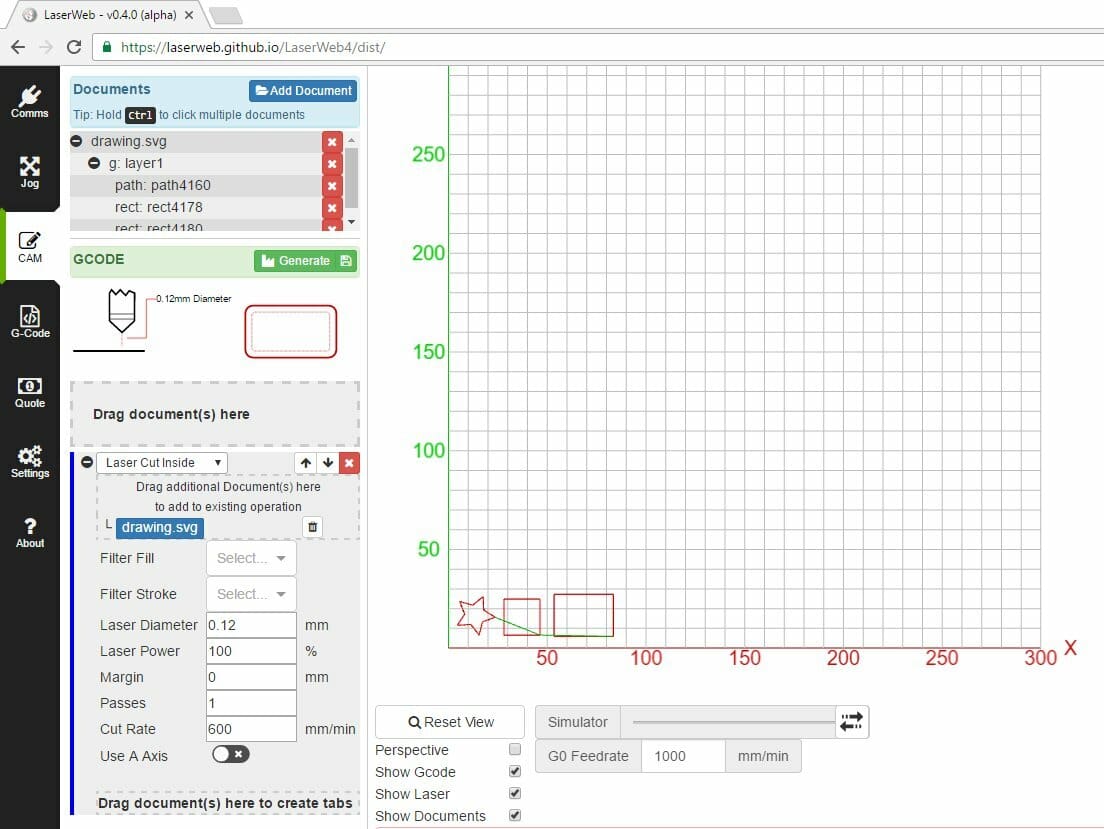
LaserWeb is another open-source laser controller. It accepts all commonly used files for laser cutters, but is also capable of making toolpaths for CNC mills and routers.
For the most part, LaserWeb is comparable to OpenBuilds and thus holds up next to LightBurn. With features like live jogging, G-code editing, and even a server component you can run from a Raspberry Pi, LaserWeb is a worthy alternative.
It also offers both official and community support, and it’s compatible with all of the major options for CNC-type machines.
SolveSpace
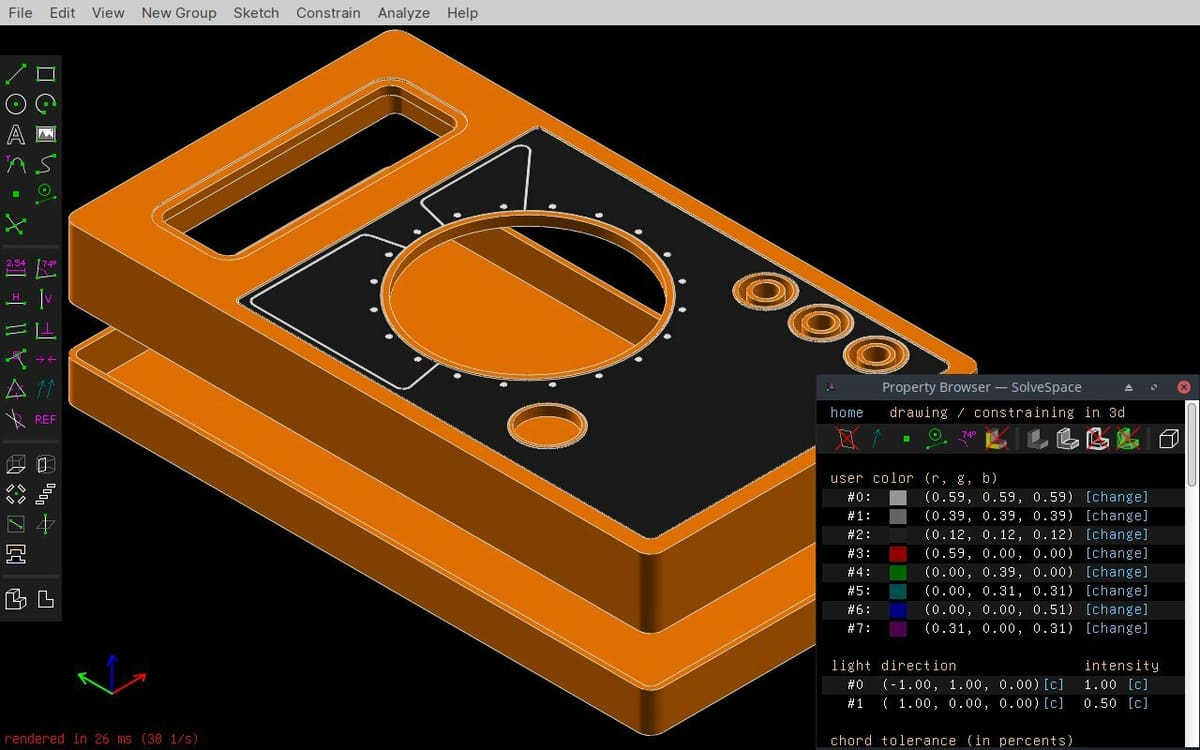
SolveSpace is a little different from the other options on this list. Aside from being a controller, it’s also CAD software. In that respect, it might be more comparable to Fusion 360 than LightBurn. But for now, we’ll focus on the controller side of things.
It doesn’t feature things like live jogging, but it does a fine job at basics such as creating a G-code toolpath and assembling a grid for the laser cutter. It’s also got an active forum if you need community help.
If you’re looking for CAD software that can double as a machine controller, this might be the one for you. But if you already have CAD software up and running and are just looking for a machine controller, you might be better off going with LightBurn or one of the other alternatives on this list.
- Features: Prepares CAM data for models designed both in SolveSpace and other programs, can modify parts in the program, exports CAM files with cutter radius compensation
- OS: Windows (Vista and later), MacOS, Linux
- Where to find it: SolveSpace, GitHub
License: The text of "These LightBurn Alternatives Might Make You Rethink Your Laser Cutting Process" by All3DP is licensed under a Creative Commons Attribution 4.0 International License.