OrcaSlicer version 2.3.2 landed this week, with a hefty list of improvements and fixes including, critically, a fix to a safety vulnerability related to 3MF files, plus a wide set of quality-of-life improvements for Linux users of the software.
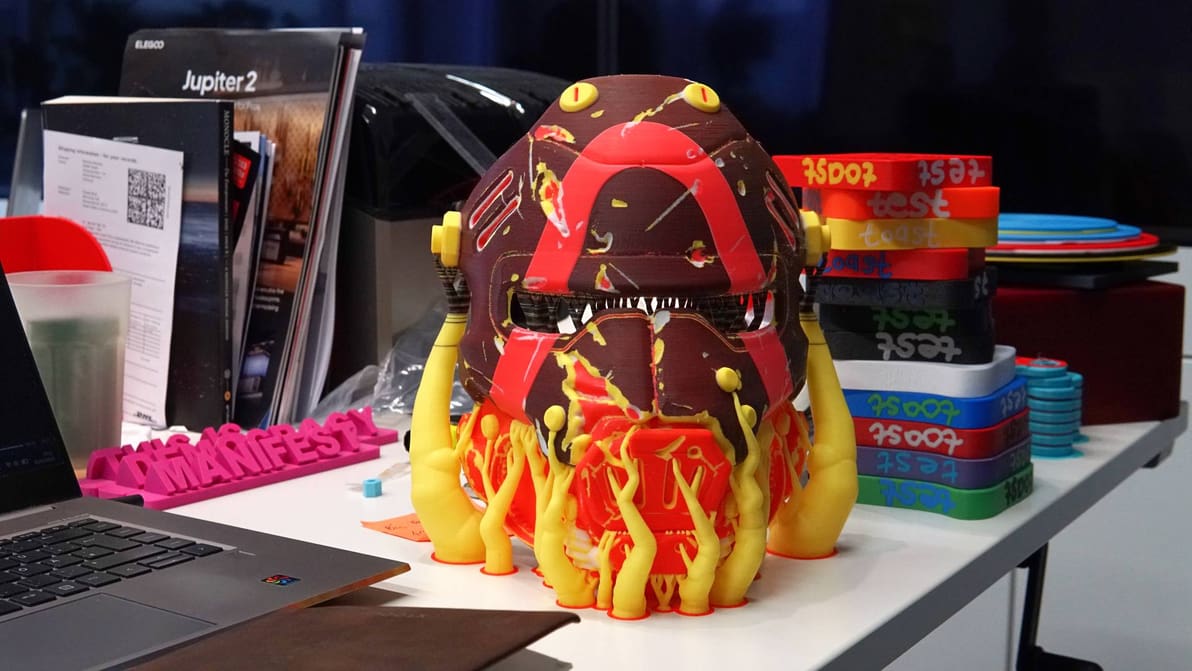
A project to explore layer mixing has resulted in Snapmaker Orca Full Spectrum, a slicer variant that introduces color-mixing functionality for theoretically limitless color 3D printing. I’ve tested it out and the results are astonishing.
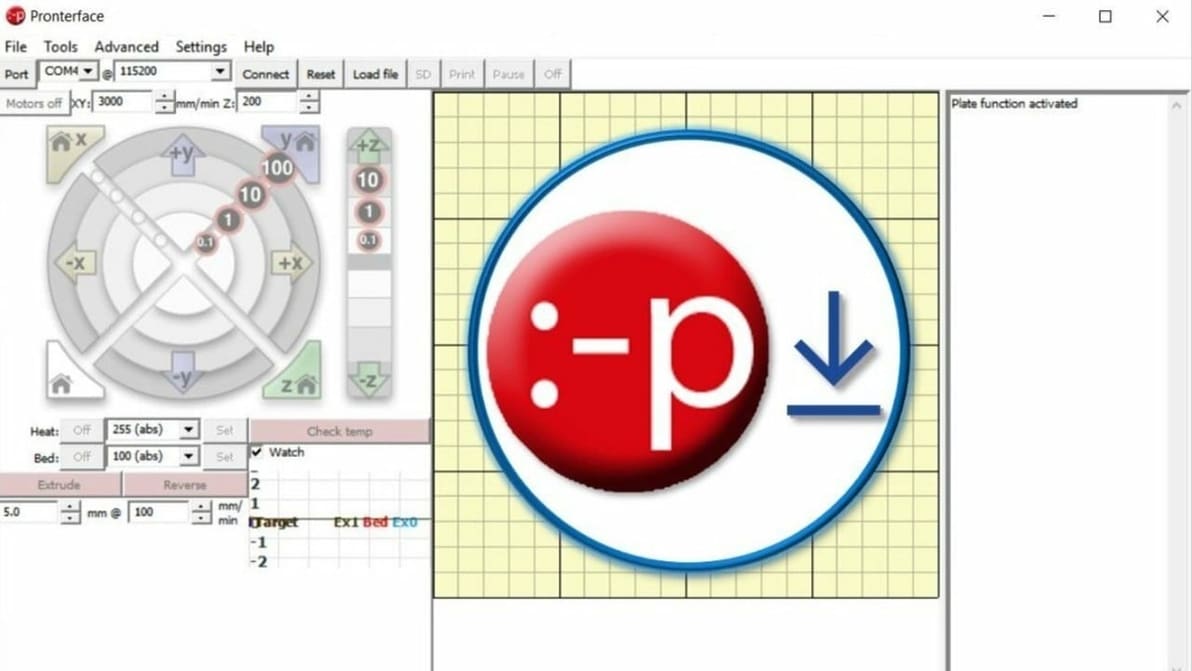
Want more control of your printer? Read along as we download and install Pronterface. You'll be giving immediate commands in no time!
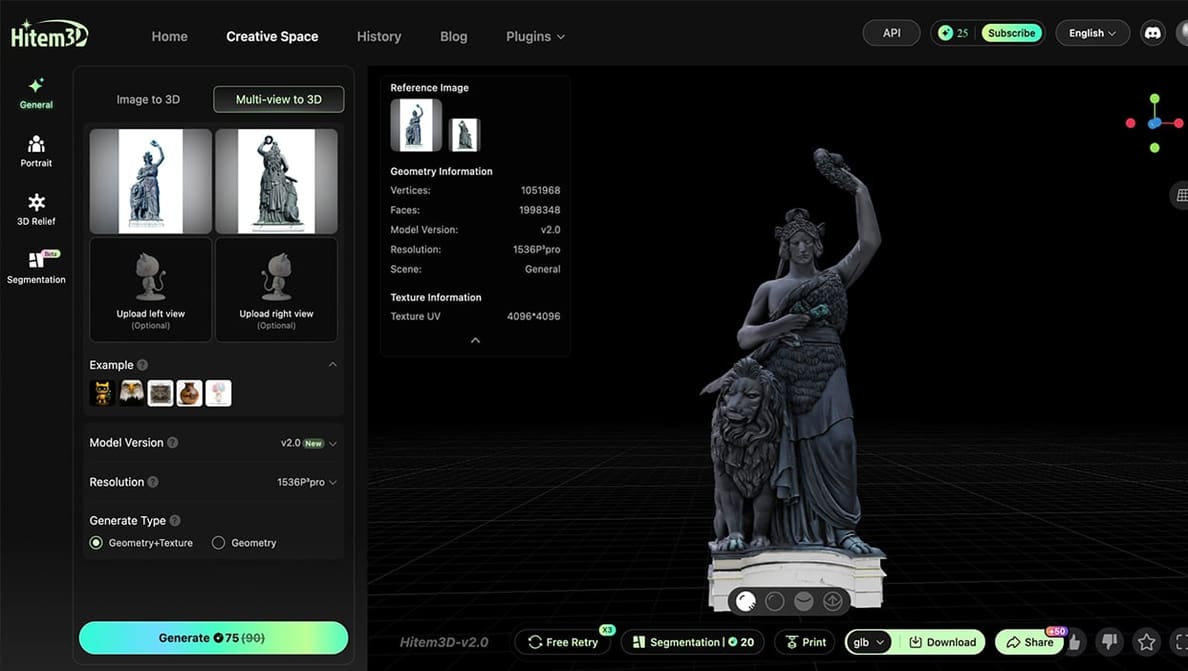
The future of AI-generated models may ultimately be judged not by how impressive they look on screen, but by how consistently they succeed on the build plate.
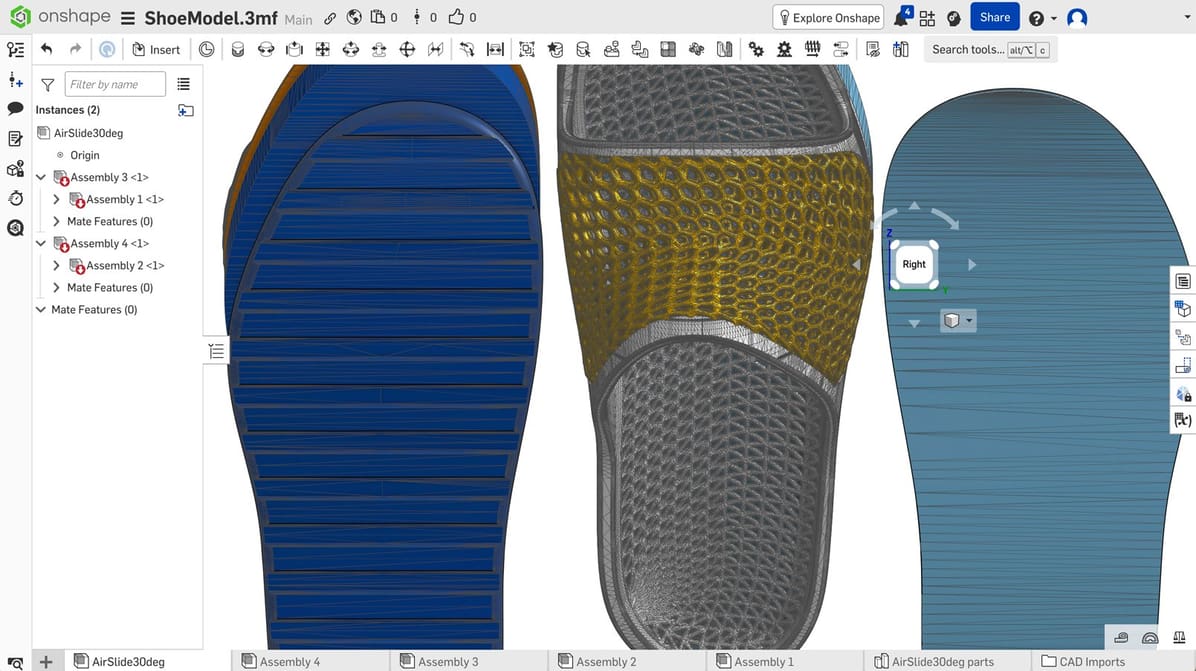
Whether you're just getting started in CAD or want to expand your skills, check out our choices for the best free CAD software.
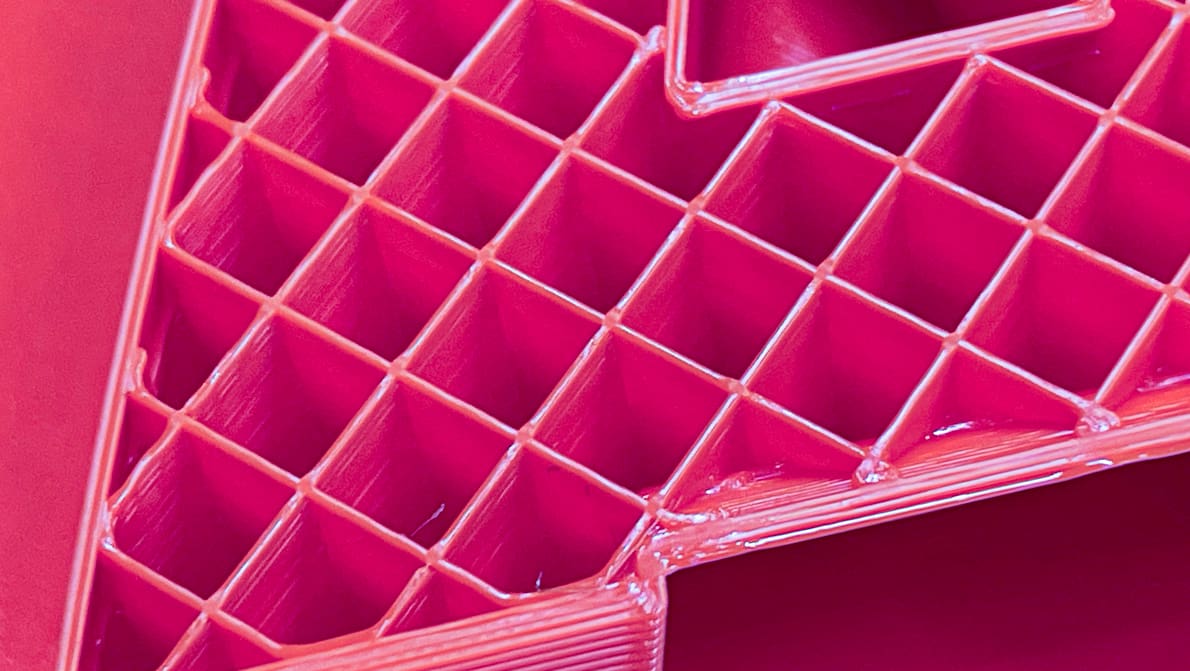
We compiled tests of popular 3D printing infill patterns to reveal which geometries offer the best strength and structural integrity.

Stop the guesswork and start printing. From exposure times to lift speeds, we’ve got the Elegoo resin settings you need to eliminate failures and capture every crisp detail.
PrusaSlicer's 2.9.4 release uses new 'Junction Deviation' motion planning to take corners like a race car, all while fixing a critical bug for notably smoother prints.
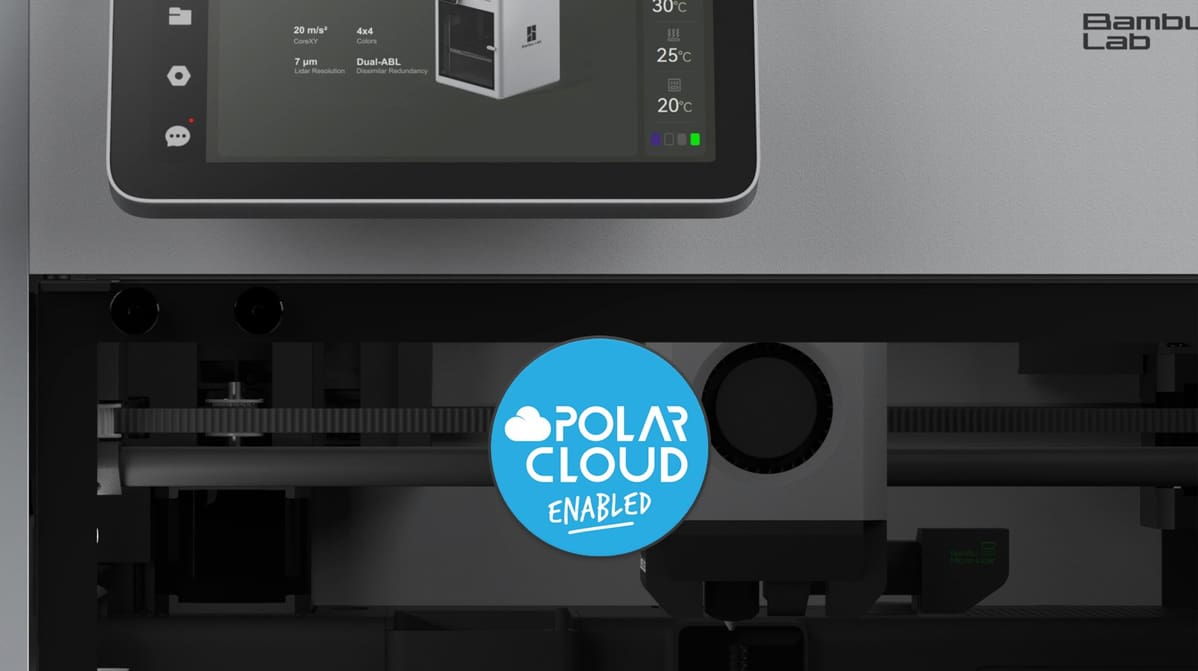
A new integration brings Bambu Lab's popular high-speed printers to Polar3D's fleet management platform, aiming to solve the challenge of scaling 3D printing programs in education.
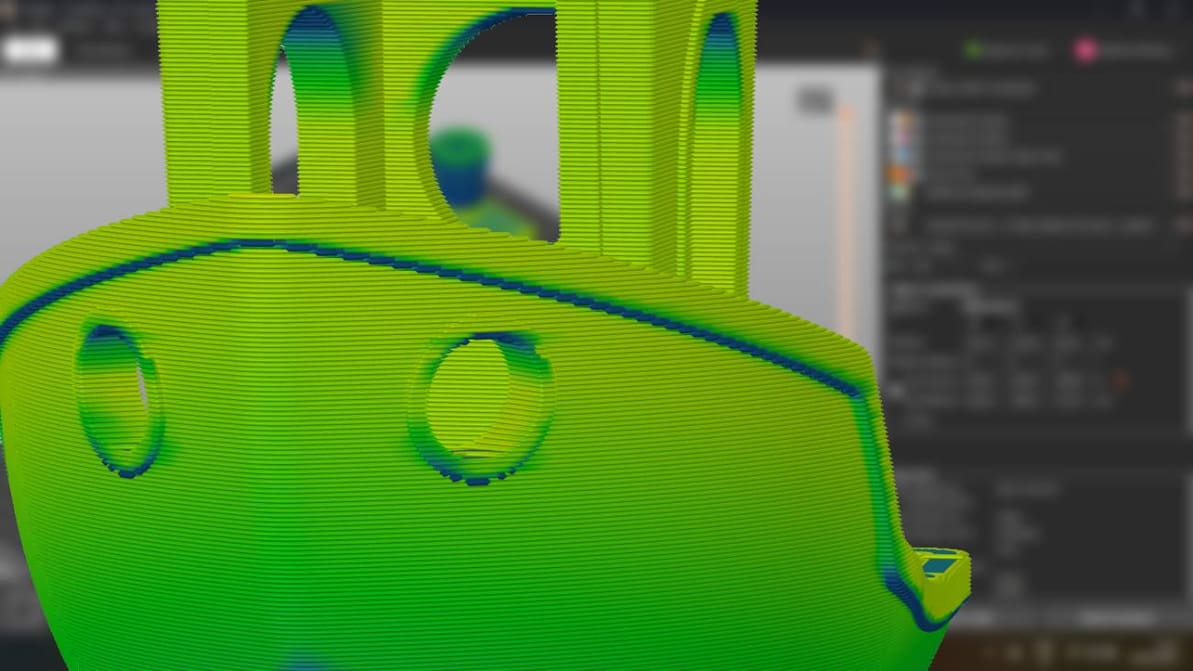
When you’re just setting out 3D printing, don’t overthink the slicer. Picking the right one for you is probably much simpler than it seems.
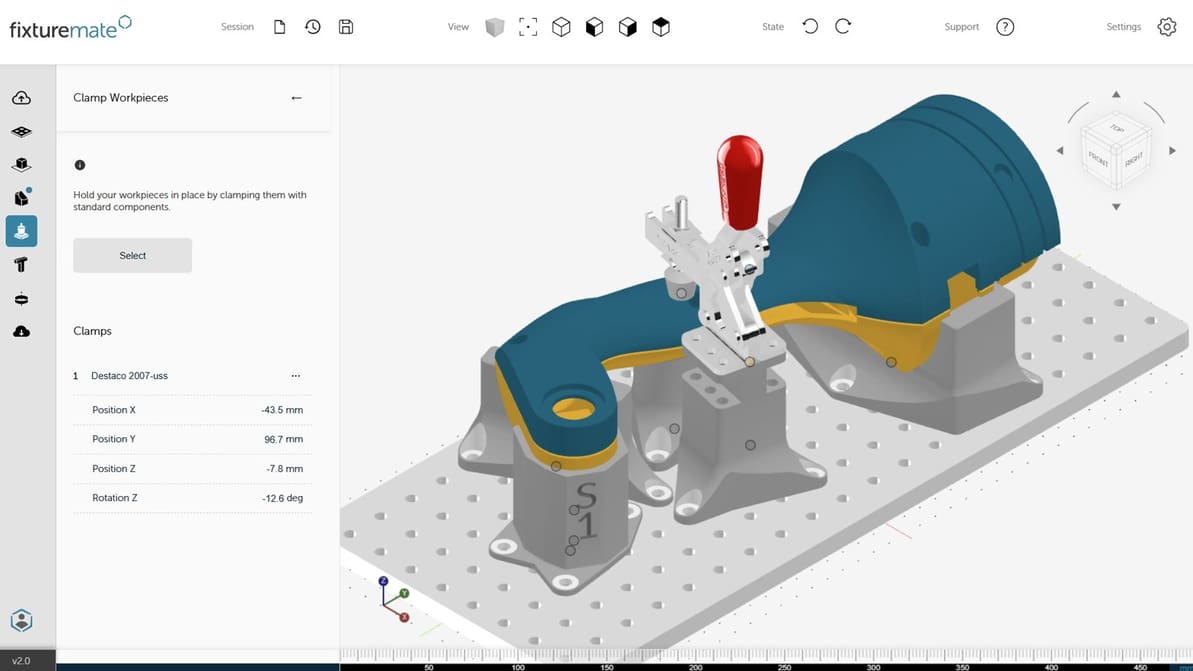
Maybe the future of manufacturing isn't expert software, but simple apps that could make 3D printing as easy as ordering a photo mug.
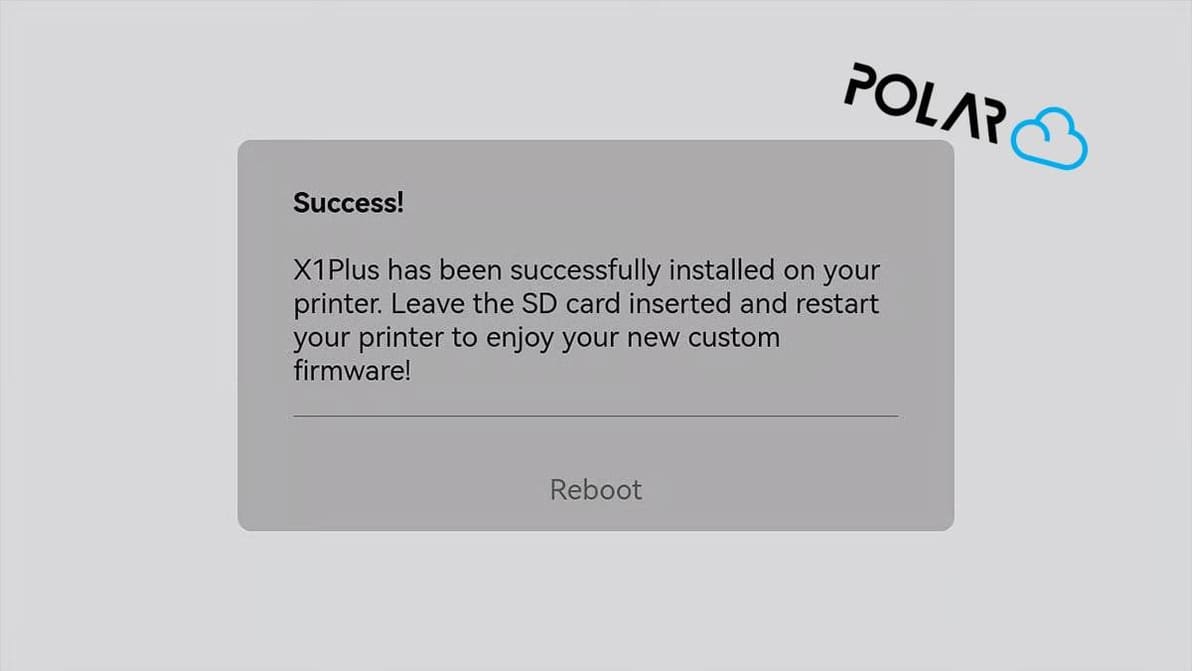
The successfully crowdfunded X1Plus Extender board lands back in stock on CrowdSupply, and heralds the arrival of X1Plus 3.1, custom Bambu Lab X1C firmware that now supports Polar Cloud print management integration.
With the latest firmware updates, Bambu Connect stands between your Bambu Lab printer and third-party slicers. Say Goodbye to two-click slice-n-print.
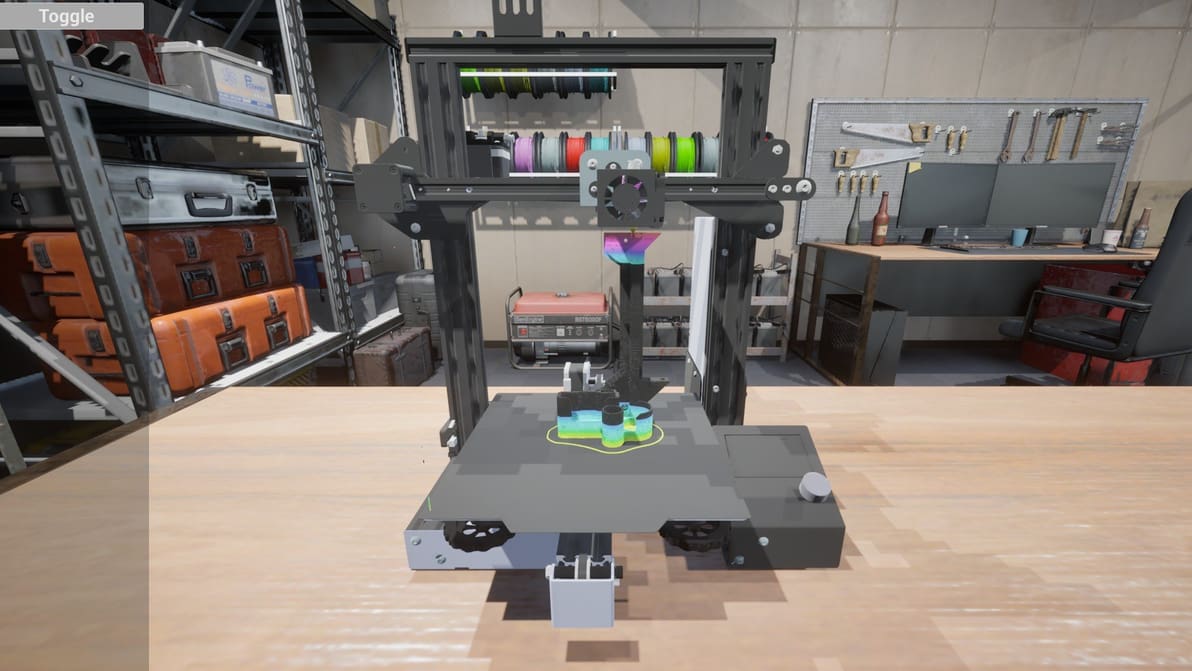
A new G-code simulator dropped this week. It's fun to watch, and maybe a first step towards an innovation.
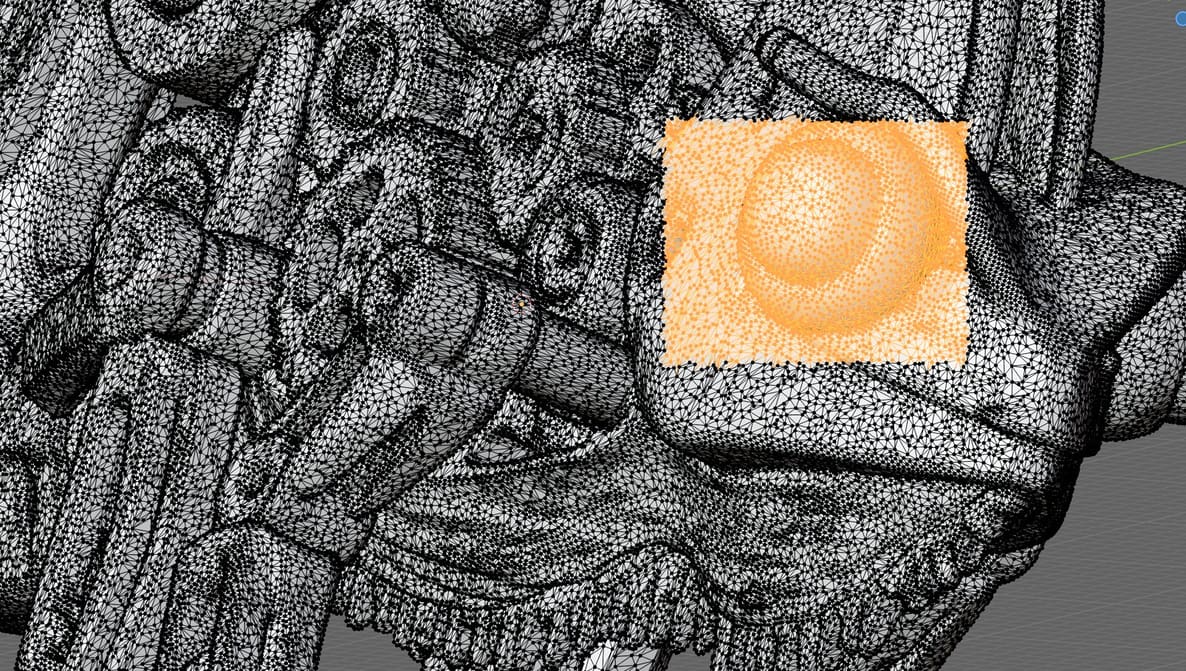
Slicing software can patch most minor issues in your STLs, but it can't reconstruct missing geometry, resolve deep structural faults, or handle tangled meshes. Here's what you need.
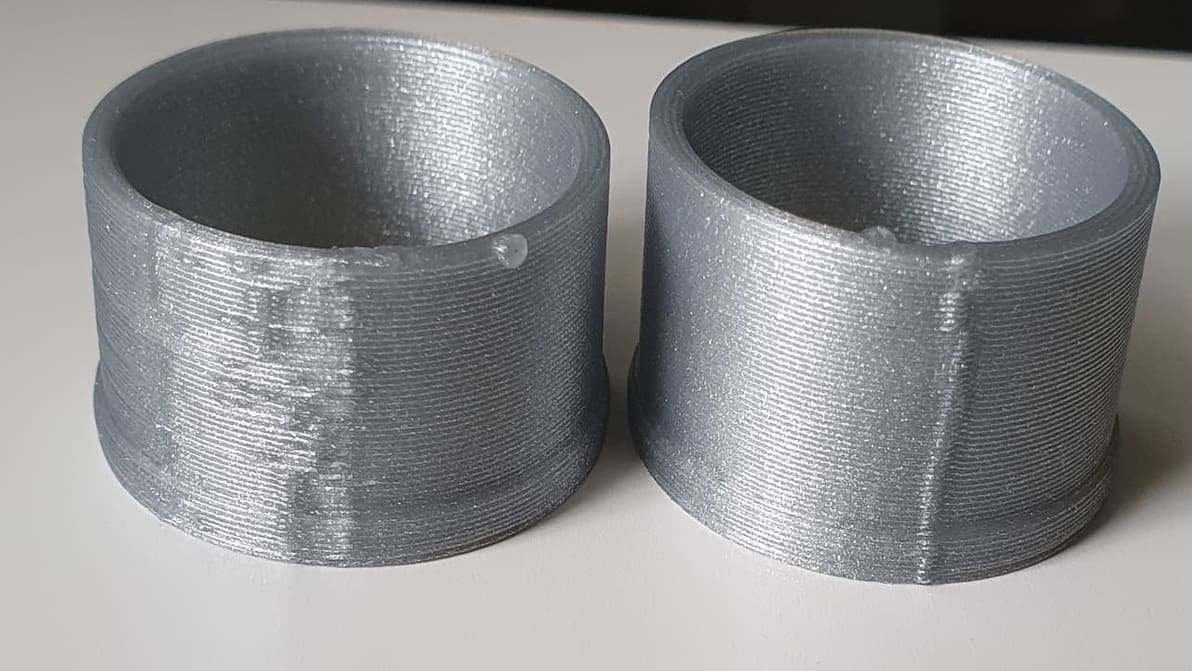
Z seam issues can make or break a 3D printed part. Check out how to reduce your print's Z seams by changing Cura's Outer Wall Wipe Distance.
Bambu Lab's slicer software is now in version 2.1.0 and a host of little changes, updates, and features have been added.
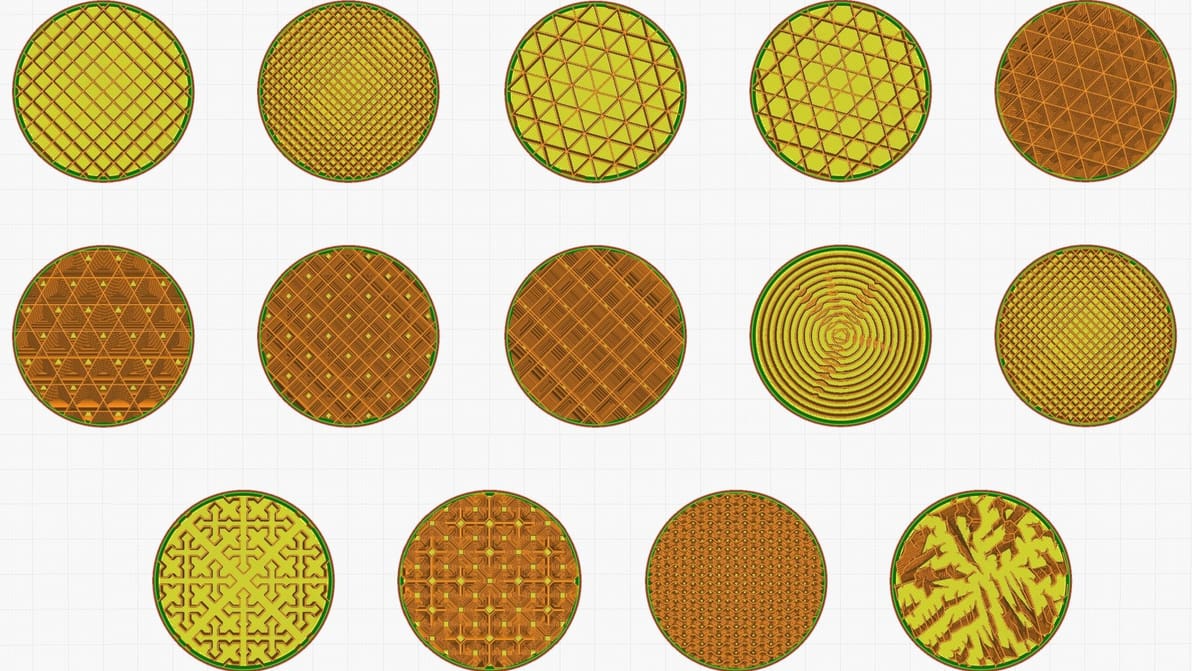
Infill can look cool, add strength, and save money, but it all depends on the print. Find the best Cura infill patterns for your application.
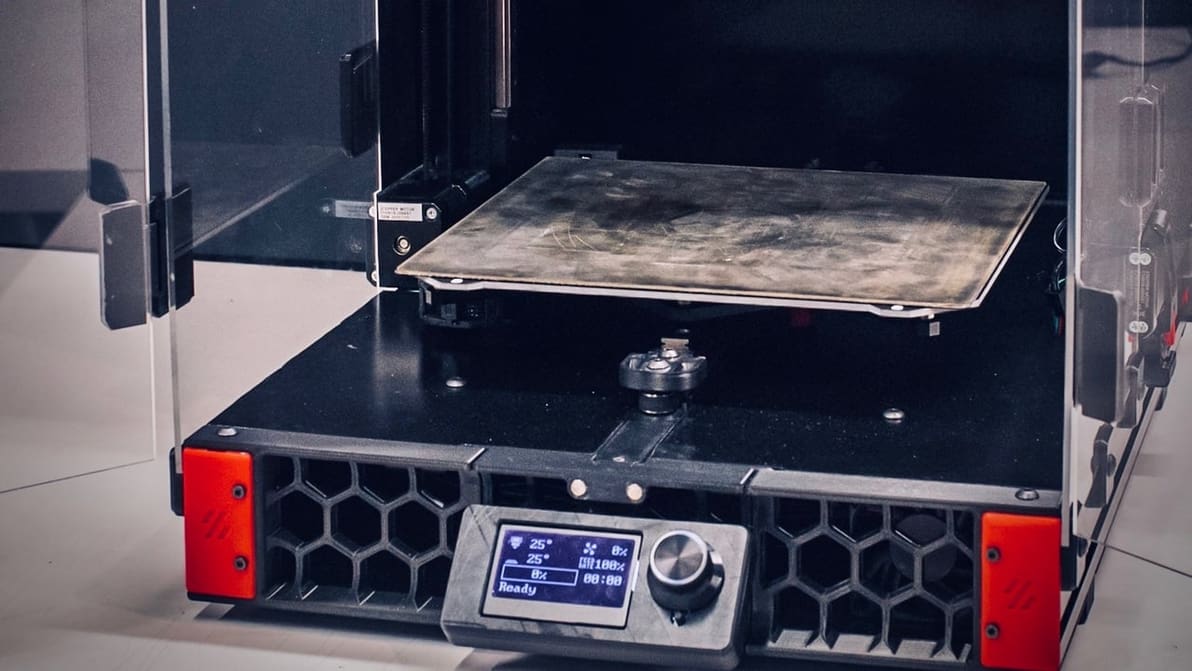
When choosing 3D printer firmware, you might be looking at Klipper vs. Marlin. Check out the differences and see what suits your setup!
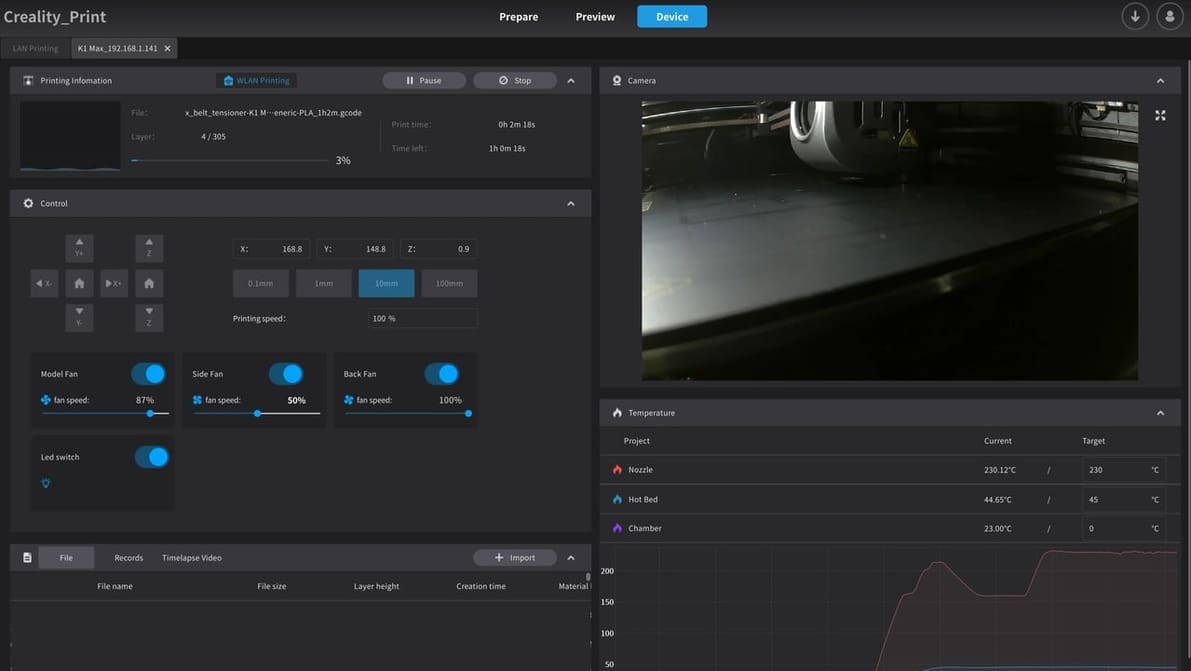
Given rising prices, you might want to get more out of the printer you already have. Get the most out of your K1 with the right slicer!