Advertisement
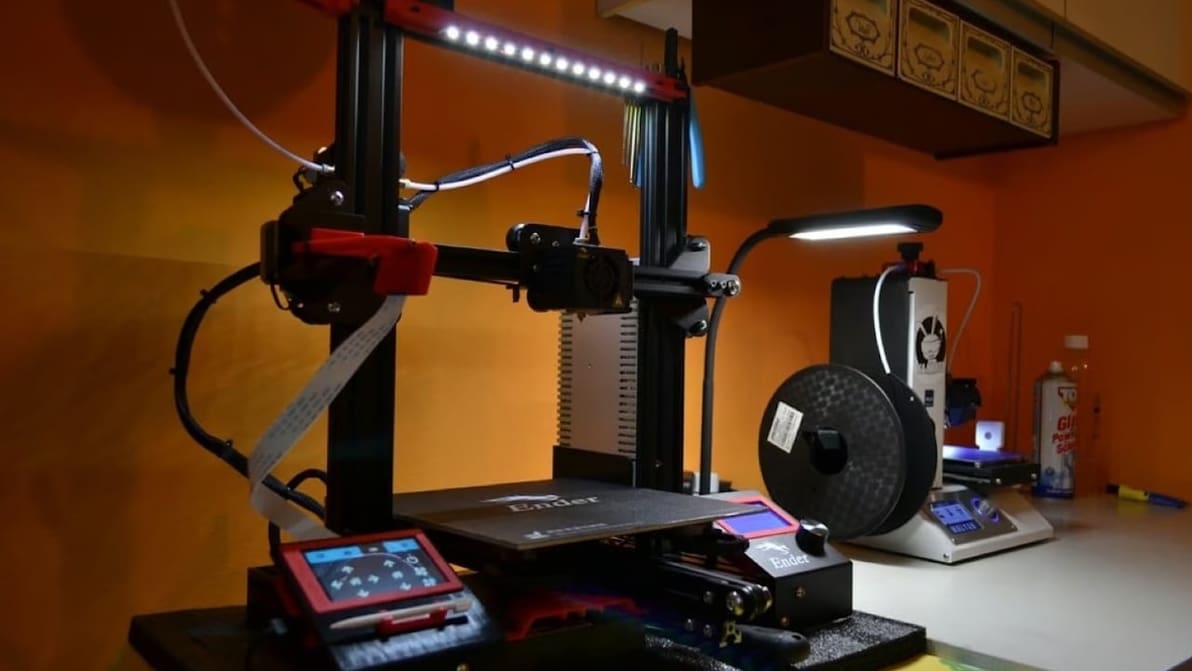
Featured image of Klipper: Start G-code – All You Need to Know
Lift the Anchor & Start
Klipper: Start G-code – All You Need to Know

Klipper can improve your printing workflow using customized start G-code macros. Keep reading to learn all about Klipper start G-code!

by Matteo Parenti
Featured image of The Best Resin Printer Slicer Software
SLA 3DP
The Best Resin Printer Slicer Software

Slicing models for resin 3D printing has a few extra considerations. Check out our picks for the best SLA slicer software. Most are free!

by Lucas Carolo
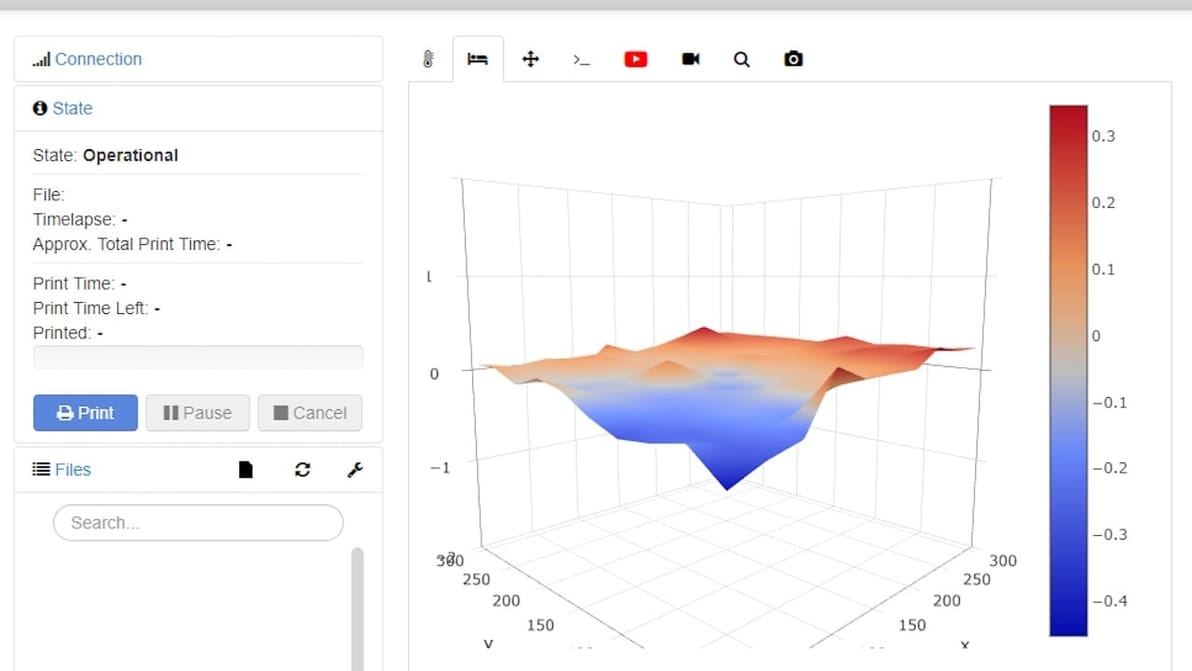
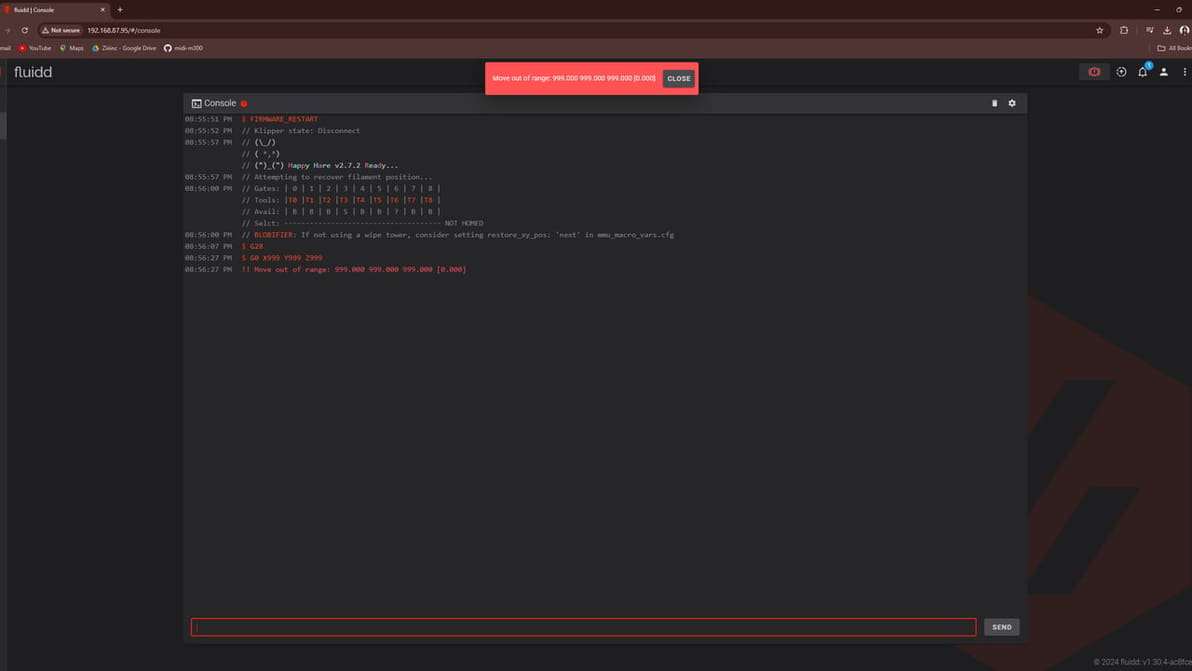
Featured image of Klipper: Move Out of Range Error – How To Fix It
Home, Home on the Range...
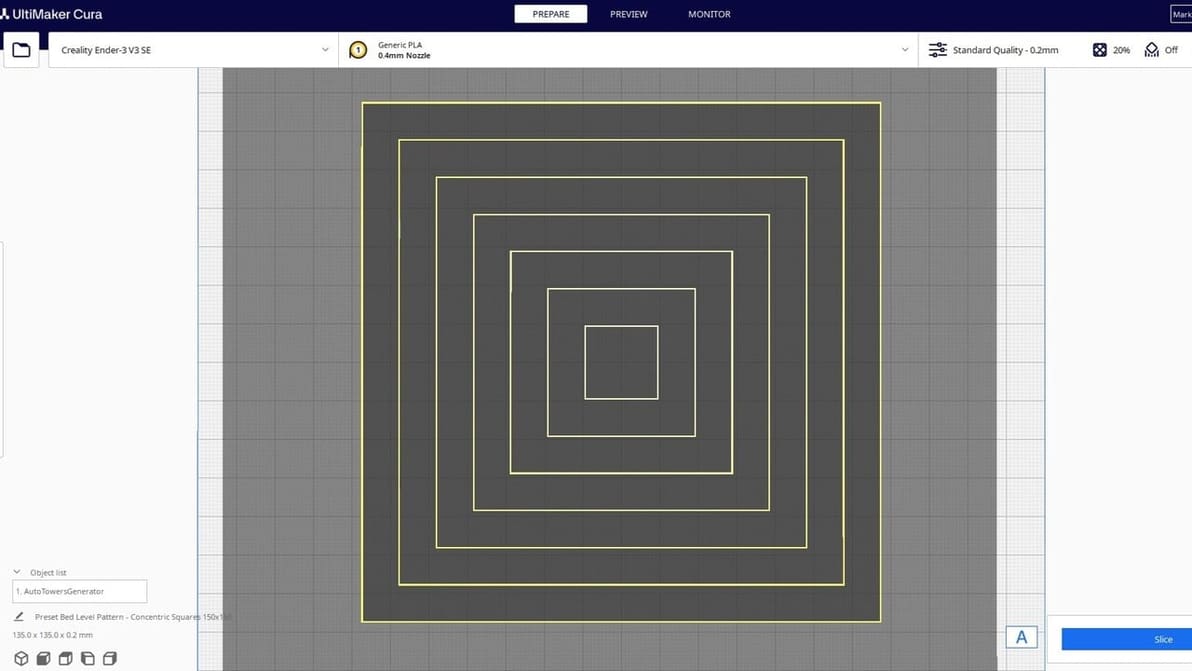
Klipper: Move Out of Range Error – How To Fix It

Is your shiny new Klipper machine saying you're moving out of range? Learn how to fix it and stay in bounds!
by Adam Vicknair
Featured image of Orca Slicer vs Bambu Studio: The Differences
Do Orcas Eat Bambu?
Orca Slicer vs Bambu Studio: The Differences

Having a hard time choosing between Orca Slicer and Bambu Studio? Read on to learn about the nitty-gritty and decide which one's for you!

by Gloria E. Magarotto
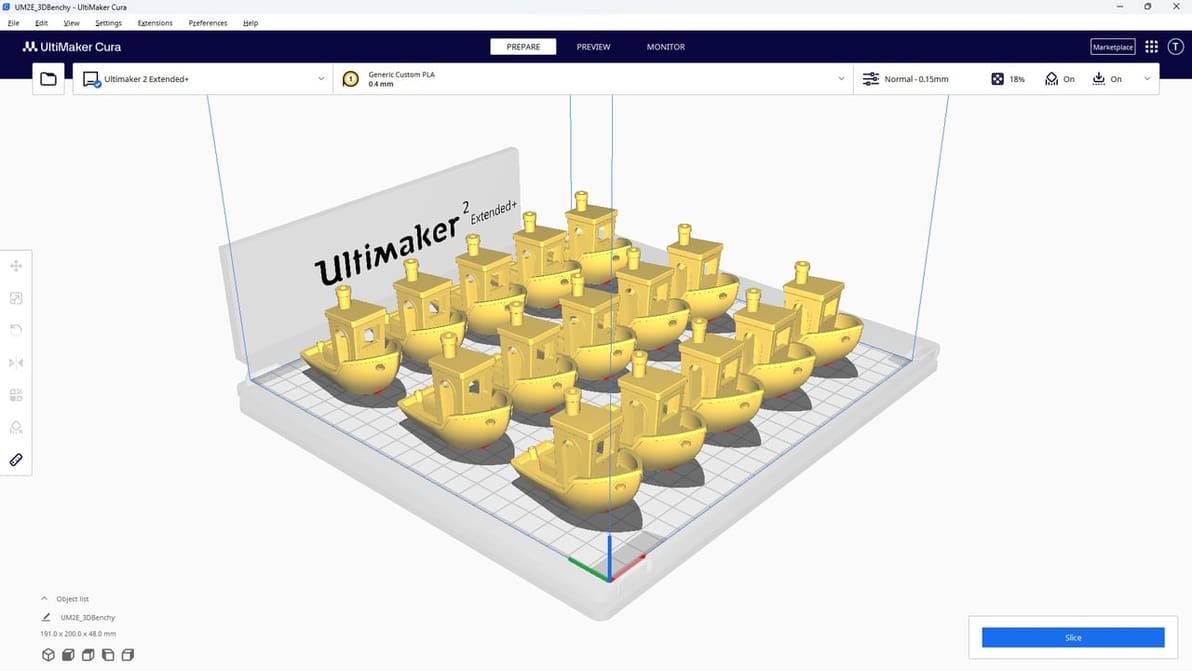
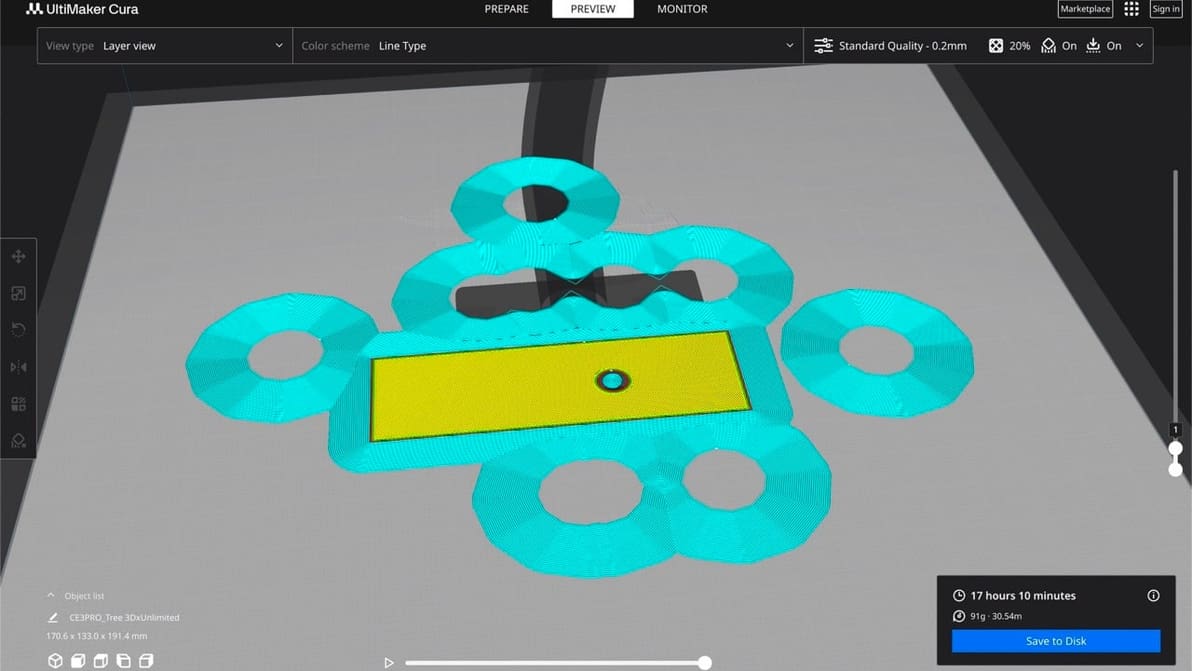
Featured image of How to Optimize Cura Support Settings
Support Your Supports
How to Optimize Cura Support Settings

Cura offers a powerful range of settings to play with. Learn about the main Cura support settings and how to best support your prints.

Featured image of Klipper on Ender 3 V2: How to Install It
Fabulous Fast Firmware
Klipper on Ender 3 V2: How to Install It

Klipper is great 3D printer firmware but can be a bit tricky to set up. Read on to learn how to install Klipper on an Ender 3 V2!

by Jackson O'Connell
Featured image of Ender 3 V2 Z Offset: How to Adjust It
Reaching New Heights
Ender 3 V2 Z Offset: How to Adjust It

Z offset is an important feature to get right. Learn how to correctly set your Ender 3 V2 Z offset so that you can optimize your 3D prints!

by Jackson O'Connell
Featured image of Orca Slicer vs PrusaSlicer: The Differences
Slice Away
Orca Slicer vs PrusaSlicer: The Differences

Pairing your 3D printer with the right slicer can help you get the best results. Read on to see how Orca Slicer vs PrusaSlicer compare!

Featured image of 3D Printing Layer Height: How Much Does It Matter?
It's High Time
3D Printing Layer Height: How Much Does It Matter?

Layer height in 3D printing is a simple setting that affects print speed and detail. Keep reading to find out more!

by Emmett Grames
Featured image of Klipper: Z Offset Calibration – Simply Explained
Calibrate Z Offset, Avoid Z Upset!
Klipper: Z Offset Calibration – Simply Explained

In Klipper, Z offset calibration is a basic but important procedure. Read on to learn all about how it's done!

by Andreas Giencke
Advertisement
Advertisement
Featured image of OctoPrint Setup: How to Install OctoPi on a Raspberry Pi
Prep Makes Perfect
OctoPrint Setup: How to Install OctoPi on a Raspberry Pi

OctoPrint gives you more control over your 3D prints. Learn how to set up OctoPi on a Raspberry Pi with this step-by-step setup guide!

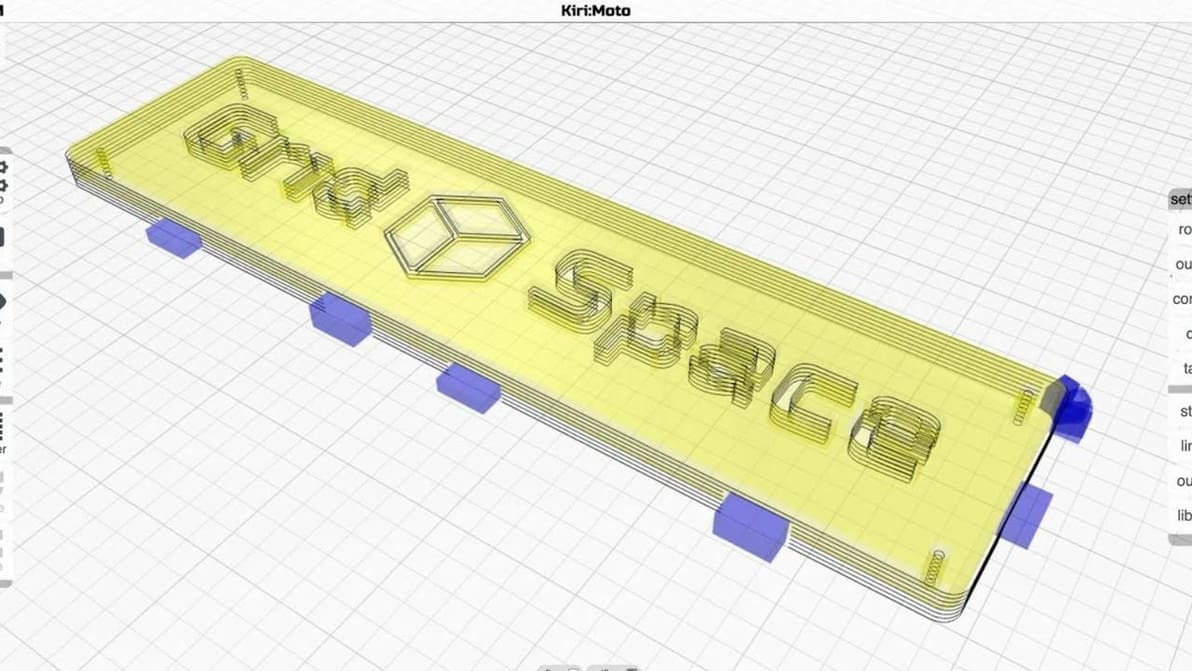
Featured image of The Best Ender 3 S1 (Pro) Cura Profile / Settings
Goodbye, High Retraction!
The Best Ender 3 S1 (Pro) Cura Profile / Settings

The best temperature, print speed, and retraction settings, among others. Read on for the best Ender 3 S1 & S1 Pro Cura slicer profiles.

by Jackson O'Connell
Featured image of OctoPrint Webcam Setup: How to Set Up Your Camera
Spy on Your Prints
OctoPrint Webcam Setup: How to Set Up Your Camera

OctoPrint allows you to monitor your 3D prints remotely. Read about everything you need for your OctoPrint webcam setup.

Featured image of Orca Slicer: Calibration – Simply Explained
Tuning Made Easy
Orca Slicer: Calibration – Simply Explained

Orca Slicer is a new slicer that is gaining a lot of popularity. Learn more about Orca Slicer calibration, one of its best features!

by Gloria E. Magarotto
Featured image of Lychee Slicer vs Chitubox: The Differences
Neck and Neck
Lychee Slicer vs Chitubox: The Differences

Let's take a look at the two most popular slicers for consumer printers. Follow along to find out how Lychee Slicer vs Chitubox stacks up!

Featured image of PrusaSlicer Support Settings: The Basics
Superlative Supports
PrusaSlicer Support Settings: The Basics

PrusaSlicer gives users a lot of control over their prints. Read on to get the most out of PrusaSlicer support settings, even tree supports!

Featured image of 3D Printer Retraction Speed – Simply Explained
Stepping Back
3D Printer Retraction Speed – Simply Explained

Pulling filament back into the hot end is a useful function but tricky to master. Read on to learn all about 3D printer retraction!

by Jackson O'Connell
Featured image of Cura: Combing Mode – Simply Explained
No Strings Attached
Cura: Combing Mode – Simply Explained

In Cura, combing is an important setting that reduces retractions and can prevent stringing. Learn how you can use combing mode in Cura!

by Jackson O'Connell
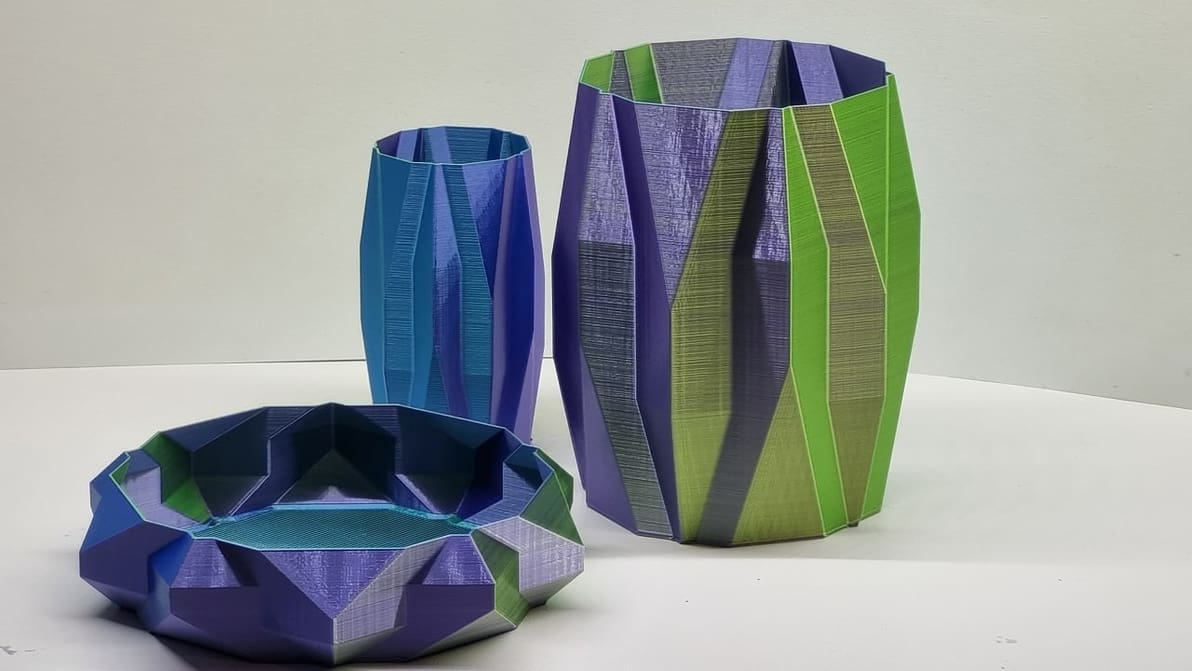
Featured image of Bambu Studio: Vase Mode – Simply Explained
Spiralize Me
Bambu Studio: Vase Mode – Simply Explained

Bambu Studio's vase mode is the easy path to seamless, artistic 3D prints. Read on to learn how to use it and how to troubleshoot.

by Bharat Jagwani
Featured image of How to Install Klipper: Step-By-Step Tutorial
The Hyped Firmware Made Easy!
How to Install Klipper: Step-By-Step Tutorial

You've heard about Klipper: it's fast, great, and fixes your printing problems! Here's how to join in, and how to separate hype from truth.

by Jonathan Charnas
Advertisement
Advertisement