3D Printing Slicer Software
Featured

The OrcaSlicer devs have been busy. Native belt printing, parallel printing for IDEX and IQEX machines, and support for Bambu Lab’s H2C and A2L are just a few of the big changes in motion and testing in the OrcaSlicer 2.5 Alpha release.
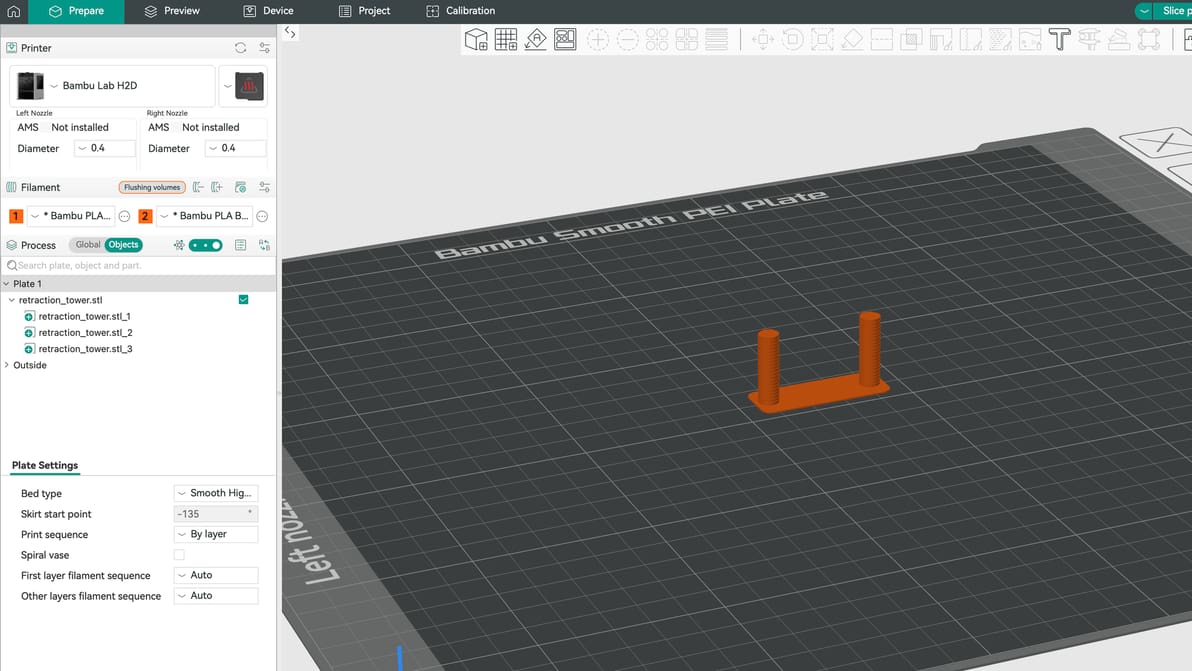
Can’t seem to get a print right without stringing? The solution might lie with your retraction settings. Here is how to get them right.
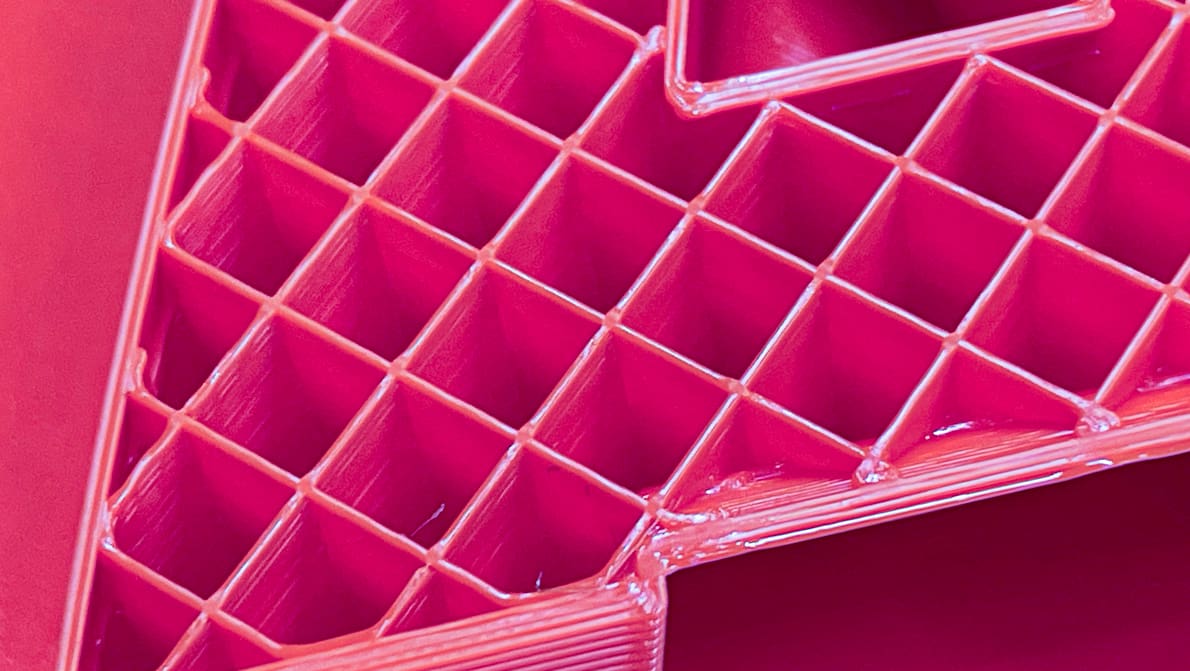
We compiled tests of popular 3D printing infill patterns to reveal which geometries offer the best strength and structural integrity.
Latest

Discover the hidden features of the Cura slicer software. We'll show you how to take your 3D printing to the next level for perfect prints!
The OrcaSlicer devs have been busy. Native belt printing, parallel printing for IDEX and IQEX machines, and support for Bambu Lab’s H2C and A2L are just a few of the big changes in motion and testing in the OrcaSlicer 2.5 Alpha release.
Can’t seem to get a print right without stringing? The solution might lie with your retraction settings. Here is how to get them right.
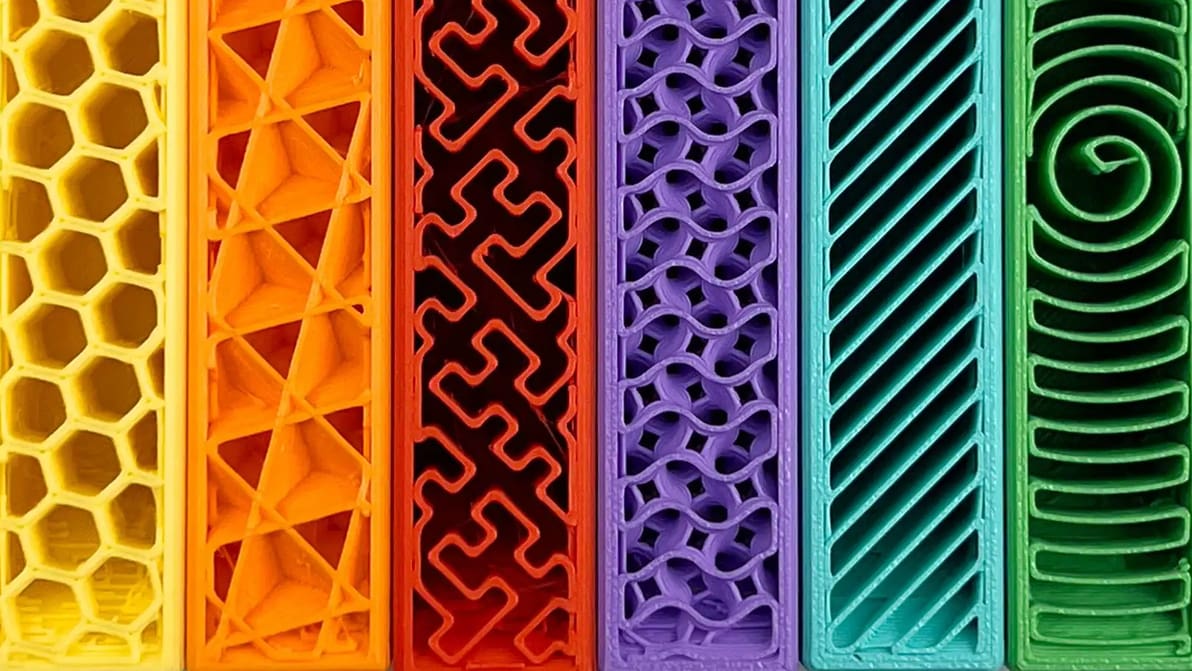
Get infill density and pattern wrong and your print wastes filament, snaps, or takes forever to print. Read on to learn how to get it right.
gathering user feedback about its software and how it could be better at the little things – all in preparation for launching what it calls Anycubic Software 2.0. The release brings a raft of updates that touches both Anycubic Slicer Next and the Anycubic App. Highlights include making features like spaghetti detection toggleable in-app, syncing materials settings, better support for third-party filament in the material library, and adding file search and full print history to the slicer. It's a solid collection of quality-of-life improvements.

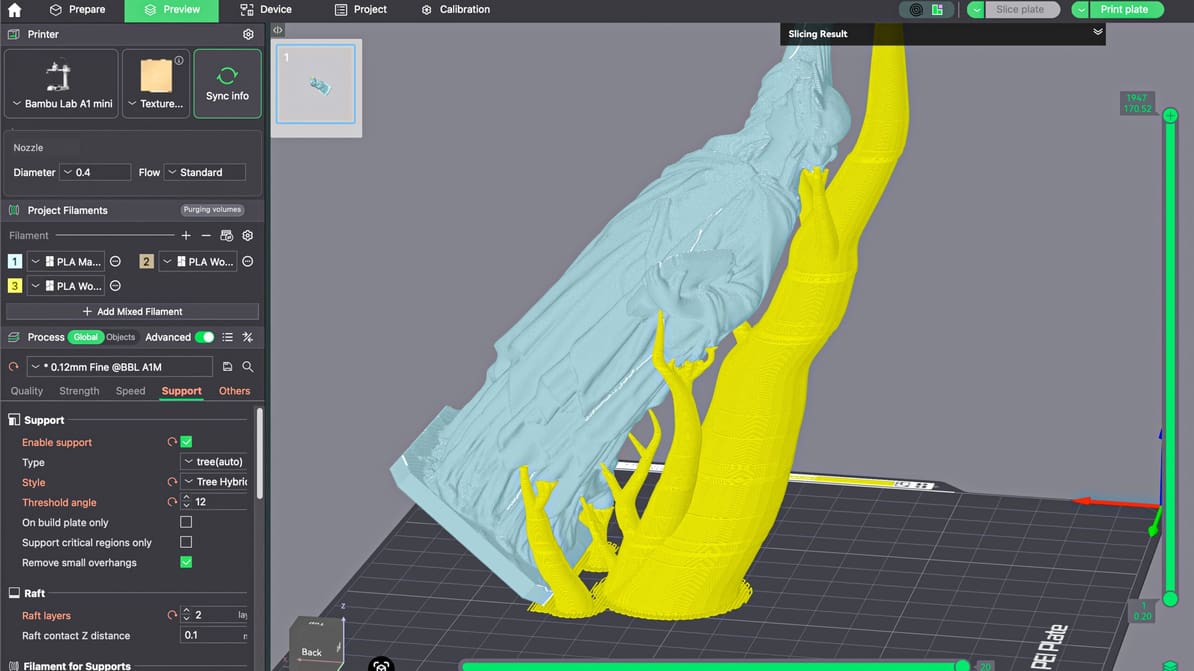
When you master supports in Bambu Studio, you improve supported surfaces, make removal easier, save time, and reduce wasted filament.
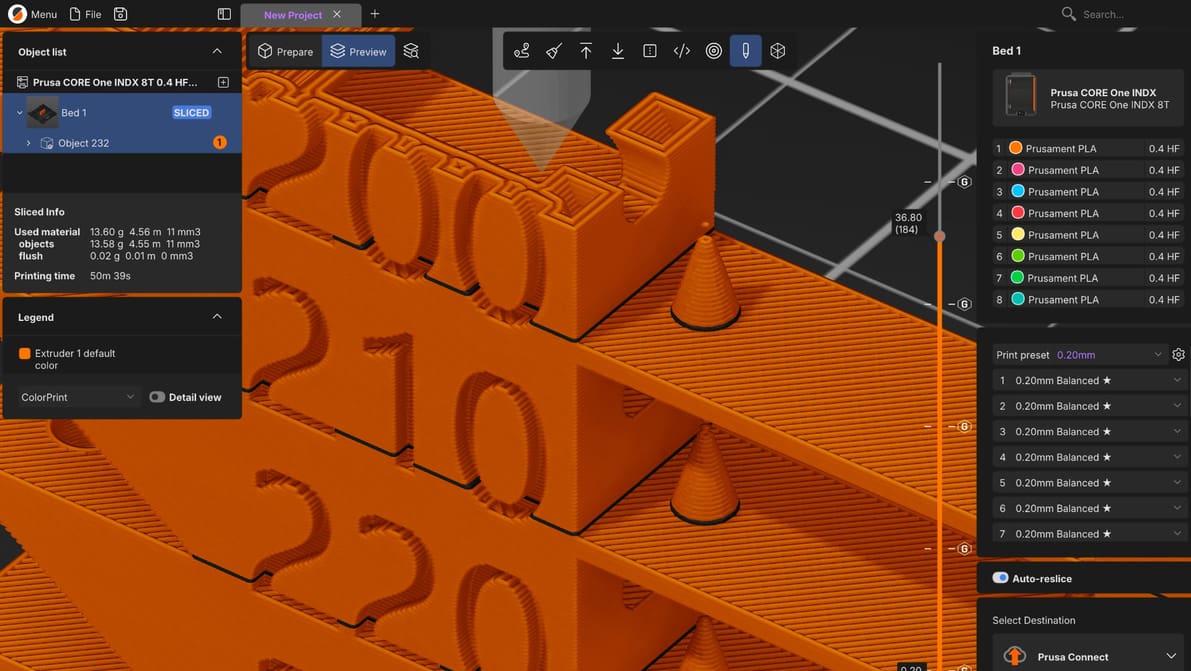
Prusa's next major update for its slicer marks a new chapter for the software, built from the ground up for multi-toolhead machines, multi-plate projects, and a new plug-in marketplace to wrangle rogue single-feature forks into a useful library for all.
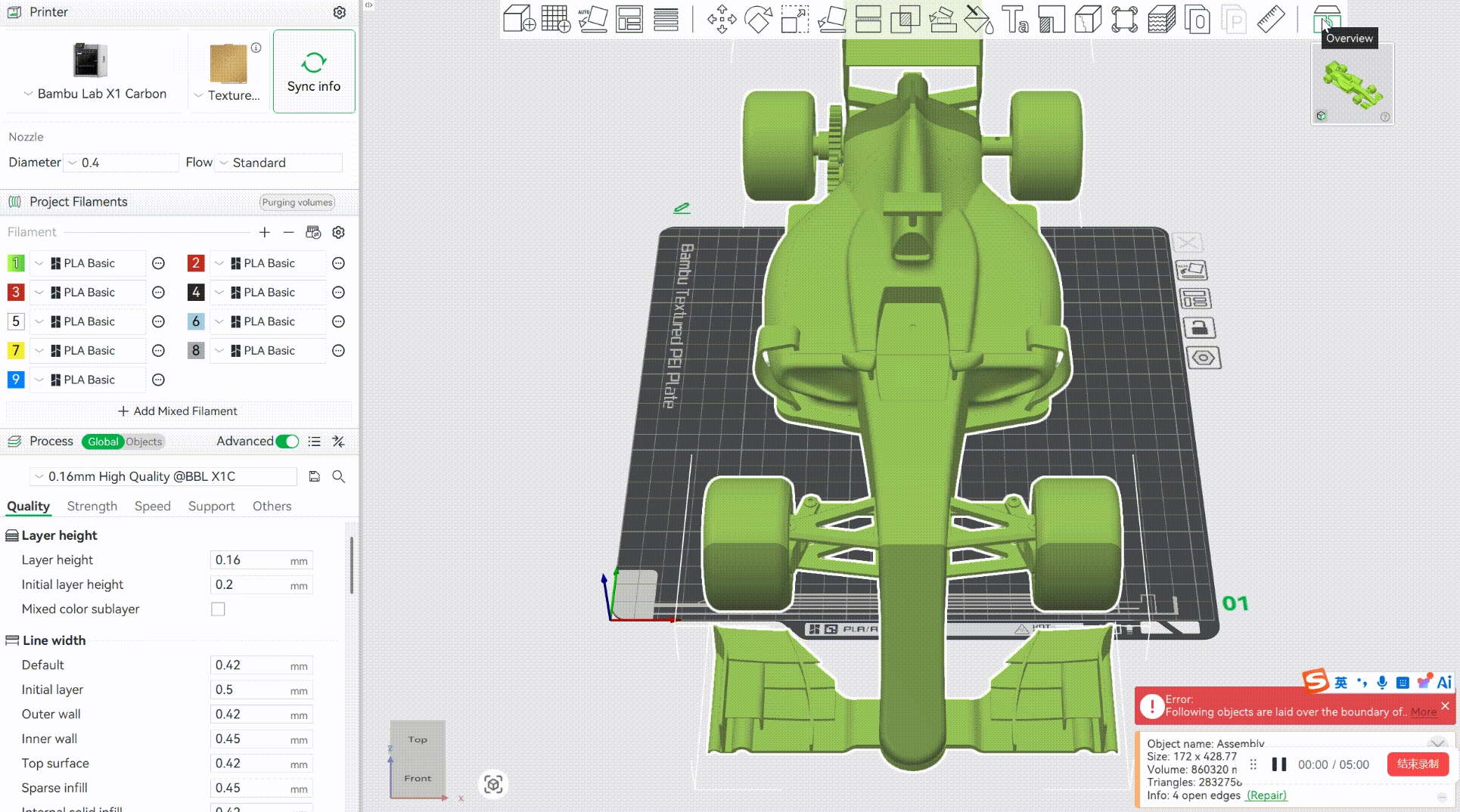
Forget awkwardly holding parts together while explaining where everything goes. Bambu Studio’s new Model Assembly Guides feature in the 2.8.0 Public Beta lets you present an exploded view of your project directly in the software and automatically split the model into assembly steps downloadable as PDFs or MP4s.
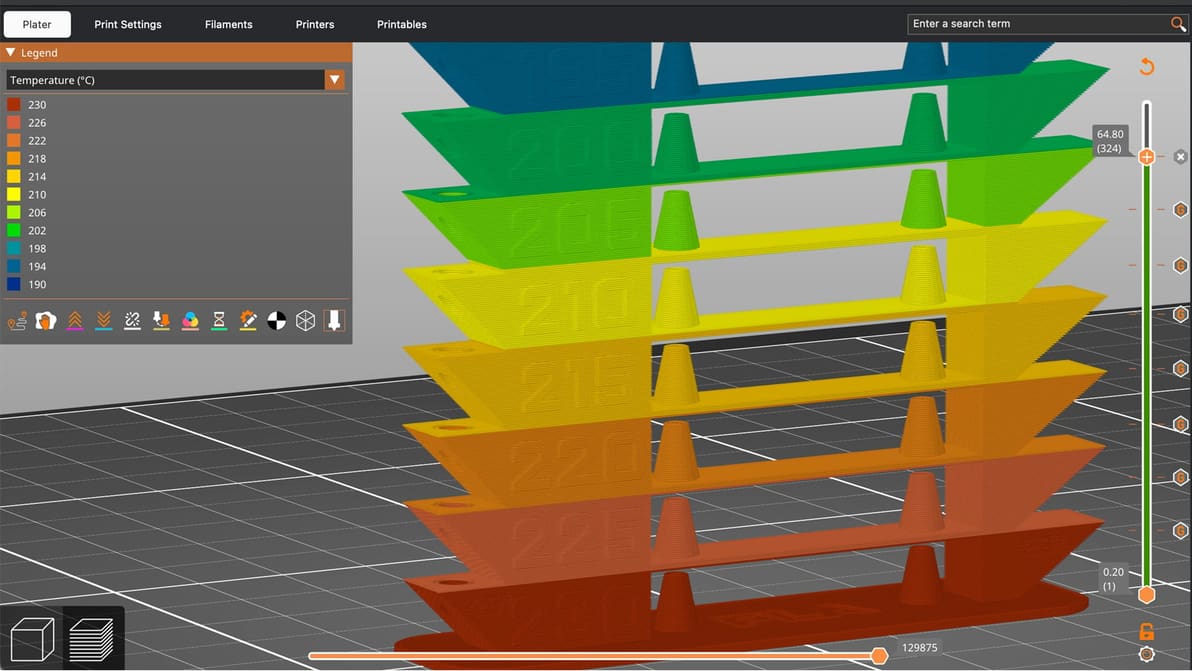
A temperature tower is quick, cheap, and useful. With one small print, you can learn a lot about how your filament behaves and dial in cleaner, stronger, more reliable 3D prints.
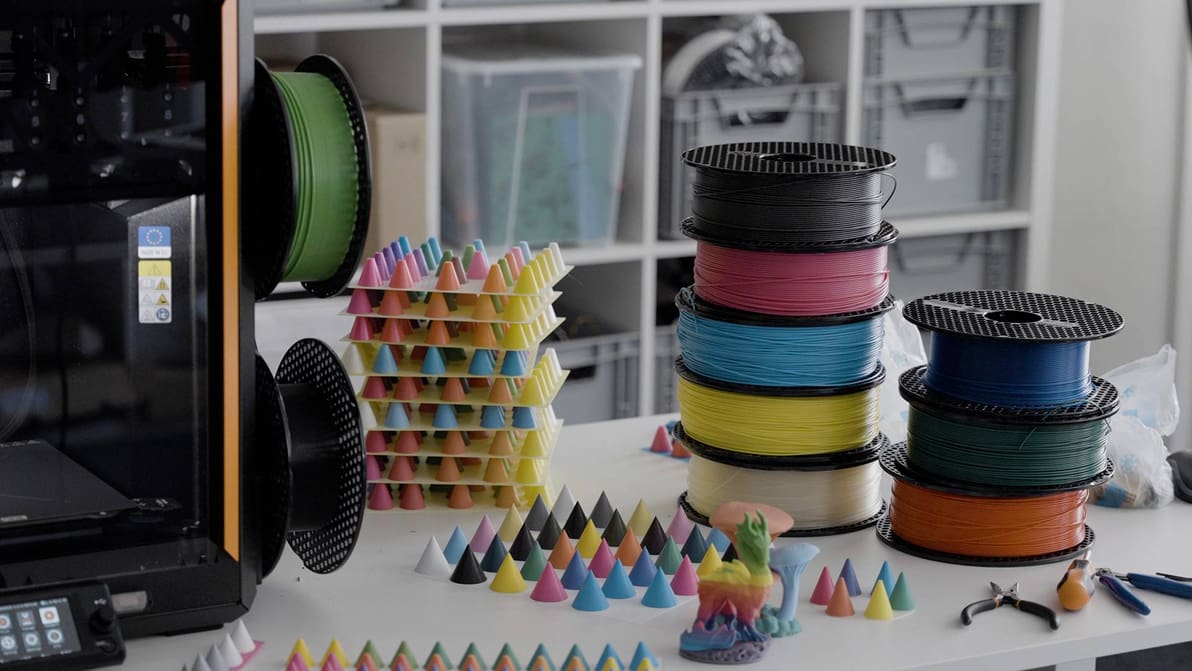
Prusa Research has dropped a beta of PrusaSlicer 2.9.6 alongside an EasyPrint update, both shipping Prusa ColorMix – the company's take on the FullSpectrum filament mixing technique that’s spread across desktop slicers in the past three months.

OrcaSlicer hit version 2.4.0 alpha on May 25, with a release that bundles a handful of welcome new features alongside something more strategically significant: Orca Cloud, the project's own centralized profile and synchronization platform.
Possibly. Buried in the release notes for the latest PrusaSlicer 2.9.5 beta is a frank note explaining recent delays – it suggests the long-awaited major update is just a matter of weeks away (though curiously, "maybe more than four").
Seven years after the launch of PrusaSlicer 2.0, version 3.0 is expected to bring a massive overhaul to the tool, freshening up the UI, expanding your workflow with tabbed projects and updating the engine under the hood.
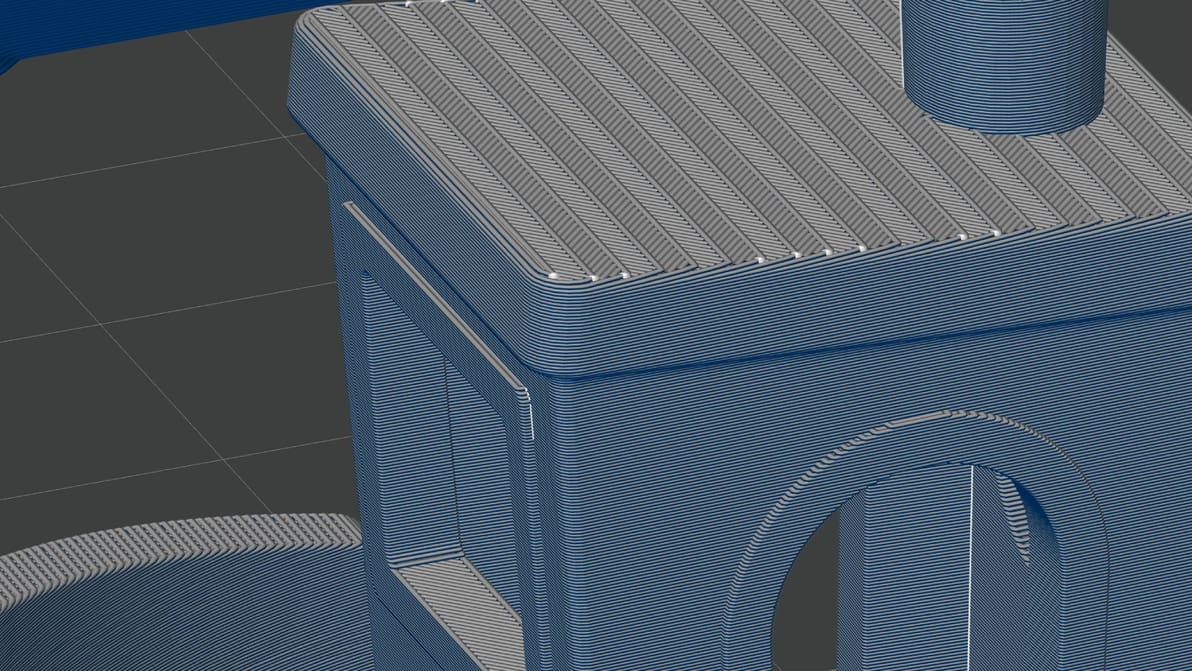
All eyes were on Bambu Lab’s surprise hardware launch of the X2D last week, but a software update alongside introduced a familiar color-mixing feature that deserves some hype, too.
OrcaSlicer version 2.3.2 landed this week, with a hefty list of improvements and fixes including, critically, a fix to a safety vulnerability related to 3MF files, plus a wide set of quality-of-life improvements for Linux users of the software.
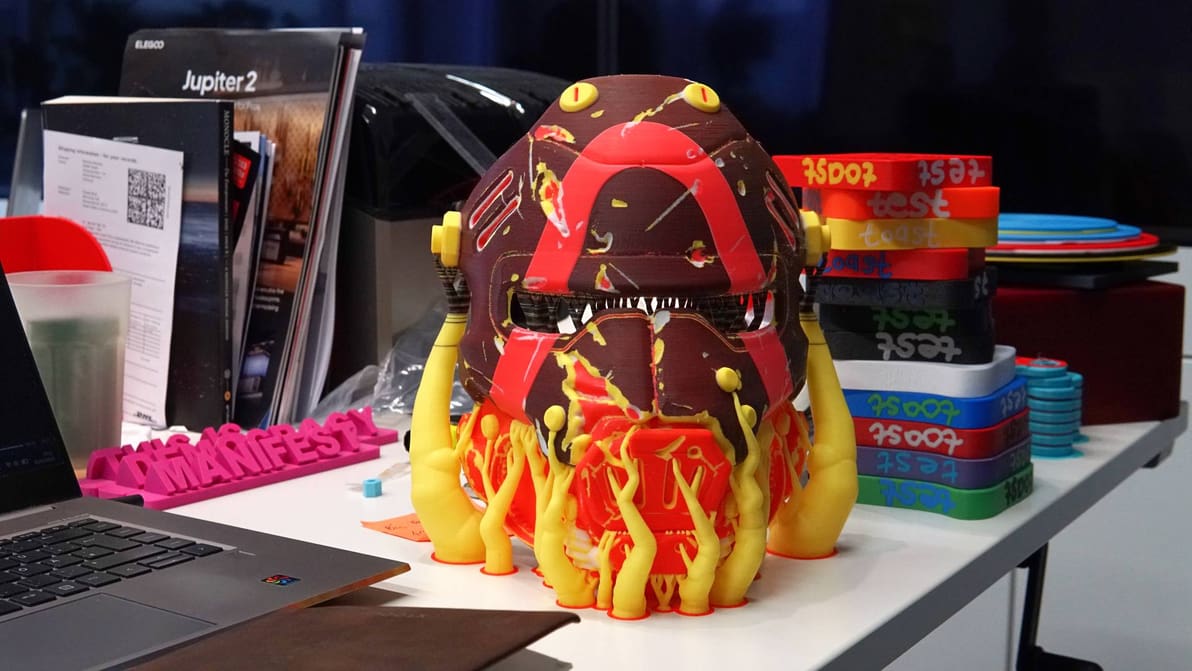
A project to explore layer mixing has resulted in Snapmaker Orca Full Spectrum, a slicer variant that introduces color-mixing functionality for theoretically limitless color 3D printing. I’ve tested it out and the results are astonishing.
We compiled tests of popular 3D printing infill patterns to reveal which geometries offer the best strength and structural integrity.

Stop the guesswork and start printing. From exposure times to lift speeds, we’ve got the Elegoo resin settings you need to eliminate failures and capture every crisp detail.
PrusaSlicer's 2.9.4 release uses new 'Junction Deviation' motion planning to take corners like a race car, all while fixing a critical bug for notably smoother prints.
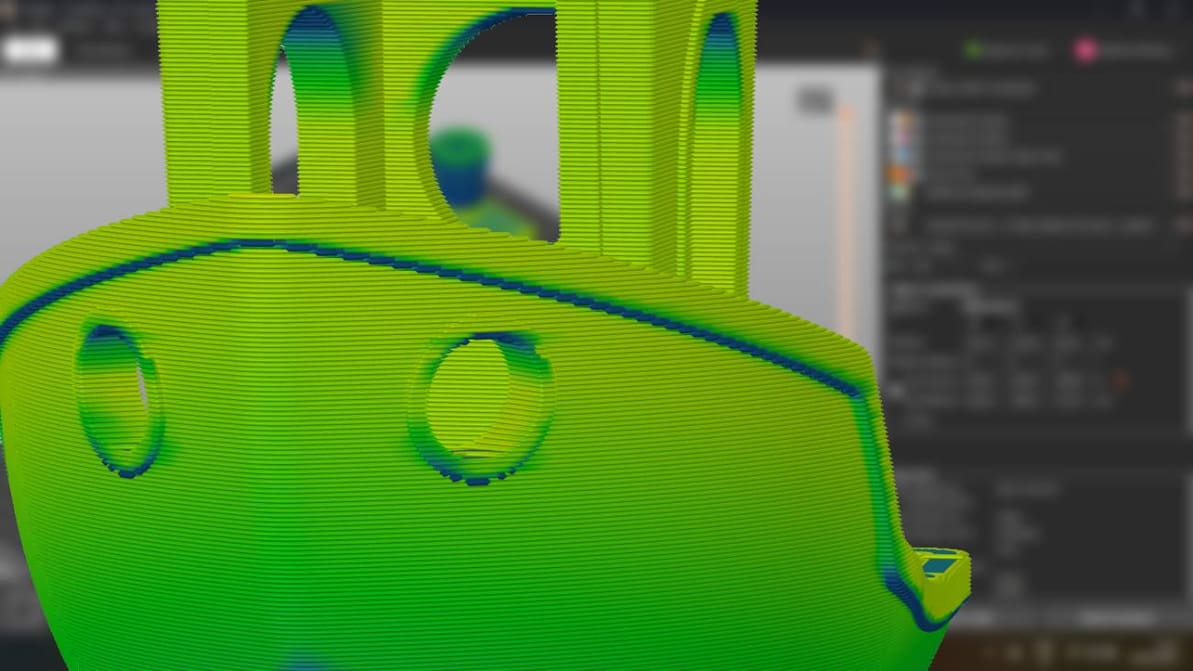
When you’re just setting out 3D printing, don’t overthink the slicer. Picking the right one for you is probably much simpler than it seems.
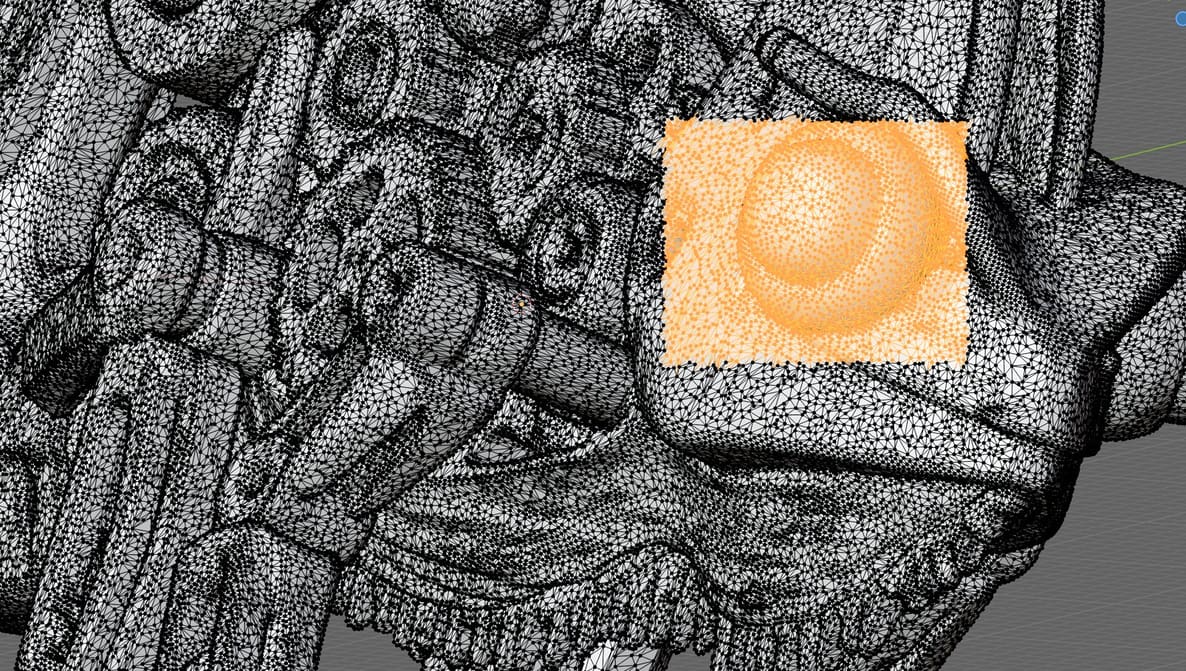
Slicing software can patch most minor issues in your STLs, but it can't reconstruct missing geometry, resolve deep structural faults, or handle tangled meshes. Here's what you need.