Advertisement
Featured image of Cura Vase Mode: The Basics Simply Explained
Flowers Are Optional
Cura Vase Mode: The Basics Simply Explained

Vase mode is a common slicer mode for aesthetic prints. Follow along as we demystify Cura's vase mode to create some seamless models!

by Pranav Gharge
Featured image of 5 Great Online Slicers We Recommend
A Slice of the Web
5 Great Online Slicers We Recommend

You've heard about Cura, PrusaSlicer, and Bambu Studio... but what about online slicers? Here are the best picks.

by Filippo Predebon
Featured image of Cura: Honeycomb Infill – How to Get It
Buzz, Buzz, Buzz
Cura: Honeycomb Infill – How to Get It

Ultimaker Cura comes with many great features but lacks a honeycomb infill pattern. Read on for a hack to get Cura honeycomb infill!

by Jackson O'Connell
Featured image of The Best Creality Slicer Settings / Profile
Setting It Right
The Best Creality Slicer Settings / Profile

Looking to master Creality's slicer? Learn all about the crucial Creality Slicer settings and how to obtain a flawless print.

by Pranav Gharge
Featured image of The Best Cura Plug-ins of 2024
Icing on the Cake
The Best Cura Plug-ins of 2024

Plug-ins for UltiMaker's Cura take an already great slicer to a whole new level. Check out our top picks for the best Cura plug-ins!

Featured image of Kiri:Moto (Web-Based Slicer): All You Need to Know
Web-Based Slicing
Kiri:Moto (Web-Based Slicer): All You Need to Know

This slicer flexes browser-based computing for your 3D printing needs... And more! Read on for everything you need to know about Kiri:Moto.

by Thomas Maillioux
Featured image of Lithophanes with Cura: Easy Tutorial (incl. Best Settings)
From Digital to Physical
Lithophanes with Cura: Easy Tutorial (incl. Best Settings)

Lithophanes turn digital pictures into tangible ones that you can see when light shines through. Check out how to make a lithophane in Cura!

by Priyank Pal
Featured image of The Best PLA Bed & Print Temperature Settings
Getting an A in PLA
The Best PLA Bed & Print Temperature Settings

Figuring out the best PLA print and bed temperature can be tricky. Check out this quick guide to learn all you need to know.

by Ethan Sommer
Featured image of Cura: Combing Mode – Simply Explained
No Strings Attached
Cura: Combing Mode – Simply Explained

In Cura, combing is an important setting that reduces retractions and can prevent stringing. Learn how you can use combing mode in Cura!

by Jackson O'Connell
Featured image of Orca Slicer vs Cura: The Differences
Take Your Slice(r)
Orca Slicer vs Cura: The Differences

It's Orca Slicer vs Cura: A brand-new slicer faces off against the arguably most popular and known option. Let's compare them!

by Gloria E. Magarotto
Advertisement
Advertisement
Featured image of Never Mind the X2D, New Bambu Studio Update Adds Filament Color Mixing Feature
Color Picker
Never Mind the X2D, New Bambu Studio Update Adds Filament Color Mixing Feature

All eyes were on Bambu Lab’s surprise hardware launch of the X2D last week, but a software update alongside introduced a familiar color-mixing feature that deserves some hype, too.

by Matthew Mensley
Featured image of PrusaSlicer Infill Patterns: All You Need to Know
Skill with Infill
PrusaSlicer Infill Patterns: All You Need to Know

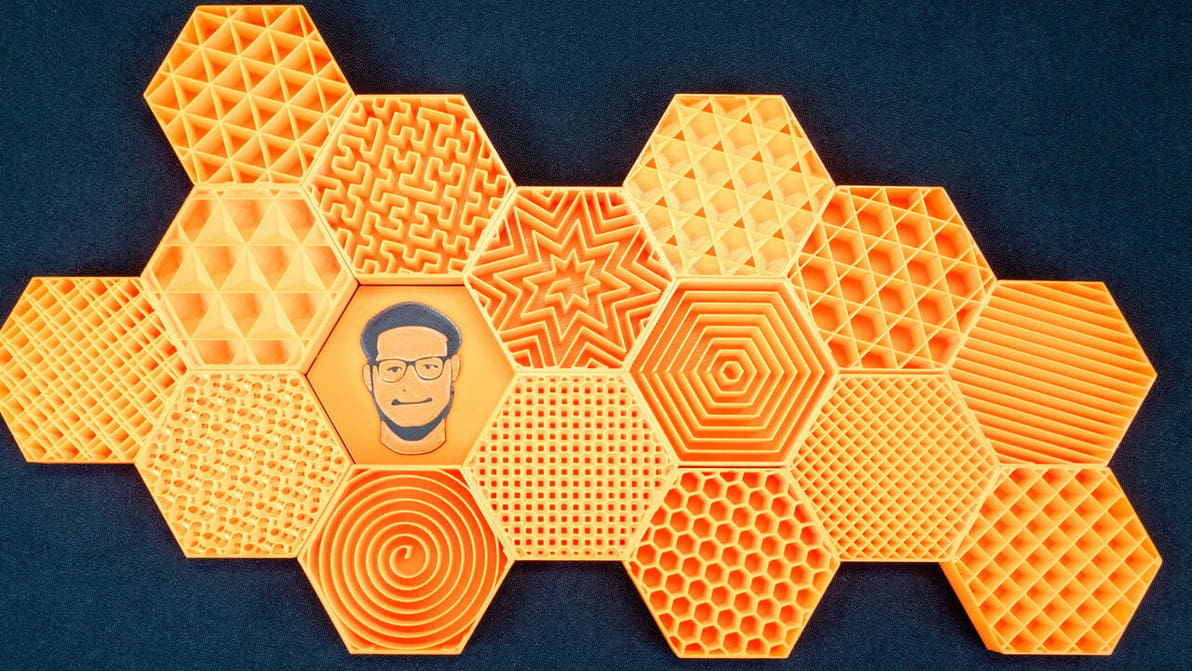
PrusaSlicer infill patterns are some of the most diverse of any slicer. Read on to learn which one is best for you!
Featured image of Orca Slicer: Seam – All You Need to Know
Not What It Seams
Orca Slicer: Seam – All You Need to Know

Orca Slicer has been gaining popularity thanks to its advanced tools. Read on to discover how to get seams right with it!

by Gloria E. Magarotto
Featured image of Autodesk’s New Netfabb 2026: All You Need to Know
Additive Manufacturing Software
Autodesk’s New Netfabb 2026: All You Need to Know

What you need to know about Netfabb to prep, test, and optimize your 3D parts. Plus, all the updates in the new 2026 version.

by Carolyn Schwaar
Featured image of Cura Tree Support: All You Need to Know
Branch Out
Cura Tree Support: All You Need to Know

Tree supports are efficient and tidy. Find out why the Cura tree support setting is one of our favorite 3D printing tricks.

by Pranav Gharge
Featured image of PrusaSlicer Fuzzy Skin: How to Use It
Fuzz It Up
PrusaSlicer Fuzzy Skin: How to Use It

Fuzzy skin can add an interesting twist to your 3D prints. Read on to find out how to best use PrusaSlicer's fuzzy skin feature!

by Myles Vendel
Featured image of PrusaSlicer vs Cura: The Differences
The Best Slice for You
PrusaSlicer vs Cura: The Differences

Read on to see our head-to-head comparison of PrusaSlicer vs. Cura, two of the best free and open-source slicer software options out there.
Featured image of Bambu Lab Slicer: Bambu Studio – All You Need to Know
Not Just for Pandas
Bambu Lab Slicer: Bambu Studio – All You Need to Know

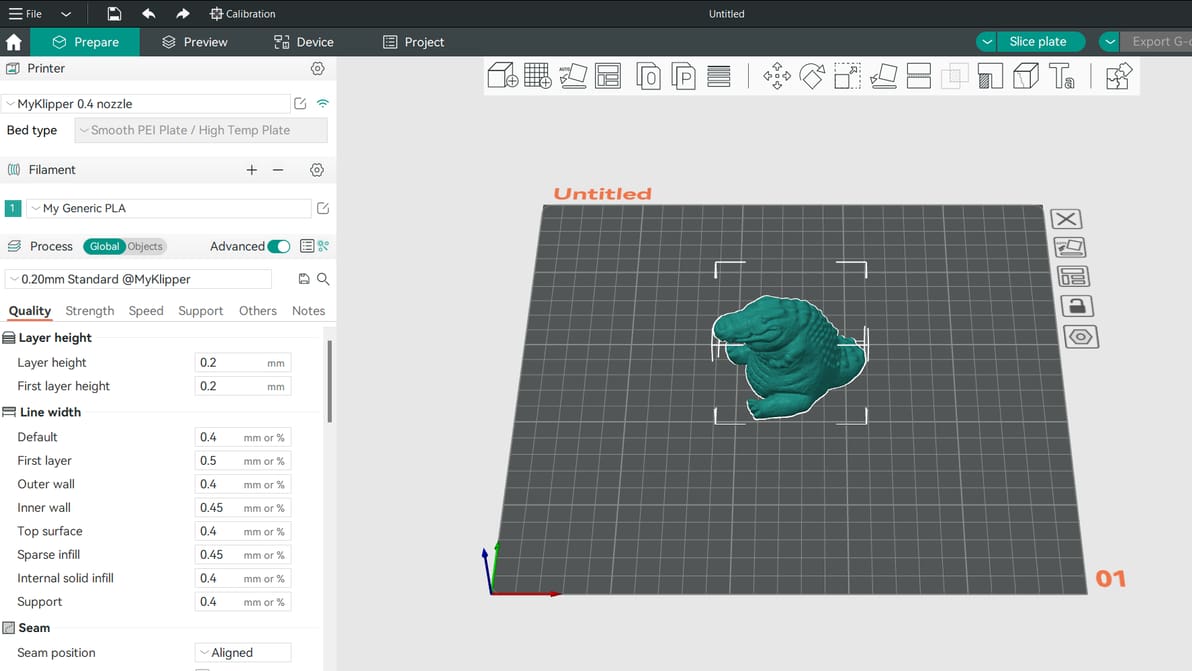
Here's everything you need to know about the Bambu Studio Slicer. Read on to learn how to use this slicer with your 3D printer!

by Thomas Patterson
Featured image of Creality Slicer vs Cura: The Differences
Slicing Software Showdown
Creality Slicer vs Cura: The Differences

Creality Slicer vs Cura: slicing through the noise to find your perfect 3D printing partner! Read all about how these slicers stack up.

by Priyank Pal
Featured image of What Is a 3D Slicer? – Simply Explained
Slice It Up
What Is a 3D Slicer? – Simply Explained

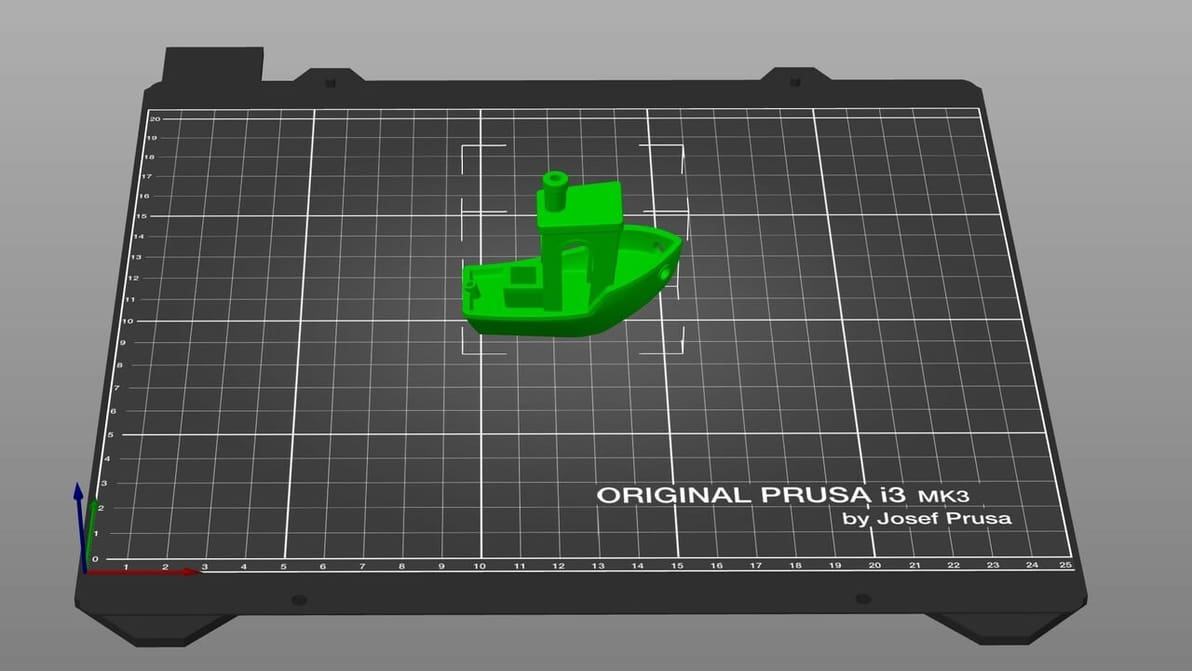
If you're wondering what is a 3D slicer, it defines a model and instructs a 3D printer how it's printed. Learn all about this software!
by Lucas Carolo
Advertisement
Advertisement