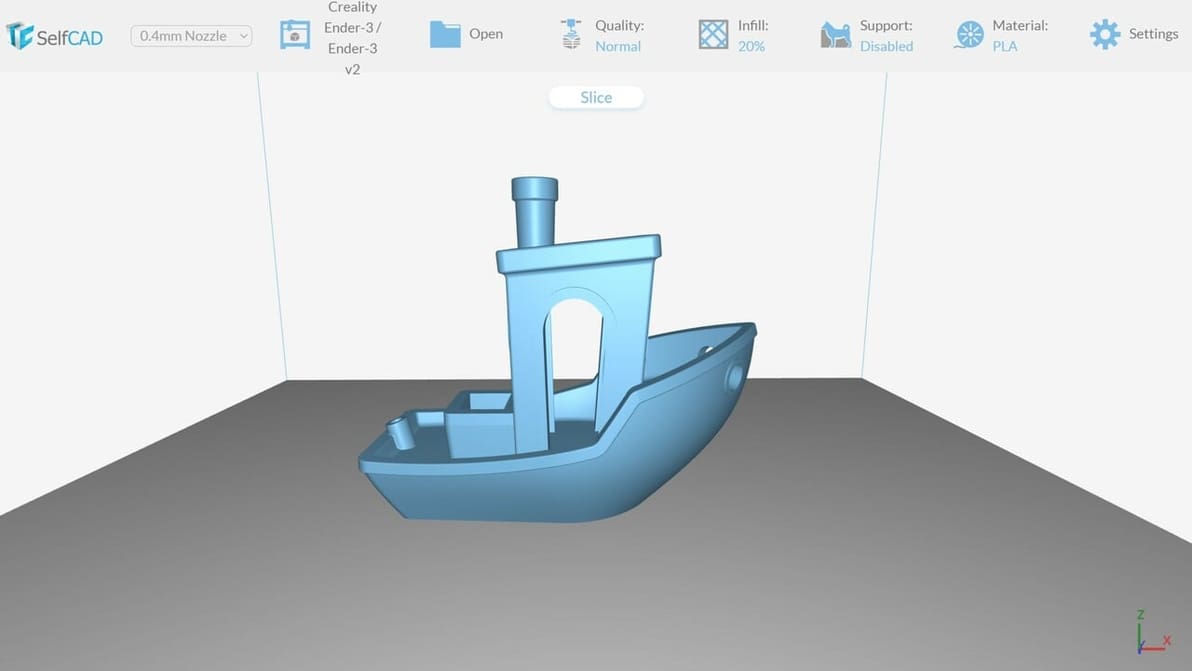
You've heard about Cura, PrusaSlicer, and Bambu Studio... but what about online slicers? Here are the best picks.
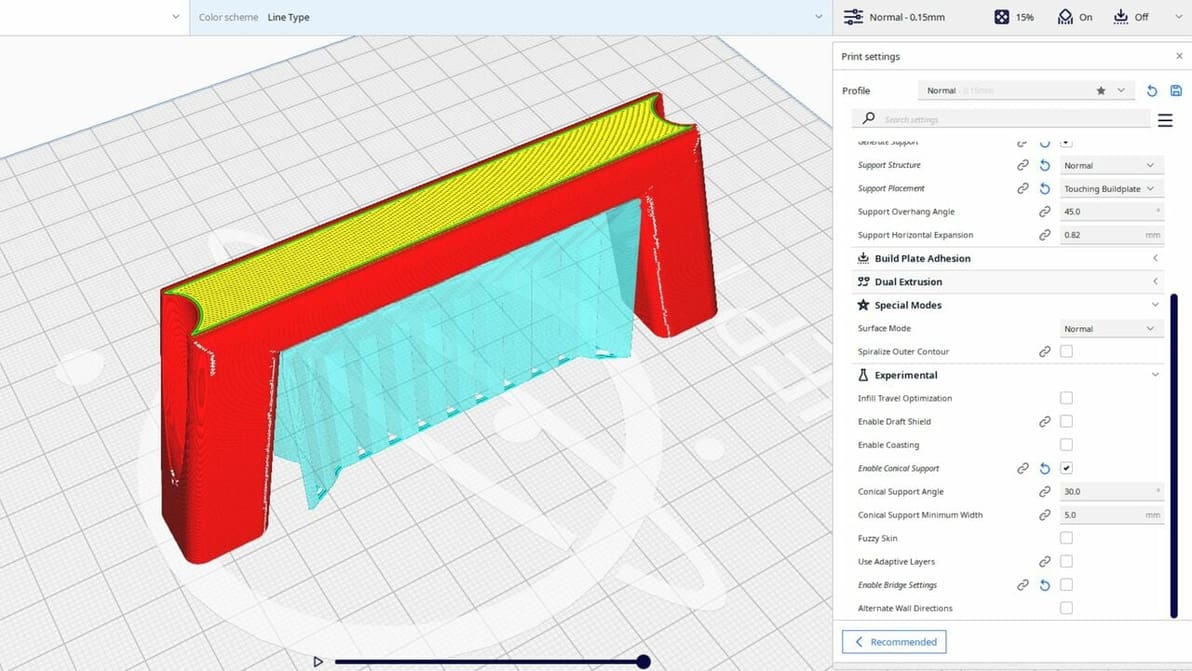
Cura's experimental settings can unlock hidden potential in your 3D printing experience. Read all about them!
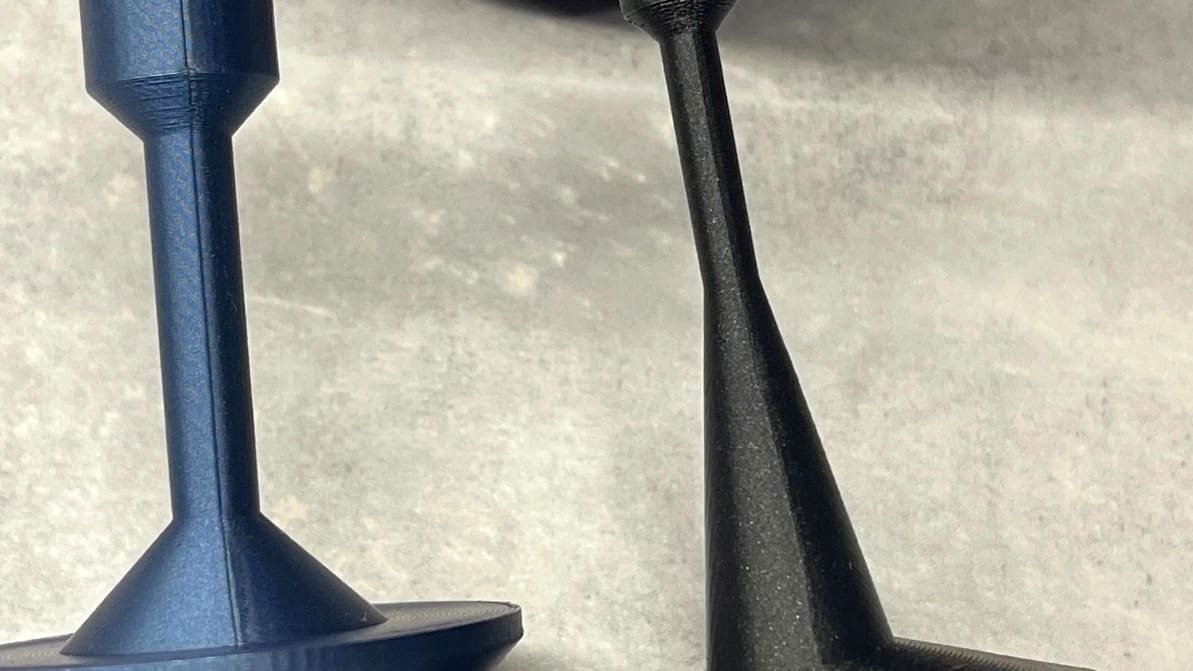
Orca Slicer has been gaining popularity thanks to its advanced tools. Read on to discover how to get seams right with it!
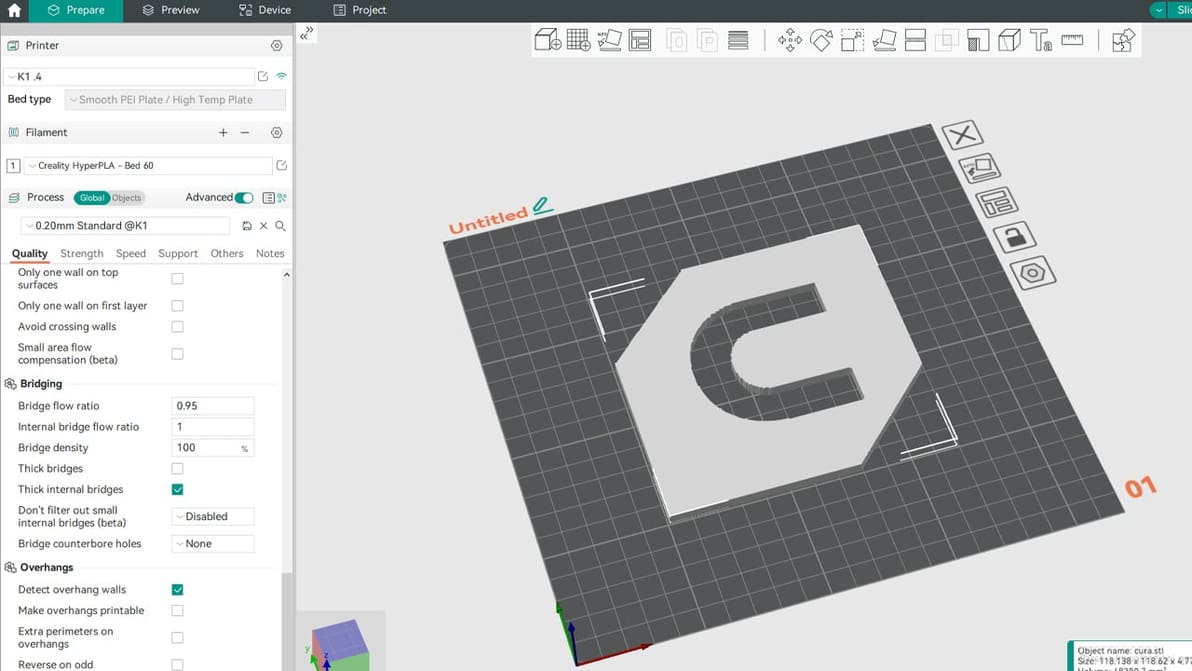
It's Orca Slicer vs Cura: A brand-new slicer faces off against the arguably most popular and known option. Let's compare them!
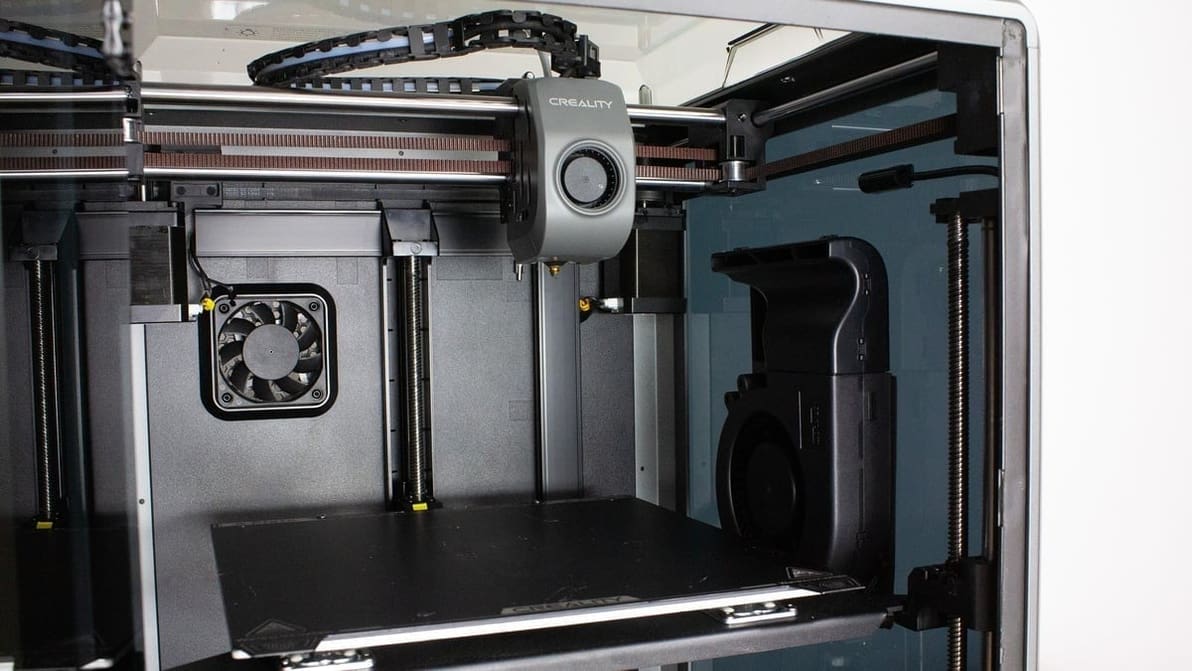
Creality 3D printers ship with Creality Slicer, but that's far from the only option! Check out the best slicers for Creality printers.
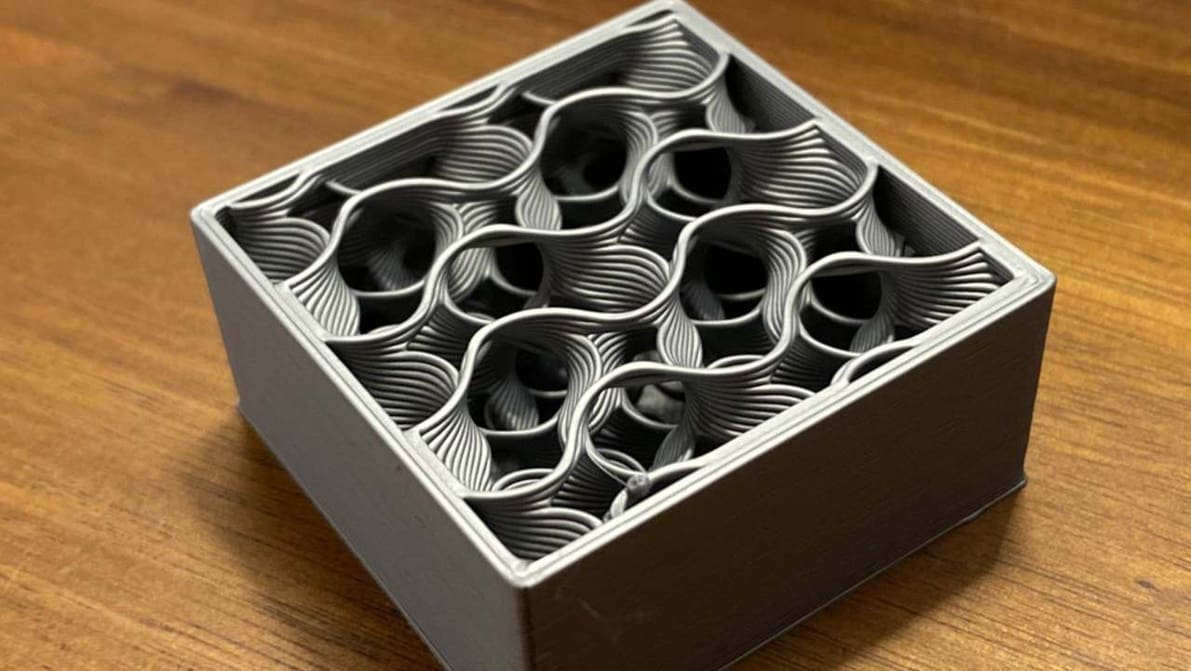
An infill pattern can be both aesthetically pleasing and super strong. Find out all about the wonders of Cura's gyroid infill.

Supports falling off mid-print? Z Hop can help! Learn how to use this setting in Cura to improve your prints.

Bambu Studio's vase mode is the easy path to seamless, artistic 3D prints. Read on to learn how to use it and how to troubleshoot.
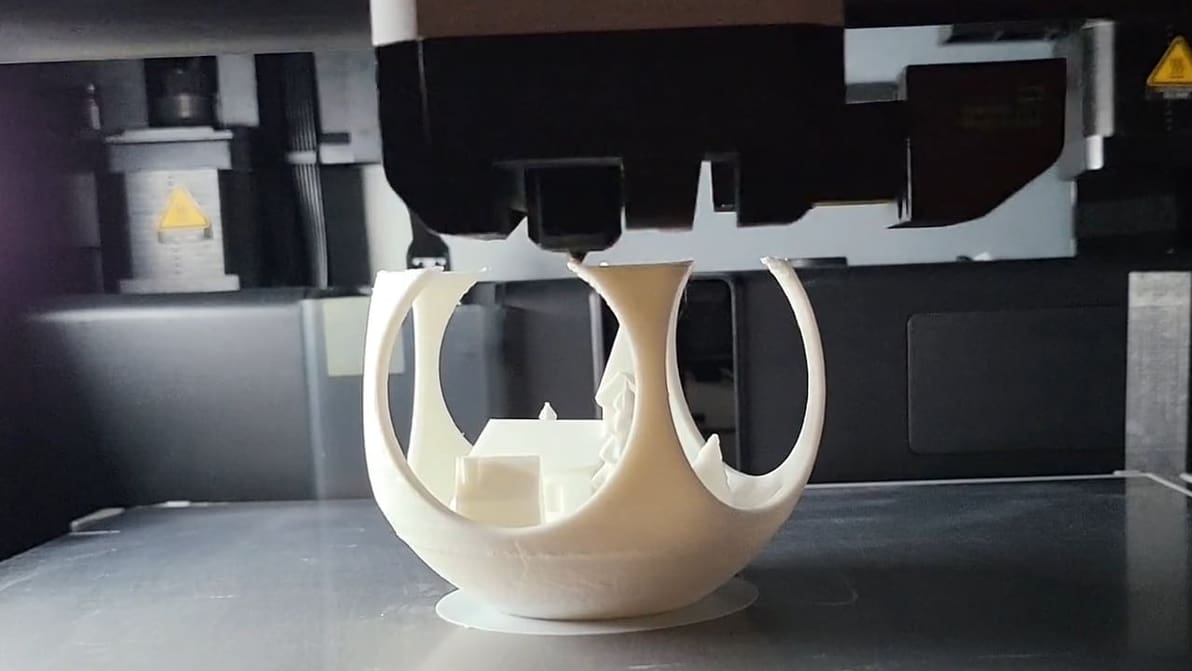
Unlocking the Z-lift technique (Z Hop) in PrusaSlicer: Learn how to change the game on the extruder traveling movements!
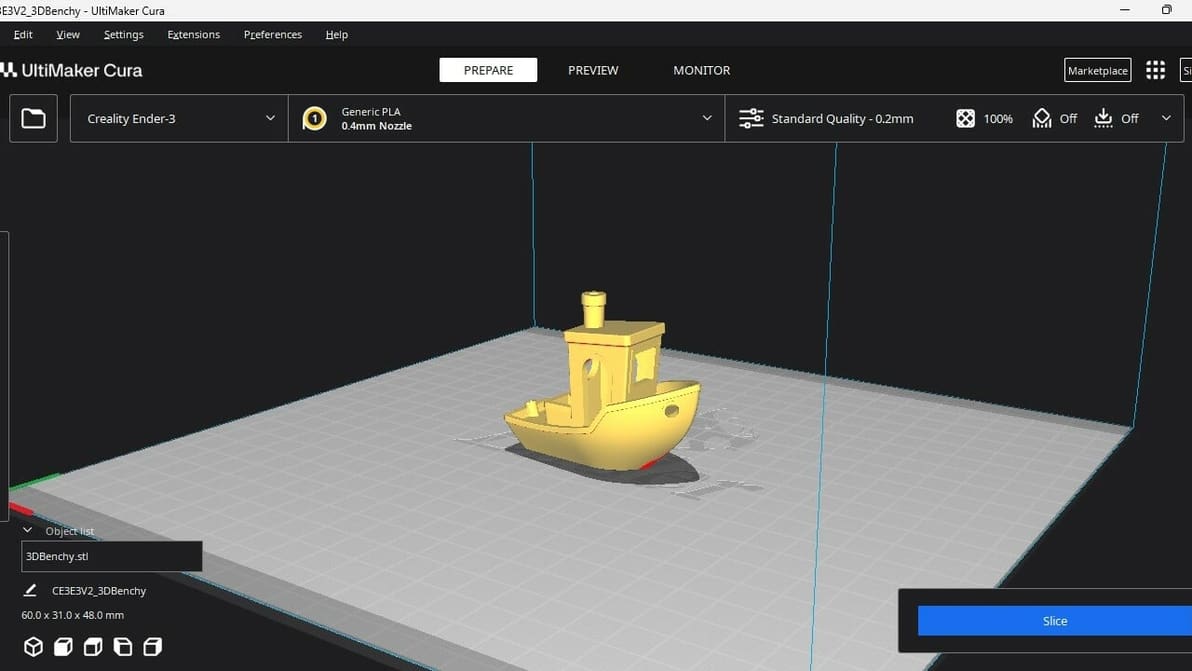
Not all slicers are created equal! Read about the slicers for the Ender 3 (V2/Pro/S1/Neo/V3) and find the best Ender 3 slicer for your needs.
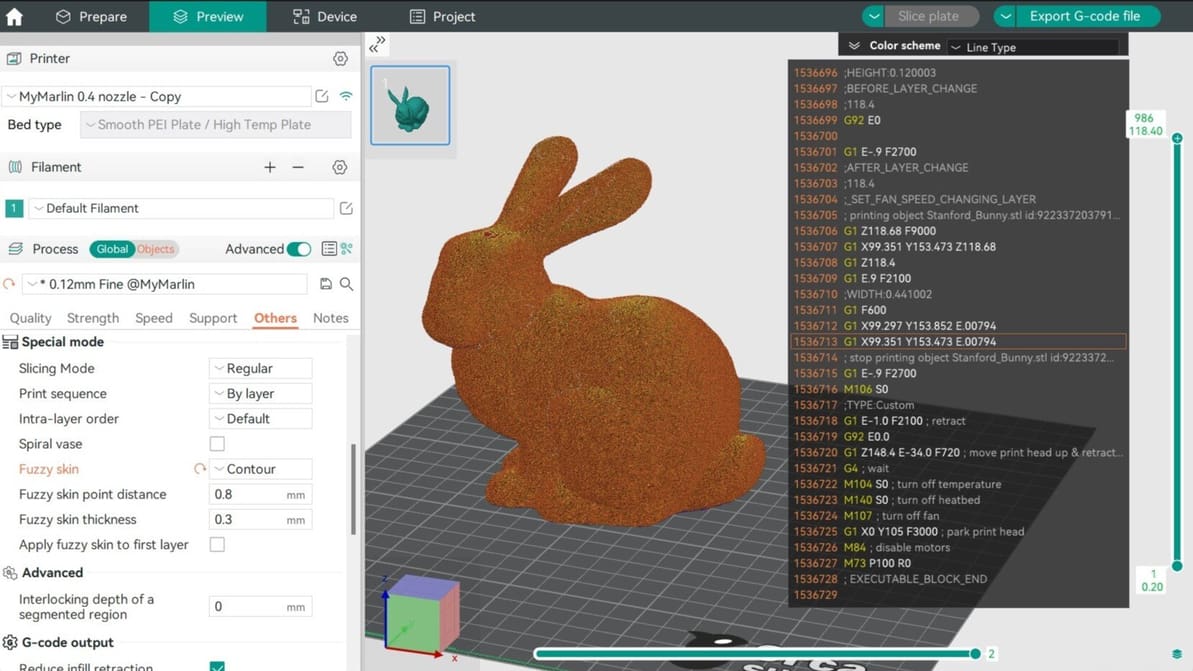
In Orca Slicer, fuzzy skin is one of the easiest tool you can use to add texture to your prints. Read on to find out why and how to use it!
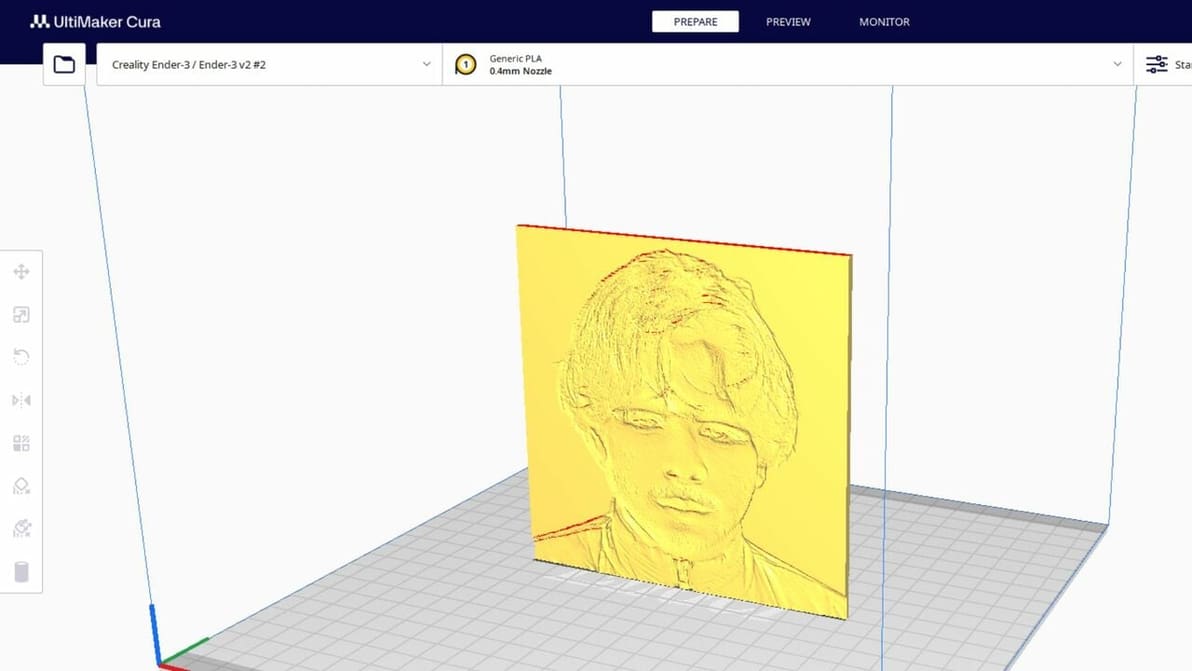
Lithophanes turn digital pictures into tangible ones that you can see when light shines through. Check out how to make a lithophane in Cura!
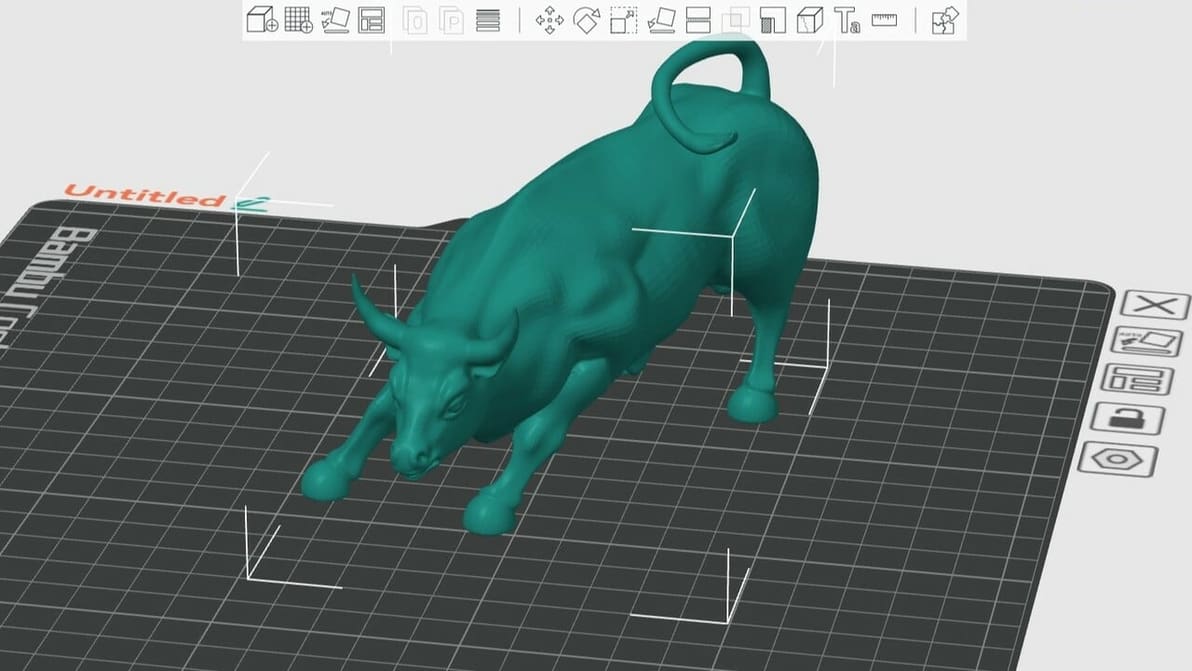
Whether you're a newbie or pro, Orca Slicer has something for you. Read on for an Orca Slicer tutorial to help you get started!
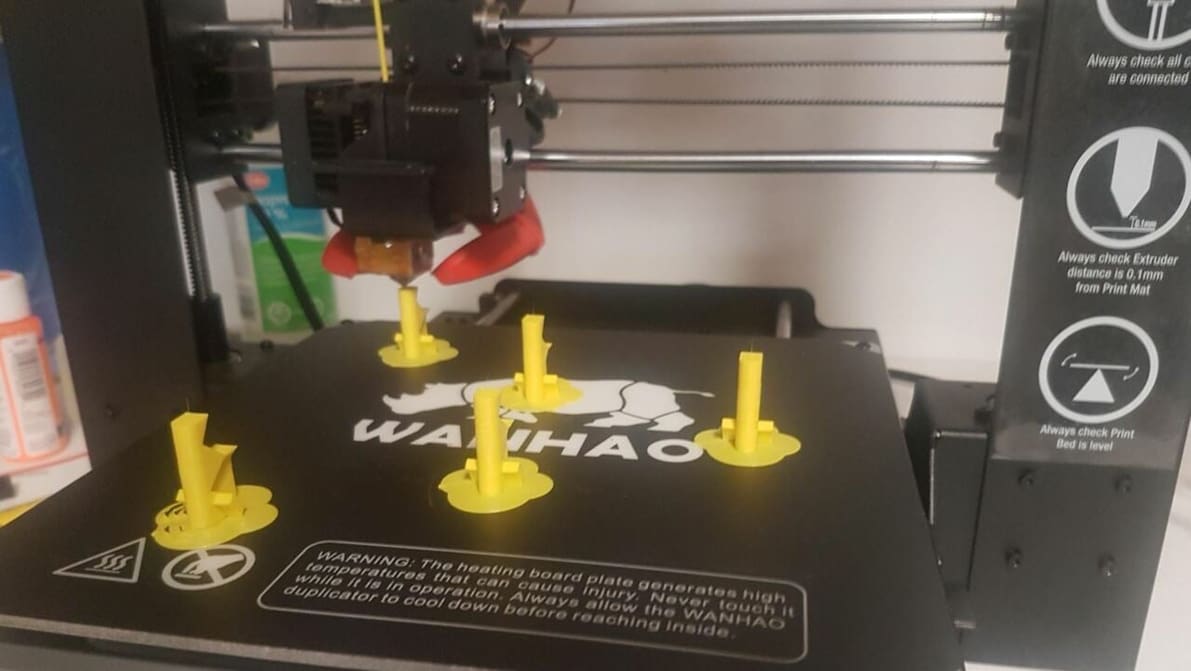
Cura's print "One at a Time" slicer setting can be super handy. Read on to learn how it works, how to use it, and more!

A Z seam is a visible line of imperfections running down the side of a print. With Cura, Z seams can be no more! Read on to learn how.
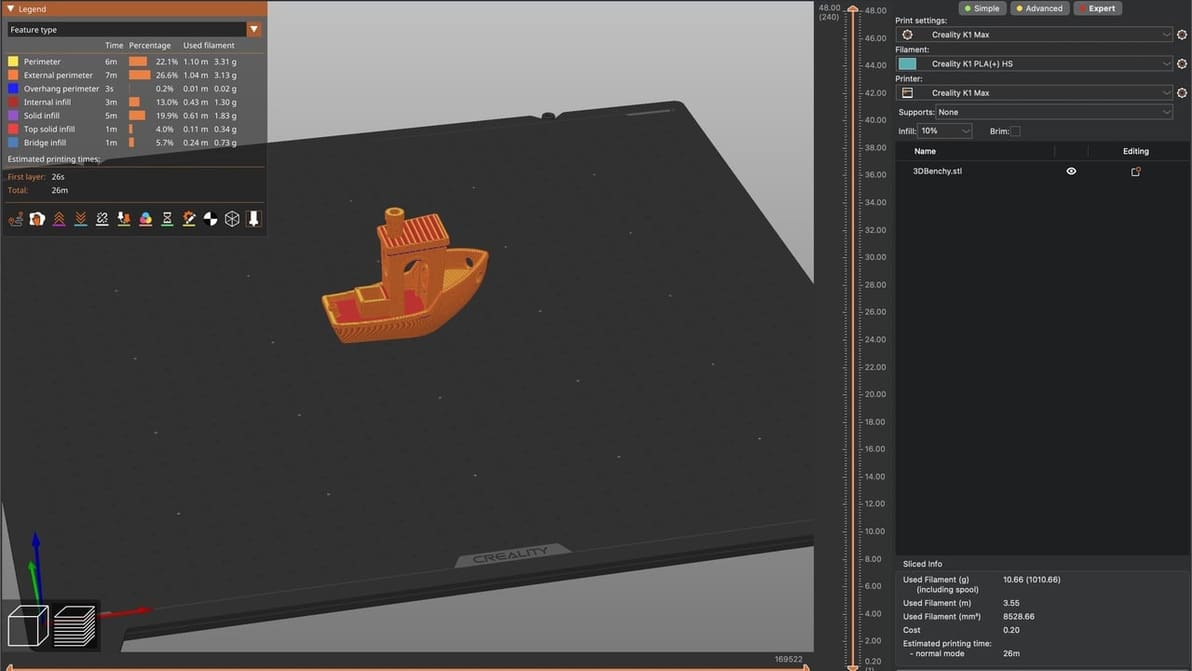
PrusaSlicer fans, listen up! Learn how to craft a Creality K1 PrusaSlicer profile that gets the job done quickly and at quality.
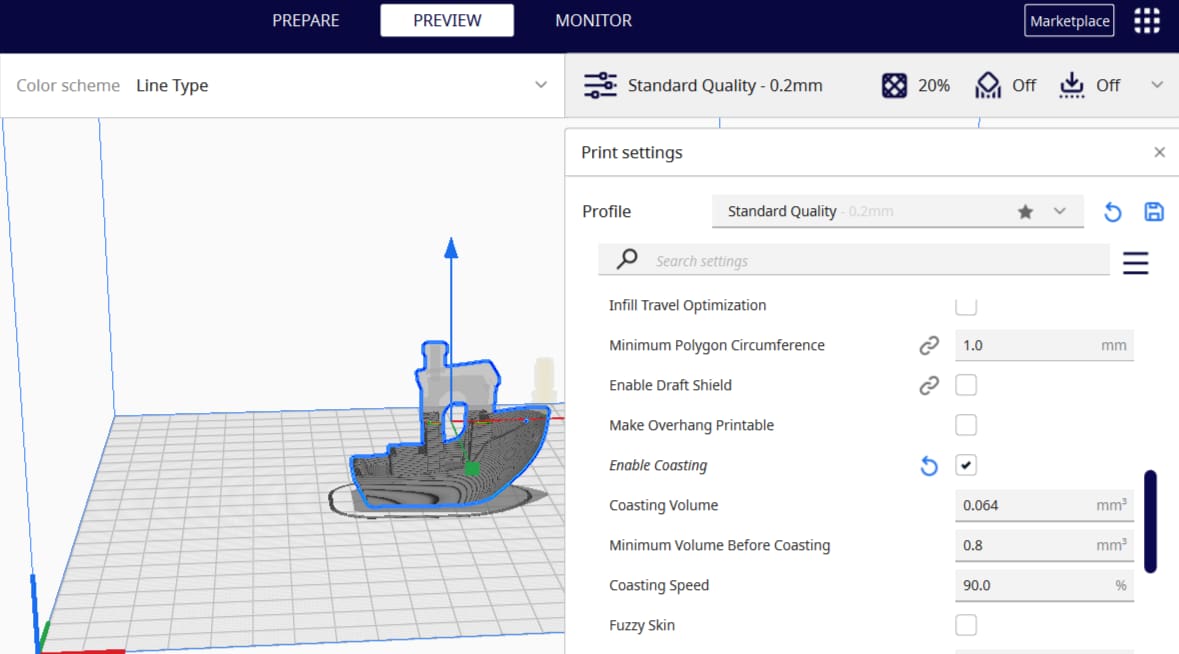
Cura is a 3D slicer with some very neat features. Keep reading to learn about the best Cura coasting settings and see what they can do!
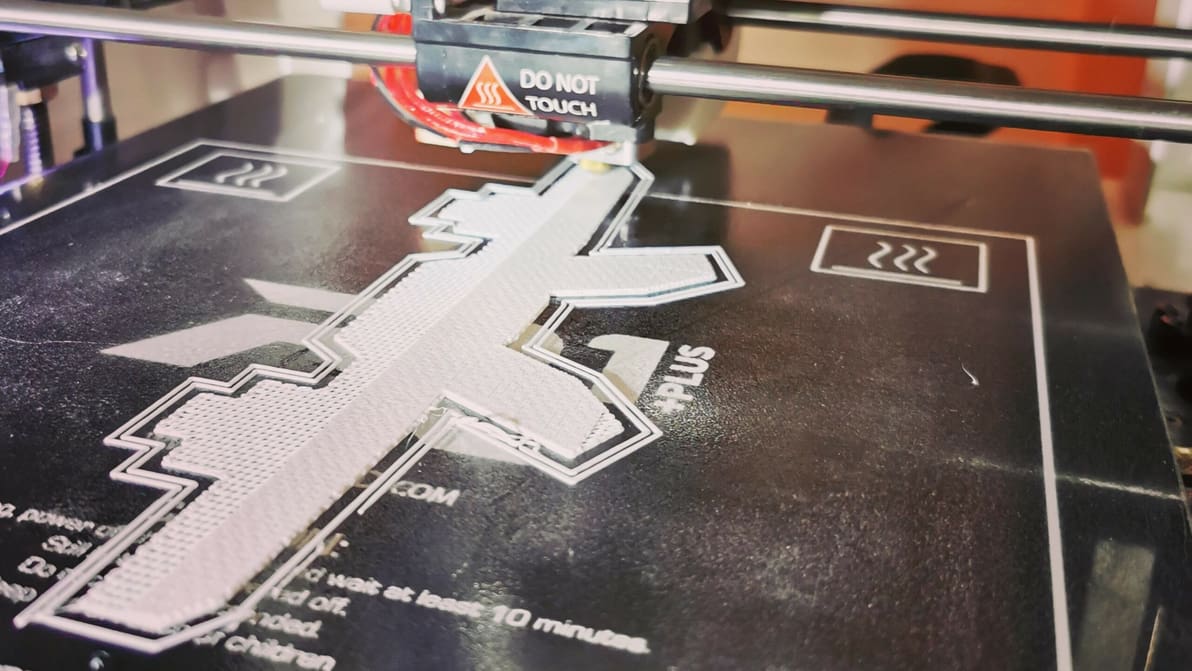
3D printing raft vs. brim vs. skirt: Learn the differences between these adhesion assistants and which to choose, using Cura as an example.
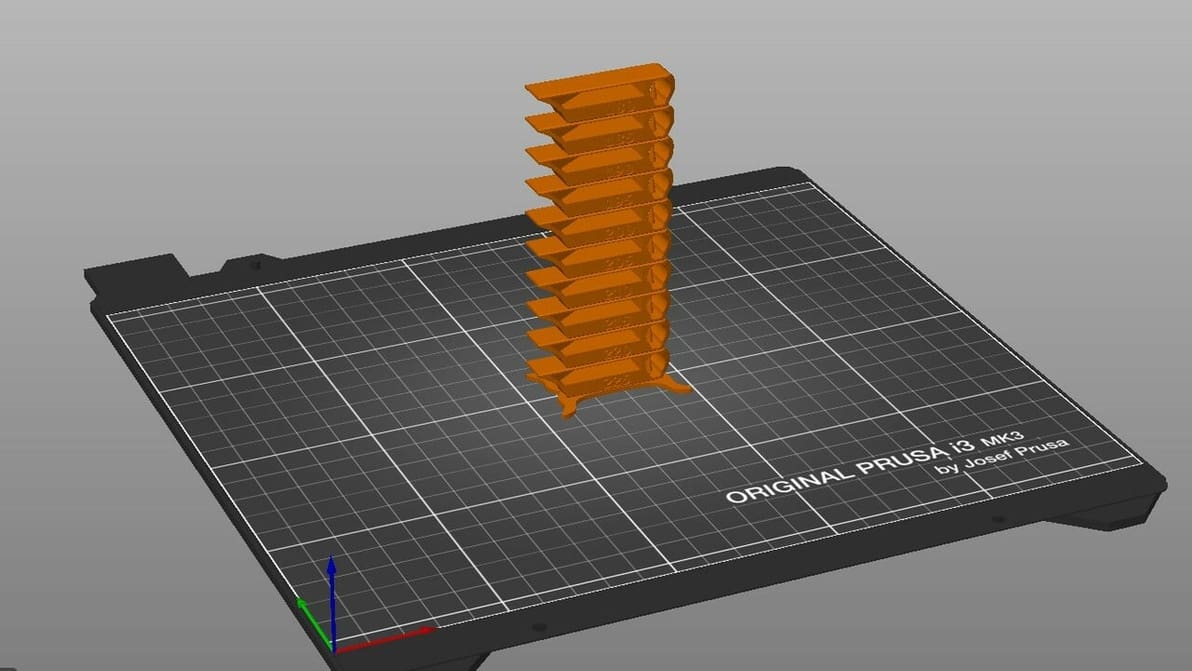
By creating PrusaSlicer temperature towers, you can elevate print quality and filament efficiency in one go. Read on to learn more!
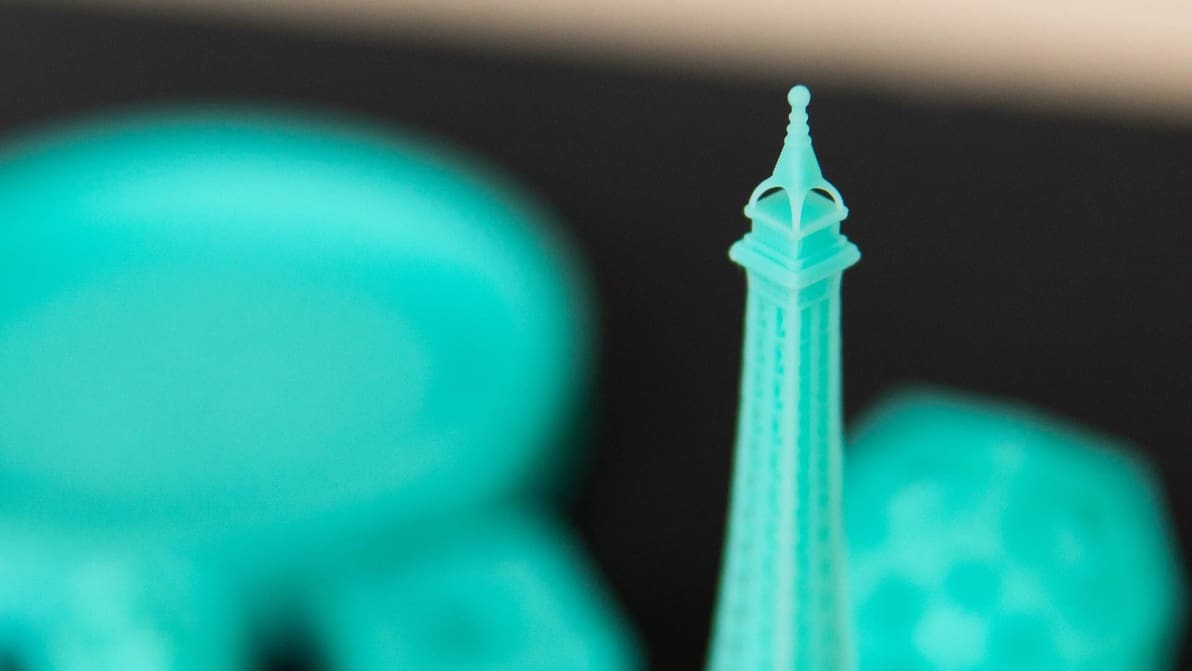
To get your resin prints right, it's all about the settings. Learn the most important slicer settings for resin 3D printers!