3D Printing Slicer Settings
Featured
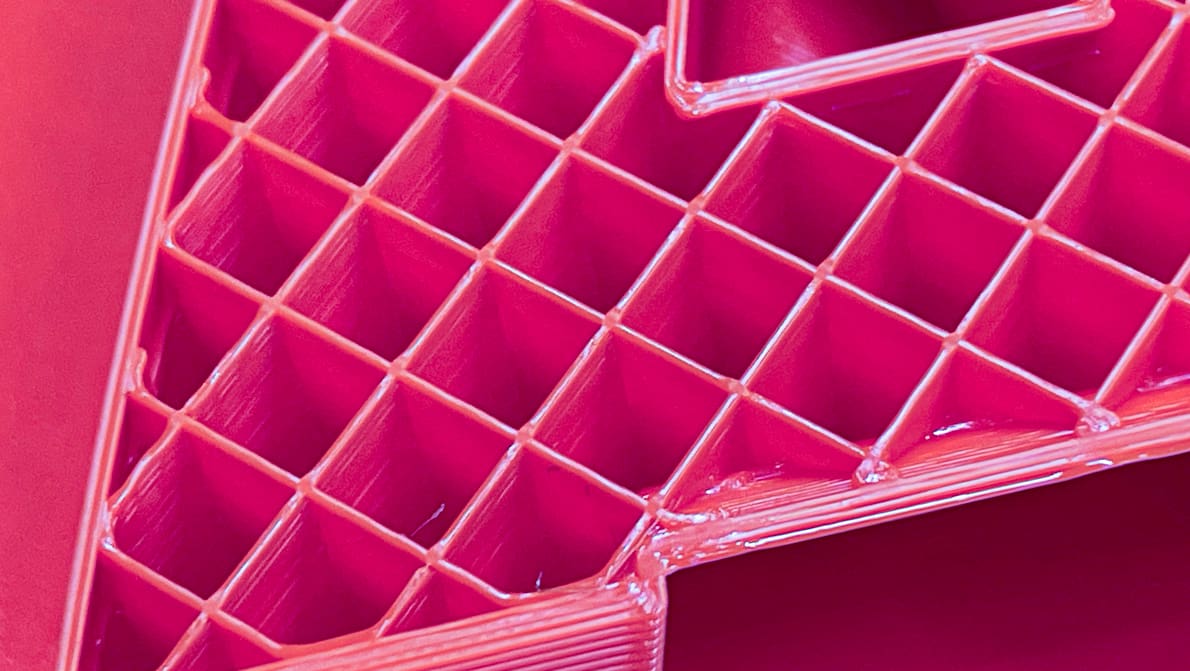
We compiled tests of popular 3D printing infill patterns to reveal which geometries offer the best strength and structural integrity.
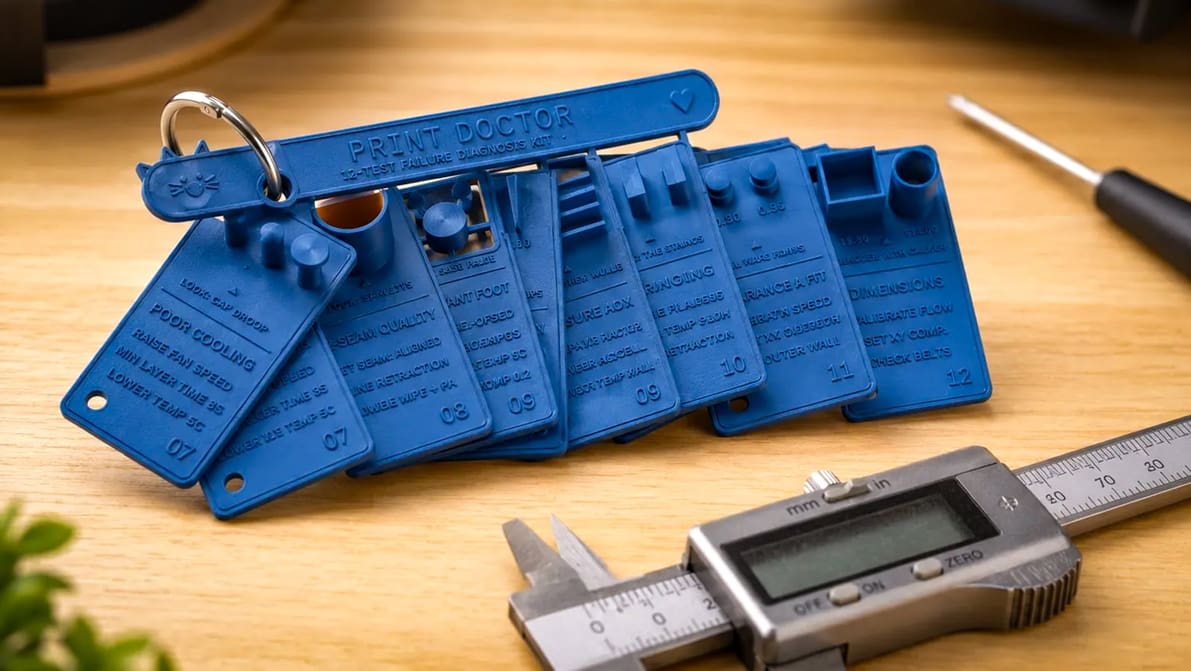
These free calibration models help you diagnose a wide range of 3D printing problems and choose the right setting to fix them.
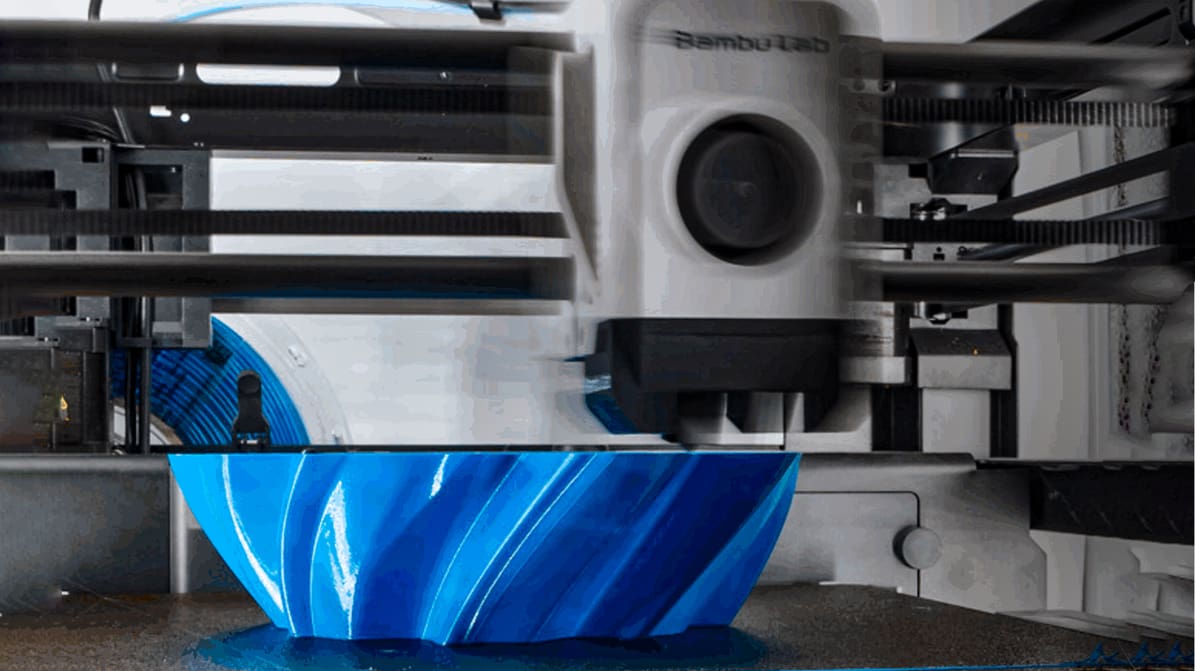
Find the perfect PETG print settings for your needs by adjusting temperature, stringing, print speed, and retraction settings!
Latest
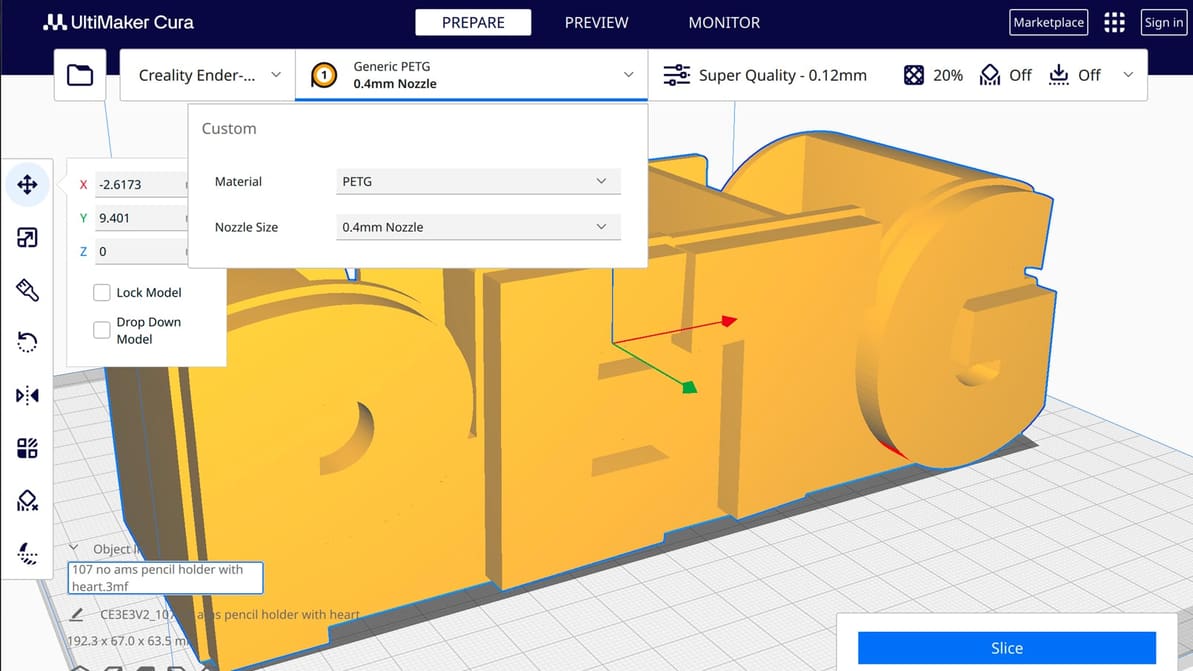
If you're a Cura slicer enthusiast, learn to how to translate PETG printing principles into practical slicer settings.
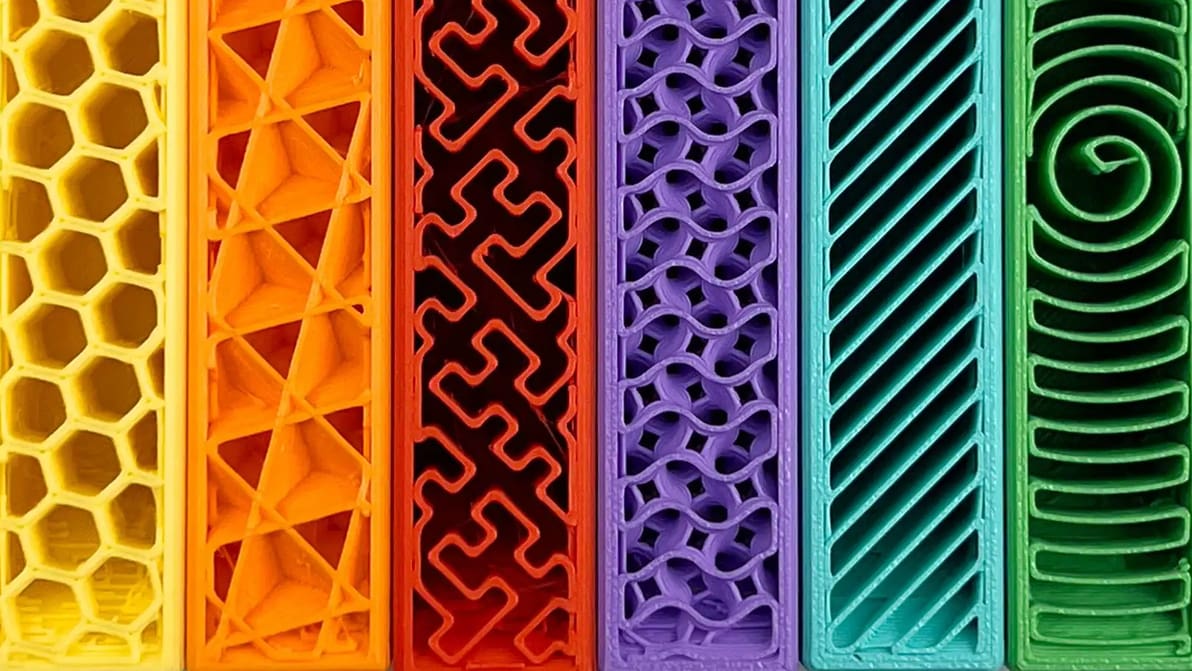
Get infill density and pattern wrong and your print wastes filament, snaps, or takes forever to print. Read on to learn how to get it right.
These free calibration models help you diagnose a wide range of 3D printing problems and choose the right setting to fix them.
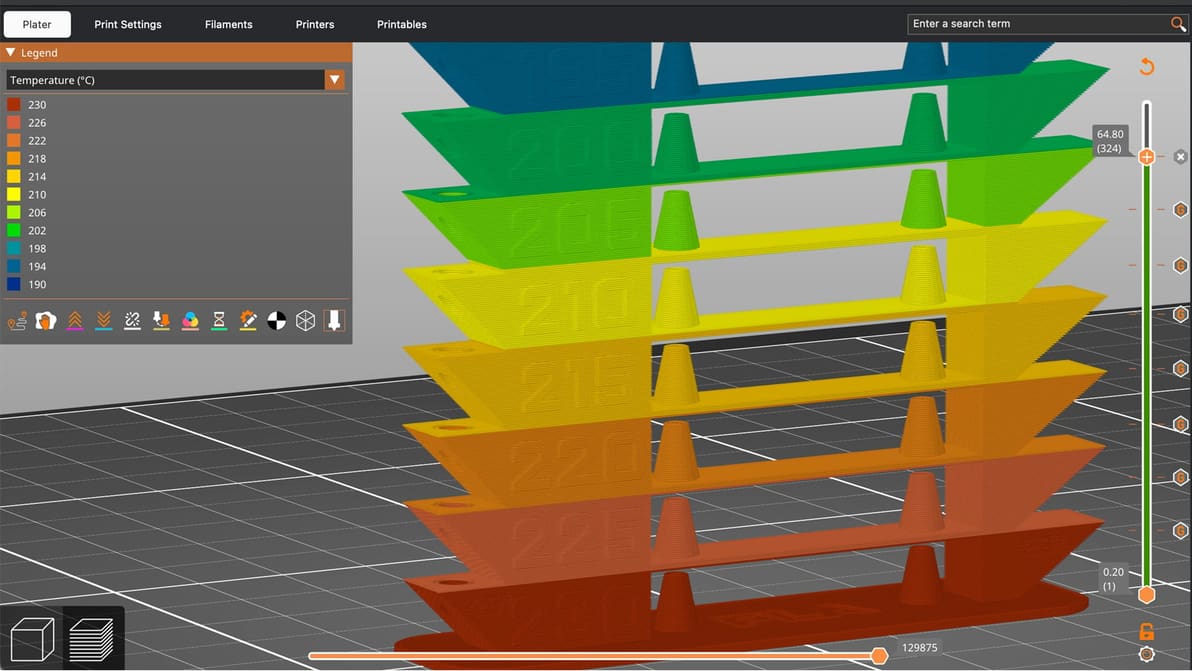
A temperature tower is quick, cheap, and useful. With one small print, you can learn a lot about how your filament behaves and dial in cleaner, stronger, more reliable 3D prints.
We compiled tests of popular 3D printing infill patterns to reveal which geometries offer the best strength and structural integrity.
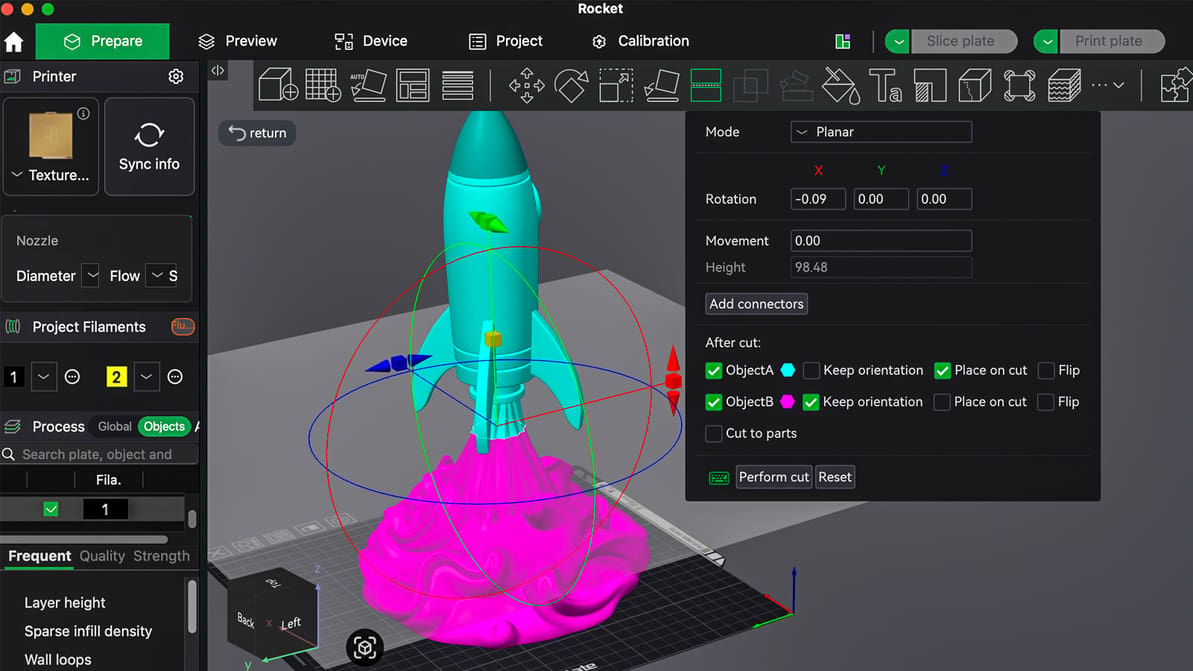
Stop letting your build volume limit your creativity; master the simple "Cut" and "Split" tools to print massive, multi-part projects on any 3D printer.
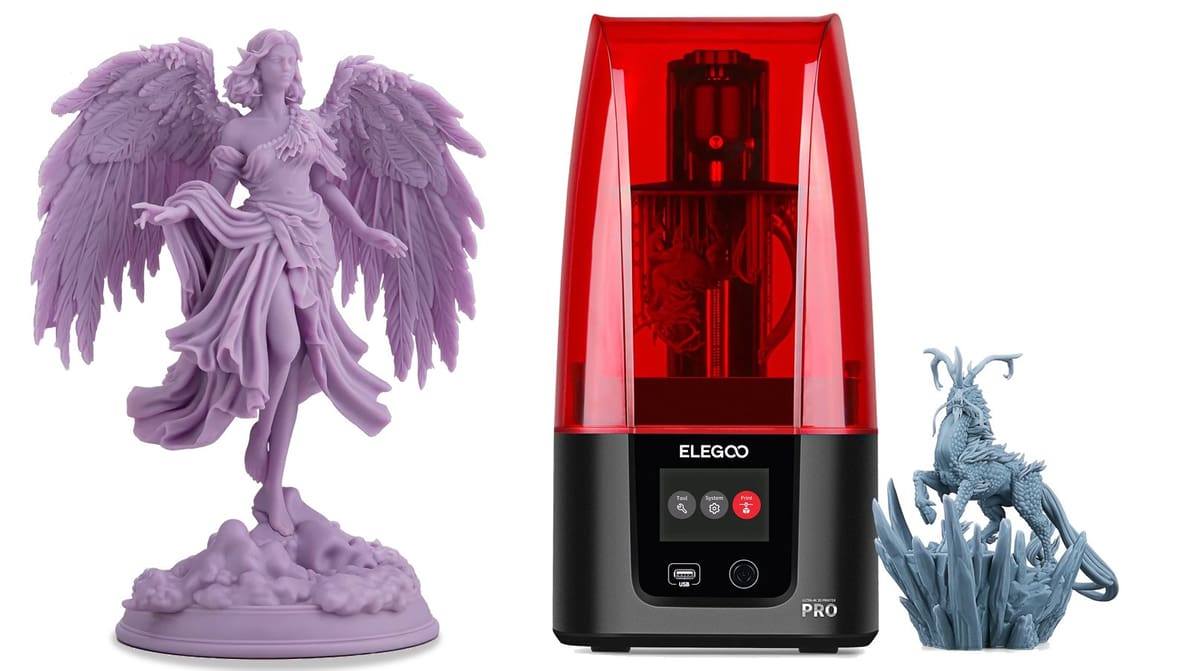
Stop the guesswork and start printing. From exposure times to lift speeds, we’ve got the Elegoo resin settings you need to eliminate failures and capture every crisp detail.
PrusaSlicer's 2.9.4 release uses new 'Junction Deviation' motion planning to take corners like a race car, all while fixing a critical bug for notably smoother prints.
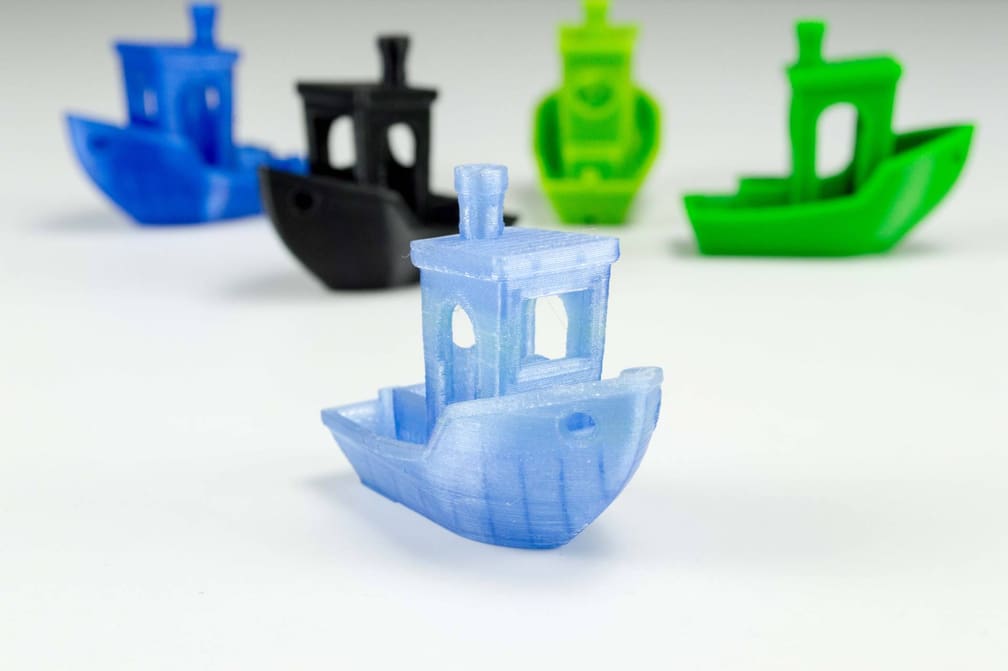
Printing at the wrong temperature is the top reason for warping and failed PETG prints. We'll show you how to fix it fast.
Find the perfect PETG print settings for your needs by adjusting temperature, stringing, print speed, and retraction settings!
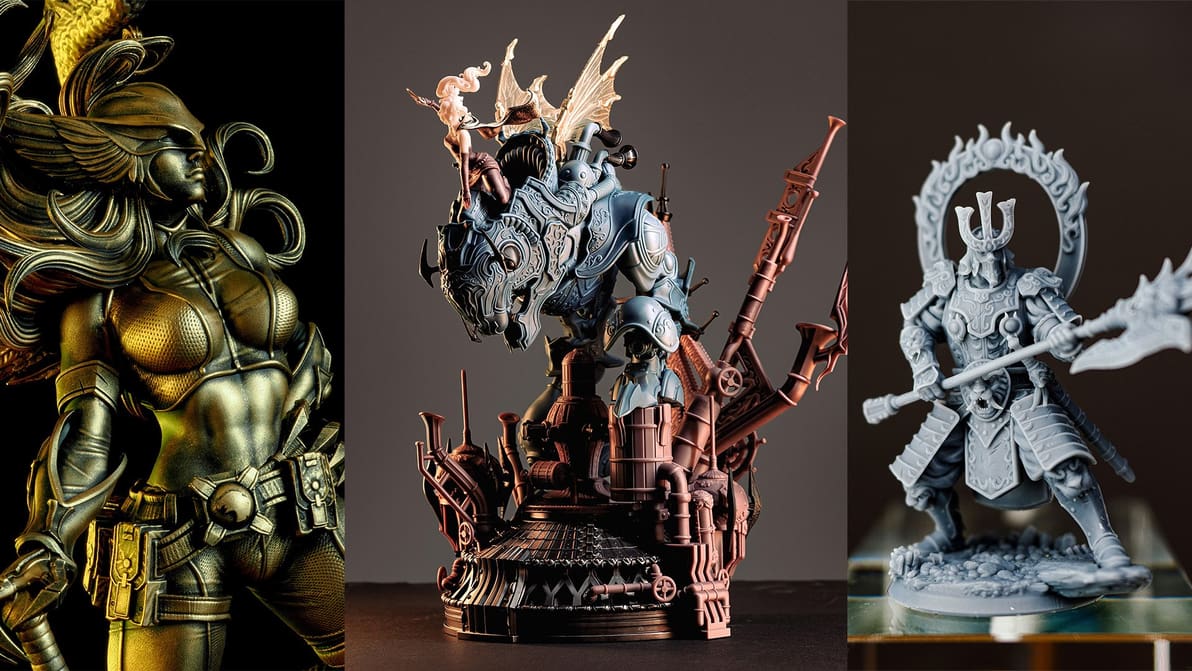
The J3DTech Guide to Resin 3D Printing is a beginner's primer and a veteran's reference for all things resin 3D printing.
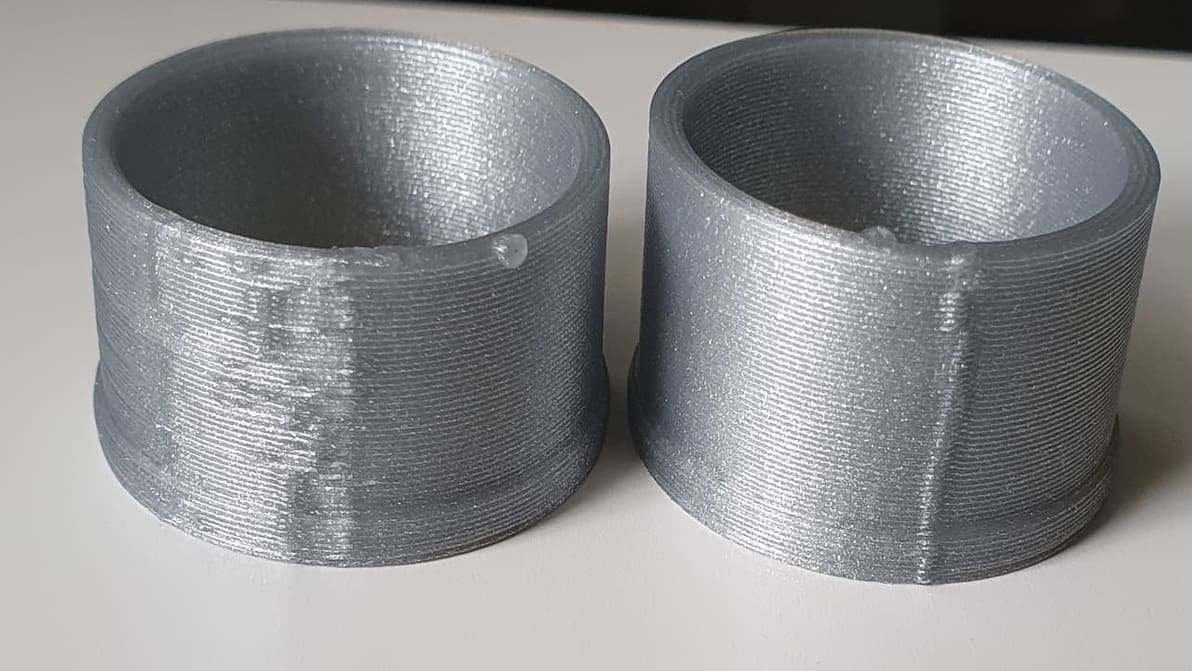
Z seam issues can make or break a 3D printed part. Check out how to reduce your print's Z seams by changing Cura's Outer Wall Wipe Distance.
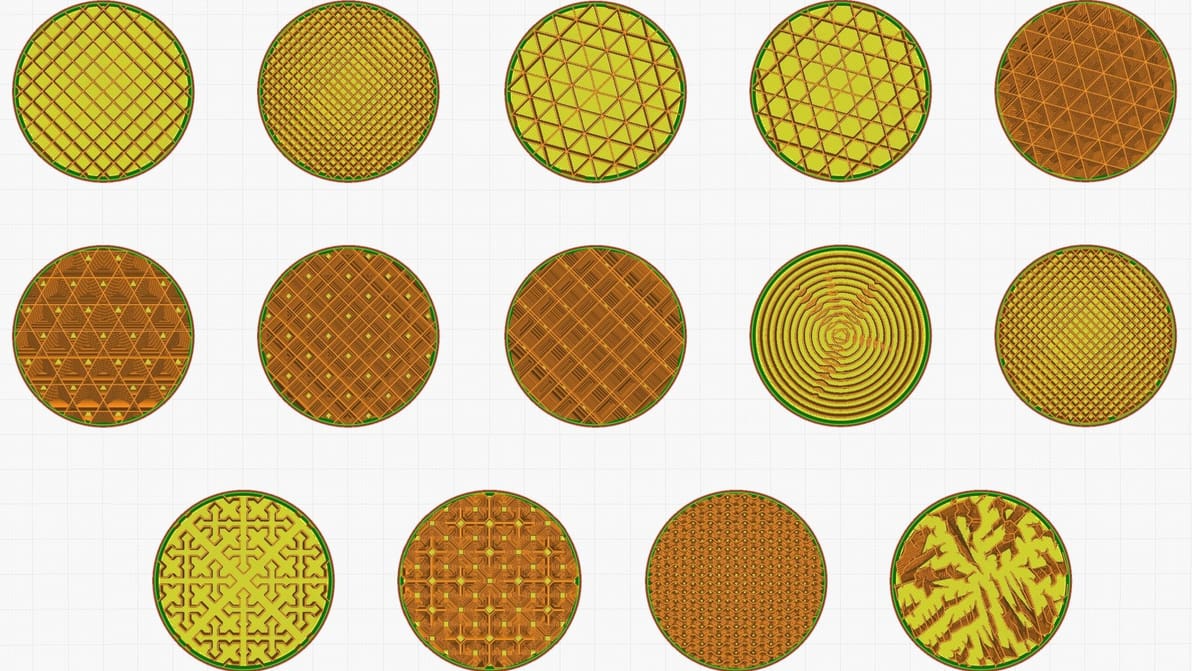
Infill can look cool, add strength, and save money, but it all depends on the print. Find the best Cura infill patterns for your application.
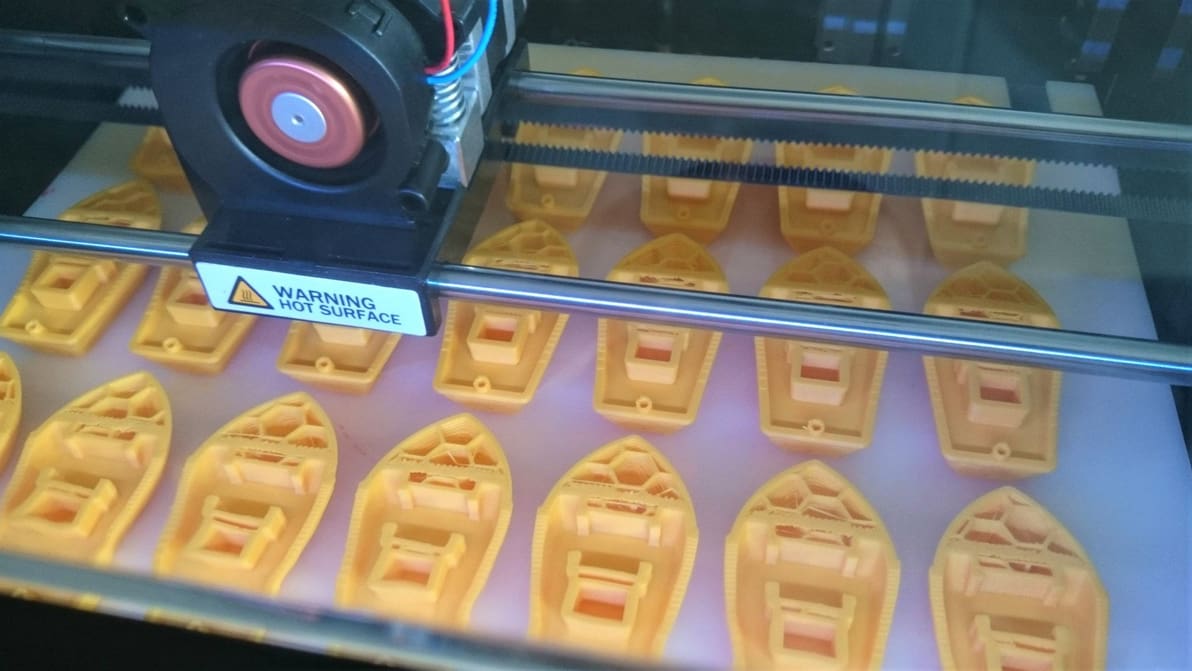
3D slicer settings are the defining factor for successful 3D prints. Learn about the 10 most important 3D printer settings.
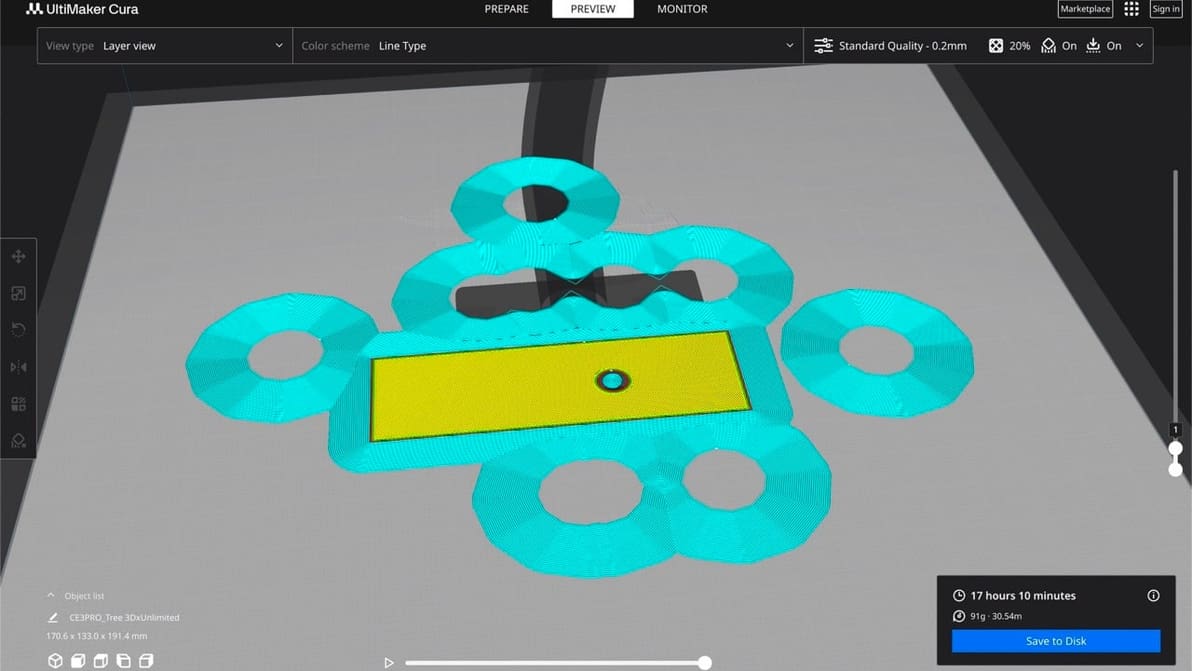
The initial layer is the foundation of the entire 3D model. Learn all about Cura first layer settings and how to get them perfect!
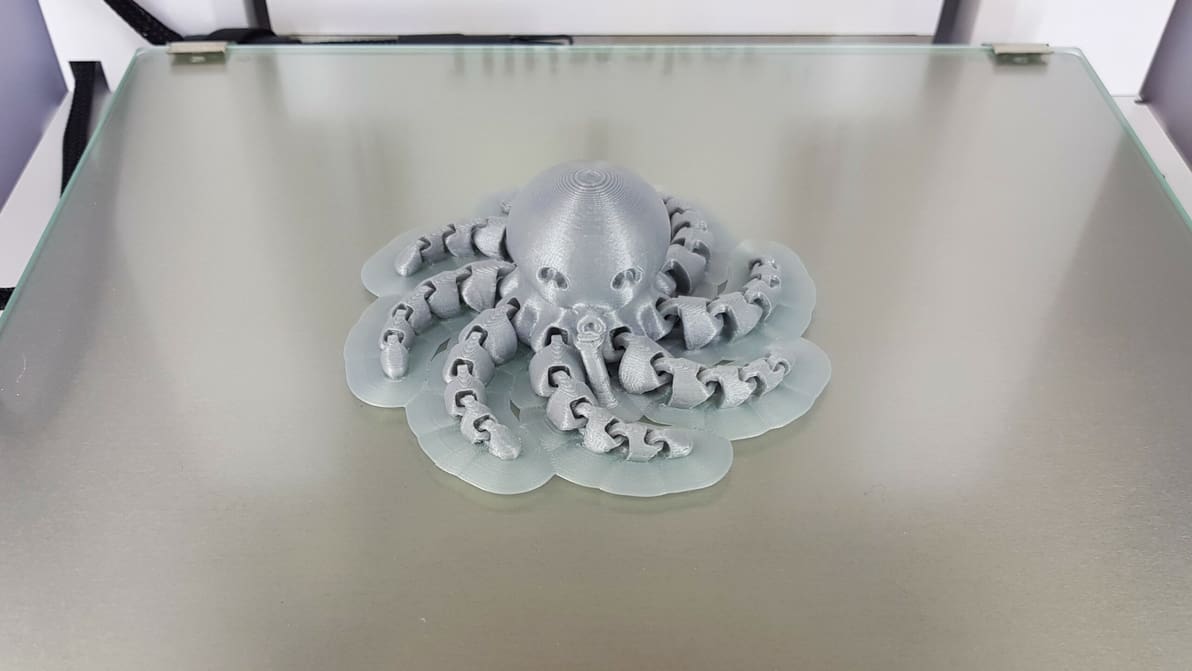
If you're having problems with warping or bed adhesion, there's a solution! Learn what a 3D printing raft is and when and how to use it.
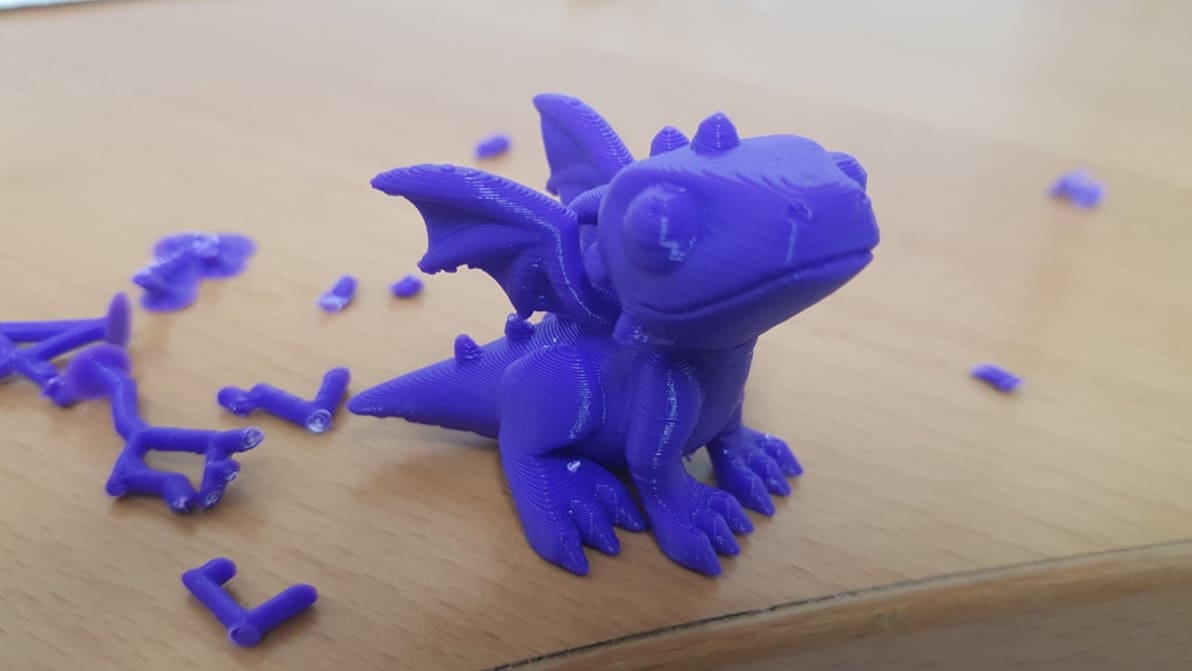
Cura offers a powerful range of settings to play with. Learn about the main Cura support settings and how to best support your prints.
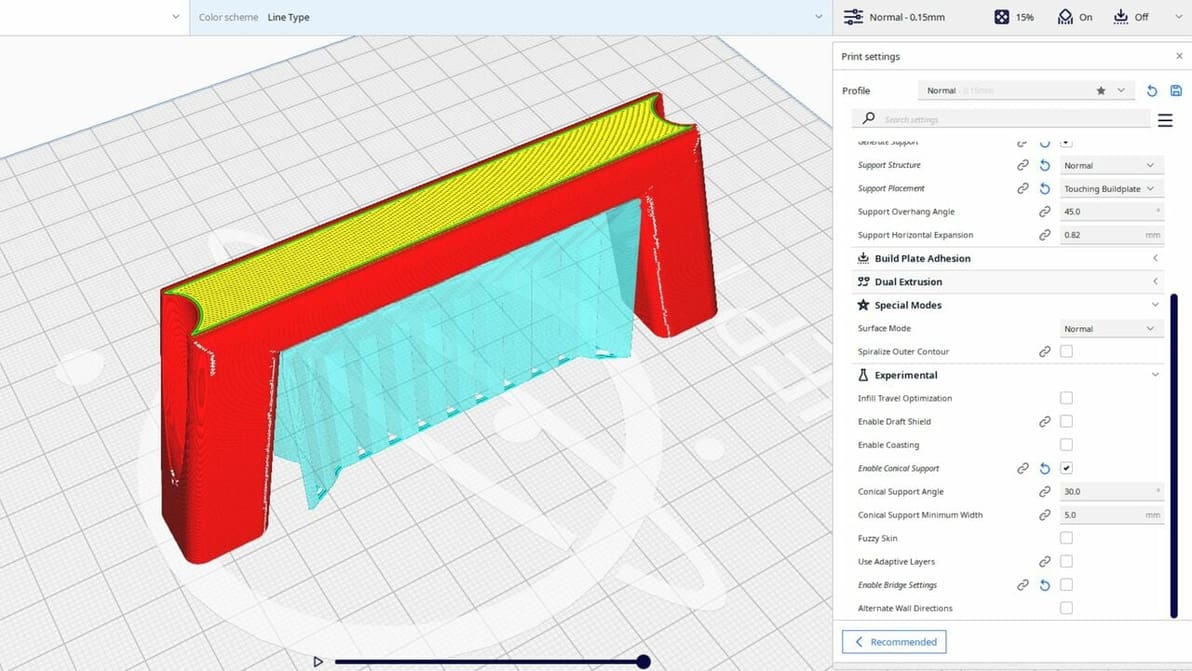
Cura's experimental settings can unlock hidden potential in your 3D printing experience. Read all about them!
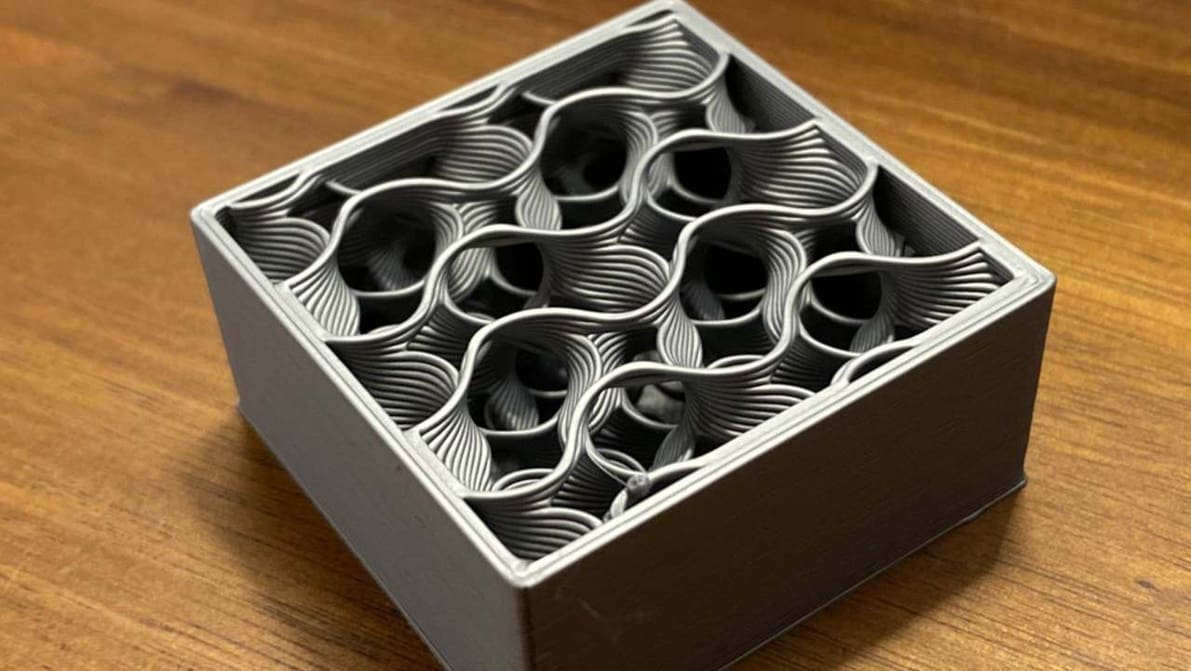
An infill pattern can be both aesthetically pleasing and super strong. Find out all about the wonders of Cura's gyroid infill.

Bambu Studio's vase mode is the easy path to seamless, artistic 3D prints. Read on to learn how to use it and how to troubleshoot.