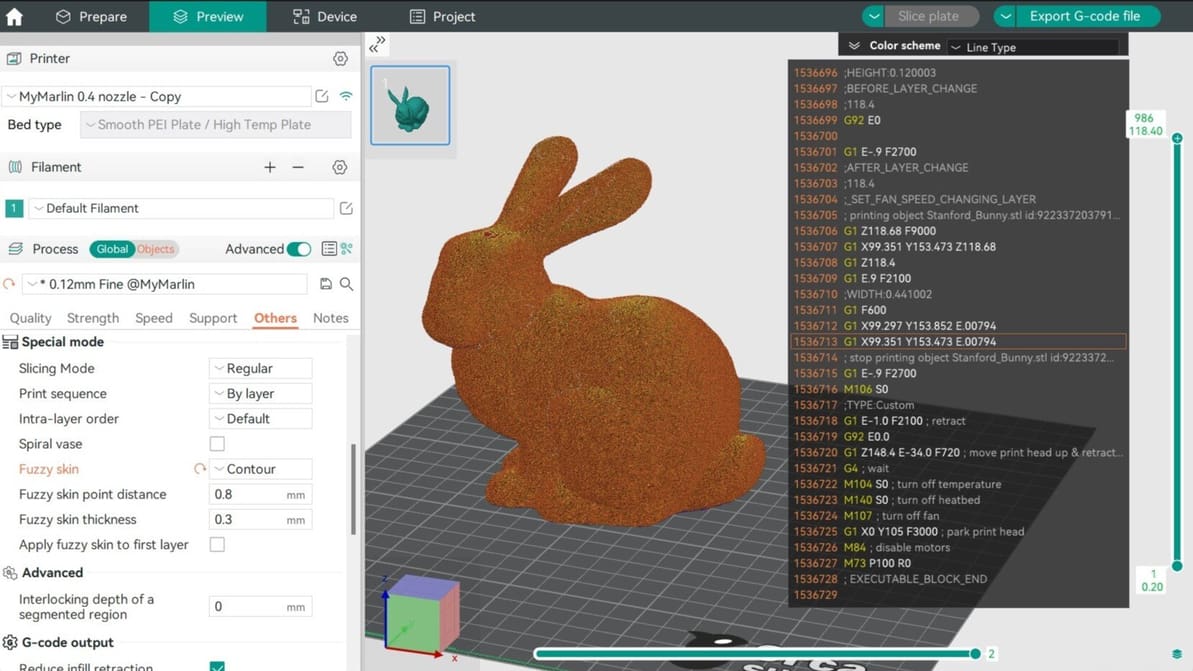
In Orca Slicer, fuzzy skin is one of the easiest tool you can use to add texture to your prints. Read on to find out why and how to use it!
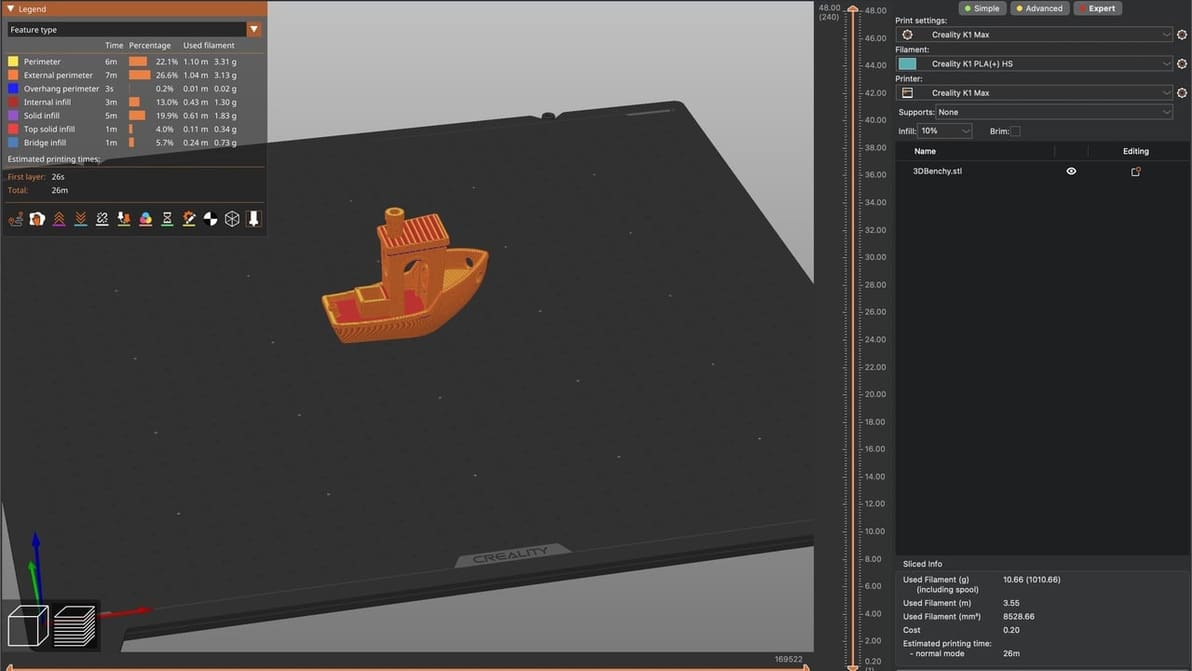
PrusaSlicer fans, listen up! Learn how to craft a Creality K1 PrusaSlicer profile that gets the job done quickly and at quality.
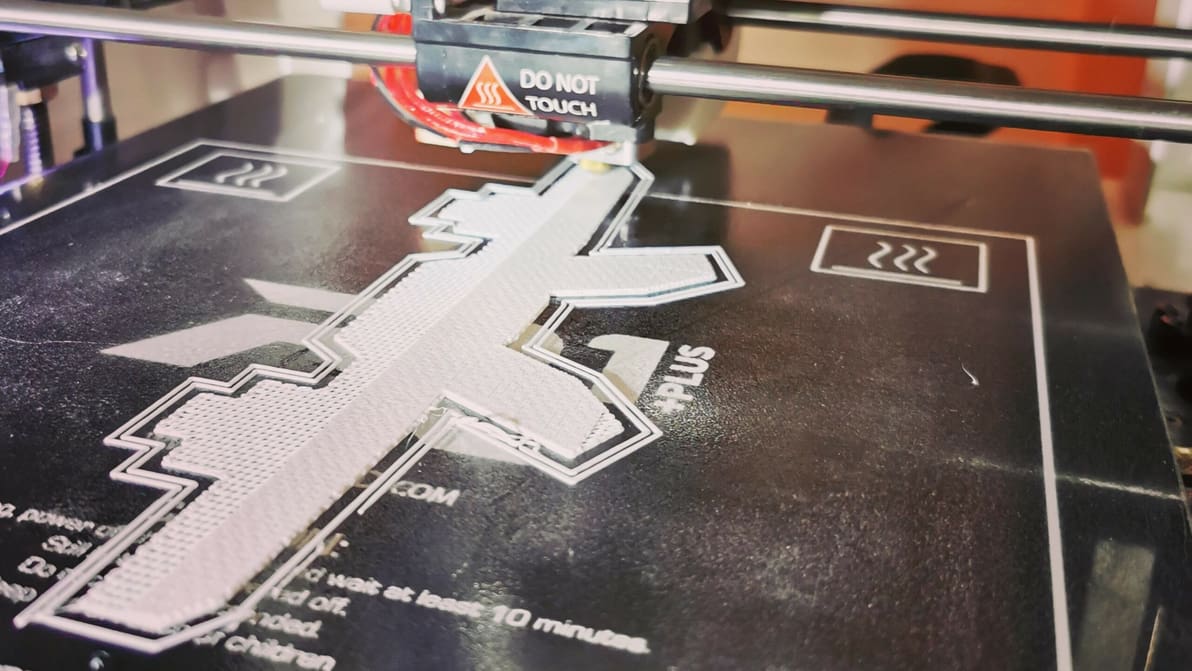
3D printing raft vs. brim vs. skirt: Learn the differences between these adhesion assistants and which to choose, using Cura as an example.
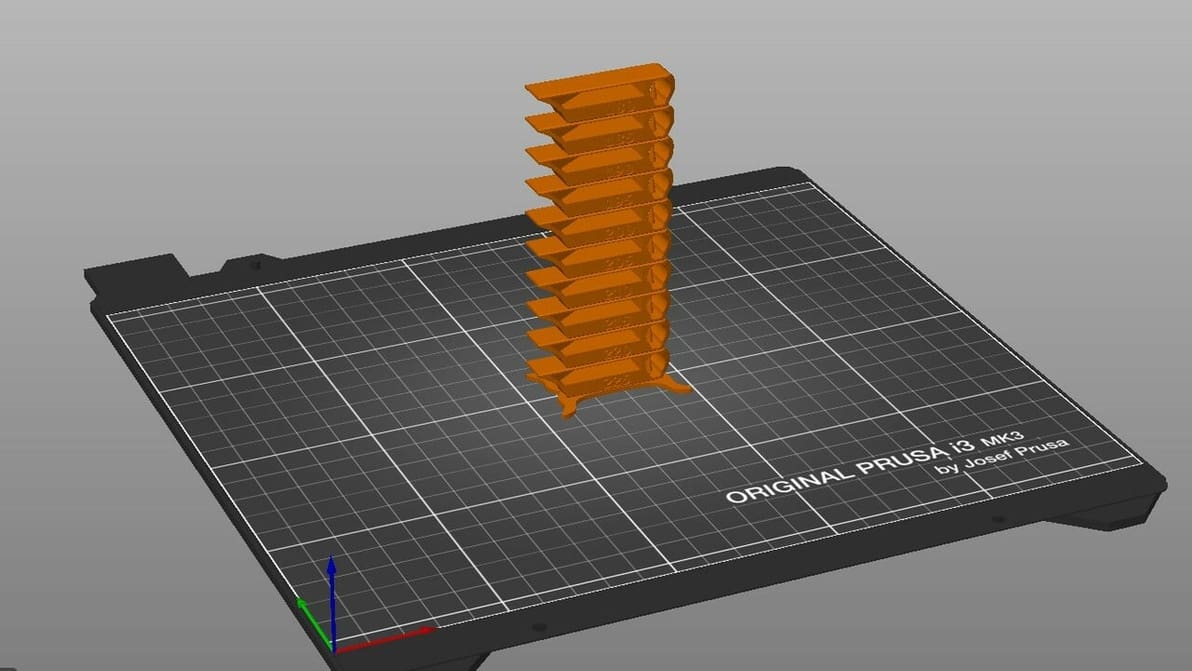
By creating PrusaSlicer temperature towers, you can elevate print quality and filament efficiency in one go. Read on to learn more!
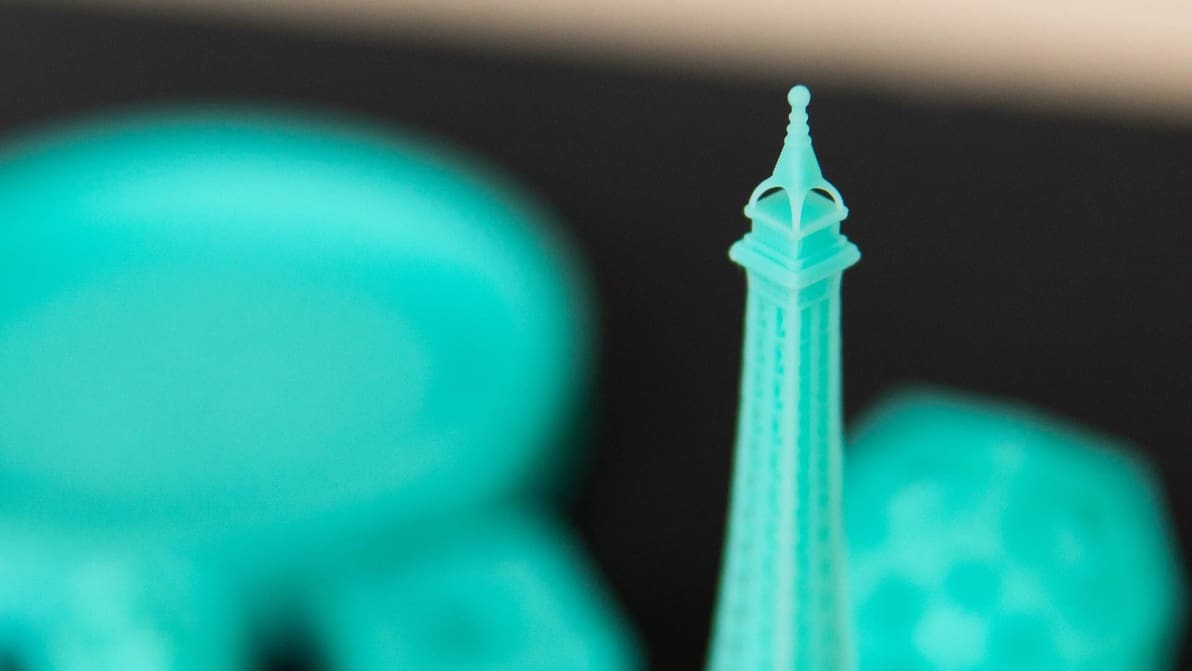
To get your resin prints right, it's all about the settings. Learn the most important slicer settings for resin 3D printers!
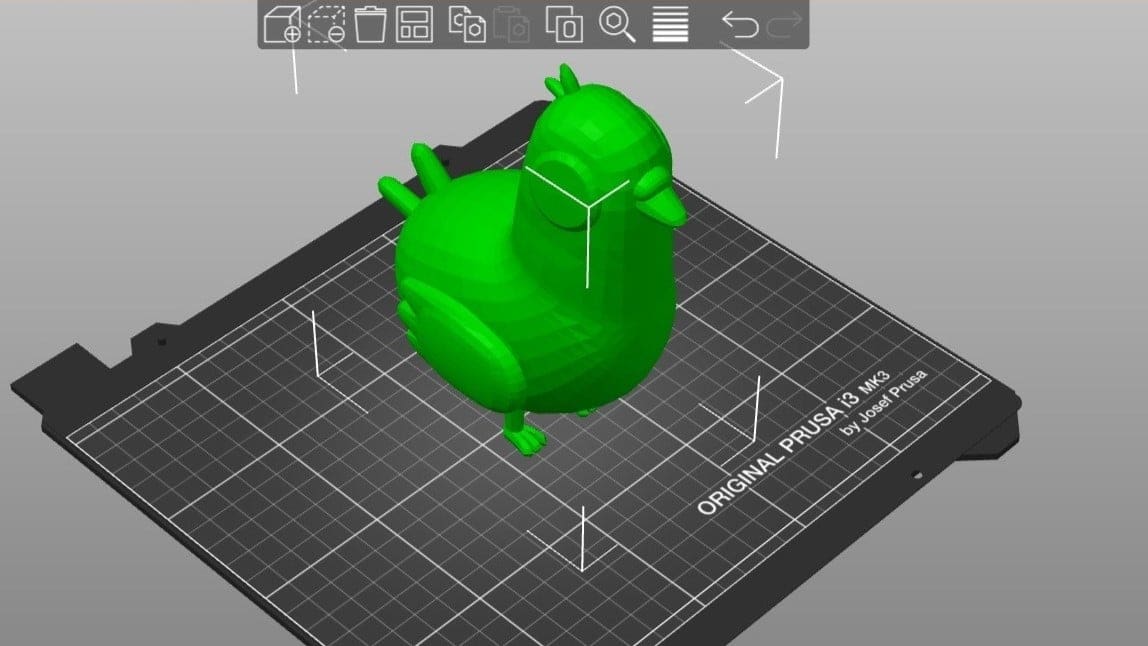
PrusaSlicer is powerful slicing software with a long list of expert-level settings. Read on to learn how to get the best out of your prints!
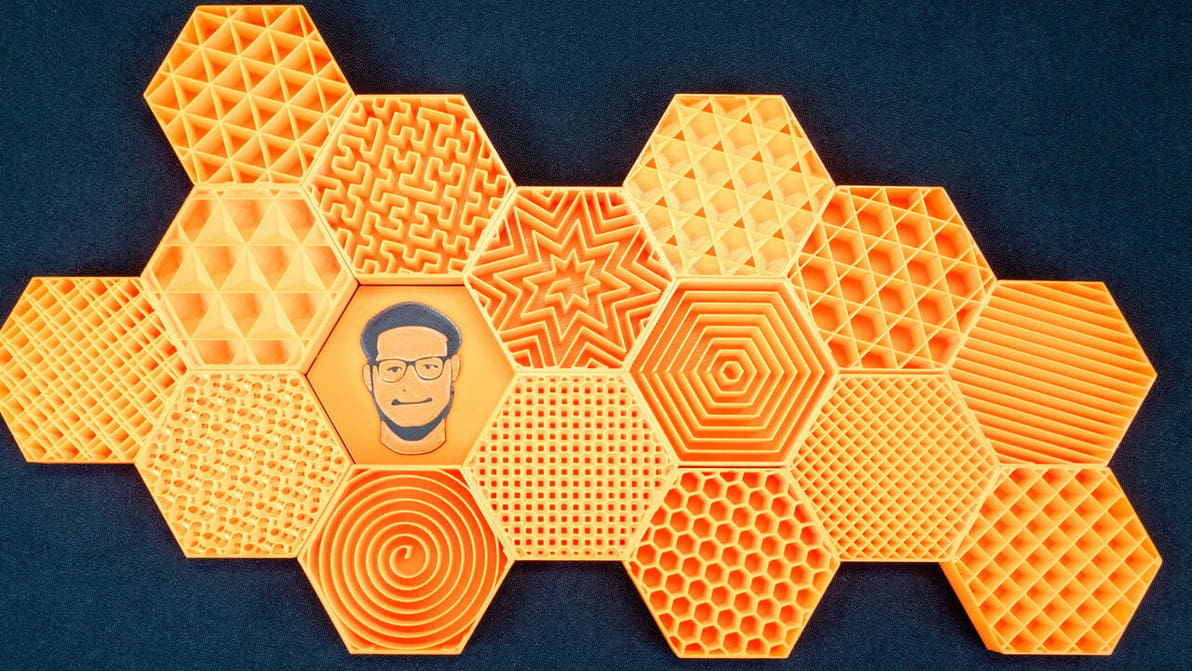
PrusaSlicer infill patterns are some of the most diverse of any slicer. Read on to learn which one is best for you!
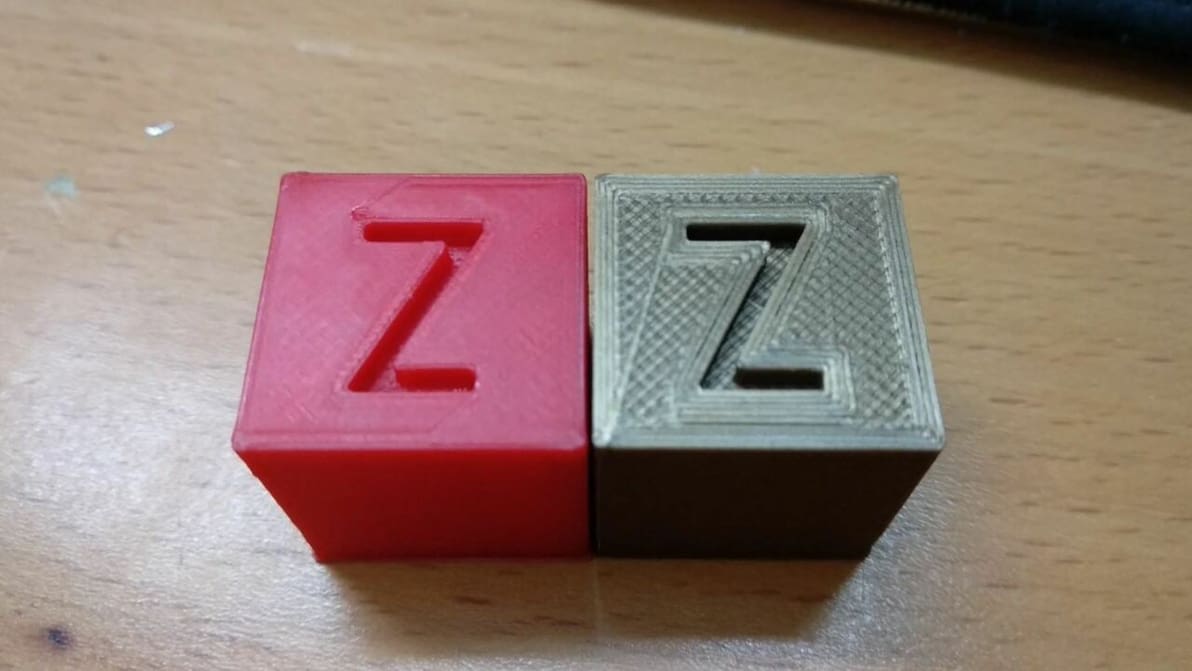
Ironing is a useful slicing feature that can smooth out the top layer of 3D prints. Read on to learn all about Cura ironing settings!
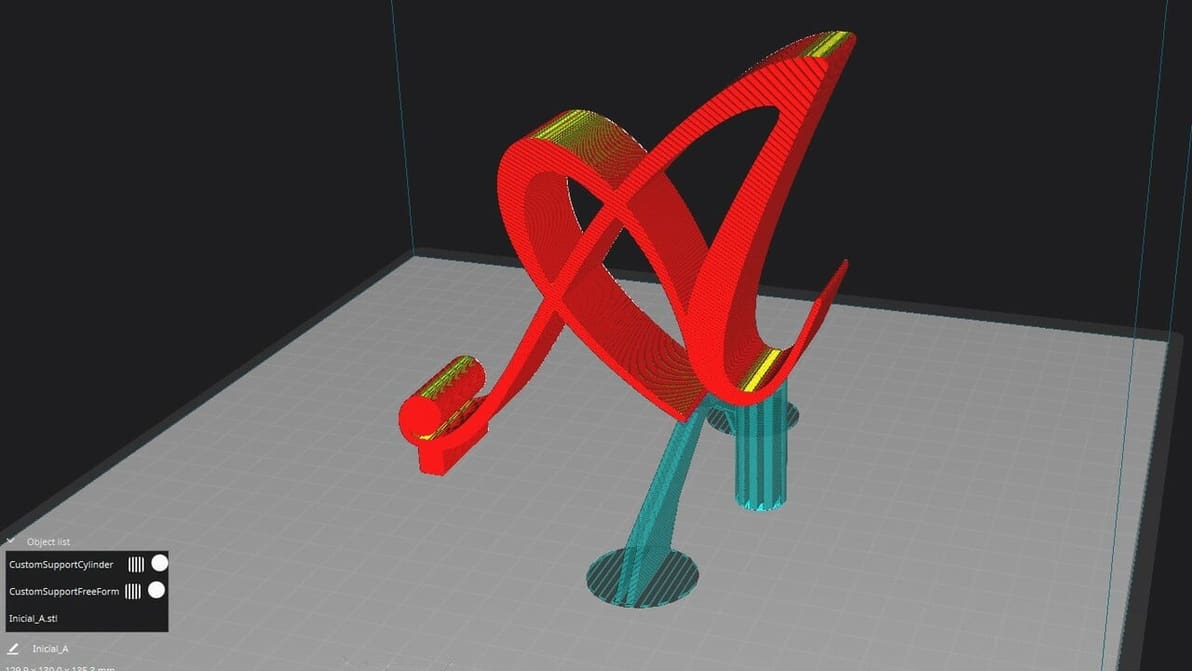
If Cura support generation isn't up to your standards, check out the Custom Supports plug-in to achieve your ideal settings!
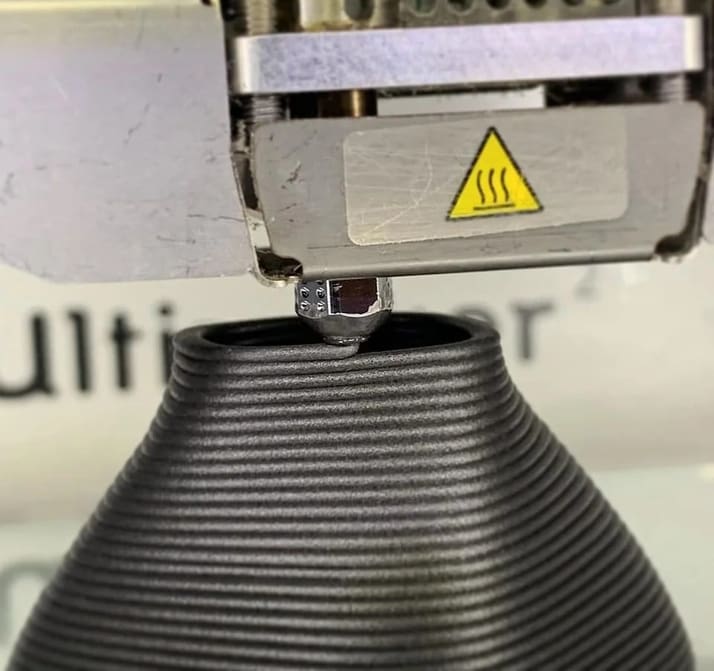
Layer height in 3D printing is a simple setting that affects print speed and detail. Keep reading to find out more!
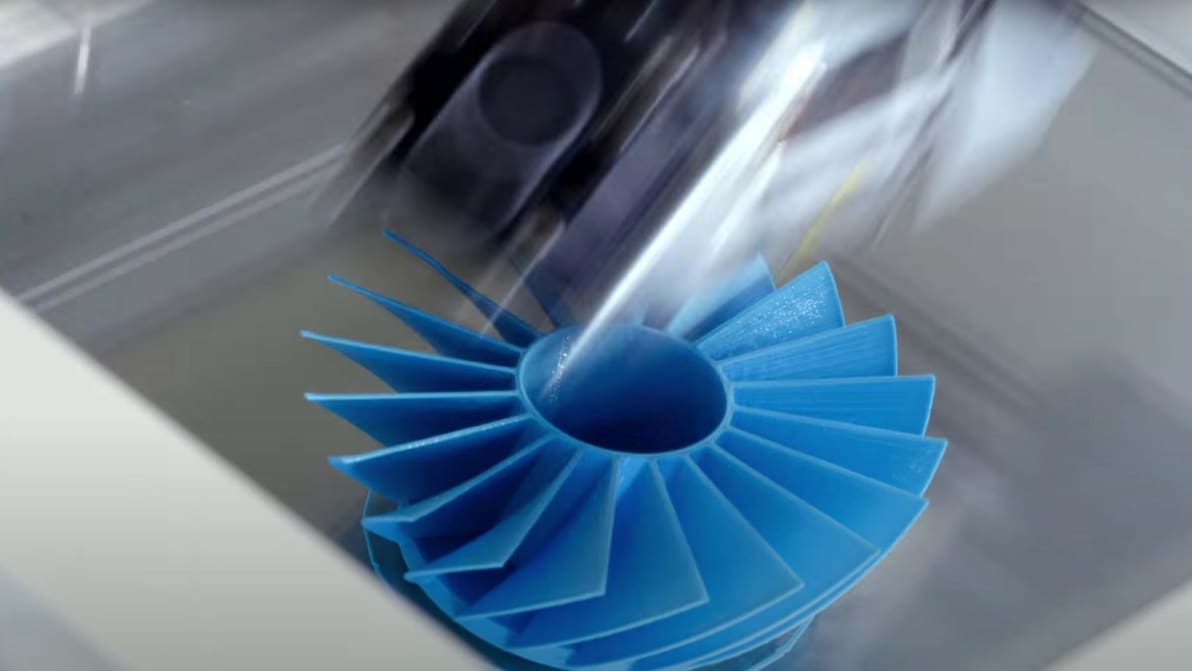
Tuning your PLA print speed can be tricky. Learn how to find the perfect print speed settings for PLA and more materials!
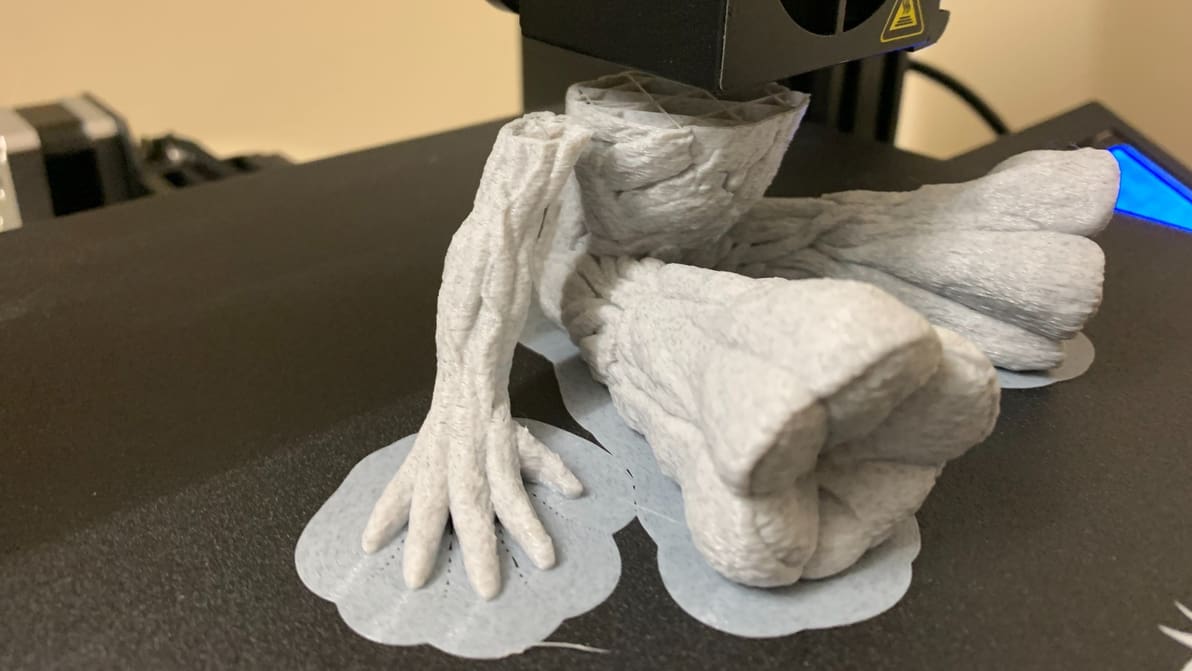
It prevents warping, helps with adhesion, and reduces waste – what's not to love about a 3D printing brim? Read on to learn more!
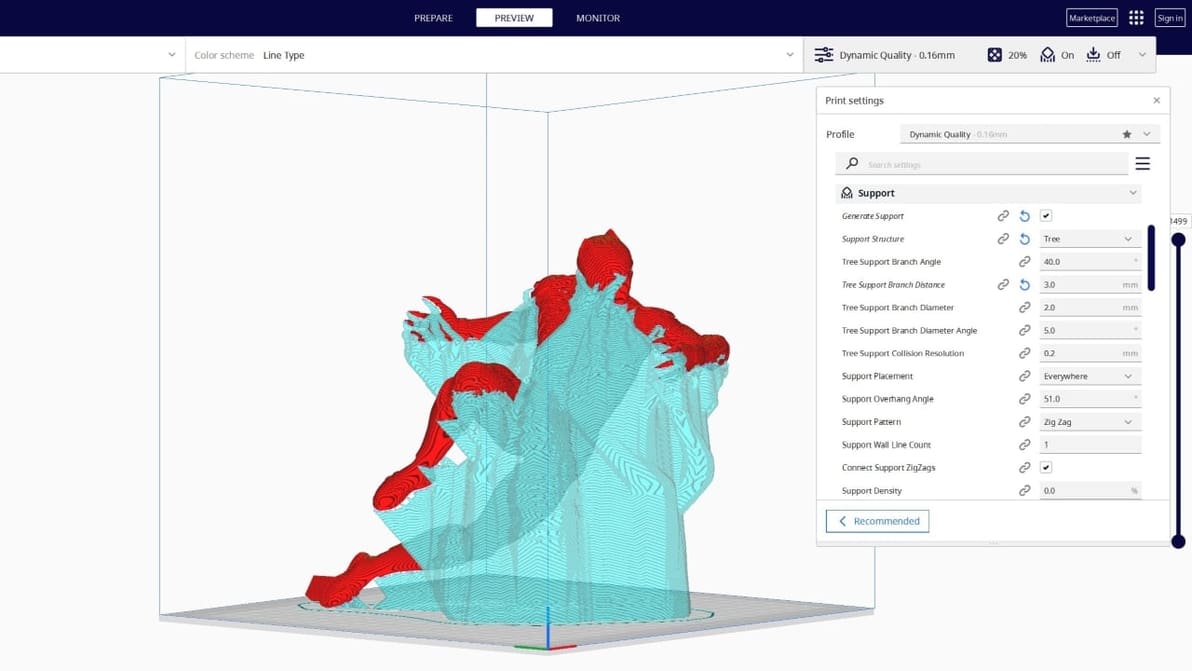
Tree supports are efficient and tidy. Find out why the Cura tree support setting is one of our favorite 3D printing tricks.
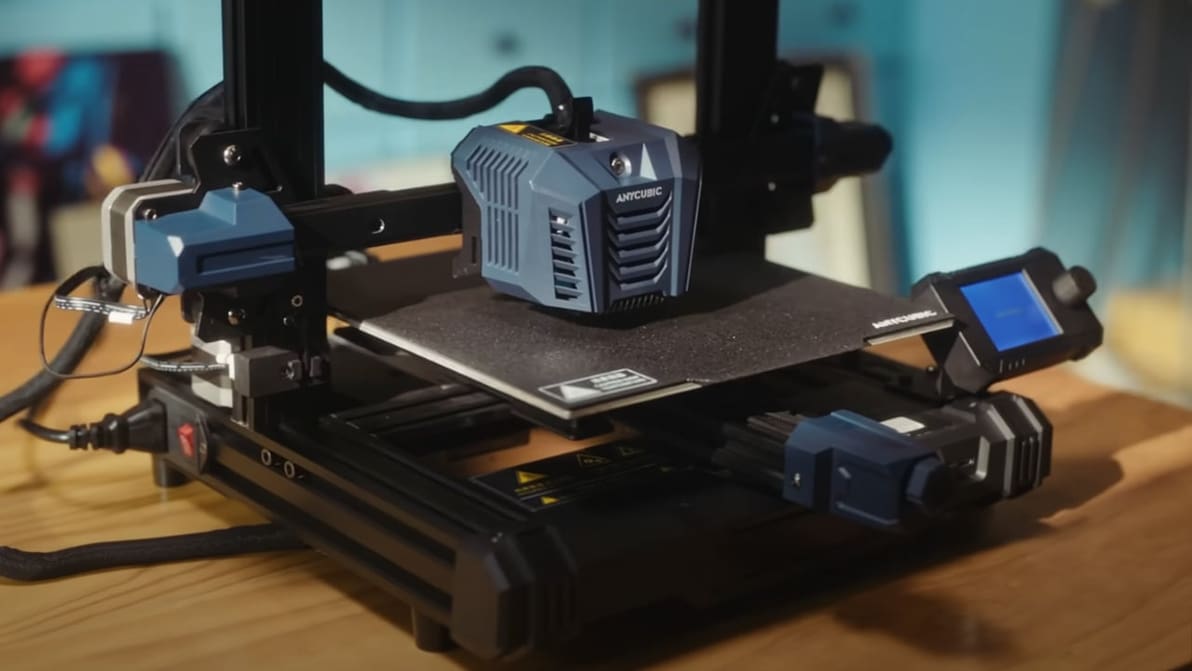
Looking for the perfect Anycubic Kobra Neo Cura profile? Read on for settings that will help ensure perfect prints, every time!
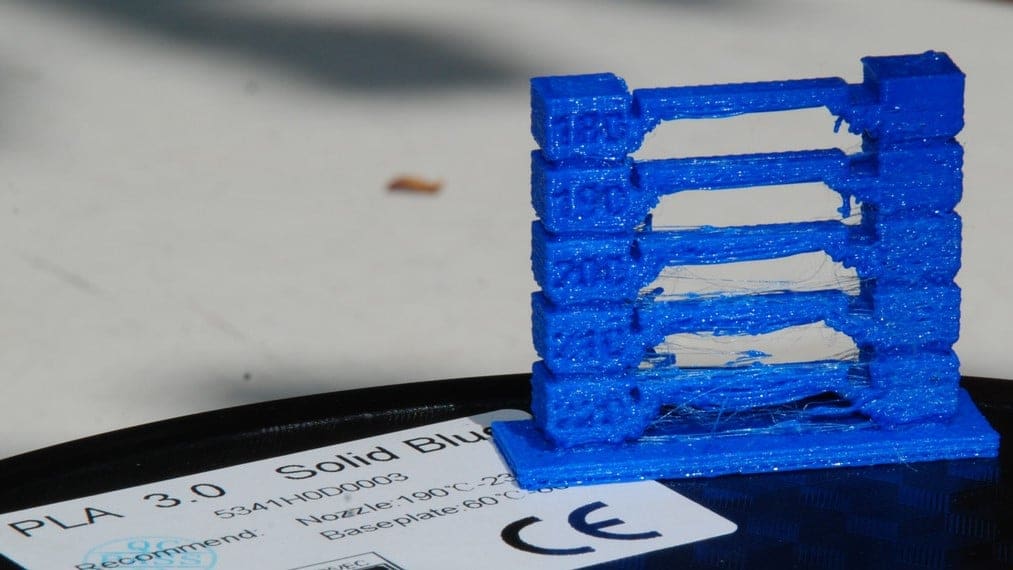
Figuring out the best PLA print and bed temperature can be tricky. Check out this quick guide to learn all you need to know.
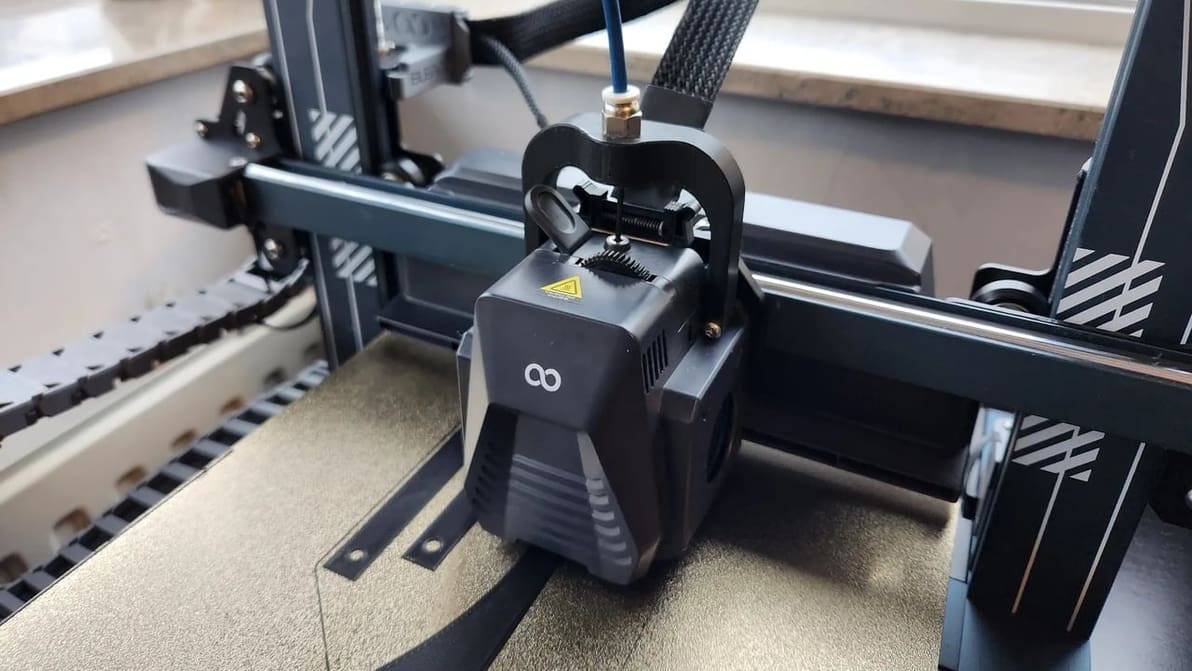
Get the best out of your Neptune 4 (Pro) with the right settings. Check out how to set up the perfect Elegoo Neptune 4 (Pro) Cura profile!
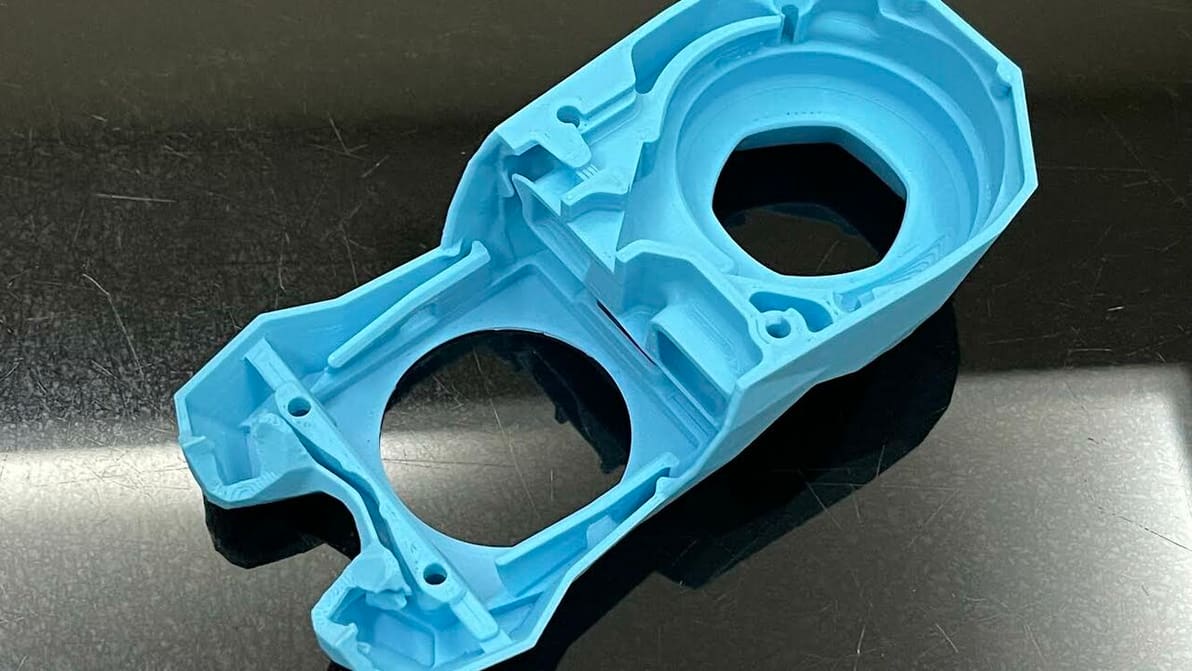
Cura's extrusion multiplier is actually called "Flow". Read to learn what it is, how to tune it, and how it can help fix print issues.
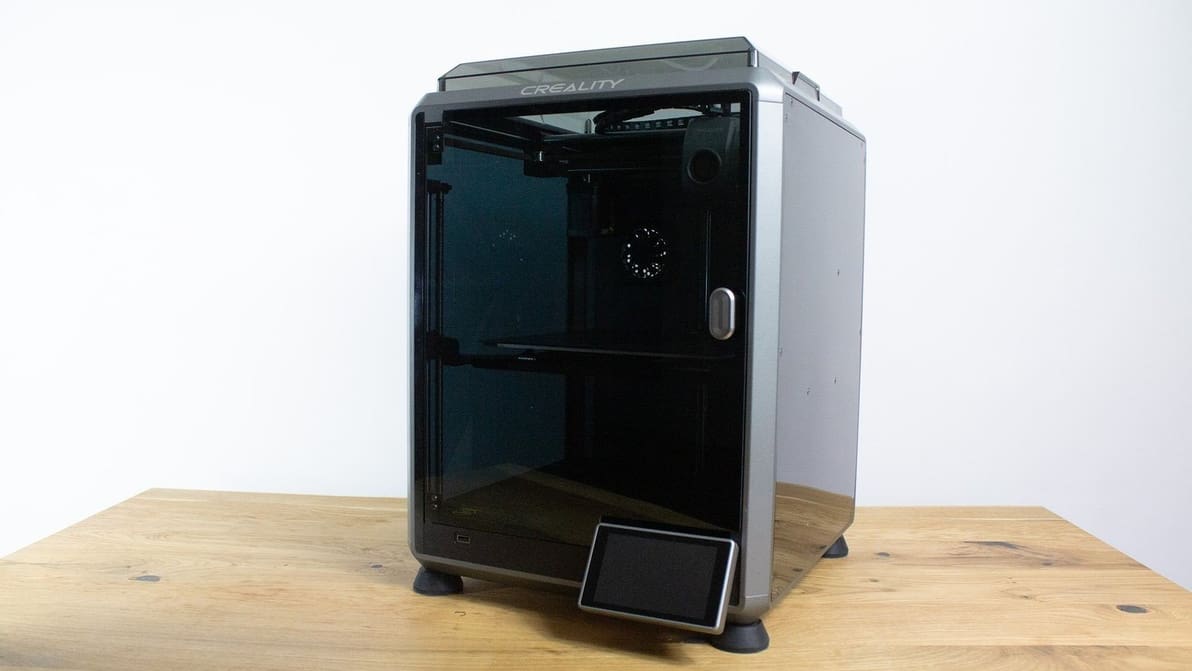
Looking for the perfect Creality K1 Cura profile? Check out these settings and unleash the lightning-fast potential of your Creality K1!
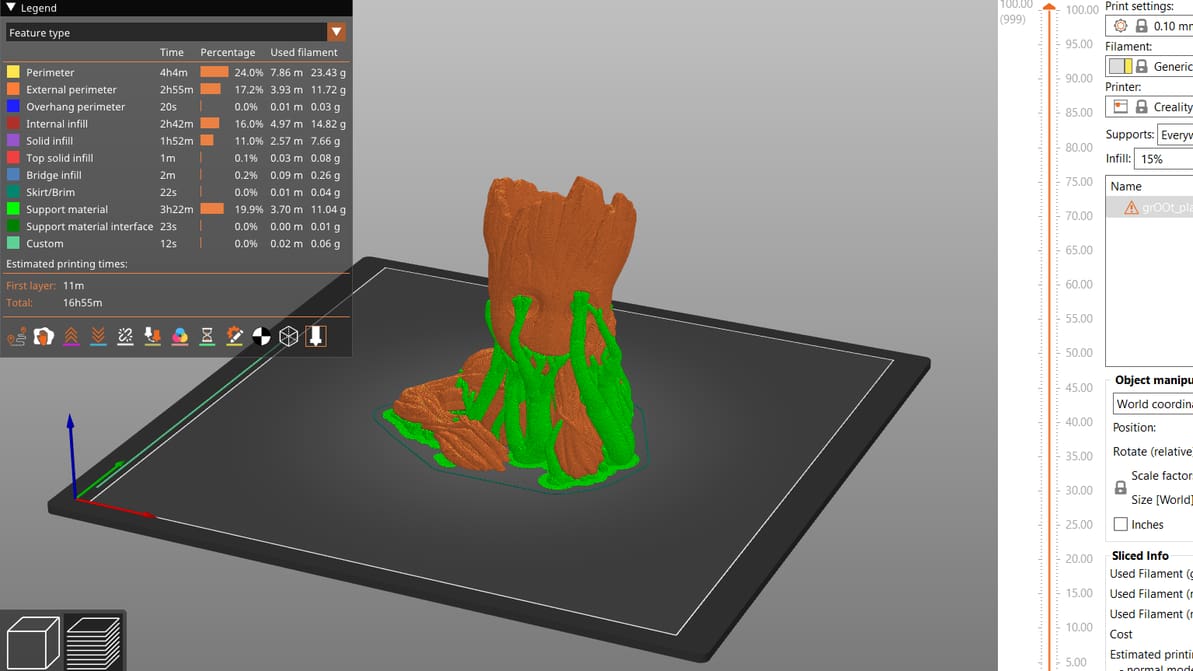
PrusaSlicer gives users a lot of control over their prints. Read on to get the most out of PrusaSlicer support settings, even tree supports!
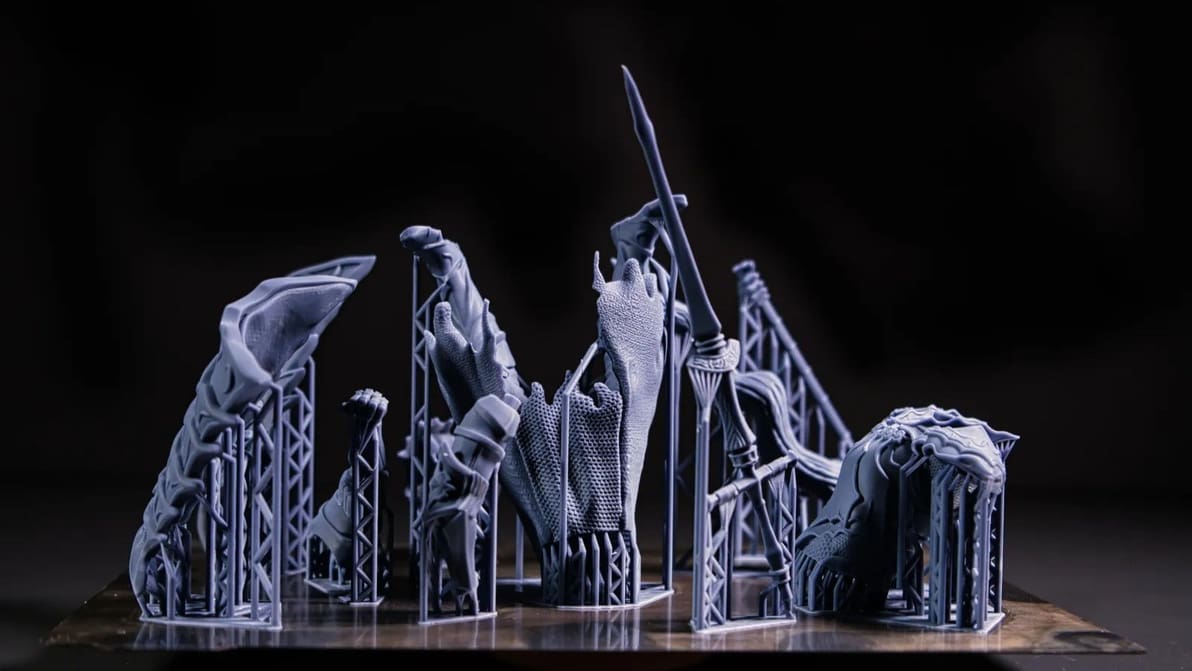
If you're 3D printing in resin, you'll need supports. Read on to learn about setting up and perfecting your resin print supports!