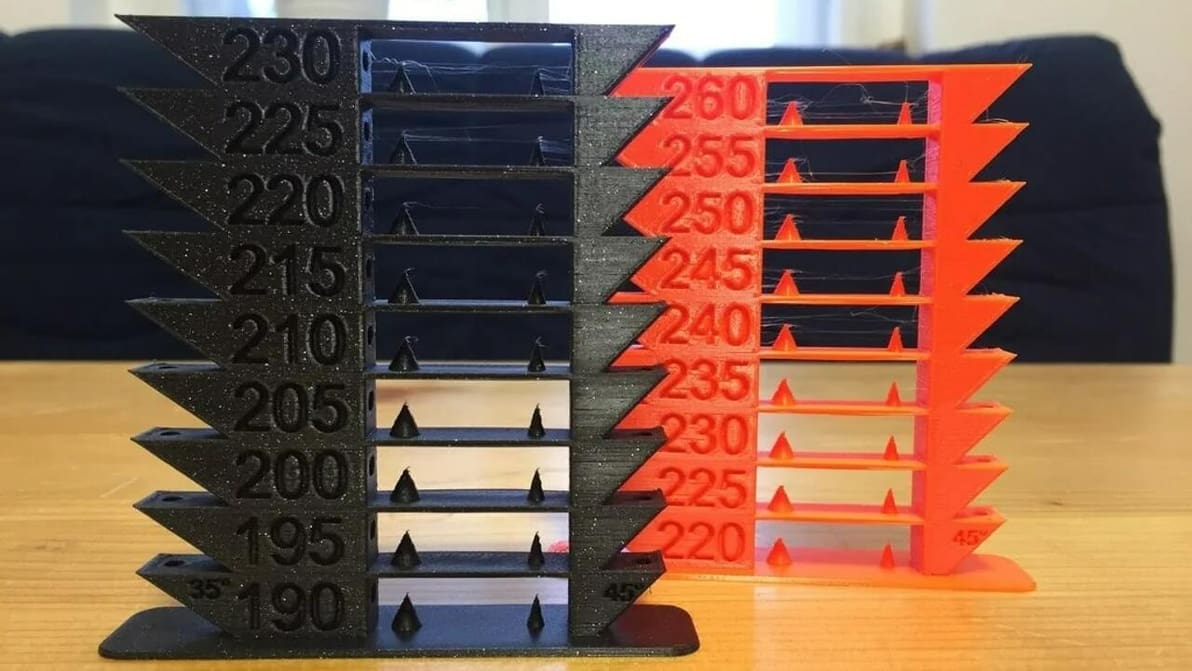
Temperature settings for ABS are crucial for high quality and strong prints. Read on to learn all about the best ABS print settings!
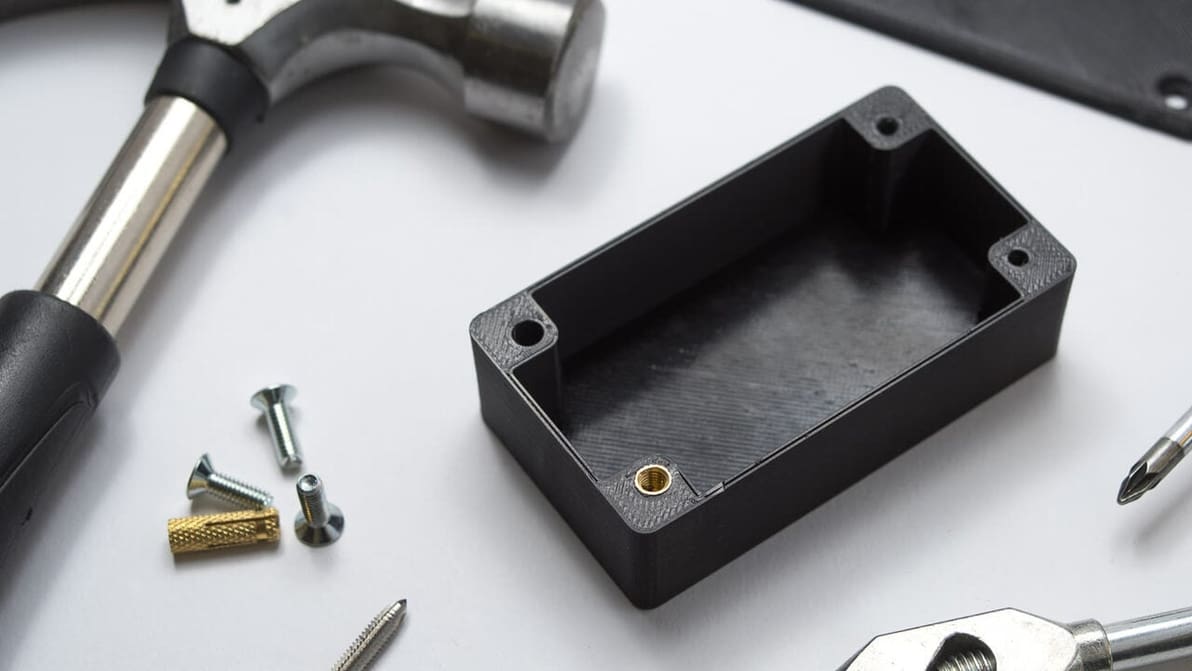
3D printing holes is quite common, but it can also be challenging. Check out 5 simple tips to get more accurate holes from your 3D printer.
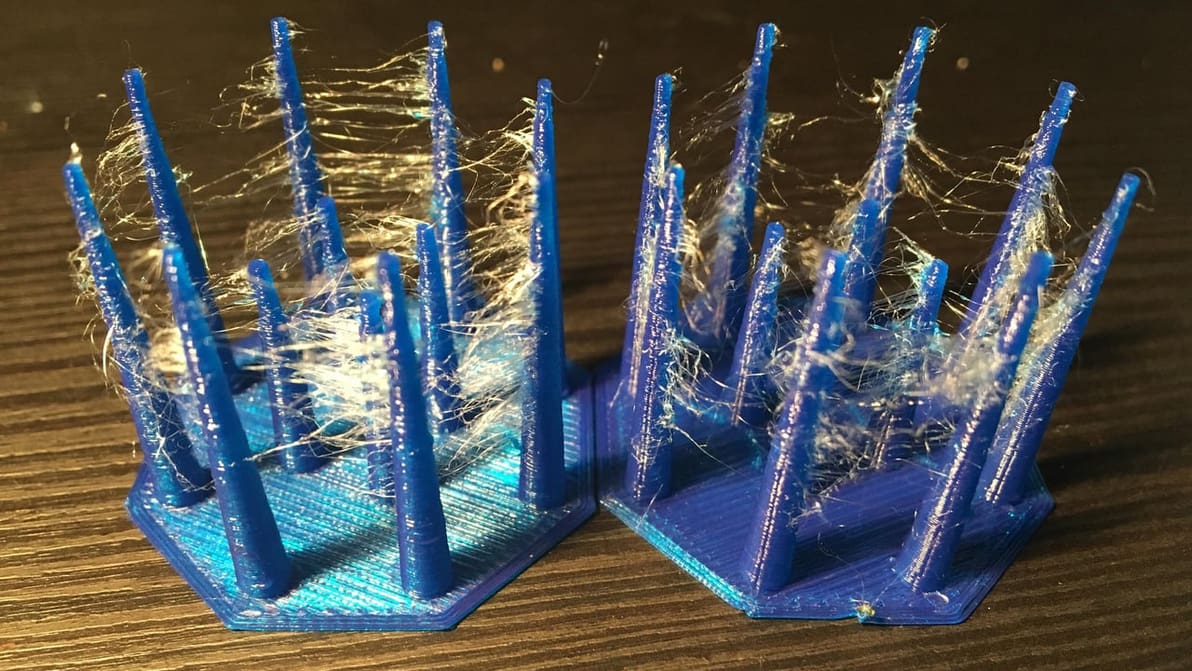
The Ender 3 (V2/Pro/S1) printers are great at pushing filament, but stringing can be a problem. Learn the best Ender 3 retraction settings!
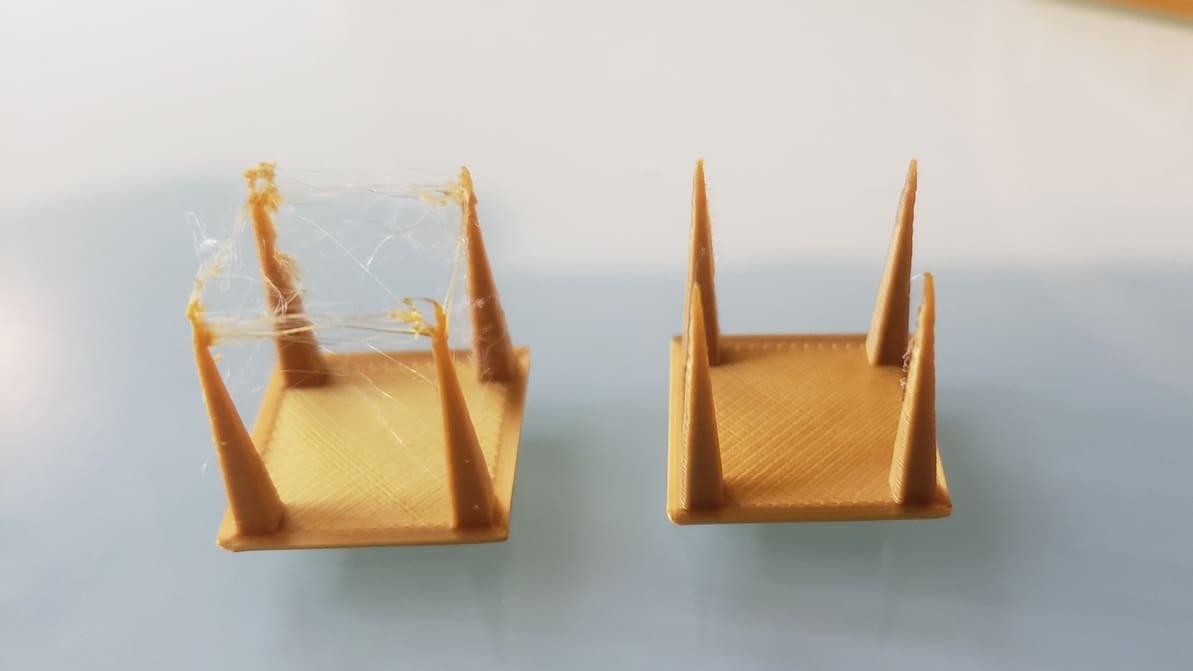
Pulling filament back into the hot end is a useful function but tricky to master. Read on to learn all about 3D printer retraction!
Let us help you with Ender 3 Cura settings! Enjoy perfect prints with the best Ender 3 (V2/Pro) Cura profile for your needs.
PETG makes excellent functional prints, as long as bed adhesion is not an issue. Check out these solutions to PETG not sticking to the bed!
The best temperature, print speed, and retraction settings, among others. Read on for the best Ender 3 S1 & S1 Pro Cura slicer profiles.
Learn about the best settings and profiles for Cura and PrusaSlicer to get perfect prints with PLA, PETG, and ABS.
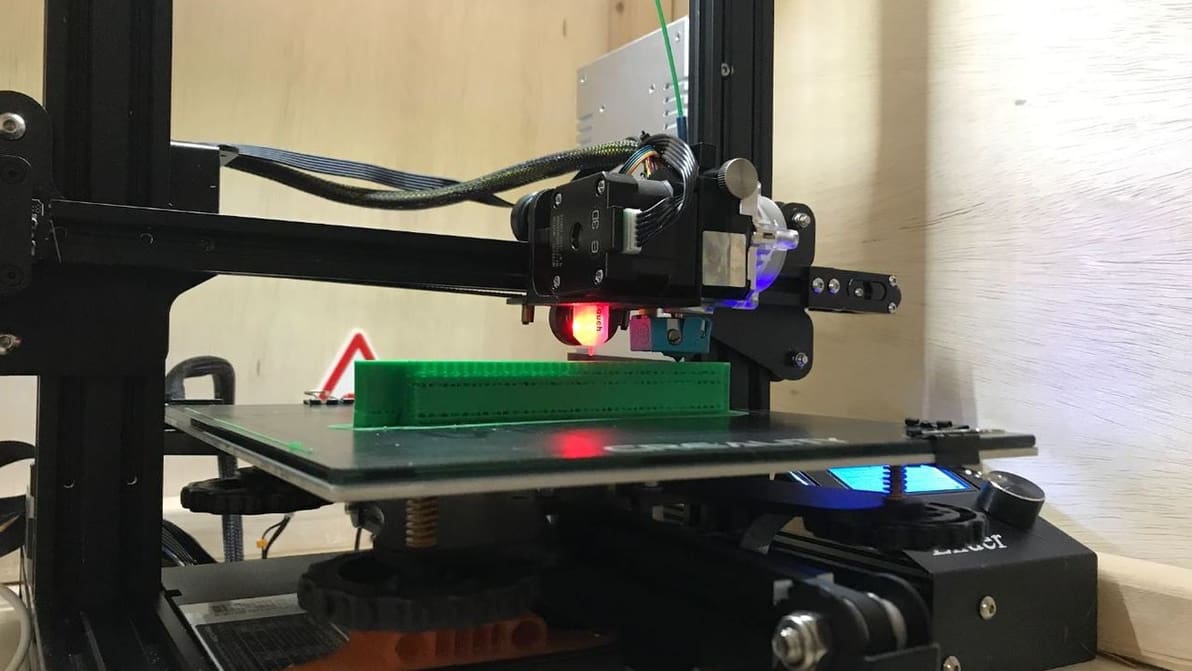
Try ABS on your Ender 3 (V2/Pro)! Check out 4 easy tips to get your ABS settings right and your prints looking great!
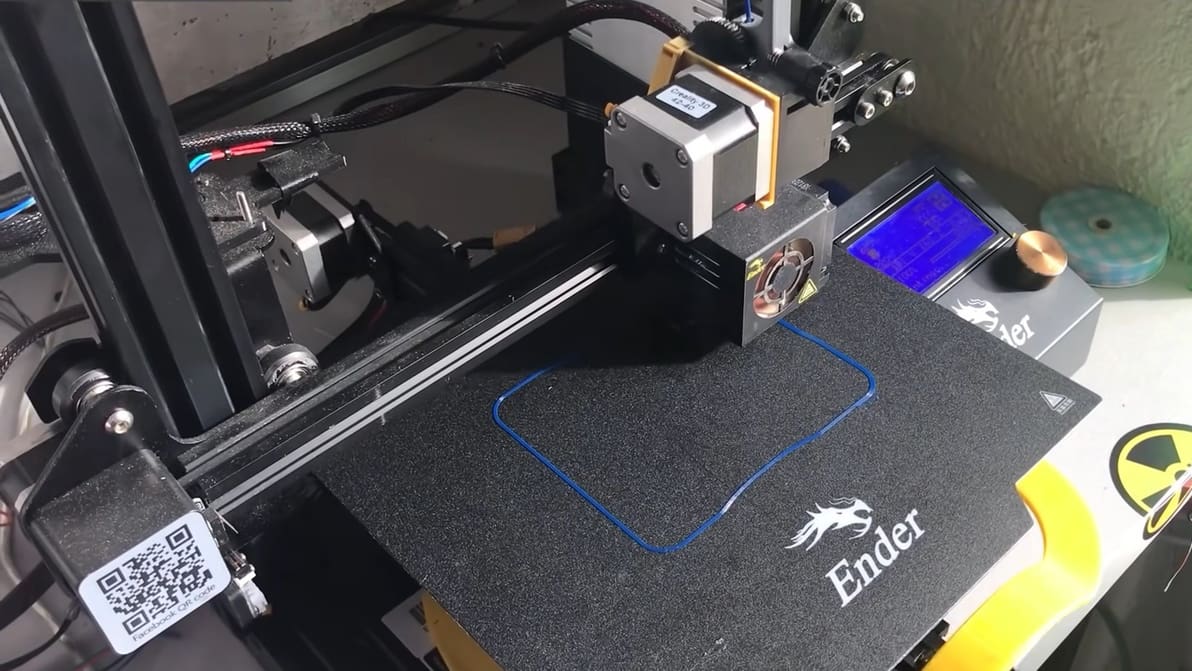
Try 3D printing PETG on your Ender 3! Learn how to find the best Ender 3 (V2/Pro) PETG settings for your needs.
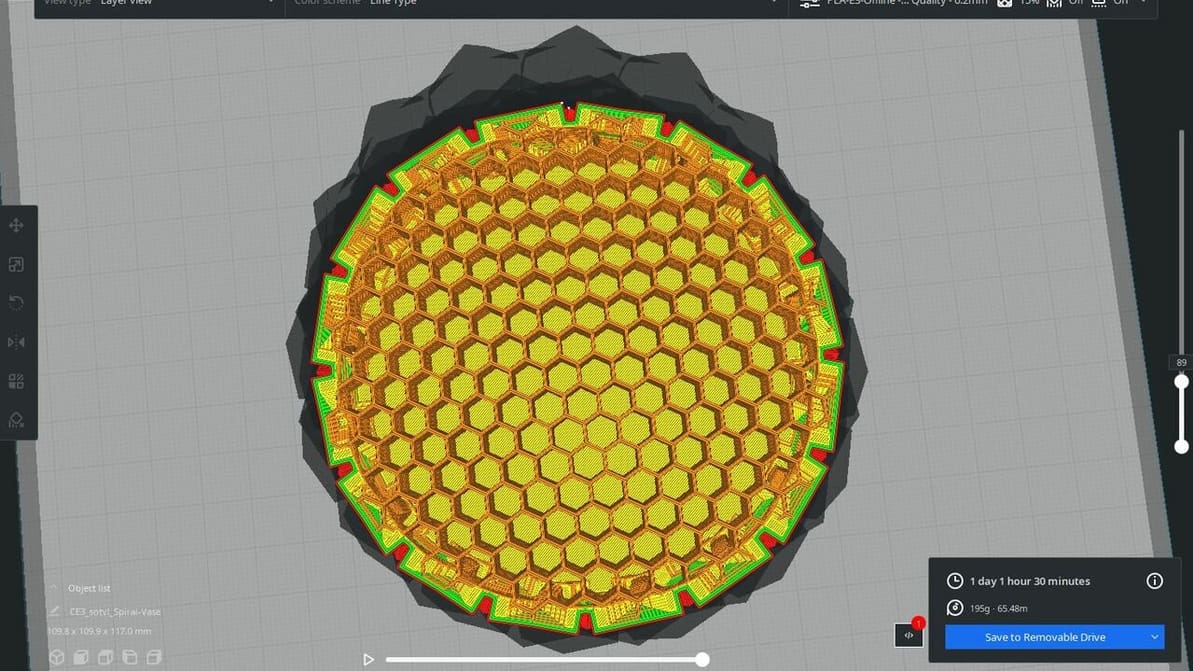
Ultimaker Cura comes with many great features but lacks a honeycomb infill pattern. Read on for a hack to get Cura honeycomb infill!
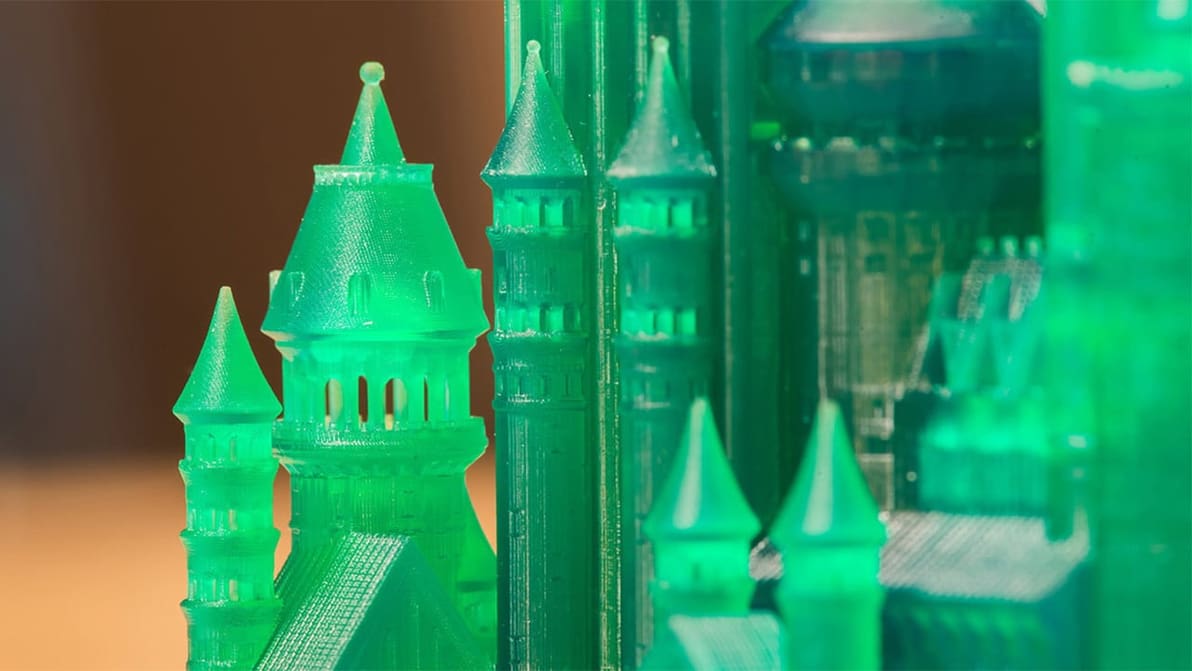
With ChiTuBox, Anycubic Photon settings are a piece of cake. Get more control over your printer with this great slicer.
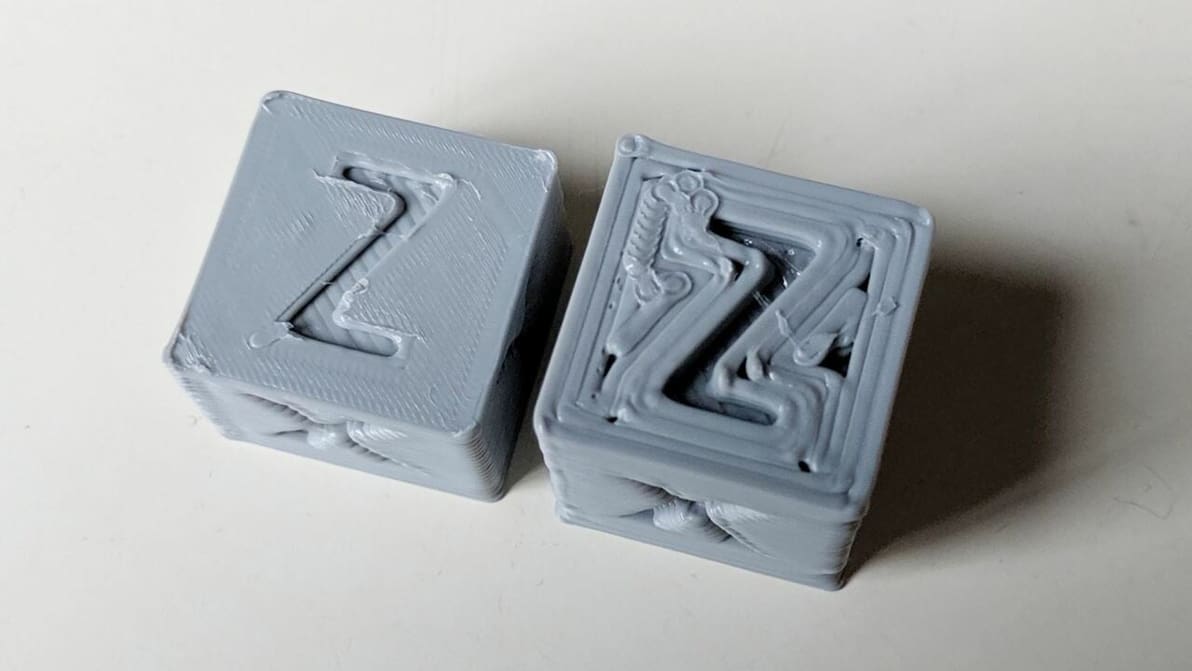
PrusaSlicer ironing can yield smooth top surfaces on 3D prints. Read on to learn more about what it is, what it does, and when to use it!
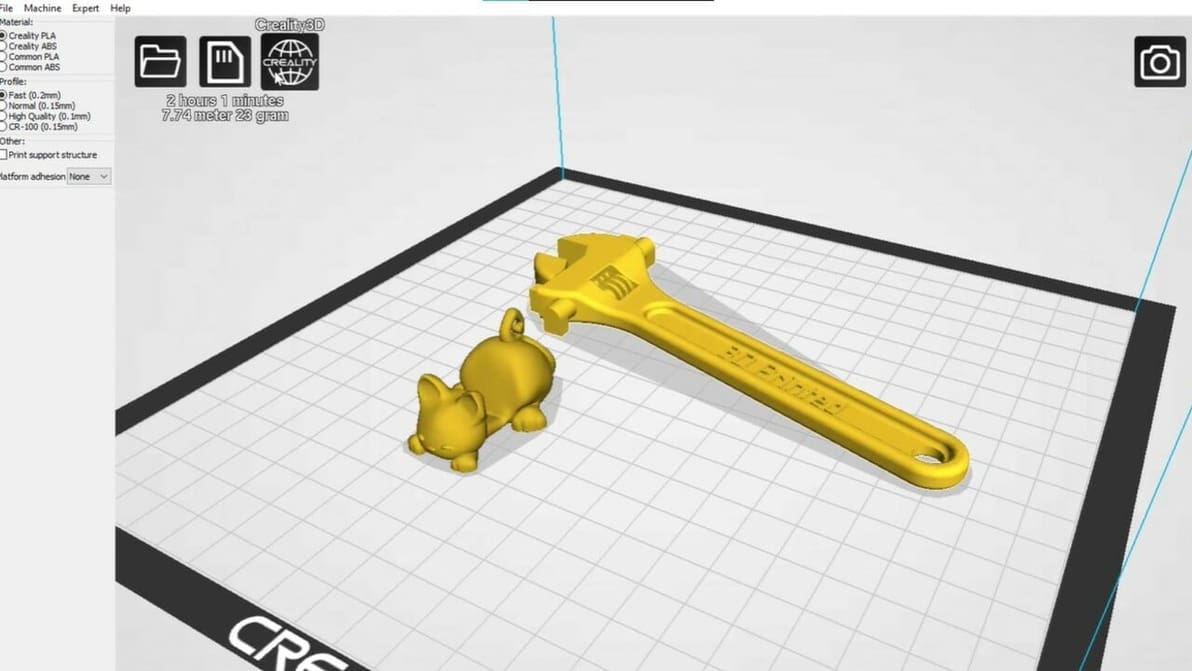
Looking to master Creality's slicer? Learn all about the crucial Creality Slicer settings and how to obtain a flawless print.
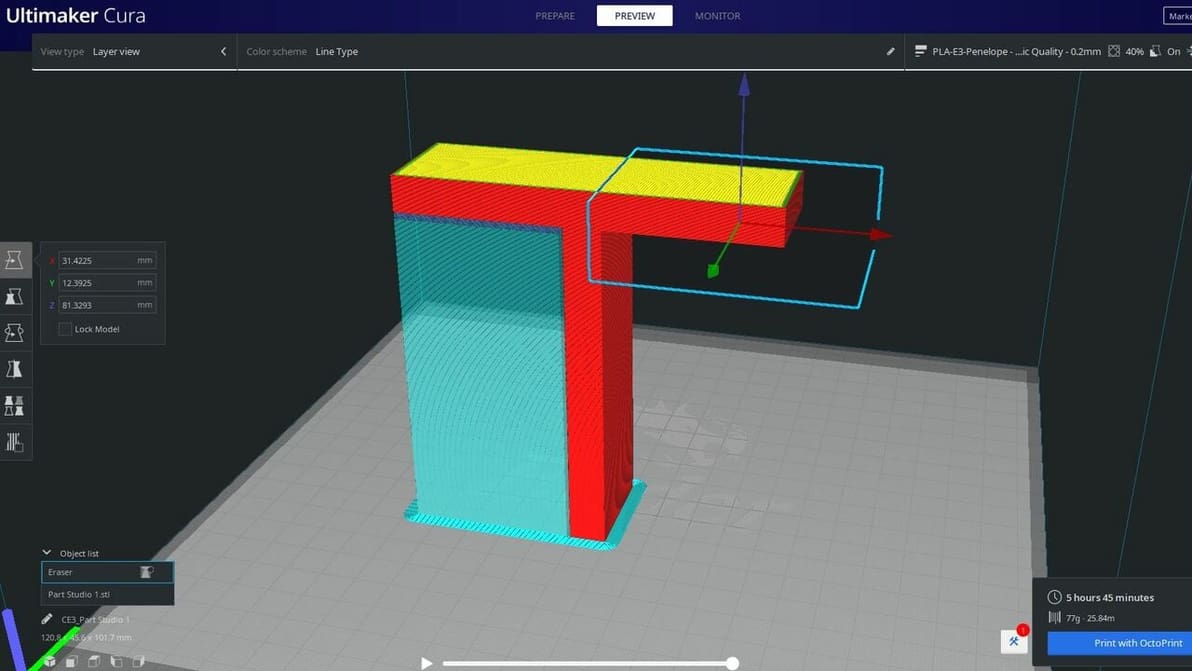
Cura's support blocker feature is great for preventing supports from being where you don't need them. Read on to learn more!
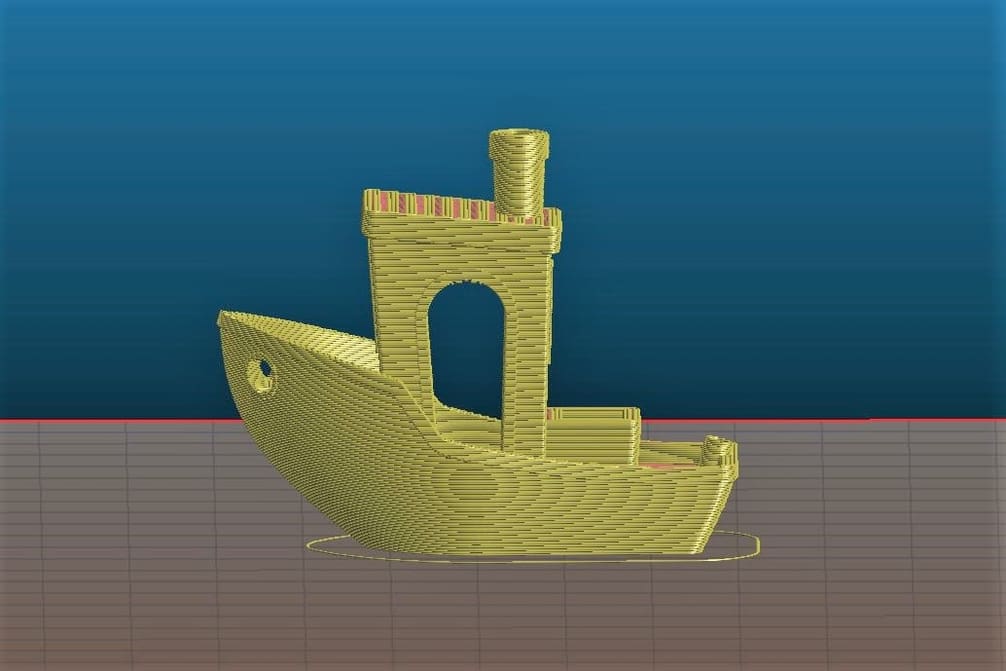
Slic3r has great options for fine-tuning print settings on the Ender 3s. Discover the ideal Slic3r profile for your Ender 3, Pro, or V2!
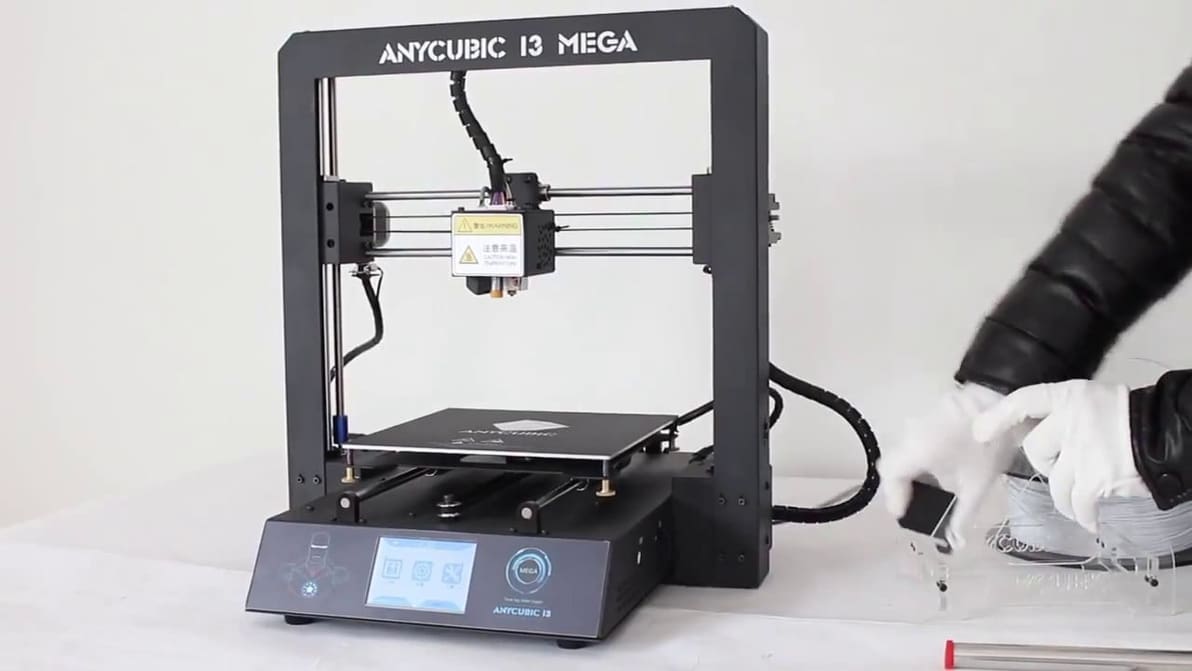
Looking for optimal Anycubic i3 Mega Cura settings? Here is what we suggest as the best Cura Anycubic i3 Mega Cura profile.