Popular articles

Ever heard of Blender's camera tracking? Follow along as we track objects in a video, create a 3D scene, and add models as if they were in the video itself!
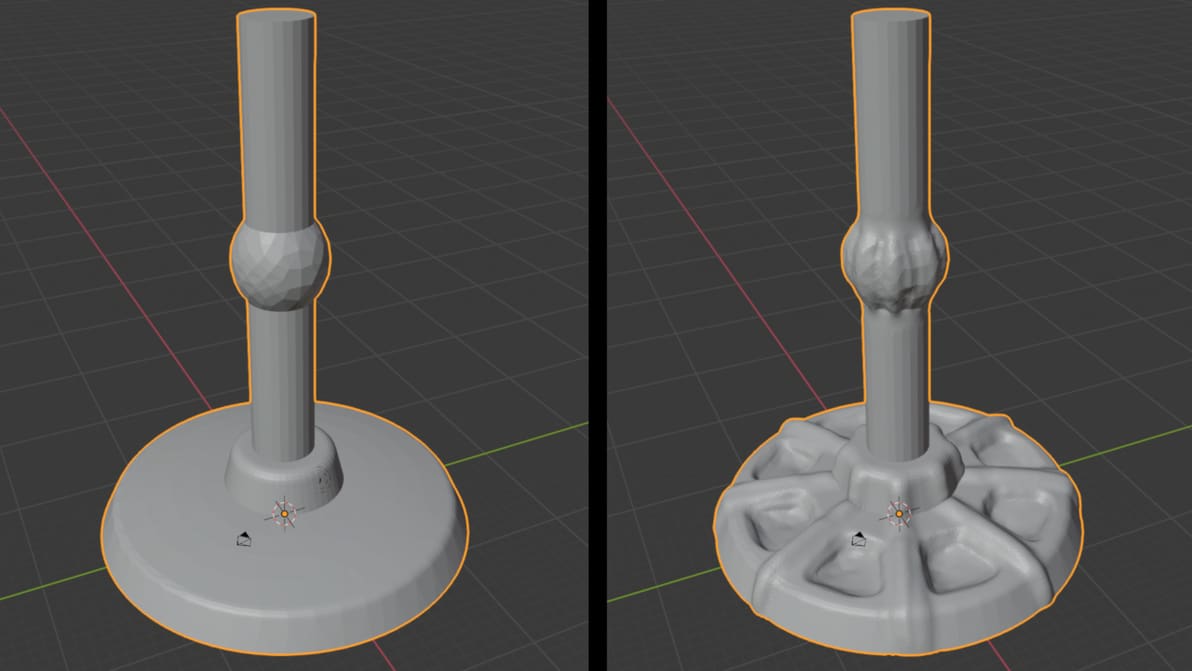
Take your models to the next level with detail that should be nearly impossible! Learn how to use Blender 2.8's sculpting tools!
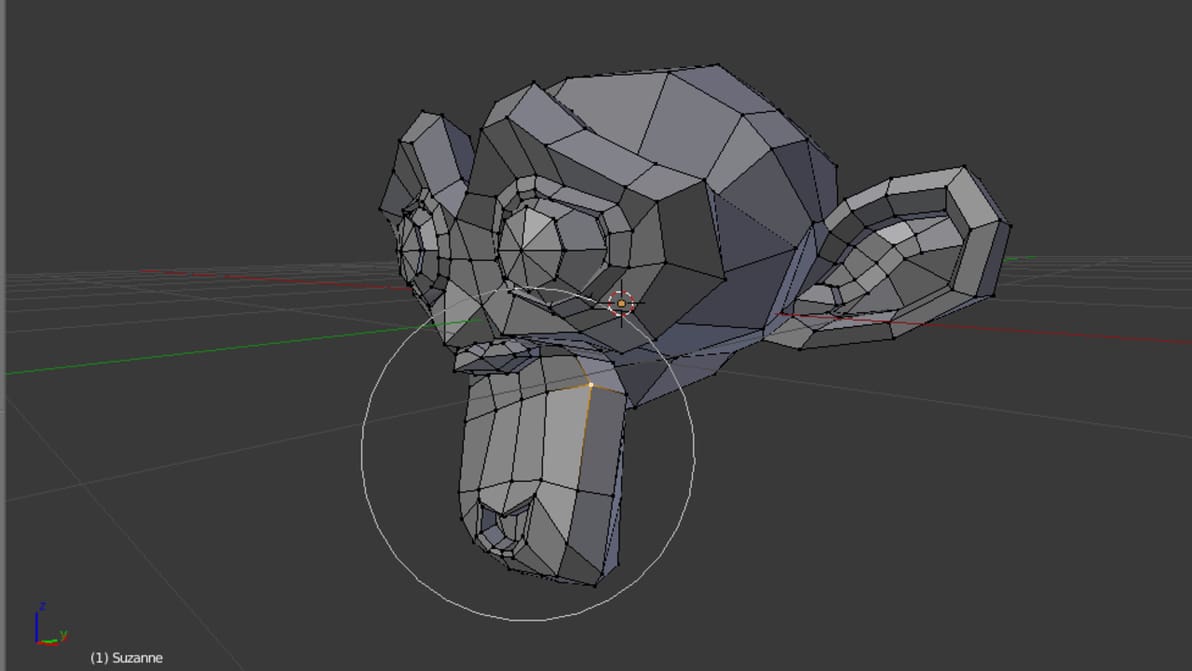
In Blender, there's no need to individually edit every vertex. Here, we'll show you how to speed up your workflow and manipulate meshes with proportional editing.
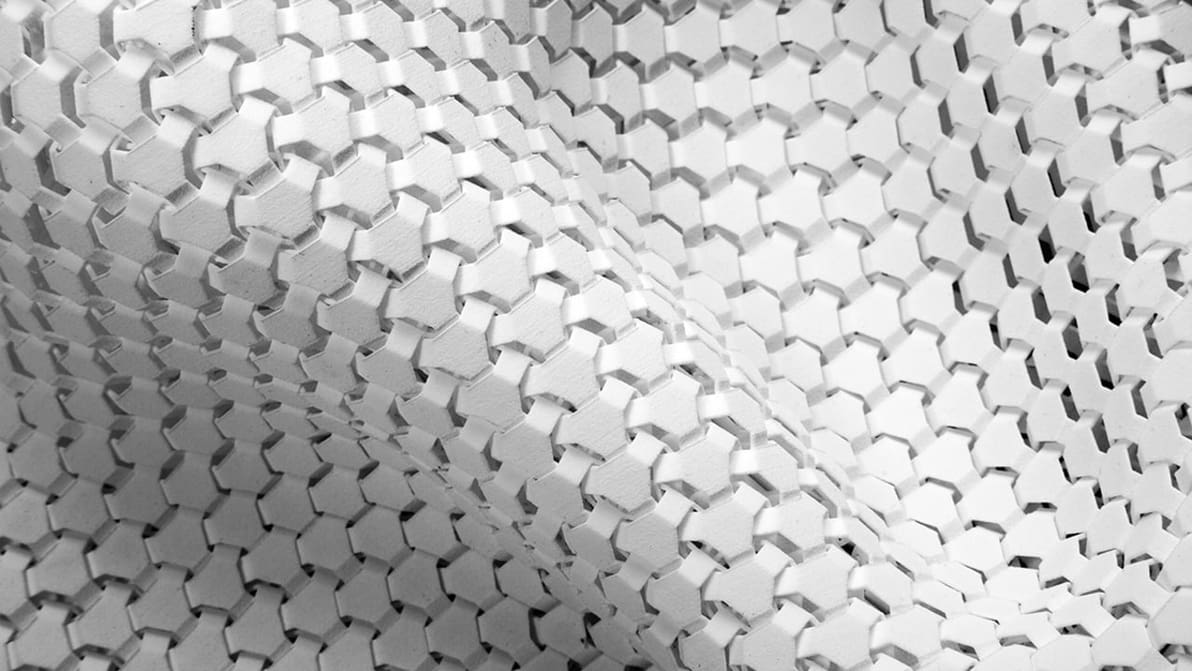
3D printing has many applications, but did you know that making fabrics was one of them? Read on as we explore some of the most promising 3D printed fabric projects.
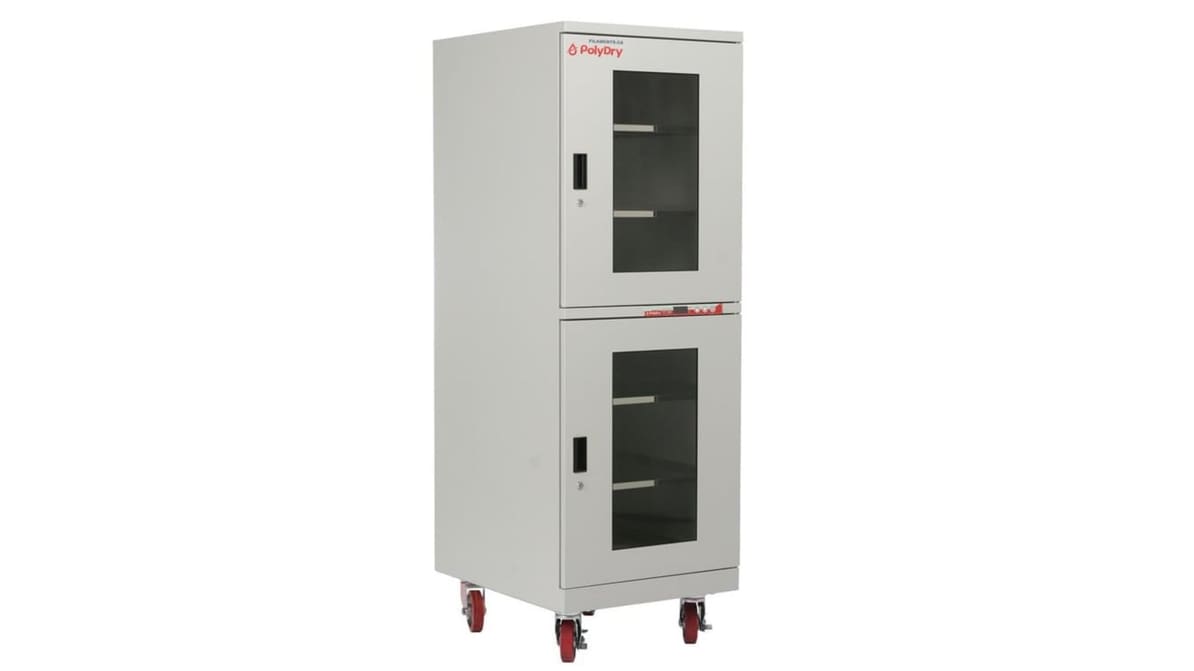
PolyDry, by Filaments.ca, is an industrial-grade, fully automatic filament storage solution with a massive interior capacity to store dozens of spools in various sizes.
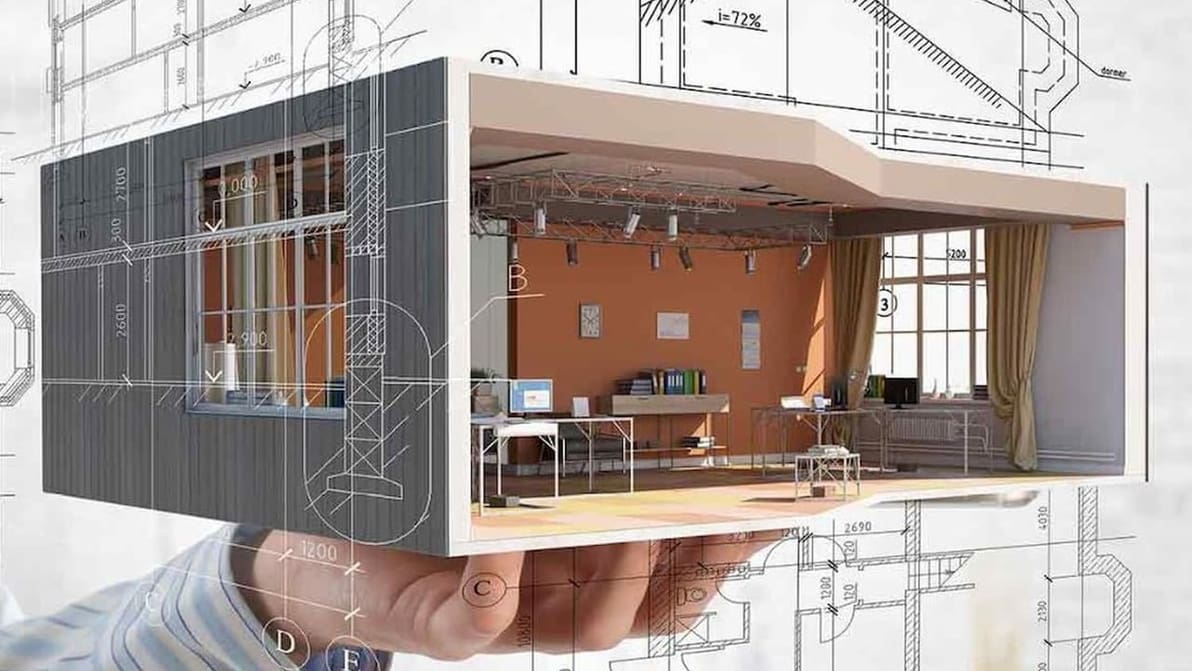
Revit and SketchUp are two powerful programs commonly used in architectural design, but there are some clear differences between them. Follow along to find which one is better for you!
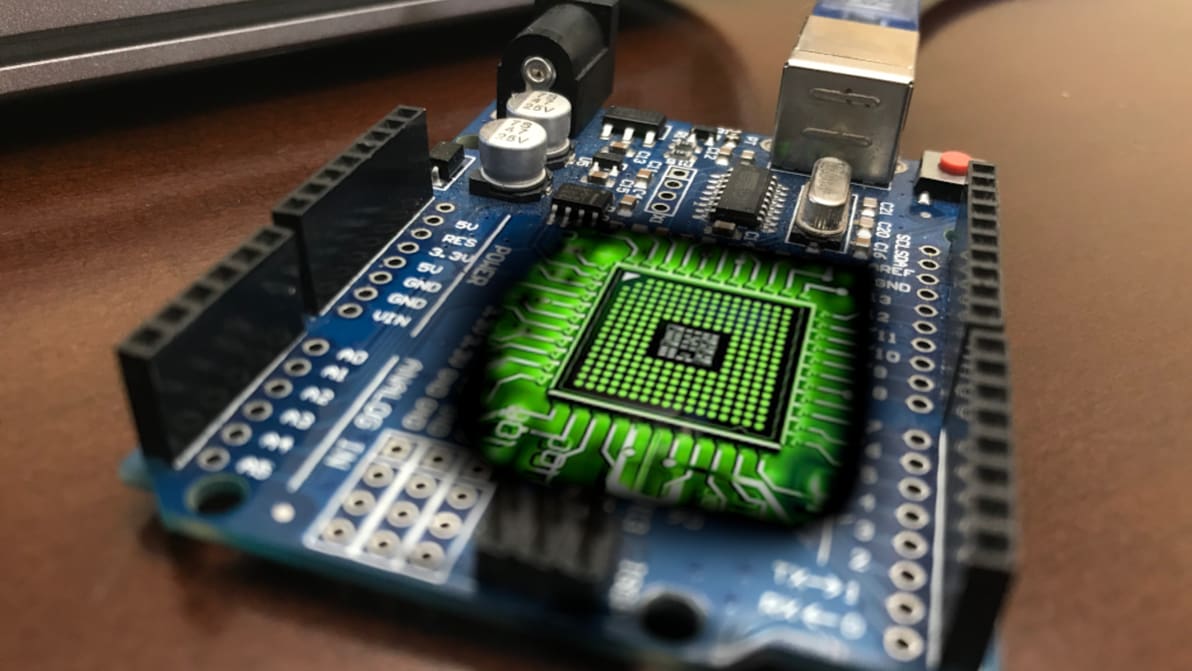
Are the popular Arduino boards powerful enough to command CNC machines? Join us as we take a look at the best Arduino CNC software available right now.
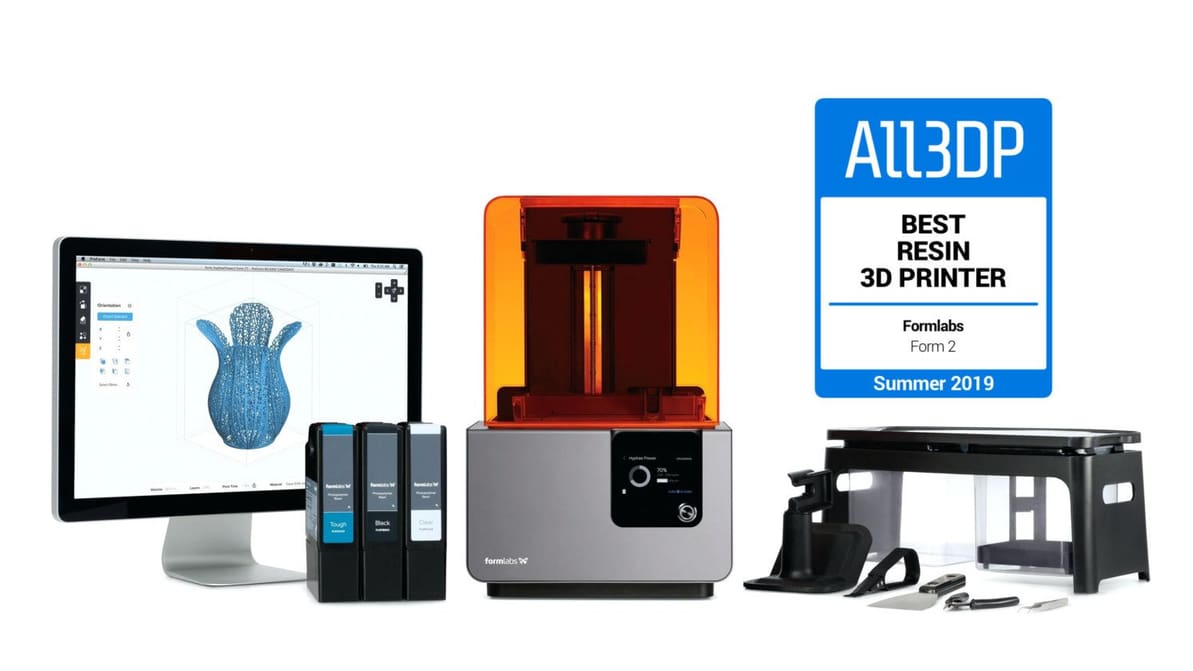
Formlabs Form 2 is our summer 2019 pick for the "Best Resin 3D Printer". Check out our review to find out why it was the best SLA 3D printer at this time.

Having a hard time getting your symmetries nice and even, or want to flip an object the opposite direction in Blender? Learn more about the Blender mirror modifier which makes this task straightforward!
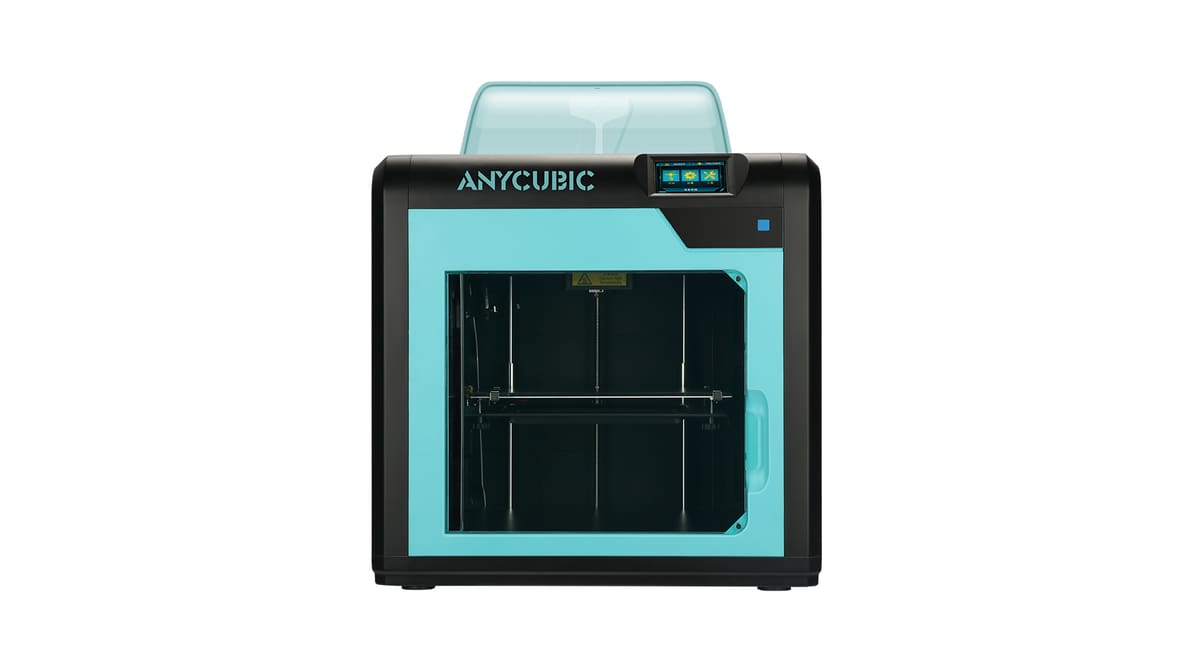
The Anycubic 4Max Pro 3D printer is an improved version of the original 4Max, but what advantages does it offer over its predecessor? Let's review the features and facts to find out!
![Featured image of [DEAL] Everything at MakeShaper 25% Off With Code](https://i.all3dp.com/workers/images/fit=scale-down,w=1200,h=671,quality=79,gravity=0.5x0.5,format=auto/wp-content/uploads/2018/08/26133750/consider-purchasing-some-food-safe-filament-all3dp-180822.jpg)
Filament manufacturer MakeShaper is offering 25% off all their products, from ABS to HIPS and nylon for a limited time.
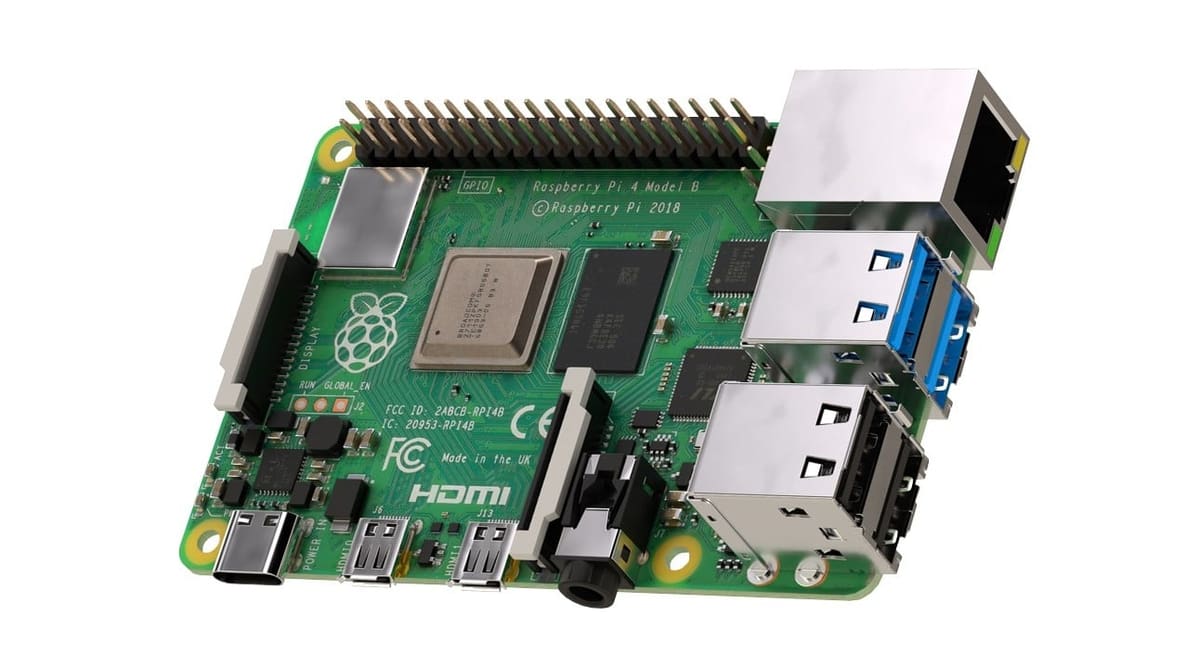
The new Raspberry Pi 4 offers more RAM, a faster CPU, USB 3.0, onboard wireless connectivity and Bluetooth 5.0. Let’s dive down in a review of all of its specs.
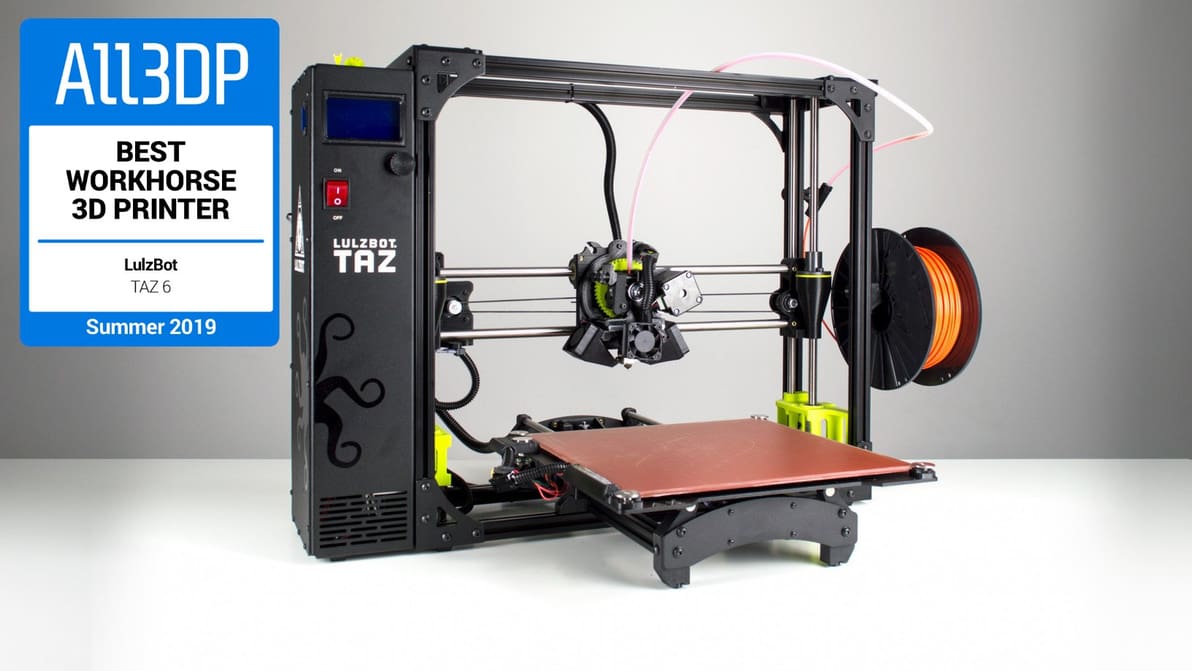
The Lulzbot TAZ 6 is our summer 2019 pick for the "Best Workhorse 3D Printer". Check out our review to find out why it is the ideal machine for frequent use.

Conventional dental imaging techniques are becoming obsolete thanks to 3D scanning. Discover what a 3D dental scan is, how it's done, and what it's useful for!
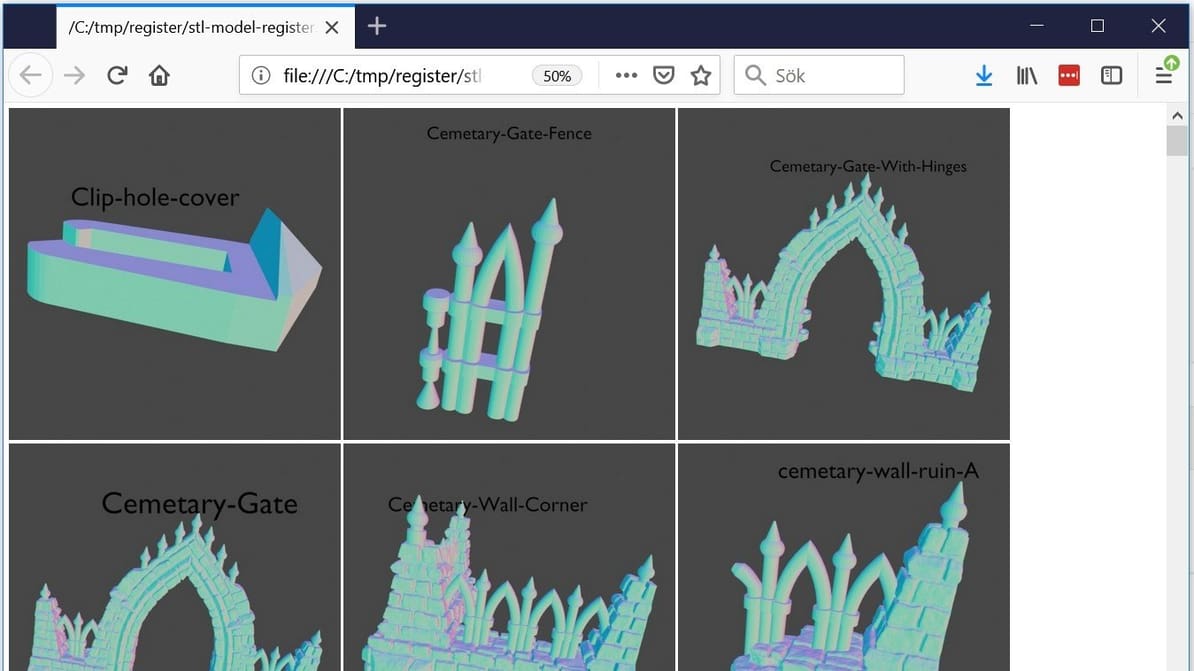
Got a folder full of STL files that you don't recognize? This handy utility will generate previews of them so you can make sense of the mess.
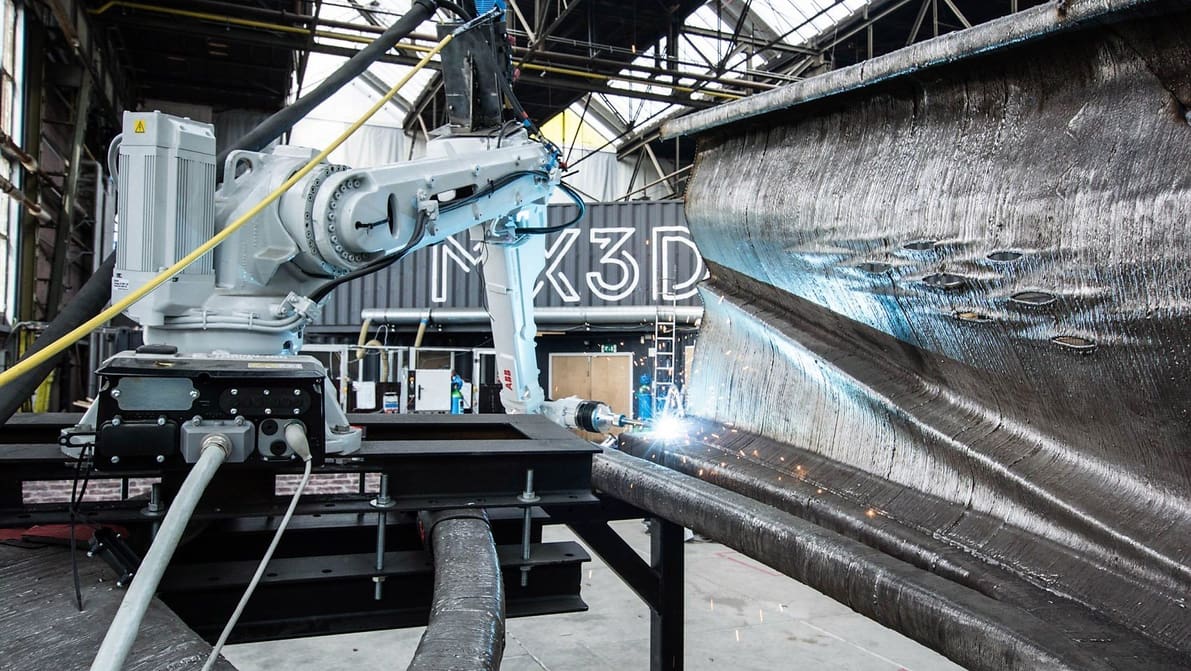
Bridges are fascinating, especially when they're 3D printed! Check out the most impressive 3D printed bridge projects we've seen so far.
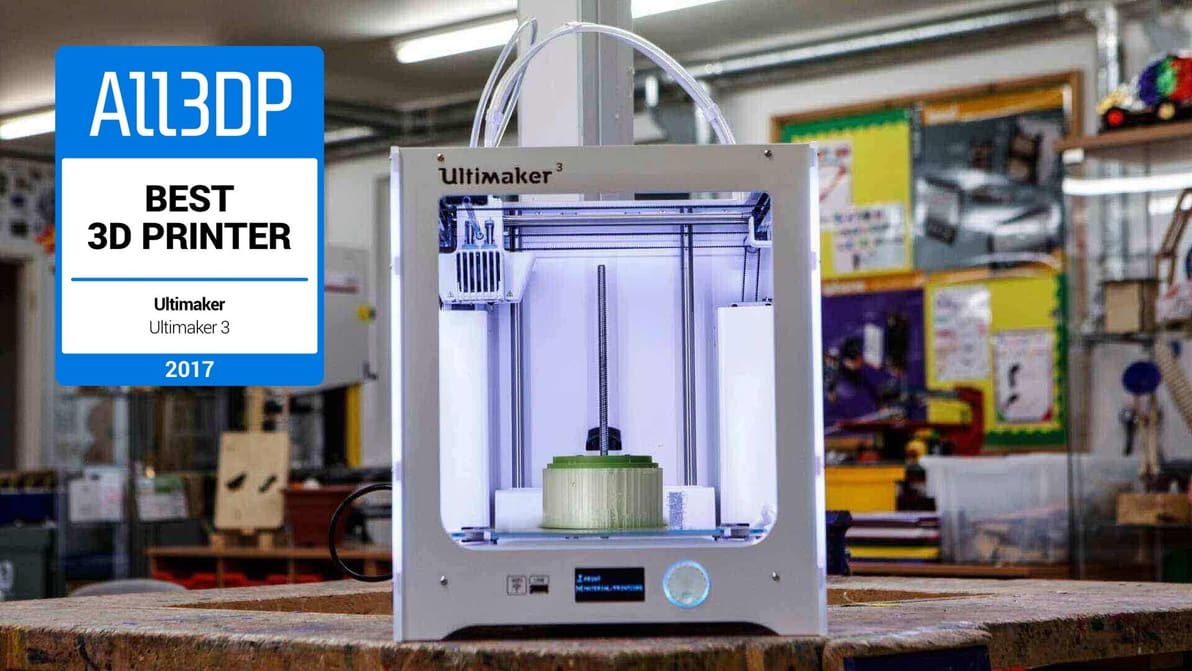
Even if the Ultimaker 3 has a top spot on our list of the best 3D printers. Check out our review to find out why the Ultimaker 3 might still be the right machine for you.
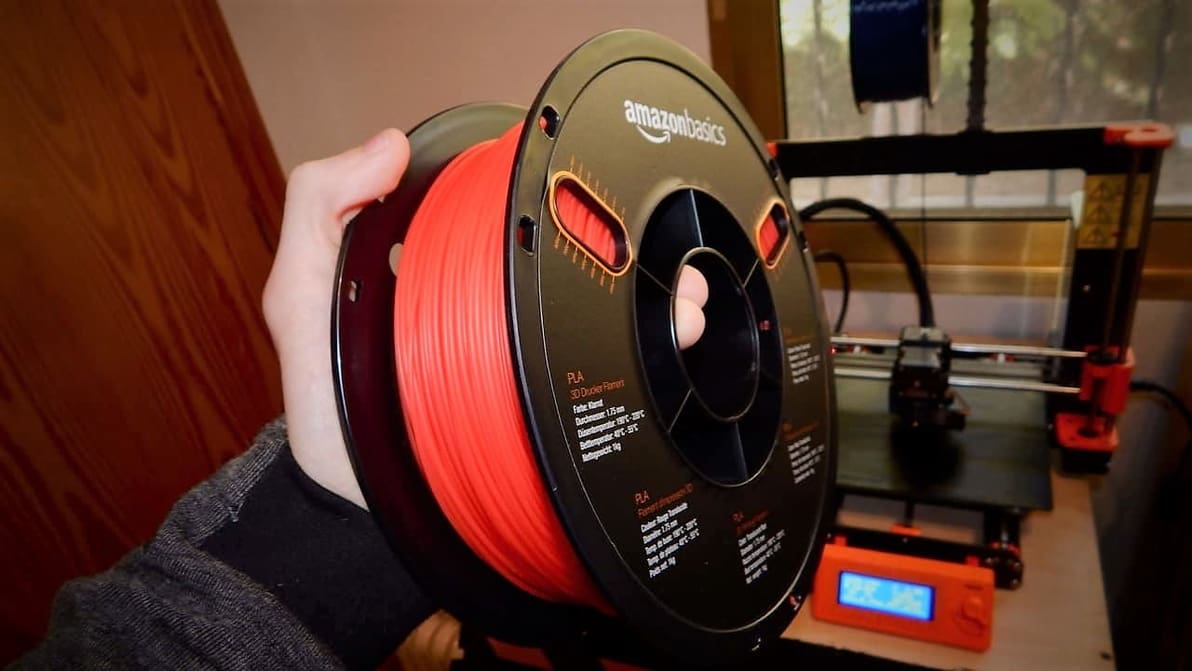
For those looking to 3D print on the cheap, AmazonBasics filaments seem to be a perfect solution. But are they really all that good? We got a spool of PLA to test, so let's find out!
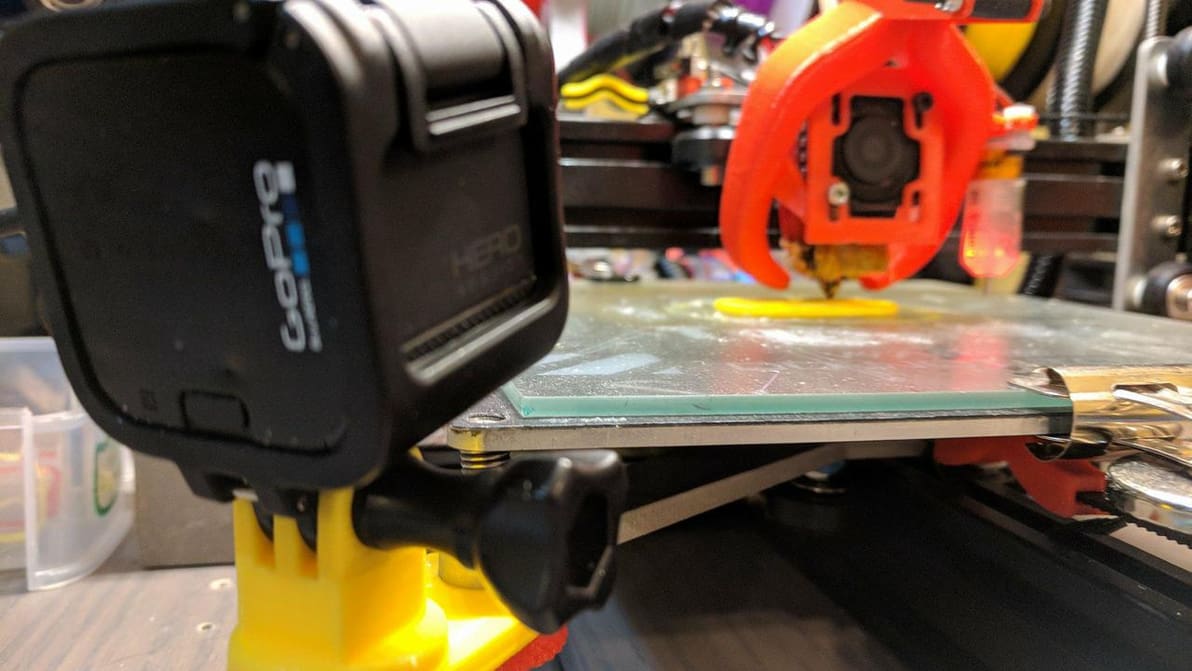
Watching a 3D printer create your favorite model is mesmerizing but can take ages. Discover these incredible time-lapse videos. They're a treat for the eye!
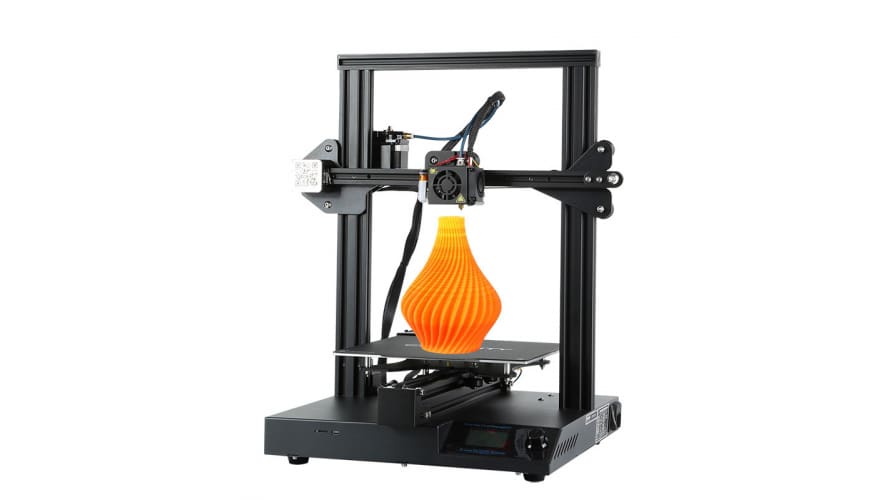
The Creality CR-20 Pro is an upgraded iteration of the CR-20, offering auto-leveling, a flexible magnetic print surface, and a handful of other enhancements. Let's review the features and specs.