Professional 3D Printers: 6 Easy Steps to a Purchasing Decision

With so many 3D printers, how do you decide? Our six-step guide covers everything you need to know about technology, materials, and brands.
With hundreds of industrial-grade 3D printers for business and manufacturing, it’s not easy to find the best fit for your needs. Whether you’re buying your first printer or your tenth, evaluating the latest technology and newest companies can be a challenge.
Here, you’ll find independent and unbiased guidance on everything you need to choose the right professional printer. At All3DP, we have thousands of articles on 3D printing for professionals. We use 3D printing ourselves and evaluate the printers, we research the materials and talk to the people who make the machines, offer the services, and put it to use in their businesses. We are where decision-makers turn to understand and profit from the business applications of 3D printing. So, let’s dive in!

1: Establish the Business Case for Your 3D Printer Purchase
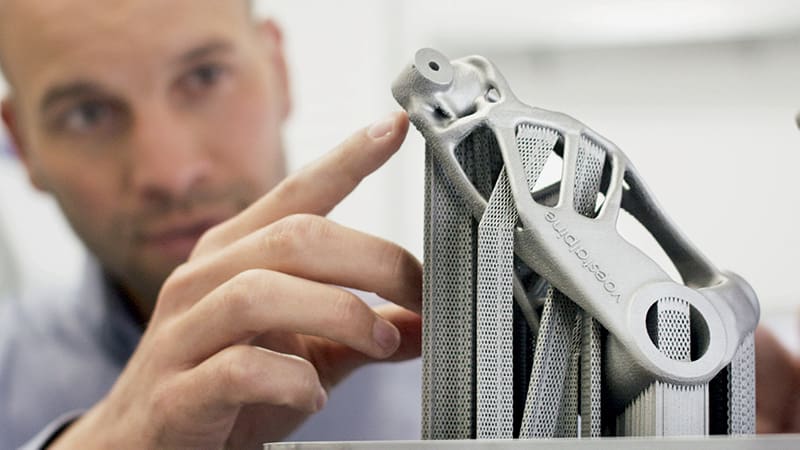
Before diving into which printer to buy, nail down why you want one. The first step is to build your business case for a 3D printer to upper management (if that’s not you) to make the investment. For that, you’ll need to understand your needs, then understand 3D printing technology, and then narrow down your search to select manufacturers. You’ll also need to request and evaluate sample prints, and understand the factors contributing to cost. Let’s unpack all this step by step.
What business need or problem will 3D printing solve, what strategic goal will 3D printing help your company achieve, or what new opportunities does 3D printing offer your business? If possible, link these needs to your company’s overall strategic plan and detail them clearly in a 3D printing proposal that is designed to get company management on board.
To clarify your printer purchasing objectives, consider these questions.
Do you want a 3D printer to …
- lower the costs of prototyping or tooling?
- speed up prototyping iterations or production part prints?
- manufacture spare parts on-site, on-demand?
- manufacture parts with shapes and properties not possible using any other technology?
- offer customers personalized or customized products (such as in healthcare or consumer products)?
- gain efficiencies in your overall production process?
- gain a competitive edge by getting new products to market faster?
- print unique parts with attributes that can’t be manufactured in any other way?
- save on material costs or material waste?
- keep your design developments or intellectual property production in-house?
Knowing what business needs your printer will satisfy is key to establishing your printer selection criteria. But keep an open mind; along the way, you may find printers and materials that can help you with problems you didn’t know you had and open doors to new opportunities you hadn’t considered.

Here’s How Companies are Profiting from 3D Printing Today
To further define your needs, it’s useful to find companies that faced the same challenges you face now and solved them with 3D printing. Case studies are a great way to learn how similar companies made the purchasing decision and there’s no shortage of 3D printer makers detailing their customer successes in case study reports. Although the manufacturer case studies can be a bit one-sided they’re great for narrowing down your needs. We have a trove of case studies that were not sponsored by manufacturers, and below are some of our favorites:

Hire a 3D Printing Consultant
Of course, you don’t have to do this alone. There’s a growing market of 3D printing consultants, besides the printer resellers, who offer expertise to guide you through assessing your needs and evaluating options. Check out companies such as Ampower or The Barnes Global Advisors.
Some major printer manufacturers have launched consulting subsidiaries, such as AddWorks by GE and AdditiveMinds by EOS, although don’t expect completely unbiased advice. Plus, the usual suspects in business consulting, such as Deloitte, PwC, and EY, offer experts in additive manufacturing, as well as some useful industry research and summits.
There have been various webinars in the past year on establishing the business case for additive manufacturing that are posted on YouTube, like this one below from GE Additive.
2: Understand the Technology
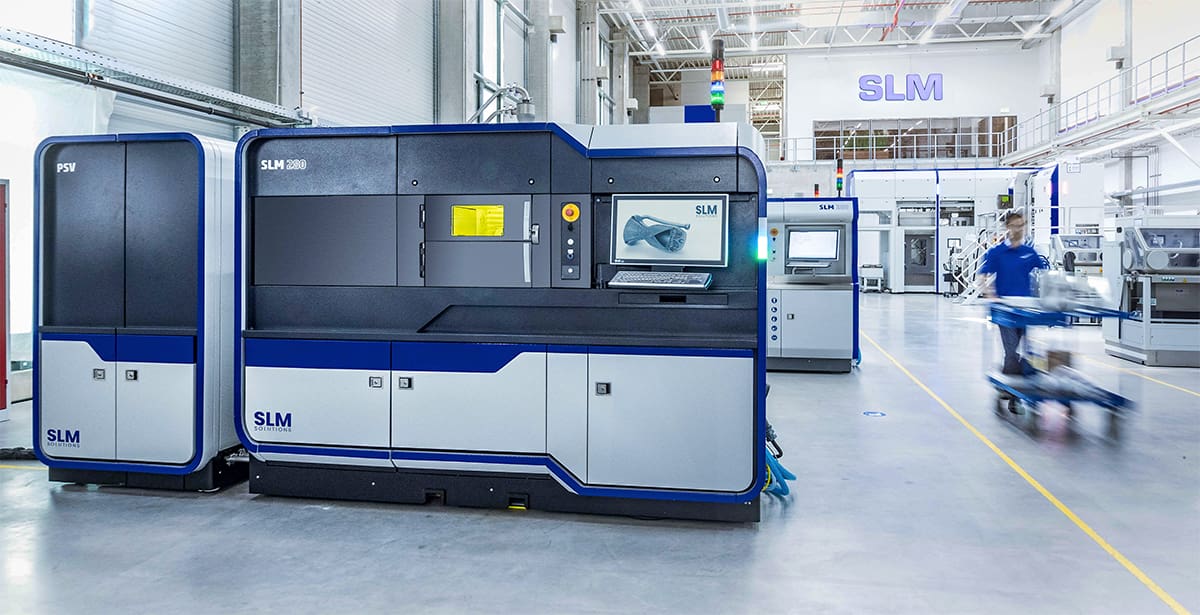
The technology, materials, and software behind professional 3D printing are constantly evolving. Even with solid base knowledge, brush up on the latest developments through our technology guides linked below.
1. Types of 3D Printers
You may not yet know which kind is right for you. In that case, get an overview of all the different types of 3D printing technologies:

If you’re in the market for an FDM printer for strong parts for your tools and fixtures, we detail the technology and the best printers here:
If finely detailed resin 3D printing for prototypes or end-use parts is your focus, we cover all you need to know about this technology for manufacturing, dentistry, and jewelry in these guides:


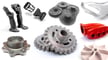
If you have a metal 3D printer in mind, did you know there are about 10 ways to 3D print metal parts? These fall into technology categories loosely based on whether you’re printing with metal filament, metal powder, or metal wire. We have several guides to the various metal 3D printing technologies and the best machines in each category at these guides:

2. Types of Materials
From TPU to titanium and everything in between, the range of materials you can 3D print is huge and growing daily. Browse these articles to get a sense of what things are most commonly printed in which material. Also, familiarize yourself with the general costs of materials, which can vary widely, and whether you’ll want a printer that accepts third-party materials or only prints with manufacturer-specific materials.


3. Types of Software for Digital Design & Printing
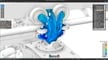
You may already be familiar with the range of software used for digital design, from AutoCAD to SolidWorks, but 3D printing has a few unique applications and file formats to become acquainted with if you want to get the most out of your prints. Your new 3D printer will come with software that you’ll need to learn, so it pays to prioritize this important feature and seek out easy-to-use technology.
With the growing adoption of 3D printing technologies across small companies and large enterprises, it has become too complicated to manage the process without a software solution that covers the end-to-end workflow, from design to final approval. This is why we are hearing more about AM workflow software and other technology for managing multiple 3D printers across different technologies. Check out our guide to “Top 3D Printer Farm & AM Workflow Management Software Solutions.”

4. The Top Professional & Industrial 3D Printer Brands
It’s not as easy as it used to be to distinguish a consumer 3D printer from one used in a business or manufacturing environment. Many printer manufacturers popular with consumers, including Ultimaker and Formlabs, have transitioned to professional markets while maintaining their ease-of-use. At the same time, technological advances have enabled powerful printers to take up less space. So the bottom line is: keep your options open.
Some industry reports draw a line at $5,000 with anything below that not qualifying as an “industrial” machine, but that can be misleading. Labels such as industrial or professional, do not reflect actual industry standards, capabilities, or feature levels, so feel free to be skeptical about their application.
If you narrow your printer search using detailed criteria of what you need, you’re likely to find a wide range of printer price points from a long list of manufacturers.
Browse Hundreds of Printers at a Trade Show
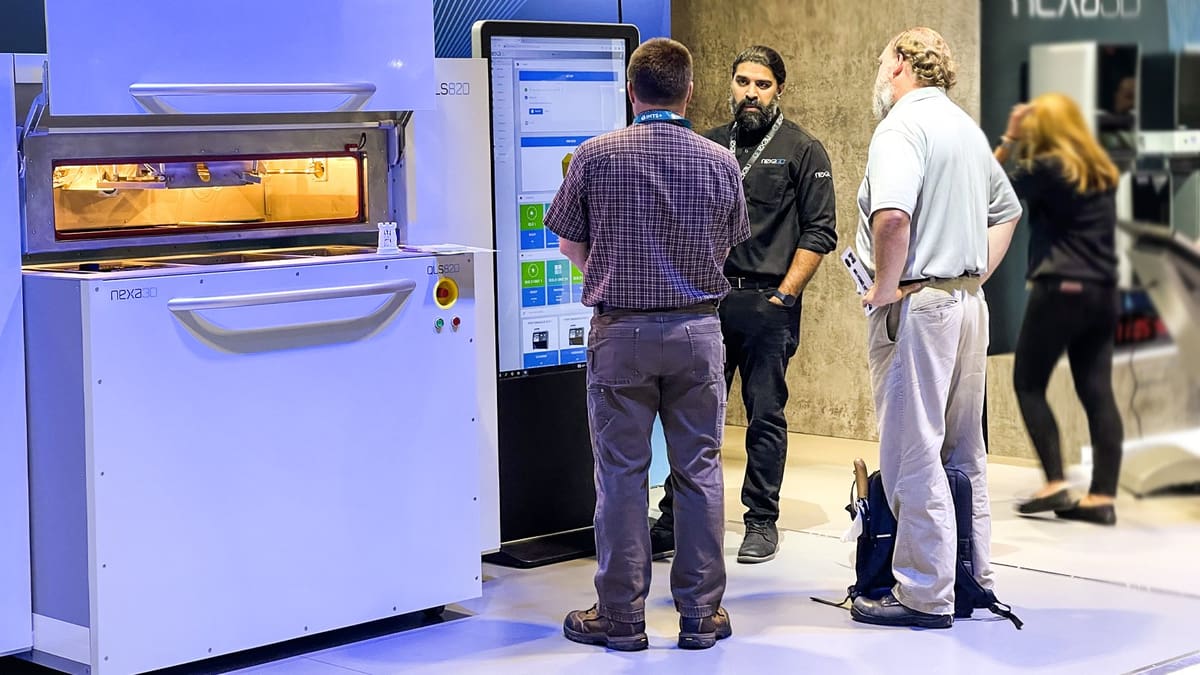
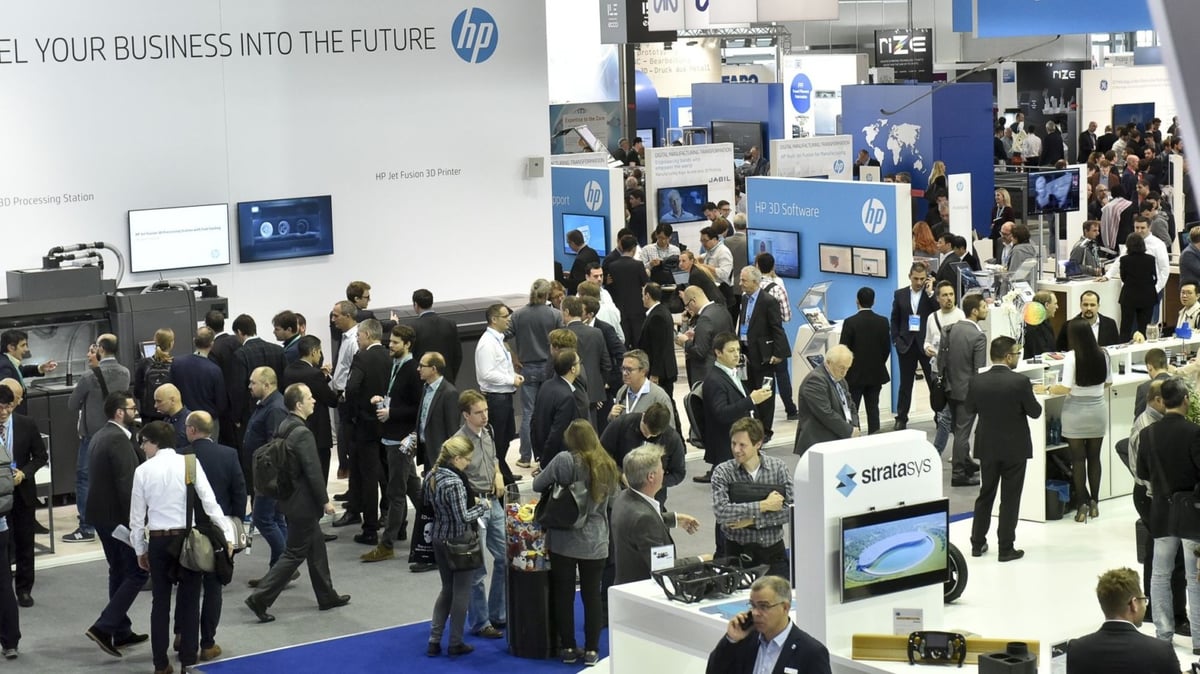
You’ll find all the major brands of 3D printers on display at key additive manufacturing trade shows in the U.S., Europe, and Asia. Our event list includes links to all of the important conventions. The largest event, Formnext, in Frankfurt, Germany, offers a downloadable excel file of its manufacturer exhibitors.
All3DP’s Picks for Top Printers
Our unbiased and unsponsored reports on the top printers can help you narrow your search and enter a trade show already armed with information.
- The Best Independent Dual Extruder (IDEX) 3D Printers
- Best Pro Resin 3D Printers 2025: From $3,500 to $420,000+
- Is It Finally Time to Upgrade to an SLS 3D Printer? Here's What You Need to Know
- Best Large-Format 3D Printers for Professional Use
- Best Desktop-Size Carbon Fiber 3D Printers: Our 10 Picks
- The Best 3D Printers for Small Businesses in 2025
3: Testdrive & Request a Sample Prints
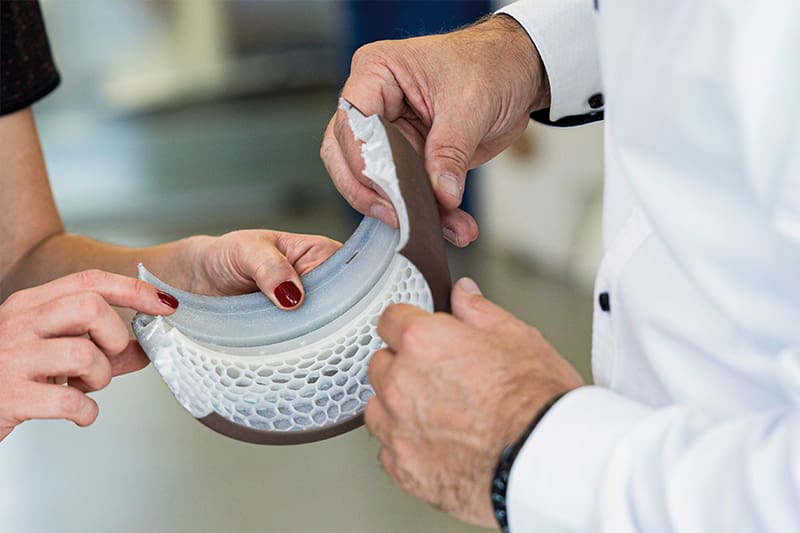
You may not always be able to see a large industrial machine in action without visiting the manufacturer, one of its customers, or a trade show, but you can always request sample prints.
Ask manufacturers to print a sample of a part that represents your typical printing needs, and resist manufacturers who want to dictate your sample print. You may be limited in the size, but be sure to request a print sample that accurately reflects the complexity of the parts you intend to print, and the desired final material and finish. If you’re considering different models from the same manufacturer, ask for the same print from both machines (where possible).
If you already have a digital version of your part as a CAD model, you’re all set. If your part doesn’t exist digitally, you may need to hire an industrial design firm to scan your part then create a digital file.
In the end, the manufacturer should provide you with a report to accompany your sample print that details exactly how long the part took to complete, what post-processing was involved (if any), and how much material was used. This information will help you estimate 1) how many printers you will need to meet your output goals, 2) how much material costs you should budget for, and 3) what additional equipment you may need to invest in.
Put Your Sample Part to the Test
Review your prints’ functionality, weight, feel, strength, and any other feature that is critical to your needs. Share it with staff who would be working with it for their feedback, as well.
If you have sample parts from several vendors, compare them side-by-side and subject them to the same tests and evaluations.
4: Get Upper Management Buy-In

Documenting your business case for 3D printing and presenting it to management is a time-consuming but essential task if you want to secure funding and support from decision-makers. If your company owners aren’t on board with your printer purchase decision, it could be a wasted investment.
Additive manufacturing adopted for the wrong reasons, launched without the full backing of company owners, or established without a roadmap to success isn’t likely to be effective, experts agree. Likewise, additive manufacturing adopted on a very small scale or a very low investment – aside from outsourcing it – isn’t going to produce the return it’s capable of.
Your business case report or presentation should include:
- The problem or opportunity 3D printing will address at your company.
- The short- and long-term benefits, such as faster time-to-market for new products, improved products and customer satisfaction, shorter supply chain, inventory reduction, etc.
- Total costs, including initial equipment, training, software, maintenance, materials, etc.
- A timeline of how long it will take to get up and running, and the date of the expected return on investment
Real-life examples strengthen your business case (see examples above) and make it more relatable to management unfamiliar with the technology. Also, cite industry research, such as this report from the business consulting firm PWC, “Beyond prototyping: accelerating the business case for 3D printing.” Here you’ll find useful figures on the growth of the industry and more interesting use cases.
If upper management is skeptical about the viability of 3D printing in general, point them to this Harvard Business Review report that says: “Additive (manufacturing) has the potential to shake up not just individual industries but the manufacturing sector as a whole. Eventually, a technology that engineers once mocked for its slowness may become a dominant force in the economy. Now is the time to take it seriously as an option for large-scale commercial production.”
6: Buy From the Best
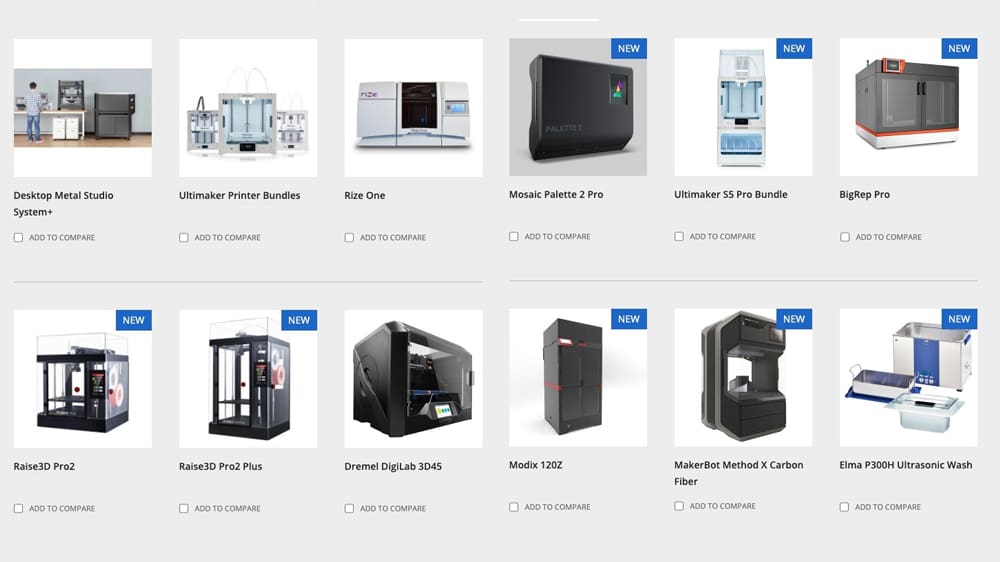
In your printer decision journey, you’ve most likely been working directly with the manufacturers. But at some point, they may point you to their local reseller who will be your contact for purchase, installation, training, maintenance, supplies, etc. Alternatively, for machines that bridge the consumer and professional categories, and need no installation or service, you have your pick of a wide range of resellers and online outlets, including Dynamism, iMakr, and MatterHackers.
For larger machines, you may have little choice of resellers, so it’s important to know what to expect from them. For example:
- What is their expertise with the machine?
- How long will you wait for the initial installation?
- Do they offer training?
- How fast can they get someone to you for repairs?
- Will they bundle other items with the printer (software, post-process equipment, training) to offer a better deal?
- In many cases, a printer manufacturer will have different resellers that specialize in a specific industry, such as higher education, dental, or hospitals, which require special knowledge.
If your company or government procurement office requires multiple bids on major equipment, a printer manufacturer will have several of its resellers bid on the same proposal. Although manufacturers give their resellers the same price, the resellers can choose to lower their profit margin or bundle other items or services to make their offer better.
In addition to financing, leasing instead of buying is also an option from many manufacturers today.

Lead image source: Formnext2019. Copyright Mesago / Mathias Kutt.
License: The text of "Professional 3D Printers: 6 Easy Steps to a Purchasing Decision" by All3DP Pro is licensed under a Creative Commons Attribution 4.0 International License.