3D Printing Control Software
Featured
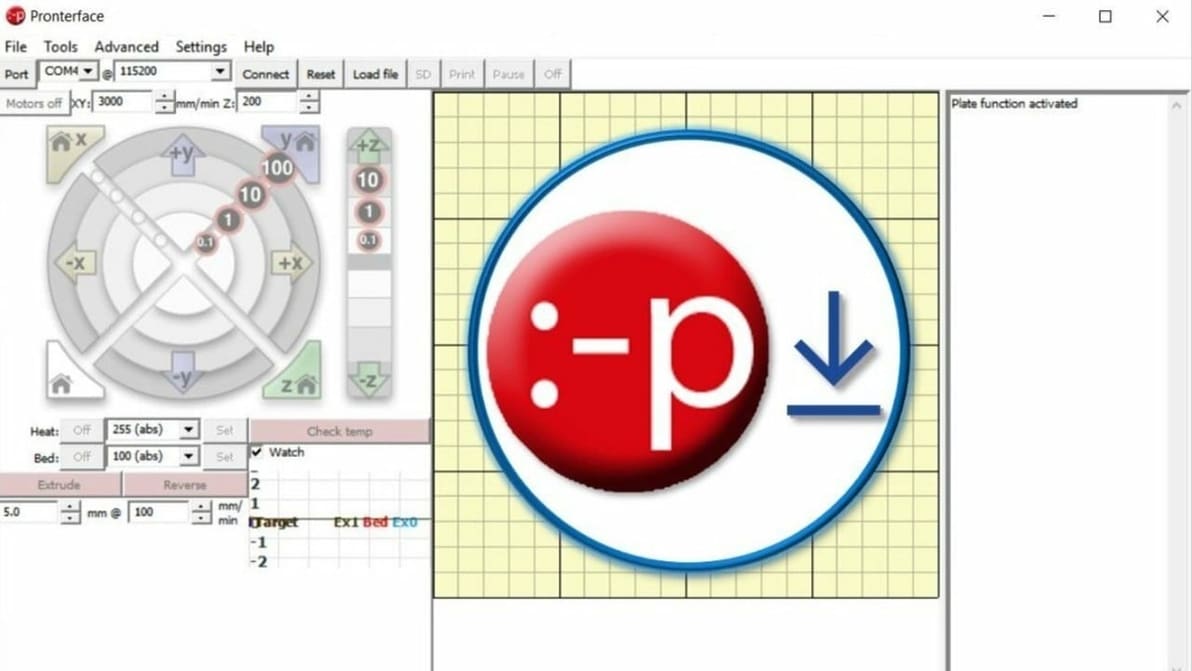
Want more control of your printer? Read along as we download and install Pronterface. You'll be giving immediate commands in no time!
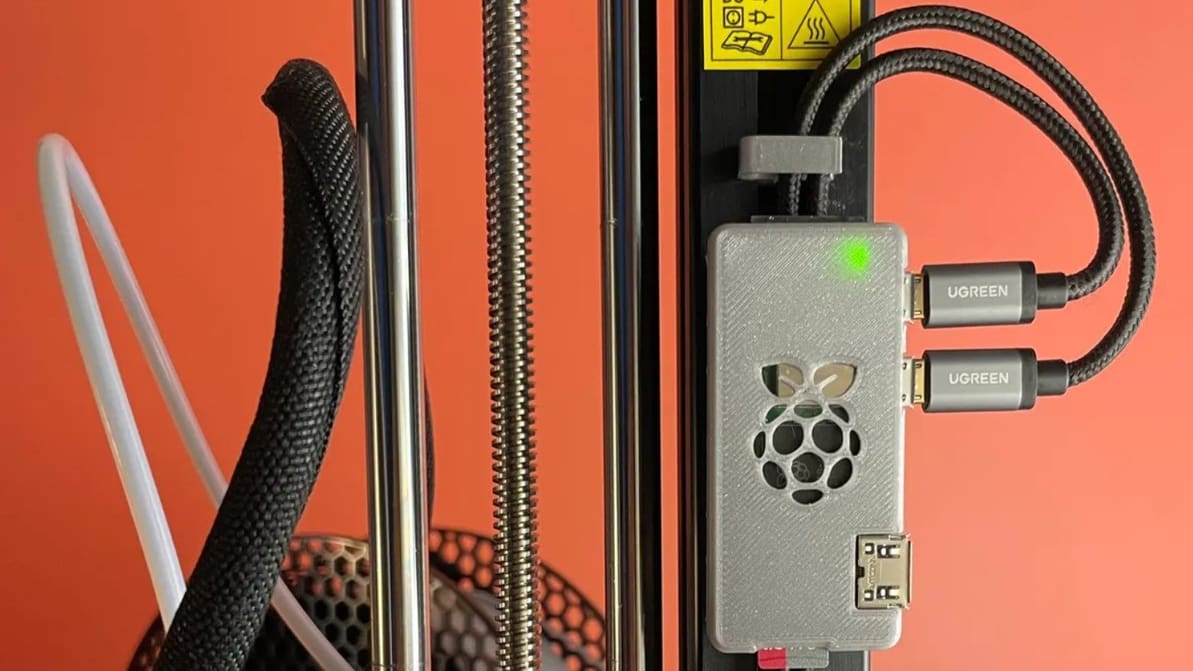
OctoPrint gives you more control over your 3D prints. Learn how to set up OctoPi on a Raspberry Pi with this step-by-step setup guide!
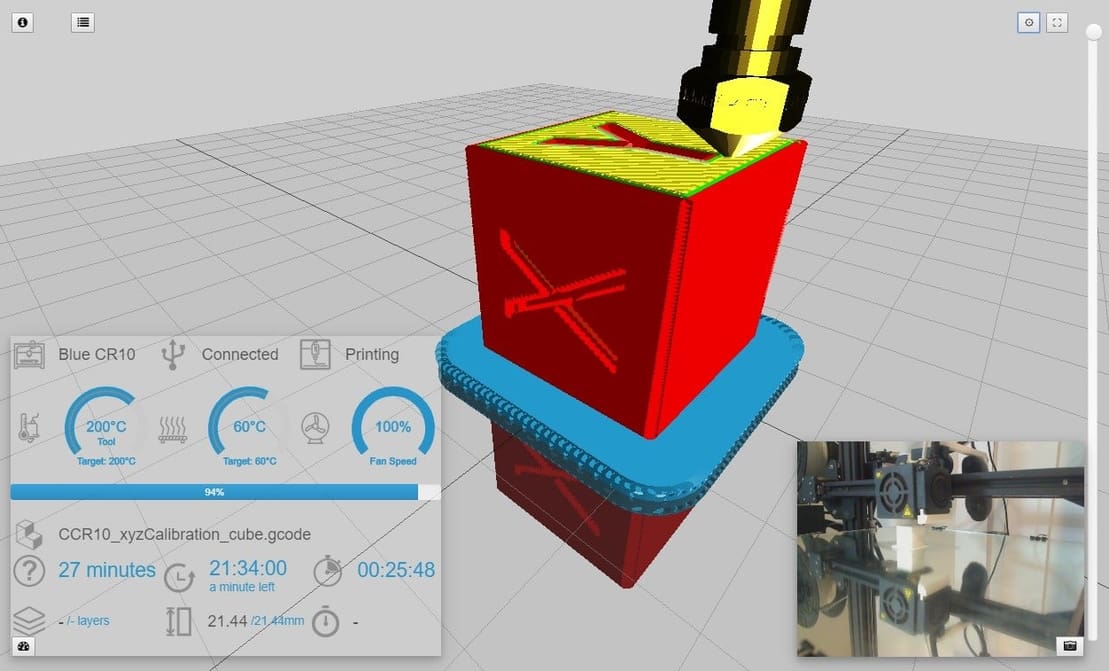
OctoPrint is a powerful tool, but adding a cherry on top makes it even better. Check out our selection of the best OctoPrint plug-ins around!
Latest
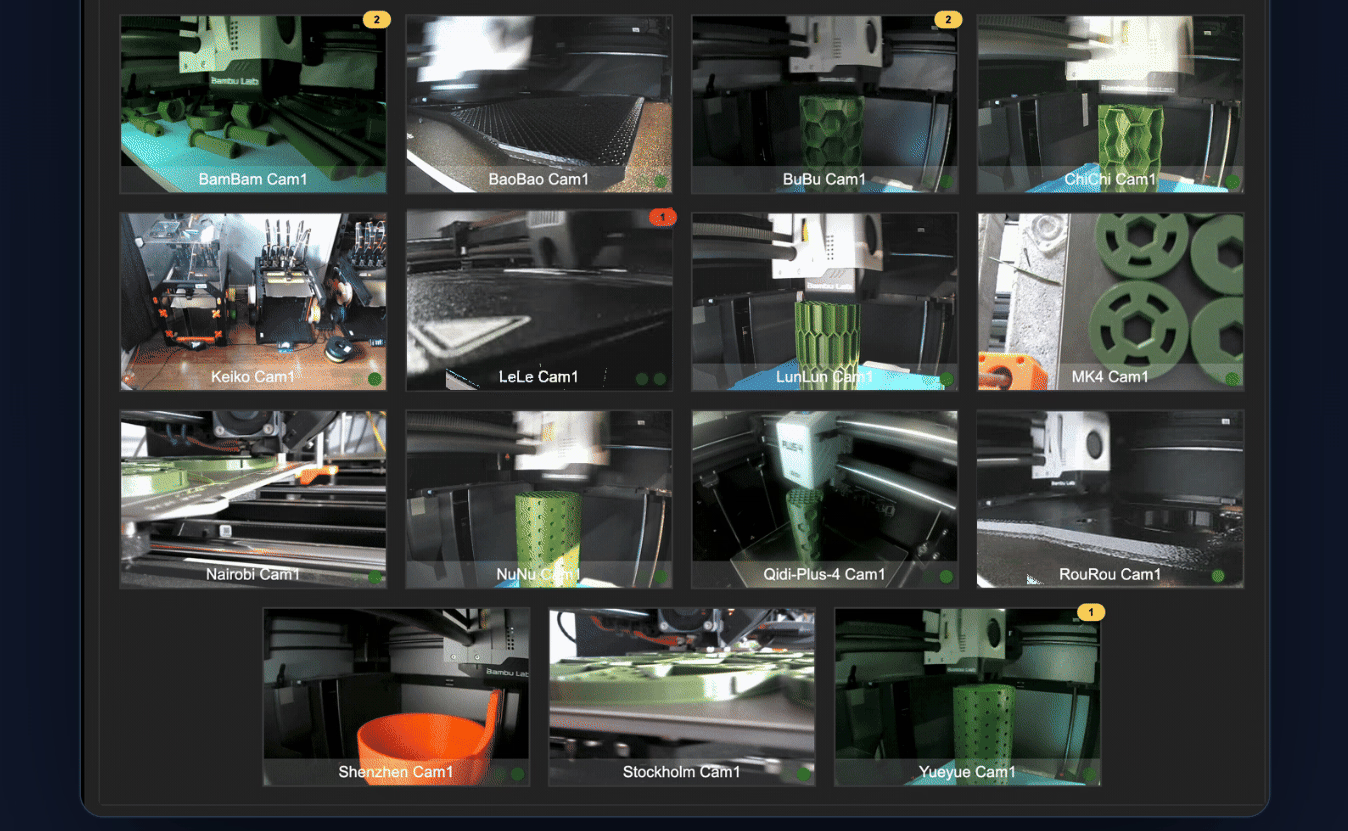
If your 3D printer farm has reached the point where “just open another browser tab” no longer qualifies as management, Watchtower would like a word. Now on Kickstarter, the locally hosted dashboard corrals Bambu Lab, Klipper, OctoPrint, and PrusaLink machines into one interface, with camera feeds, filament tracking, error monitoring, job queues, and automatic routing of prints to suitable machines. Its makers are leaning heavily on local operation rather than funneling your print farm through yet another cloud account – a concept apparently novel enough to be a selling point in 2026.
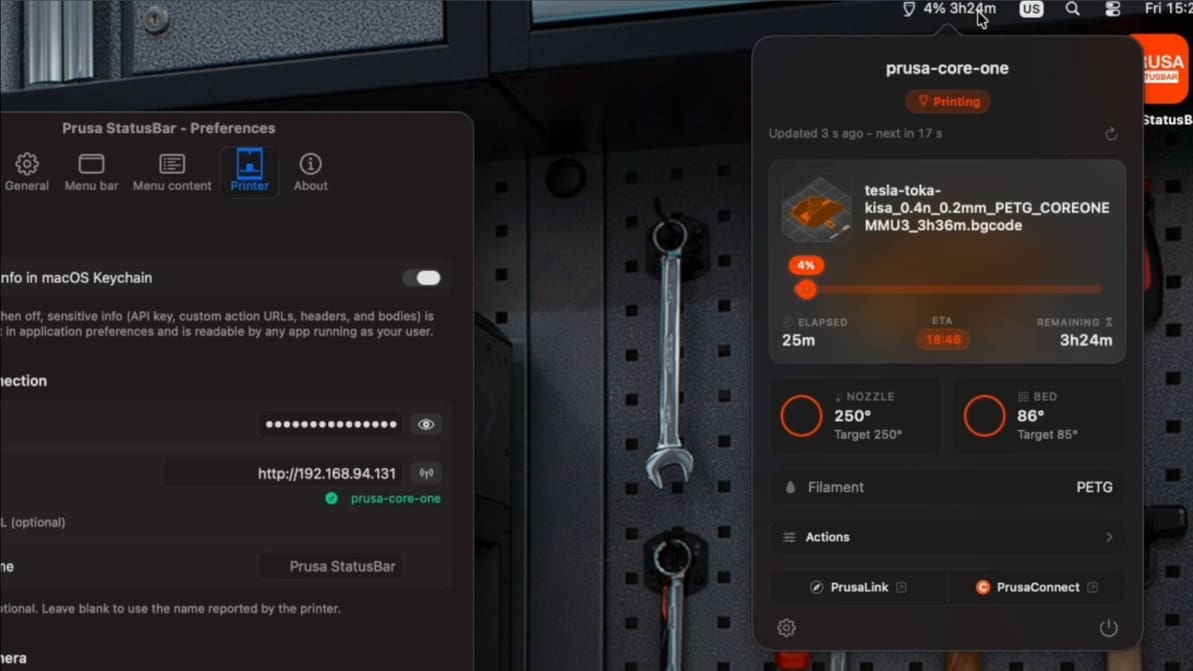
New unofficial Prusa MacOS desktop app brings your locally connected 3D printer directly to your Mac’s status bar, giving you at-a-glance updates, webcam feed, and even one-click Home Assistant triggers right from your desktop.
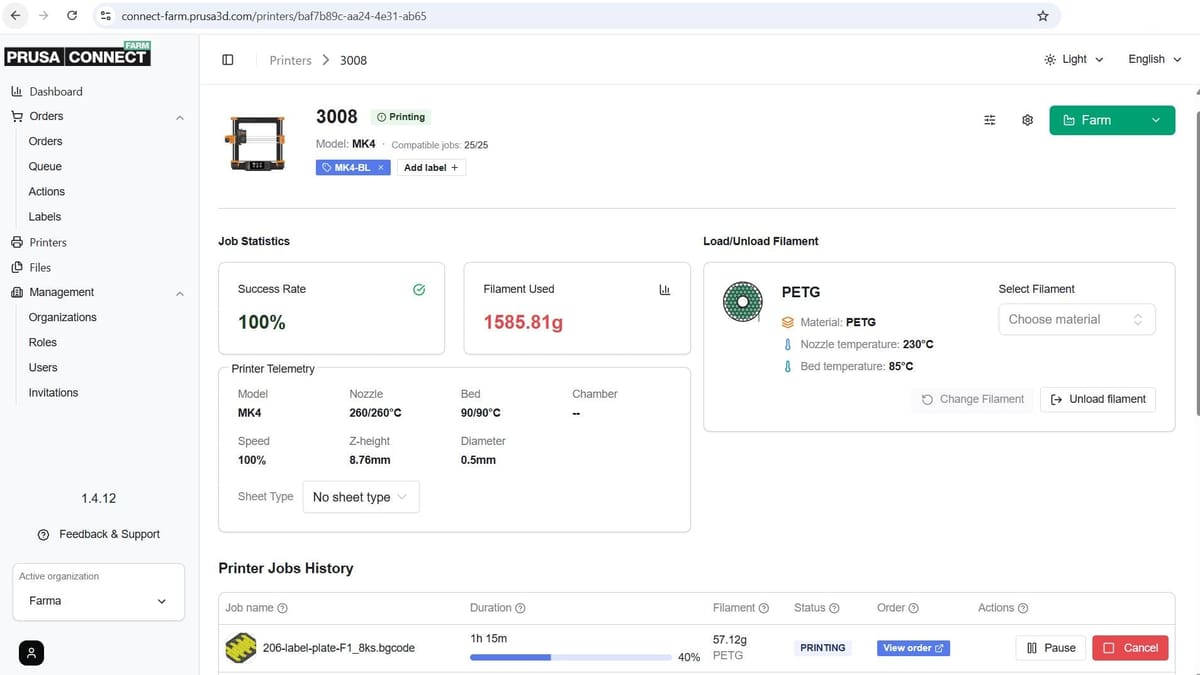
– a new Prusa subscription expands usage limits. Starting at $8.99 a month for the "Basic" tier, you get 20 GB of file storage plus HD camera streaming and longer slicing time using the EasyPrint cloud printing tool. A "Premium" tier adds even more of all three at $29.99. There are discounts for annual subscriptions.
Paid users will get access to the Prusa Connect Farm mode when it launches soon, too. Regular Prusa Connect can handle multiple printers already, but only in isolation. Farm mode treats them as nodes in a network for job assignment and other more productive usage.
Want more control of your printer? Read along as we download and install Pronterface. You'll be giving immediate commands in no time!
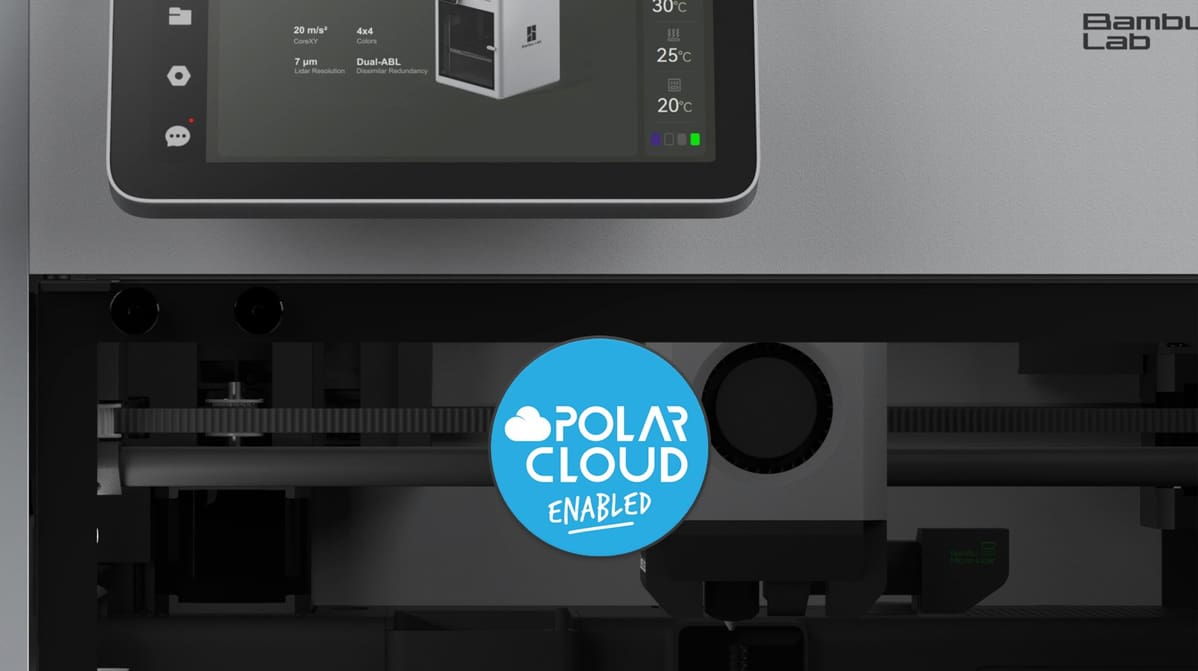
A new integration brings Bambu Lab's popular high-speed printers to Polar3D's fleet management platform, aiming to solve the challenge of scaling 3D printing programs in education.
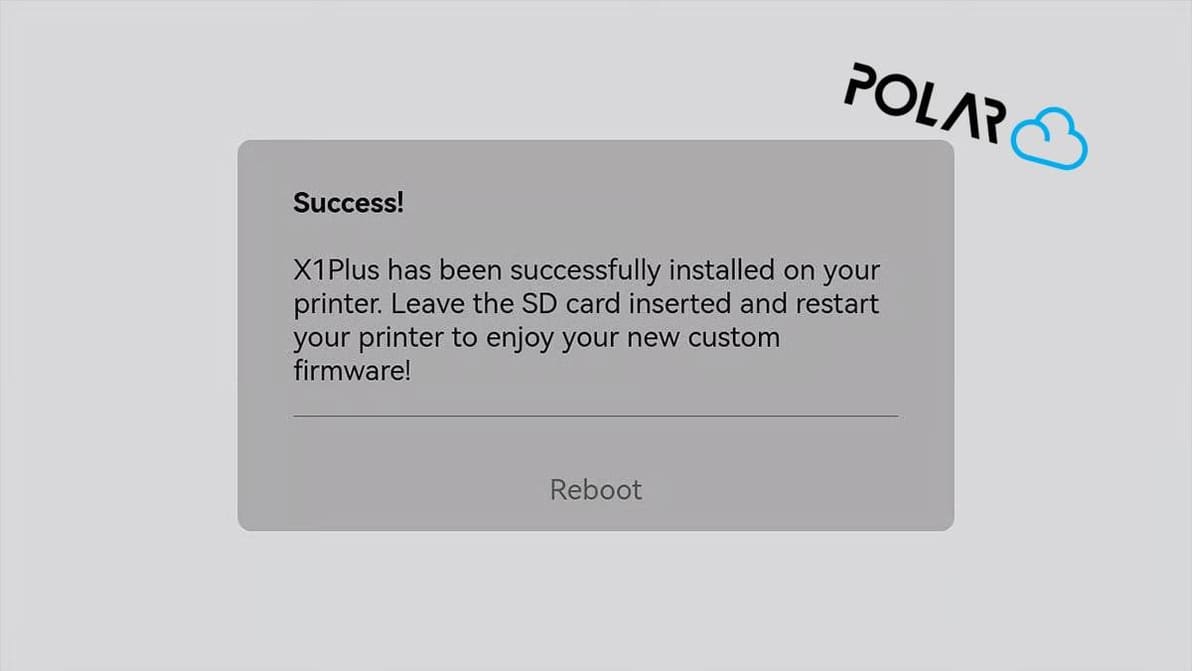
The successfully crowdfunded X1Plus Extender board lands back in stock on CrowdSupply, and heralds the arrival of X1Plus 3.1, custom Bambu Lab X1C firmware that now supports Polar Cloud print management integration.
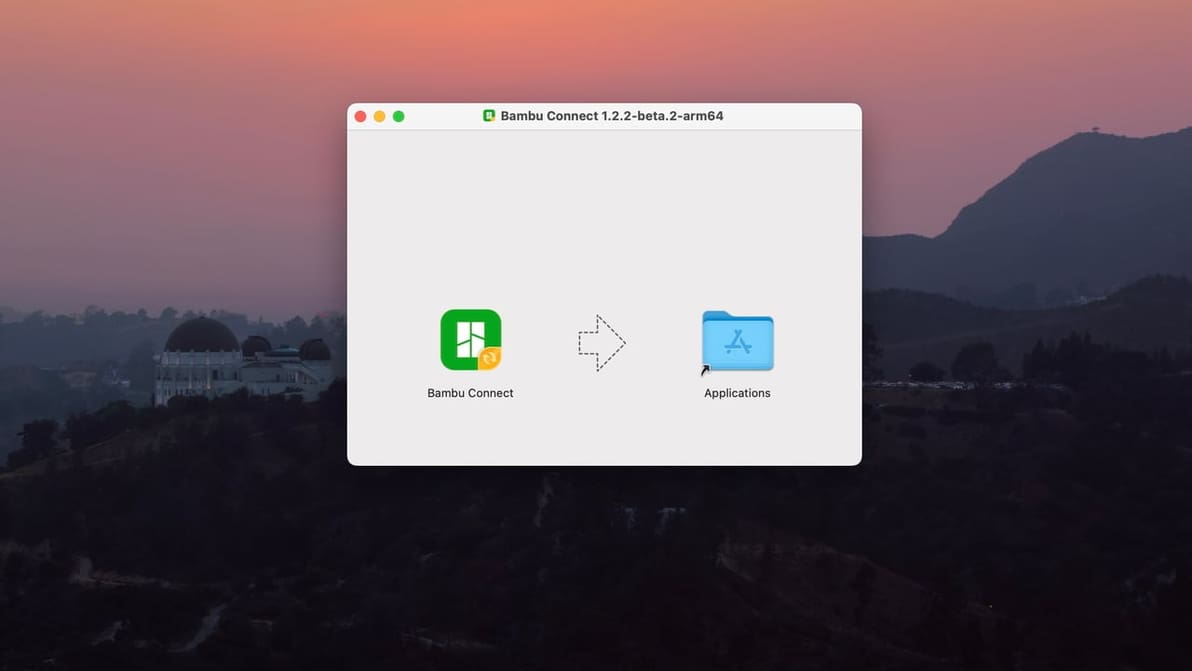
With the latest firmware updates, Bambu Connect stands between your Bambu Lab printer and third-party slicers. Say Goodbye to two-click slice-n-print.
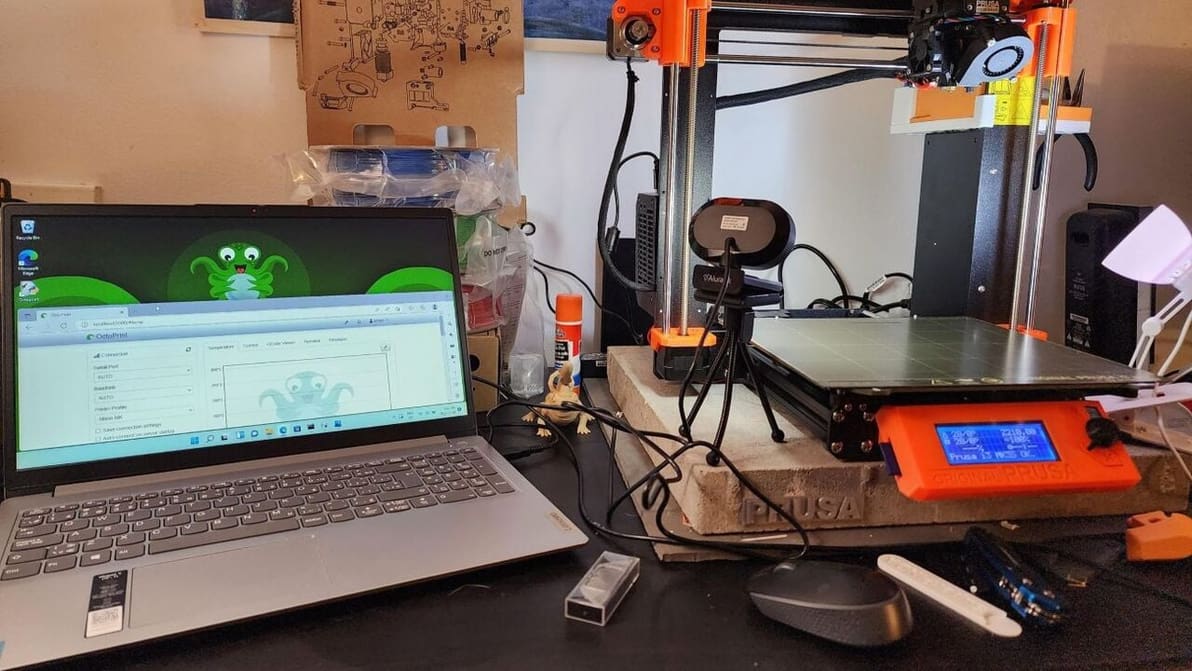
Many rave about OctoPrint. Windows, however, isn't the typical platform for it. Read on to learn about running OctoPrint with Windows!
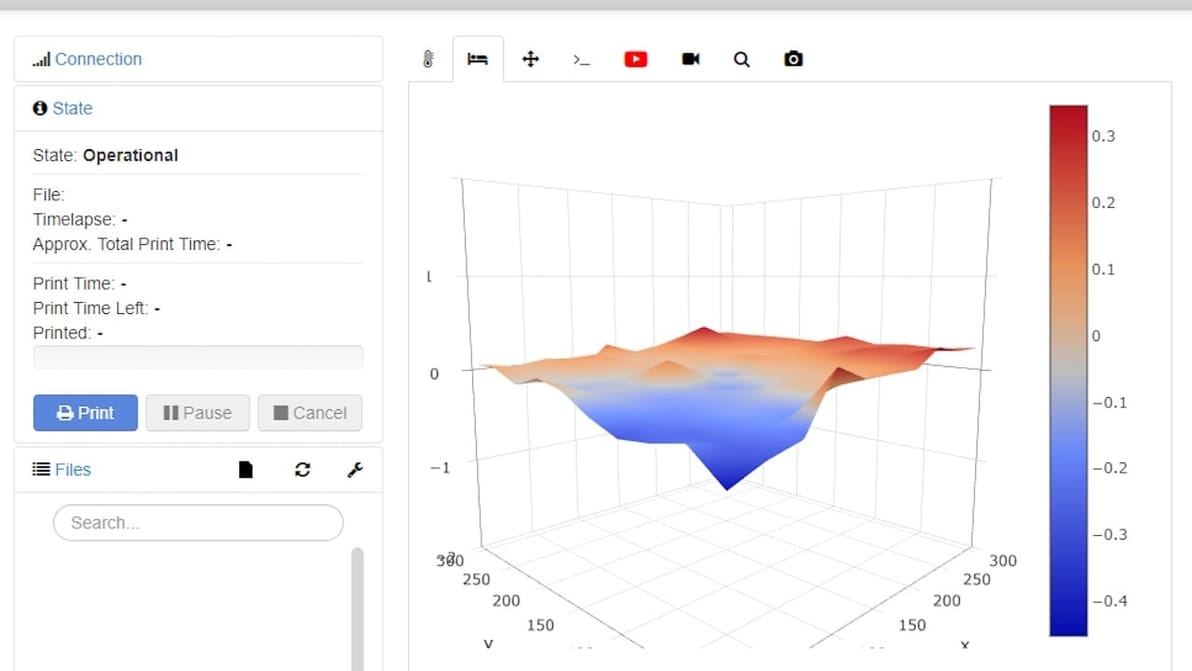
OctoPrint's bed visualizer plug-in is a great tool for calibration and troubleshooting. Learn more about OctoPrint Bed Level Visualizer!
Connecting Cura to your OctoPrint server has never been simpler. Here's all you need to know to connect Cura and OctoPrint!
OctoPrint gives you more control over your 3D prints. Learn how to set up OctoPi on a Raspberry Pi with this step-by-step setup guide!
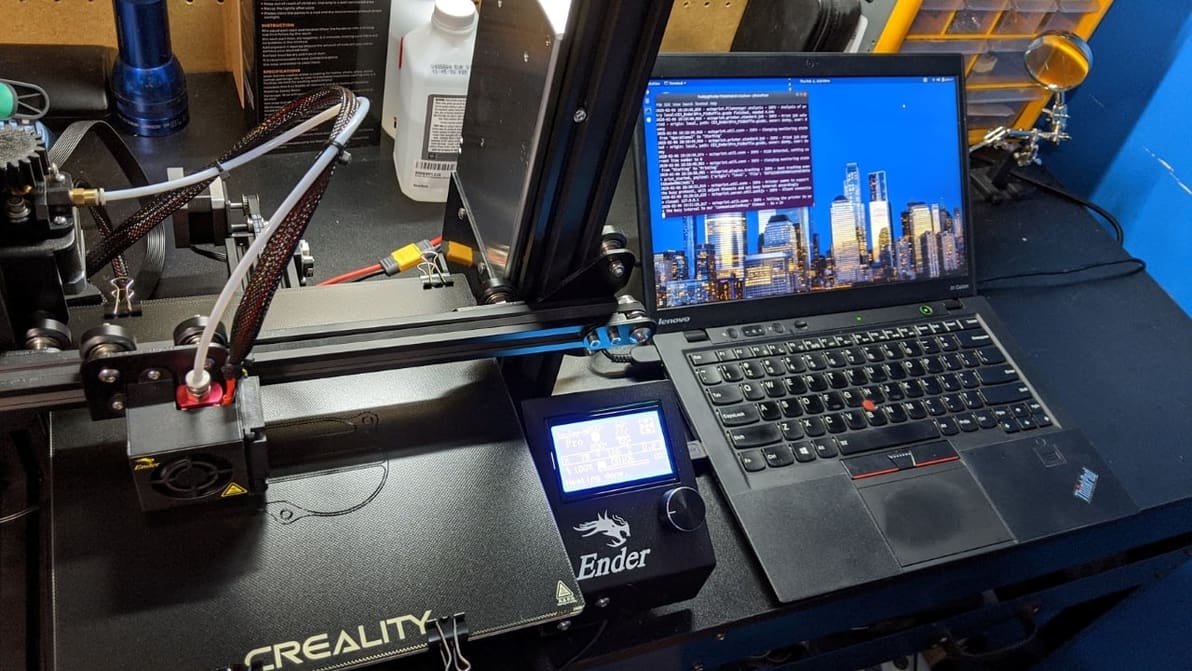
OctoPrint on Linux is a great combination for diehard Linux and 3D printing fans. Read on for an OctoPrint-Linux installation guide!
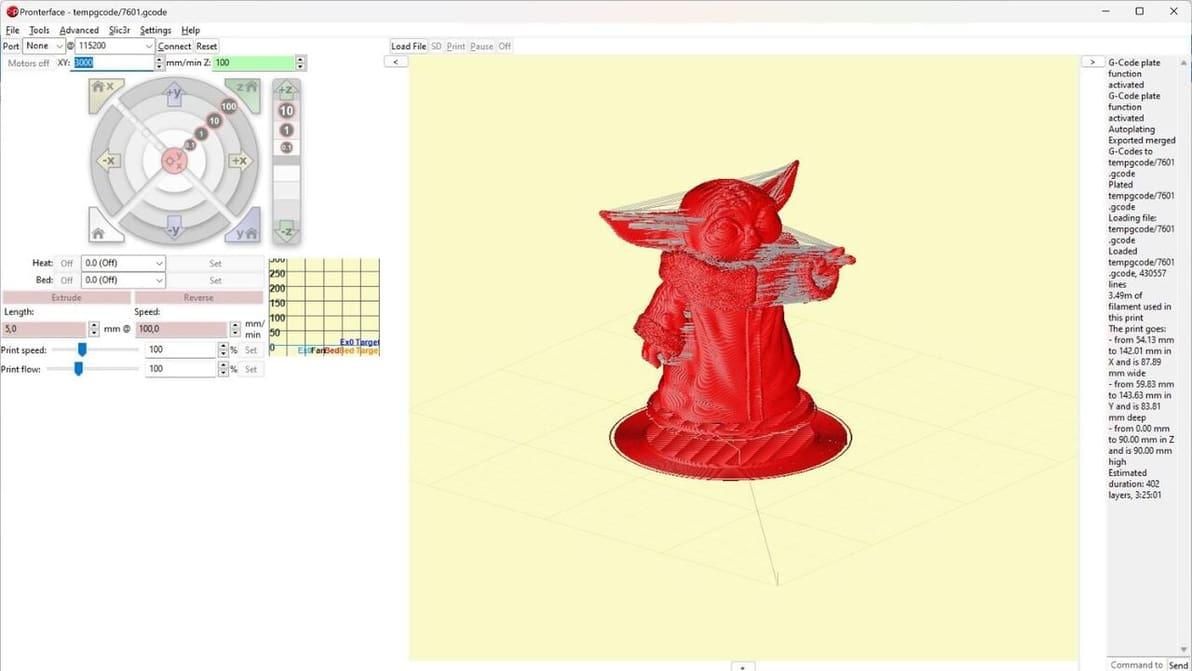
The Printrun suite has been around for a long time. Read all the basics of this useful tool and how to get started with it!
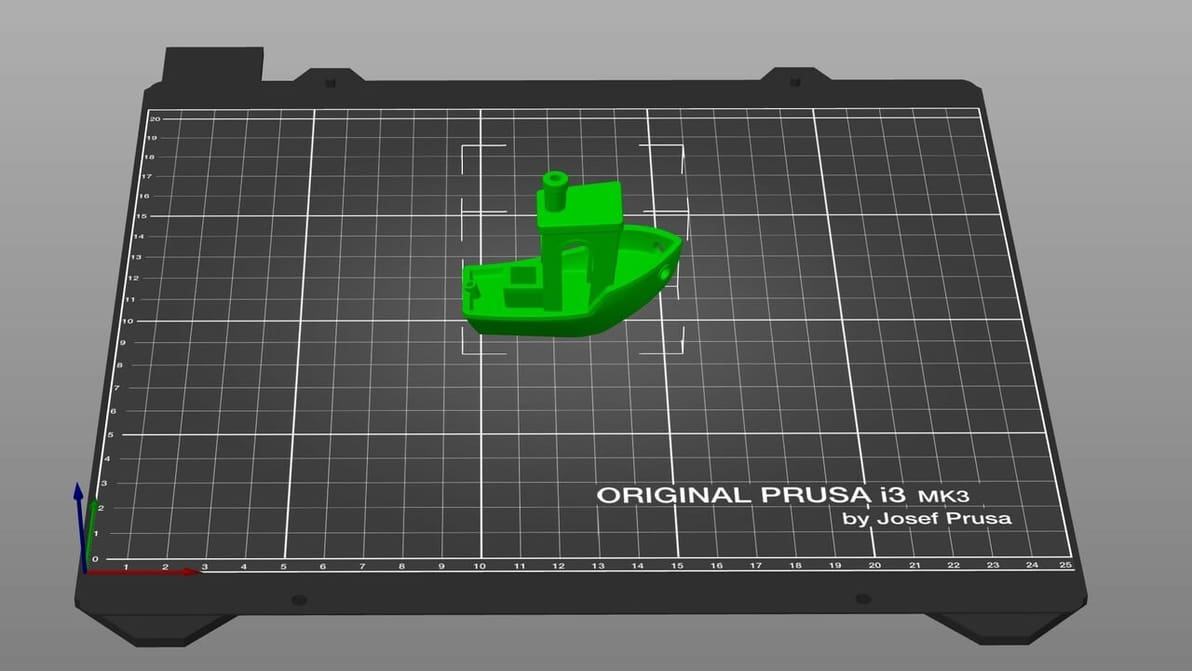
When it comes to 3D printing software, the types and options can seem overwhelming. Read on to find out the must-haves!
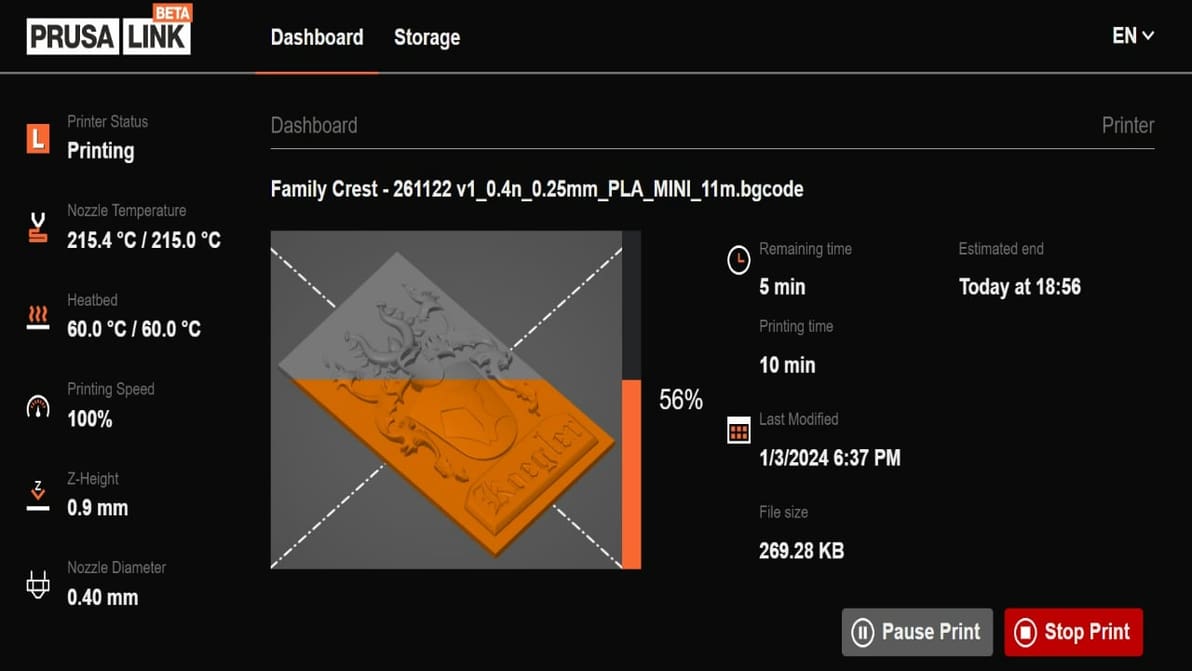
PrusaLink is the first step to controlling your Prusa printer fully remotely. Read on to learn how to get started!
OctoPrint is a powerful tool, but adding a cherry on top makes it even better. Check out our selection of the best OctoPrint plug-ins around!
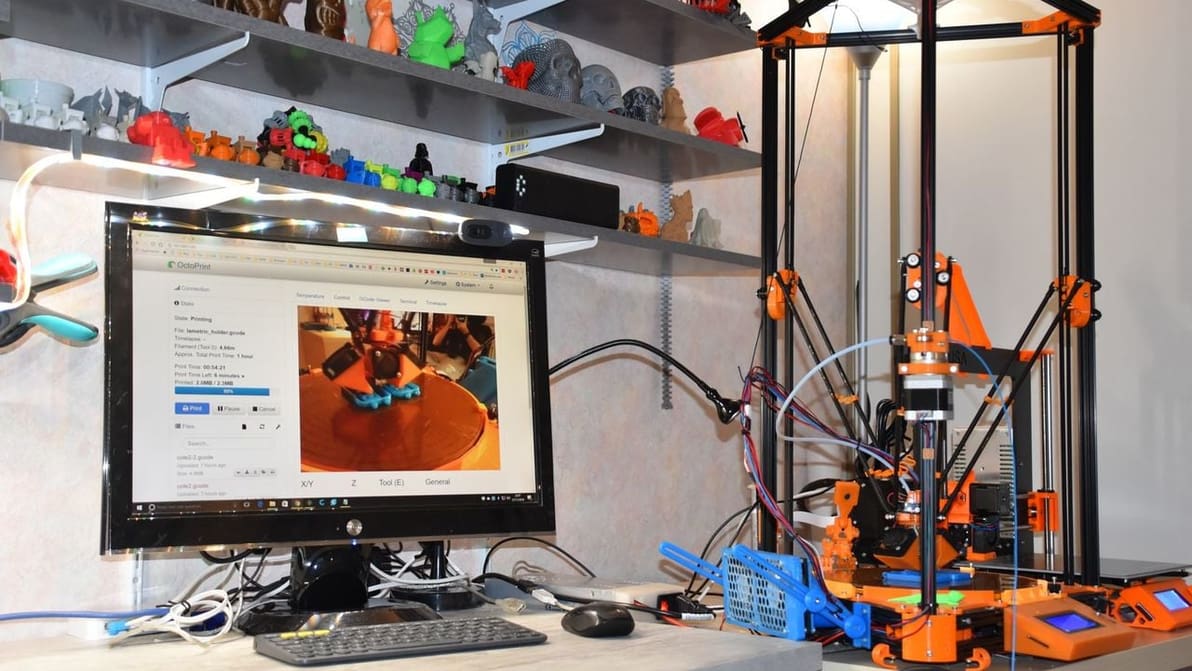
OctoPrint isn't the only option out there for 3D printer control and monitoring. Read on for our list of the best OctoPrint alternatives!
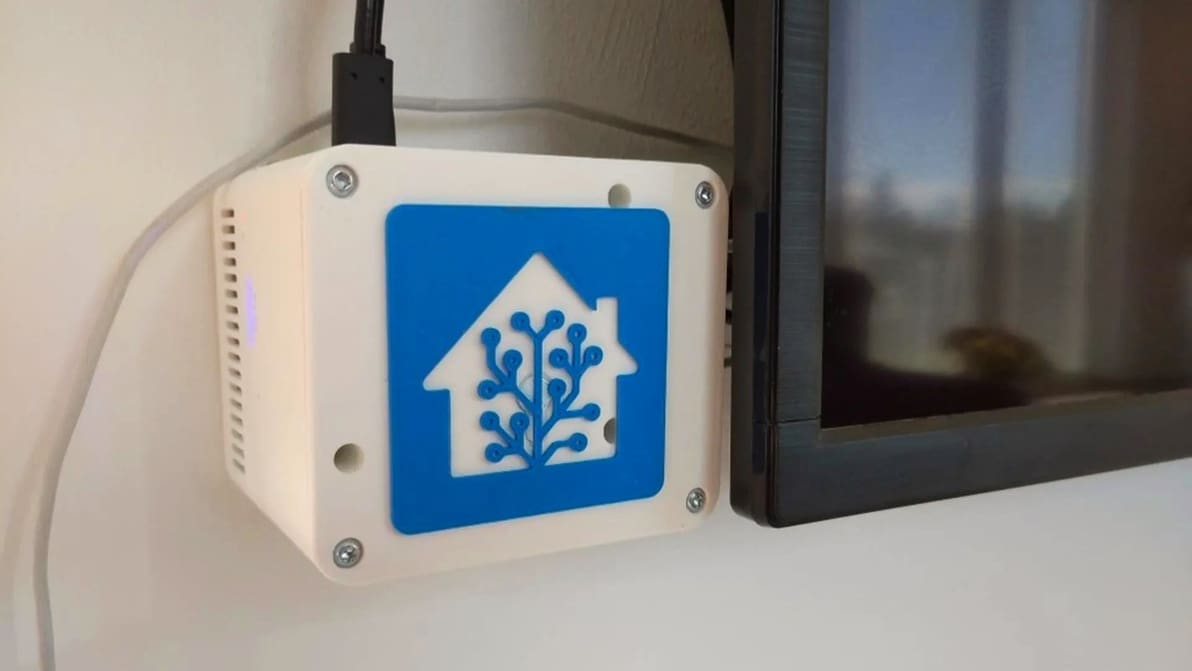
Adding your 3D printer to your smart home hub can be pretty useful. Read on to see how it can be done with OctoPrint and Home Assistant!
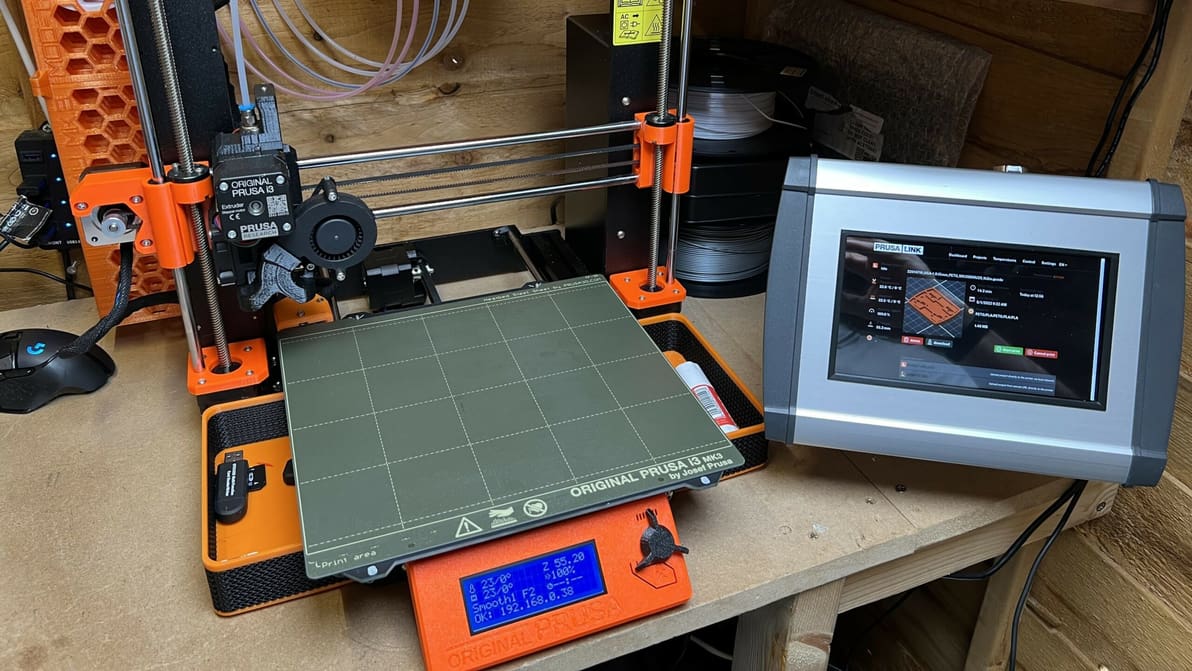
PrusaLink & Prusa Connect are both powerful pieces of software that add new features to Prusa printers. Read on to learn more about them!
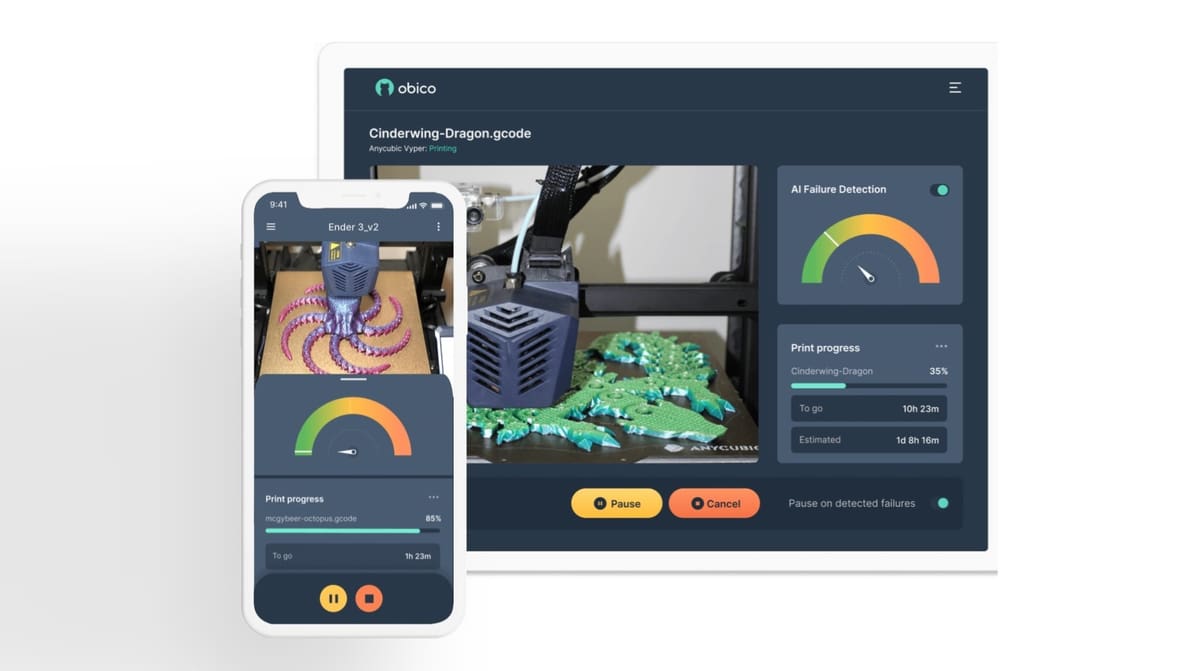
Obico detects print failures and lets you control your 3D printer from anywhere. Read on to learn more about this 3D printing platform!