How to Master ASA Print Settings for Flawless High-Strength, UV-Resistant 3D Prints

3D printing ASA combines several resistances with great mechanical robustness. Follow these tips to improve your ASA 3D prints!
If you’ve already decided to print with ASA, you probably know why you chose it — a durable materials with strong resistance to water, heat, and UV — and you’ve likely discovered that getting consistent results isn’t always straightforward. Compared with easygoing materials like PLA, ASA can be temperamental: warping, layer separation, and poor bed adhesion are common frustrations even for experienced makers.
That’s a shame, because when dialed in, ASA is excellent for outdoor parts, automotive components, and weather-exposed prints. It offers great mechanical properties but the tradeoff is that it typically requires higher temperatures, a heated bed, and ideally an enclosure plus proper ventilation.
In this guide, we’ll focus on the printer settings, setup, and practical tips that make ASA much easier — and more reliable — to print.

Hardware Requirements
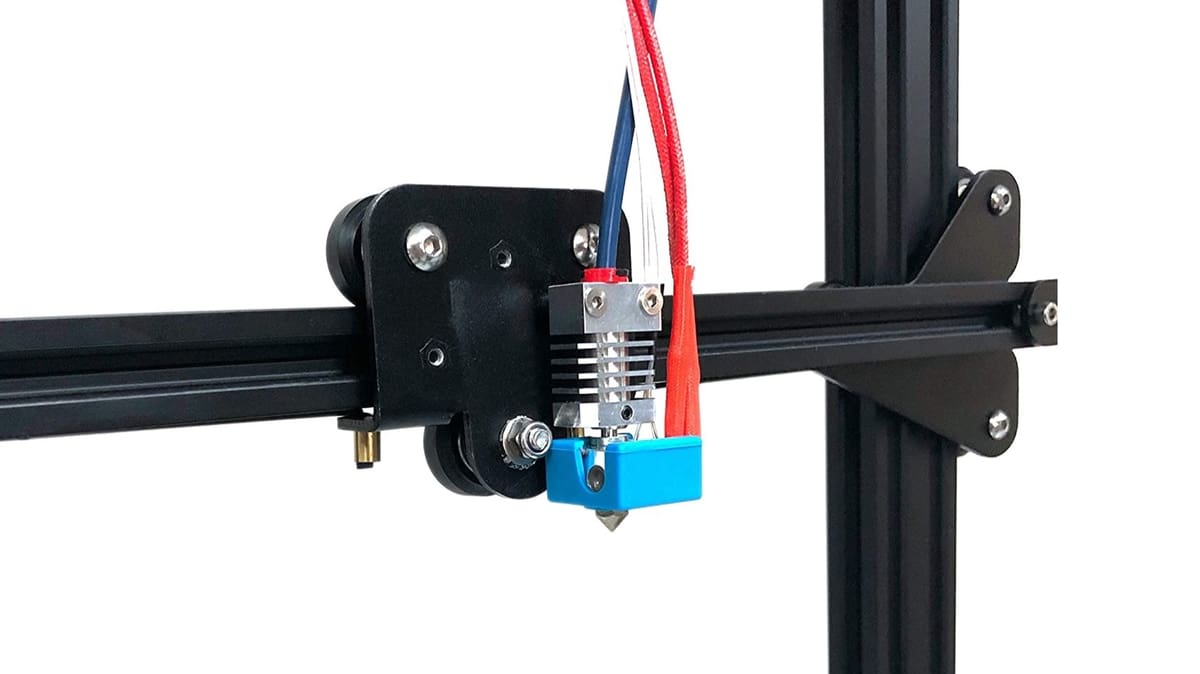
Before even considering using ASA, make sure your 3D printer meets the following hardware requirements. This will definitely save you a headache in the future.
- Heated bed: This is mandatory. ASA is prone to shrinking and cracking due to the temperature difference between the nozzle and the surrounding air. The thermal deformation caused by this disparity creates internal tensions that potentially lead to problems during the printing process.
- Build surface: Proper bed adhesion is essential for ASA, and for this, there are dozens of solutions. Many use Kapton tape, coating solutions such as ABS glue, or standard hairspray. As with any other material that depends on good bed adhesion, make sure your bed is always properly leveled.
- Enclosed printer: This is highly recommended, especially when printing large parts. Though it’s possible to get away with printing smaller parts without an enclosure, larger models will produce a lot of residual stress that can eventually cause cracking and delamination. An enclosure also protects the 3D printer from drafts that will most certainly cause parts to warp.
- High-temperature hot end: No special hot end is required as long as it can print at temperatures as high as 260 °C. PTFE-lined hot ends might not be suitable for longer periods of ASA printing since PTFE starts degrading at 250 °C. While some ASA filament brands can be printed with temperatures lower than 250 °C, an all-metal hot end is surely the safer choice.
- Filament storage: ASA is hygroscopic, meaning it absorbs moisture from the air. This moisture can cause extrusion inconsistencies and surface defects, among other issues. Therefore, it’s important to store ASA in a dry box.
You May Also Like:

Print Settings:
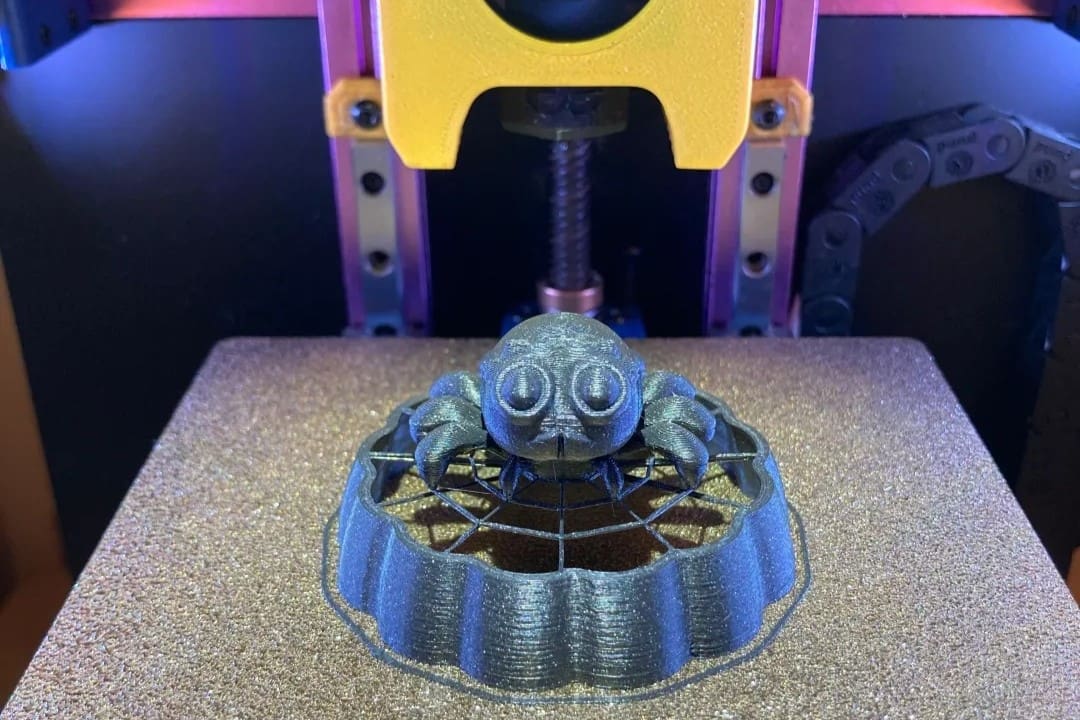
In general, the ASA “Sweet Spot” can be found within the settings below but your part, brand of material, and specific 3D printer will determine the exact numbers.
Nozzle Temperature: 240°C – 260°C
Bed Temperature: 90°C – 110°C
Print Speed: 30 – 50 mm/s (Slow down for the first layer!)
Cooling Fan: Off or very low (5 – 10%)
Enclosure: Highly recommended
To fine-tune the print settings, follow these guideline:
- Bed temperature: For ASA, it’s recommended to have the build plate temperature set between 90 and 110 °C, depending on the filament brand. Be sure to let it sufficiently preheat before starting a print (this will also heat the print chamber).
- Nozzle temperature: This material prints at a relatively high temperature, usually falling within the 240 to 260 °C range. Generally speaking, go higher when you notice poor layer adhesion and go lower if you notice sagging bridges, stringing, or oozing. It’s suggested to decrease the temperature for the first layer by 5-10 °C.
- Print speed: Generally, the best speed for printing ASA will be between 40 and 50 mm/s. To help improve bed adhesion, you can try printing the first layer at 25 mm/s. Reduce your print speed if you’re noticing layer adhesion issues.
- Cooling: No cooling is required for printing with ASA. In fact, it’s generally recommended to leave it off. However, very low speeds (5 to 10%) might improve overhangs and overall print quality. We suggest first focusing on having good layer adhesion, and once that’s achieved, try using the cooling fan to avoid overheating issues.
Other settings, such as layer height and infill, will depend on your specific printer, filament, and project. We suggest using the default settings for your specific filament brand and tweaking them to suit your needs.
For example, if you’re going for functional parts that need high strength, you may want to use upwards of 50% infill, however, using much higher infill content can make the part more prone to warping. The infill pattern can also help increase your print’s strength. You can get away with 20% infill for aesthetic prints, but don’t go lower as the part will be more susceptible to cracking.
Combatting Common ASA Challenges
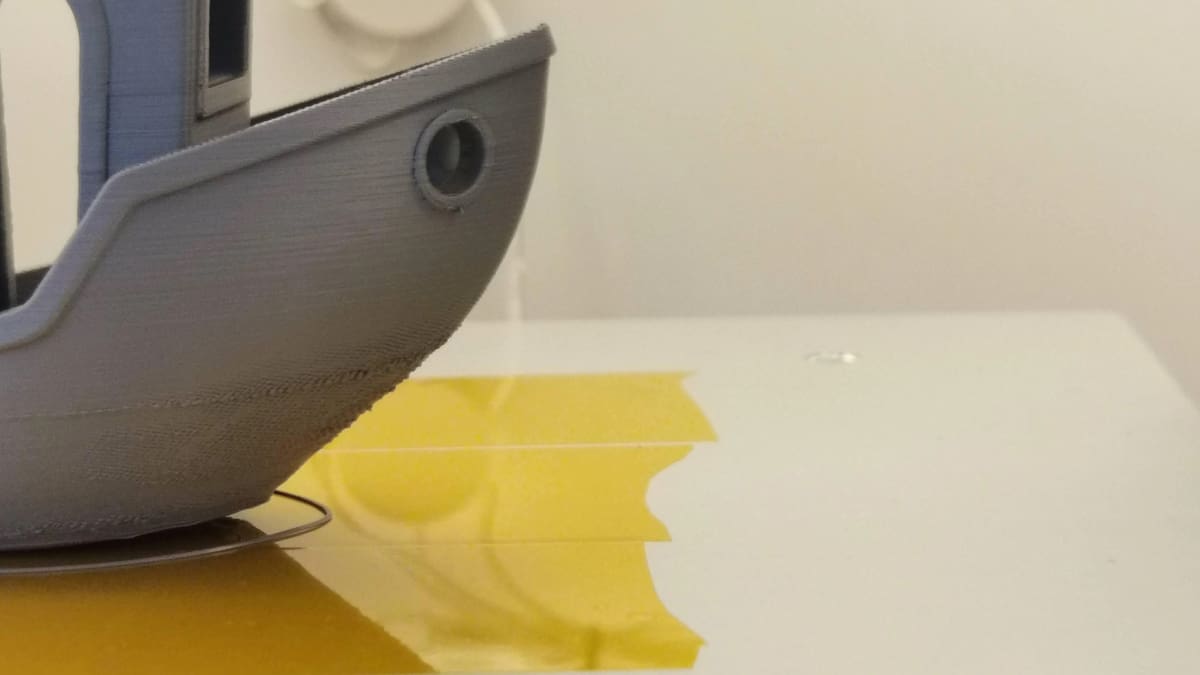
Printing with ASA can have its difficulties because it can be terribly sensitive to temperature changes. The good news is that ASA is still easier to print with than ABS.
As mentioned earlier, perhaps the most pressing issues when working with ASA are the warping effects and the potentially dangerous fumes that can be released.
Warping
Warping happens when a part fails to cool evenly. There’s plenty of information on avoiding warping during FDM printing, which is mostly with ABS. And since these two materials are so similar, it’s a good idea to follow the same recommendations: avoid wind drafts, ensure good first-layer adhesion, keep your printer calibrated, and use brims or rafts.
Fumes
As for the fumes, most printing materials release some kind of harmful substance during extrusion. Perhaps the most famous one is ABS, known to emit both dangerous gaseous molecules and nanoparticles. Although less troublesome than ABS, printing with ASA can be a very smelly process – mostly due to the presence of styrene. However, if you’re noticing strong smells, you may want to decrease the printing temperature slightly.
That’s why we recommend printing with an enclosure, which acts as your first line of defense for air quality. You should also wear a mask, and print in a well-ventilated room (or use a printer equipped with a HEPA filtration system).
Tip: If you don’t have a full enclosure, enable a “Draft Shield” in your slicer settings. This creates a one-layer thick “wall” around your part that traps heat and prevents cold air from hitting the print, which is the number one cause of delamination (layers splitting).
Drying
ASA is “hygroscopic”, meaning it drinks moisture from the air. If you hear popping sounds at the nozzle or see tiny bubbles on your print surface, your filament is wet and needs to be dried. For best results, dry your ASA at 60°C to 70°C for 4 – 6 hours before a big print.
ASA vs ABS vs PLA
Pros & Cons
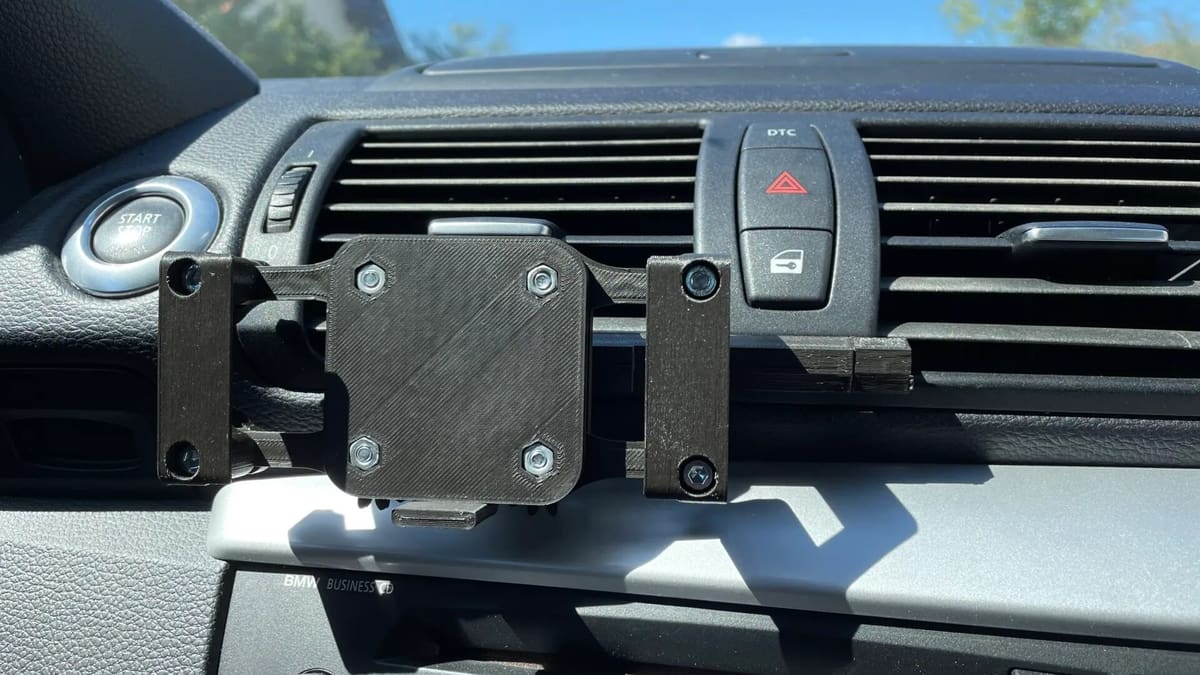
While PLA is perhaps the most-consumed material for FDM 3D printing, ABS is frequently used for high-resistance applications such as functional or outdoor parts. Unfortunately, it has a few printability drawbacks, which are also seen in ASA due to their shared heritage. Most of these drawbacks are less present in ASA, though, making this material a bit easier to print.
Pros
- UV stable (great for outdoors)
- Tough and durable
- High impact and temperature resistance
- Great resistance to chemicals and water
- Good overall finish
- Soluble in acetone (for gluing and smoothing)
- Compatible with soluble support (HIPS)
Cons
- Requires higher extruder and bed temperatures
- Prone to warping, cracking, and shrinking during 3D printing
- Potentially dangerous fumes
- Expensive
Our Favorite ASA Filaments
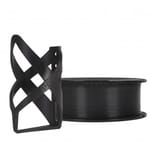
Prusament
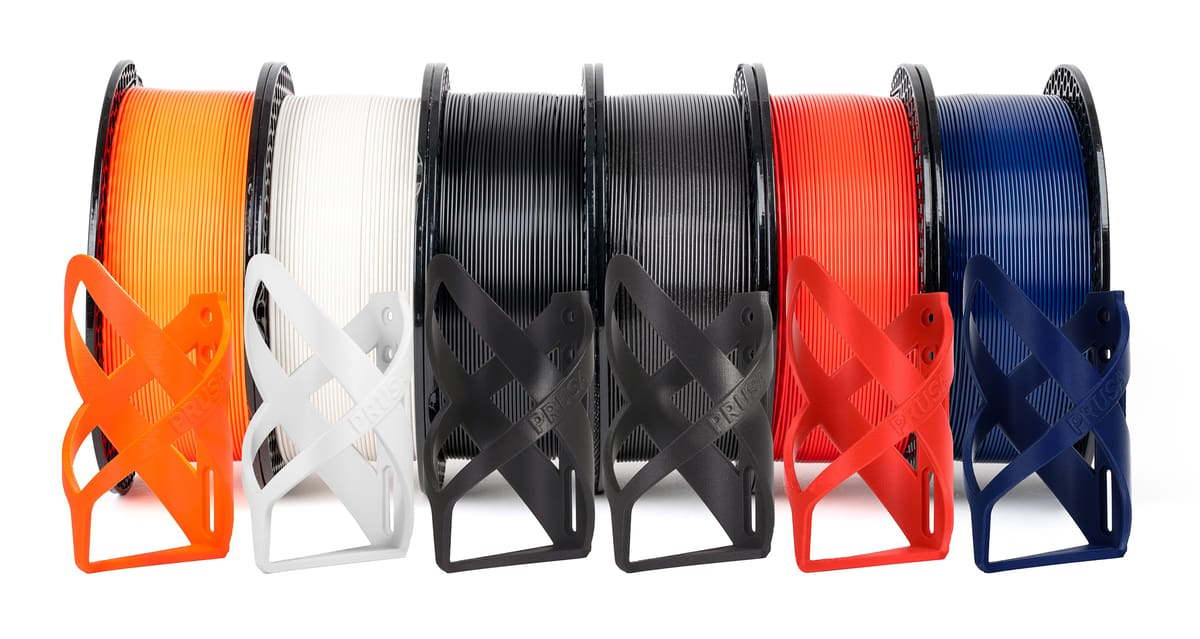
Prusa Research makes its own filament, known as Prusament, in its own factory in Prague, which All3DP has had the pleasure of visiting several times. They make a wide range of filament materials and two kinds of ASA, which have been steadily priced at $30/850g for a while. Among its other qualities, Prusament ASA is very easy to post-process, and parts made of this material respond very well to acetone vapor smoothing and other solvents.
Prusa Research also notes that their filament is great for detail on prints without any stringing (like on PETG). Additionally, many reviews suggest that this filament yields high-quality prints that are also very strong and durable. Prusa recommends their stain sheet, a smooth PEI sheet of a powder-coated sheet for the bed, and says that a 3 mm brim (or taller) can improve the adhesion of edges and corners of larger objects to the print sheet.
- Colors: Galaxy Black, Jet Black, Natural, Prusa Orange, Signal White, Sapphire Blue, Lipstick Red, Prusa Pro Green, Olive Green
- Size: 1.75 mm (0.85 kg)
- Tolerance: ±0.03 mm
- Recommended settings: Hot end 250-270 °C; heated bed 105-115 °C
- Price per kg: ~$35 (~$30 per 0.85-kg spool)
Bambu Lab
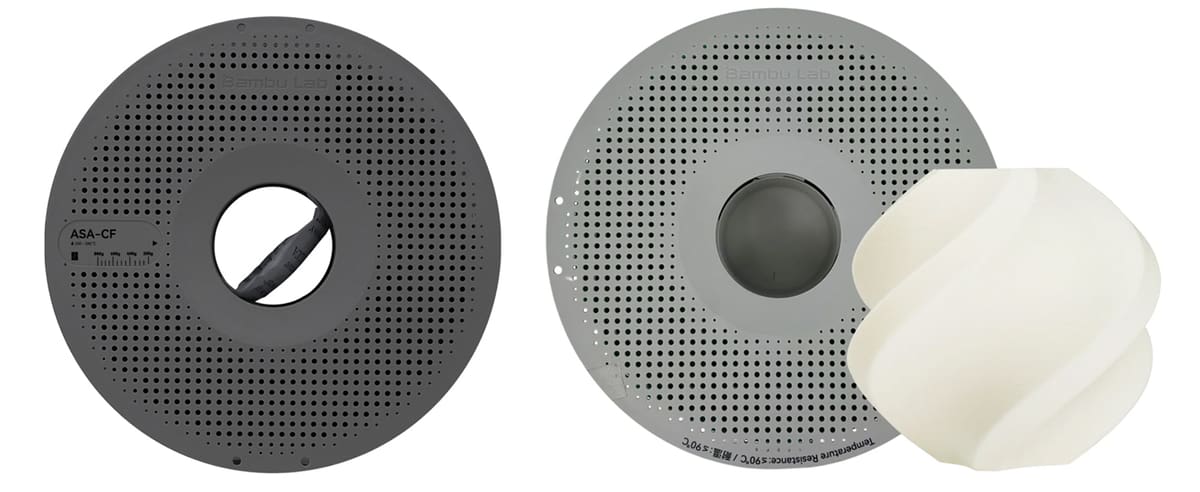
Bambu Lab’s ASA is a modified version of ABS that contains an additional acrylate component, which improves its weather adaptability and UV resistance, the company says. It’s ASA retains the impact resistance and processability of ABS while providing better resistance to fading, yellowing, and degradation from sunlight exposure. The company says there’s a risk of pungent and unpleasant odors during printing (like all ASA), but it’s less than the company’s ABS.
Bambu Lab recommends drying ASA before use and using a printer with an enclosure. To avoid warping, the company says to simply avoid printing parts that are large or require a high infill density. But it also offers a carbon-fiber-filled ASA specifically for these large projects that need extra protection against warping.
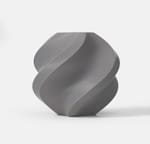
Bambu Lab has another type of ASA, that’s a self-foaming ASA-based material with high durability and toughness that enables extremely lightweight yet robust parts. ASA Aero filament produces parts with a matte surface structure has excellent resistance to heat, water and UV rays, making it ideal for long-lasting outdoor models like RC planes.
-
- Colors: Black, White, Grey, Red, Green, Blue
- Sizes: 1.75 mm
- Tolerance: ±0.05 mm
- Recommended settings: Hot end 240-255 °C; heated bed 80-105 °C
- Price per kg: ~$30
Flashforge
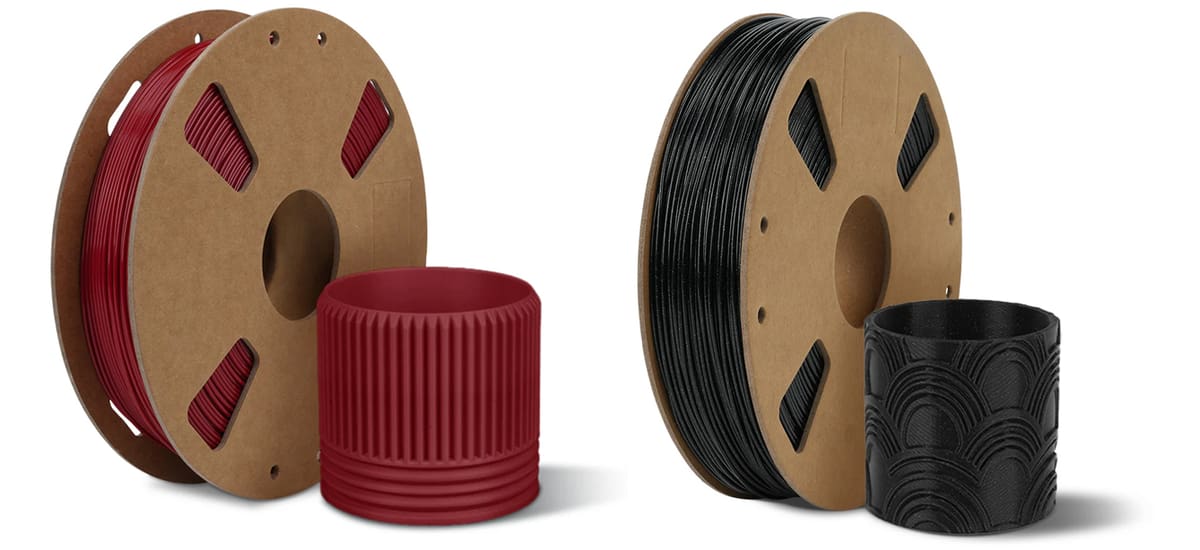
Flashforge, a well-known 3D printer manufacturer, also makes its own industrial-grade ASA filament. It comes highly recommended by customers for its ease of printing, superior layer adhesion, and glossy finish. In addition, users report minimal warping and stringing.
While initially there were fewer colors available, the brand has grown to include sparkling options of the base colors. Flashforge recommends applying a thin layer of water-washable glue to the build plate to improve adhesion. If your model is adhering strongly, let it cool down after printing and then heat the plate back up to 70 °C.
- Colors: Black, White, Burnt Titanium, Iron Grey, Natural, Ruby Red, Sparkle Black
- Size: 1.75 mm (1 kg)
- Tolerance: ±0.02 mm
- Recommended settings: Hot end 230-250 °C; heated bed 100-110 °C
- Price per kg: ~$26
Kexcelled
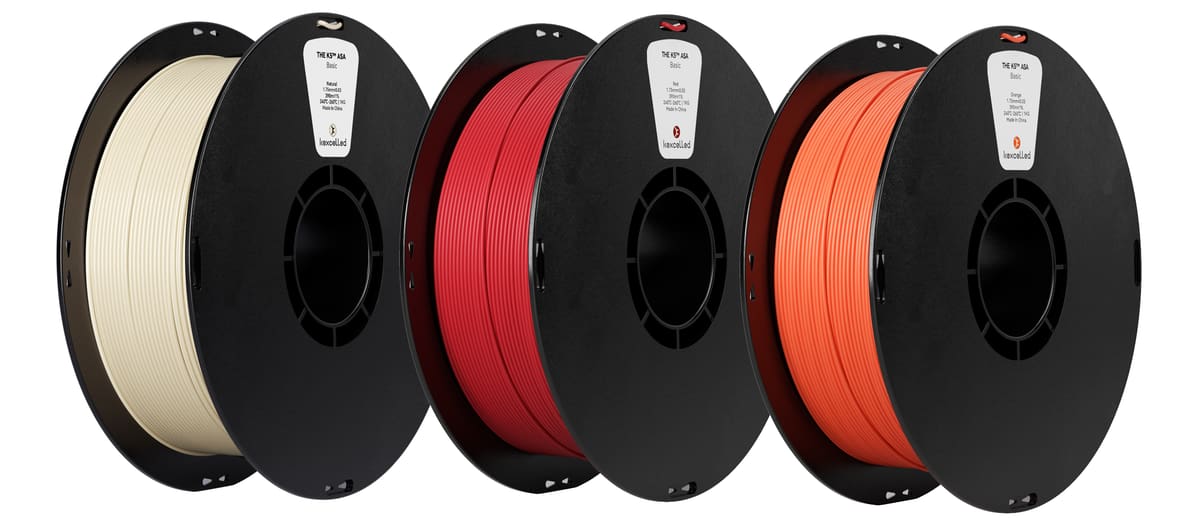
Kexcelled is another company offering a range of ASA specifically for outdoor applications. The company says that parts made with its ASA maintain their appearance with minimal performance degradation and resist yellowing even after long-term exposure to sunlight and water.
Kexcelled recommends an enclosed printer to keep the printing temperature around 50-70°C. The ASA filaments are dried for 24 hours before vacuum packing, and packages are filled with a moisture absorbent to ensure that the filaments are in good condition when the package is first opened.
- Colors: Black, Blue, Grey, Green, Ivory White, Off-White, Orange, Red
- Sizes: 1.75 mm
- Tolerance: ±0.05 mm
- Recommended settings: Hot end 240-260°C; heated bed 80-100 °C
- Price per kg: ~$28
Sunlu
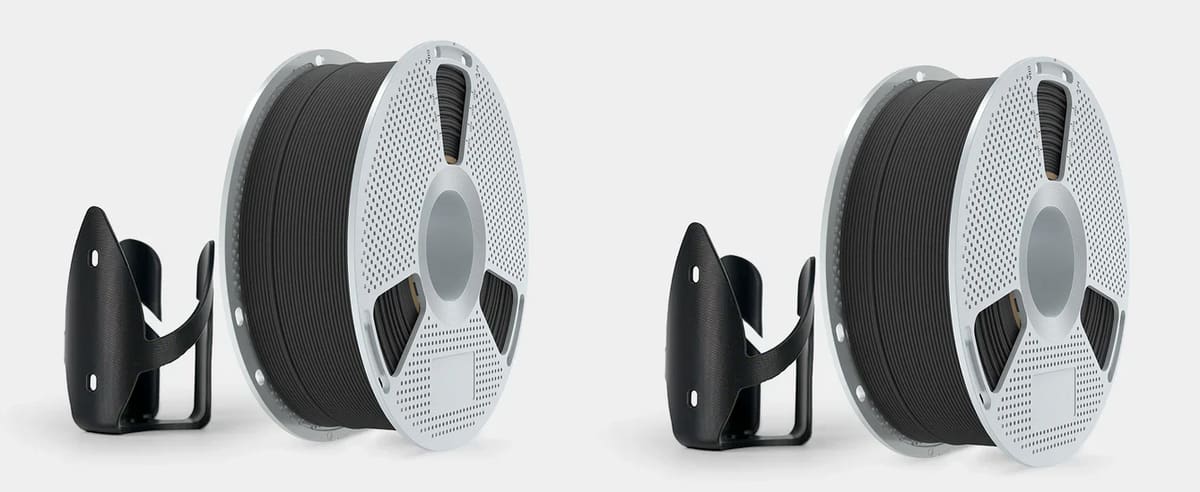
Sunlu, a reputable name in the filament world, also offers a high-strength ASA capable of withstanding outdoor elements and wear and tear. Don’t be fooled by its relatively low price. Sunlu claims a dimensional accuracy of ±0.02 mm and a smooth printing experience.
With a rating of 4.3 stars at Amazon, customers seem to be experiencing positive results. However, some users mentioned that the ASA had a hard time sticking to the build surface and between layers. Using an enclosure will improve print quality and save your nose from the unpleasant odor.
For small businesses and print farms, Sunlu offers a 5kg spool.
- Colors: Black, White
- Size: 1.75 mm (1 kg)
- Tolerance: ±0.02 mm
- Recommended settings: Hot end 245-255 °C; heated bed 80-120 °C
- Price per kg: ~$25
Overture
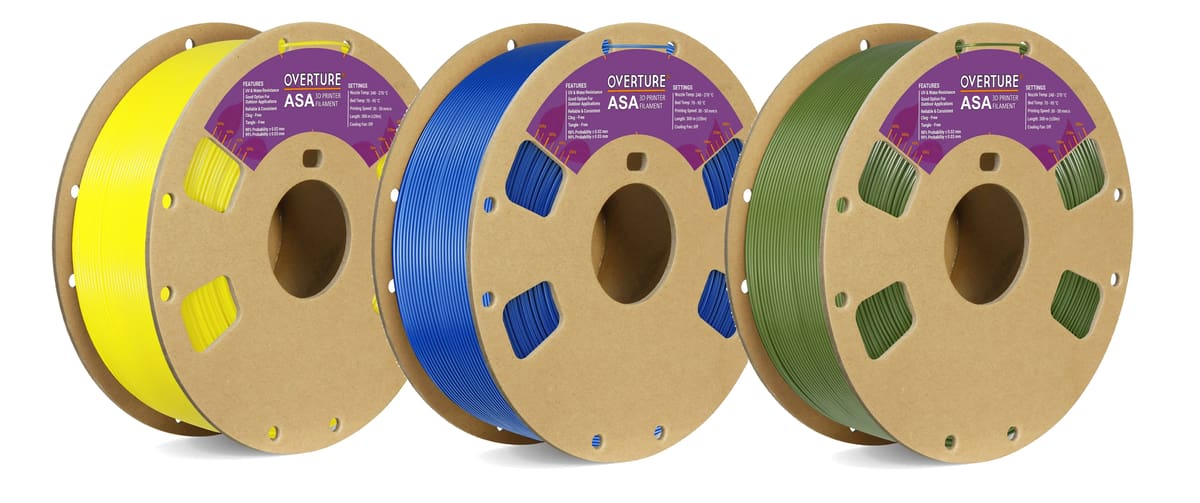
Overture ASA is a user-friendly option that yields nice printing results. Customers recommend this filament for its buttery smooth finish, good adhesion, and durability. However, some reviewers experienced warping and other issues. It’s recommended to dial in your print settings, use hair spray or other adhesives on the build plate, and print with an enclosure.
Overture carries several unique and hard-to-find colors, such as diamond blue, olive green, and purple. Like many other brands on this list, Overture vacuum seals their ASA filament, which is crucial to avoid moisture seeping into the material.
- Colors: Black, White, Grey, Red, Brown, Orange, Yellow, Natural, Olive Green, Green, Blue, Diamond Blue, Diamond Red, Diamond Green
- Size: 1.75 mm (1 kg)
- Tolerance: ±0.05 mm
- Recommended settings: Hot end 240-270 °C; heated bed 70-95 °C
- Price per kg: ~$30
Fiberlogy ASA
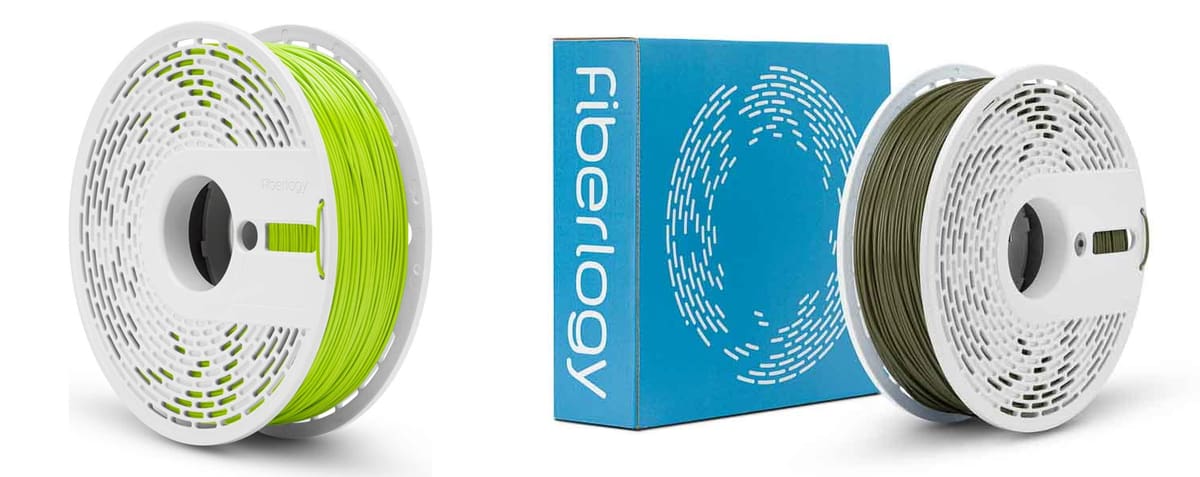
Fiberlogy ASA, available in 14 colors, is an engineering thermoplastic filament designed for functional parts exposed to outdoor or demanding environments that offers resistance to UV radiation, weathering, moisture, and elevated temperatures up to about 94 °C.
The material is positioned as a more durable and easier-to-print alternative to ABS, with lower shrinkage that helps reduce warping and cracking during printing. It also produces less noticeable odor than ABS during processing, according to Fiberlogy.
Typical use cases include outdoor components, automotive parts, housings, and prototypes exposed to sunlight or moisture. The material can be post-processed through sanding, painting, or acetone smoothing. Fiberlogy is one of the few ASA makers offering the material in an elegant matte finish with Fiberlogy Matte ASA.
PolyMaker
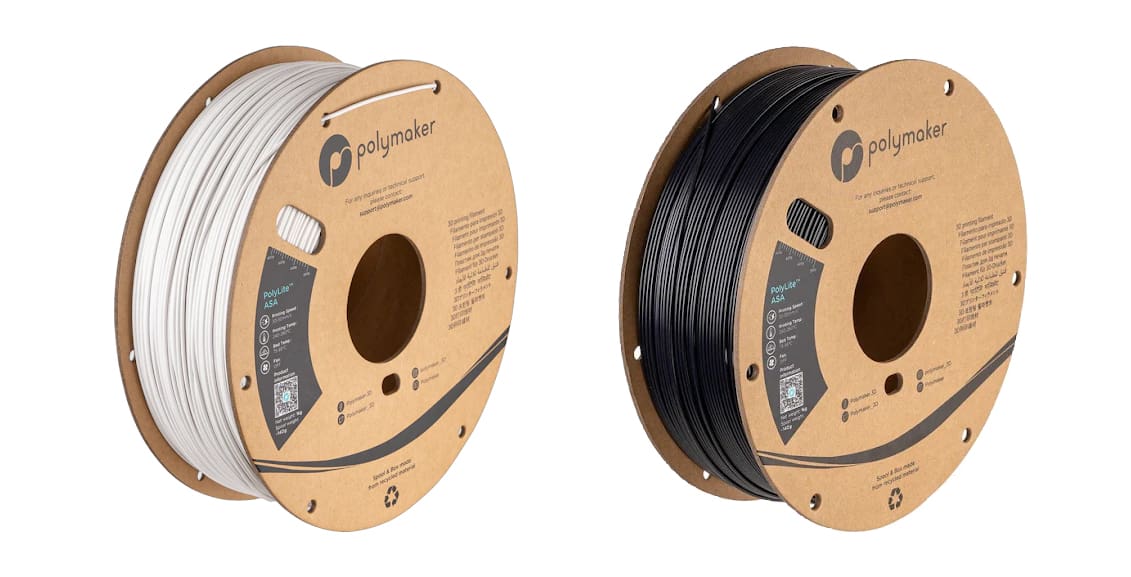
PolyLite ASA, from Polymaker, is an excellent filament with a low tolerance of just ±0.03 mm. PolyLite provides a lot of information about their ASA filament, including mechanical properties such as tensile and bending strength. This brand of ASA has a glass transition temperature of 97.8 °C, and the manufacturer recommends drying the filament at 80 °C for eight hours before use.
Polymaker sources its plastic from JF Polymers and has a 4.6 out of 5-star rating at Amazon from over 2,400 ratings. Some users have commented about how this ASA warps a lot when printed. For this reason, PolyLite recommends using a BuildTak print bed or applying Magigoo.
- Colors: Black, White
- Sizes: 1.75, 2.85 mm (1 kg, 3 kg, 5 kg; also a six-pack option)
- Tolerance: ±0.03 mm
- Recommended settings: Hot end 240-260 °C; heated bed 75-95 °C
- Price per kg: ~$30
Inslogic
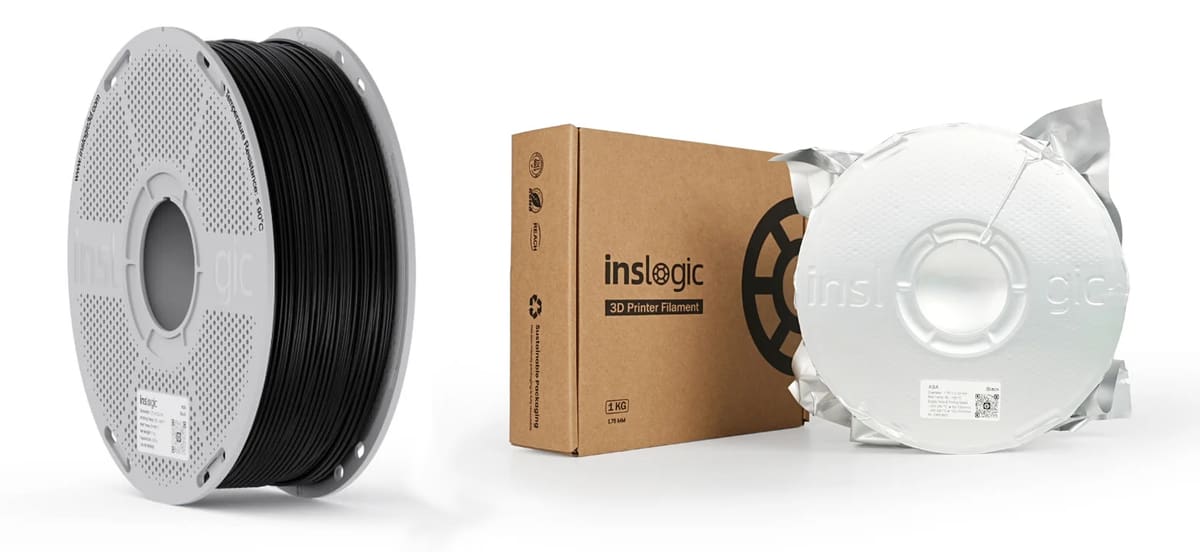
When Inslogic became a site sponsor at All3DP (this recommendation is not sponsored, by the way), we got our hands on a lot of their filament and were impressed. The company’s ASA, which worked in our Bambu Lab AMS, had a wonderfully smooth surface finish without any chemical smoothing.
For strong adhesion and a successful print, the company recommends using an adhesive on your build plate as a protective layer, which turned out to be true in our tests. For larger prints, they recommend 3D printing in a heated chamber, but it’s a good idea regardless of the print size. Wait until the print platform and chamber of your 3D printer have cooled down to room temperature before removing your part. Keep the room well-ventilated throughout the entire process.
- Colors: Vertigo Grey, Snow Whit, Dijon Mustard, Vivid Pink, Traffic White, Natural, White Aluminium, Metallic Grey, Anthracite Grey, Traffic Black, Grey Blue, Green Grass, Sky Blue, Traffic Red, Traffic Yellow
- Sizes: 1.75 mm, 2.85 mm (0.75, 2.5 kg; also a 15-m sample option)
- Tolerance: ±0.05 mm
- Recommended settings: Hot end 240-255 °C; heated bed 80-105 °C
- Price per kg: ~$27
Fillamentum Extrafill
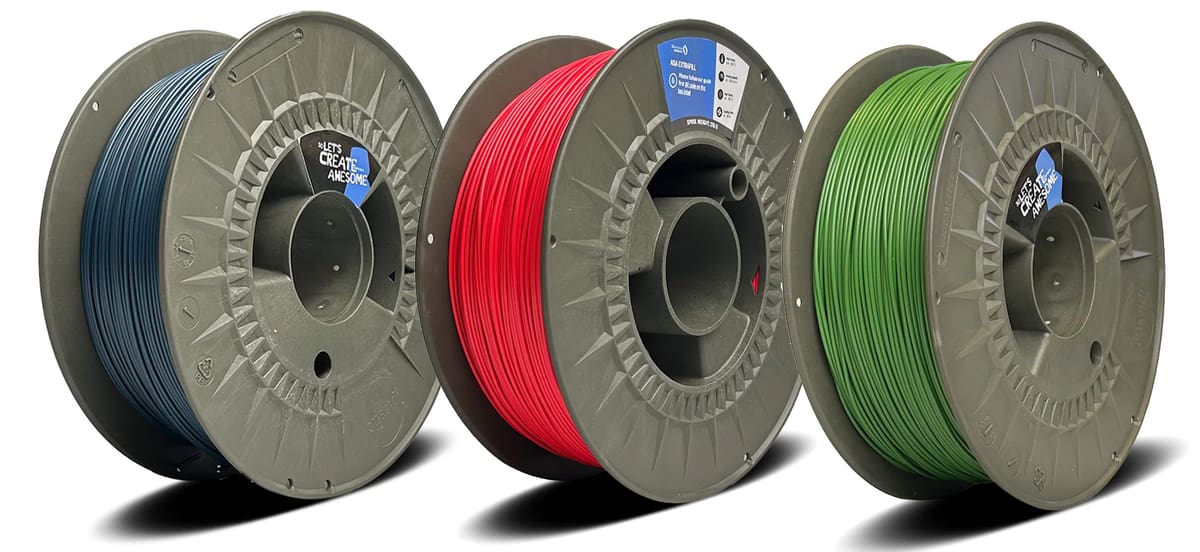
Fillamentum, a popular filament brand, offers a great option called ASA Extrafill. Their filament has a dimensional tolerance of ±0.05 mm, so it’s not the best of the best, but it’s not too bad. At around $35 for only 0.75 kg, this filament is a bit expensive compared to some of the other ones on this list.
One nice thing is that Extrafill comes in a large variety of colors and has two choices of diameter size: 1.75 and 1.85 mm. The manufacturer also claims that this material is recyclable and isn’t very hygroscopic.
- Colors: Vertigo Grey, Snow Whit, Dijon Mustard, Vivid Pink, Traffic White, Natural, White Aluminium, Metallic Grey, Anthracite Grey, Traffic Black, Grey Blue, Green Grass, Sky Blue, Traffic Red, Traffic Yellow
- Sizes: 1.75 mm, 2.85 mm (0.75, 2.5 kg; also a 15-m sample option)
- Tolerance: ±0.05 mm
- Recommended settings: Hot end 240-255 °C; heated bed 80-105 °C
- Price per kg: ~$27
License: The text of "How to Master ASA Print Settings for Flawless High-Strength, UV-Resistant 3D Prints" by All3DP is licensed under a Creative Commons Attribution 4.0 International License.
CERTAIN CONTENT THAT APPEARS ON THIS SITE COMES FROM AMAZON. THIS CONTENT IS PROVIDED ‘AS IS’ AND IS SUBJECT TO CHANGE OR REMOVAL AT ANY TIME.