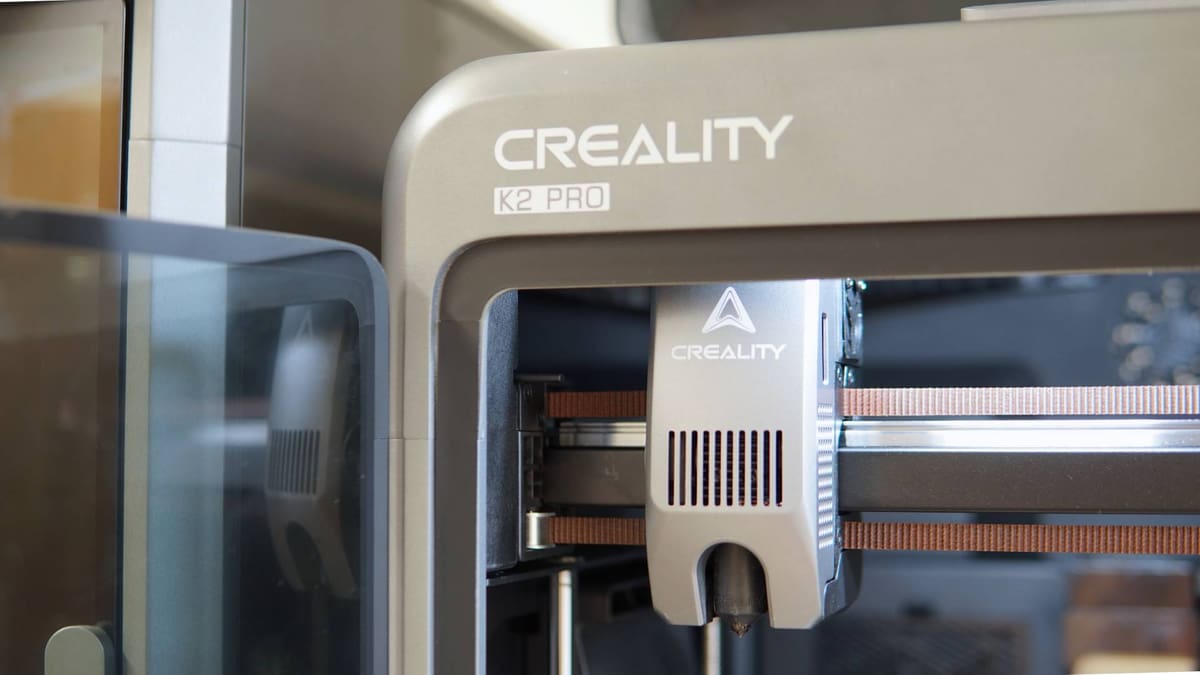
Creality K2 Pro Combo Review: The Creality Flagship I’ve Been Waiting For
Rating

Creality’s second generation “flagship” series finally feels complete, with the K2 Pro and it’s 300mm³ build volume sitting pretty as the best-of-all worlds.
In the same week that Bambu Lab and Prusa pointed toward their respective hot end-changing futures, Creality finally fleshed out its second generation K-series line-up, releasing the standard-size and medium-format K2 and K2 Pro machines. They join 2024’s K2 Plus, which indicated the direction Creality would be taking this second-gen CoreXY framework. The main message to take from it all is an effective doubling down on the “flagship”iness of the machine, introducing smarter automations and higher-end features like active chamber heating, and localized bed leveling.
The $849 Creality K2 Pro sits in the middle of the series with a 300 x 300 x 300 mm build volume, which Creality pointedly refers to as sign of its “pro”ability. I’m sure there are plenty of craftspeople and engineers who are perfectly fine with smaller volumes but, whatever, I’ll run with it.
Further separating the K2 Pro from the Plus above it are nozzle and bed temp, top acceleration, and how many step servo motors feature. In practical terms, the differences are minor, with the only limitation gap in your printing between the two coming from the print volume or upper reaches of temperature. I’ve been printing with the K2 Pro Combo ($1,049), which includes Creality’s filament changing CFS device, for a few weeks and it’s a fantastic printing companion that proves the space doesn’t belong only to Bambu Lab.
The Tech
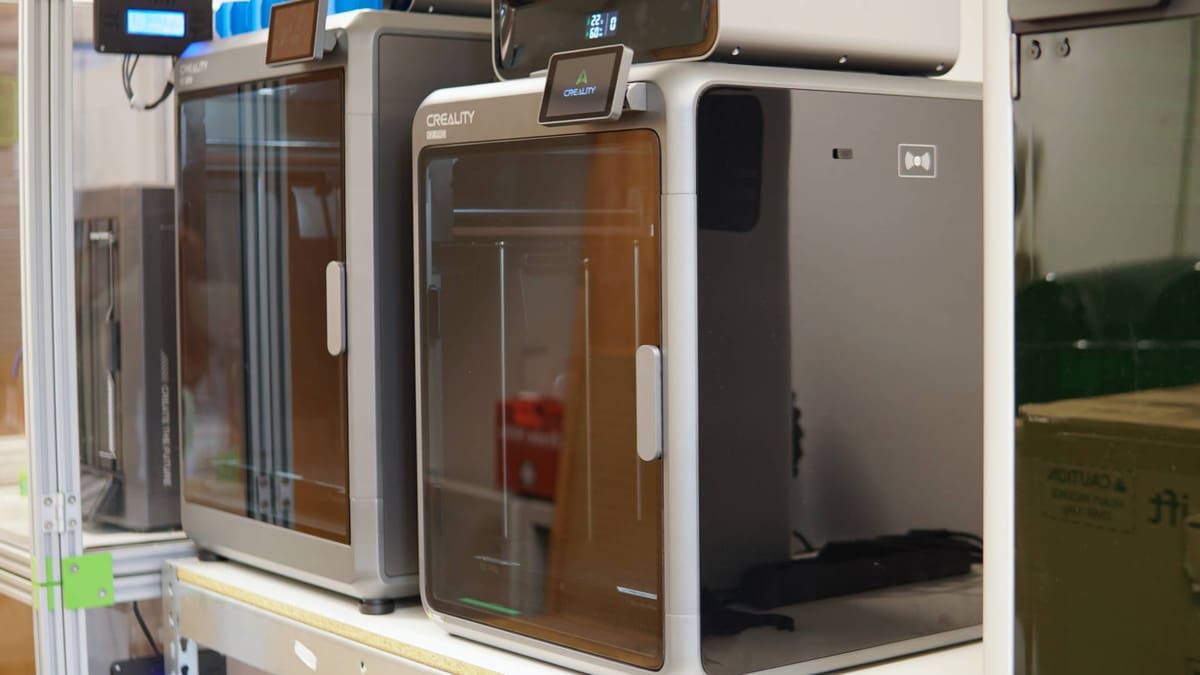
There’s a smidge of cognitive dissonance going on with the K2 Pro which I’ll address first, because you, perhaps like me, may wonder what actually is so “pro” about the K2 Pro. There is a logic to it, but to understand it you need to forget that the K2 Plus exists for a moment.
In terms of function and features, the K2 Pro is a counterpart to the plain Jane K2, offering the actively heated chamber, nozzle camera, RFID reader, and larger onboard storage as well as that build volume boost and slight bump to bed temperature. In that context, it is very much an upgrade.
Creality positions the K2 Pro as the serious machine for serious makers, pointing to the build volume being suitable for printing full-size helmets, which as we all know, is a mark of seriousness in 3D printing. The K2 Plus stretches the build volume further, and adds a layer of technological finish on top with additional step servo motors for the Z-axis, and higher hot end temp.
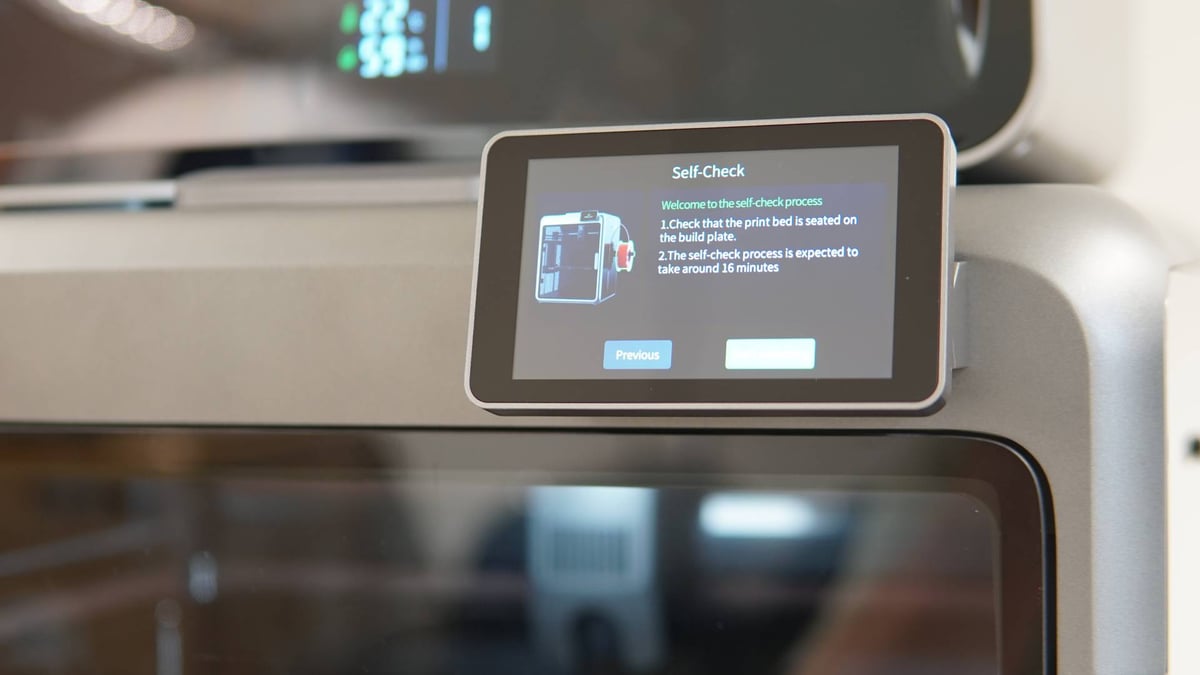
Unlike the Hi 3D printer, which I reviewed last and felt more like a conduit for the CFS it came bundled with, the K2 Pro has a lot going for it as a standalone 3D printer. It’s quick – up to 600 mm/s through 20,000 mm/s acceleration. The K2 Plus is slightly quicker, but it’s negligible enough that putting the two side-by-side you don’t see a functional difference. Ultimately, for the size or complexity of print you’re doing – large, multicolor, or both – it’s going to take the best part of a day, minimum, to accomplish anything.
Creality’s 70 W ceramic hot end, using Unicorn nozzles (yes, that’s what they’re called) gets up to temperature quickly, as does the heatbed. Throughout our testing the hot end showed no sign of the heat creep issues we used to see on the first-generation K-series machines, suggesting Creality has wrested things well under control by now.
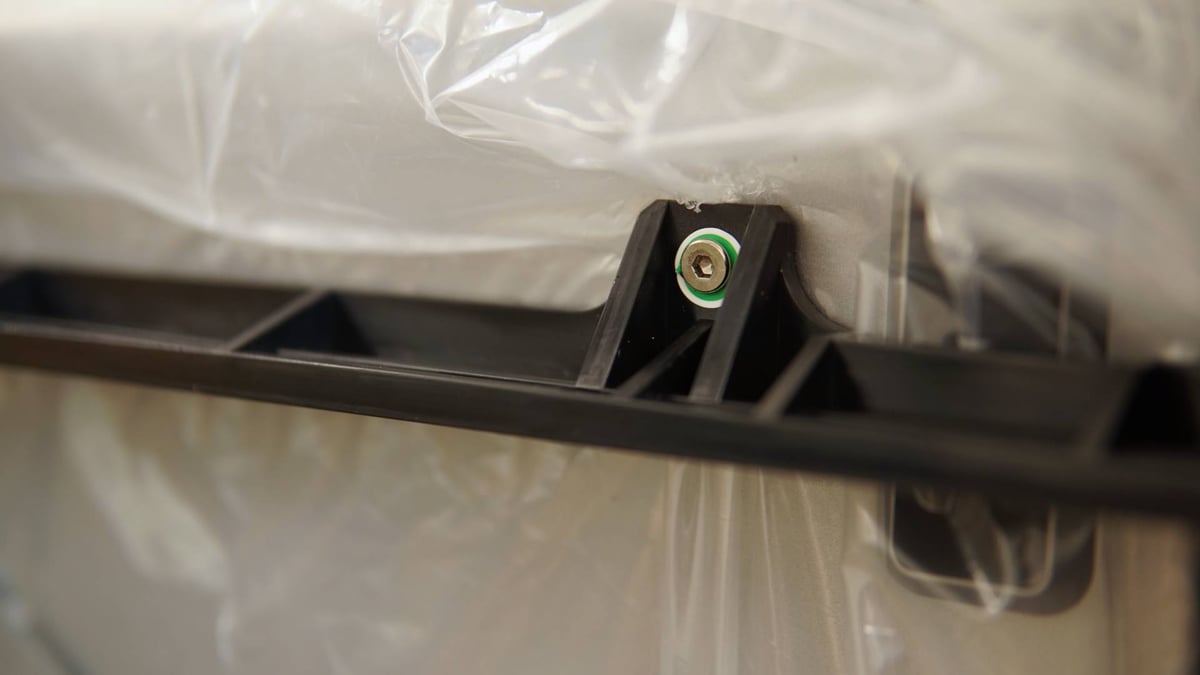
I’ve tested the K2 Pro Combo for this review, meaning the unboxing experience and setup will be slightly different to the standalone K2 Pro. The 3D printer itself is 99.9% ready to go out of the box; the only thing you need to do is remove the shipping fasteners and screws that kept the print bed in place during shipping, and attach the display and spool holder. Plug it in, power it on, and you’re off to the races.
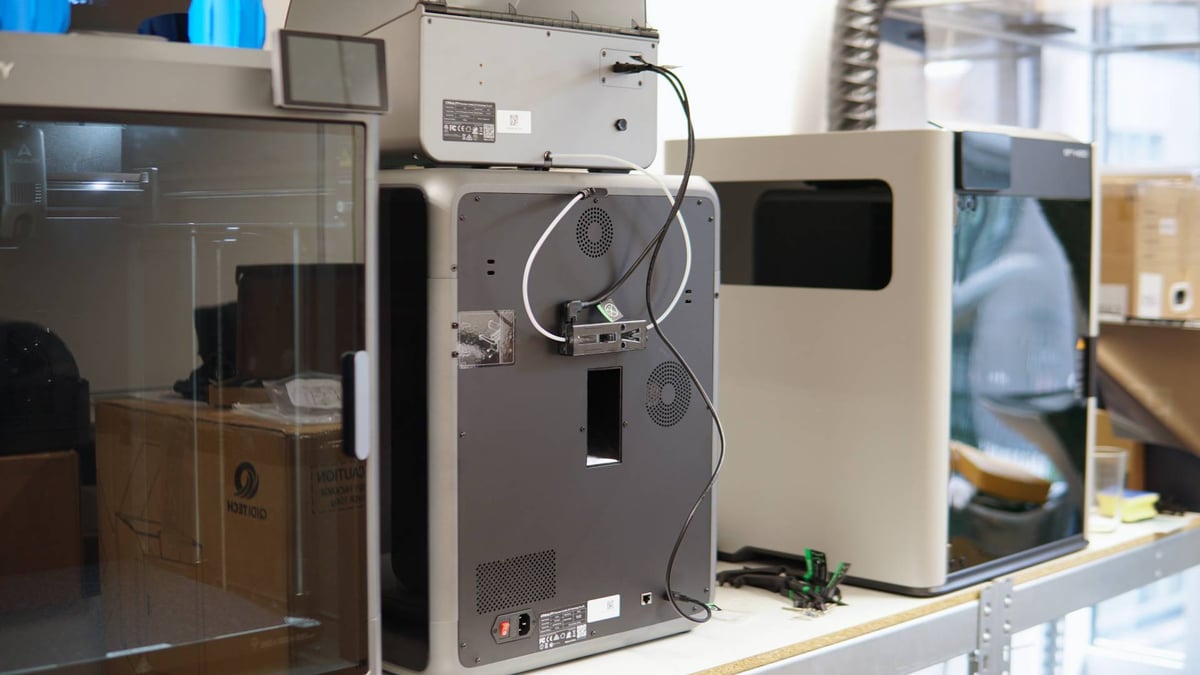
The K2 Pro Combo is almost as straightforward. Upon removing the CFS from within the print volume of the printer, your instinct may tell you to reach for the user manual for guidance setting it up. Don’t. Toss it away and refer the the helpful illustrations on the bags of components that ship in the box. The pictures tell you where each respective bit goes to hook the CFS up to the printer. It’s unambiguous and useful.
Creality’s CFS has RFID-reading powers and can detect a Creality spool when one is loaded. Alternatively, for non-Combo-toting K2 Pro owners, there’s an RFID reader built into the printer’s right side, where the spool holder sits – all of which is to say you can shortcut the minor tedium of prodding in which filament you’re using if you use Creality’s own filaments. For everything else there’s “generic.”
The CFS itself obviously takes inspiration from Bambu Lab’s AFS, and does a standup job of imitating that system’s usefulness. Filament autowinds on insertion, there are “lanes” of a sort to keep spools in place, as well as a bumper in the lid to do the same.
Some of the technological wizardry of the K2 Pro remains out of sight, behind the scenes. The nozzle-watching camera, which Creality says monitors for flow and potentially print arresting foreign objects, is just there, but you’ve no view on whether things are operating as they should. The system is smart enough to know when nothing is extruding, and will pause the print when it detects as much. At this point you can jump over to the filament management menu and attempt to resolve any blockages.
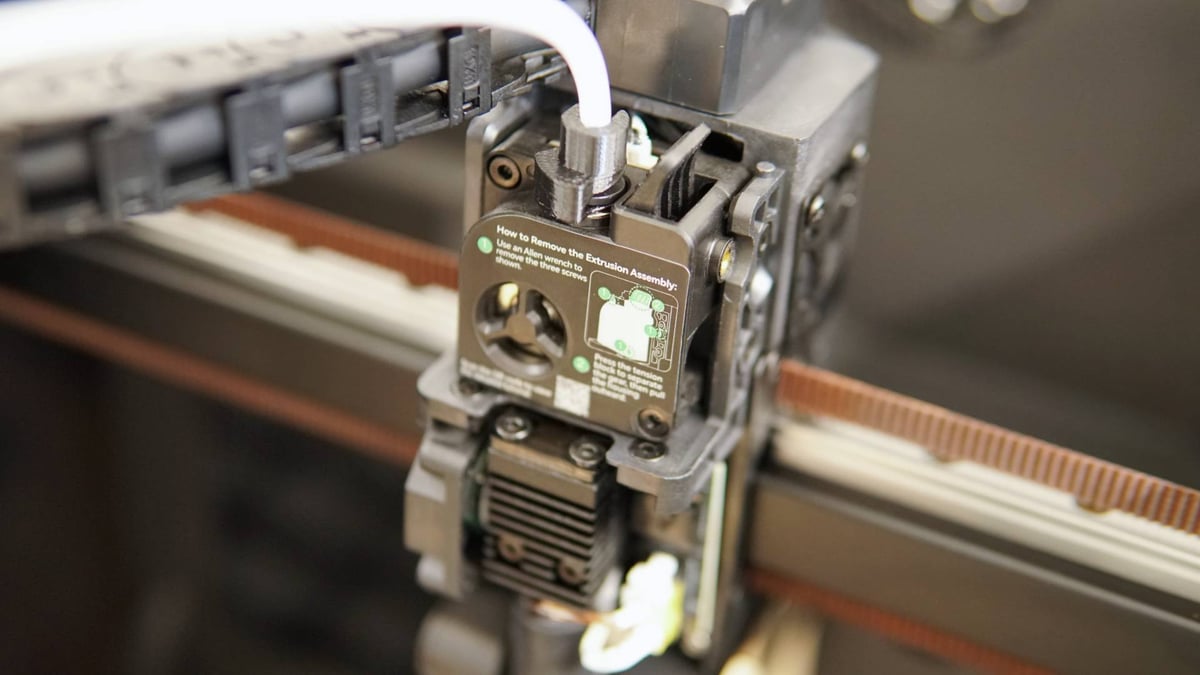
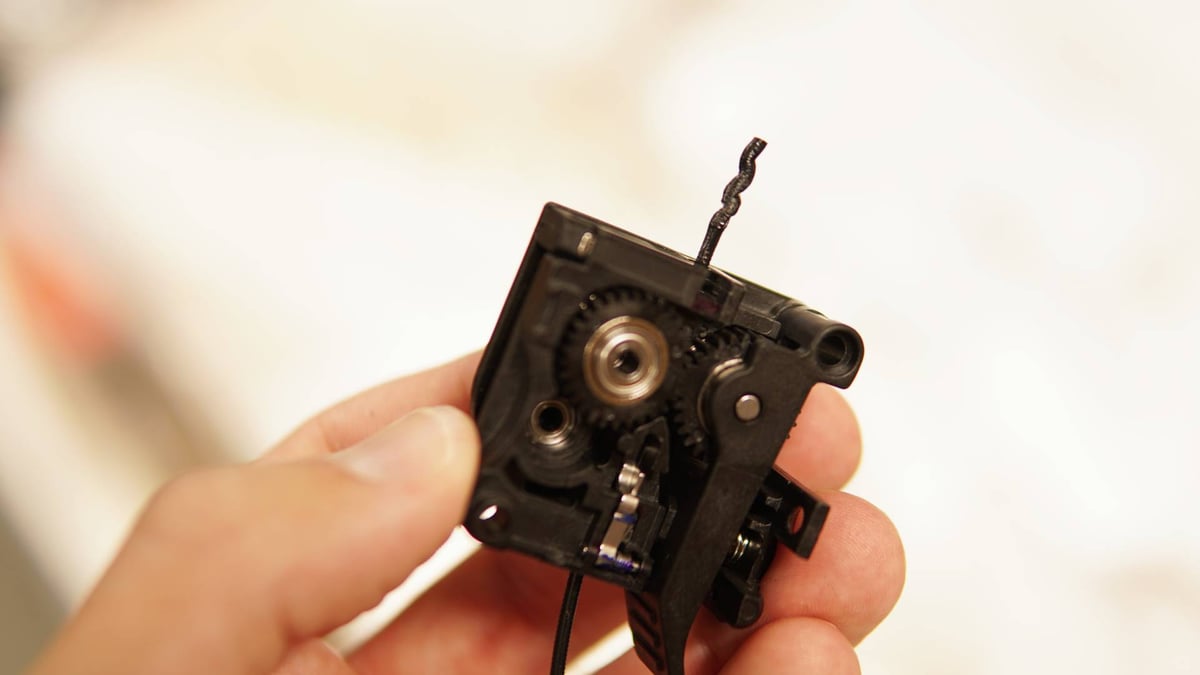
Accessing and clearing the nozzle in the event of a suspected blockage is a cinch. Only three easily accessible screws hold the extruder’s front plate (with integrated gearing) in place and removing them gives you unobstructed access to the filament path through the nozzle.
Creality’s step servo motors, which were introduced on the K2 Plus and trickled down to the Hi, too, are present for the X- and Y- axes movement here, too. Being a CoreXY, there’s no one motor for one direction of travel (unless you count diagonally) so both work in unison for what Creality says takes extrusion consistency and accuracy “to the next level.”
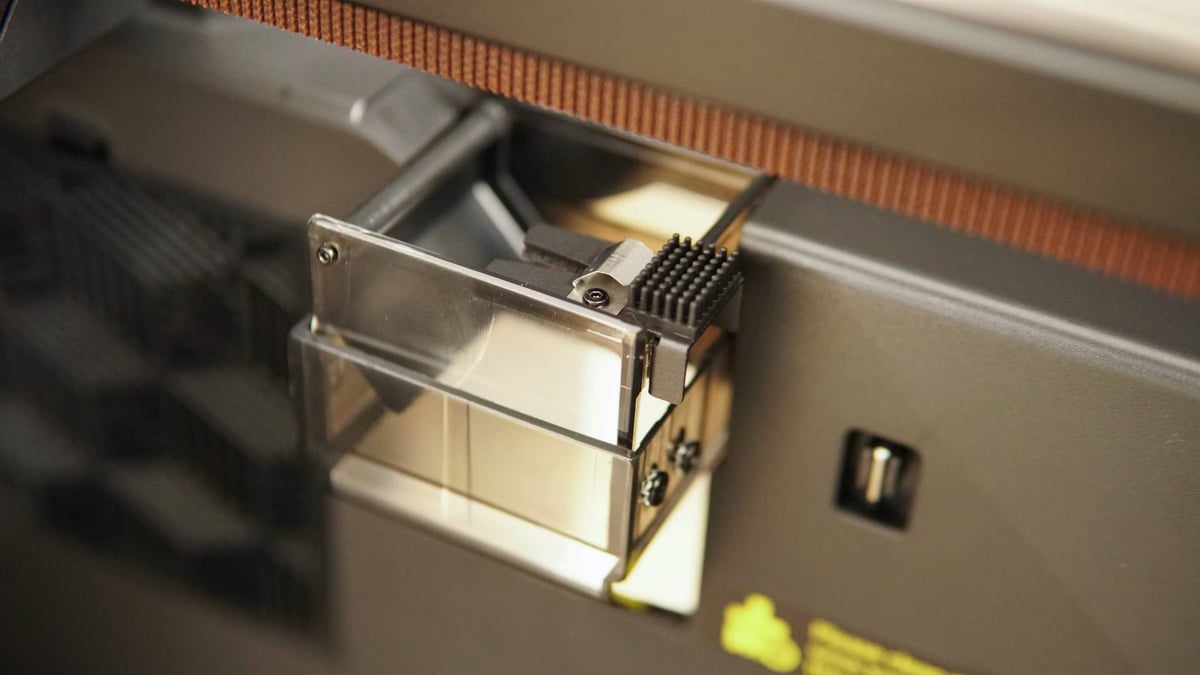
There’s evidence of minor design changes over the now year-old K2 Plus, such as the transparent purge chute, which is now very easy to monitor for purge “poop” build up. Likewise, the printhead cover is magnetically attached and slides off in your hand, no tools required.
You’d want to do this for hot end maintenance, and in that regard the K2 Pro is on the upper end of conveniently maintainable. Full hot end replacement is possible with the removal of two screws, though that’s not necessary for nozzle changes, which can be hot replaced using a socket wrench.
There’s quite a bit of thoughtful design on display with this generation of machine. The nozzle cutter blade – an essential component for the kind of multicolor printing the K2 Pro does – can be replaced without dismantling the printhead, needing only a long thin tool like an Allen key to hook the old one out and slip the new into place.
The Printing
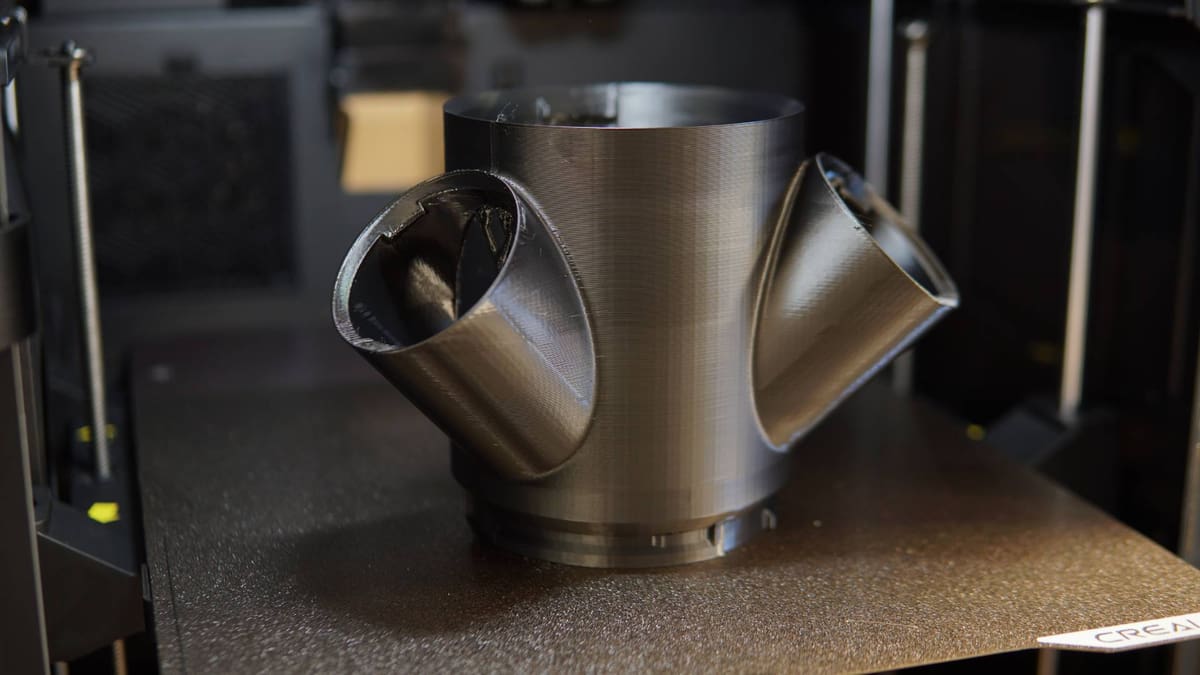
As we typically do when we test a 3D printer, we’ve run the gamut of different filament types through the K2 Pro. This printer’s party trick is, arguably, active chamber heating, making it an option for warp-happy materials that require higher temperatures and less cooling, or more controlled cooling. On the flip side of this, for those who primarily print with lower temperature materials like PLA, being able to do so without the having to prop the door open, leaking noise, heat, and emissions into the room, is also what we’re interested in.
It’s not uncommon for enclosed 3D printers to come with the caveat that, when printing PLA or PETG, you should prop the door open. In our testing so far, the K2 Pro flies in the face of this and seems to be very comfortable sealed up tight with its lid in place and door firmly shut.
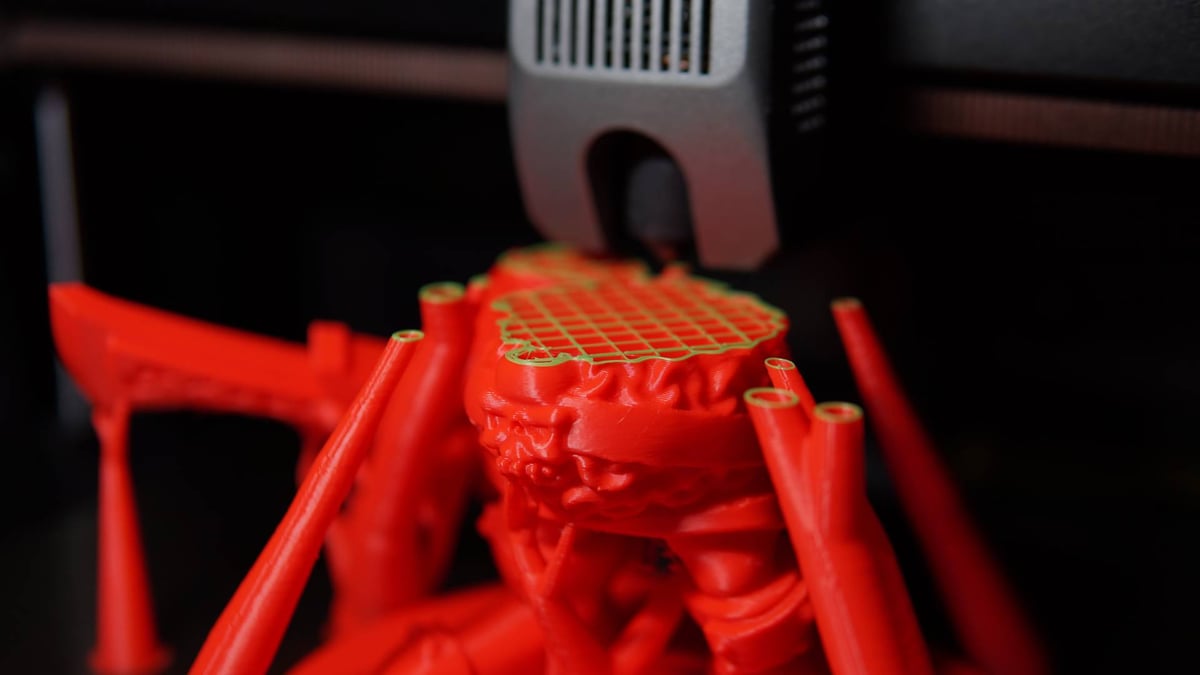
The chamber regulating fan at the rear of the printer does the heavy lifting here, pushing out the heated air from inside the printer and keeping things from getting too hot. You typically run into issues with the likes of PLA when the path to the nozzle is too warm, softening the filament before it enters the extruder. To that point, we’ve completed several large, long, PLA prints with no noticeable impact from the printer being closed. Material profiles for Creality’s own materials make use of the chamber fan, with Hyper PLA set at 35 °C, for example. Once the chamber temp ticks above this, the fan will kick in and cycle the air to keep the temperature down.
You could make the argument that this is a minor thing, but not having to even think about it gives the K2 Pro a leg up on other printers that make the “open door” caveat.
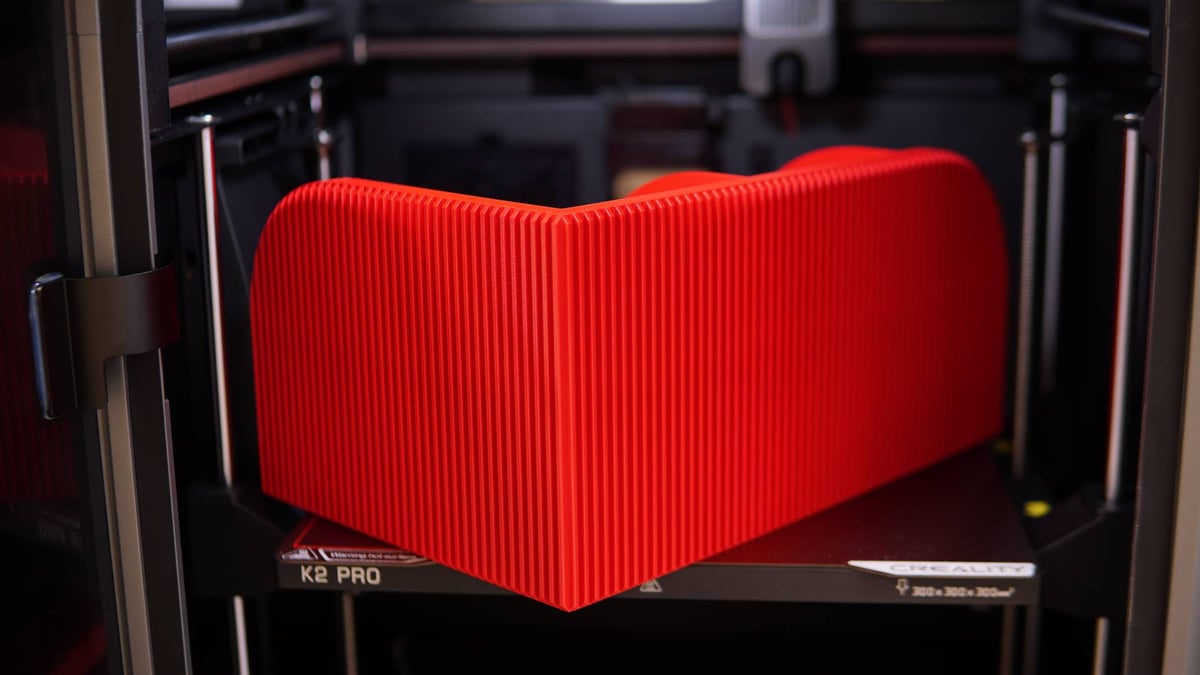
At the other end of the spectrum, the K2 Pro’s performance with higher temperature materials like ASA, which are prone to warping, holds up. This desktop bookend/shelf print, printed here in ASA, has long thin features that would typically warp given improper and uneven cooling, but printed near-flawlessly with the chamber cranked to 60 °C.
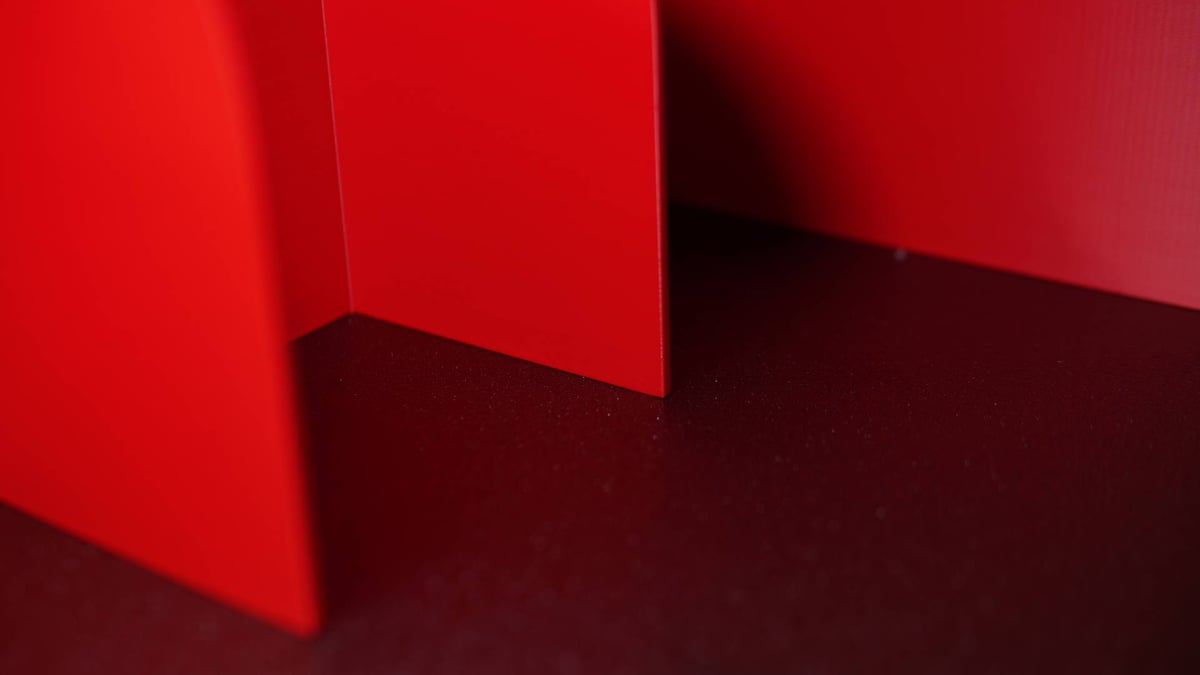
Polycarbonate filaments have also made their way successfully through the K2 Pro, even with a filament path blockage pausing a print overnight, returning to the printer the next morning found the printer at temperature ready to continue with no issues once the blockage (a stray scrap of filament, not an actual nozzle clog) was cleared.
You get a feeling pretty early on testing a new a printer whether you can count on it to get on with things or if it will be a PITA that needs babying, and the K2 Pro lands firmly on the dependable side of things.
It’s not 100% perfect, though. In overhang torture tests the rear left of the chamber seems to perform weakest. With that said the K2 Pro did manage to complete the insane Scandic plate test print cooked up by the folks at Prusa, though not quite to the quality exhibited by those orange and black printers.
Layer uniformity suffers in some places, too, and as with the Hi Combo we found it necessary to disable the option “Don’t slow down outer walls” (found in material profile settings under “Cooling”) to reduce some strange artefacting in some areas of some prints.
The K2 Pro’s full suite of material calibration (and AI-based monitoring) are switched off by default, and must be toggled in the printer’s menu in order to have the printer run pre-print tests to optimize flow for the following print. It seems counterintuitive to turn off a feature that ostensibly improves performance, but given that it delays the start of a print by quite a long time while it repeatedly heats up and cools down, prints test patterns and scans them to figure things out, it figures.
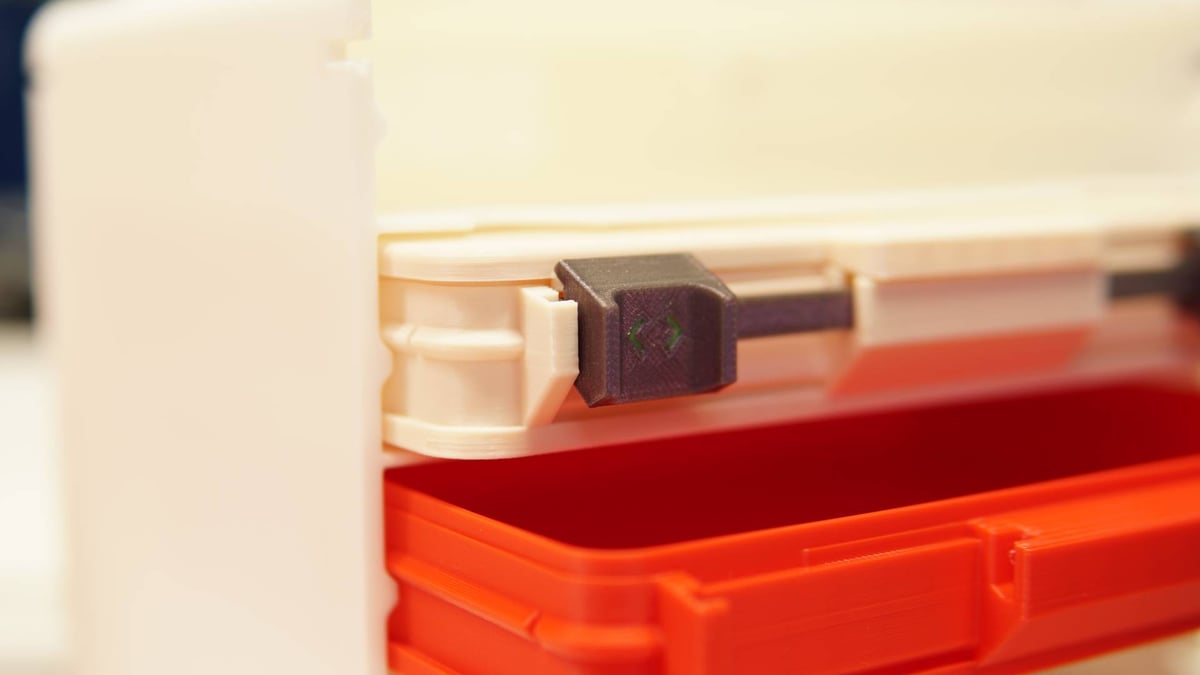
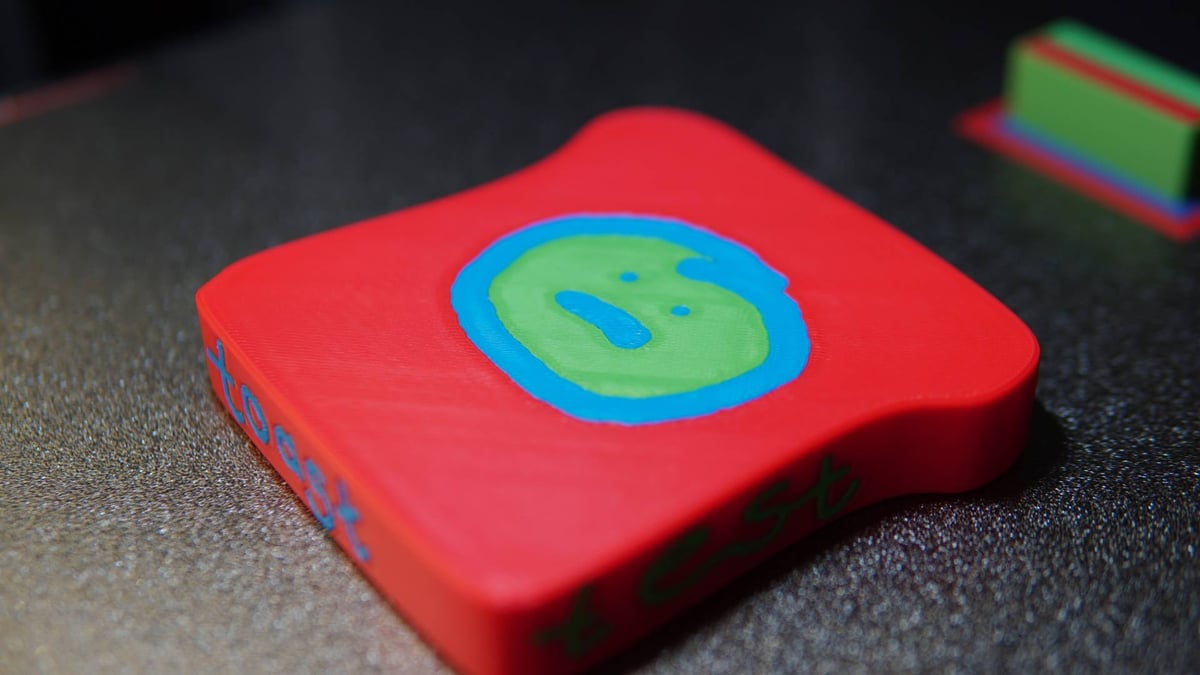
Multicolor performance is very much a known entity where the CFS is involved. Creality’s multi-filament loader does a reliable job feeding and retracting throughout prints with hundreds of color changes. When there is a loading issue, as can (and once did during this review) happen, maintenance and clearing action can be performed from outside the device through a removable panel on the CFS’s underside.
Spools automatically wind when you insert filament into the respective slot’s coupler, and if it’s Creality brand filament with an RFID tag, the CFS will automatically load that filament’s details into the printer’s loaded filament overview page. It’s all very tidy. If you don’t have the CFS unit, there’s an RFID reader on the side of the printer where the external spool holder sits, so you still benefit from this feature, CFS or no.
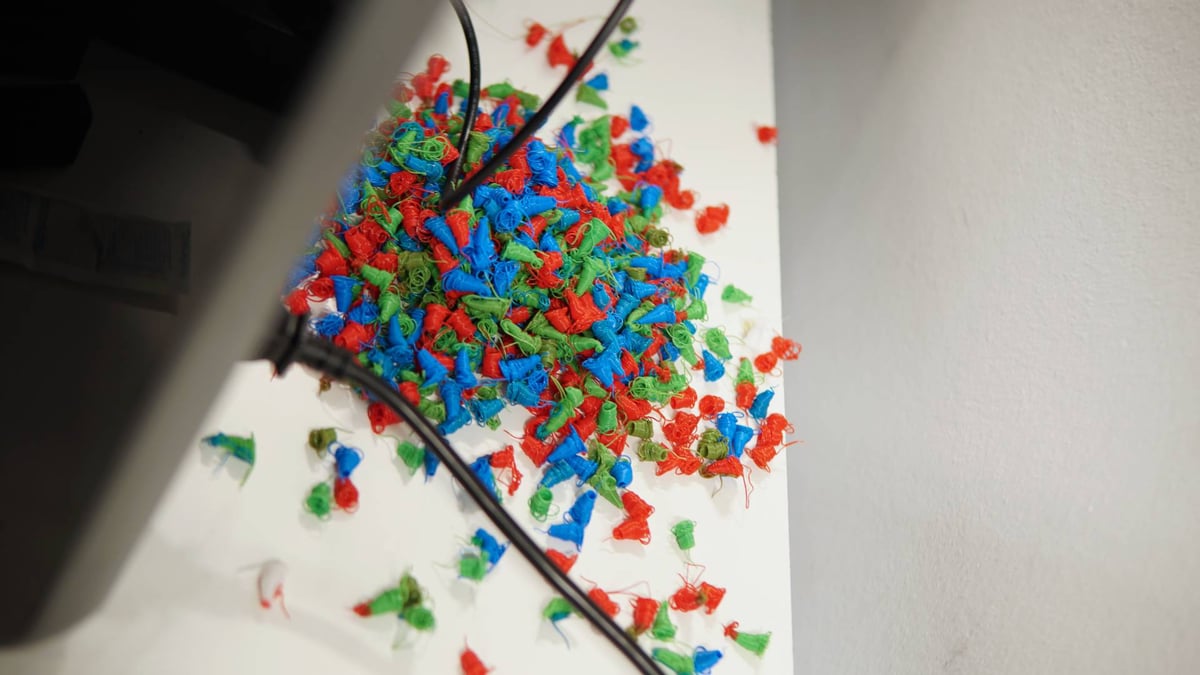
As with the K2 Plus and Hi Combo before it, the K2 Pro is as wasteful as the rest when purging at material changes. This is basically a given for single nozzle-style multicolor or multi-material 3D printing, with the two exceptions that come to mind being Prusa’s MMU3, or the yet-to-be released Yumi, which recently ran through Kickstarter. If you’re planning to do lots of multicolor printing with minimal waste, maybe look elsewhere.
It Is Worth It?
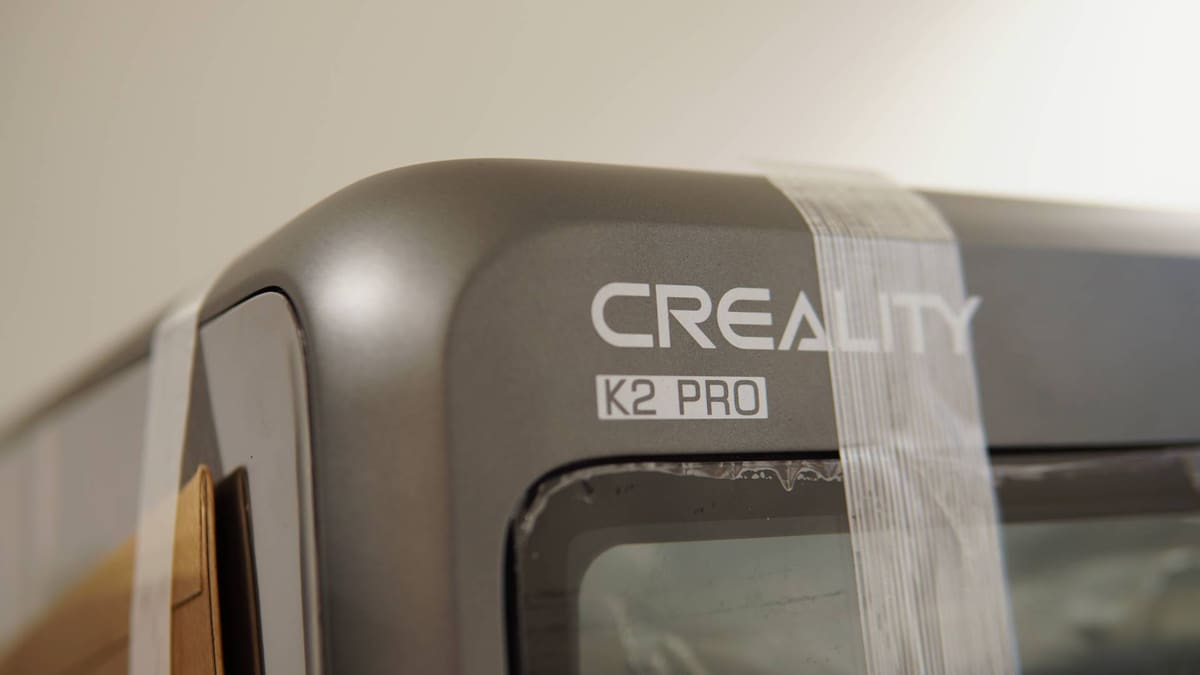
The Creality K2 Pro is every bit the flagship I expect Creality wishes it to be, and is a great example of modern, connected, high performance desktop 3D printing. It ticks all of the boxes of ease of set up and use, self calibration and flow optimization, print chamber monitoring and print overwatch, fully enclosed with actively heated chamber, and great door-closed performance with lower temp materials. The printhead is easily serviceable, and small design tweaks to make it more pleasant to live with make us appreciate it all the more.
It’s difficult to find fault with the K2 Pro. The only thing we can really hone in on is the at times unpredictable layer inconsistency and cooling artifacts, which can be remedied through attention to the slicing settings (if you even encounter it). Creality’s software ecosystem is mature and easy enough to live with, but as is commonly available on the company’s printers, it’s still possible to root the K2 Pro and use custom firmware instead, should you so wish.
Ultimately, for $849 you’re getting a premium-feeling device that comes with, probably most crucially, that larger 300 x 300 x 300 mm build volume. It’s a terrific combo of size, material versatility, and reliable performance.
License: The text of "Creality K2 Pro Combo Review: The Creality Flagship I’ve Been Waiting For" by All3DP is licensed under a Creative Commons Attribution 4.0 International License.
CERTAIN CONTENT THAT APPEARS ON THIS SITE COMES FROM AMAZON. THIS CONTENT IS PROVIDED ‘AS IS’ AND IS SUBJECT TO CHANGE OR REMOVAL AT ANY TIME.