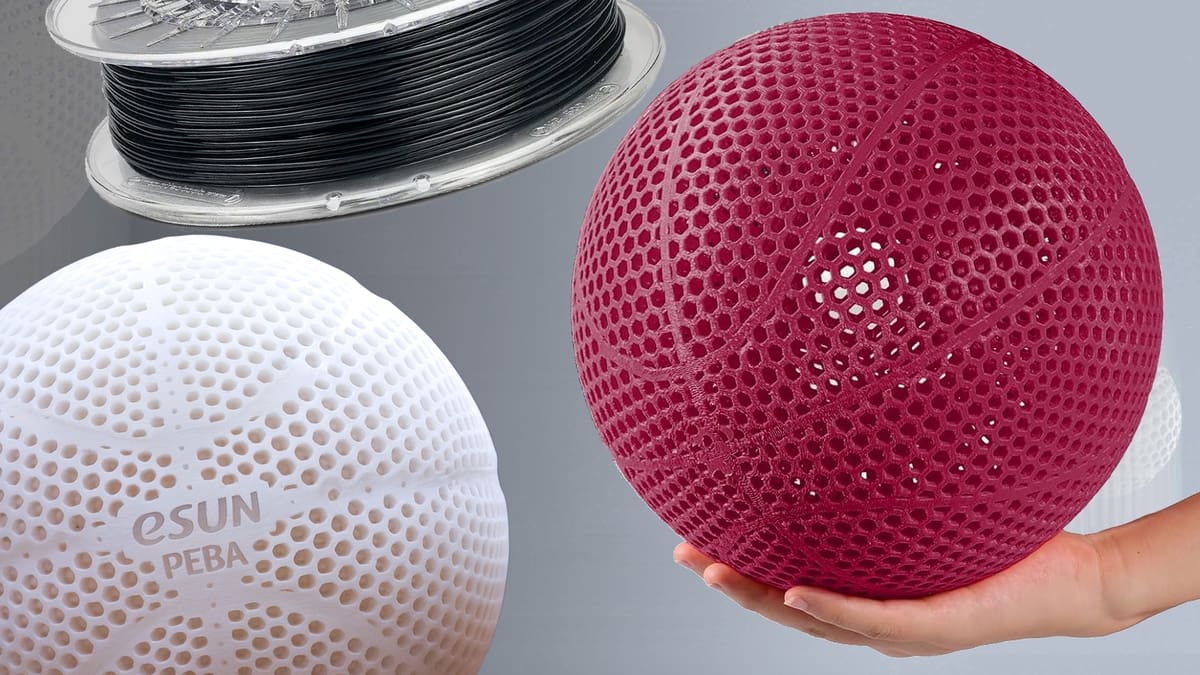
3D Printing with PEBA: The “Super Bounce” Alternative to Standard TPU

It offers up to 78% energy return and superior shape retention, but PEBA is a diva to print with compared to TPU. We break down the hardware and patience you need to master this challenging material.
Something interesting is happening in the world of flexible 3D printing materials: TPU is no longer the primary option. A newer contender, PEBA filament, is showing up in more online stores, more product catalogs, and more conversations among makers and engineers.
In fact, filament brands launching PEBA products in 2025 include Siraya Tech, Synbotron, and Kexcelled, joining the likes of PEBA from SainSmart, Fillamentum, 3DXTech, eSun, and Kimya. (We have yet to see PEBA for flexible leaders NinjaTek, Polymaker, or ColorFabb.)
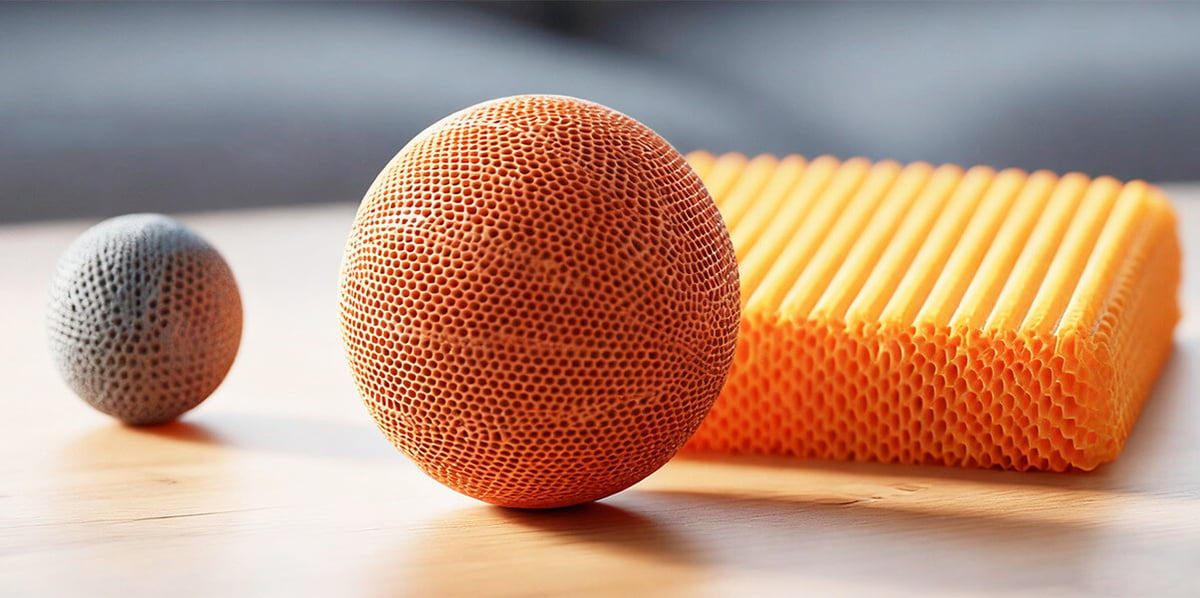
That cluster of releases signals a shift. PEBA is no longer a specialty material accessible only through niche suppliers. It is becoming a recognized category of flexible filament for FDM printing.
That does not mean PEBA will replace TPU everywhere. It costs more, and it is more demanding to print, especially on Bowden-style machines. Some formulas requires slower speeds, a well-controlled filament path, specific heat, and a direct-drive extruder for best results. But for users printing wearable gear, impact-resistant parts, robotics components, drone bumpers, athletic prototypes, or anything that needs long-term flexibility without deforming, PEBA offers clear advantages.
So, is PEBA the future of flexible filament? Not entirely, but it is becoming the premium choice for applications where performance matters more than price or convenience. And as we’ve seen with other materials, as adoption grows, easier-to-print material blends emerge.
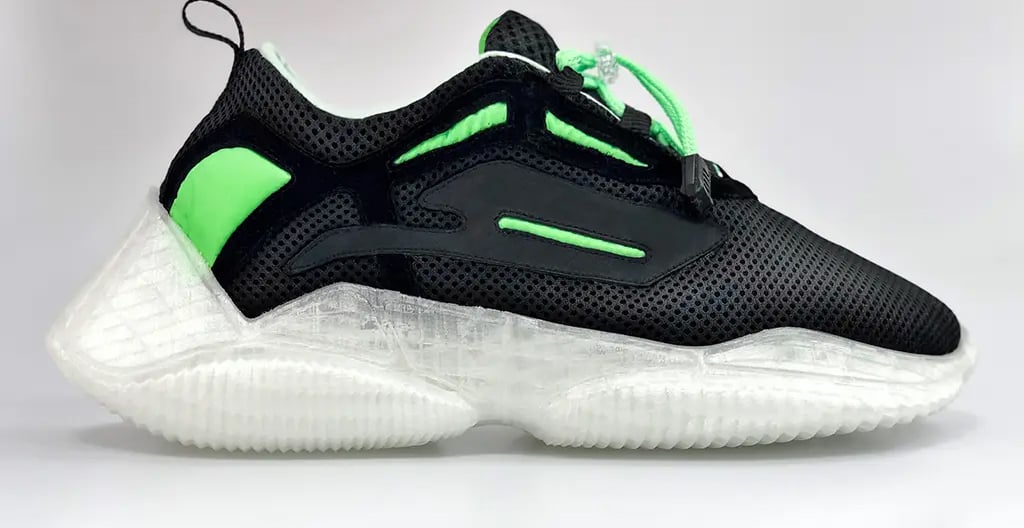
TPU will likely remain the everyday flexible material, and there are also new silicone offerings to get excited about, but PEBA is worth a try as a lighter, springier option that’s better suited for repeated mechanical stress.
For print farms, service bureaus and engineering teams, it may also become a selling point. Offering PEBA as a material option signals that you support industrial-grade flexible parts, not just consumer-level prints.
Below we look deeper at what PEBA is, what your brand options are, and how to print with it.
What is PEBA
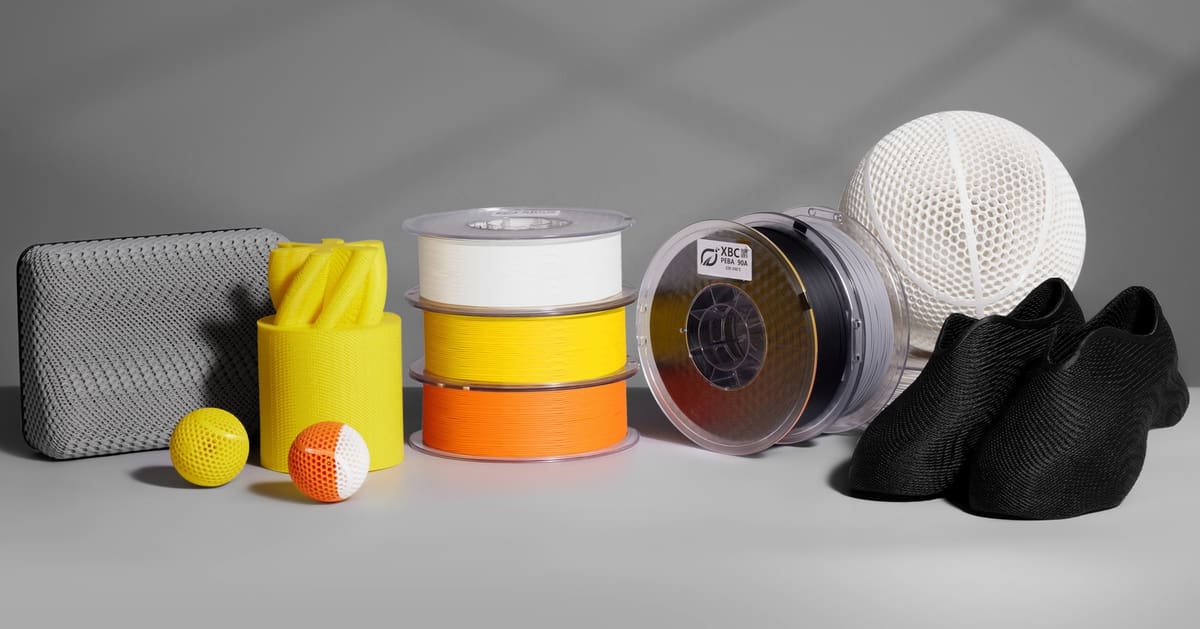
Most 3D printing users already know TPU (thermoplastic polyurethane) as the standard flexible filament. It’s durable, relatively easy to print, and works well for phone cases, hinges, grips, gaskets, and other soft components. But TPU also has limitations. It can deform permanently over time (creep), it’s heavier than some alternatives, and it loses elasticity in low temperatures. That’s where PEBA comes in.
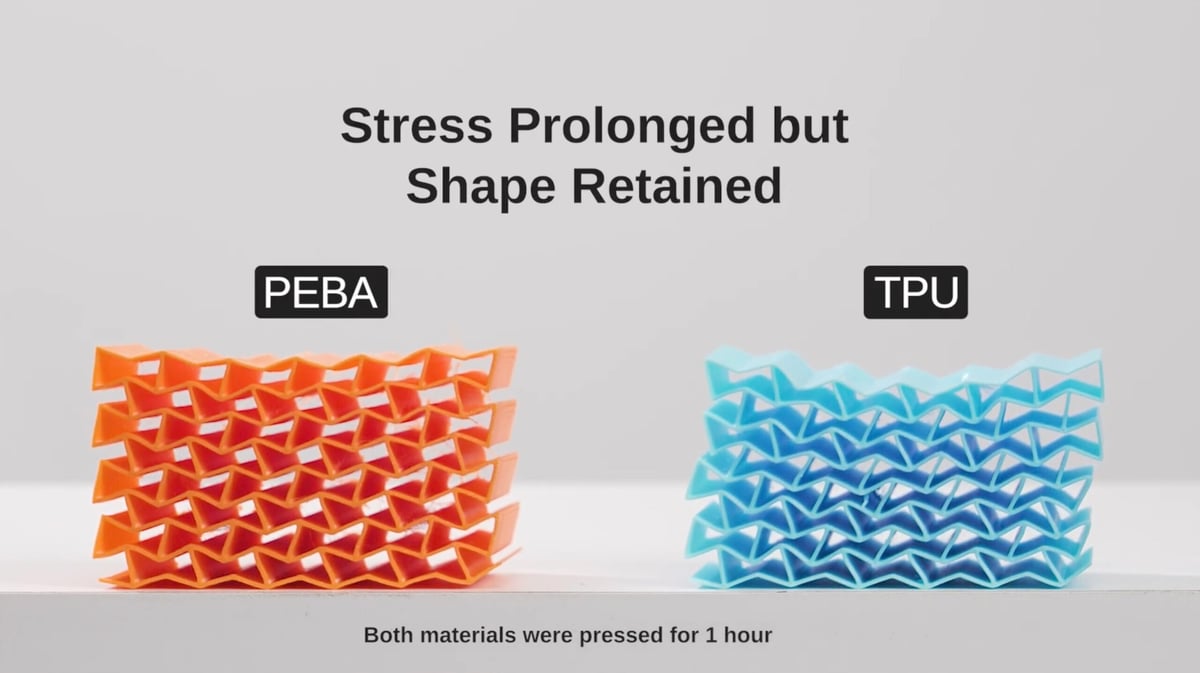
PEBA, short for polyether block amide, has been used for years in industries like sports equipment, medical devices and high-performance footwear. Only recently, though, has it become available as a filament for FDM printers.
What sets PEBA apart is its combination of high elasticity, lower weight, strong rebound behavior, and flexibility even in extreme cold, which can make it ideal for winter sports equipment. In simpler terms, parts made from PEBA return to their shape more reliably, resist fatigue longer and weigh less than comparable TPU parts.
The growing availability is easy to track: more well-known brands are now selling it.
The Surge in PEBA
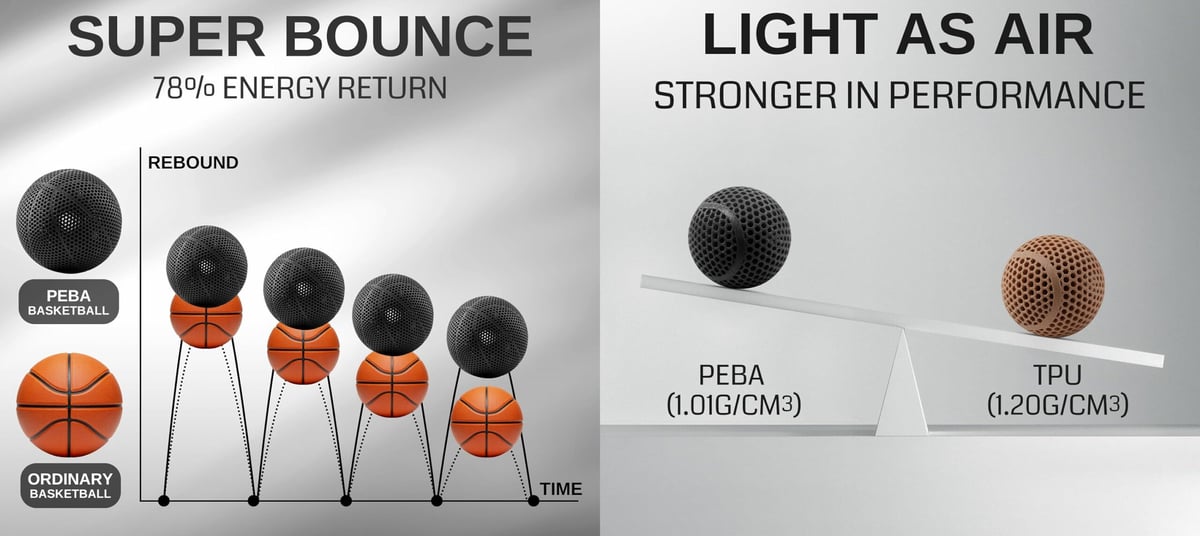
Material makers eager to carve out a niche for themselves in the burgeoning PEBA market are quick to tout the material’s assets. SainSmart’s PEBA High Rebound promotes lower density and higher energy return than standard TPU. Kimya’s PEBA-S markets itself toward applications that need extreme elongation, such as sports equipment and wearable components. Siraya Tech, already known for resin materials, now offers Rebound PEBA 95A as a filament and advertises about 78% energy return with flexibility down to -60 ºC.
So when it comes in investing in (PEBA is not cheap) your first roll, what should you look for? Below we detail some aspects of PEBA and technical specifications that should give you a solid footing.
Top PEBA Filament Brands
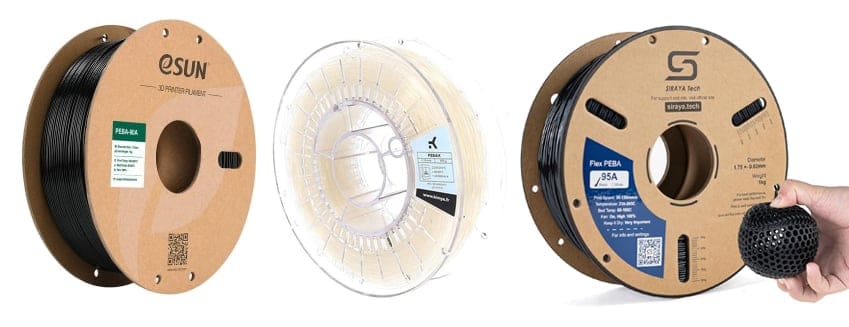
* Flexibility: Not all filaments measure or provide data on flexibility in the same way. Some provide measurements according to ISO standards, others to ASTM, and other the the Chinese standard. We listed the flexibility measure the brand emphasized.
How to Print With PEBA
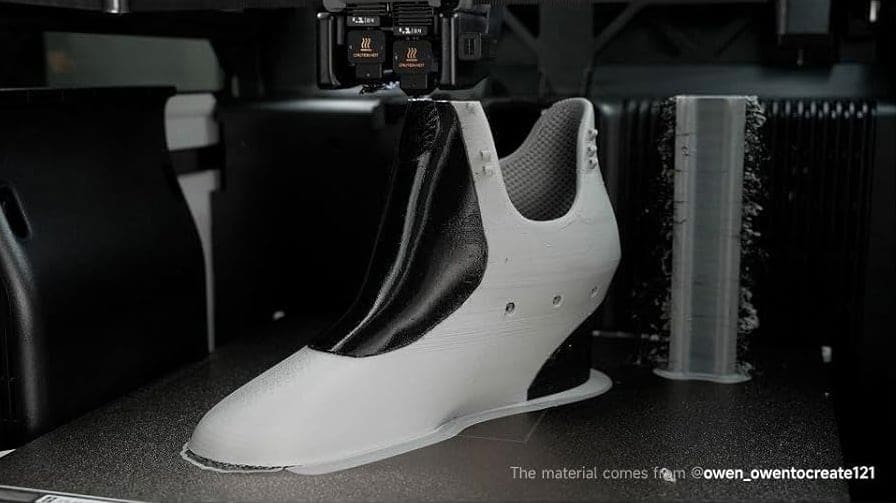
PEBA has emerged as one of the most promising flexible materials in desktop 3D printing, but for the average user it remains a challenging frontier. While manufacturers praise its high rebound, low density, and rubber-like performance, the reality is that PEBA sits in a narrow band of polymers that demand far more from both printer and operator than familiar flexibles like TPU. The result is a material that can produce remarkable parts — if you can conquer its many quirks.
Moisture is the first hurdle. Siraya Tech says its PEBA 95A “is highly hygroscopic, meaning it readily absorbs moisture from the air. Wet filament leads to poor print quality (stringing, bubbling, weak parts, clogging).” Accordingly, the TDS recommends that you dry the spool thoroughly before every print and store it sealed with desiccant when not in use.
Skip that step and the material can behave unpredictably with stringing, bubbles, and poor layer bonding a predictable result. This sensitivity to ambient humidity forces you to treat PEBA more like a technical resin than an everyday filament.
Even when dry, PEBA introduces a second challenge: its thermal demands. For instance, Siraya Tech’s recommended nozzle range is 230–260 °C, with a heated bed at 60–100 °C (up to 100 °C for large prints to prevent warping). Meanwhile, another leading filament, Fillamentum Flexfill PEBA 90A, instructs a print temperature between 225–245 °C and a bed temperature of 70–90 °C.
These temperatures effectively mandate all-metal hotends, since anything less risks degradation, clogging, or inconsistent flow. For foaming versions like Siraya Tech Rebound PEBA Air, the complication grows: its print guide shows nozzle temperatures up to 270 °C, because temperature directly controls the foaming, density, and final hardness of the part.
Getting the heat right is only one piece of the puzzle. The mechanical handling of PEBA imposes its own penalties. Because the polymer remains soft and elastic even after extrusion, feeding it reliably requires tight control. Siraya Tech’s guide advises a direct-drive extruder for best results, noting that soft filaments like PEBA are “better controlled” there than in a Bowden setup.
Retraction — a standard trick to avoid stringing on rigid plastics — becomes a gamble with PEBA. For non-foaming PEBA, modest retraction (e.g. 0.4 mm) may work; for foaming types like PEBA Air, retraction must be turned off entirely, and printing done one piece at a time to avoid oozing and distortion.
This softness also complicates print-speed ambitions. PEBA can often be printed faster than TPUs at the same hardness level, but start conservatively (e.g. 40–60 mm/s) and increase speed gradually while monitoring print quality.
Fillamentum’s guide for their PEBA 90A agrees — “start at 20–30 mm/s then increase … up to 50–60 mm/s.” (Fillamentum) In practice, however, all flexibles are prone to print stalls or clogs when the extruder pushes filament too fast especially on complex geometries or small layers.
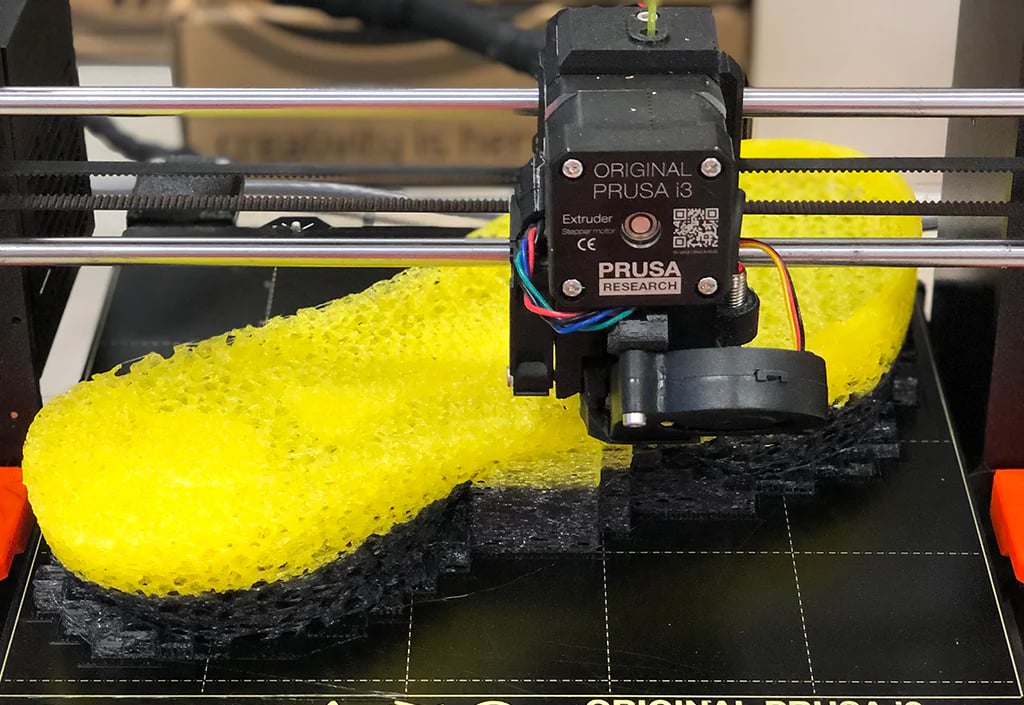
And then there is the adhesion challenge. Even under “optimal” conditions, PEBA’s flexibility works against bed adhesion. With Fillamentum, successful printing typically entails a mirror or glass bed, plus adhesive (PVA or specialty glue like Magigoo PA) and a brim of ~5 mm, because “printing on PEI surface can be challenging,” the company warns. Siraya’s guide echoes this, recommending a brim or raft on small contact areas, careful first layer speed & temperature, and advising the bed be clean and well-prepped.
Because cooling affects things like warping, overhangs, adhesion and layer bonding all at once, fan-and-chamber control becomes critical. You’ll find a range of recommendations ranging from moderate part cooling (70–100%) to balance stringing vs layer adhesion, to advice that says to turn off the fan for several first layers, then limit cooling to 0–50%.
In short, what should be a simple print quickly becomes a delicate balancing act: moisture control, high temperatures, rigid hardware, adhesion tricks, slow and cautious extrusion, and tight cooling.
Still, if you manage to navigate all that, PEBA delivers something few other filaments can: flexibility that holds even at low temperatures, resilience, chemical resistance, low density, and excellent rebound and energy return.
For the 3D-printer operator willing to accept nuance and invest effort, PEBA is not an easy path — but it yields one of the most capable flexible filaments in desktop FDM. Mastering it demands patience and precision; but once mastered, it opens doors to functional components and performance that TPU simply cannot match.
You May Also Like:



License: The text of "3D Printing with PEBA: The “Super Bounce” Alternative to Standard TPU" by All3DP Pro is licensed under a Creative Commons Attribution 4.0 International License.