Ultimaker Cura Software
Recent

Most popular
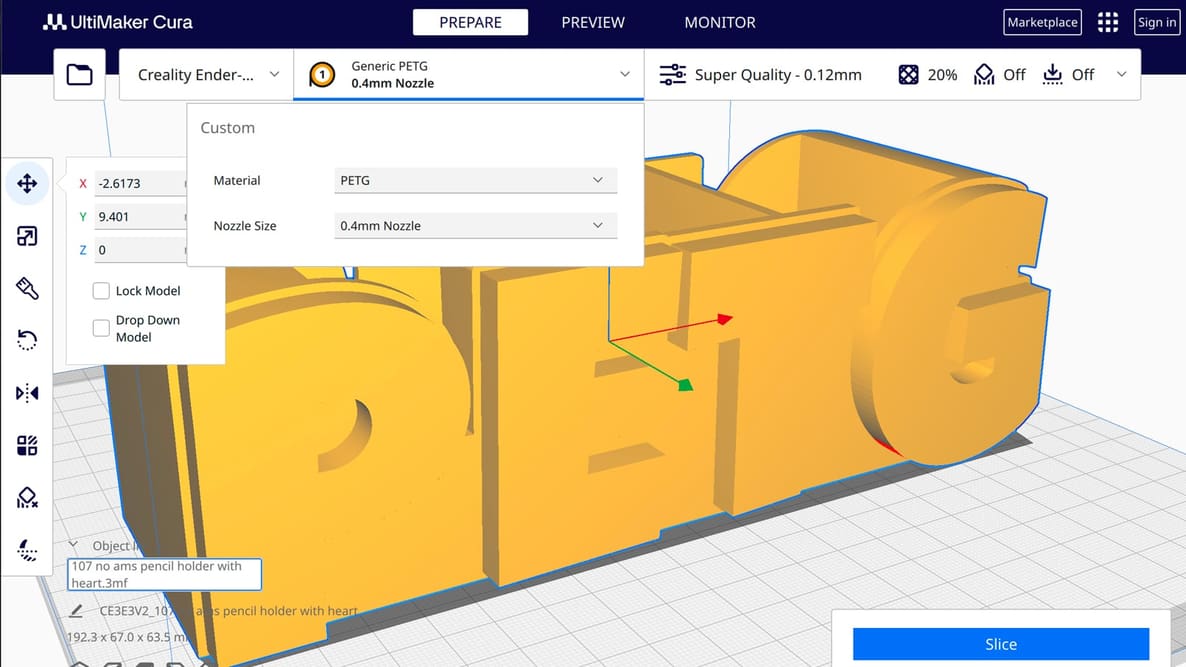
If you're a Cura slicer enthusiast, learn to how to translate PETG printing principles into practical slicer settings.
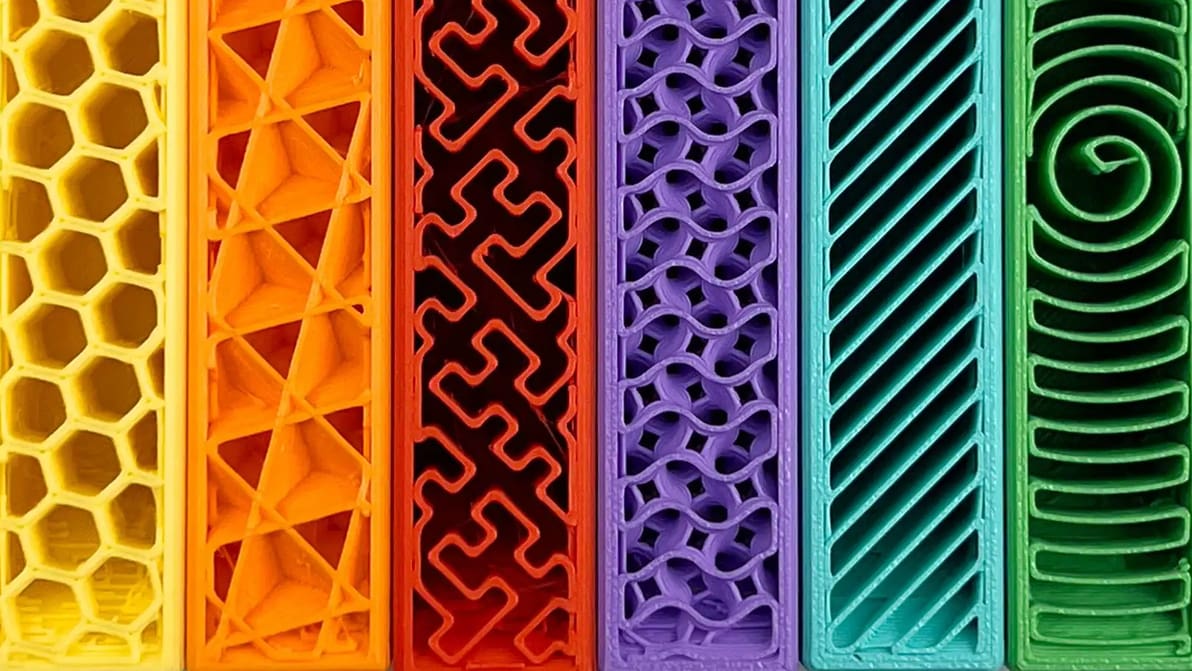
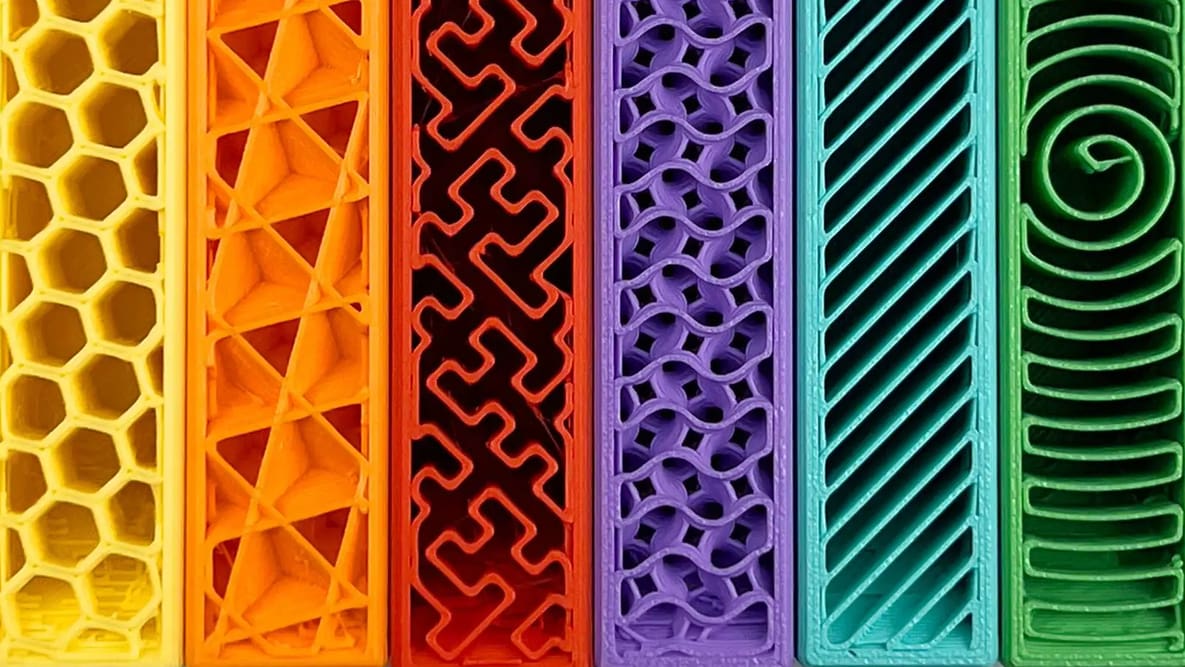
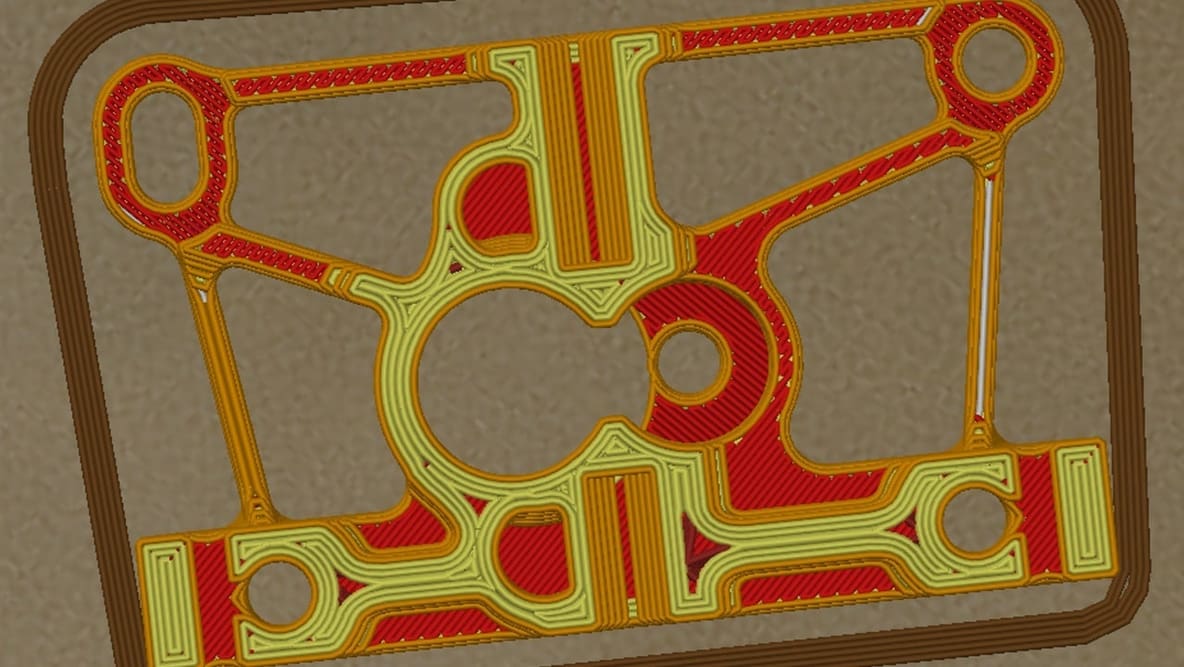
Get infill density and pattern wrong and your print wastes filament, snaps, or takes forever to print. Read on to learn how to get it right.
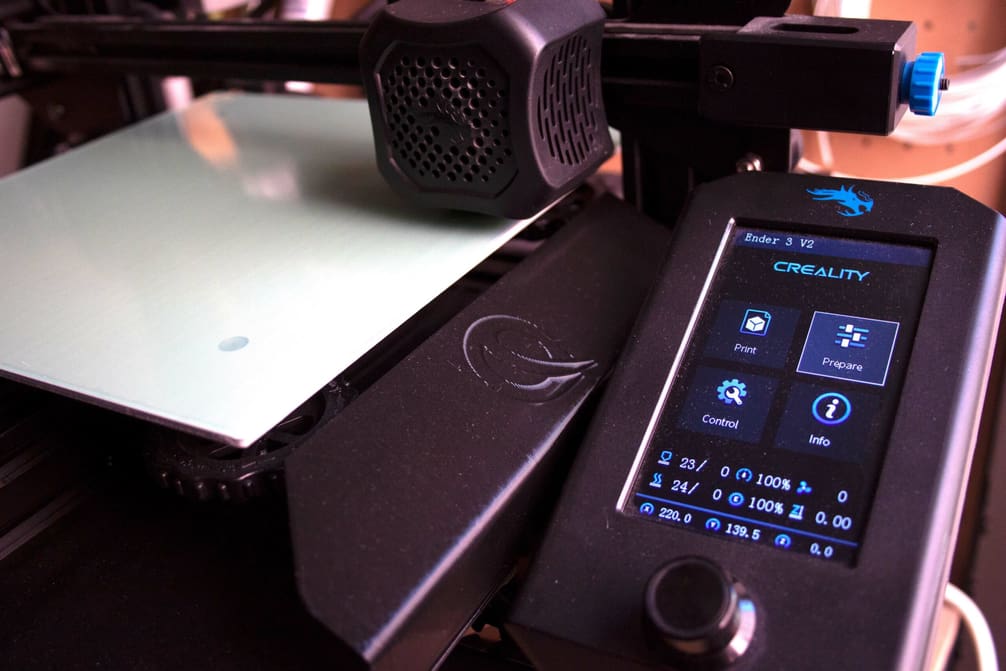
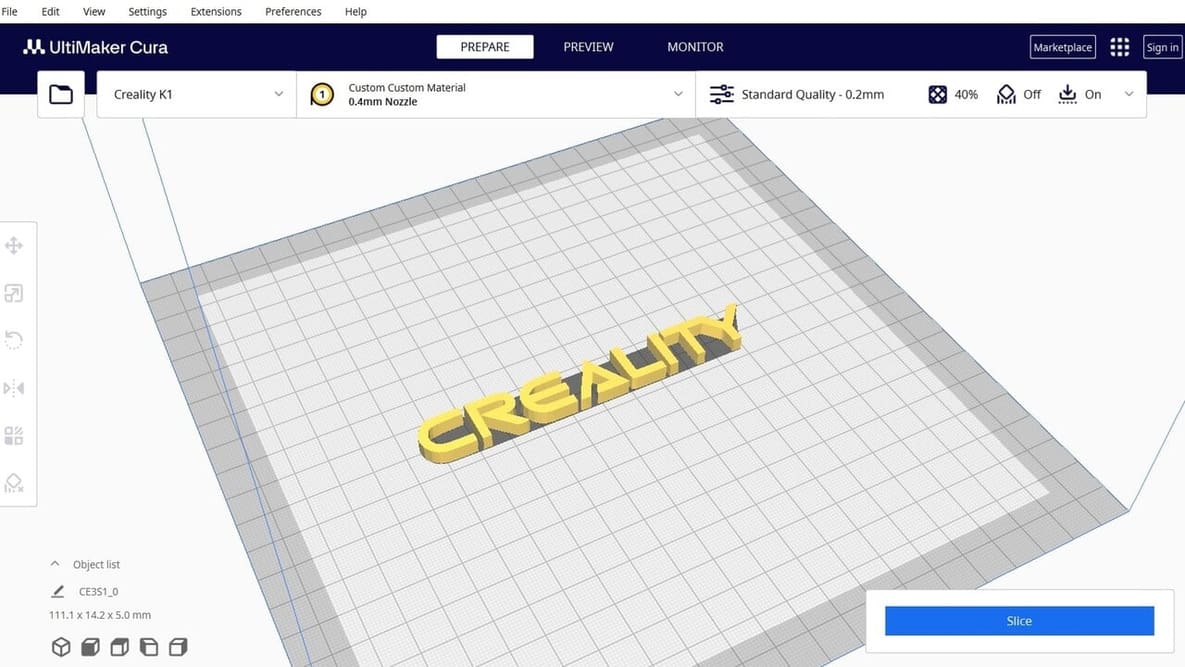
Let us help you with Ender 3 Cura settings! Enjoy perfect prints with the best Ender 3 (V2/Pro) Cura profile for your needs.
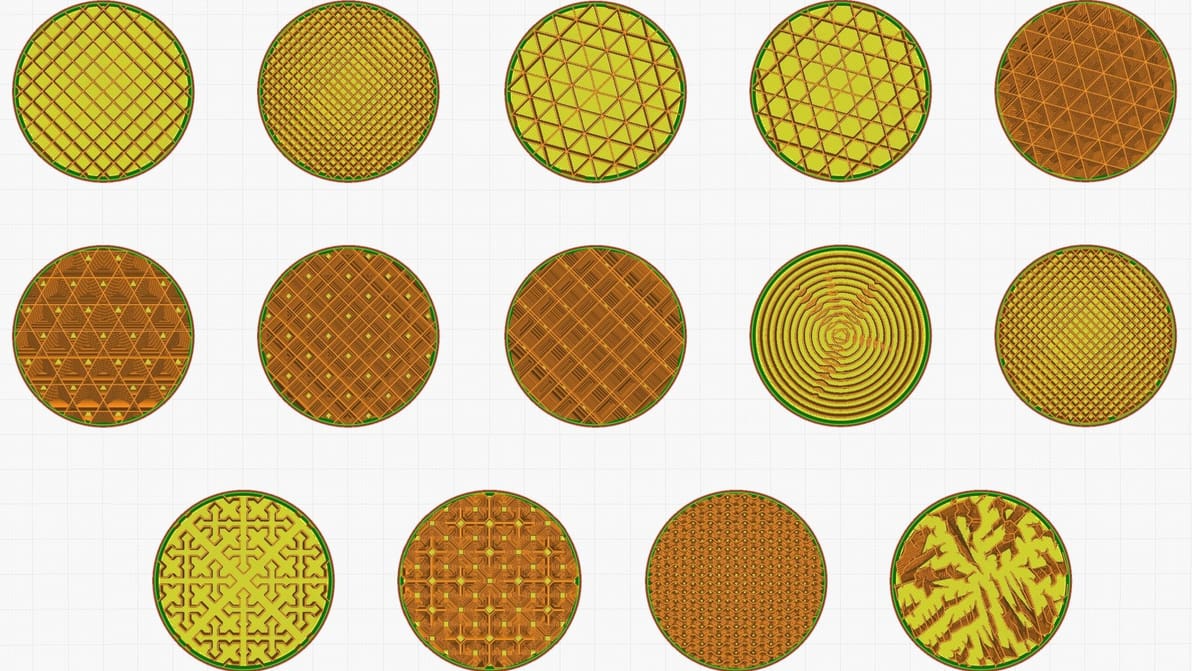
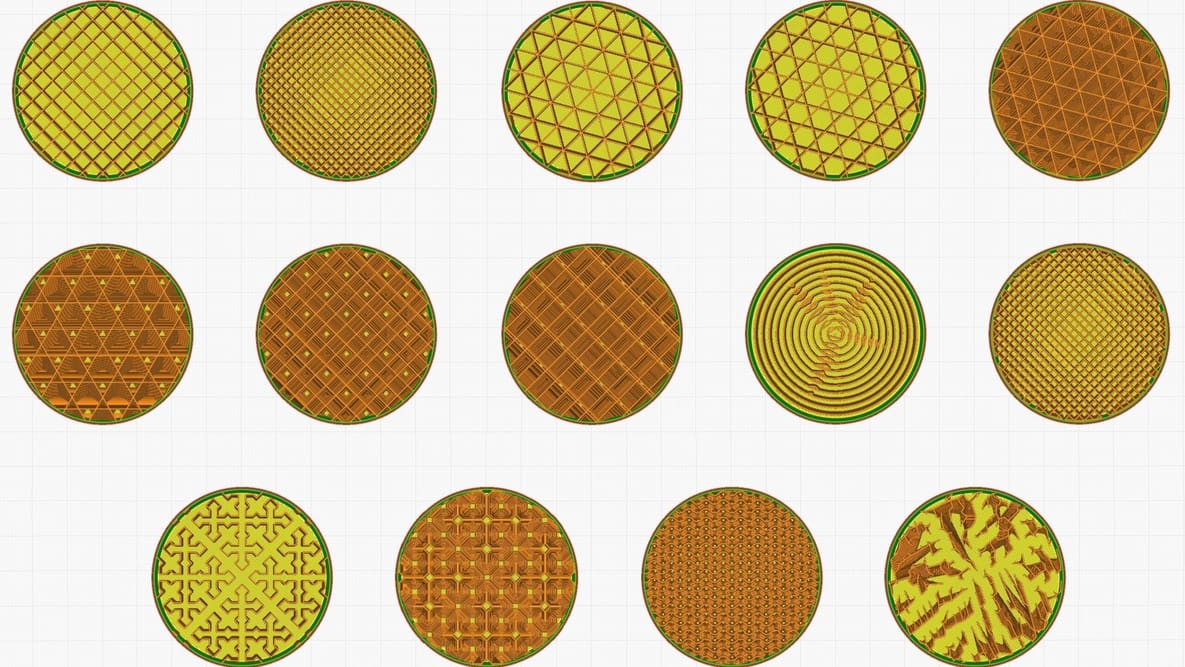
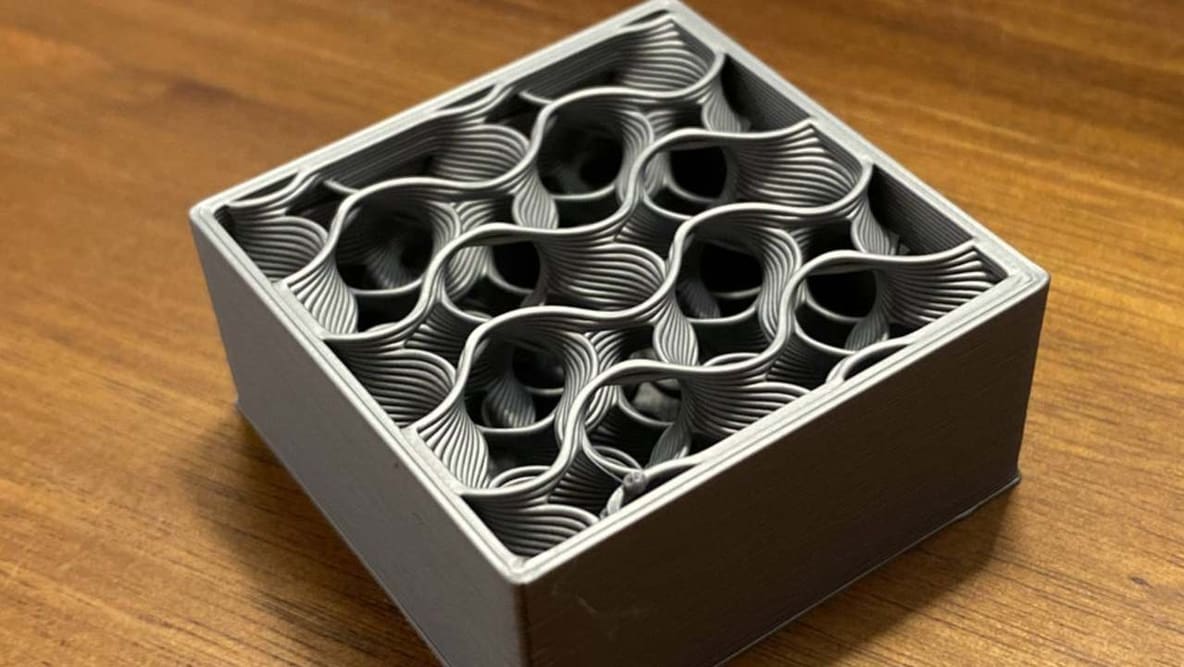
Infill can look cool, add strength, and save money, but it all depends on the print. Find the best Cura infill patterns for your application.

Discover the hidden features of the Cura slicer software. We'll show you how to take your 3D printing to the next level for perfect prints!
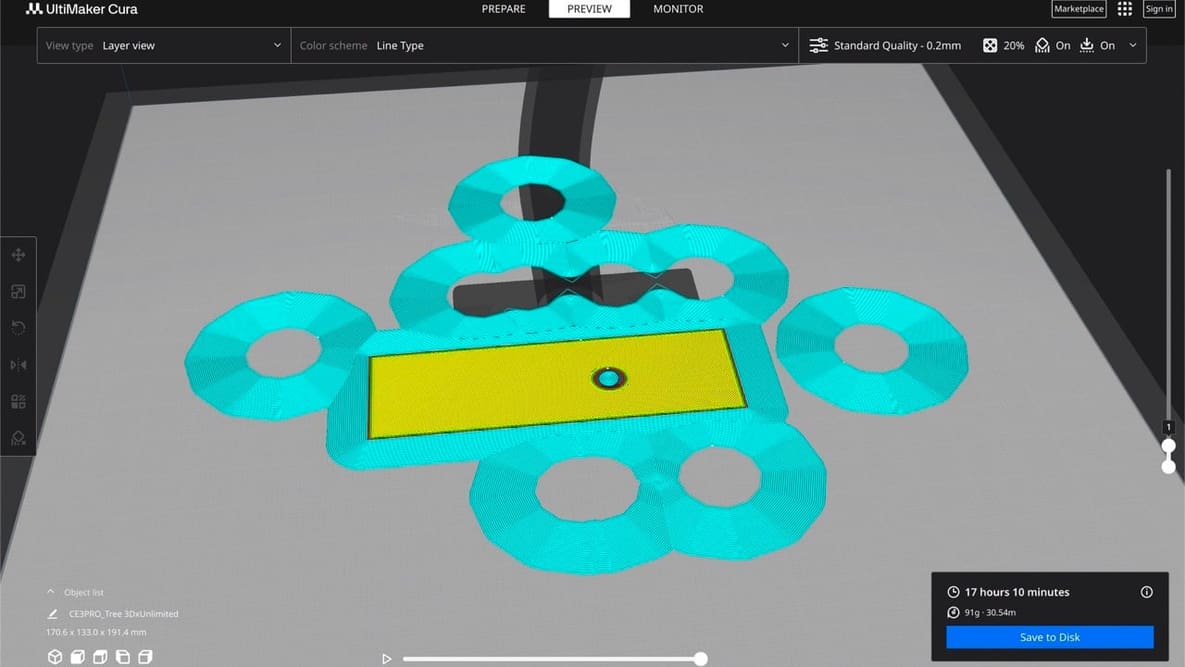
When you’re just setting out 3D printing, don’t overthink the slicer. Picking the right one for you is probably much simpler than it seems.

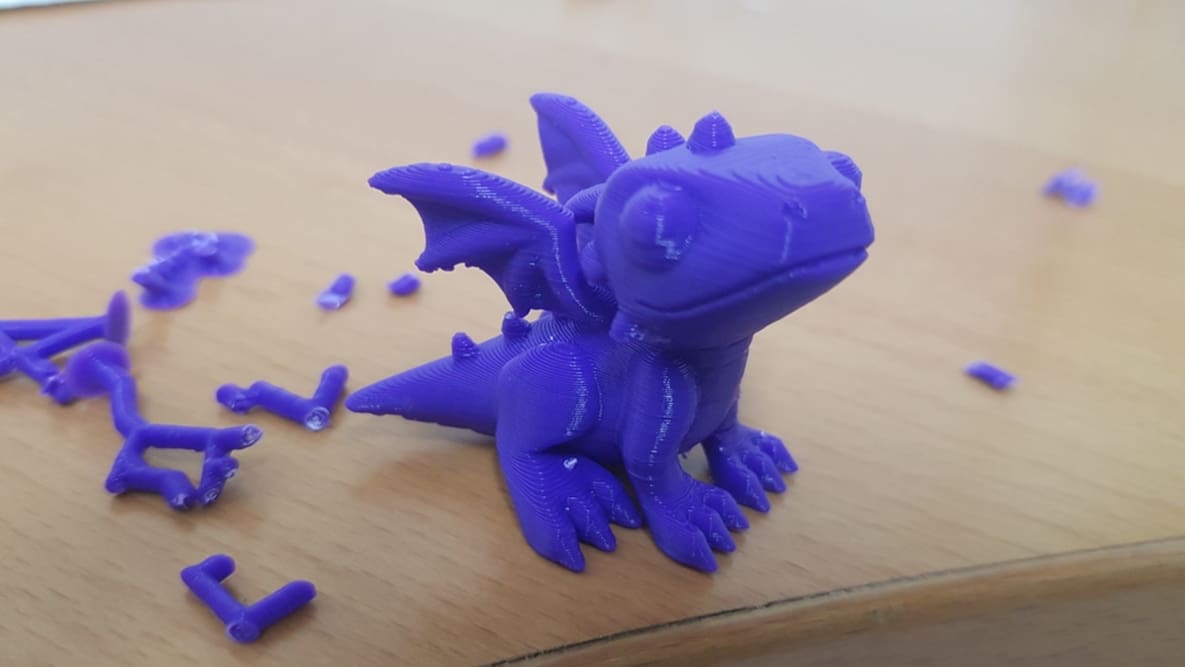
A Z seam is a visible line of imperfections running down the side of a print. With Cura, Z seams can be no more! Read on to learn how.
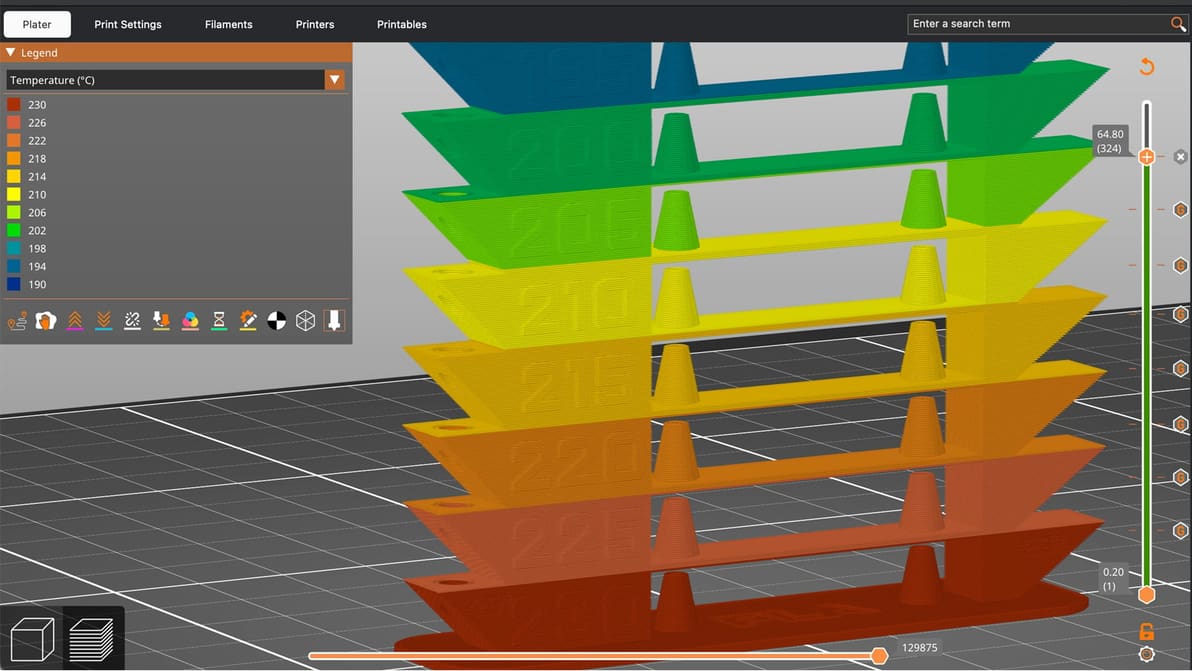
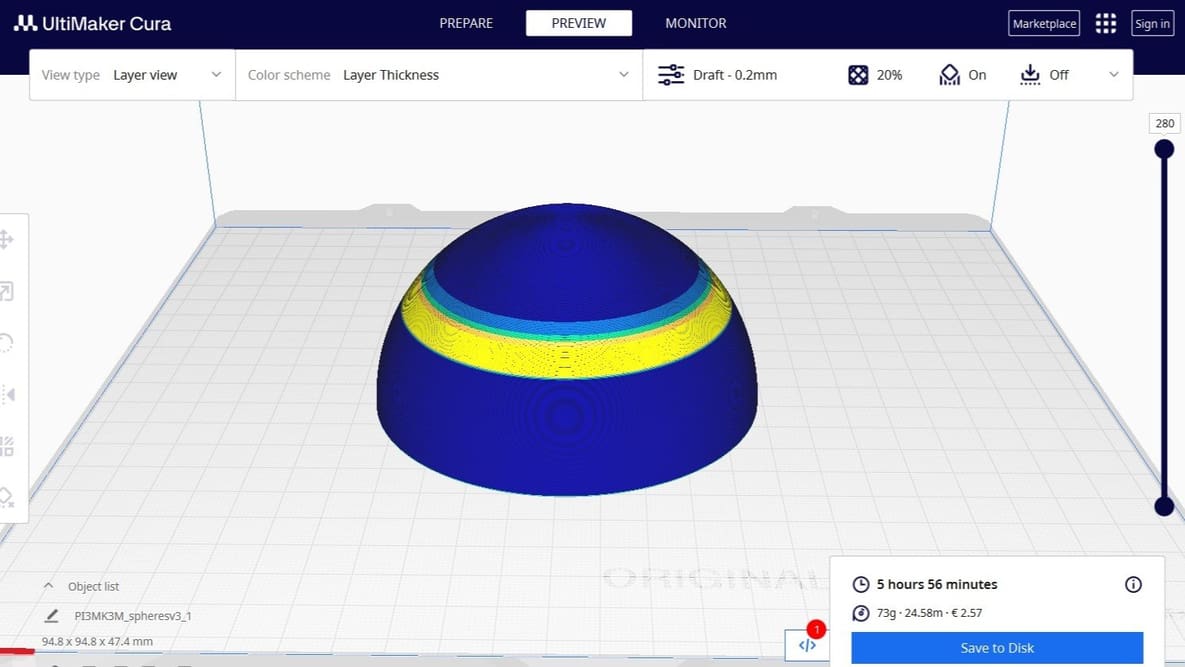
A temperature tower is quick, cheap, and useful. With one small print, you can learn a lot about how your filament behaves and dial in cleaner, stronger, more reliable 3D prints.
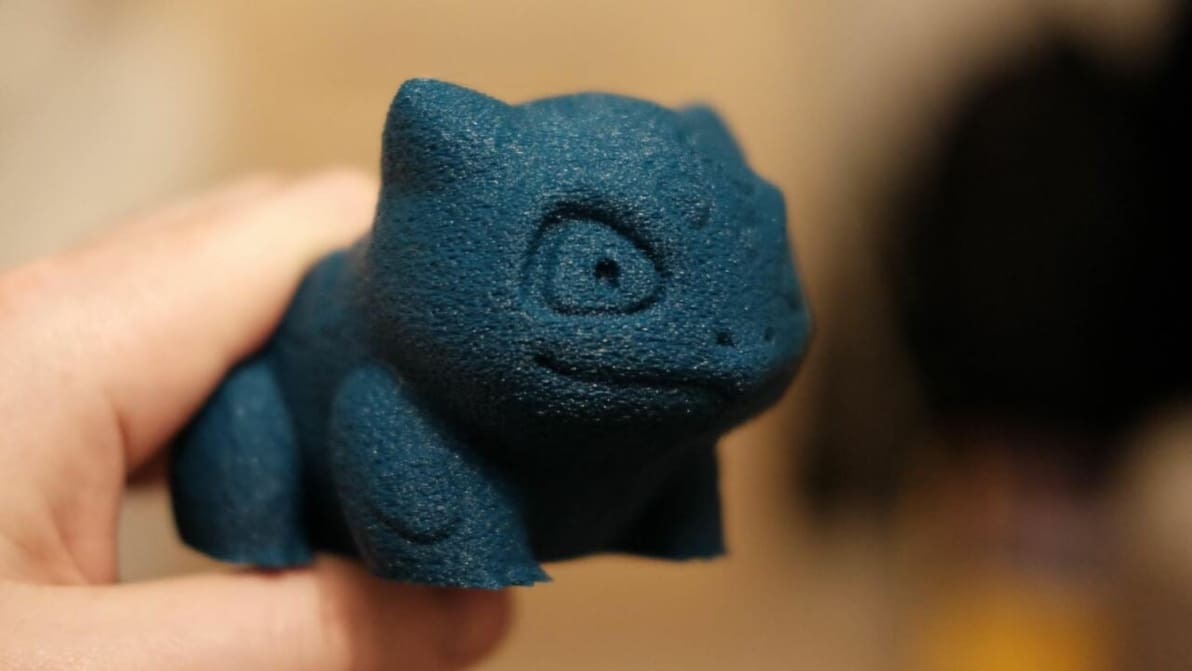
Cura's fuzzy skin feature generates a rough exterior surface on 3D prints. Learn when to use it, how it works, and what settings control it!
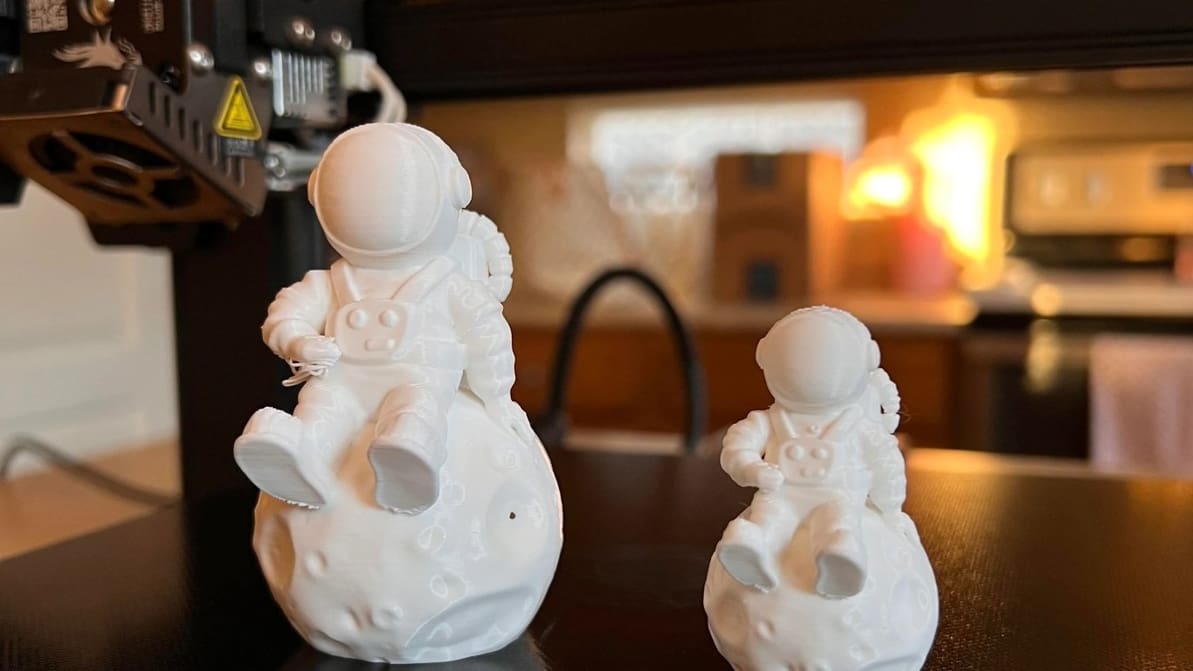
The best temperature, print speed, and retraction settings, among others. Read on for the best Ender 3 S1 & S1 Pro Cura slicer profiles.
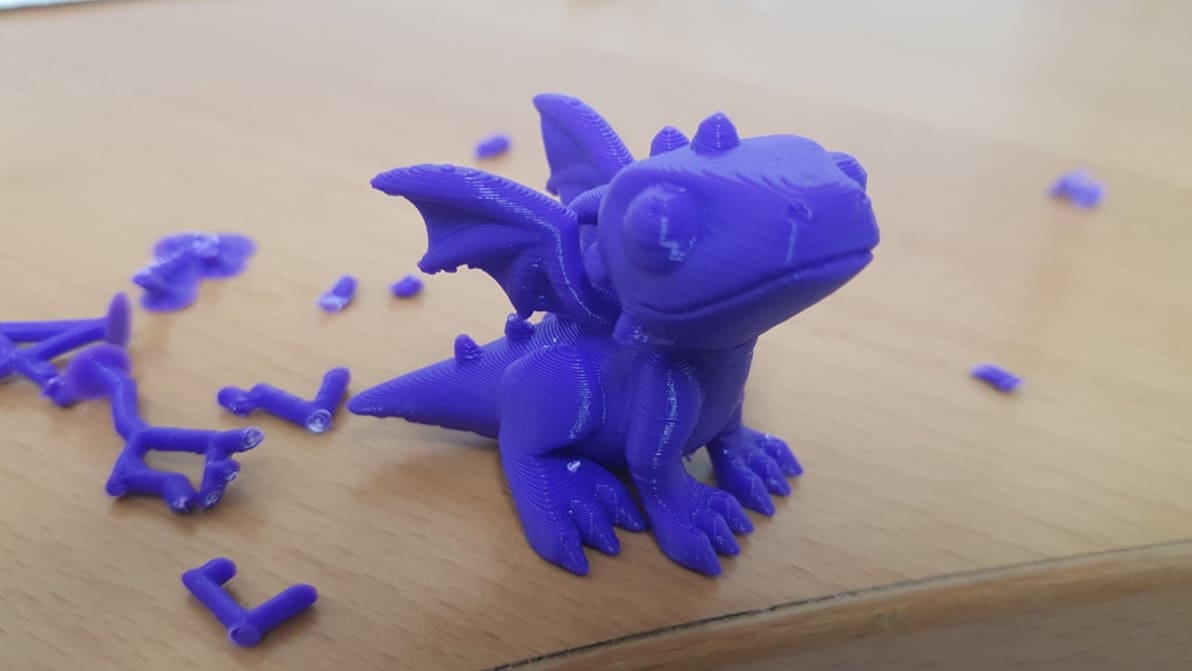
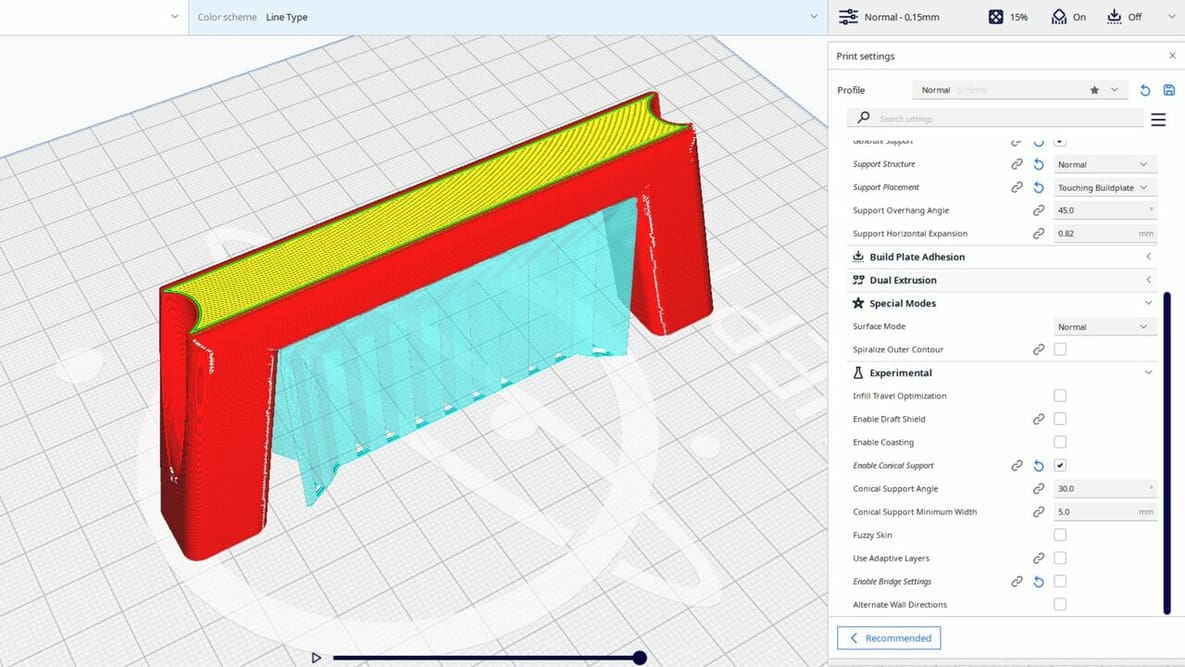
Cura offers a powerful range of settings to play with. Learn about the main Cura support settings and how to best support your prints.
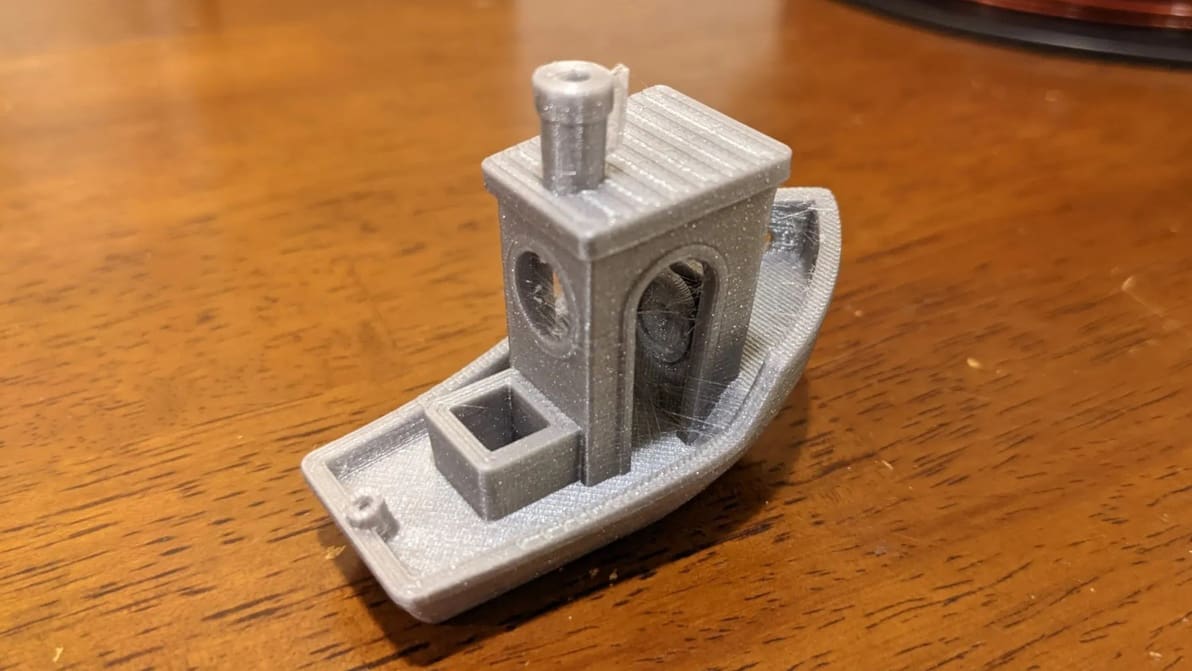
Retraction is the key to reducing stringing. Find out how to perfect your Cura retraction settings (including the coasting settings).
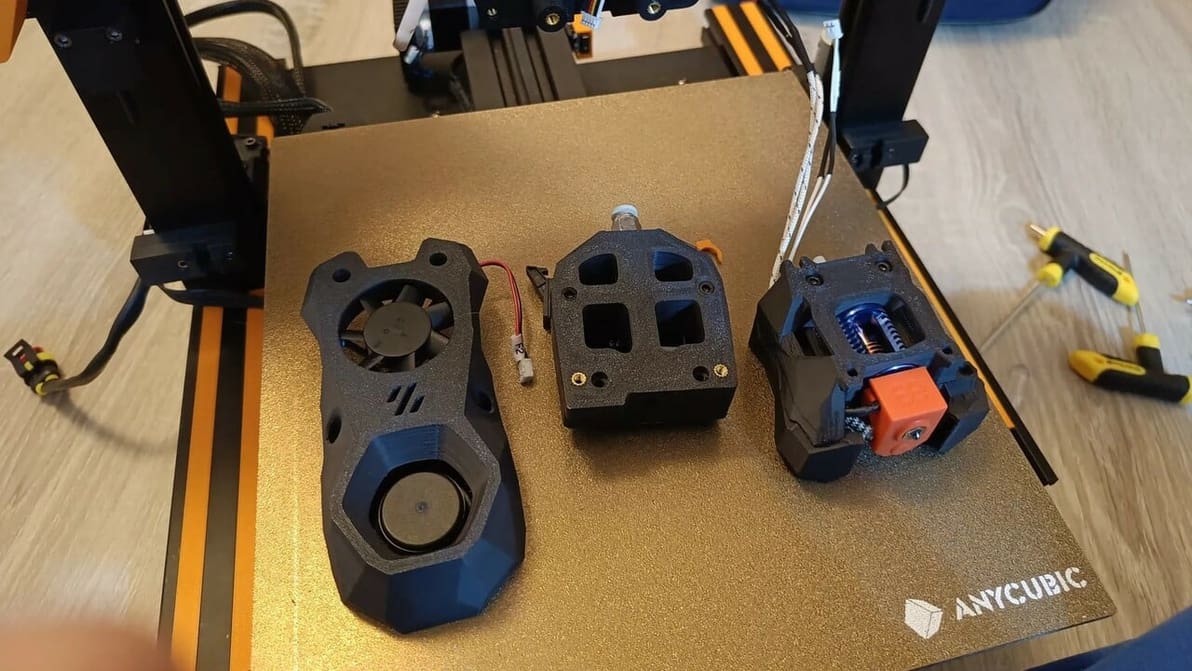
The Anycubic Vyper is packed with features, but there's always room for improvement. Read on for the best Anycubic Vyper upgrades!
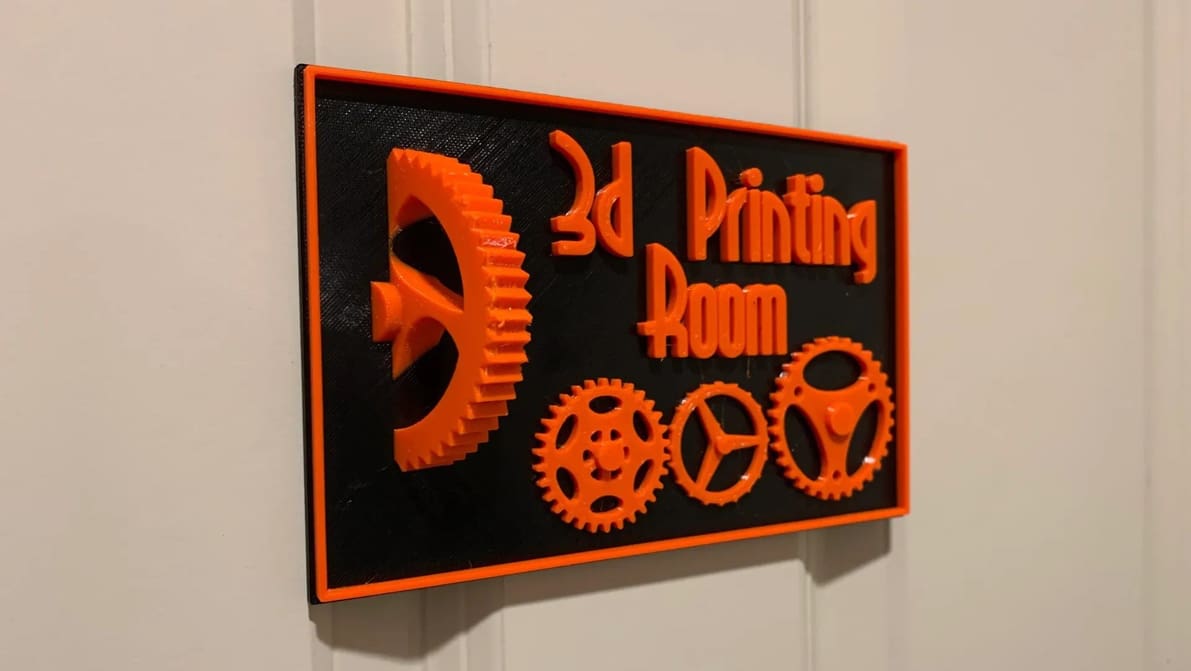
With Cura, filament change operations and mid-print insertions are easy. Find out how to use the Cura pause at height feature!
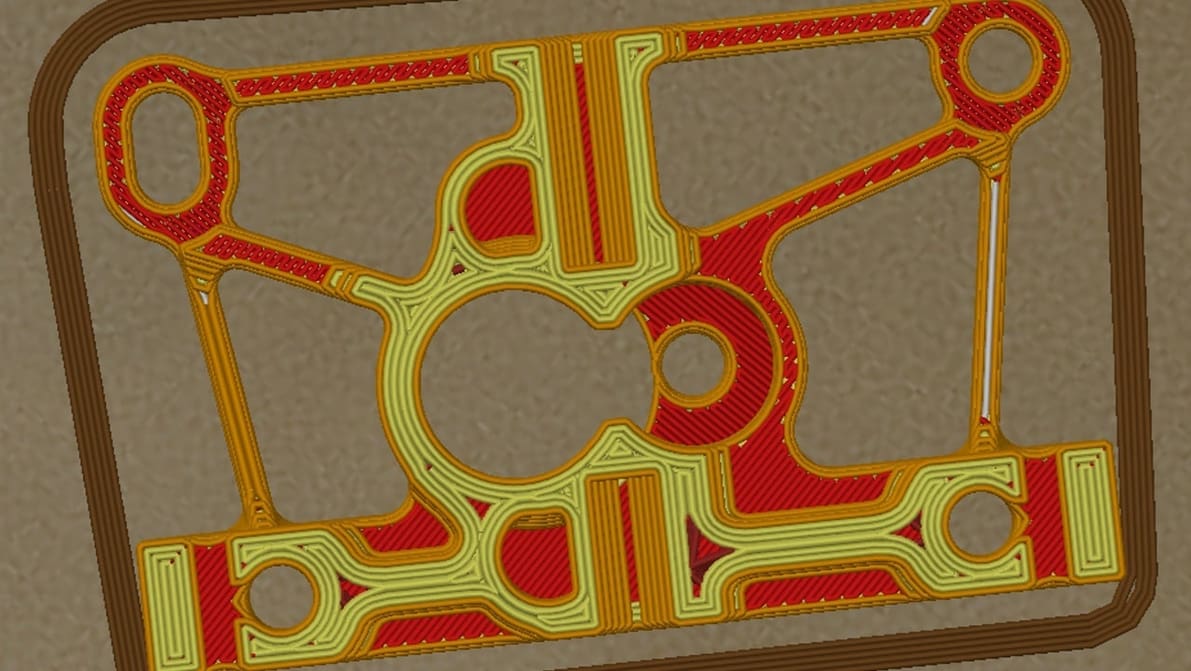
In Cura, Arachne allows for variable perimeter widths, conferring benefits like reduced print time. Read on for more about this innovation!
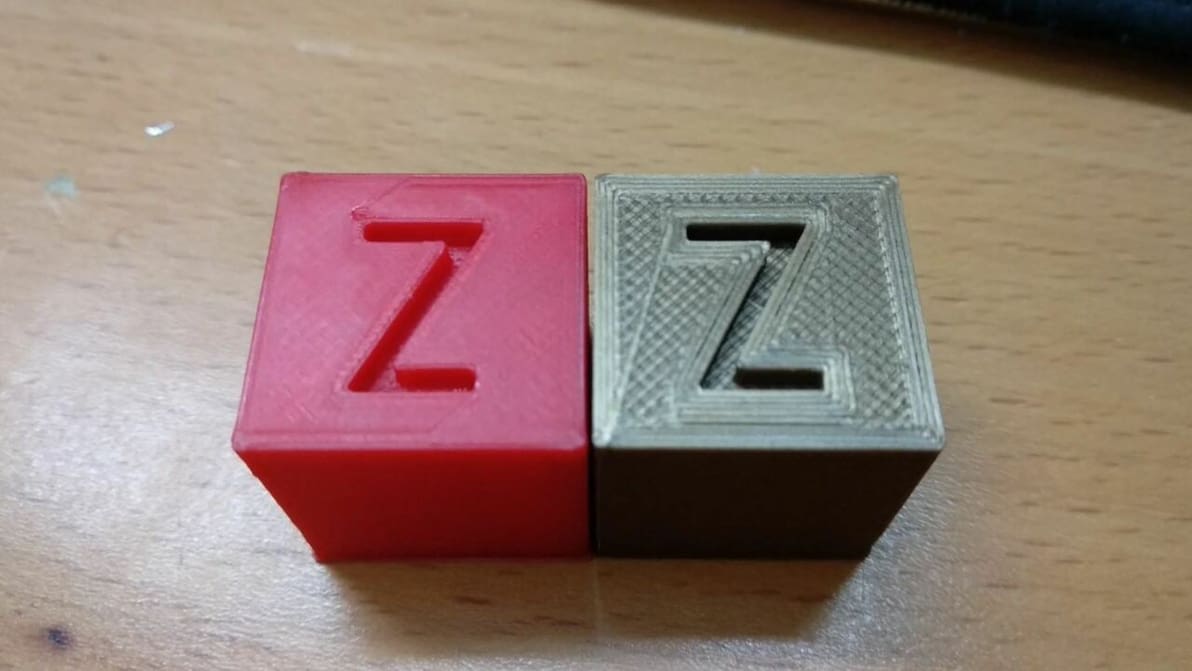
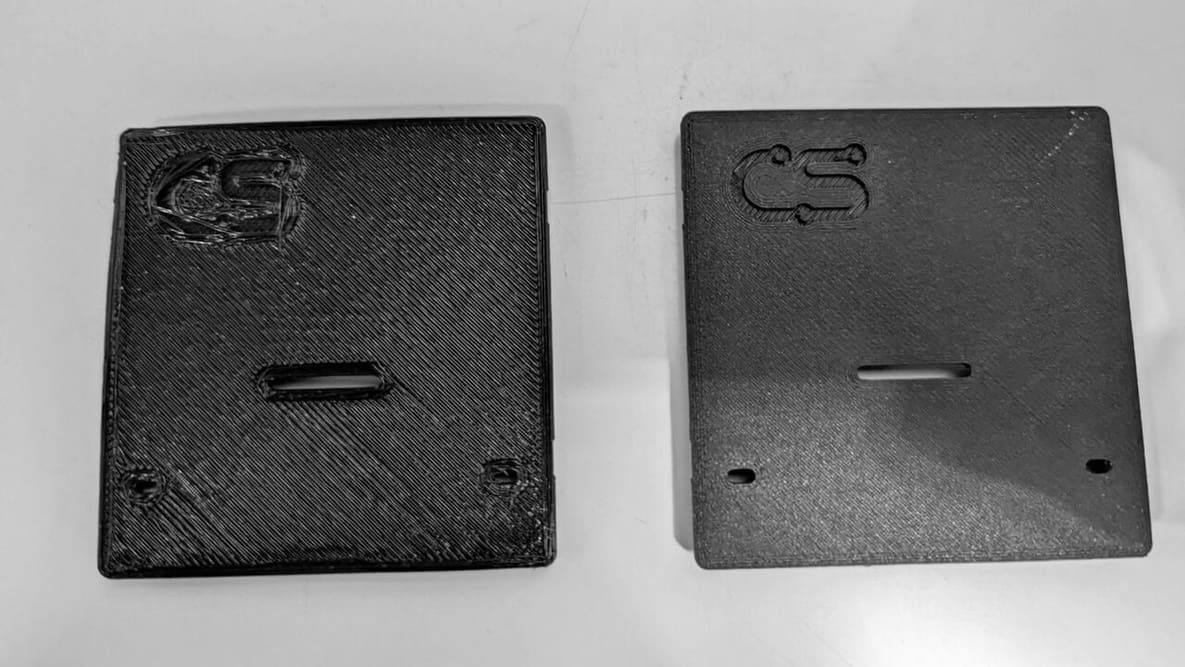
Ironing is a useful slicing feature that can smooth out the top layer of 3D prints. Read on to learn all about Cura ironing settings!

Supports falling off mid-print? Z Hop can help! Learn how to use this setting in Cura to improve your prints.
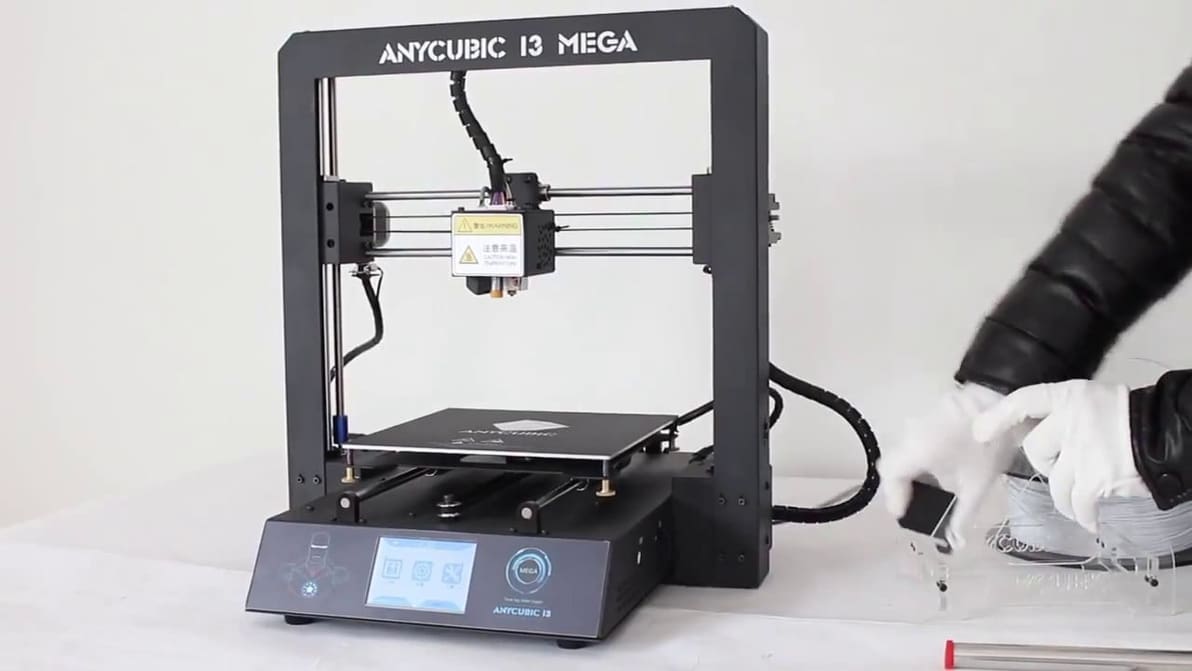
Looking for optimal Anycubic i3 Mega Cura settings? Here is what we suggest as the best Cura Anycubic i3 Mega Cura profile.
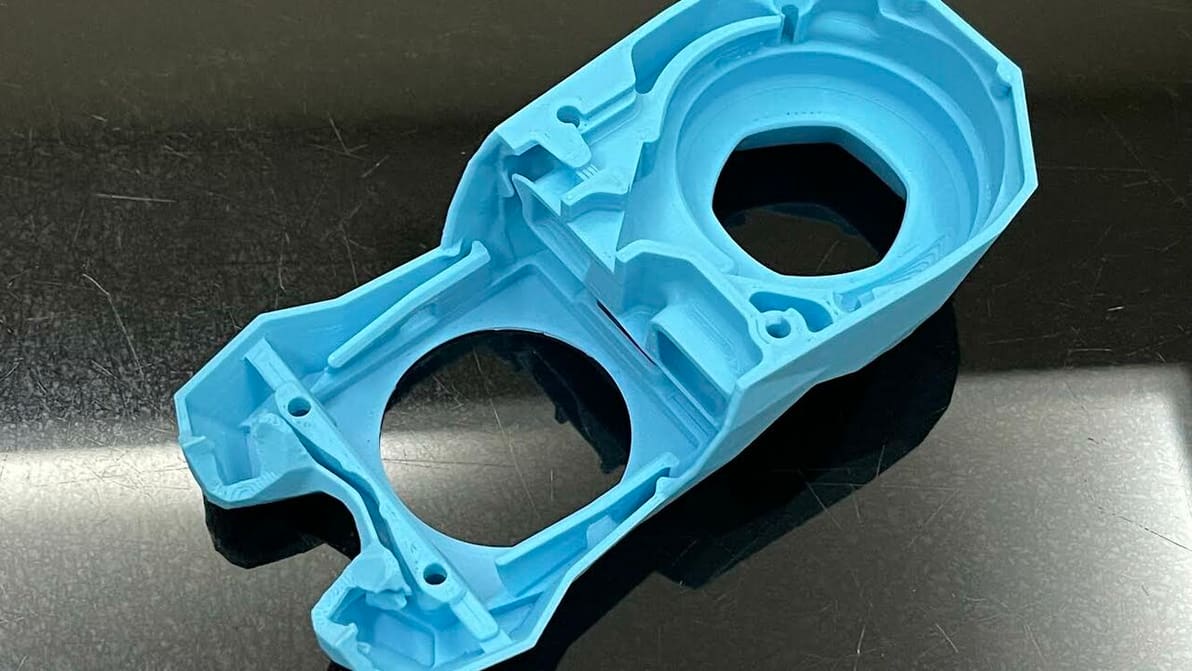
Cura's extrusion multiplier is actually called "Flow". Read to learn what it is, how to tune it, and how it can help fix print issues.
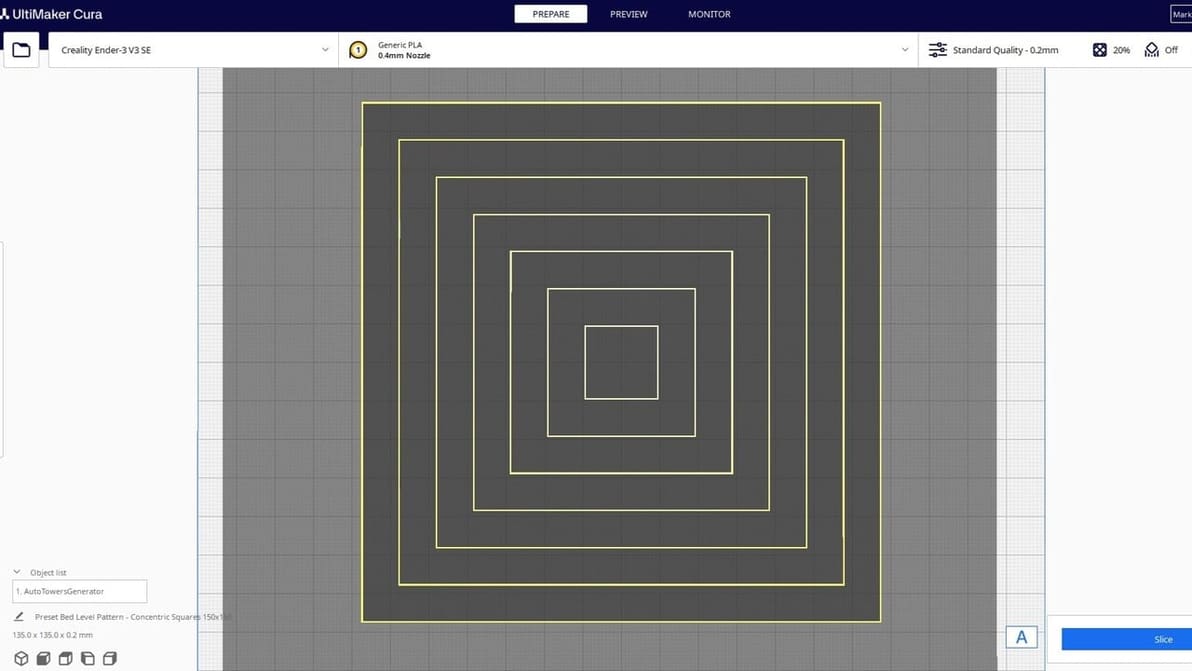
Plug-ins for UltiMaker's Cura take an already great slicer to a whole new level. Check out our top picks for the best Cura plug-ins!