Ultimaker Cura Software
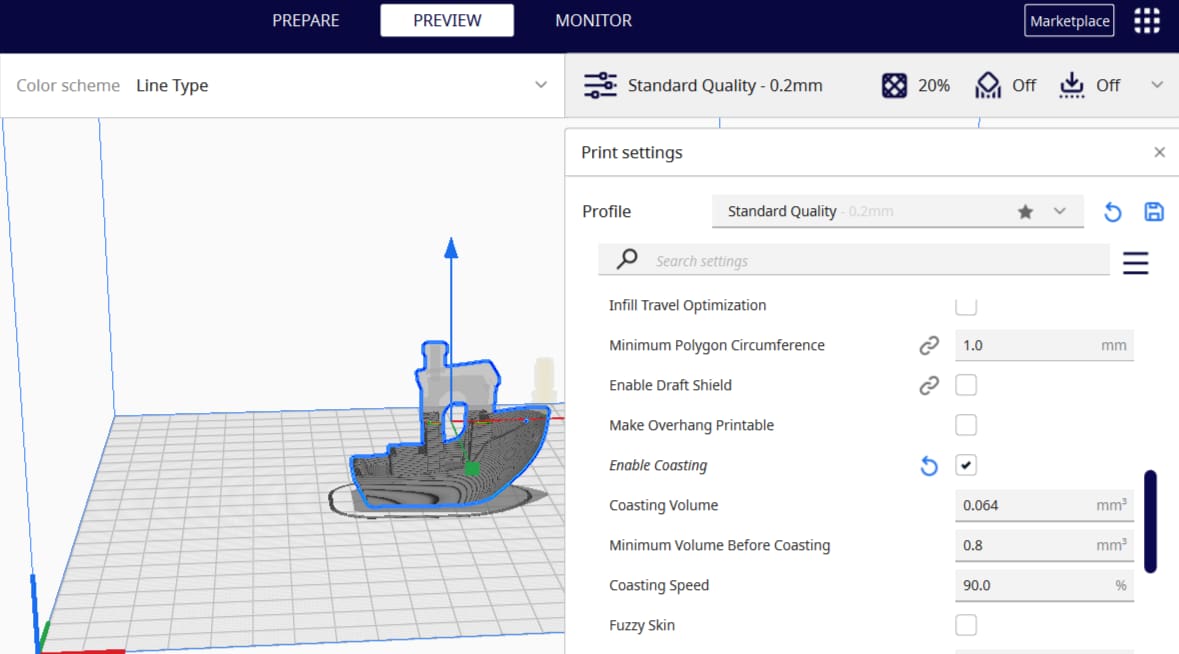
Cura is a 3D slicer with some very neat features. Keep reading to learn about the best Cura coasting settings and see what they can do!
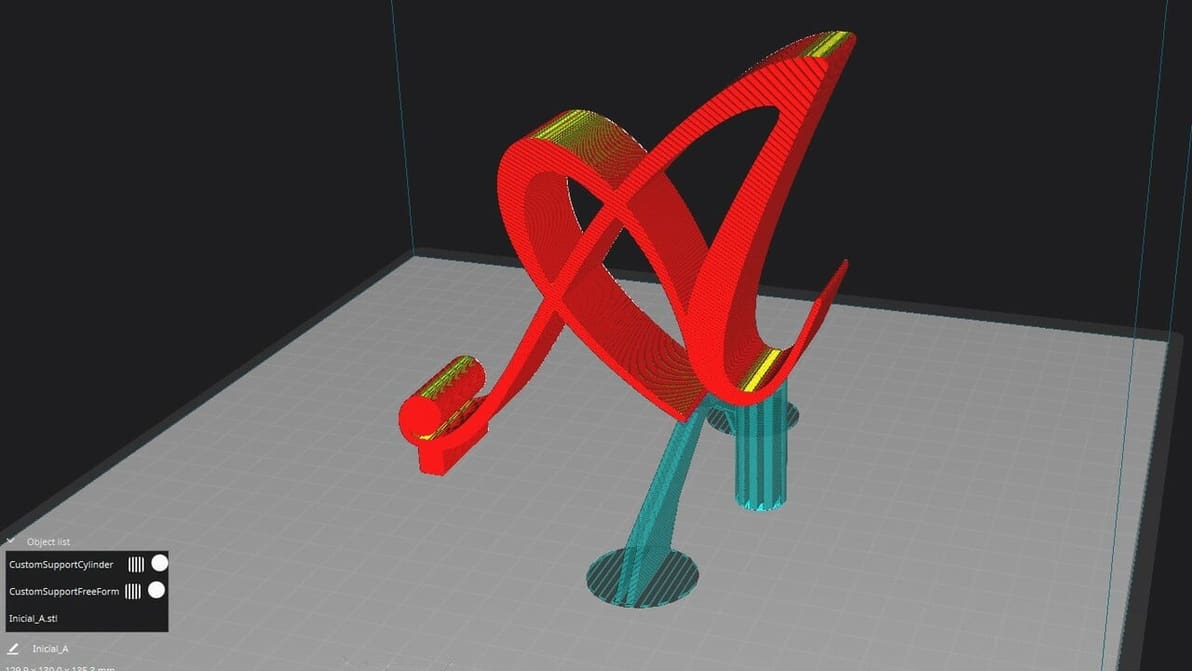
If Cura support generation isn't up to your standards, check out the Custom Supports plug-in to achieve your ideal settings!
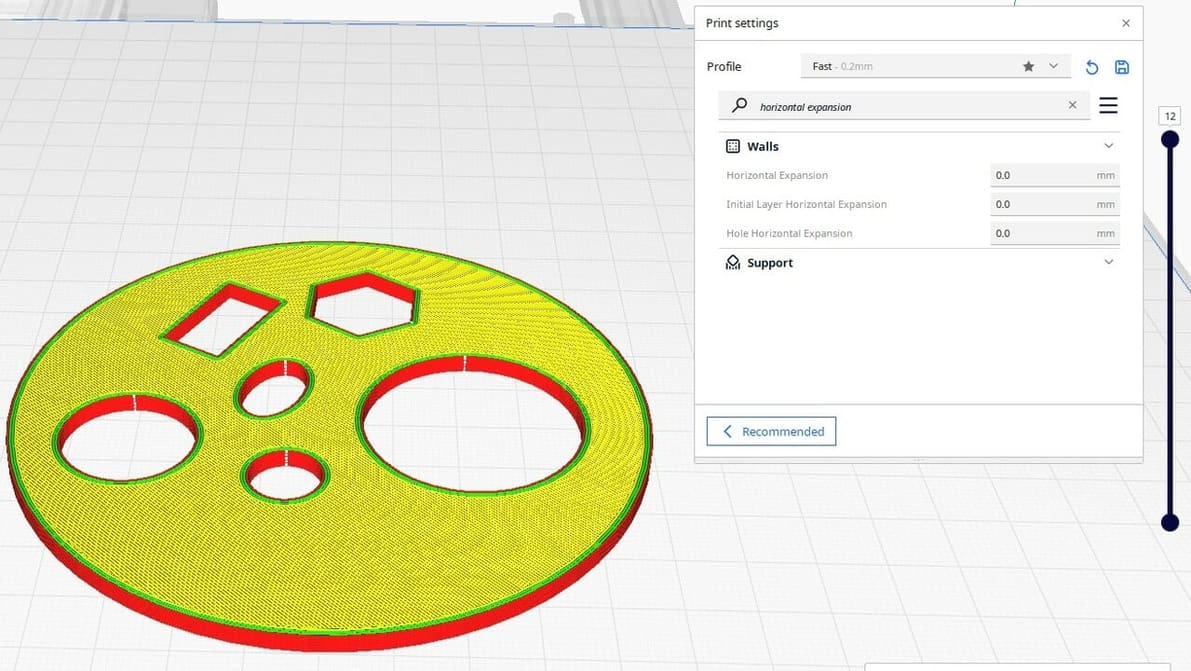
Cura Horizontal Expansion settings can fix dimensional inaccuracies and cure elephant's foot. Read on to learn more!
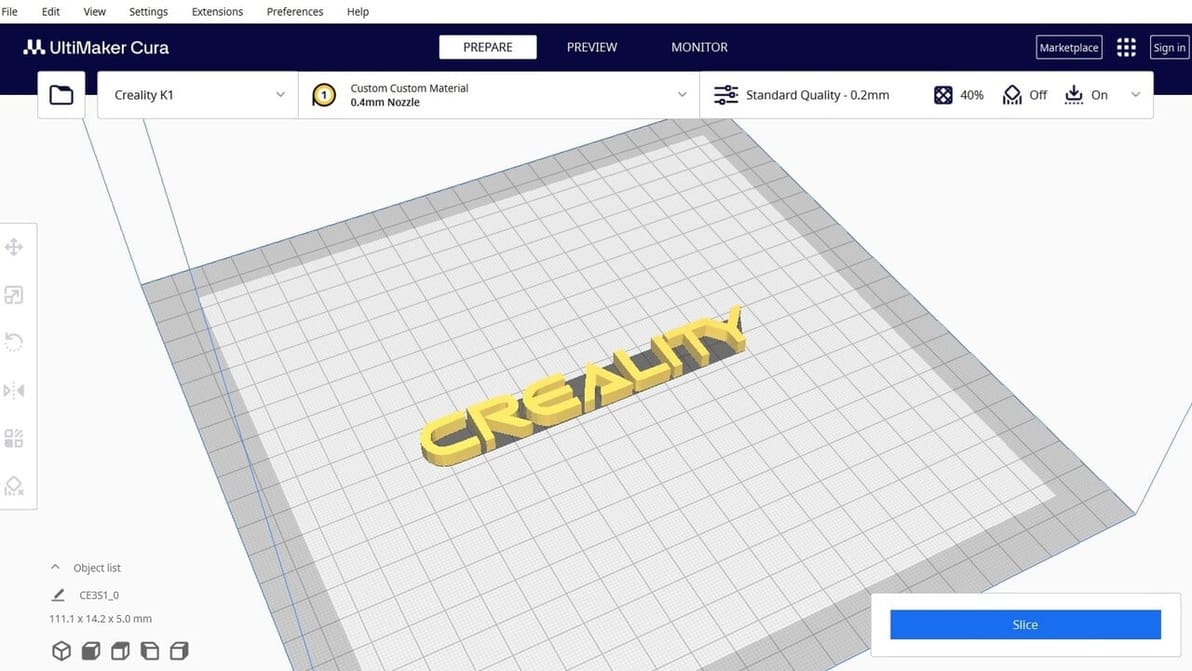
Creality Slicer vs Cura: slicing through the noise to find your perfect 3D printing partner! Read all about how these slicers stack up.
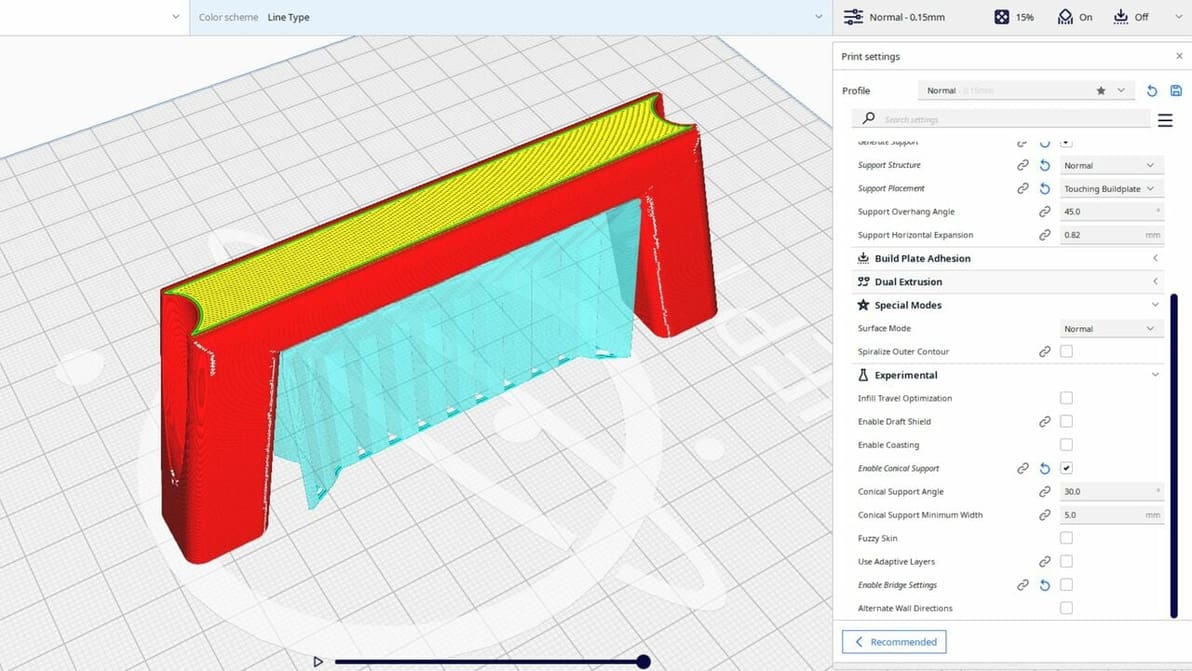
Cura's experimental settings can unlock hidden potential in your 3D printing experience. Read all about them!
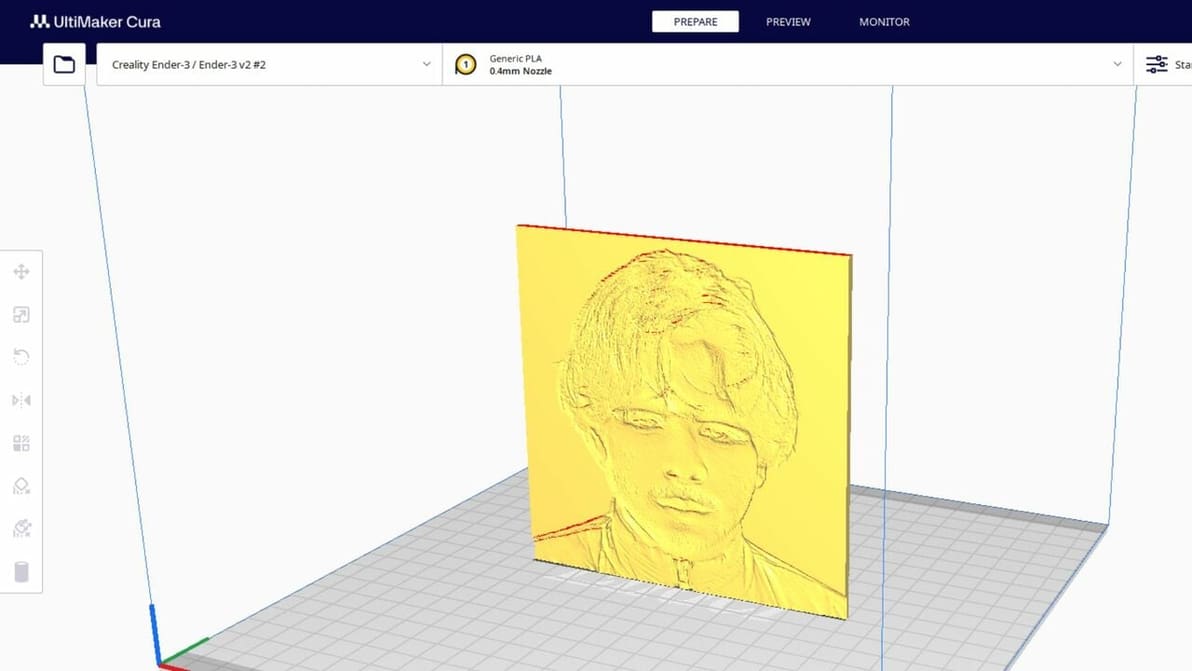
Lithophanes turn digital pictures into tangible ones that you can see when light shines through. Check out how to make a lithophane in Cura!
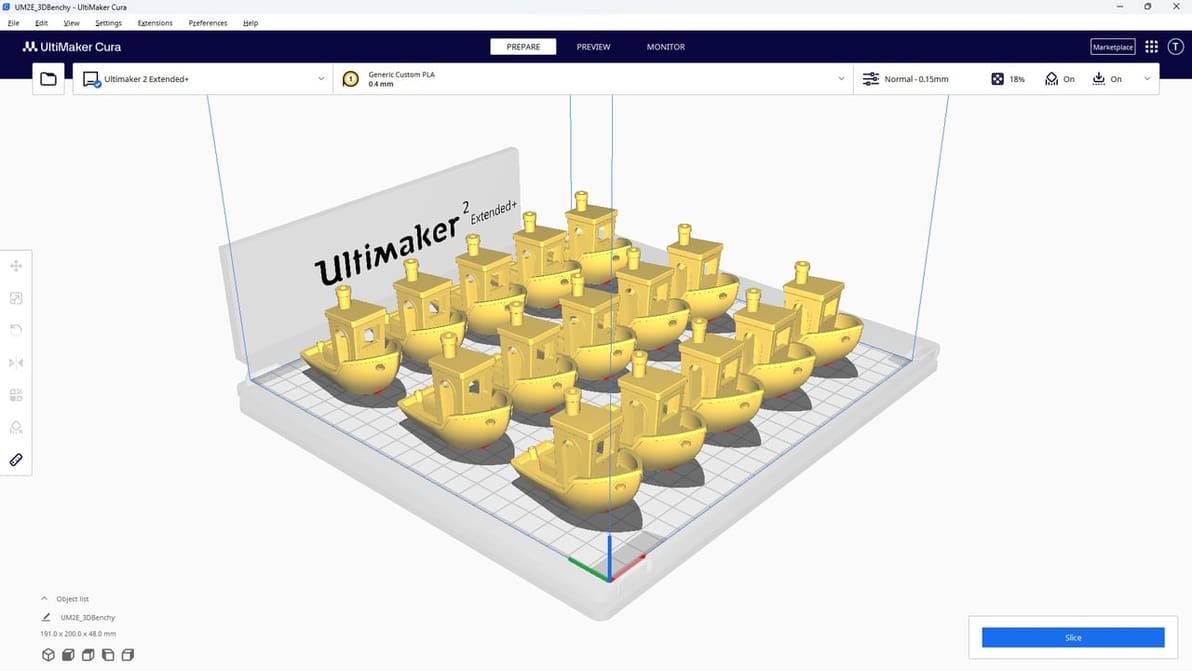
UltiMaker Cura is the slicer of choice for many 3D printing enthusiasts. Read all about it so you can start your Cura journey!
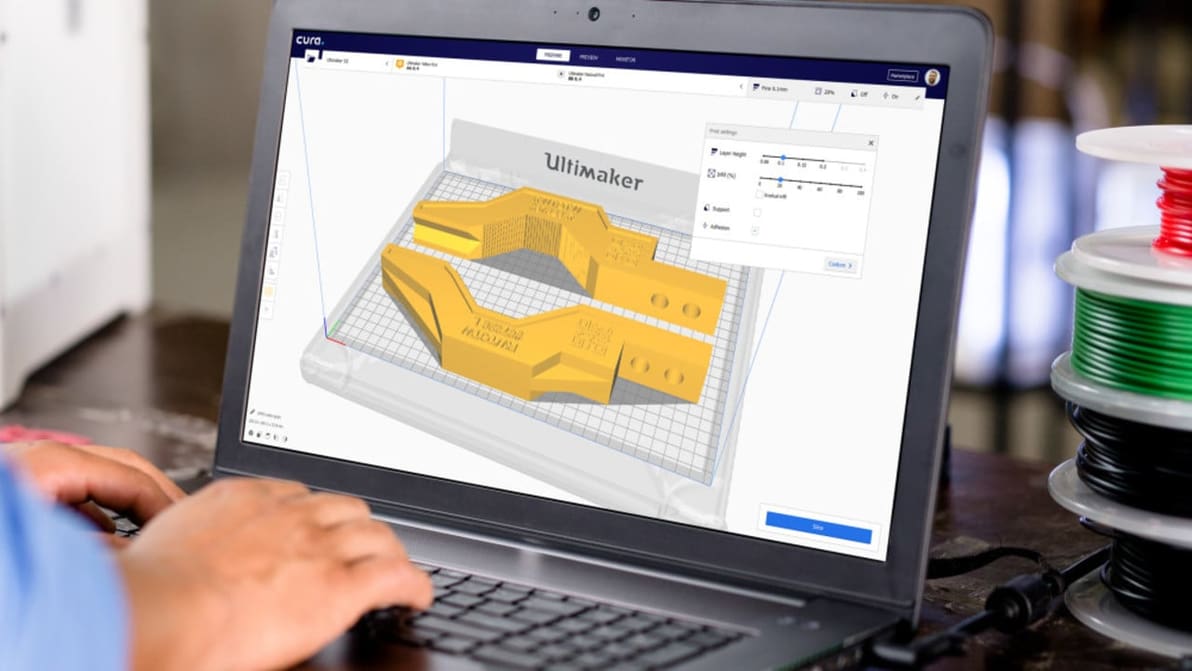
Do you know all the editions and versions of Cura? Explore this overivew of Cura versions, which identifies the differences and features of each one.
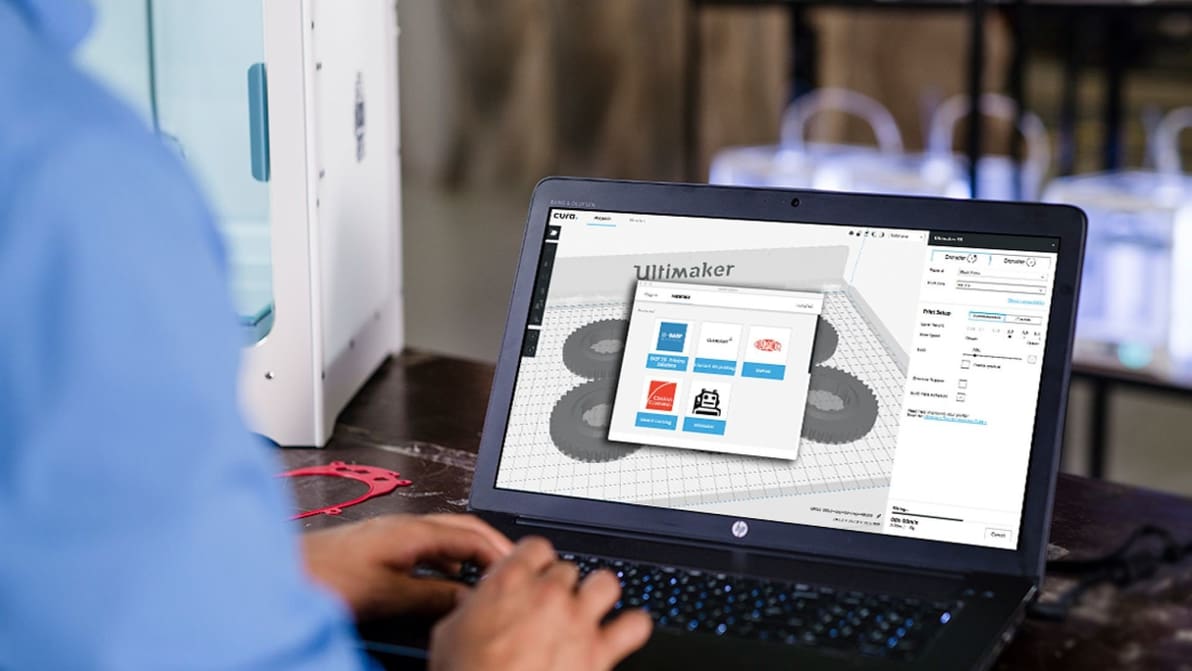
Ultimaker Cura, the free, open-source 3D printing slicer has been updated once again. The software now offers a convenient way to manage plug-ins and material profiles called the Marketplace. Download Cura 3.6 for free from Ultimaker’s website.
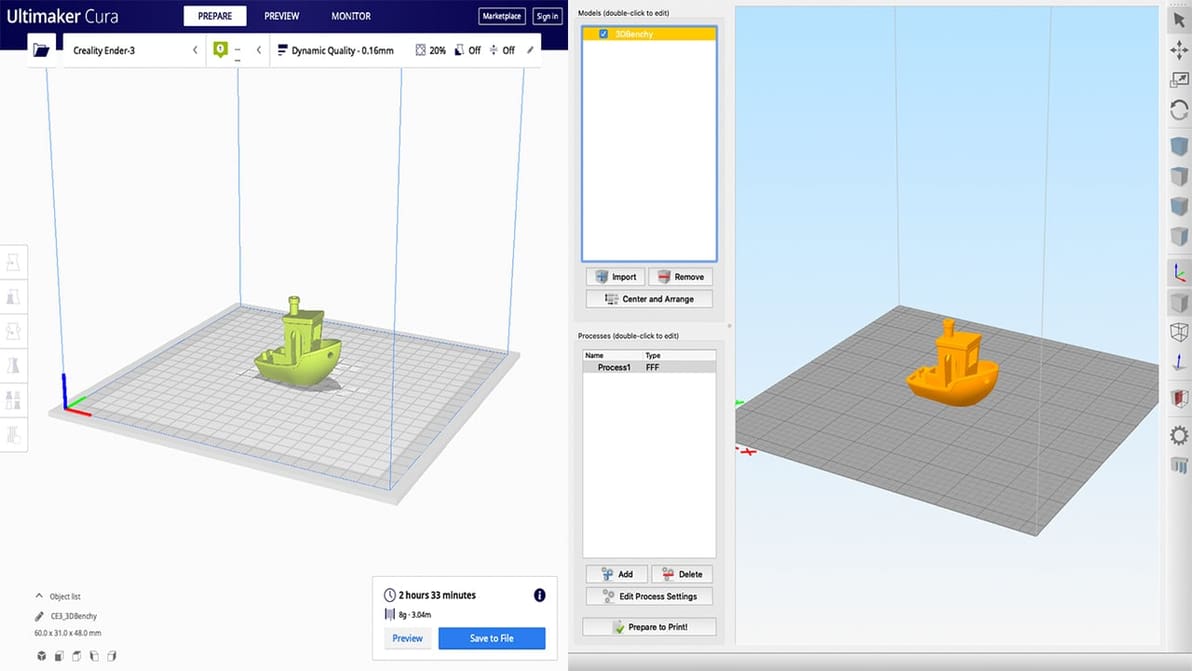
Among the most popular slicers, Simplify3D and Cura split opinions and hearts in the 3D printing community. Find out which is best for you!
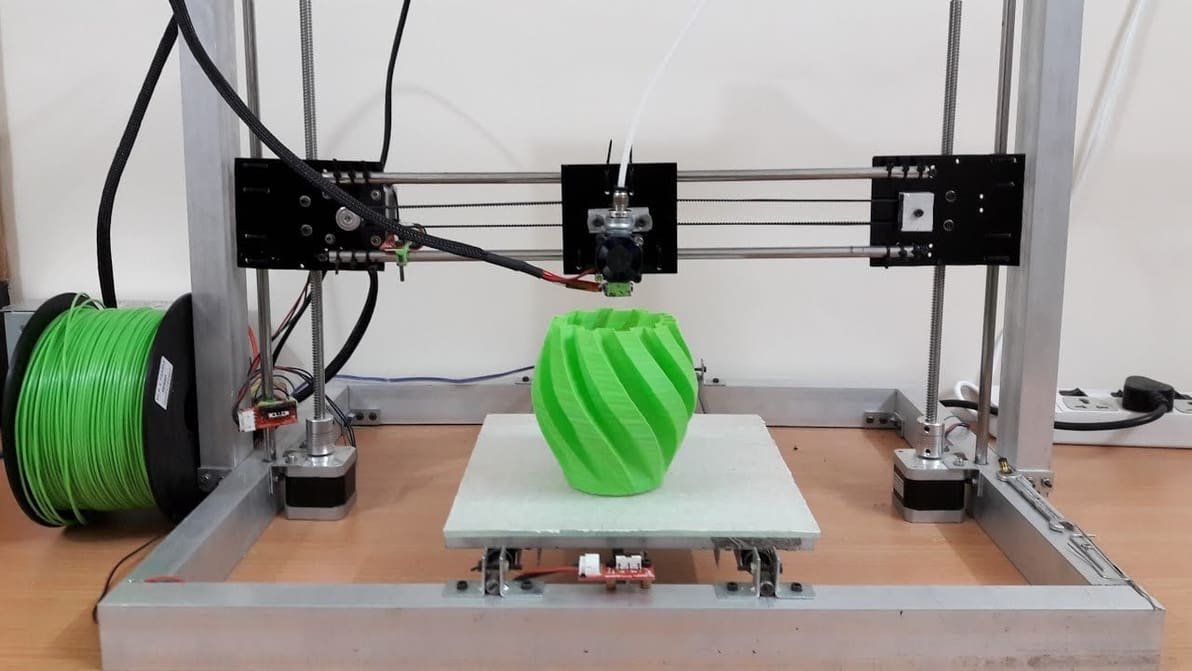
The 3D printing community loves tweaking and sharing printer settings. Learn to create your own Cura profile to add your 3D printer to Cura!
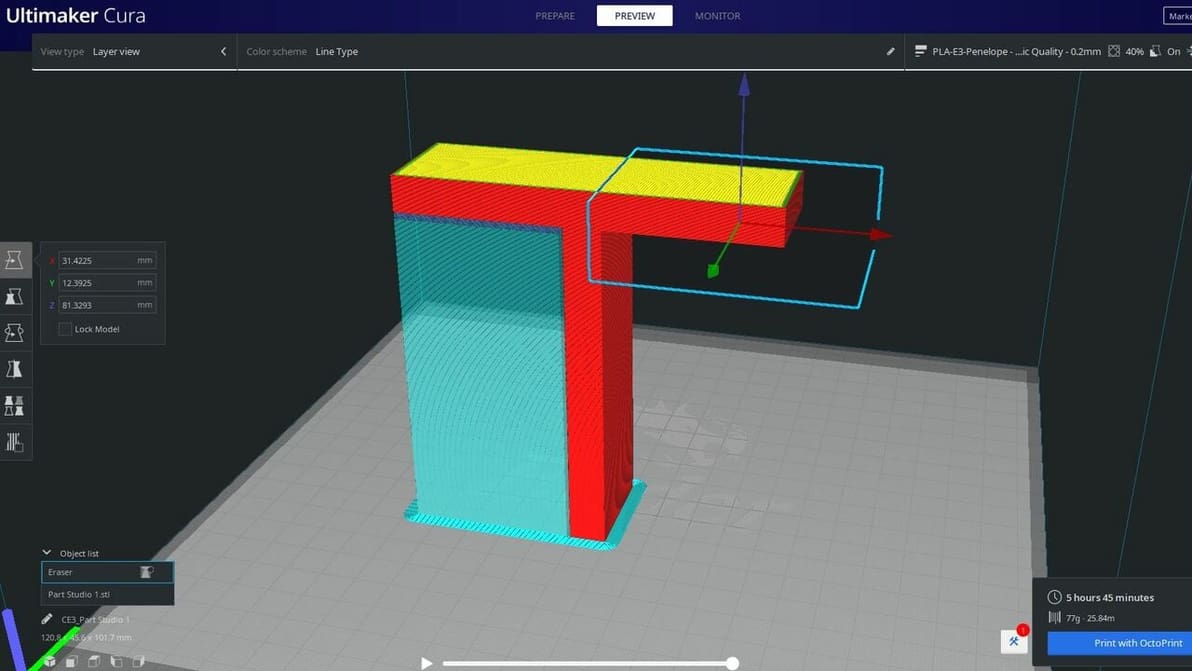
Cura's support blocker feature is great for preventing supports from being where you don't need them. Read on to learn more!
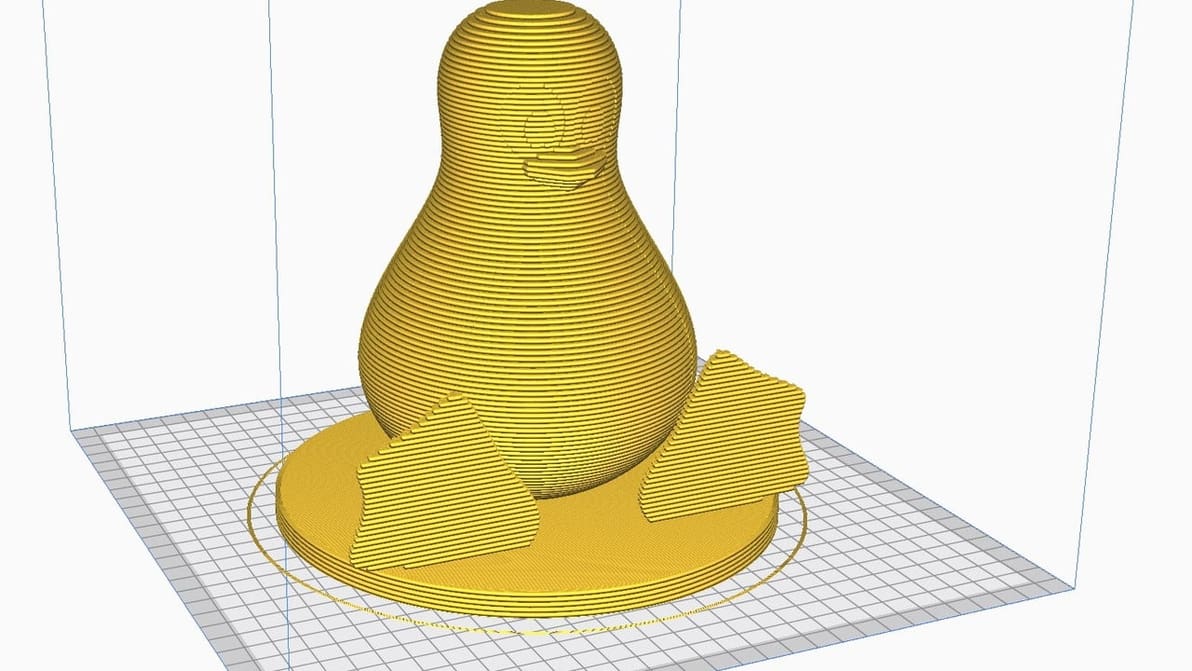
Running Cura on Linux is easier than you think. With a few quick steps, get Cura onto your Linux machine and you're ready for a first print!
Ultimaker has launched the latest version of its popular slicer, Cura 4.10. Take a look at the new features and updates.
Ultimaker has launched the latest version of its popular slicer, Cura 4.9. Is it the cure for all your slicing troubles?
Ultimaker has launched a new beta update to its open-source 3D printing slicer, Cura. This version, Cura 4.1, promises to bring more control to a user's 3D printing workflow.
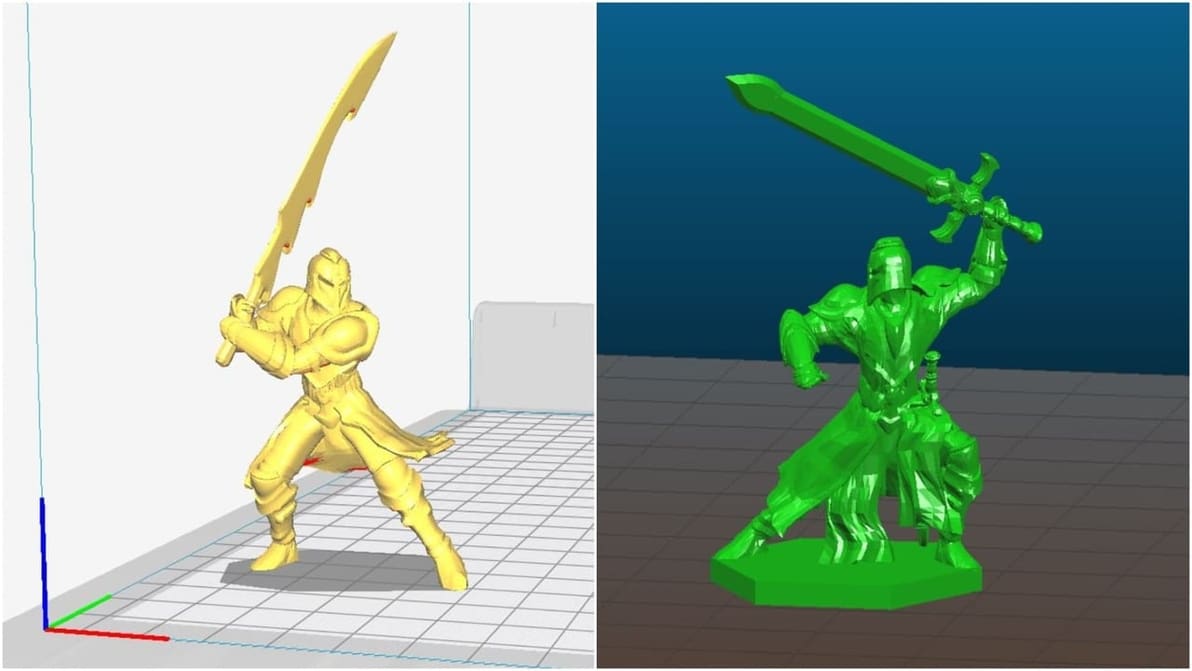
Slic3r or Cura? That's the question! We compare the top two open source slicers, focusing on their best features. Find out which is best for you.
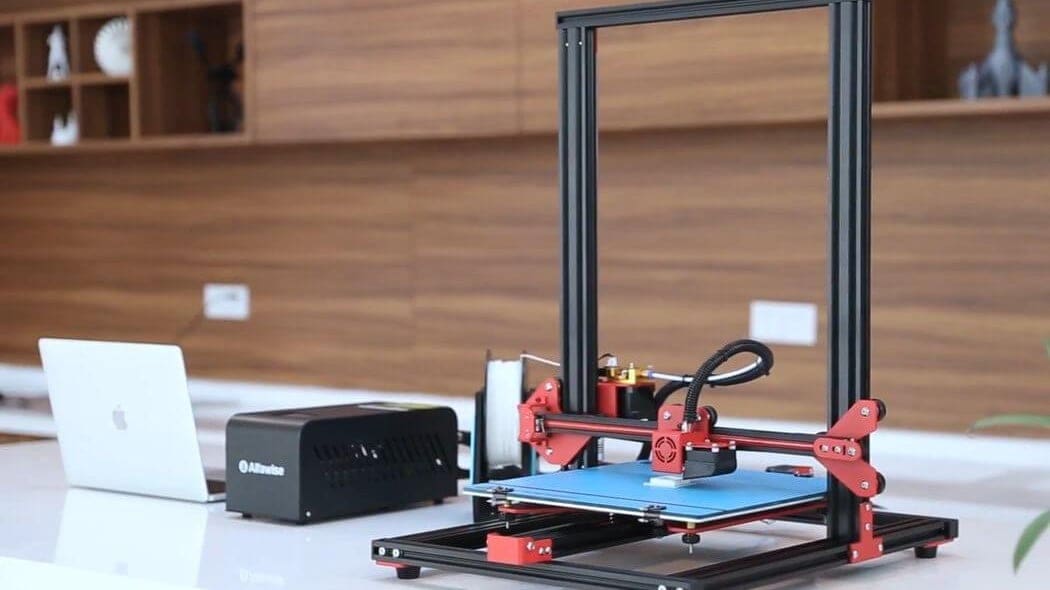
The Alfawise U20 is a popular 3D printer amongst budget-minded makers, but the lack of quality Cura settings has left many users stranded. Here are the best Cura profile settings for the Alfawise U20.
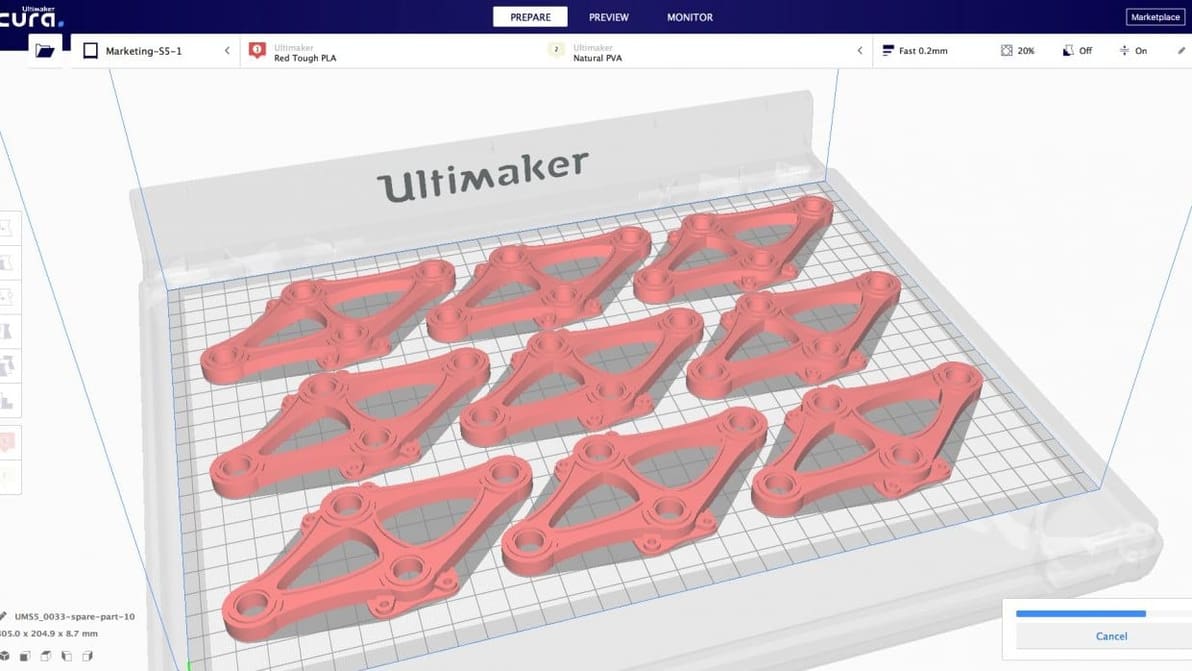
Cura, the free, open-source 3D printing slicer is in the process of being updated to Version 4.0. Ultimaker’s "early Christmas gift" has launched as a preview of the software's new user interface is available now.
UltiMaker's Chief of Cura opens up about speed, algorithm advancements, and groundbreaking engine plugins.