SolidWorks

Featured image of SolidWorks Macros: How to Get Started
Automate Your Workflow
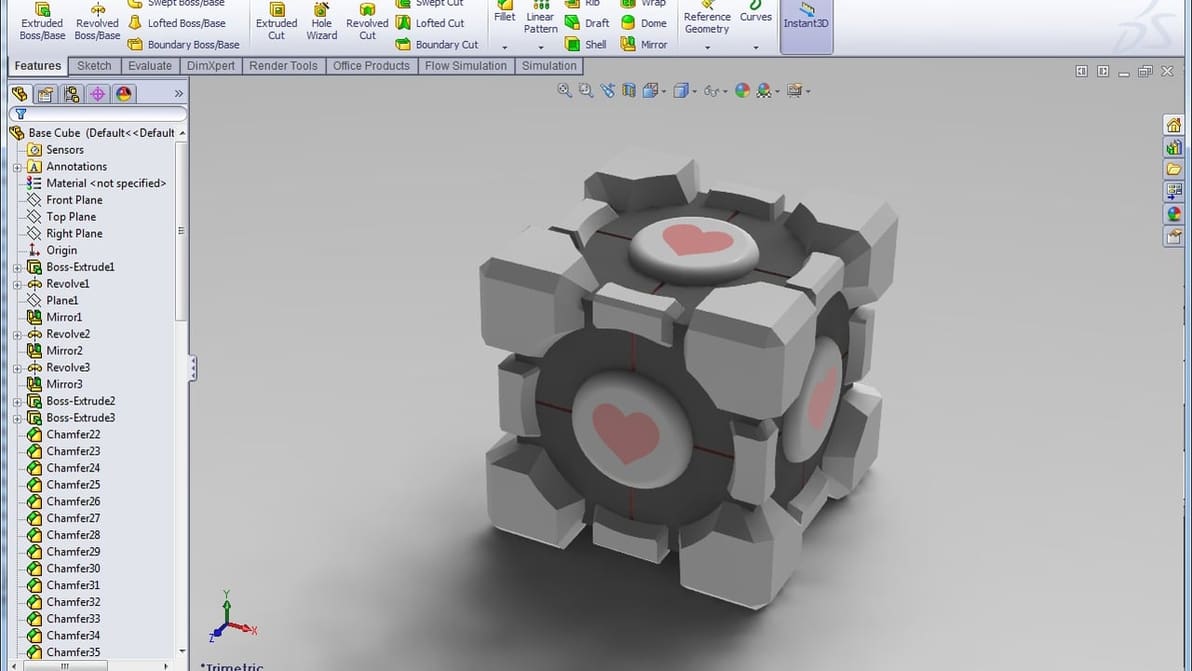
SolidWorks Macros: How to Get Started

Macros are a great way to speed up your design process and save time. Read on to learn how to create your own SolidWorks macros!

by Ofir Galiki
Featured image of SolidWorks Certification: What Is It?
Solidify Your Knowledge
SolidWorks Certification: What Is It?

Looking to rise up as a CAD expert? Join the thousands of engineers and designers taking advantage of SolidWorks certification.

by Kristóf Kalocsai
Featured image of An Inside Look at the Last-Ever SOLIDWORKS World
Showfloor Report
An Inside Look at the Last-Ever SOLIDWORKS World

Nearly 7,000 professionals, enthusiasts, designers, exhibitors, experts, attended the last "SOLIDWORKS World" in Dallas. Read Sarah Goehrke’s report on the most important CAD conference – and how it will be rebranded for 2020.

by Sarah Goehrke
Featured image of SolidWorks 2018: Faster Workflows, VR Integration, Collaborative Features
Substantial Update to Solid Software
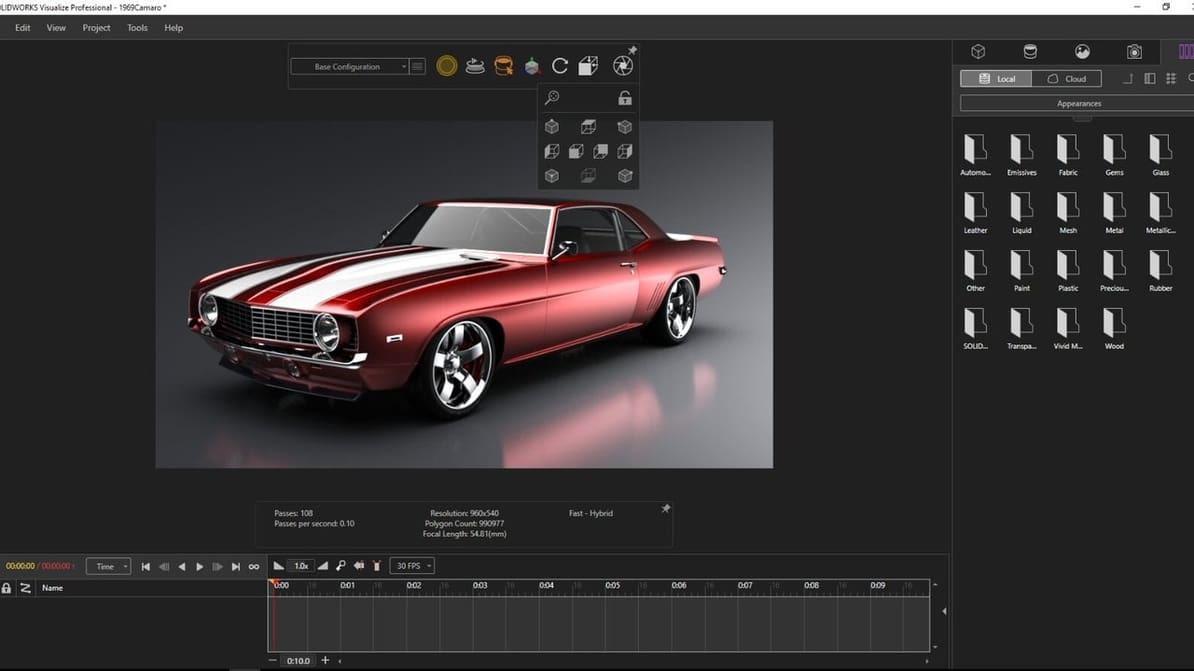
SolidWorks 2018: Faster Workflows, VR Integration, Collaborative Features

The go-to-engineering platform of many engineers, SolidWorks, is receiving a long-awaited make-over this year. The update is due for release in November.

by Max von Übel
Featured image of Eclectical Engineers 3D Print an Underwater Ironman Jetpack
Faster then Phelps
Eclectical Engineers 3D Print an Underwater Ironman Jetpack

Wish you were Iron Man, only underwater? YouTube channel Eclectical Engineering made an underwater flight-suit with 3D printed propellers.
by Hanna Watkin
Featured image of Engineering Student Designs Tactile Maps for Blind Students
Leading by Example
Engineering Student Designs Tactile Maps for Blind Students

An engineering student is creating tactile maps with braille to help visually impaired students find their way around campus.

by Hanna Watkin
Featured image of Create Holograms with your Smartphone using Holo-Z
Pocket Lightshow
Create Holograms with your Smartphone using Holo-Z

Convert your smartphone into a holographic projector with the Holo-Z, a 3D printed accessory available to buy on Sculpteo.

by Hanna Watkin
Advertisement
Advertisement