Prusa Research
Recent
Most popular
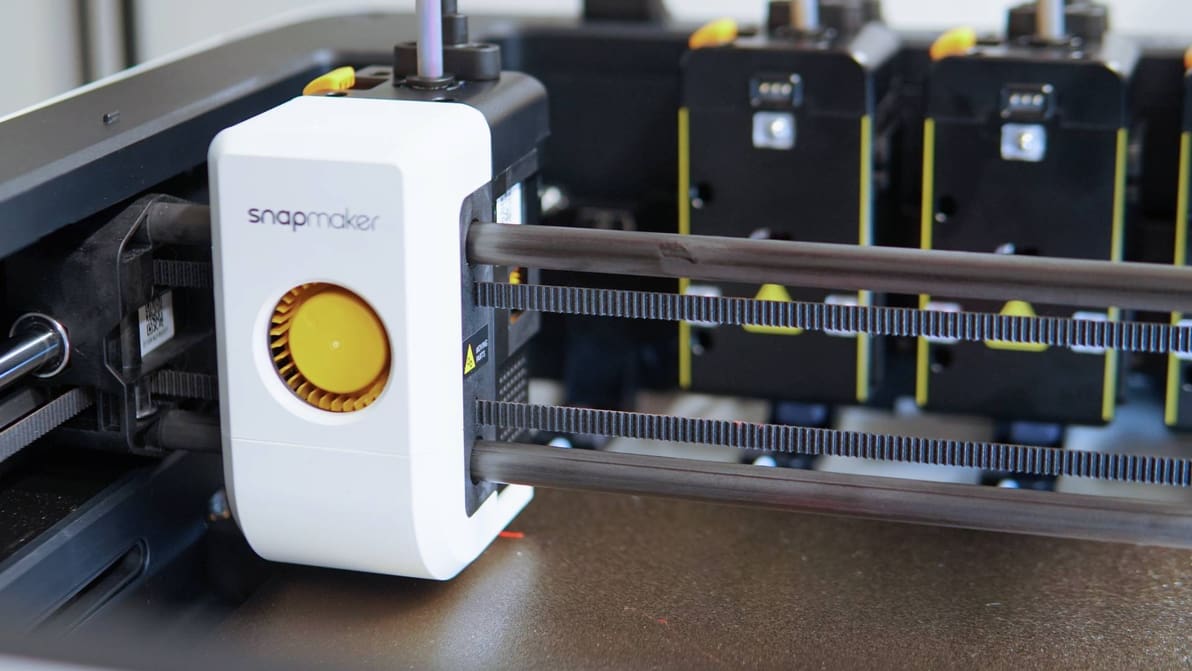
Stop looking and start printing: we’ve reviewed and picked the best 3D printers across many categories to help you find the best tech for your needs.
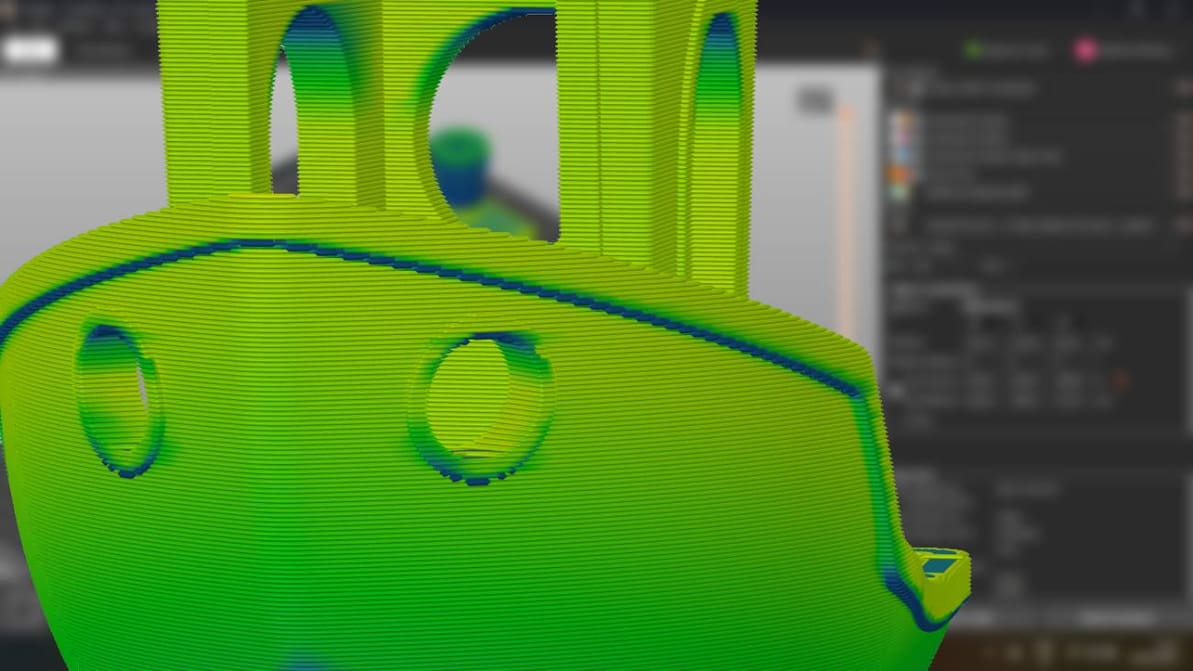
When you’re just setting out 3D printing, don’t overthink the slicer. Picking the right one for you is probably much simpler than it seems.
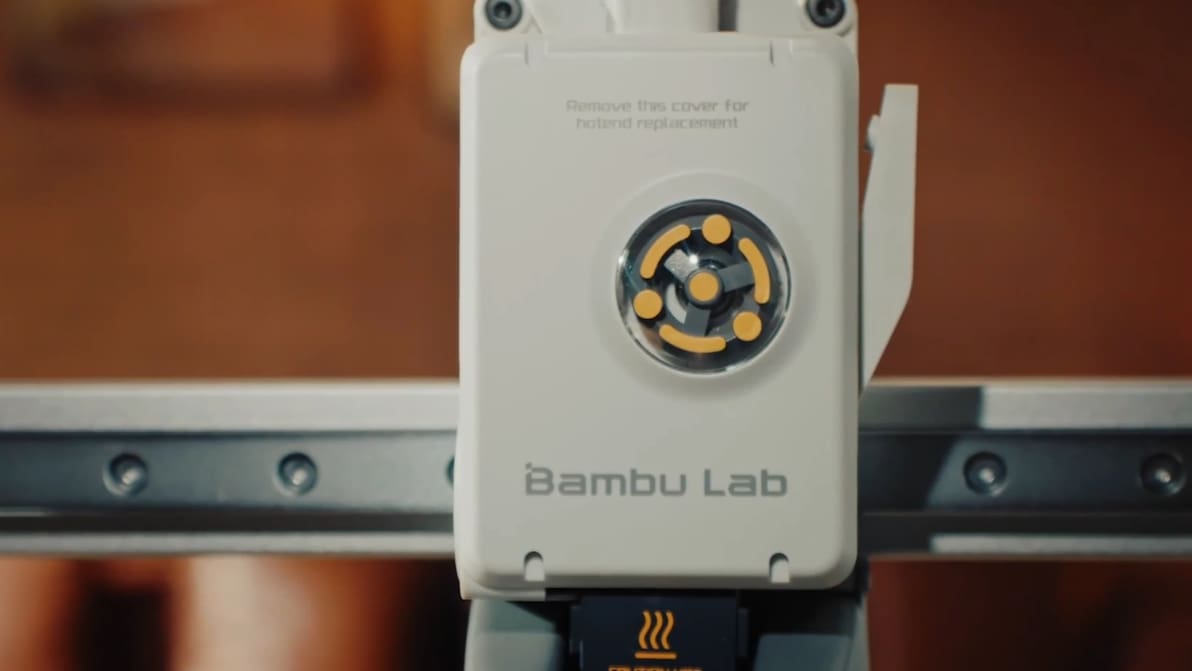
Looking for a good and cheap filament 3D printer? Check out our picks for the best budget 3D printers under $200, $300, $500, and $1,000.
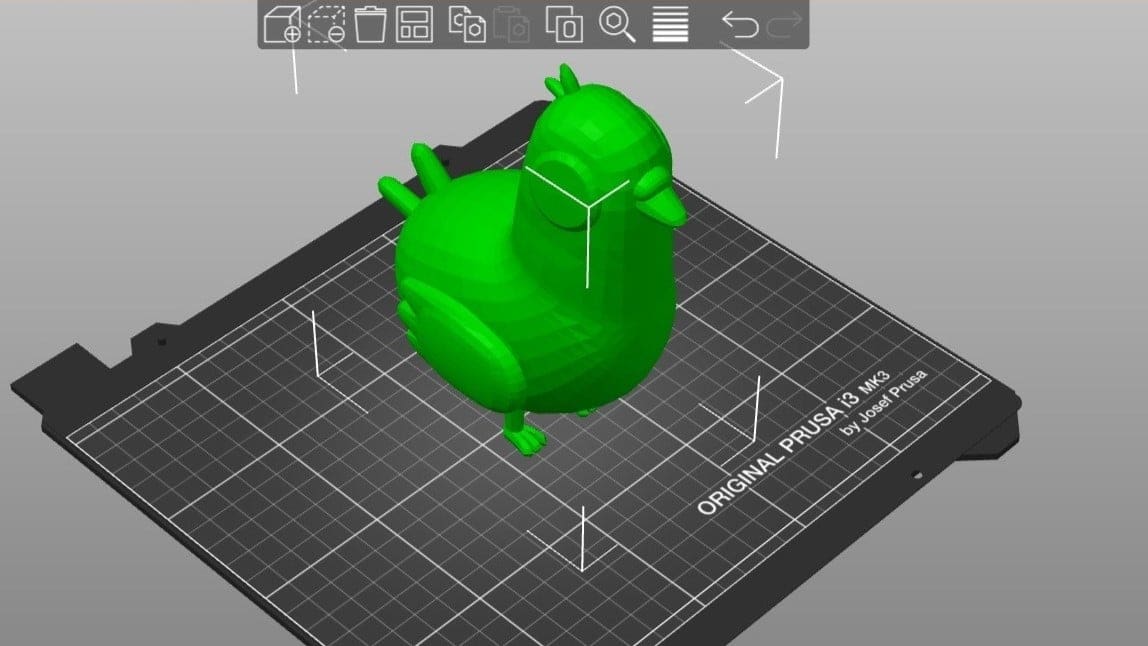
PrusaSlicer is powerful slicing software with a long list of expert-level settings. Read on to learn how to get the best out of your prints!
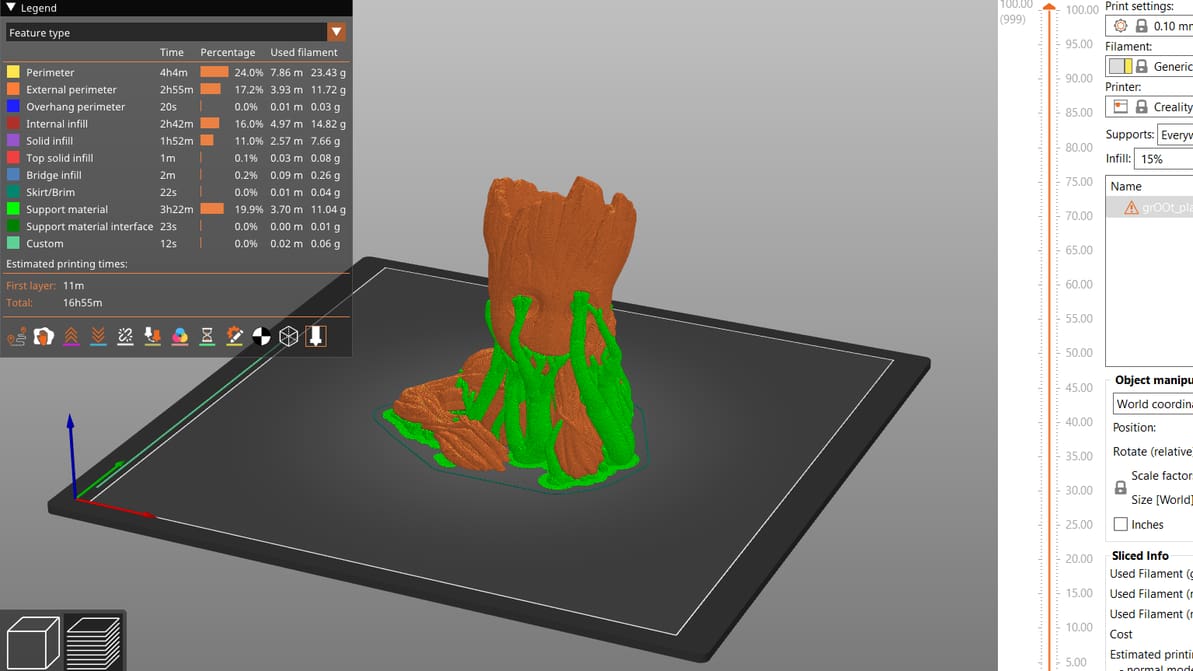
PrusaSlicer gives users a lot of control over their prints. Read on to get the most out of PrusaSlicer support settings, even tree supports!
You don't need a Prusa printer to enjoy PrusaSlicer. Learn how to find the best PrusaSlicer Ender 3 (V2/Pro/S1) profile for your needs!
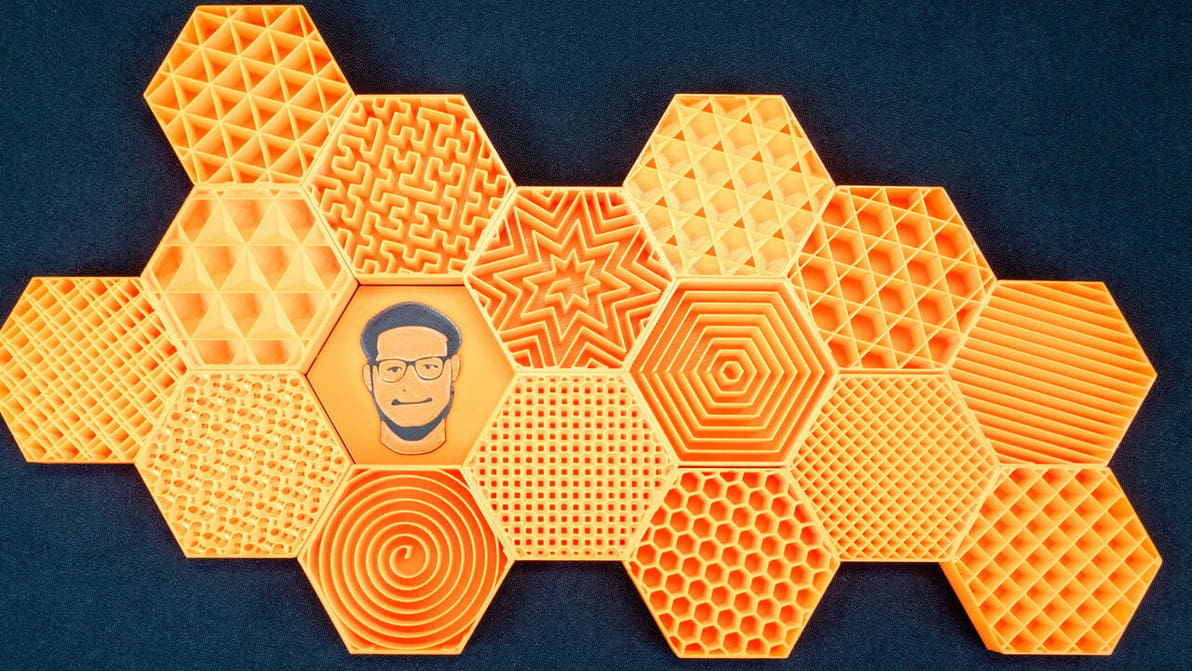
PrusaSlicer infill patterns are some of the most diverse of any slicer. Read on to learn which one is best for you!
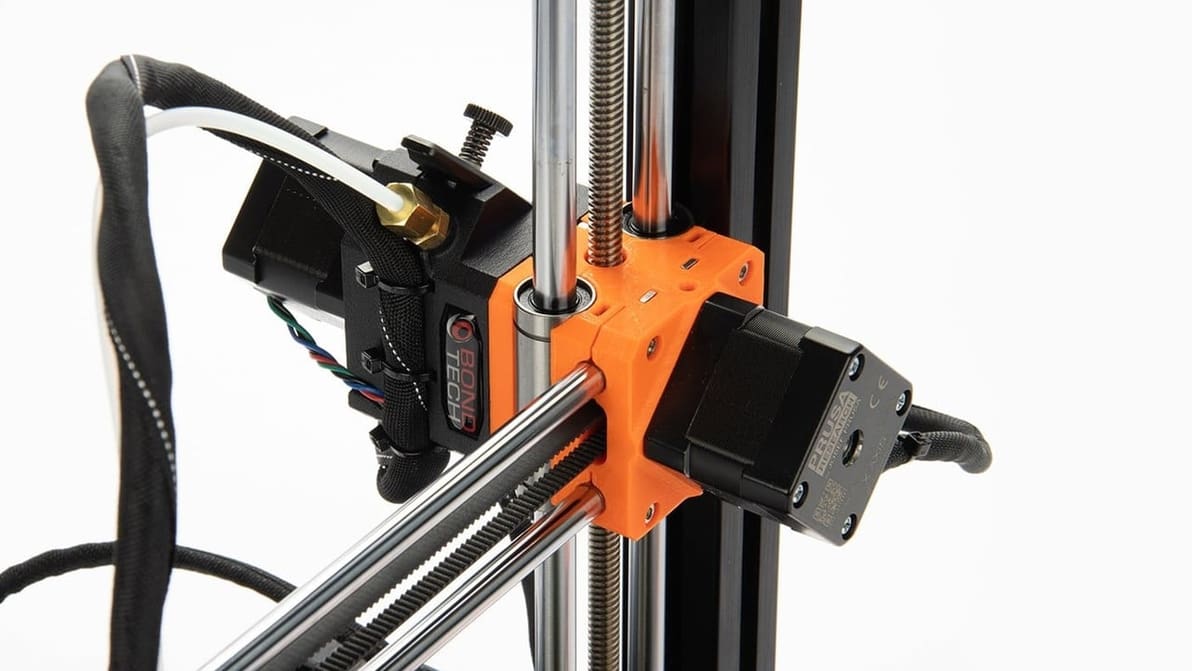
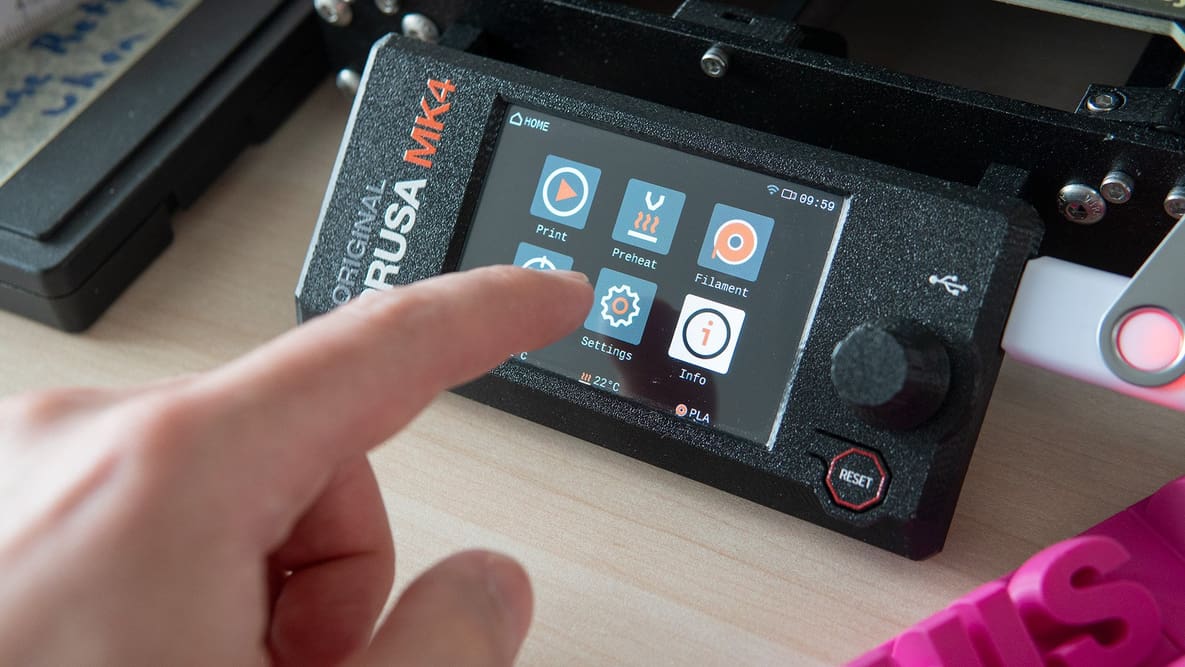
The Prusa Mini and Mini+ are remarkable machines, especially for their price. Make them even better with these Prusa Mini upgrades and mods!
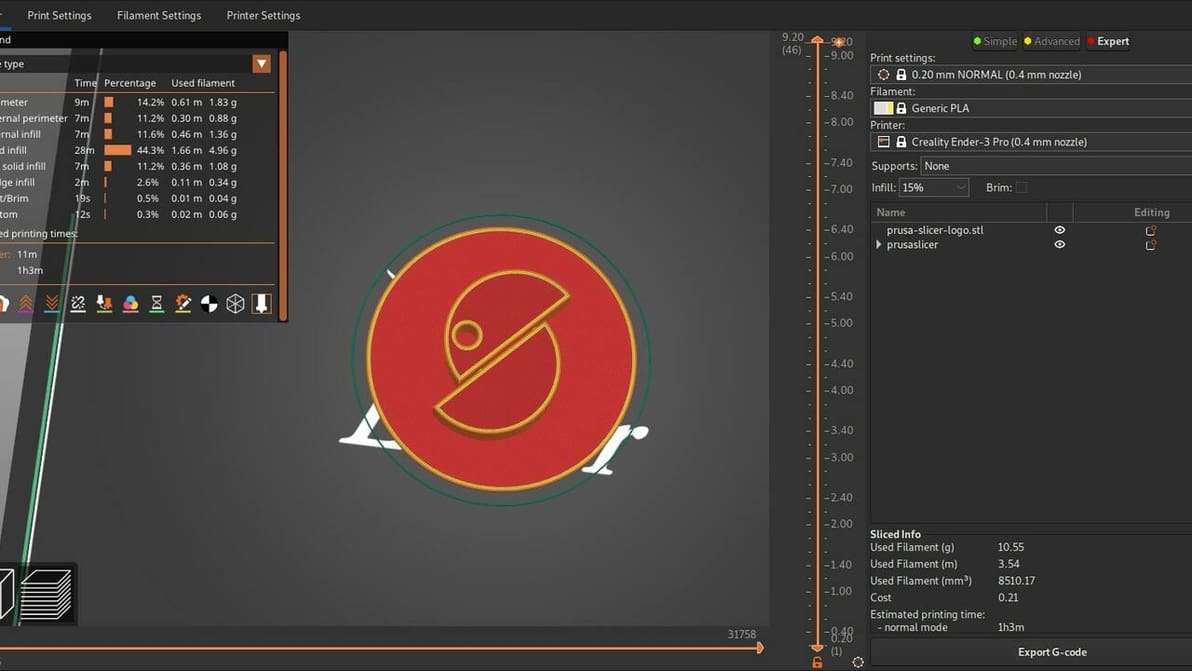
Read on to see our head-to-head comparison of PrusaSlicer vs. Cura, two of the best free and open-source slicer software options out there.
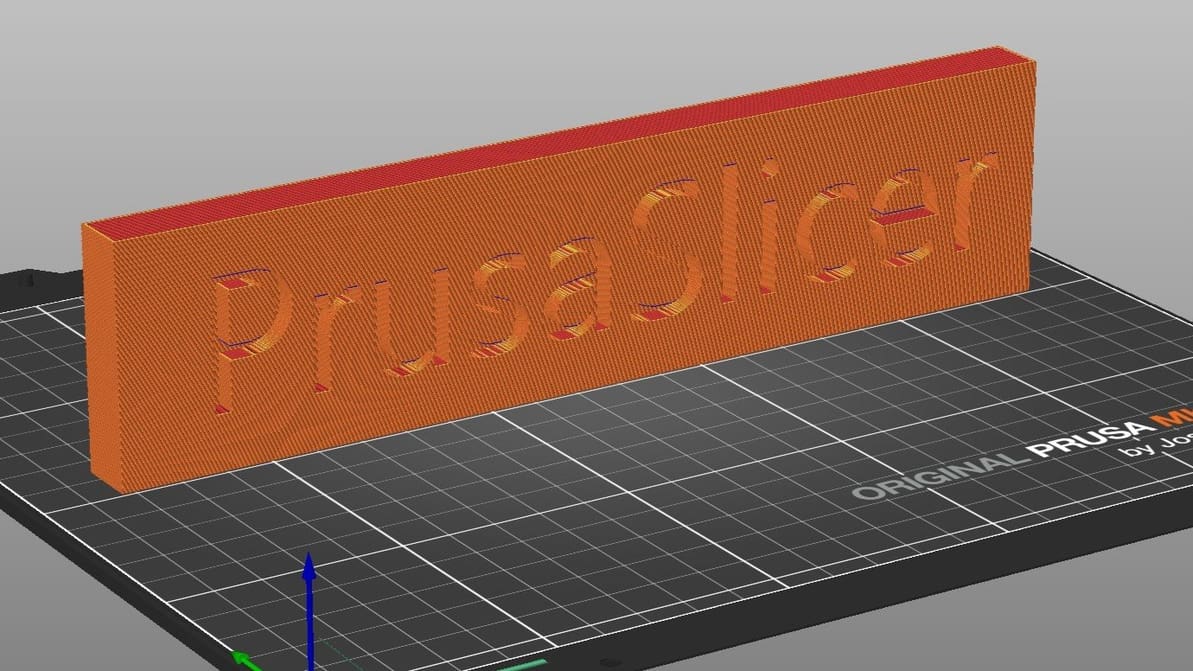
Learn all about PrusaSlicer and how Prusa Research continues to monitor its development and add new functionality.
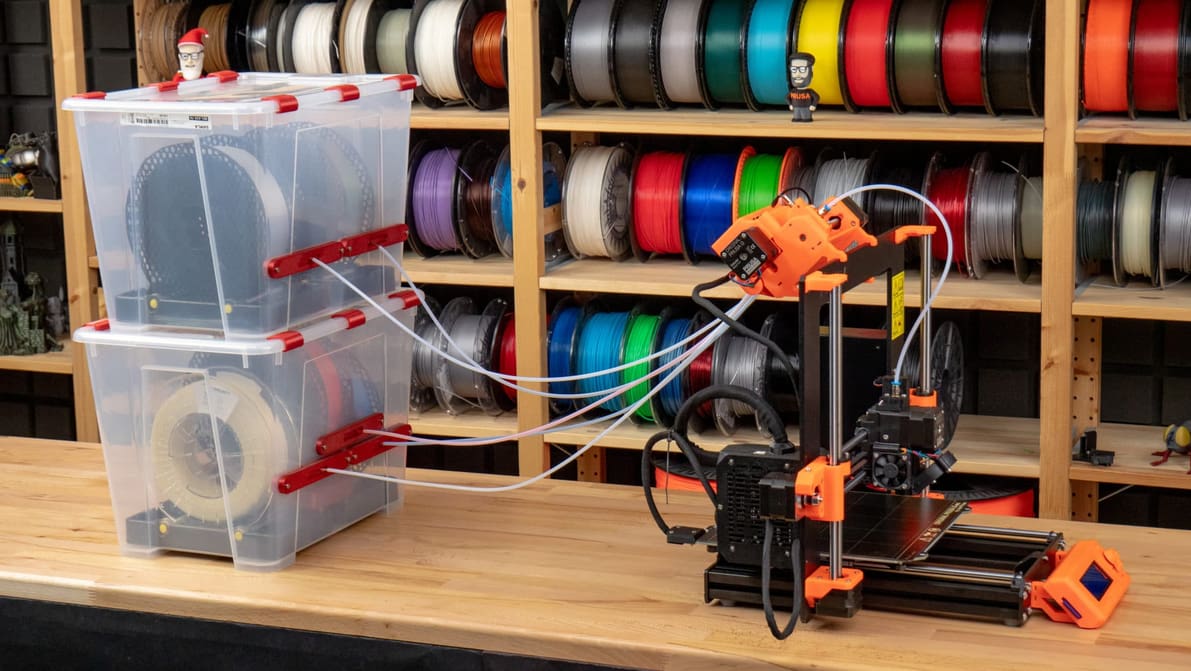
There's always better, even for the best. Take your printing to the next level with the best Prusa i3 MK3S and MK3S+ upgrades.
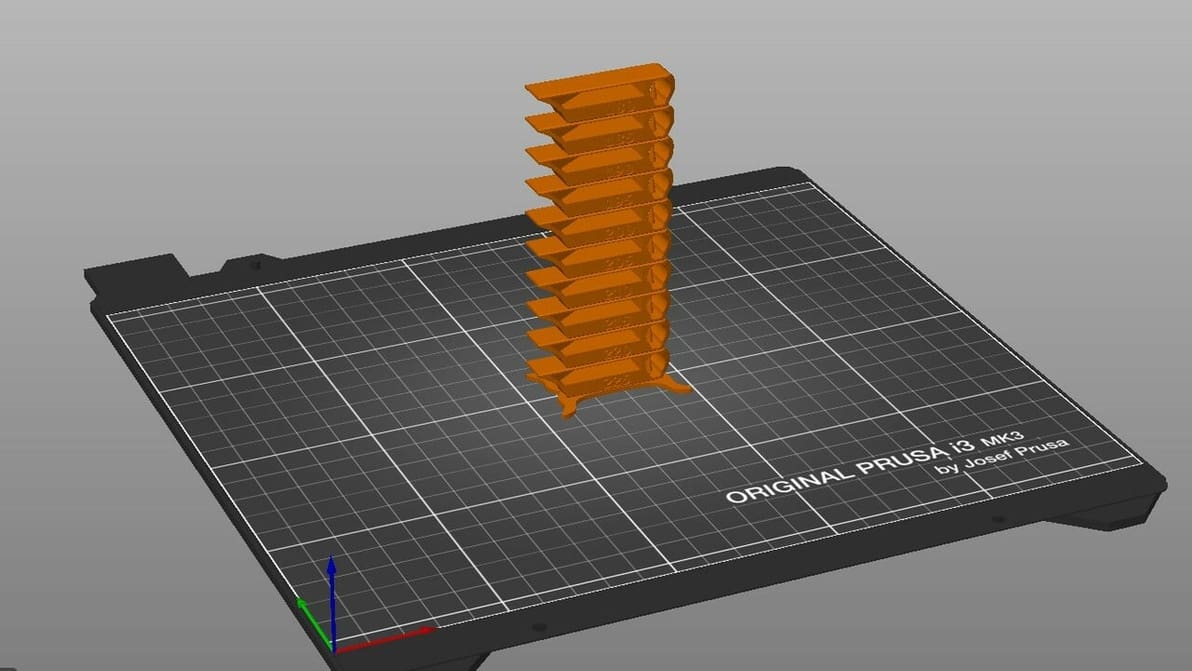
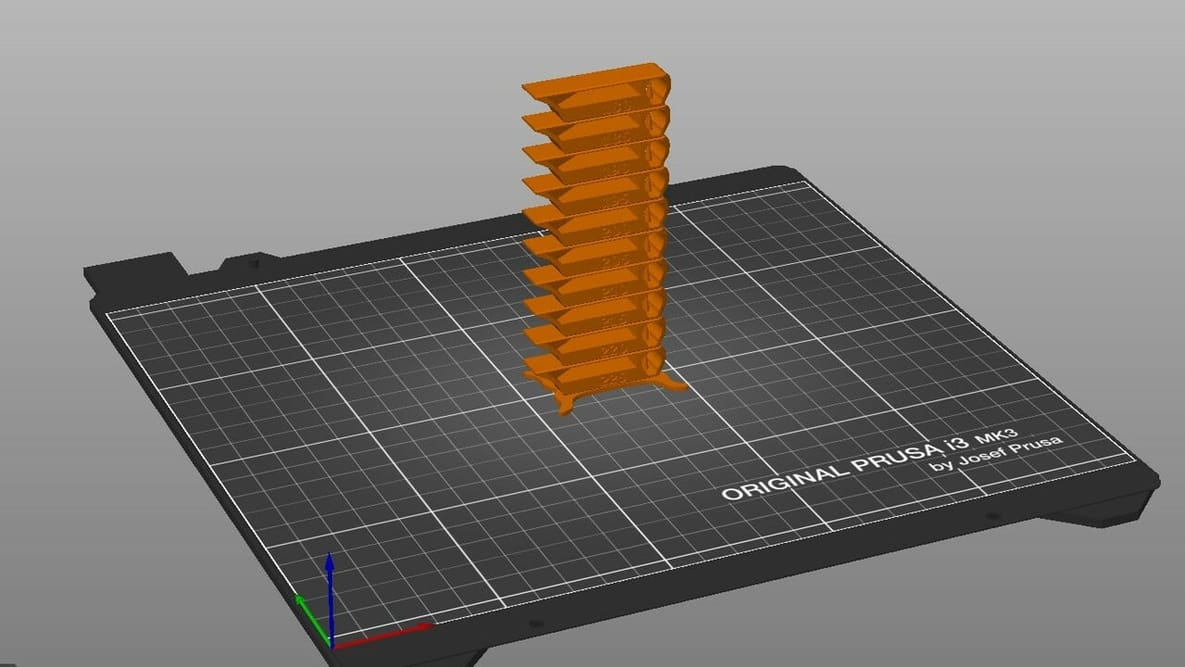
By creating PrusaSlicer temperature towers, you can elevate print quality and filament efficiency in one go. Read on to learn more!
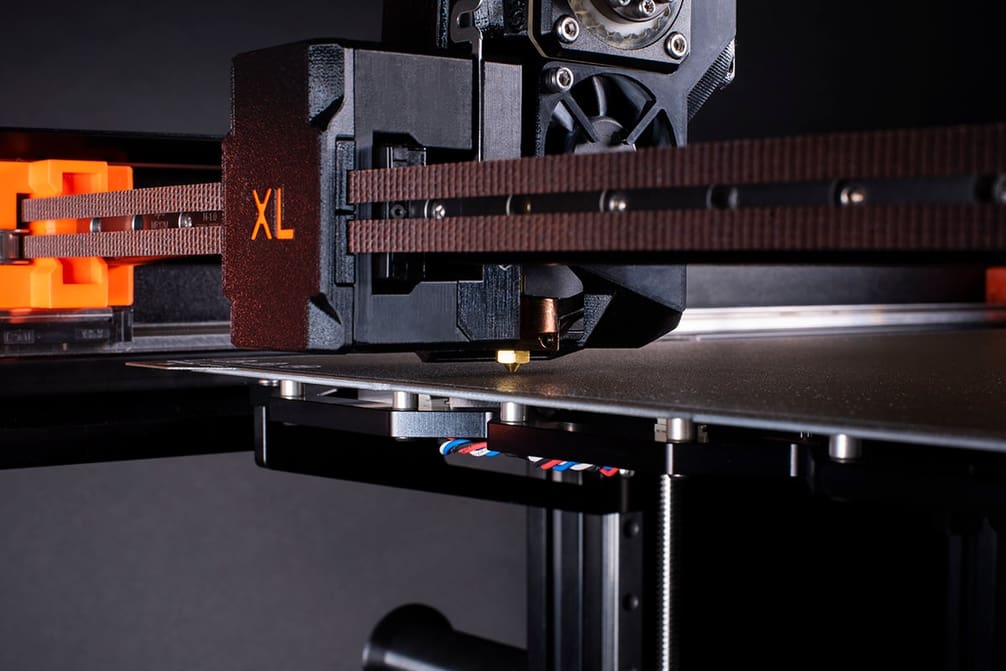
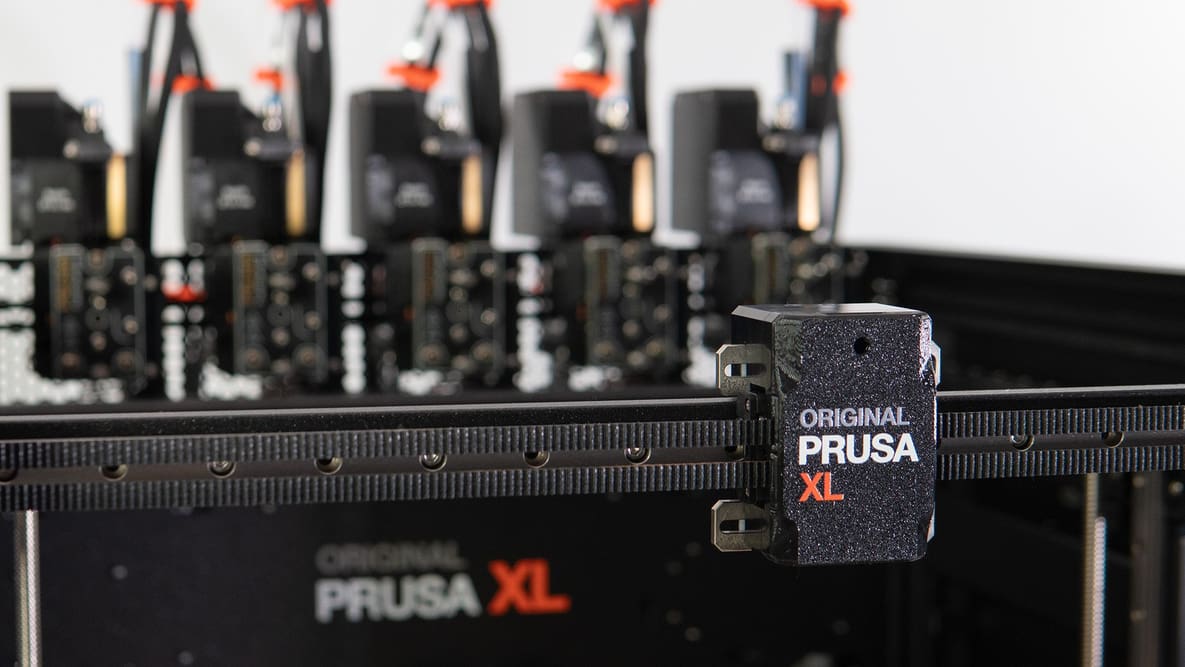
The Nextruder is a standout component of Prusa Research's Original Prusa XL, fully-loaded in its own right. Here are the details.
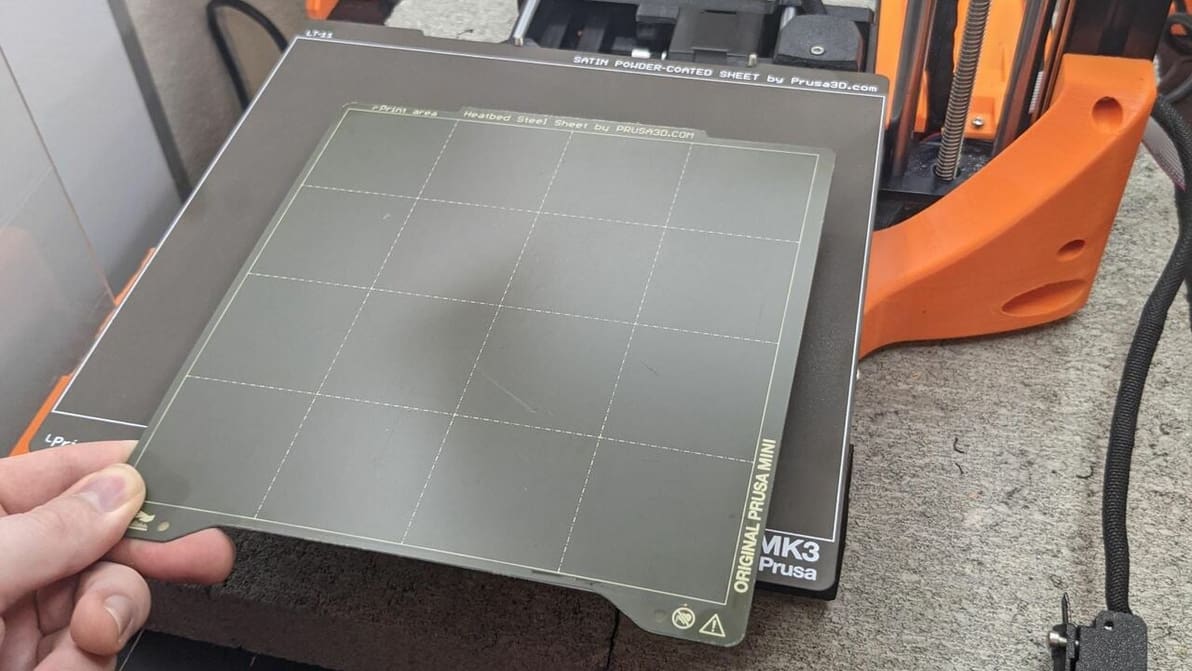
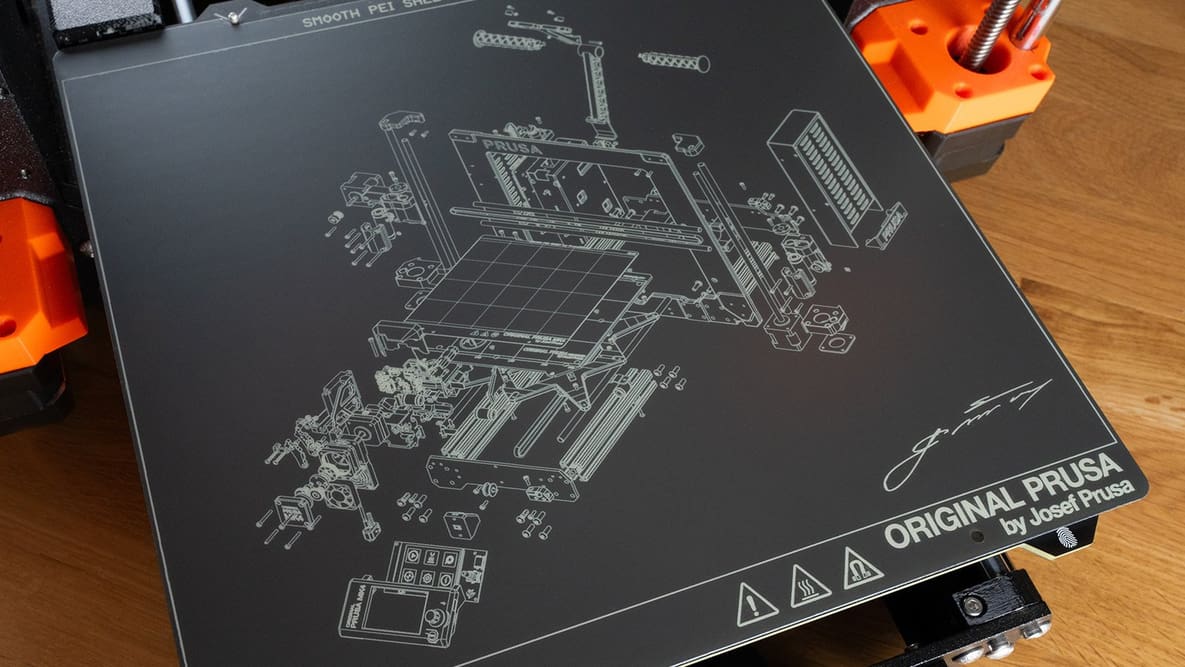
Prusa Research offers a few different finishes for their PEI build surfaces. Read on for the differences between the Prusa PEI sheets!
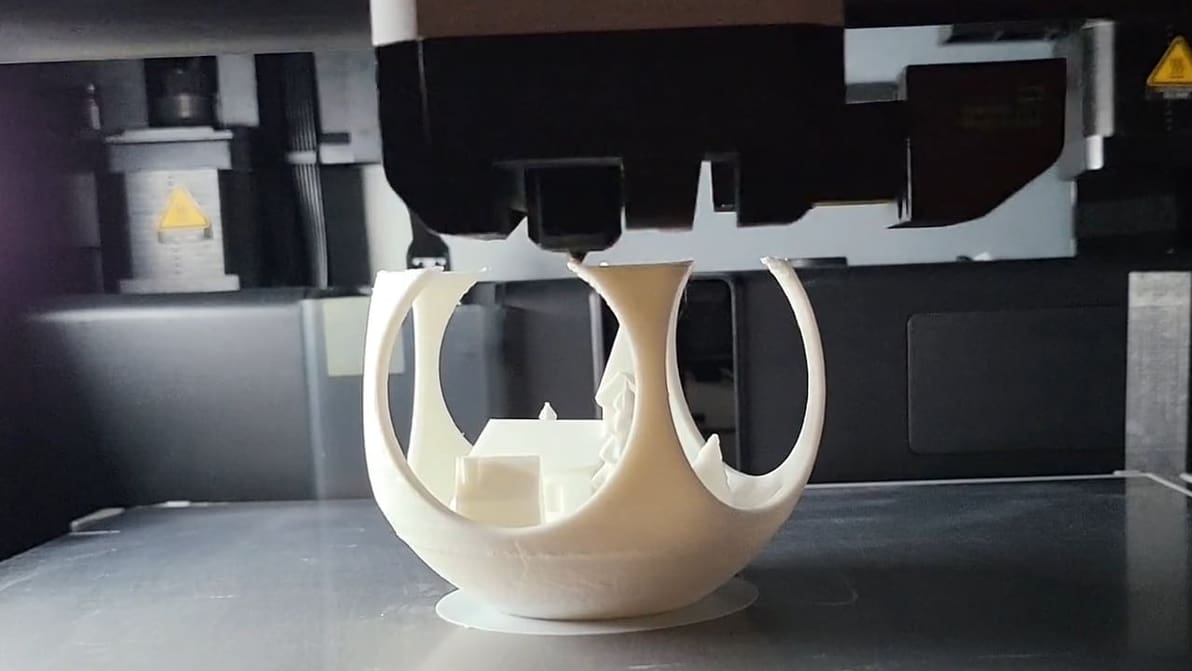
Unlocking the Z-lift technique (Z Hop) in PrusaSlicer: Learn how to change the game on the extruder traveling movements!
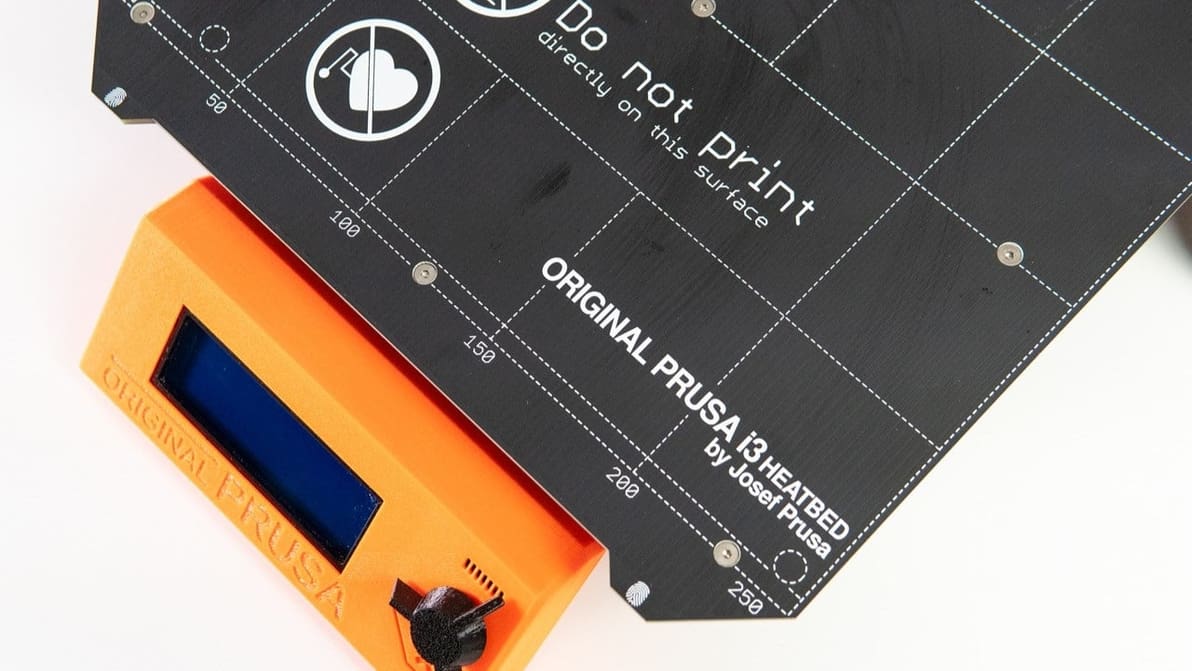
Build volume isn't always about numbers. Read on to learn the true Prusa i3 MK3S+ build volume, and see how it compares to the competition.
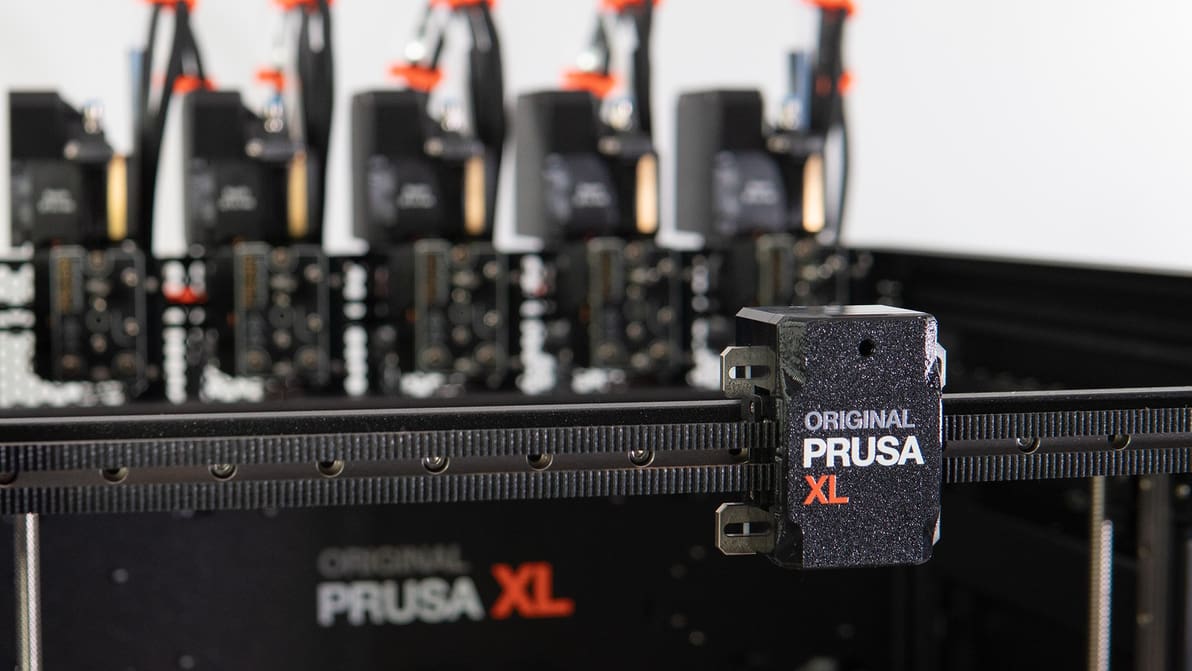
While the Original Prusa XL has some rough edges, we can put these aside for its terrific versatility. We explore what sets this monolithic printer apart.
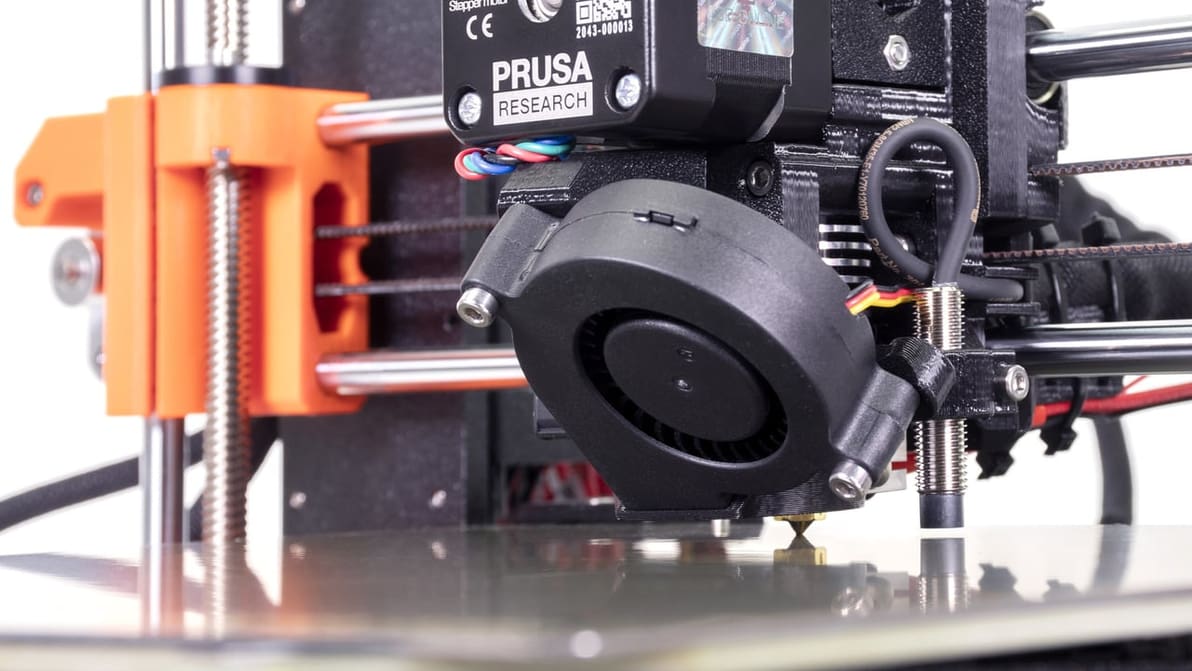
Prusa first layer calibration is key to achieving successful prints on Prusa printers. Discover the secrets of this tricky process!
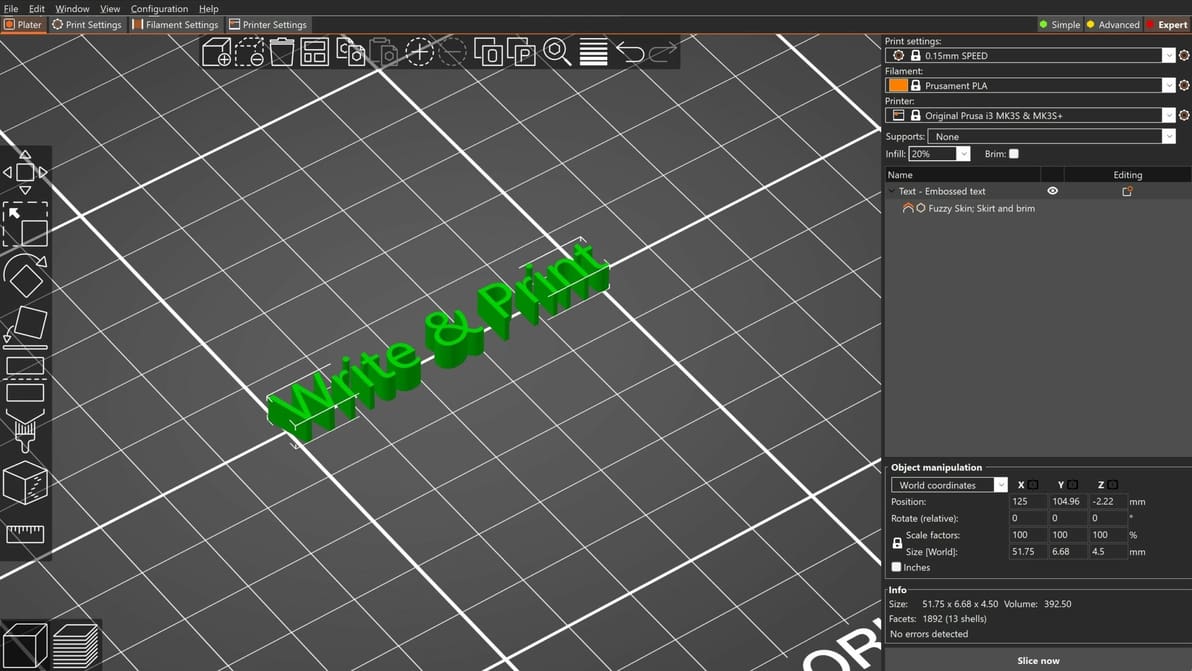
Together with the Cut Tool, the PrusaSlicer Text Tool is one of the most convenient features to speed up your design workflow. Check it out!
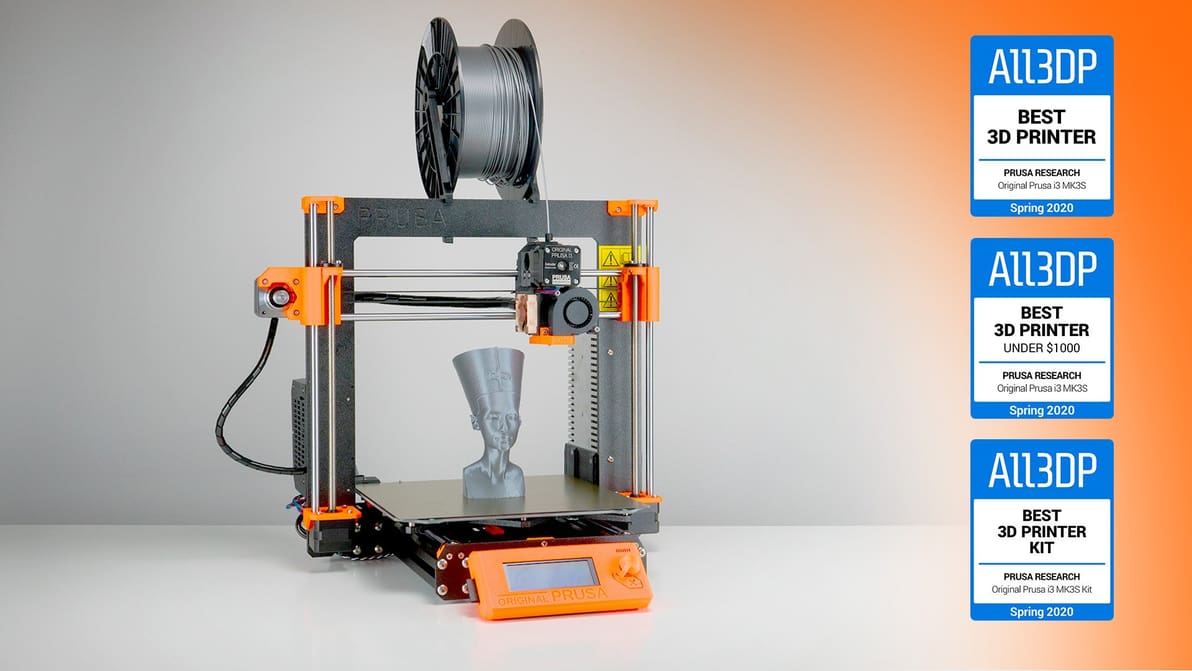
The Original Prusa i3 MK3S has been a long-time top pick of ours. Check out our review to find out why we think it was pretty much the best 3D printer you could buy (and still, sort of, can).