Creality Ender 3
Recent
Most popular
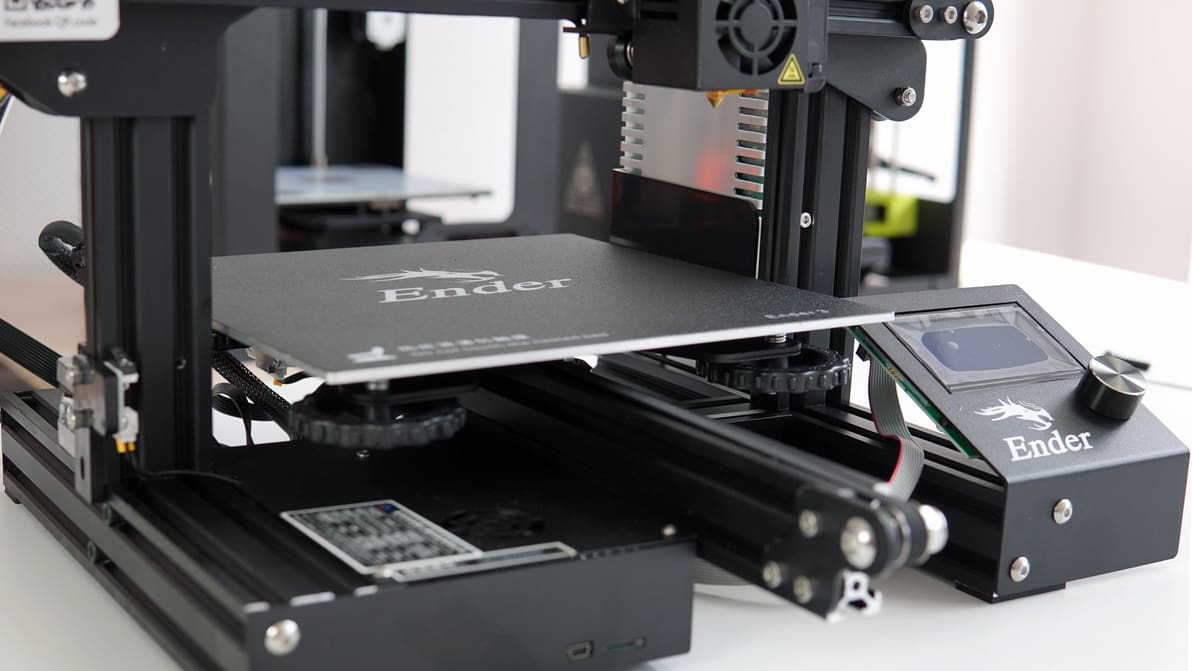
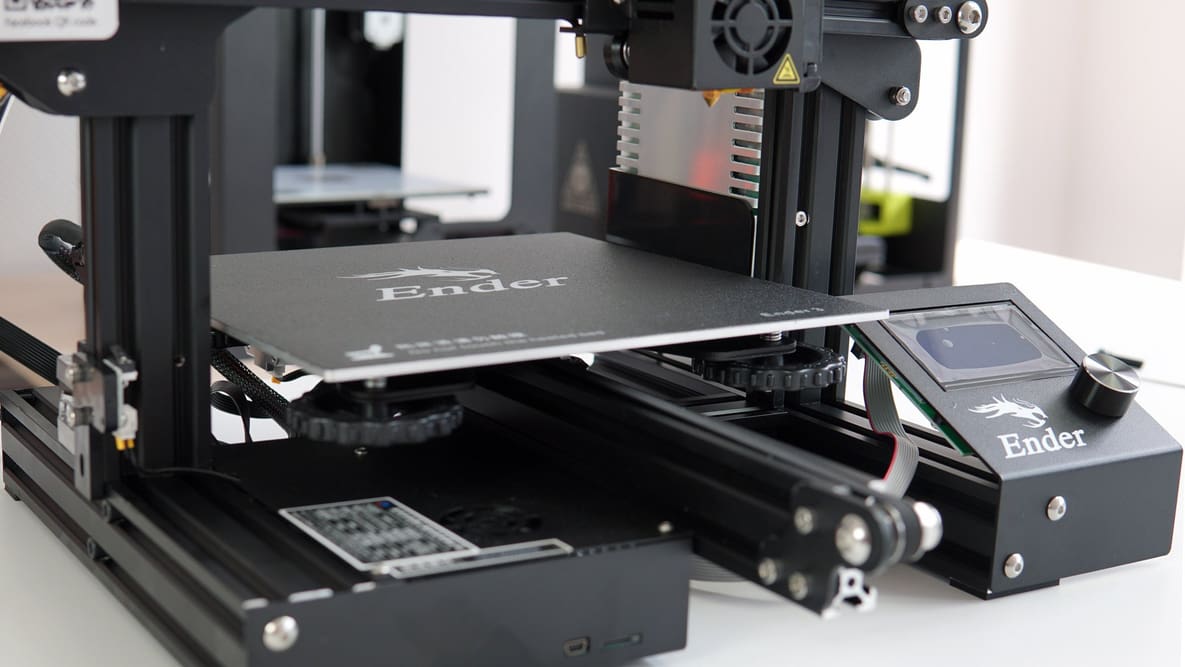
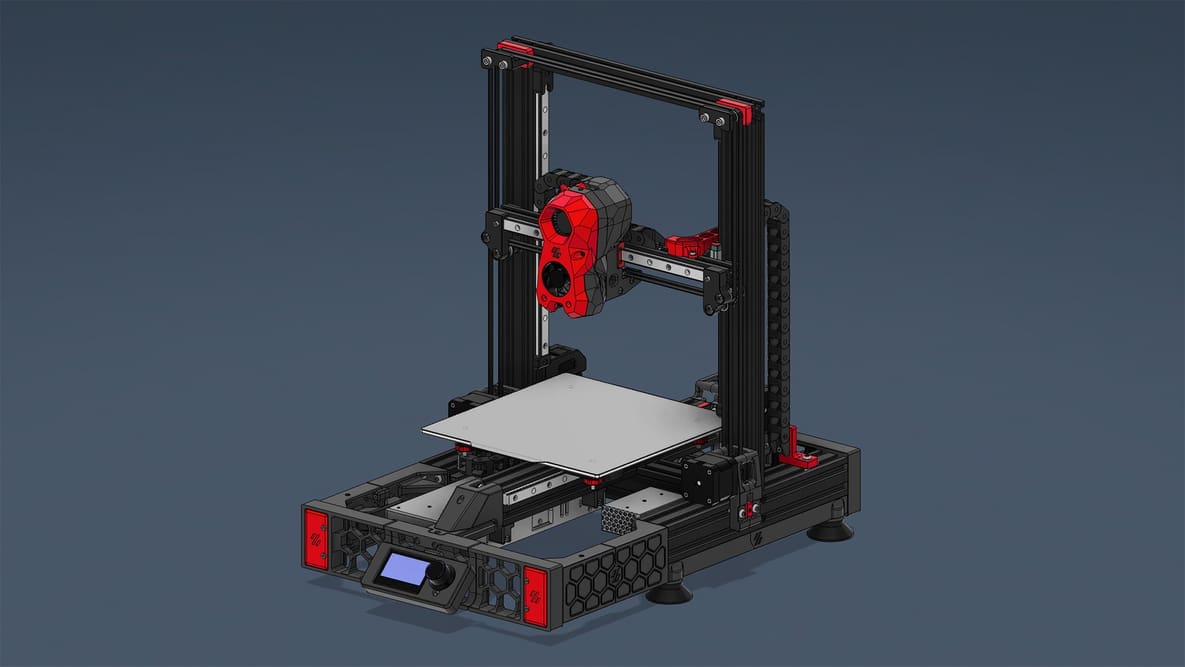
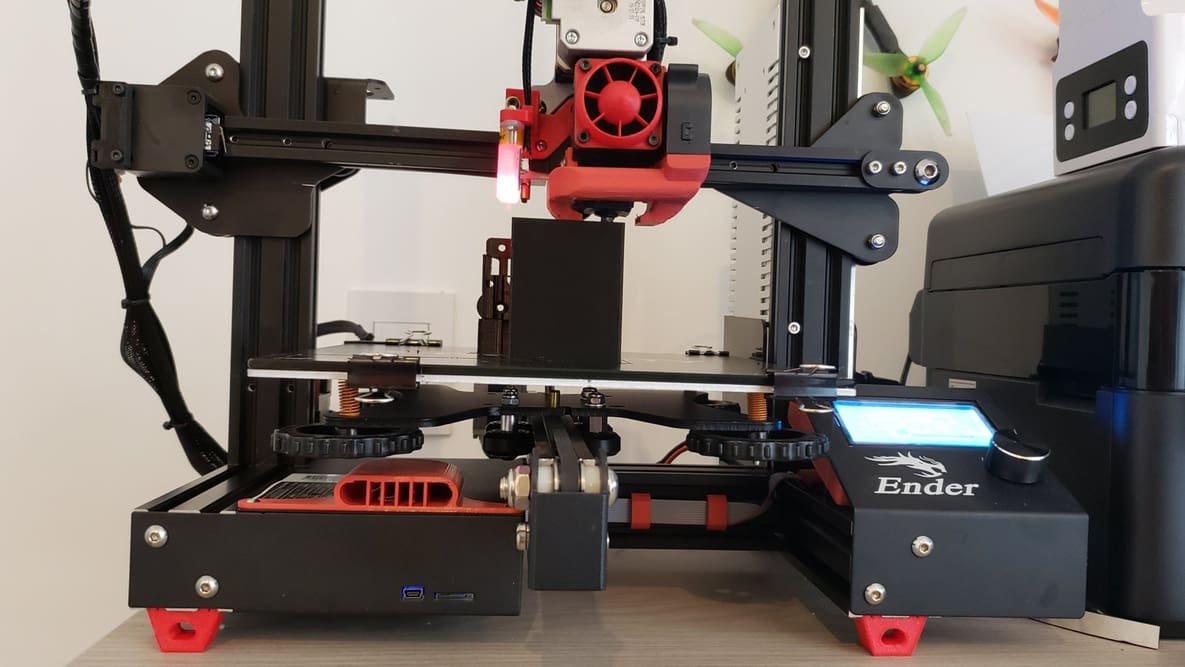
The older Creality Ender 3 series (V2, Max, Pro, and Neo) are still solid machines, and upgrading it is well worth the effort. Here are our recommendations.
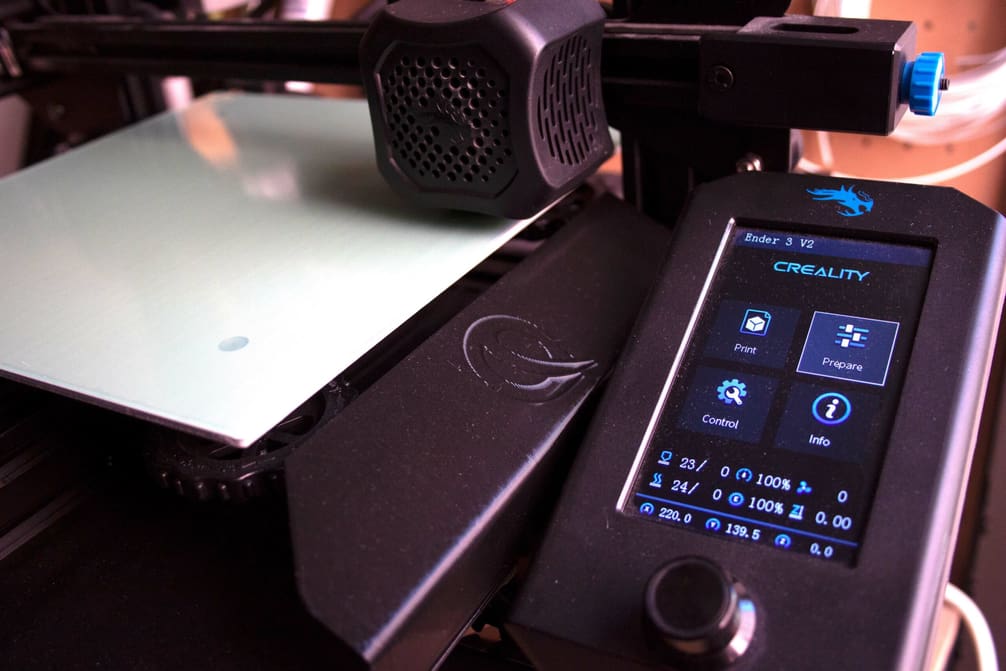
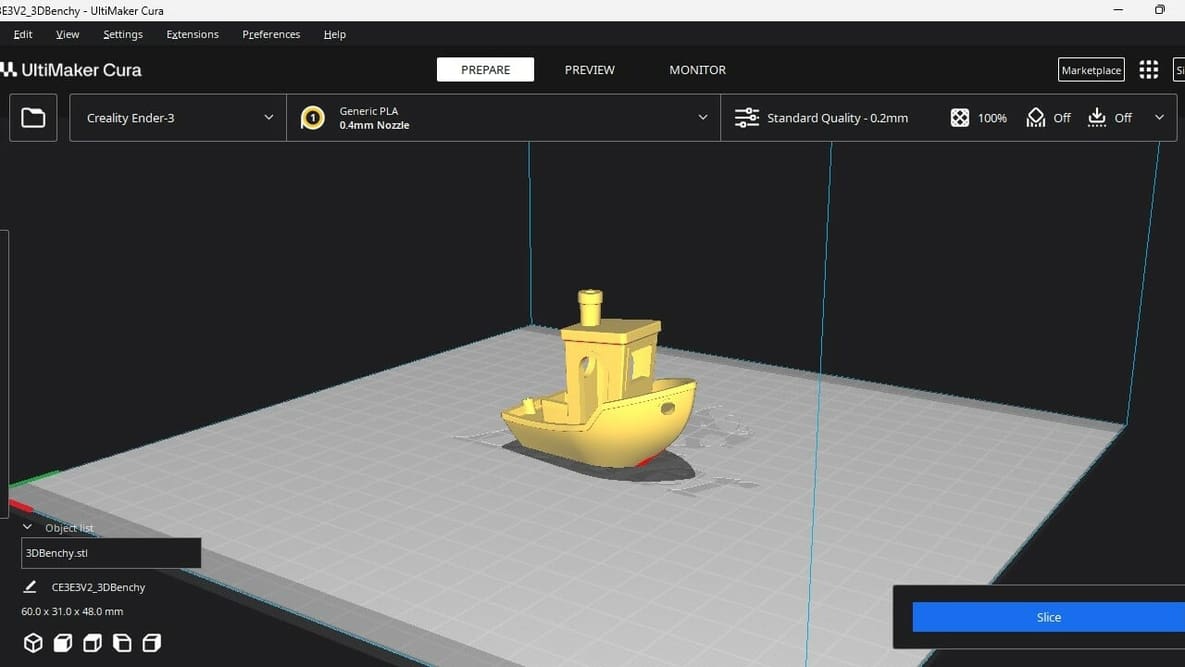
Let us help you with Ender 3 Cura settings! Enjoy perfect prints with the best Ender 3 (V2/Pro) Cura profile for your needs.
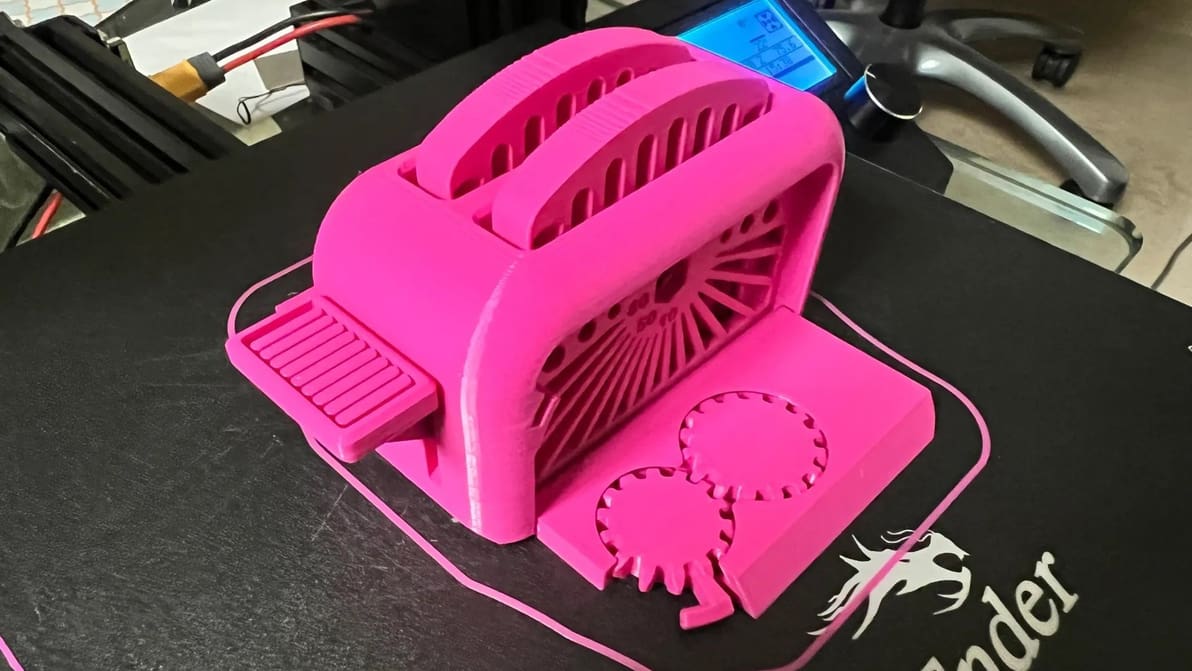
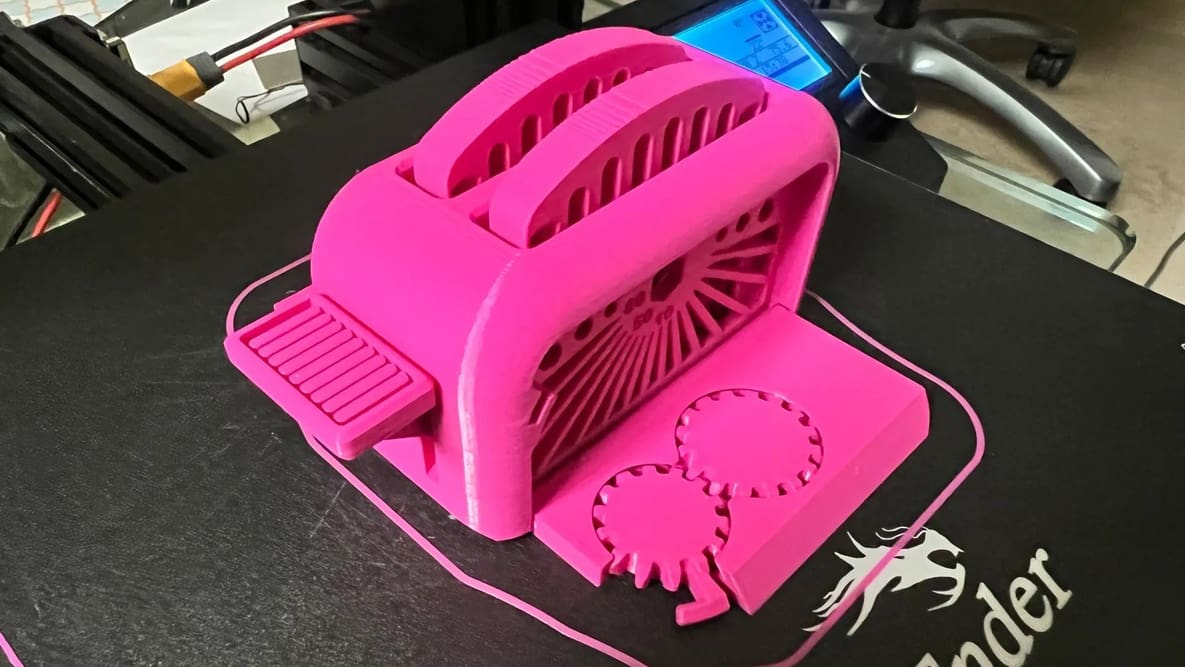
Try these Ender 3 test print files to tune your printer's settings and see how your Creality Ender 3 (V2/Pro/S1/V3) really performs!
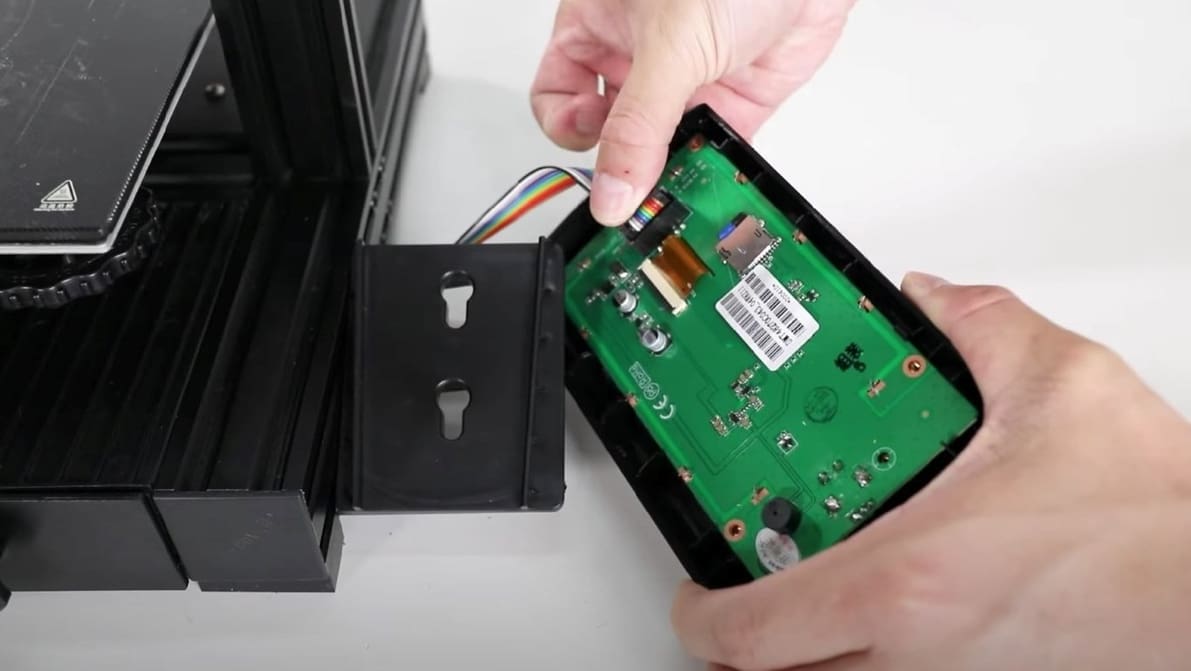
You can do Ender 3 V2 firmware updates using just a MicroSD card! Read on for a step-by-step walkthrough on how to install Marlin.
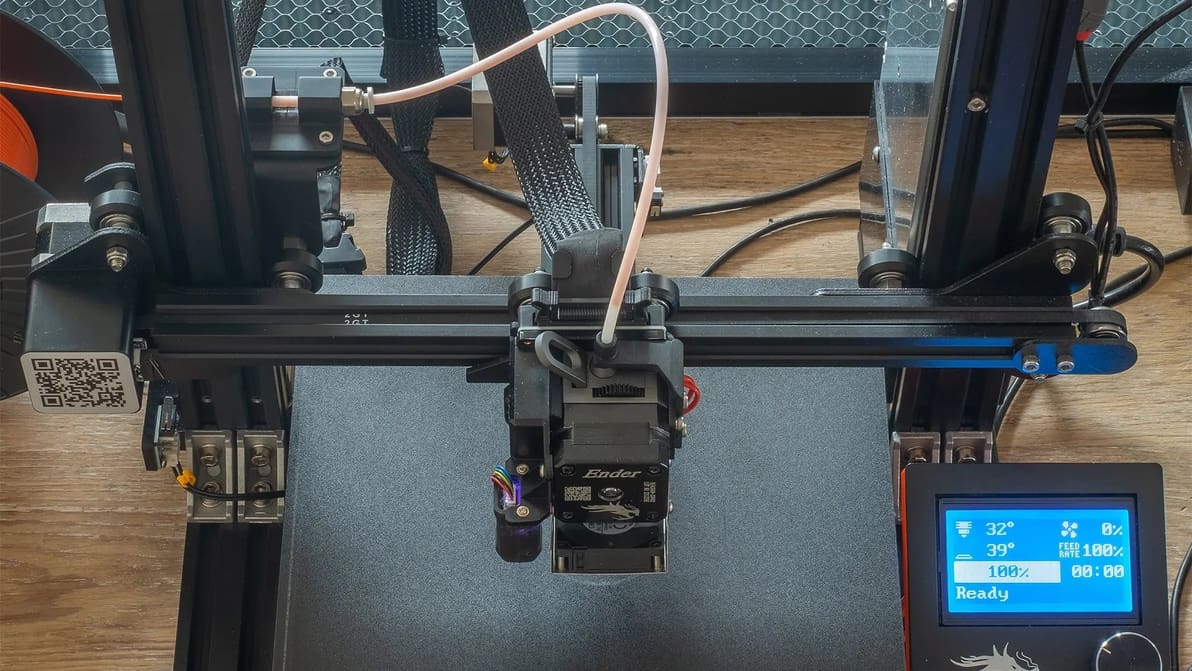
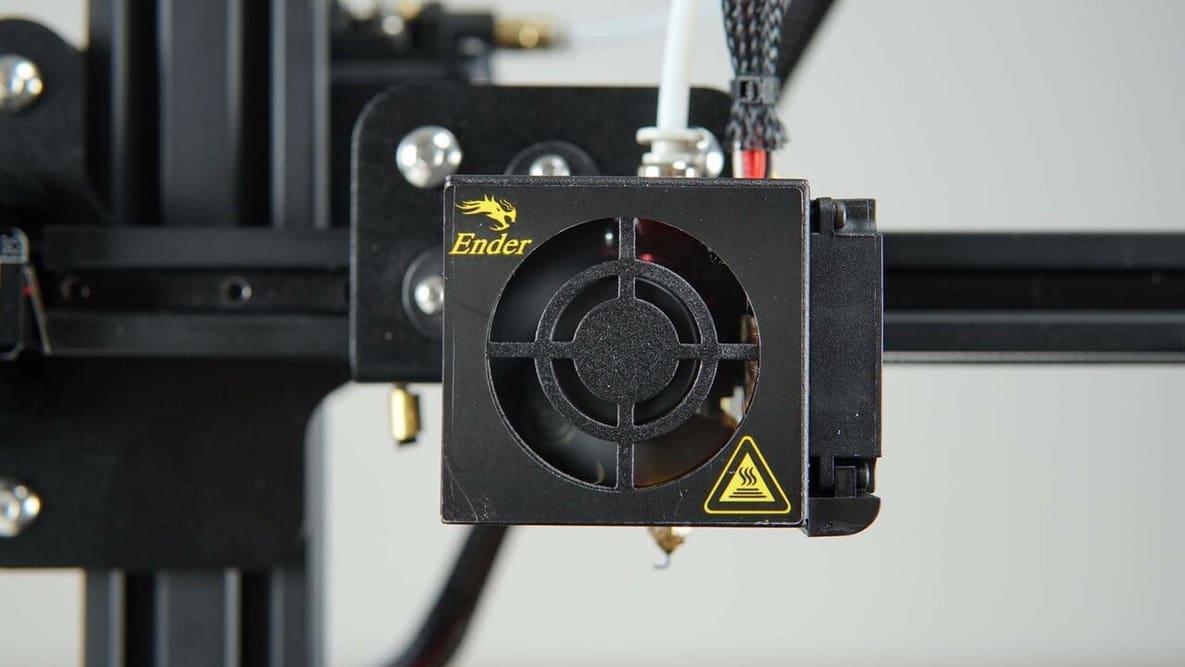
If you're considering replacing or upgrading your Ender 3 (V2/Pro) hot end, read on for the best options available!
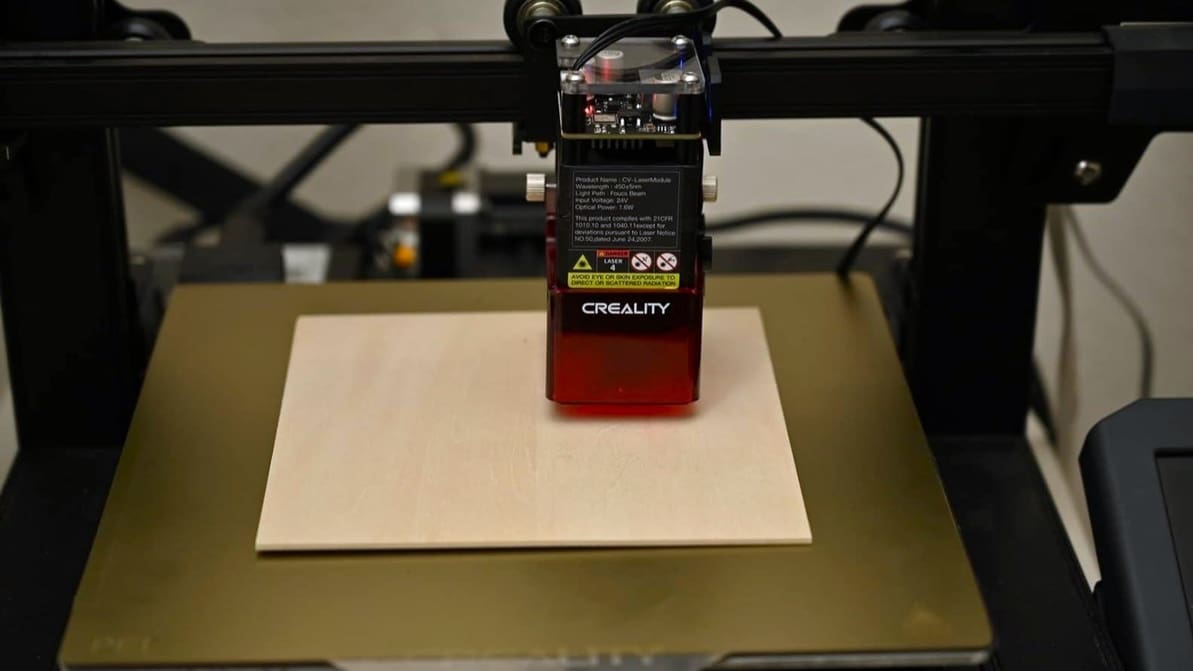
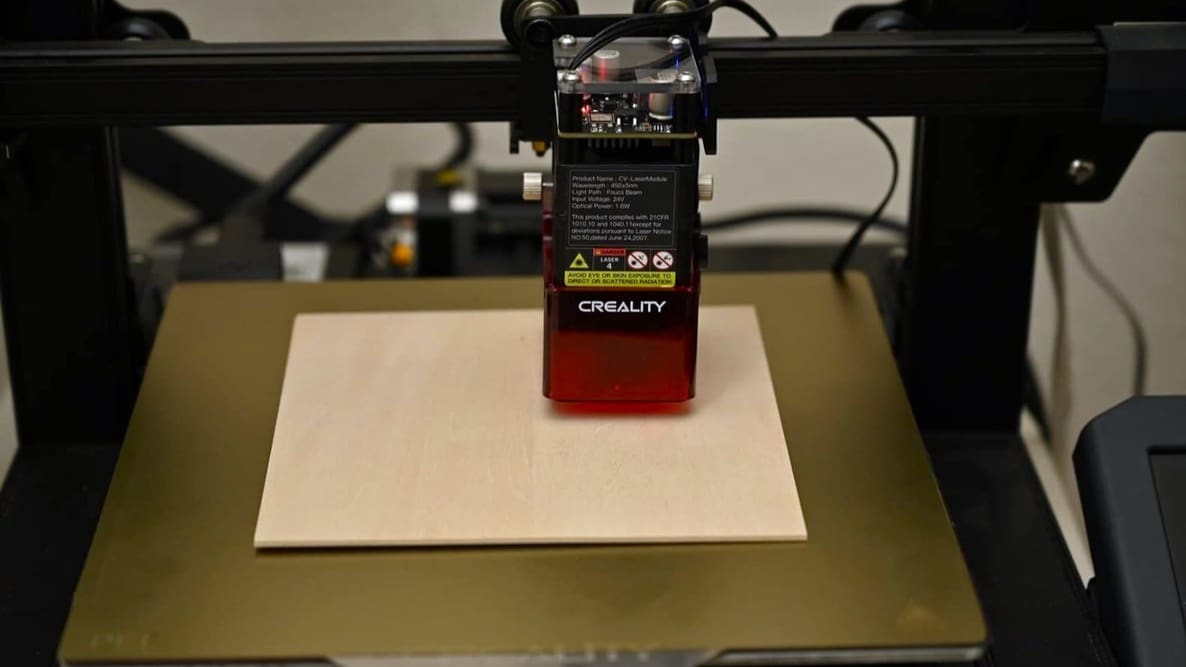
If you want your Ender 3, V2, S1, Pro, or S1 Pro to do more than 3D print, read on to see how to upgrade your Ender 3 to a laser engraver!
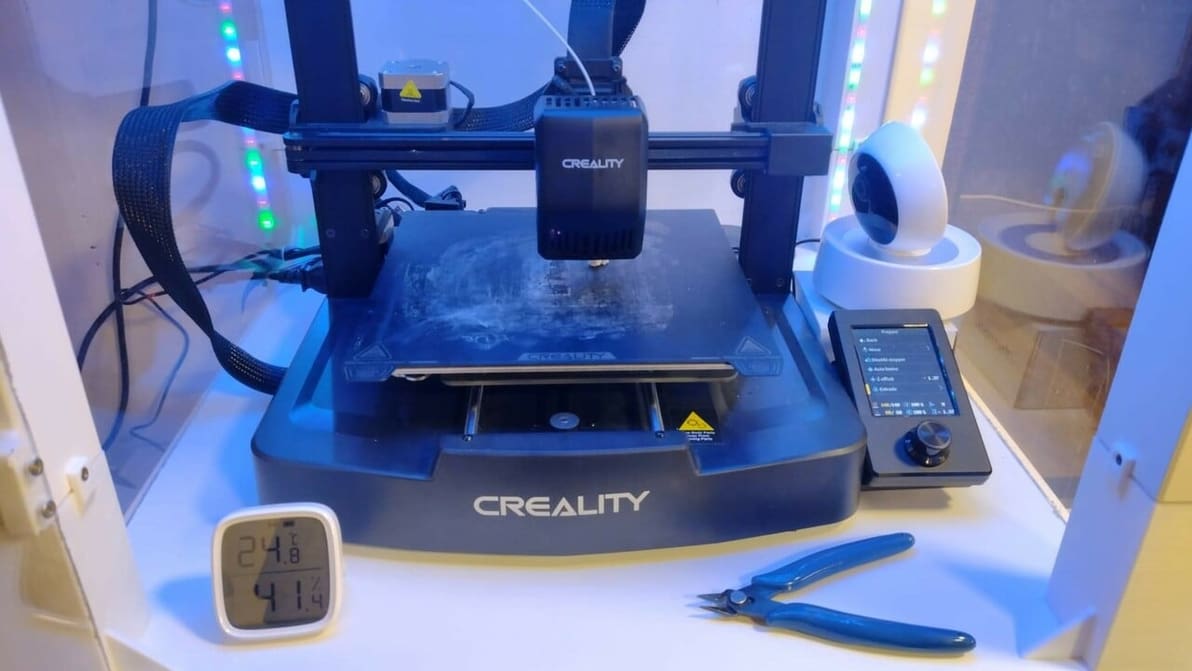
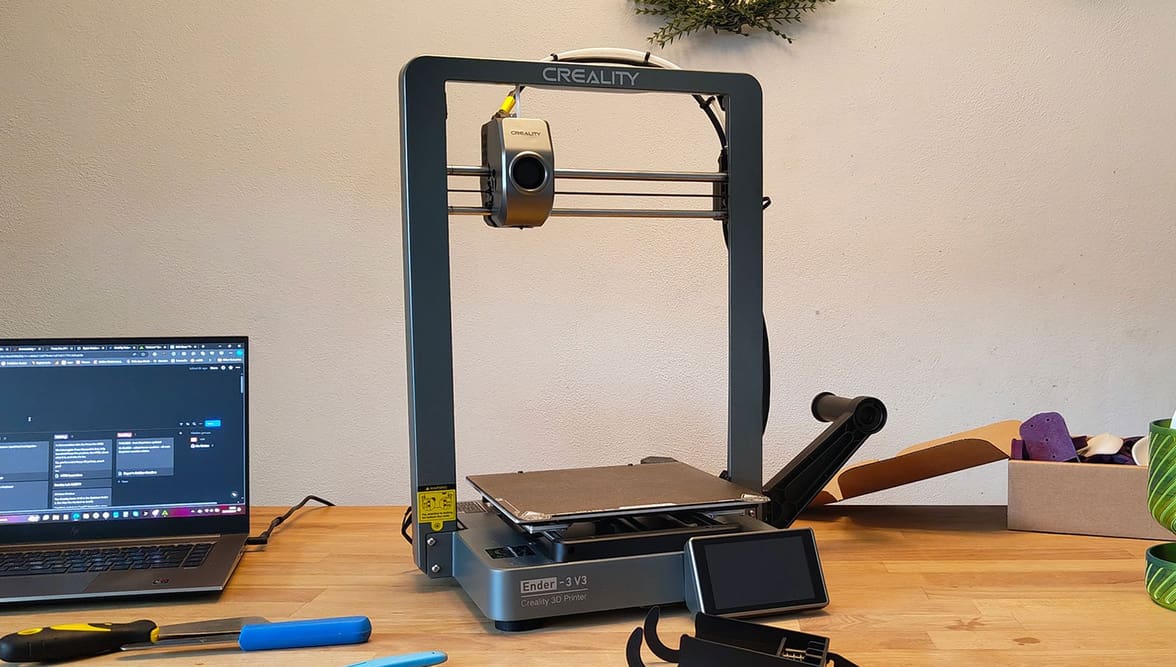
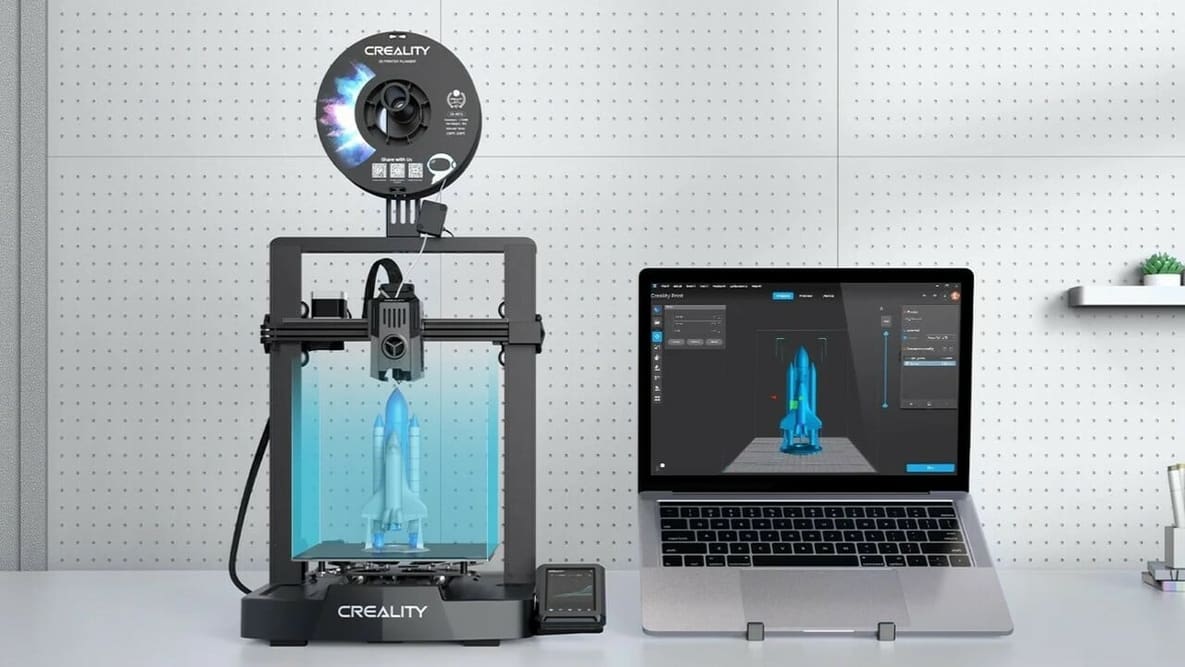
The Ender 3 V3 SE is a great beginner-friendly 3D printer. Elevate your printing experience with these Creality Ender 3 V3 SE upgrades!
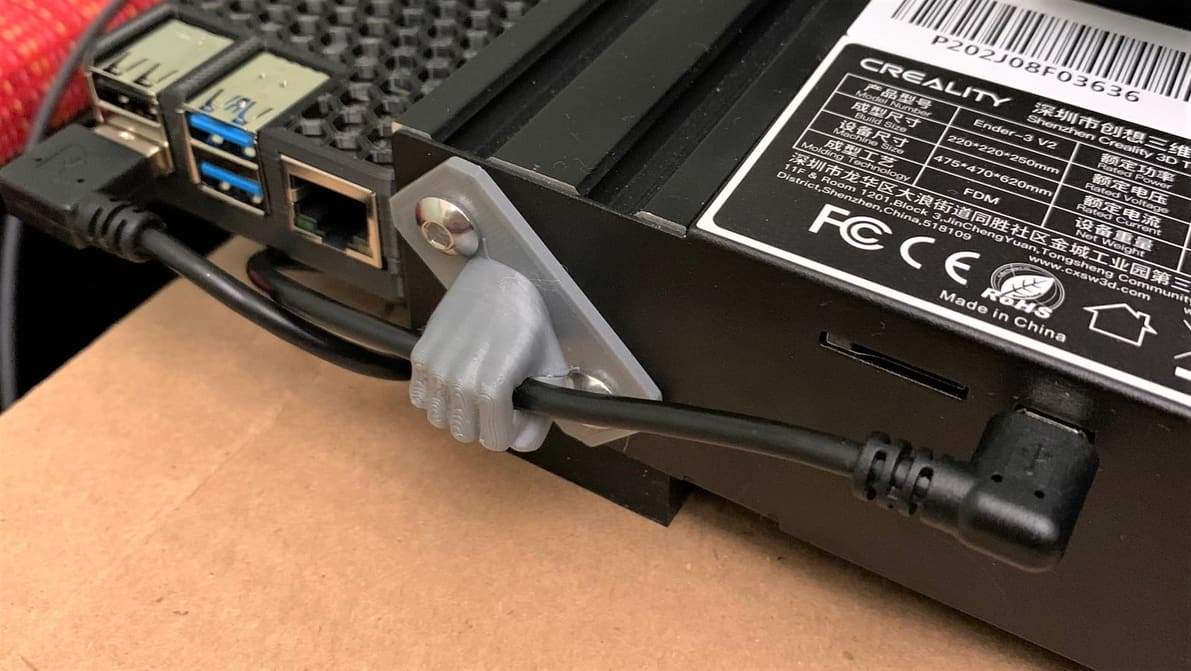
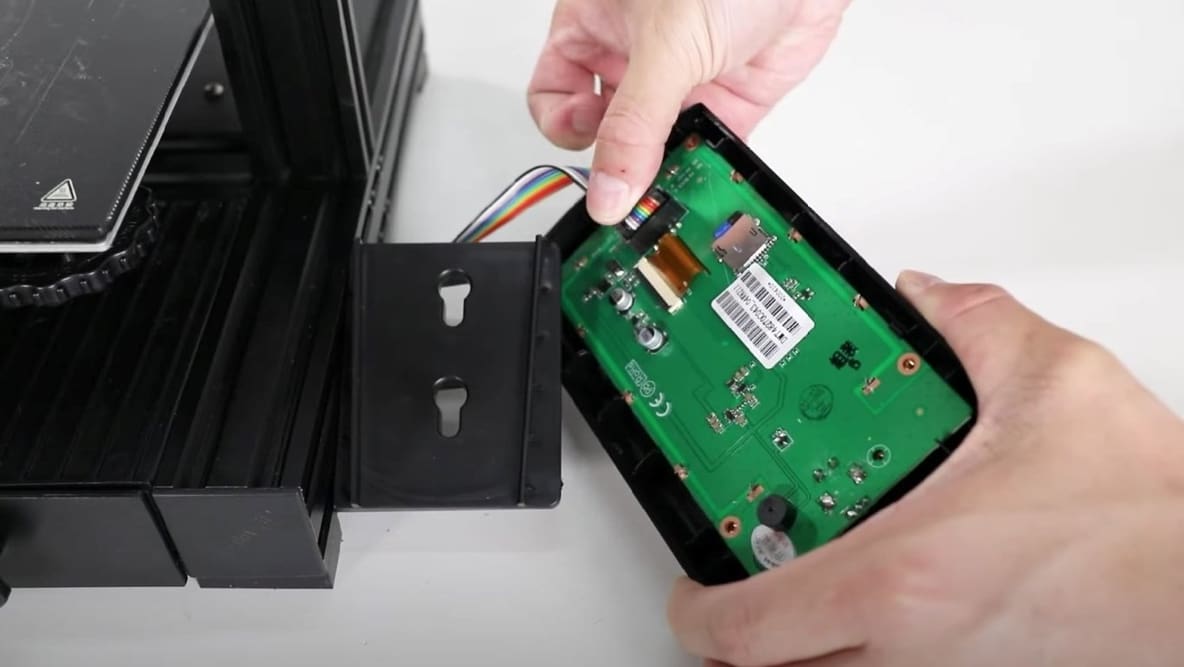
The Ender 3 Pro has a Mini-USB port, while the Ender 3 V2 has a Micro-USB port. Learn the ways to connect your Ender 3 to a PC!
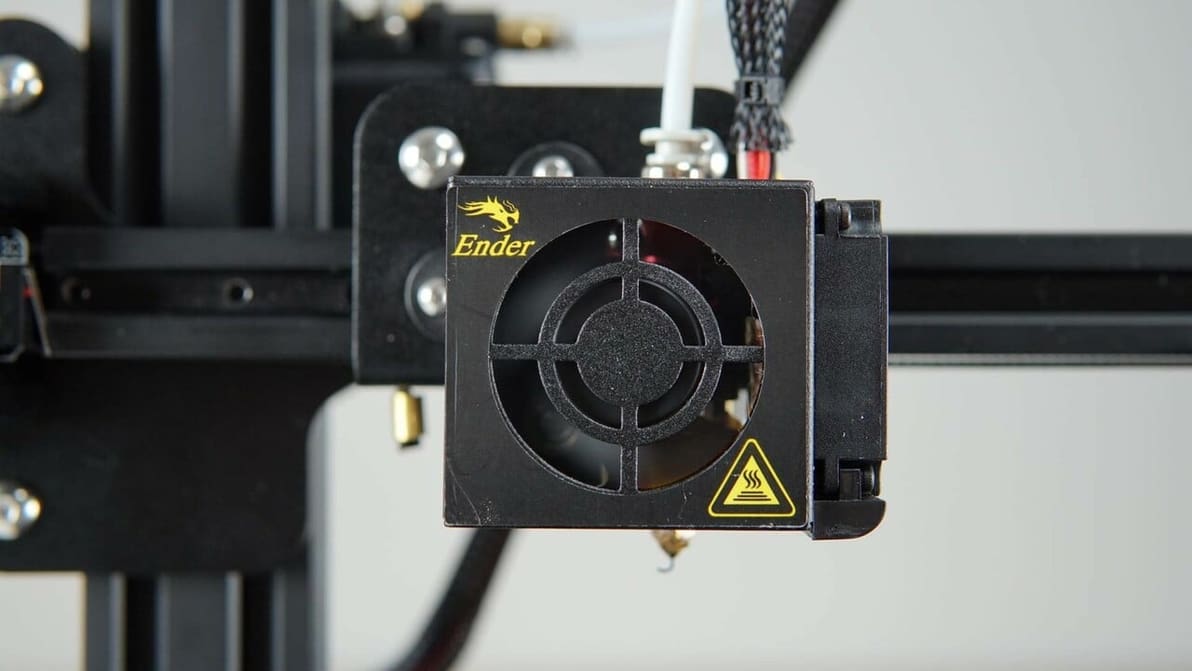
If noise is the problem with your Ender 3 (V2/Pro/S1), fan upgrades might be the solution. Learn all about the best replacements!
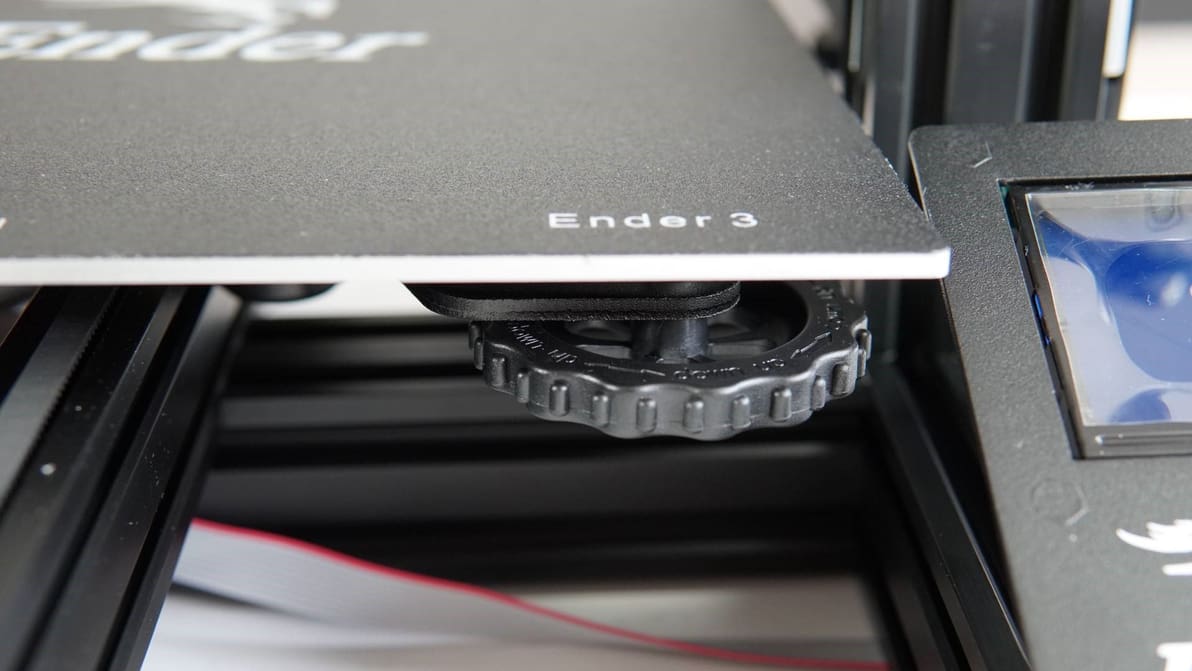
Even the Ender 3s are only great if calibrated correctly. Learn about Ender 3, V2, and Pro calibration to get the best results.
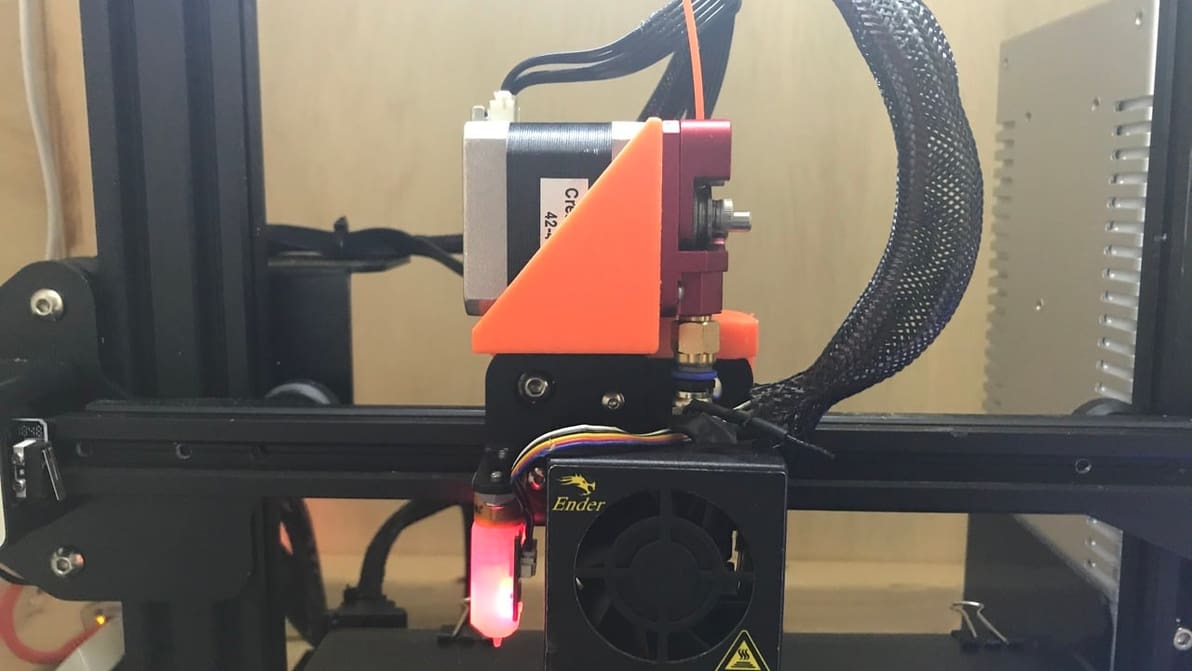
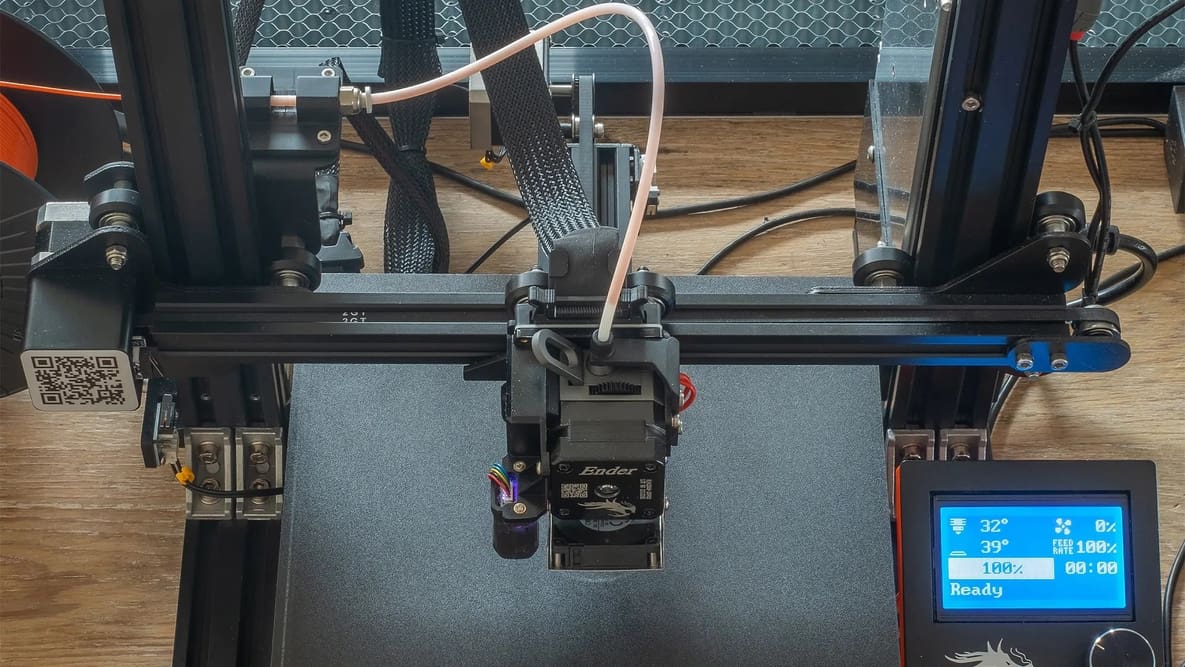
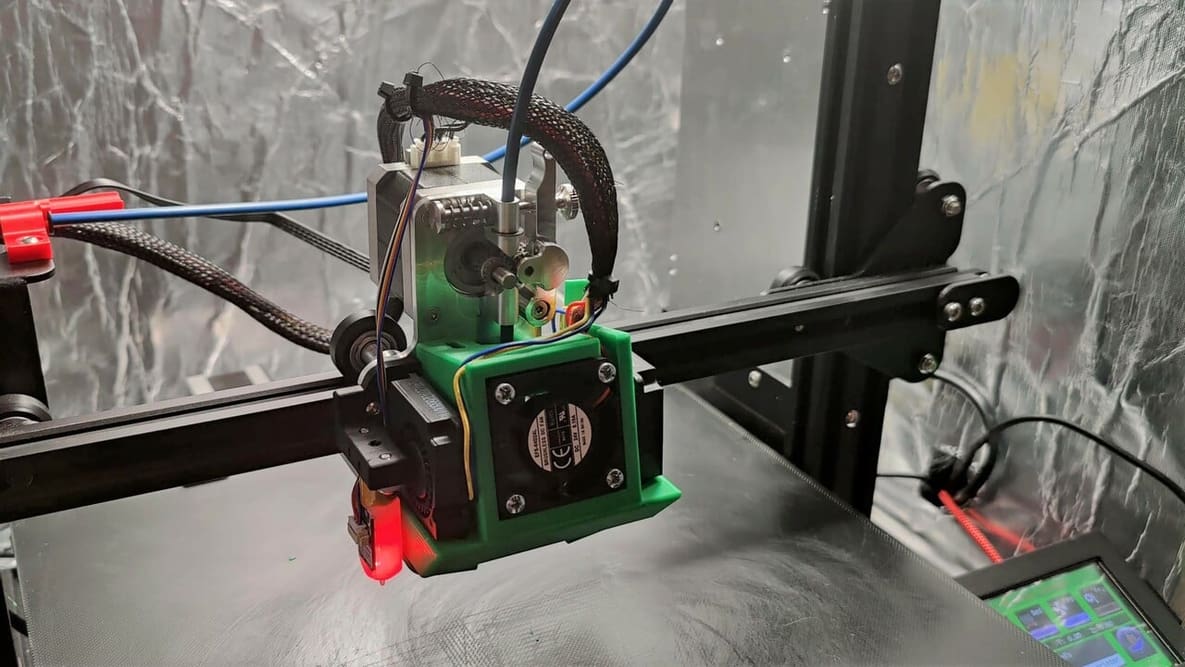
Though capable, the Ender 3 (V2/Pro) can have trouble with flexible materials. Learn how to correctly set up direct drive on your Ender 3!
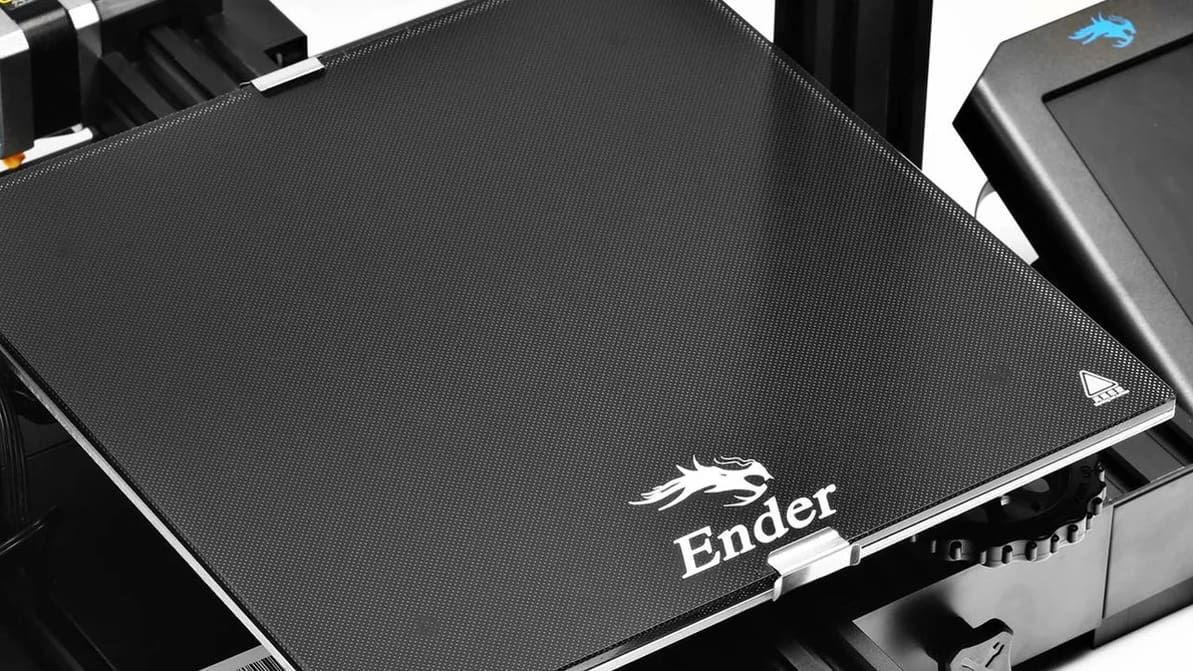
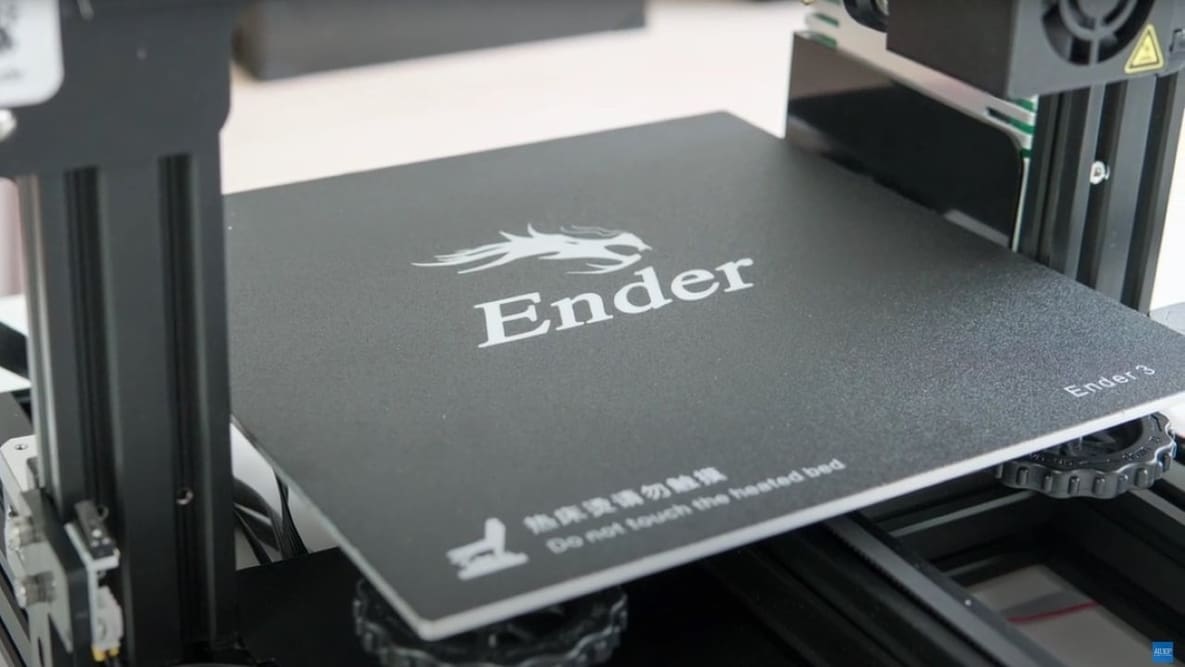
Learn how to level your Ender 3 bed with this easy step-by-step Ender 3 bed leveling guide to ensure that the first layer is solid.
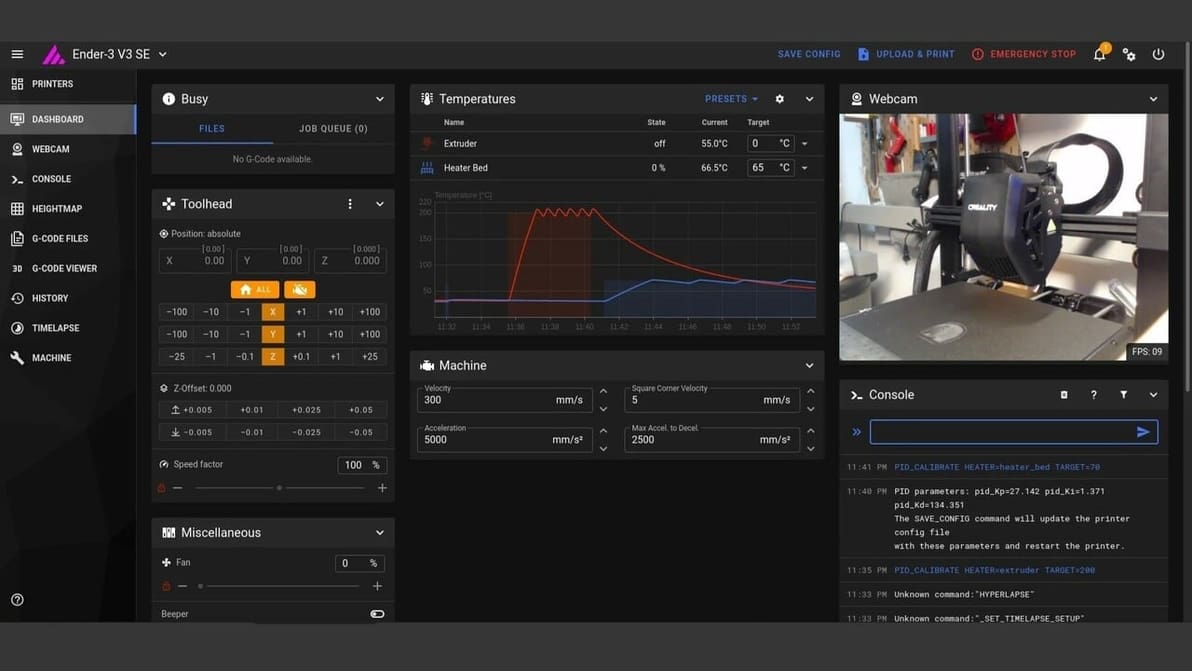
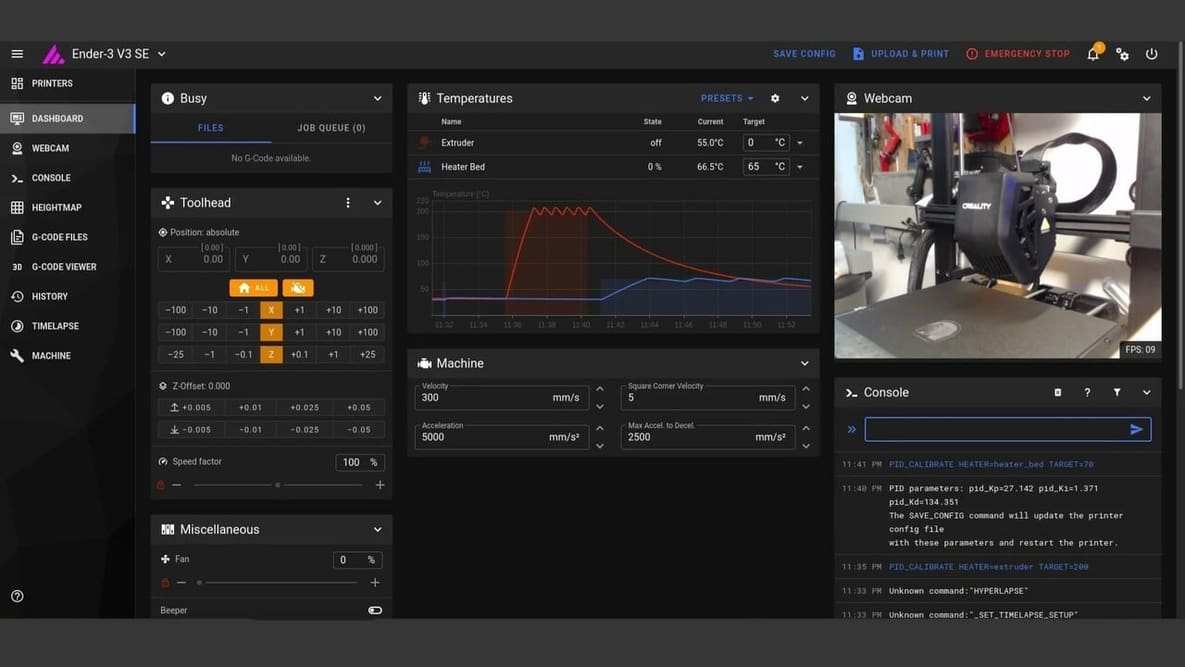
Looking to have your Ender 3 V3 SE with Klipper? Here's the step-by-step guide to turbocharge your 3D printer by installing Klipper in it.
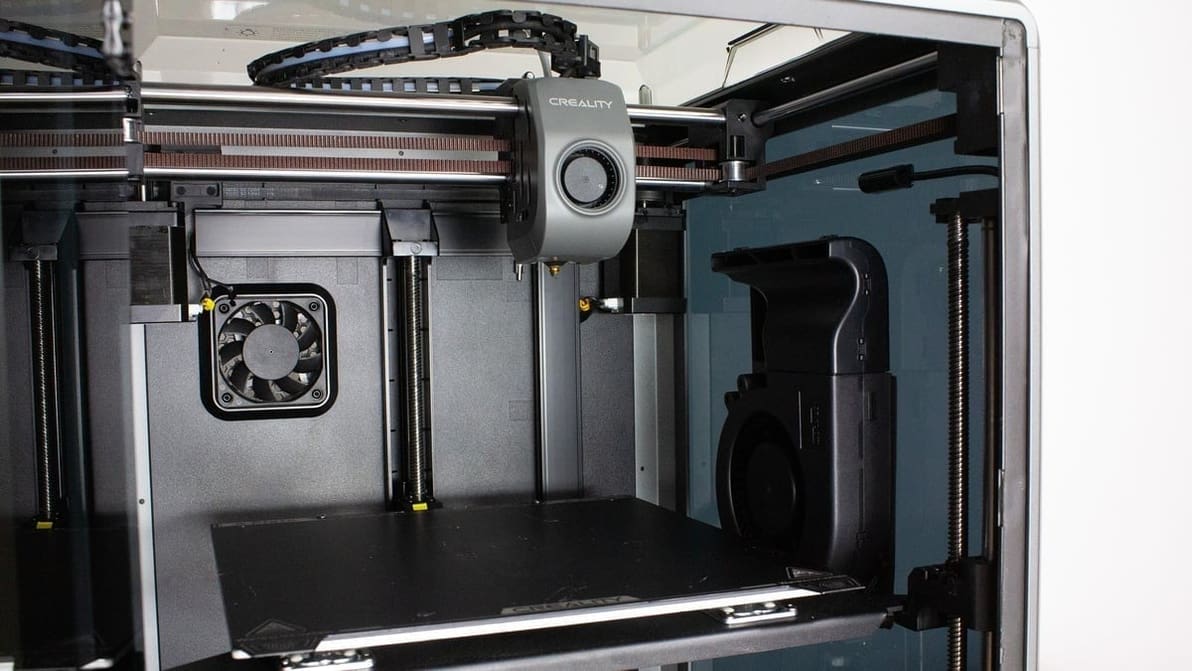
Creality 3D printers ship with Creality Slicer, but that's far from the only option! Check out the best slicers for Creality printers.
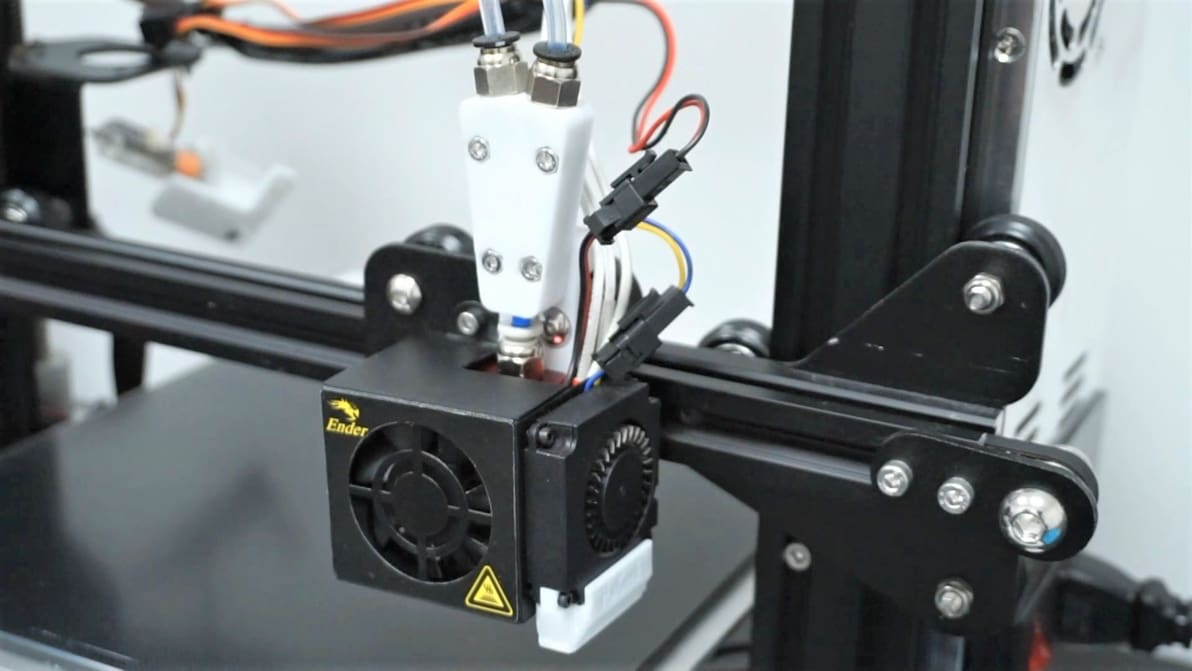
Though very popular, the Creality Ender 3s can only do so much. Read on to learn about Ender 3 (V2/Pro) dual extruder upgrade options!
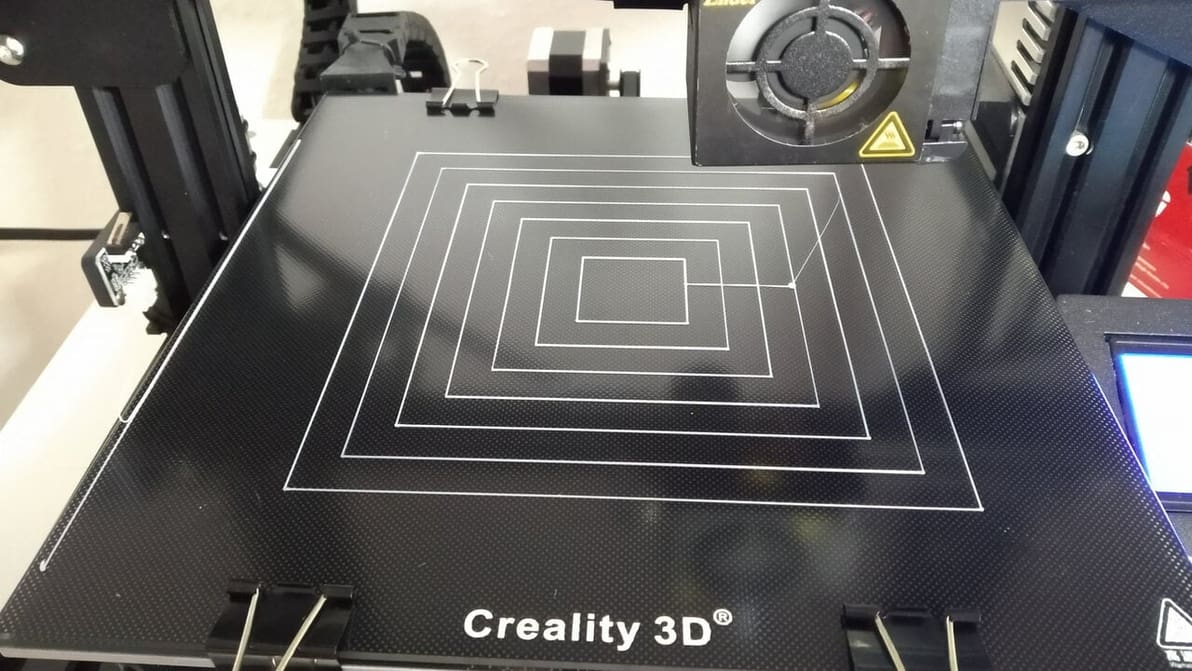
Leveling G-code can be used to aid and test the bed leveling process. Read on for some great Ender 3 (V2/Pro) bed leveling G-code!
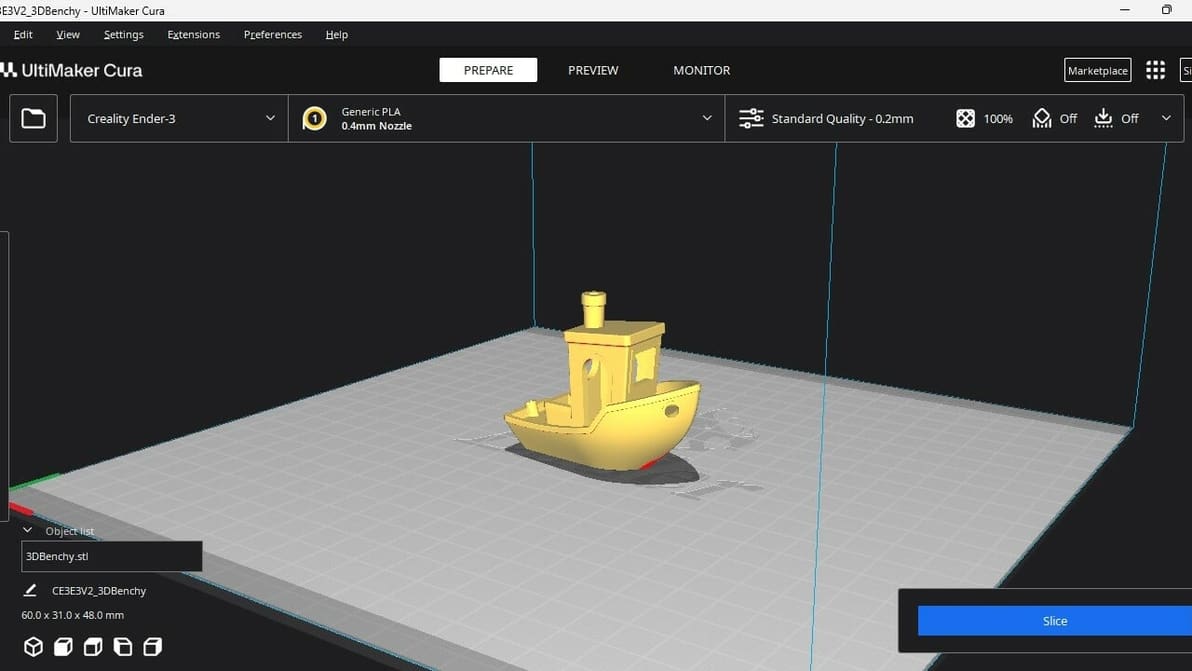
Not all slicers are created equal! Read about the slicers for the Ender 3 (V2/Pro/S1/Neo/V3) and find the best Ender 3 slicer for your needs.
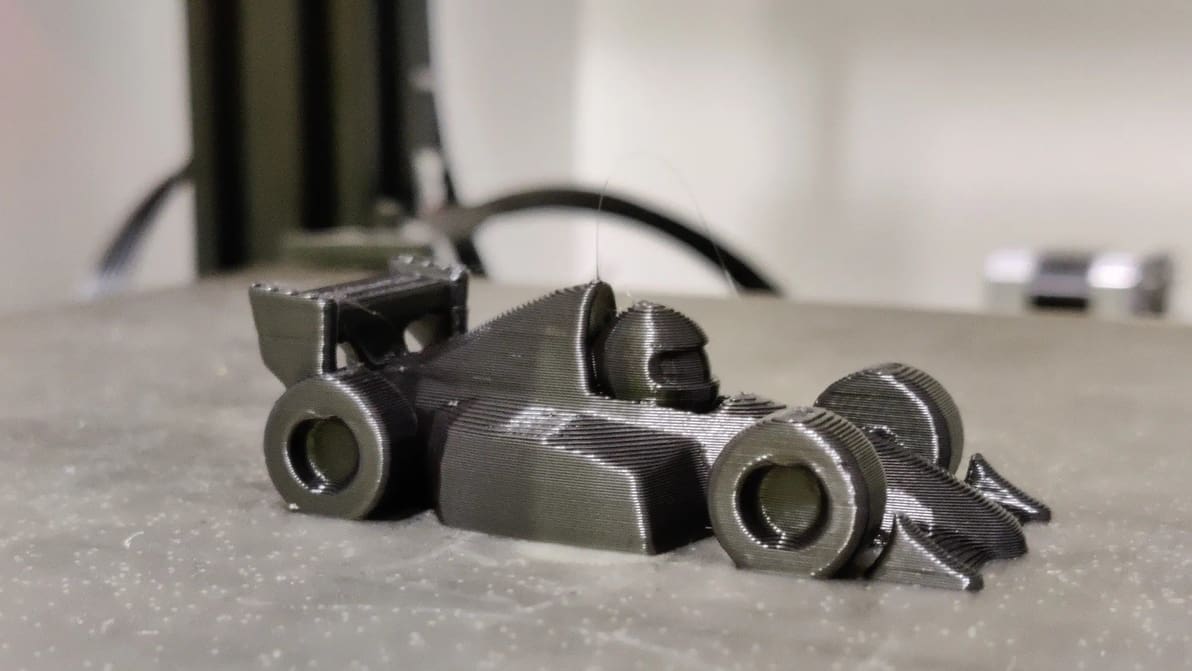
To get the most out of your Ender 3 (V2/Pro/S1), print speed is a key factor. Read on to discover the perfect Ender 3 print speed settings!
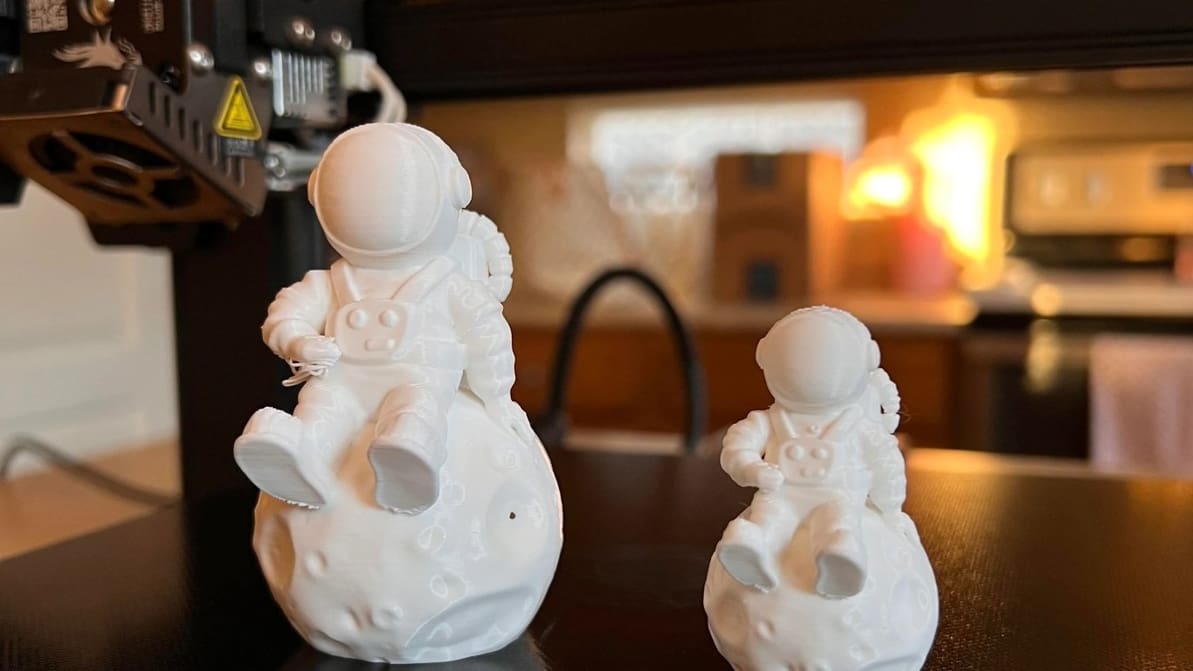
The best temperature, print speed, and retraction settings, among others. Read on for the best Ender 3 S1 & S1 Pro Cura slicer profiles.
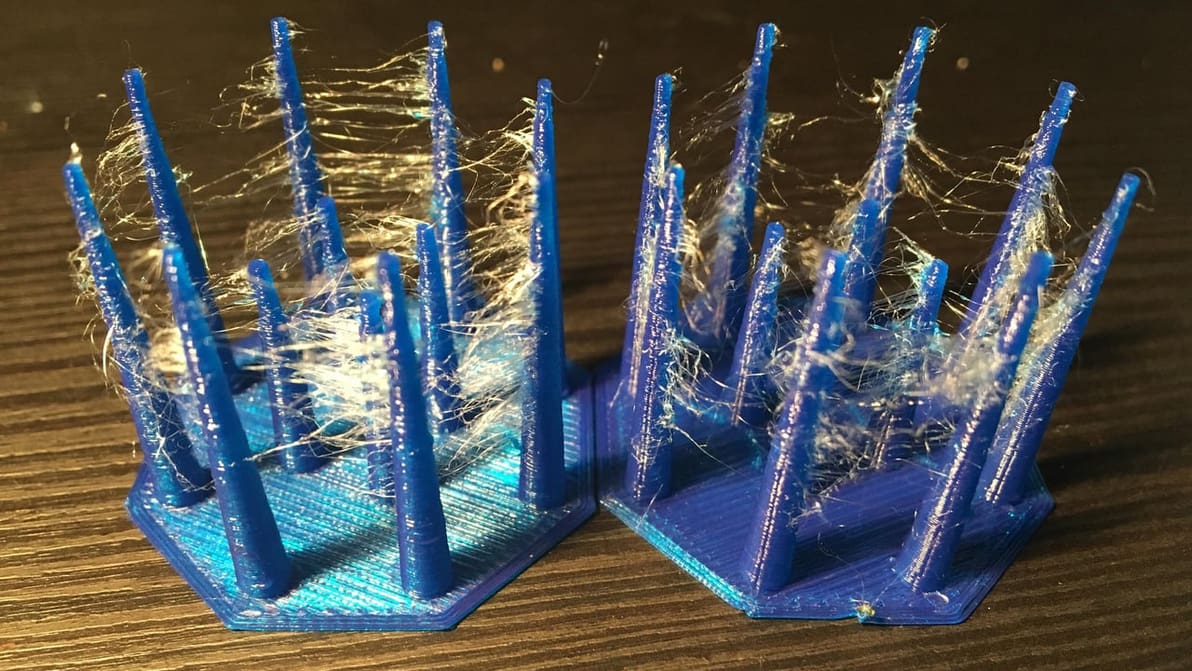
The Ender 3 (V2/Pro/S1) printers are great at pushing filament, but stringing can be a problem. Learn the best Ender 3 retraction settings!