Creality Hi vs Creality Ender 3 V3: Should You Upgrade?

Reaching the end with your Ender? Tempted to say hello to the Hi? This article's all for you.
Creality, that big ol’ lumbering giant of a 3D printer manufacturer, is always cooking up a new machine somewhere. Seems like barely a month goes by without the firm pulling the glittery (albeit digital) cover off a new gadget.
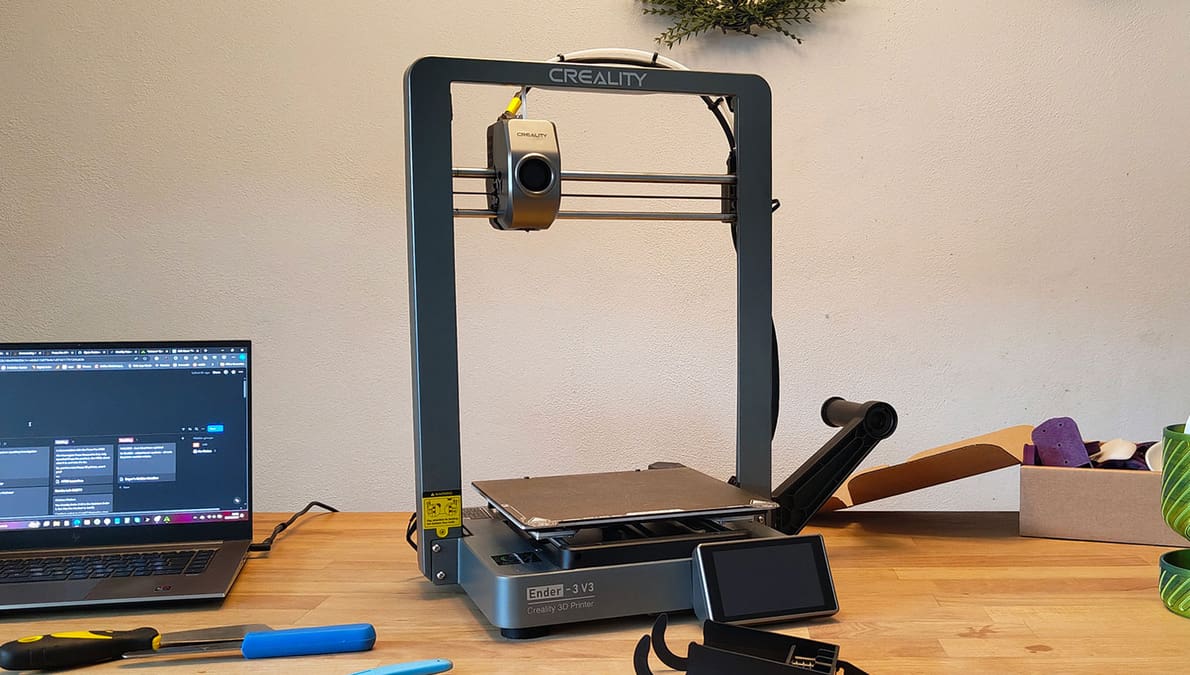
One of the newer printers the firm has put out is called Hi. The Hi is Creality’s newest bed-slinging 3D printer, and can trace its descent from a long line of Ender 3s, even though its not a part of that series.
The similarities are unmistakable, regardless of what it’s called. And that got us thinking. If you already have the Ender 3 V3, is it worth saying “hey” to the Hi?

We’re going to break down the differences between the two and come to a solid conclusion you can put your faith (and perhaps cash) into. So, for the breakdown between the two and the results, keep your peepers on the page.
Feature Face-Off
Design & Technology
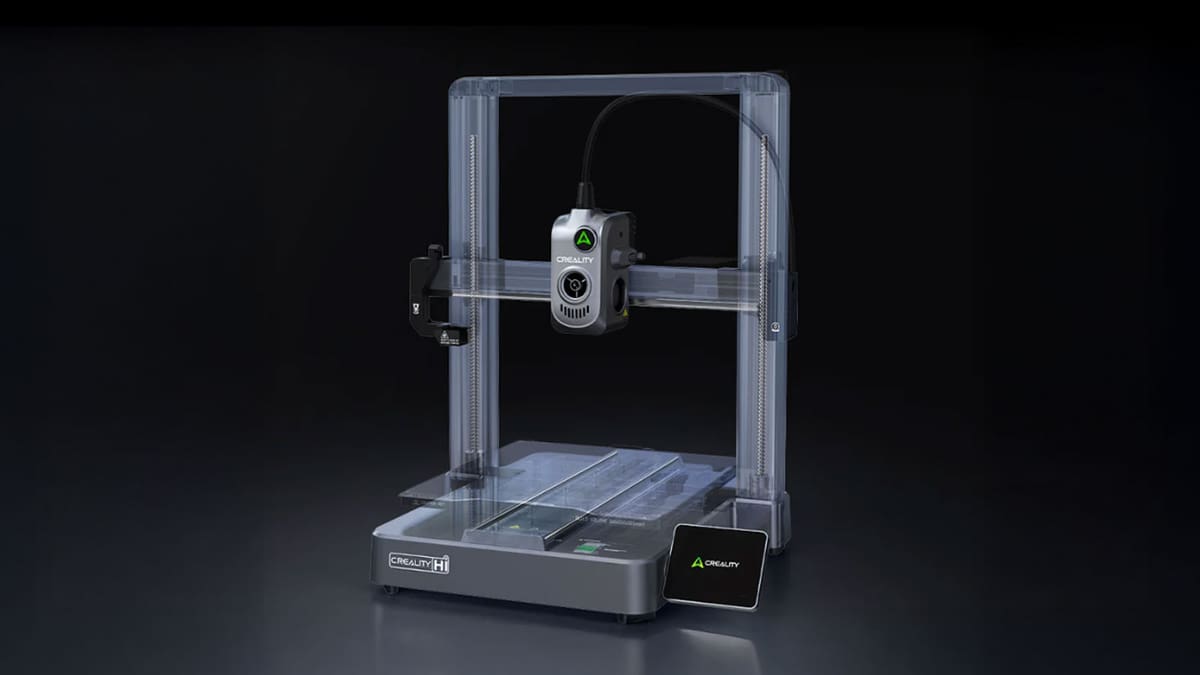
Creality offers many 3D printers, but the Ender 3-series of affordable bed slingers is its budget bread and butter. It’s several years mature, and if the formula works, why change it? Well, as we’re about to see, the Ender 3 V3 is perhaps less of an Ender 3 than the Hi.
The Hi is a little larger and carries a larger print volume, carrying a 260 x 260 x 300 mm zone compared to the 3 V3’s 220 x 220 x 250 mm. That’s a big enough difference to award an imaginary point to the Hi, with build volume tending to be one of those attributes that turns users into Oliver Twist. Please, Creality, I want some more.
The Ender 3 V3 utilizes CoreXZ kinematics, a rearranged CoreXY system of a sort, which fixes the X- and Z-motors to the base and uses belts to move the print head about on linear rods. The result is whizzy-quick print and travel moves from the printhead.
While uncommon, the benefits of this layout mostly appear in the form of improved print speed, which we found to be true during our time testing the Ender 3 V3. 600 mm/s is Creality’s stated top speed for 3 V3, but as ever with print speeds, it’s a theoretical performance ceiling; you’re as likely to hit that speed as you are to beat John Cena for the WWE Championship.

The Hi is a marginally slower machine on paper – 500 mm/s at the very top end, with Creality listing a “typical” speed of 300 mm/s. Either way, hitting these higher speeds requires high-speed PLAs and similar performant materials.
In terms of motion refinement and speed, there’s an advantage held by the Ender 3 V3 here. Ironically, it’s the Hi’s dual-lead screws and Cartesian kinematics that are what we’d expect in an Ender 3 model.
So the Ender 3 V3 is ahead on points early!
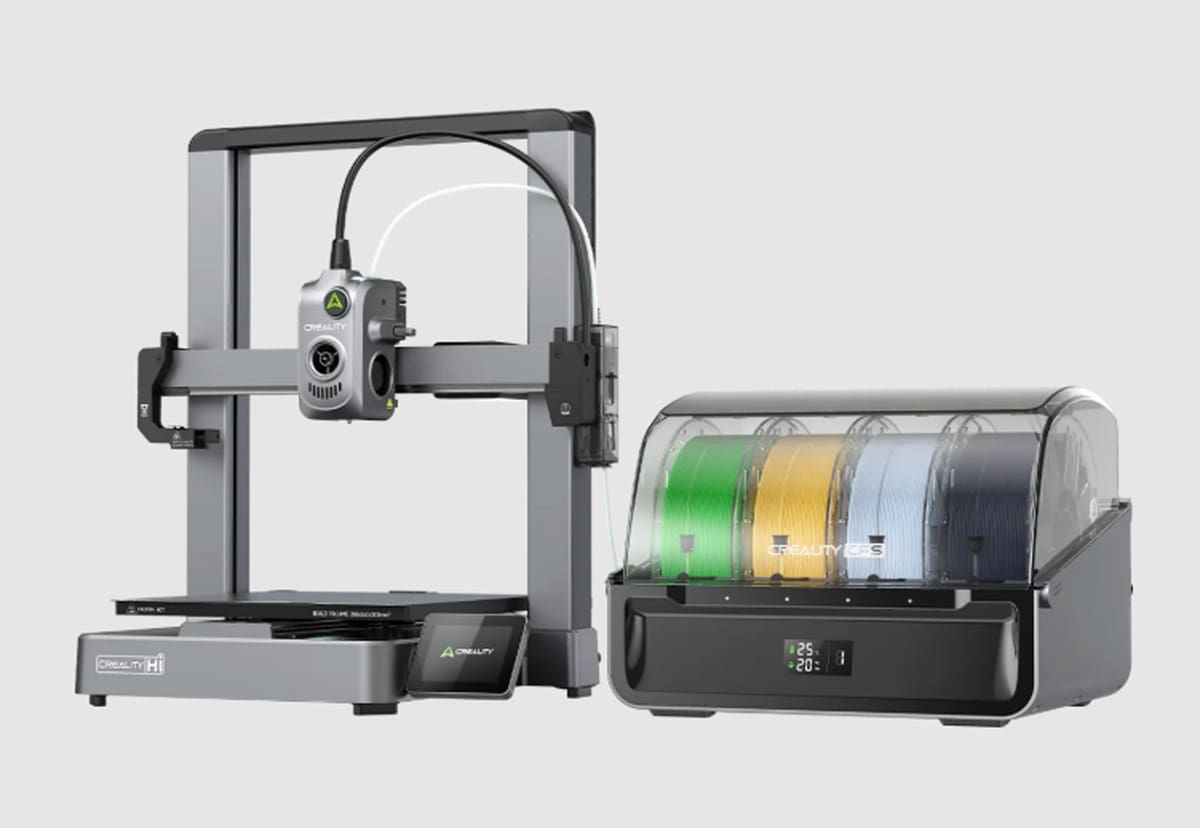
Narrowly. Anyway, it’s about to swing the other way because the big thing the Creality Hi is holding over its Ender brother is native multicolor printing capability. The Hi can make use of Creality’s Bambu Lab-inspired multi-spool management system, the Creality Filament System, or, simply, CFS.
It offers automatic filament management and includes sensors to tell you when there’s been a filament tangle or you’ve emptied the spool, plus hands-off multicolor, multi-material printing, and an RFID system that can recognize compatible Creality-brand filaments and plug in basic data from them. Creality also says that the CFS can be moisture-proof with the use of desiccants.
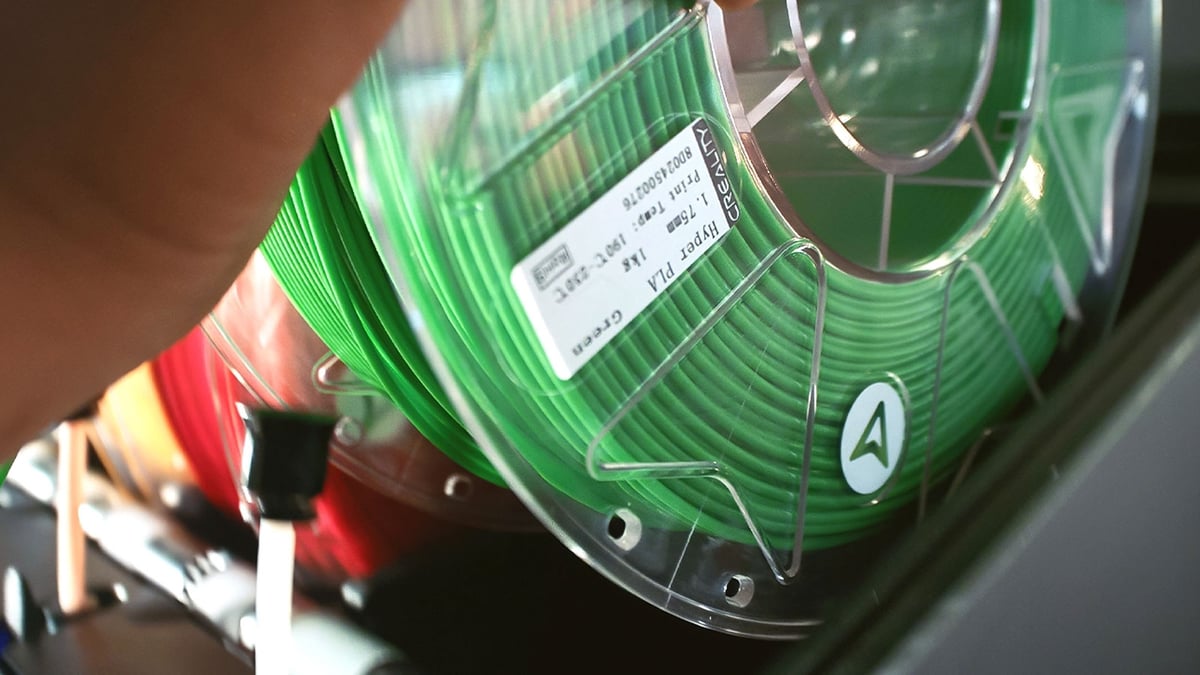
As with Bambu’s AMS you can also link multiple CFS systems to your Hi, up to four in fact. That’ll allow you to have 16 spools of filament locked in and ready for action at any time you require them. Creality says the system is happy to work with cardboard spools, too. It doesn’t like TPU, but that’s relatively common in multi-material systems like this.
That has unfortunately, for the Ender 3 V3, got it completely beaten, right? Wrong! Curveball incoming; the Ender 3 V3 does have a material management system. Creality has a relationship with Co Print, a multi-extrusion 3D printer upgrade maker, that has resulted in unusually deep integration for the Ender 3 V3.
Available as a pre-integrated printer-upgrade combo, or a standalone upgrade for your Ender 3 V3, Co Print’s approach sees a printhead transformation, converting the Ender 3 V3 from direct extrusion to Bowden. (The extruder motors are mounted to the frame and feed filament indirectly to the hot end.) Up to eight Co Print extruders can be mounted to the printer, with custom Co Print developed firmware available via Creality, that integrates control and management of the system into the Ender 3 V3’s UI. It’s deep, we dig it, but it’s quite an invasive upgrade for the Ender 3 V3.
The Co Print Ender 3 V3 upgrade (or combo bundles) can be purchased directly from Creality, in 4- and 8-filament variants.
Interesting… but the Hi’s CFS looks tidier
We agree. Onto extrusion now, though. The Creality Hi’s nifty integrated printhead features a filament cutter, filament runout detection, a bed leveling sensor, and a quick-swap nozzle that Creality says reduces your chance of encountering clogs and simplifies printer maintenance.
It appears to be closely tied to – or possibly even the same as – the nozzle in the Ender 3 V3, known as the “Unicorn”. This nozzle is an all-metal unit that supports high-flow extrusion (good for keeping up with high print speeds) and a hardened steel tip that should be able to handle abrasive filaments without getting wrecked in the process. The Unicorn actually bears a striking resemblance to the “Nextruder” nozzles found on Prusa Research’s XL and MK4 3D printers.
Nozzles need filament to pass through them, which means that, at some point, you’re going to need to load some filament for it. Here, the Ender 3 V3 is going to treat you like a spool, and wind you up. It presented a deeply annoying challenge during our time with the printer back in summer ’24.
Printers are getting smarter, right?
Yeah, and just as it is with teenagers, some are smarter than others. Recent years have seen more brands trying to banish the chores of 3D printing. The Ender 3 V3’s features cover almost everything – bed leveling, Z-offsetting, input shaping, and more. This is all set off by just a press of the button on the 4.3-inch HD touchscreen.
However, unlike its potential rival, the Bambu Lab A1, it can’t tell you when something has gone wrong, and that’s frustrating. Once you’ve had your printer squeak at you and tell you something’s not right, its absence is noticeable.
The Hi has all the calibration smarts the Ender has and will, in fact, squeak at you when the print has finished or stopped unexpectedly. On the other hand, it has a slightly inferior touchscreen. No biggie, but you have to wonder, why? There are some odd differences between these two printers.
Price
Price is often the deciding factor that determines whether we stick or twist on a new printer. Alone, these printers are evenly matched. Just $10 sets them apart, with the Ender 3 V3 costing $379 and the Hi the higher at $389 (without the Combo that includes the CFS).
But here’s the thing – if you’re looking at the Creality Hi as an option, it’s almost certainly because of its ability to do multicolor, multi-material printing, and the roomy build volume. That means opting for the CFS bundle, which brings the price up to $599. Not bad at all for multicolor capabilities.

If you want to add more CFS units to print with more materials, that’s an additional $319 each. Theoretically, the fully kitted-out 16-filament Hi setup amounts to just under a grand.
Jolting back briefly to the Co Print material system for the Ender 3 V3, offering up to 4-filament printing, is a slight $290 (jumping to $399 for the 8-filament version) but undoubtedly costs more in the setup and footprint required.
Should You Upgrade?
In a shoot-out between these two machines as standalone 3D printers results in a thin win for the Ender 3 V3. There’s little difference between the two, with the V3’s motion system eking slightly higher speeds, and the Hi’s most compelling facet being its larger build volume. We see no compelling reason to invest in a machine that’s roughly on par with the one you already have.
But that’s not the whole story. If you own an Ender 3 V3, and you are considering stepping up towards the Hi, it’ll be for one reason only – the ability to wield multicolor, multi-material printing.
The Creality Hi’s solution for this, native compatibility with the Creality Filament System (CFS), is both neater and less intrusive than the Co Print add-on for the Ender 3 V3. If it’s the multi-filament capability you’re chasing, the Hi is your best bet.
License: The text of "Creality Hi vs Creality Ender 3 V3: Should You Upgrade?" by All3DP is licensed under a Creative Commons Attribution 4.0 International License.
CERTAIN CONTENT THAT APPEARS ON THIS SITE COMES FROM AMAZON. THIS CONTENT IS PROVIDED ‘AS IS’ AND IS SUBJECT TO CHANGE OR REMOVAL AT ANY TIME.