3D Printer Troubleshooting

Advertisement

Most popular

Featured image of Fix Your Fails: The 10 Best Models to Calibrate Your Resin 3D Printer
Ready the Resin
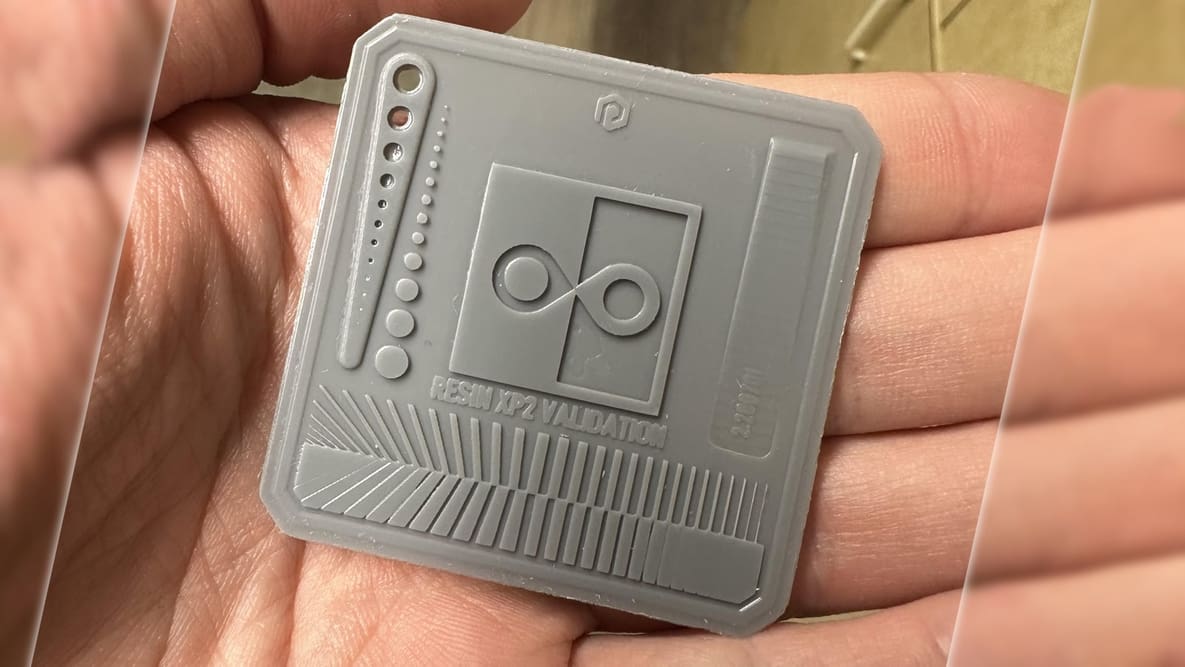
Fix Your Fails: The 10 Best Models to Calibrate Your Resin 3D Printer

Even resin 3D printers need a workout from time to time. Discover the best resin test print models to whip your machine into shape!
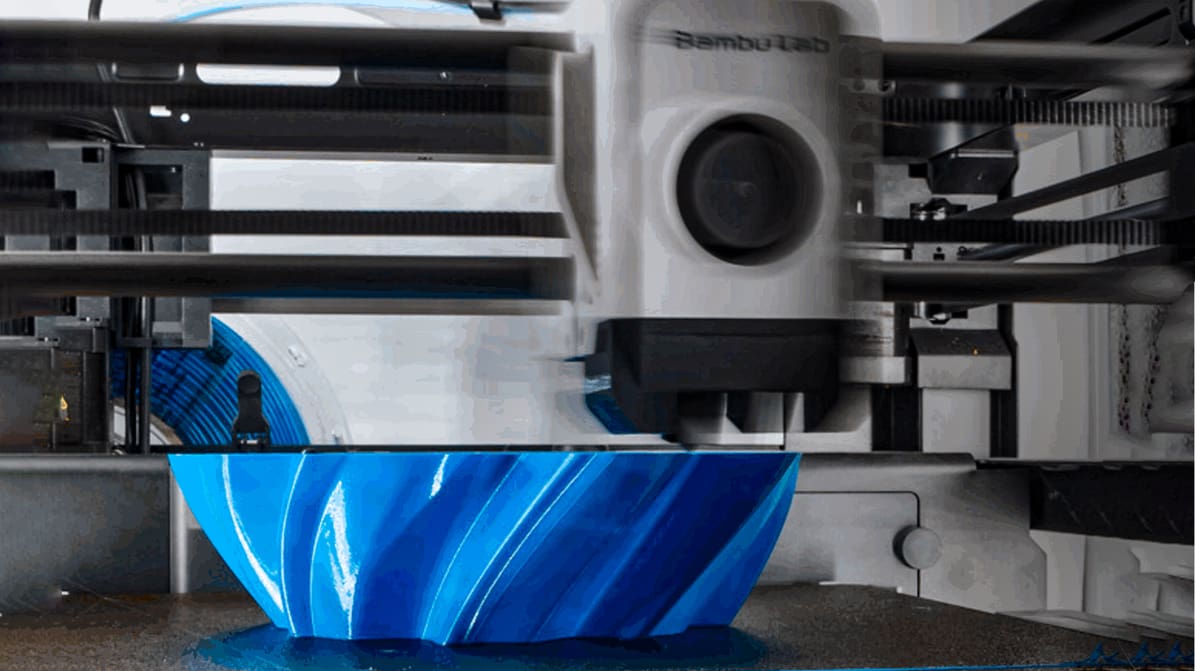
Featured image of The Settings Your PETG Prints Need to Get a Whole Lot Better
No Strings Attached
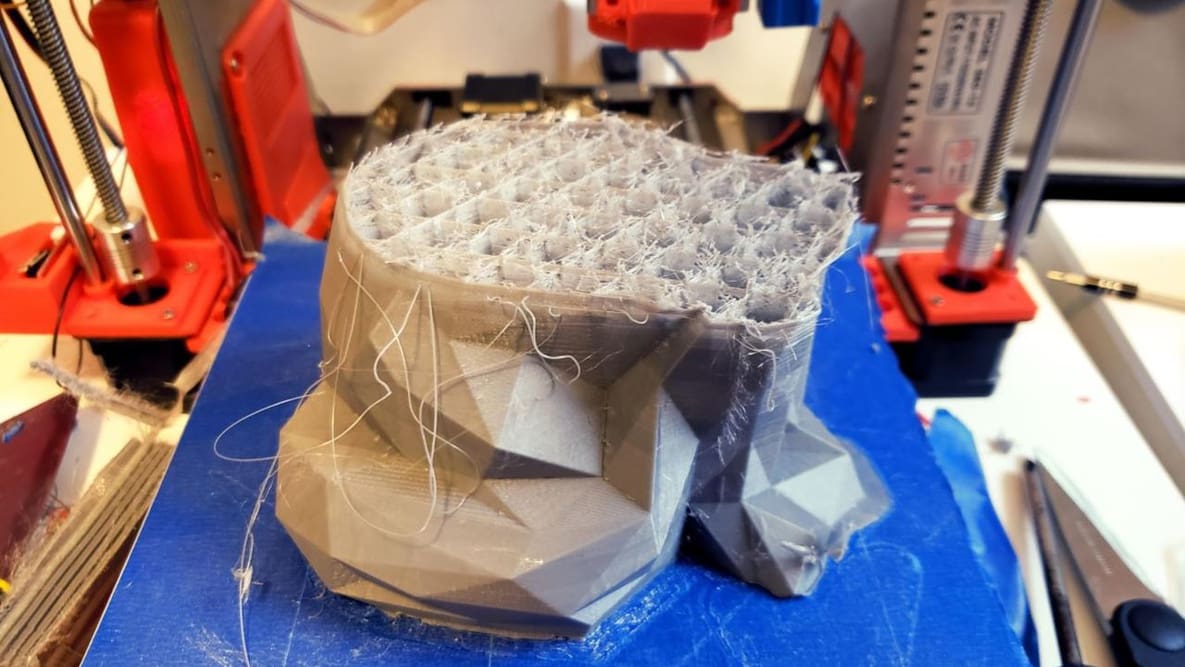
The Settings Your PETG Prints Need to Get a Whole Lot Better

Find the perfect PETG print settings for your needs by adjusting temperature, stringing, print speed, and retraction settings!
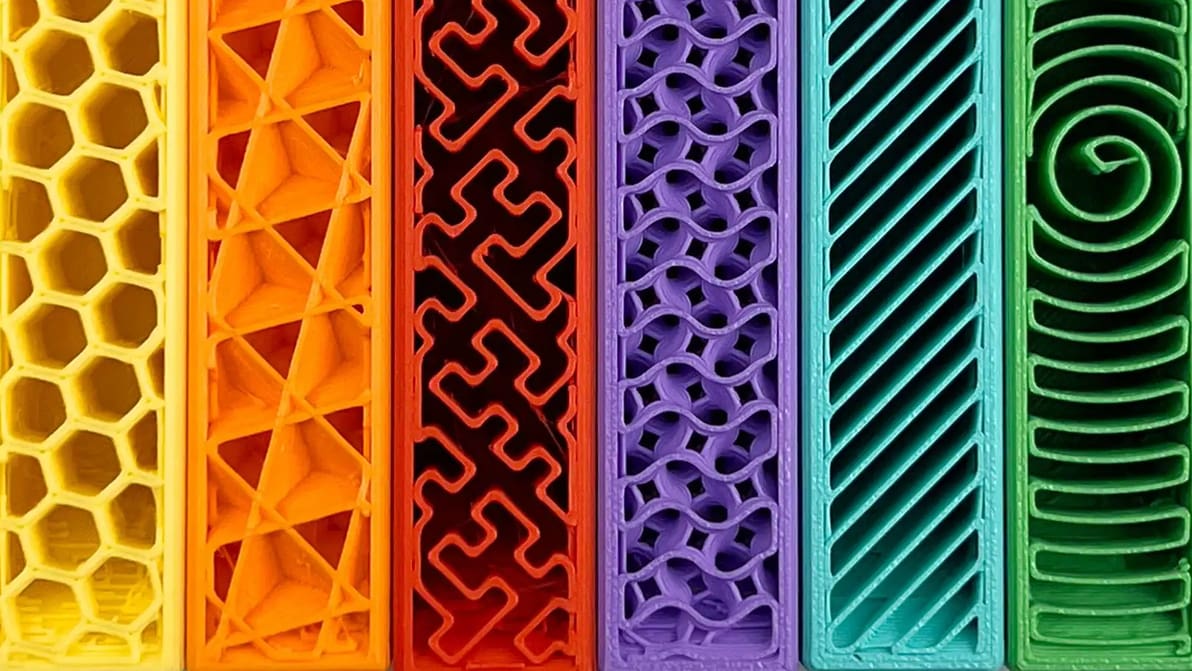
Featured image of 3D Printing Infill: The Basics for Perfect Results
It's All in the Filling
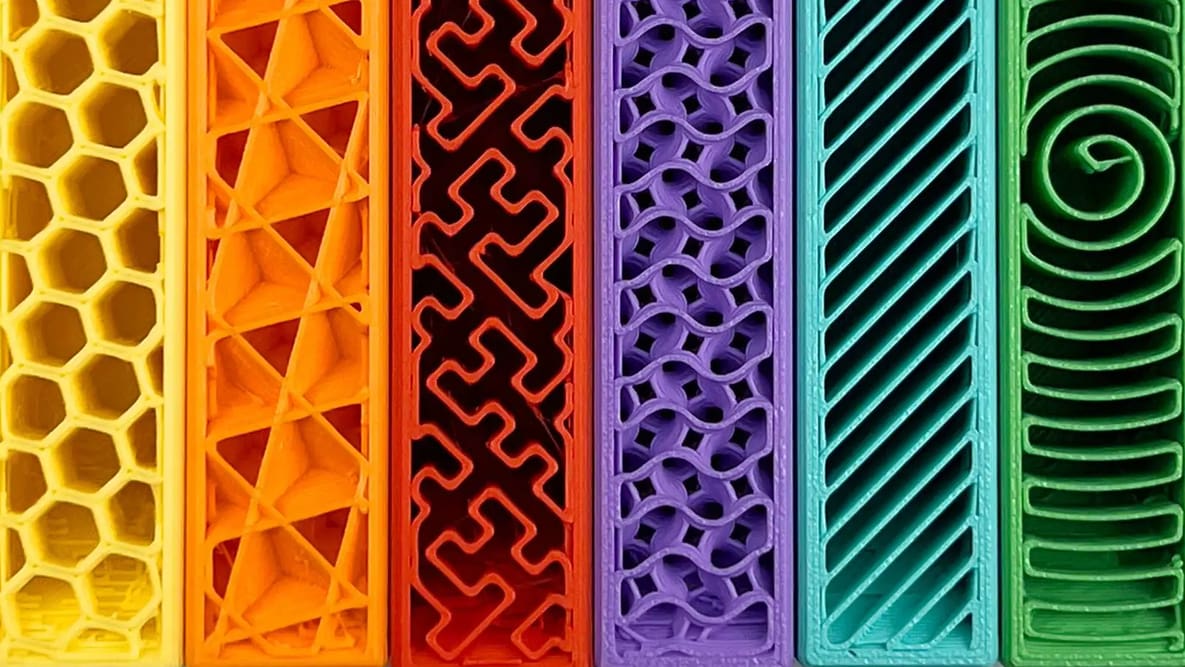
3D Printing Infill: The Basics for Perfect Results

In 3D printing, infill plays an important role in a part's strength, structure, and weight. Read on to learn more about it.

Featured image of 13 Hidden 3D Printer Weaknesses Only a 3D Benchy Reveals
Prints Ahoy
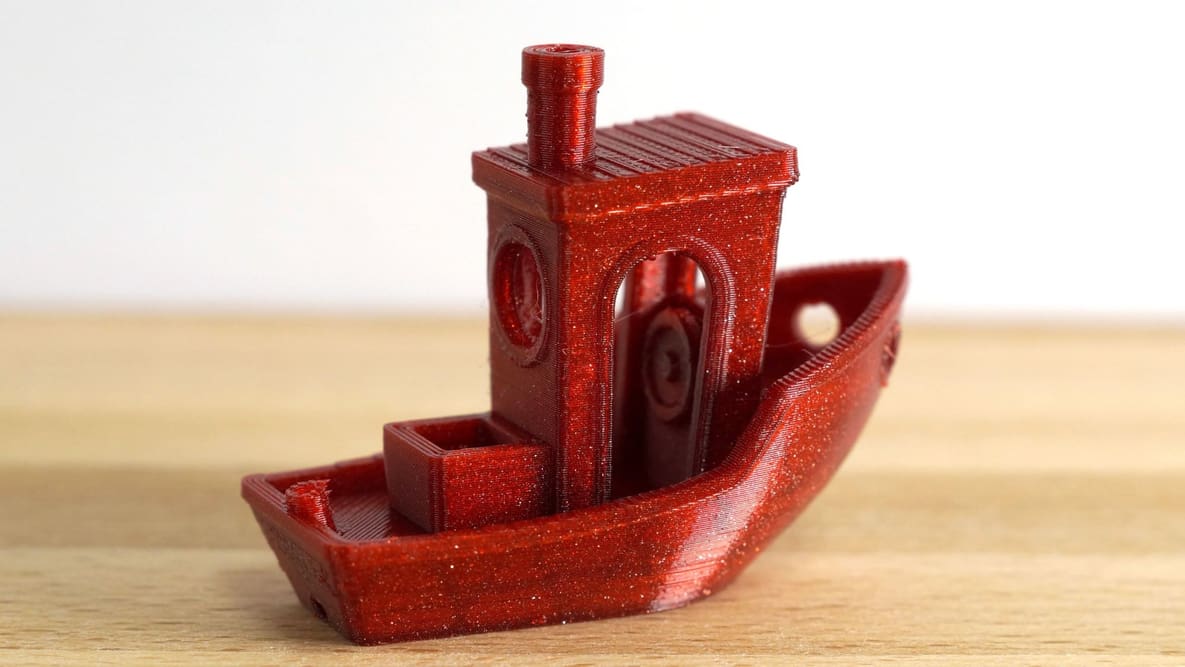
13 Hidden 3D Printer Weaknesses Only a 3D Benchy Reveals

One tiny tug boat has remained the hallmark of a healthy 3D printer for years & one of the best ways to fine-tune your printer performance.

Featured image of How to Fix Heat Creep (3D Printing): 5 Simple Solutions
A Hot Mess
How to Fix Heat Creep (3D Printing): 5 Simple Solutions

Heat creep has 3D printer filament melt too early in the hot end, sometimes resulting in clogs. Learn four simple solutions to this problem!

Featured image of Want Flawless Prints? Simple Tricks to Eliminate Zits and Blobs
Zap the Zits, Blast the Blobs
Want Flawless Prints? Simple Tricks to Eliminate Zits and Blobs

Don’t let those unsightly zits and blobs ruin another print. A smooth finish is easier to achieve than you think. We’ll show you how.

by Jackson O'Connell
Featured image of Sanding 3D Prints: How to Sand PLA & More
That Doesn’t Look 3D Printed!
Sanding 3D Prints: How to Sand PLA & More

Sanding 3D prints is a lot of work, but it's worth the effort. Read on to learn how to achieve photo-ready 3D prints!

by Michael Heit
Featured image of 3D Print Layer Separation: 8 Tips to Avoid Delamination
Keep It Together
3D Print Layer Separation: 8 Tips to Avoid Delamination

If you're experiencing 3D print layer separation, we've got some tips. Read on to find out how to get those layers to stick!

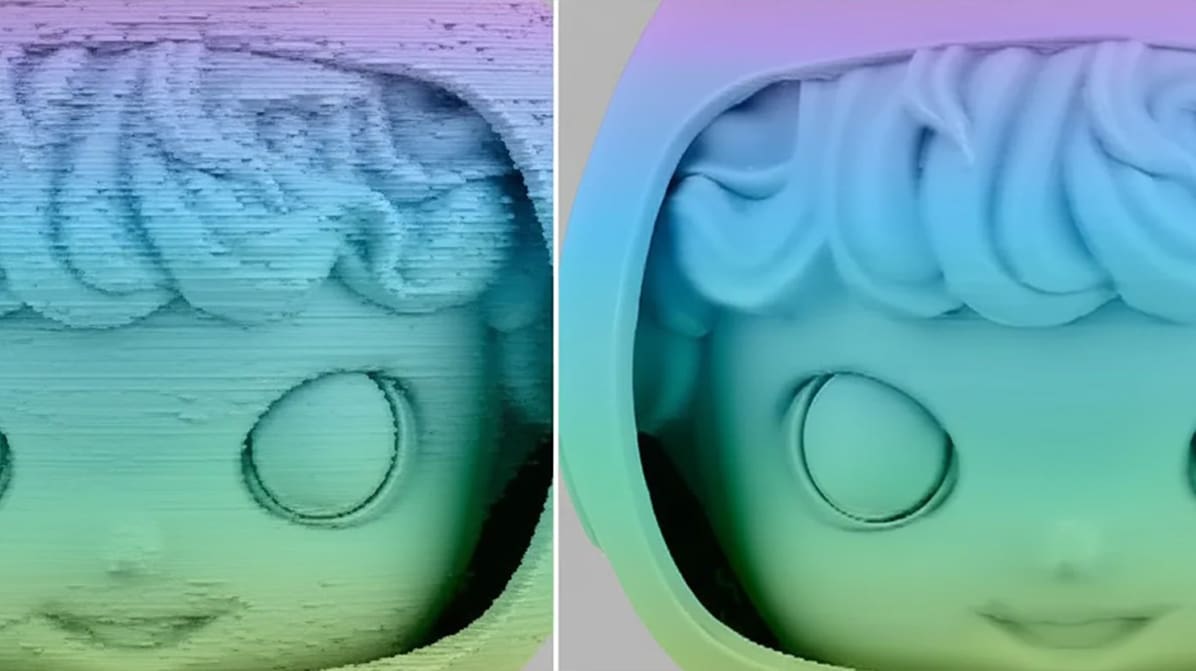
Featured image of Gaps in 3D Prints Are A-Void-Able: 7 Types Detailed and How to Fix Them
Mind the Gap
Gaps in 3D Prints Are A-Void-Able: 7 Types Detailed and How to Fix Them

Gaps in 3D prints are annoying defects that mess up how parts look and work. Check out this guide for easy fixes and how to avoid them!
by Lucas Carolo
Featured image of Solve 3D Print “Ghosting” Defects in a few Easy Steps
Haunted Prints
Solve 3D Print “Ghosting” Defects in a few Easy Steps

No need to be scared! 3D printing ghosting or ringing is nothing to fear. Check out this quick guide for easy fixes to prevent it.

Advertisement
Advertisement
Featured image of PLA Not Sticking to Bed: 6 Simple Solutions
PLAying with Adhesion
PLA Not Sticking to Bed: 6 Simple Solutions

When it comes to printing in PLA, not sticking to the bed is a common issue. Read on for six simple solutions to this problem!

Featured image of 3D Printing Bridging: 6 Tips for Perfect Bridges
Bridging The Gap
3D Printing Bridging: 6 Tips for Perfect Bridges

Bridging is a 3D printing technique that lets makers significantly cut down on print supports. Learn how to improve your printer's bridging!

Featured image of 3D Printer PID Tuning: Simply Explained
Easy as P-I-D
3D Printer PID Tuning: Simply Explained

Looking to auto-tune the PID settings on your printer to improve print quality? Learn how 3D printer PID tuning works!

Featured image of 3D Printing Elephant’s Foot – Easy Fixes
Stomp It Out!
3D Printing Elephant’s Foot – Easy Fixes

Elephant's foot is a 3D printing problem that's not often discussed but is often experienced. Learn how to stop it easily!

by Zachary Hay
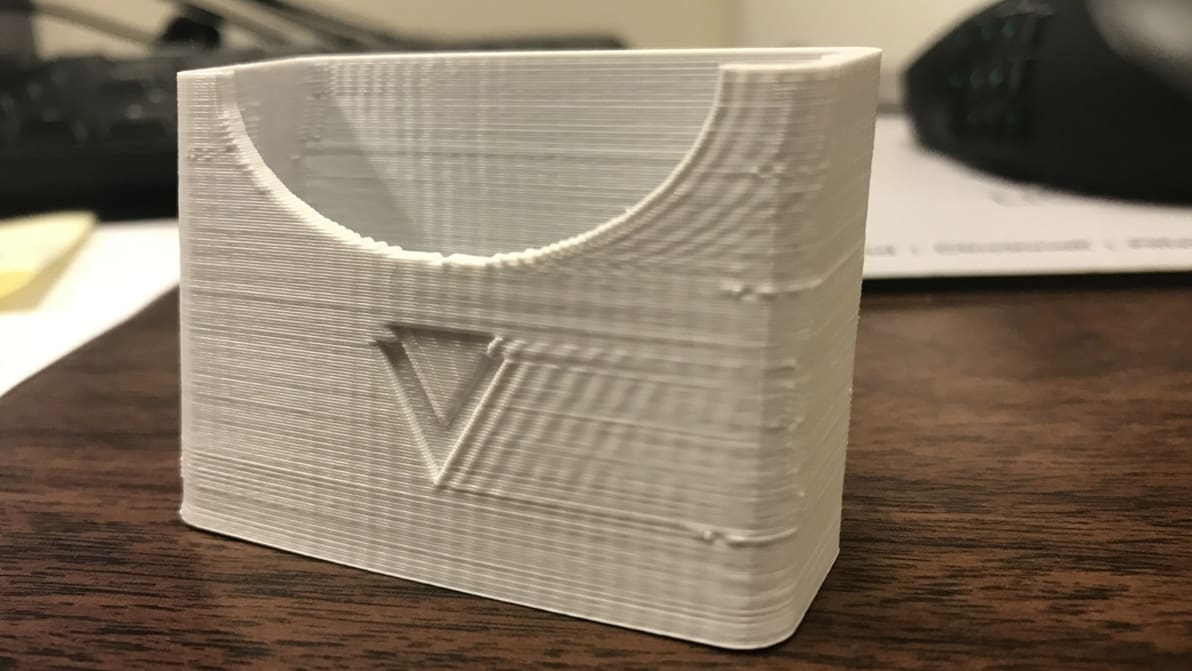
Featured image of Make Your Printer Z Wobble Free & Banish Z Banding From Your Prints
Band-Free Printing
Make Your Printer Z Wobble Free & Banish Z Banding From Your Prints

Regularly spaced bulges around a print's sides could be Z banding, and Z wobble might be the underlying problem. Learn how to diagnose and fix it!
by Mohamed Elgendy
Featured image of 3D Printer Layer Shifting: 6 Simple Solutions
Shifting Gears
3D Printer Layer Shifting: 6 Simple Solutions

Wondering what causes layer shifting in 3D printing? Check out six easy tips and tricks to prevent a 3D print layer shift!

by Jackson O'Connell
Featured image of 3D Printer Under-Extrusion: 8 Simple Solutions
Filling in the Gaps
3D Printer Under-Extrusion: 8 Simple Solutions

Plagued by 3D printer under-extrusion and don't know how to get rid of it? Check out this guide for some simple solutions.

by Tobias Hullette
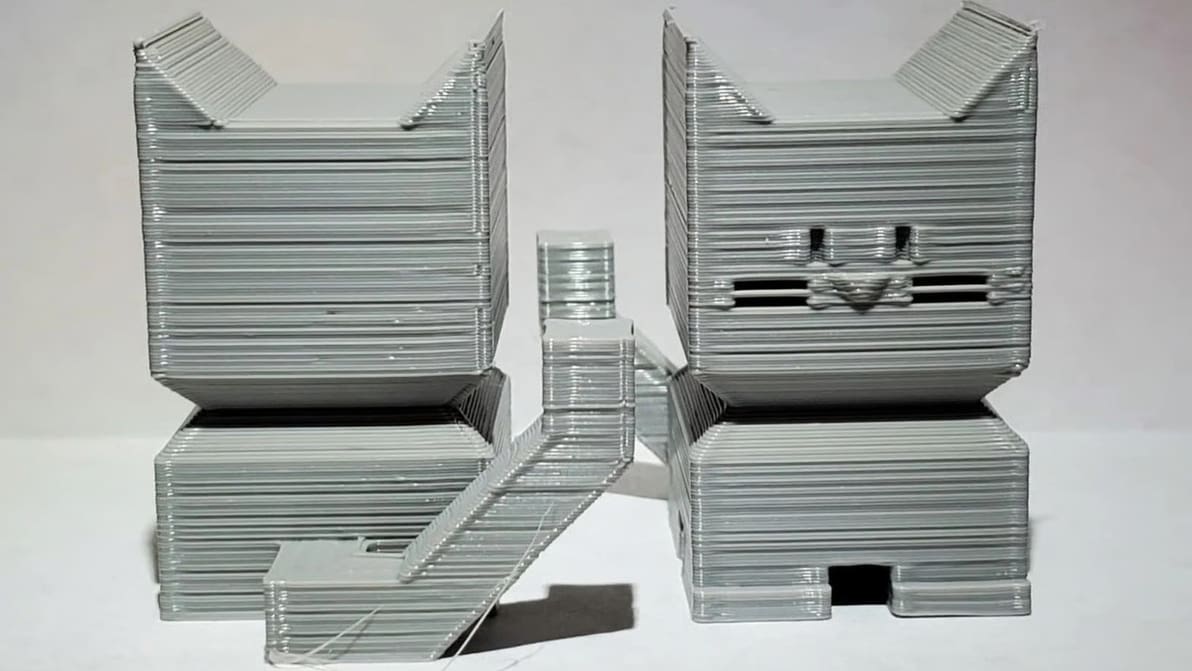
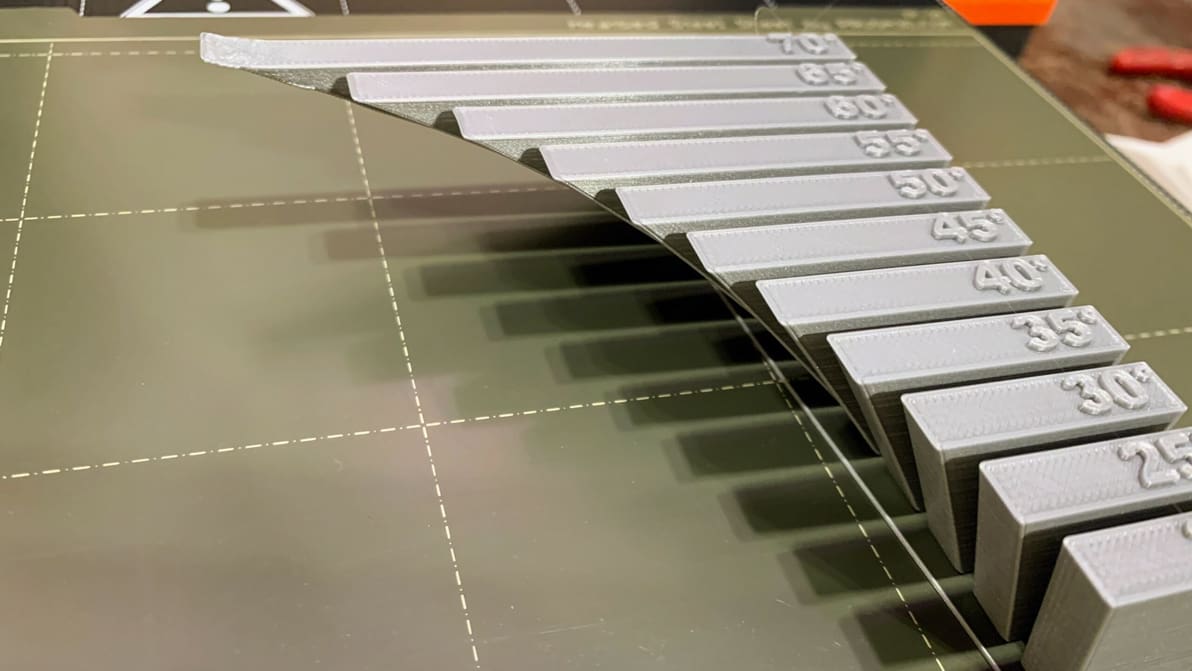
Featured image of 3D Printing Overhang: How to 3D Print Overhangs
Defy Gravity
3D Printing Overhang: How to 3D Print Overhangs

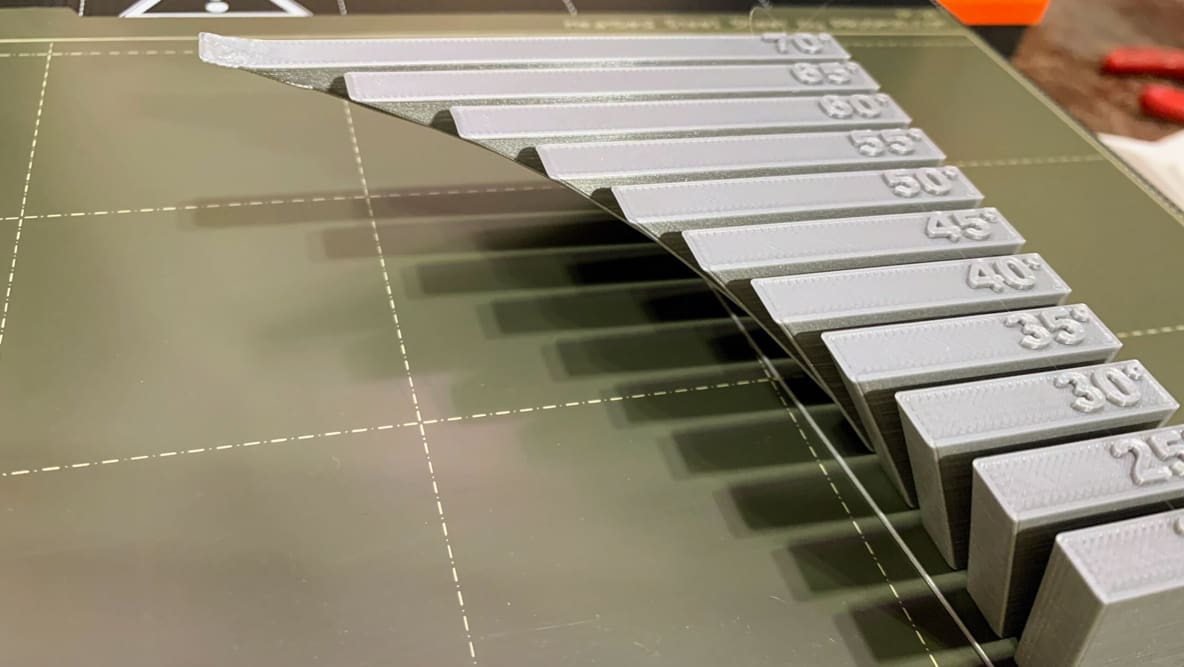
A necessary evil for makers is 3D printing overhangs. Learn all of our tips and tricks for mastering extreme 3D printing overhangs!
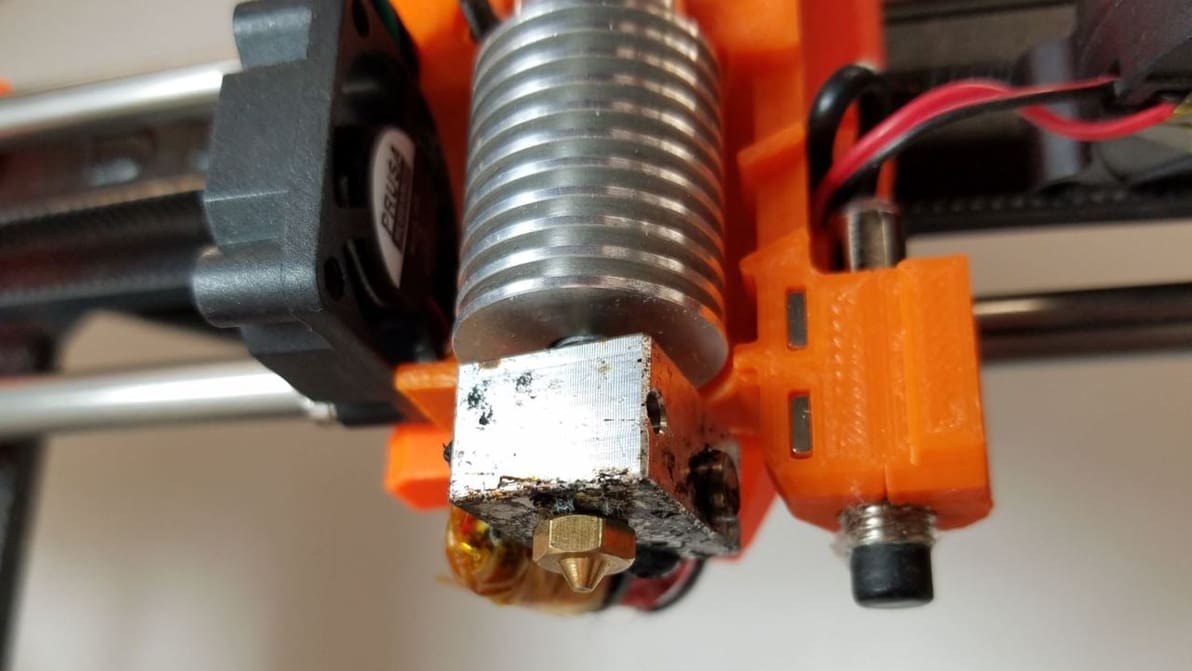
Featured image of Resin Print Not Sticking to Build Plate: 6 Simple Solutions
To Adhere or Not to Adhere
Resin Print Not Sticking to Build Plate: 6 Simple Solutions

Is your resin print not sticking to the build plate? Don't give up hope! Check out these six solutions for perfect adhesion!

by Kevin Corinth
Featured image of Cura Fuzzy Skin Setting: What It Is & How to Use It
Rough Around the Edges
Cura Fuzzy Skin Setting: What It Is & How to Use It

Cura's fuzzy skin feature generates a rough exterior surface on 3D prints. Learn when to use it, how it works, and what settings control it!

by Jackson O'Connell
Advertisement
Advertisement