3D Slicer
Recent

Most popular
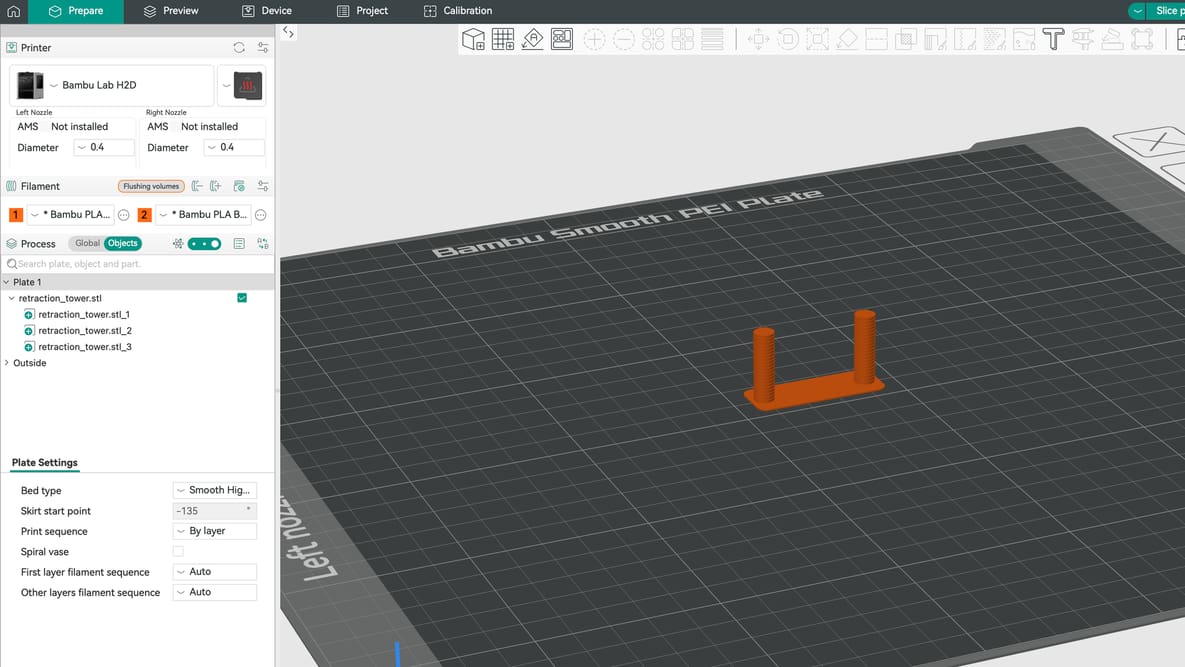
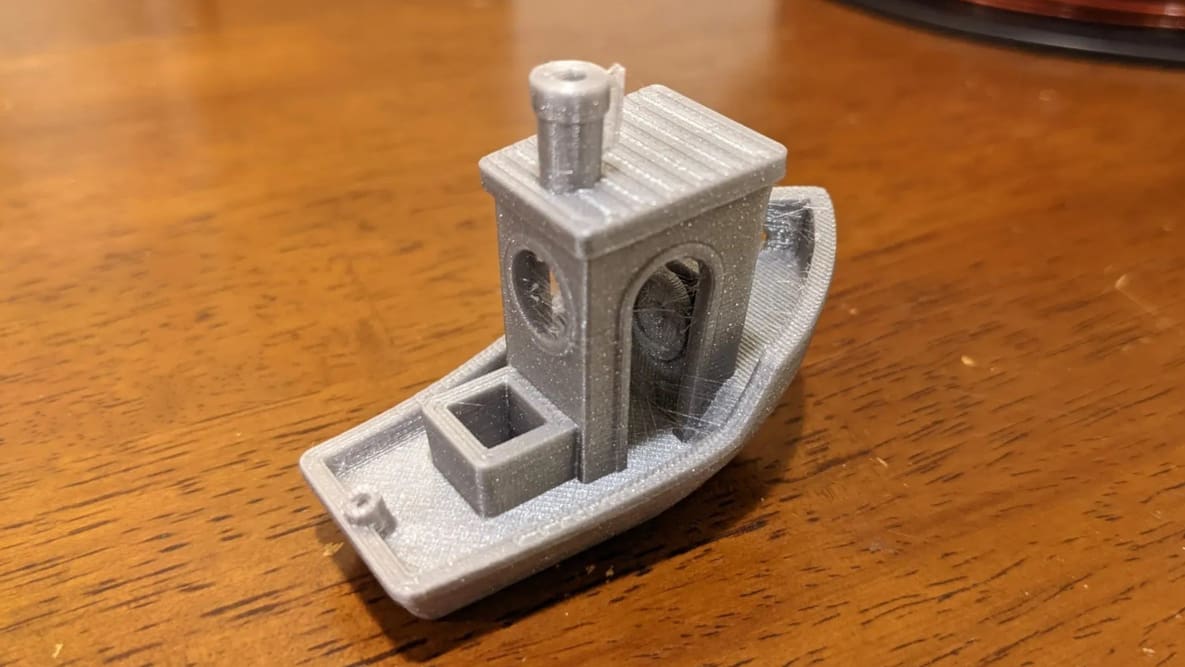
Can’t seem to get a print right without stringing? The solution might lie with your retraction settings. Here is how to get them right.
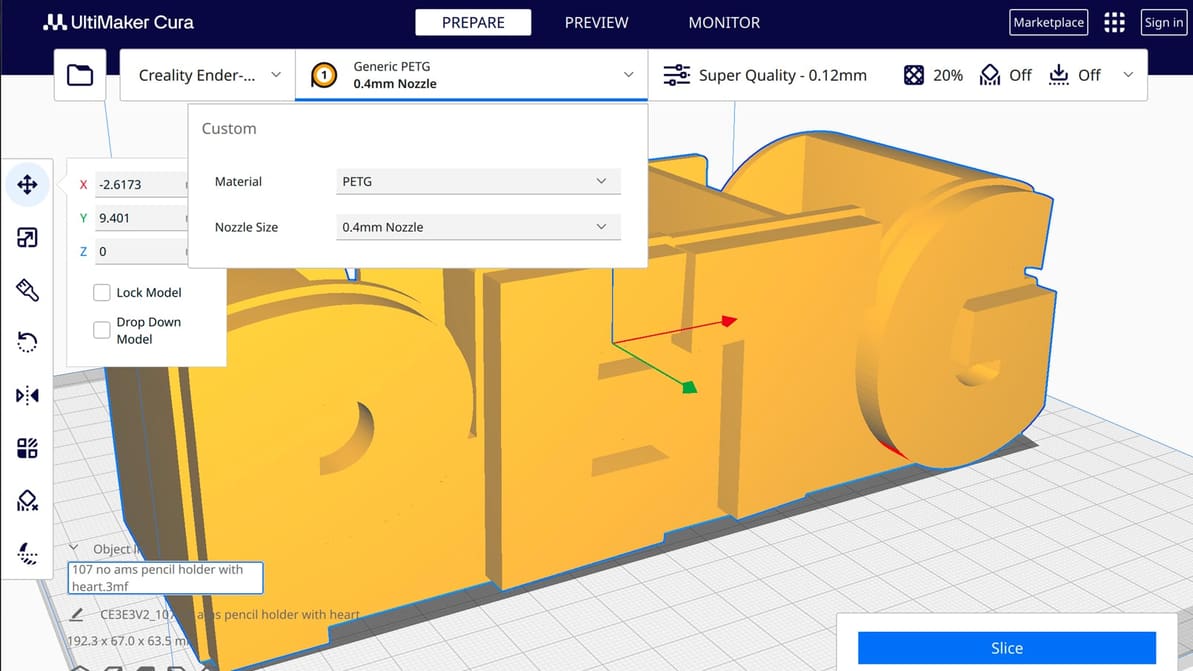
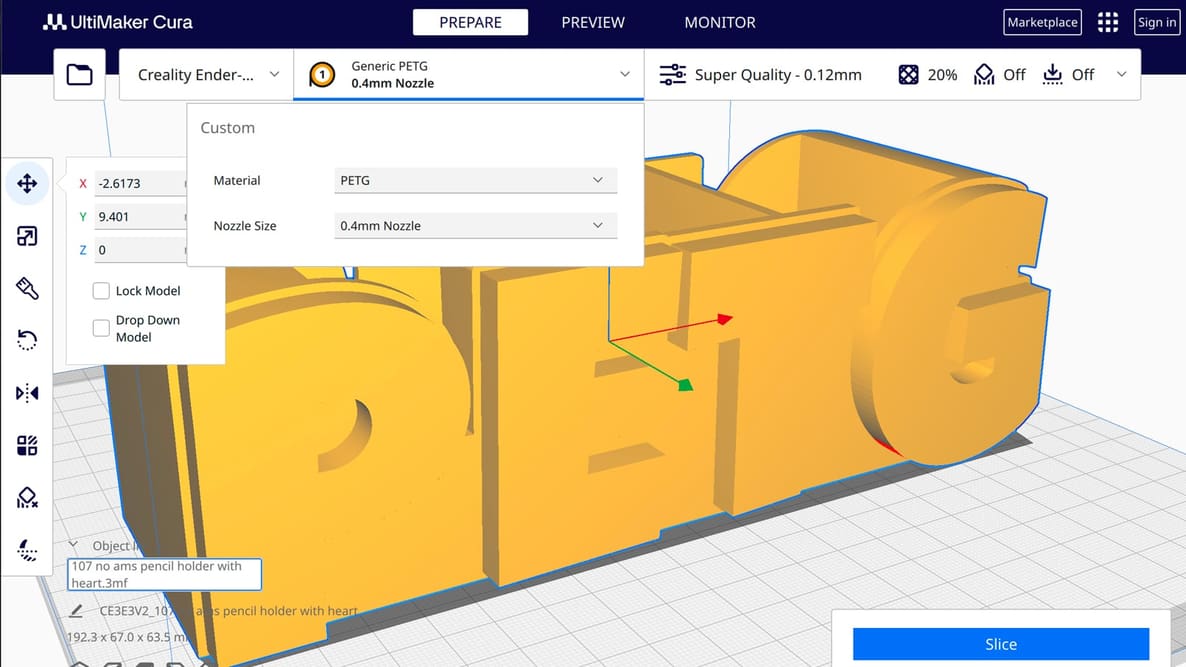
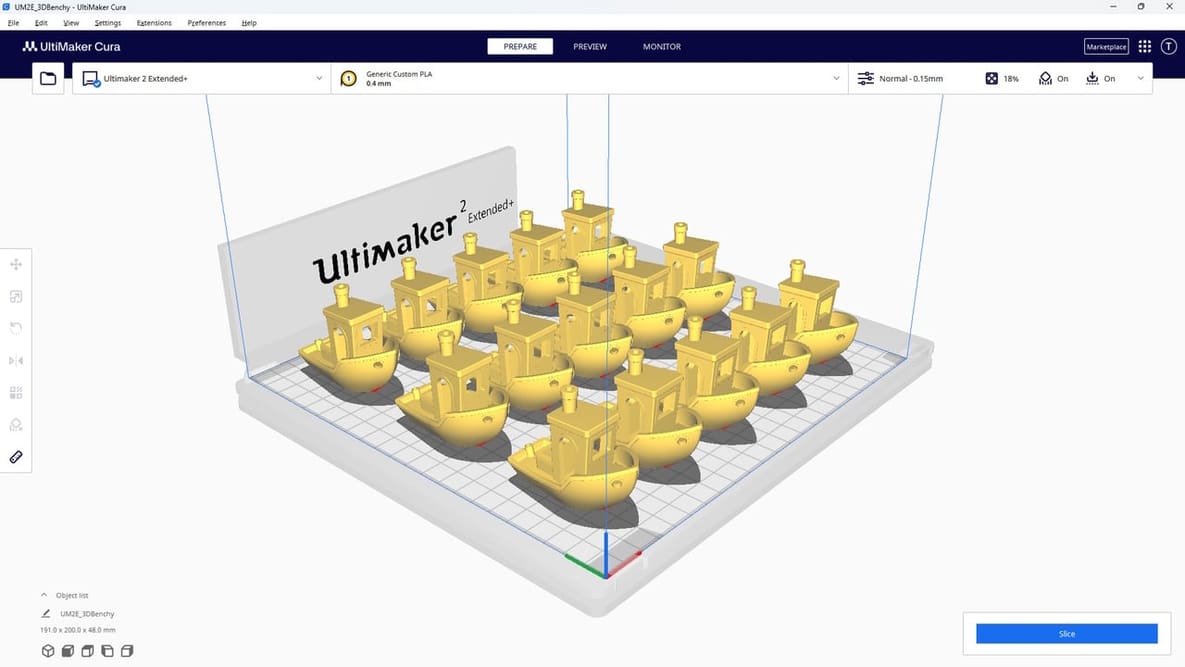
If you're a Cura slicer enthusiast, learn to how to translate PETG printing principles into practical slicer settings.
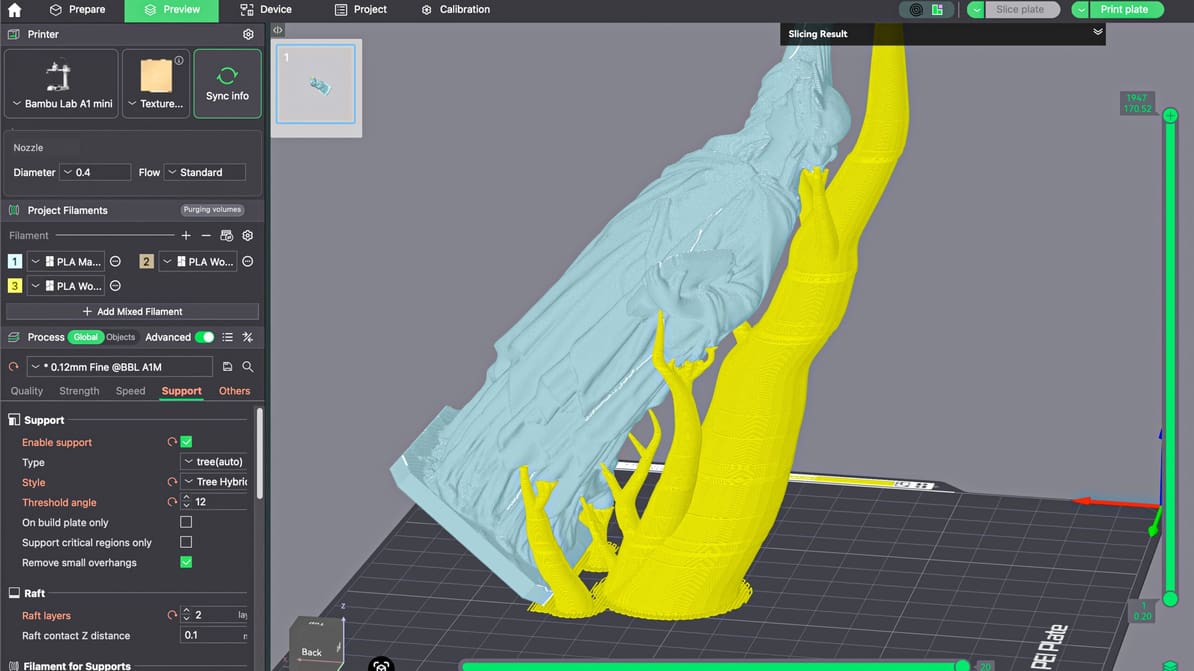
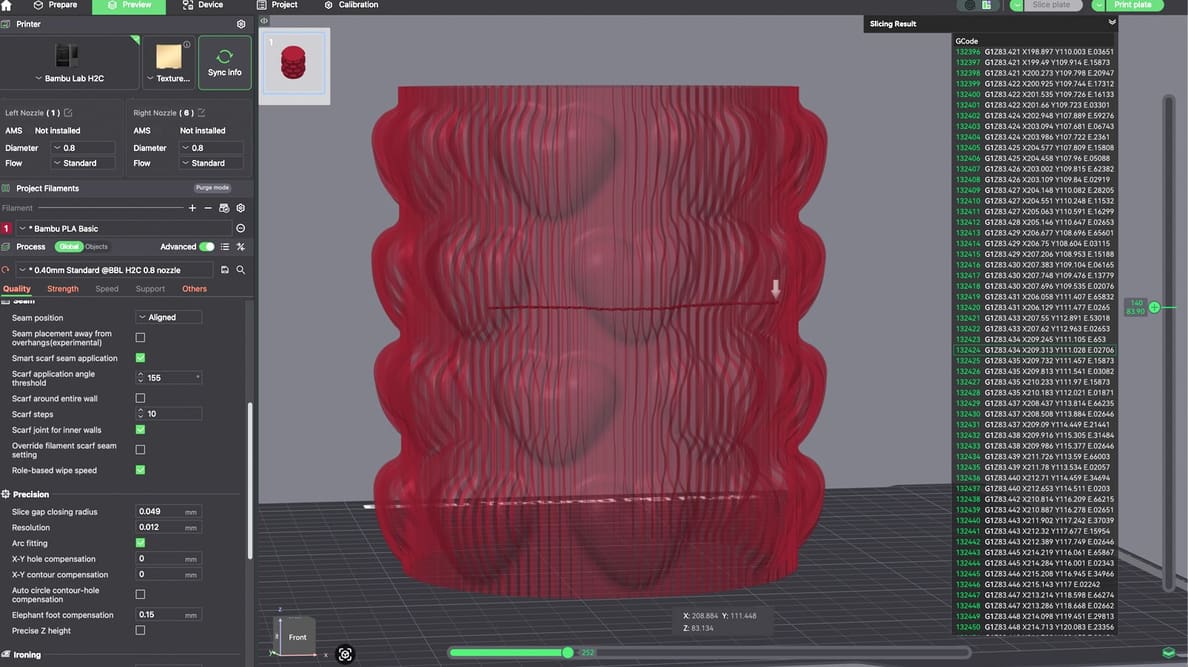
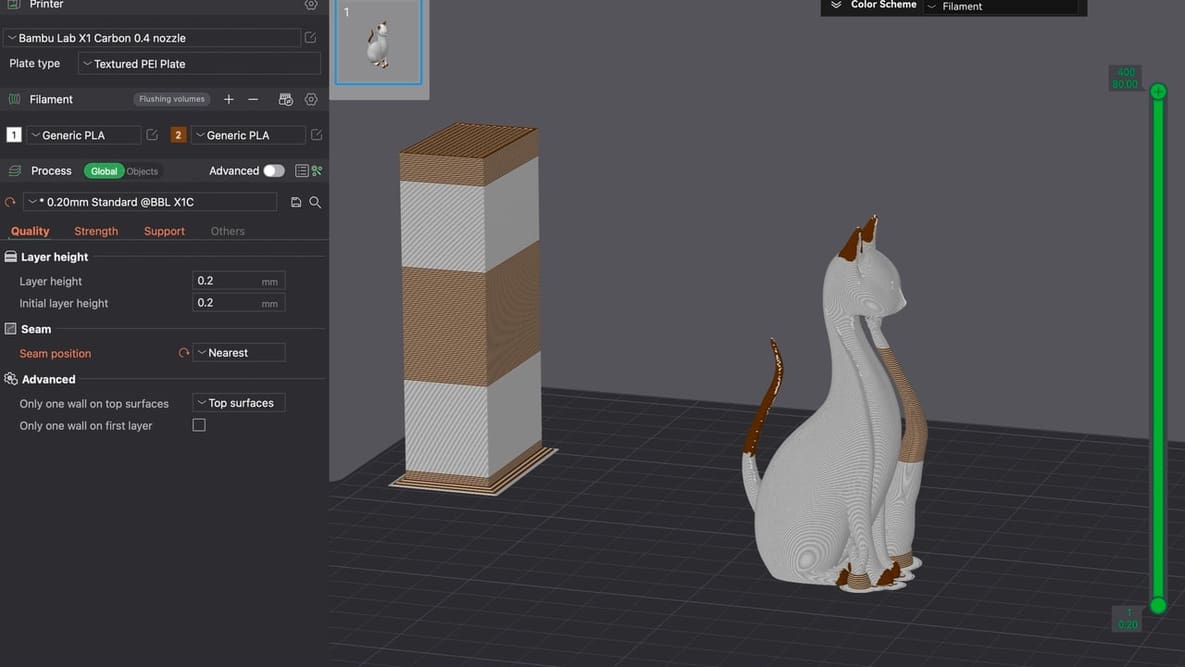
When you master supports in Bambu Studio, you improve supported surfaces, make removal easier, save time, and reduce wasted filament.
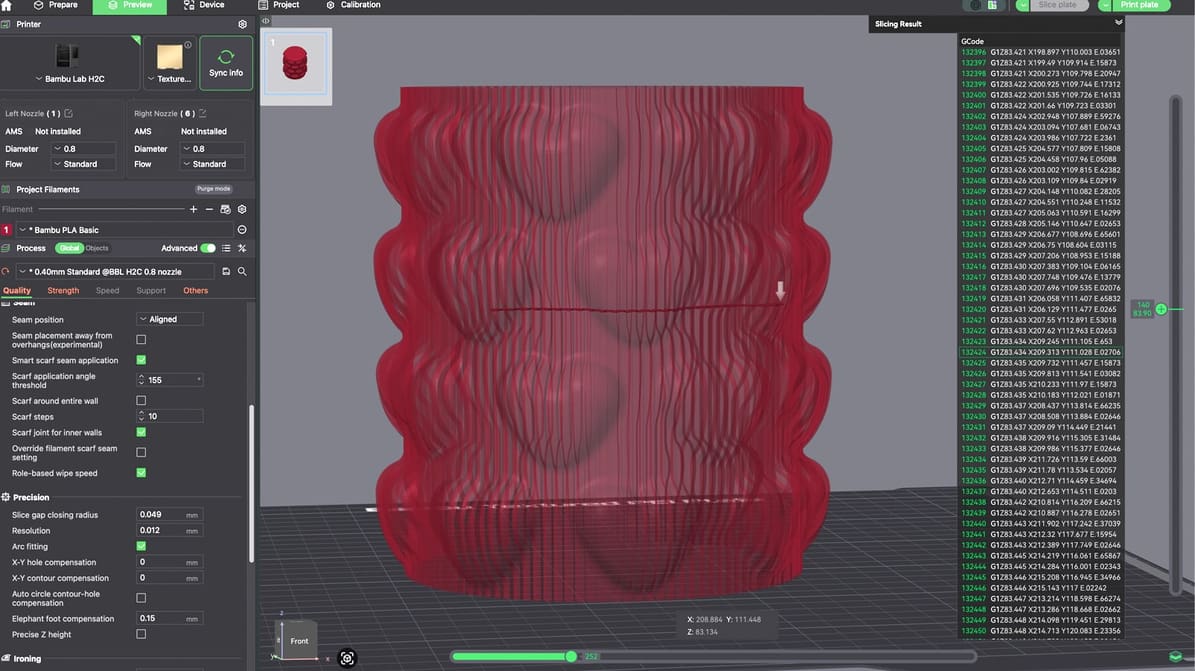
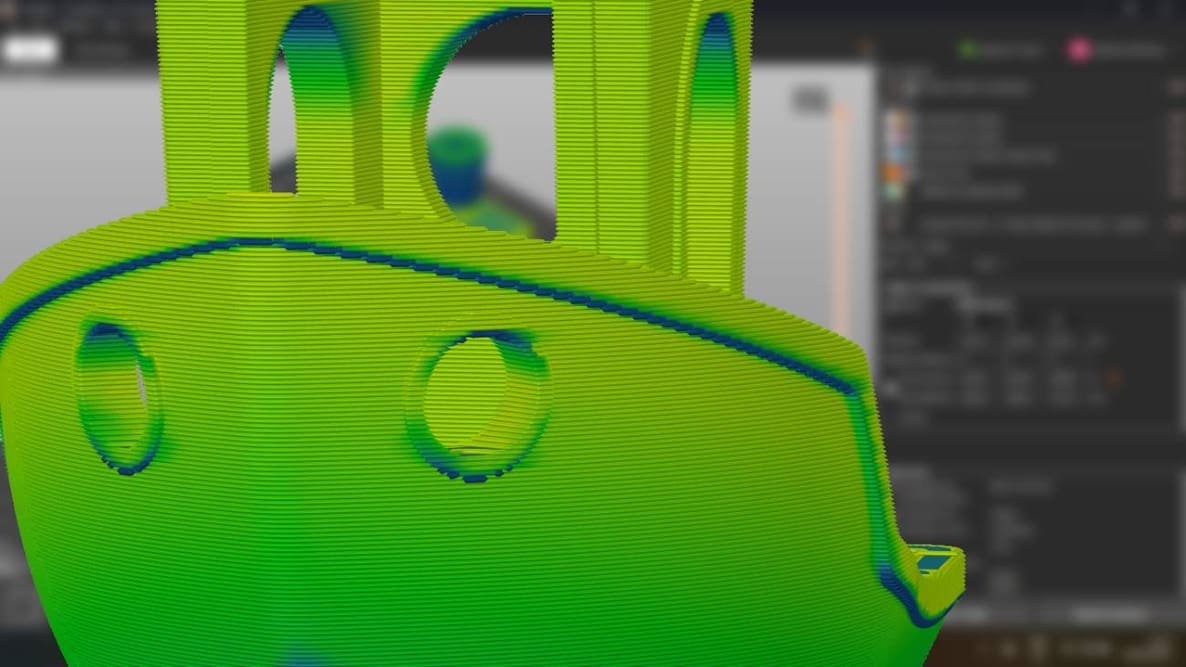
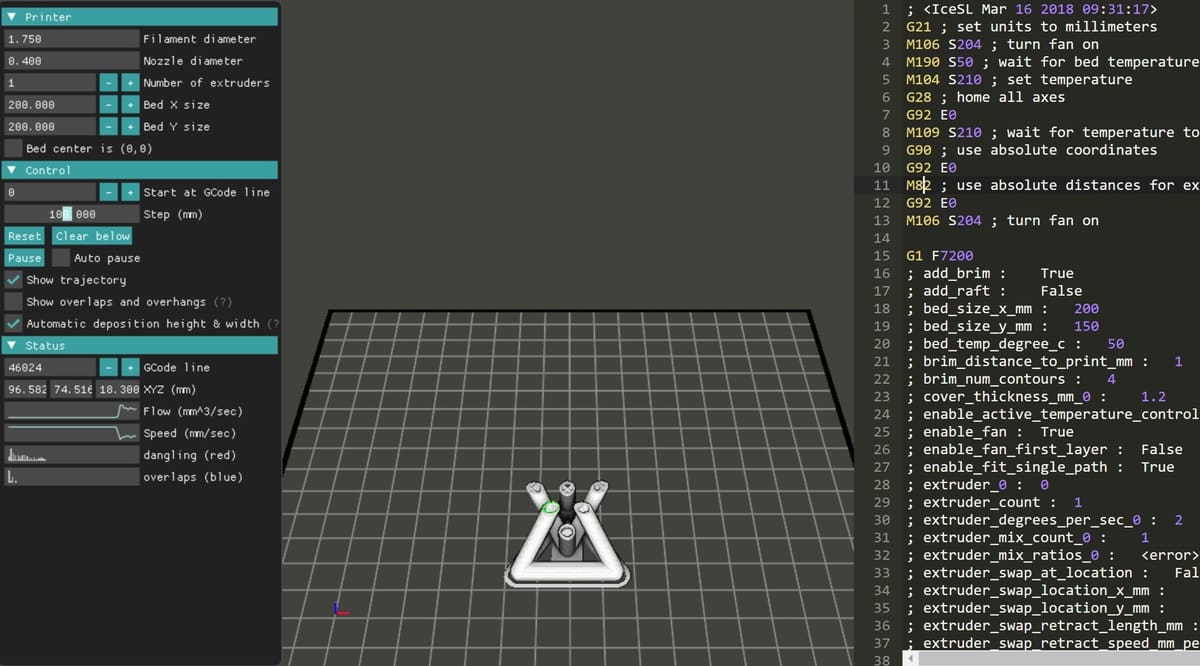
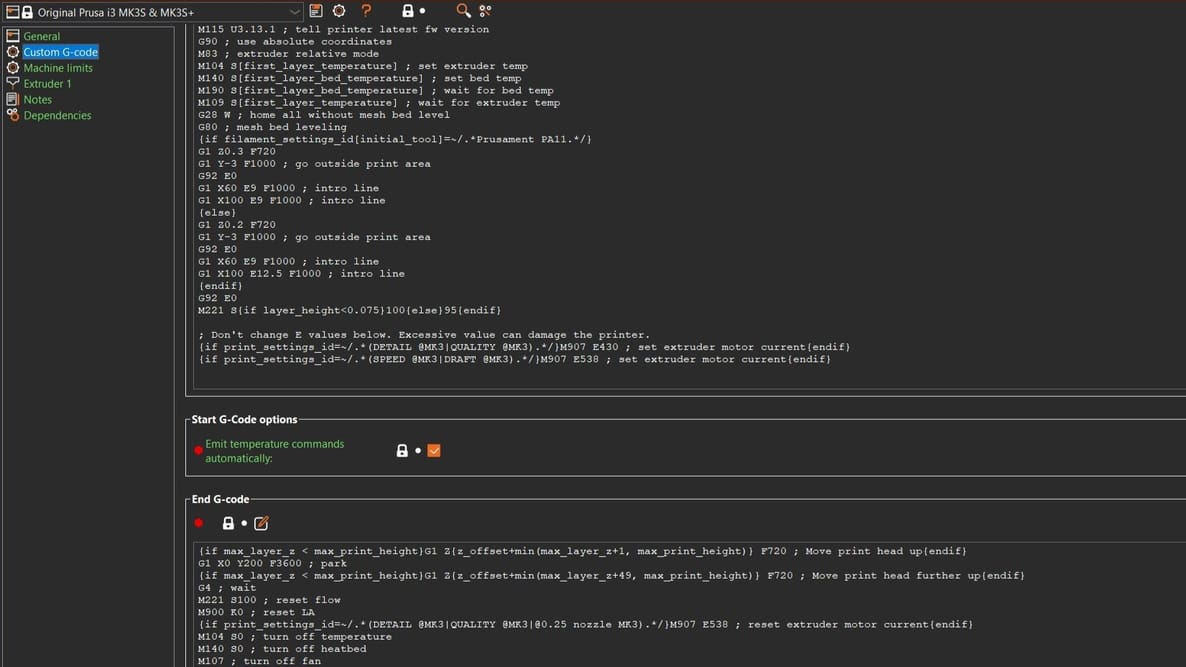
G-code may run quietly in the background, but understanding it can give you more control over your printer and help you solve problems faster.
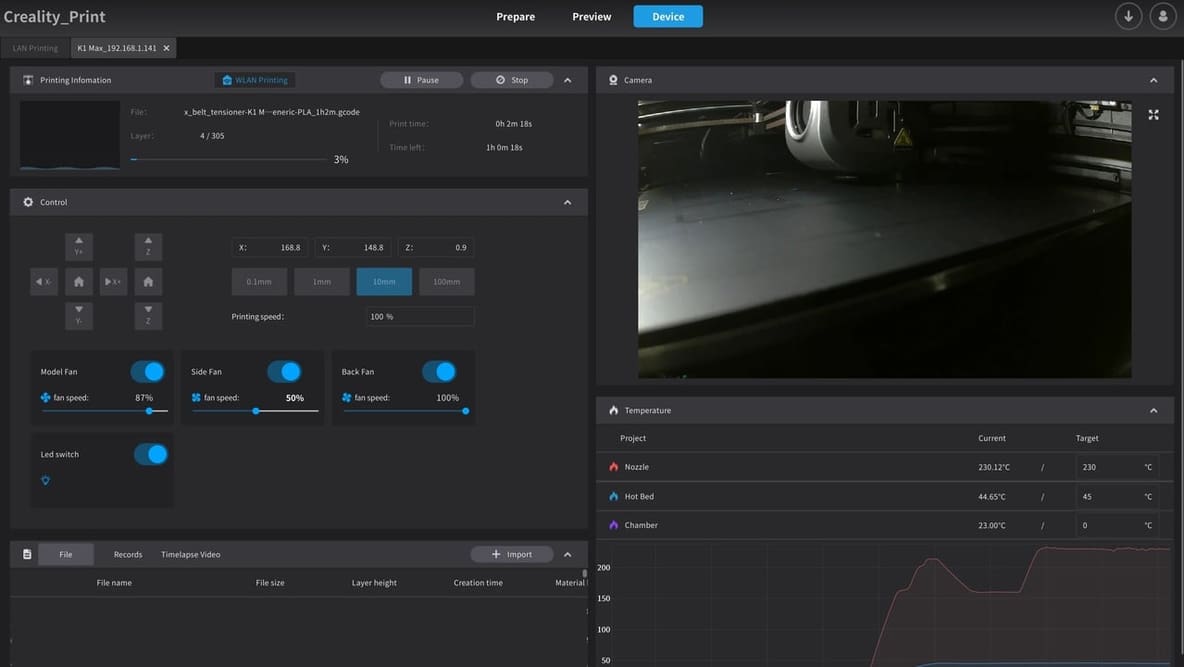
3D slicer settings are the defining factor for successful 3D prints. Learn about the 10 most important 3D printer settings.
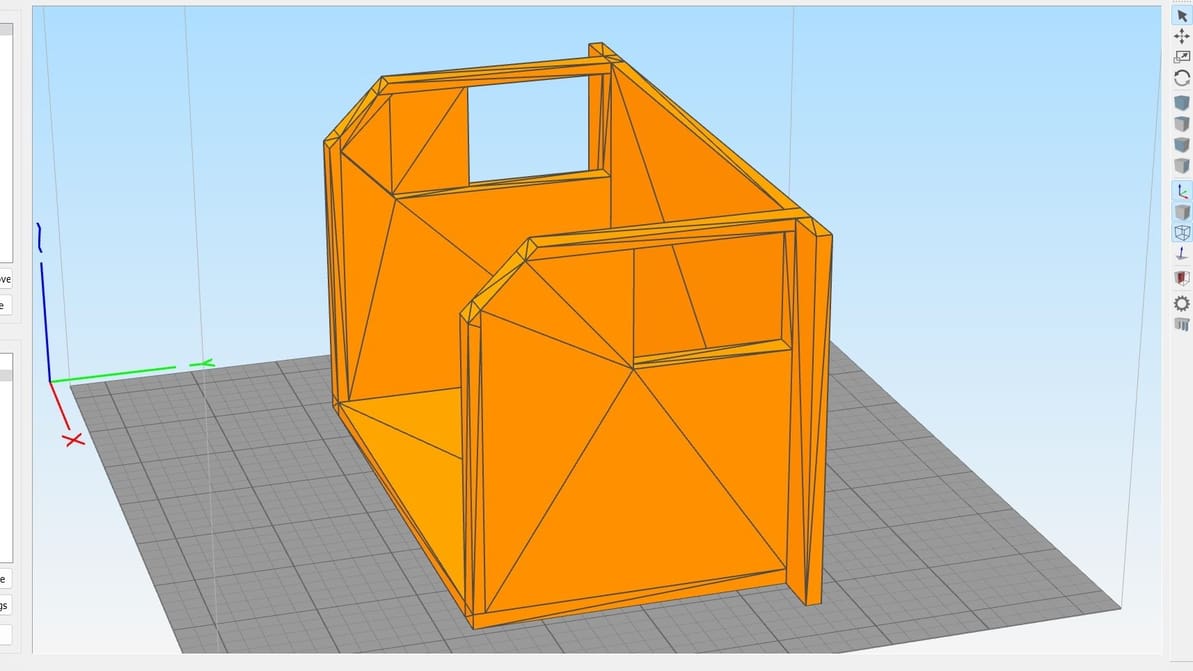
Looking for a full version of Simplify3D 5.0 to download for free? Check out our article to see what your options are.
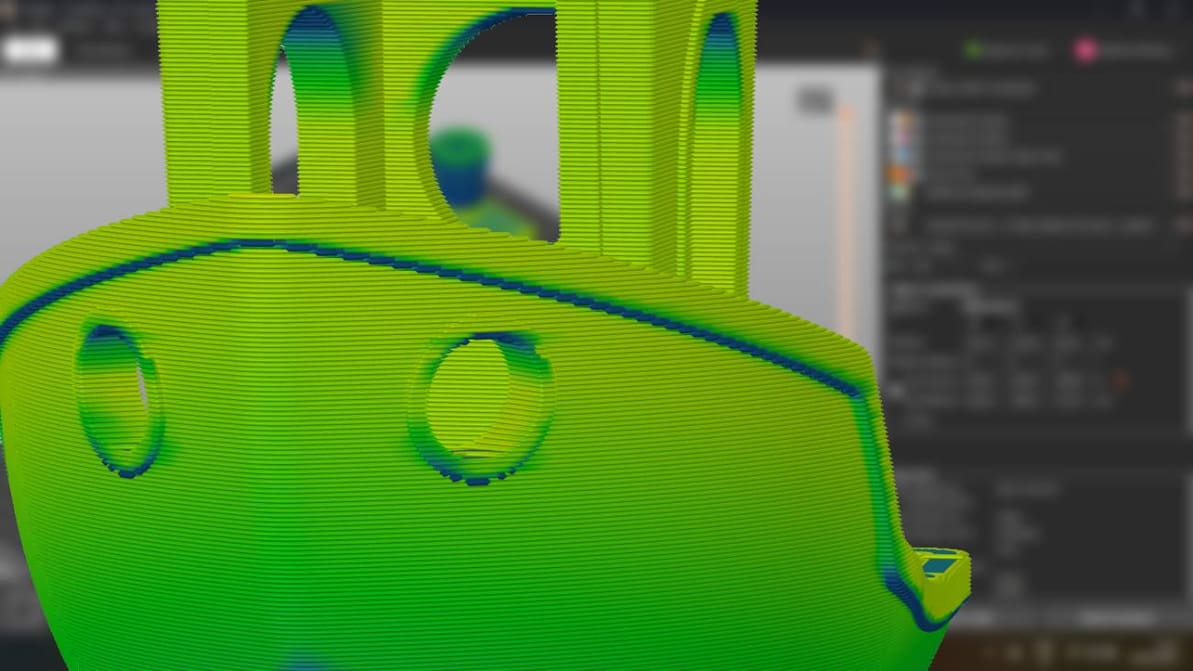
When you’re just setting out 3D printing, don’t overthink the slicer. Picking the right one for you is probably much simpler than it seems.
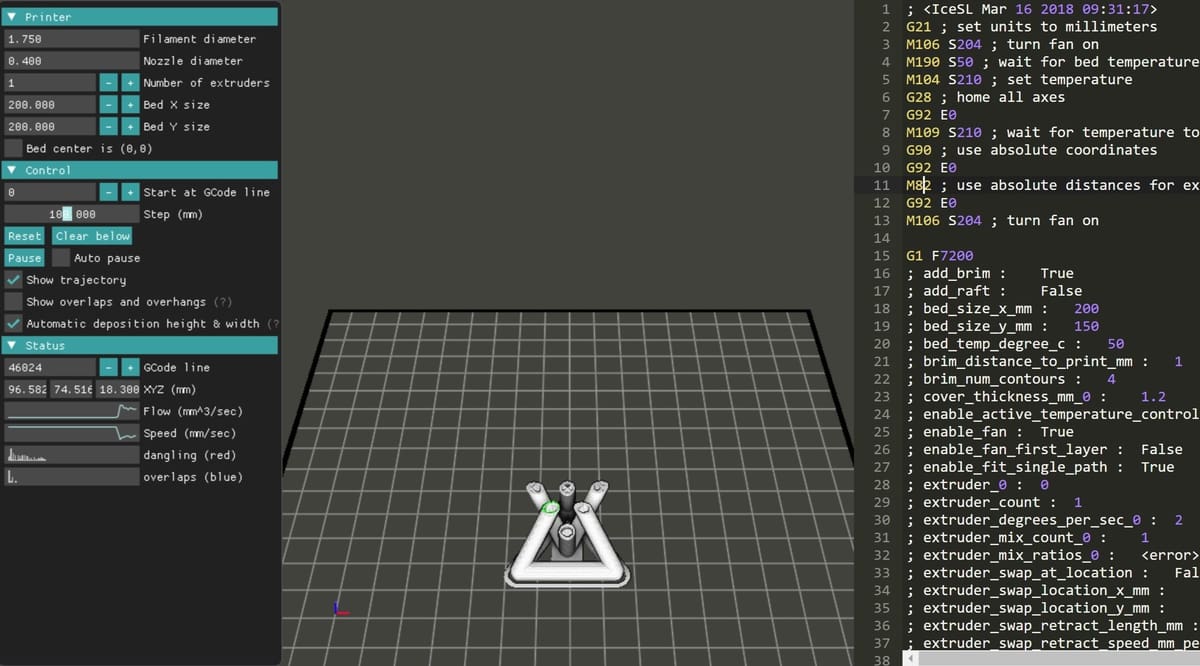
A G-code viewer allows you to simulate your 3D prints before starting them. Read on to learn about the best G-code simulators!
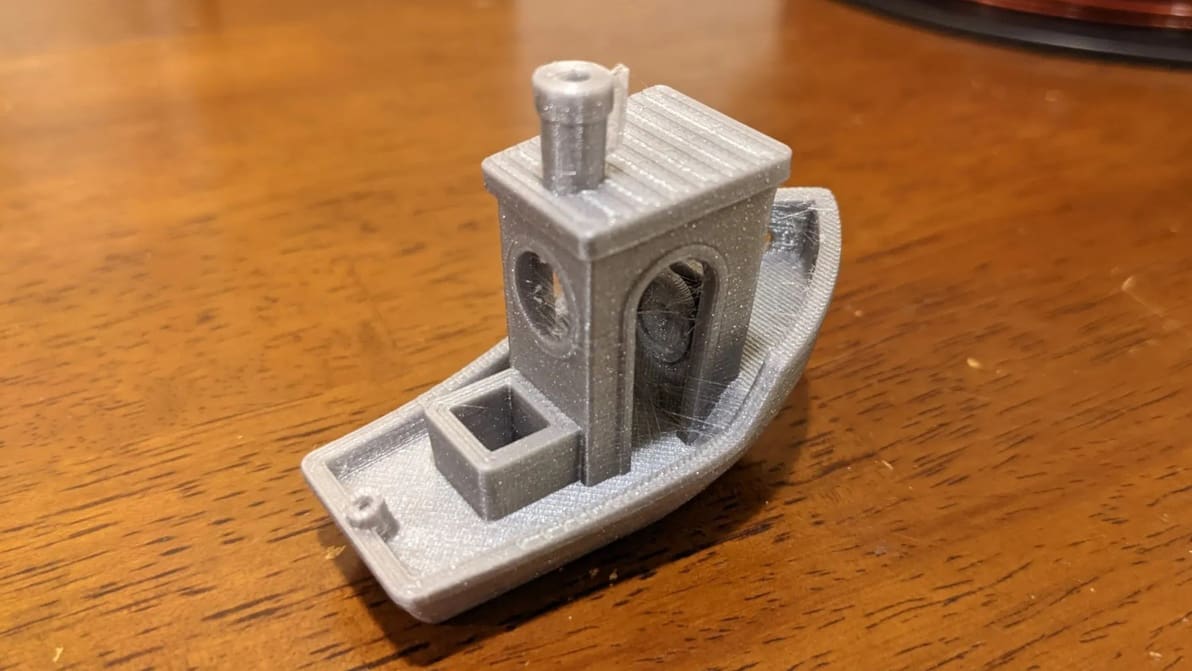
Retraction is the key to reducing stringing. Find out how to perfect your Cura retraction settings (including the coasting settings).
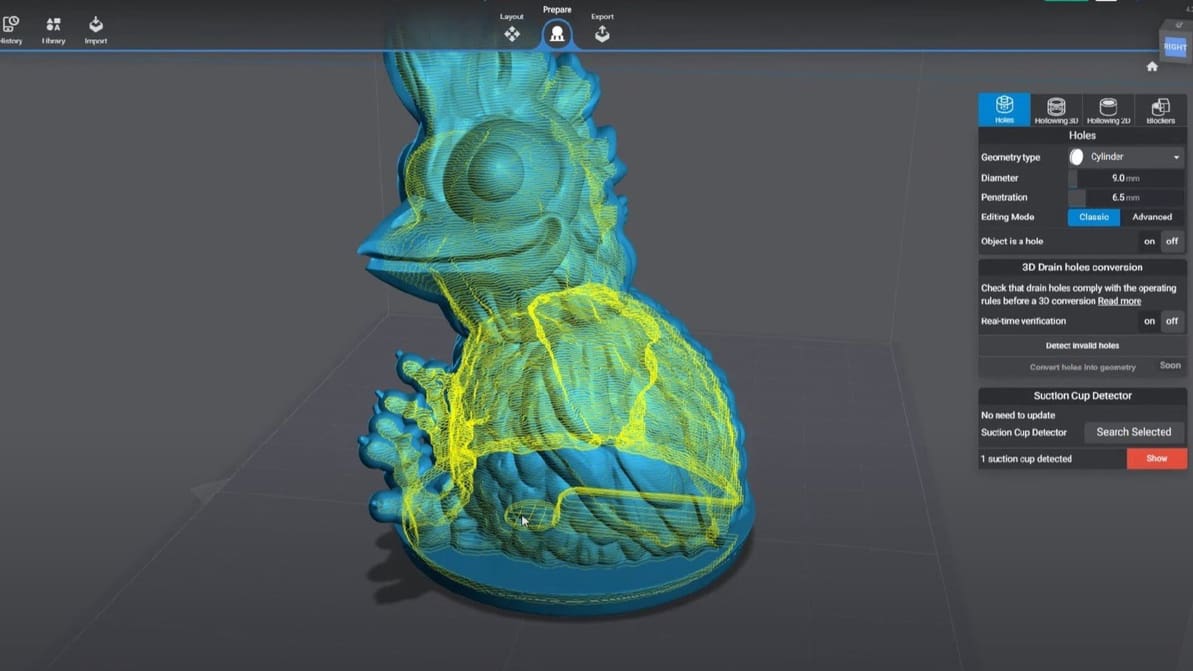
Slicing models for resin 3D printing has a few extra considerations. Check out our picks for the best SLA slicer software. Most are free!
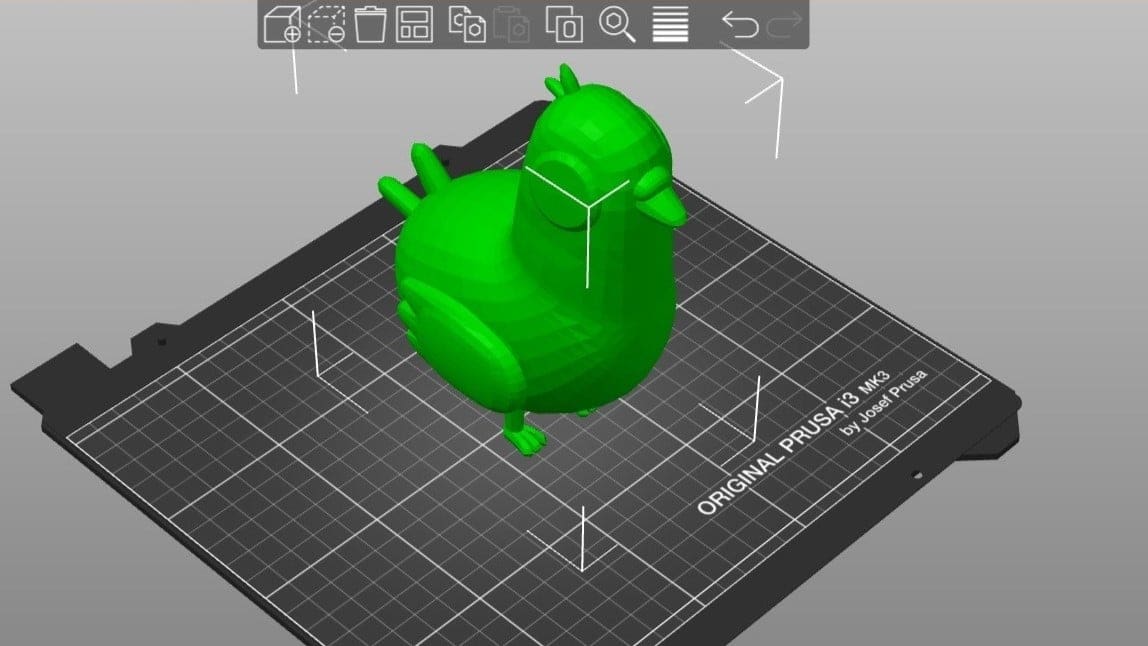
PrusaSlicer is powerful slicing software with a long list of expert-level settings. Read on to learn how to get the best out of your prints!
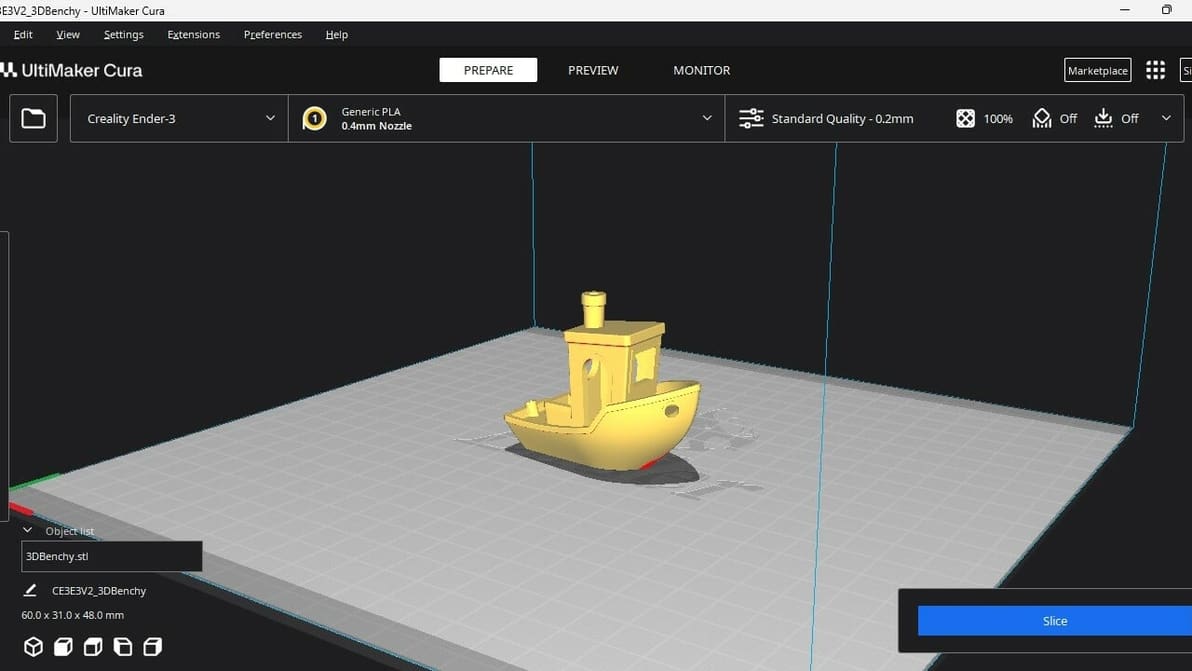
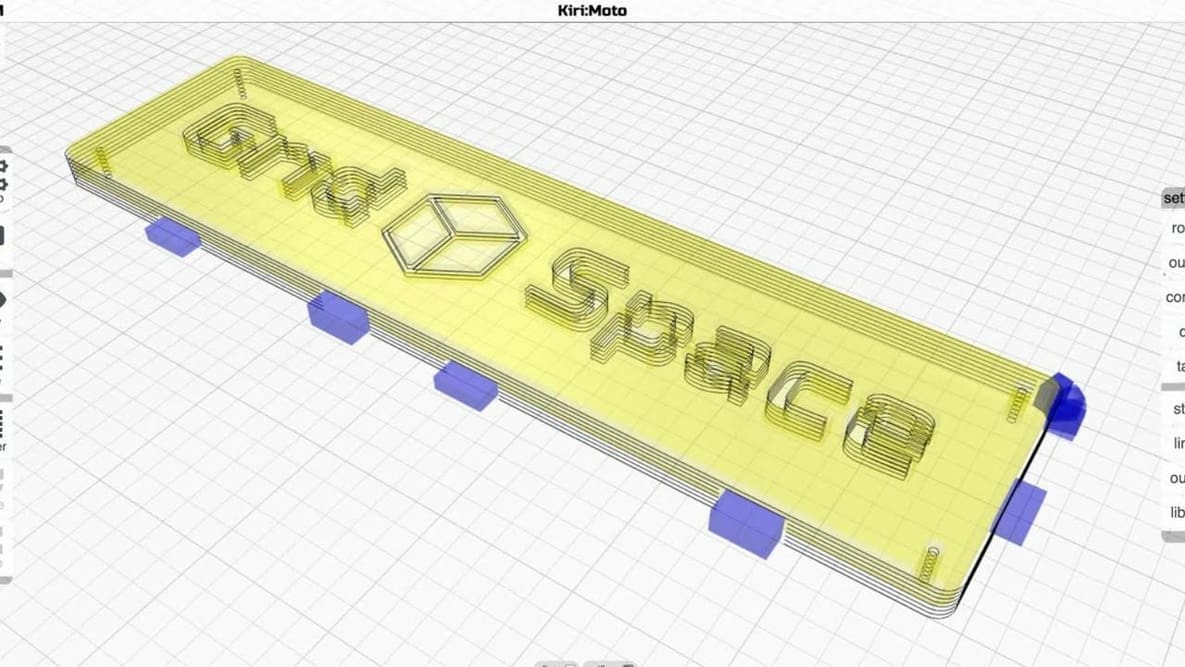
Not all slicers are created equal! Read about the slicers for the Ender 3 (V2/Pro/S1/Neo/V3) and find the best Ender 3 slicer for your needs.
Creality 3D printers ship with Creality Slicer, but that's far from the only option! Check out the best slicers for Creality printers.
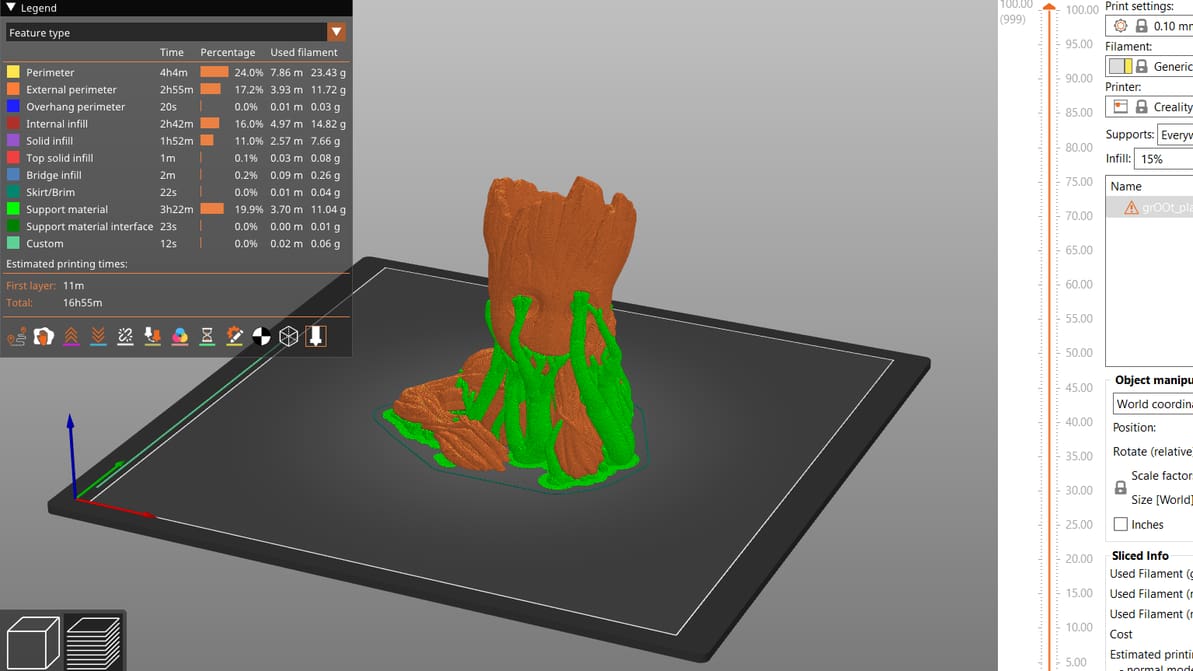
PrusaSlicer gives users a lot of control over their prints. Read on to get the most out of PrusaSlicer support settings, even tree supports!
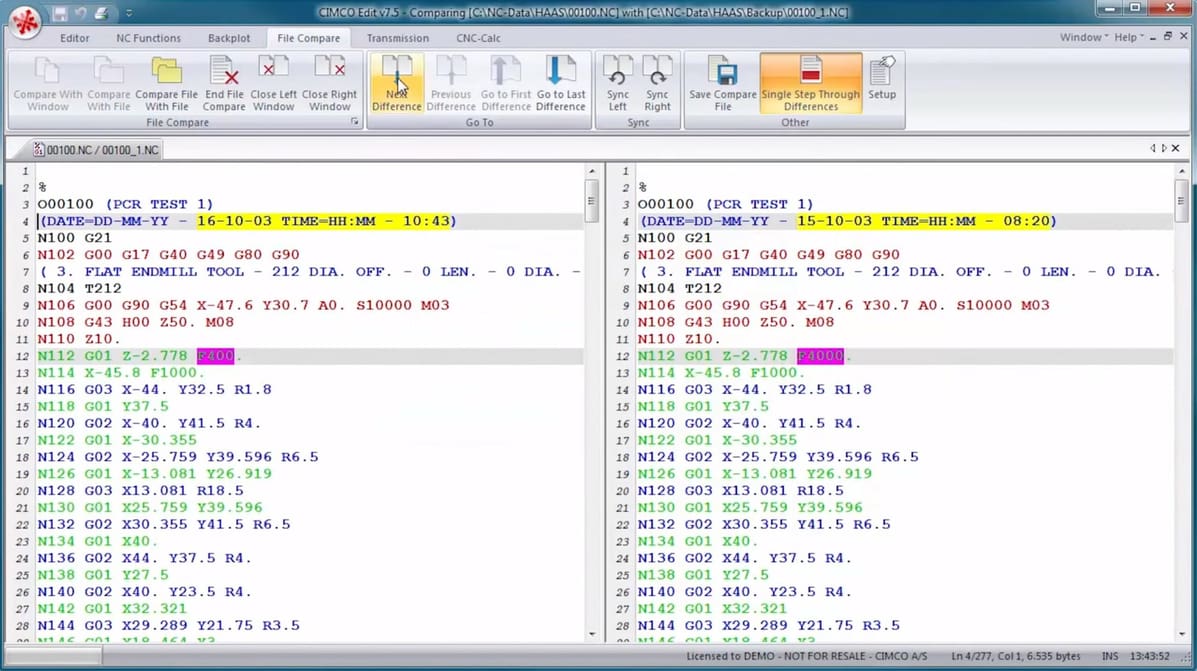
A G-code editor allows you to play with your CNC or 3D printing code. Read on to find your ideal G-code editor from our top picks!
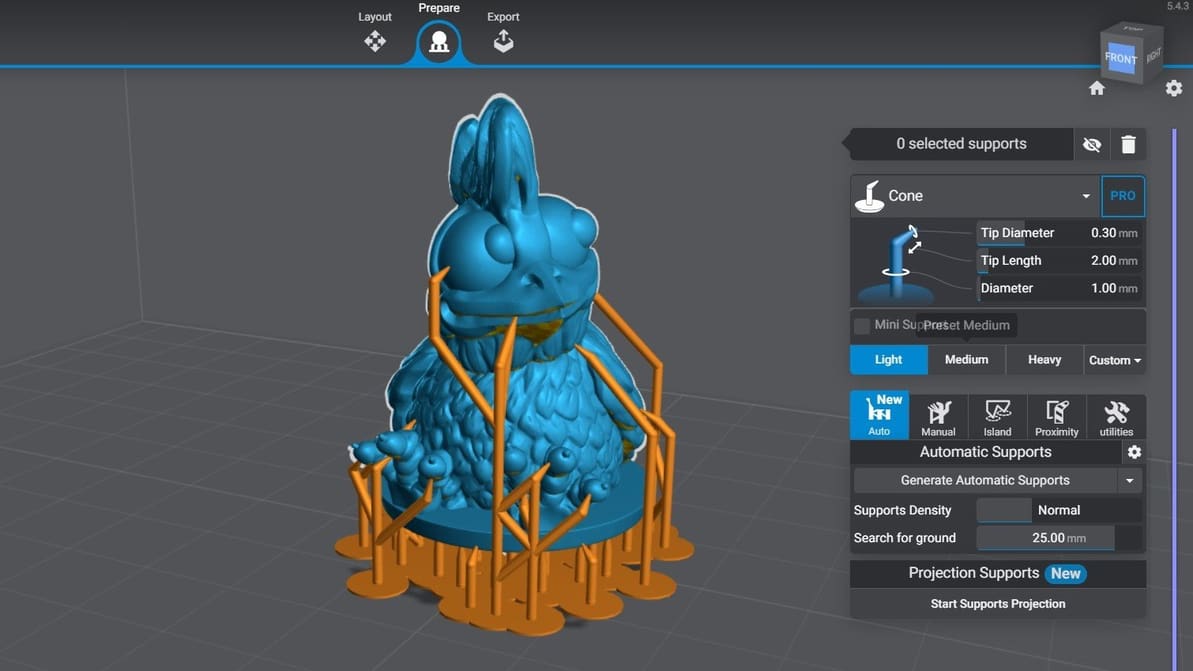
Let's take a look at the two most popular slicers for consumer printers. Follow along to find out how Lychee Slicer vs Chitubox stacks up!
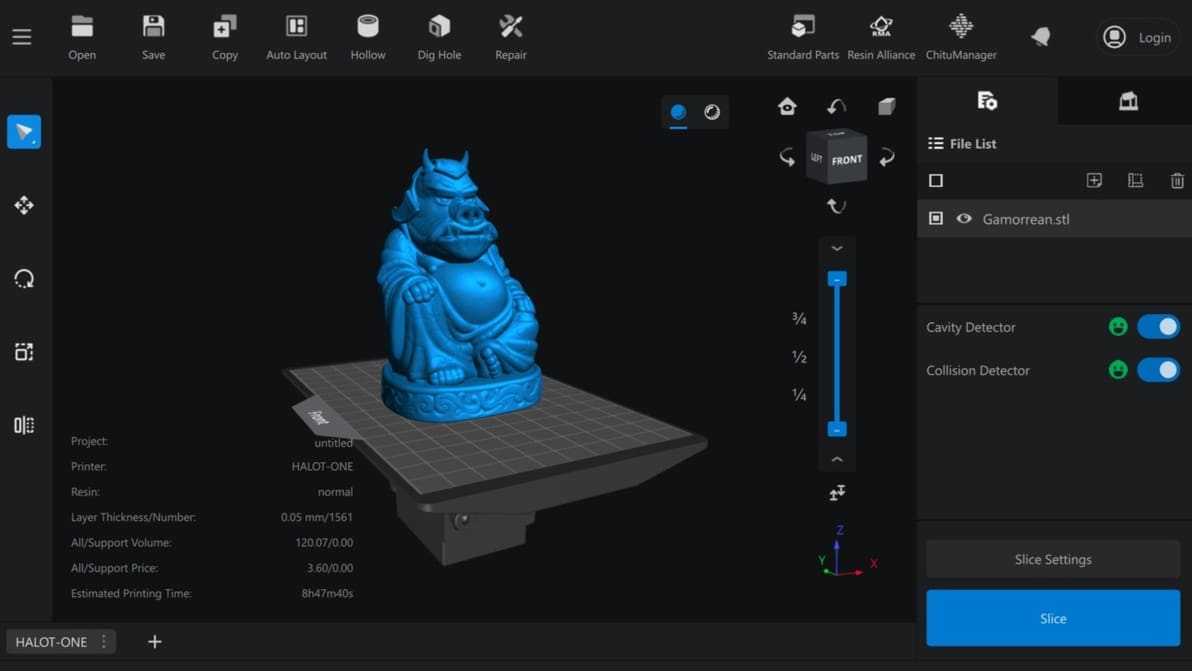
Chitubox slicer is a powerful alternative to proprietary software from 3D printer manufacturers. Find out more below.
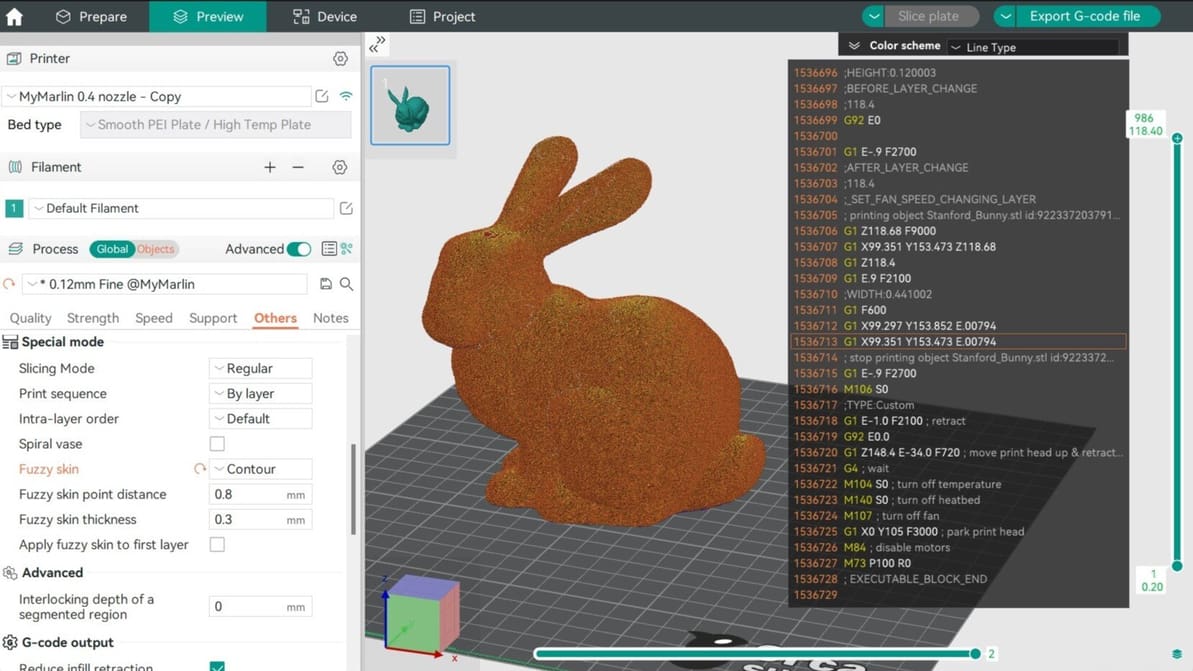
In Orca Slicer, fuzzy skin is one of the easiest tool you can use to add texture to your prints. Read on to find out why and how to use it!
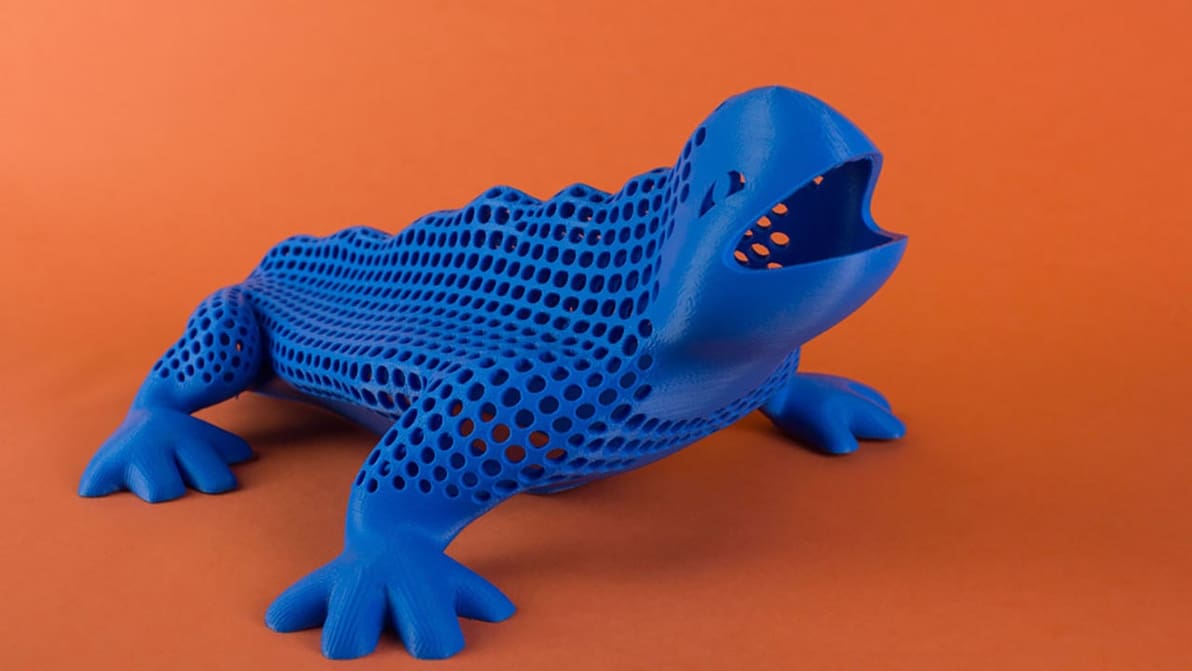
3D printing hollow objects can save you money, material, and time. Learn when and how to hollow 3D objects with three easy methods.
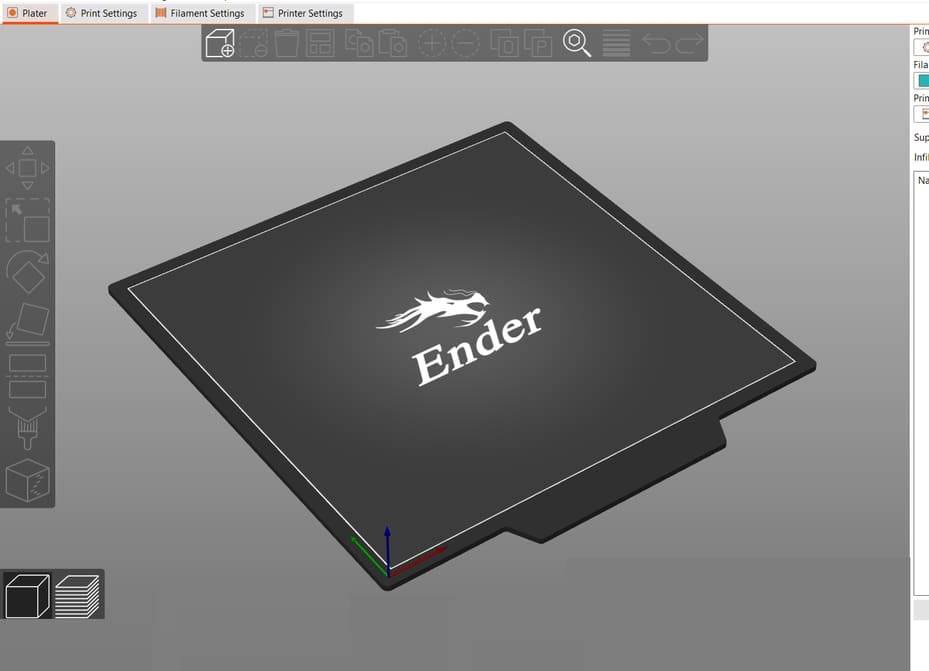
You don't need a Prusa printer to enjoy PrusaSlicer. Learn how to find the best PrusaSlicer Ender 3 (V2/Pro/S1) profile for your needs!