3D Slicer

Bambu Studio's vase mode is the easy path to seamless, artistic 3D prints. Read on to learn how to use it and how to troubleshoot.
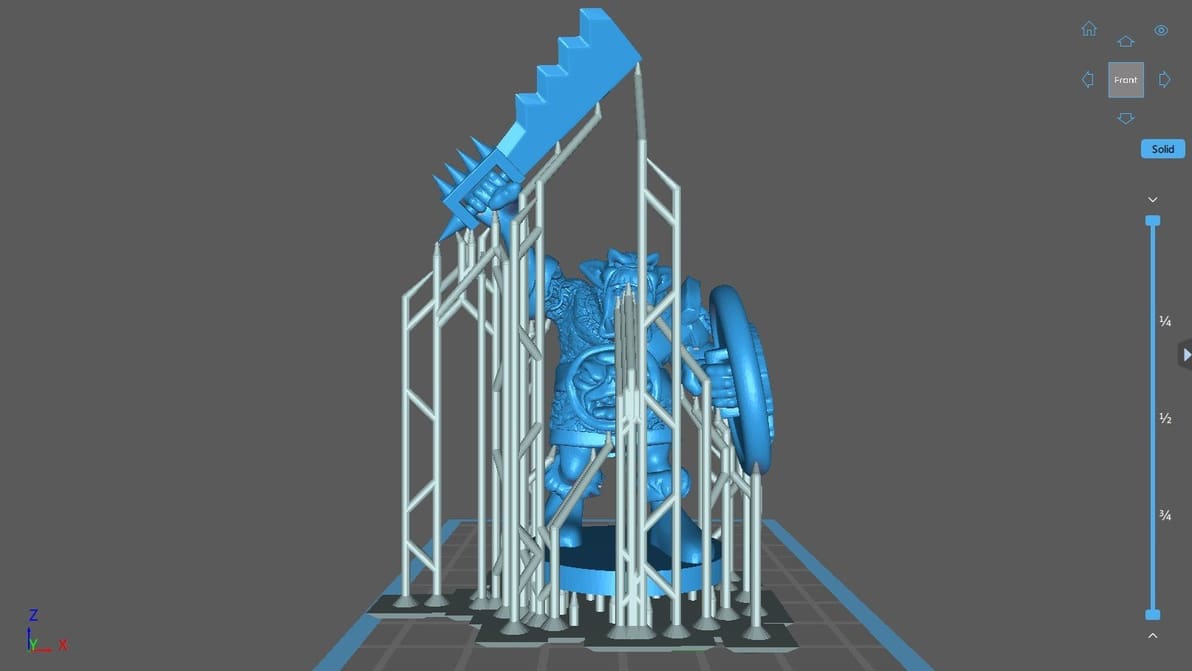
There are a lot of Chitubox support settings to play with. Learn about them and the best tweaks for specific use cases, like miniatures!
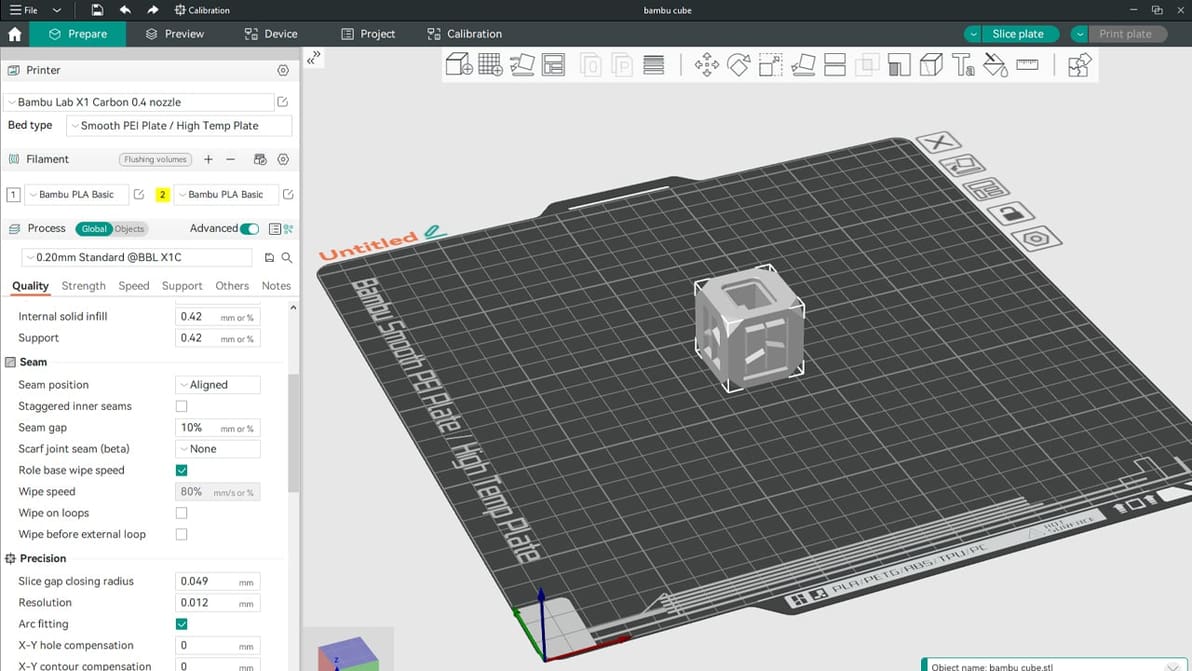
Having a hard time choosing between Orca Slicer and Bambu Studio? Read on to learn about the nitty-gritty and decide which one's for you!
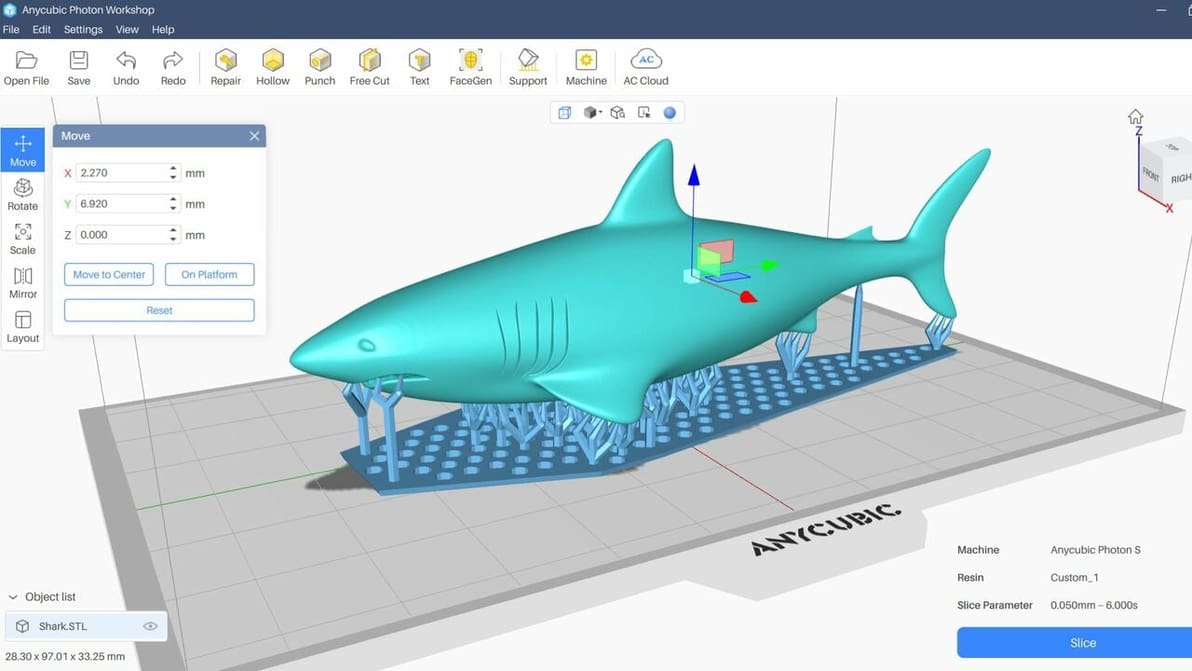
Anycubic Photon Workshop is a great program for resin printers. Read on to learn all about this slicer and how to get started!
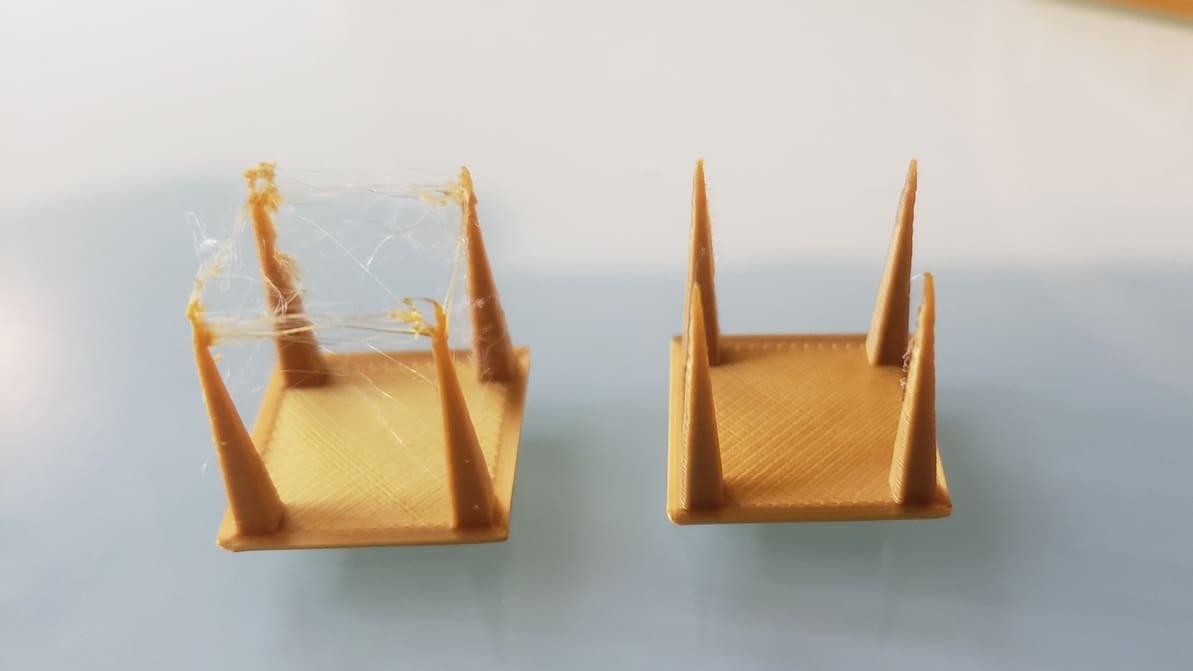
Pulling filament back into the hot end is a useful function but tricky to master. Read on to learn all about 3D printer retraction!
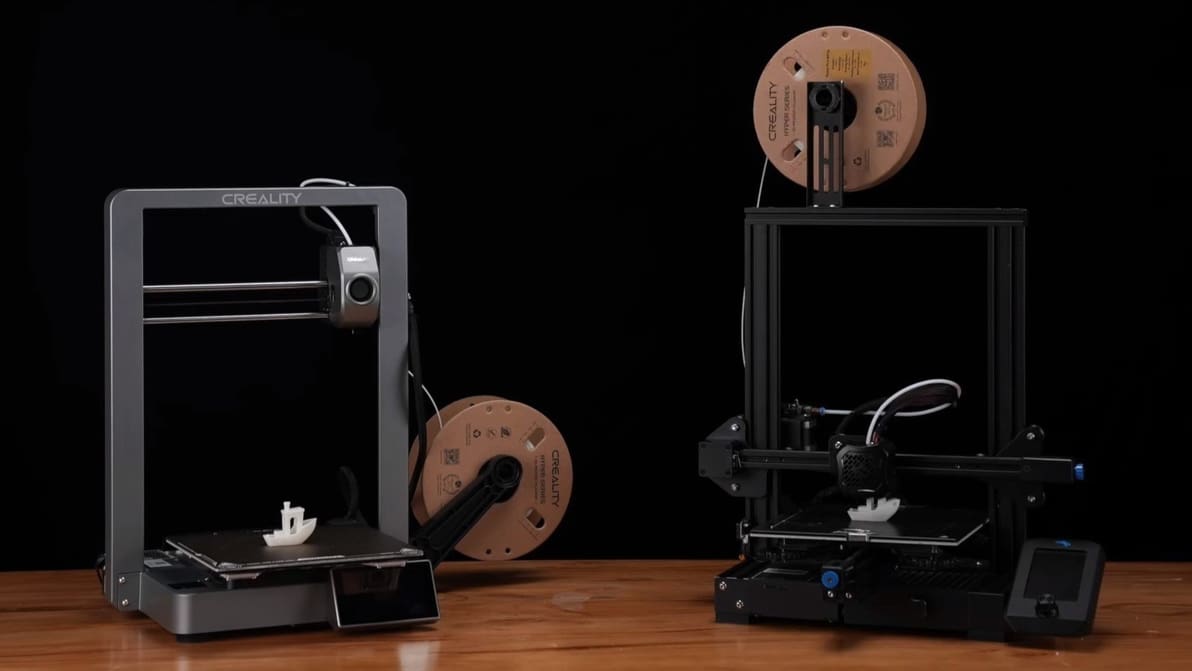
Check out our selection of the best free 3D printing software for Ender 3 (V2/Pro/S1/V3) to make your beloved printer even better!
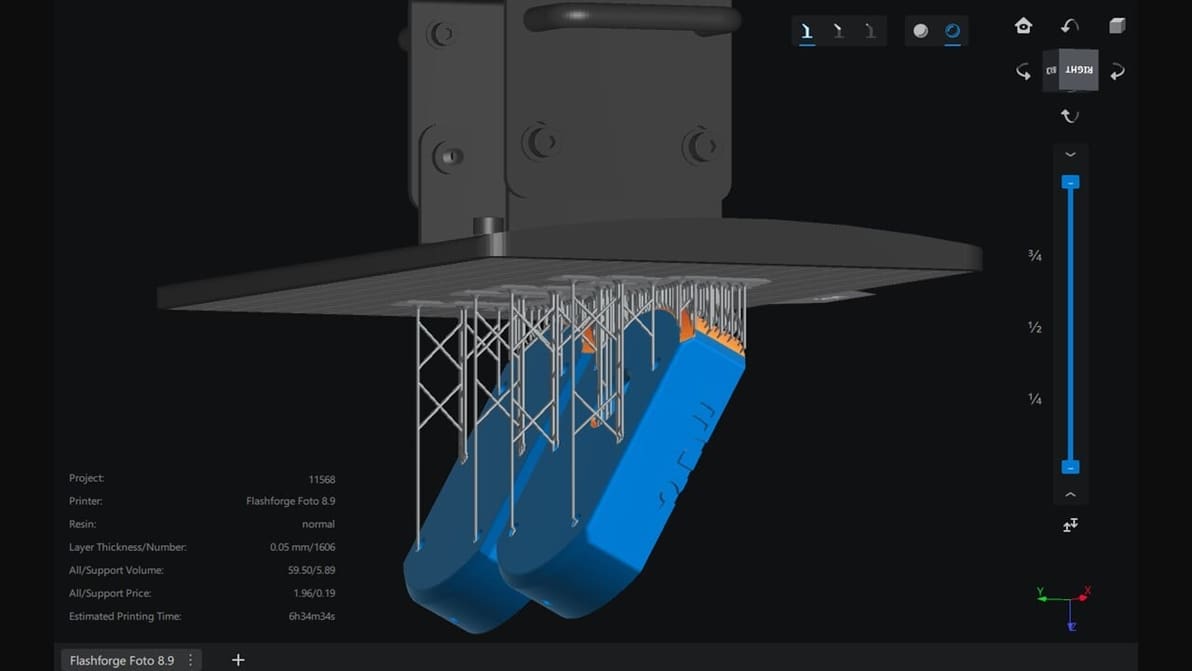
Chitubox is among the most famous slicers for resin-based 3D printing. Check out our Chitubox tutorial to learn all about it!
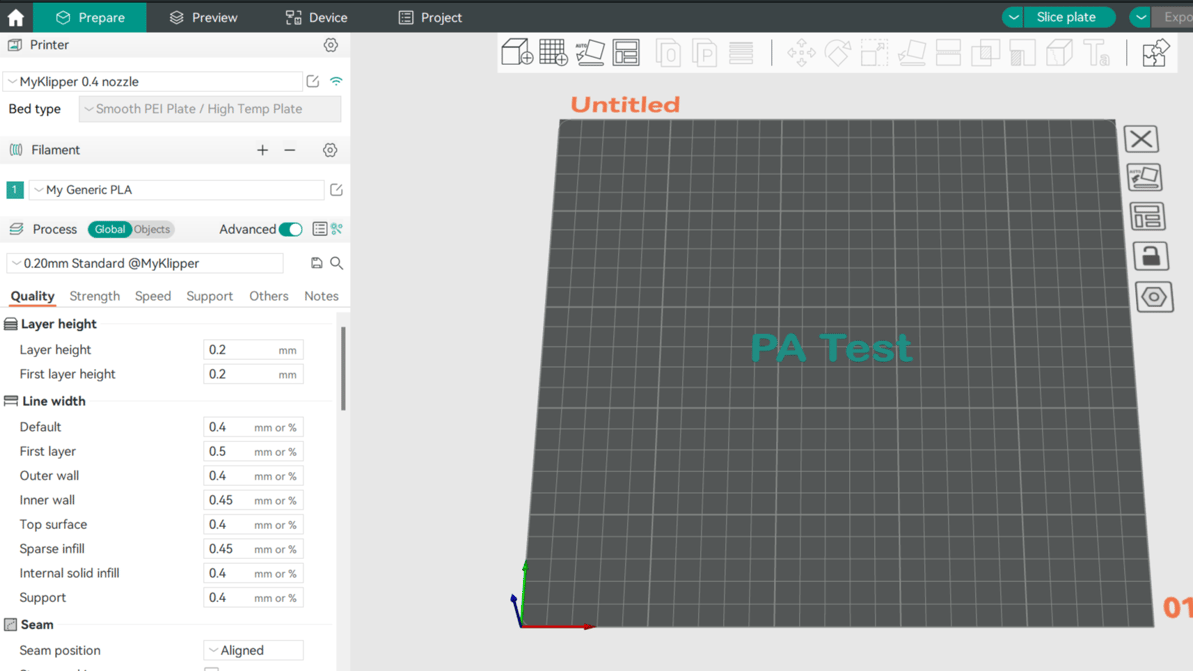
Pressure advance is a well-loved calibration tool among makers. Read on to learn how to adjust your Orca Slicer pressure advance value!
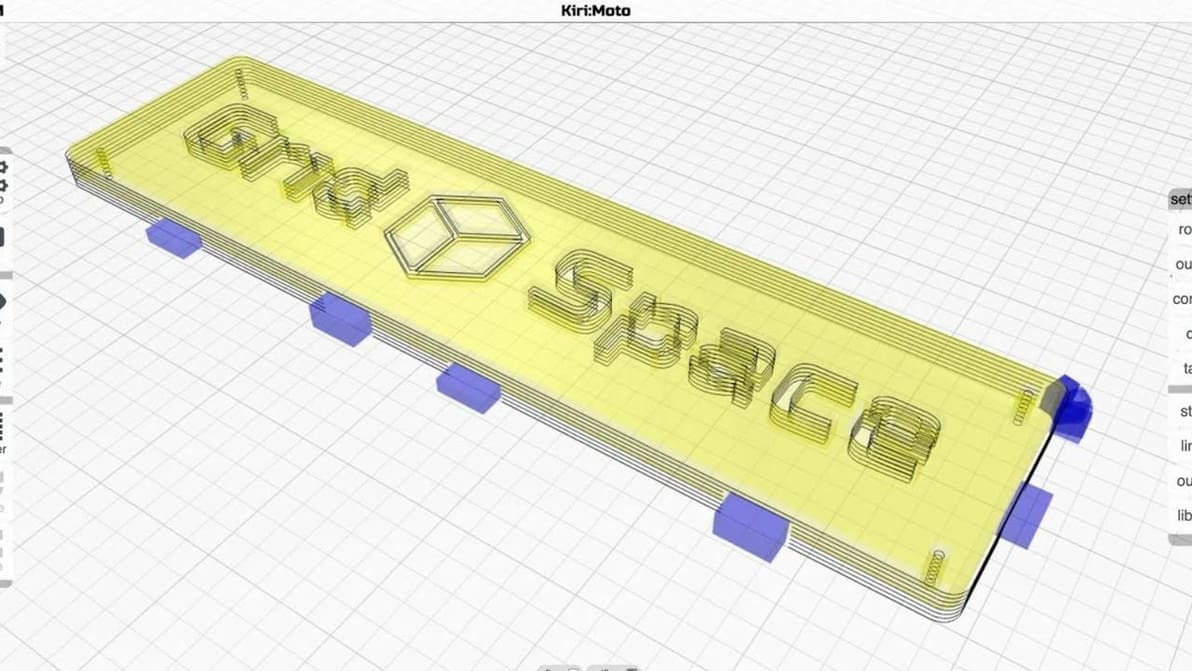
This slicer flexes browser-based computing for your 3D printing needs... And more! Read on for everything you need to know about Kiri:Moto.
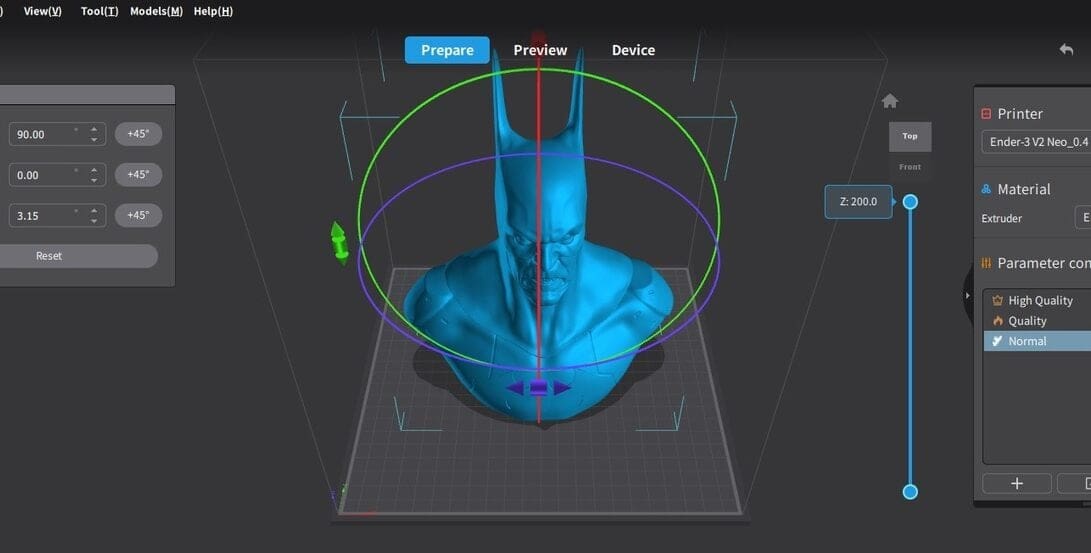
Slicing software is essential for any 3D maker. Creality now has two options, so read on to see how Creality Print vs. Slicer stacks up!
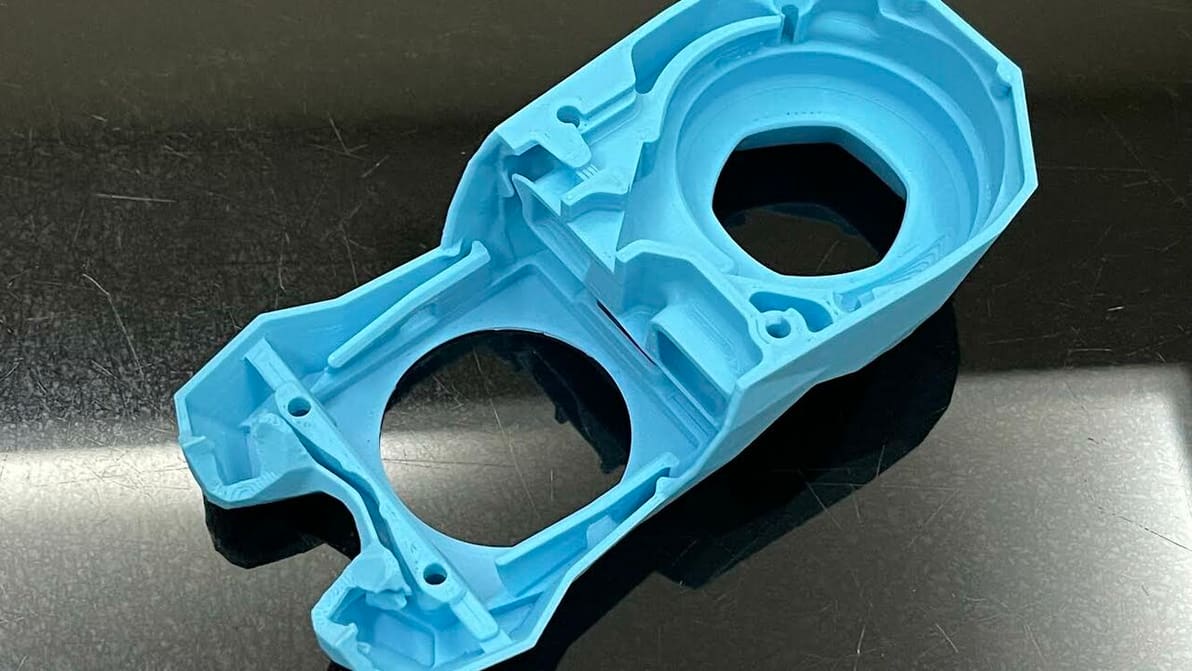
Cura's extrusion multiplier is actually called "Flow". Read to learn what it is, how to tune it, and how it can help fix print issues.
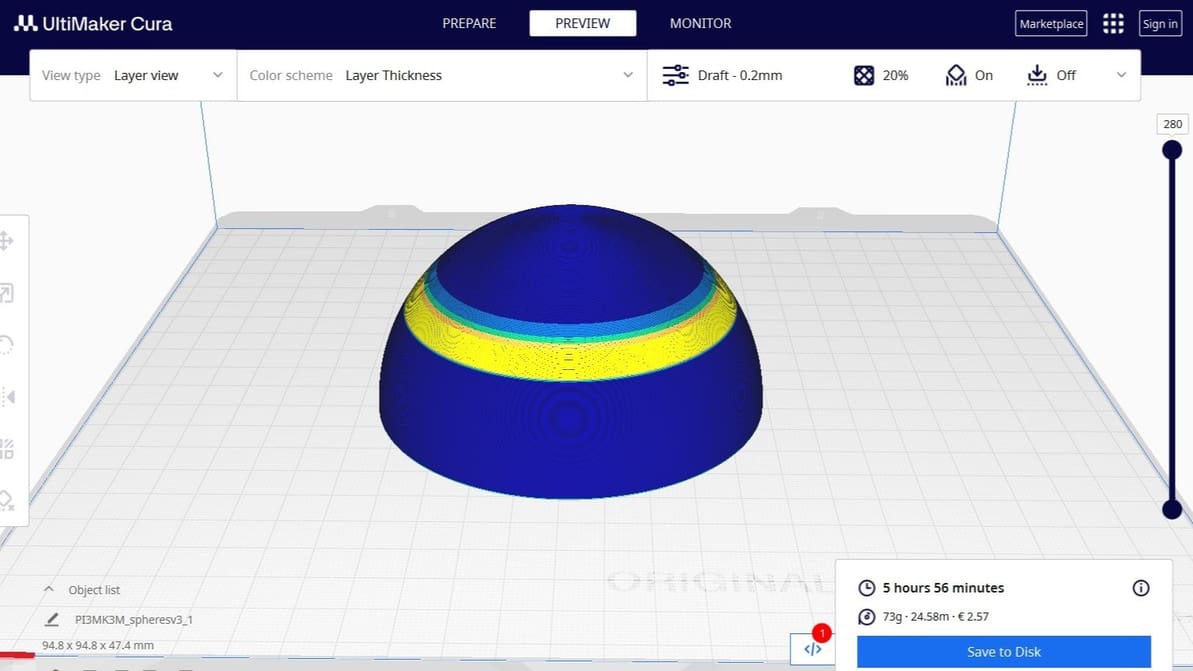
Cura's adaptive layers feature uses varying layer heights to achieve increased detail while reducing print time. Read on to learn more!

Support Z Distance in Cura can make removing supports a breeze! Read on to learn about this setting and how to tune it for your prints.
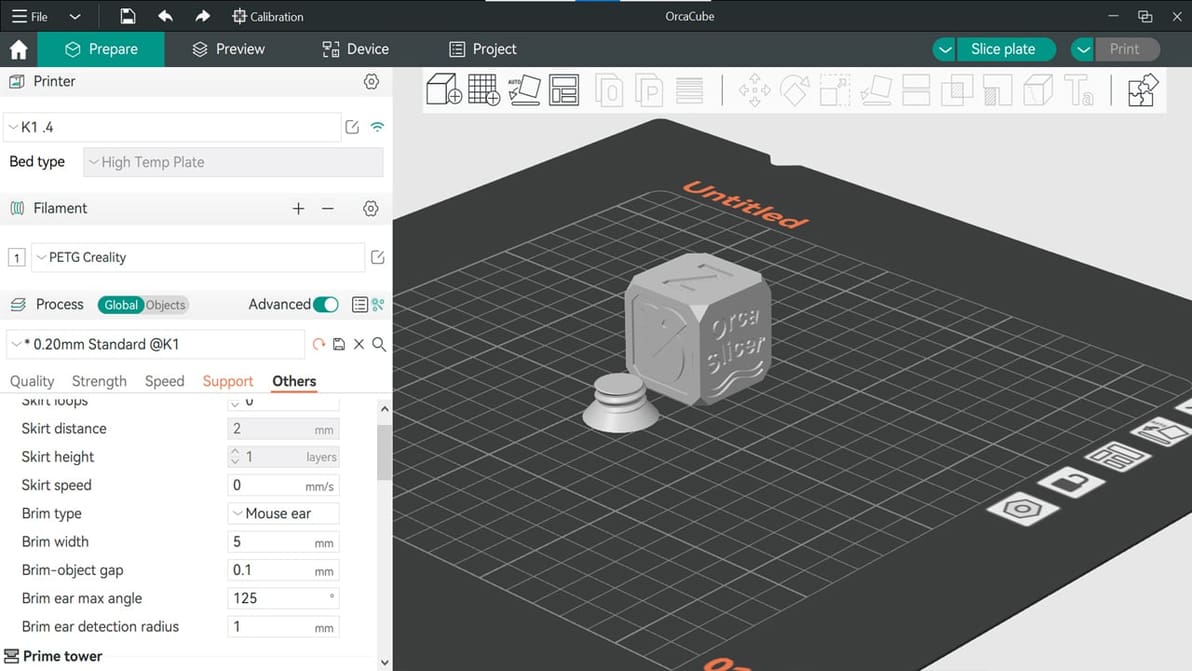
Feature-packed and a fork of Bambu Studio, Orca Slicer has been gaining ground in the slicer world. Read on to learn all about it!
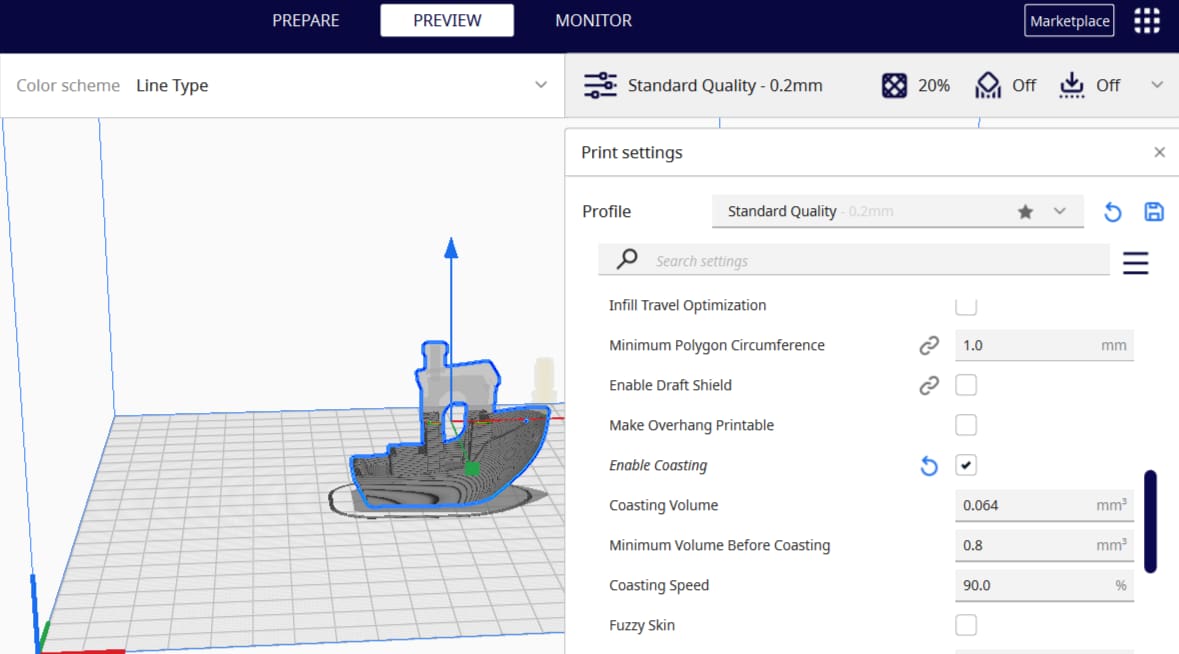
Cura is a 3D slicer with some very neat features. Keep reading to learn about the best Cura coasting settings and see what they can do!
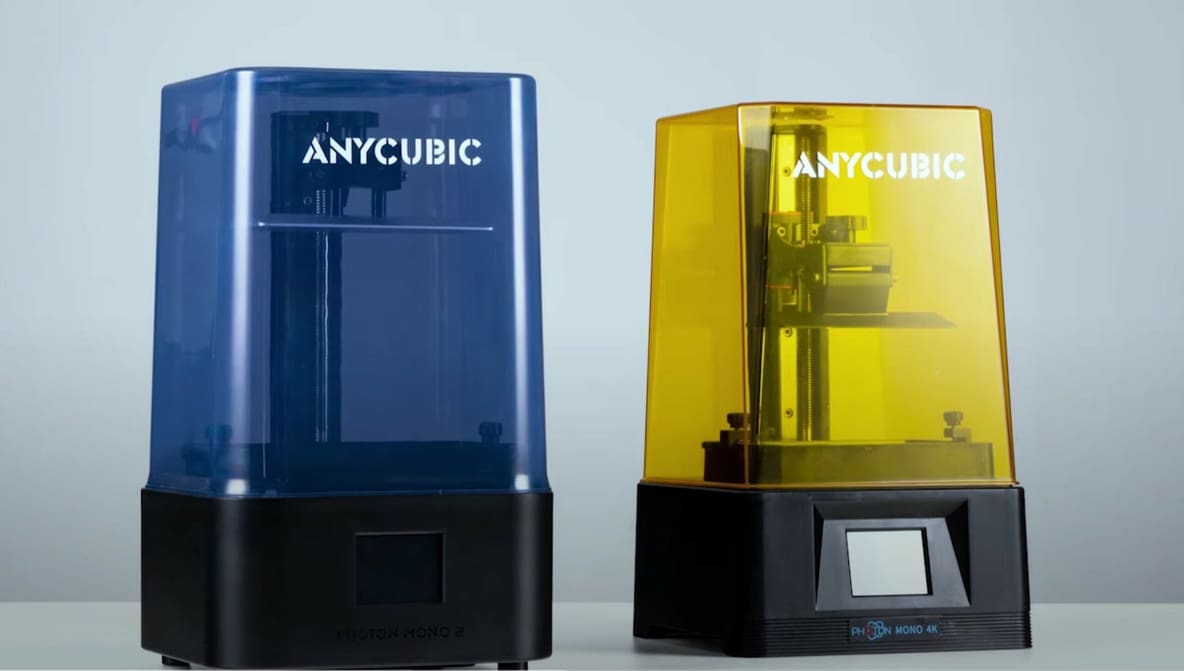
More slicers than you might think can be used with Anycubic Photon printers. Check out the best options for Anycubic Photon slicers here!
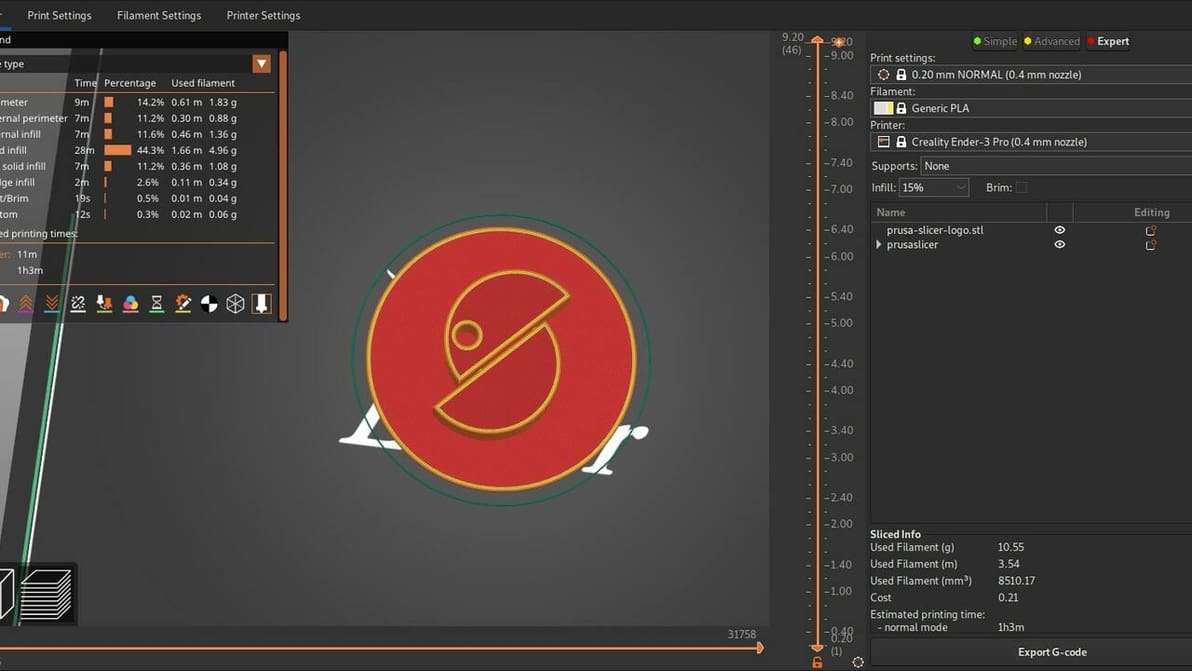
Read on to see our head-to-head comparison of PrusaSlicer vs. Cura, two of the best free and open-source slicer software options out there.
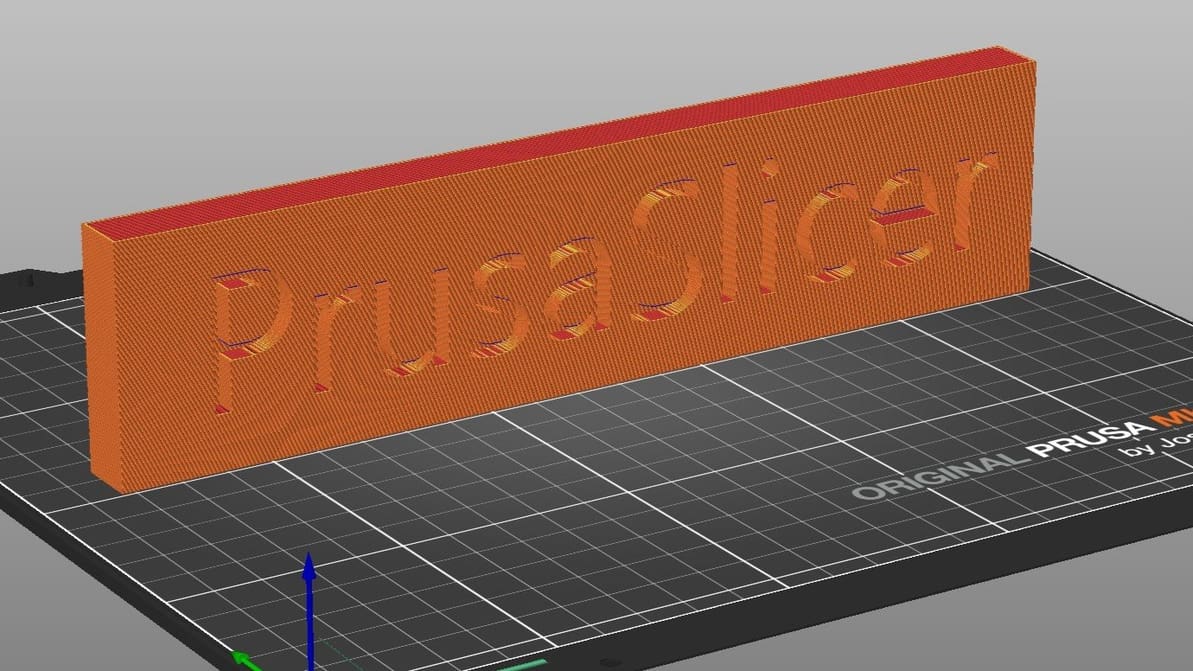
Learn all about PrusaSlicer and how Prusa Research continues to monitor its development and add new functionality.
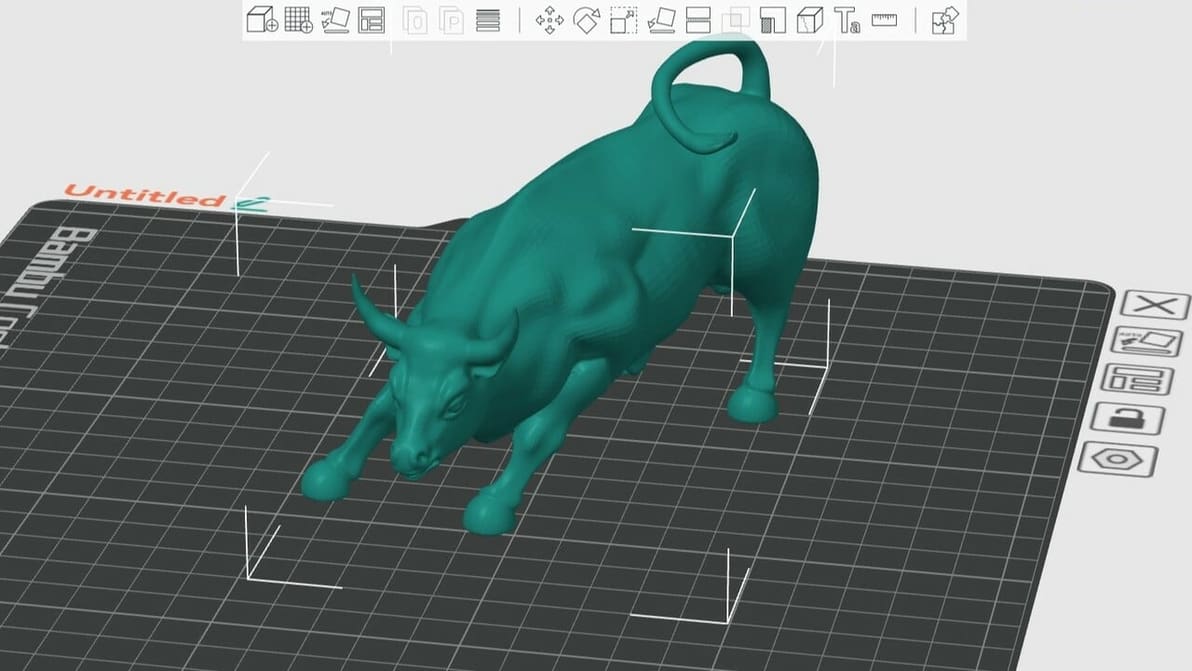
Whether you're a newbie or pro, Orca Slicer has something for you. Read on for an Orca Slicer tutorial to help you get started!
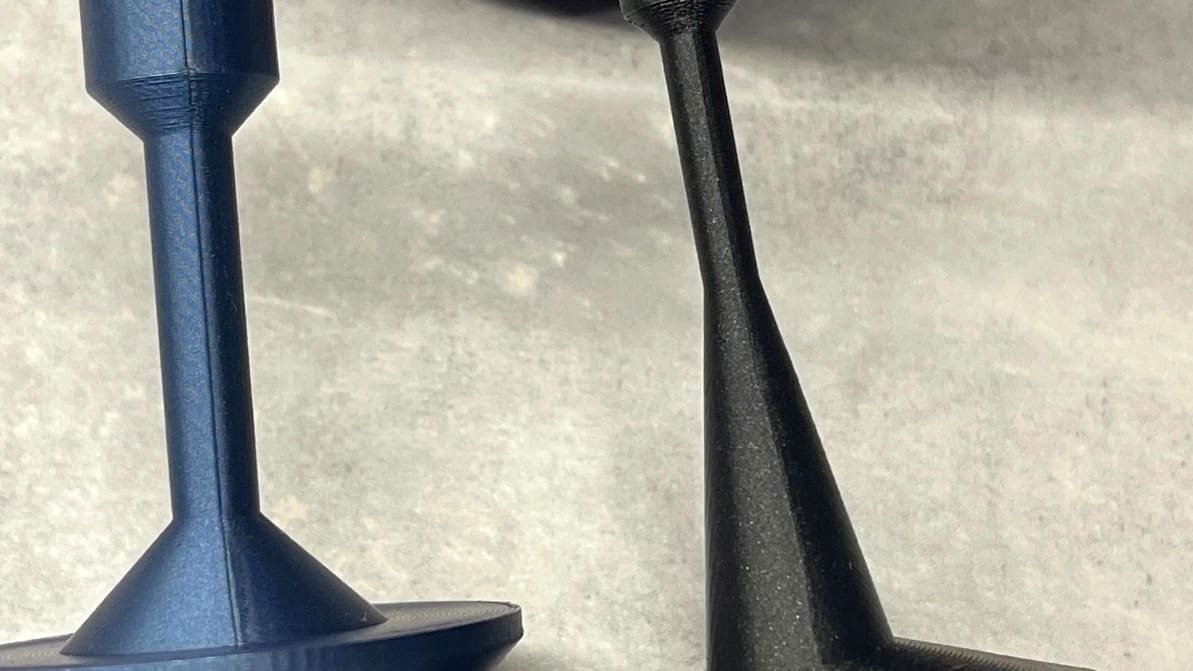
Orca Slicer has been gaining popularity thanks to its advanced tools. Read on to discover how to get seams right with it!