OctoPrint
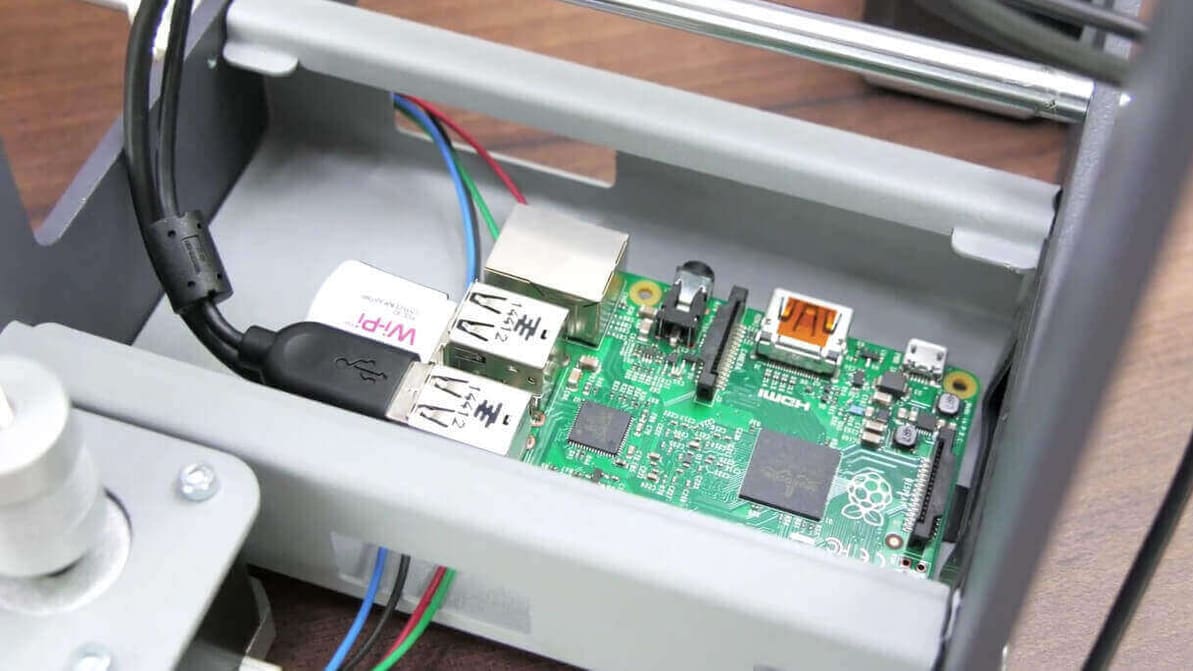
Did you know you can manage your 3D printer over LAN? It's easy to with OctoPrint and a Raspberry Pi 2. Learn how to set up Octoprint.
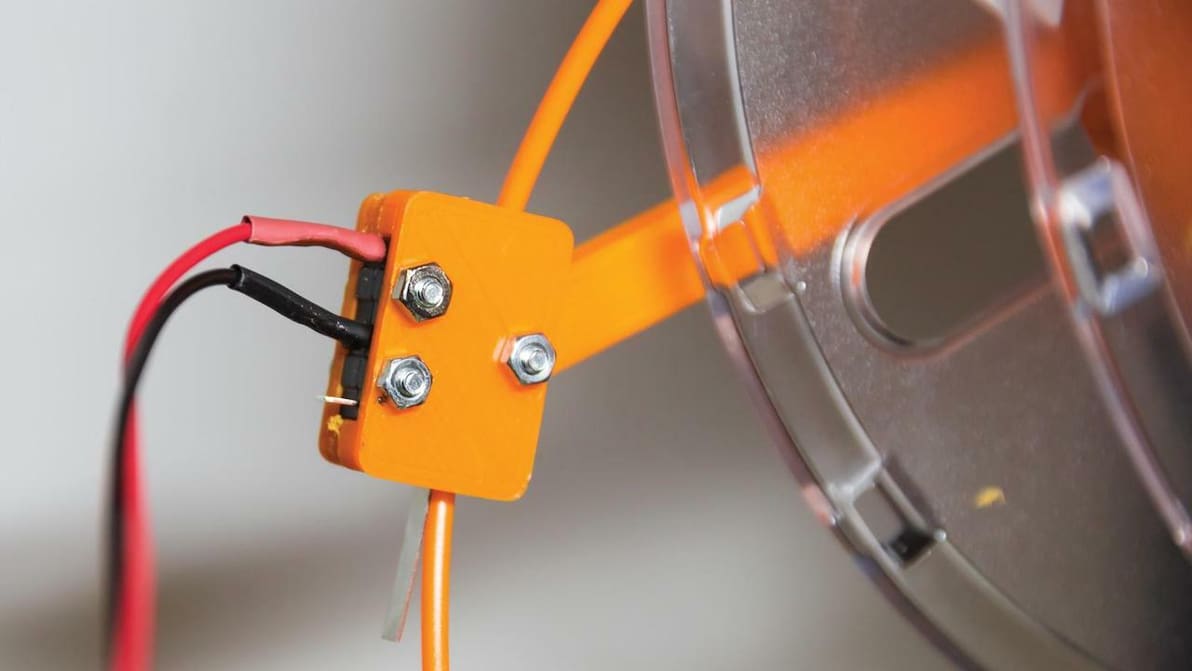
Adding an OctoPrint filament sensor is easy and could prevent a lot of wasted time and material. Check out our guide for all you need to know.
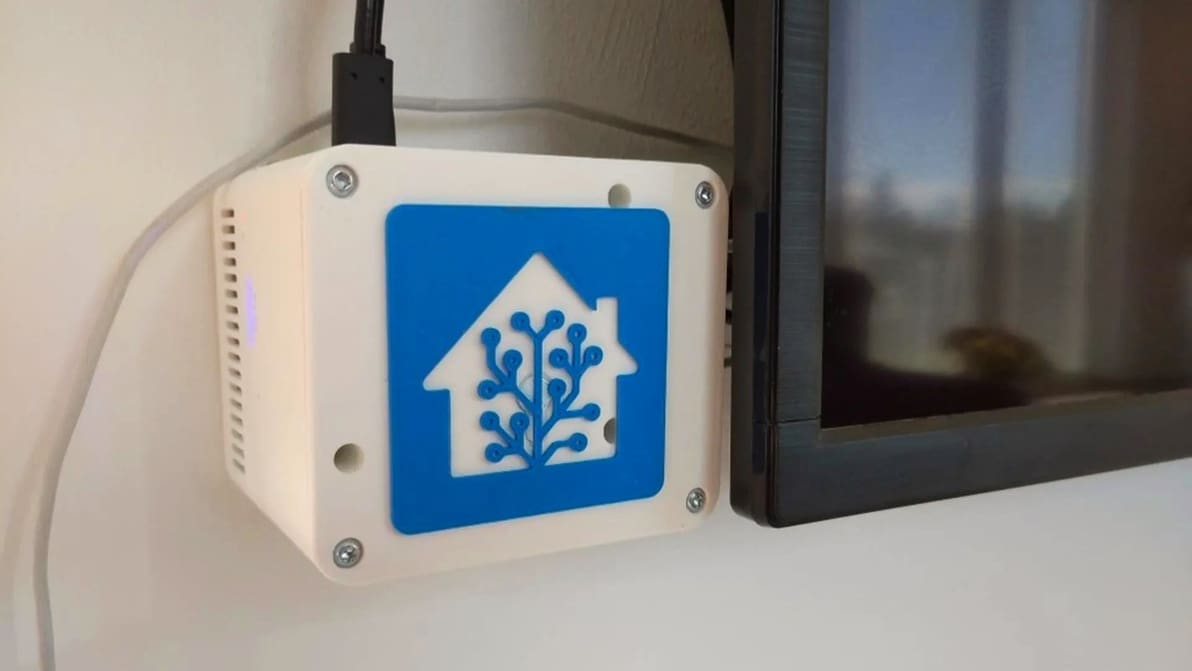
Adding your 3D printer to your smart home hub can be pretty useful. Read on to see how it can be done with OctoPrint and Home Assistant!
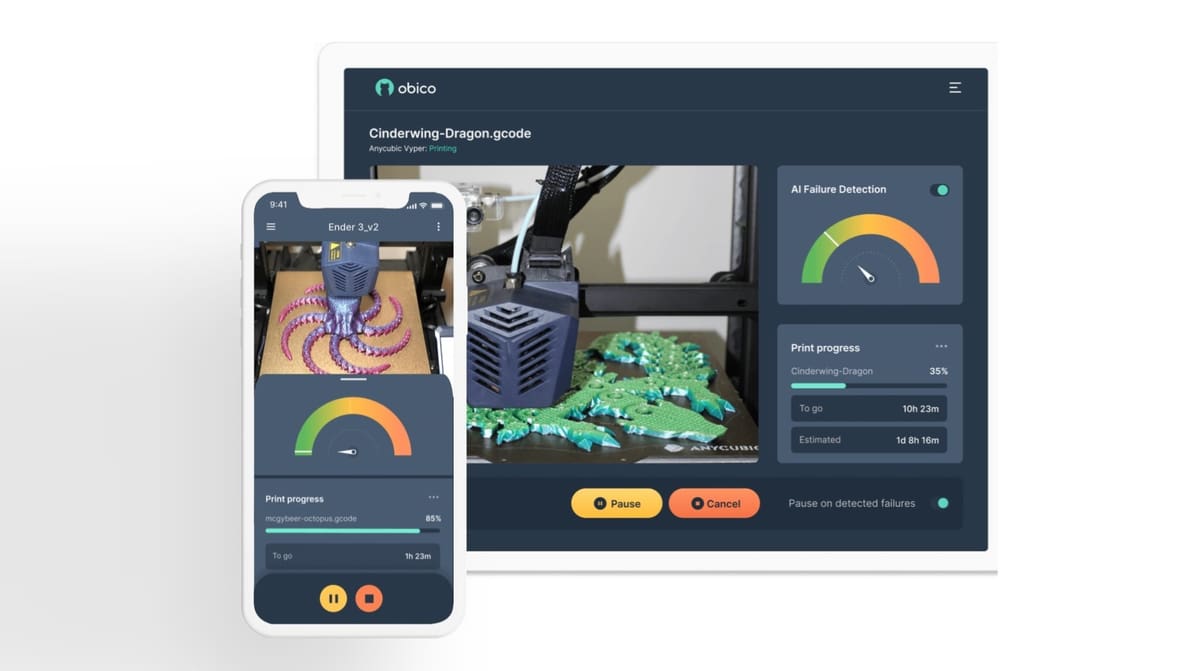
Obico detects print failures and lets you control your 3D printer from anywhere. Read on to learn more about this 3D printing platform!
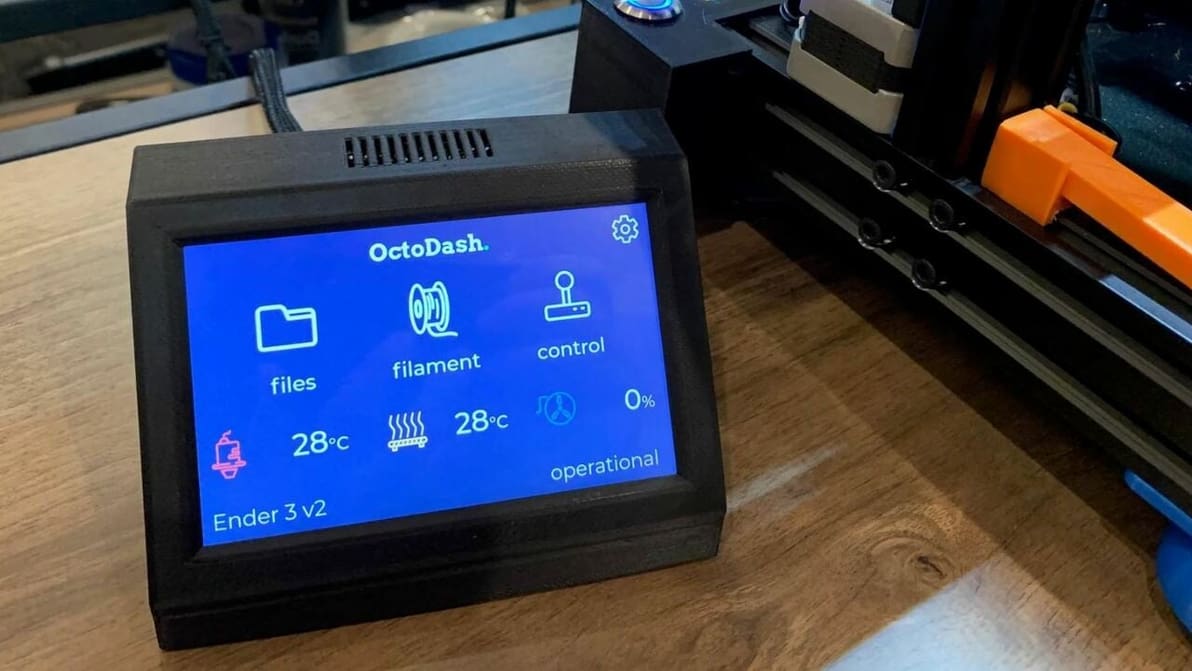
OctoDash vs. OctoScreen: Two great touchscreen interfaces for printers running OctoPrint. Read on to learn the differences!
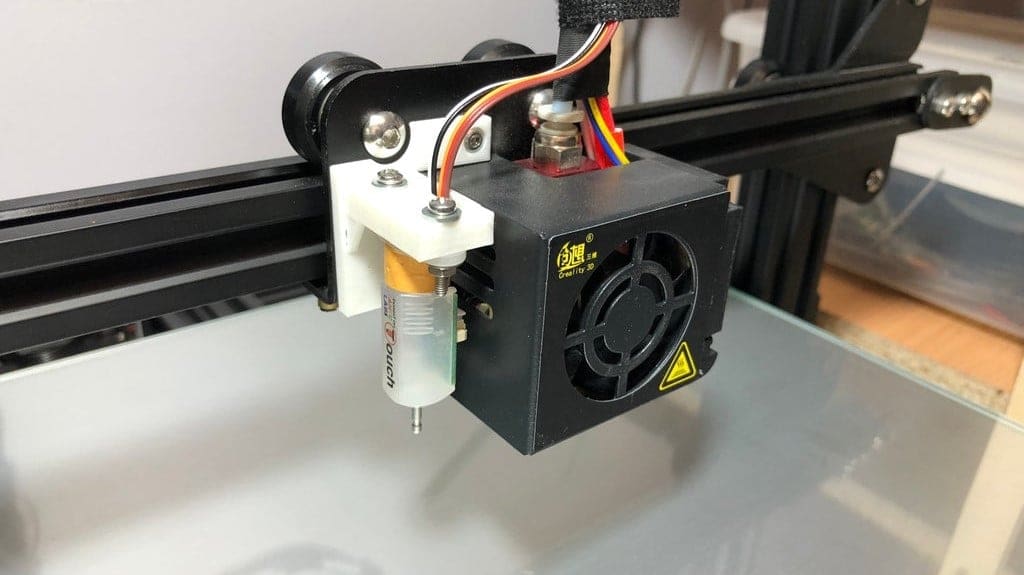
OctoPrint and BLTouch are two great enhancements to any 3D printer, and they're even better when working together. Read on to learn how!
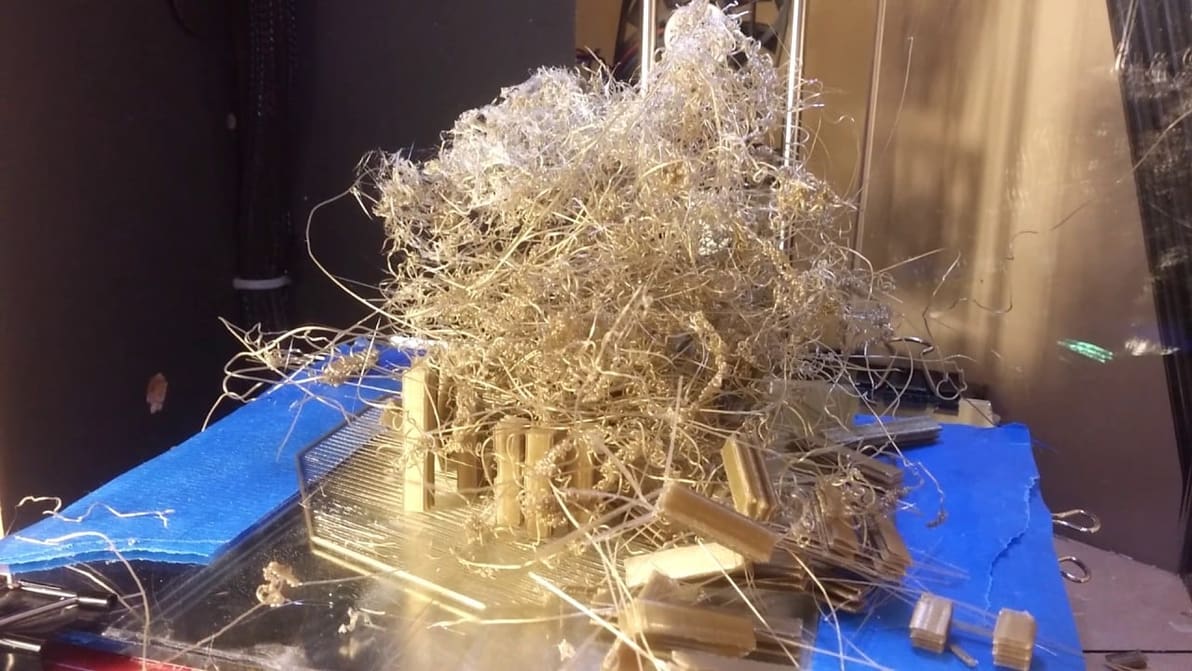
If you're curious about The Spaghetti Detective, read on to find out all about it. Get the 3D print detective on the case!
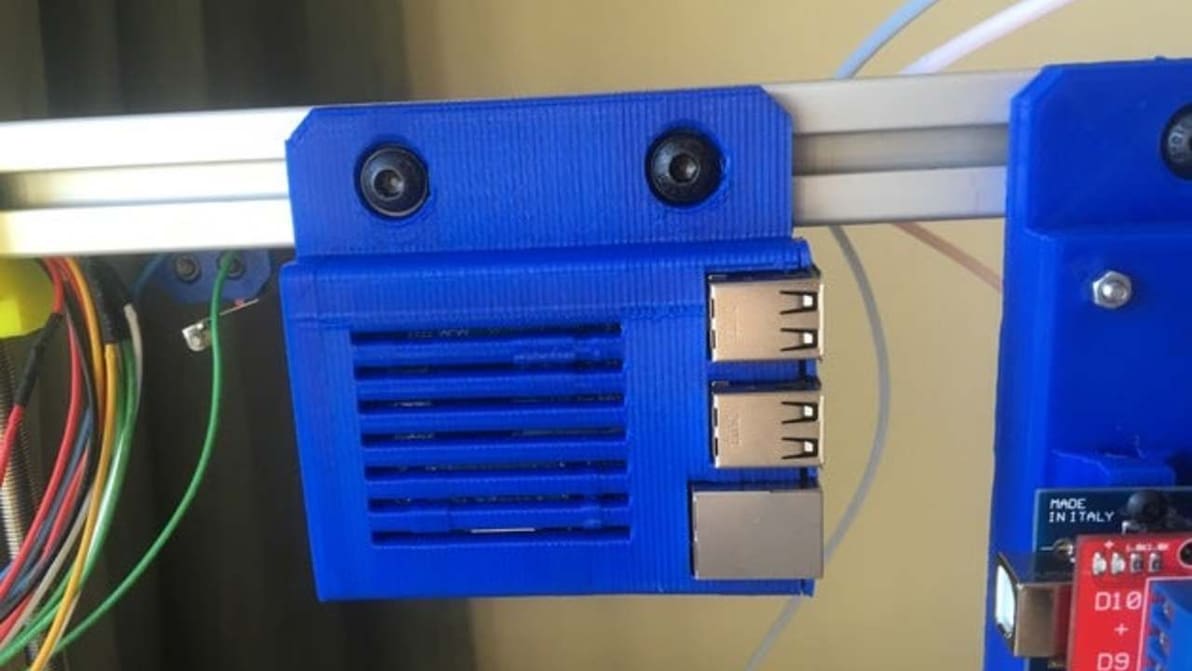
Jump into this guide to find out how to install OctoPrint on the Raspberry Pi 3 B+, one of the most popular Pi boards available right now.
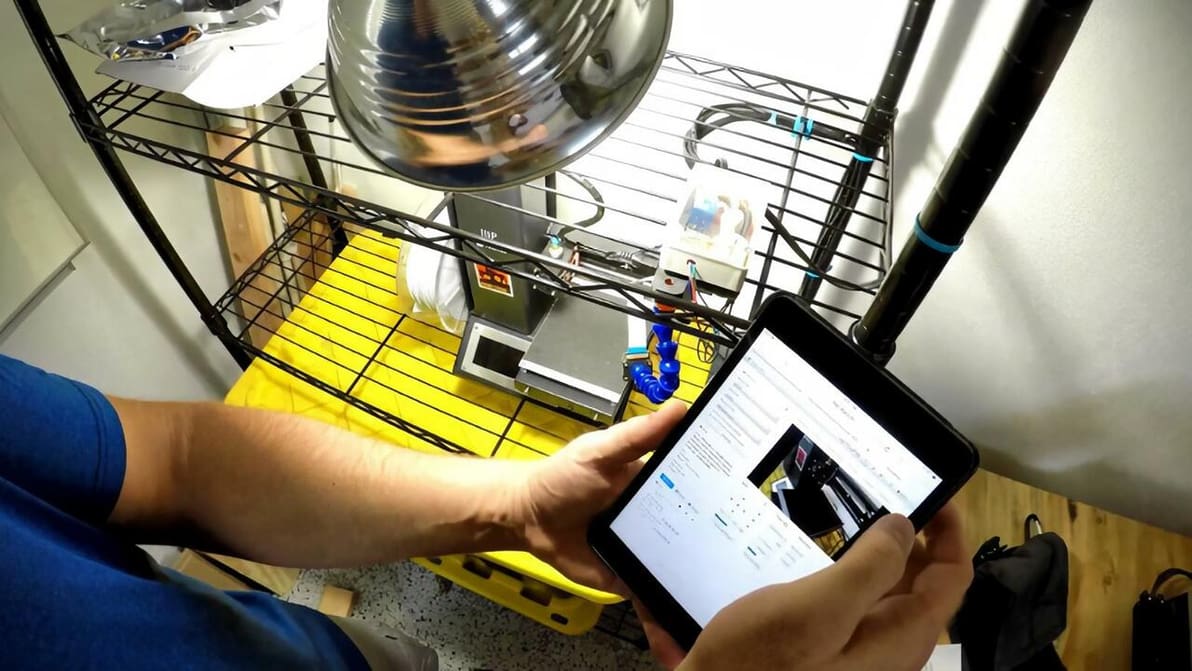
OctoRemote is a great Android app for remotely controlling your 3D printers. Read on to find out all the things you can do with it!
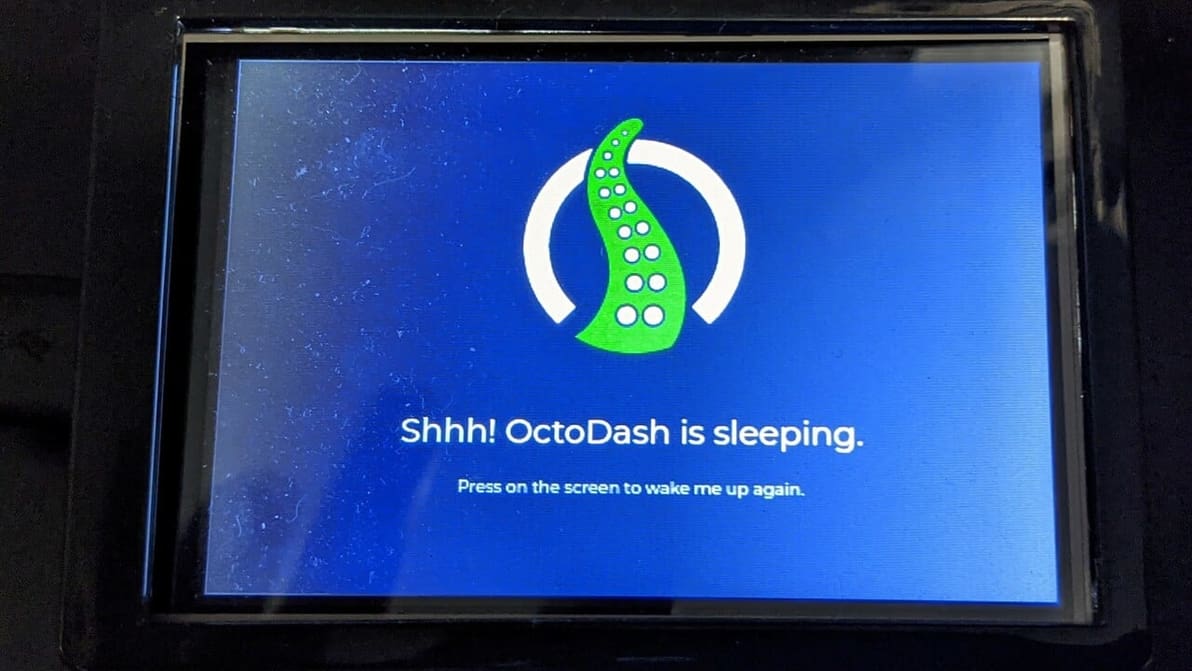
As we all know, OctoPrint takes the 3D printing experience to the next level. So add an even higher level of convenience with OctoDash!
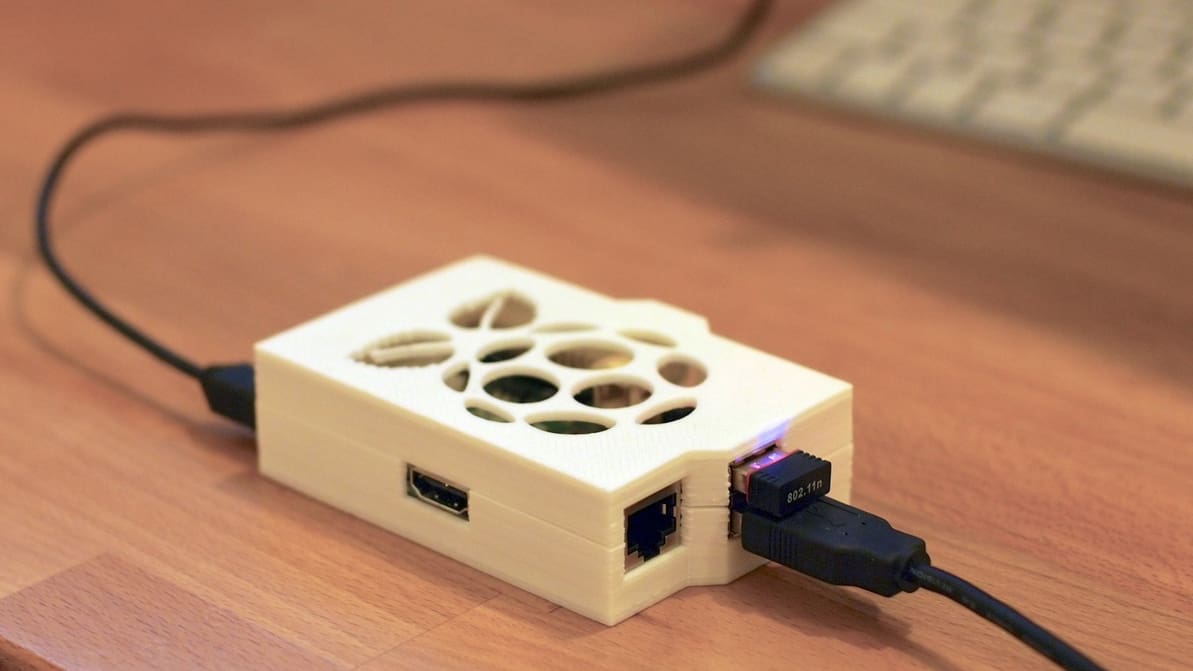
If you're already a fan of PrusaSlicer, OctoPrint is a great next step. Read on to learn how to make them work together!
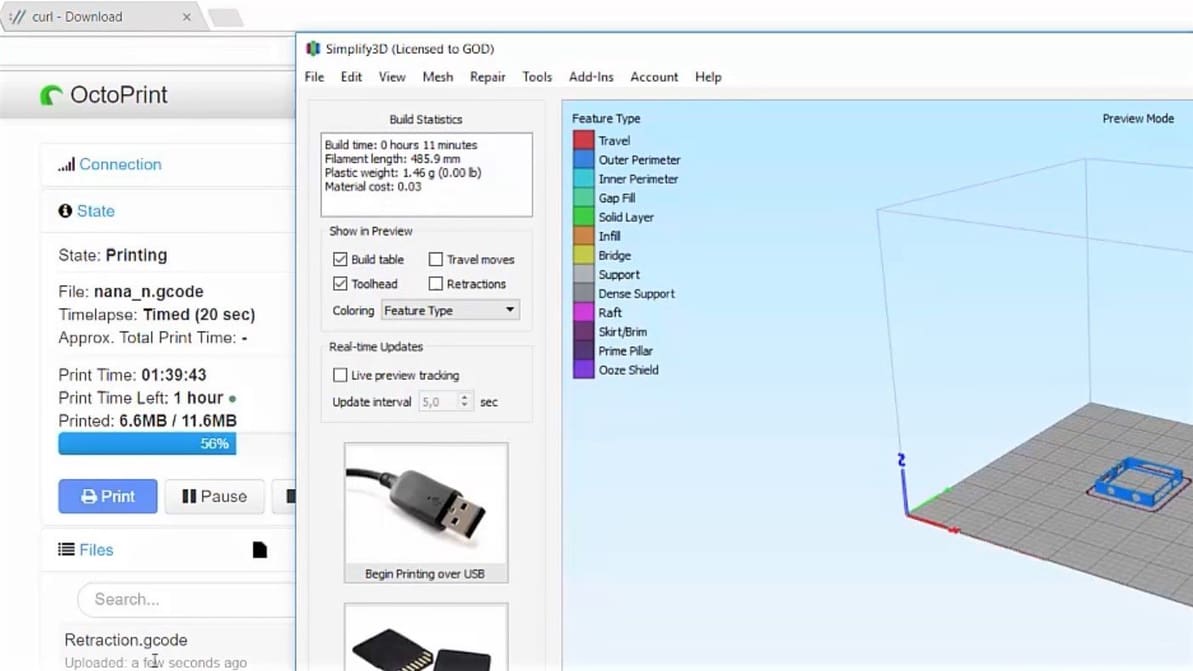
Do you have Octoprint? Are you using Simplify3D? Get the best of both worlds by connecting the two with these easy steps!
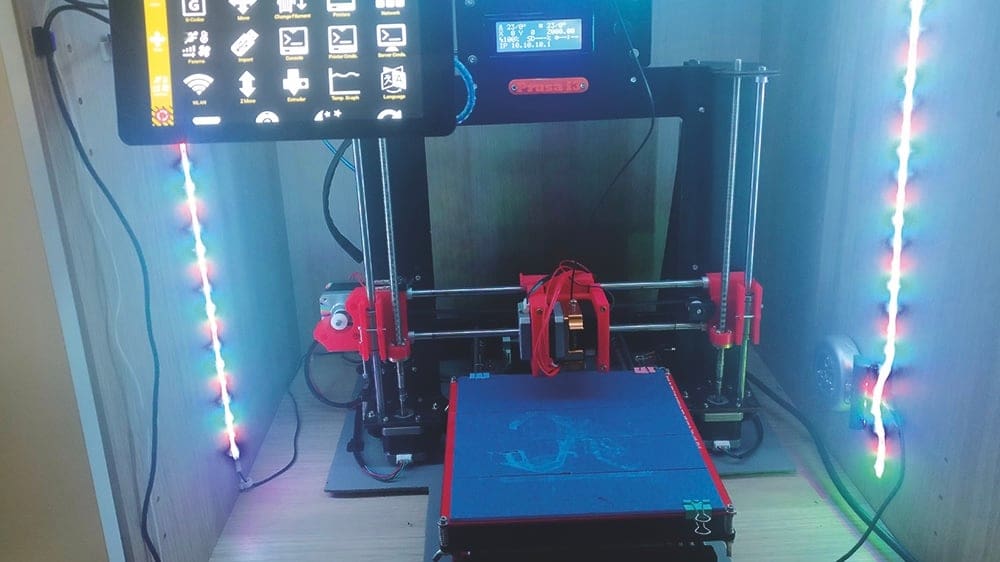
Octoprint is a massively popular printer control solution that runs in desktop browsers - but what if you don't have a computer at hand? That's where Octopod comes in.
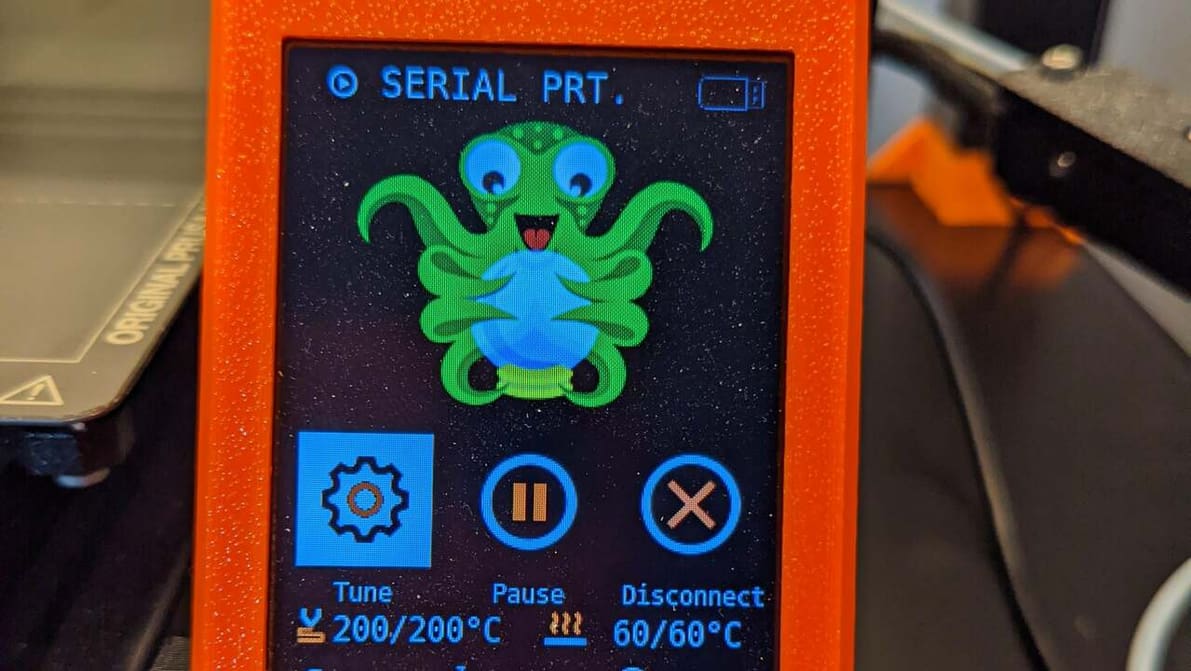
With OctoPrint, Prusa 3D printers can be controlled remotely. Read on to learn how to install OctoPrint for the Prusa MK3S and more!
OctoPrint, the open-source control software for 3D printers, has issued a reminder to its users to invest time to properly secure internal services and configure settings after a report from the Internet Storm Center (ISC) which shows the dangers of unsecured interfaces.
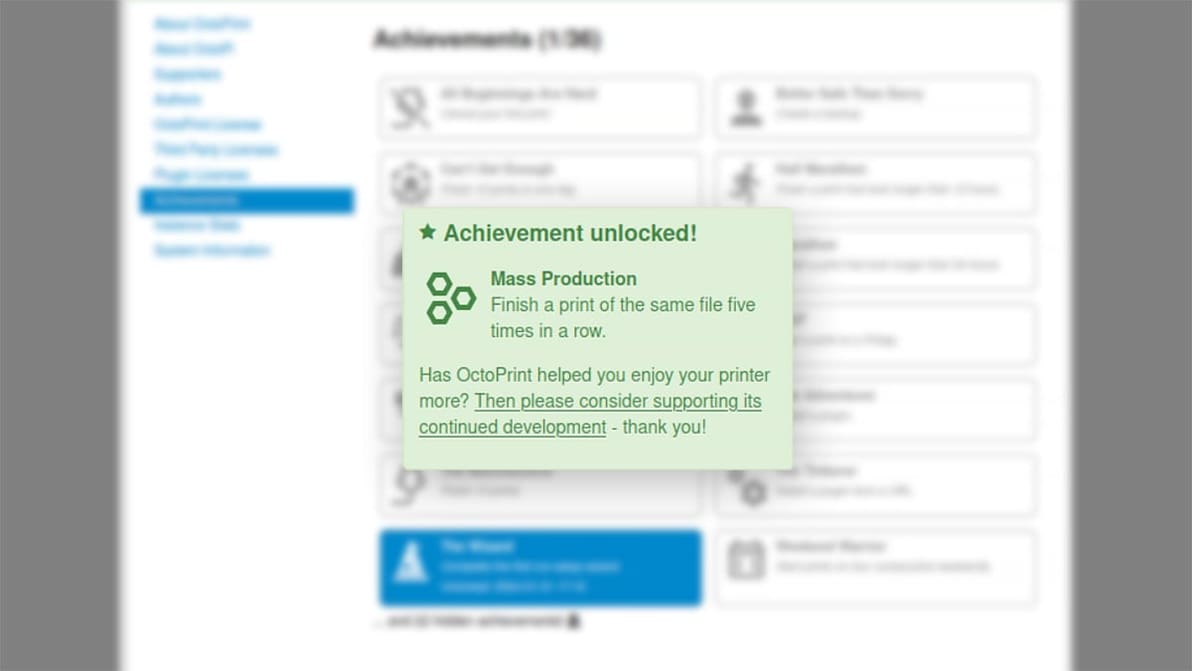
The latest release of the popular 3D printer control software adds new features, squashes bugs, and gamifies your 3D printing.

The popular open-source 3D printing tool is facing a dire funding shortage and needs renewed support to survive.
Version 1.9.0 brings new features, bug fixes, and changes that improve usability, efficiency, and more.
New release brings with it new features, bug fixes, and the latest version of OctoPrint itself.

OctoApp is a popular app for controlling your 3D printer via OctoPrint. Learn all about it, as well as how to get started with it!