Bambu Studio
Recent


Most popular
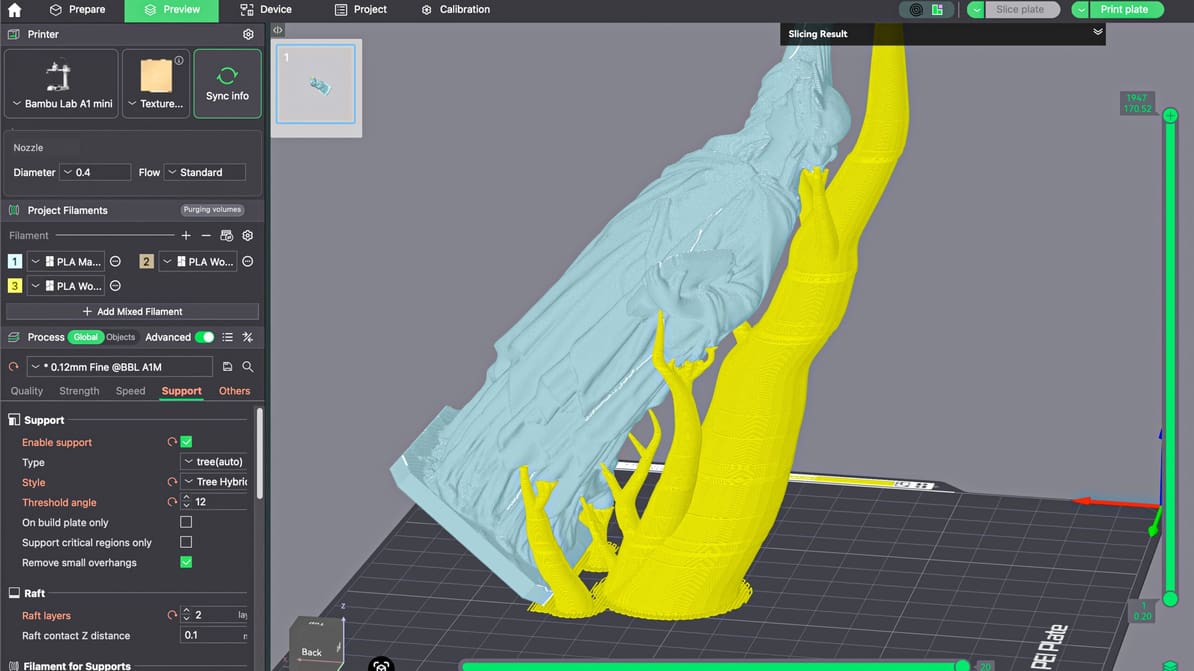
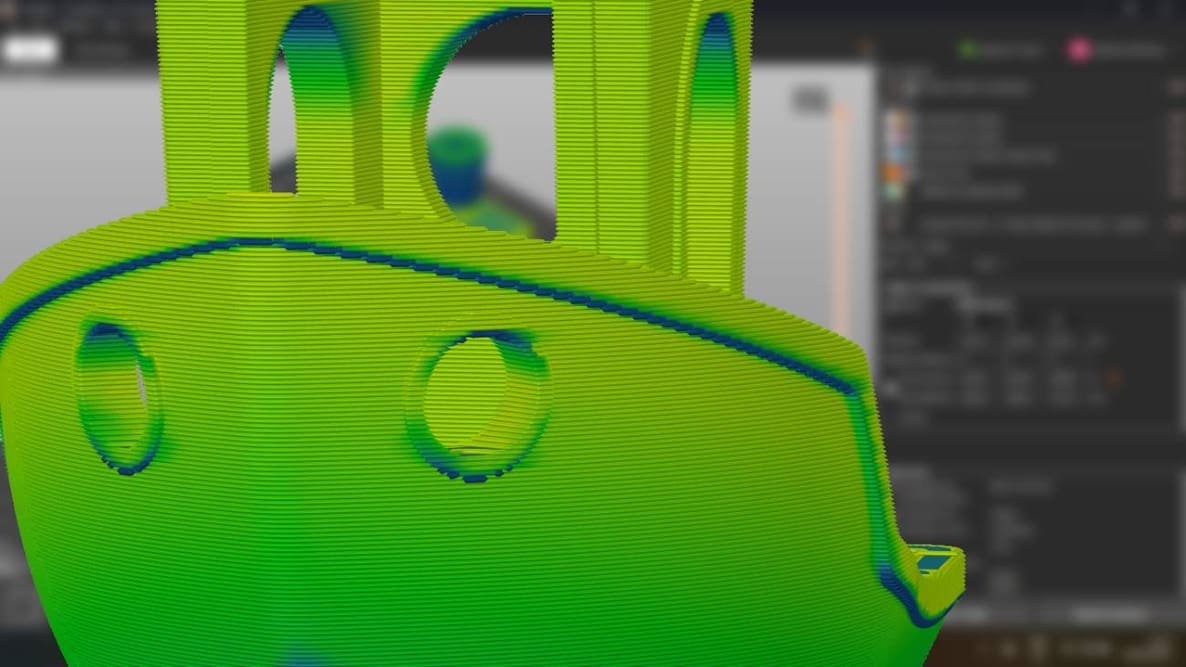
When you master supports in Bambu Studio, you improve supported surfaces, make removal easier, save time, and reduce wasted filament.
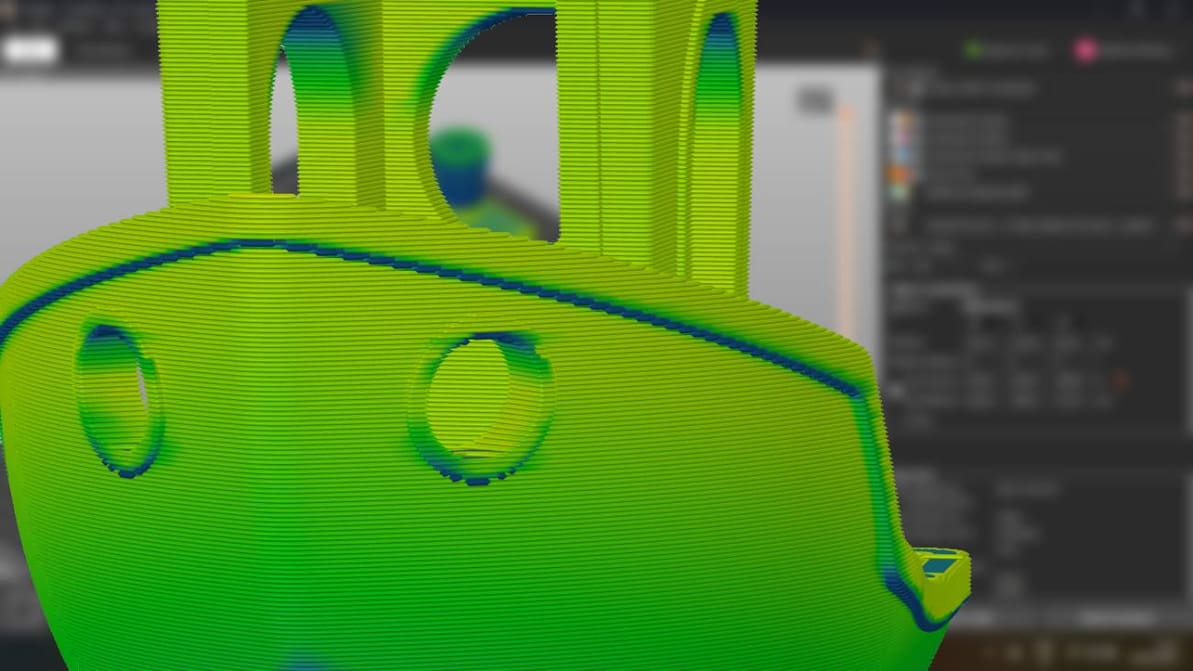
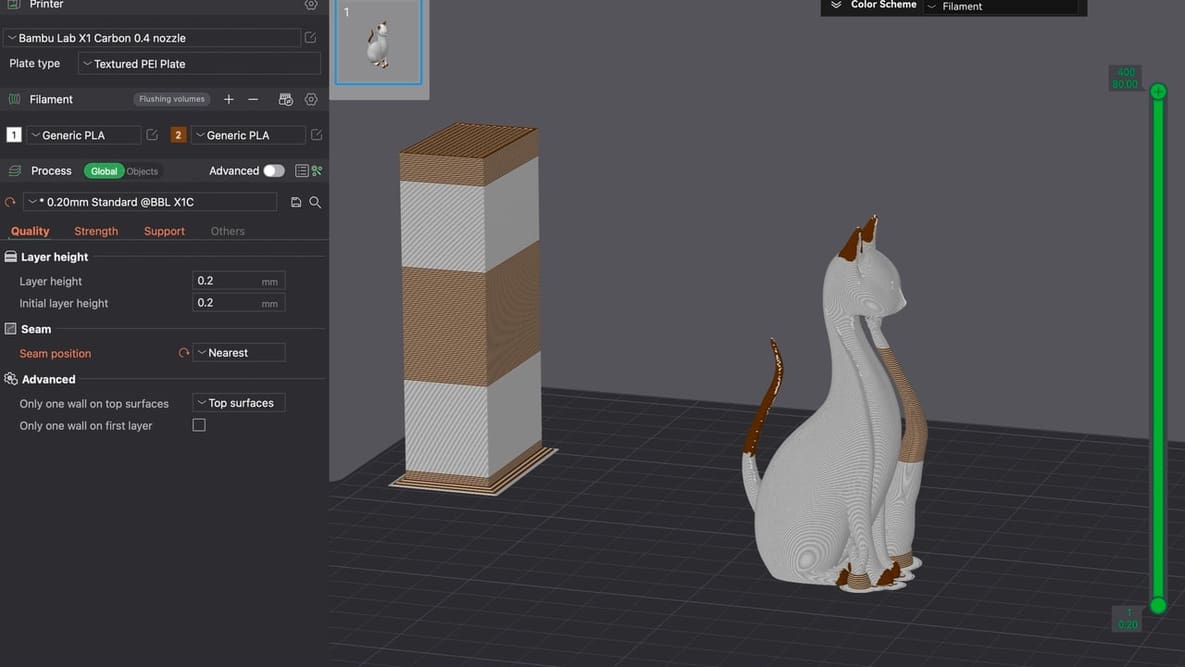
When you’re just setting out 3D printing, don’t overthink the slicer. Picking the right one for you is probably much simpler than it seems.

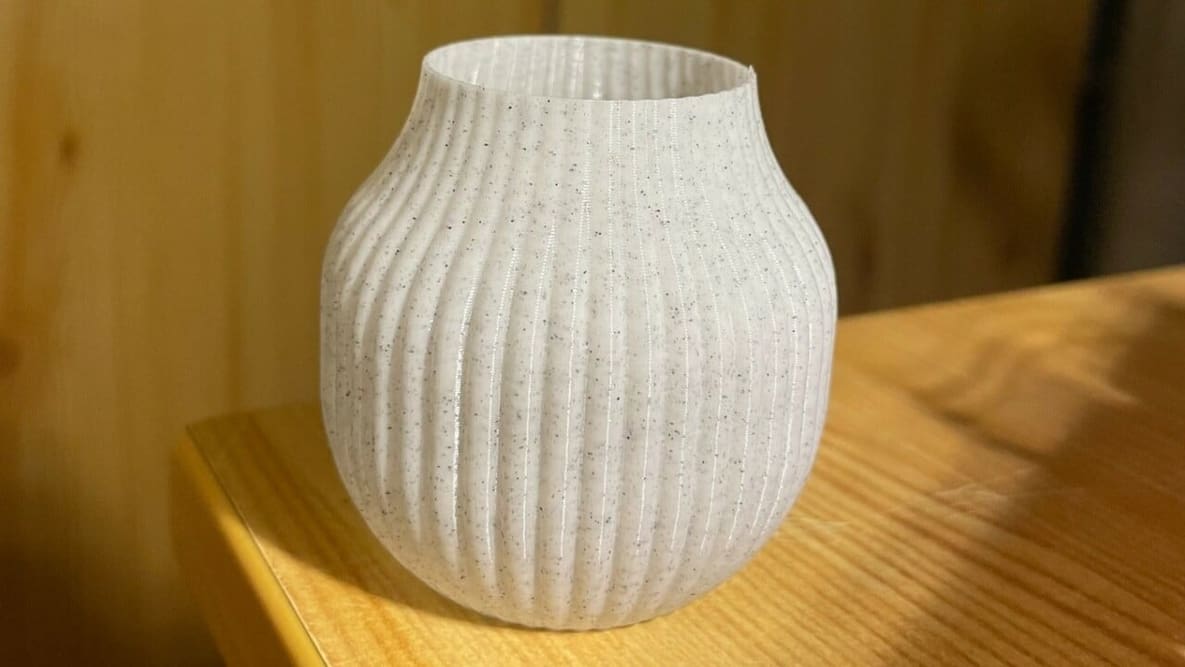
Bambu Studio's vase mode is the easy path to seamless, artistic 3D prints. Read on to learn how to use it and how to troubleshoot.

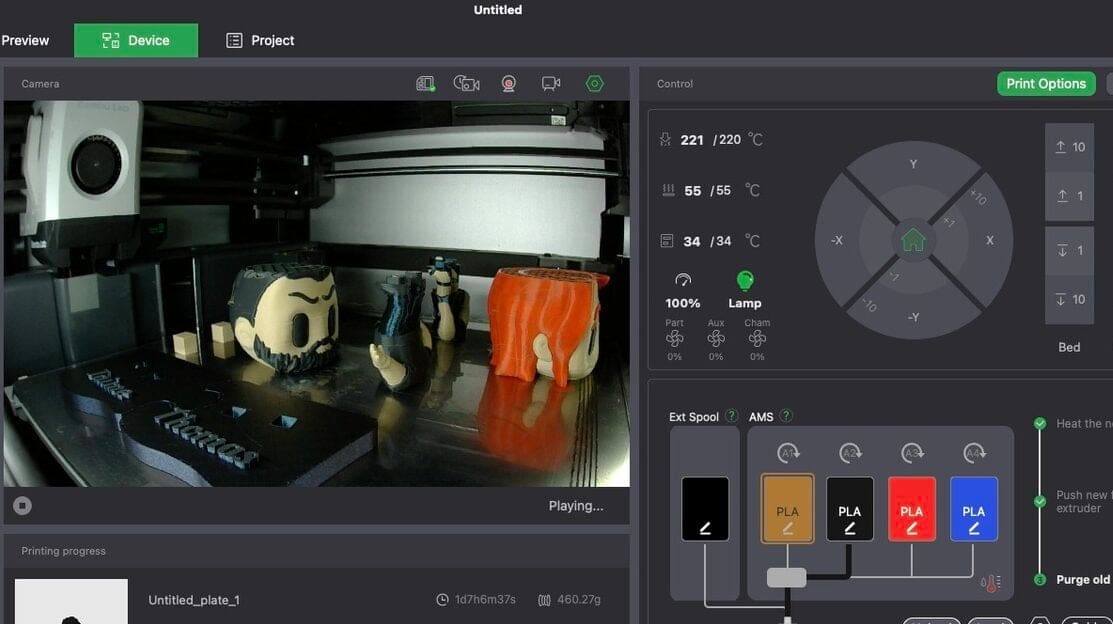
From model to masterpiece – read all about how to slice, preview, and 3D print like a pro with our Bambu Studio tutorial!

Here's everything you need to know about the Bambu Studio Slicer. Read on to learn how to use this slicer with your 3D printer!

Bambu Lab's slicer software is now in version 2.1.0 and a host of little changes, updates, and features have been added.
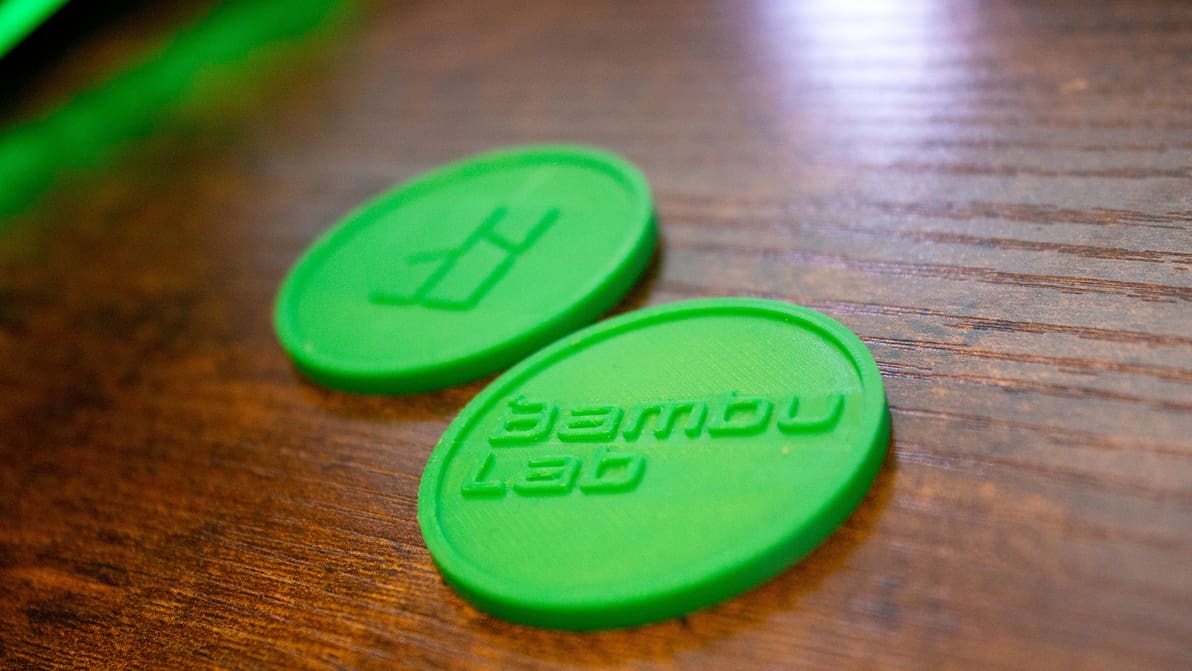
The repository will take things a step further than Printables with print profiles and filament parameters, will enter an open beta in "several weeks".
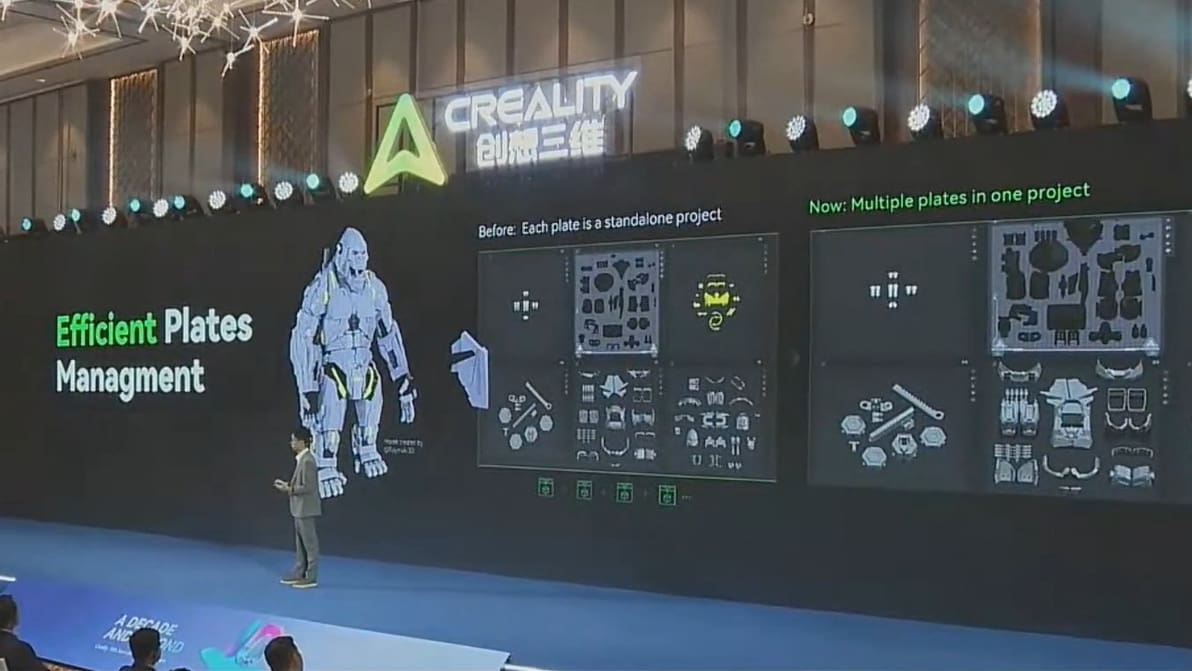
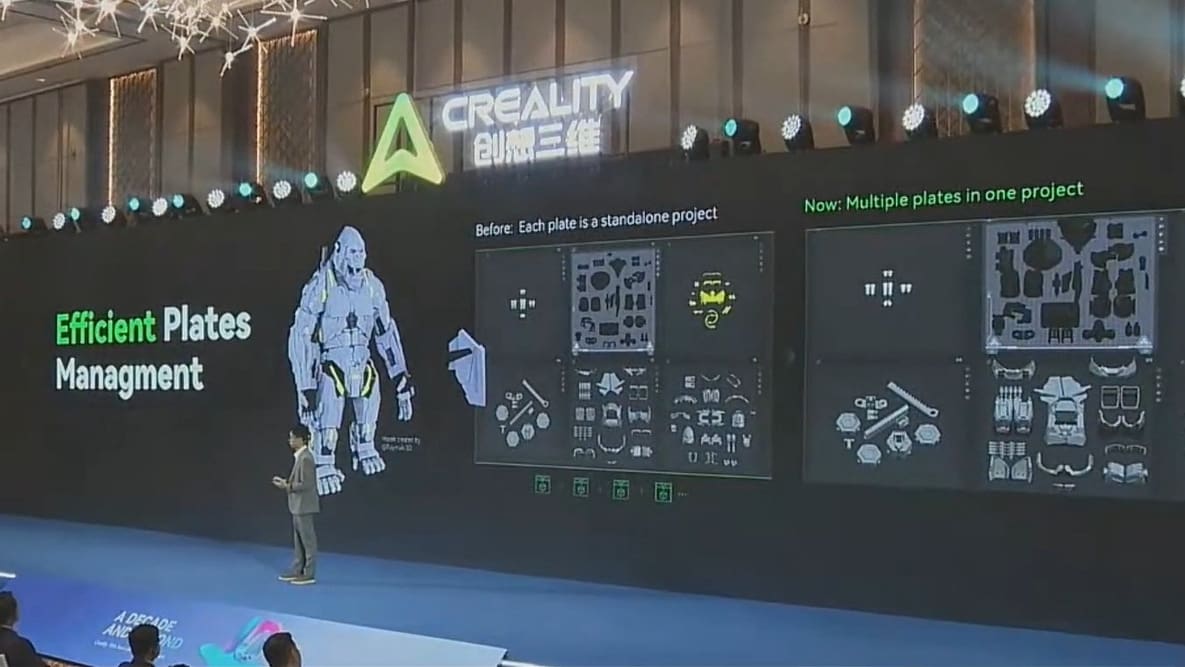
The slicer is getting a "revamp" to compliment Creality's upcoming multi-material device, the CFS, but also adding a multi-plate project feature.
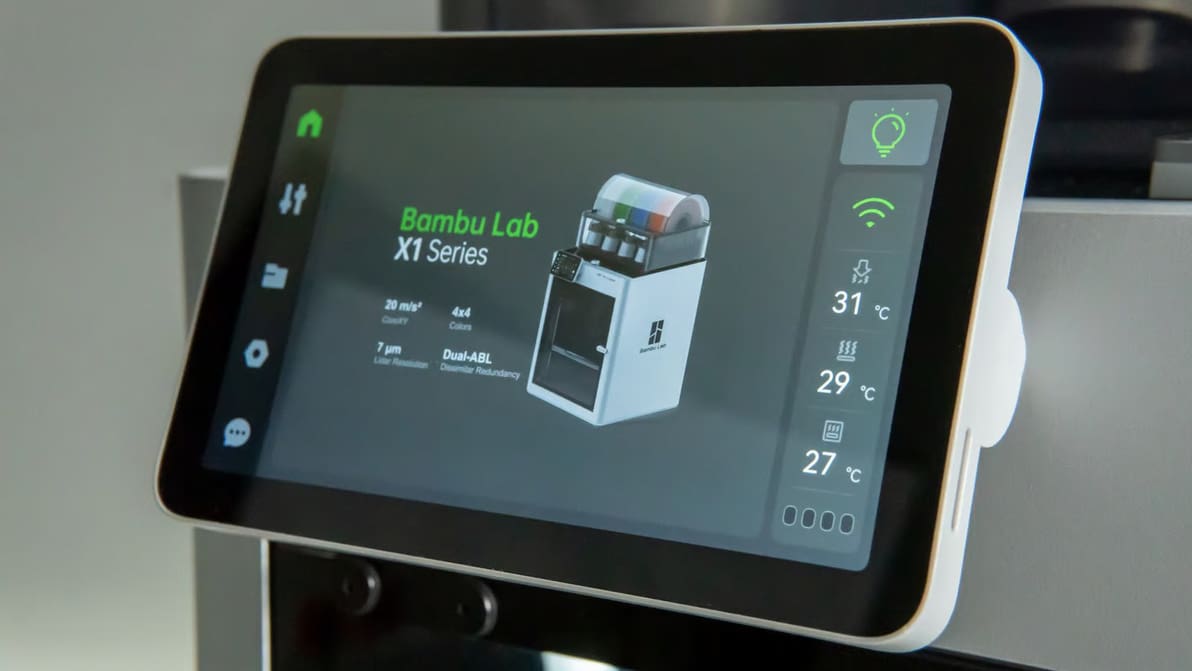
New features, improvements, and bug fixes help users work more quietly and efficiently in latest release.
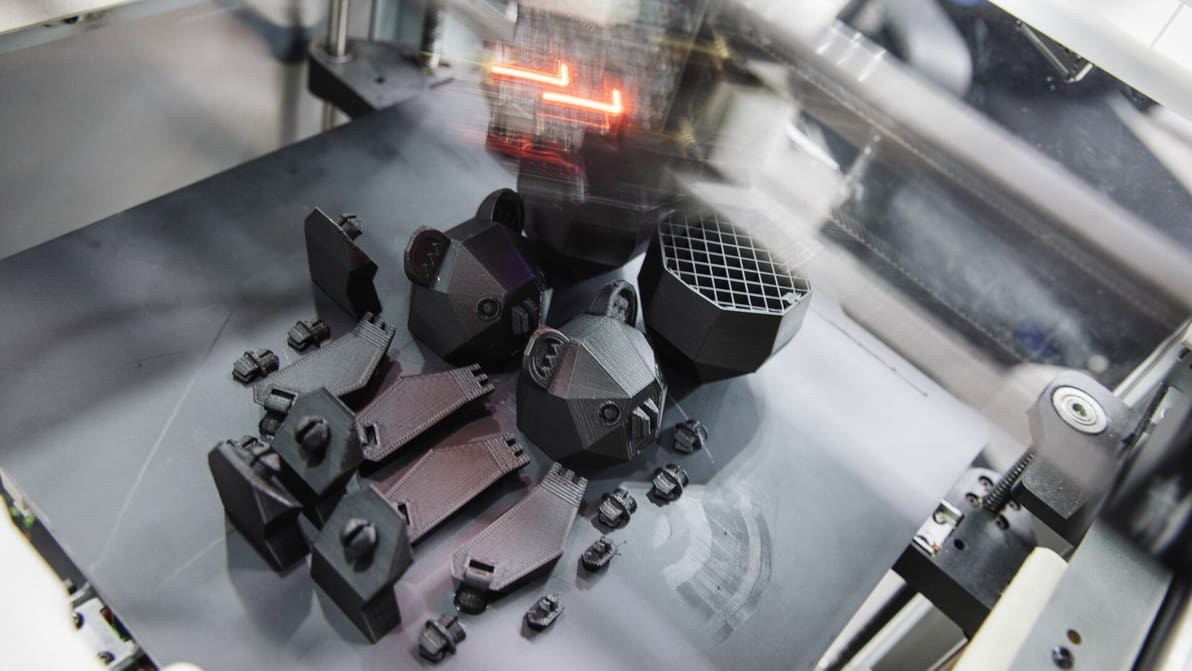
The update brings with it several improvements to existing features, security enhancements, bug fixes, and more.