Blender
Featured
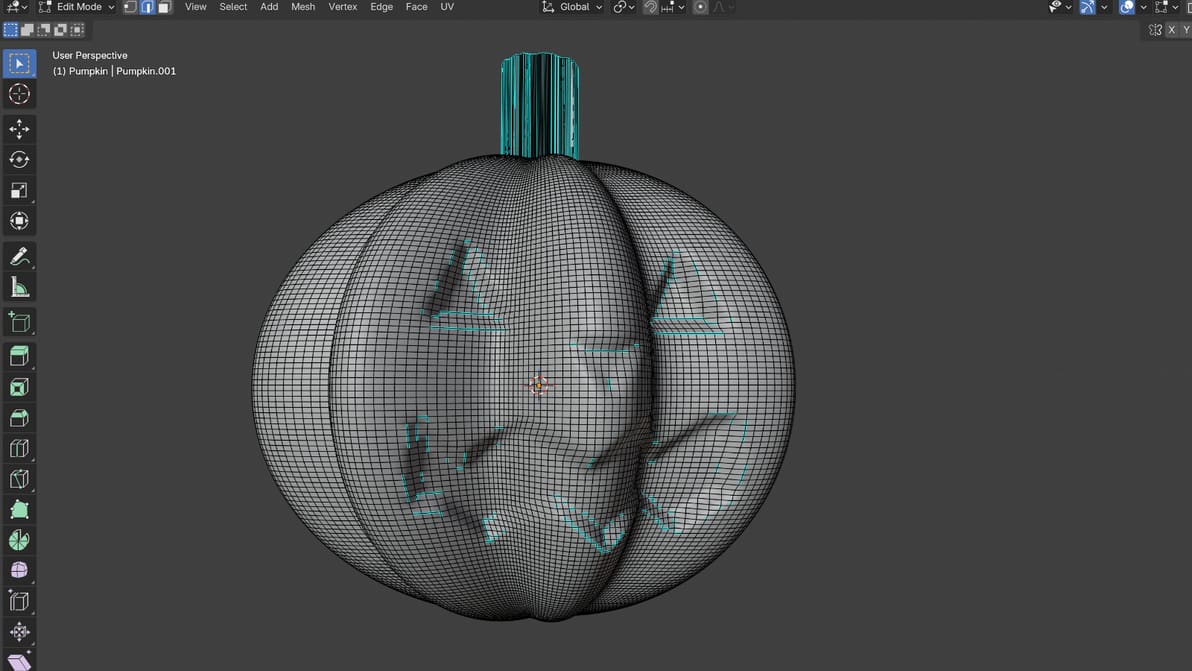
Blender is the best free CAD software programs out there, but it's not easy to master. Using AI as a co-pilot can get you from idea to model faster.
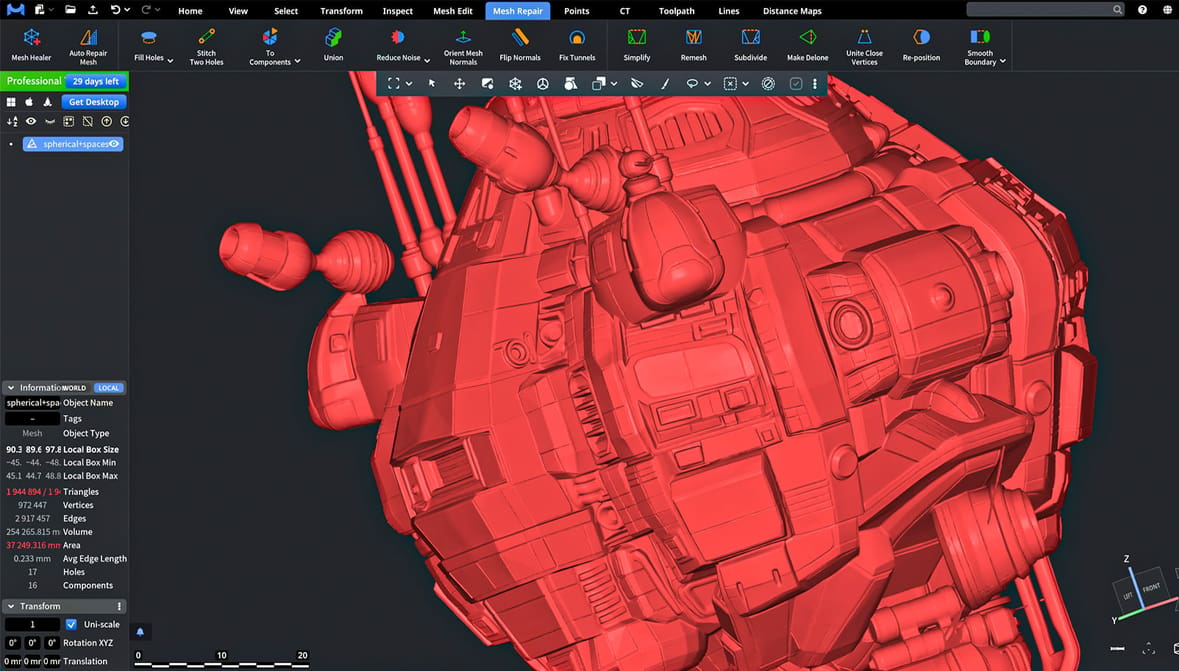
From basic options to advanced ones, check out the best free tools to repair or edit digital model files, from Tinkercad to Blender, and more.
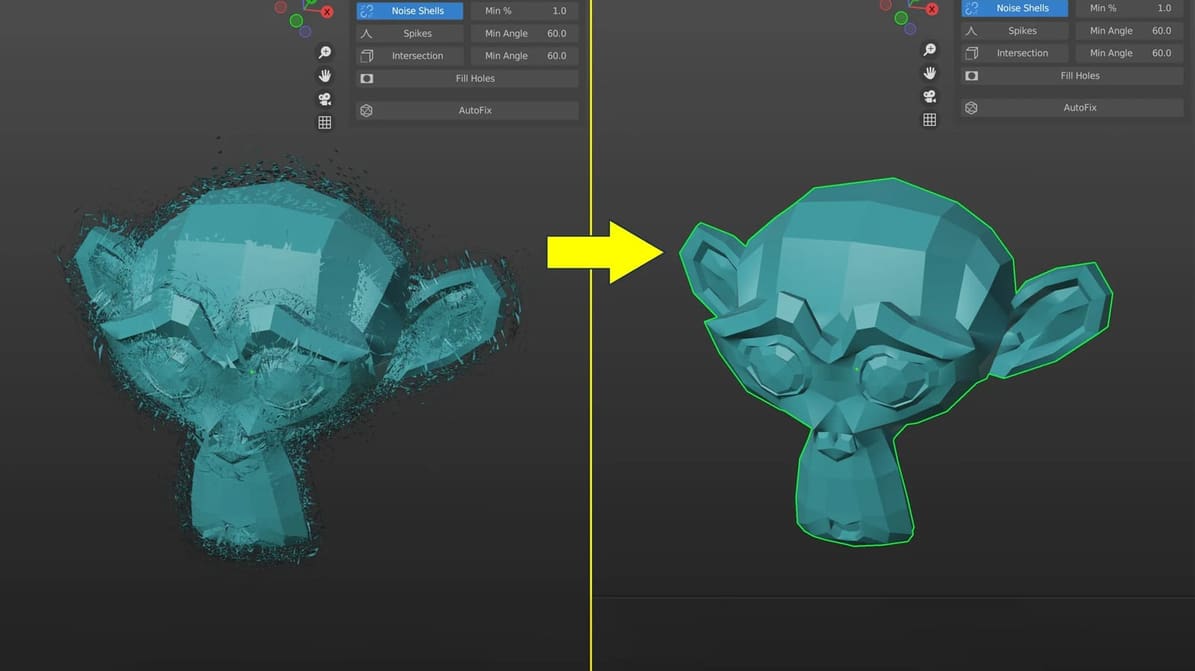
These free add-ons help bridge one of the biggest gaps in AI models: getting from a good-looking AI model to clean, watertight geometry your slicer can 3D print.
Latest
Blender is the best free CAD software programs out there, but it's not easy to master. Using AI as a co-pilot can get you from idea to model faster.
These free add-ons help bridge one of the biggest gaps in AI models: getting from a good-looking AI model to clean, watertight geometry your slicer can 3D print.

Eric Utley, applications engineering manager at Protolabs, explains the engineering principles behind Gaudí's architecture and how they can help you design better support-free 3D prints.
From basic options to advanced ones, check out the best free tools to repair or edit digital model files, from Tinkercad to Blender, and more.
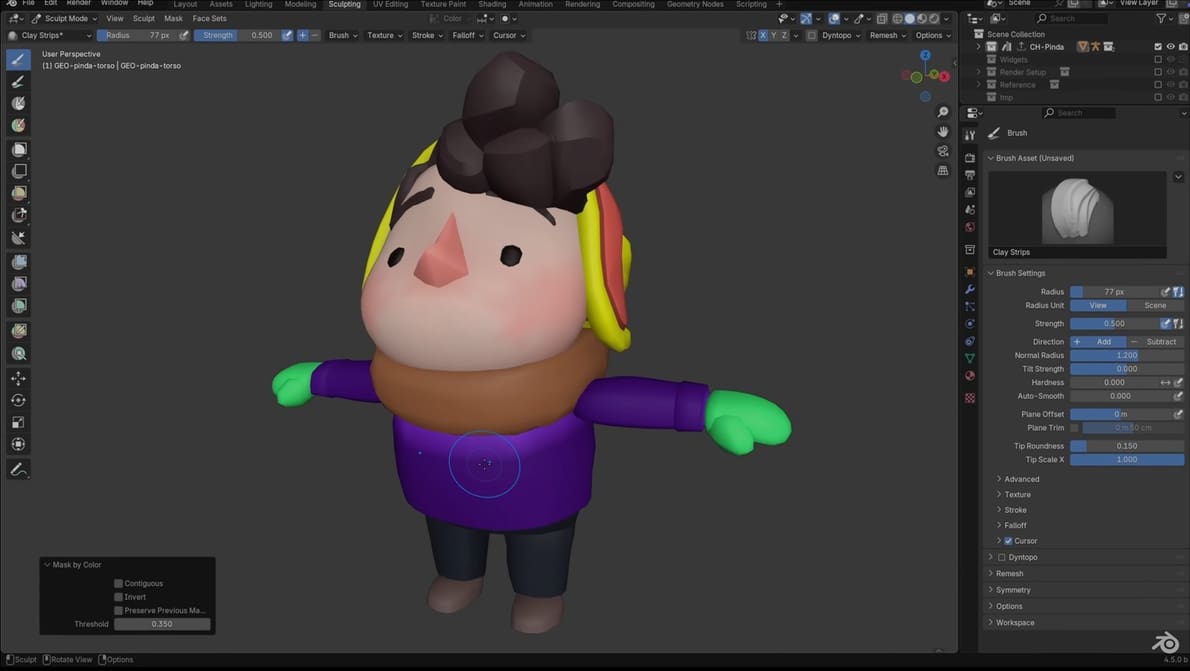
Blender now deepens its toolset for dedicated 3D modelers, aiming to make routine tasks faster and complex operations more reliable.
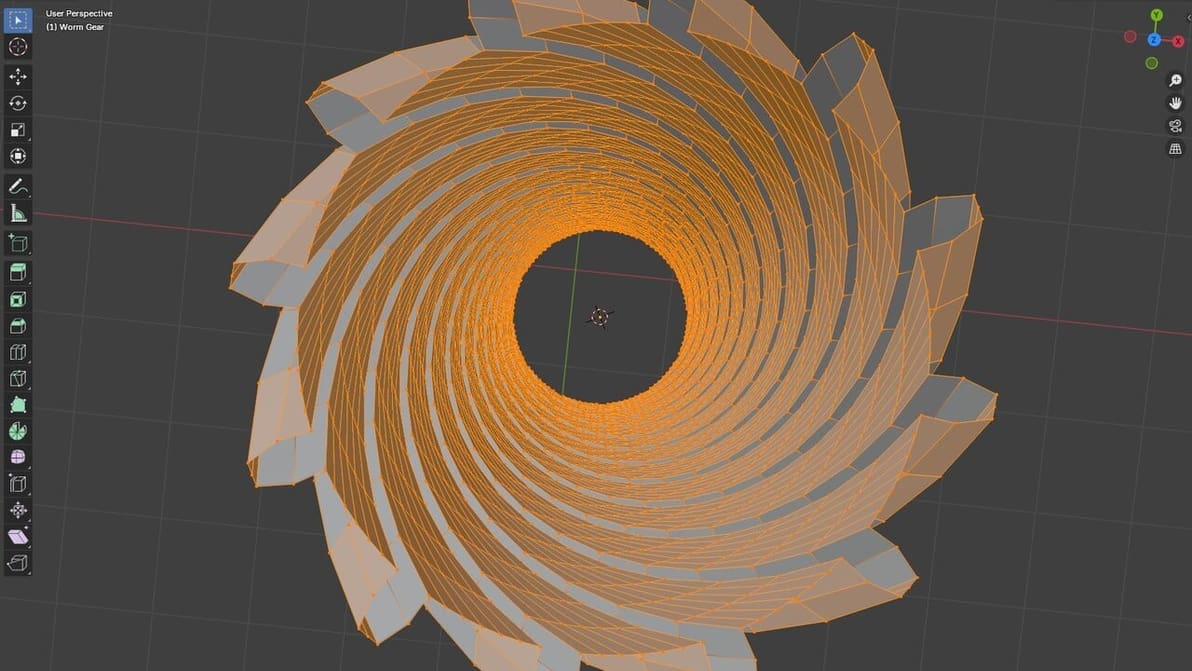
Adding vertex in Blender is easy, and it's useful to improve your models. Find out how to add vertices in Blender through this simple guide!
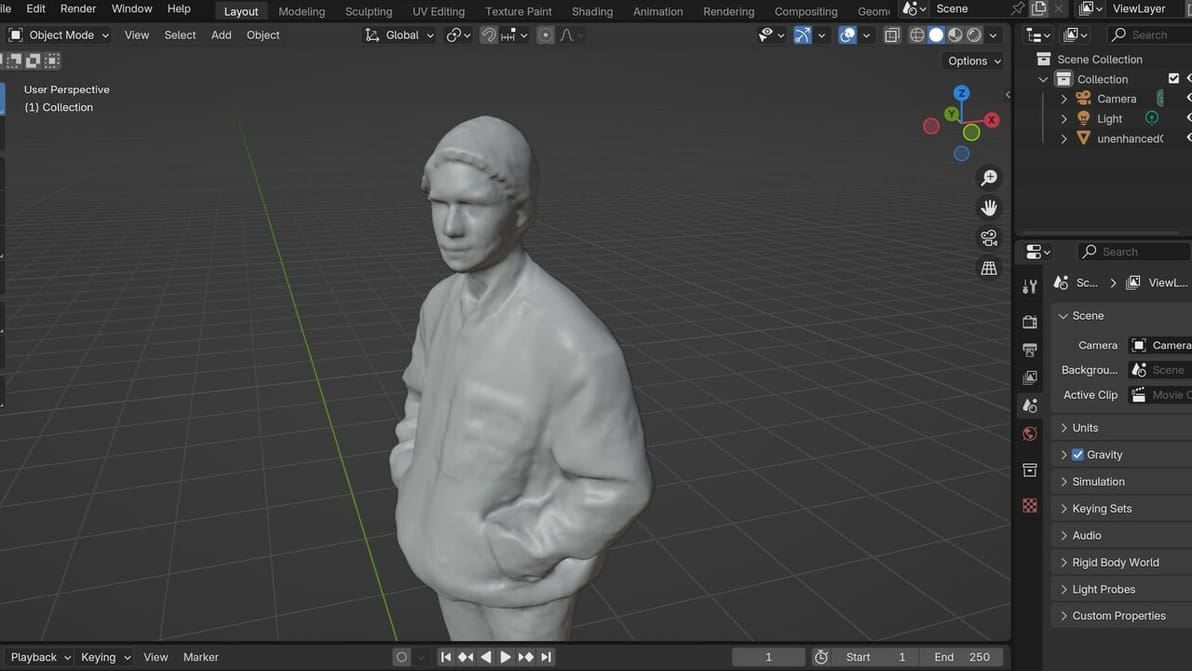
3D scans often don't go *exactly* as we'd like them to, and some modification is needed. Here's how to clean up a 3D scan in Blender.
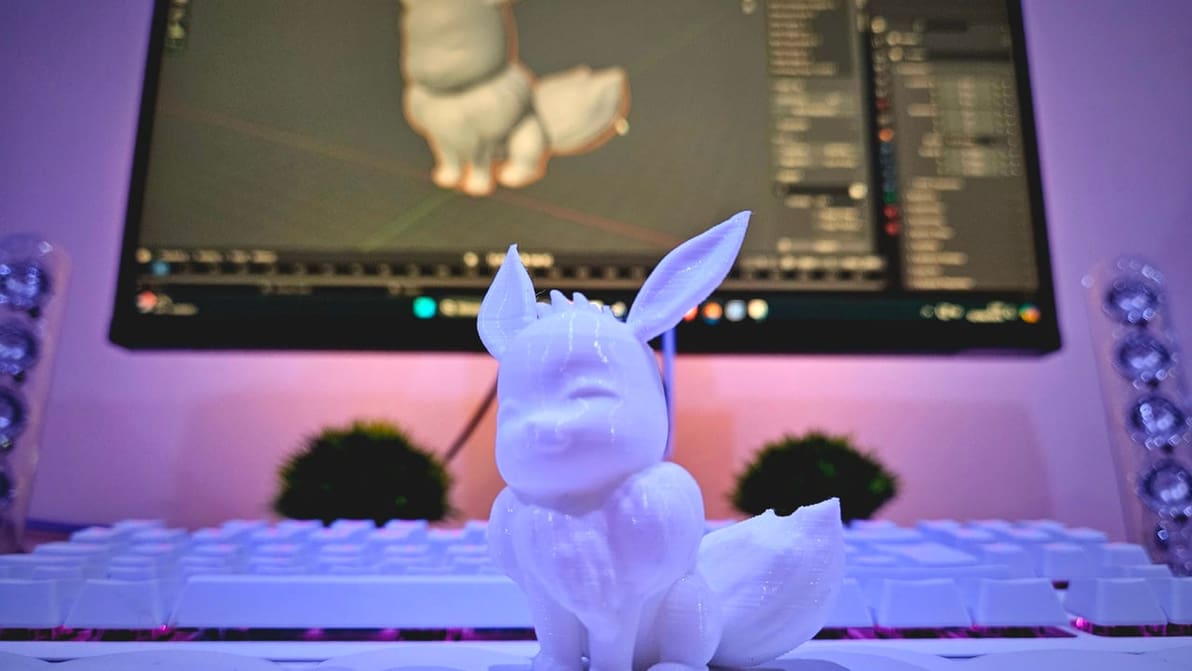
Preparing models for 3D printing can sometimes be a tricky job. Read all about Blender's 3D Print Toolbox and how it can help!
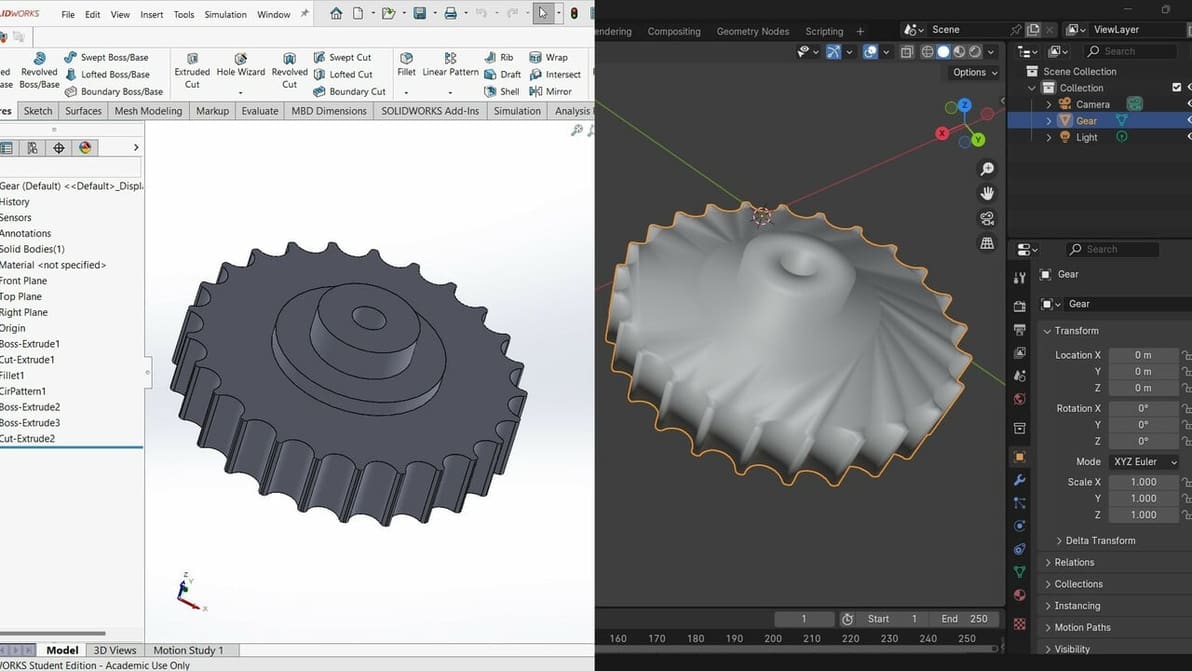
Although SolidWorks files don’t translate directly into Blender, discover two ways to import a model from SolidWorks to Blender.
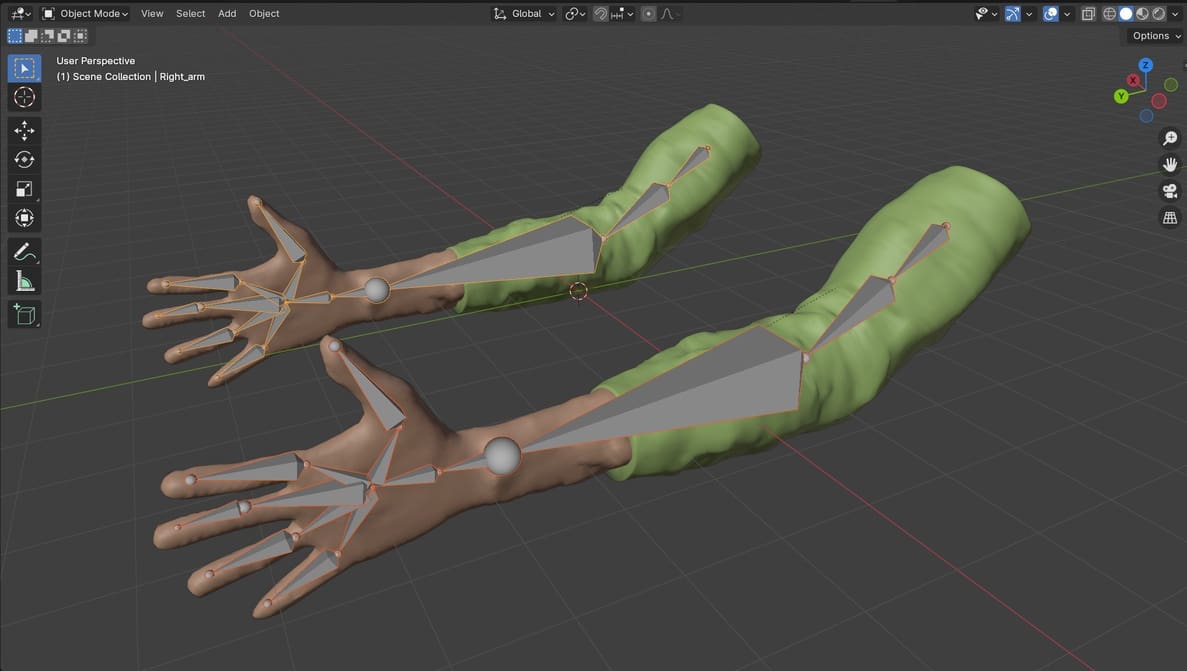
In Blender, "add bones" is one of the necessary steps for rigging and modeling. Keep reading to learn more about bones in Blender!
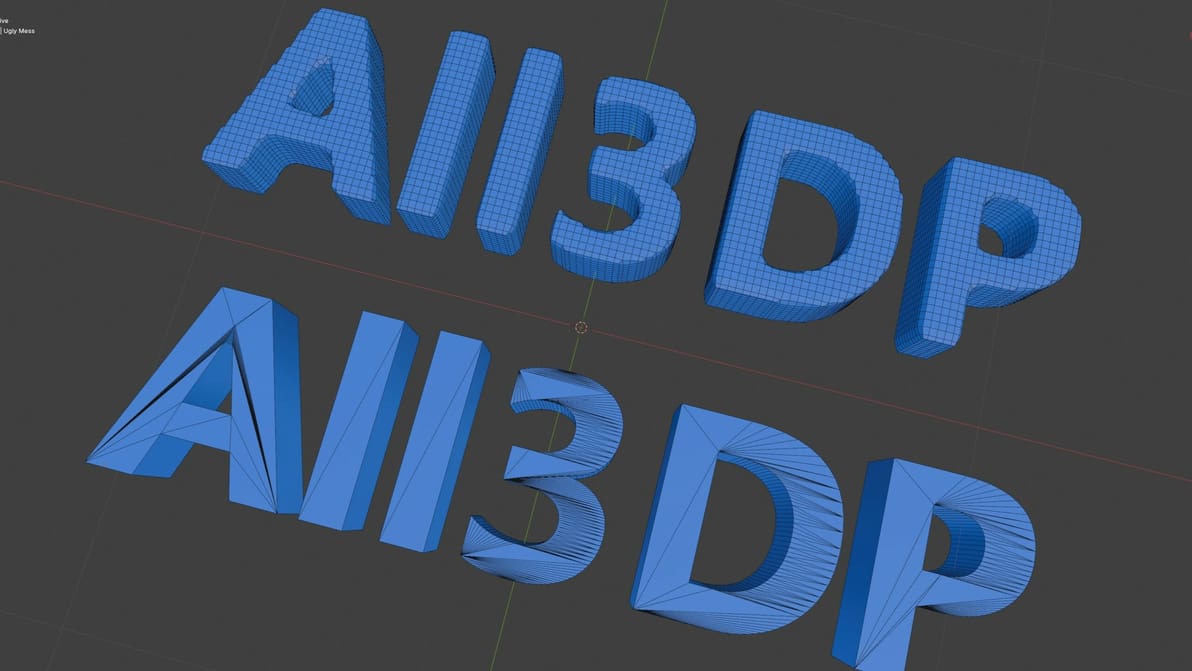
There are so many options in Blender to simplify a mesh. Read on to learn how to clean up your mesh so you can get back to creating!
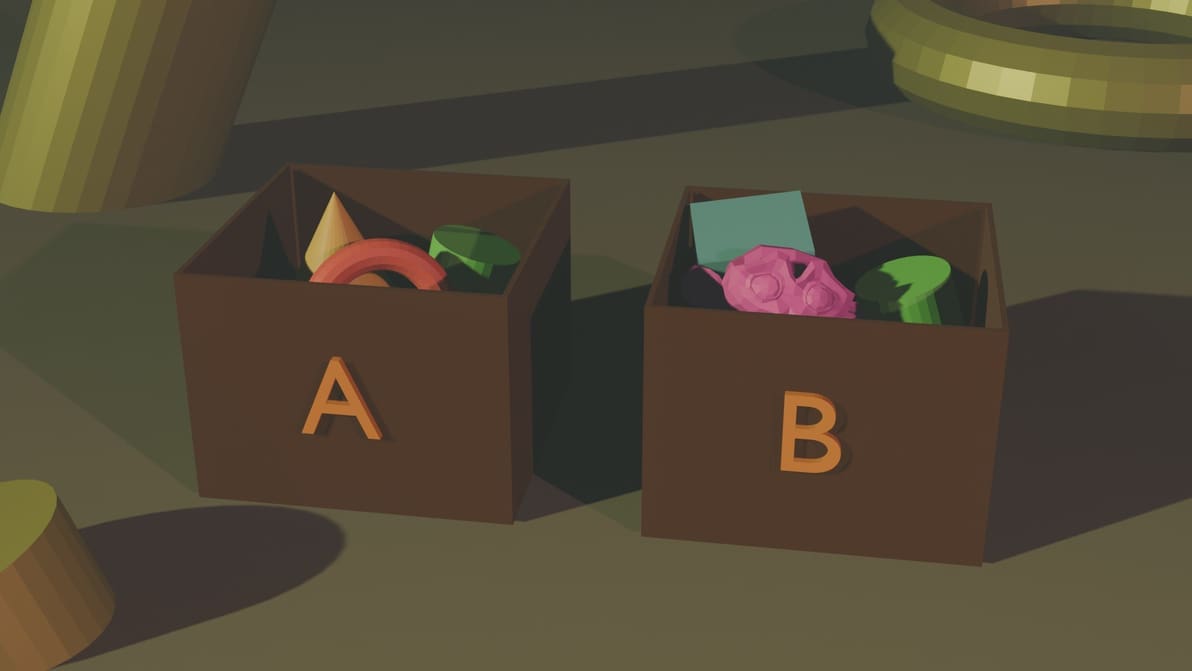
Your work can get chaotic if you're looking at too many objects in Blender. Group objects in your design workspace to keep things organized!
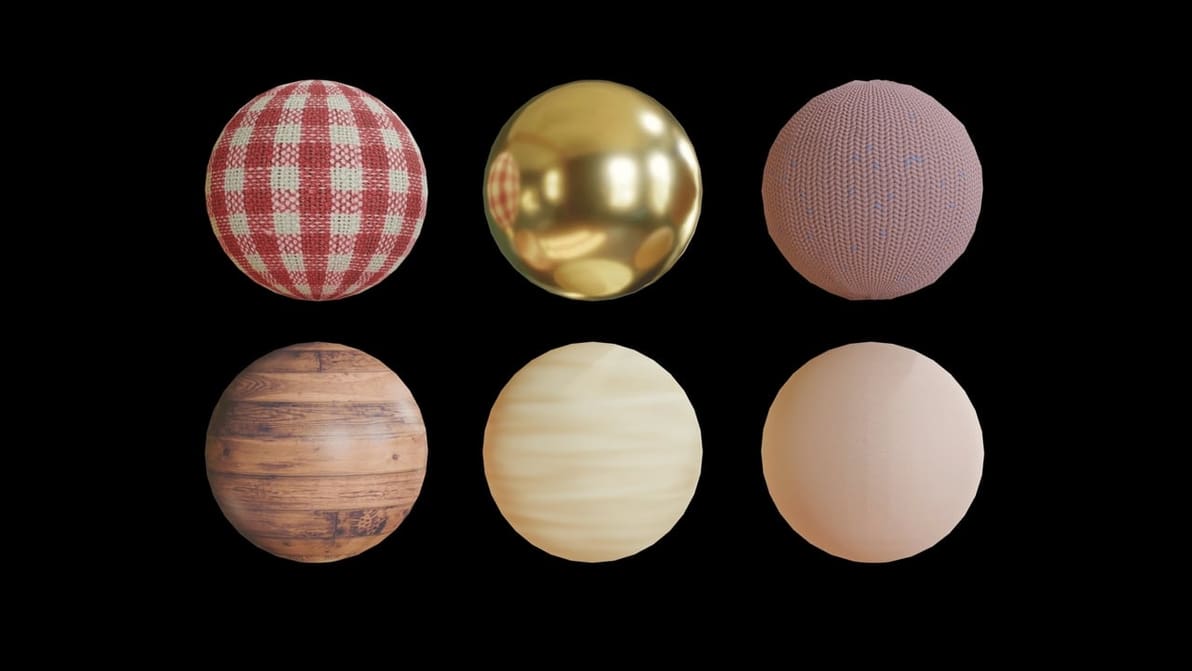
Blender textures show us an object's appearance independently of its shape. Learn how to add textures in Blender!

Blender is a fantastic tool, but add-ons can enhance the program's capabilities. Discover our picks for the best Blender add-ons!

No render is ever complete without a good lighting setup. Get familiar with all the essentials to Blender lighting and setting a scene.
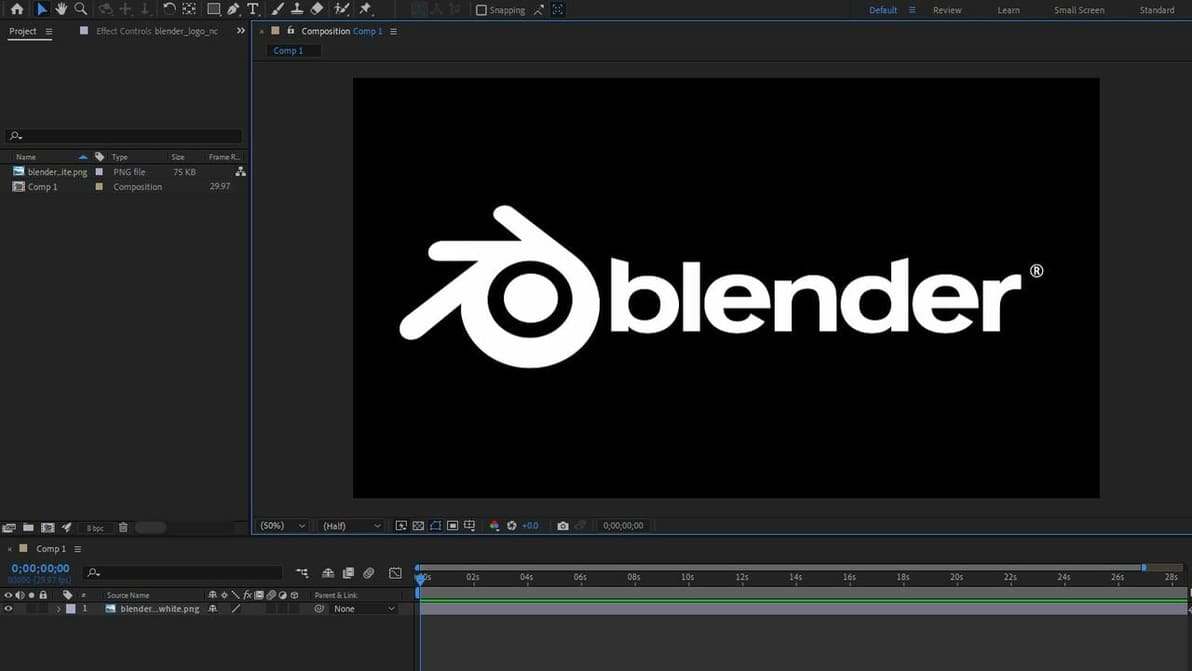
There is nothing better than a good mix of Blender and After Effects for your 3D animations. Check out three different ways to combine both!

Take your 3D modeling skills to the next level! Check out our picks for the best Blender tutorials – most of them are free.
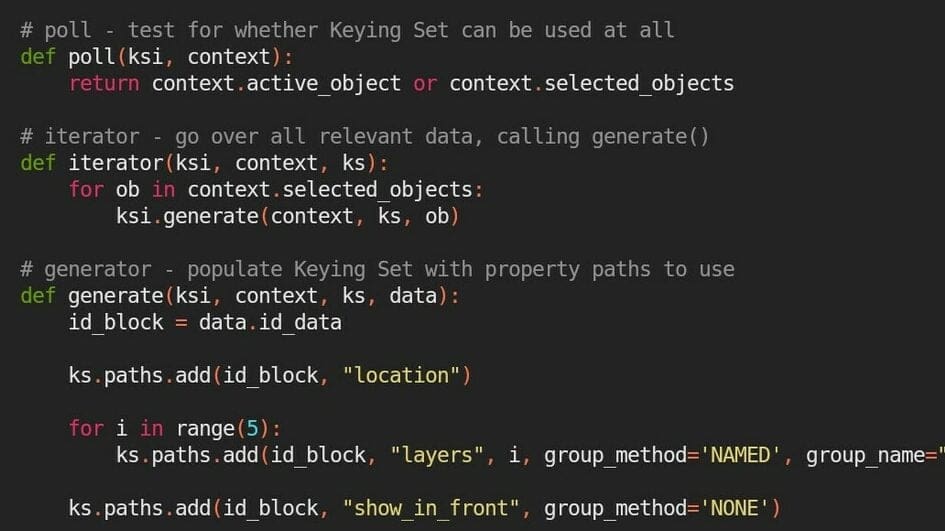
Simplify your workflow and create useful add-ons using the Blender Text Editor. Keep reading to learn how, plus some useful tips and tricks.
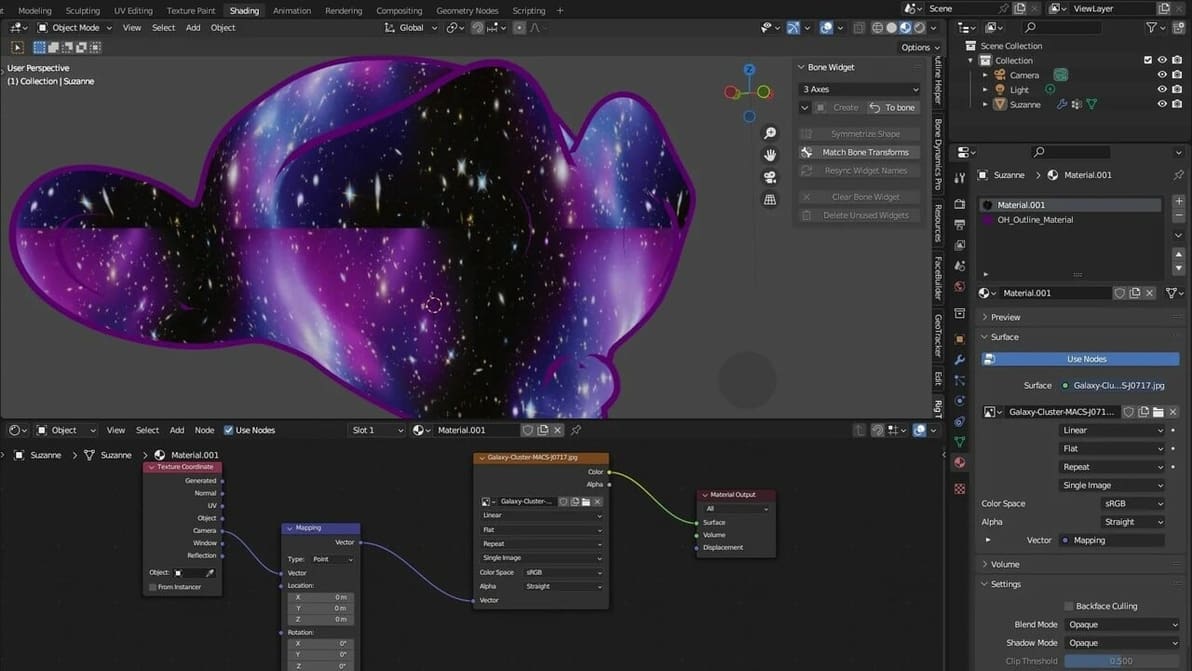
Tired of having your textures look plain and ugly? Read all about Blender's displacement maps and learn how to add realism to your models.
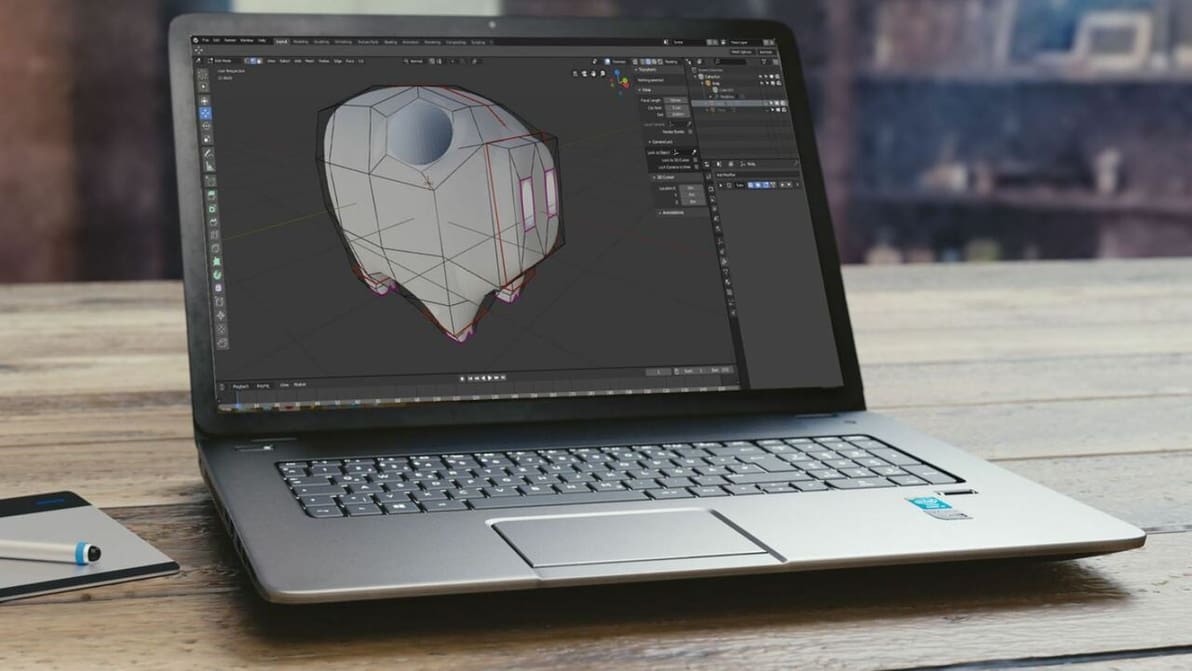
Chromebooks run Chrome OS, an operating system incompatible with Blender. Read on to learn how to get Blender for Chromebook!