Prusa Reveals PrusaSlicer 3.0 Preview, Introduces Plug-Ins, New UI, Multi-Plate Jobs, and More

Prusa's next major update for its slicer marks a new chapter for the software, built from the ground up for multi-toolhead machines, multi-plate projects, and a new plug-in marketplace to wrangle rogue single-feature forks into a useful library for all.
A solid seven years since PrusaSlicer 2.0 launched, we’re finally getting a look at Prusa’s next generation of software. Available to download today in not-finished-and-probably-buggy pre-Alpha state, PrusaSlicer 3.0 Preview makes good on several teases of an overhaul to the company’s slicer.
Explained in detail on the Prusa blog, things generally split out into three improvement areas: the user interface, under the hood changes, and all-new features. The key things to know about PrusaSlicer 3.0 are:
- Full functionality of multi-plate jobs
- Multiple projects in tabbed views
- Print profiles tied to tools, not machines
- Contextual controls that change based on what you’re doing
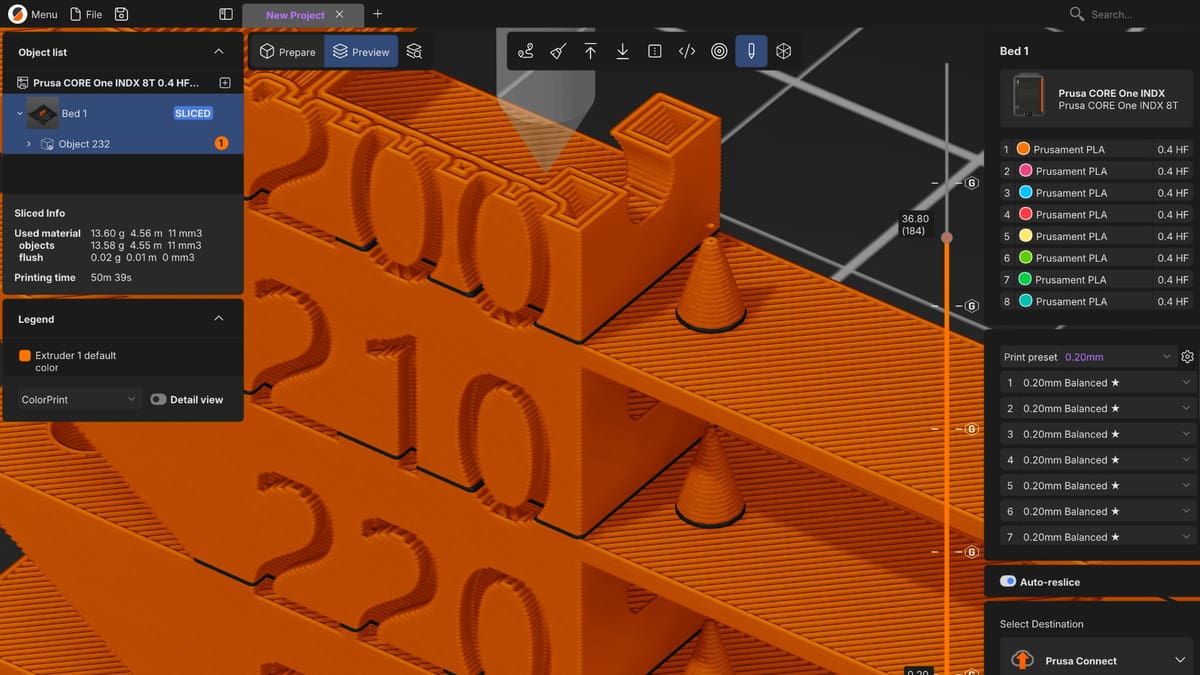
- Overhauled viewport that shows prints more true to life
- Favorite settings toggles
- Plug-ins(!) and a plug-in marketplace
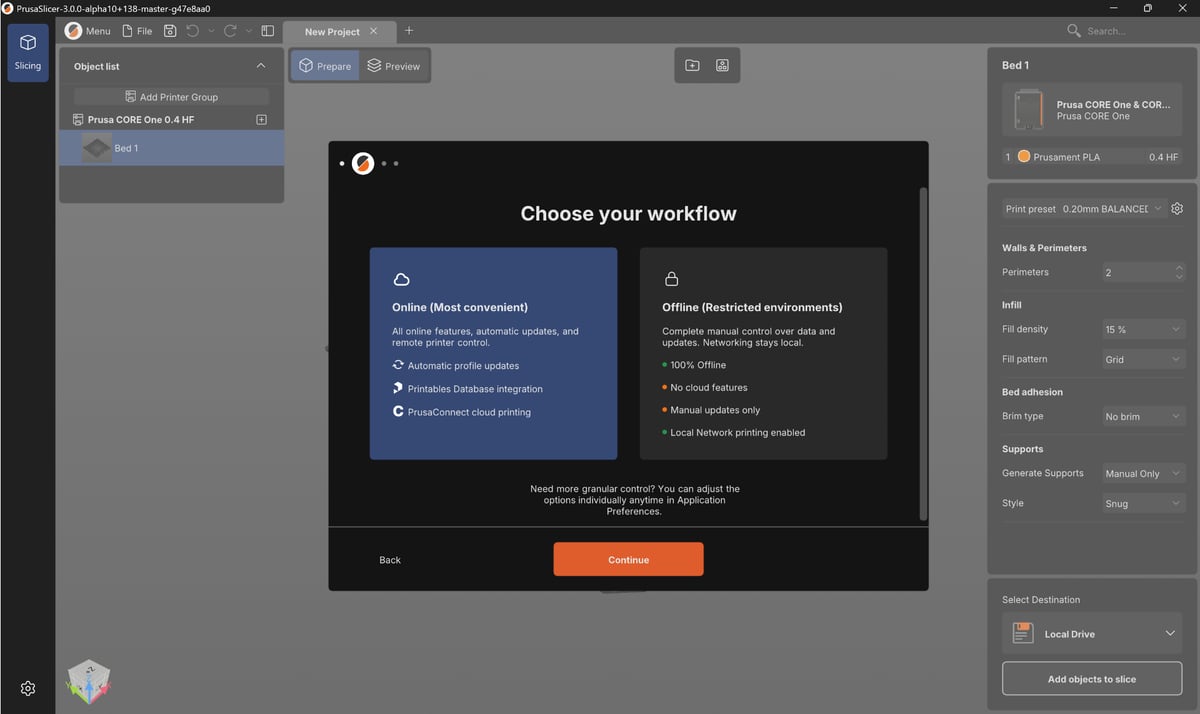
- Offline mode
What’s Changing?
The ability to work with multiple virtual print plates was added in the PrusaSlicer 2.9 update, bridging a gap to other slicers that had long offered sophisticated project files that reflected multiple jobs’ multiple prints across several plates. With 3.0, PrusaSlicer evolves the concept with each plate individually configurable and letting you assign different printers to specific plates.
Sticking with the project-oriented improvements, you can have multiple print projects open at once now in tabs, letting you work on print jobs in parallel.
Arguably the biggest improvement (and a fix to a particular bugbear of mine since first going hands-on with the XL way back when) is the slicer now treating individual tools as having their own print profiles. PrusaSlicer has historically supported multiple extruder workflows, but weirdly only ever applied one profile across all tools. They wouldn’t admit it at the time, but it sucked.
Now the INDX is here and has even more tools to manage, the old way of working through multitool jobs is described as “not just clumsy, but also difficult.” The post on the Prusa blog succinctly describes this change as one that lets PrusaSlicer “describe the hardware you actually have.”
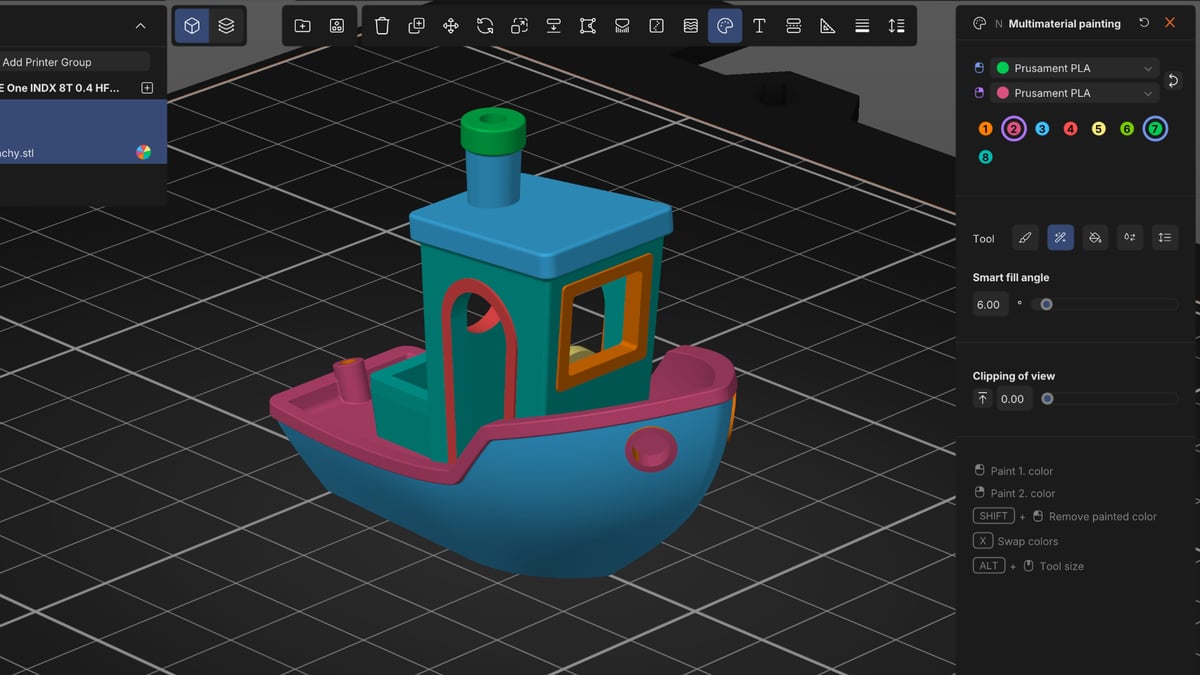
In short, a simpler, more convenient way to choose and use the tools you have loaded, instead of having to “reset” the environment each time you use a different nozzle (of a sort.)
Settings and toggles for slicing aren’t buried behind tabs anymore, calling into view in the fixed righthand panel now. Likewise, setting you use a lot can be favorited, pinning them at hand so you don’t have to go looking for them each time you need them.
Overall, the presentation is a major step up, unifying PrusaSlicer with the design language the company introduced with EasyPrint – large blocky buttons and dropdowns; much less text and list heavy than the PrusaSlicer we’re used to.
A big new addition in PrusaSlicer 3.0 is its plugin system. Using a Lua API that the company says is subject to change, this current implementation offers the advantage of limited-function modules interacting with the main slicer in a fast and, more importantly sandboxed manner, building dynamically on execution and in keeping with Prusa’s drive to keep the new slicer secure.
A community marketplace for plug-ins, is planned to follow with a future release.
As with all other PrusaSlicer releases, PrusaSlicer 3.0 is open source under the AGPLv3.0 license. Nodding to persisting concerns with cloud and network security even with Prusa’s optional services like Connect, the company has gone to efforts to reassure its users that with 3.0, you can fully kick any networking libraries to the curb: “in full offline mode, the networking libraries are not loaded at all. PrusaSlicer runs in complete isolation.”
Where & When Can I Download It?
PrusaSlicer 3.0 Preview is available to download now from the Prusa3D website. Note that it’s a preview – the company says it is releasing this pre-Alpha to show the progress and direction things are going, but there are known and unknown bugs, as well as features missing that can be found in the current, stable PrusaSlicer 2.9.6.
Is it a daily driver to slice important jobs? No. A side-slicer to prod, poke and play with? Yes – and the company encourages any bugs found to be reported in their forum or GitHub repo. You can safely use 3.0 Preview alongside existing PrusaSlicer installs without them interfering with one another – 3.0 profiles you create are stored separately.
You’ve read that; now read these:



License: The text of "Prusa Reveals PrusaSlicer 3.0 Preview, Introduces Plug-Ins, New UI, Multi-Plate Jobs, and More" by All3DP is licensed under a Creative Commons Attribution 4.0 International License.