Polycam Releases ‘Vision 25’ Update with Collaborative, Professional 3D Scanning Features

The expansive update adds new features and functionalities to the popular mobile 3D scanning app, including a floorplan-generating "Space Mode" and editable "Scenes".
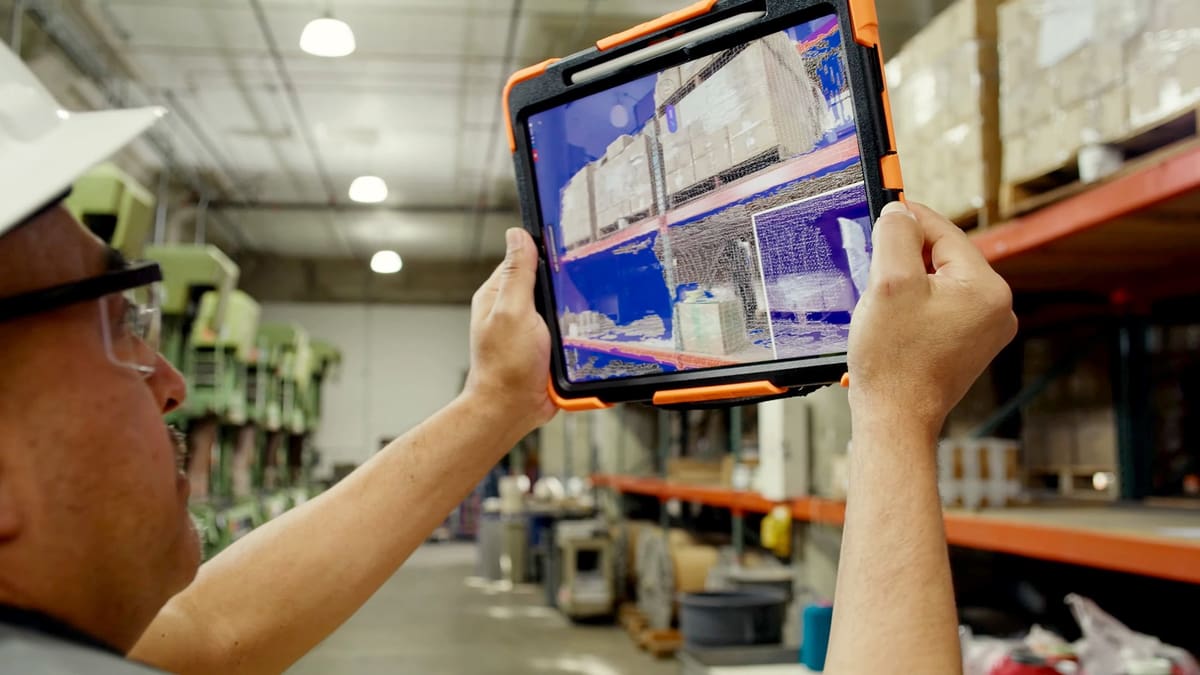
Polycam has released its much-awaited Vision 25 update that looks to position the 3D scanning app as a professional-grade, highly collaborative solution.
Vision 25 was fully revealed earlier this week in a surreal, 17-minute video that has major “Adult Swim” vibes – and which covers many of update’s new features. Here, though, we have them in black and white.
In the context of Polycam’s product – which takes advantage of Lidar-equipped mobile devices – Vision 25 appears to be rather groundbreaking, fundamentally changing how the app can be used. Polycam is already one of our favorite 3D scanner apps, and specific Lidar apps, so the prospect of such an expansive update is exciting.
There’s a new “Space Mode”, for instance, which allows multiple users to scan an interior space (like a home) room by room, then connect the results to create complete 3D floor plans that contain room measurements and dimensions. They can also use “Scenes” to edit individual rooms (the website shows a user arranging furniture and artwork).
From there, the app can also compile a “Spatial Report”, a PDF that contains measurements and other floor plan-related data, and leverage an AI-powered tool to create 3D images from 2D images.
Additionally, “Object Mode” – previously “Photo Mode” – has been tweaked to better and more accurately capture single objects, while a comment functionality lets users leave feedback or notes on 3D scans.
In all, it seems Polycam has taken a large step toward providing an enterprise-focused option that straddles the line between ease of use and professional capabilities – especially with the detailed measurement and collaboration tools that are on offer here.
You’ll find more on each feature on Polycam’s website – and, of course, the video referenced above deserves a watch, if only for its innovative structure.
Read more recent news:
License: The text of "Polycam Releases ‘Vision 25’ Update with Collaborative, Professional 3D Scanning Features" by All3DP is licensed under a Creative Commons Attribution 4.0 International License.