Makera Builds Out Its Ecosystem with New Software and Makerables CNC Project Repository

Makera has gotten its software ducks in a row to accommodate the intended audience for its beginner-friendly Z1 machine, and it all looks very familiar.
Of the glut of new creative tech hardware we’re seeing launch this summer, it’s not all UV printing and laser cutters: desktop CNC machines are having their moment, too. A “veteran” of some five years, Makera offers desktop CNC machines that aim to compact and simplify the technically challenging field of carving lumps of wood, plastic, carbon fiber and metal into beginner-friendly formats. Their Carvera machine launched on Kickstarter in 2021, raising some $1.7-million over the course of its campaign.
The most recent full system to launch from the company was last year’s Makera Z1, a budget desktop machine that leaves out the automatic bit changer for a more streamlined (read: simpler) experience carving materials up to brass.
Last month, Makera launched a new suite of software tools designed to offer its users the full complement of CAM preparation, remote monitoring, and discovery and creation possibilities all in one unified ecosystem.
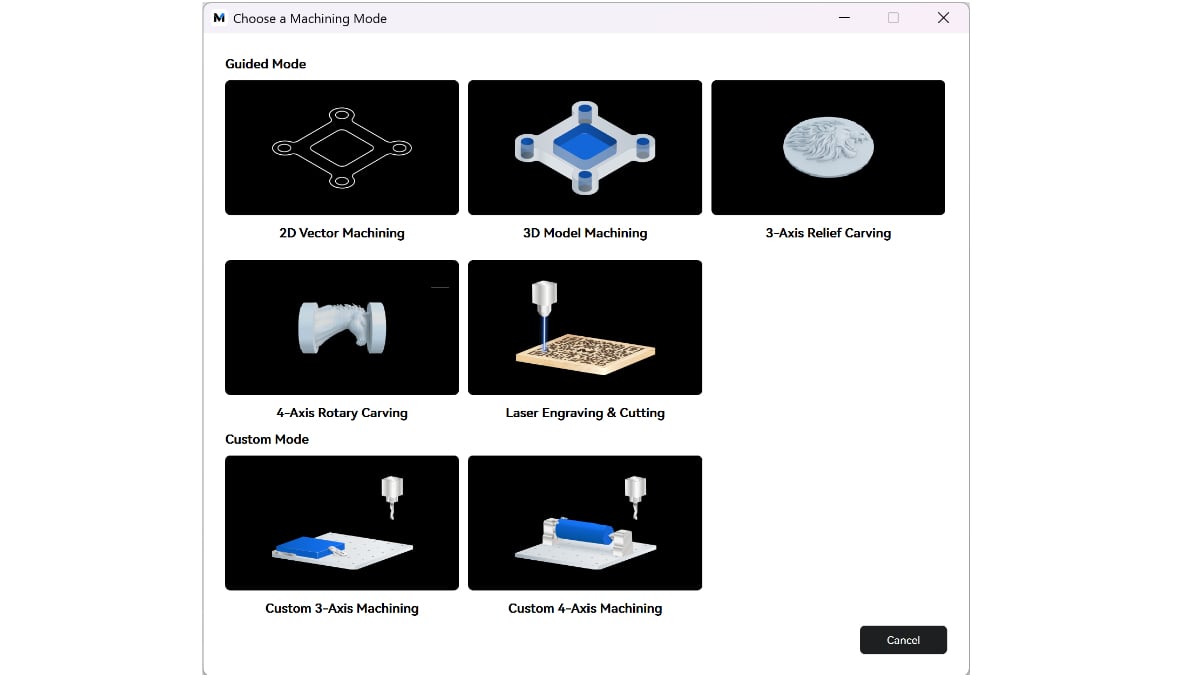
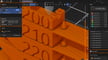
This three-pronged offer starts at Makera Studio (Windows, MacOS,) the brand’s new desktop software, which combines CAM, simulation, and control for up-to-4-axis relief carving, with guided modes and an array of presets for arriving at the optimal settings faster.
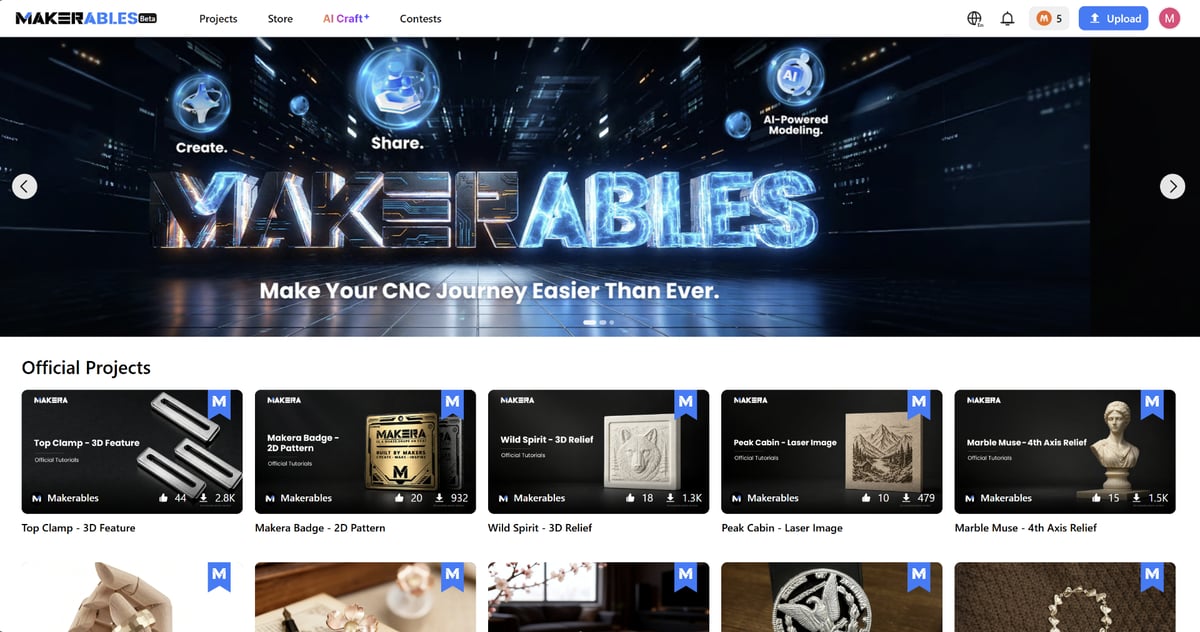
Secondly, there’s the Makerables project repository. In it, you can find a library of fully guided (or not so guided) projects and parts – a discovery and community platform that incorporates AI-powered creation tools for conjuring new carves and cuts from a prompt or picture. Lasty, and tying them all together, is the Makera App (Android, iOS,) which offers remote monitoring and control of the machines, alongside Makerables browsing and job sending, as well as access to the creation tools. So far, so Bambu Lab.
One of the simplicities of this kind of discover-and-do ecosystem – where you find a thing you wish to produce, and then transition to the sending of the job at the press of a button – is that it removes the technical load of understanding what’s happening and proficiency required to do it.
In 3D printing, that doesn’t present much of a problem. There are limited materials to work with, and they all melt in a general temperature range, and sure, performance and quality can drift, but, being additive, the tool in motion is only ever traveling into new space, adding as it goes. It can happen that the printhead can mangle itself in a job gone wrong, but it’s rare.
CNC machining is very different. High powered high-speed spinning tools are chewing away at a material feedstock – pushing through. There are tremendous forces at play, and getting the speed and feed rate wrong or using the wrong tool, not to mention insecurely mounting the material, can all be cause for destructive failures that damage your tools.
Makerables offers ready-baked job files for you to download and run on your machine, but publishing to it requires more than just the .nc (numerical control) file – uploaders also have to provide the model geometry or design, plus the original CAM project file that generated the .nc. This provides a degree of redundancy over simply hosting the executable .nc files for users to run blindly.
The compatible CAM file list is pretty broad, including Makera’s own .MKS (Makera Studio) file, as well as Fusion, Carveco, Lightburn, and other common third-party CAM Softwares. In the absence of a universal project files like we have 3MF in 3D printing, this seems the logical approach and reflects the broad spectrum of software you can use to set up CNC jobs (and the lack of universal standard file types compared to 3D printing.)
Offering the .nc files too, which is the full string instruction set for the machine to follow blind, seems risky. Some of Makera’s users agree – we’ve found projects on Makerables that use the uploaded .nc file as a text “README” to warn users not to run any code blindly, and instead regenerate the machine code for themselves.
For exactly the same reason folks were reluctant when Prusa started to offer .gcode directly on its PrusaPrinters repository, the risk of malign code uploads or, more likely, problems through configuration or material mismatches is real, and I haven’t seen anything to suggest Makera’s machines are smart enough to know if the physical state of the machine and material do not match the job that’s running. The burden is on the user to make sure things are set up properly. That’s where the experiences between what’s now commonplace (and easy) in 3D printing, and CNC machining, remain apart.
The concept of a plug-and-play CNC repo offers obvious appeal to beginners, exactly the sort of folks Makera is aiming to grab with the Z1. It’s something that should exist, if only for making the vast spread of objects you can fabricate visible. There’s a short list of go-to places for 3D printable files, but I struggle to think of high-quality equivalents for CNC work. Maybe Makerables can fill that void.
You’ve Read That, Now Read These:

License: The text of "Makera Builds Out Its Ecosystem with New Software and Makerables CNC Project Repository" by All3DP is licensed under a Creative Commons Attribution 4.0 International License.