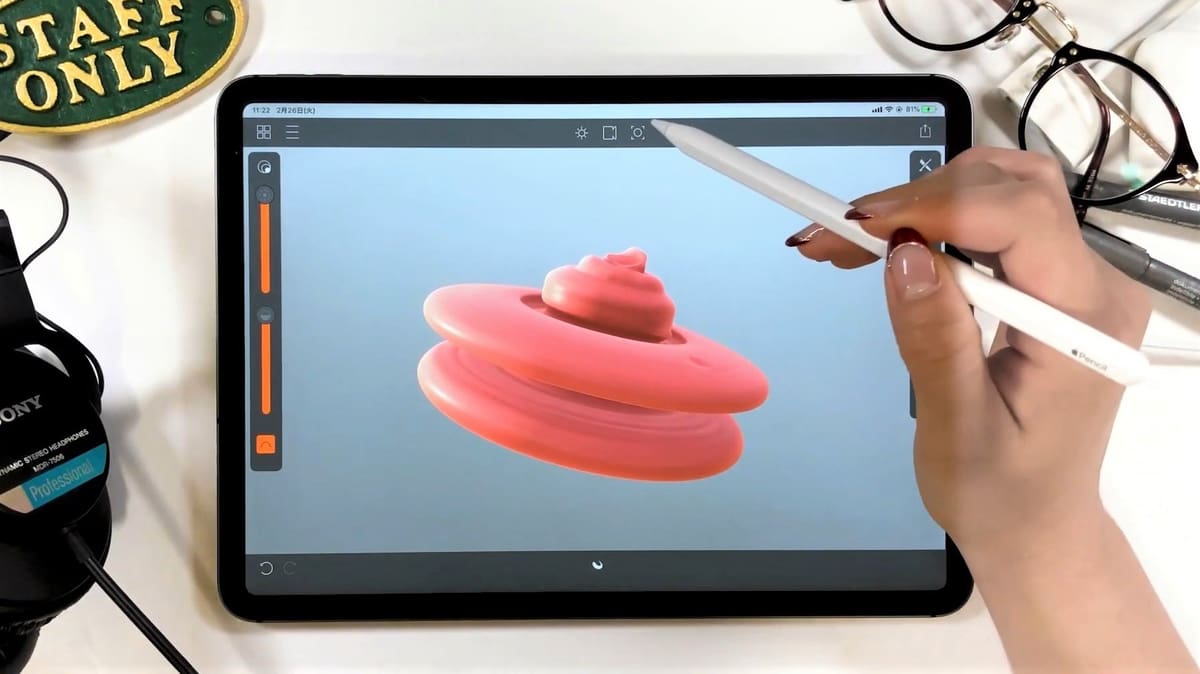
Model & Sculpt from Your Couch: 13 Best iPad & Android Apps

Ditch your desktop. These 13 iPad and Android design apps let you model, sculpt, and export your 3D creations from anywhere.
Tablet hardware has finally evolved to a point where serious 3D design is no longer tethered to a heavyweight desktop workstation. Today, you can comfortably sculpt meshes or build engineering assemblies straight from your couch. But a tablet is only as good as the software driving it, and the app stores are cluttered with tools that either over-promise or lock your files behind proprietary walls.
Given the amount of apps out there, it can often be difficult to pick the proper one for the goal. Too little functionality makes it impossible to carry out a project. Complicated, hard-to-use apps completely negate the ease-of-use advantages of tablet-based 3D modeling. As 3D modeling is a term that encompasses many modeling techniques, the apps we considered all offer direct modeling, meaning they are able to create desired objects with splines, primitives, meshes, Boolean functions, or other methods that involve manipulating and creating various parts of a model. Lastly, we considered options that can be used to 3D model for 3D printing, which excludes popular 3D furniture and architecture design apps like Moblo.
What remains is a definitive list of mobile 3D design platforms capable of handling real work on the go. Whether you are creating precise, angular engineering parts or sculpting complex organic figures, we’ve picked out the best mobile suites that let you create anywhere. Even your couch.

3D Modeling
Onshape
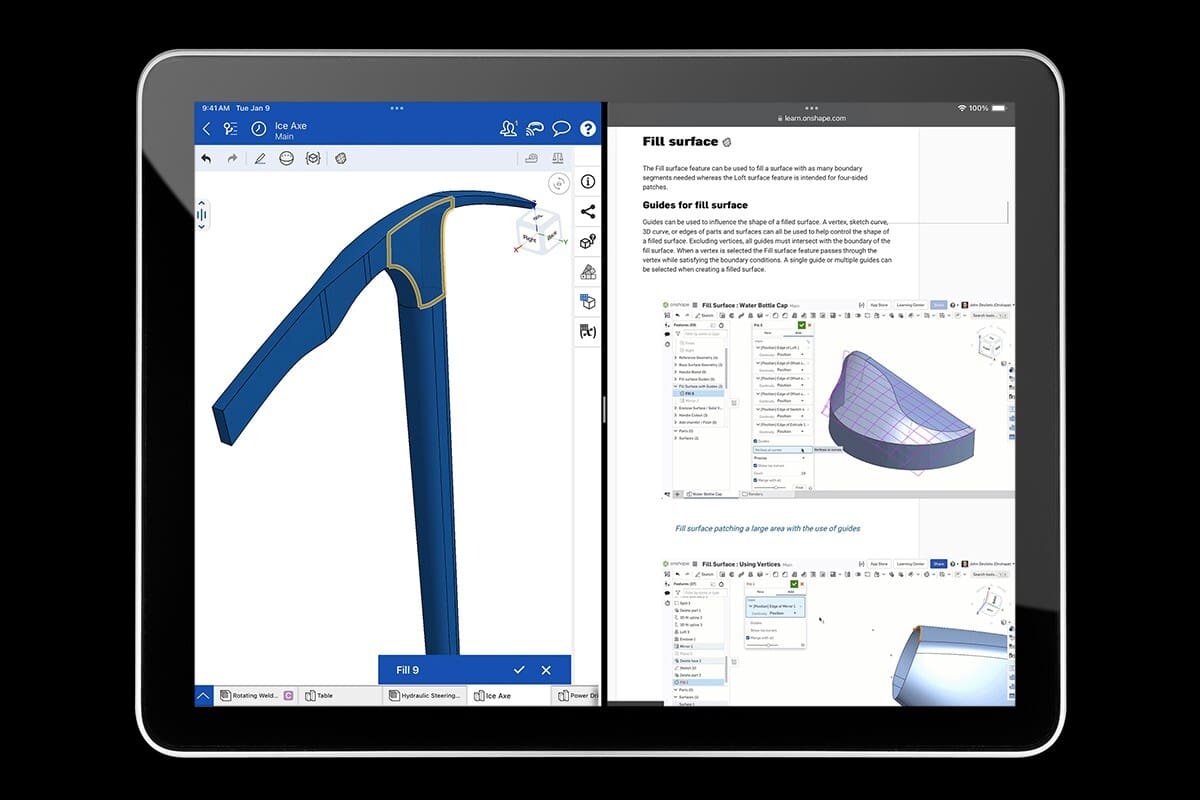
Users with serious product development intent should definitely be interested in the Onshape 3D CAD design platform. The main app is very powerful and primarily browser-based, with dedicated iOS and Android apps taking this fully on the go. Both the Android and iOS versions of the app have precise multi-touch gesture controls that allow you to accurately interact with and edit your model.
The free plan, while sophisticated and easy to pick up, is meant for non-commercial use only, and offers only unlimited public storage —meaning your designs are not private. Pricing for paid plans, which include unlimited private storage and support from the OnShape team begins at $1,500 per year.
SketchUp for iPad
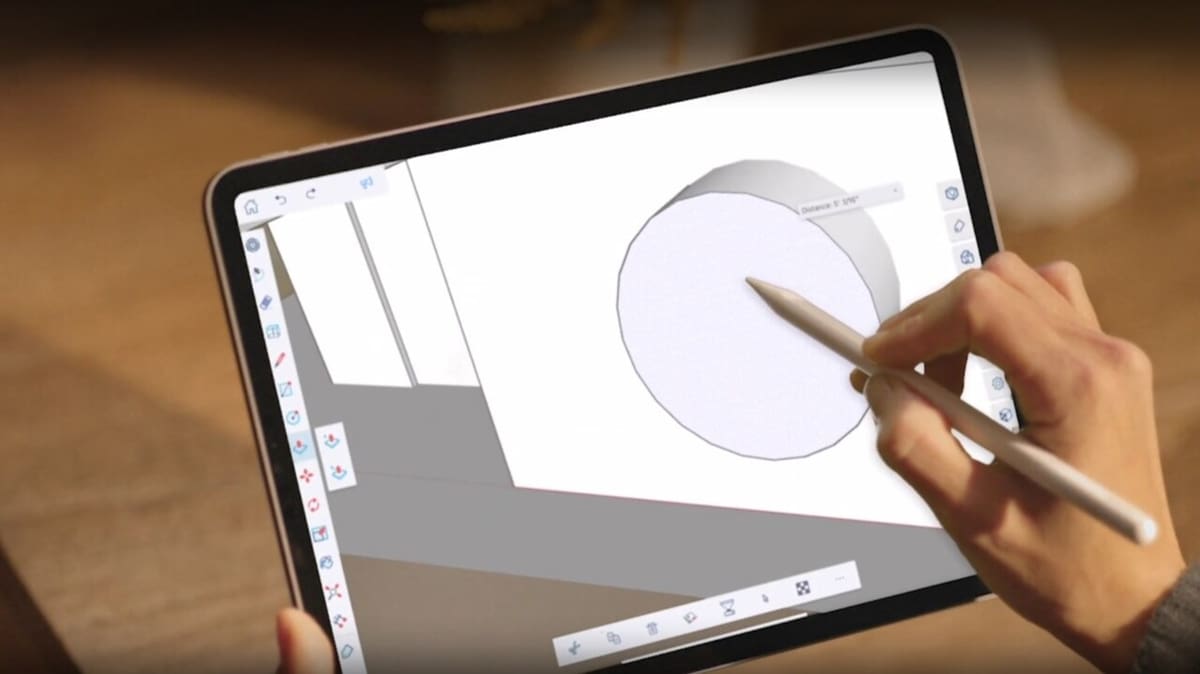
As one of the most popular desktop 3D modeling applications, SketchUp is already an established option in the 3D modeling space. While the program is aimed at professionals with a lot of functionality for architects and interior designers, it’s also a handily accessible tool to sketch in 2D before expanding into 3D.
The app’s functionality includes sketching 3D models, marking them up, making textures with the camera, as well as bringing in site location to the model. The dedicated iPad app is only available to paid users on the SketchUp Go, Pro, or Studio plans, which start at $129 a year.
- Price: Starting at ~$129 (annual subscription)
- Compatibility: iPadOS
Shapr3D
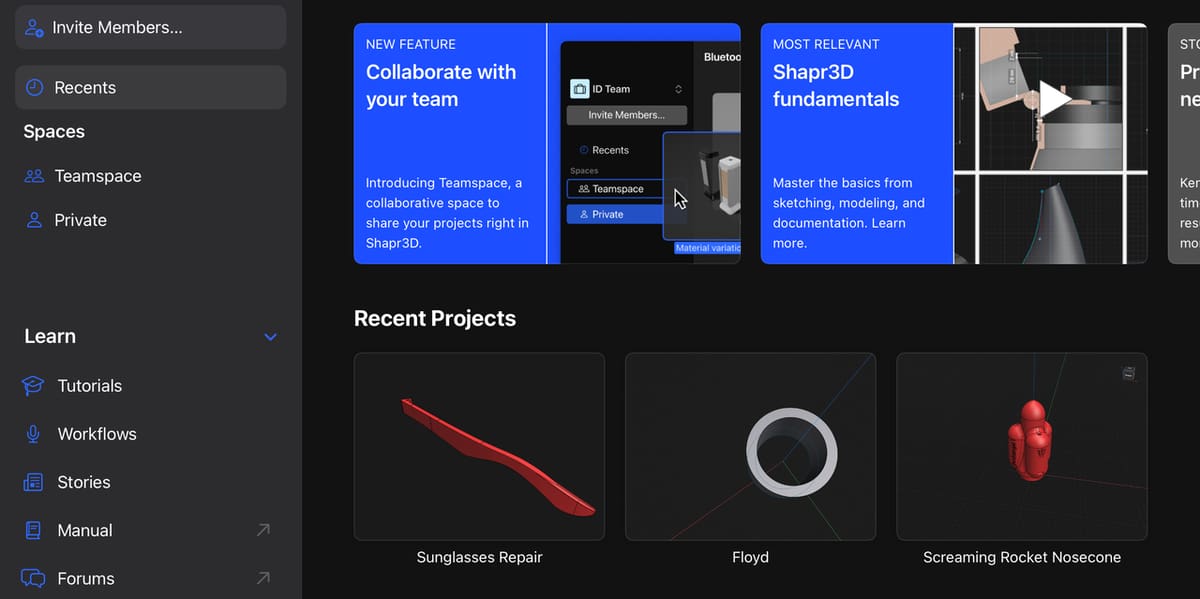
Shapr3D is a 3D modeling powerhouse powered by the same modeling engine as the professional modeling software SolidWorks.
It doesn’t take much browsing of its user interface and feature set to see that this app is targeted toward professional engineers and industrial designers. Shapr3D allows you to create concepts on the go, all of which can be exported to desktop software for more granular editing at any time. It’s cross-device workflow is perfect for hybrid work and when working with larger teams.
In a nutshell, if you’re looking for an app for even a semi-professional use case, look no further. Shapr3D is one of the most functional and reliable mobile apps out there.
- Price: Free Basic Plan; Pro subscription is ~$25/month ($299 billed annually)
- Compatibility: iPadOS
Prisma3D
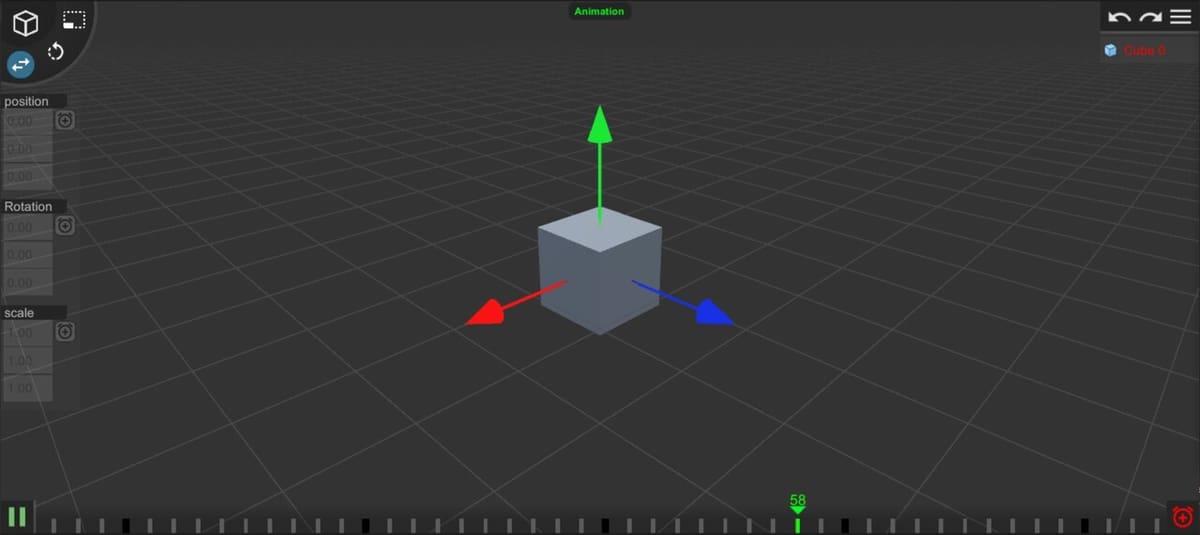
Prisma3D is a force to be reckoned with in the modeling space.While it’s also a direct modeler, the feature set is skewed more towards motion animation. Alongside basic model creation tools, it includes keyframe animation, rendering, lighting, rigging, skinning, 3D text, and file import/export support, making it a broader creative tool than a pure 3D-printing modeler.
For users working from a phone or tablet, Prisma3D’s main appeal is that it packs a surprisingly wide range of 3D and animation tools into a free app. You can create custom meshes, add lights and cameras, animate objects on a timeline, render videos, and export files for use in desktop programs such as Blender, Maya, or Cinema4D.
Prisma3D is free to use, but has in-app purchases, and is available for both Android and Apple devices.
- Price: Free; has In-App Purchases
- Compatibility: iOS, iPadOS, Android
Tinkercad
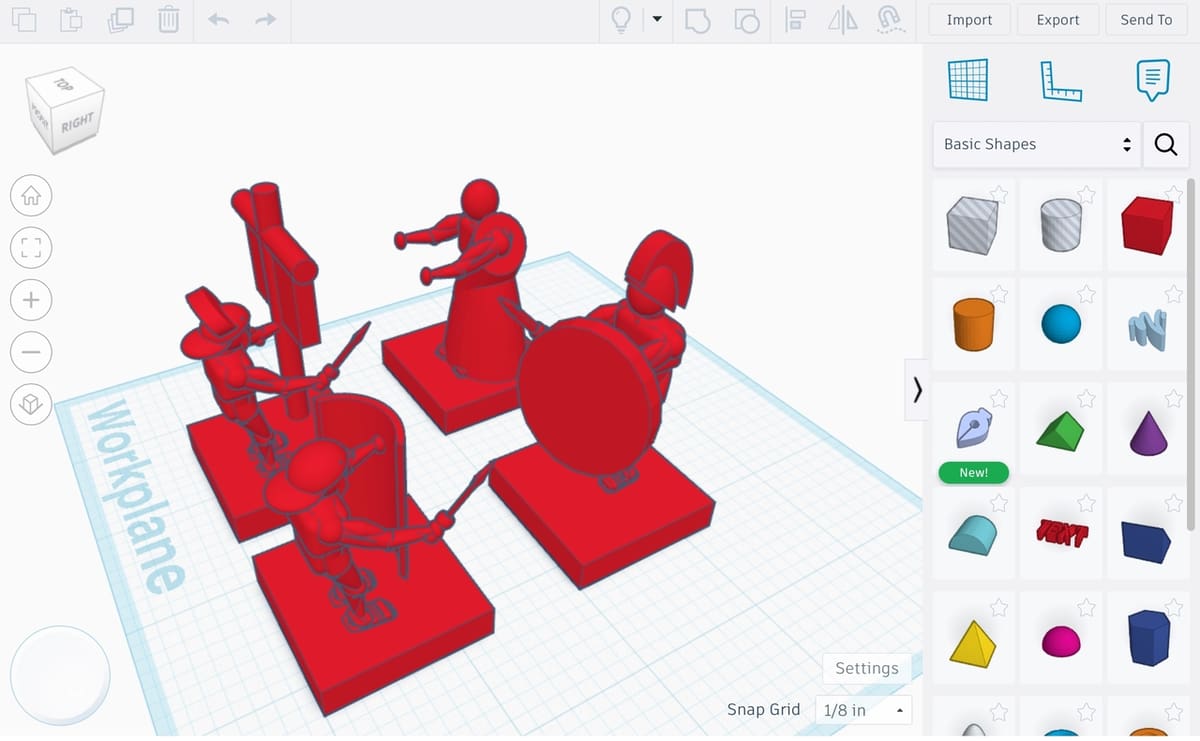
Many of the well-known design elements of Autodesk’s Tinkercad, such as its simplicity and easy-to-use interface, have transferred over to the free-to-use iPad and Android apps.
Expect to see similar functionality to the browser-based platform but with full Apple Pencil and augmented reality (AR) support when used with iPads. While using AR to superimpose your 3D object is beneficial in limited use cases, being able to sketch using your finger or a stylus is what makes designing on tablets so great.
Helpfully, the Tinkercad app fully integrates and syncs with all of your models in the Tinkercad platform, meaning you can work seamlessly across devices.
uMake
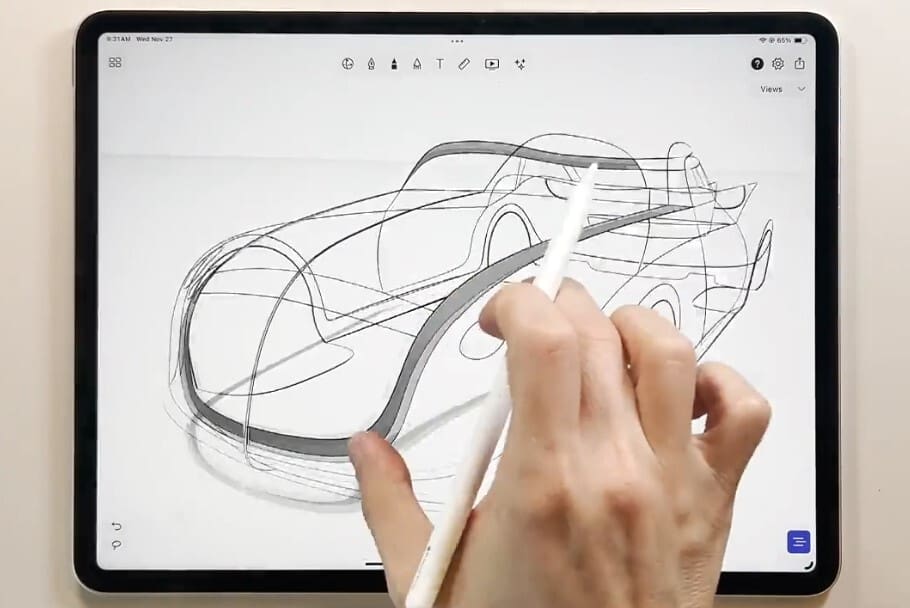
One app that always seems to make it onto a list of 3D design apps is uMake. Perhaps that’s because it takes a unique approach to modeling: touch input.
Though you mainly use 2D sketches to form 3D shapes, the experience somehow feels more like 2D drawing with an added dimension instead of traditional modeling with planes and sketches. It’s difficult to explain in words – you just have to try it yourself.
A nice bonus with uMake is the ability to view your 3D designs in augmented reality. You can literally project your supercar concept onto a live video view of your garage to see if it will fit (next to your imaginary Porsche 911).
However, a word of warning: Perhaps due to the way the interface is designed, uMake naturally invites the creation of organic shapes, even though it’s not a sculpting tool, per se. It’s more suitable for concept work and visualization rather than physical manufacturing with 3D printing.
Though you could export the 3D files you design with uMake to more sophisticated software like Fusion 360 and Meshmixer, the import options hint at a more artistic and design-centric (as opposed to manufacturing-centric) purpose. This includes files from popular 2D drawing programs such as Photoshop, Procreate, and Sketchbook.
Makers Empire
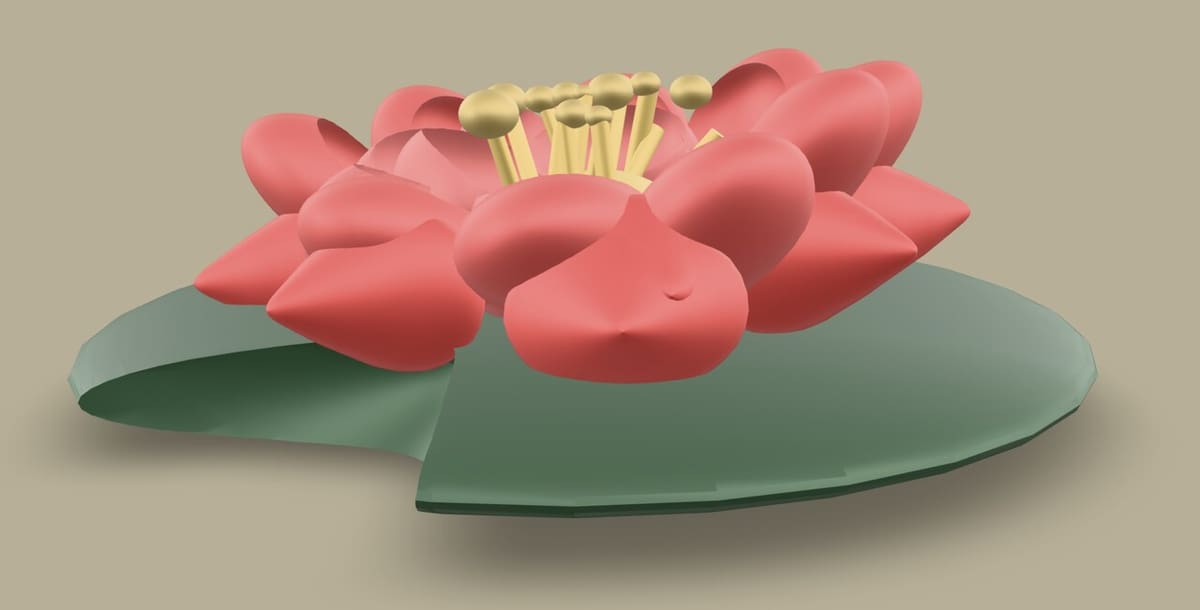
Makers Empire offers a great way for kids to learn the ropes of 3D modeling. With a user-friendly and fun UI, it’s intuitive and easy to grasp, be it creating your own avatar, designing models, building mazes, or putting it all into practice with fun games. Many of these designs are showcased in Maker’s Empire’s own Design Gallery. While it’s entertaining, there’s also plenty of learning along the way too, as young makers pick up on movement and rotation along different axes, for example.
For academic purposes, this is a whole system that offers lesson ideas, monthly competitions, and even a dedicated print service, Maker Shop, to bring creations to life. To further captivate young minds, Maker’s Empire has an AR viewer to place 3D models in the student’s real surroundings.
There are different subscription plans available depending on the size of the classroom, but the app itself is free and, from the positive reviews, a great way of getting started in 3D modeling.
- Price: Free; has paid educational plans
- Compatibility: iOS, iPadOS, Android
Valence 3D
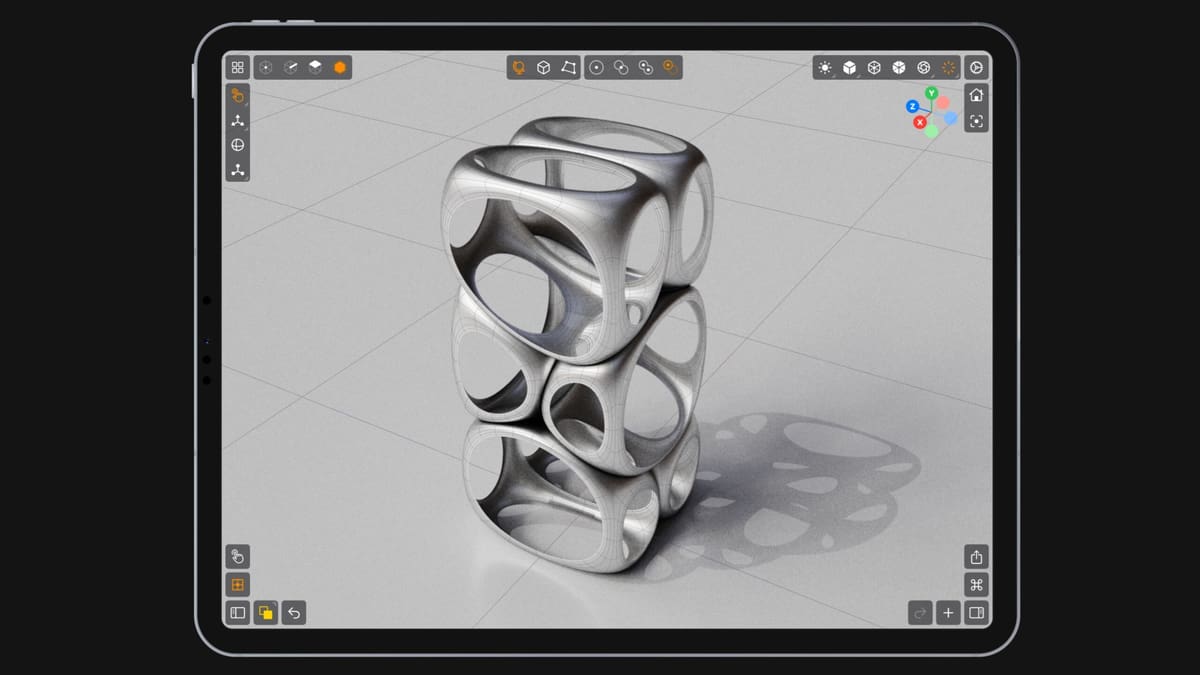
Valence 3D is one of the more interesting mobile modeling apps for users who want to design printable objects on an iPad or iPhone. It comes with a suite of powerful polygon and subdivisional (SubD) surface modeling tools which you can then manipulate by such modifiers as extrude, cut, trim, rotate, scale, mirror, smooth, etc as well as perform Boolean operations.
The app’s biggest appeal is that it makes more serious modeling feel practical on a touch device. For makers who already sketch, sculpt, or manage print projects on an iPad, Valence 3D offers a way to move beyond simple 3D doodling and start building objects that could realistically become printable models after the usual checks for scale, wall thickness, and mesh integrity.
Valence 3D is also a paid, one-time-purchase app rather than a subscription, which may appeal to users who want a capable mobile modeler without ongoing costs.
3D Sculpting
3D sculpting shifts your workflow from rigid geometric constraints to a more intuitive, artistic process. It’s like modeling with clay in a virtual space. You add, subtract, and pull material from a primitive shape. This works well on mobile devices since the input methods feel more direct than a mouse and keyboard set up.
The pressure sensitivity of the Apple Pencil makes the iPad an especially attractive option for 3D sculpting, allowing your physical touch depth to translate immediately into fine surface details.
All the apps in this category offer the same functions on a basic level but differ in additional features. They’re most suited for creating character models and organic shapes. But keep in mind that models created with sculpting are usually high-resolution, which means a bigger file size.

3D Modeling: Design My Model
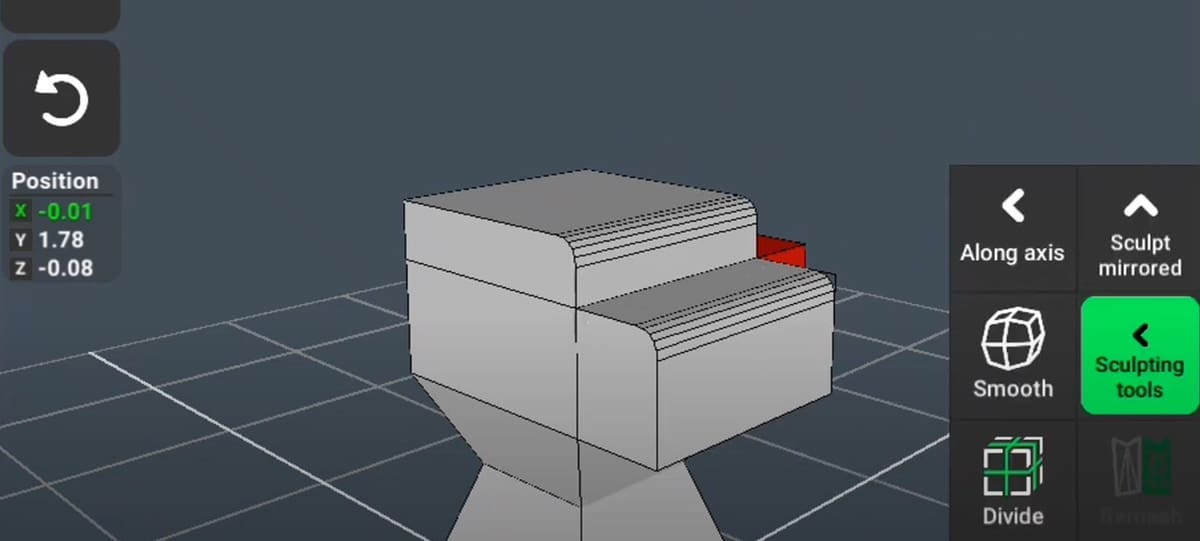
A simple but popular option, 3D Modeling: Design My Model (also known as 3D Modeling App: Sculpt & Draw)) is a direct modeling app that includes digital sculpting functionality. The app has a simple UI and is easy to get started on while still offering deep functionality and a lot of modeling possibilities, including material editing and detailed editing of planes and vertices.
It’s a versatile option for modeling on your iPhone, iPad or Android. Take note that the free version of the app includes ads and doesn’t allow for exporting models, so in a way, the free version is only a trial.
Nomad Sculpt
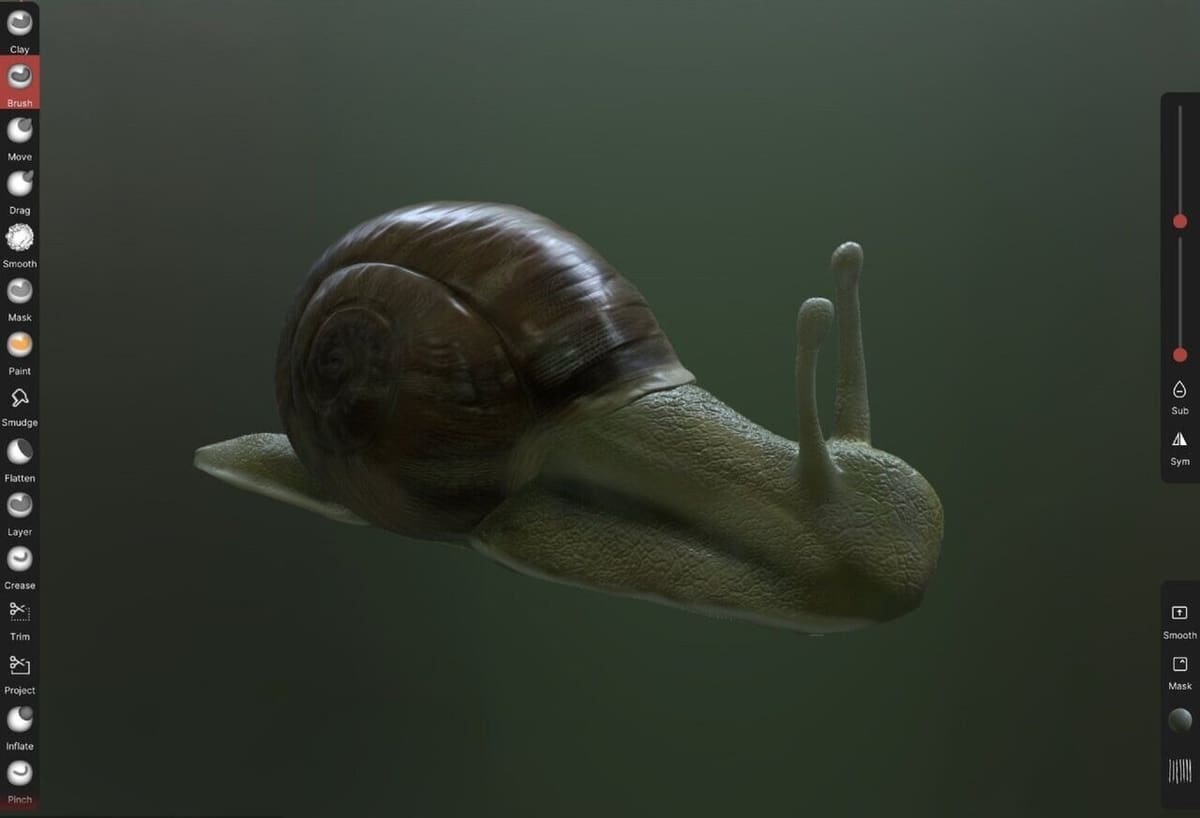
Nomad Sculpt is one of the best options for 3D sculpting on the move. The software supports pressure-sensitive styluses, along with a host of other features.
What sets Nomad Sculpt apart from the others on this list is the quality of its built-in real-time rendering. This helps visualize the model while it’s being worked on. The app has a dedicated community with many tutorials available online to make learning Nomad Sculpt easier.
Sculptura 2
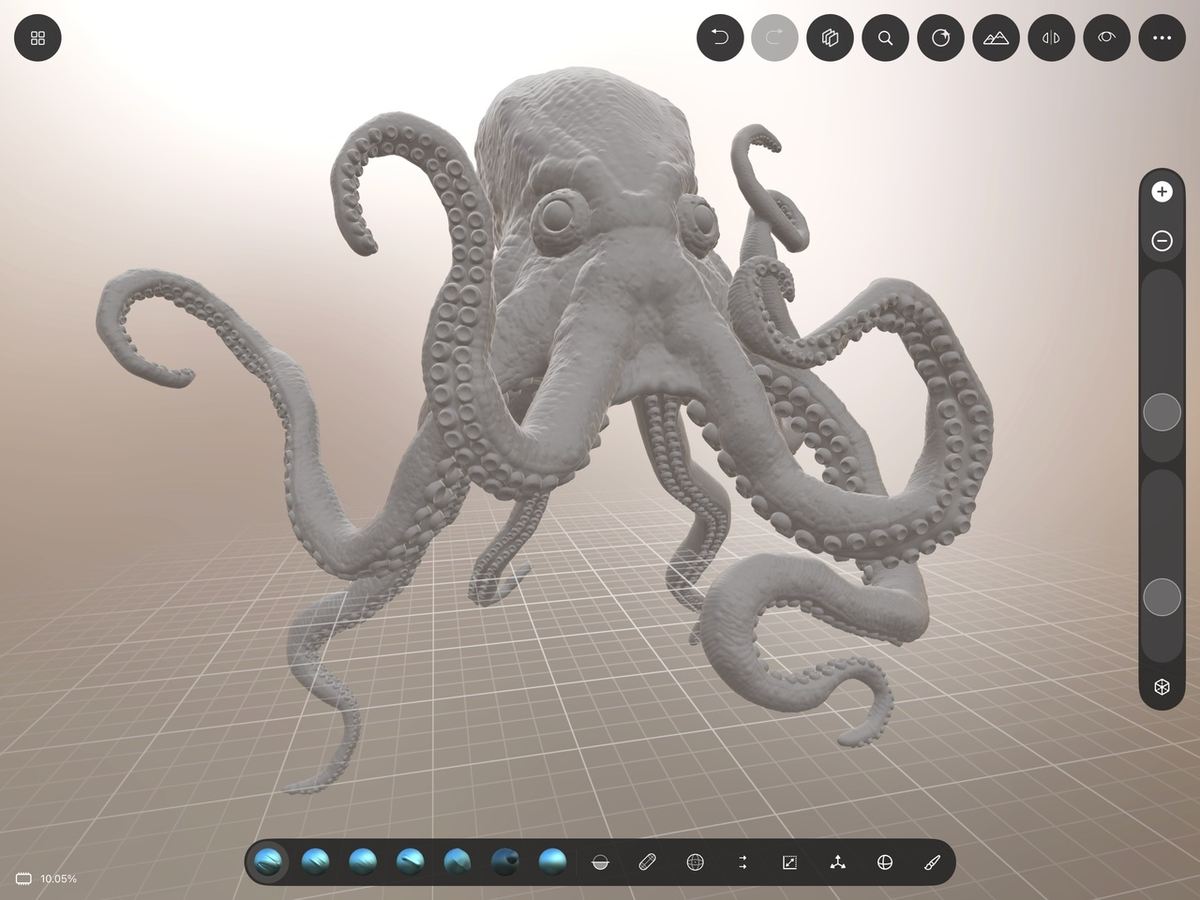
Apps like Sculptura 2 cater to the clay sculptors-turned 3D designers: It’s an app that hopes to satisfy all your virtual clay-morphing cravings. Boasting an “advanced clay engine and artist-tested tools,” its strength lies in its ease of use.
It’s most suitable for creating base meshes, which are then exported to desktop modeling software for more granular edits. The interface is clean and the performance is smooth. It’s a modeling experience clearly optimized for mobile, so if the functionality fits your workflow, you won’t be disappointed.
- Price: ~$15
- Compatibility: iPadOS
Sculpt+
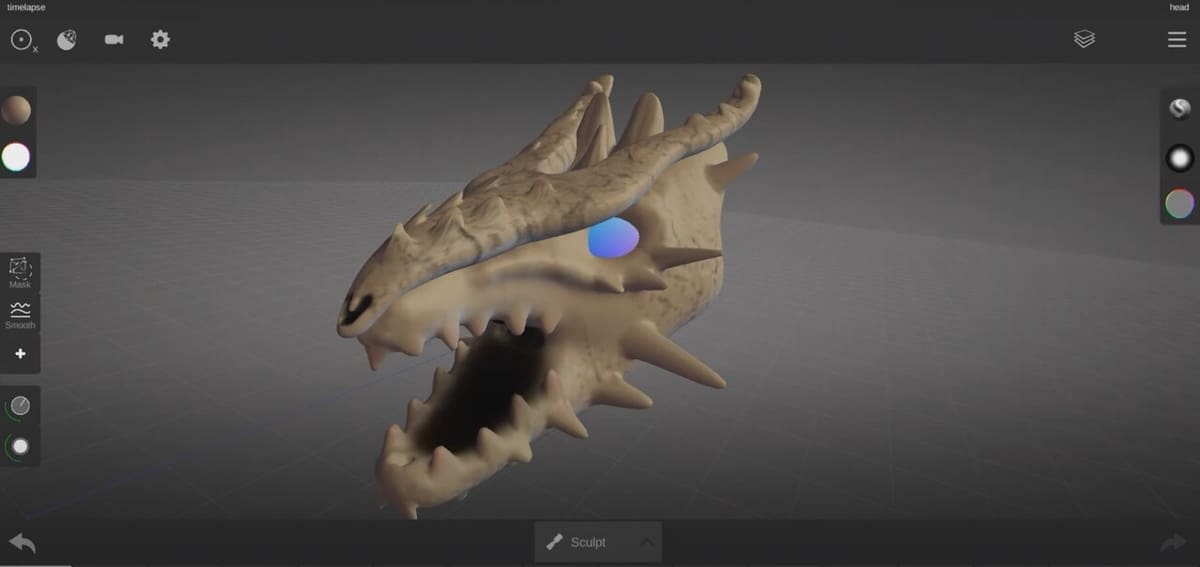
Android-based Sculpt+ is a capable app with an interface filled with common mesh sculpting tools. Noted as the best mobile app for sculpting in our list of 3D sculpting apps that we love, it has many of the common functionalities of competitor apps with a minimalistic user interface.
A cool feature about Sculpt+ is that is can export turntable GIFs of designs, which saves a lot of time post-processing renders when sending them to customers or friends for model validation. Another notable visually-pleasing characteristic of this app is that it has a dark, customizable background and shaders that make the app environment appear as if it were a design studio. Technically, it is one, but still…
- Price: Free
- Compatibility: Android
ZBrush

A mainstay of PC-based 3D modeling, Maxon’s ZBrush is also available on mobile iPadOS operating systems. ZBrush is well-known for being a powerful sculpting app that has permeated industries from industrial design to animation to game design. On the iPad, many of its powerful and unique tools, such as UV mapping and unique brushes, are available on on the go.
It’s important to note that, while the iPad app packs a substantial amount of ZBrush’s functionality into a mobile-sized app, ZBrush for iPad is missing sculpting layers, which is a useful tool in ZBrush for PC. However, it makes up for this by syncing with the ZBrush desktop, meaning that, like Onshape, models modified in ZBrush desktop can be conveniently accessed and edited in ZBrush for iPad.
- Price: Free; various subscription and purchasing options for ZBrush Pro (starting at ~$10/month or $99 billed annually)
- Compatibility: iPadOS
License: The text of "Model & Sculpt from Your Couch: 13 Best iPad & Android Apps" by All3DP is licensed under a Creative Commons Attribution 4.0 International License.