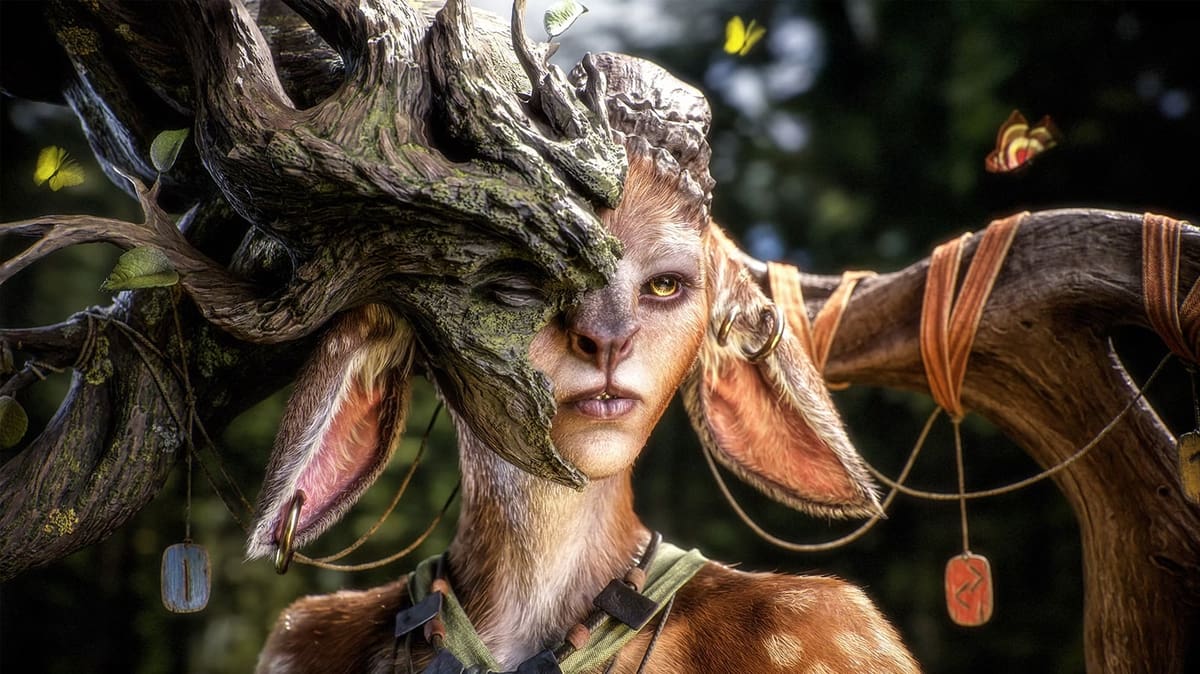
ZBrush 2026: Free Download of the Full Version

Looking for a full version of ZBrush 2026 to download for free? Check out our article to see what your options are.
Let’s cut to the chase: it’s not possible to get the full version of ZBrush for keeps without parting with some cash but there is a free ZBrush for iPad plan with restricted features. You can also take the full software for a test drive with a 14-day free trial or strike a bargain if you’re a student. If you want the full suite of tools ZBrush offers, it’s a reasonable $33.25 a month.
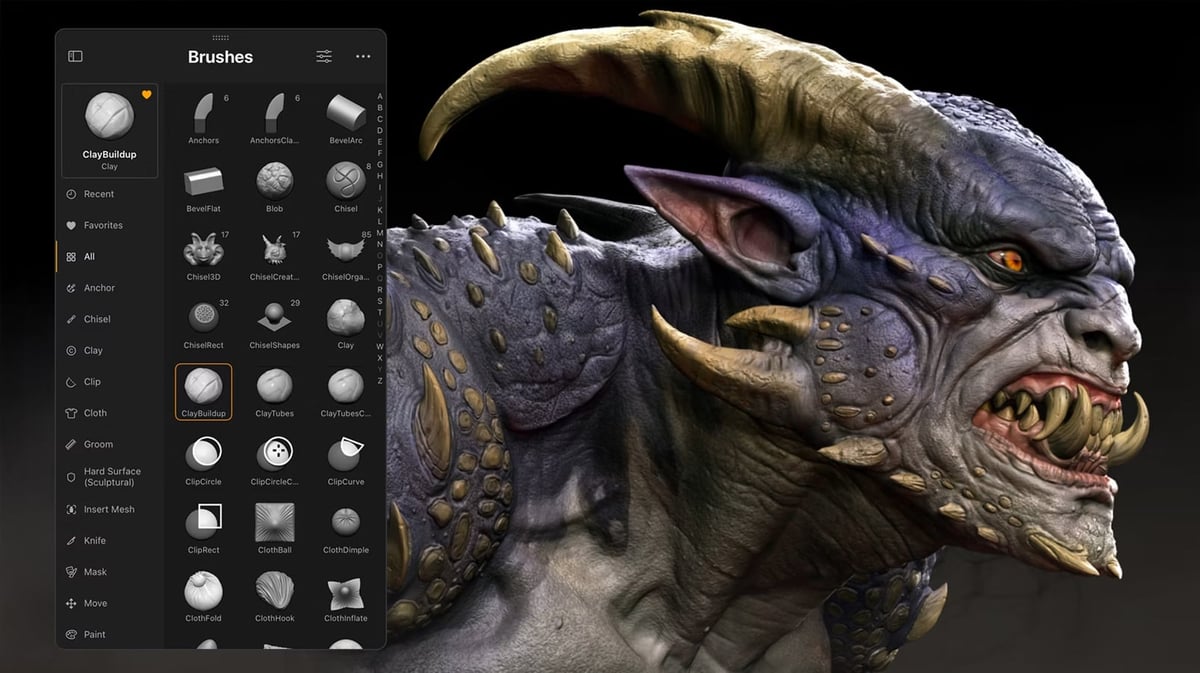
ZBrush is commercial software for 3D modeling first developed by Pixologic which, after its acquisition, has become a part of the Maxon product offering. It has firmly cemented itself as an industry standard for digital art. Zbrush offers some of the best tools around for digital sculpting and is known for its large variety of brushes and massive poly counts.
If those options don’t work for you and the full program’s cost is out of your budget, we’ve also prepared a short list of the best free ZBrush alternatives at the end of this article.
Full Version - Free Trial
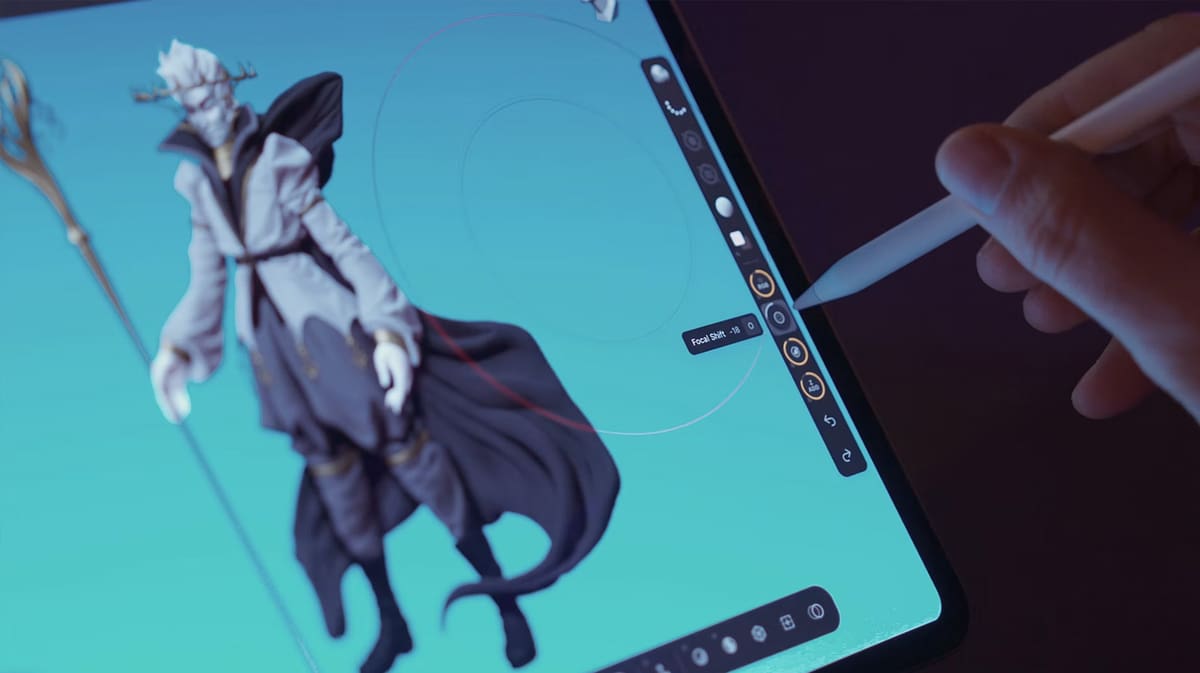
Like all Maxon applications, ZBrush’s installation uses the Maxon One app manager – similar to Adobe and its Creative Cloud system. So, to download the 14-day free ZBrush trial (and all other Maxon products, for that matter), you’ll first need to download the Maxon App Manager.
ZBrush’s 14-day trial is bundled with all of Maxon’s software, including a free trial to Redshift, the integration of which into ZBrush. The trial grants full and unrestricted but non-commercial access to ZBrush for its duration. Users who upgrade to a paid license can automatically transition without interruption to their workflow.
Here’s a step-by-step guide to access the full version of ZBrush free for 14 days via the Maxon One license:
- Navigate to the Maxon website.
- If you haven’t already, create a Maxon account and sign in.
- Click the Start Trial button in the top of the Maxon App. If you don’t see the option to start a trial, click your email in the top right and select Show Trial Banner.
You’re now enrolled in the Maxon One trial, giving you 14 days of unrestricted access to all of Maxon’s applications. Simply install ZBrush via the Maxon App manager and get started!
Maxon’s trial is an excellent way for anyone interested in ZBrush to access the software and find out if it’s a personal fit. However, don’t think this high-end digital sculpting software can be mastered within two weeks. You can not use this free trial for any commercial projects, however.
Unfortunately, ZBrushCore stopped being sold and CoreMini stopped being downloadable on May 30, 2025; Core subscriptions stopped renewing September 30, 2025.
ZBrush for iPad – Free Version
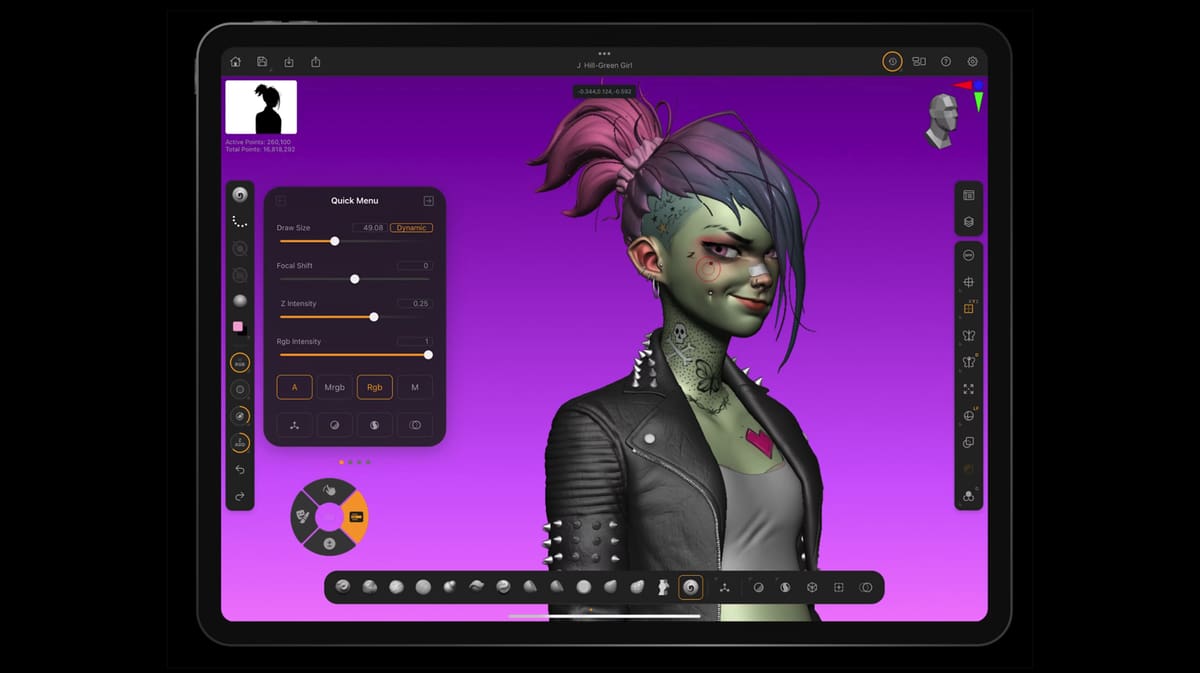
If you’re looking for a free version of ZBrush without a 14-day countdown, Maxon now has a much more capable option than the discontinued ZBrushCoreMini: ZBrush for iPad. The app has a free plan that offers a substantial selection of ZBrush’s core sculpting tools, albeit with some important restrictions.
The free version includes 28 brushes, Sculptris Pro, ZSpheres, multi-resolution mesh editing, basic Dynamic Subdivision and ZRemesher functionality, and a limited version of DynaMesh. It can handle meshes containing up to 20 million polygons, which should provide plenty of headroom for learning digital sculpting and creating detailed models. Basic PolyPaint, masking, SubTools, photogrammetry, and Best Preview Render (BPR) are available, too.
There is, however, one particularly important catch: the free plan doesn’t support 3D model export. Although you can save your work in ZBrush and import supported models, exporting your finished sculpt as formats such as STL or OBJ requires the paid version. That makes the free plan a good way to learn ZBrush and sculpt on an iPad, but a poor fit if your goal is to create a model and immediately export it for 3D printing or use in another 3D application. The paid iPad version adds 200+ brushes as well as unrestricted 3D export, advanced ZRemesher and DynaMesh functionality, UV mapping, ZModeler, Decimation Master, and other tools.
Getting started is straightforward. Download ZBrush for iPad from Apple’s App Store, launch the app, and sign in with or create a free MyMaxon account. Maxon doesn’t require payment information to use the free plan. If your account doesn’t have a paid ZBrush license attached, the app launches in free mode automatically.
Existing ZBrush and Maxon One subscribers get the licensed version of ZBrush for iPad as part of their subscription. A standalone iPad subscription is also available through Apple, although Maxon notes that an Apple-billed iPad subscription does not include a ZBrush desktop license.
Educational Version
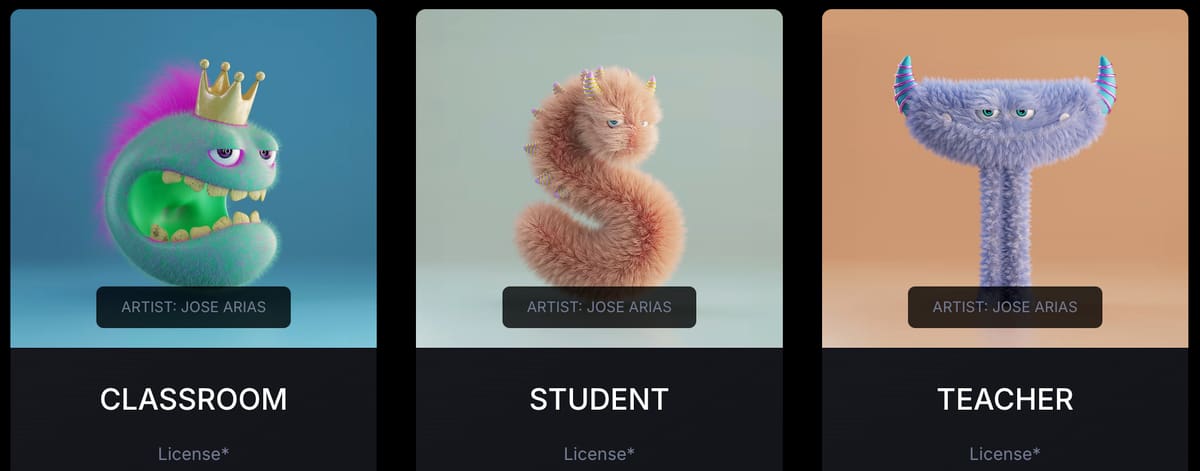
The educational license lasts for one year and doesn’t renew automatically. If you’re still eligible when it expires, you can verify your academic status again and purchase another year at the educational rate. The license is intended strictly for learning and can’t be used for commercial work.
To apply, first create or sign in to a MyMaxon account, then verify your student or faculty status through SheerID. Depending on your institution, you may be asked for information such as your school name, date of birth, email address, student ID, proof of enrollment, or another form of identification. Once approved, you can purchase Maxon One at the discounted educational price through Maxon’s store.
For students specifically, Maxon says applicants must currently be enrolled at a university, college, or other eligible educational institution and be at least 16 years old. Maxon also states that its student license isn’t available to users who have previously purchased a commercial Maxon subscription or license.
Although this isn’t a free way to get ZBrush, it can be one of the least expensive routes to the full desktop application for eligible users. Since educational pricing can vary, check Maxon’s current student offer before purchasing.
Getting Started
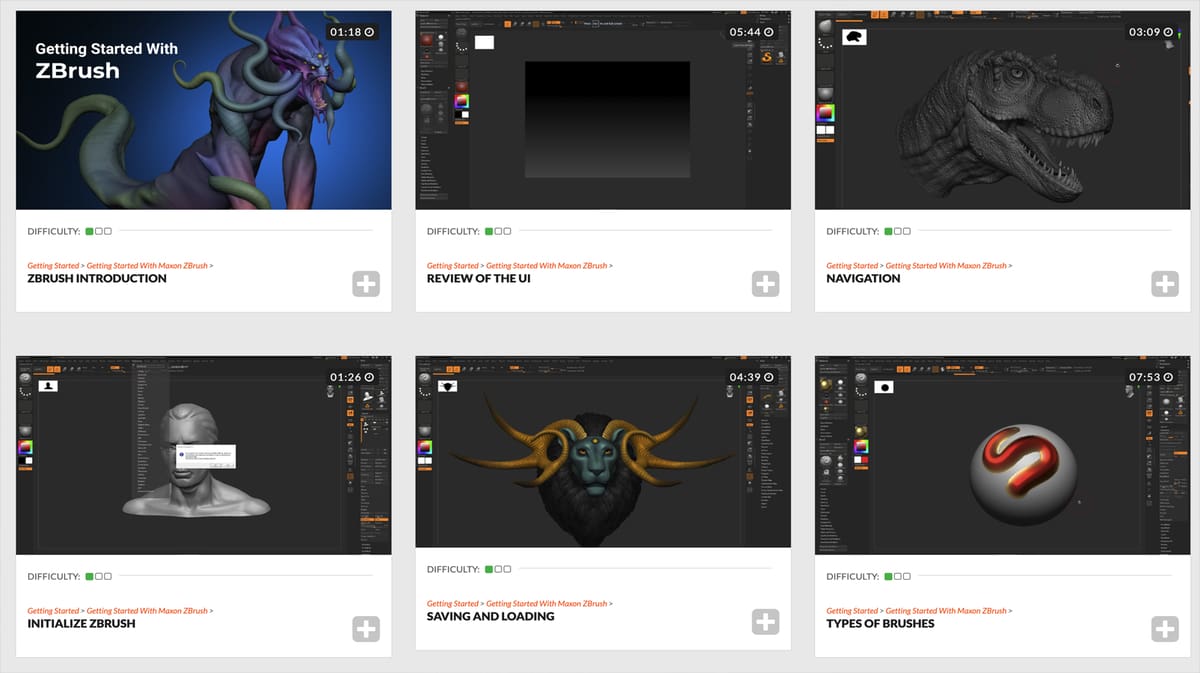
ZBrush has a reputation for a steep learning curve, and its interface and workflow can feel unusual if you’re coming from conventional CAD or polygonal modeling software. Fortunately, Maxon provides several official resources designed to get newcomers sculpting without having to figure everything out from scratch.
After purchasing a subscription or starting the free trial, install ZBrush through the Maxon App. Sign in using the MyMaxon account associated with your license, open the Products tab, and select Install next to ZBrush. The Maxon App handles the download and installation from there.
Once installed, Maxon’s Getting Started documentation is a useful first stop. It introduces the interface and ZBrush’s basic concepts before walking through practical beginner projects, including sculpting a head and creating a first creature. It’s particularly worth spending some time on the basics of ZTools, Edit mode, projects, saving, and 3D navigation, since these work somewhat differently from many other 3D applications.
For video instruction, Maxon also provides ZBrush Classroom, with lesson series covering the application and its sculpting workflows, as well as Cineversity, Maxon’s broader training platform. Access to ZBrush Classroom and Cineversity training is included with a current ZBrush subscription.
If you’re trying ZBrush for the first time, it makes sense to learn navigation and the basic sculpting brushes before diving into more advanced features such as DynaMesh, ZRemesher, ZModeler, PolyPaint, and rendering. ZBrush packs in a huge number of tools, but you don’t need to master all of them to start turning a simple sphere into your first digital sculpture.
Features
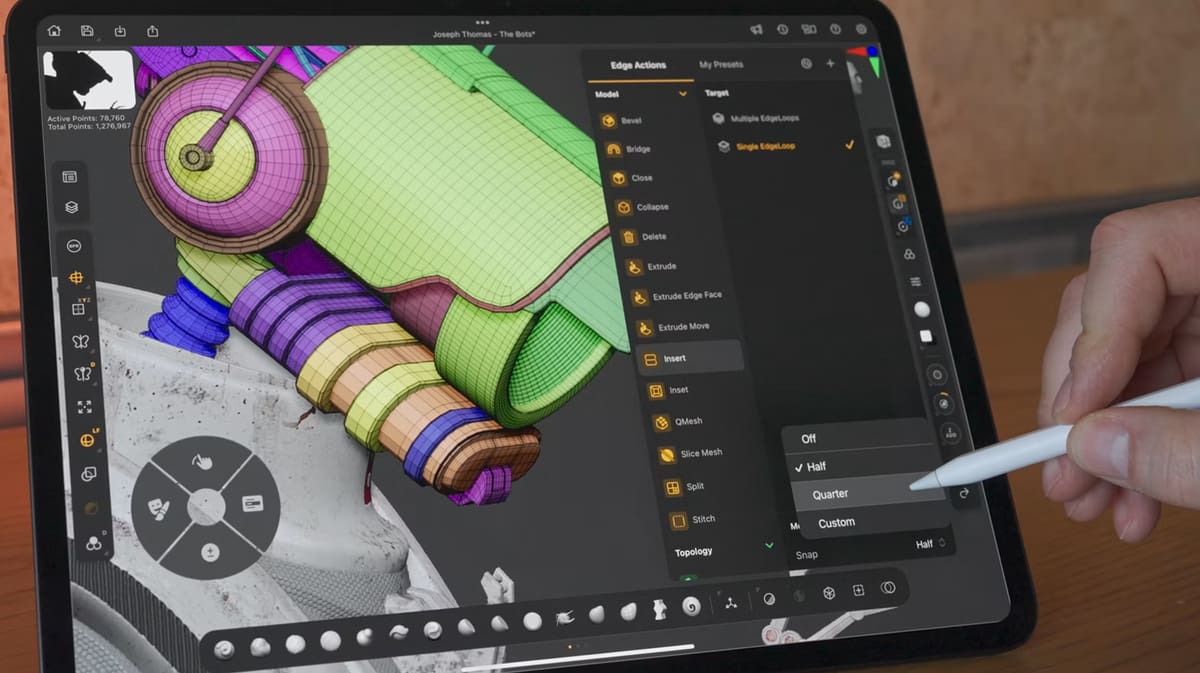
Digital sculpting in programs like ZBrush emulates modeling with clay. Users are given a base shape, such as a simple ball or prefabricated shape like a human head, and use the 3D modeling software’s various tools to form their digital sculpture from it.
A large variety of programs are created for this application, but ZBrush tends to be an industry standard, given its powerful feature set. Below are a few standout tools and features that might make ZBrush an attractive offering.
An Array of Brushes
If there’s one thing ZBrush is known for, it’s probably the sheer variety of brushes it offers to make sculpting your 3D models easy. Unmodified, ZBrush has over 400 customizable brushes at your disposal to help shape virtual clay in its real-time environment. If that, and the ability to customize brushes, isn’t enough, you can also add third-party brushes to the program from marketplaces like ZBrushGuides.
The brushes at your disposal are of the utmost importance when digitally sculpting. They texture surfaces uniquely as they pass over digital clay, saving designers significant time where they would otherwise need to focus on minute details. Think of the difference between manually stylizing fur on a 3D model of a dog versus passing over the model’s surface with a brush that does it for you. Of course, there’s more nuance to this in practice.
Massive Polygon Count
3D modeling is a highly hardware-intensive task. Depending on the computer you’re modeling on, you can quickly run into hardware bottlenecks that prevent you from making more complex sculptures — but ZBrush has a unique workaround for these limitations.
Most of the time, this isn’t a major concern since other external factors will cap your polygon count long before those hardware limits are met. Simple realities of the applications for 3D models like video games and animation will result in intentionally lower polygons to make later stages easier or just feasible. That said, there are other times a digital artist will want to use everything to make an intricately detailed model, which is where ZBrush shines.
ZBrush is optimized for very high-density polymesh sculpting; its separate Pixol/2.5D canvas technology is used for depth-enabled illustration and rendering workflows.
Creative Freedom with Dynamesh
Plans change when you’re in the thick of 3D modeling, and planning ahead can be impossible. Often, designers will need to significantly stretch, reform, or add to their “base mesh” — the digital clay you start sculpting with — and that can invite some nuisances to your workflow by forcing you to reassemble a mesh.
To avoid these workflow disruptions, ZBrush has a feature called Dynamesh. It handles the reassembling, retopologizing, and fusing of meshes; eliminating the need for designers to consider topological constraints while sculpting.
Beyond Sculpting: Painting, Modeling & Rendering
ZBrush’s applications don’t end at digital sculpting. Though sculpting is what the software is known for and where it really shines, Maxon gives ZBrush users a full software suite that includes texturing, posing and animation, and rendering with additional plugins for extra functions like UV mapping and 3D printing.
New Features in ZBrush 2026

ZBrush 2026 focuses less on reinventing sculpting and more on improving retopology, automation, and integration with other 3D tools. Across the 2026 releases, Maxon has added Python scripting, new manual retopology tools, a direct bridge to Adobe Substance 3D Painter, and support for Windows on Arm devices, alongside a number of smaller workflow improvements.
One of the biggest additions is Python scripting support. ZBrush’s own ZScript language hasn’t disappeared, but Python can now be used to automate repetitive operations and better integrate ZBrush into studio pipelines. Maxon describes the current implementation as a first step: Python primarily acts as a bridge to ZBrush’s existing command system rather than providing direct access to all of ZBrush’s internal data. Even so, it should make automation considerably more approachable for technical artists already familiar with Python.
Retopology has also received some welcome attention. ZBrush 2026.1 introduced new manual retopology tools, including controls for inserting single or multiple edge loops and insetting polygon faces. The Retopo brush gives artists direct control over vertices, edges, and polygons when building cleaner, lower-poly topology over a high-resolution sculpt, rather than relying entirely on automatic tools such as ZRemesher. Maxon has also added more than 200 pre-made topology patches that can be selected from tabs in the updated IMM Viewer, providing ready-made starting points for common topology patterns.
Another significant addition arrived with ZBrush 2026.2: Substance Bridge. Instead of manually exporting high- and low-poly versions of a model and configuring a bake in Adobe Substance 3D Painter, you can send a sculpt directly from ZBrush. The bridge can transfer the appropriate subdivision levels and automatically bake details into maps such as normals, ambient occlusion, and curvature. PolyPaint data can also be converted into a texture and sent along with the model. For artists who use Substance Painter for texturing, that eliminates several manual steps from the usual ZBrush-to-Painter workflow.
ZBrush 2026 also broadens its hardware and software compatibility. Native Windows on Arm support allows the desktop application to run on compatible Arm-based Windows devices, while updated GoZ integration supports direct transfers to Maya 2026 and 3ds Max 2026 while preserving topology, textures, and materials. Maxon has also made it possible to transfer custom hotkeys between ZBrush for iPad and the desktop version, making it easier to maintain the same controls when moving between the two platforms.
Smaller additions include improvements to ZModeler, new creasing options when inserting edge loops or insetting polygon faces, and additional transformation controls in NoiseMaker 2.0, allowing alpha images to be rotated, scaled, and offset. The updated IMM Viewer can also organize supported brushes into tabs, which should make large collections of IMM, VDM, extruder, and retopology brushes easier to navigate.
Overall, ZBrush 2026’s most meaningful changes are about fitting the sculpting application more smoothly into a wider production workflow. Python support makes automation more accessible, the new retopology tools give artists more control over production-ready meshes, and Substance Bridge substantially simplifies the handoff from sculpting to texturing.
System Requirements

Below are the recommended specs to run any version of ZBrush 2026:
- Windows: 64-bit Windows 10 or 11. Maxon recommends an Intel i5/i7/Xeon or AMD Ryzen/Threadripper or newer, 8 GB of RAM for multi-million-polygon models (16 GB+ preferred), and a graphics card supporting both OpenGL 3.3+ and Vulkan 1.1+. The minimum RAM requirement is 4 GB.
- macOS: macOS 10.14 or later, with Intel or Apple Silicon supported. Maxon recommends 8 GB of RAM for multi-million-polygon models (16 GB+ preferred) and OpenGL 3.3+ graphics support. The minimum RAM requirement is 4 GB.
- CPU:64-Bit Intel, AMD CPU with AVX2 Support, Snapdragon XElite / XElite2, Intel-based Apple Macintosh with SSE4.2, Apple Silicon M1 or better
- RAM: 16+ GB
- Graphics Card: OpenGL 3.3 support and higher or Vulkan 1.1 and higher
More detailed hardware requirements can be found here.
Pricing
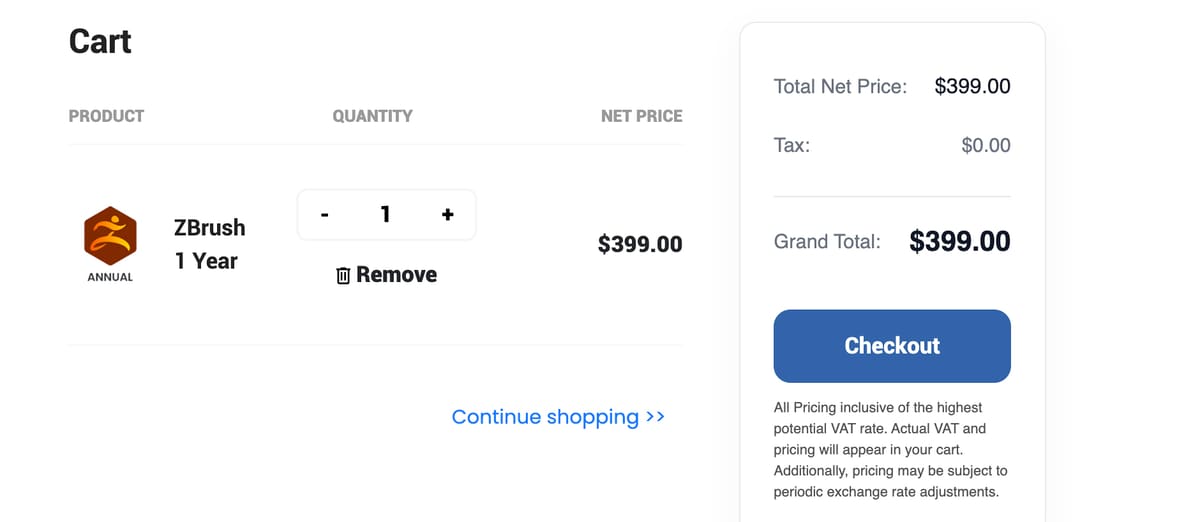
Maxon offers a variety of purchase or subscription options for its various ZBrush tiers.
- Individuals: $33/month, $399/year
- Teams: $41,25/month, $495/year
- Students and Teachers: $60/year
- Schools & Universities: $199/year
- ZBrush for iPad: $9.99/month, $89.99/year
Free ZBrush Alternatives
Although $399 for a Single User ZBrush license is reasonably priced compared to other professional CAD software, it’s still out of range for many users like semi-professionals and hobbyists. However, the only digital sculpting alternative that’s free and comes anywhere close to ZBrush is Blender. For information on even more free 3D modeling software, check out our article, Free 3D Printing Software: 21 Useful Tools in 5 Categories
If you want to learn more about free and commercial 3D modeling software, take a look at our extensive list:
The Best 3D Modeling Software: Our 5 Top Picks
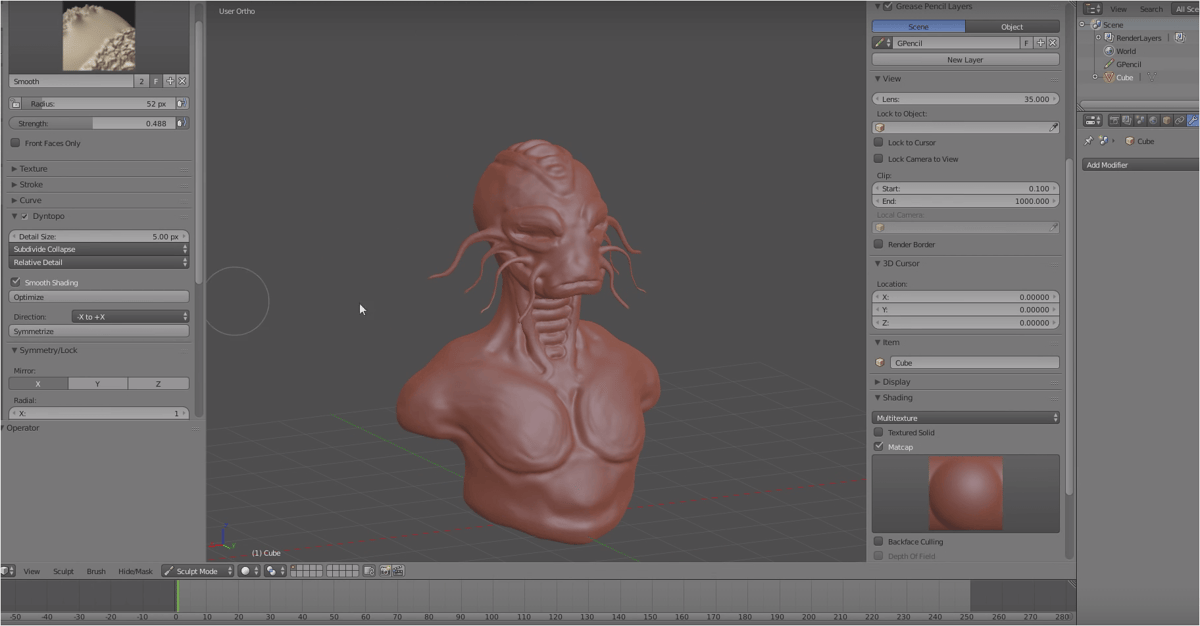
If you’re looking to do anything 3D modeling related on a budget, Blender is probably the first name you’ll hear. It’s a professional-grade 3D modeling software used by some of the world’s largest animation studios — and it’s completely free and open-source. With its comprehensive feature set covering the entire 3D modeling and animation pipeline, Blender is a true jack of all trades.
If you’re looking for a program to do digital sculpting, specifically, Blender will have some shortcomings compared to specialized software like ZBrush but don’t take that to mean it’s lacking. With dynamic topology, customizable brushes, and seamless switching between sculpting and polygonal modeling, Blender offers a professional feature set for free.
Best of all, the community around Blender is in the spirit of open source. There are plenty of add-ons to the program, both free and paid, that can extend your default toolset dramatically should you require a feature absent from the vanilla software.
Get it from: Blender Foundation.
Lead image source: (Source: Pixologic / Hossein Diba)
License: The text of "ZBrush 2026: Free Download of the Full Version" by All3DP is licensed under a Creative Commons Attribution 4.0 International License.