SketchUp 2026: Free Download of the Full Version

Looking for a full version of the new SketchUp 2026 to download for free? Read on to see what your options are and what's new in SketchUp.
Let’s get straight to the point: if you’re using SketchUp for work, it’s not possible to get a full version of the desktop applications for keeps without paying some cash, but for personal projects, there are great free and reduced-cost options, including the reduced-feature version SketchUp “Free”, educational versions, and limited web-based versions available. There are also free trial versions you can use to test out the software.
Plus, the 2026 version of SketchUp has some enticing new features.
SketchUp 3D modeling software widely used for architectural design, interior design, urban planning, but also a favorite among product engineers. It offers intuitive tools for creating and manipulating 3D models, making it accessible to both beginners and professionals. Developed by Trimble, it offers some of the best CAD tools found among its many competitors – including cutting-edge programs like Rhino, 3ds Max, and AutoCAD – and a large repository of plugins that makes the software highly adaptable.
Trimble offers a lightweight version of its cloud-based plan, SketchUp Go and a free plan that a little hidden called SketchUp Free. It is great for regular users with a wide selection of tools that should be appealing to beginners who don’t mind only being able to import and export in the STL file format. The more professional and feature-filled options, SketchUp Pro and SketchUp Studio, are based on a somewhat pricey subscription model. Though, notably, significantly less than some direct competitors.
Fully functional trial versions of SketchUp are available for you to try out before buying, and there are both free and reduced-cost versions for students and educators.
If those options don’t work for you and the full program’s cost is out of your budget, we’ve also prepared a curated list of our favorite SketchUp alternatives at the end of this article that are completely free.
Full Pro Version - Free 7-Day Trial
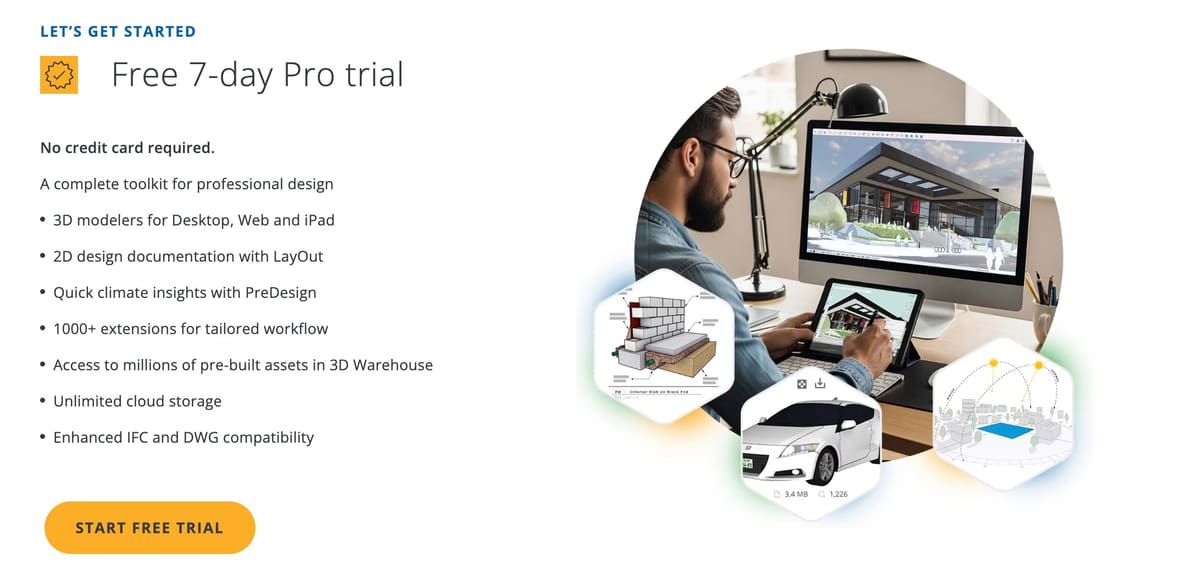
Anybody can get a free 7-day trial of SketchUp Studio without commitment from the SketchUp website. Here’s a step-by-step guide on how to freely access this 3D modeling for a brief period:
- Visit the download page on SketchUp’s website.
- Select “Start free trial”.
- Login or register with a Trimble account.
- Select which industry you work in and click “Continue”.
- Select how you plan to use SketchUp and click “Continue”.
- Fill in your information & click the “Start My Trial” button.
- Your 7-day trial has now begun! The download of SketchUp will start automatically.
- Once the download is complete, finish installing the software to start making use of your 7-day free trial of SketchUp Studio.
The free trial version of SketchUp is an excellent way to take the software for a test drive and see if it fits your workflow and intended use. You can also get a feel for the interface and mechanics of modeling using its various tools. Once the trial ends, you’ll need to pursue one of the other options, but by that time, you should have a pretty good idea of whether or not the full version is worth the investment to you.
SketchUp Free
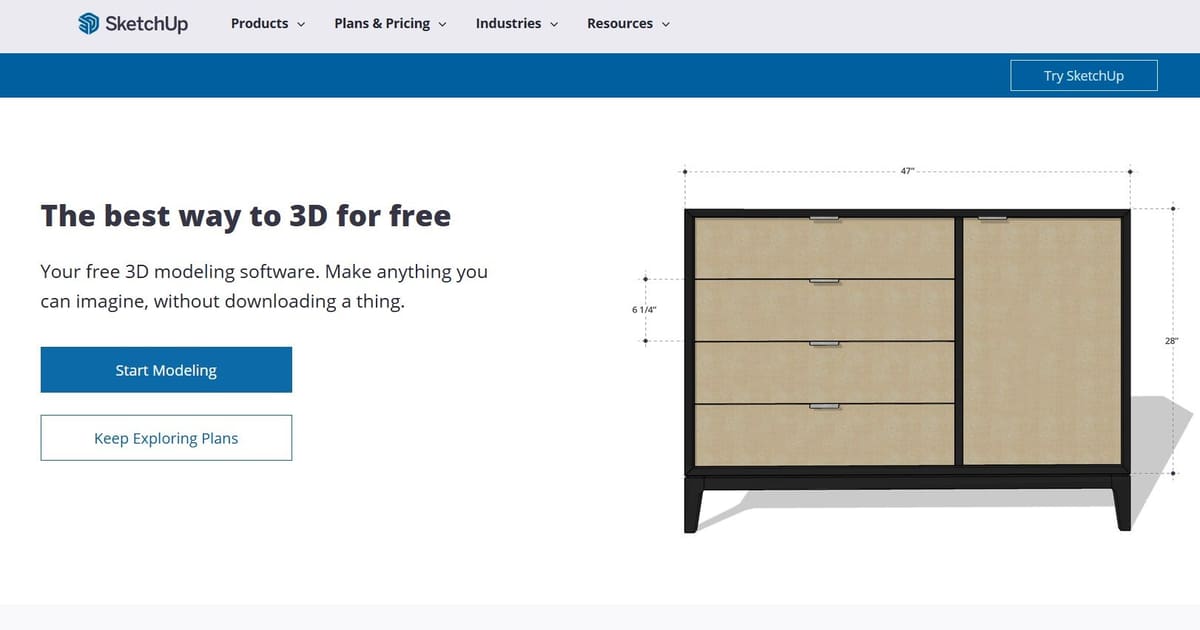
We think the best free alternative to SketchUp Pro or Studio is SketchUp itself – SketchUp Free that is.
Anyone can use a free slimmed-down version of the 3D modeling software SketchUp Free, which runs as a cloud-based application in your browser. While Sketchup Free lacks many of the advanced features found in professional versions of SketchUp, it’s a great starting point for beginners looking to develop basic 3D modeling skills or users who simply don’t need the more powerful tools advanced versions provide.
To access SketchUp Free:
- Sign-up with a free Trimble account on the SketchUp Free webpage.
- Click the “Start Modeling” button. First-time users will have to review and agree to SketchUp’s Terms of Service, Privacy Policy, and Privacy Policy supplement and possibly install a browser extension.
- The web-based 3D modeling tool will appear in your browser and you’re ready to begin!
SketchUp Free is a great way to get used to some of the basic tools and principles of 3D modeling without over-taxing your computer (or your budget). If you want to design from a Chromebook or another less powerful device, this is an excellent option.
SketchUp Free does have its limits though, and one of the biggest drawbacks for many will be the limited options for importing and exporting files. If you intend to design mostly from scratch or by using files from SketchUp’s 3D Warehouse, and plan to download models as an STL or SketchUp file, you should be fine; but any more than that, and you’ll quickly start running into limitations. But upgrading one tier to the web-based SketchUp Go will solve this problem – more on that below.
SketchUp Go
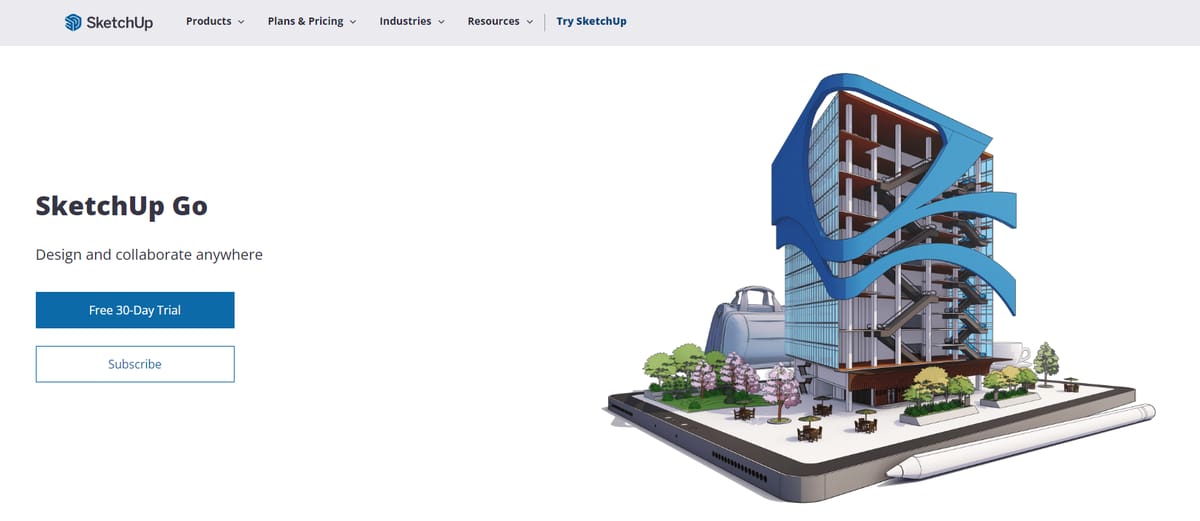
SketchUp offers a paid web-based version of their software made for hobbyists called SketchUp Go, which has its own 7-day free trial. At just $129 per year makers can get access to a version of SketchUp that’s somewhere between the free version and the pro version and might fit just right.
SketchUp Go is the same web-based editor as SketchUp Free but comes with unlimited cloud data, access to SketchUp for iPad, an Augmented Reality Viewer on mobile devices, and a few other small features that make the roughly $10 a month really worth it. Users who plan on 3D printing, laser cutting, using various other manufacturing technologies with the files they create, or who switch between CAD programs will benefit from expanded import and export options that allow for more file types than just STL.
SketchUp Go also has full, unlimited access to 3D Warehouse‘s prebuilt models, making work faster and easier where 3D models already exist in the vast repository.
This license acts as a good middle-ground between the free and full versions of SketchUp, offering the accessibility of a web-based interface for less powerful computers while expanding the options and toolsets available, opening the door to more advanced design work. Sketchup Go is also included in the Pro and Studio subscription, so there’s no need to pay extra if you want to get some work done on the “Go”. Visit SketchUp’s commercial plans page to purchase SketchUp Go.
Top Features of SketchUp Go:
- Access to SketchUp for Web. Full cloud-based 3D modeling directly in your browser — no desktop install required.
- SketchUp for iPad App. Create, edit, markup, and present models on the go with touch, Apple Pencil, or mouse support.
- Unlimited 3D Warehouse Access. Search and use millions of ready-made 3D models right inside SketchUp.
- Trimble Connect Cloud Storage & Sync. Unlimited cloud storage with cross-device synchronization and sharing.
- Advanced File Import/Export. Import/export formats beyond STL (e.g., DWG, DXF, KMZ, FBX, OBJ) for better interoperability.
- Advanced Modeling Tools. Solid tools, Outliner, custom materials, and custom styles for richer model creation.
- AR & Mobile Viewing. Augmented-reality viewing and mobile model viewers help you present designs in real context.
- Live Component Access & Configuration. Browse and configure parametric “Live Components” from 3D Warehouse (where supported).
- Collaborate & Share Easily. Share models with unlimited collaborators and projects via Trimble Connect Business.
- AI Credits (100/month). Monthly AI credits for assisted modeling or workflows (feature dependent on current offering).
SketchUp Education Versions

Trimble offers two ways that schools can access SketchUp; one for primary or secondary schools and one for universities, and there’s also a subscription for students.
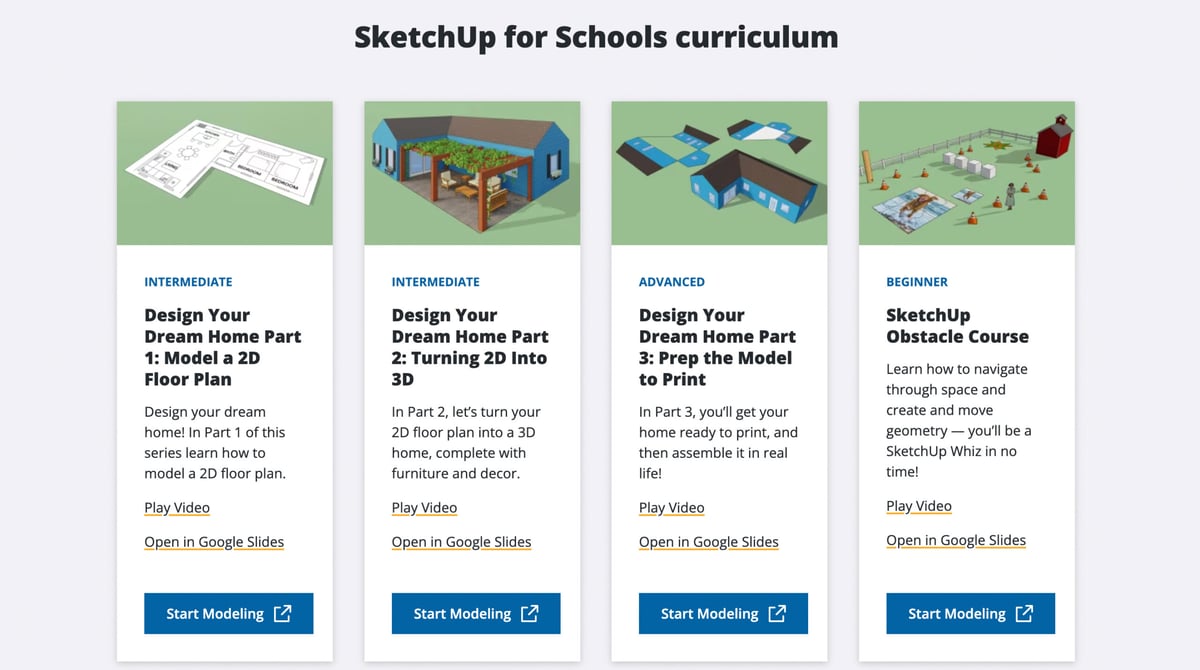
SketchUp for Schools is the core SketchUp modeler available for free in a web browser for any primary or secondary school signed up with Google Workspace for Education (formerly called G-Suite) or Microsoft Education account. To qualify for either of these accounts, you must meet certain criteria set by Google designed to ensure that the accounts are used primarily for educational purposes by official schools.
Trimble also offers a wealth of educational videos, including lesson plans for easy integration of the software into the curriculum for kids and young adults.
SketchUp for College Students & Teachers
For individual students and teachers in higher education, SketchUp offers a reduced-cost version of SketchUp Studio for just $55 annually through its global resellers. There’s no way to get the student/teacher subscription directly from SketchUp, and how you’re qualified as a student or teacher isn’t transparent.
The third education license is for universities to offer university-wide access to SketchUp for its students and faculty. Institutions can select desktop, web, or tablet versions and a wide range of add-ons to their subscription. Prices are customizable at $50 per seat for the 10-50 seat license and decreasing per see based on the number of seats. Floating network licenses for university computer labs start at $30 per seat.
SketchUp Pro & Studio
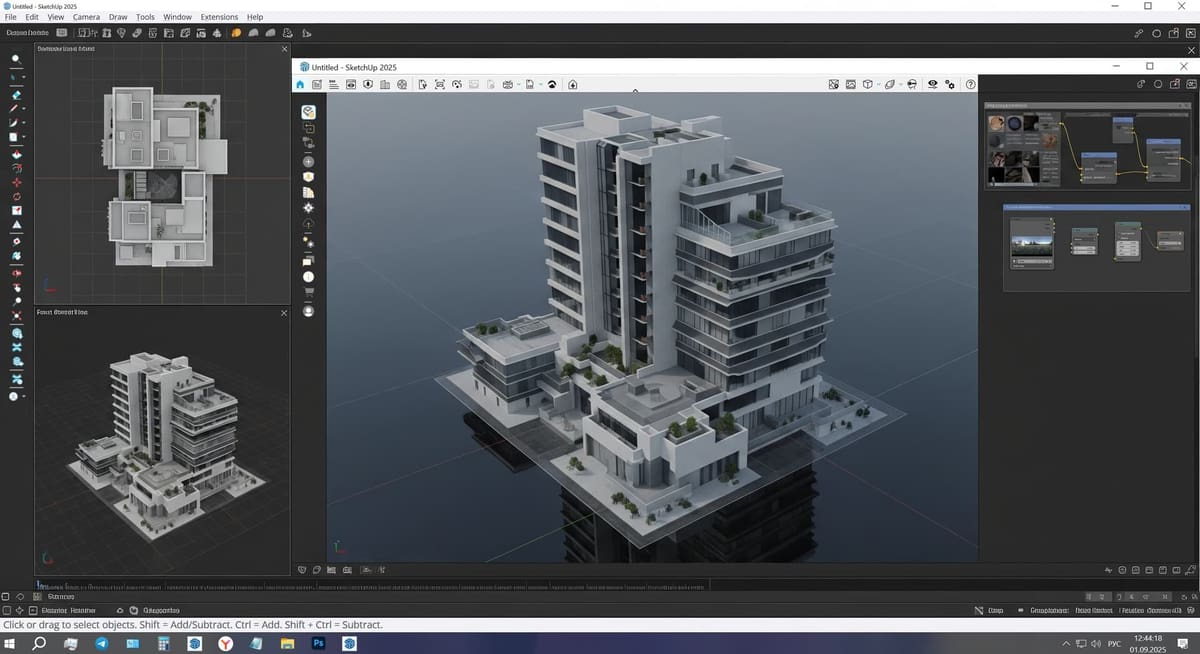
SketchUp Pro is SketchUp’s flagship desktop modeling software for professionals working in architecture, design, construction, and fabrication. It includes the classic desktop app, the web version, SketchUp for iPad, plus Layout and Style Builder for creating polished presentations and construction documentation. At $349 per year, Pro enables designers to move from concept modeling to technical drawings, fabrication files, and client deliverables with support for a wide range of import and export formats. Unlimited cloud storage and full access to 3D Warehouse are also included, along with the ability to use SketchUp Go at no extra cost.
SketchUp Studio builds on everything in Pro and adds additional tools for more complex professional workflows, especially within architecture and engineering. At $749 per year, Studio bundles energy and daylight performance analysis via Sefaira, photorealistic rendering through V-Ray, and improved BIM interoperability for working with data-rich Revit files or other AEC platforms. These tools allow professionals to evaluate sustainability, performance, and visualization needs early in the design process, helping communicate realistic outcomes and compare design choices before projects move into construction.
Together, Pro and Studio represent the full power of SketchUp’s production ecosystem, offering robust desktop modeling, technical documentation, cloud collaboration, rendering, visualization, and building performance analysis in a single workflow. SketchUp Go is included with both subscriptions.
Training to Getting Started
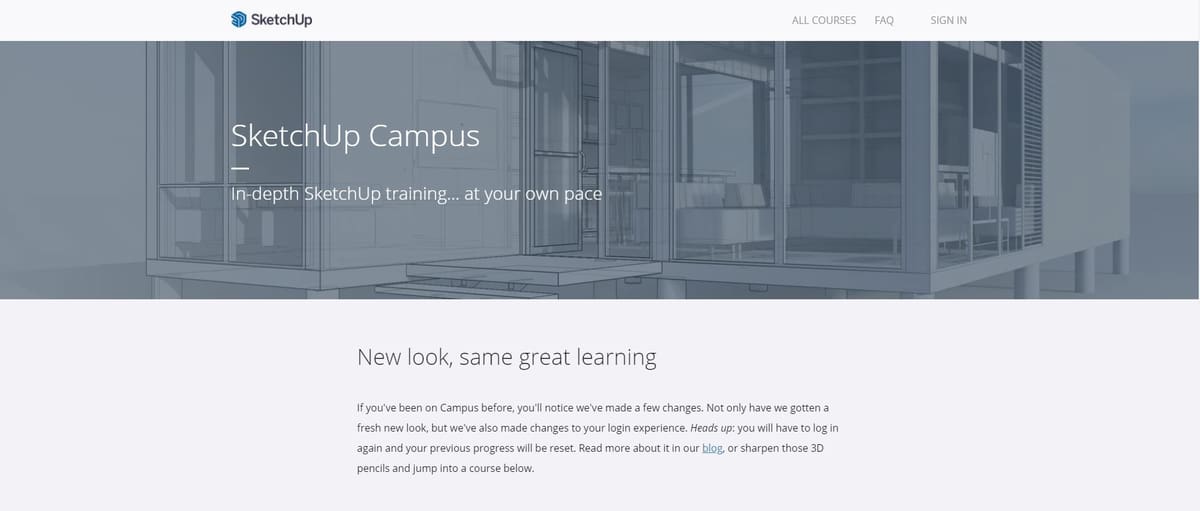
If you aren’t already familiar with CAD software like SketchUp, you might need some help getting used to its basic tools and functions before you find your footing. Fortunately, SketchUp offers some valuable courses for beginners via SketchUp Campus.
The tutorials cover every topic you might need, from the fundamentals of SketchUp’s toolset and of 3D modeling in general, to using the V-Ray rendering engine to give your designs some life; SketchUp Campus has many lessons on each topic.
Following that, if you’re still hungry for more, you can visit the SketchUp YouTube channel to find lots of tips and tricks, Q&As, and live modeling sessions to learn from.
Stand-Out Features & What's New in 2026

Let’s take a quick tour of SketchUp main functions. This favorite among architects is an extremely versatile tool used for visualization and planning in a variety of industries beyond architecture to include engineering and construction.
First-time SketchUp users will be welcomed by a rather undaunting interface. There aren’t so many tools out front as to boggle beginners just trying to understand the 3D modeling software basics. SketchUp’s tools are largely intuitive and allow users to easily navigate the program, so it’s not difficult to grasp the basic principles and create simple 3D printable models from scratch within the first few hours of learning.
This is not to say that SketchUp is only capable of simple 3D modeling. It’s considered one of the best CAD software available, and, to make up for any capabilities that Trimble might miss, it encourages users and third-party companies to contribute extensions (many of them free) through the Extension Warehouse, greatly expanding the base software’s capabilities.
SketchUp also comes with a free 3D model repository integrated into the program: 3D Warehouse. It’s a library where millions of 3D models (limited to a size of 50 MB) can be downloaded directly in the program, streamlining the design process with pre-existing models, often of real-world products, to integrate into a scene.
SketchUp’s features increase as you climb the ladder of their offerings, with higher-priced versions gradually unlocking more features. The most affordable paid version of SketchUp, Go, comes with the following features:
- SketchUp for iPad
- Unlimited Access to pre-built 3D models (via 3D Warehouse)
- Augmented reality mobile viewer
- Unlimited cloud storage
- Unlocked import and export file types
SketchUp Pro adds:
- Desktop application
- 2D design documentation
- Experience reality (XR) headset viewing
- Access to plugins (Extension Warehouse)
And SketchUp’s full version, Studio, adds:
- Native importing and modeling onto point cloud data
- Exporting to LayOut and document point cloud data in 2D
- Interactive, real-time visualizations as you model
- Photorealistic image rendering and export
- Fully rendered animations and 360-degree panorama exports

New in SketchUp 2026
SketchUp’s 2026 release builds on the momentum of previous versions by introducing a suite of enhancements focused on collaboration, visualization, performance, interoperability, and documentation workflows — making SketchUp more powerful and easier to use for teams and individual designers alike.
Live Collaboration and In-App Feedback
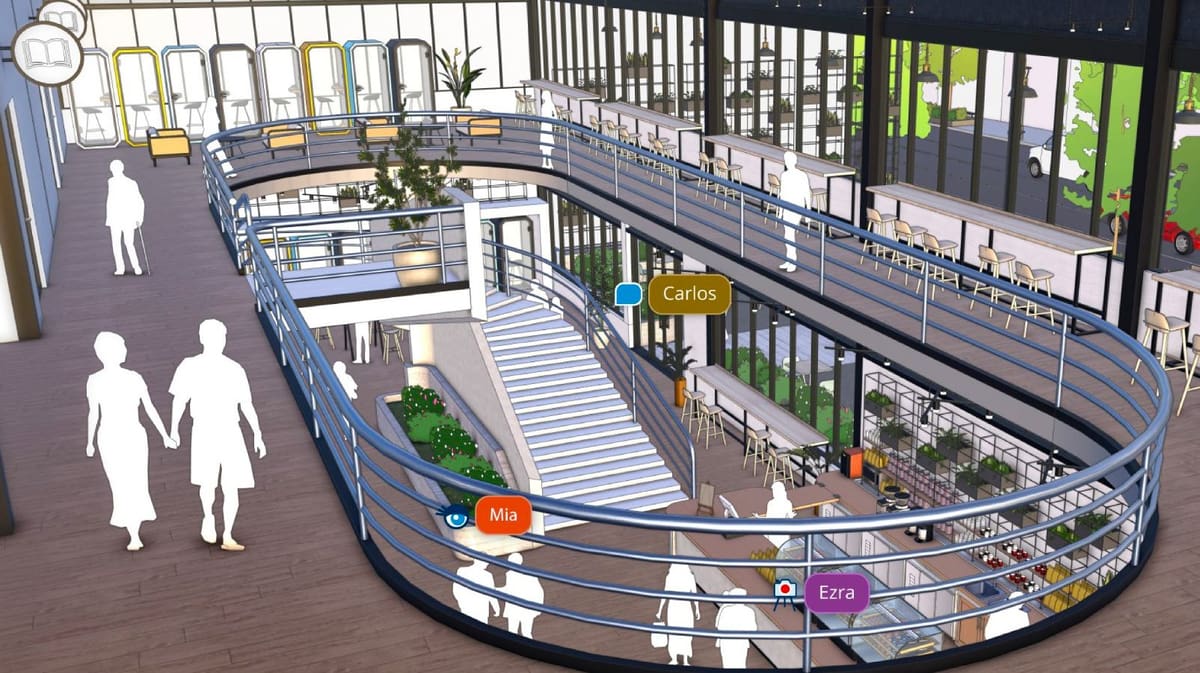
SketchUp 2026 adds a major new Collaboration Bar that lets you share models via private invites or public links. People you share with can navigate the model, take measurements, leave 3D-anchored comments, and even see live updates of your work in real time — right in their browser without needing a SketchUp install. This transforms how feedback and design decisions happen, keeping everyone aligned on a single model instead of scattered versions.
Enhanced Visualization Controls
Building on SketchUp’s visualization tools, this update introduces:
- Ambient Occlusion controls including Distance Multiplier and color adjustments for richer depth and shading.
- Invert Roughness Map options for PBR materials, giving you more control over surface finish.
- Customizable material thumbnails (Windows), letting you choose between a 3D cube or flat preview in the materials panel. These enhancements help make visuals look more natural and easier to review without external software.
Performance and Workflow Improvements
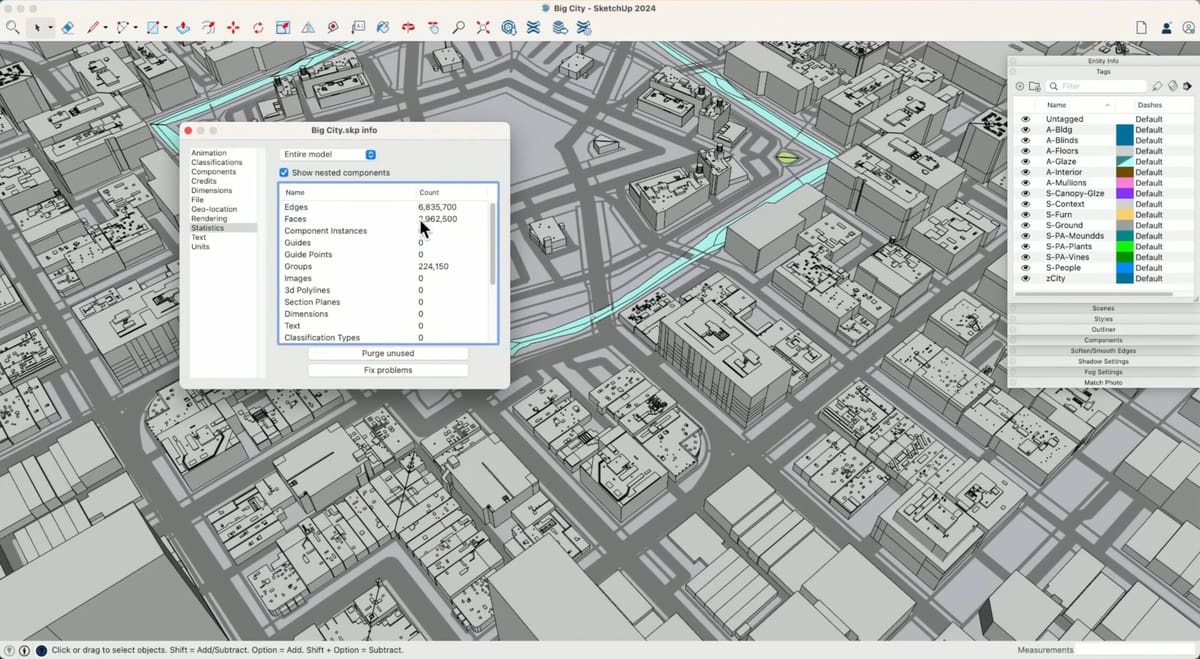
SketchUp 2026 improves the core modeler’s memory handling and responsiveness, especially noticeable with larger scenes. General enhancements to scaling, rotating, inferencing, and scene navigation make everyday modeling smoother and more efficient.
Live Components and Modeling Refinements
Live Components gain scale grips and enhanced painting tools, making it easier to place and customize parametric elements. The update also includes general modeling quality-of-life tweaks across key tools like Scale, Rotate, and Scene navigation.
Interoperability Upgrades
SketchUp’s DWG workflow now preserves hatch patterns and section planes, and IFC export consolidates IFC 2×3 and IFC 4 into a unified workflow with enhanced options — streamlining exchanges with CAD and BIM tools.
Scan Essentials & Real-World Context (Studio Only)
Studio users get expanded Scan Essentials tools for working with point clouds, including texture projection and surface mesh generation, which help bridge as-built site data with design models.
LayOut Enhancements
LayOut, SketchUp’s documentation companion, receives four new drafting tools (Trim, Extend, Fillet, Chamfer) for more intuitive 2D work, updated interface elements that align more closely with SketchUp’s design language, and strengthened DWG import/export handling for professional documentation needs.
In addition to these headline features, SketchUp 2026 includes dozens of smaller upgrades and bug fixes that contribute to a more robust, collaborative, and efficient design experience.
The Free Version vs The Pro Version
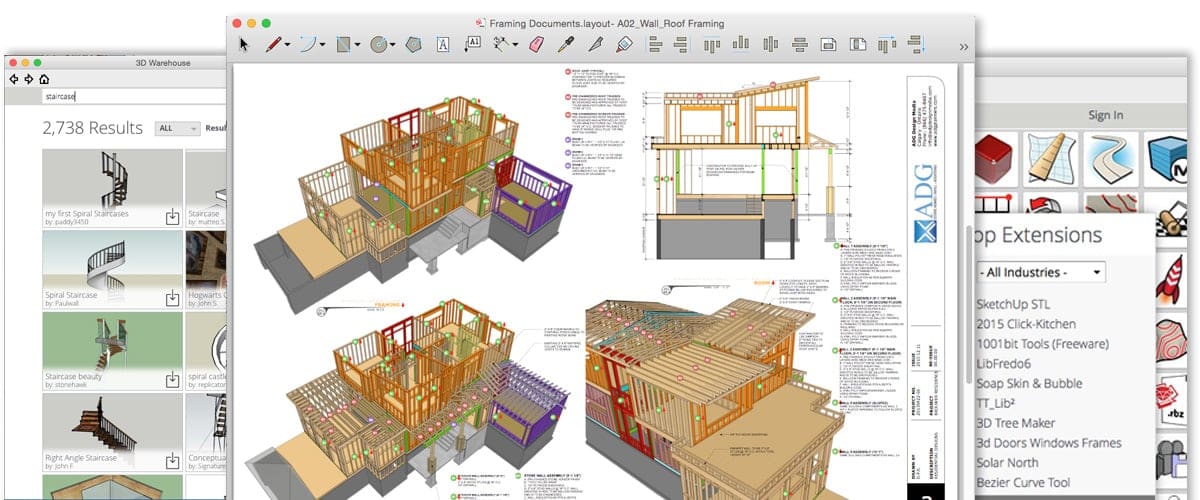
With several program versions available, it’s worth knowing the key differences between SketchUp Free and the various commercial versions.
First, know that all SketchUp offerings have the same core tools you need to create the geometry of CAD designs. So, if your focus is on basic 3D modeling, the free version will work fine. However, you will find differences in many other aspects of the program that lend it some more ease of use and otherwise professional qualities.

For example, SketchUp’s standard tools are meant for modeling standard geometric shapes like buildings. If you want to model organic shapes, such as terrain, the free version of SketchUp isn’t enough. Paid versions feature advanced tools like a sandbox that can create organic and otherwise advanced shapes.
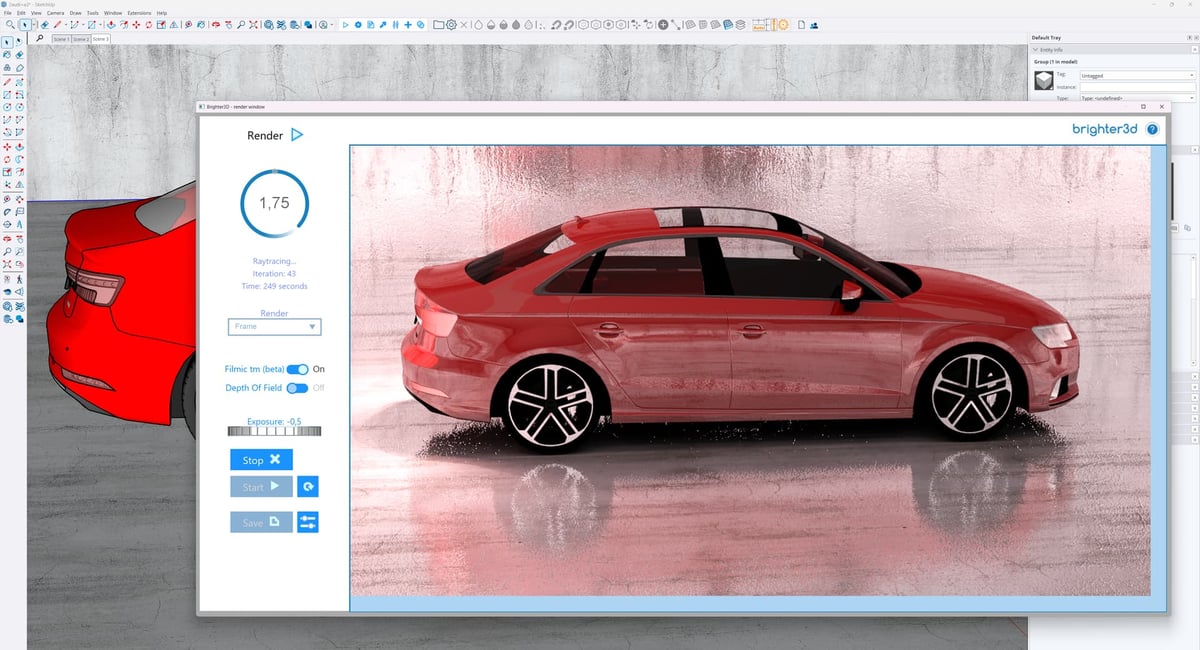
Another key difference lies in rendering. The free version of SketchUp has no rendering. Only SketchUp Studio comes with high-resolution, photorealistic, or highly stylized rendering capabilities for more professional contexts. However, some extensions available for SketchUp Pro do add rendering capabilities.
The Extension Warehouse, Trimble’s plugin repository, might be SketchUp’s greatest asset. It’s available only in the desktop versions of the program (Pro and Studio) and allows users to access a trove of plugins that provide additional tools and features. Third parties are encouraged to create and upload extensions, many of which are free but others are offered for a fee by their respective developers. Many of these extensions further enhance the differences mentioned above, and a handful are especially handy for preparing files for 3D printing: like CleanUp3 Extension, Solid Inspector2, 3D Printing Model Repair Service (MakePrintable), and CADspan.
There are differences when it comes to collaboration and cloud features. SketchUp Free stores files in Trimble Connect with sync/sharing features, but it lacks some of the live collaboration and comment tools now available in paid plans (introduced around the 2026 release). Paid versions bring better team workflows, private sharing links, and feedback loops.
If you want to learn more, we have a handy guide that further details the differences between SketchUp Free and Sketchup Pro.
System Requirements (Desktop Version)
Below are the recommended specs to run any of the desktop versions of SketchUp.
- OS: Windows 11, Mac OS 26 (Tahoe), 15 (Sequoia), 14+ (Sonoma), 13+ (Ventura)
- CPU: 2+ GHz processor (Windows), 2.1+ GHz processor (Mac) or current generation Apple M1 processor
- RAM: 8 GB or more (recommended)
- Graphics Card: 3D class graphics card with 1 GB of memory or higher with hardware acceleration and support for OpenGL 3.1 or higher.
For more information, you can visit the SketchUp support website’s system requirements page.
Free SketchUp Alternatives
If the price tag for SketchUp’s paid versions is out of your range and SketchUp Free just doesn’t do it for you, there are a number of free SketchUp alternatives that offer comparable features. We’ve listed a few below that we consider some of the best free SketchUp alternatives.
To learn more about free CAD software, read our article Unlock Your Design Power: Our 5 Favorite Free CAD Software Options.
Be sure to also check out our list of the The Best 3D Modeling Software: Our 5 Top Picks for some great commercial and free SketchUp alternatives.

Designed around parametric modeling, FreeCAD is a reliable CAD software that is available, as you would expect, for free. The software’s parametric modeling capability allows you to easily modify your 3D model by going back in the model history and adjusting the features of a given change.
Being open-source, its feature set is oriented towards its community, so be prepared for FreeCAD to be a bit overwhelming at first. But if you make an effort to dig deeper into this free CAD software, you will be rewarded with an impressively powerful set of features at no cost.
FreeCAD offers a modular architecture that allows plugins to be mounted to the core application. It also provides a Sketcher with a constraint-solver that allows you to sketch 2D shapes, a robot simulation to study robot movements, and a Path module dedicated to mechanical machining like milling (CAM), which can output, display, and adjust G-code. One of the most impressive modules in this software is the architecture bench that enables BIM (Building Information Design). This feature allows you to design models of buildings that contain essential metadata like the cost of materials, weight, and much more.
In sum, if you are looking for a free SketchUp alternative, it doesn’t get much better than FreeCAD! You can download it from the FreeCAD website.
Onshape Free
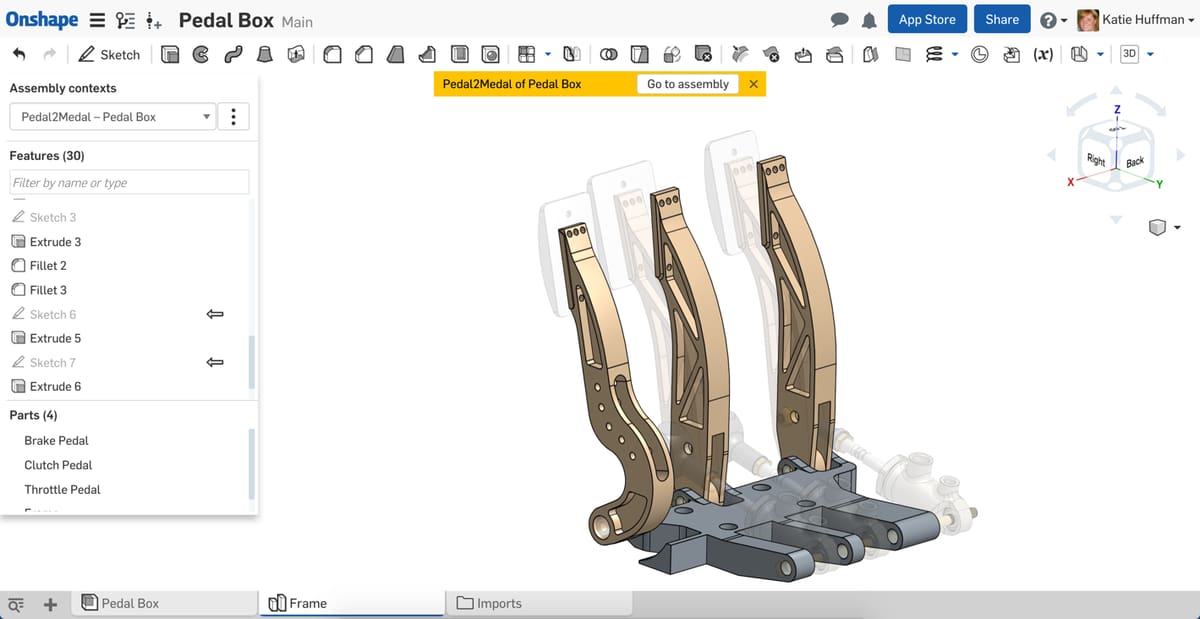
Equipped with an incredible feature set fit for enterprise-grade CAD software, Onshape offers a version absolutely free — but only for open-source projects. Called Onshape Free, this 3D modeling tool is aimed at professional-level users looking for version control and collaboration tools to work in large teams. All versions of Onshape are delivered over the cloud as a service, so it works on pretty much any system you can imagine – even on iOS and Android phones.
One of the most interesting features of this free CAD software is its collaborative mode. Unlike local CAD and PDM, Onshape gives everyone on the team instant access to the same CAD workspace and the same CAD data in one central place on the cloud. Another nifty feature is the ability to branch from and manage a master design without the need to save copies or keep track of numerous different file versions due to the helpful version history.
One area Onshape trumps SketchUp is its support of mobile devices. The free apps available for Android and iOS are not merely file viewers. They offer the complete toolset of the core 3D CAD software! In other words: even on your smartphone, this free SketchUp alternative is still the real deal.
You can access Onshape Free from their website.
Vectary
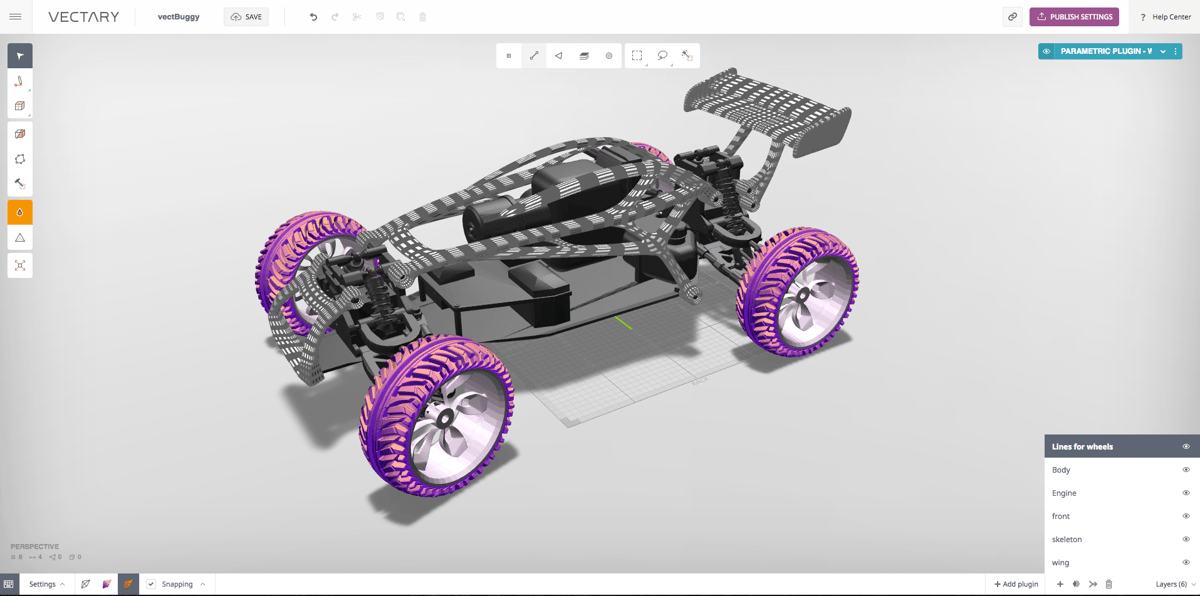
Given its innovative UI and interesting approach to collaboration, Vectary is one free online CAD software that is definitely worth your attention. The software includes parametric modeling, allowing for quick adaptions of the mesh using sliders and selections that are mostly found in professional engineering suites like Fusion.
But this doesn’t quite make Vectary a fully-fledged engineering program for the web. The program doesn’t rely on precise measurements quite like other CAD software does. Rather, designs are created in a 3D viewport using subdivision modeling and then transformed with a variety of tools — making this free online CAD software better equipped for the needs of visual designers.
To get started quickly, the developers have prepared a series of templates that you can use for mockups, layouts, and even 3D social media messages. Also, Vectary emphasizes user collaboration, as all models are saved in the cloud and can be easily shared. There’s even a Viewer API that allows the community to “build web projects on top of Vectary Viewer.”
Vectary’s free plan includes ten private projects and unlimited public projects but includes commercial use of the software. Business options allow for a larger number of private projects and a variety of other perks.
Vectary can be accessed through the Vectary website.
Blender
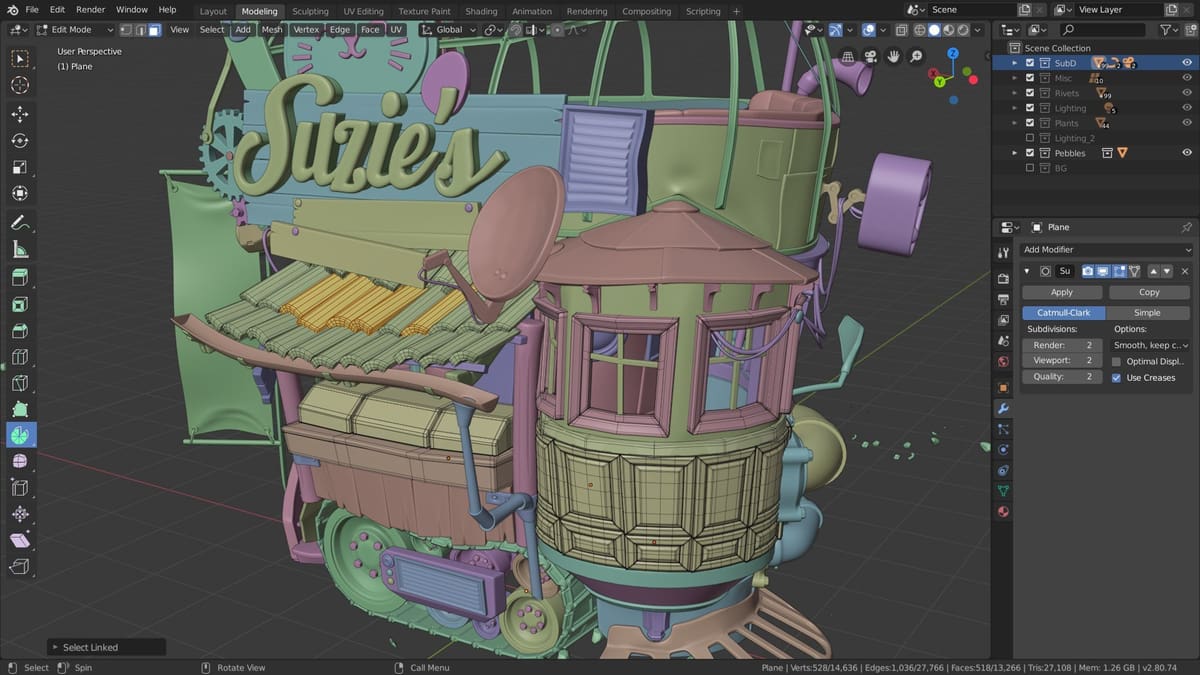
Blender is a free and open-source software for 3D modeling. It’s one of the most popular 3D modeling programs available for both personal and professional use and is often considered one of the most powerful available. Quite the reputation.
Don’t jump on board just yet, though. While Blender and CAD programs like SketchUp have many features in common, there are some differences worth considering. Foremost among them is 2D model and documentation exporting: Blender is simply not a program for architects, engineers, woodworkers, or the like who need a part list compiled based on CAD work. The program is catered more towards model sculpting and animation, so it lacks these sorts of features that other professions need. It is, however, still excellent for designing 3D printable models. Especially those with organic shapes.
However, Blender has a lot of capabilities that only come from extensions with programs like SketchUp. Organic shapes stand out here and might make Blender better for some product designers who need to represent curved shapes or materials like upholstery. Renders and animation stand out, too. Where SketchUp needs extensions for its best renderings and animations, Blender does them in top quality by default. So if you want to up your presentation game, it could be worth looking at.
If Blender is missing a key feature or two that you need, don’t worry. It also has a large community that offers scripts, addons, textures, and the like (both free and paid) that you can find on third-party websites like Superhive or Blender Addons.
Get Blender from the Blender Foundation website.
License: The text of "SketchUp 2026: Free Download of the Full Version" by All3DP Pro is licensed under a Creative Commons Attribution 4.0 International License.