PETG Without the Pain: Your Guide to Mess-Free Printing

PETG is a great and easy-to-print material for functional parts. Read on for everything you need to know to print PETG successfully.
PETG is an immensely popular 3D printing filament, widely used for its high strength, relative flexibility, and temperature resistance compared to the ever-popular PLA.
It’s relatively easy to print, even on budget printers without enclosures. It’s perfect for practical parts that need a little bit more give before breaking than PLA can offer. Thanks to its mechanical properties, it has displaced ABS as the second most popular 3D printing filament on the market.
But what exactly is PETG? What are the best applications for it? And how the heck can we get this sticky mess printing well? We’re going to answer all those questions and more, so let’s get started with the basics.
What Is PETG?
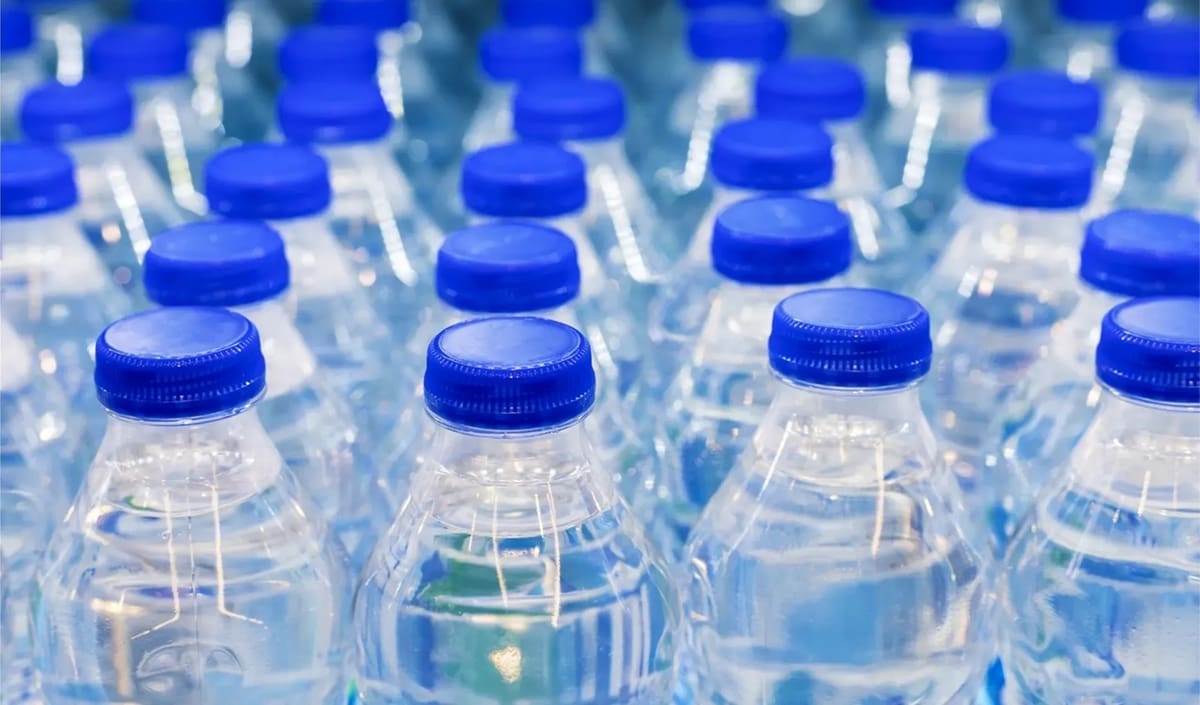
PETG stands for glycol-modified polyethylene terephthalate. It’s similar to PET, which is used to make disposable plastic bottles, but glycol is added to aid in extrusion and printing characteristics (e.g. reducing shrinkage). Thanks to the glycol, PETG is much easier to print.
In terms of mechanical properties, the material has moderate temperature resistance: ~45 °C maximum continuous operating temperatures with low creep, depending on load. It also has moderate impact resistance, moderate ultimate tensile strength, and moderate flexibility. This makes it a good all rounder compared to PLA and ABS.
PETG is also a moderately hygroscopic material, meaning it absorbs moisture from the air. While its hygroscopy can be worse than PLA, it’s nowhere near as hygroscopic as materials like nylon.

Applications

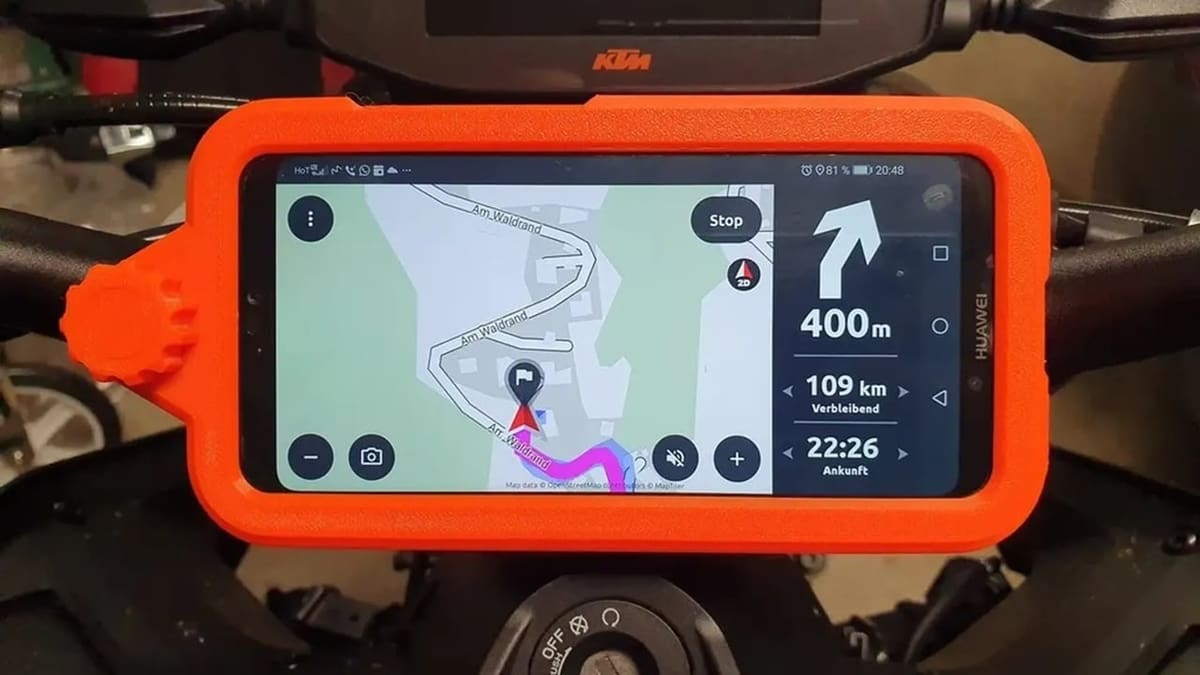
Thanks to its mechanical properties, PETG is a material suitable for functional prototyping or end-use parts. Although it falls short compared to ABS, it redeems itself through its much more forgiving printability. For example, an enclosure isn’t required to achieve PETG parts with good mechanical properties.
PETG is often used for 3D printer parts (especially for open-air printers), parts for small robots, and for jigs and mounts. In such functional applications, parts might be exposed to slightly elevated temperatures and therefore need to exhibit low creep over long periods to remain operational.
Another interesting application of PETG is to print highly transparent printed parts. As natural PETG is transparent, this can be achieved by printing very slowly and overextruding to fill in inter-line voids to create a non-porous part, which prevents the scattering of light (which can result in cloudiness) and remaining optically clear.
Lastly, PETG is generally considered food safe, but you should check with the manufacturer to ensure that their processing conforms to food safety standards. Check out our article on food-safe filaments for a few PETG options that fit the bill. If you plan on printing kitchen items with PETG, be sure your printer, extrusion system, and nozzle (avoid brass) have been cleaned thoroughly.

The Trouble with PETG
Generally, PETG is an easy-to-print material, almost as easy as PLA. There are some things to keep in mind, though.
3D printing PETG requires slightly higher temperatures than PLA, which may also impact your printer setup. For example, you might want to consider upgrading to an all-metal hot end if you don’t already have one – see the hardware recommendations below.
Whereas you can blast your printer’s part cooling fans at PLA without too many worries, PETG can exhibit noticeably weaker layer adhesion if an excessive amount of part cooling is used. Therefore, more careful control of part cooling should be used with PETG to achieve good overhangs and also maintain layer adhesion strength. Thankfully, compared to ABS and engineering filaments, PETG is still very forgiving in this aspect.
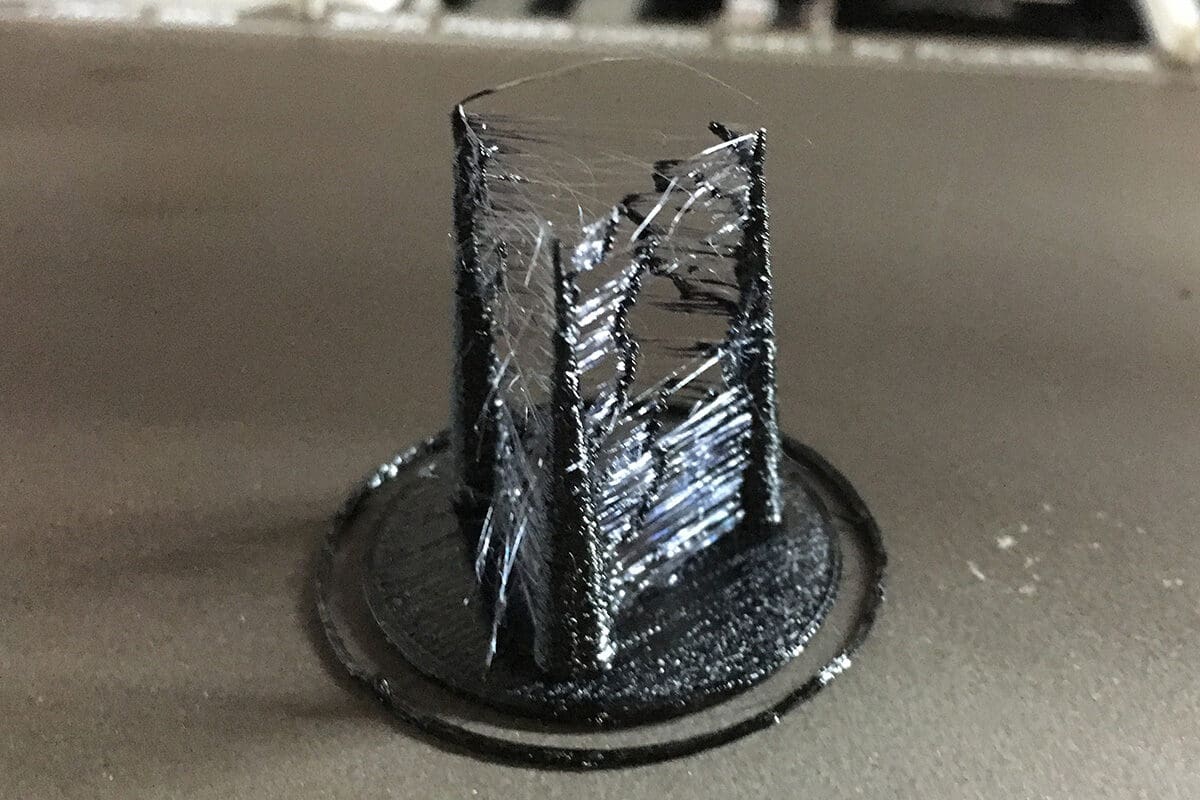
Lastly, PETG is more likely to string than most rigid filaments. This is partly due to its hygroscopy and print temperature requirements. We point out some tips in the section on common printing issues below.
Hardware Recommendations
PETG is typically printed at nozzle temperatures of 225-255 °C, so a PTFE-lined hot end can suffice. PTFE-lined hot ends can handle 240 °C over longer periods of time and 260 °C for shorter print runs. However, it’s strongly recommended to use an all-metal hot end. With one, you could safely print PETG at the higher side of its temperature range, which is important for good layer adhesion and better flow rates.
In terms of nozzles, PETG is non-abrasive material, so a regular brass nozzle can be used. That said, some prefer to use a nozzle with a non-stick coating. Due to its stringiness, thin wisps of material can sometimes stick to the side of the nozzle and begin to build up. So, a nickel-plated copper nozzle can help to prevent PETG from sticking to the nozzle’s tip.
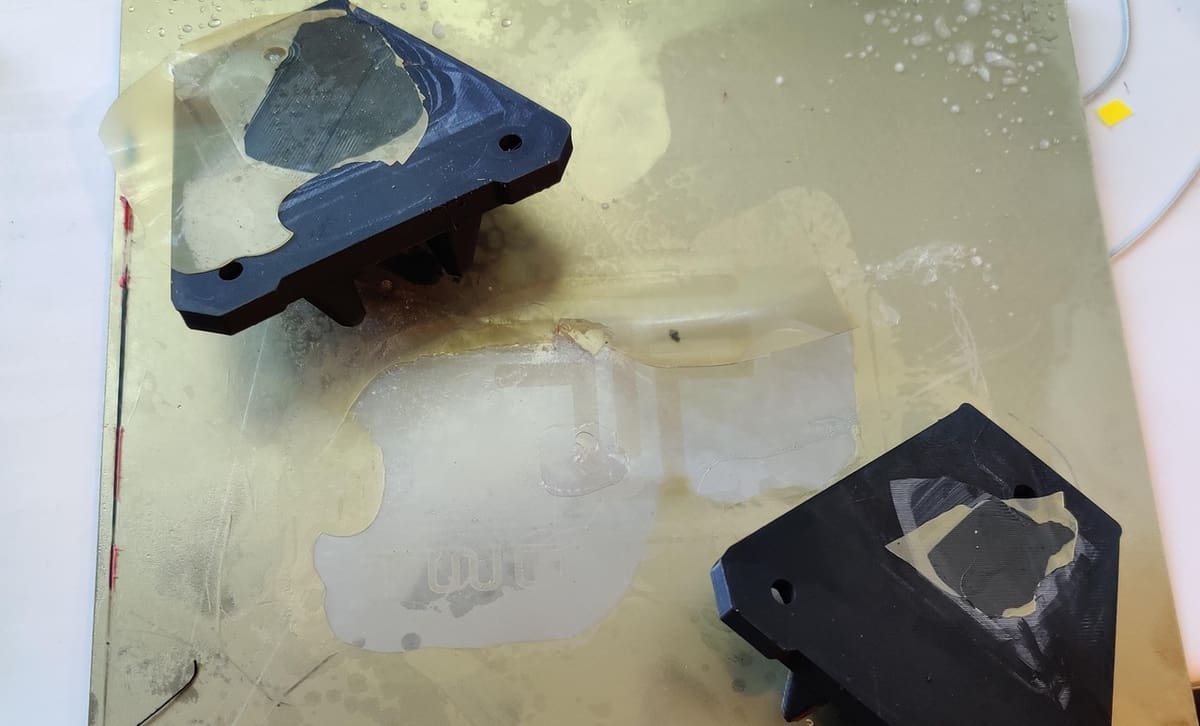
The build surface is an especially important consideration for PETG. Just like many other materials, it bonds very well with popular PEI-based build plates – perhaps even too well. It can sometimes be difficult or even impossible to remove your print without damaging the PEI layer below, especially for smooth PEI surfaces. As such, it’s advisable to use hairspray or glue-stick on the build plate as a release layer for your printed parts. You should do this with glass build surfaces, too, because PETG often adheres too well to glass beds.
Lastly, while a heated enclosure is not necessary for PETG, an enclosure can be beneficial for part strength. The inner chamber temperature should be relatively low: up to 45 °C. Make sure not to exceed this temperature, as heat creep can occur due to PETG’s relatively low glass transition point.
Print Setting Recommendations
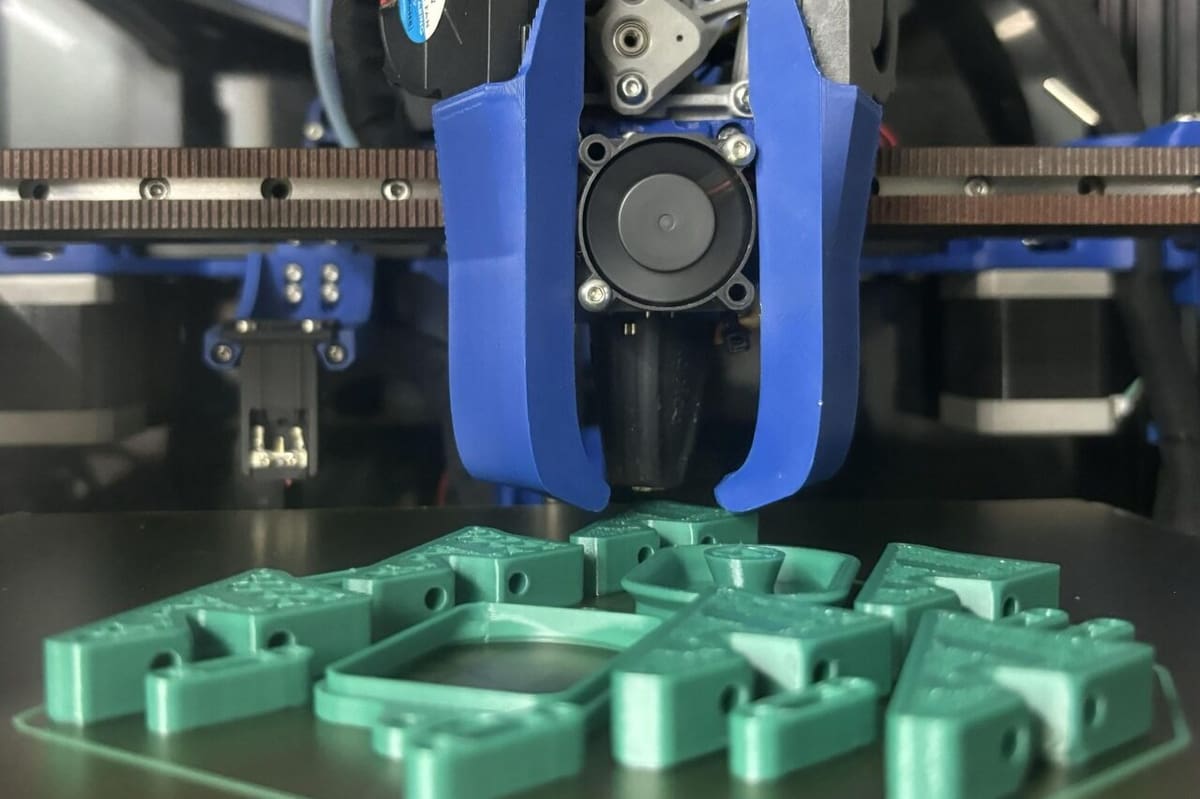
When it comes to slicing models to print in PETG, we’re thankfully in luck. PETG has similar print settings to other non-flexible filaments. Chances are, you could use a standard print profile for PETG and get decent results. Of course, the usual modifications to temperature still apply.
Printing temperatures for PETG are 225-255 °C on the nozzle and 65-75 °C on the bed. Just like with most materials, we recommend that you lean towards the higher end of the nozzle temperature range for better part strength and increased flow rates.
Speed-wise, we recommend 20-40 mm/s in other guides, but maximum print speed is determined by your exact printing system, including your motion system, hot end flow rates, and many other factors. To dial in the best speed settings for your particular setup, we recommend you do a speed test print with the PETG filament you plan to print.
Retraction settings for PETG are also comparable to other rigid filaments. The recommended Retraction Distance depends on the type of extruder you have: ~3-5 mm for Bowden extruders or ~0.5-1 mm for direct extruders. We recommend ~25-45 mm/s for the Retraction Speed regardless of your printer’s extruder type. However, these values are just a guide, especially for stringy PETG. For best results, make sure you further tune your retraction settings for your exact extruder, hot end system, and speed settings.
You’ll definitely want to adjust your cooling settings. For PETG, cooling is a balance between layer adhesion strength and overhang performance. In our guides, we recommend setting the fan between 20% and 50%, but some in the community argue that it’s possible to print PETG without part cooling for moderately sized models. If you’re printing a model with short layer times, the recommended reduced fan speeds will prove helpful. And, of course, you can tune the fan speed based on your setup to achieve the printing performance you’re happy with.
Lastly, additional bed adhesion settings such as brims and rafts are usually not necessary; PETG tends to stick very well to the build plate.
Summary
- Hot end temperature: 225-255 °C
- Build plate temperature: 65-75 °C
- Print speed: Tune based on your printer setup
- Retraction distance: ~3-5 mm (Bowden), ~0.5-1 mm (direct)
- Retraction speed: ~25-45 mm/s
- Part cooling: Tune based on your printer setup
- Brims and rafts: No
Common Printing Issues
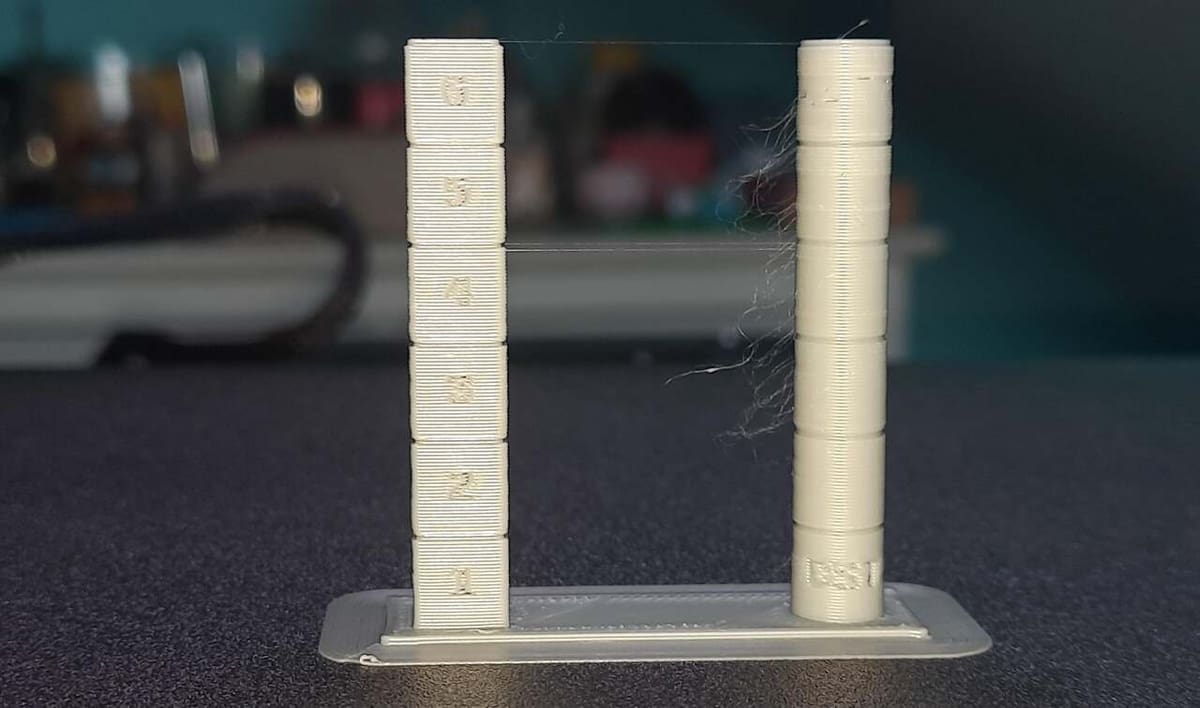
When printing PETG, you might face some common print defects that you’ll want to tune out. Here are some issues that you may face as well as possible ways to solve them.
Stringing
Users often find that PETG suffers from stringing more than other filaments. As this is in part due to hygroscopy, remember to dry your filaments prior to printing for best results. For PETG, a good estimate would be around 4-6 hours at 65 °C.
To tune out the last bit of stringing, PETG might also require more precise retraction settings, which you should tune for best results. If all else fails or you’re tight on time, hitting the final print with a heat gun is also a great way to remove those tiny wisps.
Layer Adhesion
As stated earlier, PETG can suffer from insufficient layer adhesion if the part cooling is excessive or the hot end temperature are too low. To alleviate this, you could reduce part cooling or increase the print temperature for better bonding between layers. Keep in mind, however, that this can lead to poorer overhangs or increased stringing. It’s all about balance.
Also, it’s worthwhile to consider reducing your print speed if you’re printing near or higher than your hot end’s maximum volumetric flow rate. Printing faster than your hot end’s max flow rate could result in insufficient melting of the material prior to extrusion, which can cause layer adhesion issues.
Print Removal & Post-Processing
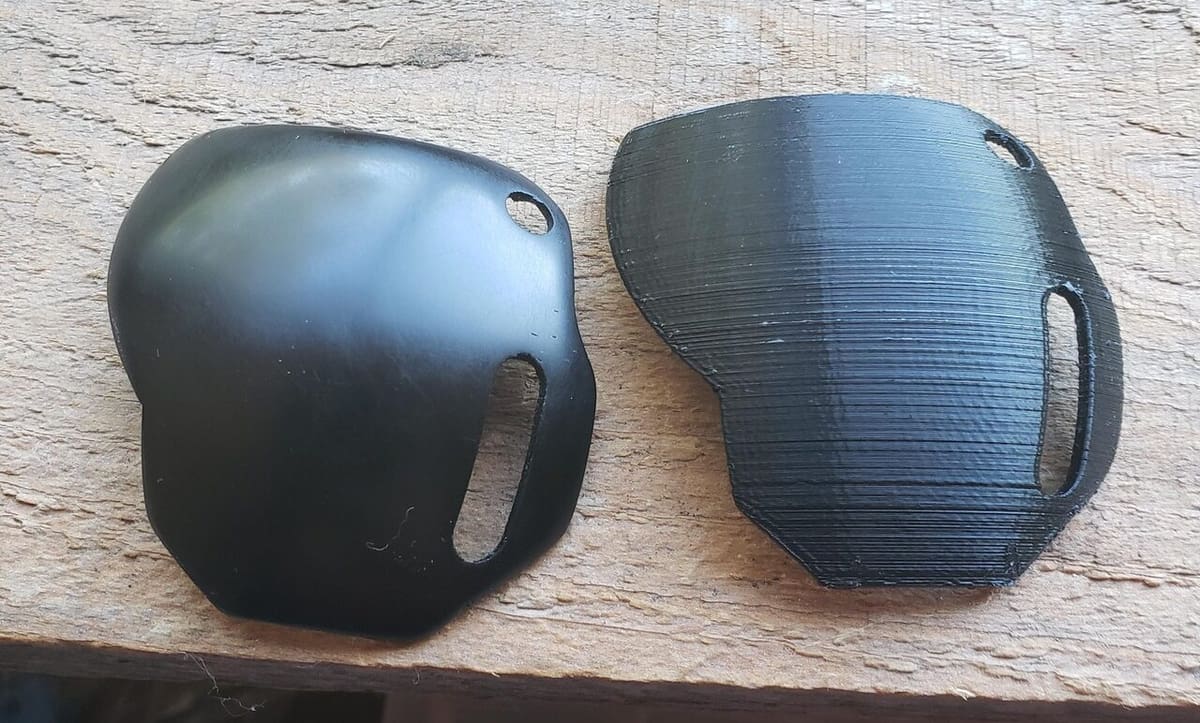
Let’s start with getting the finished print off the print bed. As stated earlier, PETG might have excessive bed adhesion to smooth PEI or glass surfaces if a releasing agent is not used. If you’re unable to get the print off the print bed even after it cools down to room temperature, you can consider putting the plate in the freezer. In theory, this works by thermal contraction: The bed contracts more than the part.
For a smoother outer surface, sanding is recommended – especially because it can be difficult to solvent smooth PETG. The material is a nice medium between PLA (hardest to sand) and ABS (easiest to sand). Just like most other sanding techniques, it’s recommended to start with a coarser grit and move to a finer grit for best results.
As you might be using PETG for functional parts, it drills through quite easily without gumming up in case you need precision features.
Finally, PETG can also be coated with different epoxy resins to provide a gloss to your printed parts. For prints that will come in contact with food, a food-safe epoxy can make your PETG prints ready for food and beverages.
Printing Services
PETG is a relatively easy material to print with, but if you need to outsource your printing, consider Craftcloud. Craftcloud delivers instant quotes on your project from a huge network of quality-vetted manufacturing partners worldwide.
Simply upload your digital design file, pick your materials and finishes, and select from among manufacturers’ quotes. Then, you’ll receive a high-quality, hassle-free 3D printed part as quickly as within a few days.
License: The text of "PETG Without the Pain: Your Guide to Mess-Free Printing" by All3DP is licensed under a Creative Commons Attribution 4.0 International License.