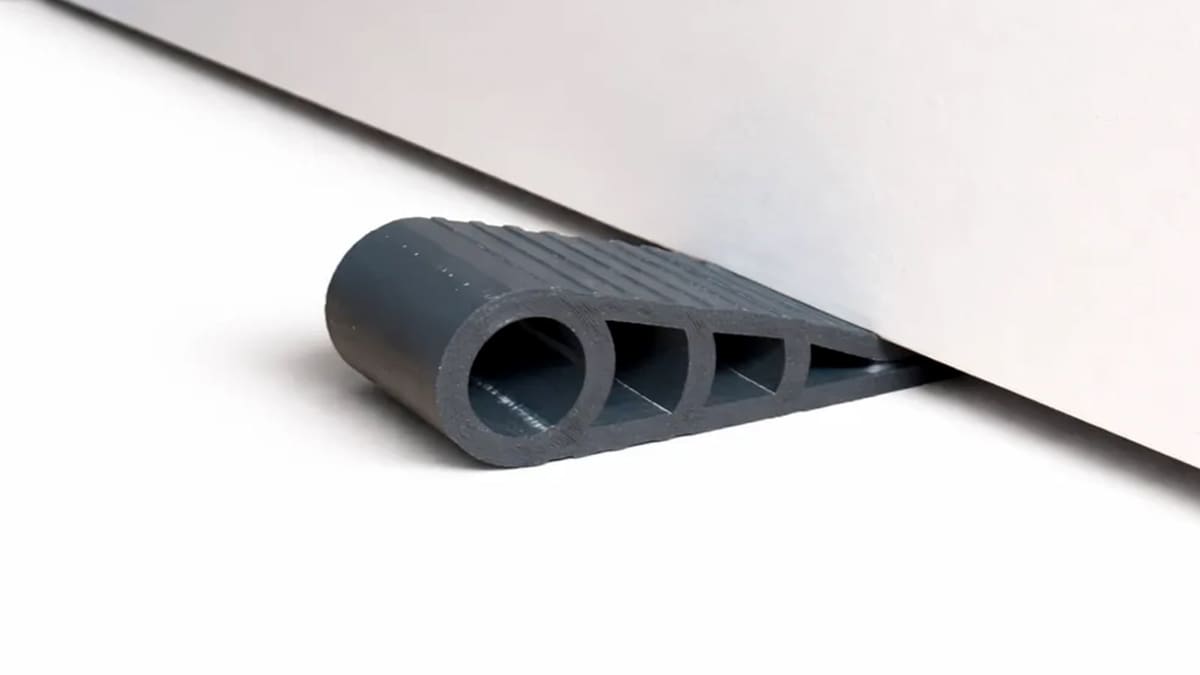
TPU Filament Quick Guide: When to Use It & When Not To

Stop wasting time and material, discover exactly which projects demand the flexibility of TPU and which are better off with traditional filaments.
TPU is the filament to reach for when a 3D printed part should bend instead of break. It’s flexible, tough, grippy, and impact-resistant, which makes it useful for parts that need to cushion, seal, stretch, protect, or survive repeated handling.
TPU is one of the broadest categories of filament with arguably more diverse uses than any other.
It’s not simply “rubbery PLA.” It prints differently, behaves differently, and is a poor choice for many parts that need stiffness, sharp detail, or tight dimensional accuracy. Here’s when TPU is the right material — and when another filament will save you time and frustration.
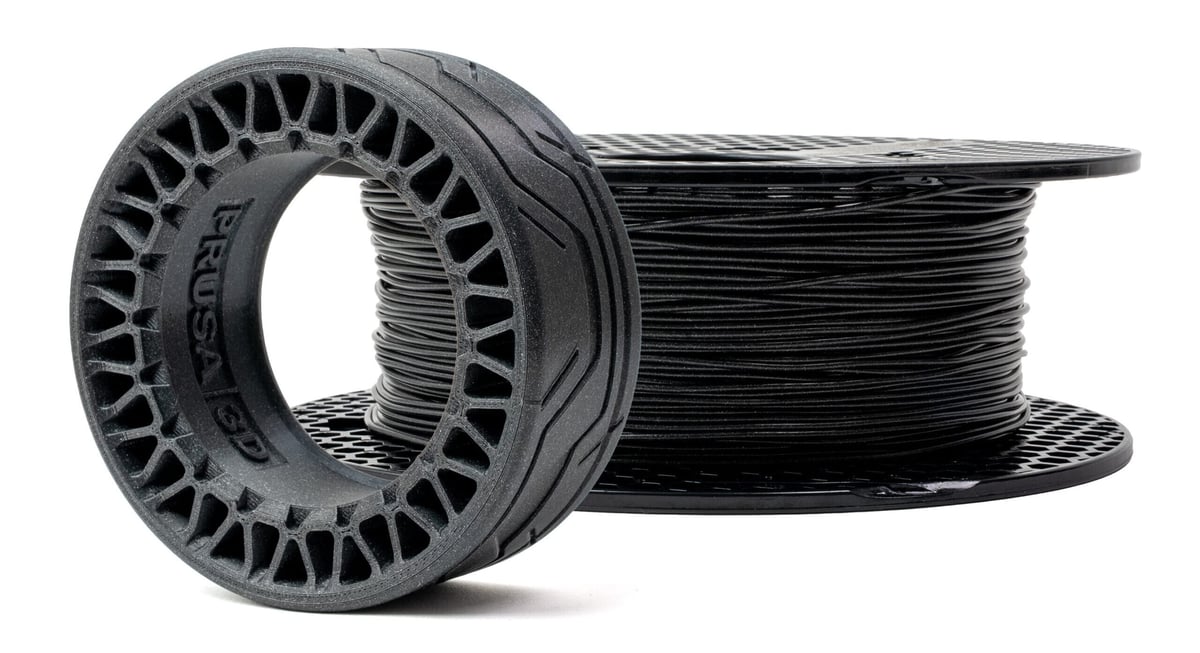
What Makes TPU Useful
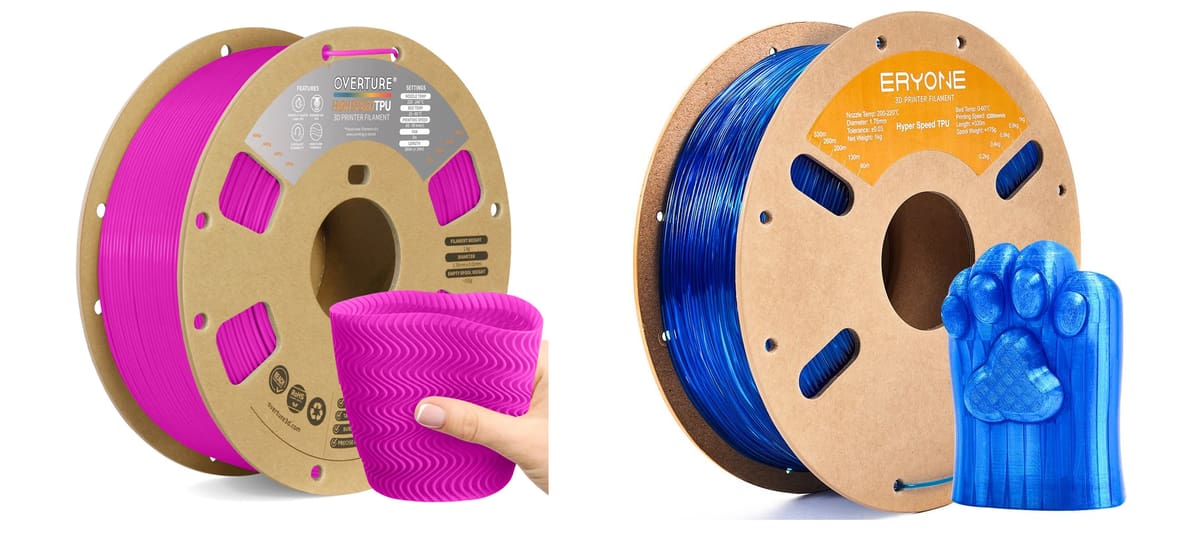
TPU, or thermoplastic polyurethane, is one of the most common flexible filaments for desktop FDM printing. It combines several useful properties: flexibility, toughness, abrasion resistance, impact absorption, and a grippy surface feel.
That combination is what makes TPU different from standard filaments like PLA or PETG. PLA is stiff and easy to print, but brittle. PETG is tougher and more temperature-resistant, but still not truly flexible. TPU fills the gap for parts that need to deform and recover.
A good way to think about TPU is this: Use it when the part is meant to touch, cushion, flex, or protect something.

Use TPU for Protection
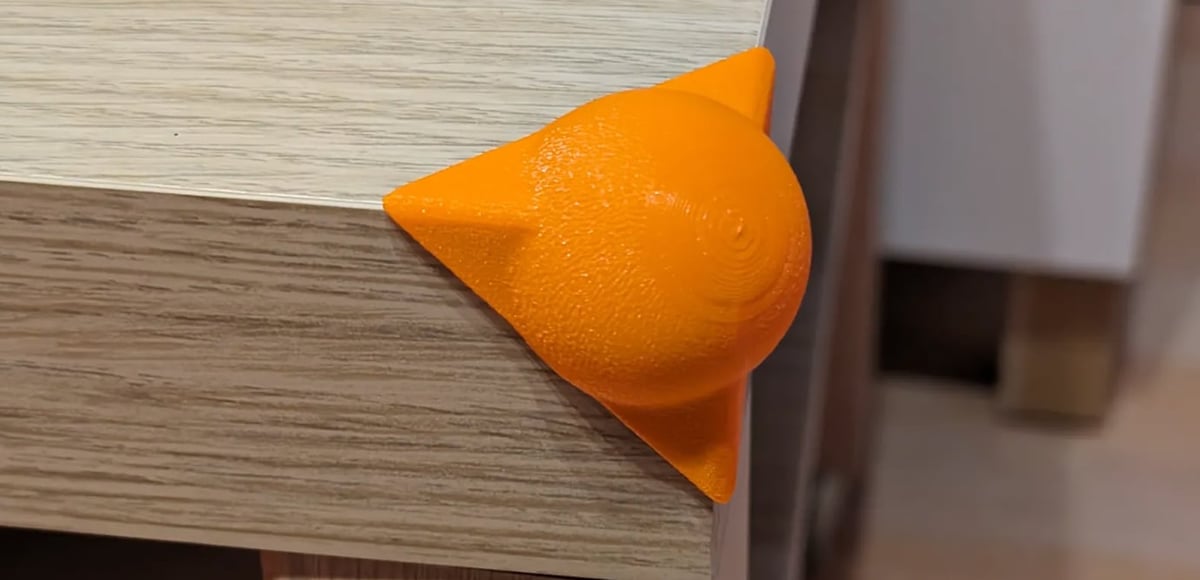
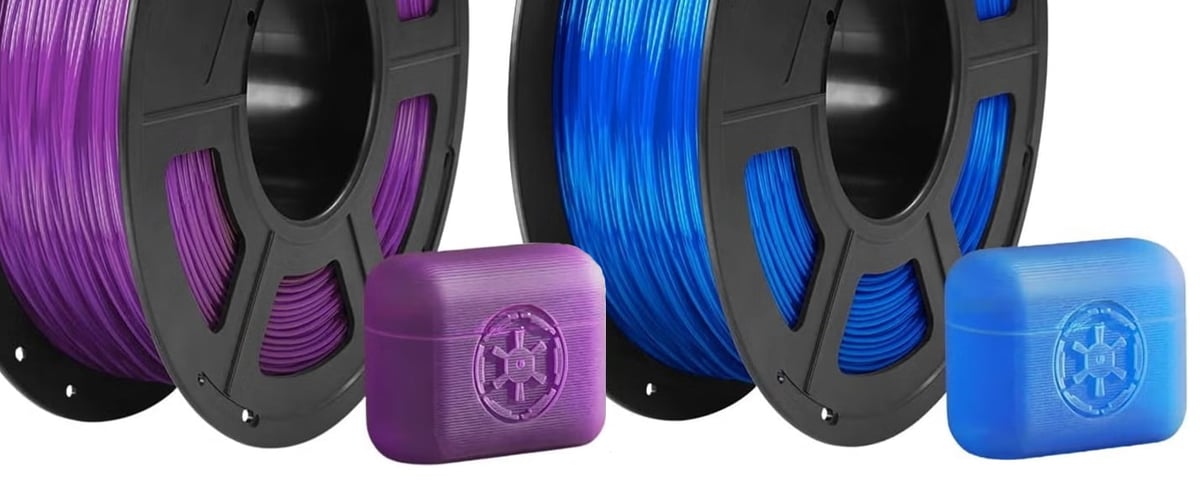
TPU is excellent for protective parts because it can absorb impacts and resist scuffs better than many rigid materials. That makes it a natural fit for phone cases, AirTag holders, electronics covers, tool sleeves, camera bumpers, and corner protectors.
A rigid case may crack or transfer impact directly to the object underneath. TPU, by contrast, can flex slightly and soften the blow. It is also less likely to chip at the corners after repeated drops or knocks.
Good TPU protection projects include:
- Phone cases
- AirPod and smartwatch cases
- Tool covers
- Edge guards
- Corner protection
- Protective bumpers
- Drone or RC impact guards
Use TPU for Grip
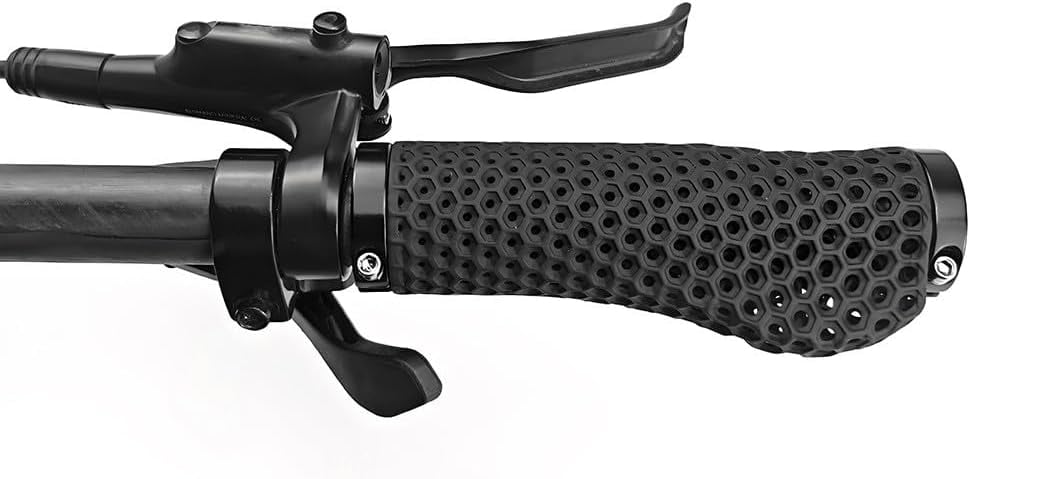
TPU’s soft, tacky feel makes it useful wherever a print needs friction. Anti-slip feet, vice jaw covers, handle sleeves, bike grips, joystick caps, and towel holders are all good examples.
This is one of TPU’s most practical everyday uses. A small TPU pad can keep a device from sliding around a desk. A TPU sleeve can make a tool more comfortable to hold. TPU feet can reduce noise and protect furniture.
Good grip-focused TPU parts include:
- Rubber feet
- Anti-slip pads
- Handle sleeves
- Bike grips
- Joystick caps
- Tool grips
- Soft vice jaws
- Towel holder rings
Use TPU for Seals, Gaskets, and Soft Contact Surfaces
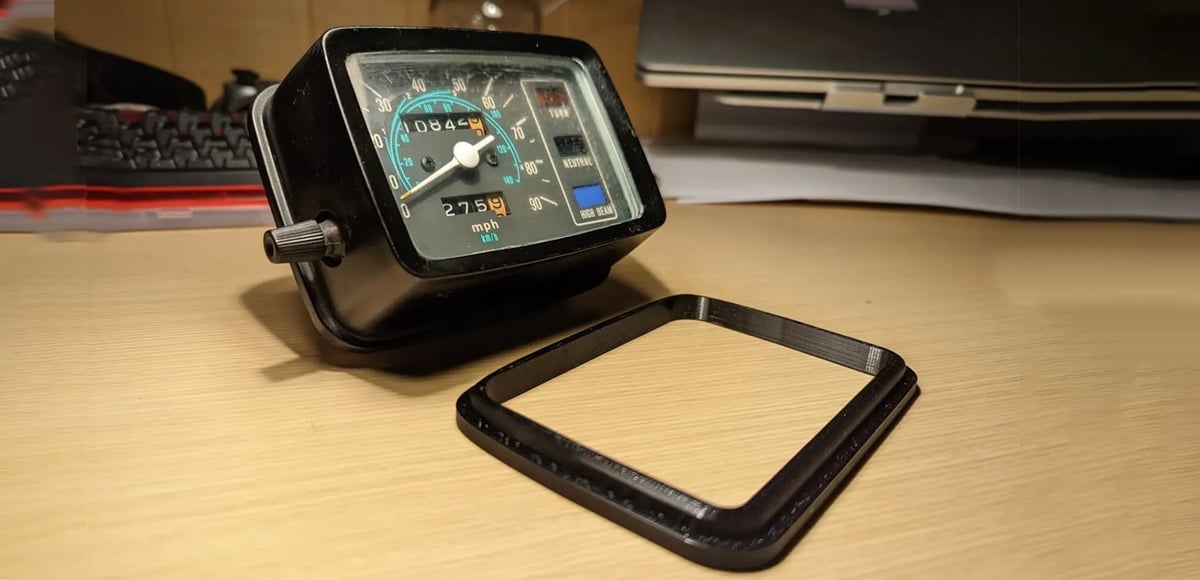
TPU can be a good choice for gaskets, washers, plugs, caps, lids, and soft contact surfaces. These parts don’t just need to fit; they often need to compress slightly.
A TPU can lid, for example, can stretch around a rim and help prevent spills. A TPU gasket can fill small gaps. A soft TPU spacer can sit between two harder parts without scratching either one.
That said, TPU is not automatically food-safe, watertight, airtight, or chemically compatible. Those properties depend on the specific filament, print quality, layer adhesion, surface finish, and use case. For anything involving food, pressure, heat, chemicals, or safety-critical sealing, check the filament manufacturer’s guidance and consider a professional service.
Good sealing and cushioning parts include:
- Gaskets
- Washers
- Soft spacers
- Plugs
- Caps
- Drink can lids
- Bottle sleeves
- Protective pads
Use TPU for Wearables and Accessories
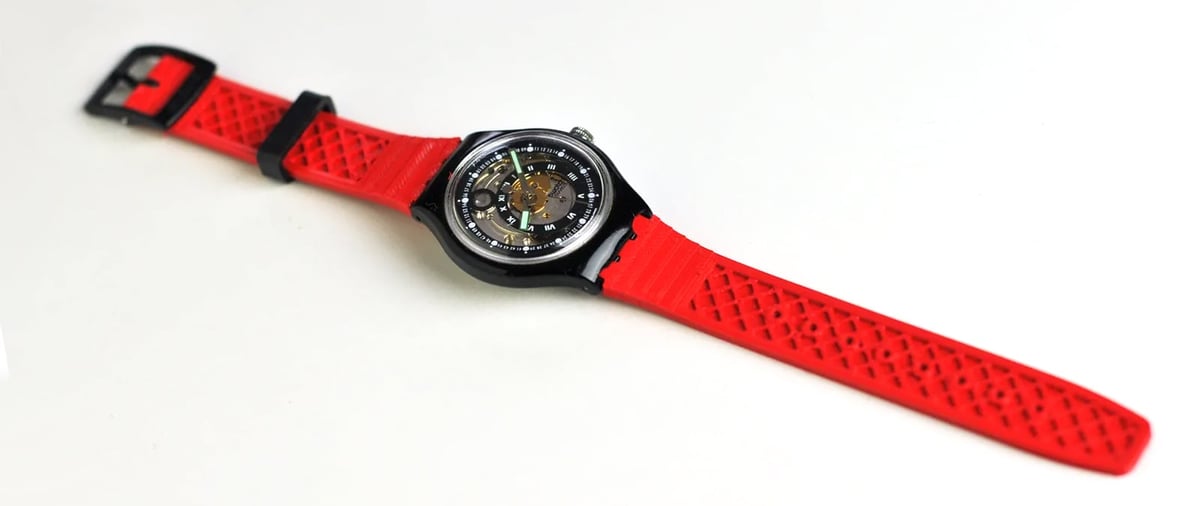
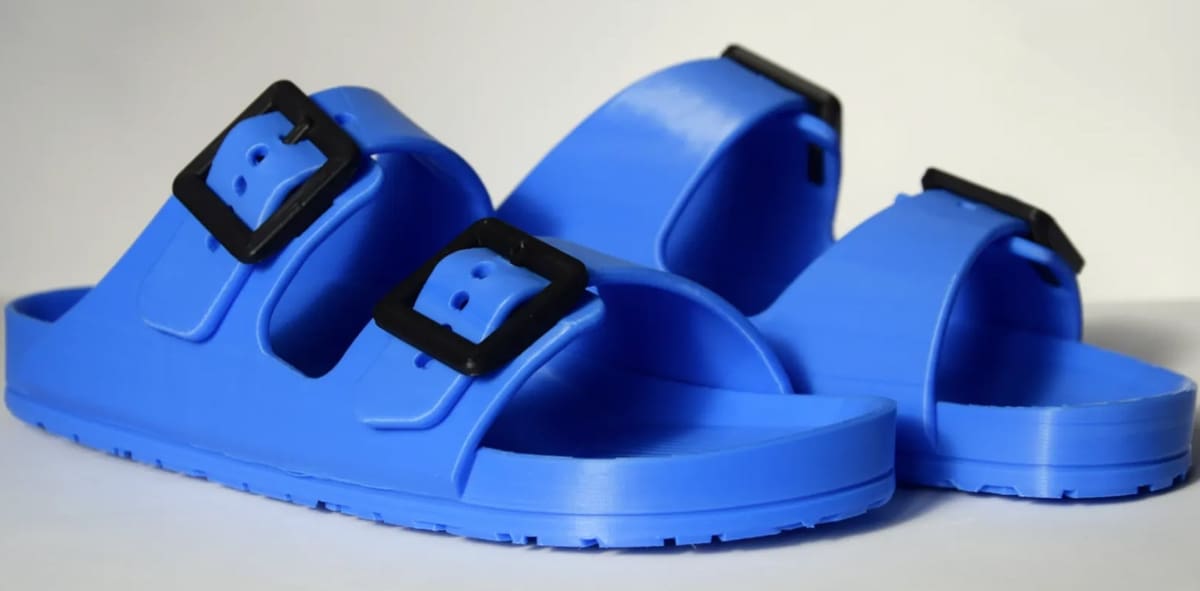
TPU is one of the few common desktop filaments that makes sense for wearable parts. Watch straps, bracelets, shoe components, insoles, pads, and flexible bags all benefit from a material that can bend with the body.
Footwear is a particularly interesting TPU application. Recent flexible-filament designs use lattice structures, mesh-like walls, and compliant soles to create shoes, sandals, slides, and insoles that can actually cushion and flex. These prints can be long and demanding, but they show off what flexible filament can do that rigid plastics cannot.
Good wearable TPU projects include:
- Watch straps
- Bracelets
- Insoles
- Shoe soles
- Slides and sandals
- Padding
- Orthotic prototypes
- Flexible bags and purses
Use TPU for Vibration Damping and Impact Absorption
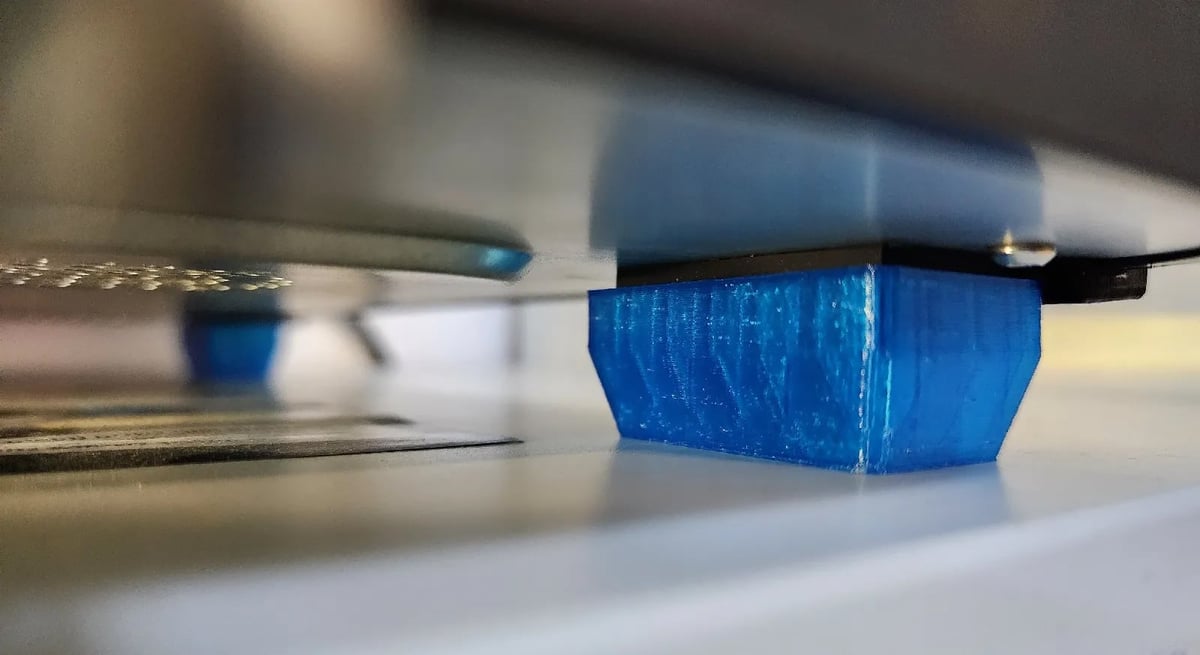
TPU is useful when a part needs to absorb vibration or repeated impact. This makes it suitable for machine feet, motor dampers, soft mounts, padding, and sports equipment.
It’s also useful for RC tires, airless balls, walking stick tips, and similar parts that repeatedly compress, rebound, or grip a surface. TPU can survive this kind of movement better than more brittle materials.
Good damping and impact applications include:
- Vibration dampers
- Machine feet
- Soft mounts
- RC tires
- Airless balls
- Sports padding
- Walking stick tips
- Protective gear
When Not to Use TPU
TPU is versatile, but it is not a universal upgrade. In many cases, it is the wrong choice.
Don’t Use TPU for Rigid Structural Parts
If your part must hold its shape under load, TPU is usually not the answer. A bracket, jig, fixture, mount, shelf support, or frame component will often perform better in PETG, ABS, ASA, Nylon, or polycarbonate. TPU can be strong, but it flexes. That’s the point. If flex is a failure mode, choose a stiffer material.
However, there are very strong and rigid variants of TPU, such as carbon-fiber filled TPU and TPUs with a Shore Hardness down to 40D, which produce strong parts with high resistance to impact, low temperatures, abrasion, and chemicals.
Don’t Use TPU for Sharp Detail
TPU is not ideal for miniatures, decorative models, small text, crisp edges, or fine surface detail. Its flexibility, stringing tendency, and slower print behavior make it harder to get clean details than with PLA or resin.
For display models, PLA is usually easier and sharper. For very fine details, resin printing is often the better route.
Don’t Use TPU for Fast, Easy Printing
TPU can print well, but it usually demands more patience than PLA or PETG. Flexible filament can compress, stretch, buckle, or grind in the extruder. Softer TPU grades are especially challenging. There are “high-speed” TPUs if that’s a priority but they tend to sacrifice a bit of flexibility for speed.
Many modern direct-drive printers handle TPU far better than older machines, but you should still expect slower speeds, careful retraction, and some tuning.
Don’t Use TPU for Parts With Lots of Supports
TPU supports can be difficult to remove because the material bends instead of snapping cleanly away. Overhangs and bridges are also more challenging than with rigid filaments.
For TPU, design parts to avoid supports whenever possible. Rounded edges, chamfers, split assemblies, flat print orientations, and support-free geometry will make life much easier.
Don’t Use TPU for High-Heat Applications
TPU is not the first choice for parts that need to survive high temperatures. For outdoor heat, engine-bay environments, hot appliances, or parts left in a car, consider ASA, Nylon, polycarbonate, or a more specialized flexible material depending on the application.
Don’t Use TPU When Flexible PLA Is Enough
Flexible PLA can be easier to post-process and may suit simple semi-flexible toys, decorative parts, or light-duty prints. But it is not a complete TPU replacement. TPU is generally the better choice for parts that need durability, abrasion resistance, repeated flexing, or long-term wear.
Use flexible PLA when you only need a little bend and want something closer to the PLA printing experience. Use TPU when the part needs to behave more like rubber.
Which TPU Should You Start With?
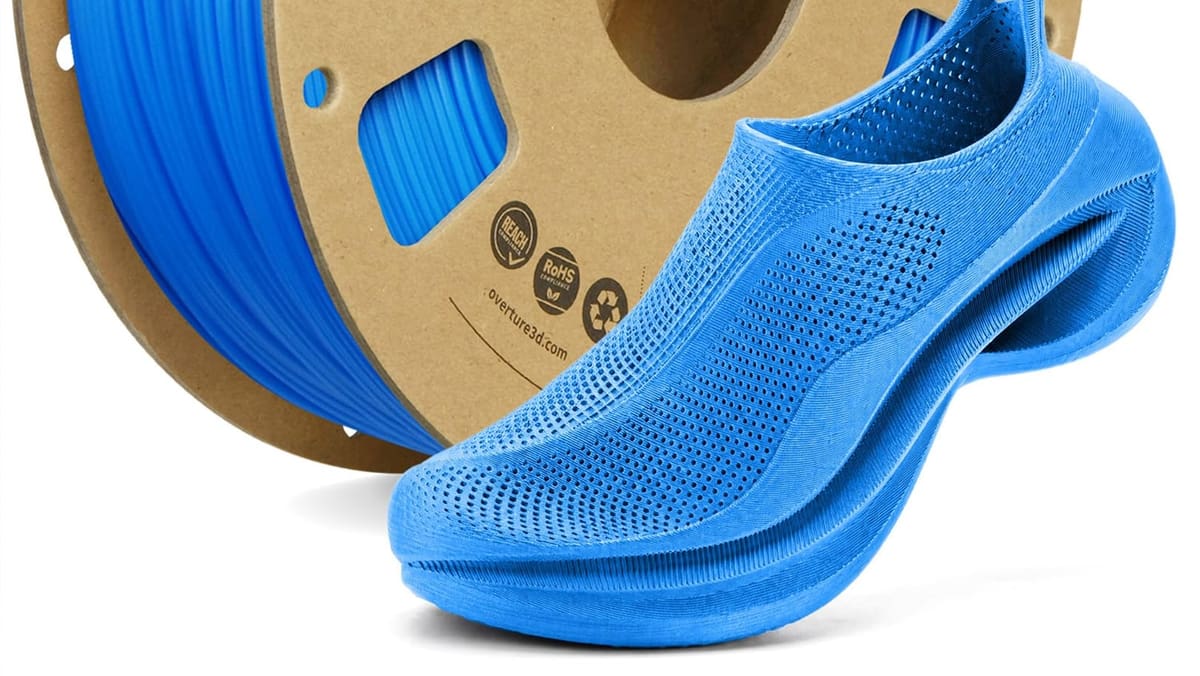
For most users, 95A TPU is the best starting point. It is flexible enough for many practical parts but firm enough to feed more reliably through a desktop printer.
Softer TPU, such as 85A or below, feels more rubber-like but is harder to print. It can buckle more easily in the filament path and may require a well-constrained direct-drive extruder. Harder TPU, such as 98A or 40D, is easier to handle and better for functional parts that need some give without becoming floppy.
Softer ← 70A | 75A | 80A | 85A | 90A | 92A | 95A | 97A | 98A | 40D | 50D | 60D | 70D → Firmer
As a simple rule:
- 95A TPU: best beginner choice
- 98A TPU: firmer, easier to print, less rubbery
- 40D TPU: semi-rigid, impact-resistant, holds its shape well
- 85A–90A TPU: softer, better cushioning, harder to print
- TPE: very soft and rubber-like, usually more difficult
- TPC: better for heat, chemical, or outdoor resistance
- PEBA: high-performance, lightweight, springy, and more specialized
- Flexible PLA: easier, but less durable and less rubber-like
TPU Printing Reality Check
TPU is easier to print than it used to be, especially on newer direct-drive machines, but it still benefits from careful setup.
Print settings starting range for many TPU filaments:
- Nozzle temperature: 210–250 °C
- Bed temperature: 30–60 °C
- Cooling: off for the first layers, then low to medium
- Speed: slower than PLA or PETG
- Retraction: minimal and carefully tuned
- Filament condition: dry
Wet TPU can cause stringing, rough surfaces, weak prints, and inconsistent extrusion. Drying the filament before printing is one of the simplest ways to improve results.
Direct-drive extruders usually handle TPU better than Bowden setups because the filament has a shorter, more controlled path to the hot end. Bowden printers can still print TPU in some cases, especially firmer grades, but softer TPU becomes much more difficult.
For a deeper dive into printing successfully with TPU, read our guide: “The Best Bed & Nozzle Temperatures for Perfect TPU Prints.”
Print TPU Yourself or Use a Service?
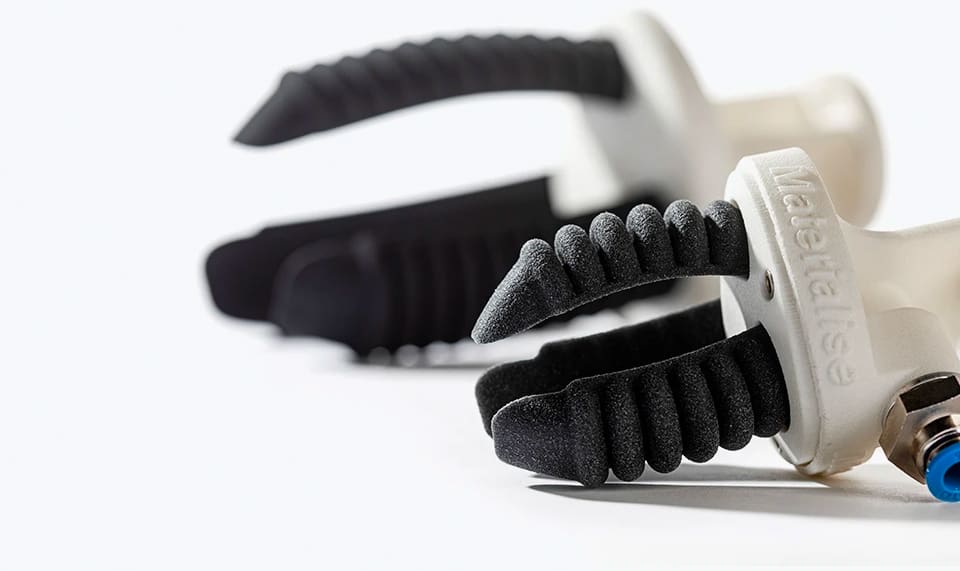
Printing TPU at home makes sense when you need small parts, prototypes, cases, pads, bumpers, or simple flexible objects. It is also a good choice if you are using 95A TPU and your printer has a direct-drive extruder.
A professional TPU printing service makes more sense when the part is complex, very soft, safety-critical, needed in quantity, or expected to perform as an end-use component. Services also offer TPU through other 3D printing technologies such as SLS or MJF, which can produce stronger, more consistent parts than typical desktop FDM printing.

TPU vs. Everything Else: Quick Material Comparison
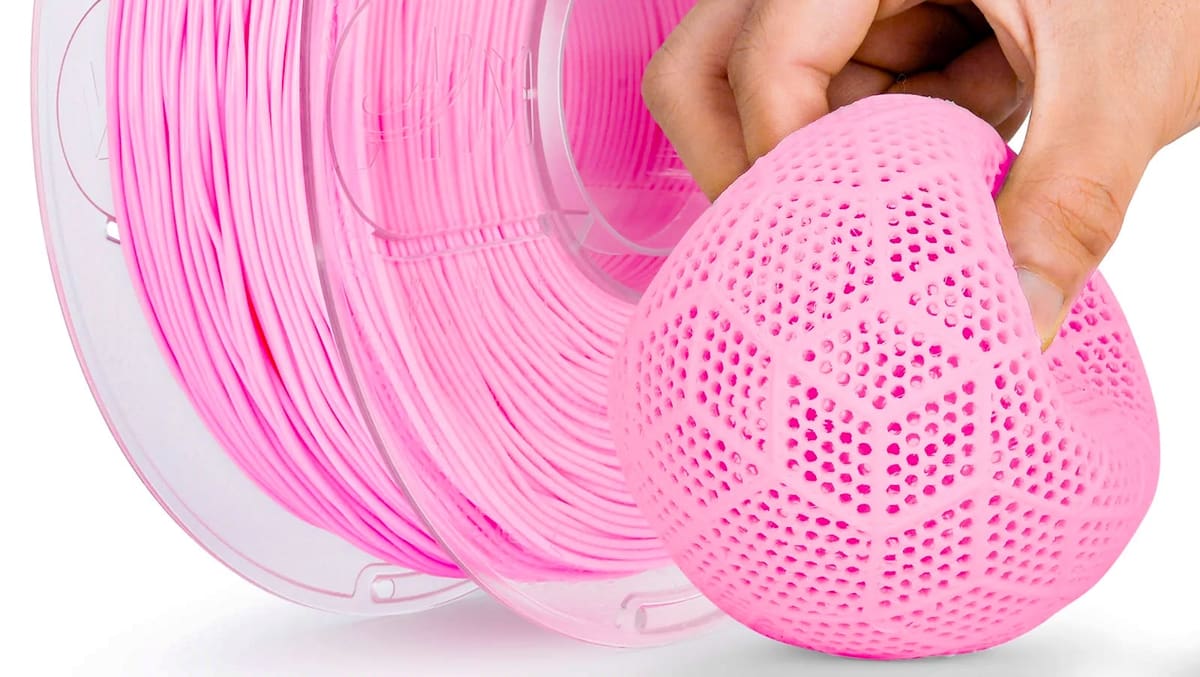
- Choose TPU if you need flexibility, grip, or impact protection.
- Choose PLA if you need easy printing, sharp detail, or decorative models.
- Choose PETG if you need tougher general-purpose parts that are still fairly easy to print.
- Choose ASA if you need outdoor durability and UV resistance.
- Choose Nylon if you need strong, tough engineering parts.
- Choose flexible PLA if you only need a little bend and want an easier printing experience.
- Choose a professional service if you need high-quality flexible parts without tuning your printer.
You May Also Like:
License: The text of "TPU Filament Quick Guide: When to Use It & When Not To" by All3DP is licensed under a Creative Commons Attribution 4.0 International License.