Raspberry Pi

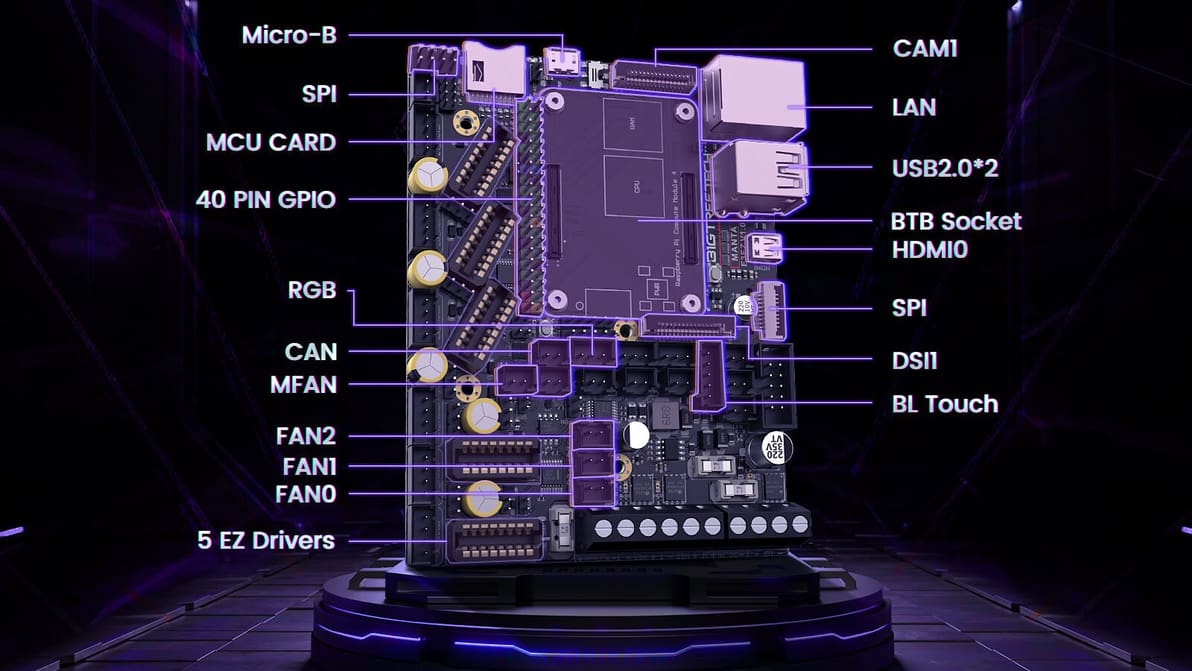
Featured image of BigTreeTech Launches the Manta E3 EZ – An Ender Mainboard Replacement That Can Power a Raspberry Pi CM4
EZ Does It
BigTreeTech Launches the Manta E3 EZ – An Ender Mainboard Replacement That Can Power a Raspberry Pi CM4

The Manta E3 EZ features the same board-to-board sockets as the Raspberry Pi CM4, making it a prime candidate for those looking to run Klipper.
by Adam Kohut
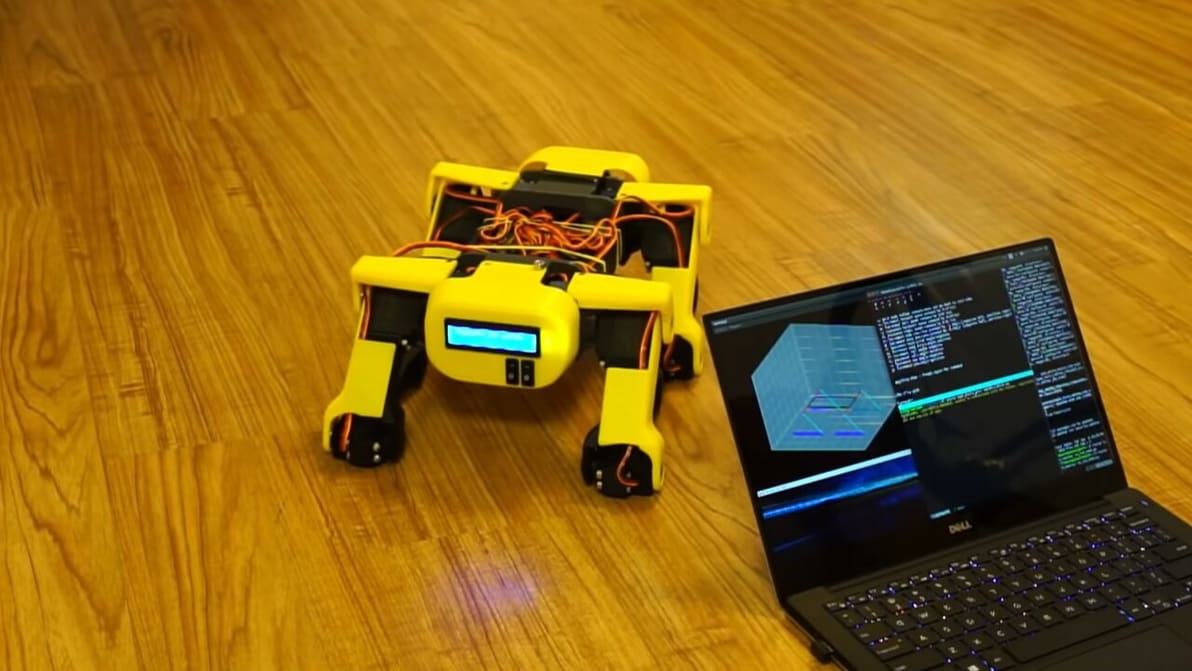
Featured image of How to Enable SSH on a Raspberry Pi: 3 Easy Steps
Remote Access as Easy as Pi!
How to Enable SSH on a Raspberry Pi: 3 Easy Steps

You can't always be right next to your Raspberry Pi. Learn how to enable SSH on your Raspberry Pi to access it from another device!
by Manav Gagvani
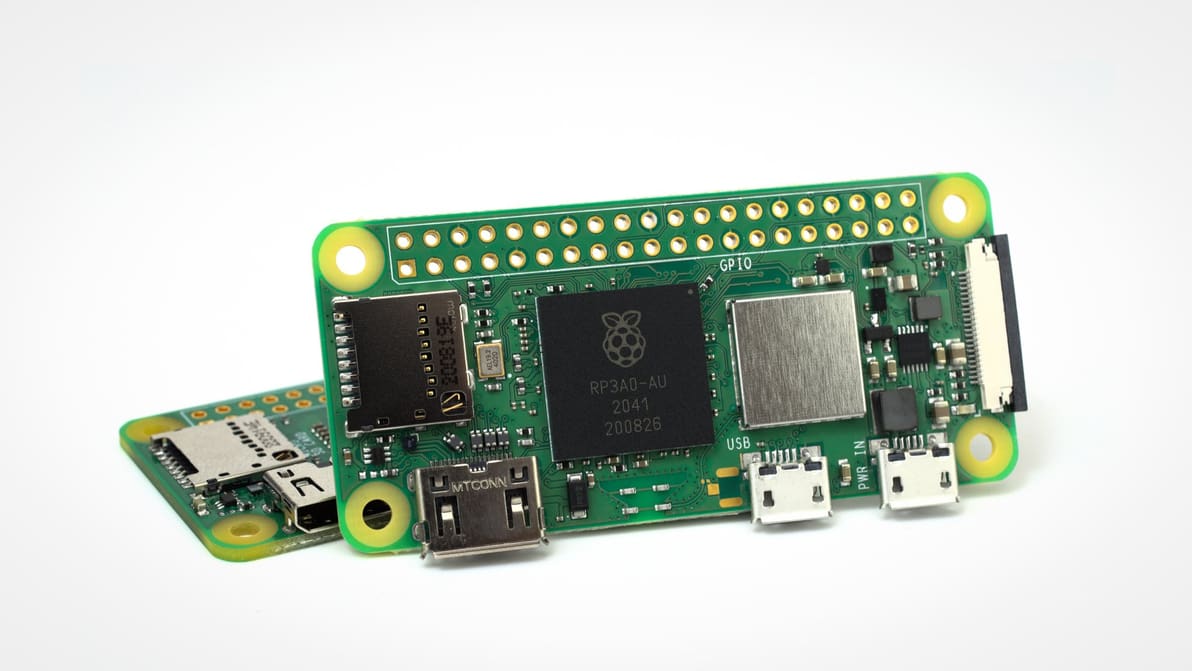
Featured image of Raspberry Pi Zero 2 W Launch: Specs, Price, Availability
More Pi?
Raspberry Pi Zero 2 W Launch: Specs, Price, Availability

Raspberry Pi has updated its Zero family of single-board computers, launching the Raspberry Pi Zero 2 W as a quad-core upgrade with considerably better performance than its predecessor.
by Gareth Halfacree
Featured image of The Best Single-Board Computer for Media Center
Stream Team
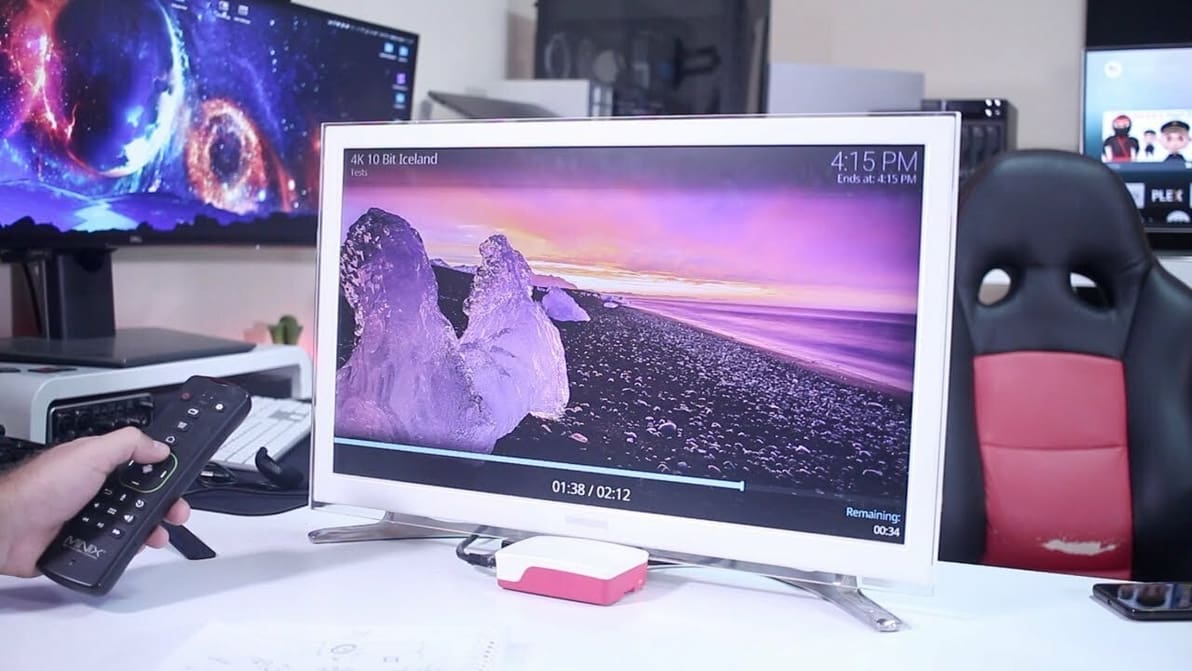
The Best Single-Board Computer for Media Center

Single-board computers are ideal devices to use as your living room streaming set-top box. Here are our top picks for the best single-board computers to use as a media center.
by Gareth Halfacree
Featured image of Raspotify: How to Use Spotify Connect on a Raspberry Pi
Turn It Up
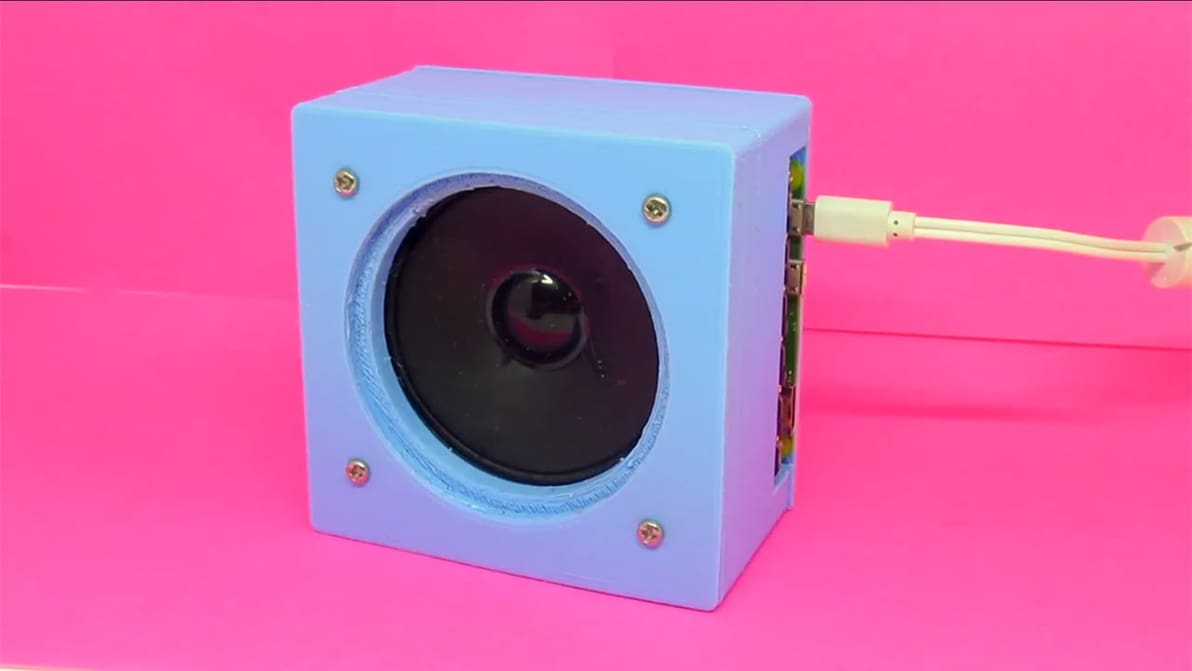
Raspotify: How to Use Spotify Connect on a Raspberry Pi

Turning your Raspberry Pi into a music streaming device is easy! Read on to learn everything you need to know to run Raspotify.
by Cherie Tan
Featured image of The Best Raspberry Pi Accessories
Powered-Up Pis
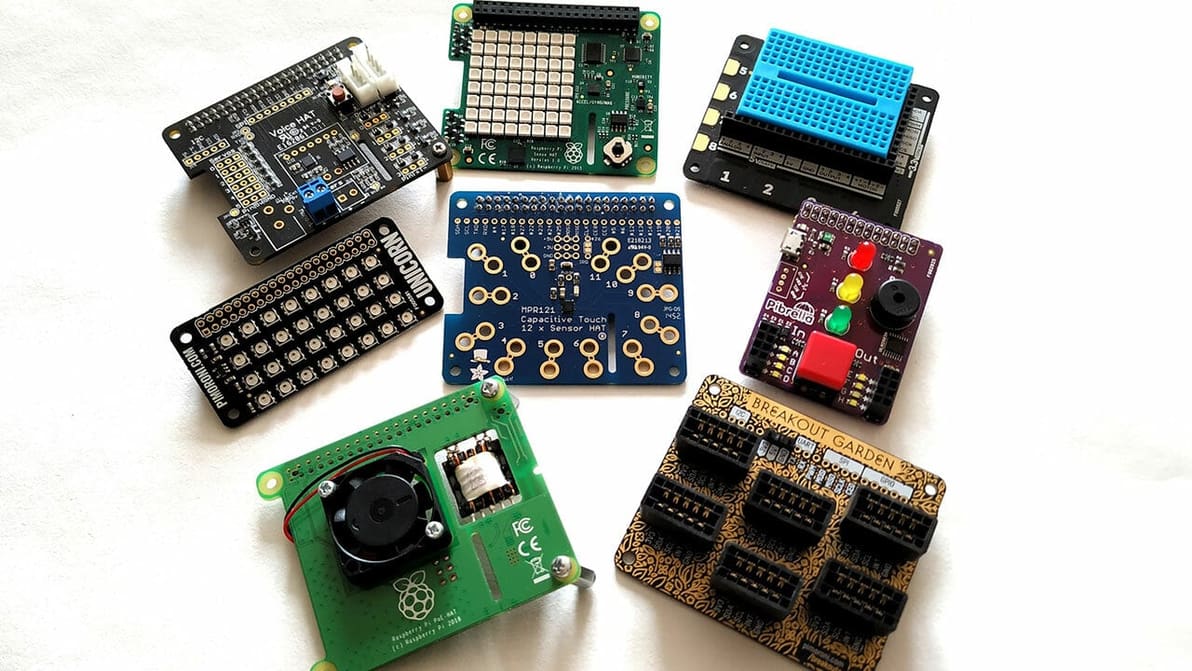
The Best Raspberry Pi Accessories

Raspberry Pi accessories can take your projects to the next level. Read on for our picks of the best HATs, cameras, cases, and more!
by Cherie Tan
Featured image of How to Install Kodi on a Raspberry Pi 4 – Simply Explained
Playing With Pi
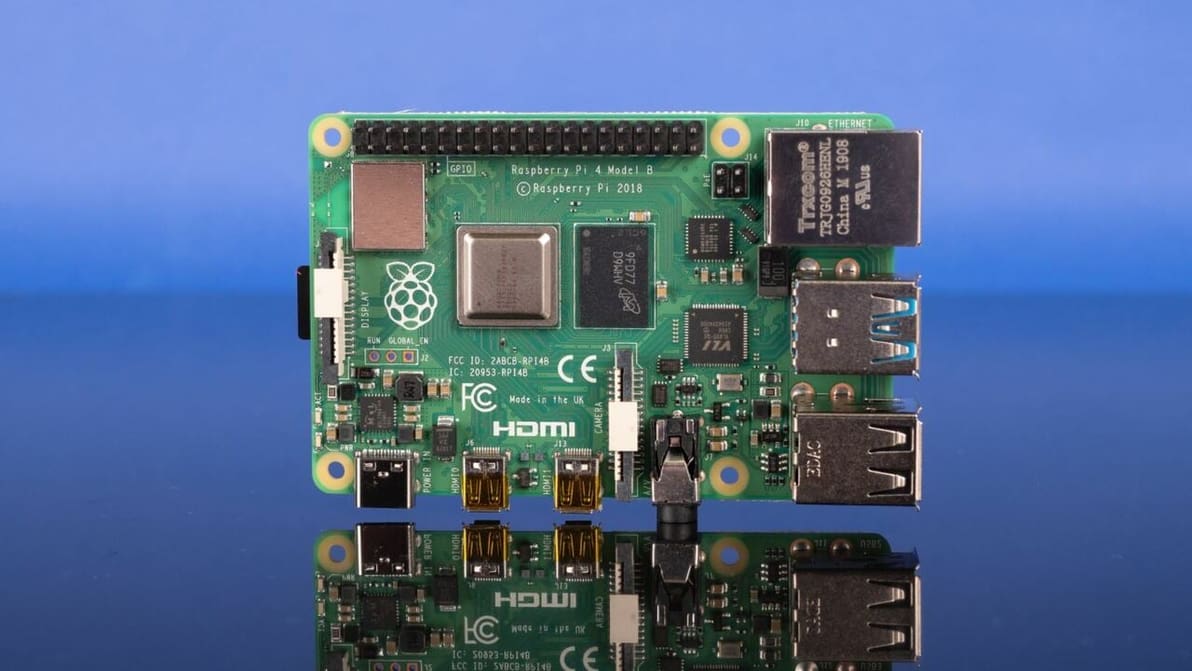
How to Install Kodi on a Raspberry Pi 4 – Simply Explained

Combine Kodi and a Raspberry Pi to create a media player! Read on to learn how you can install Kodi on a Raspberry Pi 4 and get started.
by Pranav Gharge
Featured image of What Is a Raspberry Pi? – Simply Explained
The Best Pi Recipe
What Is a Raspberry Pi? – Simply Explained

Everyone's heard of Raspberry Pis, but how much to you know about them? Read on to understand what is a Raspberry Pi and what they can do!
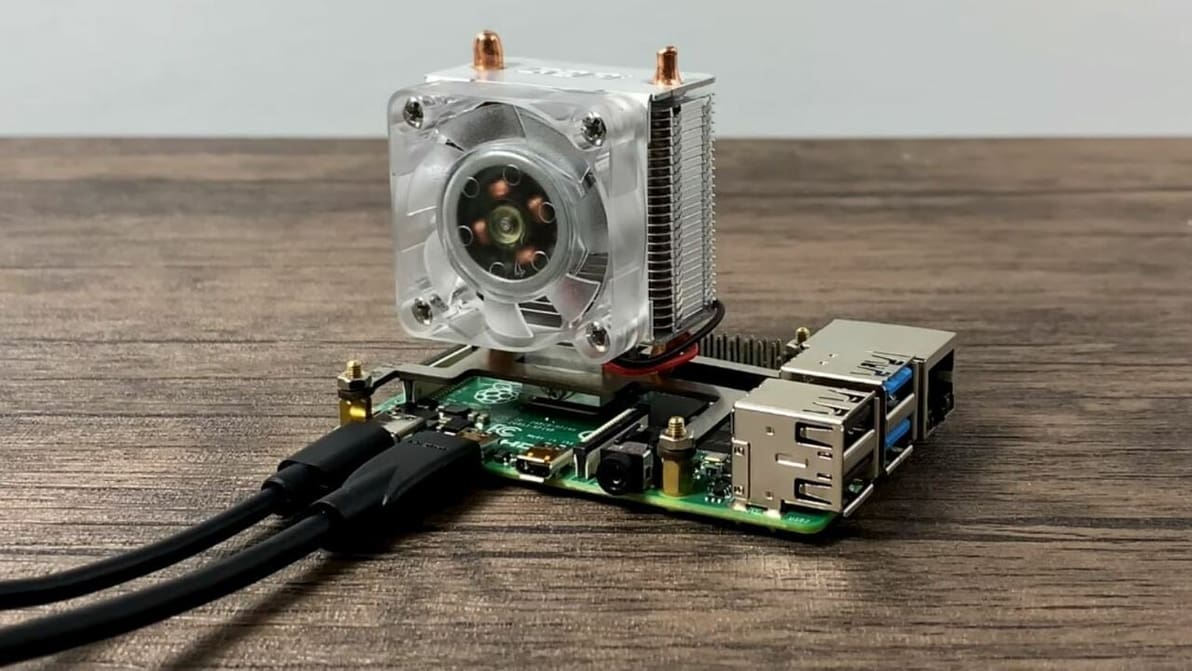
by Jackson O'Connell
Featured image of Raspberry Pi 4 Cooling: How to Keep the Heat at Bay
Easy as Pi
Raspberry Pi 4 Cooling: How to Keep the Heat at Bay

The Raspberry Pi 4 is a great SBC, but when you maximize performance, cooling can become an issue. Learn more and discover some solutions.
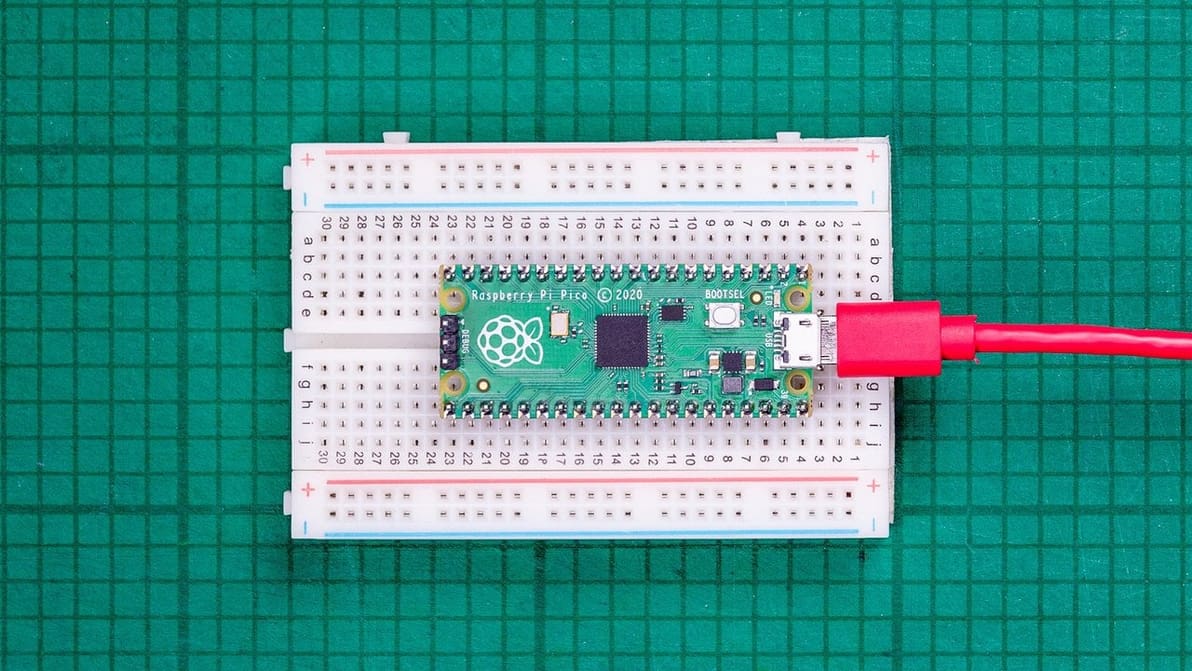
by Jackson O'Connell
Featured image of Raspberry Pi Pico: Review the Specs
Big Things Come in Small Packages
Raspberry Pi Pico: Review the Specs

The Raspberry Pi Pico is unusual in the Pi family: It's a microcontroller board, not a true SBC. Find out more about this tiny new board!
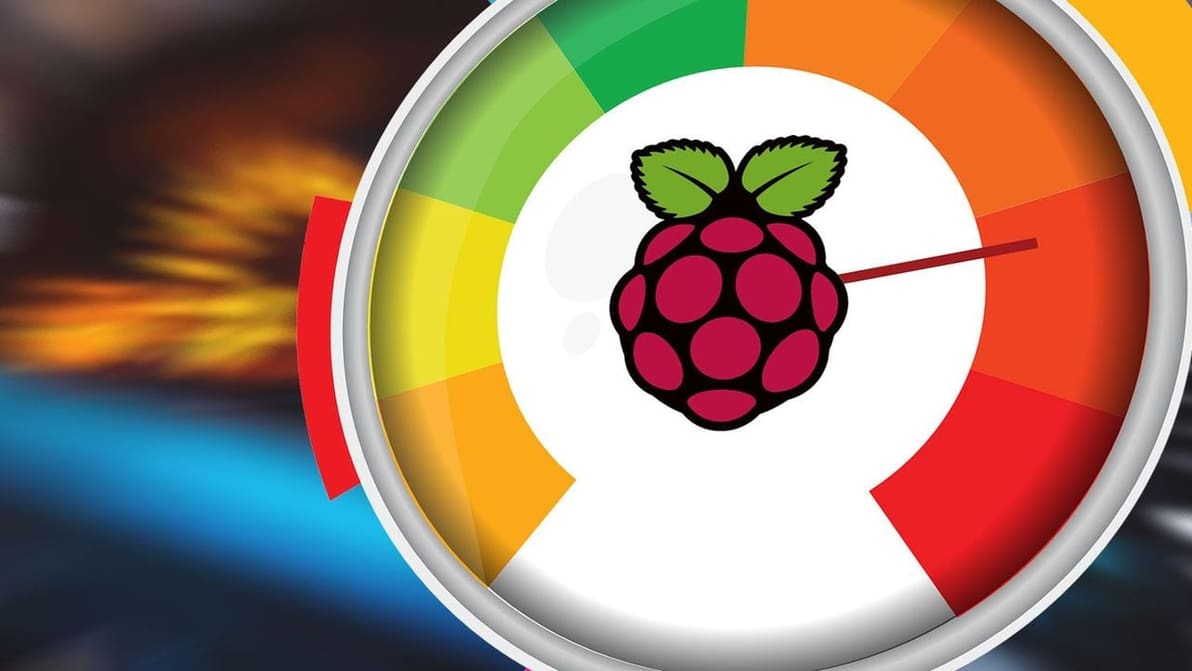
by Kedric Hart
Advertisement
Advertisement
Featured image of Overclock Your Raspberry Pi 4: All You Need to Know
Get a Bigger Piece of Your Pi
Overclock Your Raspberry Pi 4: All You Need to Know

Overclocking is a simple but not always safe way to get more out of a processor. Read on to learn how to overclock your Raspberry Pi 4!
by Krister Wikström
Featured image of Raspberry Pi & Windows 10: How to Get Started
Pi to the Power of 10
Raspberry Pi & Windows 10: How to Get Started

There are two main ways to use a Raspberry Pi for Windows 10. Read on to learn how to get started running a full PC from your SBC!
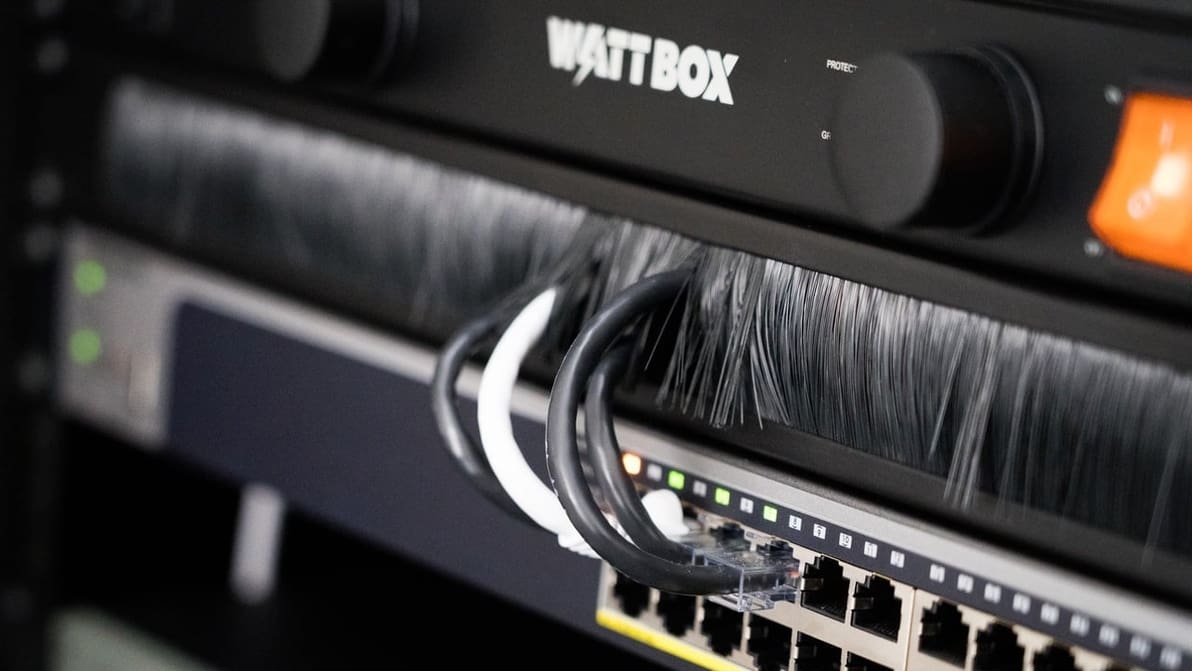
by Phillip Bruno
Featured image of Raspberry Pi PoE: All You Need to Know
Wielding Power
Raspberry Pi PoE: All You Need to Know

Installing Power over Ethernet (PoE) can improve your Pi setup. Read on to discover how to make Raspberry Pi PoE work for you.
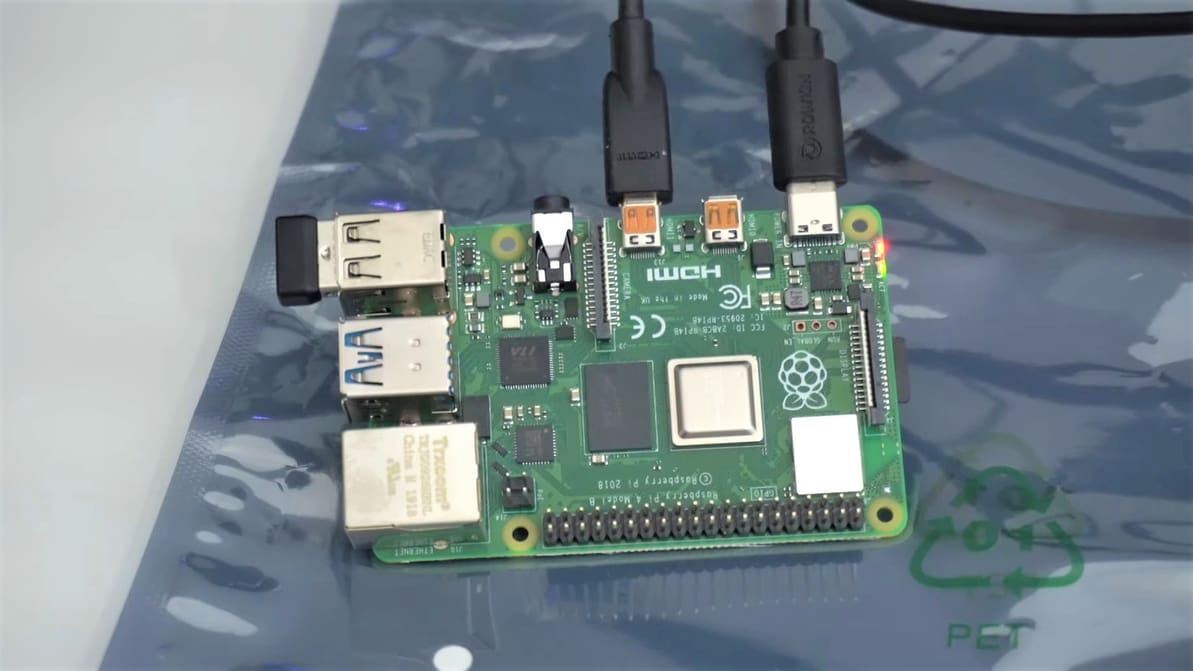
by Sandy Wood
Featured image of NOOBS vs Raspbian: The Differences
A False Feud
NOOBS vs Raspbian: The Differences

Everyone's heard of the Raspberry Pi, but the NOOBS vs. Raspbian (Raspberry Pi OS) debate may be unfamiliar. Let's take a closer look!
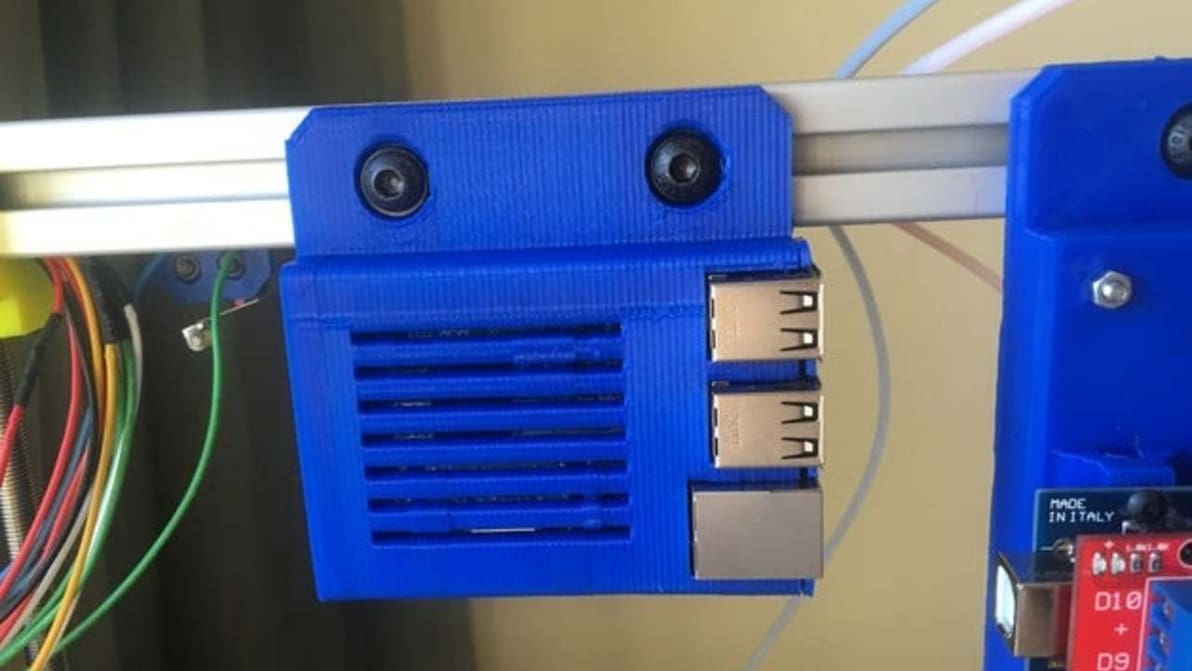
by Cherie Tan
Featured image of How to Set Up OctoPrint on Raspberry Pi 3 B+: 3 Easy Steps
Eyes Everywhere
How to Set Up OctoPrint on Raspberry Pi 3 B+: 3 Easy Steps

Jump into this guide to find out how to install OctoPrint on the Raspberry Pi 3 B+, one of the most popular Pi boards available right now.
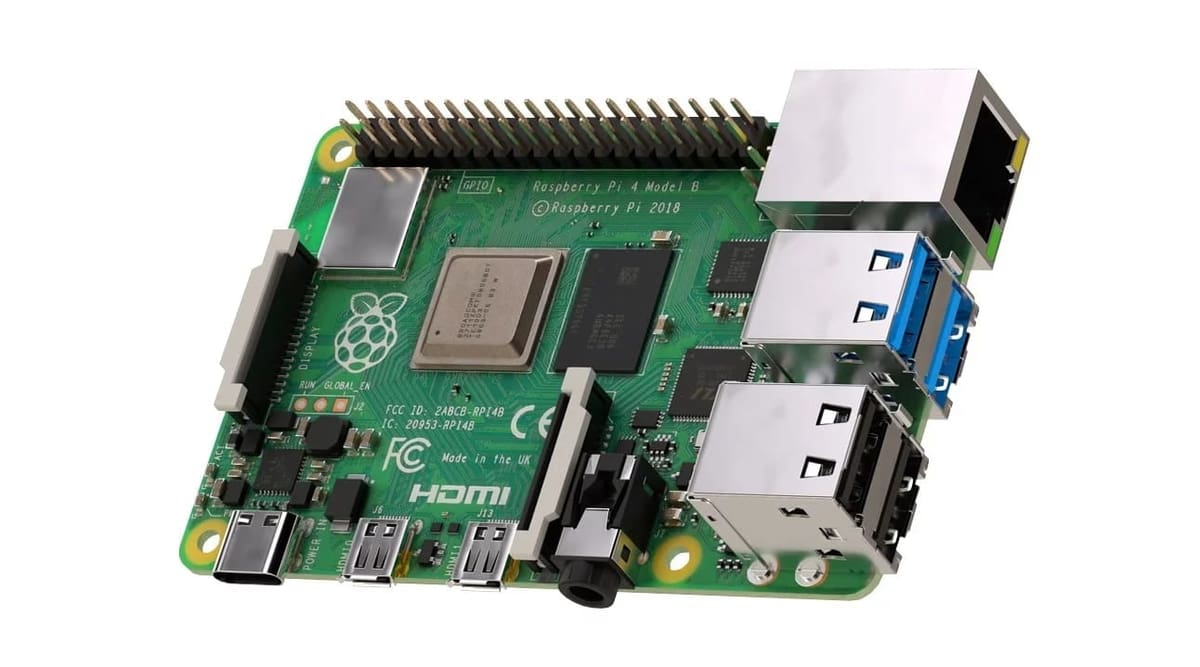
by David Contreni
Featured image of Confirmed: Raspberry Pi 4 has a USB-C Design Problem
Doesn’t work with some USB-Chargers
Confirmed: Raspberry Pi 4 has a USB-C Design Problem

The Raspberry Pi 4 was released last month boasting more RAM, a faster CPU, and USB 3.0, but a non-compliant USB-C charging port means it doesn't work with certain USB-C cables.
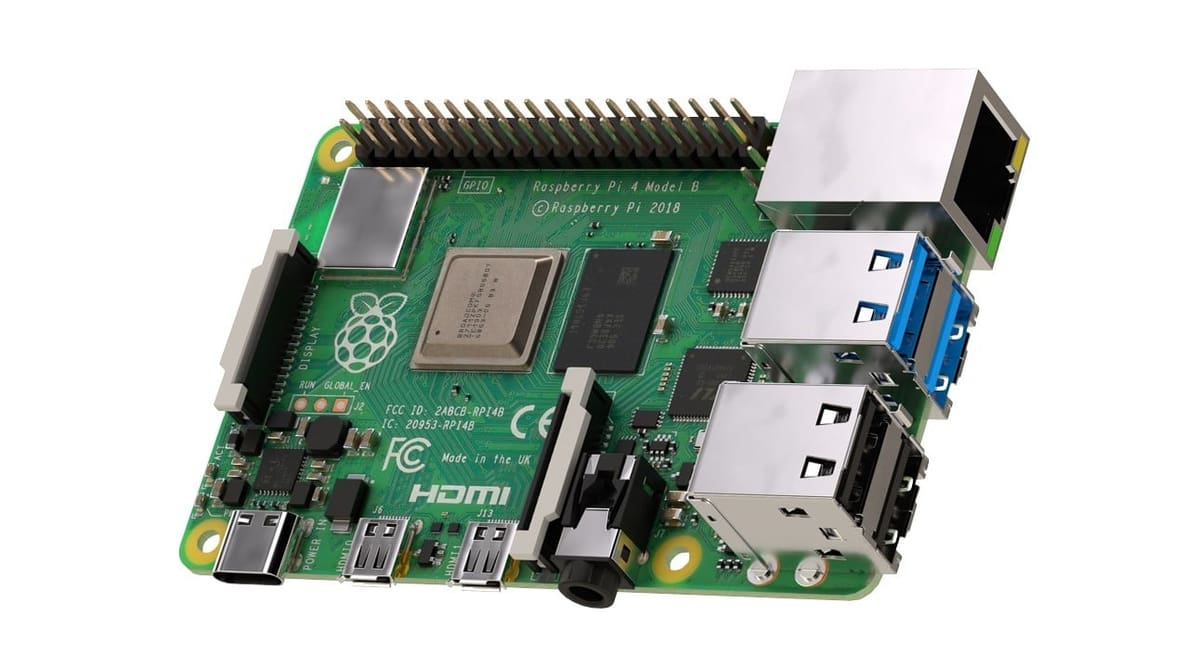
by Hanna Watkin
Featured image of Raspberry Pi 4 – Review the Specs
This Thing Can Replace a PC
Raspberry Pi 4 – Review the Specs

The new  Raspberry Pi 4 offers more RAM, a faster CPU, USB 3.0, onboard wireless connectivity and Bluetooth 5.0. Let’s dive down in a review of all of its specs.
by Hanna Watkin
Featured image of Banana Pi vs Raspberry Pi 3 B+: The Differences
Pi in the Sky
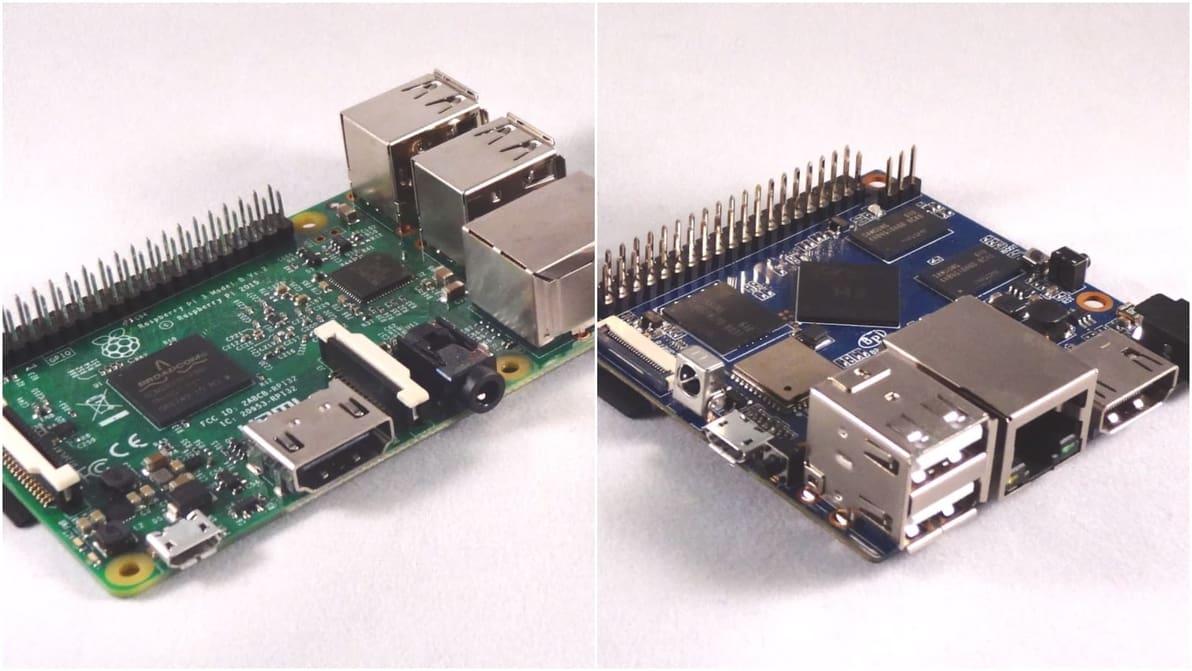
Banana Pi vs Raspberry Pi 3 B+: The Differences

As the Raspberry Pi 3B+ ages, new competitors are entering the scene. How does the new Banana Pi M3 compare?
by Stephan Carpenter
Featured image of Raspberry Pi Opens World First High Street Store in UK
Why should Apple have all the fun?
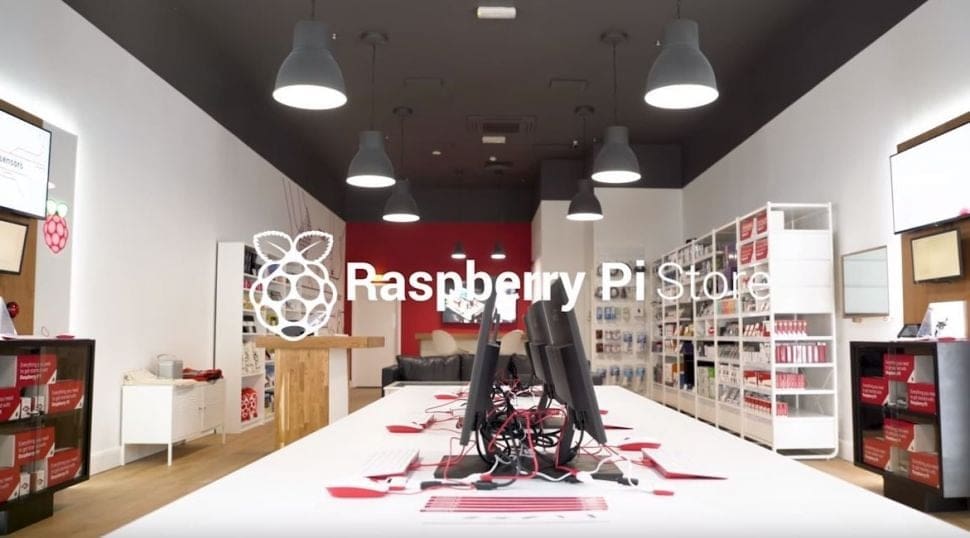
Raspberry Pi Opens World First High Street Store in UK

Raspberry Pi has opened its first ever shop in Cambridge, England. It’s an experimental space which the company hopes will attract customers who are interested in the computer as well as those new to the technology.
by Hanna Watkin
Featured image of 3D Printed Artefacts in the Classroom with Museum in a Box
Box of Delights
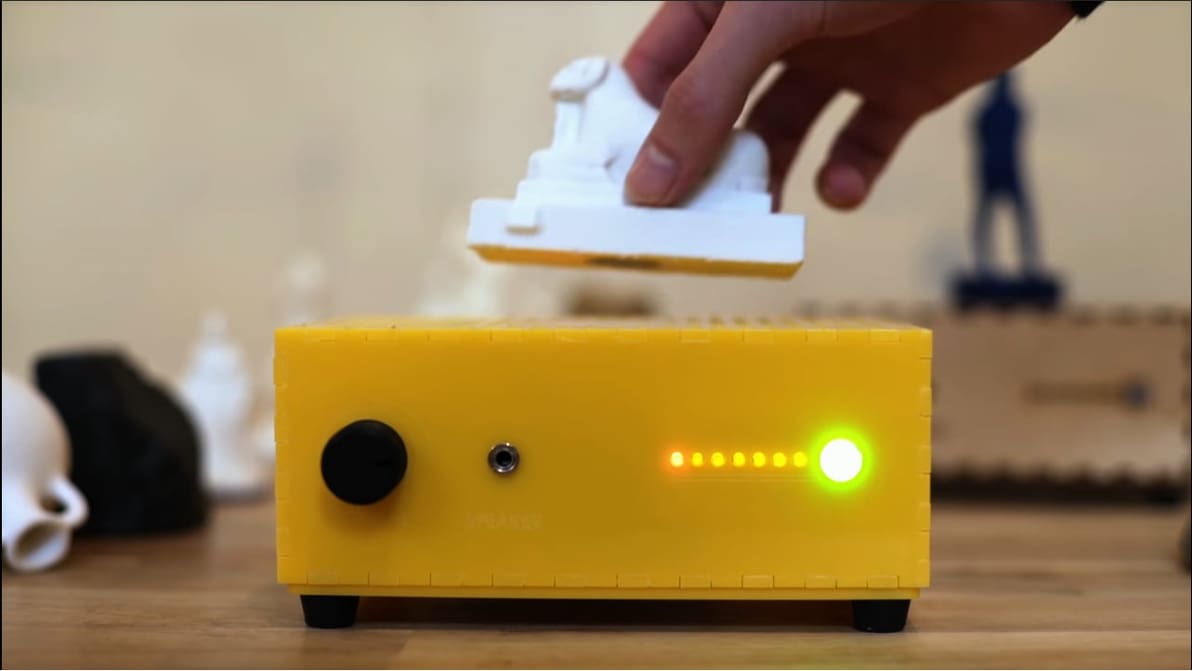
3D Printed Artefacts in the Classroom with Museum in a Box

Bringing a new dimension to history and museum education, the Museum in a Box is a brilliant interactive learning experience. It uses 3D printed objects with NFC chips to trigger audio commentary, all managed by a Raspberry Pi.

by Bulent Yusuf
Advertisement
Advertisement