G-Code
Recent

Most popular
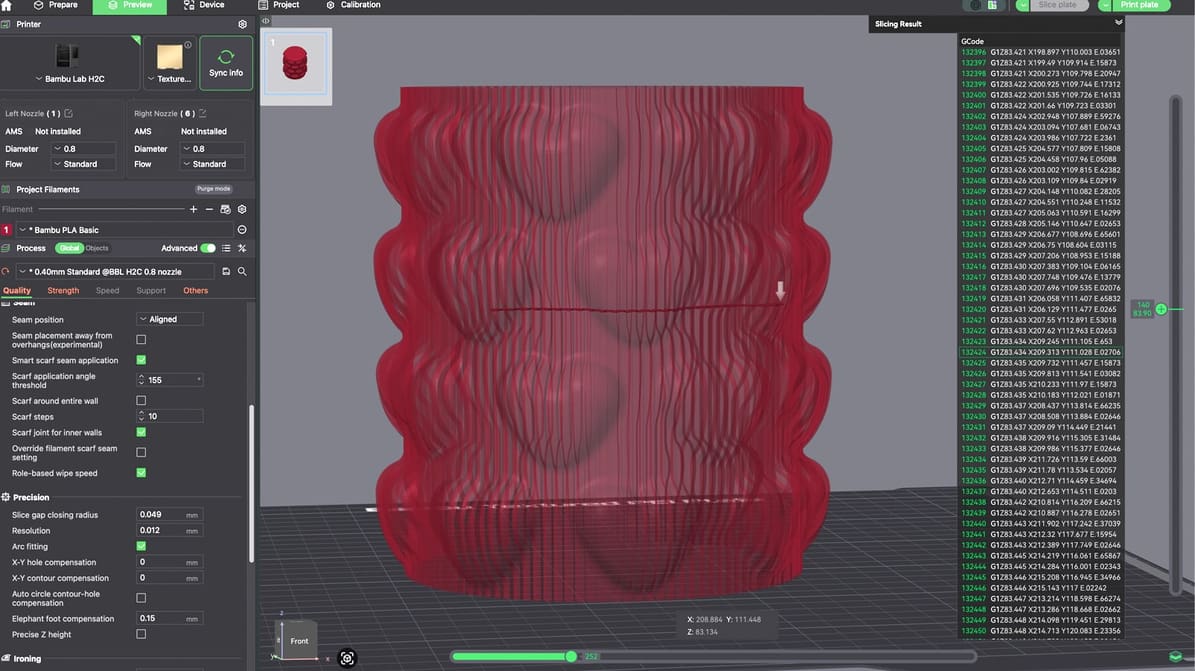
G-code may run quietly in the background, but understanding it can give you more control over your printer and help you solve problems faster.
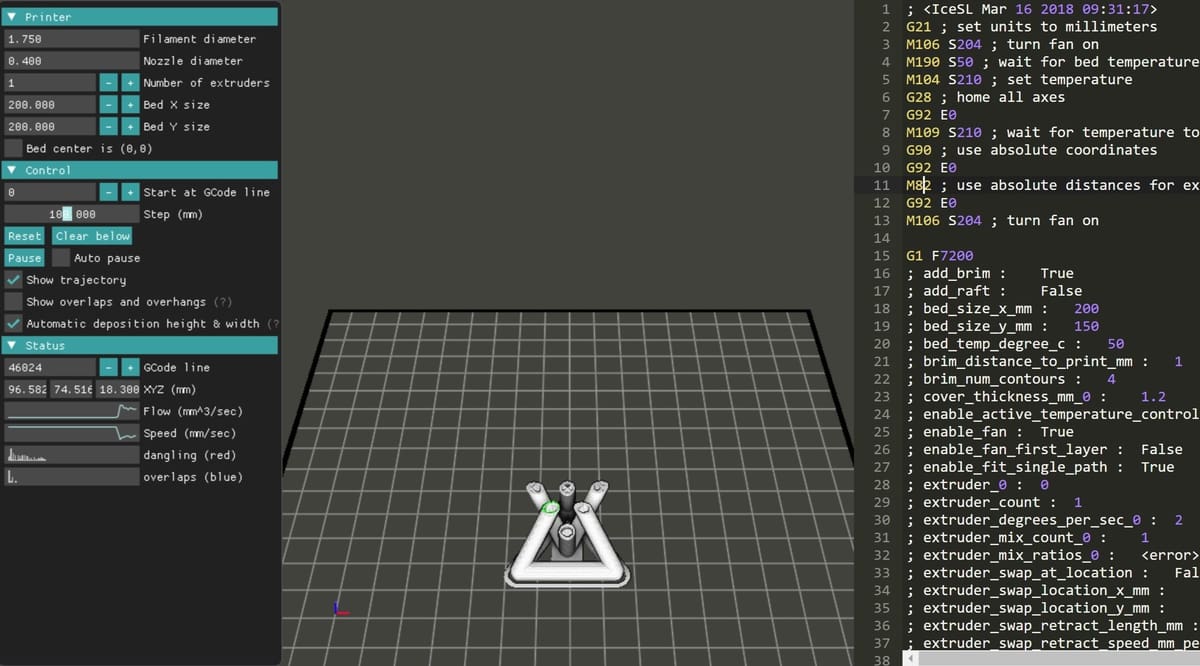
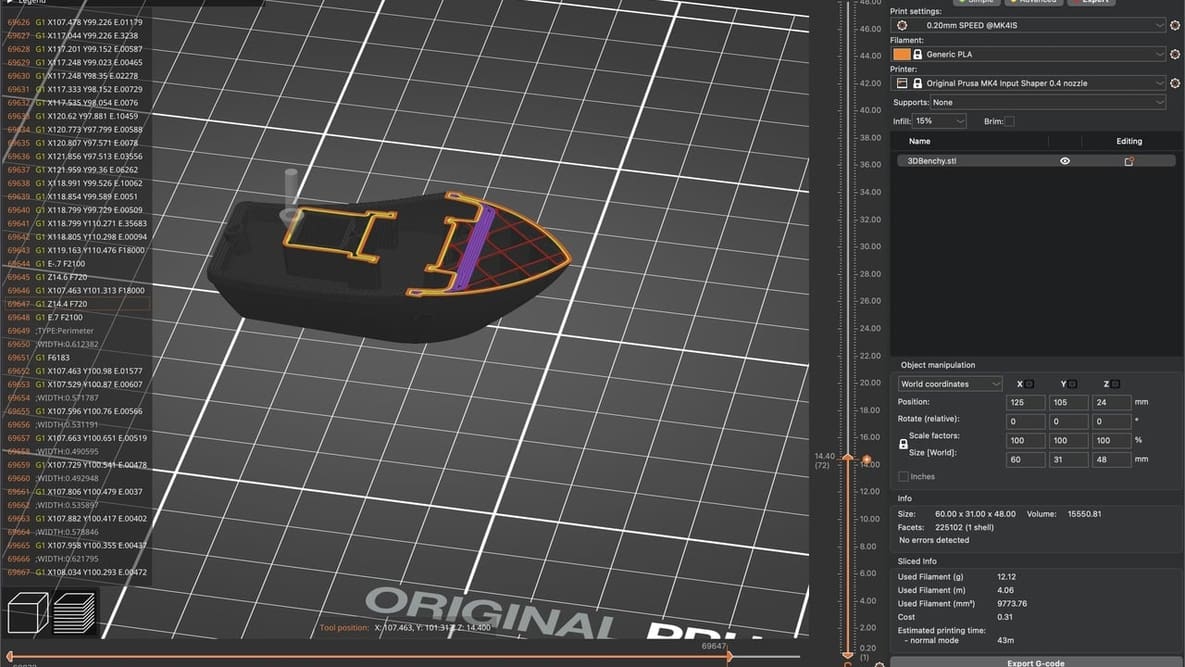
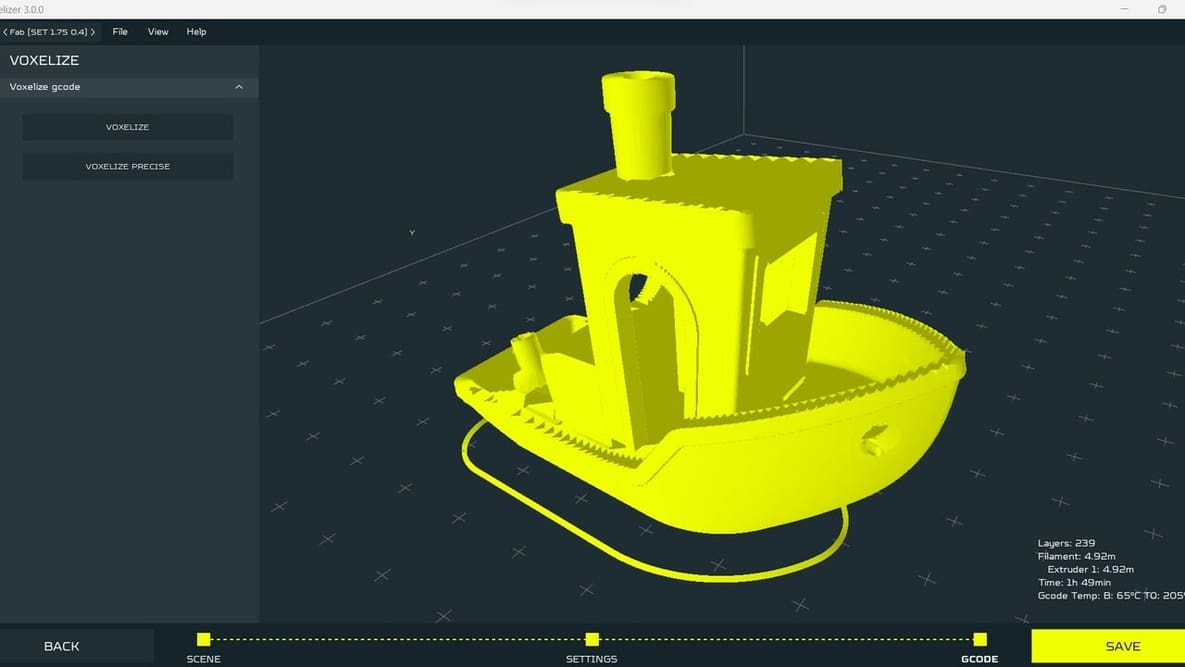
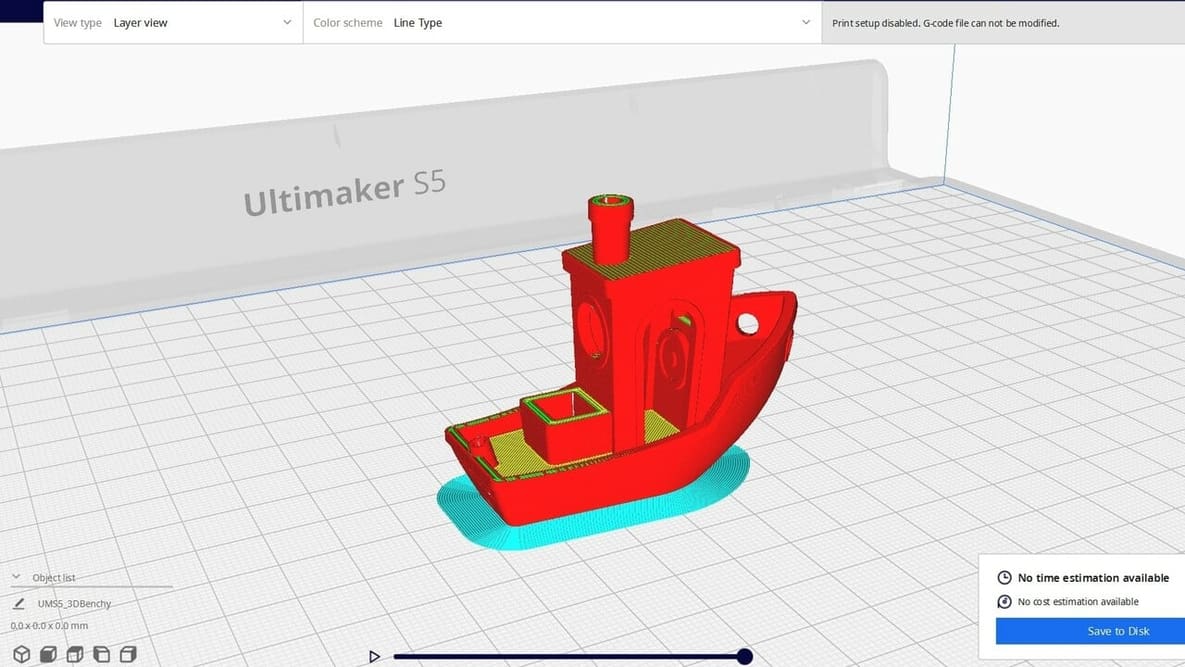
A G-code viewer allows you to simulate your 3D prints before starting them. Read on to learn about the best G-code simulators!
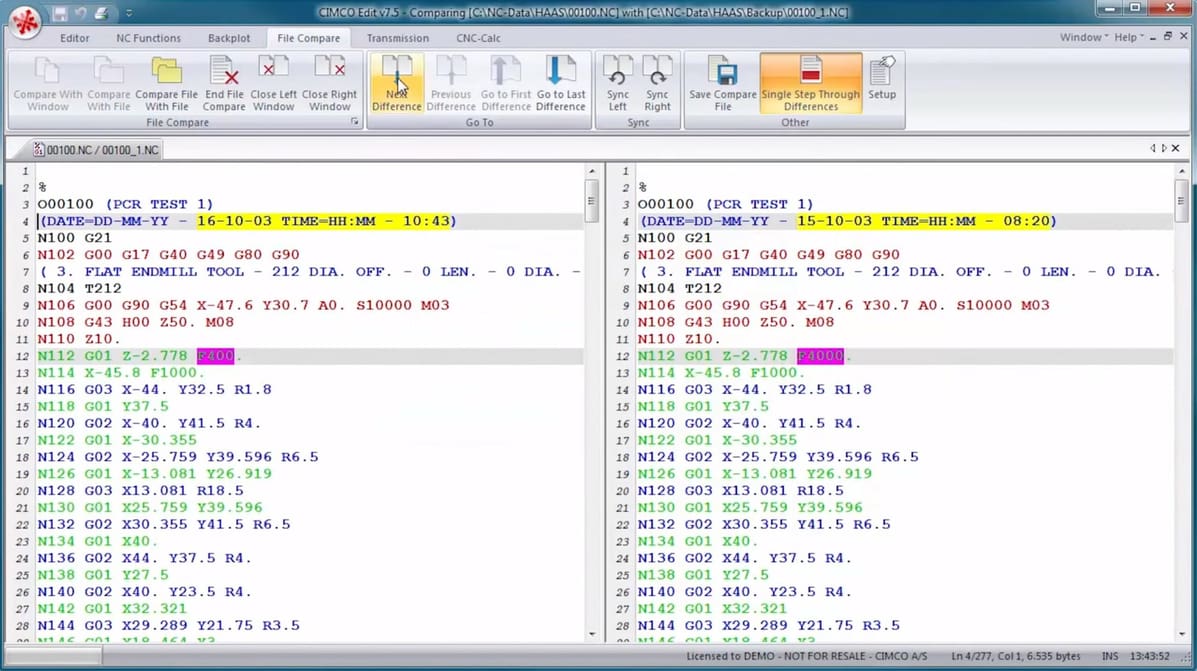
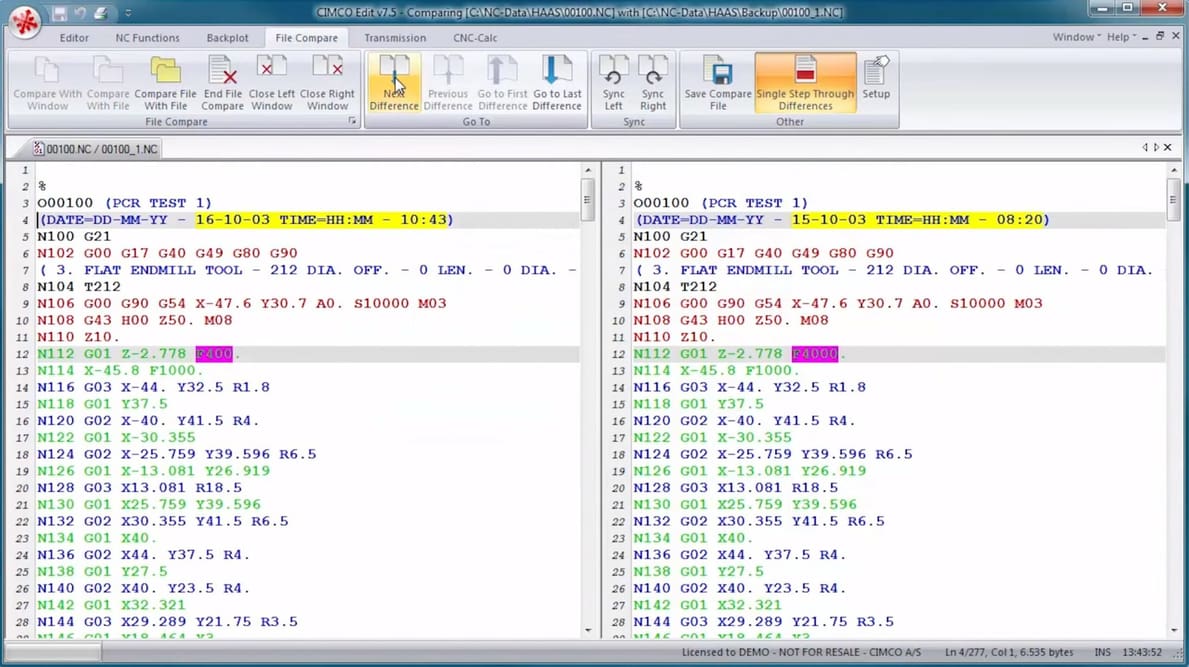
A G-code editor allows you to play with your CNC or 3D printing code. Read on to find your ideal G-code editor from our top picks!
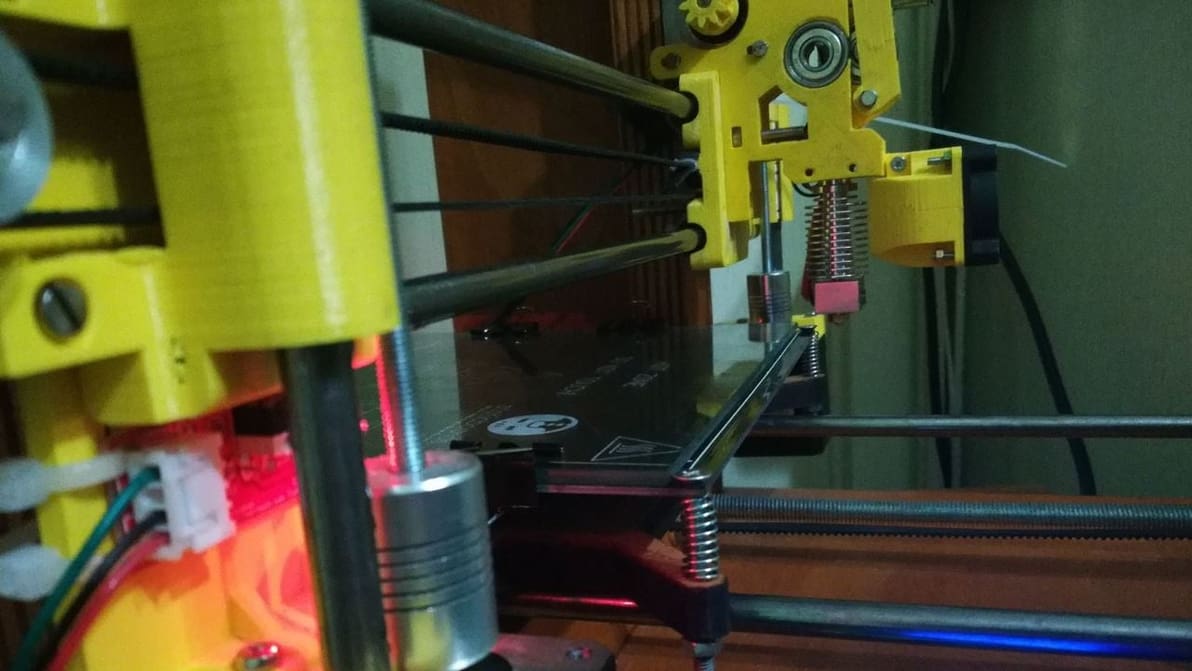
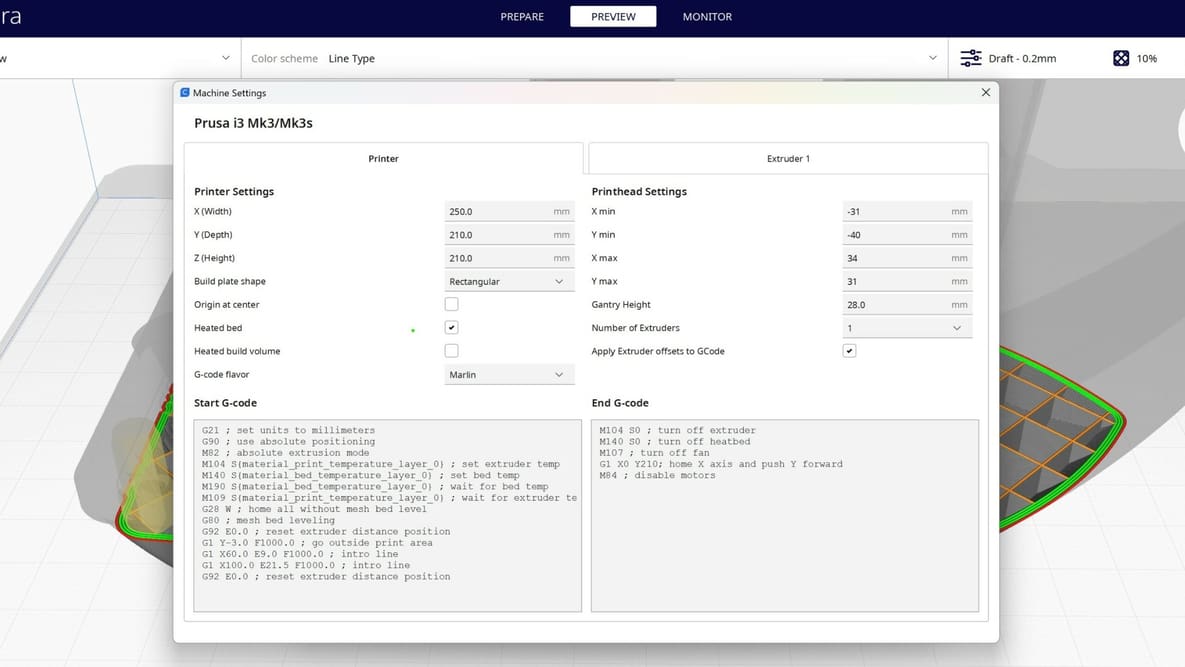
Start G-code and end G-code are the first and final commands a printer follows for every 3D print. Read on to learn all about them!
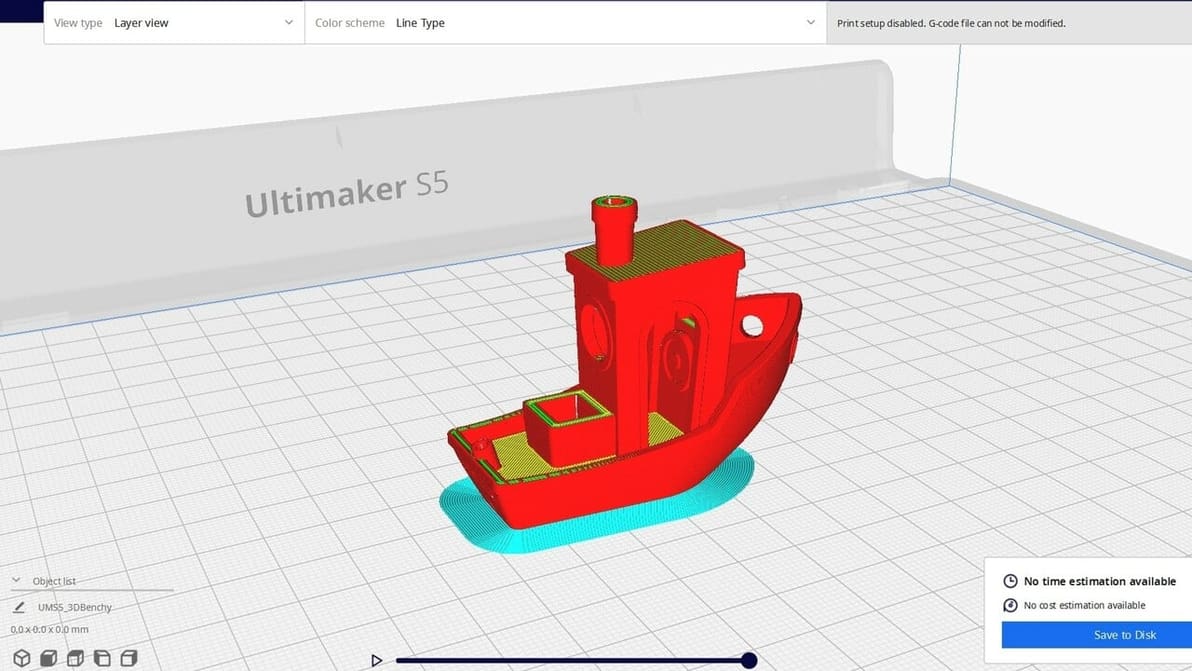
Converting an STL to G-code is easy, but to convert G-code to STL requires a dedicated tool. Learn how to tackle this challenging conversion!
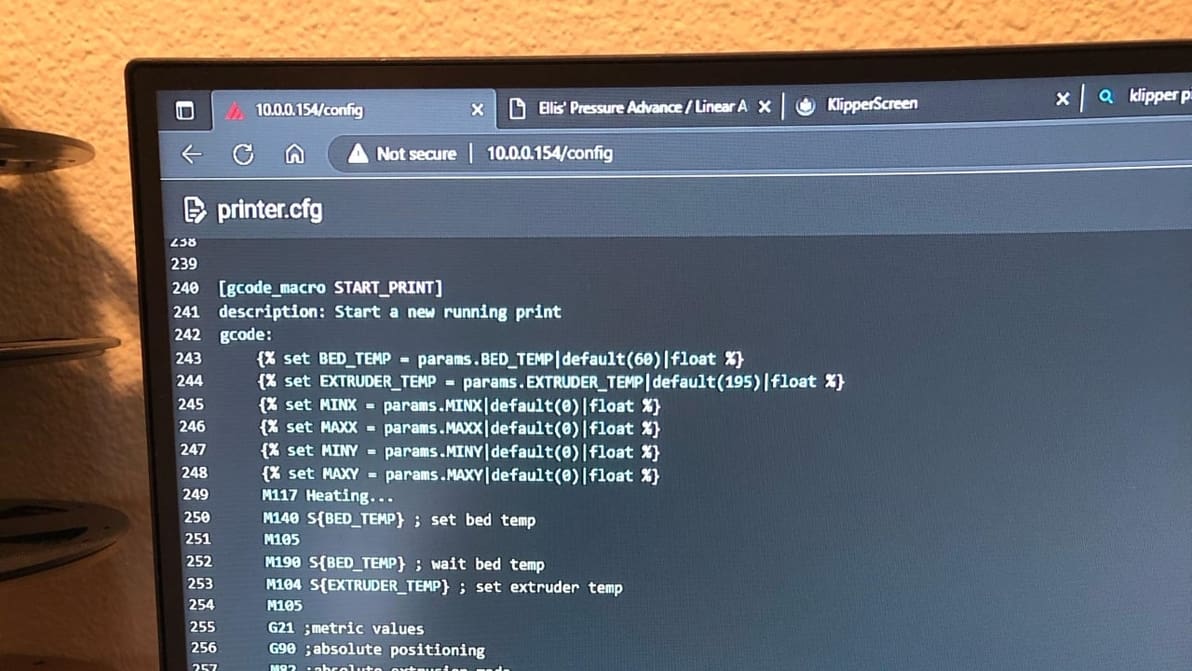
Klipper can improve your printing workflow using customized start G-code macros. Keep reading to learn all about Klipper start G-code!
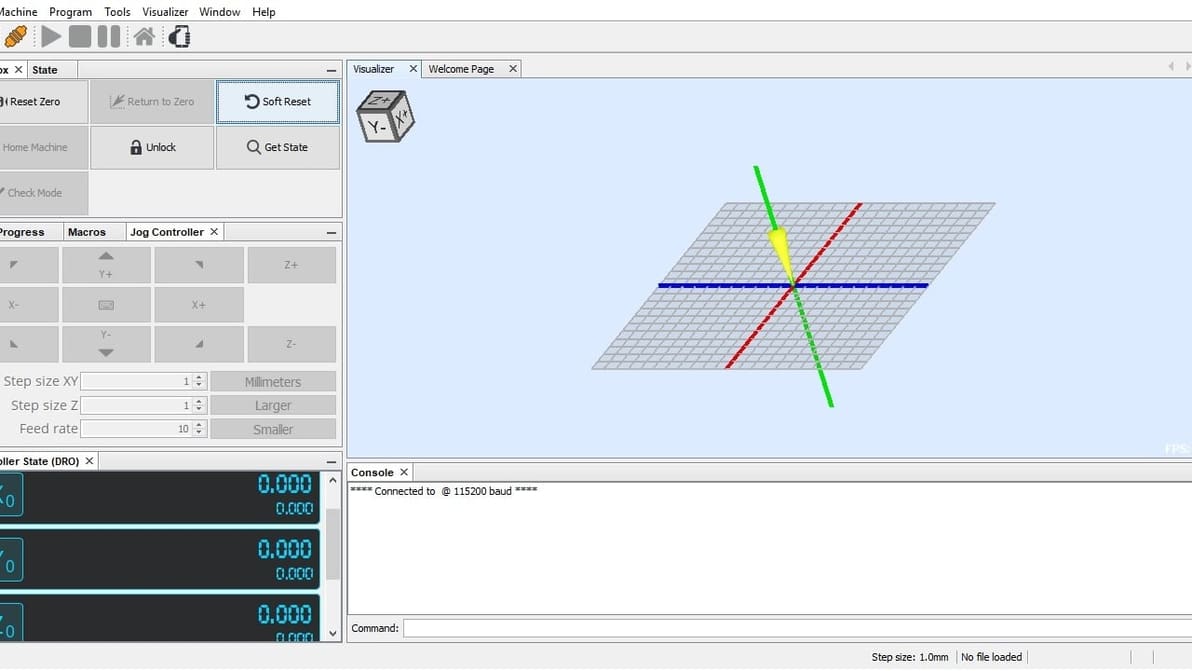
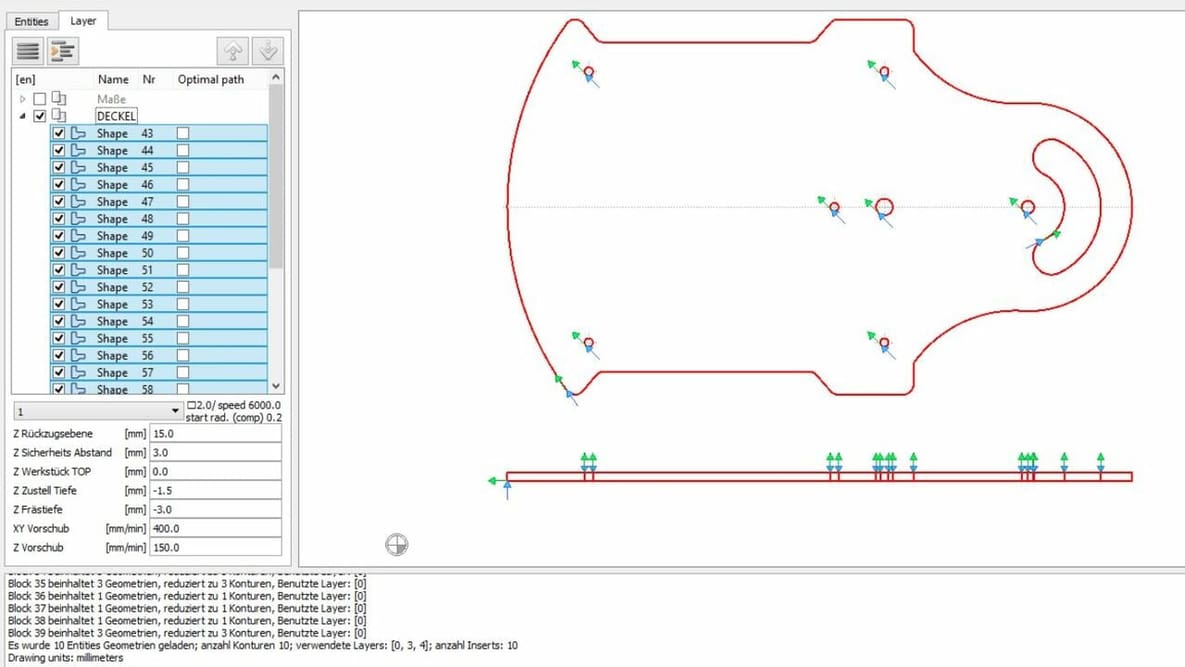
Universal Gcode Sender is one of the most popular CNC controller options. Read on to learn all about this software and get started!
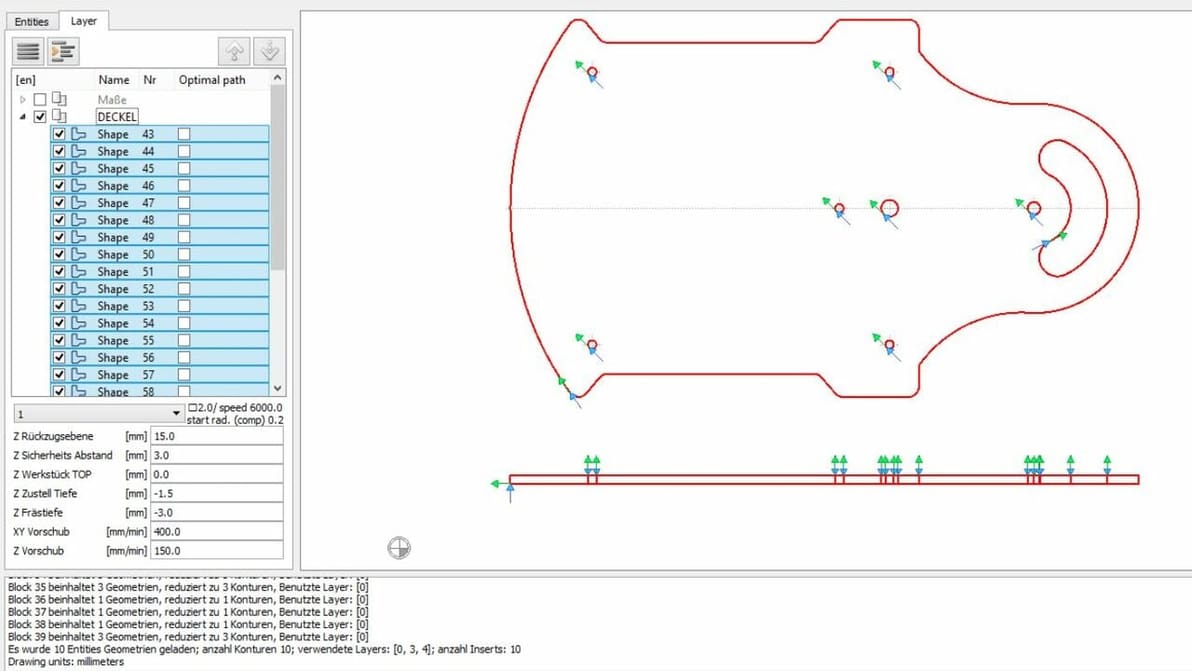
Converting from DXF to G-code is useful for getting your CNC model cut just right. Read on for four great ways to convert DXF to G-code!
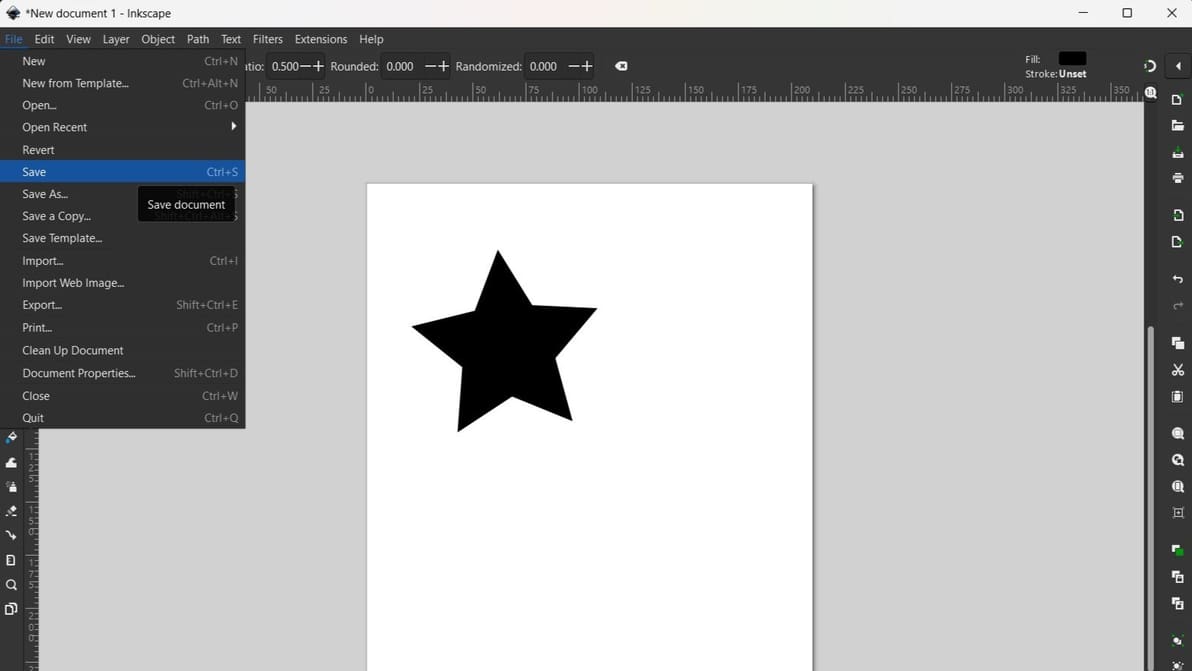
Inkscape is a great source of 2D designs, but how can they be made in 3D format? Read about how to convert from Inkscape to G-code.

Convert SVG files to G-code, turning your images into beautiful physical objects. Learn a few easy ways to do it!
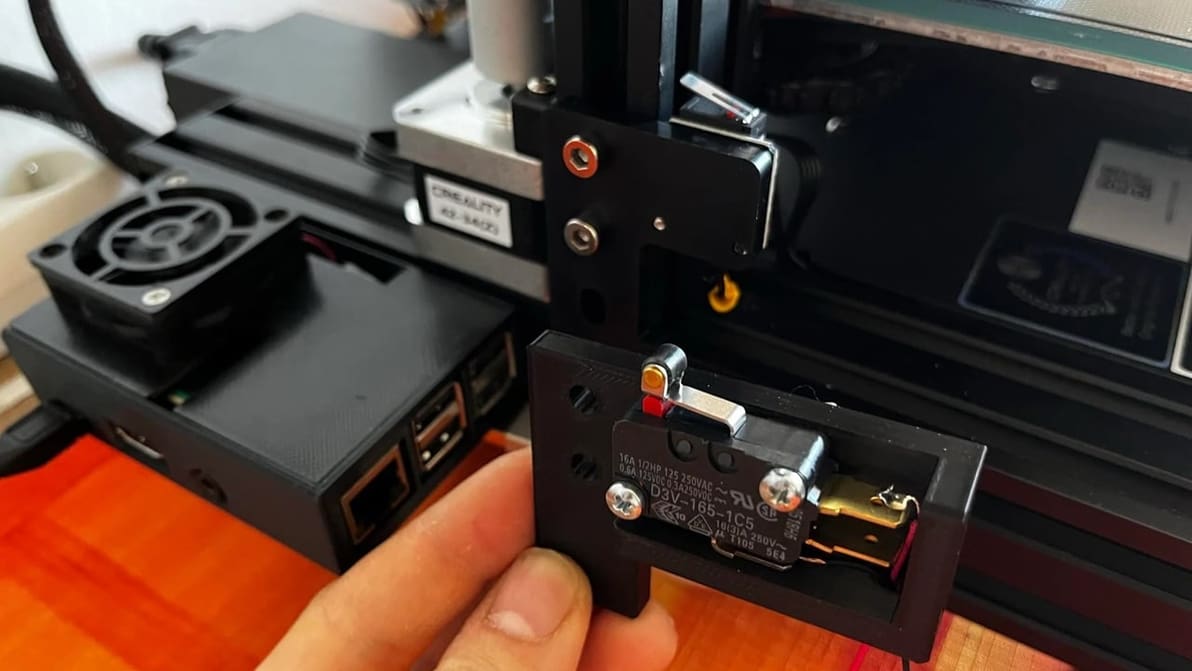
The G28 G-code command brings your machine's axes to their true zero position or home. Read on to learn all about the G28 command!
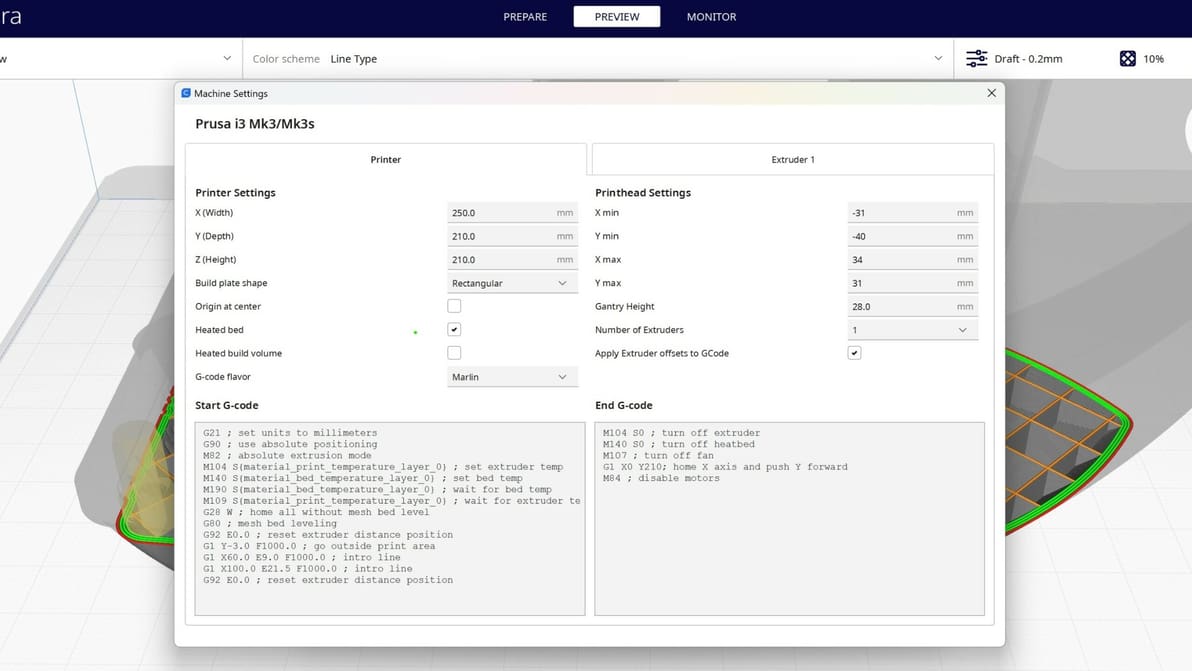
A G-code generator creates machine instructions for 3D printing or CNC machining. Learn more about G-code generators and how they work.
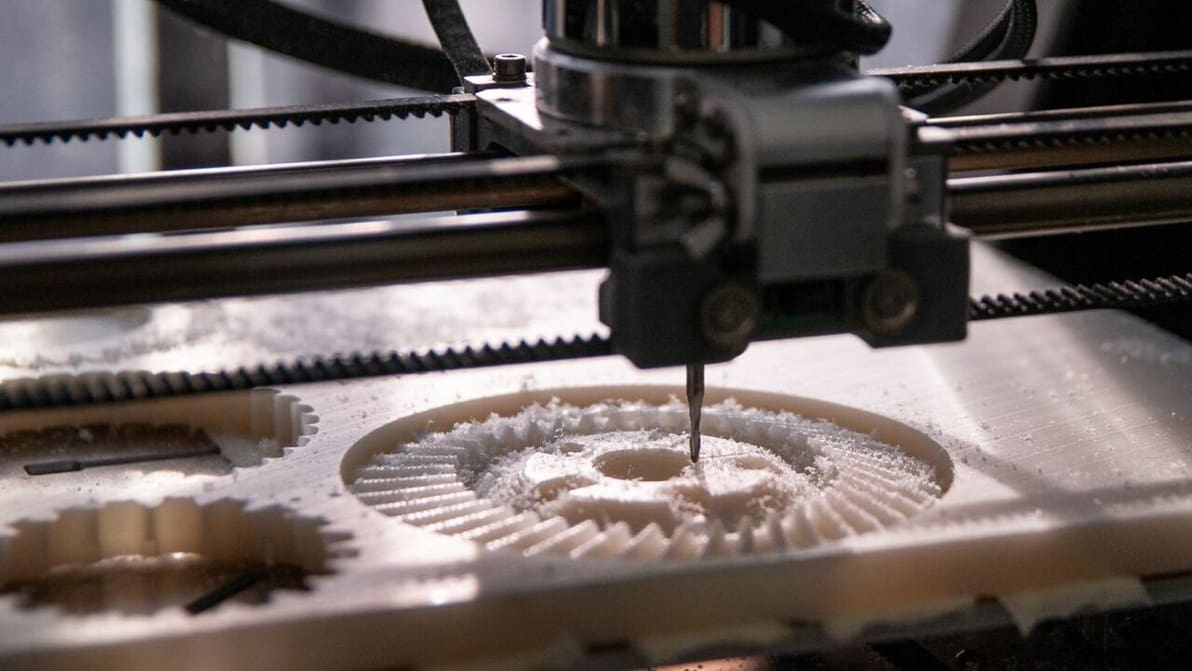
The G92 command sets the nozzle's current location and is useful for changing offsets. Read on to learn all about G92 G-code!
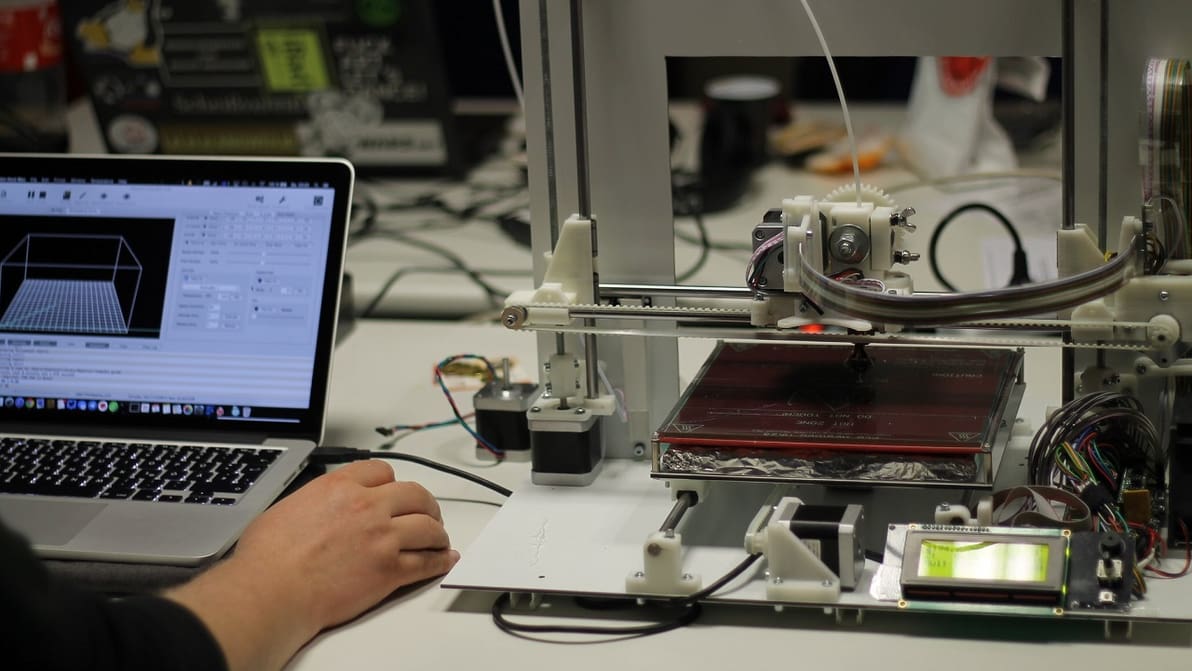
G-code has two positioning modes: G91 is incremental, while G90 is absolute. Learn the important difference between G91 and G90 G-code!
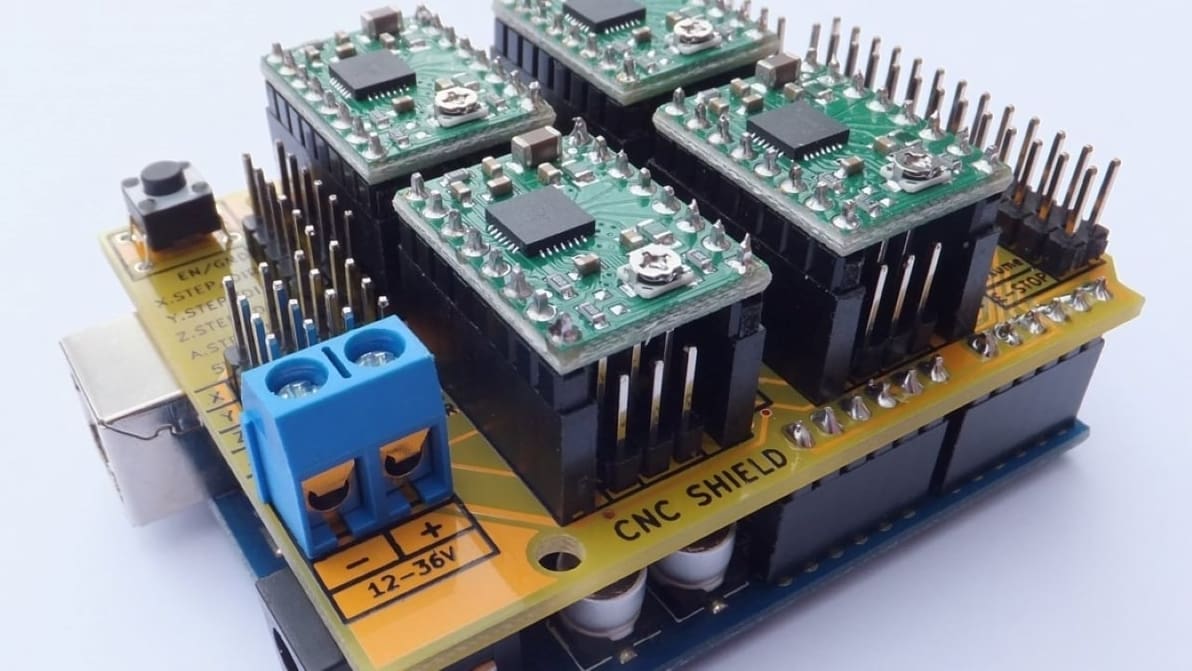
GRBL is the powerful open-source firmware behind many CNC machines. Read on for a rundown of GRBL settings and configuration.
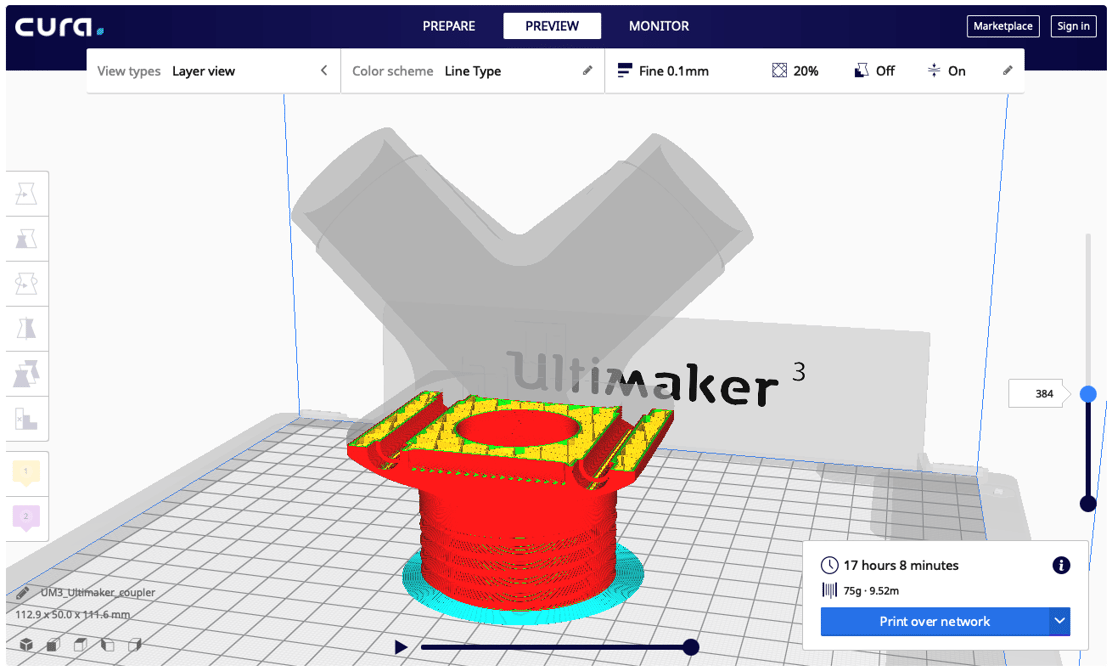
STL is a common file format for 3D models. Most manufacturing systems, however, require G-code. Find out how to convert STL to G-code!
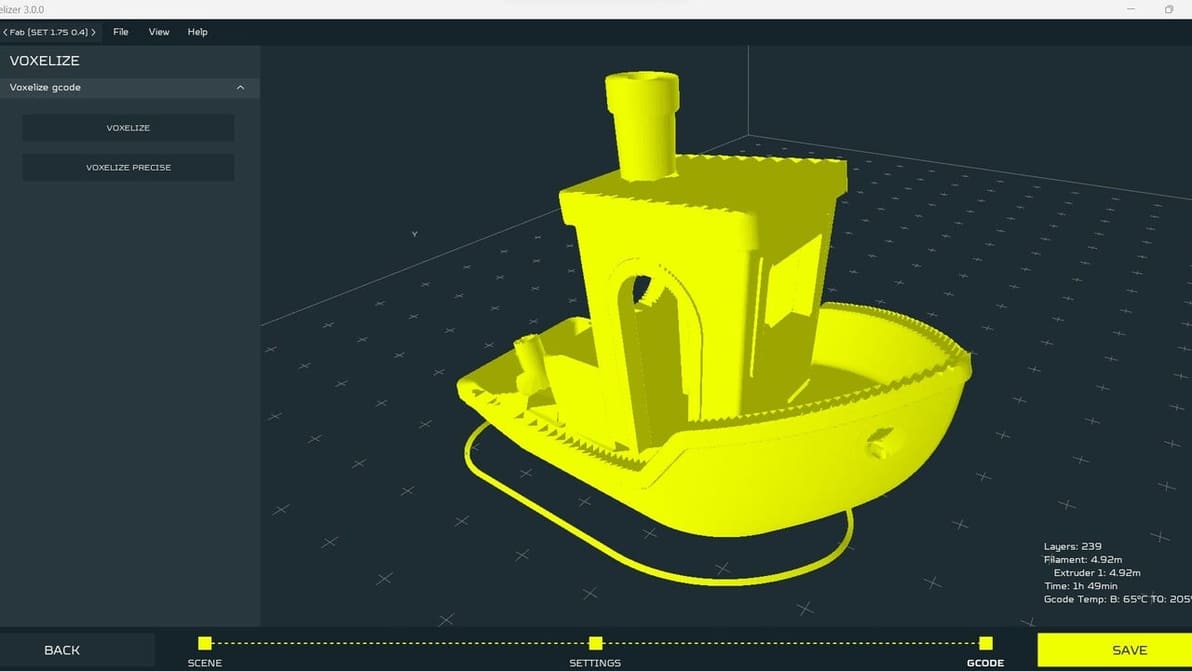
Learn how to go to and from G-code using a G-code converter or a slicer. It's a vital part of the 3D printing workflow!
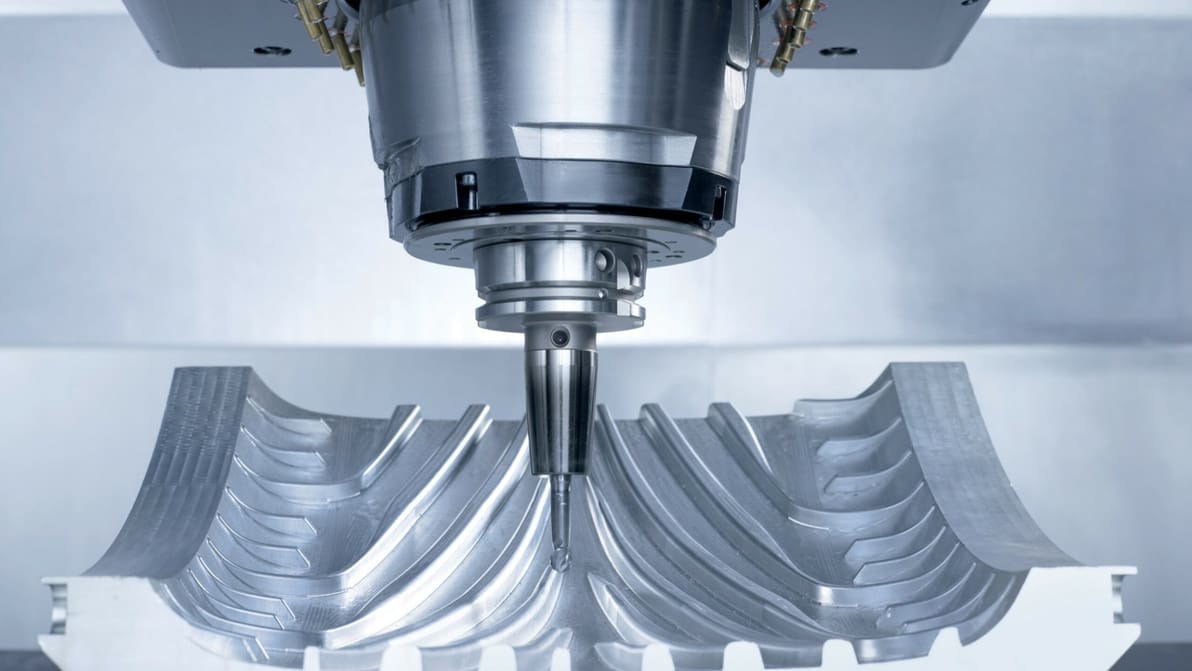
G-code is everywhere, from 3D printing to CNC. Easily learn the basics of CNC programming with this G-code tutorial in six simple steps.
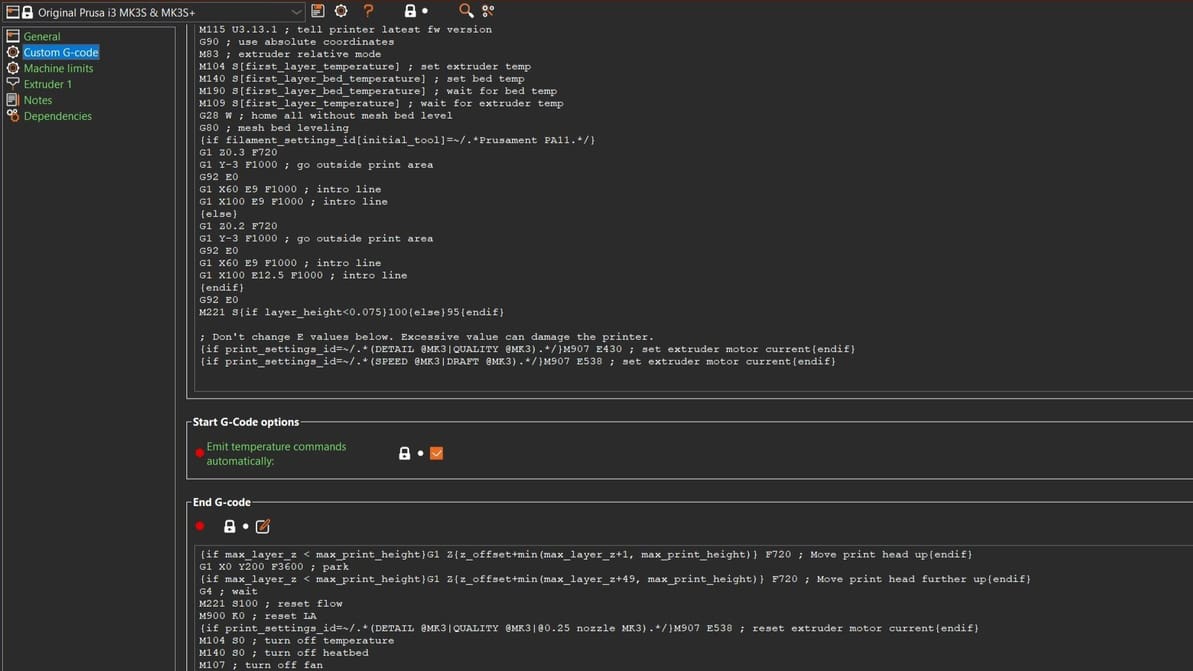
Do you want to know what G-code is? Read all about the different types, how they compare, and how to work with them!
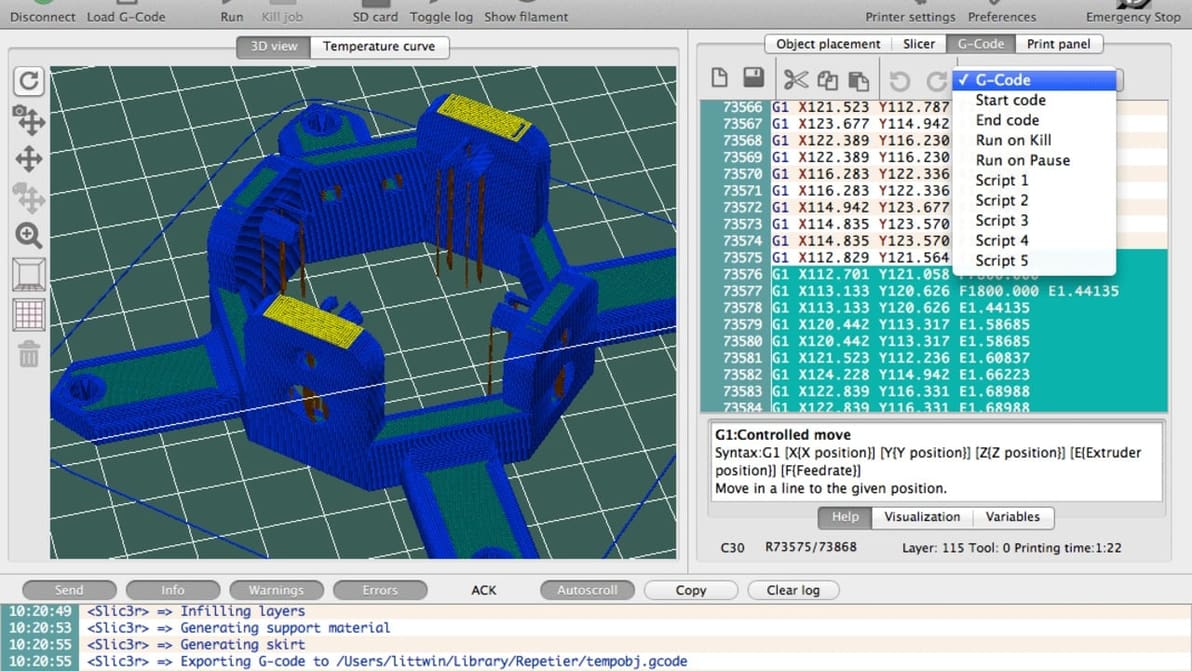
Looking for G-code examples to learn the basics of programming? Check out this compilation of easy-to-understand G-code examples.