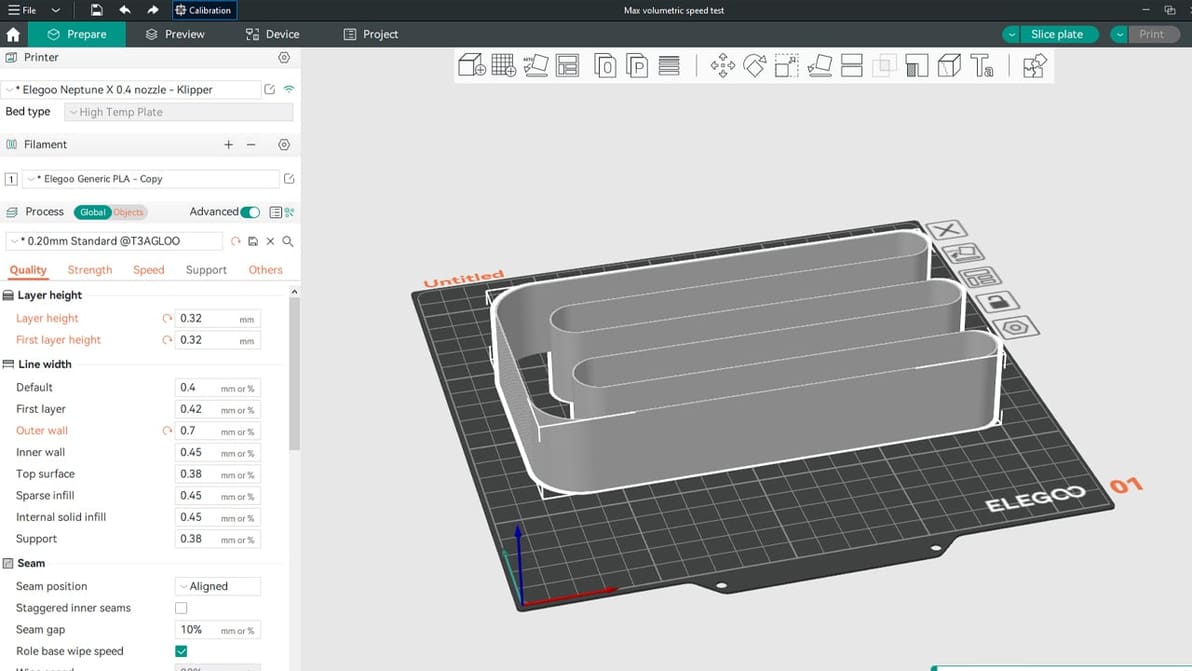
Orca Slicer is a new slicer that is gaining a lot of popularity. Learn more about Orca Slicer calibration, one of its best features!
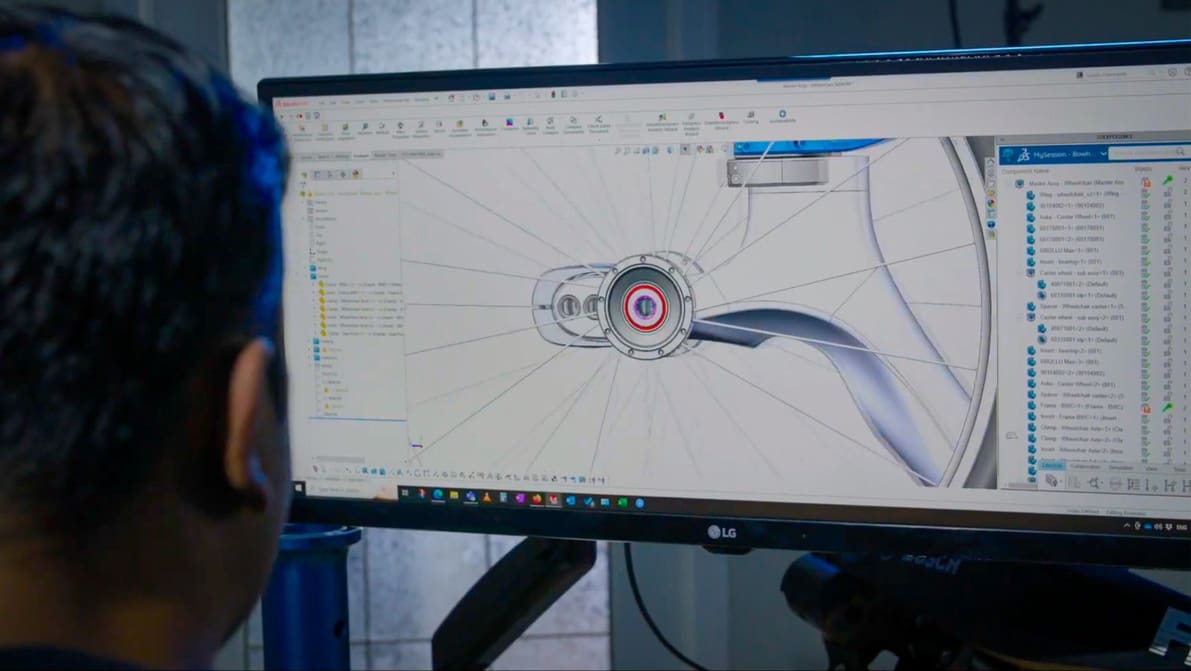
SolidWorks vs. Solid Edge is a tough choice, especially as they have more than their names in common. Read on to learn the differences!
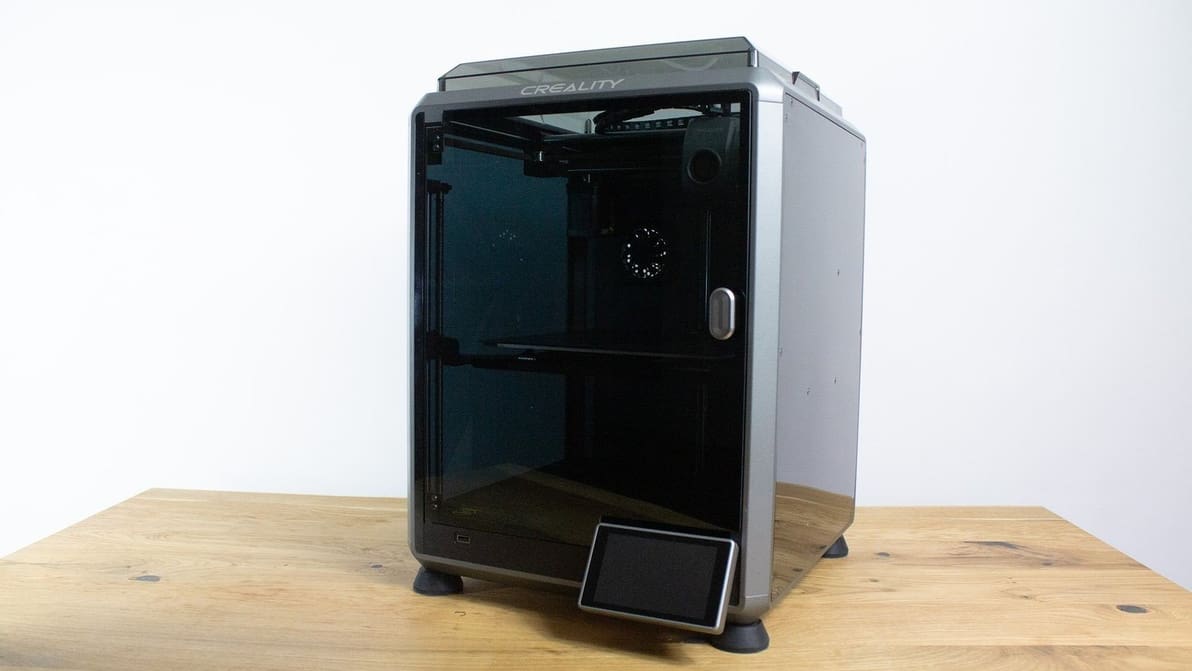
Looking for the perfect Creality K1 Cura profile? Check out these settings and unleash the lightning-fast potential of your Creality K1!
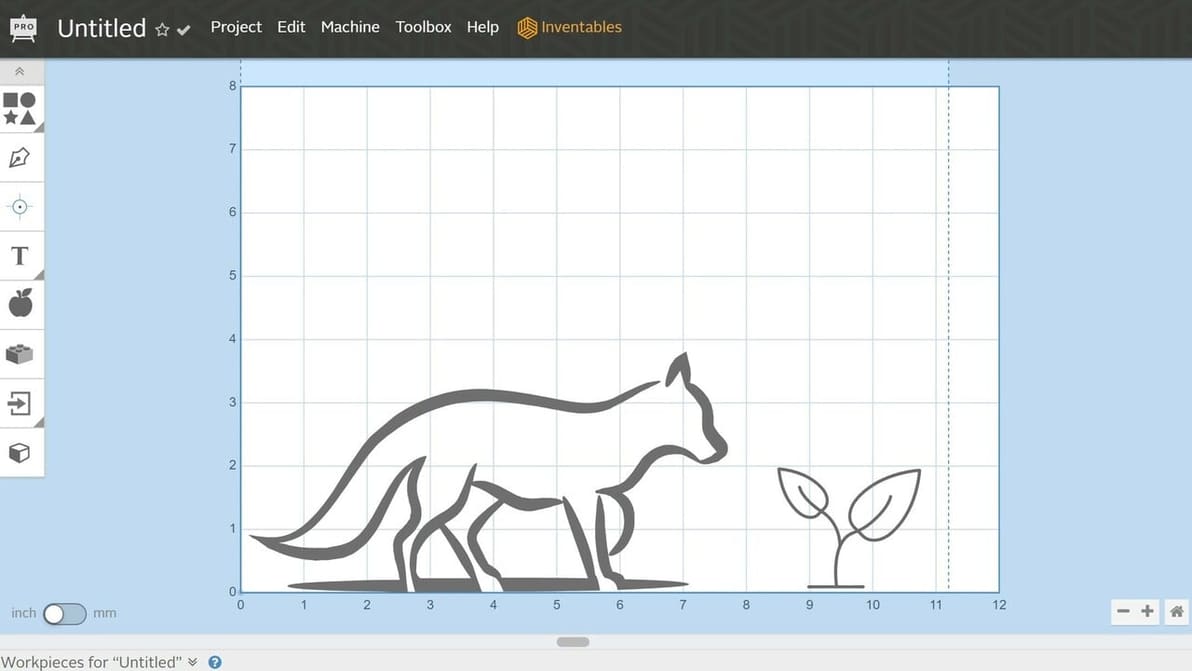
If you're new to CNC, Easel Inventables provides a user-friendly way to get started, and a little more. Read all about it!
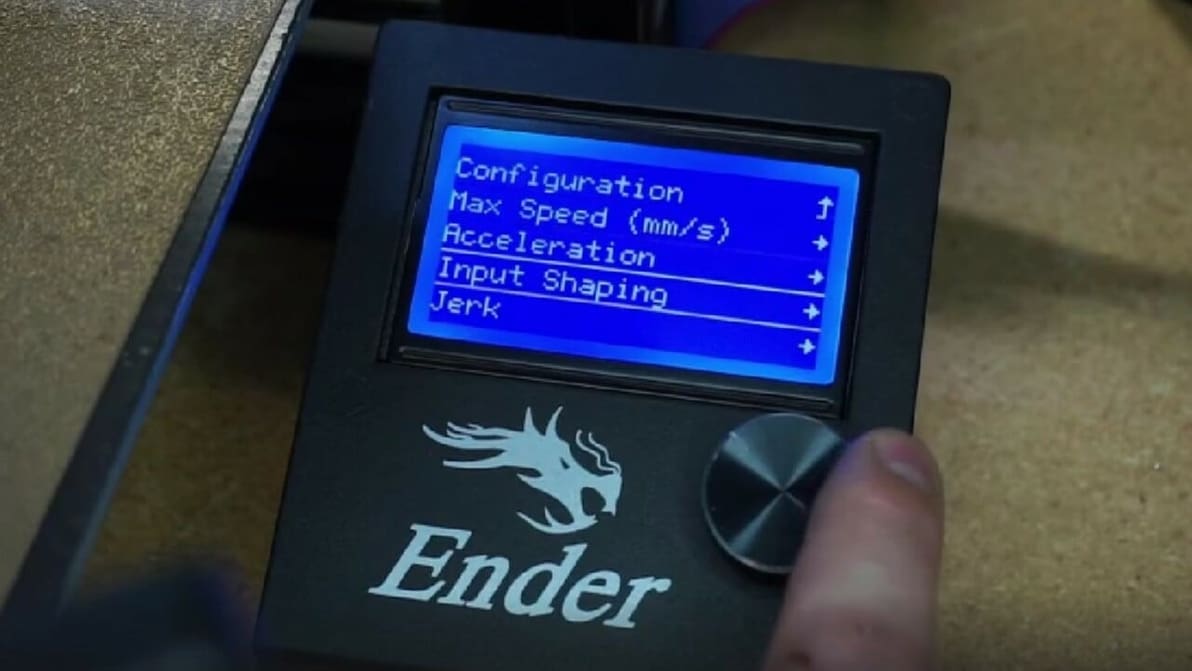
Move over Klipper and Prusa input shaping, Marlin has joined the fray. Read on to learn how it works and how to give it a try.
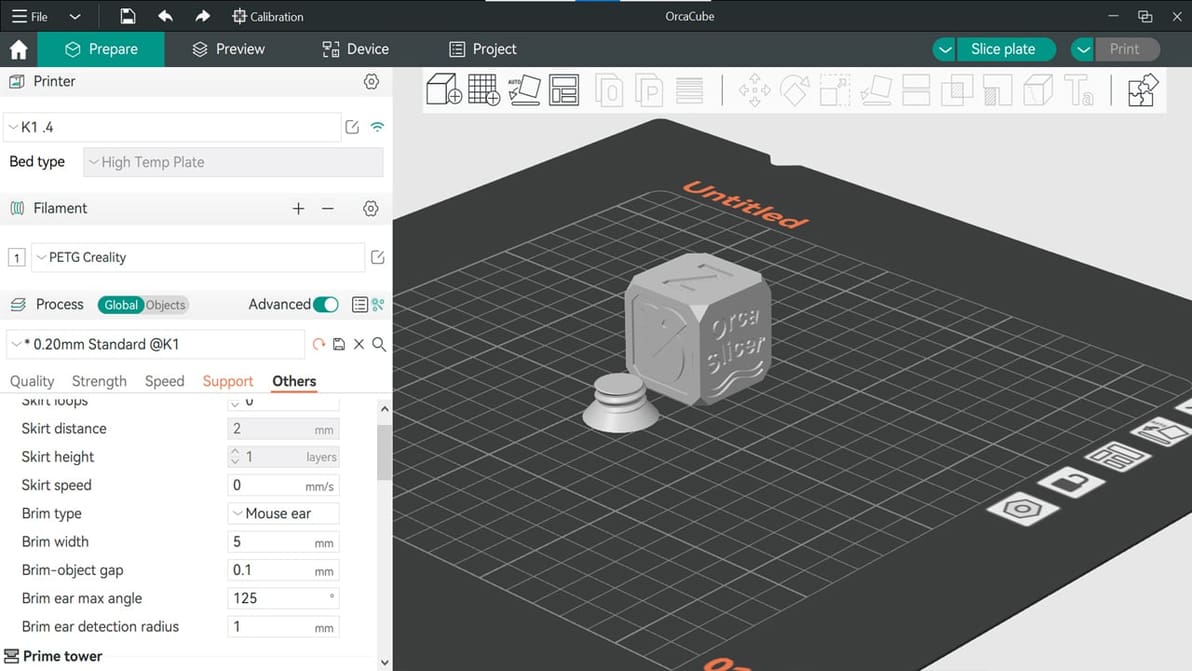
Feature-packed and a fork of Bambu Studio, Orca Slicer has been gaining ground in the slicer world. Read on to learn all about it!
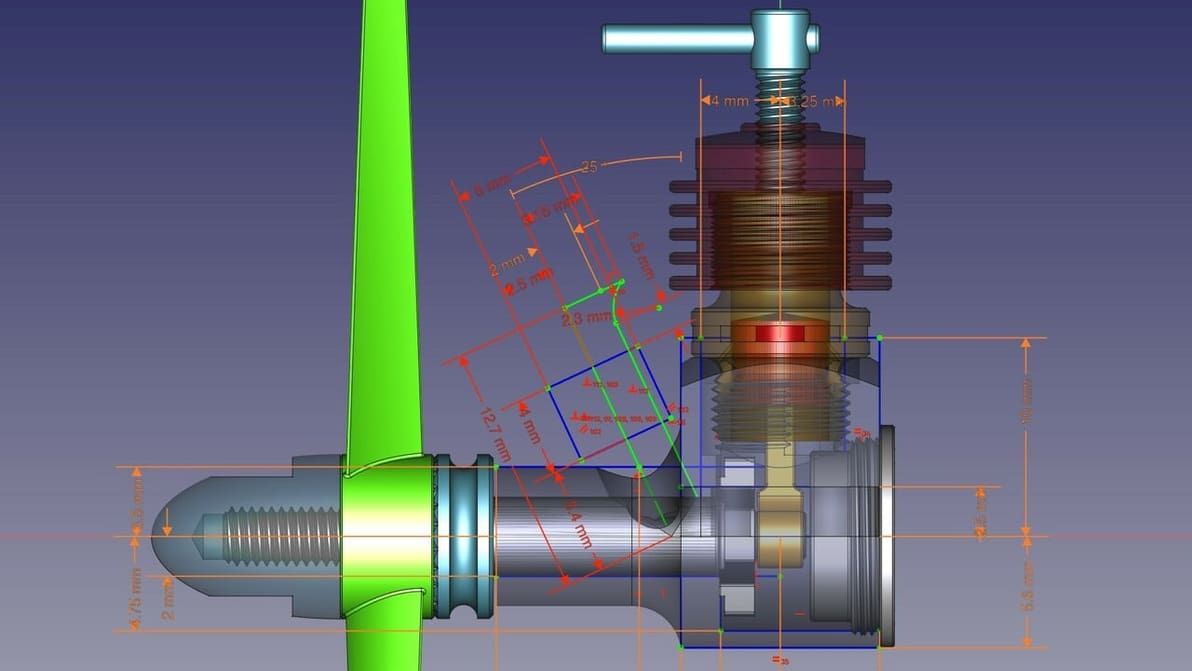
CAD programs are powerful but can be pricey. Check out our list of the best open-source CAD software tools.
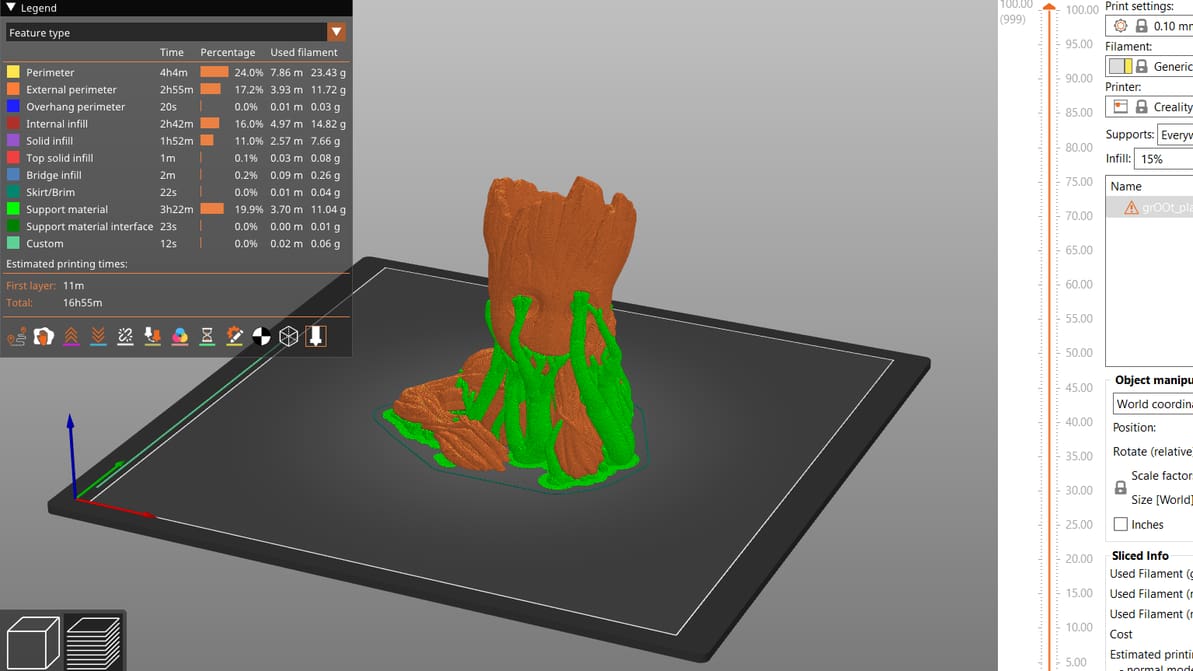
PrusaSlicer gives users a lot of control over their prints. Read on to get the most out of PrusaSlicer support settings, even tree supports!
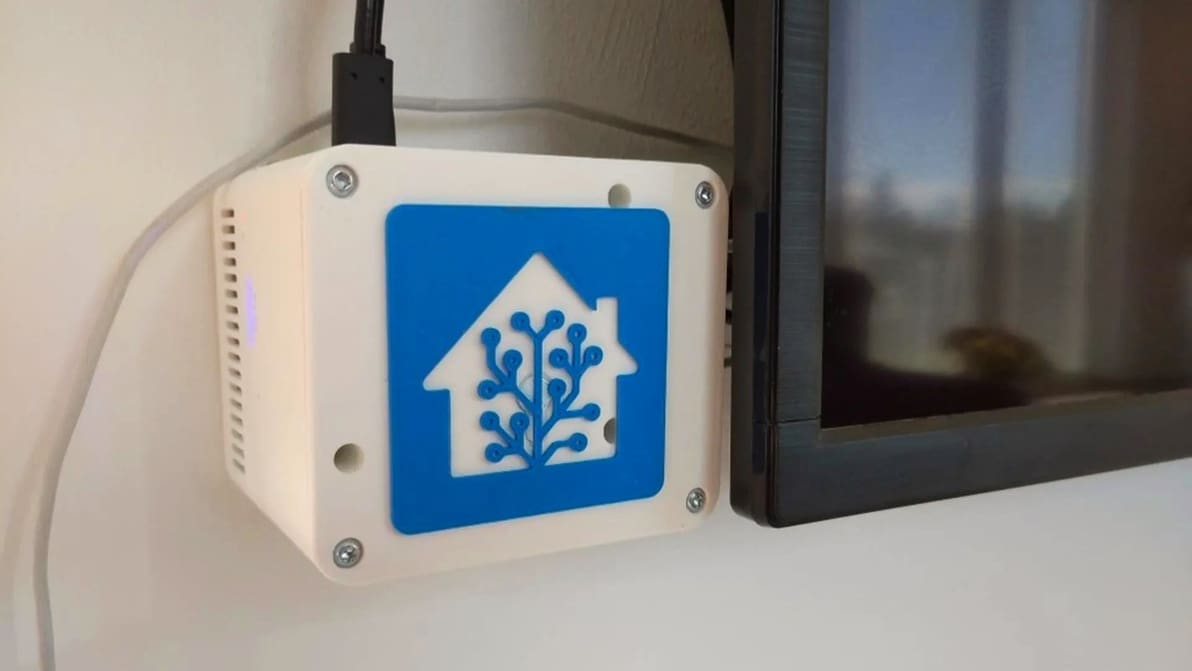
Adding your 3D printer to your smart home hub can be pretty useful. Read on to see how it can be done with OctoPrint and Home Assistant!
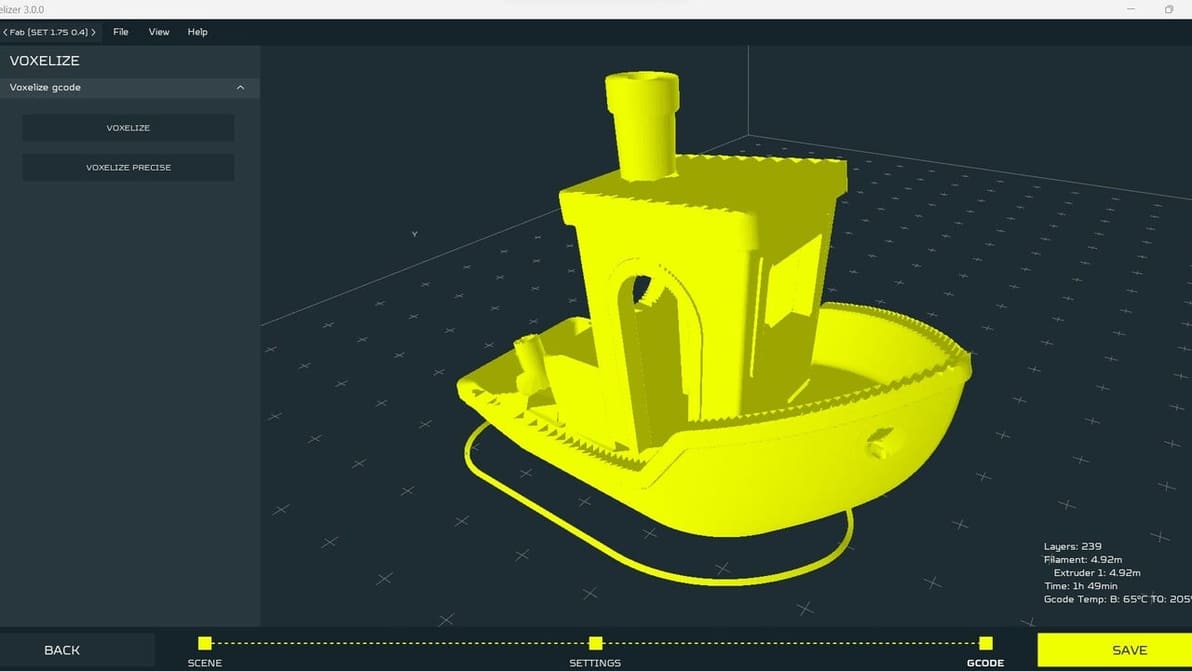
Learn how to go to and from G-code using a G-code converter or a slicer. It's a vital part of the 3D printing workflow!
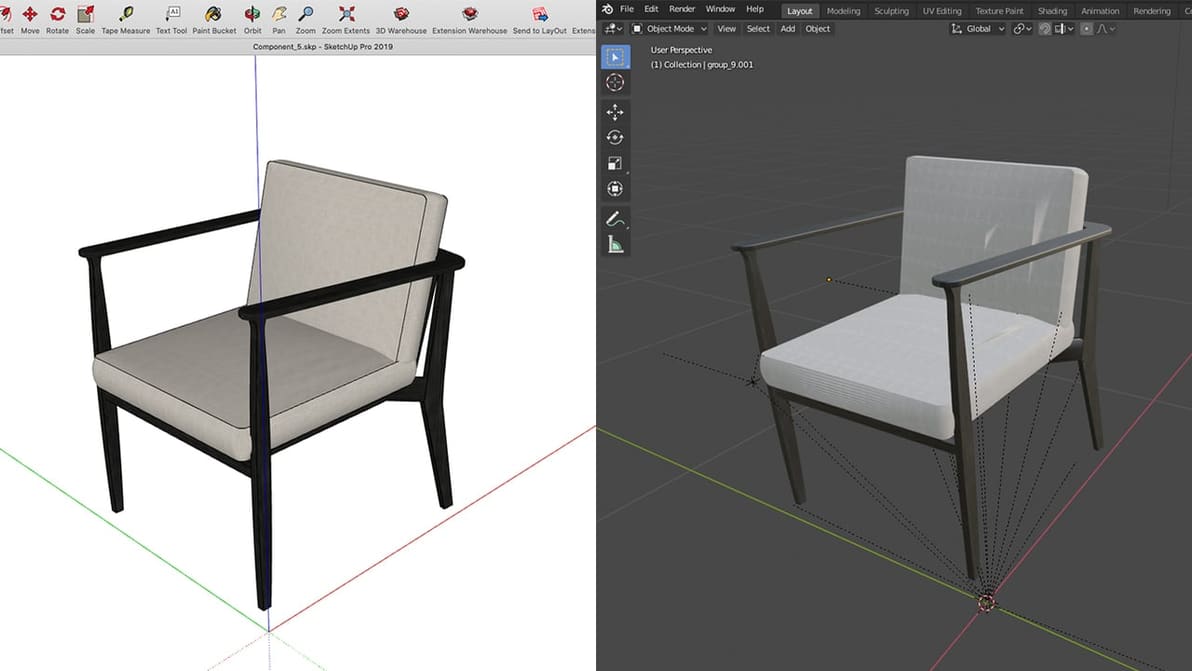
SketchUp is a popular and user-friendly tool, but it lacks good renders. Read on to get your files from SketchUp to Blender!
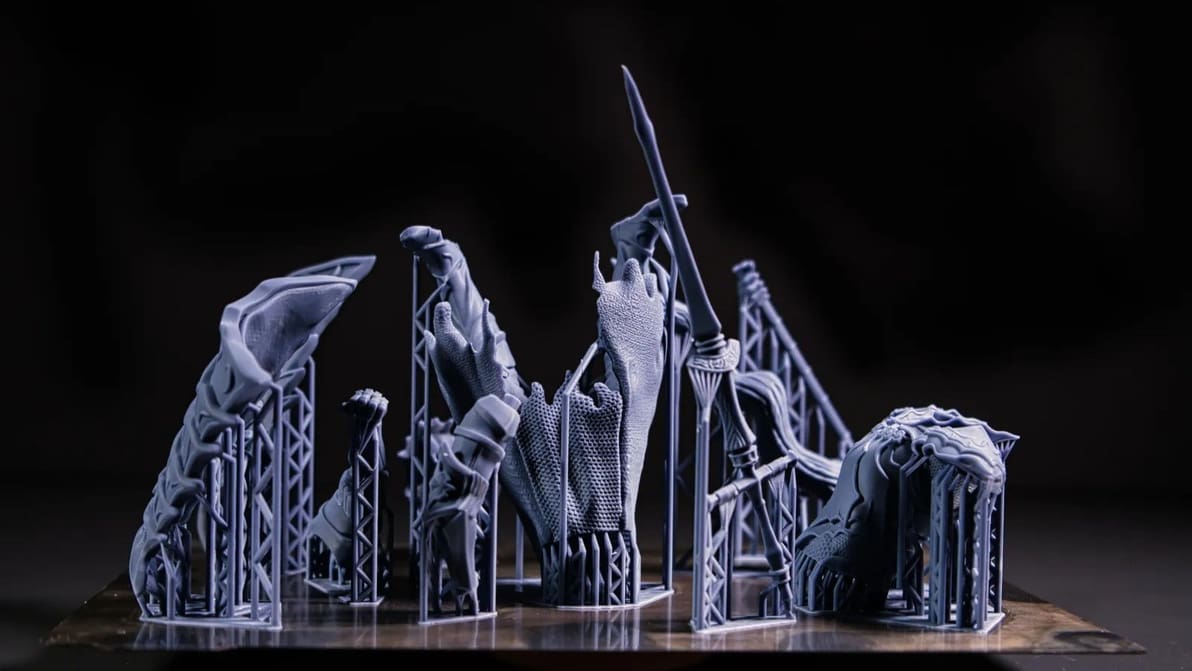
If you're 3D printing in resin, you'll need supports. Read on to learn about setting up and perfecting your resin print supports!
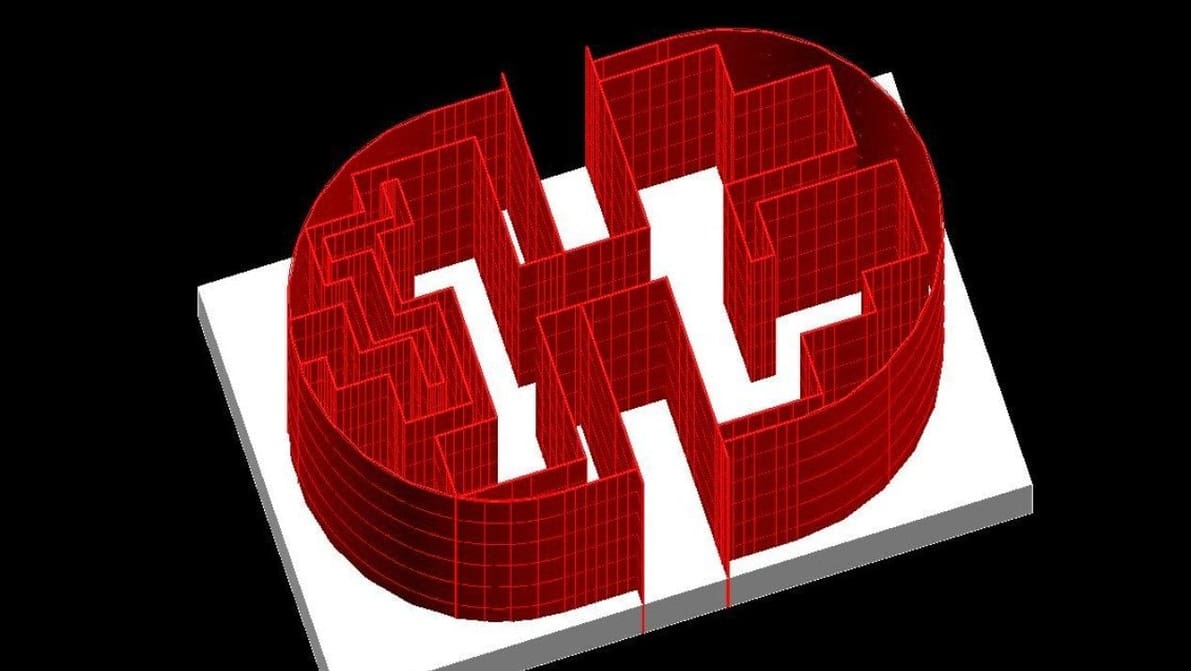
Converting from STL to DWG isn't as straightforward as it sounds. Read on to learn more about these formats and how to get an STL in AutoCAD.
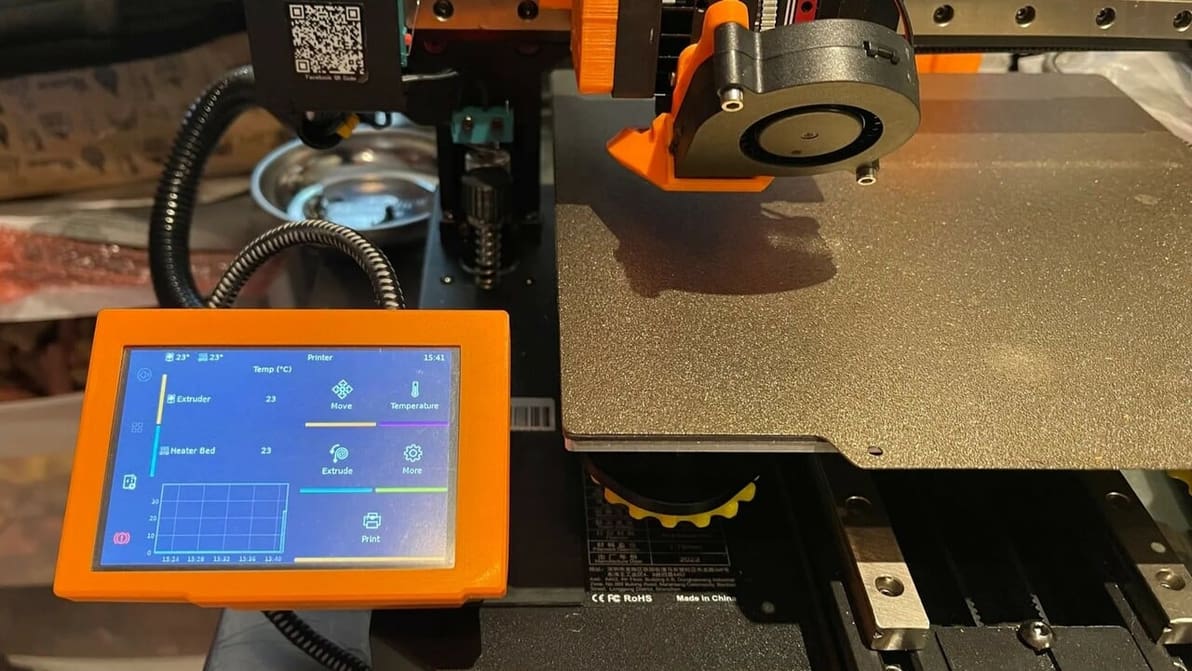
You've heard about Klipper: it's fast, great, and fixes your printing problems! Here's how to join in, and how to separate hype from truth.

Designing and making your own PCBs has never been easier. Check out our selection of the best free PCB design software to get you started!
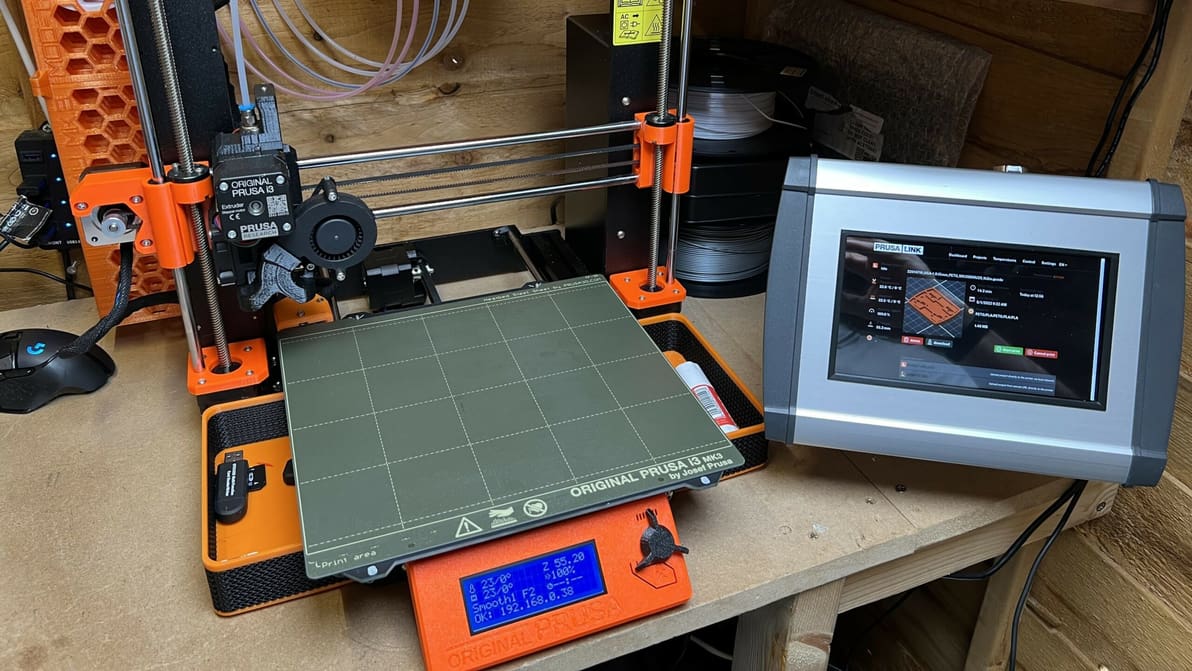
PrusaLink & Prusa Connect are both powerful pieces of software that add new features to Prusa printers. Read on to learn more about them!
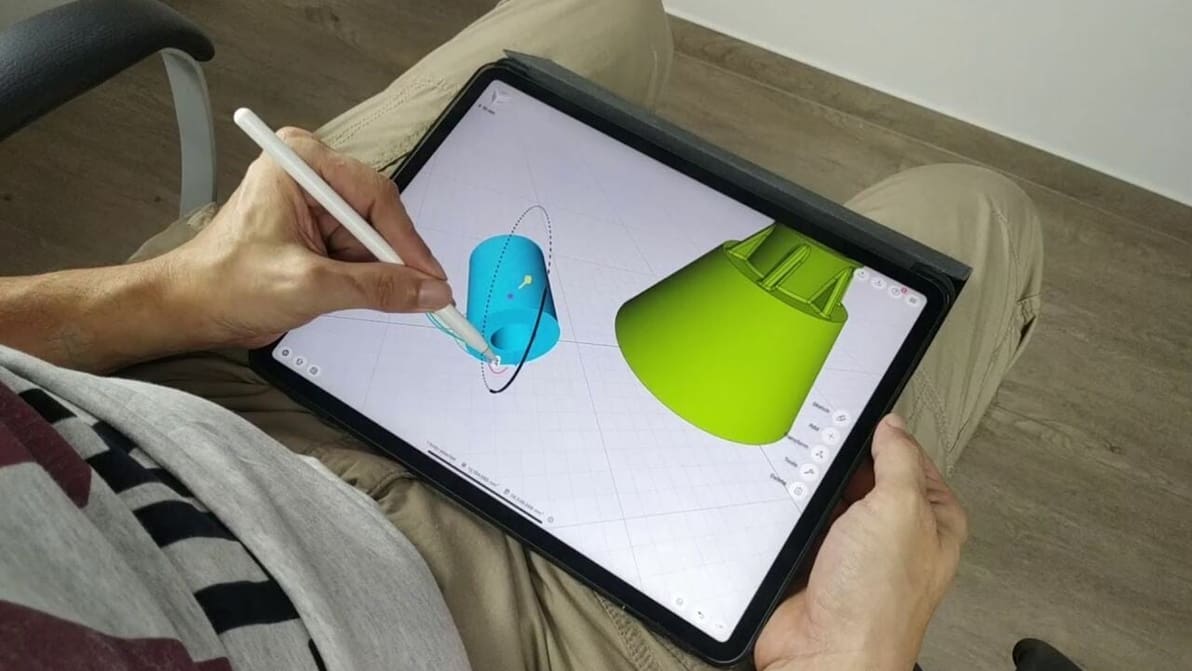
As much as you love Blender, an iPad mobile app is not in the cards. Read on to learn about a few Blender for iPad alternatives!
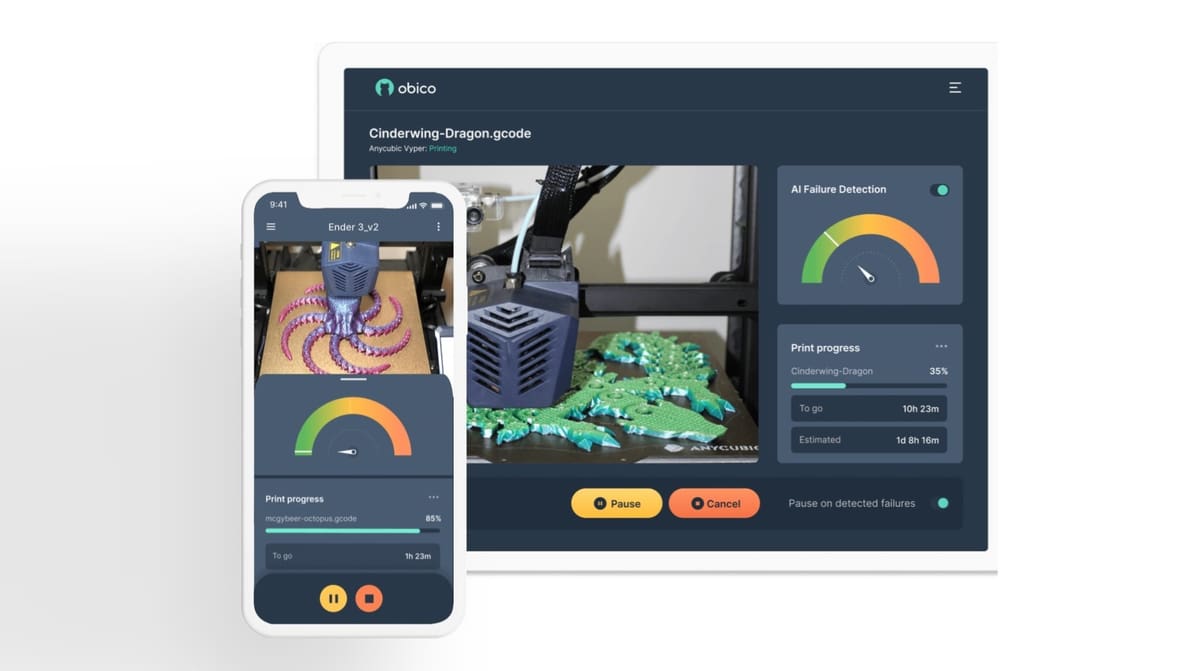
Obico detects print failures and lets you control your 3D printer from anywhere. Read on to learn more about this 3D printing platform!
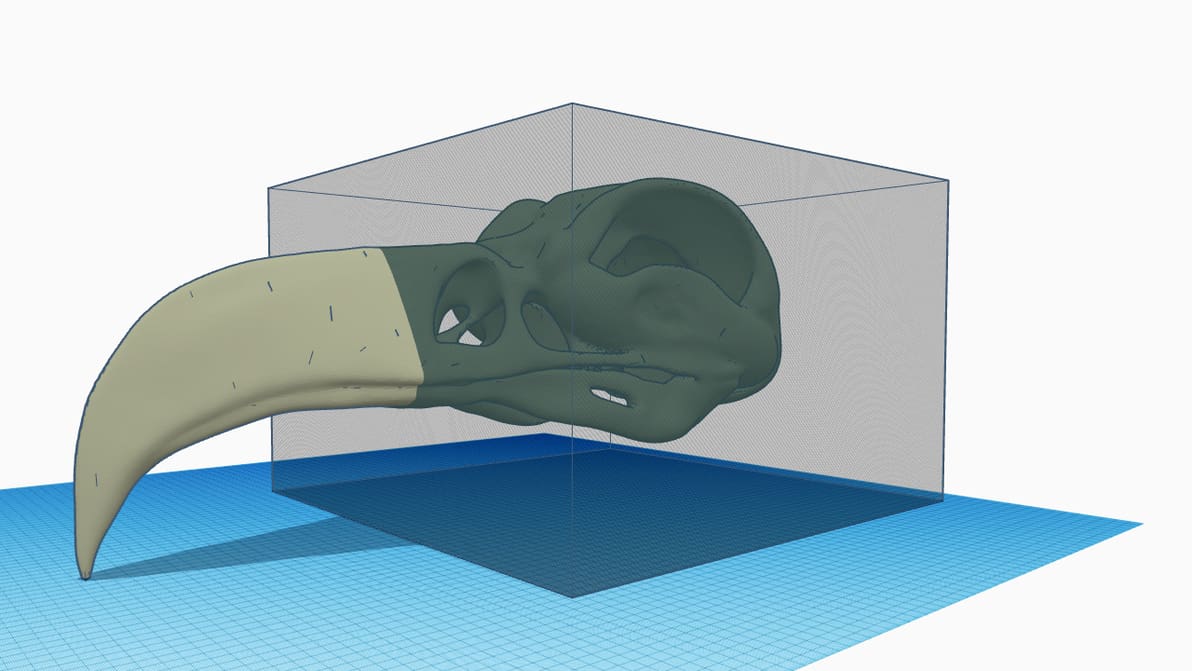
Many models exceed standard 3D printer build volumes. Check out our tutorial for Tinkercad, and split objects easily!
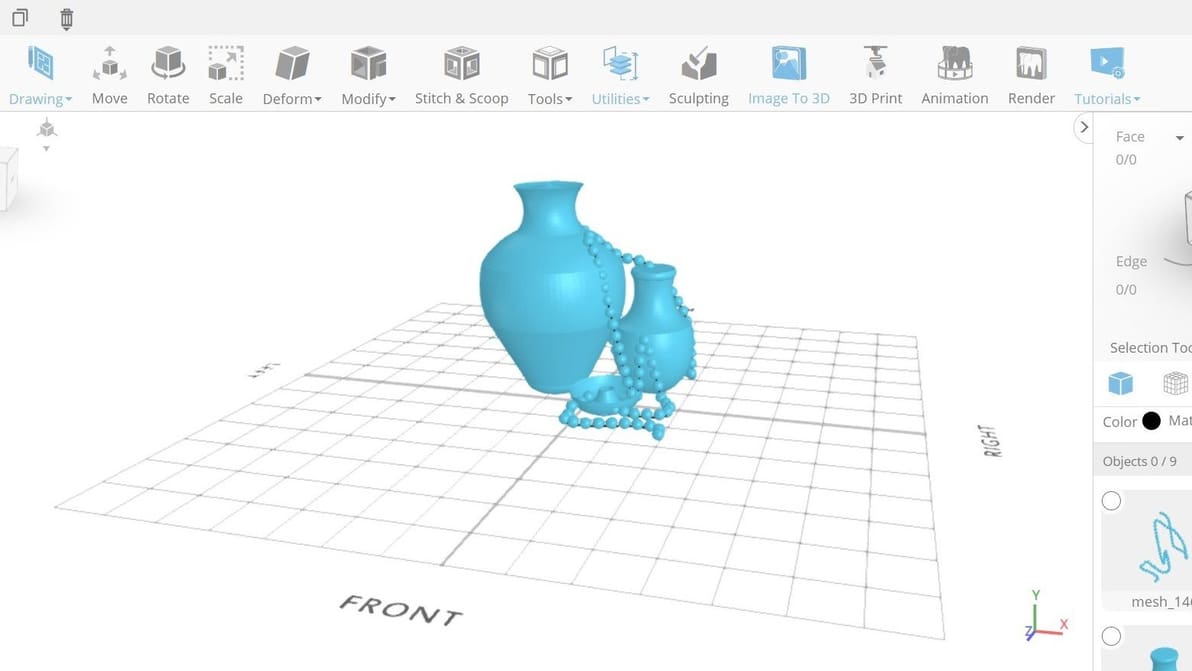
Tinkercad is a great beginner modeling tool, but it's not the only great tool on the block! Check out this list of Tinkercad alternatives.