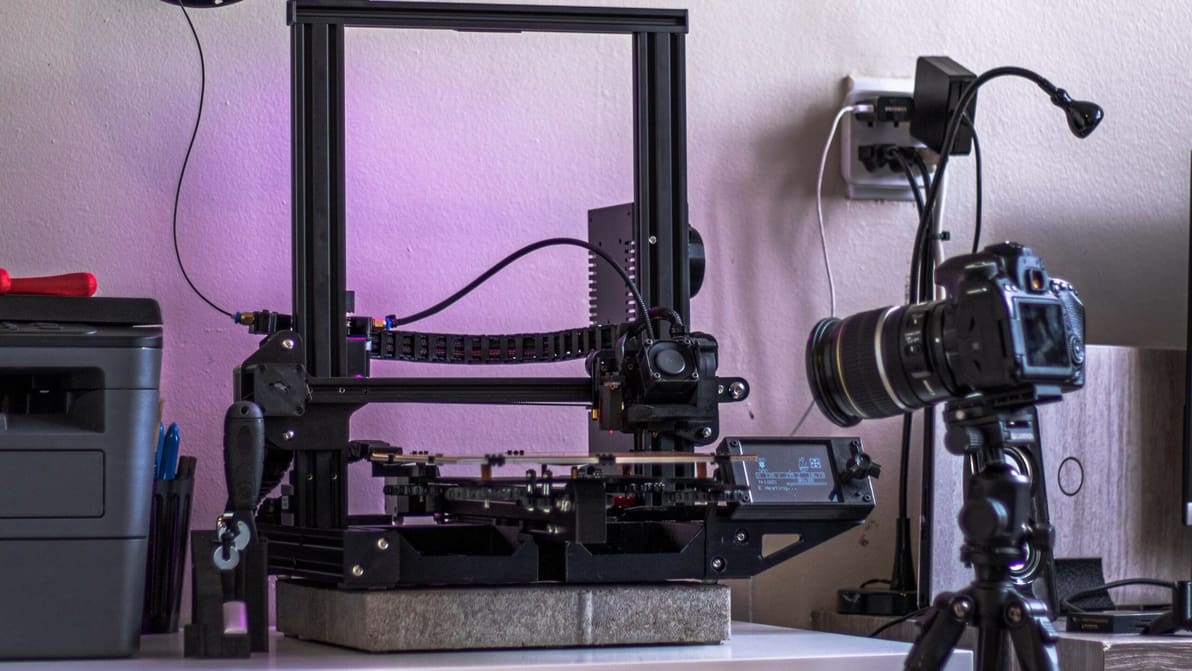
Isn't it fascinating to watch our prints come to life? Check out how Klipper time-lapse integration can capture this magic for every print!

In Cura, combing is an important setting that reduces retractions and can prevent stringing. Learn how you can use combing mode in Cura!

PrusaSlicer's new organic support structures have become quite popular since their introduction. Read on to learn all about them!
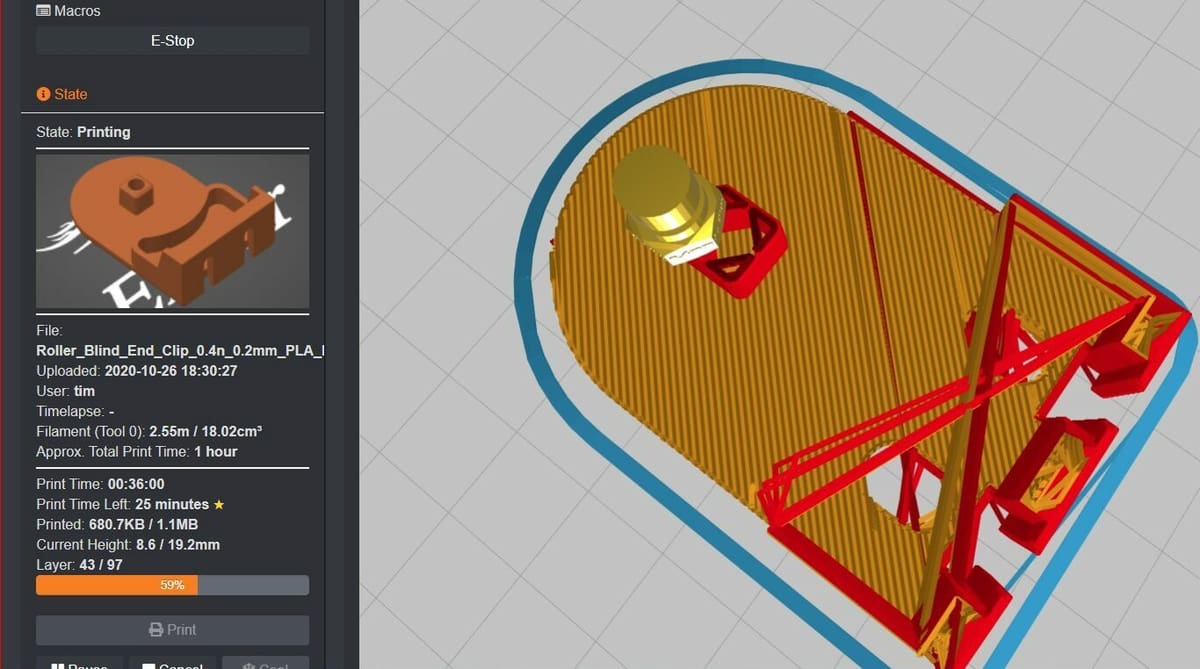
A Klipper plug-in can improve your experience with this firmware and tailor it to your needs. Read on to discover the best ones out there!
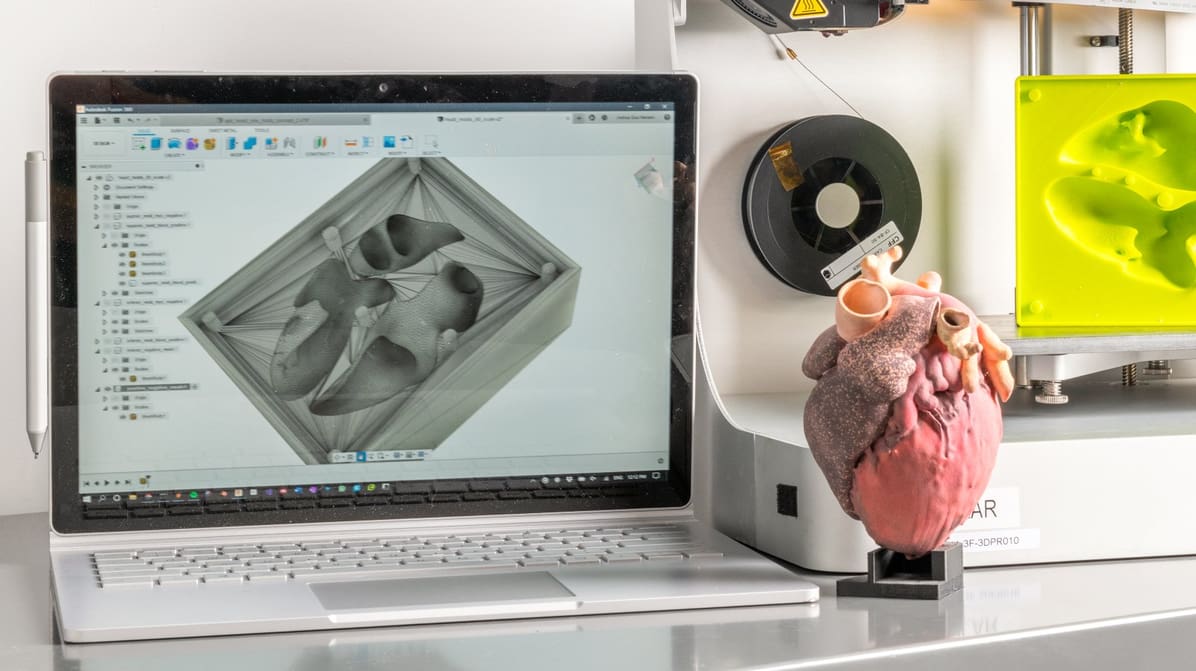
AutoCAD is a great choice for designing 3D printable models. Read on to learn about how to design and 3D print from AutoCAD.
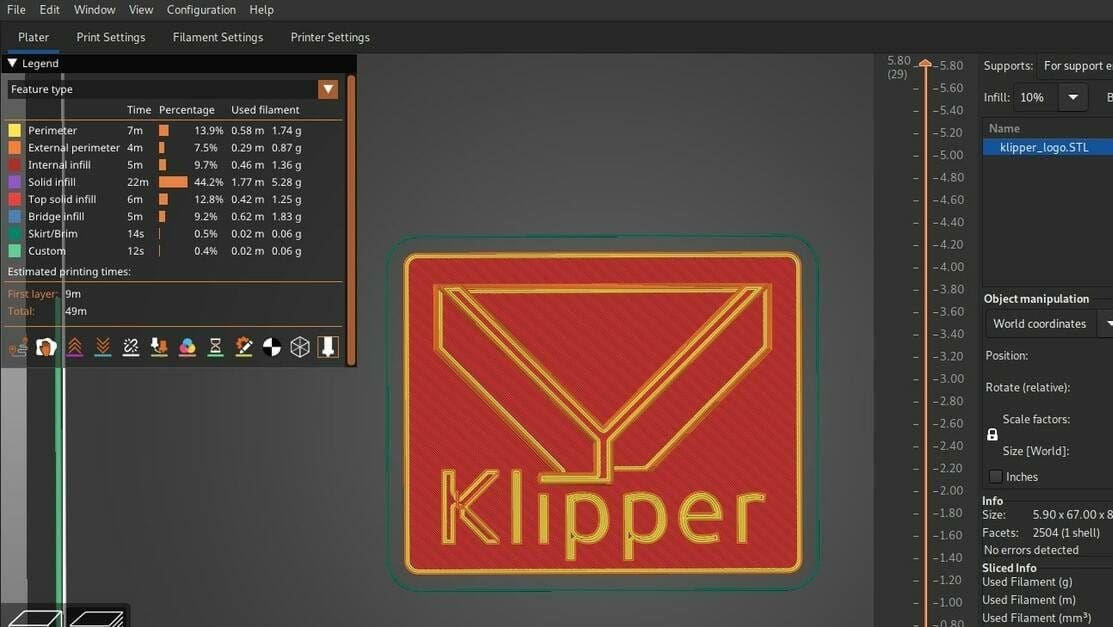
Unleash the potential of your 3D printer with the empowering duo of PrusaSlicer and Klipper! Read on for all you need to know to get started.
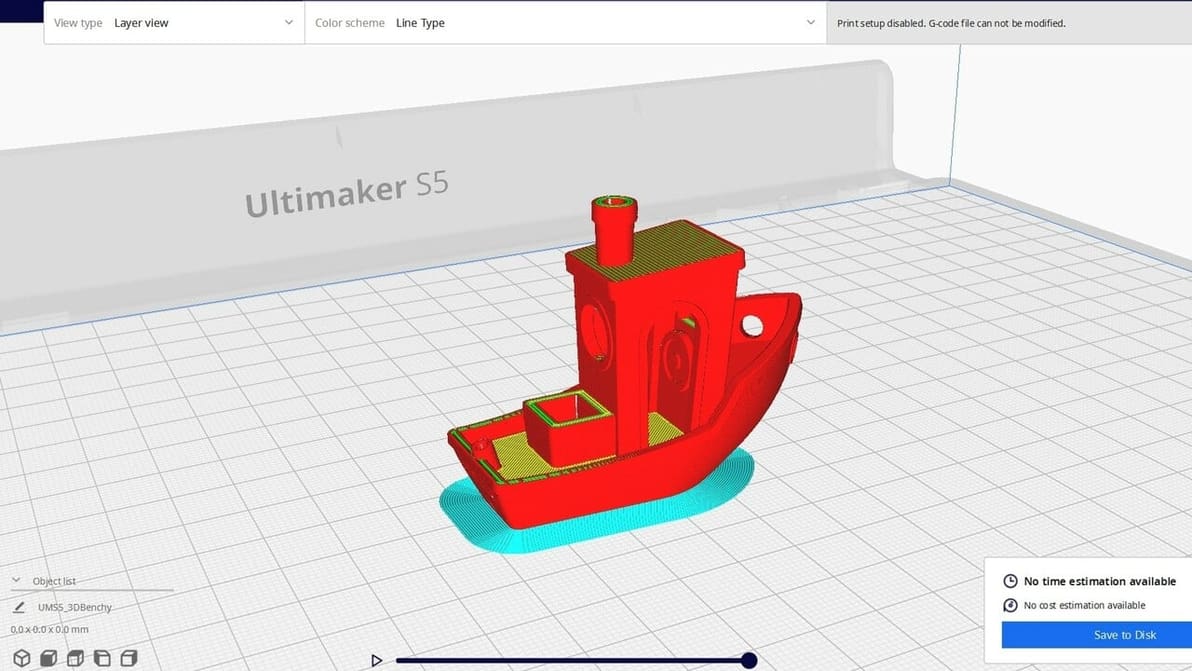
Converting an STL to G-code is easy, but to convert G-code to STL requires a dedicated tool. Learn how to tackle this challenging conversion!
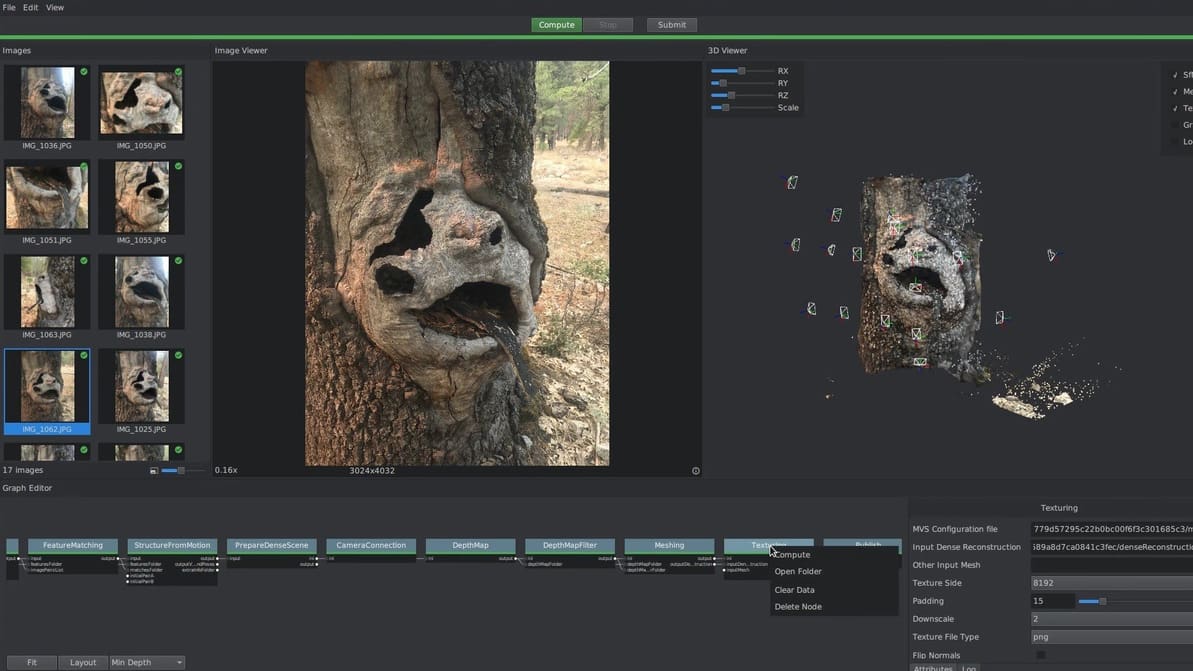
Want to be able to 3D scan anything around you? All you need to get started is the proper 3D scanning software! Let's take a look.
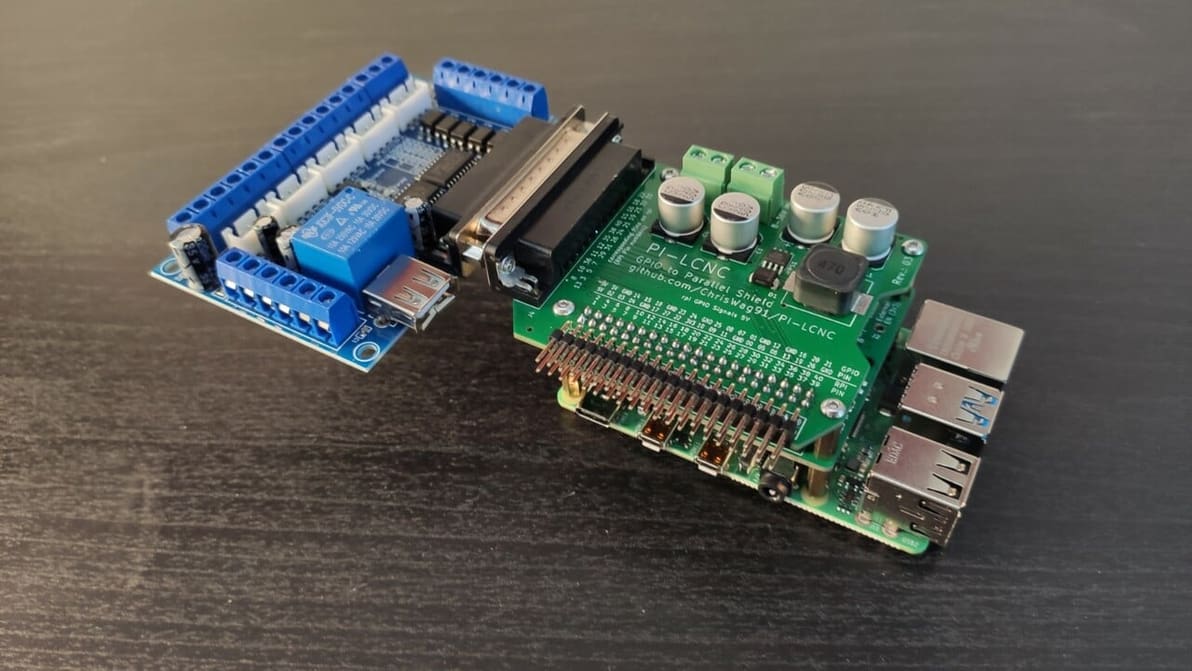
If you're looking to enhance and simplify your DIY CNC setup with LinuxCNC, Raspberry Pi 4 is your friend. Read on to learn more!
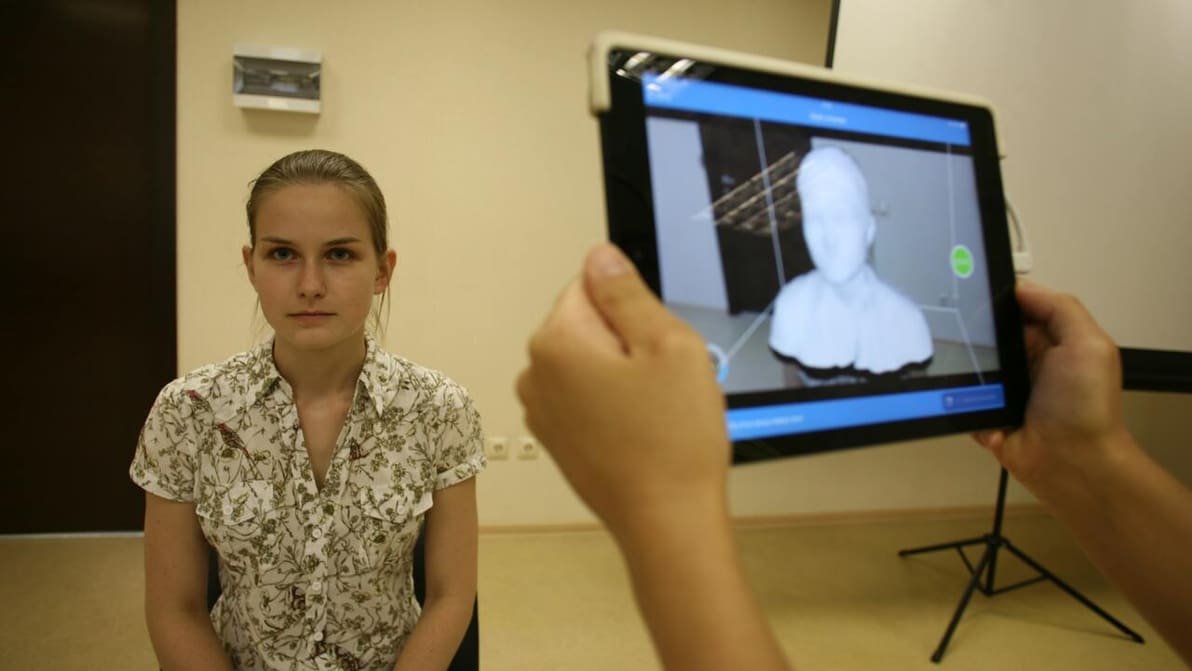
Setting up a 3D face scanner can give way to plenty of fun projects. Check out different scanning options and how to get that model ready!
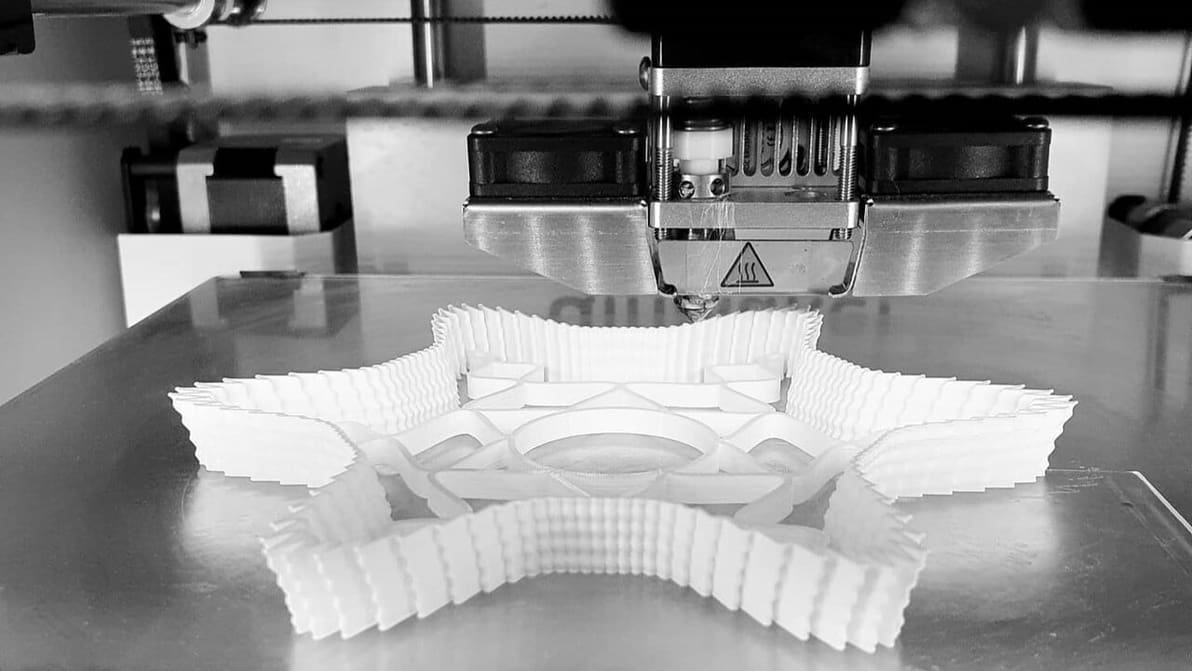
Unleash your 3D printing potential with FullControl GCode Designer! Thanks to customizable parameters, shape your 3D prints with full control!

Here's everything you need to know about the Bambu Studio Slicer. Read on to learn how to use this slicer with your 3D printer!
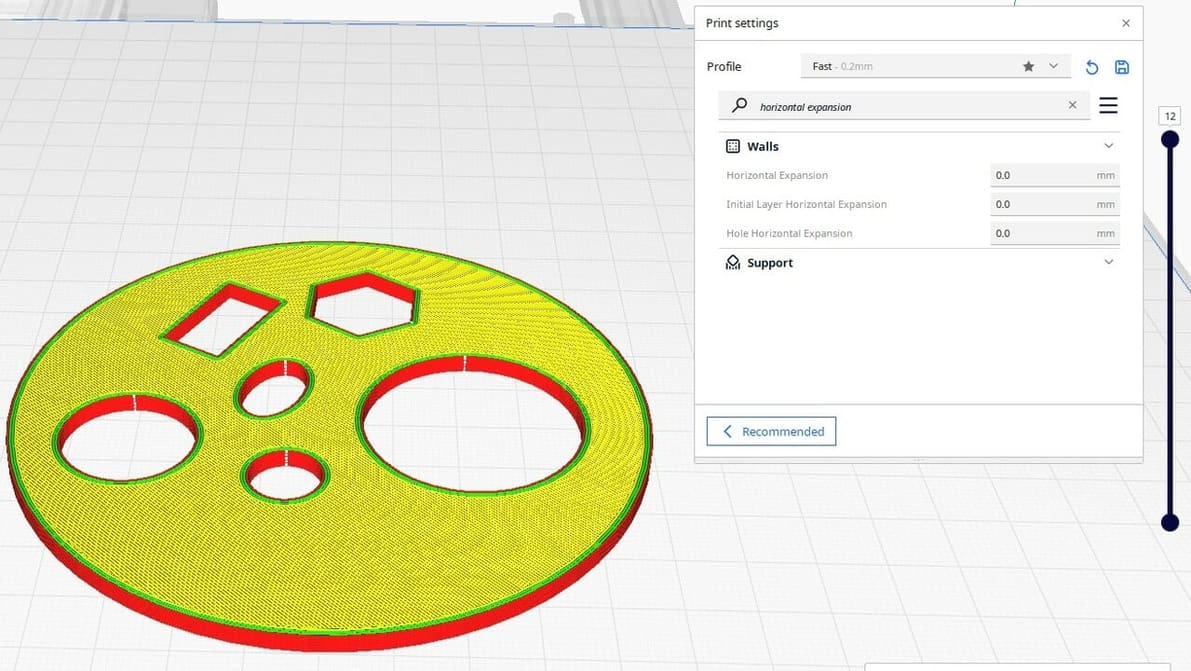
Cura Horizontal Expansion settings can fix dimensional inaccuracies and cure elephant's foot. Read on to learn more!
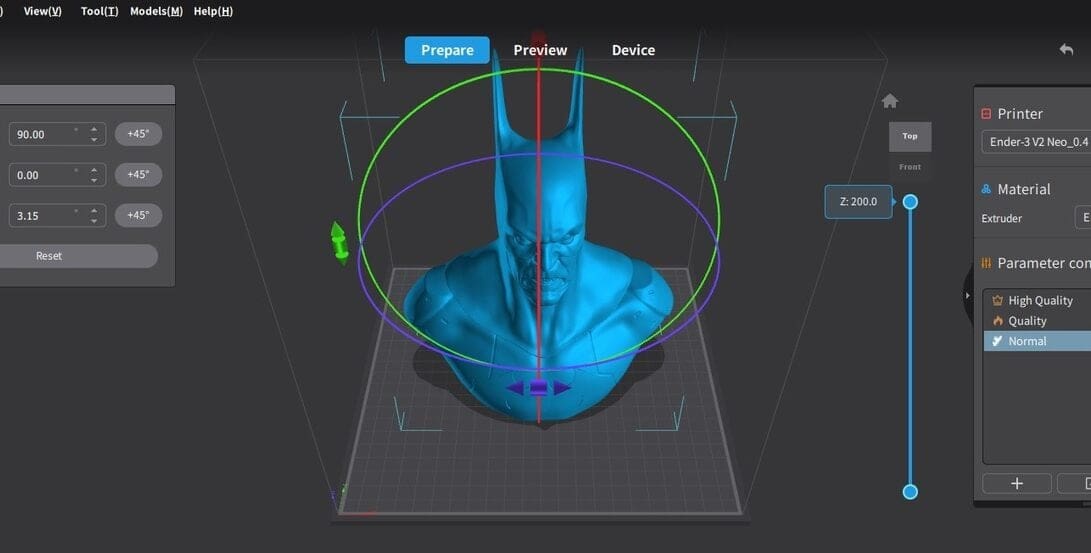
Slicing software is essential for any 3D maker. Creality now has two options, so read on to see how Creality Print vs. Slicer stacks up!
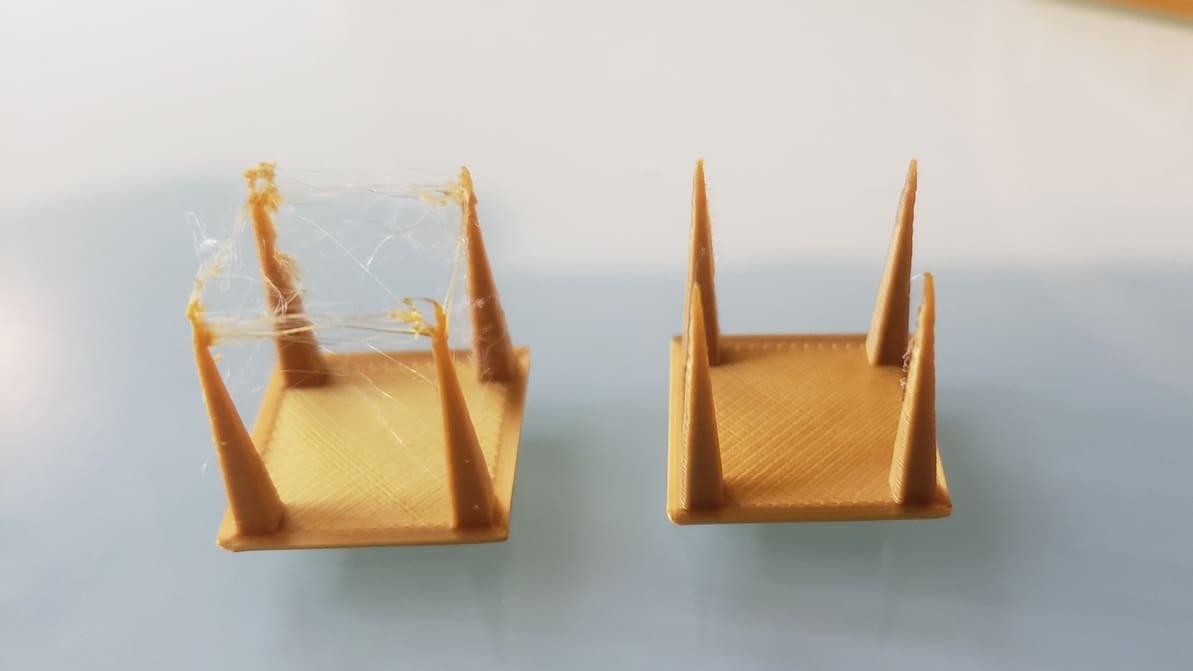
Pulling filament back into the hot end is a useful function but tricky to master. Read on to learn all about 3D printer retraction!
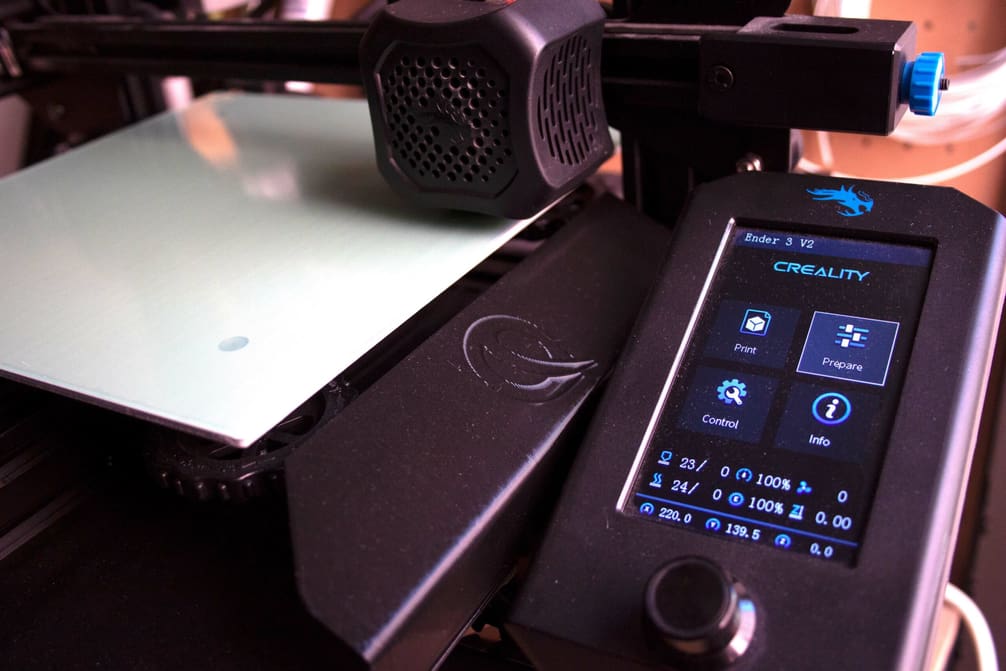
Let us help you with Ender 3 Cura settings! Enjoy perfect prints with the best Ender 3 (V2/Pro) Cura profile for your needs.
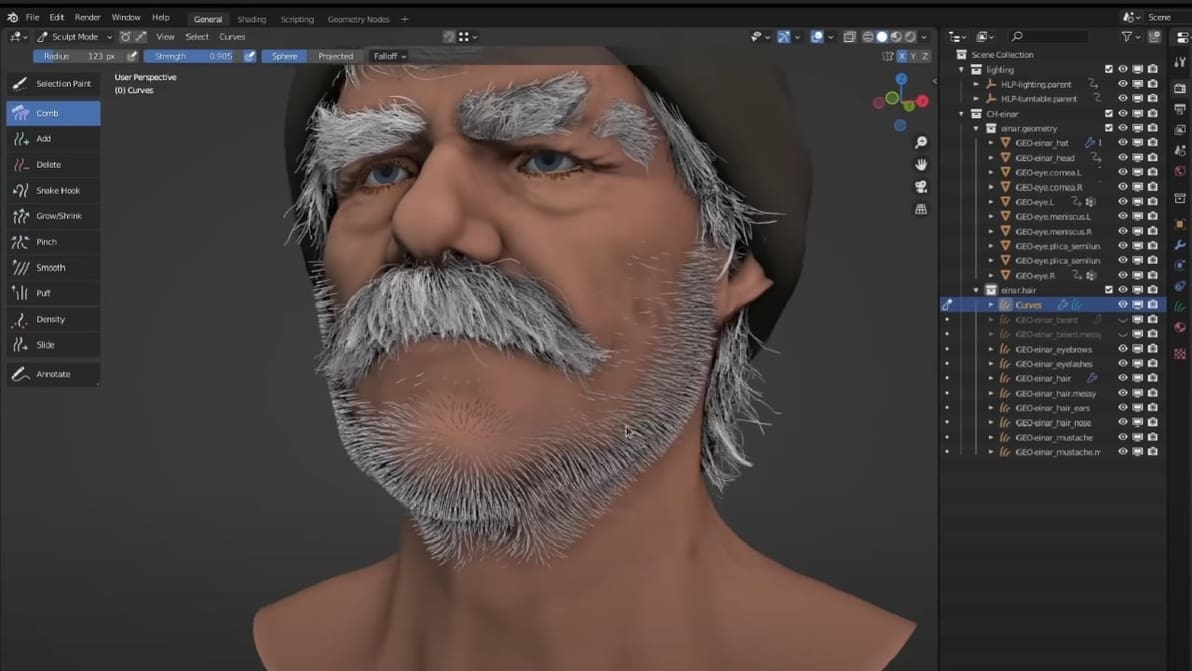
Need a model for your project but aren't looking to spend big? Check out the best sites where you can download free Blender models.
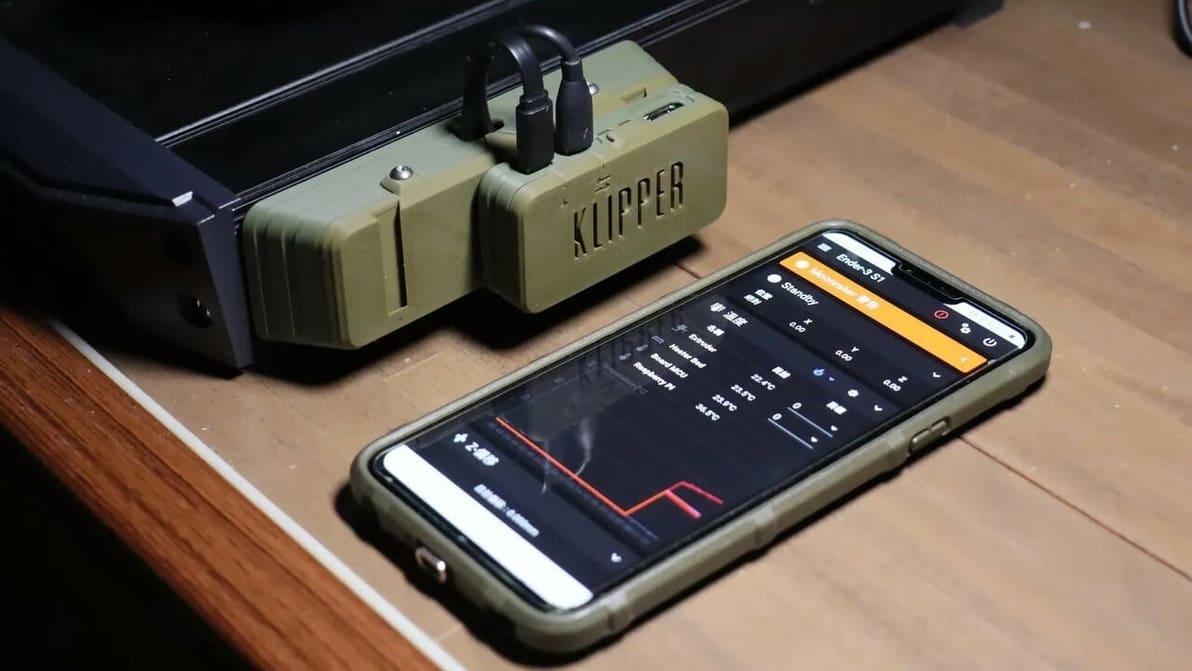
If you're wondering what Klipper sensorless homing is, look no further! Read how to configure Klipper to home without using endstop switches.
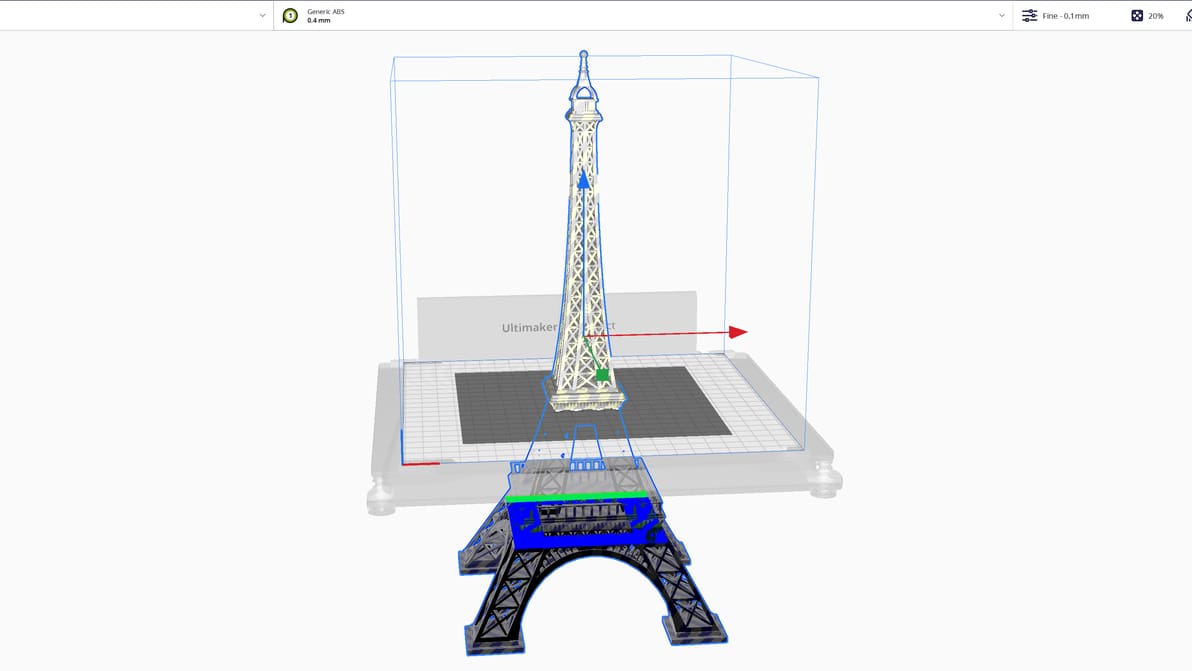
Did you know that you can split an STL file in Cura? Split models easily with this tutorial, which includes two methods. Read on for more!
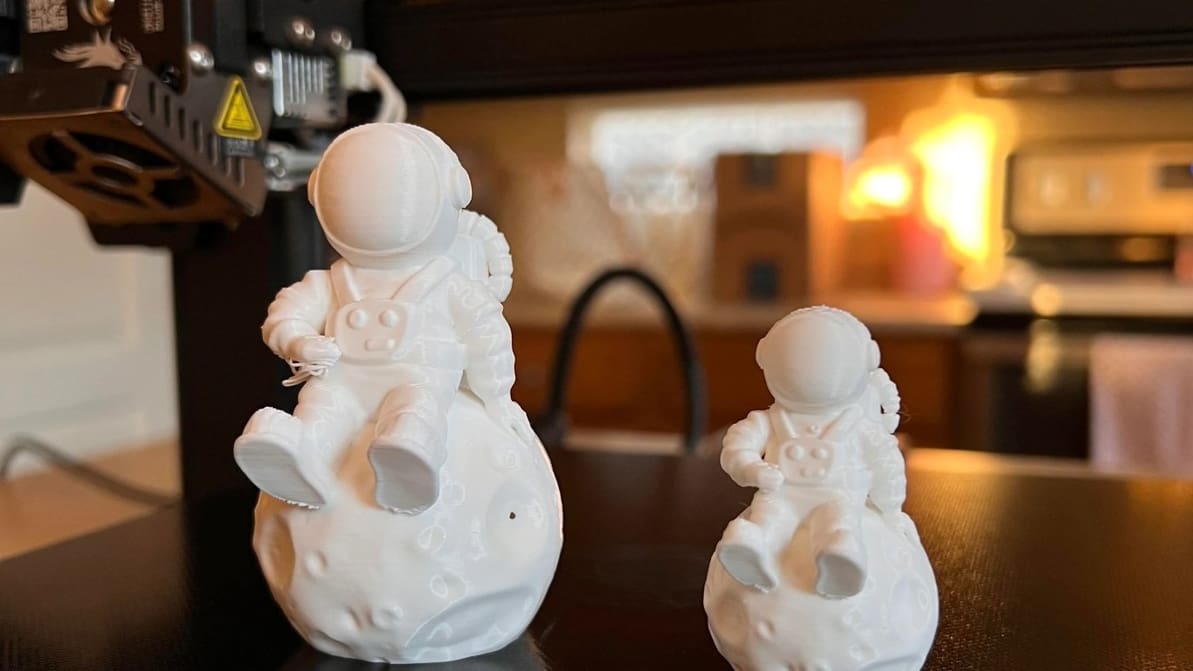
The best temperature, print speed, and retraction settings, among others. Read on for the best Ender 3 S1 & S1 Pro Cura slicer profiles.