
Blender is a fantastic tool, but add-ons can enhance the program's capabilities. Discover our picks for the best Blender add-ons!
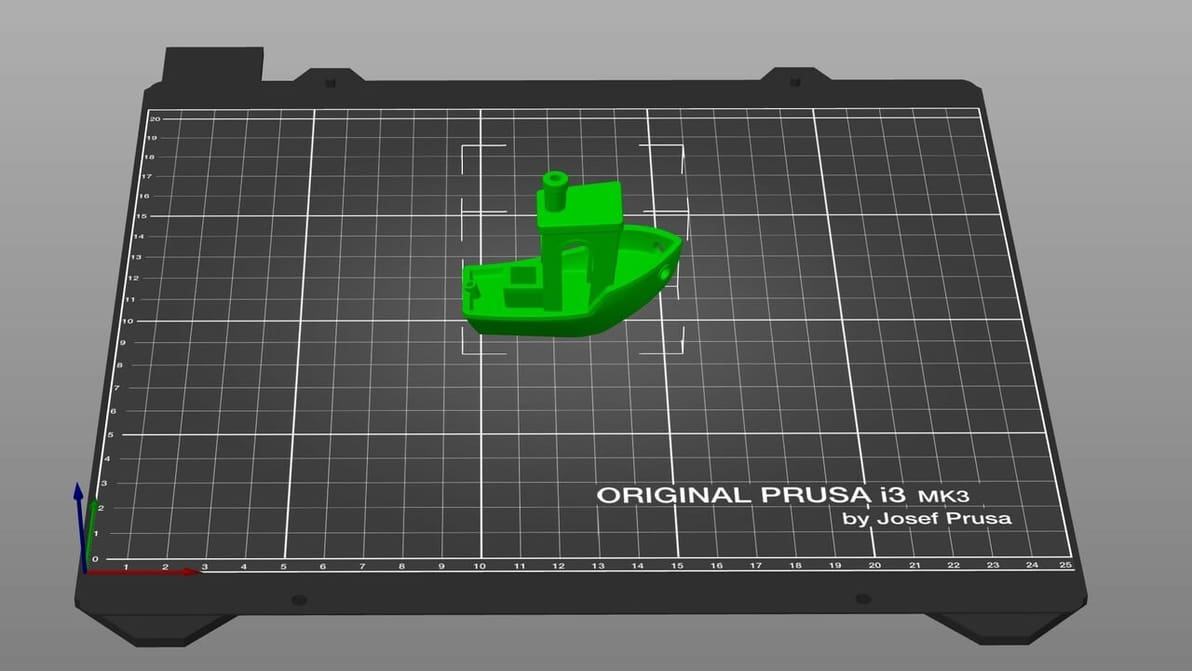
When it comes to 3D printing software, the types and options can seem overwhelming. Read on to find out the must-haves!
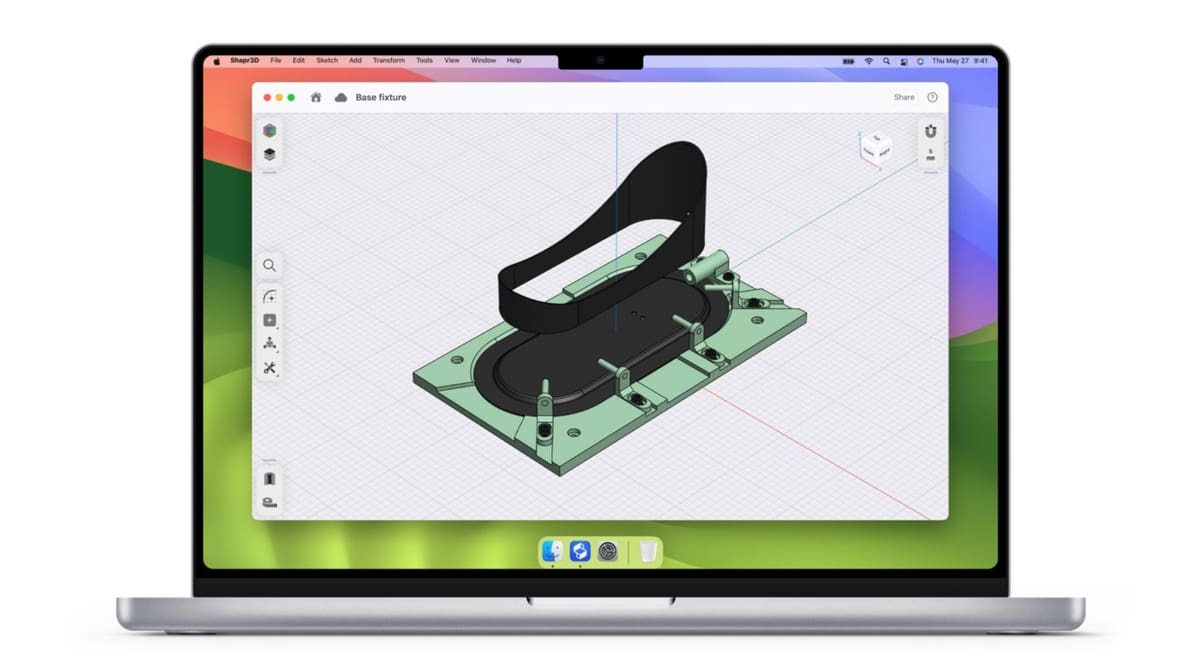
It's never been easier to find free CAD software for Mac. Discover tools for everything, from sculpting to parametric 3D modeling!
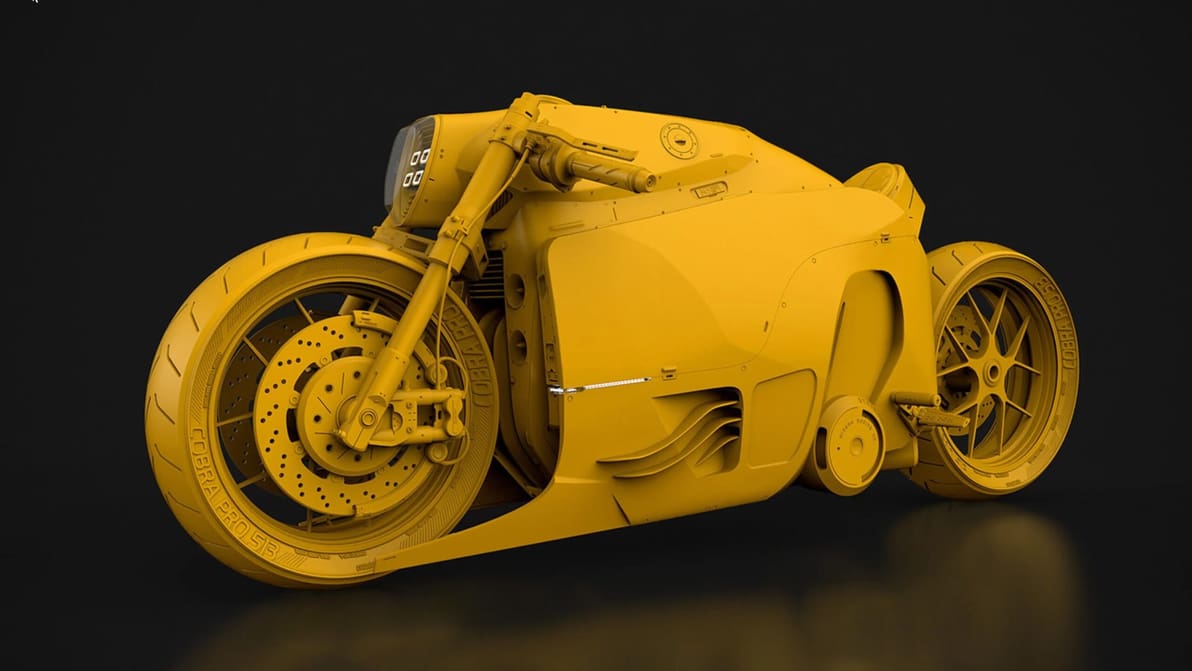
3D sculpting software is a powerful way to create organic models. Read on for the best programs on the market. Some are free!

No render is ever complete without a good lighting setup. Get familiar with all the essentials to Blender lighting and setting a scene.
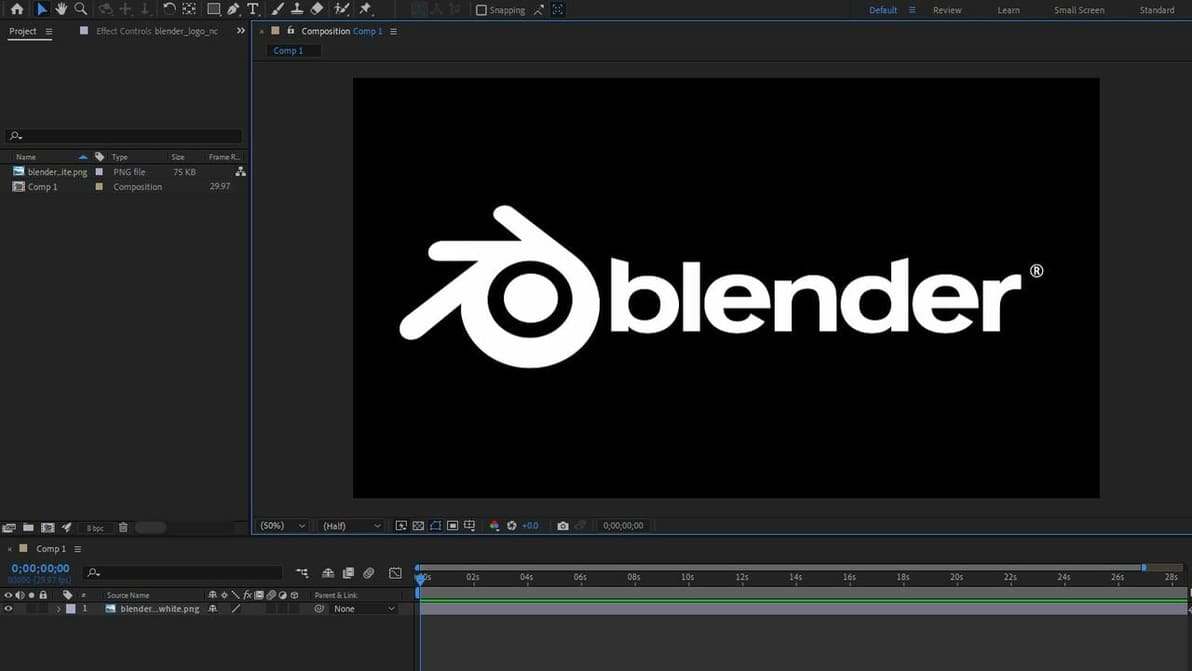
There is nothing better than a good mix of Blender and After Effects for your 3D animations. Check out three different ways to combine both!
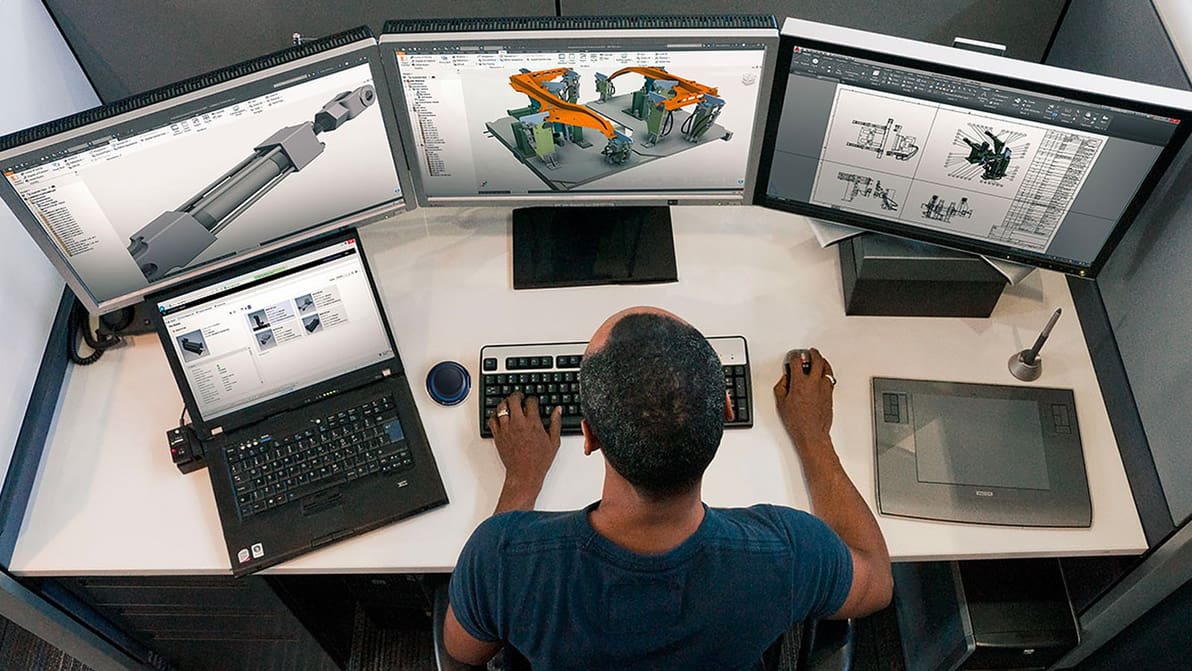
Looking for computer-aided design (CAD) software to get your job done? Check out our expert guide to find the best option for your professional needs whether you're an architect, design, or engineer.
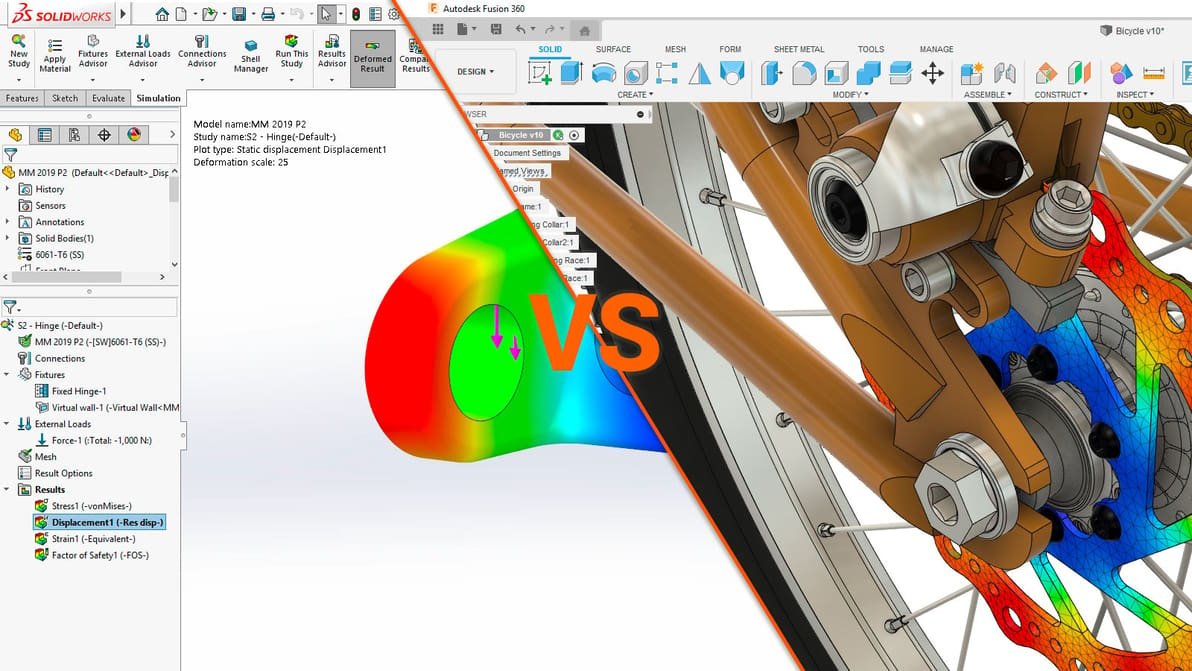
SolidWorks vs. Fusion 360: Dive straight in to find out all about the differences and which CAD program is best for your needs.
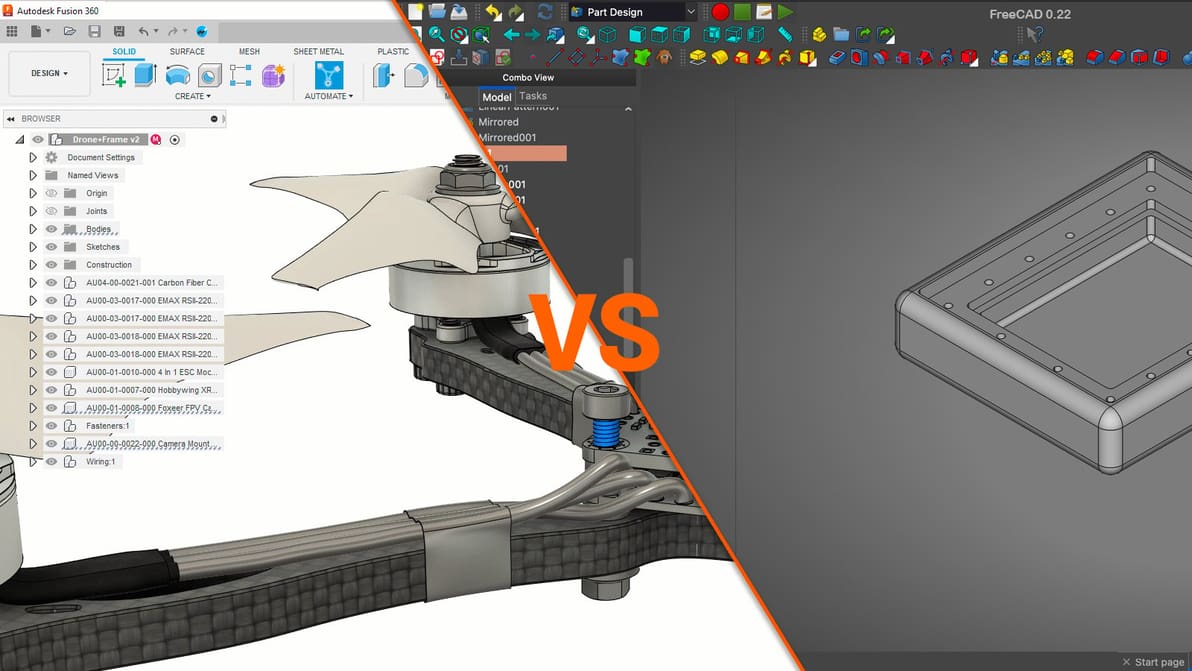
When looking for a CAD tool with great features, the FreeCAD vs. Fusion 360 decision is harder than you think. Learn which is best for you!
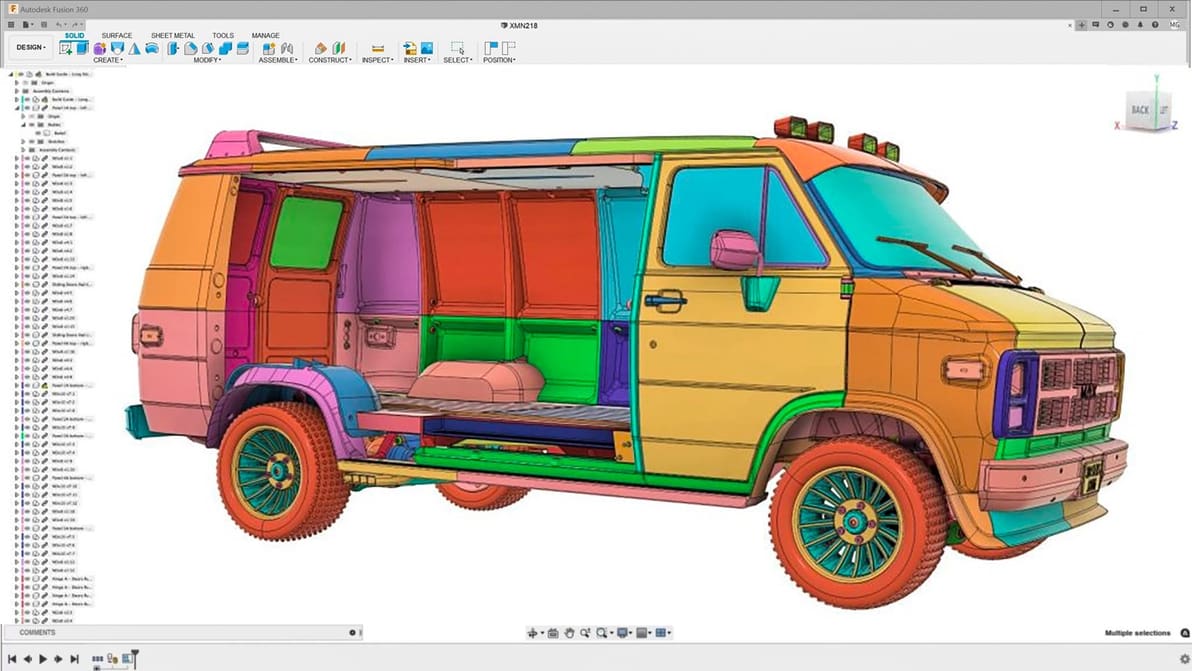
Fusion 360 is great all-around software. Still, it's not the only option out there. Discover the best Fusion 360 alternatives!

Take your 3D modeling skills to the next level! Check out our picks for the best Blender tutorials – most of them are free.
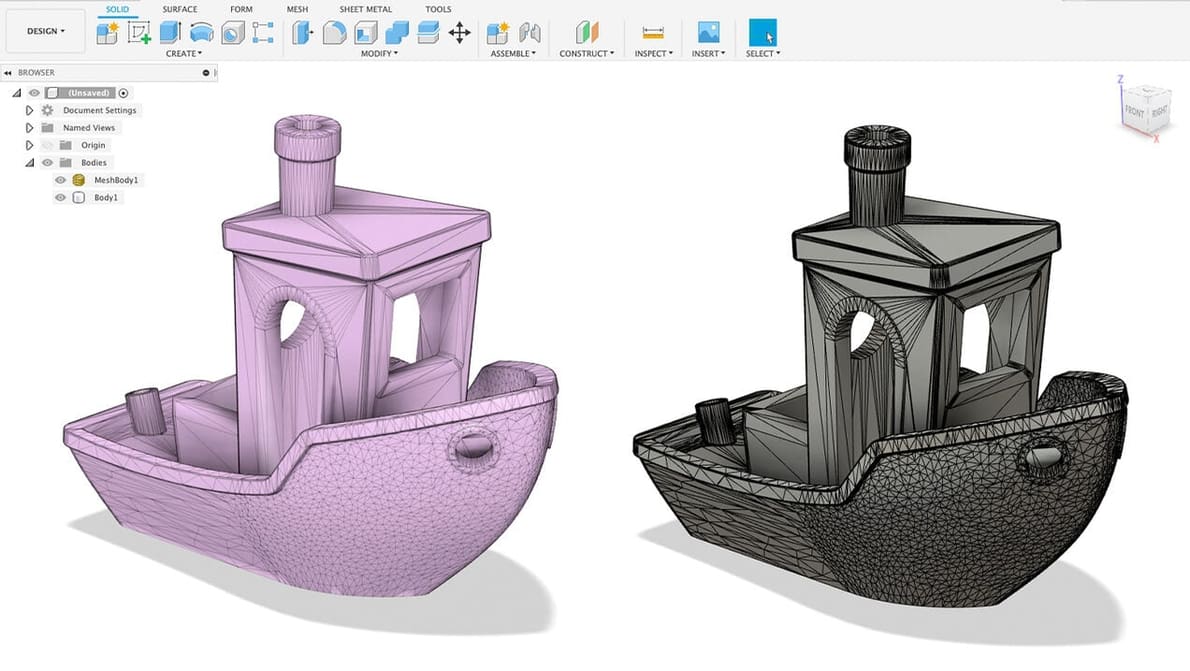
Importing and converting STL files to CAD isn't always easy. Follow this tutorial to learn the fastest way in Fusion 360 to import STL files.

CNC machining as a hobby or learning CAM for professional manufacturing applications? Nothing beats free software to get your feet wet.
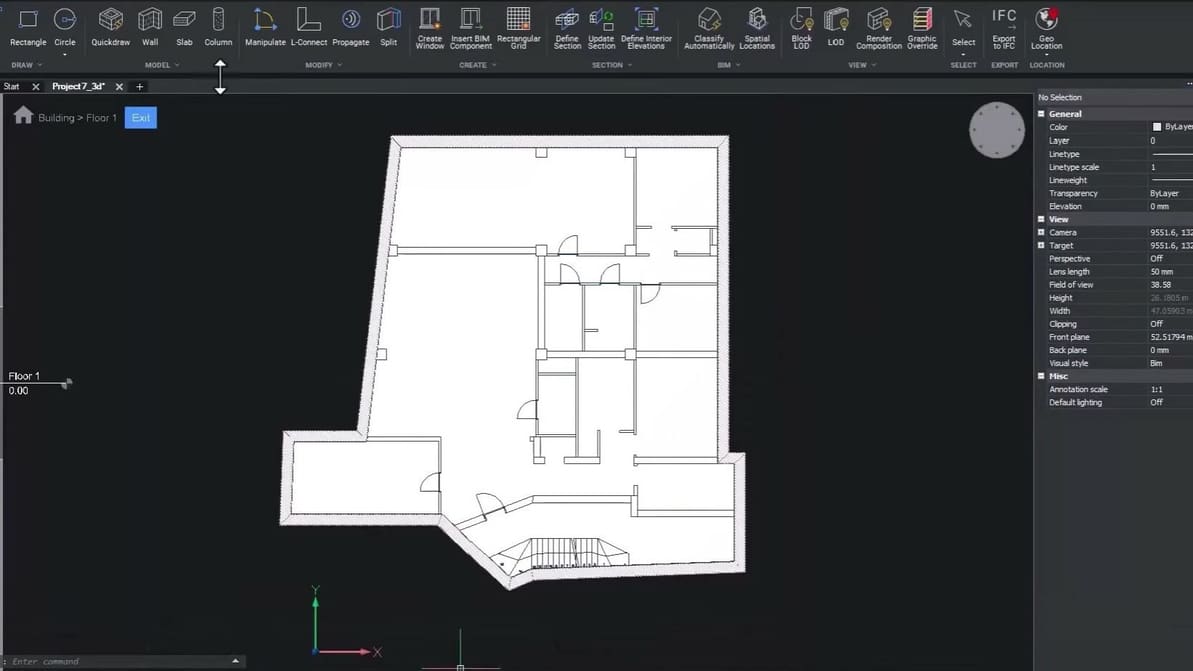
2D CAD software is extremely helpful in the design process. Read on to learn about the best tools and their features!
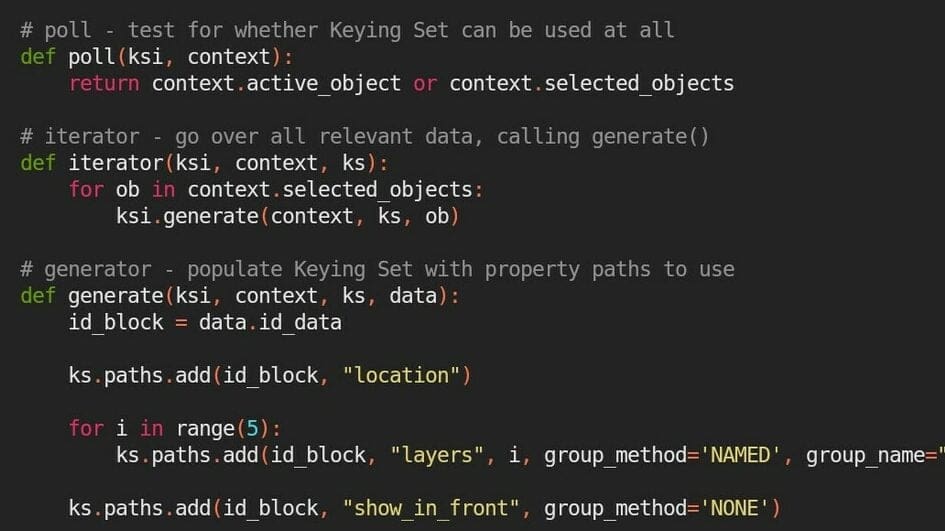
Simplify your workflow and create useful add-ons using the Blender Text Editor. Keep reading to learn how, plus some useful tips and tricks.
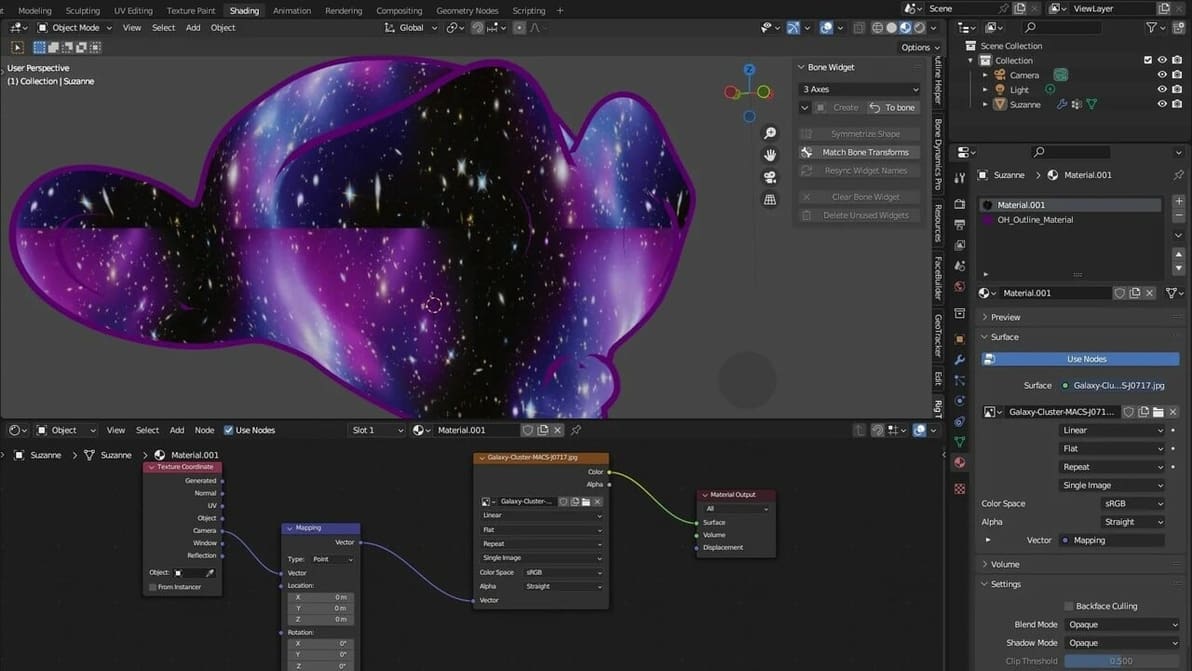
Tired of having your textures look plain and ugly? Read all about Blender's displacement maps and learn how to add realism to your models.
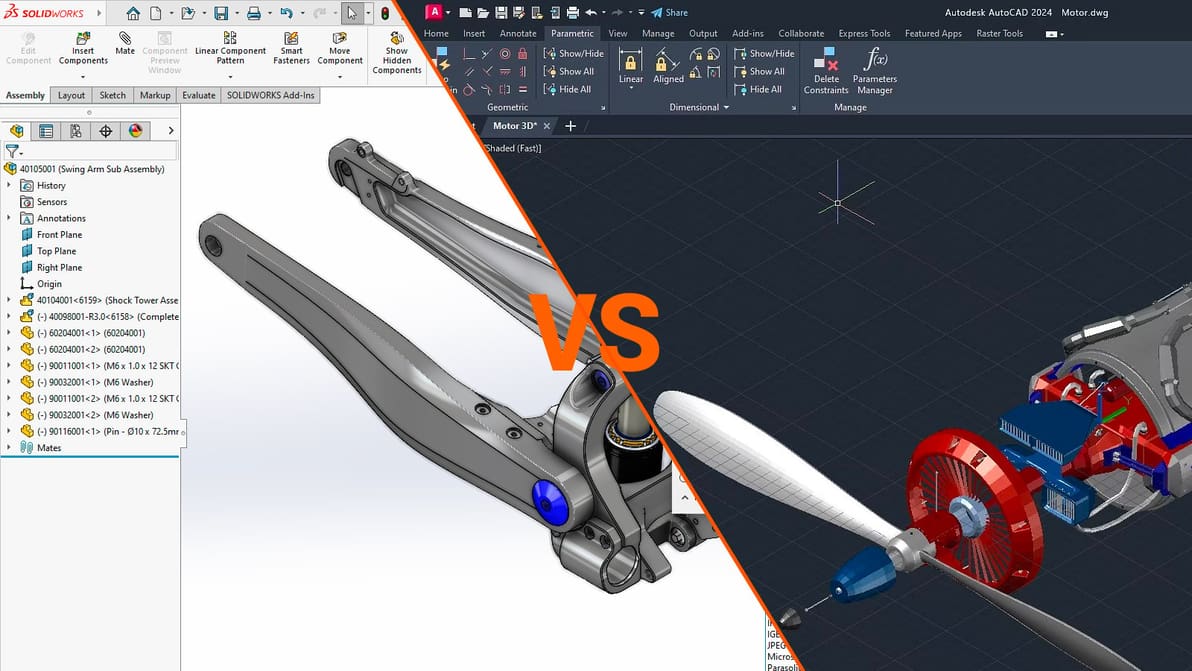
Choosing between these two industry leaders in CAD software will depend on your style of design. Learn how to make the right choice.
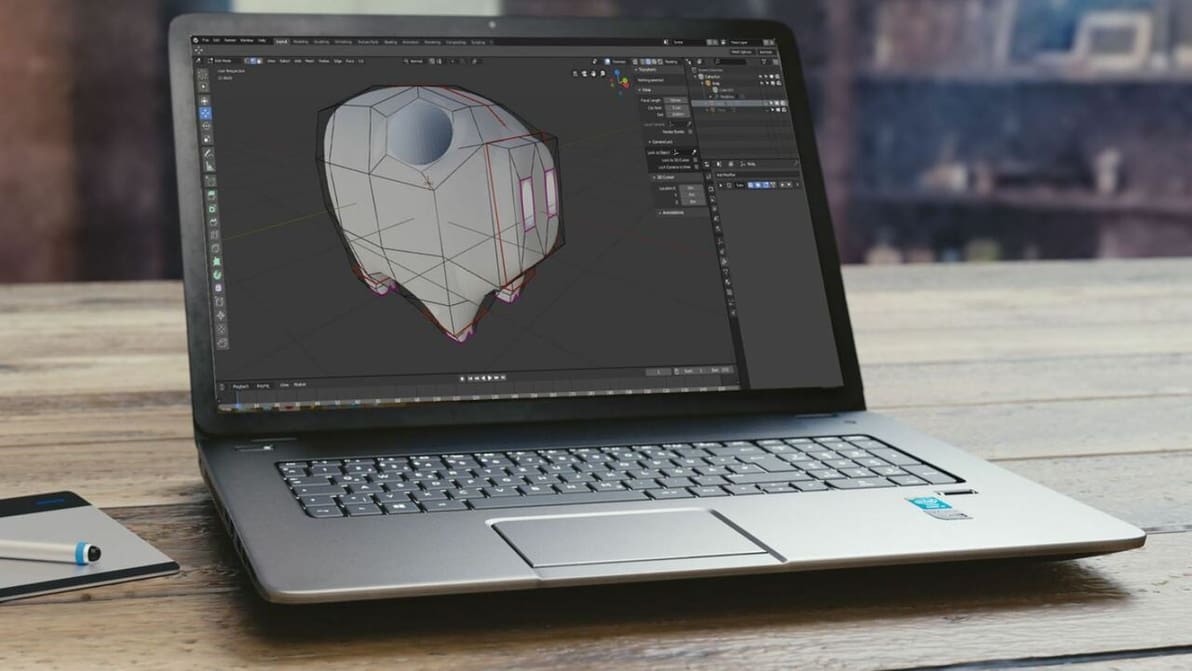
Chromebooks run Chrome OS, an operating system incompatible with Blender. Read on to learn how to get Blender for Chromebook!
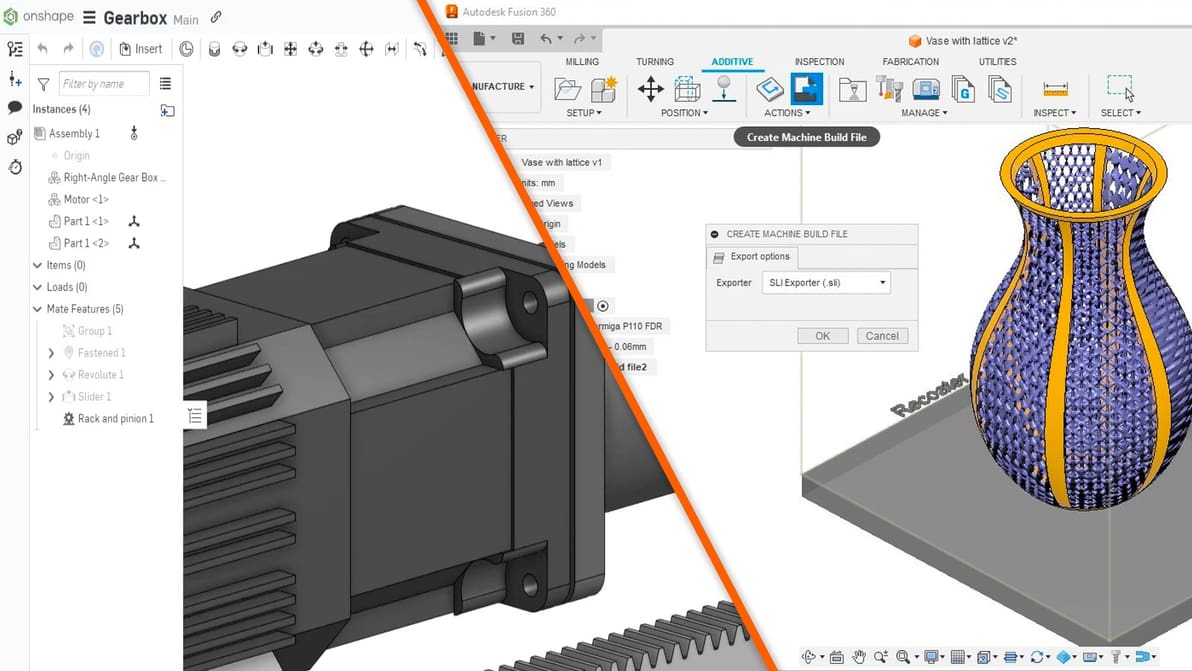
The Fusion 360 vs. Onshape choice isn't made any easier by the fact that they're both great CAD programs. Read on for a comparison!
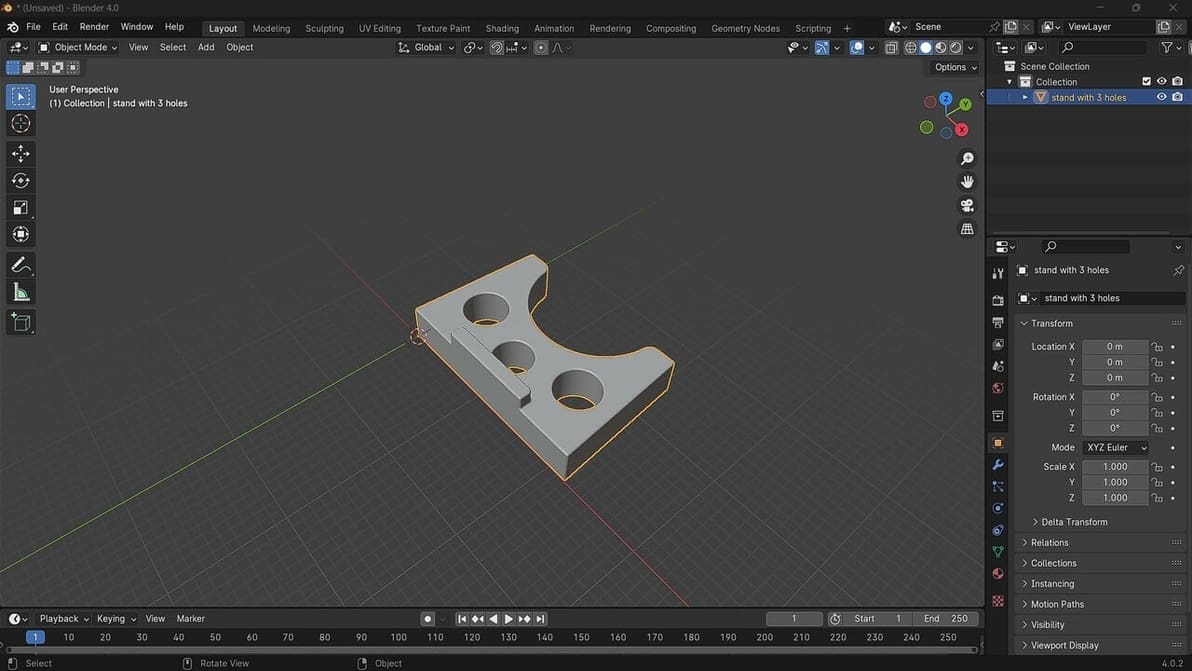
Blender 4.0 has just been released. Check out how to open STL files in Blender to get you on your way to making great designs!