Advertisement
Featured image of Cura: Print One at a Time – Simply Explained
One Benchy at a Time
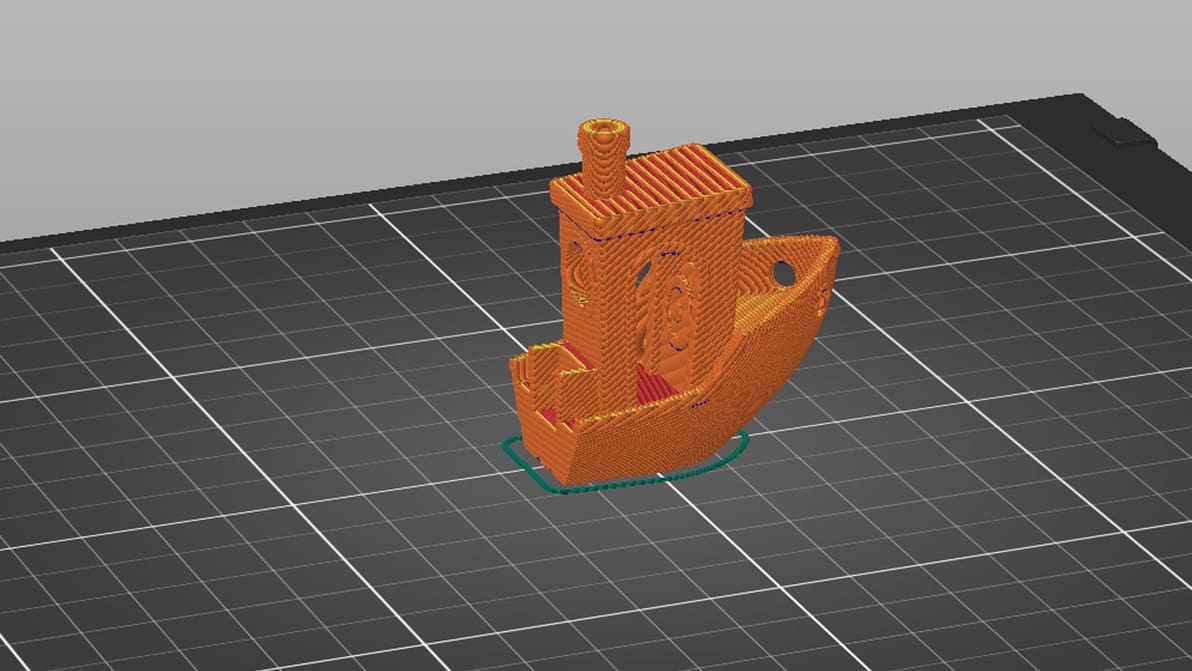
Cura: Print One at a Time – Simply Explained

Cura's print "One at a Time" slicer setting can be super handy. Read on to learn how it works, how to use it, and more!

Featured image of Bambu Studio Tutorial: Hands-On Tutorial to Get Started
Approved by Pandas
Bambu Studio Tutorial: Hands-On Tutorial to Get Started

From model to masterpiece – read all about how to slice, preview, and 3D print like a pro with our Bambu Studio tutorial!

by Guilherme Schendel
Featured image of Best 3D Printing Apps (Android & iOS): 19 Apps We Recommend
There's an App for That!
Best 3D Printing Apps (Android & iOS): 19 Apps We Recommend

Check out our choice of 3D printing apps for Android and iOS. On-the-go 3D printer control, file repositories, and 3D scanning awaits!

Featured image of Lithophanes with Cura: Easy Tutorial (incl. Best Settings)
From Digital to Physical
Lithophanes with Cura: Easy Tutorial (incl. Best Settings)

Lithophanes turn digital pictures into tangible ones that you can see when light shines through. Check out how to make a lithophane in Cura!

by Priyank Pal
Featured image of Klipper: PID Tuning – Simply Explained
Bringing the Heat
Klipper: PID Tuning – Simply Explained

In some cases, Klipper uses unique G-code from that of other firmware. If you're running Klipper, PID tune your printer using these commands!

by Jackson O'Connell
Featured image of The Best Creality K1 Cura Profile / Settings
Set Your K1 Up for Success
The Best Creality K1 Cura Profile / Settings

Looking for the perfect Creality K1 Cura profile? Check out these settings and unleash the lightning-fast potential of your Creality K1!

by Timothy Solomon
Featured image of Orca Slicer: All You Need to Know to Get Started
The Only Sea Slicer!
Orca Slicer: All You Need to Know to Get Started

Feature-packed and a fork of Bambu Studio, Orca Slicer has been gaining ground in the slicer world. Read on to learn all about it!

by Gloria E. Magarotto
Featured image of How to Install OctoPrint on Linux/Ubuntu
A 3D Printer’s BFFs
How to Install OctoPrint on Linux/Ubuntu

OctoPrint on Linux is a great combination for diehard Linux and 3D printing fans. Read on for an OctoPrint-Linux installation guide!

Featured image of Snapmaker Open-Sources Its U1 Klipper Code With a Day to Spare
Sourcey
Snapmaker Open-Sources Its U1 Klipper Code With a Day to Spare

Snapmaker has released the modified source code for the three open-source projects that underpin the Snapmaker U1's firmware: Klipper, Moonraker, and Fluidd. The repositories went live on GitHub on March 30 – the final day before a deadline the company set for itself.

by Matthew Mensley
Featured image of 3MF File Format – All You Need to Know
The New Standard
3MF File Format – All You Need to Know

We’re saying it — STL files are obsolete. Learn what the 3MF file format is and how it's key to better 3D prints.

Advertisement
Advertisement
Featured image of 3D Printing Brim: When Should You Use It
I Am Brim
3D Printing Brim: When Should You Use It

It prevents warping, helps with adhesion, and reduces waste – what's not to love about a 3D printing brim? Read on to learn more!

by Lauren Fuentes
Featured image of Creality Print vs Creality Slicer: The Main Differences
A Slice Of Life
Creality Print vs Creality Slicer: The Main Differences

Slicing software is essential for any 3D maker. Creality now has two options, so read on to see how Creality Print vs. Slicer stacks up!

by Ian Mitchell
Featured image of Cura: Printhead Settings – Simply Explained
Curing It Head On
Cura: Printhead Settings – Simply Explained

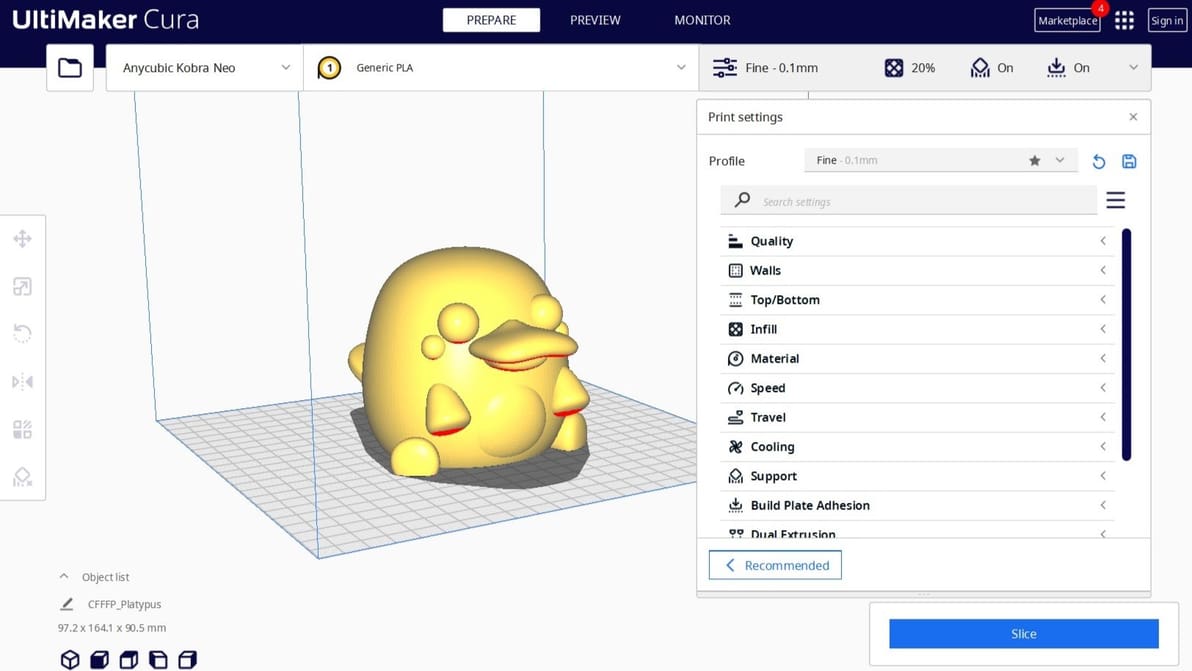
Cura printhead settings can come in handy when printing multiple objects. Read on to find out more about this feature in Cura.

by Pranav Gharge
Featured image of 5 Great Online Slicers We Recommend
A Slice of the Web
5 Great Online Slicers We Recommend

You've heard about Cura, PrusaSlicer, and Bambu Studio... but what about online slicers? Here are the best picks.

by Filippo Predebon
Featured image of PrusaSlicer: Z Hop – Simply Explained
Lifting the Game
PrusaSlicer: Z Hop – Simply Explained

Unlocking the Z-lift technique (Z Hop) in PrusaSlicer: Learn how to change the game on the extruder traveling movements!

by Mônica Laiolti dos Santos
Featured image of What Is a 3D Slicer? – Simply Explained
Slice It Up
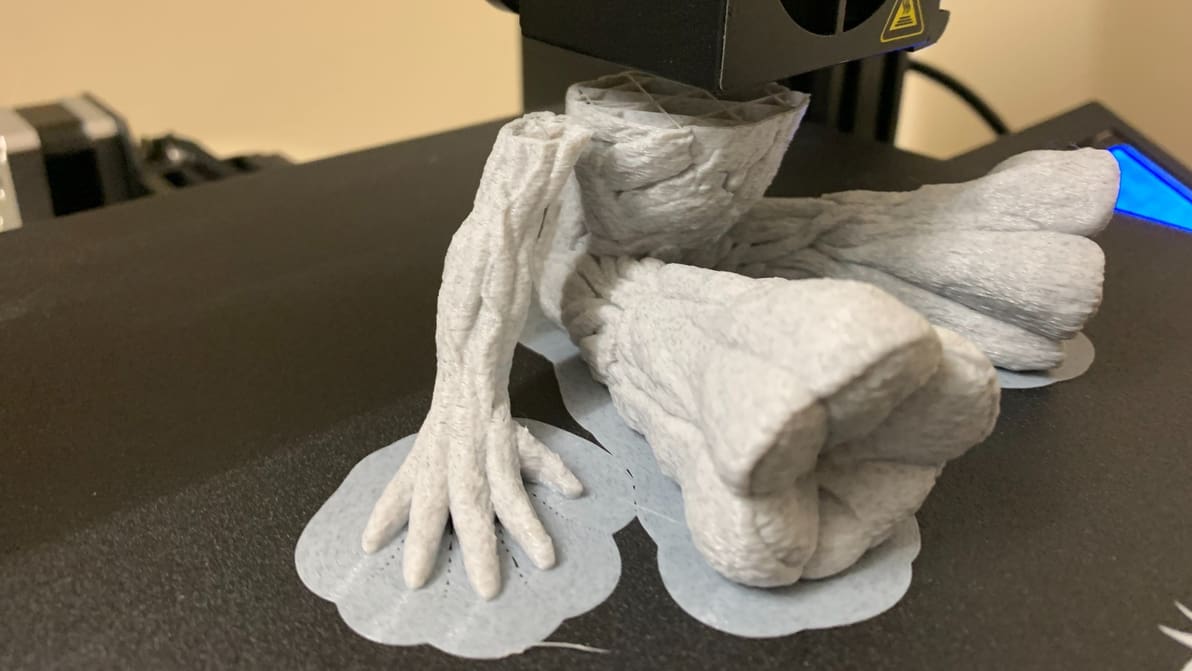
What Is a 3D Slicer? – Simply Explained

If you're wondering what is a 3D slicer, it defines a model and instructs a 3D printer how it's printed. Learn all about this software!
by Lucas Carolo
Featured image of PrusaSlicer & Klipper: How to Make Them Work Together
The Dynamic Duo
PrusaSlicer & Klipper: How to Make Them Work Together

Unleash the potential of your 3D printer with the empowering duo of PrusaSlicer and Klipper! Read on for all you need to know to get started.

by Myles Vendel
Featured image of Resin Print Support: 5 Great Tips & Tricks
Thanks for the Support
Resin Print Support: 5 Great Tips & Tricks

If you're 3D printing in resin, you'll need supports. Read on to learn about setting up and perfecting your resin print supports!

by Joseph Nunemaker
Featured image of Autodesk’s New Netfabb 2026: All You Need to Know
Additive Manufacturing Software
Autodesk’s New Netfabb 2026: All You Need to Know

What you need to know about Netfabb to prep, test, and optimize your 3D parts. Plus, all the updates in the new 2026 version.

by Carolyn Schwaar
Featured image of HueForge: What Is It & How to Use It to Create 3D Prints?
Color, One Layer at a Time!
HueForge: What Is It & How to Use It to Create 3D Prints?

Bring 2D images to life with HueForge 3D prints! Read about HueForge's features, slicing steps, and calibration tips for stunning creations.

by Garid Glenn
Advertisement
Advertisement