Advertisement
Featured image of Bambu Lab Slicer: Bambu Studio – All You Need to Know
Not Just for Pandas
Bambu Lab Slicer: Bambu Studio – All You Need to Know

Here's everything you need to know about the Bambu Studio Slicer. Read on to learn how to use this slicer with your 3D printer!

by Thomas Patterson
Featured image of Snapmaker Open-Sources Its U1 Klipper Code With a Day to Spare
Sourcey
Snapmaker Open-Sources Its U1 Klipper Code With a Day to Spare

Snapmaker has released the modified source code for the three open-source projects that underpin the Snapmaker U1's firmware: Klipper, Moonraker, and Fluidd. The repositories went live on GitHub on March 30 – the final day before a deadline the company set for itself.

by Matthew Mensley
Featured image of PrusaSlicer: All You Need to Know
Spice Up Your Slicing
PrusaSlicer: All You Need to Know

Learn all about PrusaSlicer and how Prusa Research continues to monitor its development and add new functionality.

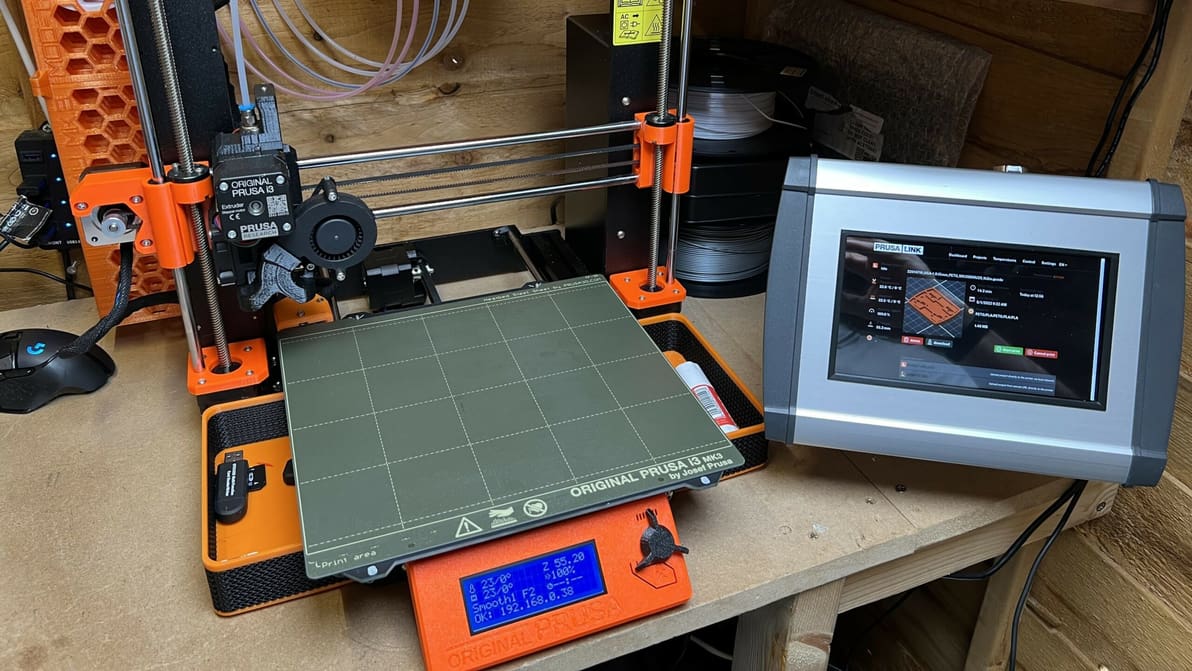
Featured image of PrusaLink & Prusa Connect: What Is It & How to Use Them
Link It Up!
PrusaLink & Prusa Connect: What Is It & How to Use Them

PrusaLink & Prusa Connect are both powerful pieces of software that add new features to Prusa printers. Read on to learn more about them!

by Myles Vendel
Featured image of Orca Slicer vs Bambu Studio: The Differences
Do Orcas Eat Bambu?
Orca Slicer vs Bambu Studio: The Differences

Having a hard time choosing between Orca Slicer and Bambu Studio? Read on to learn about the nitty-gritty and decide which one's for you!

by Gloria E. Magarotto
Featured image of Cura: Experimental Settings – Simply Explained
Cura to Super Cura
Cura: Experimental Settings – Simply Explained

Cura's experimental settings can unlock hidden potential in your 3D printing experience. Read all about them!

by Priyank Pal
Featured image of PrusaSlicer: Z Hop – Simply Explained
Lifting the Game
PrusaSlicer: Z Hop – Simply Explained

Unlocking the Z-lift technique (Z Hop) in PrusaSlicer: Learn how to change the game on the extruder traveling movements!

by Mônica Laiolti dos Santos
Featured image of The Best Creality Slicer Settings / Profile
Setting It Right
The Best Creality Slicer Settings / Profile

Looking to master Creality's slicer? Learn all about the crucial Creality Slicer settings and how to obtain a flawless print.

by Pranav Gharge
Featured image of Creality Halot Box: All You Need to Know
Boxing Clever
Creality Halot Box: All You Need to Know

Halot Box is Creality's own dedicated slicing program for their range of resin 3D printers. Let’s open the box and see what’s inside!

by Ian Mitchell
Featured image of Is 3D Printer Simulator Just Fun or Actually Useful?
Virtual Printing
Is 3D Printer Simulator Just Fun or Actually Useful?

A new G-code simulator dropped this week. It's fun to watch, and maybe a first step towards an innovation.

by Jomar White
Advertisement
Advertisement
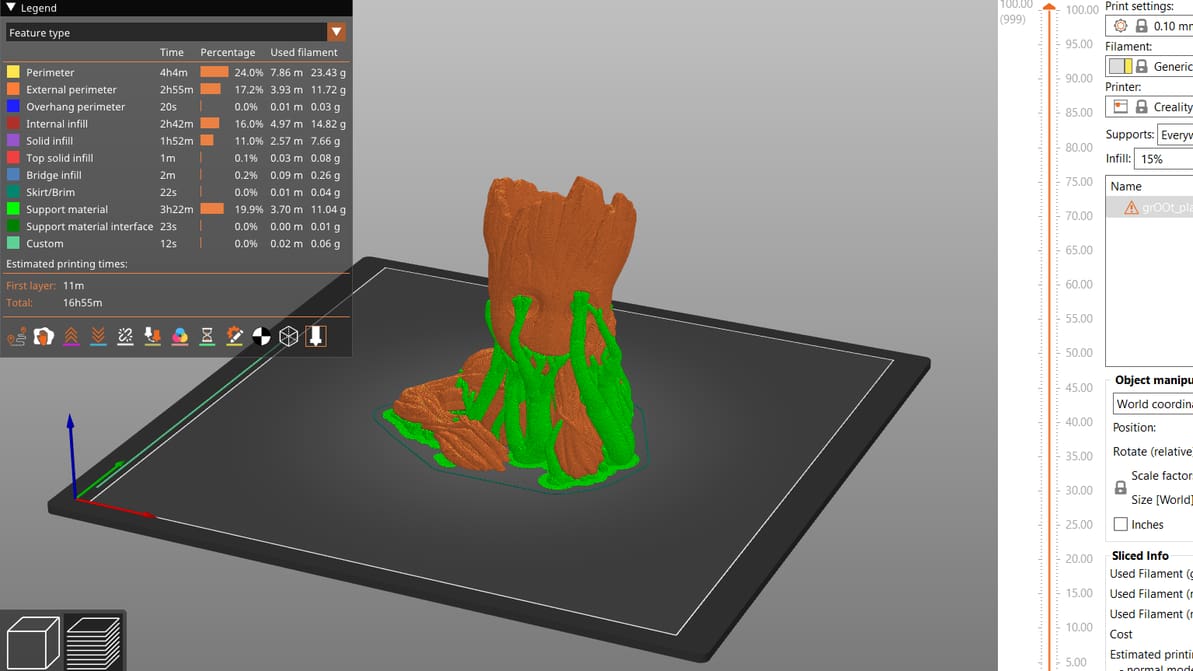
Featured image of PrusaSlicer Fuzzy Skin: How to Use It
Fuzz It Up
PrusaSlicer Fuzzy Skin: How to Use It

Fuzzy skin can add an interesting twist to your 3D prints. Read on to find out how to best use PrusaSlicer's fuzzy skin feature!

by Myles Vendel
Featured image of OctoPrint Bed Level Visualizer: All You Need to Know
Bed Topography
OctoPrint Bed Level Visualizer: All You Need to Know

OctoPrint's bed visualizer plug-in is a great tool for calibration and troubleshooting. Learn more about OctoPrint Bed Level Visualizer!

Featured image of Klipper: PID Tuning – Simply Explained
Bringing the Heat
Klipper: PID Tuning – Simply Explained

In some cases, Klipper uses unique G-code from that of other firmware. If you're running Klipper, PID tune your printer using these commands!
by Jackson O'Connell
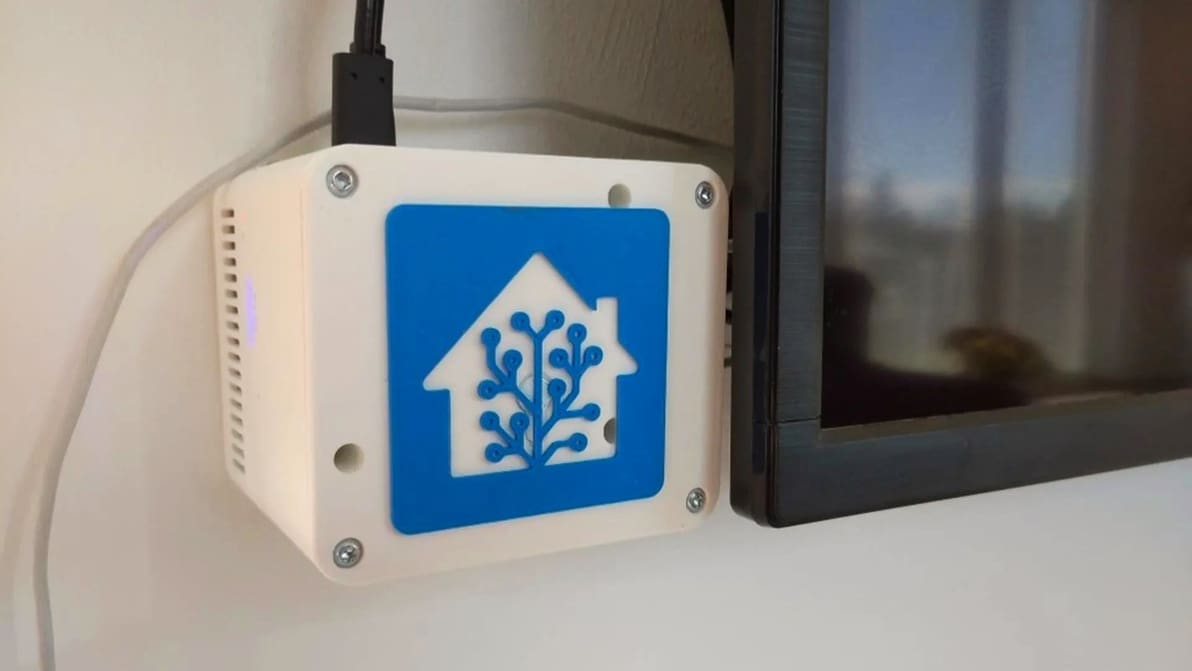
Featured image of OctoPrint & Home Assistant: How to Get Started
Smart Becomes Smarter!
OctoPrint & Home Assistant: How to Get Started

Adding your 3D printer to your smart home hub can be pretty useful. Read on to see how it can be done with OctoPrint and Home Assistant!
by Myles Vendel
Featured image of How to Set Up Marlin & BLTouch for Auto-Bed Leveling
Get a Sense of It
How to Set Up Marlin & BLTouch for Auto-Bed Leveling

Get Marlin and the BLTouch working together! Check out this detailed guide on setting up Marlin auto-bed leveling.

by David Contreni
Featured image of The Best Creality K1 (Max) PrusaSlicer Settings
An Enticing Slice
The Best Creality K1 (Max) PrusaSlicer Settings

PrusaSlicer fans, listen up! Learn how to craft a Creality K1 PrusaSlicer profile that gets the job done quickly and at quality.

by Myles Vendel
Featured image of PrusaSlicer vs Cura: The Differences
The Best Slice for You
PrusaSlicer vs Cura: The Differences

Read on to see our head-to-head comparison of PrusaSlicer vs. Cura, two of the best free and open-source slicer software options out there.

Featured image of PrusaSlicer: Ironing – How to Get a Smooth Surface
Iron It Out
PrusaSlicer: Ironing – How to Get a Smooth Surface

PrusaSlicer ironing can yield smooth top surfaces on 3D prints. Read on to learn more about what it is, what it does, and when to use it!

by Jackson O'Connell
Featured image of OctoPrint & Windows: How to Get Started
The "Octo"pation of Windows
OctoPrint & Windows: How to Get Started

Many rave about OctoPrint. Windows, however, isn't the typical platform for it. Read on to learn about running OctoPrint with Windows!

Featured image of UltiMaker Cura: All You Need to Know
The Cure-All for All Your Slicing Problems!
UltiMaker Cura: All You Need to Know

UltiMaker Cura is the slicer of choice for many 3D printing enthusiasts. Read all about it so you can start your Cura journey!

by Thomas Maillioux
Advertisement
Advertisement