Pairing your 3D printer with the right slicer can help you get the best results. Read on to see how Orca Slicer vs PrusaSlicer compare!
If Cura support generation isn't up to your standards, check out the Custom Supports plug-in to achieve your ideal settings!
Layer height in 3D printing is a simple setting that affects print speed and detail. Keep reading to find out more!
Cura is an established favorite and Klipper offers many unique benefits. Read on to learn how to make Cura and Klipper play together.
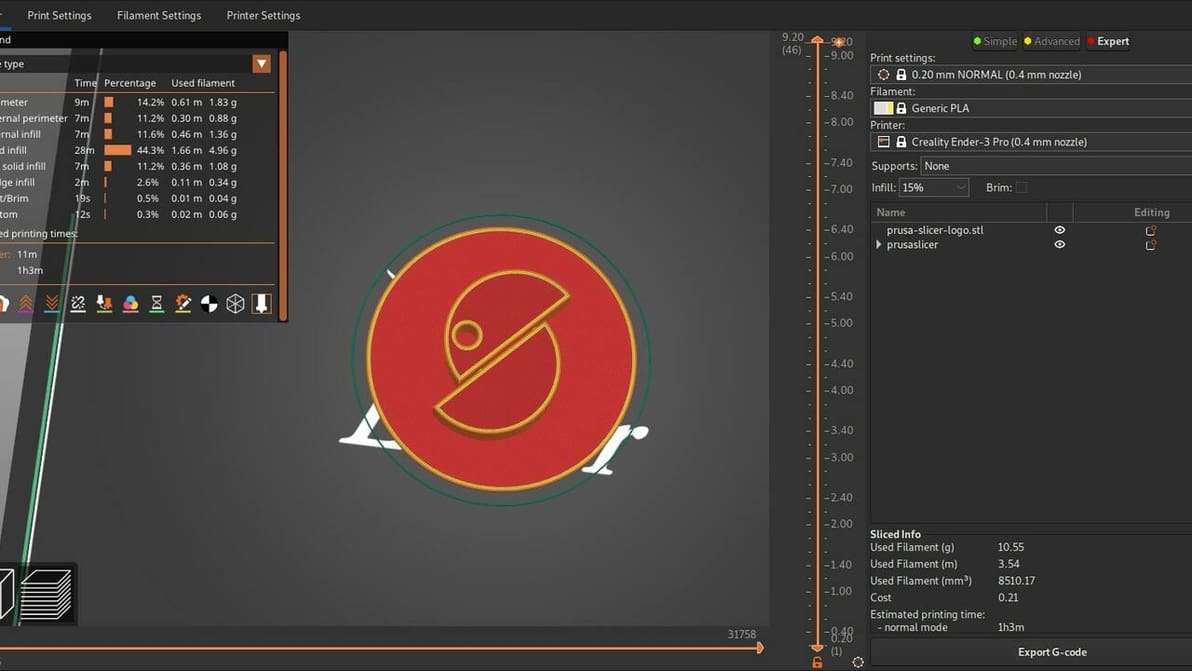
Read on to see our head-to-head comparison of PrusaSlicer vs. Cura, two of the best free and open-source slicer software options out there.
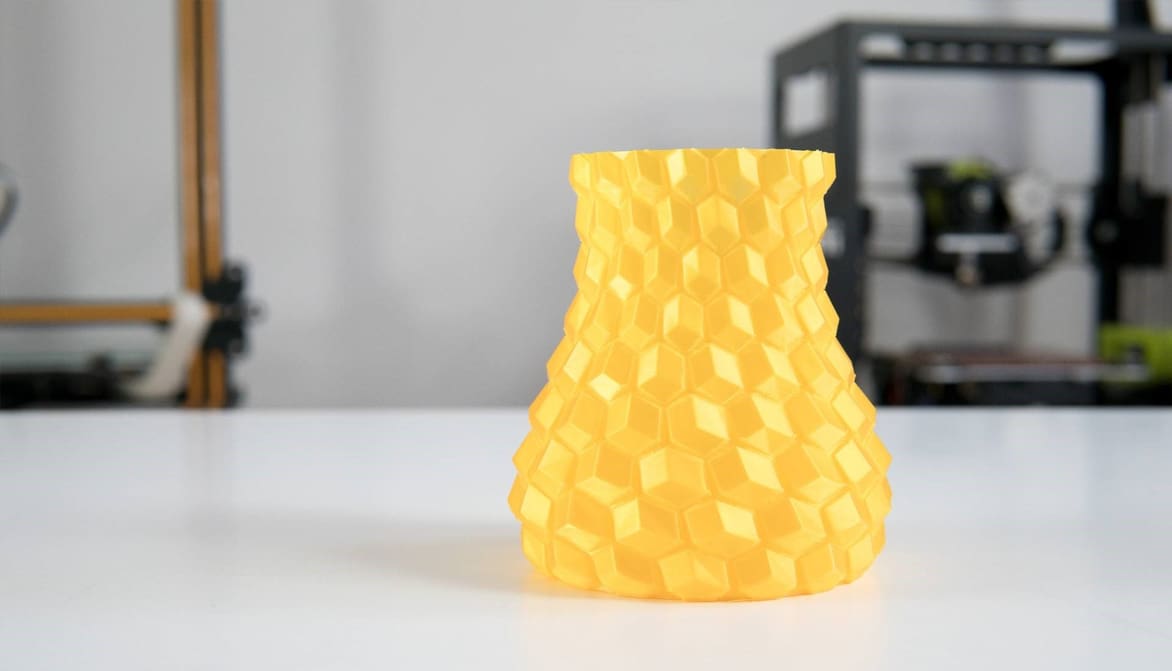
Vase mode is a common slicer mode for aesthetic prints. Follow along as we demystify Cura's vase mode to create some seamless models!
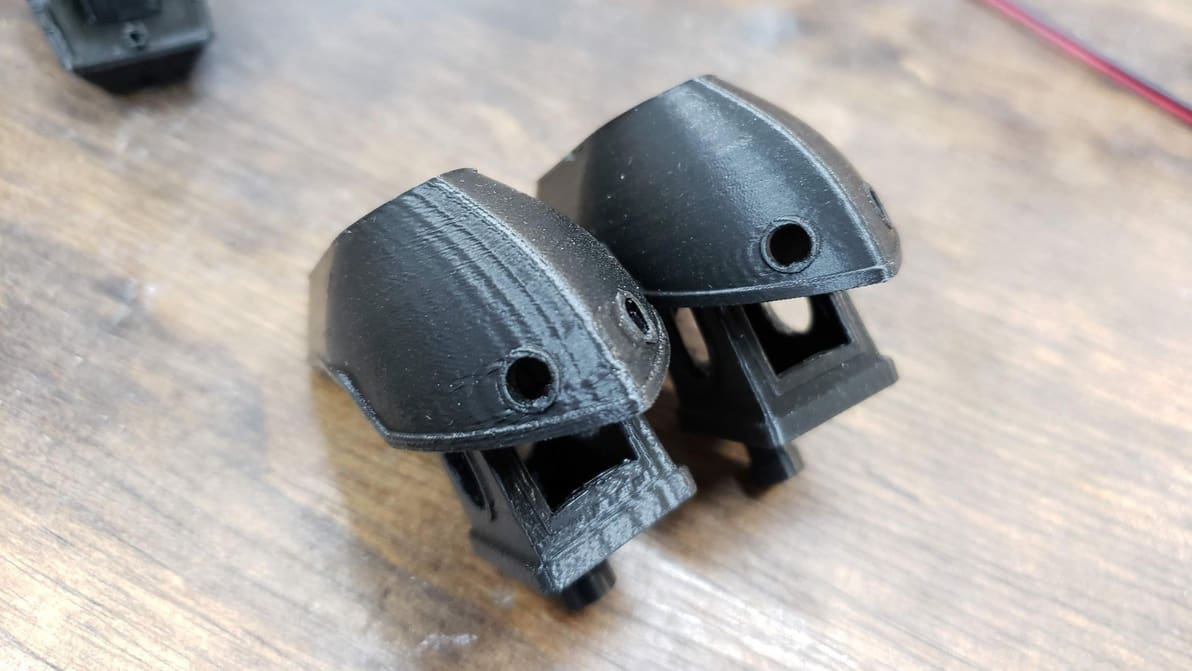
Klipper Input Shaping improves print quality by exorcising the ghosts caused by vibrations and resonances. Read on to learn all about it!
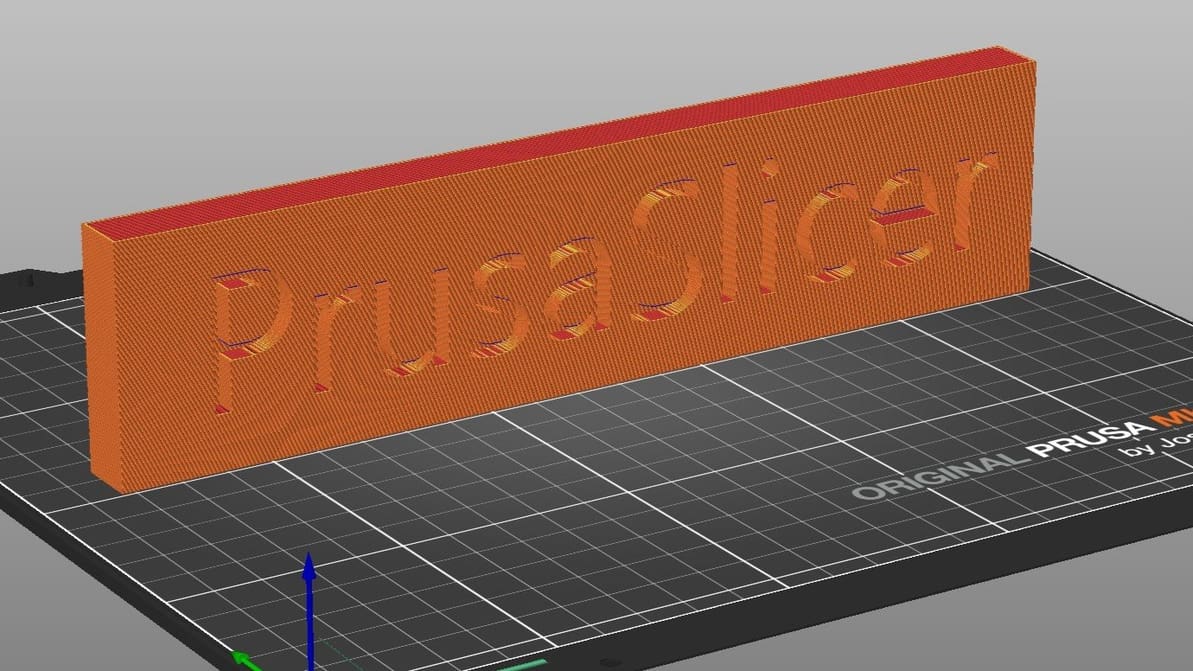
Learn all about PrusaSlicer and how Prusa Research continues to monitor its development and add new functionality.
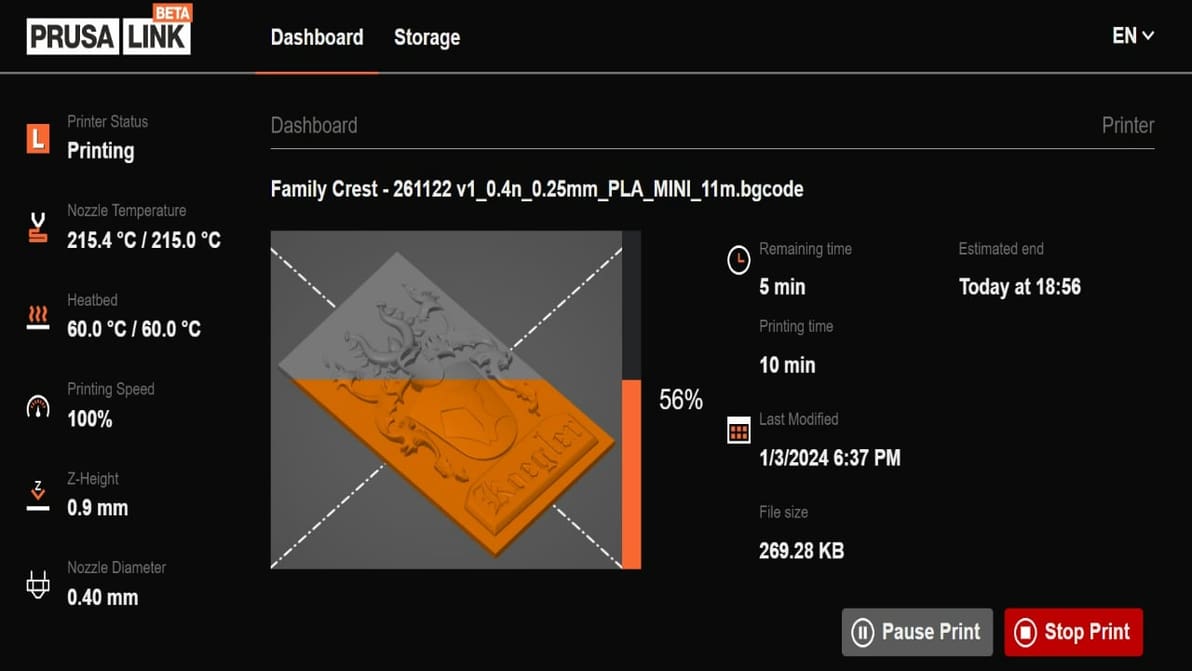
PrusaLink is the first step to controlling your Prusa printer fully remotely. Read on to learn how to get started!
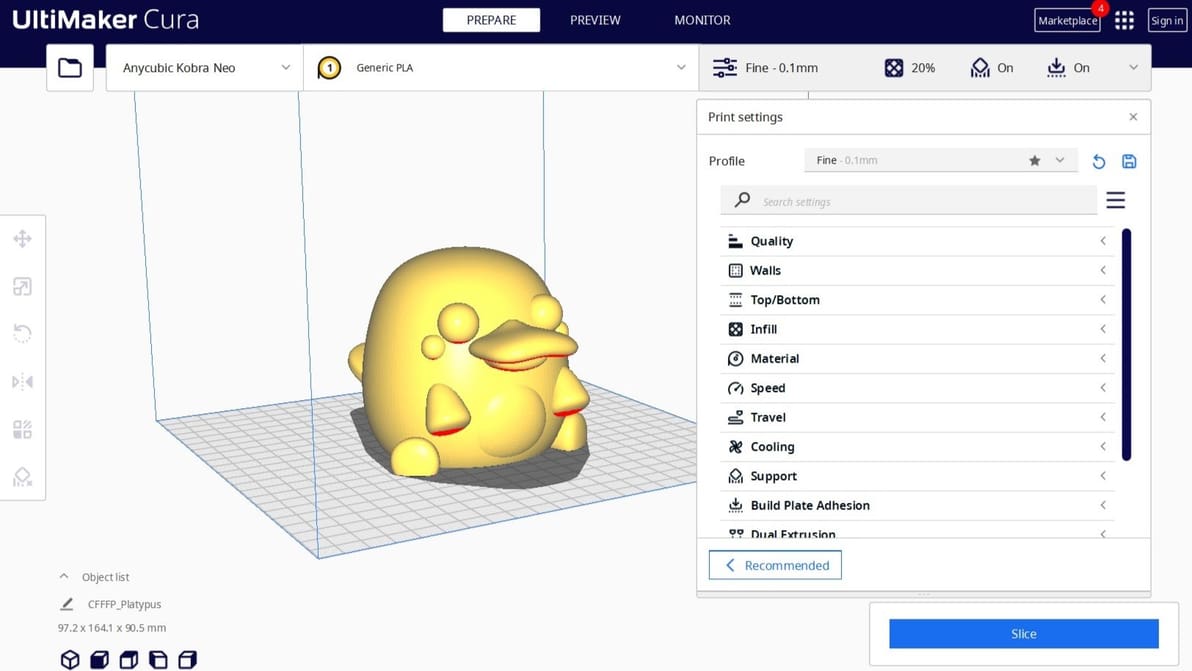
If you're wondering what is a 3D slicer, it defines a model and instructs a 3D printer how it's printed. Learn all about this software!
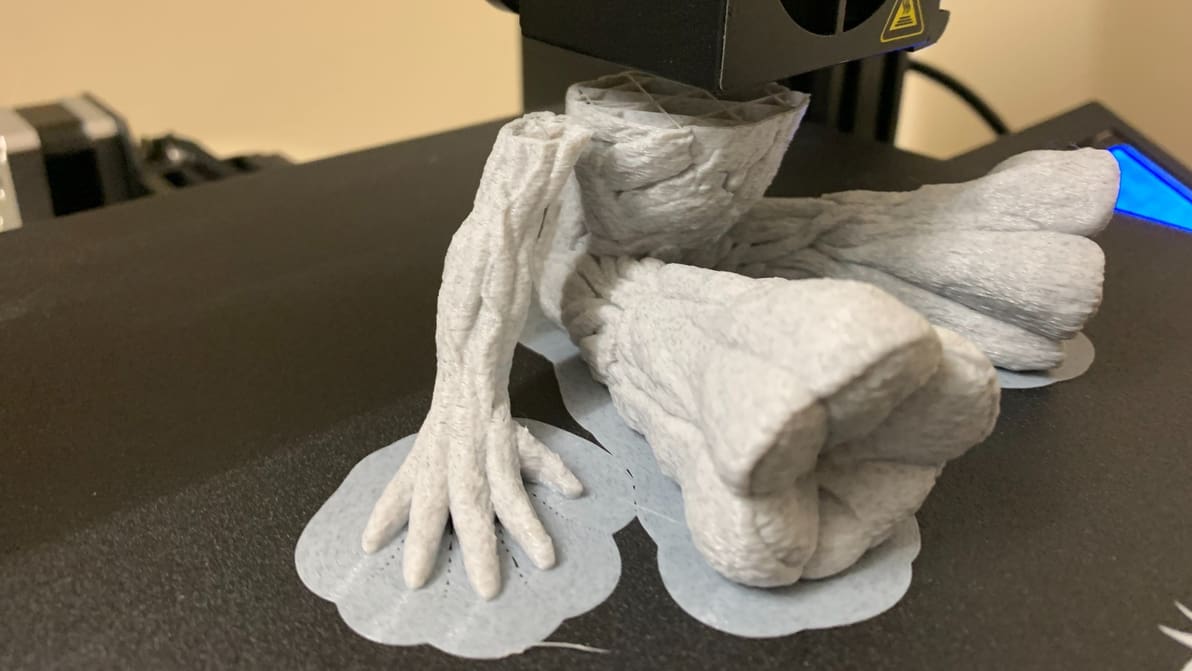
It prevents warping, helps with adhesion, and reduces waste – what's not to love about a 3D printing brim? Read on to learn more!
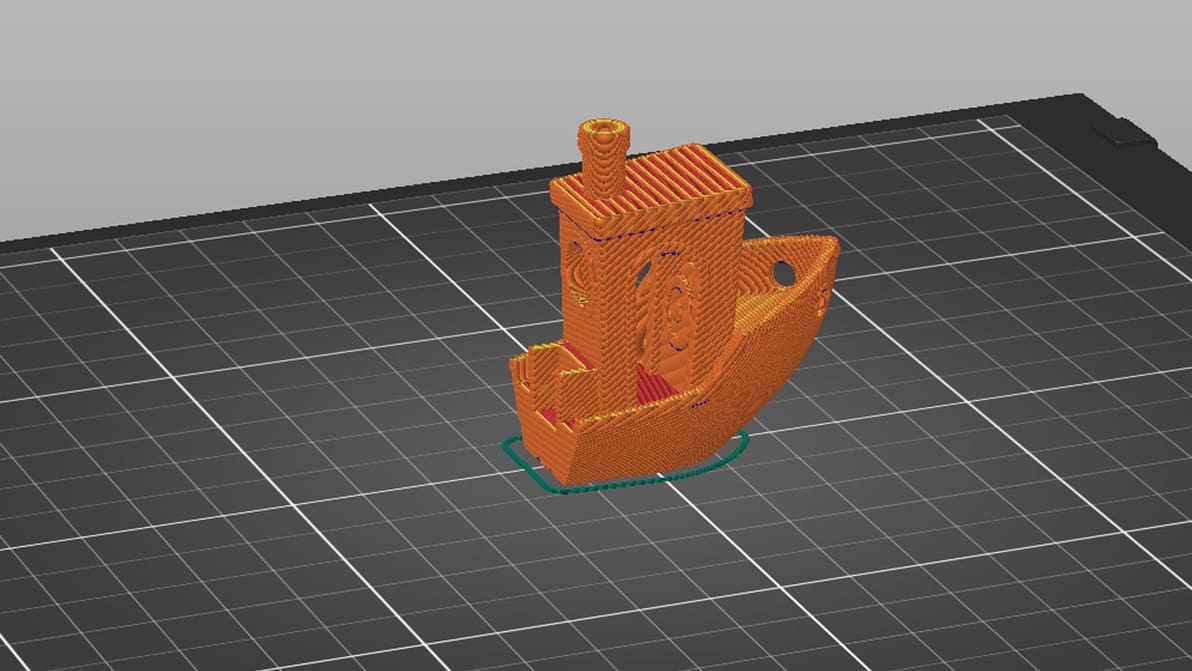
Bypass CAD programs with this handy tool! Learn about PrusaSlicer Negative Volume and how to use it to its fullest potential.
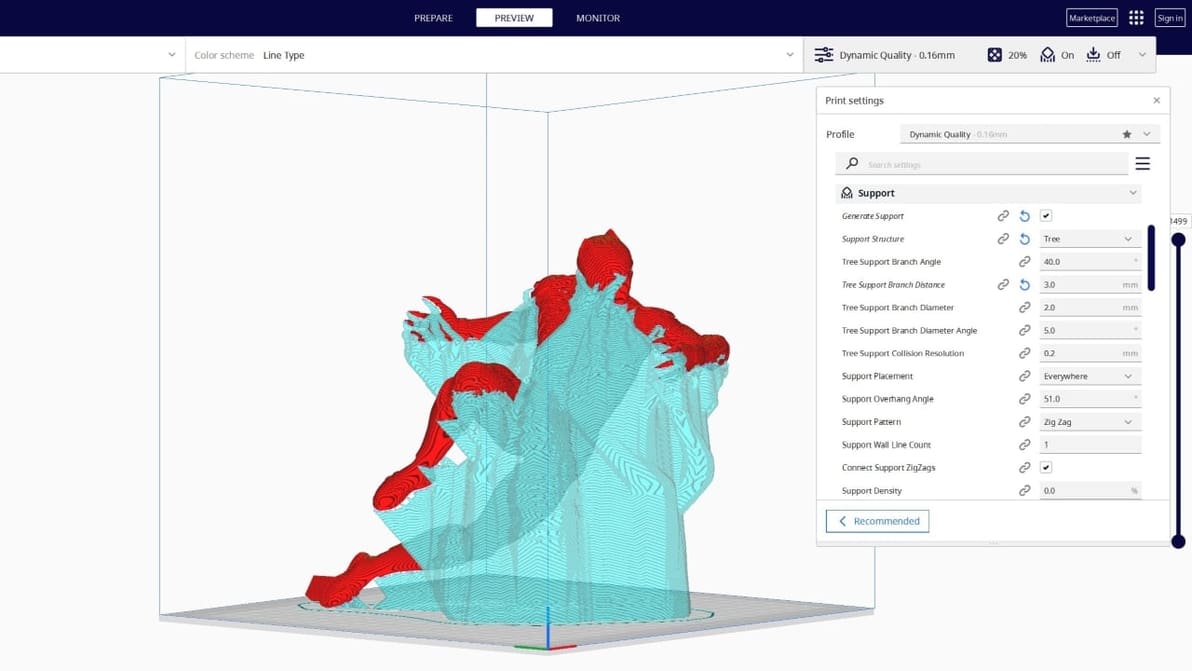
Tree supports are efficient and tidy. Find out why the Cura tree support setting is one of our favorite 3D printing tricks.
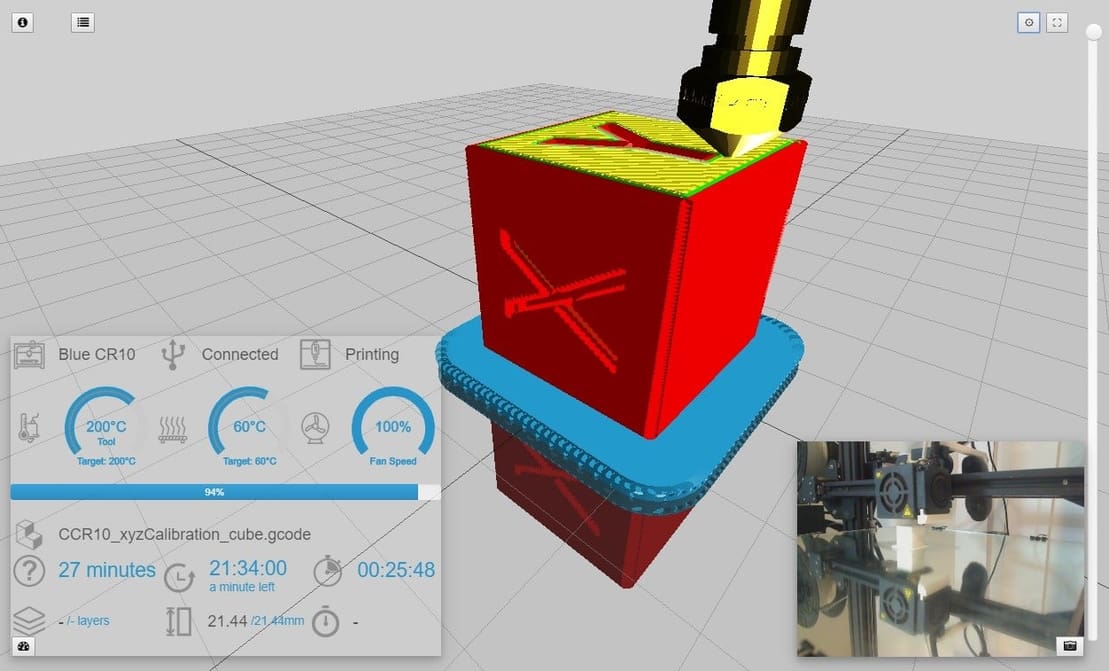
OctoPrint is a powerful tool, but adding a cherry on top makes it even better. Check out our selection of the best OctoPrint plug-ins around!
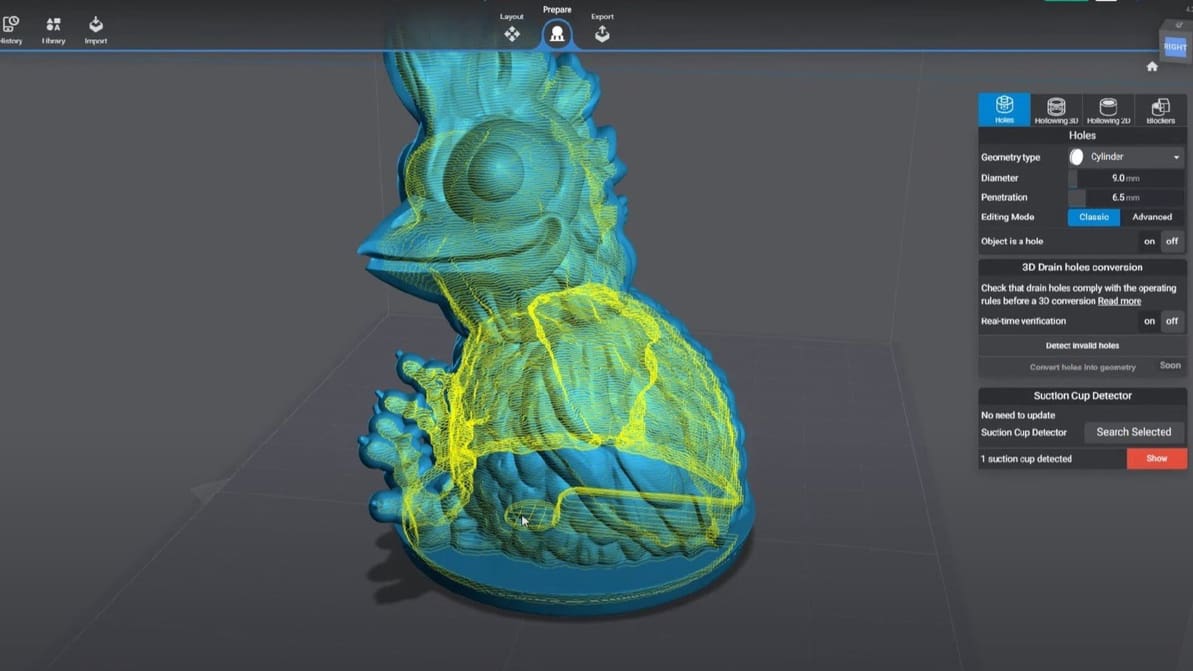
Slicing models for resin 3D printing has a few extra considerations. Check out our picks for the best SLA slicer software. Most are free!
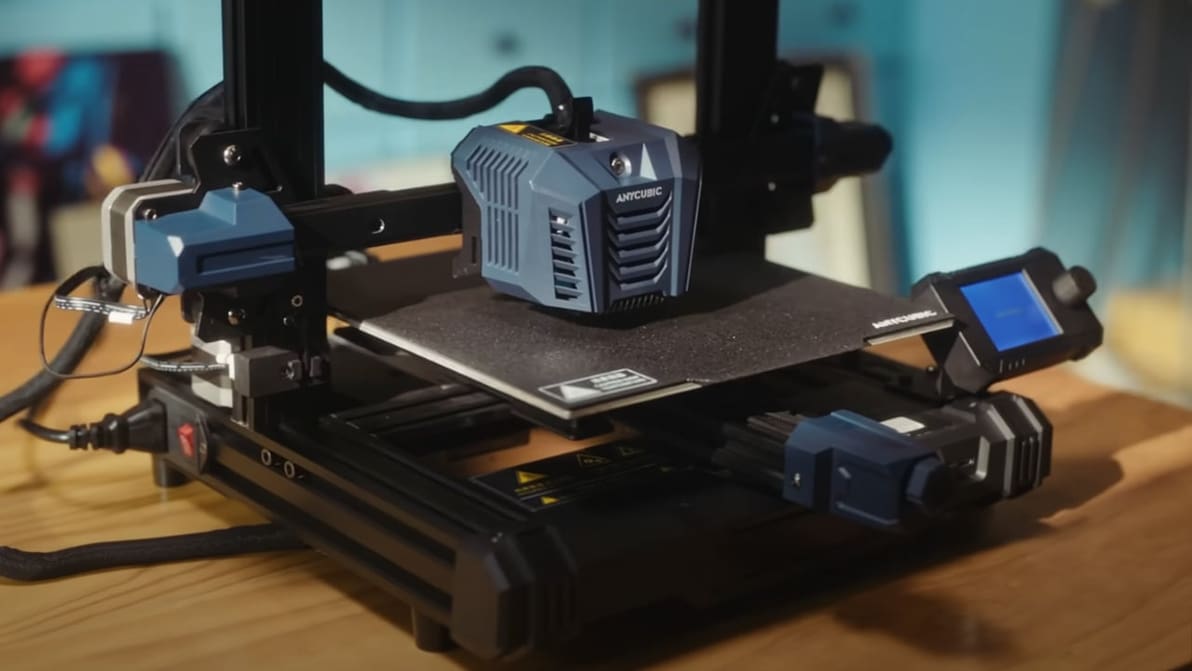
Looking for the perfect Anycubic Kobra Neo Cura profile? Read on for settings that will help ensure perfect prints, every time!
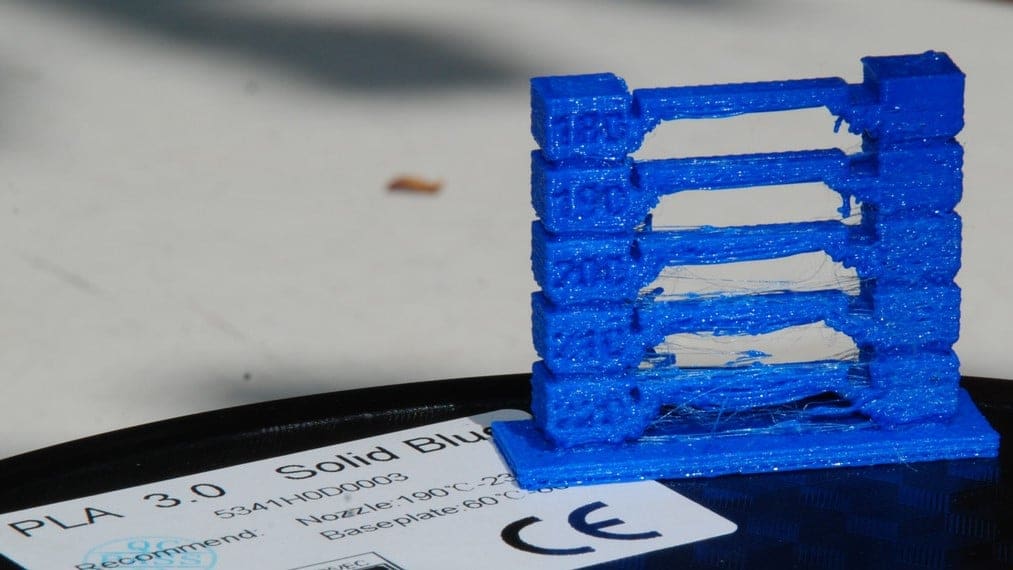
Figuring out the best PLA print and bed temperature can be tricky. Check out this quick guide to learn all you need to know.
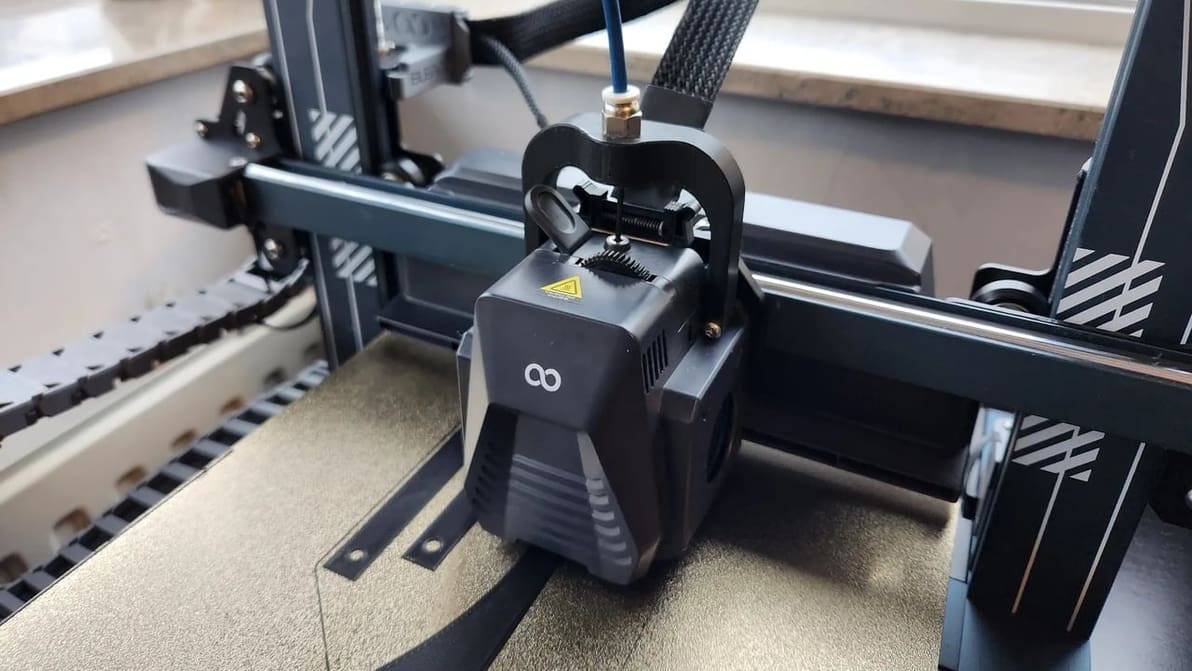
Get the best out of your Neptune 4 (Pro) with the right settings. Check out how to set up the perfect Elegoo Neptune 4 (Pro) Cura profile!
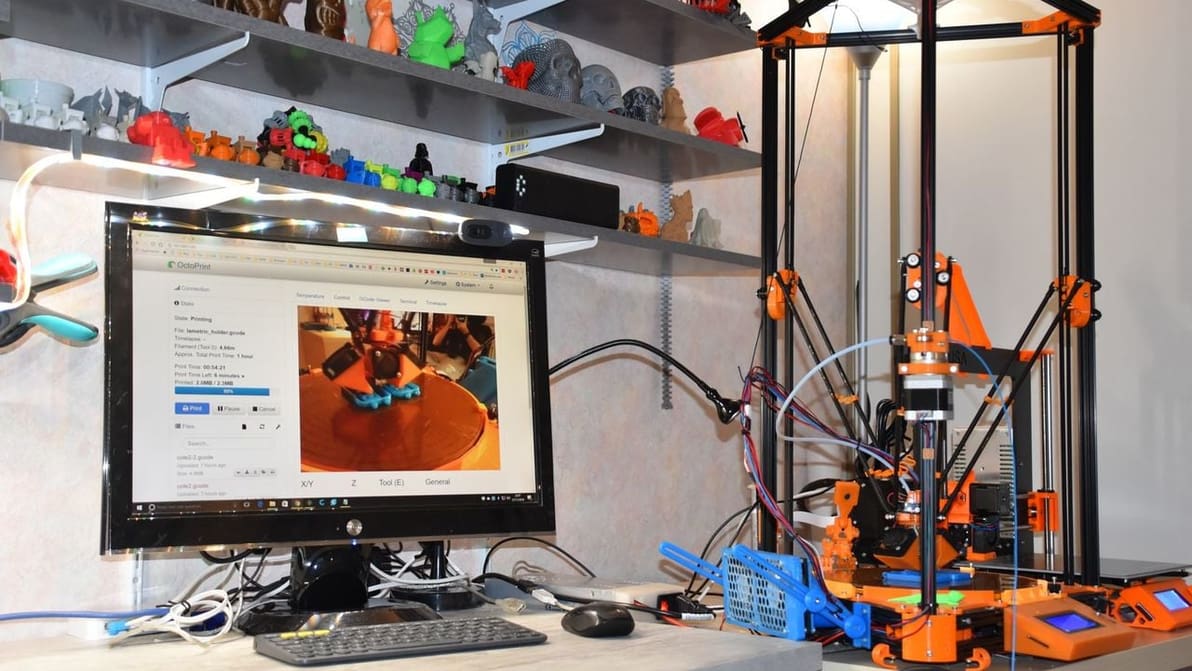
OctoPrint isn't the only option out there for 3D printer control and monitoring. Read on for our list of the best OctoPrint alternatives!
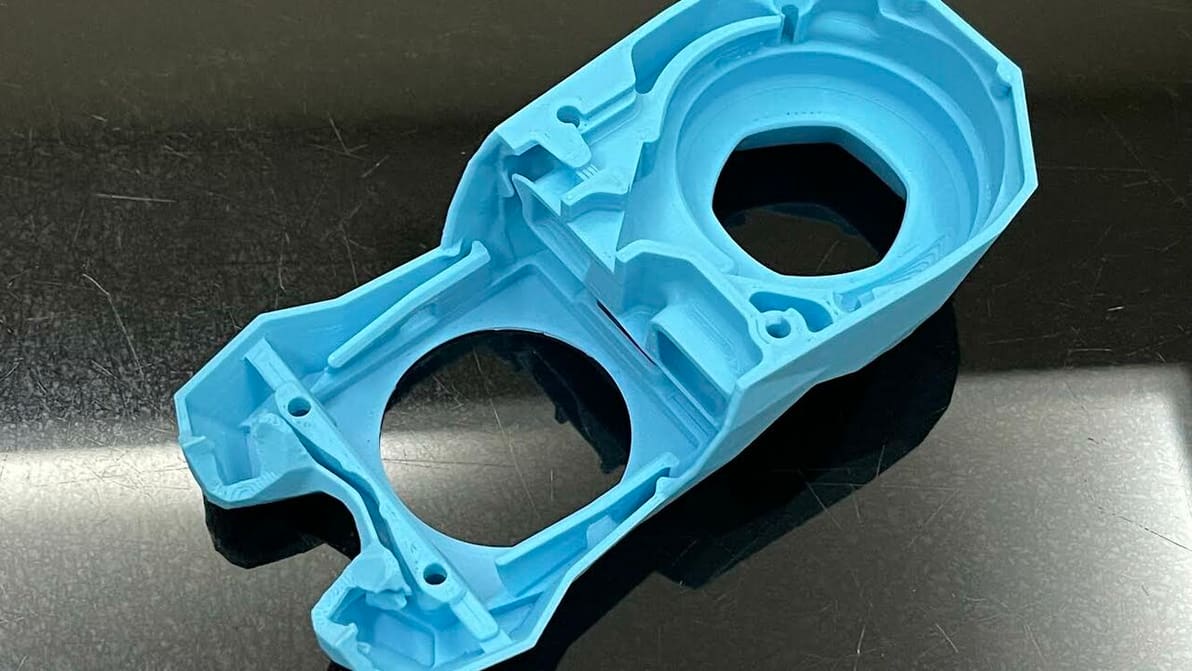
Cura's extrusion multiplier is actually called "Flow". Read to learn what it is, how to tune it, and how it can help fix print issues.